Category: Technology

  • Why TV brightness is becoming the next big screen battle

    Why TV brightness is becoming the next big screen battle

    TV makers are no longer competing only on screen size, thin designs, or smart apps. Brightness has become one of the biggest selling points because more people watch TV in bright living rooms, open kitchens, and spaces with sunlight coming through windows. It also matters for HDR, the picture format that makes highlights look more lifelike, from shiny car paint to sunlight on water.

    Mini-LED TVs often push brightness hard for daytime viewing, while OLED models keep improving so they can stay competitive in brighter rooms. Still, brightness is not just about the biggest number on a box. Real picture quality also depends on contrast, local dimming, tone mapping, glare control, and how the TV handles real scenes.

    Bright rooms changed the race
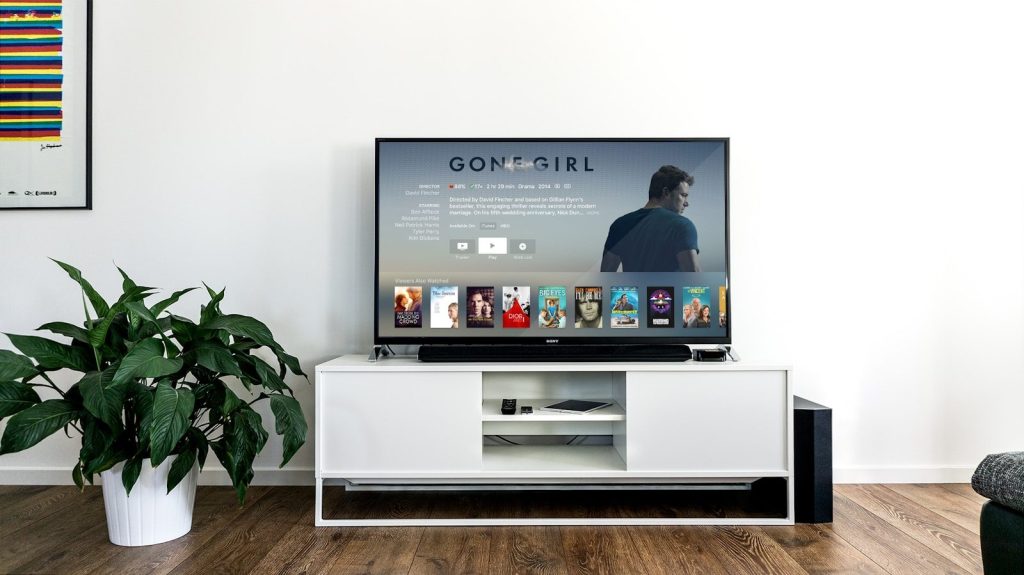
    flat screen TV
    Photo by Jens Kreuter on Unsplash

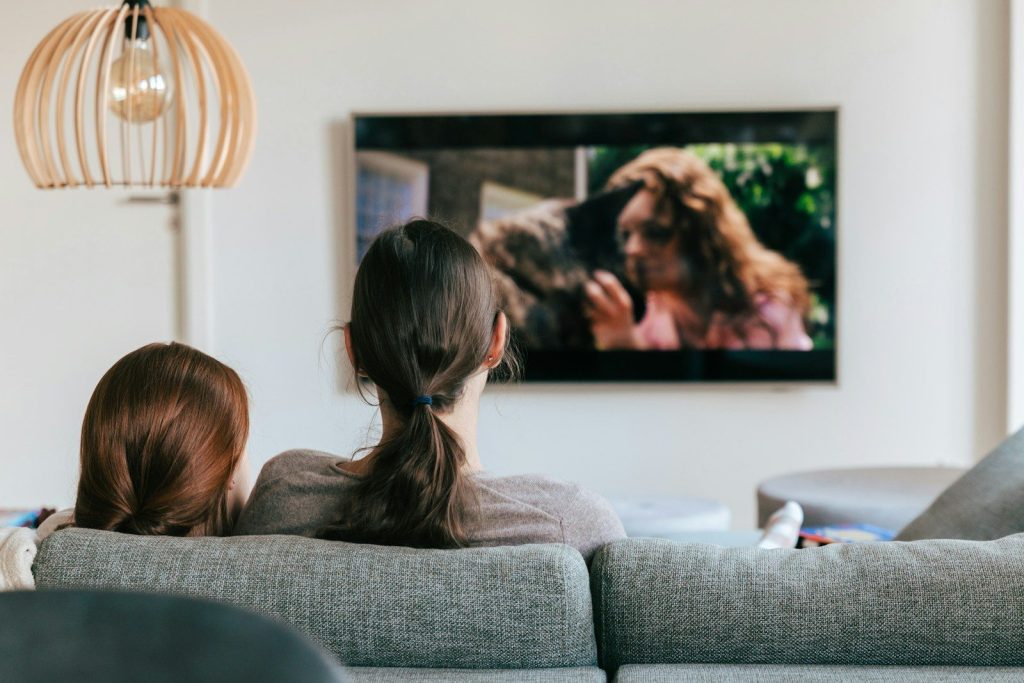
    Many families do not watch TV in a dark theater-style room. They watch during the day, with lamps on, or in rooms where sunlight hits the screen.

    That makes brightness more important than ever. A brighter TV can help the picture stay clear, colorful, and easier to see when the room is full of light.

    HDR needs stronger highlights
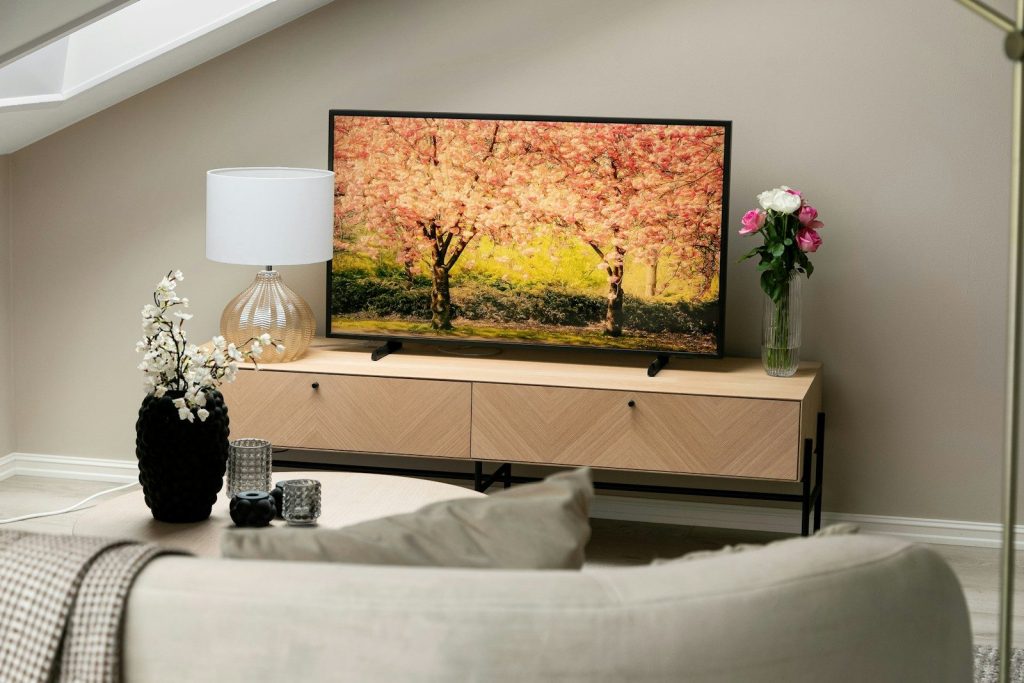
    A flat screen TV sitting on top of a TV stand
    Photo by Alex Tyson on Unsplash

    HDR is designed to show brighter whites, deeper shadows, and more range between light and dark areas. That extra range can make movies, shows, and games feel more realistic.

    A brighter TV can show HDR highlights with more punch. Still, the best result depends on how well the screen controls brightness without washing out the rest of the picture.

    Mini-LED is pushing hard
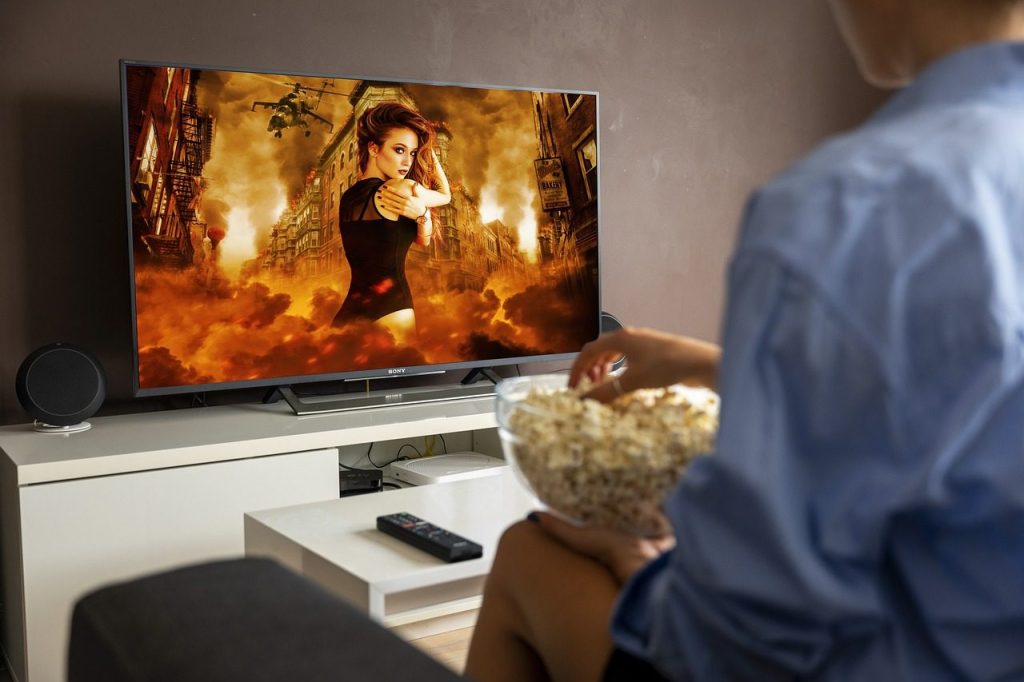
    tv, popcorn, movie, streaming, watch tv, movie night, action, movie theater, netflix, tv, popcorn, movie, movie, movie, movie, watch tv, watch tv, watch tv, watch tv, watch tv, movie night, movie night, movie night, netflix, netflix, netflix, netflix
    Photo by Frank_Rietsch on Pixabay

    Mini-LED TVs use many tiny backlights behind the screen. These lights can be grouped into zones that brighten or dim different parts of the picture.

    That helps Mini-LED models deliver strong brightness, especially in sunny rooms. When local dimming works well, the screen can look bold without losing too much shadow detail.

    OLED is fighting back

    Cricket match playing on a television screen at night.
    Photo by Momina Zeshan on Unsplash

    OLED TVs are known for deep black levels because each pixel can control its own light. That gives them strong contrast, especially in darker rooms.

    Brightness used to be a bigger weakness for OLED, but newer models are improving. This is why the screen battle now feels closer, especially as premium OLED TVs aim for brighter HDR and better glare control.

    Peak nits can mislead buyers
    a couple of women sitting on top of a couch
    Photo by Kevin Woblick on Unsplash

    TV brands often talk about peak brightness, usually measured in nits. That number can sound impressive, but it may only apply to a small bright area for a short time.

    Real-world brightness matters more. A TV should stay clear during actual movies, sports, and streaming shows, not just perform well on a simple test pattern.

    Glare control matters too
    Television screen displaying a first-person shooter video game.
    Photo by Andrey Matveev on Unsplash

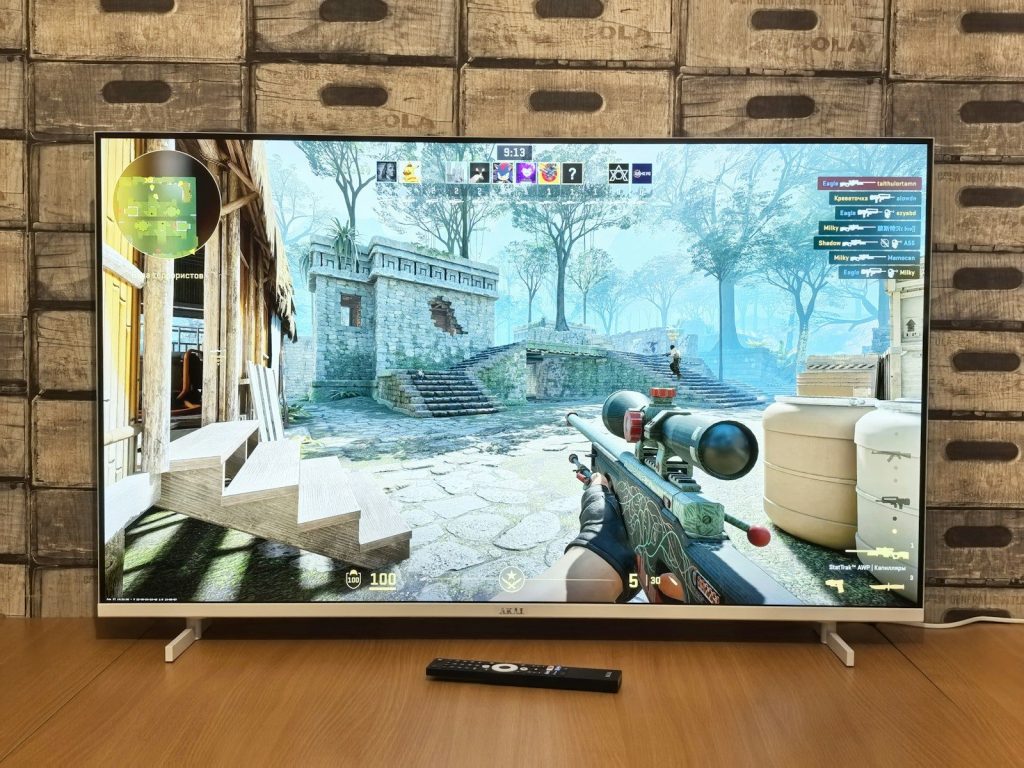
    A very bright TV can still struggle if the screen reflects lamps, windows, or daylight. That is why anti-glare screens are becoming more important.

    Good glare control helps viewers see details without raising brightness too much. For many living rooms, the best TV is not only the brightest one, but the one that handles reflections well.

  • 9 CES gadgets that hint at where daily tech is heading

    9 CES gadgets that hint at where daily tech is heading

    CES is where future tech often gets its first big spotlight, but the most interesting gadgets are not always the flashiest ones. The best ideas are the ones that point to small changes people may actually notice at home, at work, in the car, or on the go. Recent CES coverage showed a clear direction: devices are getting more personal, more connected, and more aware of what people need in the moment.

    AI showed up in wearables, smart home tools, health devices, robots, computers, and entertainment gear. Some products are still early concepts, while others feel much closer to daily use. Together, they suggest a future where tech does less showing off and more quiet helping. CES 2026 highlighted growth across AI, robotics, digital health, mobility, immersive entertainment, accessibility, and smart home technology.

    Smart glasses move forward

    a pair of goggles sitting on top of a table
    Photo by Sam Grozyan on Unsplash

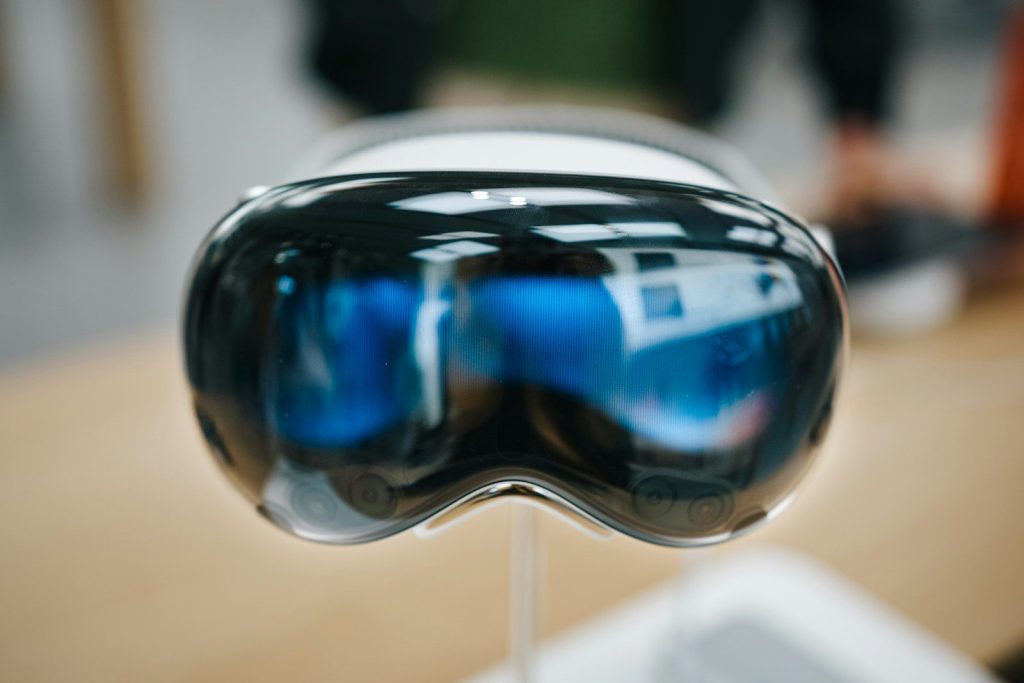
    Smart glasses are starting to look less like a novelty and more like a daily helper. CES 2026 showed glasses with AI voice tools, real-time translation, recording features, and hands-free assistance.

    That points to a future where people may check directions, translate signs, capture quick clips, or get reminders without pulling out a phone. The big idea is simple: useful information could appear closer to where people already look.

    AI wearables get more personal

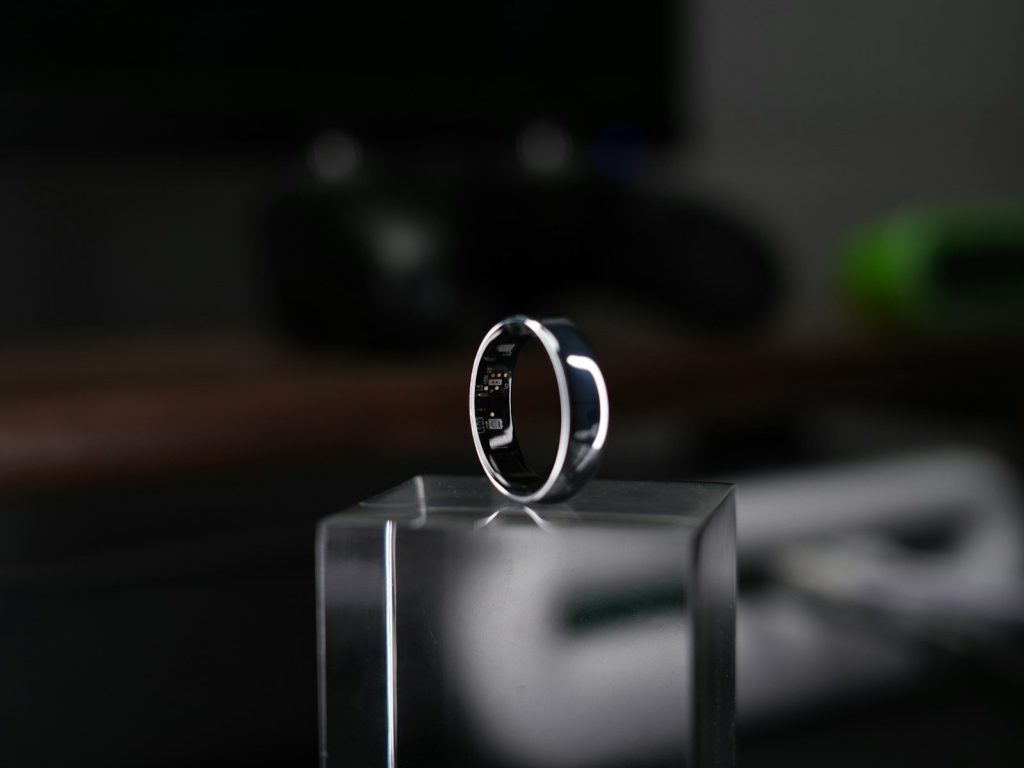
    A smart ring is displayed on a clear block.
    Photo by tonny zhong on Unsplash

    Wearables are moving beyond steps and basic alerts. CES coverage pointed to smart rings, watches, pins, and other small devices that can track health, fitness, habits, and daily routines in more personal ways.

    This could make everyday tech feel more like a quiet assistant. Instead of only showing numbers, future wearables may help people notice patterns, manage schedules, and understand their day with less effort.

    Robot vacuums become helpers

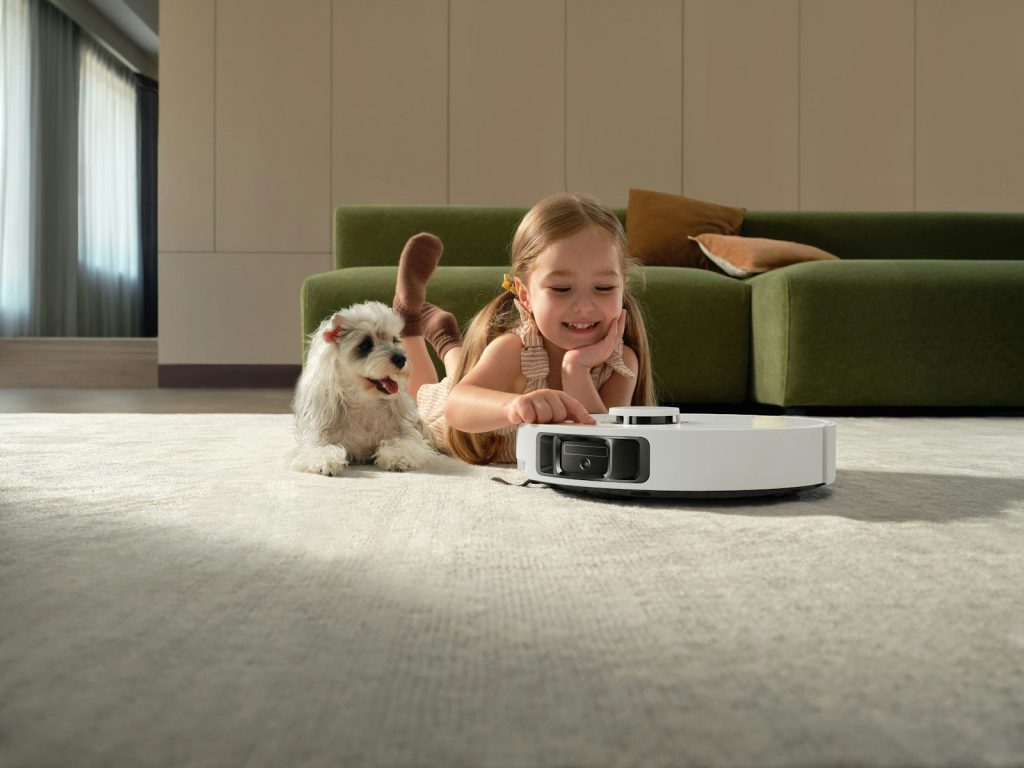
    Girl and dog watch robot vacuum cleaner
    Photo by Dreame Vacuum Cleaner on Unsplash

    Robot vacuums have been around for years, but newer models are becoming more capable. CES 2026 coverage highlighted robot cleaners with better object recognition, liquid detection, improved movement, and even designs built to handle small height changes.

    That matters because home robots are slowly moving from simple cleaning tools toward smarter household helpers. The future may bring devices that understand rooms better and need less babysitting.

    Health mirrors enter the home

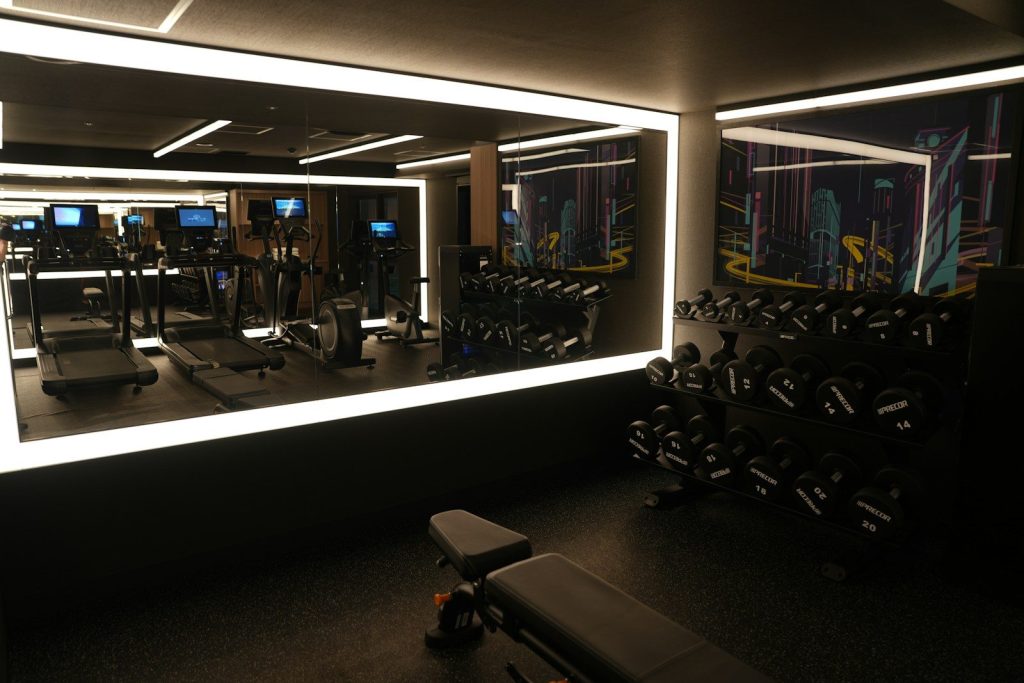
    A gym with a mirror and a treadmill
    Photo by sati on Unsplash

    Health tech was a major CES theme, and smart mirrors were part of that shift. Some new wellness devices aim to use cameras, sensors, or AI-style analysis to help people track health-related signals from home.

    The larger trend is not about replacing doctors. It is about making everyday check-ins easier. Future home tech may help people notice changes earlier and bring better information to wellness conversations.

    Smart appliances get quieter

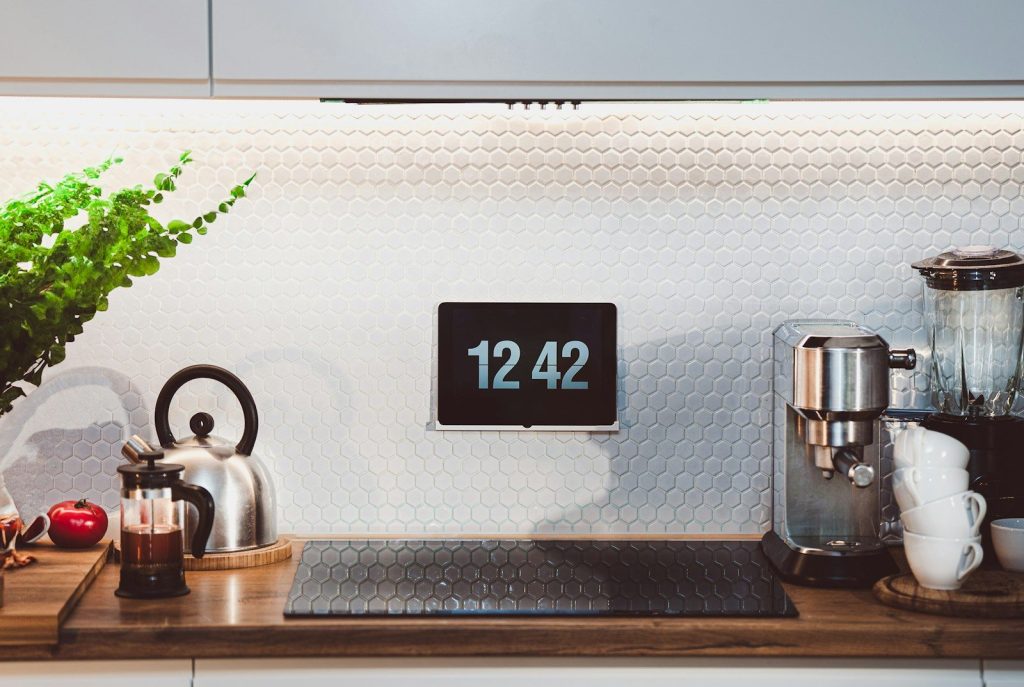
    a kitchen counter with a clock and a potted plant
    Photo by Jakub Żerdzicki on Unsplash

    Smart home appliances are becoming more focused on useful help instead of flashy screens. CES 2026 coverage included laundry, garment care, cooling, and cleaning devices that use sensors and AI features to adjust how they work.

    This hints at homes where appliances make fewer demands on people. A washer may better sense fabric needs, a cleaner may avoid messes, and cooling systems may respond more smoothly to room conditions.

    Rollable screens add flexibility

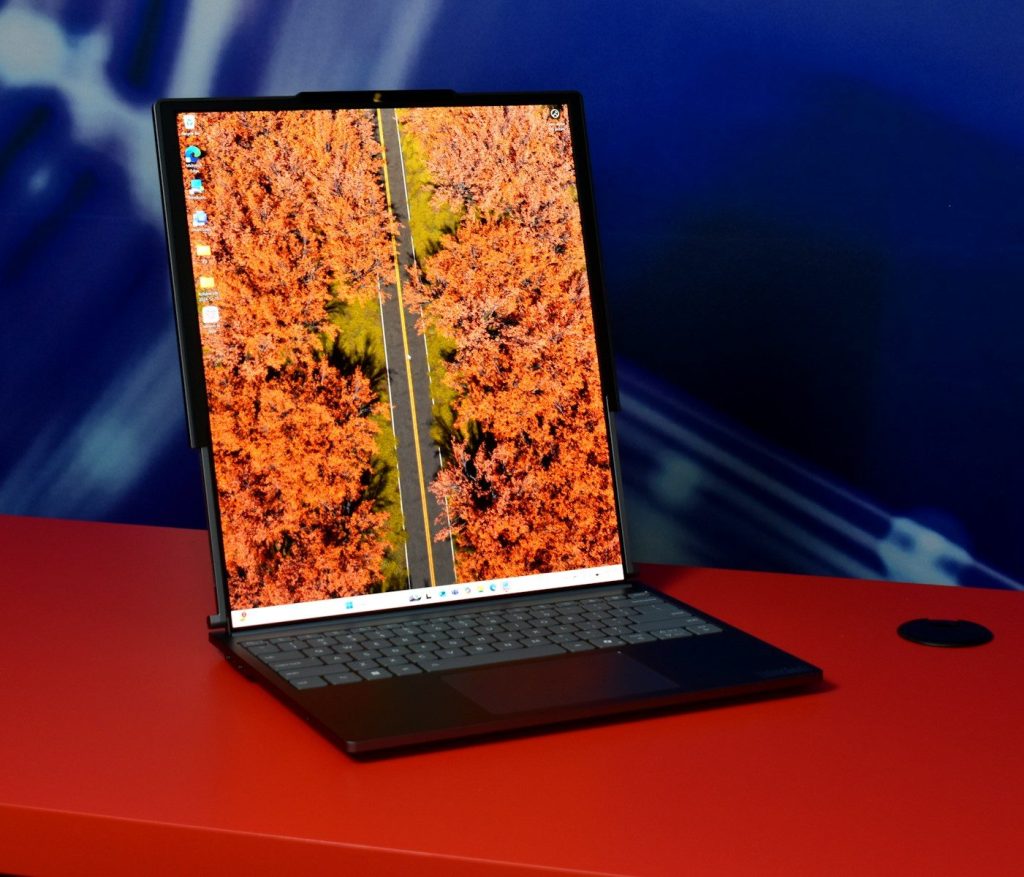
    Laptop displaying autumn trees and road
    Photo by Gavin Phillips on Unsplash

    Computers and displays are also changing shape. CES coverage highlighted rollable, foldable, and dual-screen ideas across laptops, phones, and portable devices.

    That trend could make daily tech more flexible. A compact device may open into a larger workspace, while a laptop could offer more screen room without needing a full desk setup. Portability and productivity are starting to meet.

    Home entertainment gets slimmer

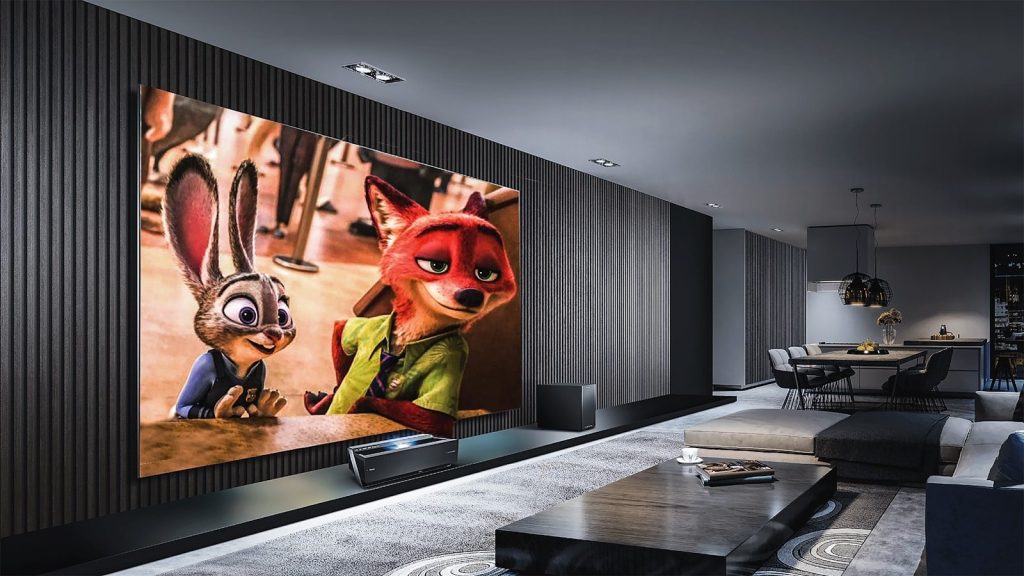
    Zootopia movie still
    Photo by Chauhan Moniz on Unsplash

    TVs and projectors keep pushing toward bigger pictures with cleaner designs. CES 2026 coverage highlighted ultra-thin OLED ideas, advanced mini-LED TVs, compact projectors, and stronger home audio setups.

    This shows where living room tech is heading. People may get brighter pictures, better sound, and more theater-like setups without needing bulky equipment or complicated installation.

    Pet tech becomes connected

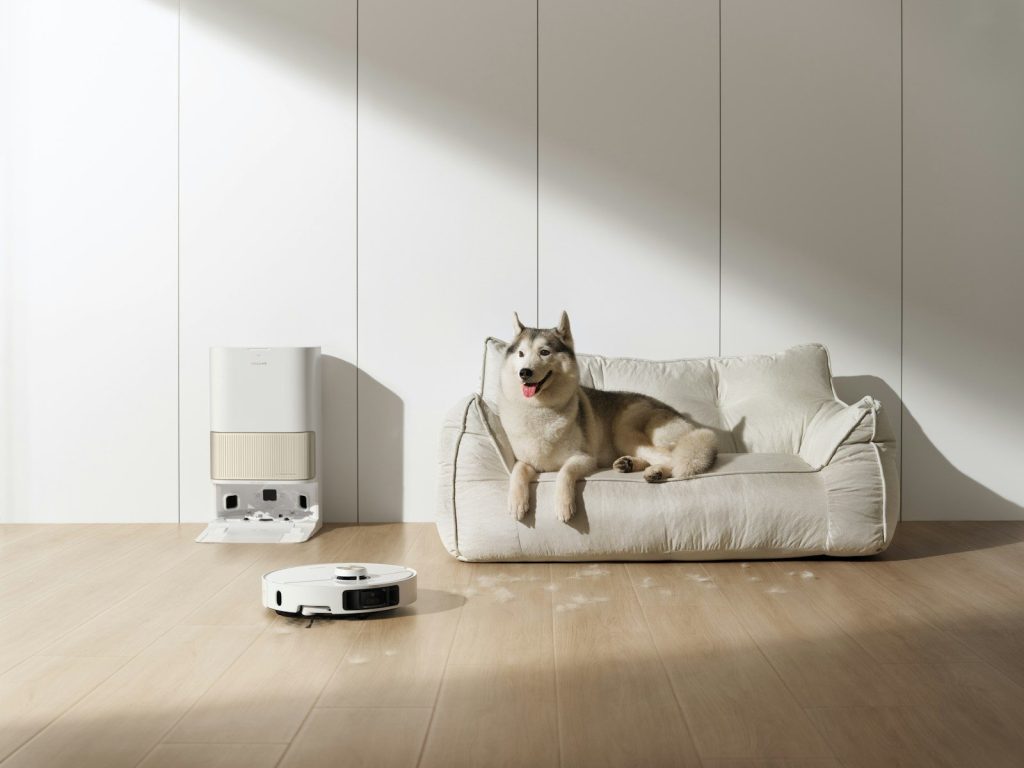
    Husky dog rests on couch near robot vacuum cleaner
    Photo by Dreame Vacuum Cleaner on Unsplash

    Connected pet gadgets also stood out in CES coverage, including smart collars and home devices built around pet care. Some products focus on tracking, comfort, monitoring, or making pet routines easier for owners.

    That points to a wider smart home future. Devices are not only being made for people anymore. They are being designed around whole households, including pets, daily habits, and shared spaces.

    Mobility tech gets lighter

    Las vegas convention center with ces branding
    Photo by Florian Schindler on Unsplash

    CES often shows big vehicle ideas, but some daily mobility gadgets are more practical. Coverage included compact e-bike conversion kits and wearable mobility gear designed to make movement easier or more flexible.

    This suggests a future where transportation tech becomes more personal. Instead of only focusing on new cars, companies are exploring tools that can improve bikes, walking, commuting, and short everyday trips.

    AI becomes the common layer

    Orange robot holding a potted plant with a flower.
    Photo by Enchanted Tools on Unsplash

    The biggest CES message may be that AI is becoming less of a single product and more of a layer inside many devices. It appeared across wearables, robots, smart homes, computers, entertainment, and health tech.

    That could shape daily life in a quiet way. The next wave of gadgets may not feel futuristic because they look strange. They may feel futuristic because they understand context, respond faster, and handle small tasks more smoothly.

  • How headsets became essential work technology

    How headsets became essential work technology

    Work used to depend on desks, phones, meeting rooms, and office doors. Now, a huge part of the workday happens through video calls, voice chats, team apps, and quick online check-ins. That shift made clear audio much more important than many people expected. A laptop speaker may work for a short call, but it can struggle when homes, offices, and shared spaces get noisy.

    Headsets became essential because they solve a simple problem: people need to hear clearly and be heard clearly. Hybrid work remains a major part of U.S. work life, and many remote-capable employees still prefer flexible work setups. That makes reliable audio gear more than a nice extra. It has become everyday work technology.

    Clear calls became a work need

    man in white button up shirt smiling
    Photo by LumenSoft Technologies on Unsplash

    Modern work runs on calls, meetings, and quick voice conversations. When the sound is poor, even a simple update can become frustrating.

    Headsets help workers hear clearly without turning up the volume for everyone nearby. They also help voices sound closer and more focused, which makes meetings easier to follow from home, the office, or a shared space.

    Hybrid work changed everything

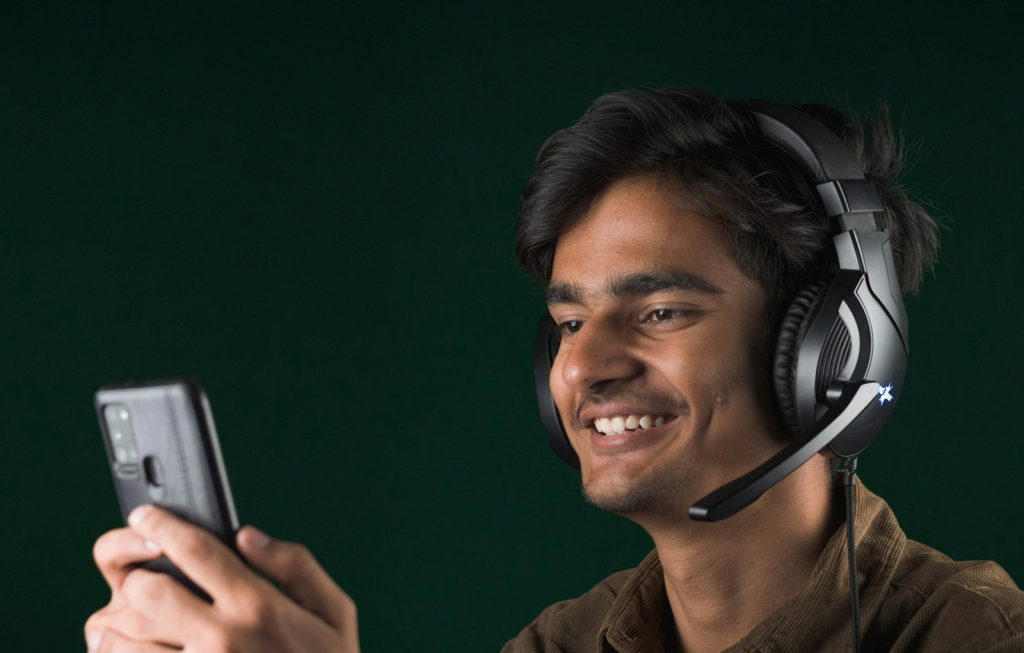
    a man wearing headphones and holding a cell phone
    Photo by Sanket Mishra on Unsplash

    Hybrid work made people move between desks, homes, conference rooms, and travel days. That created a need for tools that work almost anywhere.

    Gallup says most remote-capable U.S. employees work in hybrid or fully remote setups, and many prefer that flexibility. Headsets fit that routine because they are portable, personal, and easy to use across different work locations.

    Meetings depend on good audio

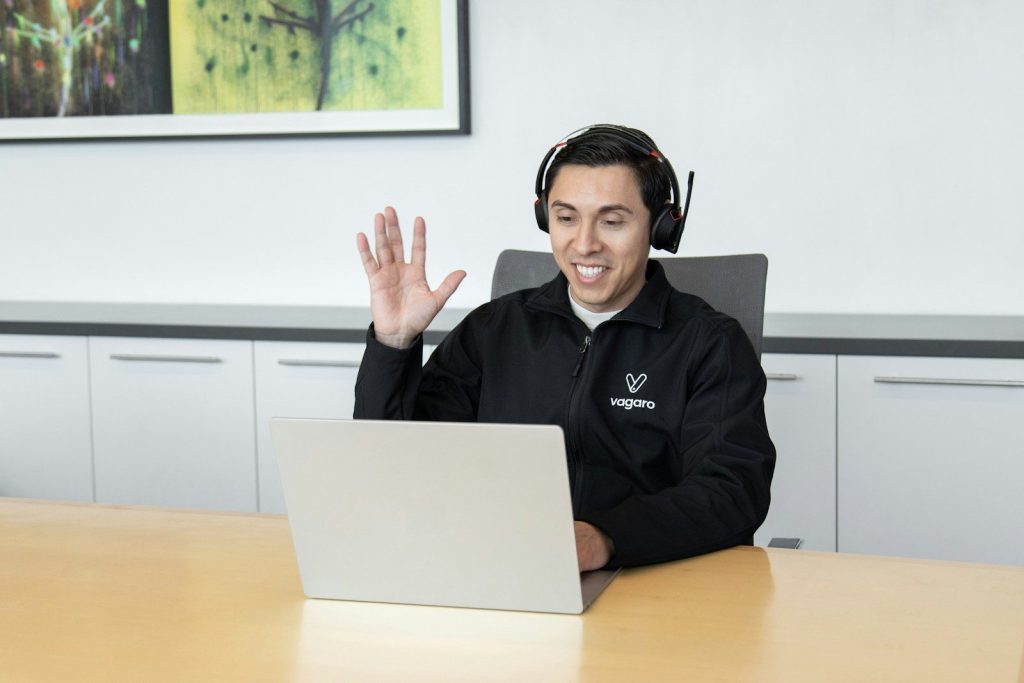
    a man wearing headphones sitting in front of a laptop computer
    Photo by Vagaro on Unsplash

    A video meeting can survive a frozen face for a moment, but bad sound can stop the whole conversation. People need to catch names, numbers, deadlines, and instructions.

    That is why audio quality became a serious workplace issue. Microsoft’s Work Trend Index has also pointed to inefficient meetings as a major productivity problem, making better meeting tools more important.

    Microphones got much smarter

    A smiling woman wearing a headset at a computer.
    Photo by BaljkanN 4 on Unsplash

    Older headsets were often just about listening. Today, many work headsets focus just as much on microphone quality.

    A good microphone can help separate a speaker’s voice from background sound. That matters during interviews, client calls, training sessions, and team meetings where every word needs to be easy to understand.

    Comfort became part of productivity

    Woman wearing headphones with hand on chin
    Photo by Faustina Okeke on Unsplash

    Workers may wear headsets for several calls in one day. If a headset feels heavy, tight, or awkward, it can become a distraction.

    That pushed companies and users to care more about comfort, fit, battery life, and easy controls. A headset that feels good for longer sessions can quietly make the workday smoother and less tiring.

    Work apps helped drive demand

    a pair of headphones sitting on top of a blue surface
    Photo by Curtis Berry on Unsplash

    Popular work apps made headsets more useful by turning computers into daily communication hubs. Calls, chats, webinars, and screen shares all became normal parts of the workday.

    Zoom notes that professional headsets are built for hybrid work settings where people move between places and tasks. That flexibility helped headsets become a standard part of many work setups.

    Better tech became expected

    men's blue collared top near silver MacBook
    Photo by Austin Distel on Unsplash

    Workers now expect digital tools to support them, not slow them down. When meetings start late or audio breaks up, it can waste time and hurt focus.

    Owl Labs’ 2025 hybrid work reporting found that many companies are upgrading meeting-room video and audio equipment, while workers rate good technology as an important part of work life.

    Headsets are now work basics

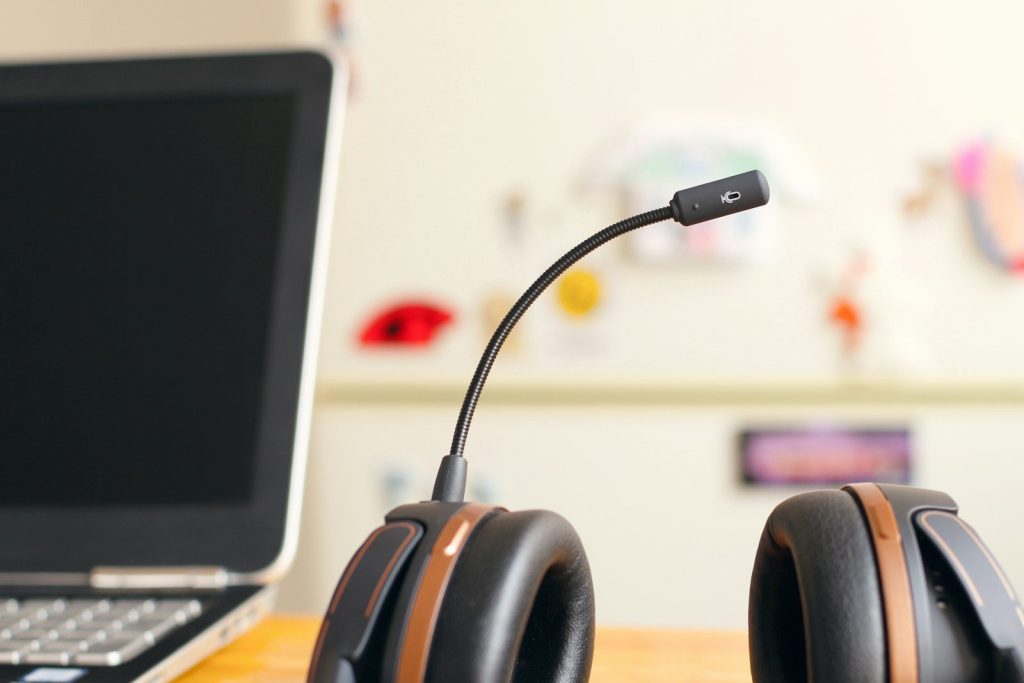
    black and brown headset near laptop computer
    Photo by Petr Macháček on Unsplash

    Headsets are no longer just call-center gear or gaming accessories. For many workers, they are as practical as a keyboard, webcam, or laptop charger.

    They help with focus, clearer conversations, and smoother meetings across different work settings. As hybrid and digital work continue, the humble headset has become one of the sim

  • Why docking stations still matter in modern setups

    Why docking stations still matter in modern setups

    A modern laptop can feel powerful on the go, but the desk setup often tells a different story. One cable may need to handle a monitor, keyboard, mouse, charger, camera, storage drive, and wired internet. That is where docking stations still earn their place. They help turn a slim laptop into a cleaner, more complete workstation without making users plug in several devices every time they sit down.

    Docking stations also matter because today’s work setups keep changing. Many people move between home, office, school, and travel. A good dock can support bigger screens, faster data transfer, stable Ethernet, and laptop charging through one main connection. Modern USB-C, USB4, and Thunderbolt docks can support video, data, and power through compatible ports, making them useful for both simple desks and more advanced setups.

    They clean up cable clutter

    a cell phone and a charger on a table
    Photo by TechieTech Tech on Unsplash

    A docking station helps keep a desk from turning into a mess of loose cables. Instead of plugging several devices into a laptop, users can connect most of them to the dock.

    That makes the desk easier to use every day. One main cable can connect the laptop to monitors, USB devices, speakers, storage, and power when the dock and laptop support those features.

    Bigger screens work better

    a desk with a monitor, keyboard and mouse
    Photo by EJ Aquino on Unsplash

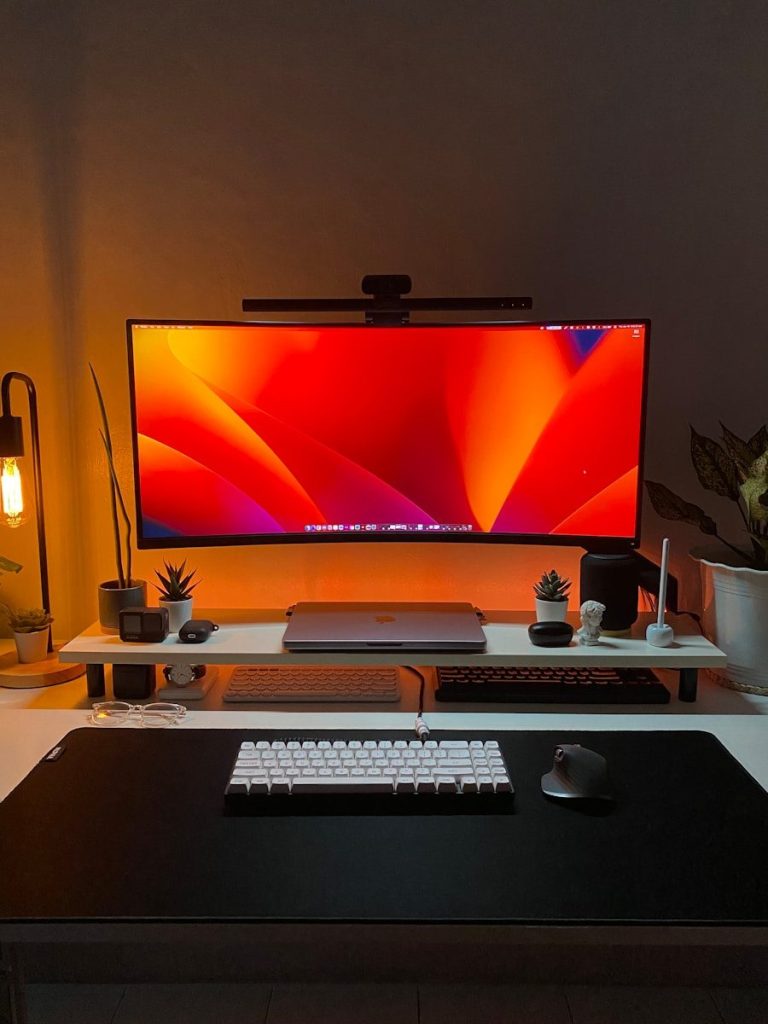
    Many people buy laptops for portability, but work often feels easier on larger monitors. A docking station can help connect one or more external displays, depending on the laptop, dock, cable, and display support.

    This can make writing, editing, research, video meetings, and spreadsheets easier to manage. Thunderbolt 4, for example, can support up to two 4K 60Hz monitors through a compatible dock or adapter.

    Charging becomes simpler

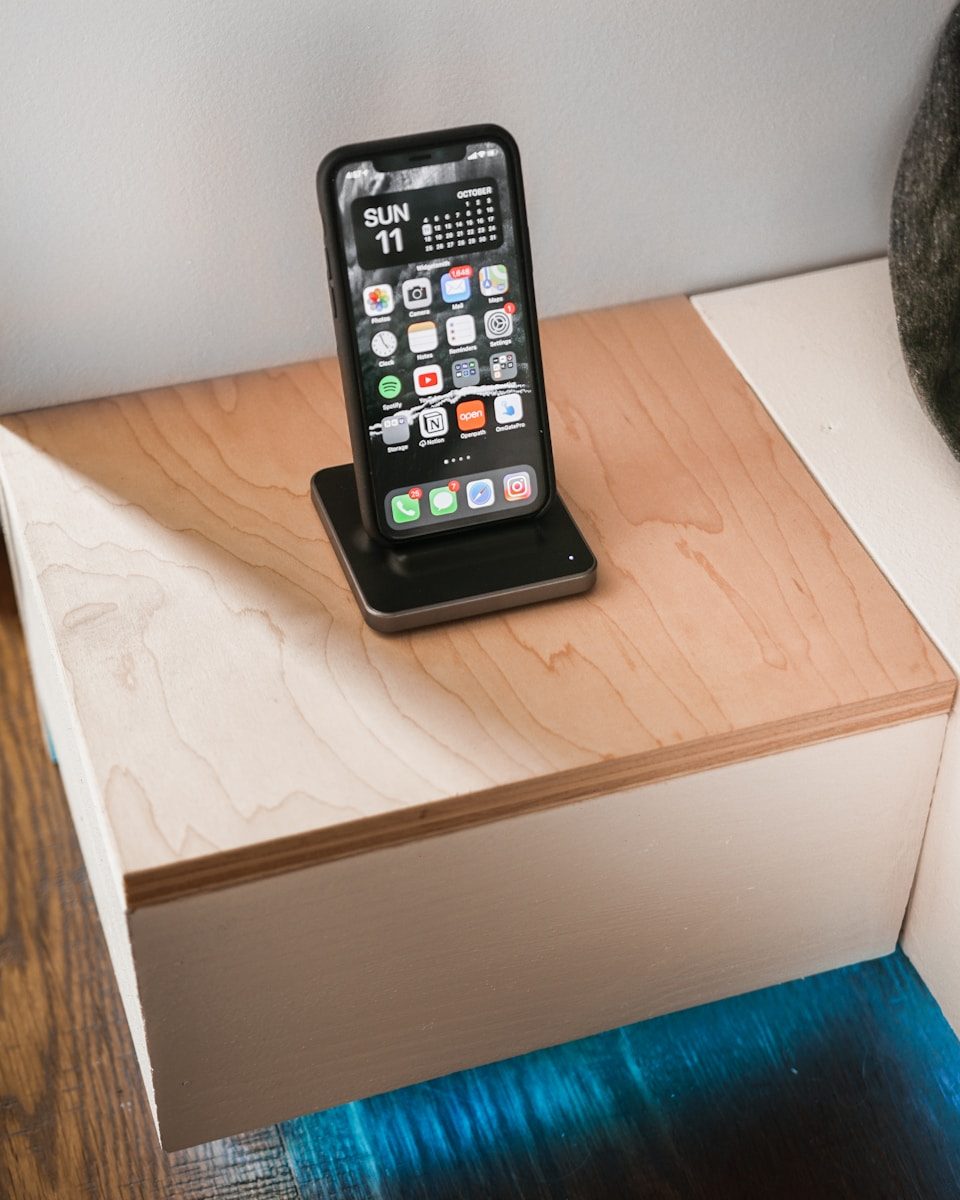
    black iphone case on brown wooden table
    Photo by Matúš Gocman on Unsplash

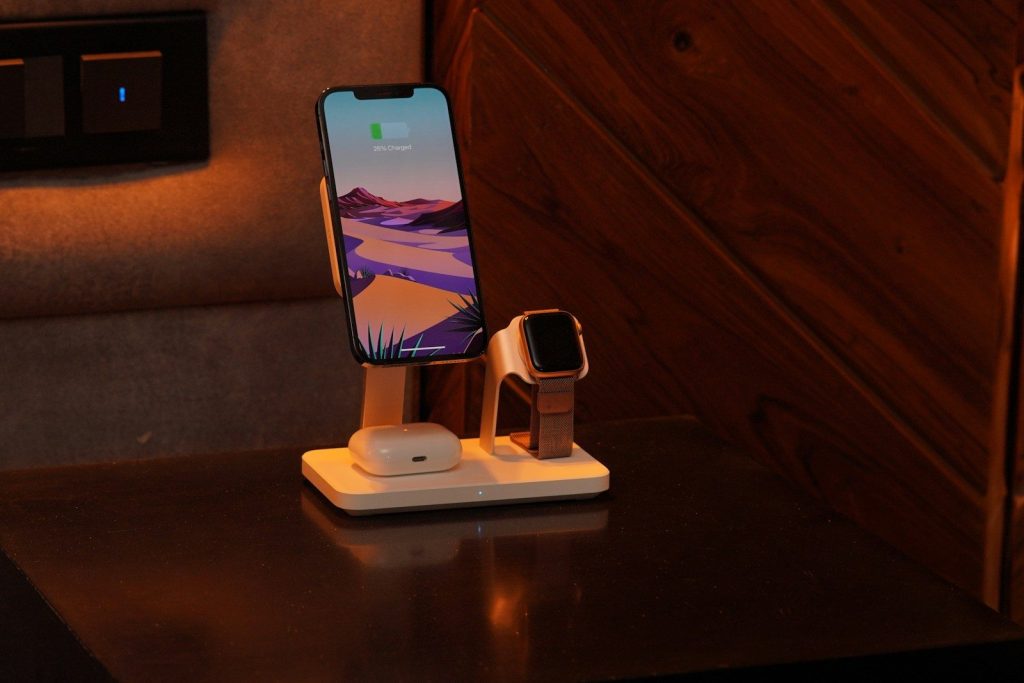
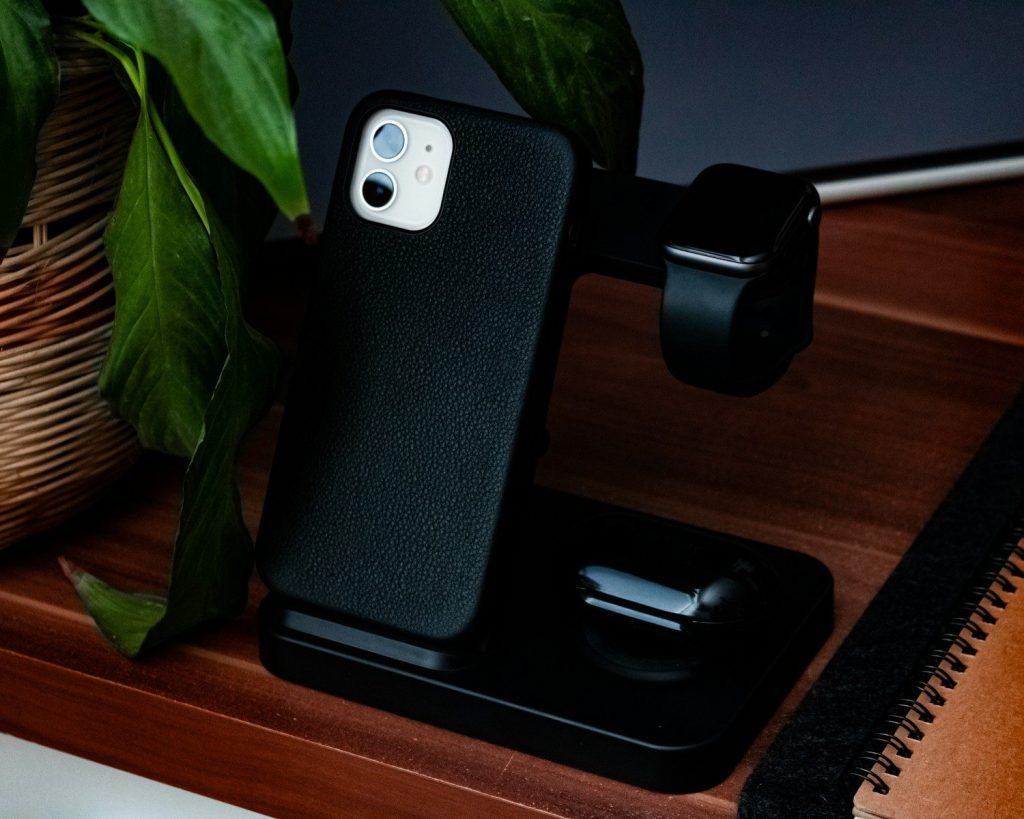
    Some docking stations can charge a laptop while also handling display and data connections. That means the power cable does not always need to be separate.

    This is helpful for clean desks and shared workspaces. It also reduces the chance of forgetting a charger at home or leaving one tangled behind the desk.

    Ethernet still has value

    a person holding a blue and white object in their hand
    Photo by 2H Media on Unsplash

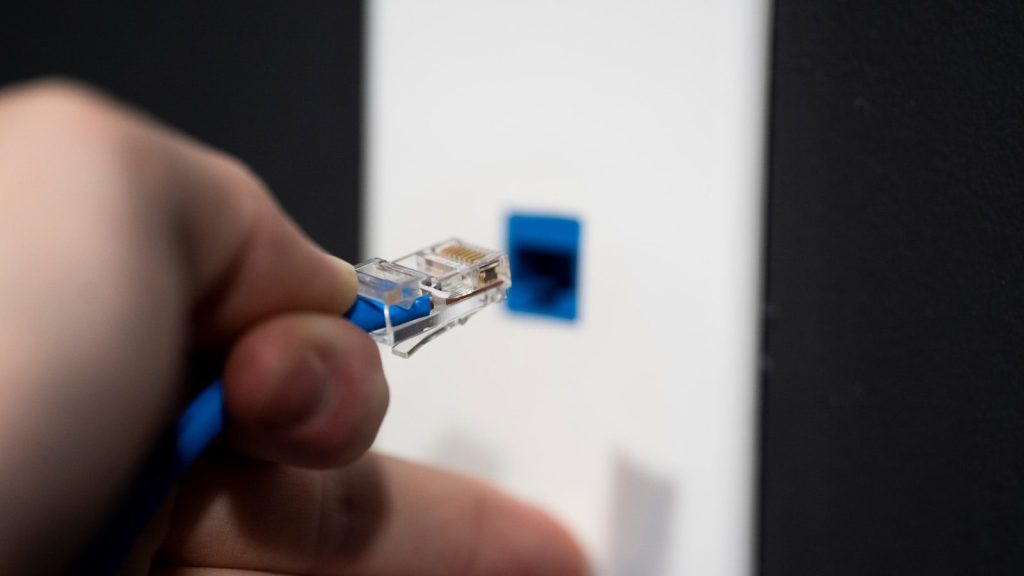
    Wi-Fi is convenient, but wired Ethernet can still be useful for steady connections. A dock with Ethernet gives users another option when video calls, large uploads, or remote work need more stability.

    This can be especially helpful in busy homes, offices, or dorms. When Wi-Fi feels crowded or uneven, a wired connection through the dock can make the setup feel more dependable.

    Ports are still limited

    USB type c multiport adapter with plugged white cable connected to modern laptop
    Photo by www.kaboompics.com on Pexels

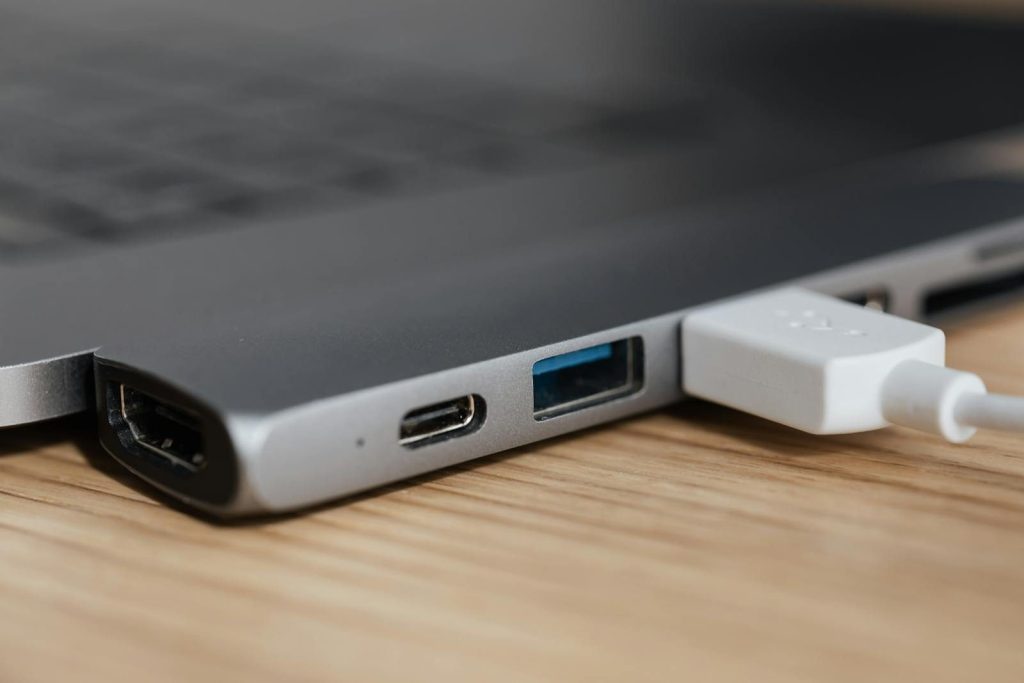
    Thin laptops often remove full-size ports to stay light and slim. That can be frustrating when someone needs HDMI, USB-A, Ethernet, an SD card slot, or extra USB-C ports.

    A docking station brings many of those connections back in one place. It helps modern laptops stay portable without forcing users to give up the tools they still use.

    Creative work gets easier

    man in red t-shirt sitting in front of computer
    Photo by Ryan Snaadt on Unsplash

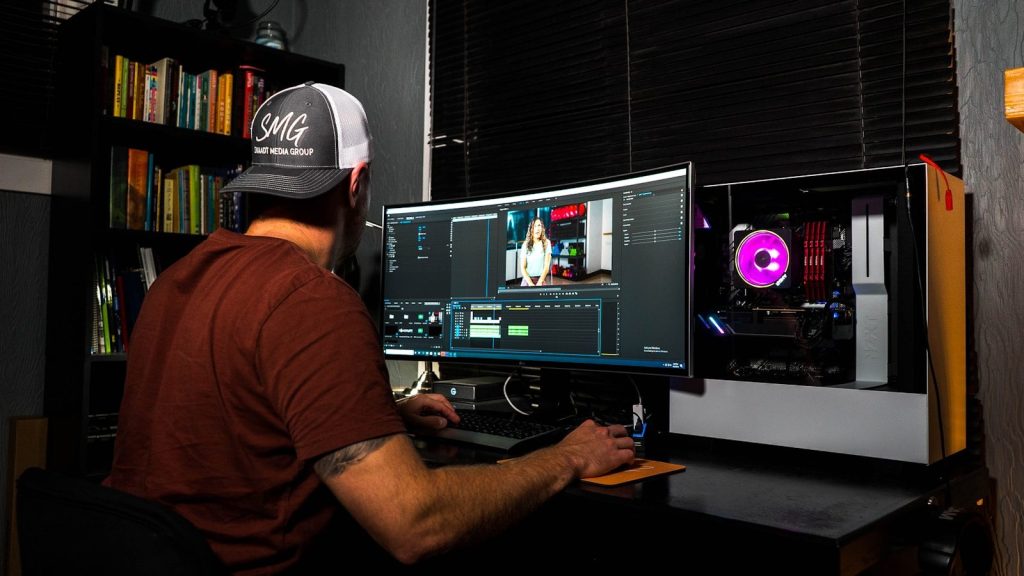
    People who edit photos, videos, audio, or large design files often need more than a laptop alone can offer. They may use external drives, monitors, card readers, microphones, cameras, and speakers.

    A dock can bring those tools together in a more organized way. It can also help reduce repeated plugging and unplugging, which is useful when projects require many devices at once.

    Compatibility matters most

    From above closeup of modern stylish thin netbook with smart usb hub equipment and connected white cable placed on wooden surface
    Photo by www.kaboompics.com on Pexels

    Not every dock works the same way with every laptop. Some features depend on whether the laptop supports USB-C video output, USB4, Thunderbolt, or enough power delivery.

    That is why users should check the laptop, dock, cable, and monitor requirements before buying. The right match can feel seamless, while the wrong match may limit displays, charging, or data speeds.

    They make setups last

    a computer screen with a video game on it
    Photo by Fábio Magalhães on Unsplash

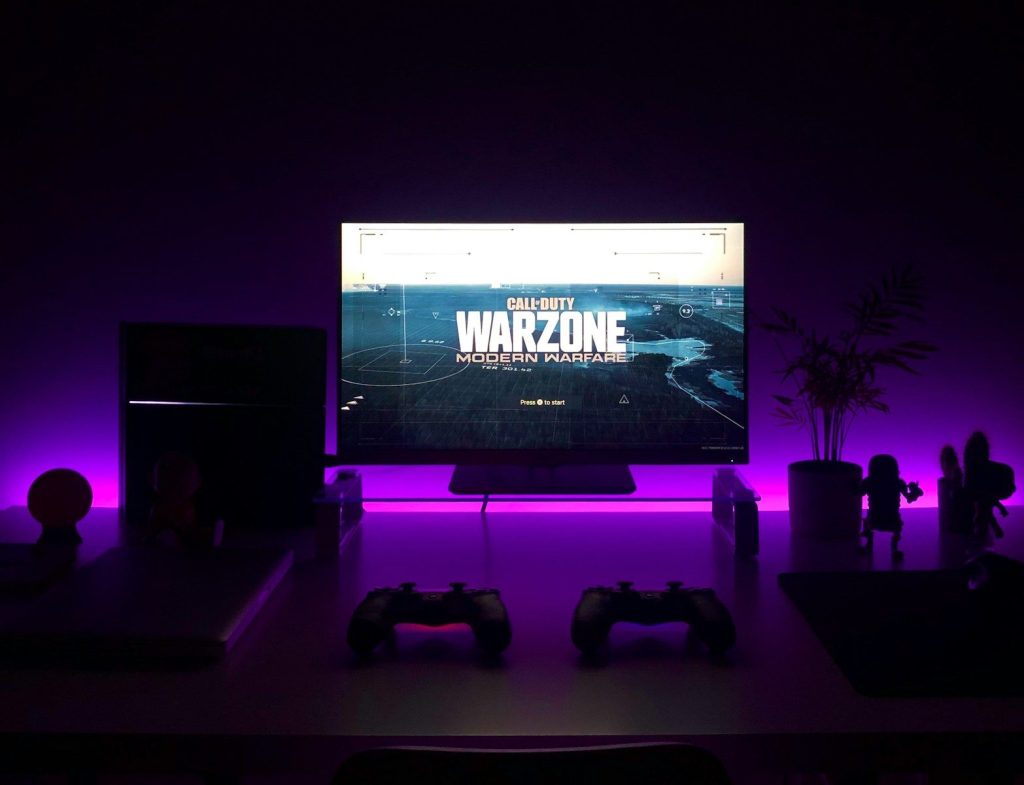
    A docking station can help a desk setup grow over time. Users may start with one monitor and a keyboard, then later add more storage, better speakers, a webcam, or wired internet.

    That flexibility is why docks still matter. Even as laptops get thinner and wireless tools improve, many people still need a simple way to connect everything at a real workstation.

  • Why webcams are becoming more than simple cameras

    Why webcams are becoming more than simple cameras

    Webcams used to have one basic job: put your face on a screen during a video call. That job still matters, but modern webcams are doing much more. Newer models and built-in camera systems now use AI features that can adjust lighting, blur backgrounds, keep people centered, reduce background noise, and even help with secure sign-ins on some devices. Microsoft’s Windows Studio Effects, for example, supports features such as background blur, eye contact, automatic framing, portrait light, and voice focus on compatible devices.
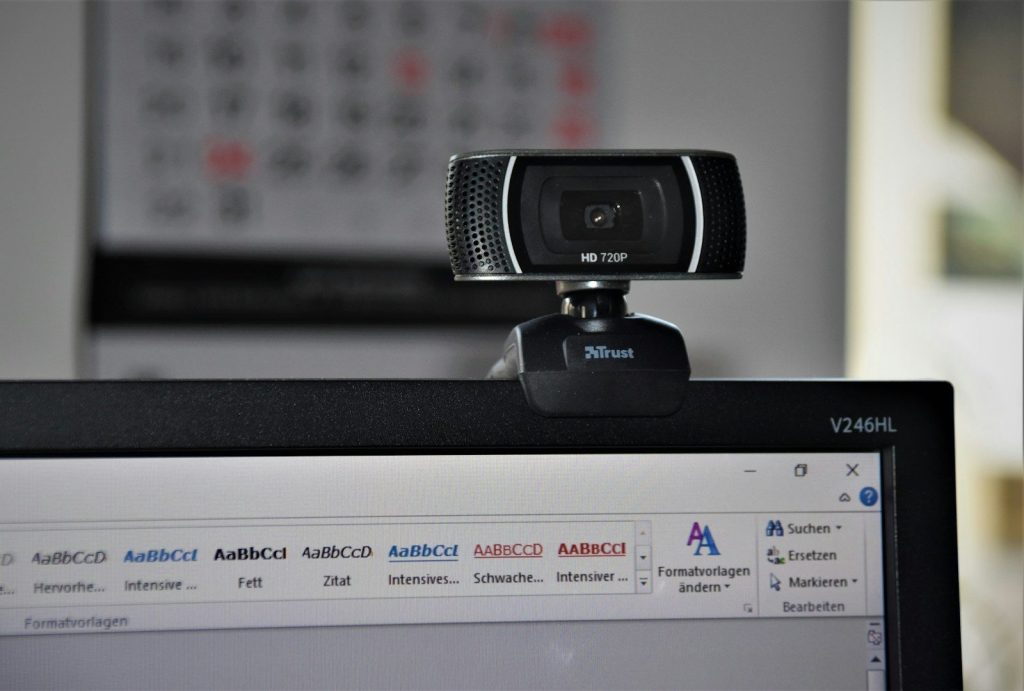
    For work, school, streaming, and family calls, this shift is changing what people expect from a camera. A webcam is becoming a small communication hub that helps people look clearer, sound better, and stay connected with less effort.

    Webcams now help you look ready

    a man sitting at a table in front of a laptop
    Photo by Vitaly Gariev on Unsplash

    A modern webcam can do more than show a plain video feed. Many newer camera systems can adjust brightness, improve contrast, and make faces easier to see in tricky lighting.

    That matters during work calls, online classes, and virtual appointments. Instead of needing a perfect room setup, users can get a cleaner picture with help from camera software and built-in image tools.

    Background blur adds polish

    Young woman smiles at the camera in an office setting.
    Photo by Vitaly Gariev on Unsplash

    Background blur used to feel like a feature only found in video apps. Now, some devices can apply it at the camera or system level, making it easier to keep the focus on the speaker.

    This can help when someone is calling from a busy room or shared space. The goal is not to hide everything, but to make the call look cleaner and less distracting.

    Better audio is part of it

    A smiling woman in a grey blazer indoors.
    Photo by Vitaly Gariev on Unsplash

    Webcams are no longer only about video. Many newer models include improved microphones, noise reduction, or voice-focused features that help the speaker sound clearer during calls.

    Microsoft also lists Voice Focus as part of Windows Studio Effects, designed to help reduce background noise on supported devices. A clearer voice can make meetings feel easier, even when the room is not perfectly quiet.

    Lighting gets smarter too

    a screen shot of a smart phone sitting on a table
    Photo by Sean on Unsplash

    Poor lighting is one of the biggest reasons a video call looks bad. Newer webcams can use automatic light correction, HDR, or face-based image adjustment to improve the picture.

    For example, Logitech’s MX Brio 705 for Business includes HDR and face-based image enhancement, with automatic adjustment for bright and low-light conditions. These tools help users look more natural without changing the whole room.

    Creators need more control

    woman in pink crew neck t-shirt wearing black framed eyeglasses
    Photo by Higor Hanschen on Unsplash

    Streamers, teachers, and online creators often need more than a basic camera. They may want sharper video, smoother movement, better low-light handling, and flexible mounts.

    Some newer webcams even include pan, tilt, tracking, gesture controls, or higher frame-rate options. These features can help creators stay framed, share demonstrations, and make videos feel more professional without a full studio setup.

    Work calls feel more natural

    man in blue and white plaid shirt using macbook pro
    Photo by LinkedIn Sales Solutions on Unsplash

    Hybrid work made webcams a daily tool for many people. A better webcam can make a person look more present, especially when calls replace face-to-face meetings.

    Features like eye contact correction and automatic framing are designed to make conversations feel less awkward. They cannot replace real presence, but they can make online meetings feel more focused and comfortable.

    External webcams still matter

    black and gray microphone on black and gray microphone
    Photo by Waldemar Brandt on Unsplash

    Laptop webcams have improved, but external webcams still have a place. They can offer better image quality, stronger low-light performance, more flexible placement, and improved microphones.

    That is useful for people who use monitors, home offices, or desktop setups. An external camera can sit at a better angle than a built-in laptop camera, which helps video calls look more natural.
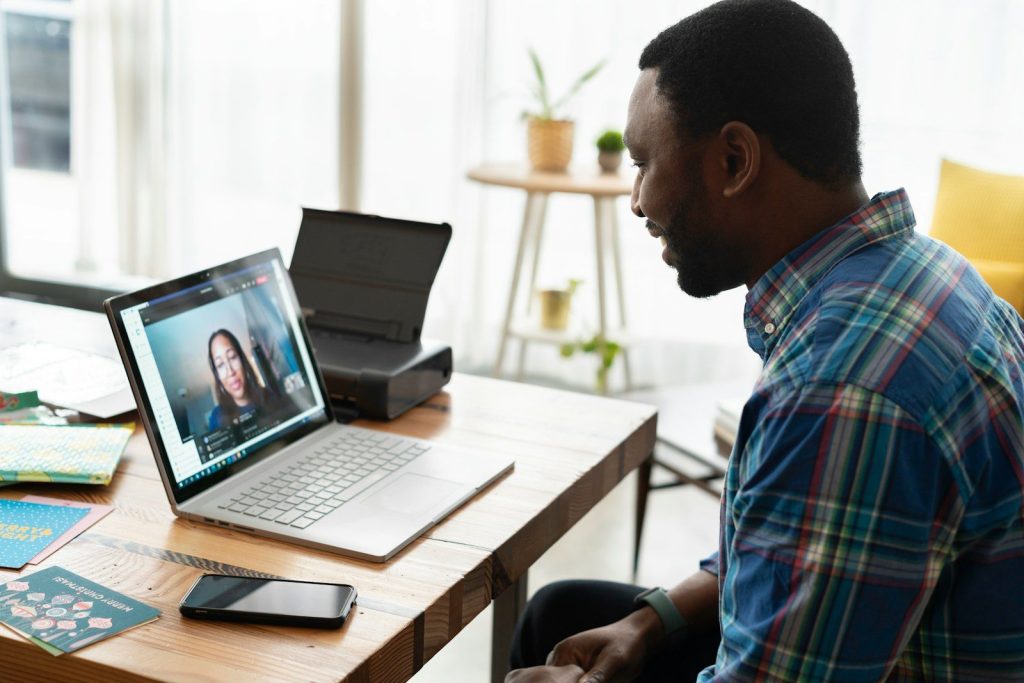
    The webcam is becoming smarter

    man in blue and white plaid dress shirt using macbook pro
    Photo by LinkedIn Sales Solutions on Unsplash

    The biggest change is that webcams are no longer passive devices. They are starting to understand lighting, framing, movement, sound, and privacy needs in real time.

    That makes them more useful for everyday life. Whether someone is joining a meeting, teaching online, streaming, or catching up with family, the webcam is becoming a smarter tool for clearer communication.

  • 10 computer accessories that matter more in hybrid work

    10 computer accessories that matter more in hybrid work

    Hybrid work sounds simple until the small problems start adding up. A laptop camera sits too low. A call sounds muffled. A desk feels fine for 20 minutes, then becomes uncomfortable after hours of typing. That is why computer accessories matter more now than they did when many people worked from one fixed office setup every day.

    The right accessories can help make a home desk feel more like a real workstation, while also making office days easier to manage. OSHA notes that there is no single “correct” computer setup for everyone, but basic workstation design can improve comfort and usability. Detachable keyboards, proper monitor placement, and better input devices can also support a more comfortable setup for laptop users.

    A sharper webcam

    a screen shot of a smart phone sitting on a table
    Photo by Sean on Unsplash

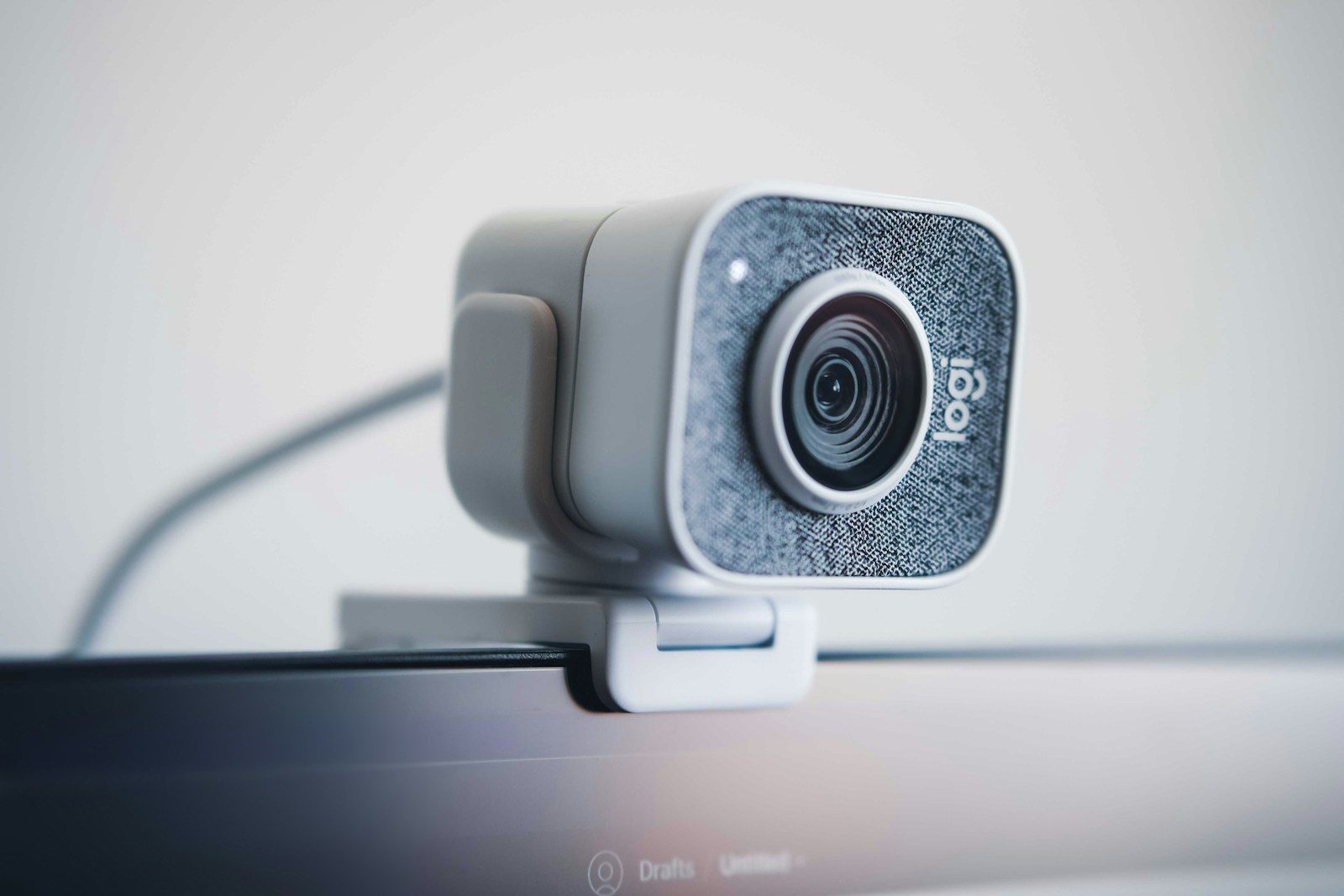
    A good webcam can make a big difference when meetings are split between home and office. Built-in laptop cameras often sit at a low angle, which can make video calls feel less natural.

    An external webcam can sit higher and show a clearer picture. For hybrid workers, that can make calls feel smoother, more professional, and easier for teammates to follow.

    A comfortable keyboard

    black and orange computer keyboard
    Photo by Stefen Tan on Unsplash

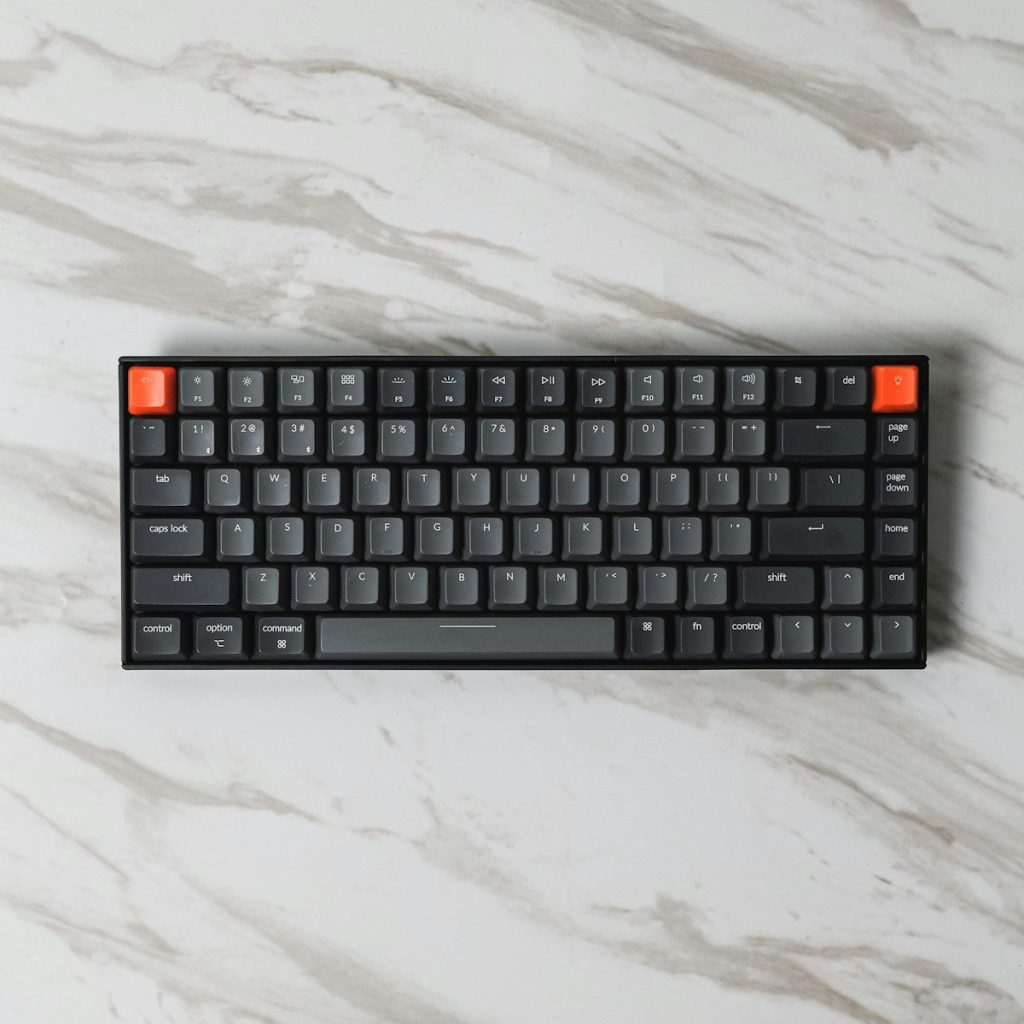
    A separate keyboard helps turn a laptop into a better workstation. It lets the screen sit higher while the hands stay lower on the desk.

    That setup can feel more natural during long typing sessions. Oregon OSHA recommends using a standard-sized keyboard and mouse with a laptop when setting up a computer workspace.

    A reliable mouse

    black and yellow logitech computer mouse
    Photo by maar gaming on Unsplash

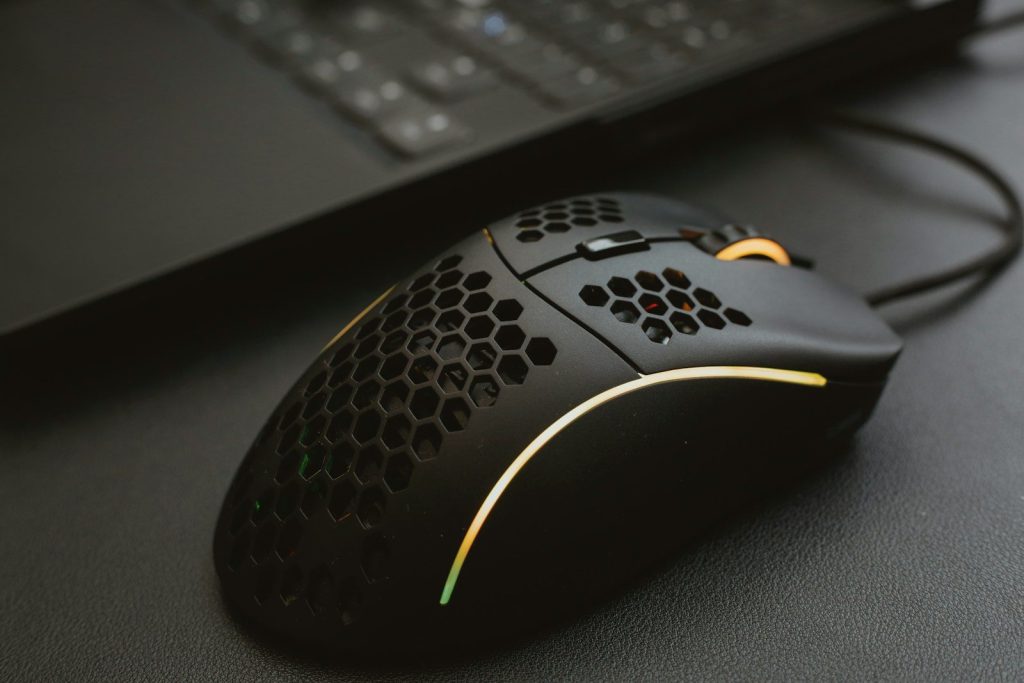
    A mouse may seem basic, but it matters when work moves between spreadsheets, documents, browsers, and video calls all day. A small trackpad can feel limiting during longer work sessions.

    A full-size mouse gives better control and may feel more comfortable for many users. It also helps keep the hand in a steadier position than constant trackpad use.

    A larger monitor

    a desk with a monitor, keyboard and mouse
    Photo by EJ Aquino on Unsplash

    A separate monitor can make hybrid work feel less cramped. It gives more space for email, documents, dashboards, video meetings, and research.

    Monitor position matters too. Workstation guidance often recommends placing the screen directly in front of the user and at a comfortable distance to reduce awkward posture.

    A laptop stand

    black laptop computer on white table
    Photo by Riekus on Unsplash

    A laptop stand can raise the screen closer to eye level. That matters because many laptops sit too low when placed flat on a desk.

    Raising the screen can help create a more comfortable viewing position. It also pairs well with an external keyboard and mouse, which keeps typing from becoming awkward.

    A quality headset

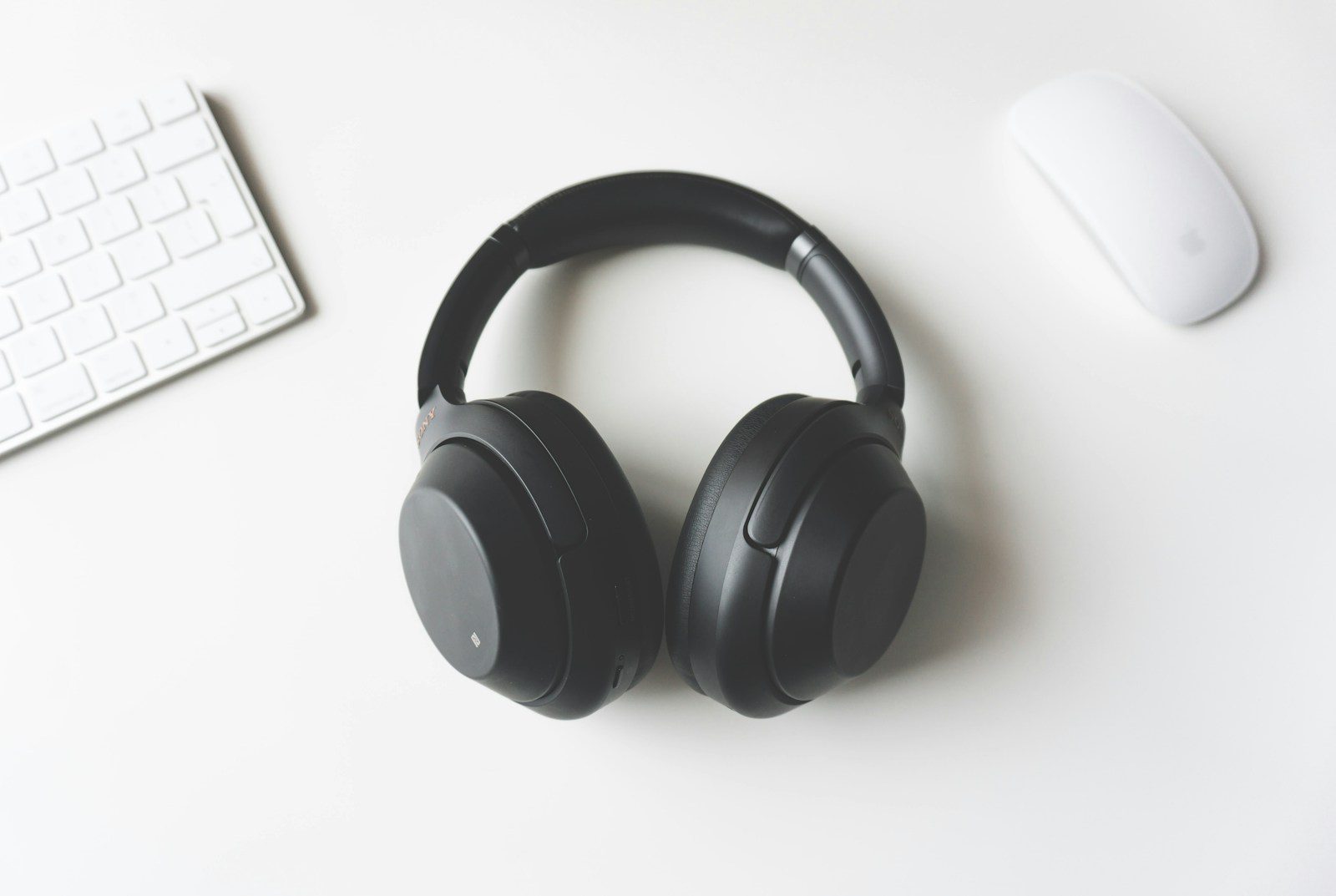
    black wireless headphones between Apple Keyboard and Apple Magic Mouse on white surface
    Photo by Tomasz Gawłowski on Unsplash

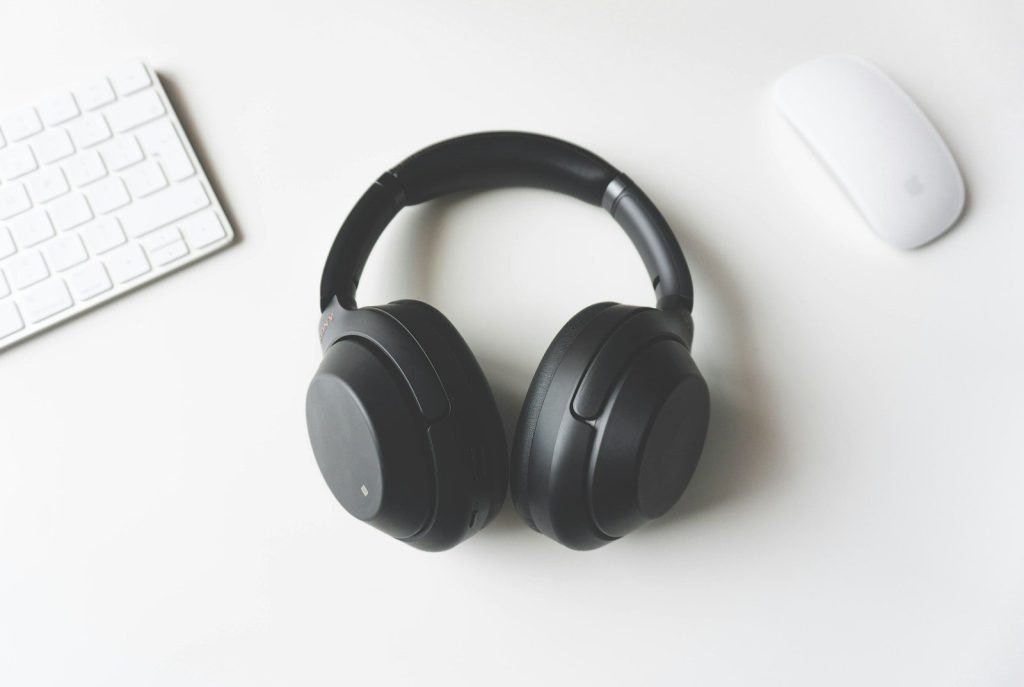
    Hybrid work often means meetings from busy homes, open offices, or shared spaces. A headset can help make voices clearer and reduce distracting background noise.

    It also keeps calls more private and focused. For workers who spend hours in online meetings, better audio can matter as much as better video.

    A docking station

    USB type c multiport adapter with plugged white cable connected to modern laptop
    Photo by www.kaboompics.com on Pexels

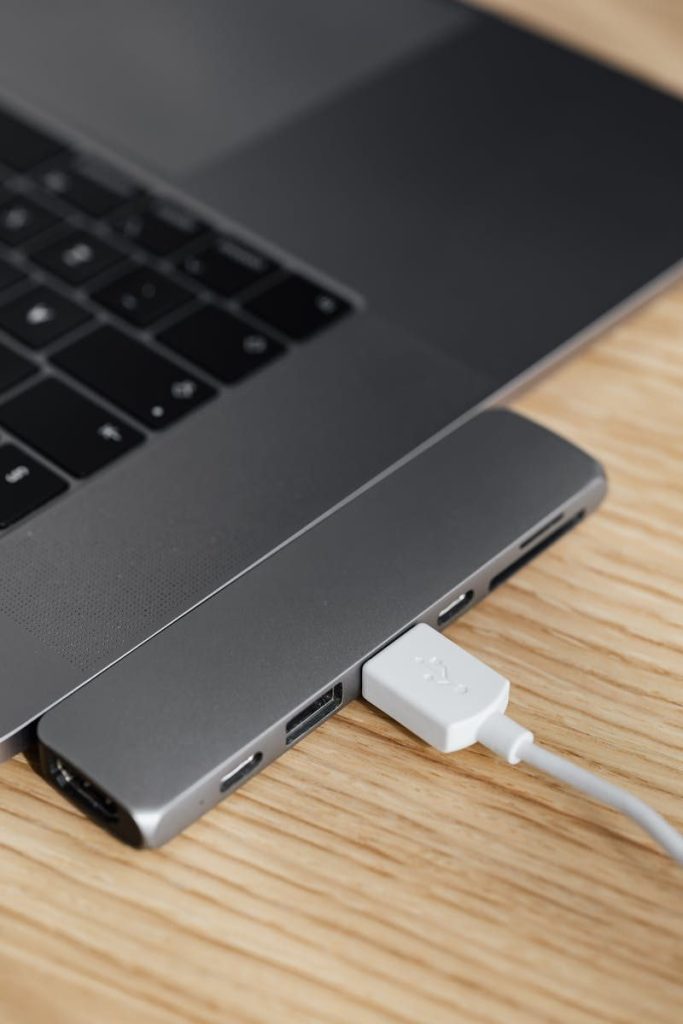
    A docking station can turn one laptop into a full desk setup. It may connect a monitor, keyboard, mouse, headset, charger, and other devices through fewer cables.

    That is useful for people who move between home and office. Instead of plugging in many items each time, one dock can make the setup faster and cleaner.

    A desk lamp

    gray laptop computer turned on
    Photo by Rich Tervet on Unsplash

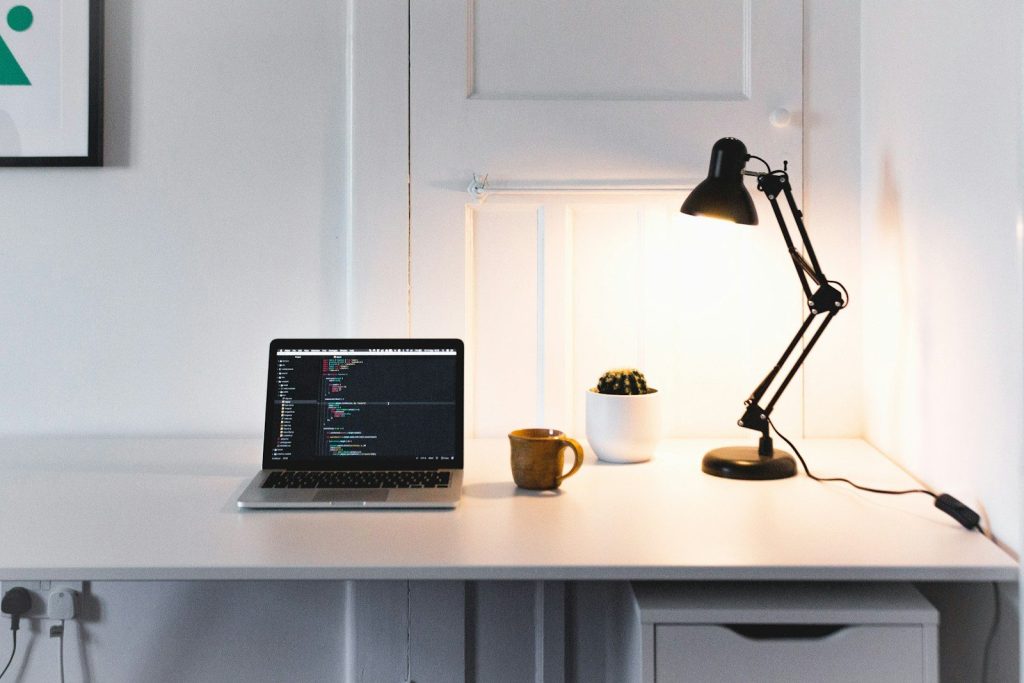
    Lighting affects more than the room. It can also change how a person looks on video calls and how easy the screen feels to read.

    A simple desk lamp can help brighten the face without relying only on ceiling lights. It can also reduce the dull, shadowy look that sometimes happens during early or late work hours.

    A cable organizer

    Cable organizer holding coiled white cord under desk
    Photo by Bedirhan Gül on Unsplash

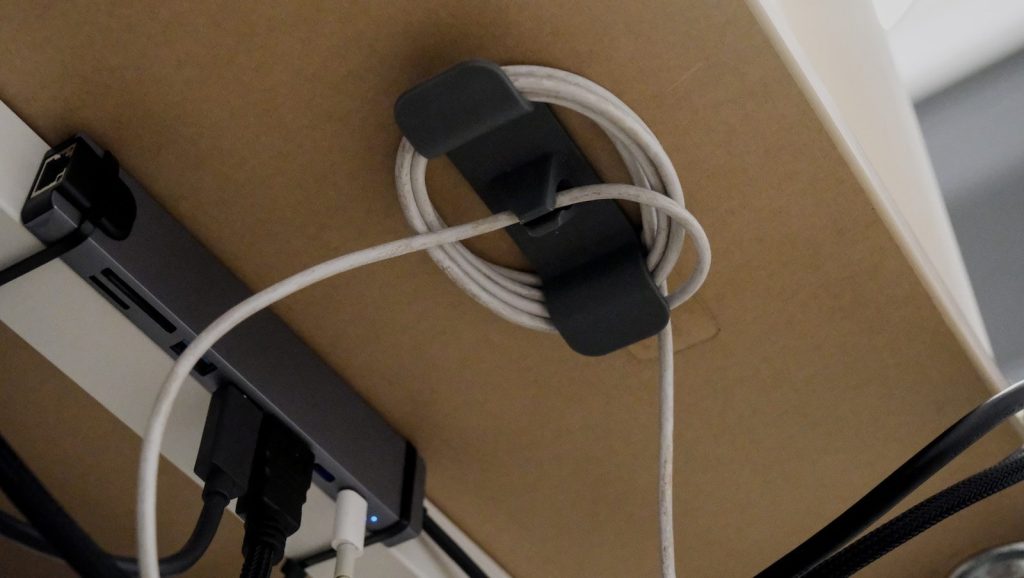
    Hybrid work often brings extra chargers, USB cables, HDMI cords, and adapters. Without cable control, a desk can quickly feel messy and harder to use.

    Cable clips, sleeves, or a small organizer can make the setup easier to manage. A cleaner desk also makes it faster to pack up when moving between work locations.

    A portable charger

    A tech device with display and controller.
    Photo by tonny zhong on Unsplash

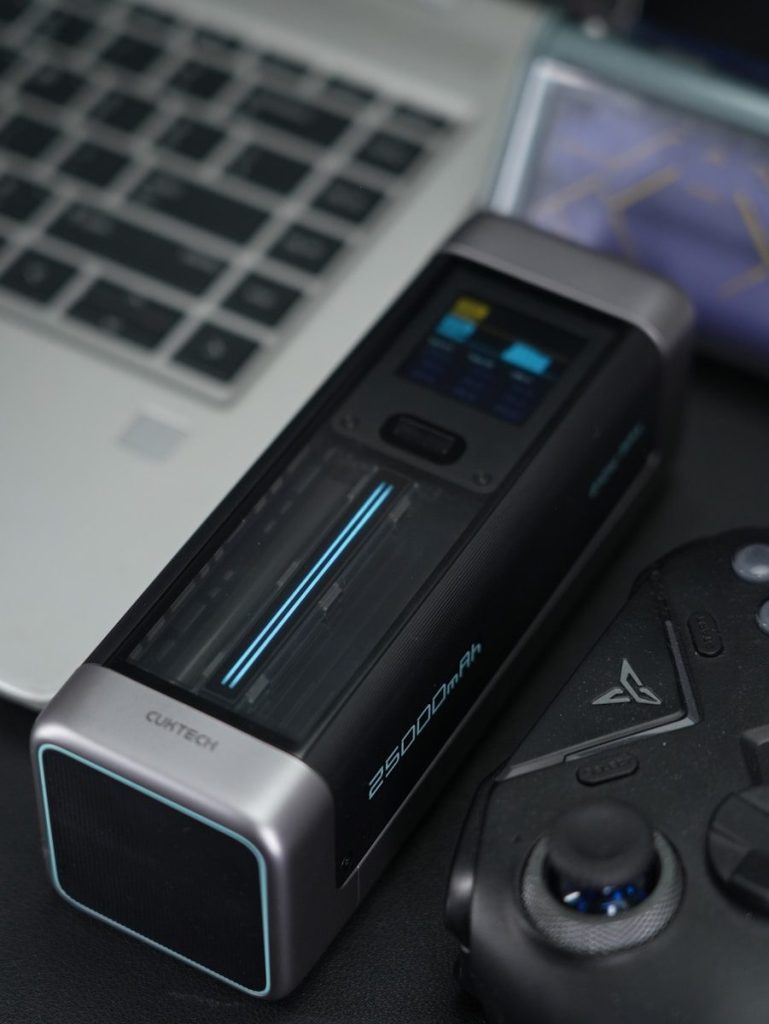
    A portable charger can be helpful when work happens away from a regular desk. It can support phones, tablets, earbuds, and some smaller accessories during travel or long office days.

    For hybrid workers, power backup adds peace of mind. It is especially useful when meetings, messages, and two-factor logins depend on devices staying charged.

  • Why Android tablets may finally feel closer to laptops

    Why Android tablets may finally feel closer to laptops

    Android tablets have spent years sitting somewhere between phones and laptops. They were great for watching videos, reading, drawing, browsing, and quick emails, but many people still reached for a laptop when real work had to get done. That gap is starting to shrink. Google has been improving large-screen Android features, including desktop windowing, better multitasking, and stronger support for keyboards, trackpads, and connected displays.

    Samsung and other tablet makers have also pushed laptop-style accessories, bigger screens, stylus support, and desktop-like modes. The result is not a full laptop replacement for everyone, but Android tablets are becoming much better at everyday productivity, schoolwork, creative tasks, and travel-friendly work. The biggest change is simple: they feel less like oversized phones and more like flexible work machines.

    Better window controls

    a laptop computer sitting on top of a table
    Photo by Andrey Matveev on Unsplash

    One big reason Android tablets may feel more laptop-like is desktop windowing. This lets users run multiple apps in resizable windows instead of being locked into one full-screen app at a time.

    That matters for everyday work. Someone can keep a browser open, write notes, check messages, and view a document without constantly jumping between full-screen apps. It brings Android closer to the familiar laptop experience.

    Keyboards make a big difference

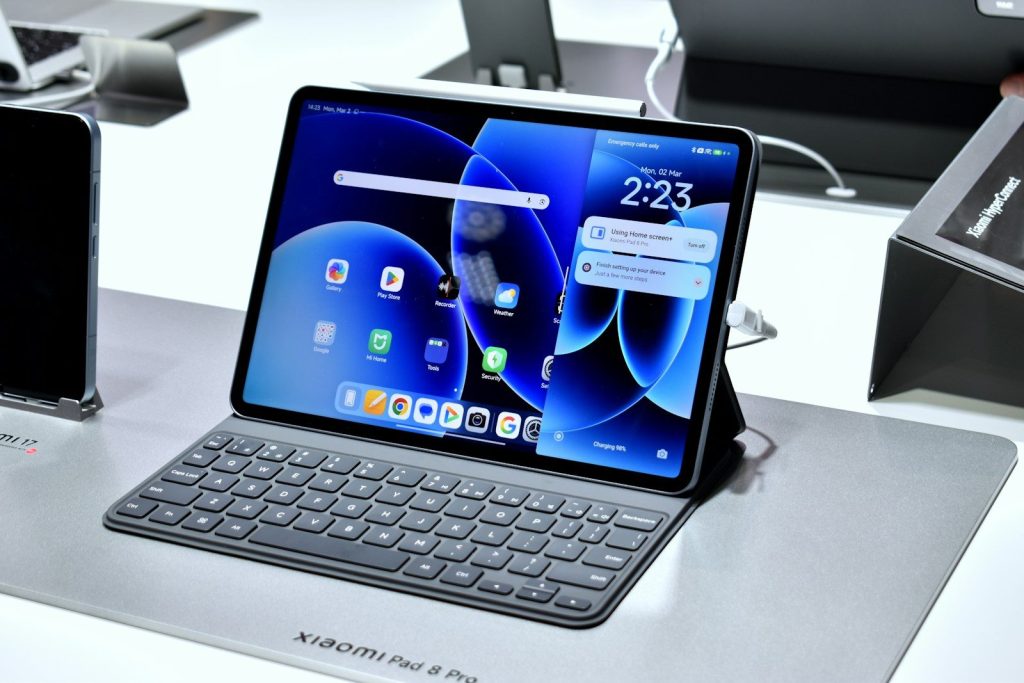
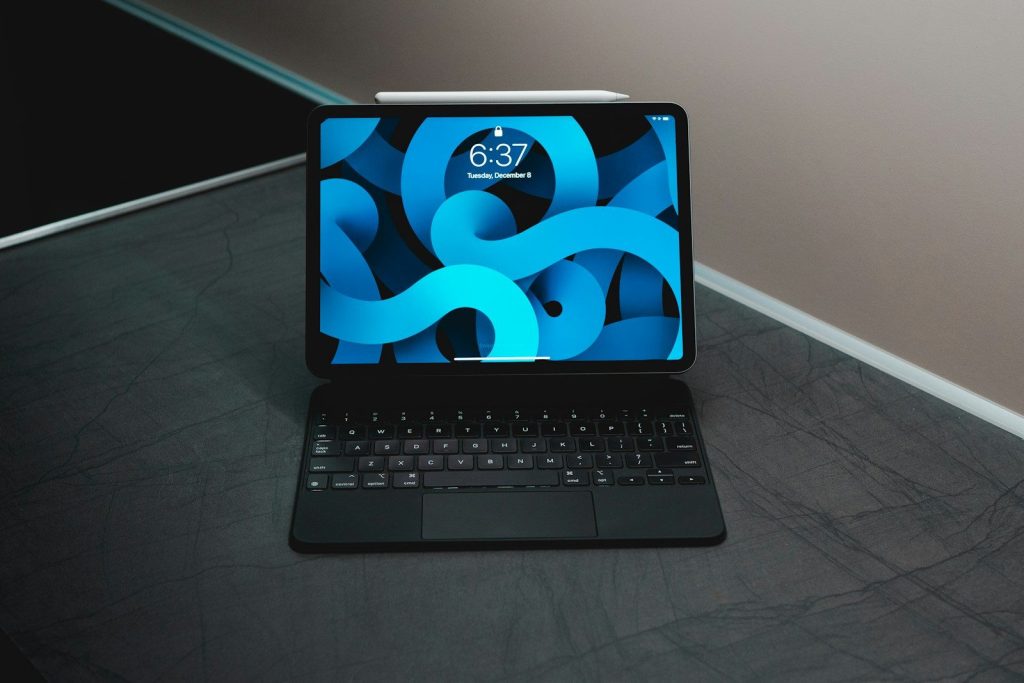
    A tablet with a keyboard and stylus displayed.
    Photo by Gavin Phillips on Unsplash

    A tablet changes quickly when a good keyboard is attached. Typing long emails, school papers, reports, or messages feels easier than tapping on glass for everything.

    Many modern Android tablets now support keyboard covers, Bluetooth keyboards, and shortcut keys. Google’s support page also notes that supported devices can use desktop windowing with an external keyboard and trackpad, which makes the setup feel more like a laptop.

    Trackpads add laptop comfort

    black tablet computer with keyboard
    Photo by Ernest Ojeh on Unsplash

    Touchscreens are great for quick taps, but trackpads help with longer work sessions. Moving a cursor, selecting text, resizing windows, and switching apps can feel more natural with a trackpad.

    That small change matters. It lets people keep their hands near the keyboard instead of constantly reaching up to touch the screen. For writing, editing, and browsing, that can make tablets feel much more comfortable.

    Bigger screens help productivity

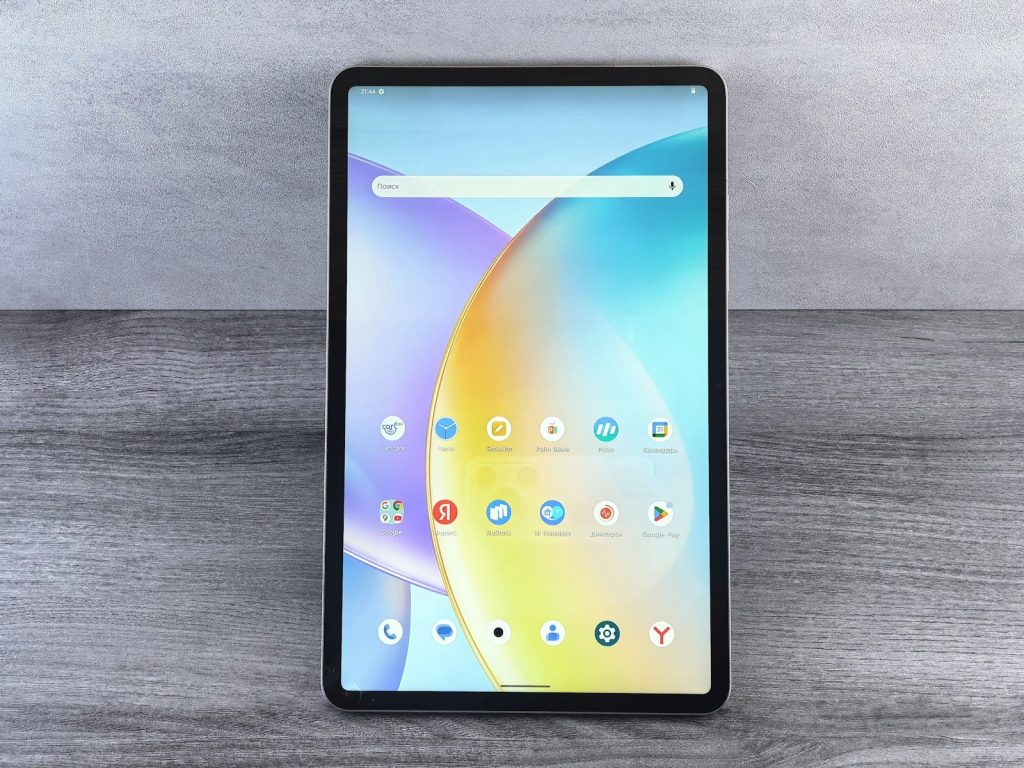
    A tablet displaying a colorful abstract wallpaper
    Photo by Andrey Matveev on Unsplash

    Android tablets now often come in larger screen sizes, giving users more room for apps, documents, videos, and creative tools. A bigger screen makes multitasking easier and reduces the cramped feeling smaller tablets can have.

    This is especially useful with windowed apps. When the display has enough space, a tablet can show a browser, notes, and a chat window in a way that feels closer to a compact laptop.

    Desktop modes are improving

    a blue cube with a white logo
    Photo by BoliviaInteligente on Unsplash

    Samsung DeX helped show how Android devices could work in a desktop-like layout. It gives supported Galaxy devices a more computer-style interface for multitasking, windows, and external displays.

    Now Google is also building stronger desktop experiences into Android itself. That could make laptop-style tablet use feel less tied to one brand and more like a normal Android feature over time.

    Stylus tools support creators

    a person holding a pen and writing on a tablet
    Photo by Zaid Ajani on Unsplash

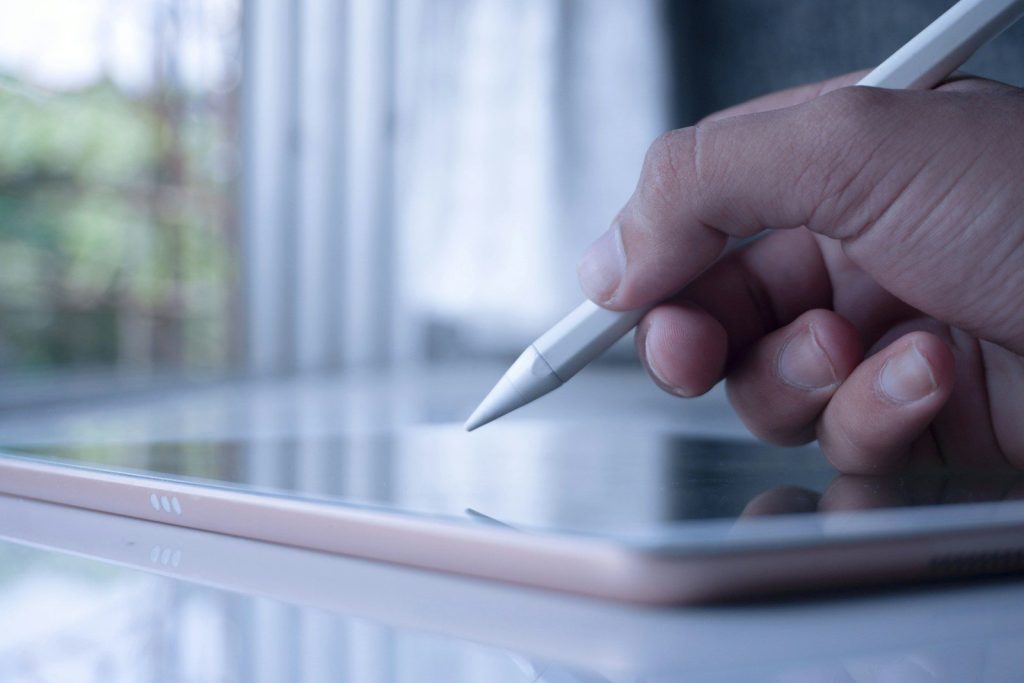
    Many Android tablets support styluses for notes, sketches, markups, and creative work. That gives tablets an advantage laptops do not always offer in the same natural way.

    A stylus can turn a tablet into a notebook, drawing pad, planner, or document markup tool. For students, artists, teachers, and busy professionals, that makes the tablet feel like more than just a small computer.

    They still have limits

    A tablet with a pen sitting on top of it
    Photo by Rodrigo Rodrigues | WOLF Λ R T on Unsplash

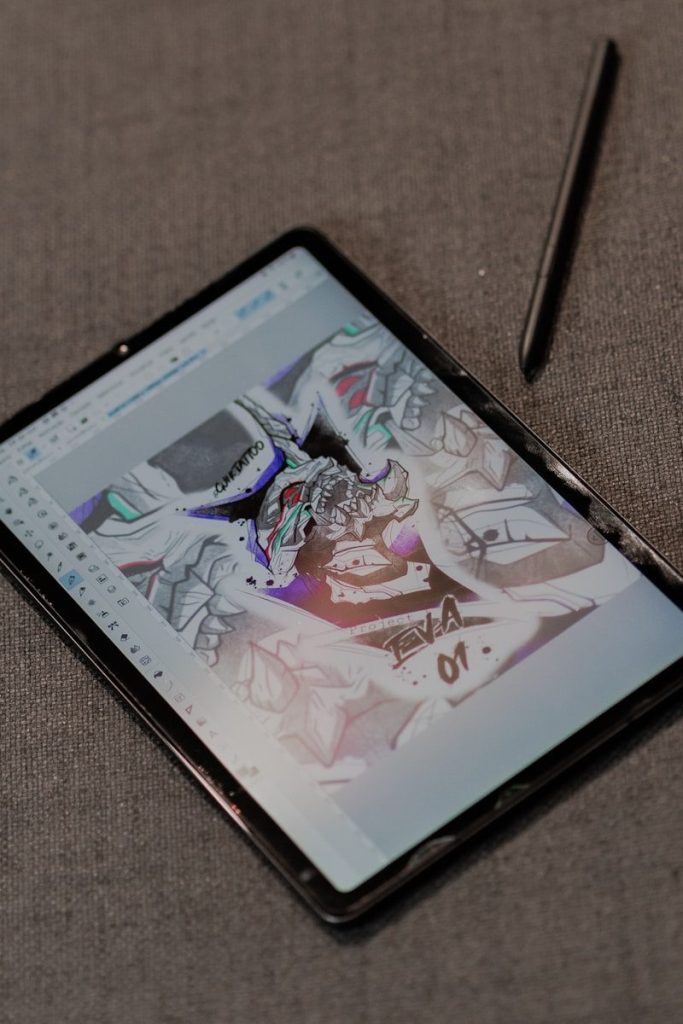
    Android tablets are getting closer to laptops, but they are not perfect replacements for everyone. Some desktop software, advanced file workflows, and professional tools may still work better on a traditional laptop.

    Still, the gap is narrowing. With better windowing, keyboards, trackpads, larger screens, stylus support, and connected displays, Android tablets are becoming more practical for daily work and easier to take seriously as lightweight laptop alternatives.

  • How PlayStation Portal fits the handheld gaming boom

    How PlayStation Portal fits the handheld gaming boom

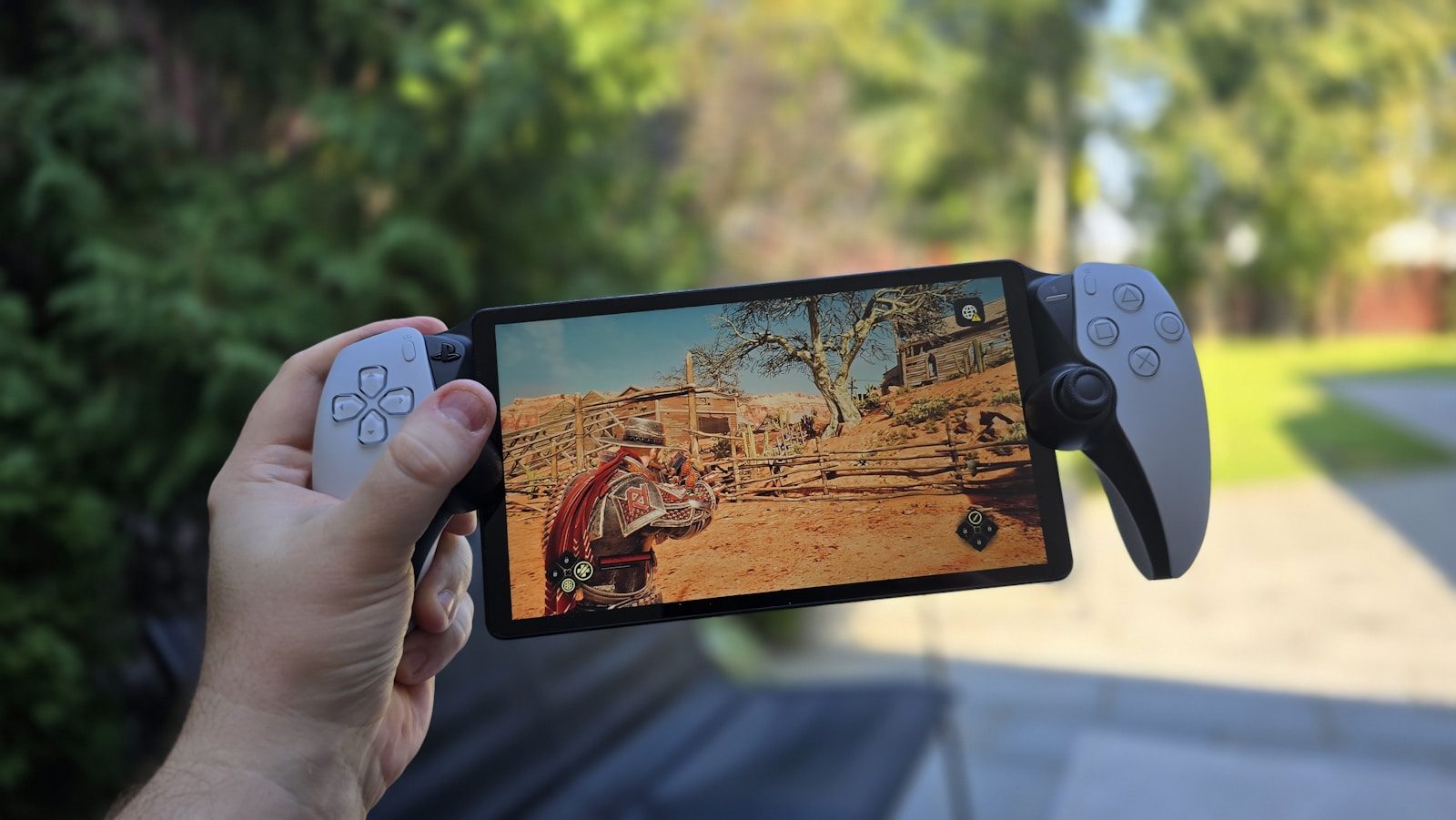
    Handheld gaming is not just about small consoles anymore. It now includes cloud gaming, Remote Play, PC handhelds, hybrid systems, and devices that fit around busy home routines. That is where PlayStation Portal has found its lane. It is not trying to be a full console like the Nintendo Switch or a portable PC like the Steam Deck. Instead, it gives PS5 owners a simple way to keep playing when the TV is busy or when they want to move around the house.

    Recent cloud streaming support has also made PlayStation Plus Premium membership more flexible. So the big question is not whether Portal replaces other handhelds. It is whether its focused job makes more sense in today’s growing handheld world.

    A different kind of handheld

    Playstation 5 controller and remote play screen
    Photo by Emmanuel Mbala on Unsplash

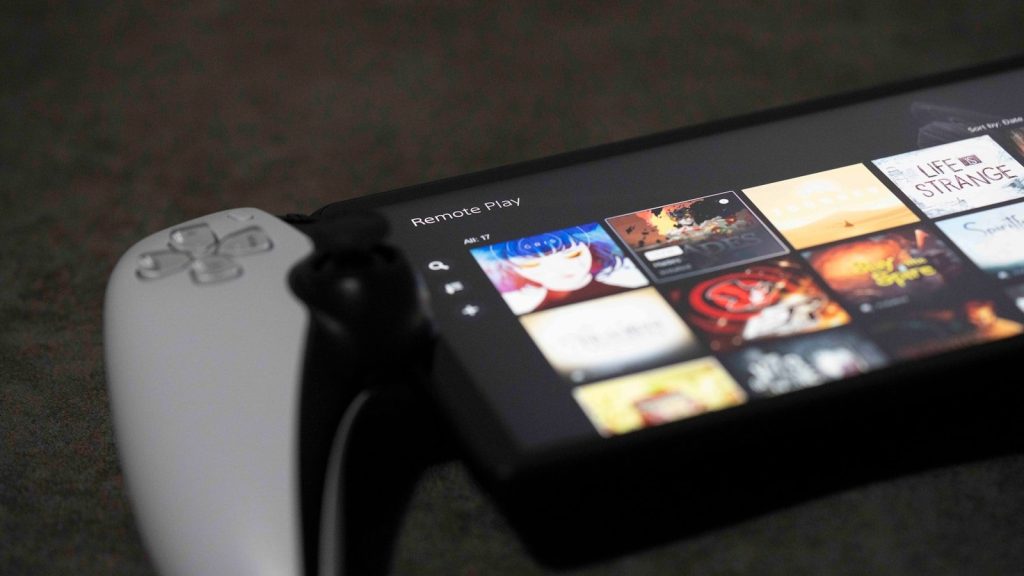
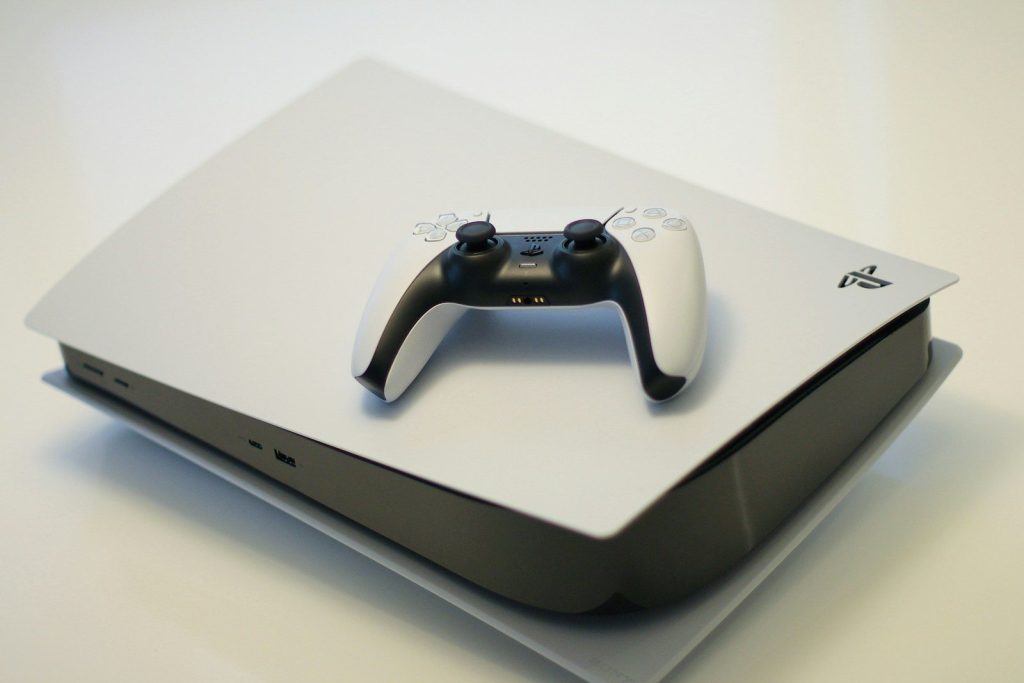
    PlayStation Portal is not built like a normal portable console. Its main job is Remote Play, which lets users stream compatible games from their PS5 over Wi-Fi instead of running games directly on the device.

    That makes Portal a focused handheld, not a do-everything machine. It fits people who already own a PS5 and want another way to play without moving the console or taking over the main TV.

    It solves the TV problem

    man sitting on couch holding controllers
    Photo by Humphrey M on Unsplash

    One reason Portal makes sense is simple: many homes share one big screen. If someone else is watching a show or using the TV, a PS5 game can continue on the Portal.

    That everyday use case is easy to understand. It turns the PS5 into a more flexible home system, especially for players who mostly game in short sessions after school, work, or family time.

    The design feels familiar

    Playstation booth with astro bot mascot and game displays
    Photo by Zhang Ziyu on Unsplash

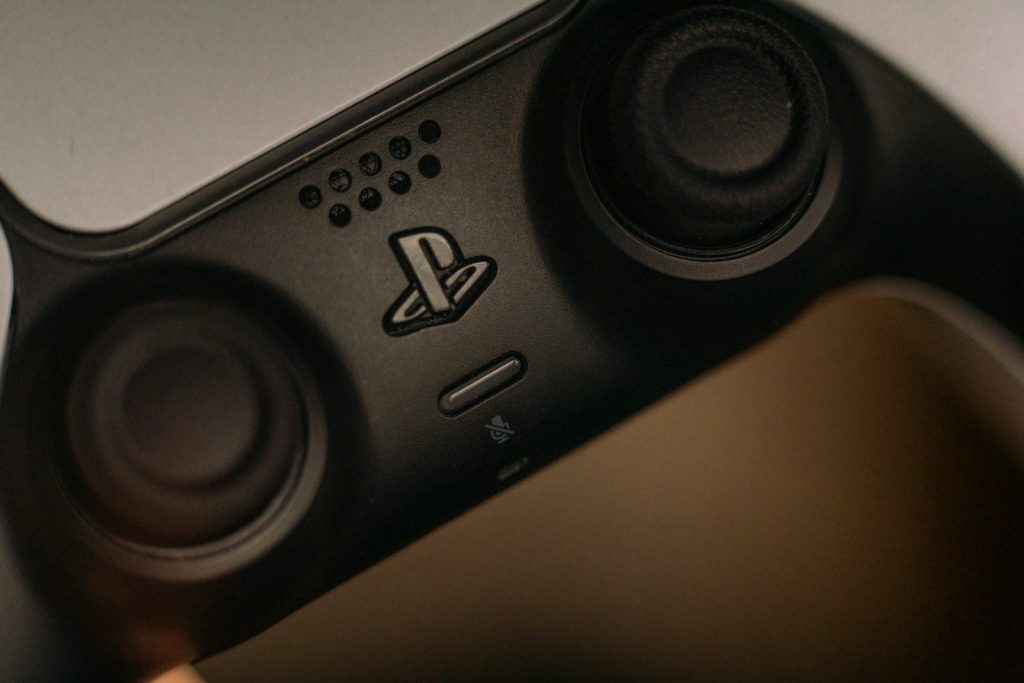
    Portal uses an 8-inch screen and controls shaped around the DualSense style. Sony says it supports key DualSense features, including haptic feedback and adaptive triggers in supported games.

    That helps it feel less like a phone clip or basic streaming screen. For PlayStation fans, the layout is familiar right away, which can make the device easier to pick up and enjoy.

    Cloud streaming changes things

    black and white xbox one game controller
    Photo by Kerde Severin on Unsplash

    At launch, Portal was mainly tied to a PS5 console. Sony later expanded it with cloud streaming for PlayStation Plus Premium members, including support for select digital PS5 games in a user’s library.

    That update makes Portal feel more useful than it did at first. It still has limits, but cloud streaming gives it a wider role in the handheld gaming boom.

    It still needs strong Wi-Fi

    A close-up of a wireless router.
    Photo by dlxmedia.hu on Unsplash

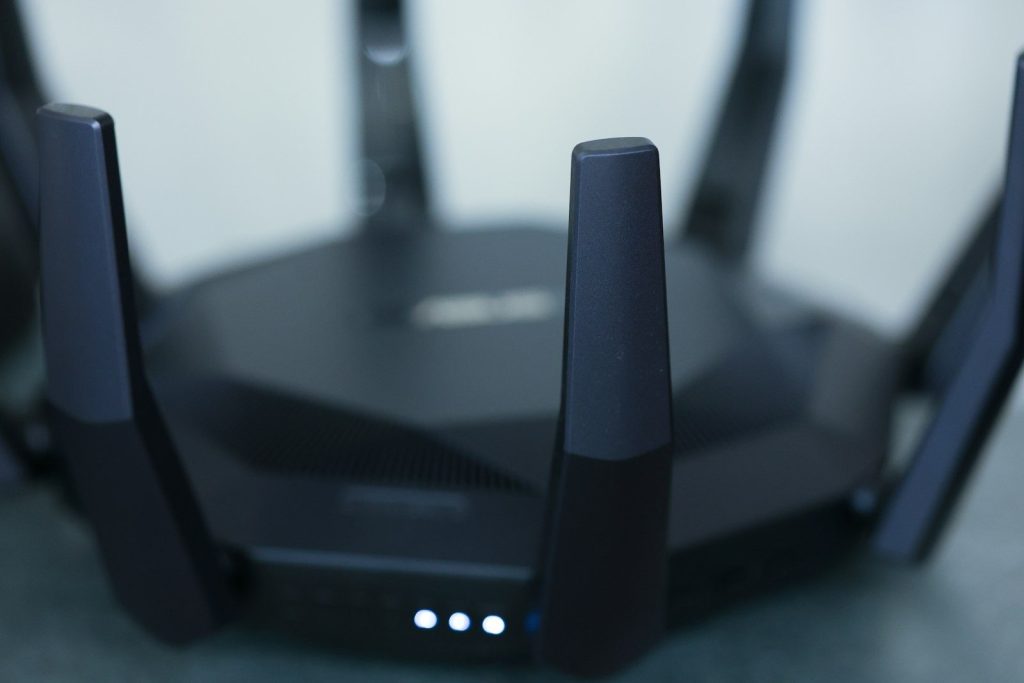
    Portal depends on internet quality. Sony says it requires broadband Wi-Fi with at least 5Mbps, while 15Mbps is recommended for a better experience.

    That means it can be great at home but less reliable in weak network spots. Unlike a handheld that runs games locally, Portal’s best experience depends on a steady connection.

    It is not a Steam Deck rival

    A person holding a smart phone in their hand
    Photo by Georgiy Lyamin on Unsplash

    Steam Deck and similar handheld PCs are built to run games directly on the device. Portal has a different mission. It is made for PlayStation streaming, not installing PC games or replacing a laptop-like handheld.

    That difference helps explain its place. Portal is not trying to win every handheld category. It is trying to serve PS5 players who want comfort, simplicity, and access to their PlayStation games.

    The price helps its case

    fan of 100 U.S. dollar banknotes
    Photo by Alexander Mils on Unsplash

    Portal launched at a lower price than many handheld PCs, which made its limited purpose easier to accept. It costs less because it does not need the same internal power as a full gaming handheld.

    That price position matters in a crowded market. For PS5 owners, it may feel like an add-on instead of a whole new gaming platform, which can make the decision easier.

    It fits shorter play sessions

    A sony phone sitting on a table next to a game controller
    Photo by appshunter.io on Unsplash

    Many players do not always need a long gaming setup. They may want 20 minutes before dinner, a quick match from another room, or a calmer way to finish a mission.

    Portal works well for that kind of routine. Its value is not only about travel. It is about making console games easier to fit into normal life without starting a full living-room session.

    Competition makes it stronger

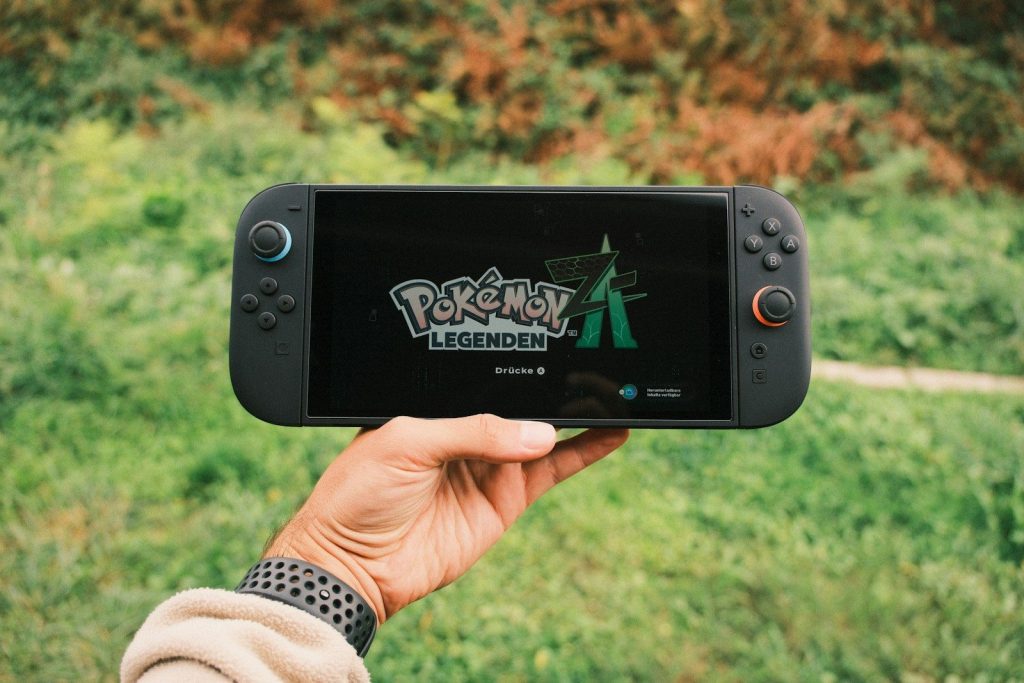
    Hand holding a nintendo switch playing pokémon legends
    Photo by Daniel J. Schwarz on Unsplash

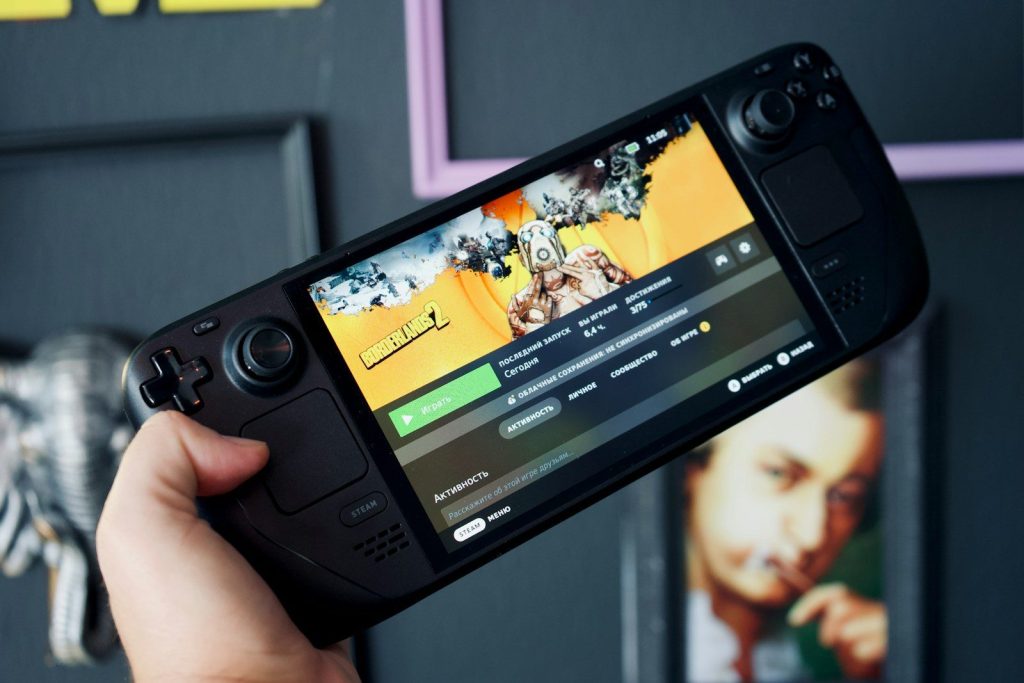
    The handheld market is busier than ever, with devices like Nintendo Switch, Steam Deck, and Windows-based handhelds giving players more ways to play away from a TV. That wider trend helps Portal feel less unusual.

    As people get used to gaming on smaller screens, Portal’s focused design becomes easier to understand. It is one more answer to the same question: where do you want to play?

    Its future depends on updates

    a black and silver cell phone
    Photo by Marcel Strauß on Unsplash

    Portal’s biggest improvement so far has been software-driven. Cloud streaming, a refreshed home screen, search tools, and other updates have expanded what the device can do.

    That may be the key to its future. If Sony keeps improving streaming, game access, and ease of use, Portal could remain a steady part of the handheld gaming boom instead of a one-time accessory.

  • The Dangerous Secret of Smart Bricks – Why Your Next Home Could Be an Electrical Hazard

    The Dangerous Secret of Smart Bricks – Why Your Next Home Could Be an Electrical Hazard

    We have always thought of bricks as simple, dead pieces of baked clay. But in 2026, a revolutionary breakthrough has turned the humble brick into a high-tech battery. “Smart Bricks” are hitting the news as the ultimate green building material. These bricks are coated with a specialized conductive polymer that allows them to store electricity just like a lithium-ion battery. Imagine your entire house acting as one giant power storage unit, soaking up solar energy during the day and powering your lights at night.

    It sounds like an engineering miracle, but a dangerous secret is emerging. Because these bricks are essentially “alive” with electricity, they turn your walls into a massive electrical circuit. This creates a hidden hazard that traditional fire departments and building inspectors are completely unprepared for. We are trading the safety of a “dead” wall for the convenience of a “live” one. But how exactly can a piece of clay hold a charge? Wait until you see the “chemical cocktail” that makes it work.

    The Chemistry of the Battery Wall

    lab, research, chemistry, test, experiment, many, pharmaceutical, white, medical, liquid, test-mixer, pharmacology, laboratory, chemical, analyze, microbiology, filled, test tube, glass, lab, lab, lab, lab, research, chemistry, chemistry, chemistry, chemistry, chemistry, experiment, medical, laboratory, laboratory, laboratory, chemical, chemical, chemical
    Photo by PublicDomainPictures on Pixabay

    The secret is a polymer called PEDOT. Scientists discovered that the porous structure of red bricks is perfect for holding this conductive plastic. When the bricks are baked with the polymer, they become supercapacitors. They can be charged and discharged thousands of times without wearing out. This means your house doesn’t need heavy, expensive batteries in the basement; the walls are the batteries. But this “liquid metal” inside your walls has a terrifying side effect when it gets wet.

    The Water and Voltage Disaster

    ocean waves crashing on rocks under blue sky and white clouds during daytime
    Photo by Leonardo Toshiro Okubo on Unsplash

    In a normal house, a leaky pipe is a nuisance. In a smart brick house, it’s a potential bomb. If water enters the conductive layer of the bricks, it can cause a “thermal runaway” event. The electricity stored in the wall can suddenly release all at once, creating a massive arc of fire. Firefighters are now warning that traditional water hoses will only make the situation worse, as they conduct the electricity back to the person holding the nozzle. We are building homes that are essentially giant, un-extinguishable batteries. But the risk isn’t just about fire.

    Living Inside an Electromagnetic Field

    a dark blue background with lines of light
    Photo by همَّام on Unsplash

    When your entire wall is carrying a high-voltage charge, it creates a powerful electromagnetic field (EMF). Some health experts are worried that living inside this “energy box” 24 hours a day could affect the human nervous system. While the tech companies claim the bricks are shielded, some studies show that sensitive electronics—and even people—might experience “signal interference.” Your Wi-Fi might drop, or you might suffer from constant headaches. It is a biological trade-off that no one agreed to. But wait until you see what happens during a lightning storm.

    The Lightning Rod Effect

    lightning, lightning bolt, night, storm, nature, weather, thunder, strike, night sky, lightning, lightning, lightning, lightning, lightning, storm, storm, storm, storm, thunder, thunder, thunder
    Photo by RonBerg on Pixabay

    Smart bricks act like a magnet for lightning. Because the walls are highly conductive, they are the first thing a storm will target. A single lightning strike can dump a billion volts into your home’s storage system. If the “smart” converters fail, the entire wall could explode from the pressure. Engineers are scrambling to design new types of grounding systems, but the nature of the brick makes it hard to manage. We are essentially living in a lightning rod. But how does this affect the price of your home?

    The Insurance Nightmare of 2026

    A pile of money sitting on top of a table
    Photo by Jakub Żerdzicki on Unsplash

    If your house is a fire hazard, an EMF risk, and a lightning magnet, nobody will want to insure it. Insurance companies are already starting to refuse coverage for homes built with smart bricks. This is causing a “real estate reset” where these high-tech homes are losing their value overnight. People who thought they were buying the future are now stuck with an unsellable hazard. It is a manufacturing flaw in the dream of “Green Living.” But can we actually “fix” the bricks?

    The Search for the Non-Flammable Brick

    brown and gray concrete bricks
    Photo by Mitchell Luo on Unsplash

    Scientists are now trying to create a second generation of smart bricks that use “solid-state” chemistry. These wouldn’t catch fire even if they were crushed or soaked in water. However, these new bricks are five times more expensive to produce. The transition to safe smart-housing is going to be slow and costly. We are once again the “test subjects” for a global experiment in energy storage. But as we fix our homes, something else is moving in the dark.

    The End of the Solid Wall

    white and brown wooden house under blue sky during daytime
    Photo by Naomi Ellsworth on Unsplash

    The “Smart Brick” era is just the beginning of the “Living Architecture” movement. We are moving toward a world where our buildings are just as active as our bodies. They will breathe, think, and power our lives. But we must never forget the basic laws of physics. A wall is meant to protect us, not power us. We are at a turning point where we have to decide how much risk we are willing to live with for the sake of a green planet.

    The Journey to a Resilient Future

    low-angle photography of buildings with plants on it
    Photo by Gábor Molnár on Unsplash

    The takeaways from 2026 are clear: technology is a double-edged sword. From the Saudi desert to the autonomous factory and the smart brick home, every breakthrough brings a new danger. We have the engineering power to build the future, but we need the wisdom to keep it safe. Stay curious, stay skeptical, and keep looking for the next discovery in your own backyard. The world is changing fast, and the best—and scariest—is yet to come.

    Featured Image: Photo by Mick Haupt on Unsplash

  •  Why Humans Can’t Compete – Inside the New Autonomous Smart Factories

     Why Humans Can’t Compete – Inside the New Autonomous Smart Factories

    The age of the “human-powered” factory is officially over. In 2026, a new type of manufacturing has arrived: the Millions-Sensing Autonomous Smart Factory. These facilities don’t just use robots; they are robots. Every square inch of the building is embedded with sensors that track everything from the temperature of the air to the microscopic vibrations of a moving gear. These sensors allow the factory to “feel” its own production lines in real-time.

    A human worker takes years to learn the “rhythm” of a machine. These factories learn it in seconds. They can detect a defect that is thinner than a human hair and fix it without stopping the line. This level of precision and speed means that human laborers simply can’t compete. We are seeing the birth of “Dark Factories,” where the lights are turned off because the machines don’t need to see to work. It is a total transformation of how things are made. But what happens to the products once the robots are finished? Wait until you see the “digital twin” that knows your purchase before you do.

    Millions of Sensors in Every Wall

    a close-up of a circuit board
    Photo by Anne Nygård on Unsplash

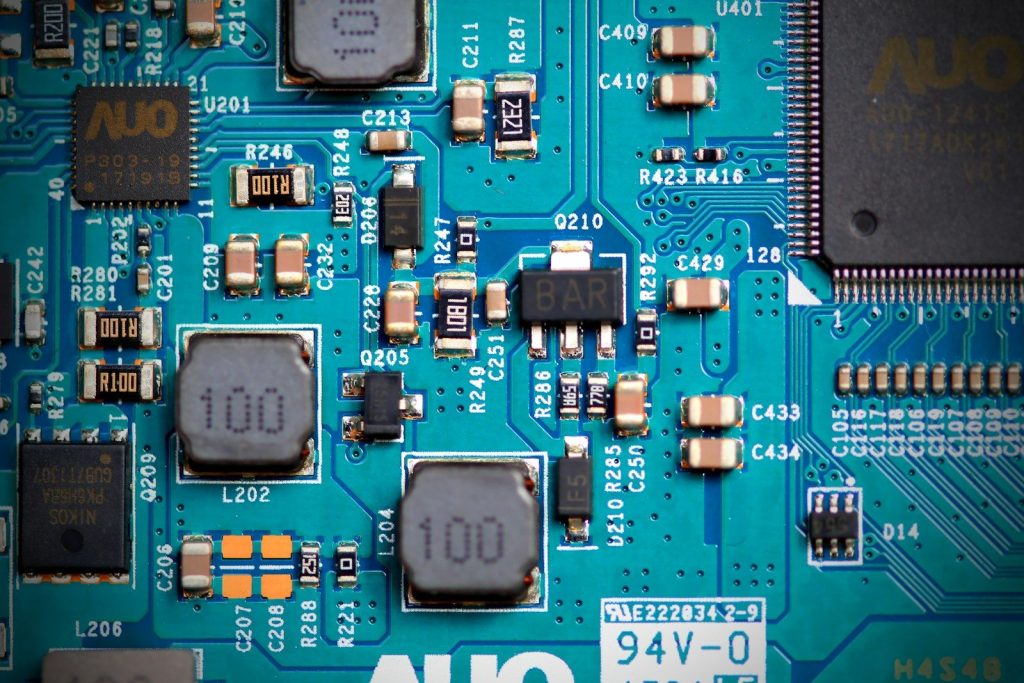
    In a traditional factory, a human might check a machine once an hour. In a smart factory, the sensors check it 10,000 times a second. These sensors track light, sound, heat, and even the chemical makeup of the air. This massive stream of data is fed into a central brain that makes instant adjustments. If a motor gets too hot, the AI slows down the line for five seconds to let it cool, then speeds it back up. It is a level of “biological” self-care for machines. But who is actually watching the sensors?

    The Rise of the Digital Twin

    diagram
    Photo by Google DeepMind on Unsplash

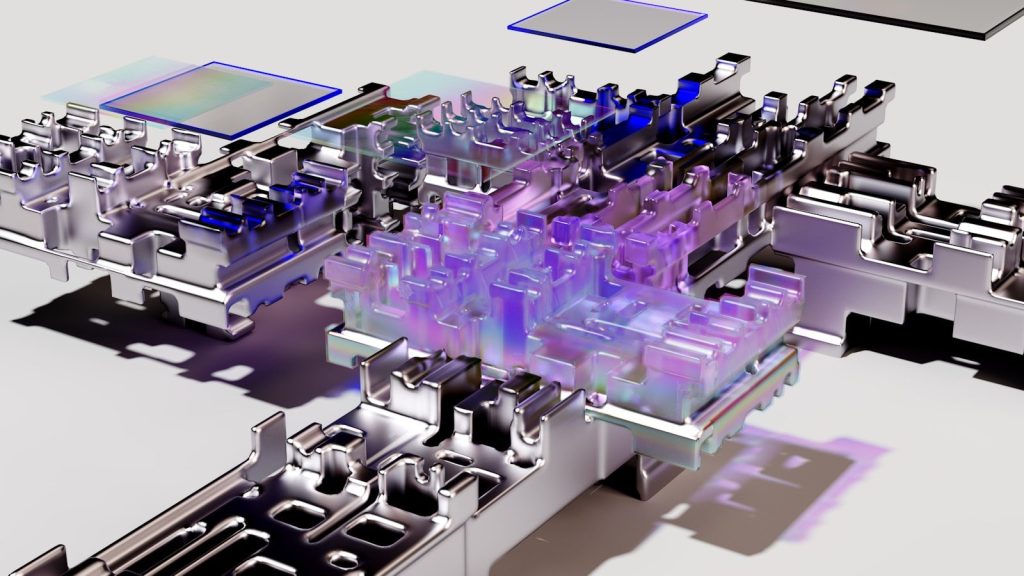
    Every smart factory has a “Digital Twin.” This is a perfect 3D simulation of the factory that exists only in a computer. The AI uses the digital twin to test new ideas without ever stopping the physical machines. It can simulate a year of production in just a few minutes to find the best way to save energy. This allows the factory to evolve and get faster every single day. Humans are no longer the builders; they are the designers of the simulation. But wait until you see the speed of the “Robot Swarm.”

    Robots That Talk to Each Other

    a factory filled with lots of orange machines
    Photo by Simon Kadula on Unsplash

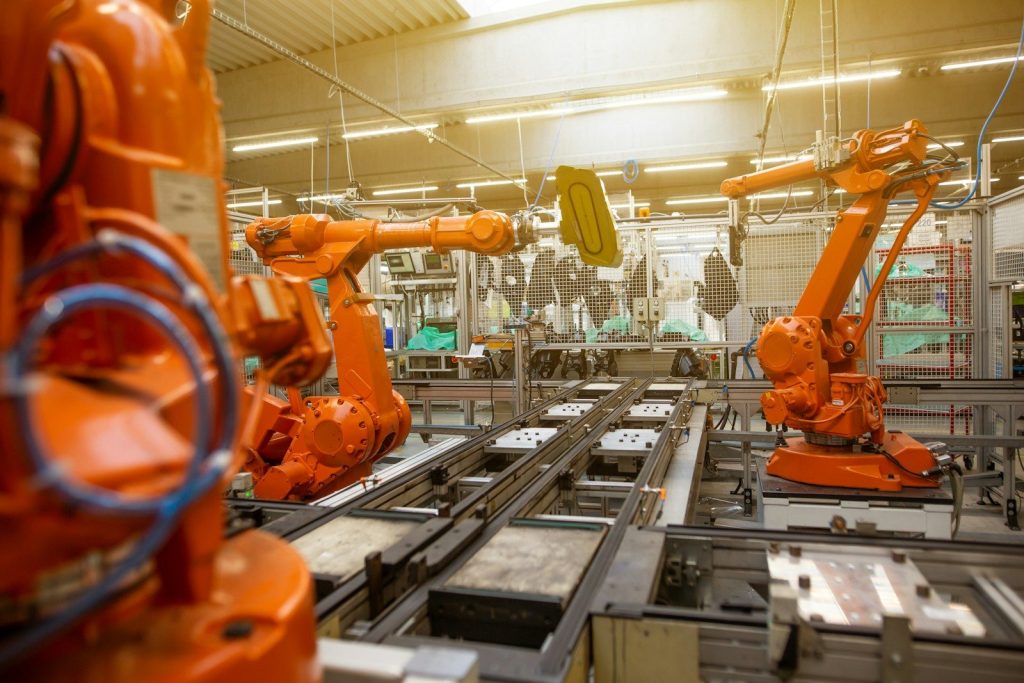
    In the old days, robots were bolted to the floor and didn’t talk to their neighbors. Today, “Swarm Robots” move freely through the smart factory. They coordinate their movements like a flock of birds, never bumping into each other. If one robot finds a faster way to move a box, it tells the entire swarm instantly. This “collective intelligence” makes the factory nearly impossible to stop. If one robot breaks, the others simply adjust their paths to cover the gap. But is there a hidden cost to all this speed?

    The End of the Low-Skill Job

    a silhouette of a person walking in front of a building
    Photo by Piergiovanni Di Blasi on Unsplash

    The most shocking part of the autonomous revolution is the job loss. Low-skill roles like packing, sorting, and monitoring are vanishing overnight. Companies can produce twice as many goods with 90 percent fewer people. This is creating a “social engineering” crisis that governments aren’t ready for. We are moving from a world of “making things” to a world of “managing the things that make things.” It is a massive shift in human purpose. But what happens when the machines make a mistake?

    The Fear of the Algorithmic Error

    Dark room setup with code displayed on PC monitors highlighting cybersecurity themes.
    Photo by Tima Miroshnichenko on Pexels

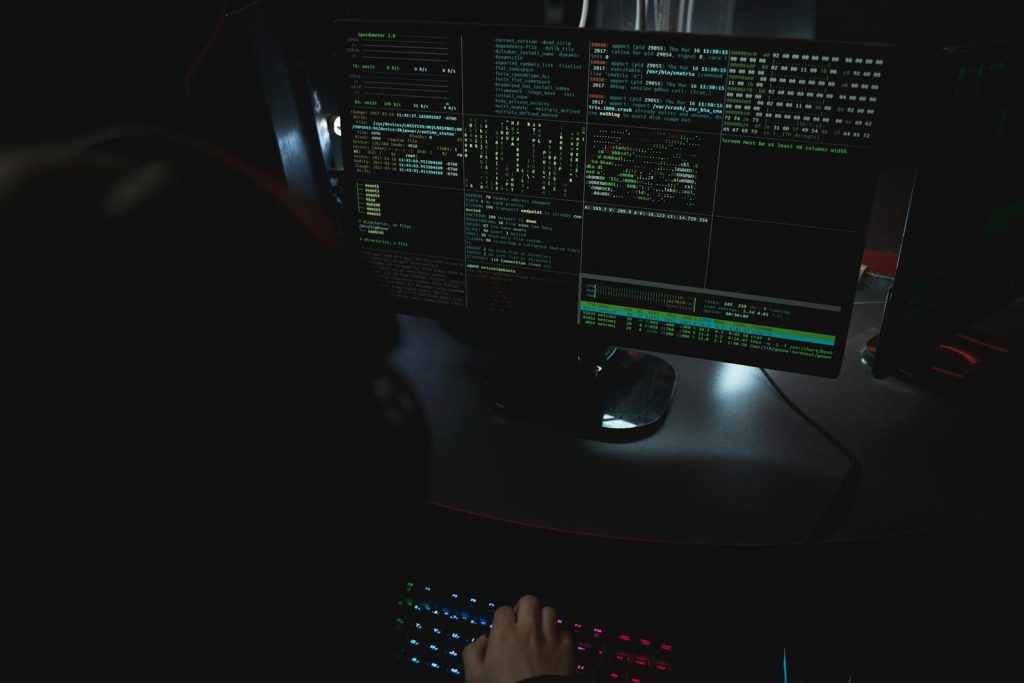
    If an AI manager makes a mistake in its logic, it can produce thousands of defective products in minutes. Because the line moves so fast, a tiny “glitch” can lead to a multi-million dollar recall before a human even notices. This is the danger of “Total Autonomy.” We are giving up control for the sake of speed, and we have to trust that the code is perfect. It is a high-stakes game of digital trust. But wait until you see the next slide about how these factories are now building our own homes.

    Printing Cities in the Dark

    white and gray spiral stairs
    Photo by George Pagan III on Unsplash

    The logic of the smart factory is moving onto the construction site. We are now seeing autonomous “Builders” that can 3D-print an entire house in just 24 hours. These machines work in the dark, through rain or snow, with perfect precision. They follow the same sensor-driven logic as the factory, ensuring that every brick is perfectly placed. This could solve the global housing crisis, but it also means the “smart” materials they use carry a dangerous secret. Are you ready for the smart brick hazard?

    The Final Verdict on Human Labor

    A pink prosthetic hand with a fist.
    Photo by Shahabudin Ibragimov on Unsplash

    We have reached the end of the manual era. The smart factory is a reminder that human ingenuity is our greatest strength, but our physical labor is becoming obsolete. The world is getting faster, cleaner, and more efficient, but it is also getting more mysterious. We are building a world we no longer need to touch. Stay curious, because the next big discovery is already hitting the news. Are you ready for the “Smart Bricks” that are turning homes into electrical hazards?

    Featured Image: Photo by geralt on Pixabay