The electric automobile revolution was supposed to save our planet and our wallets. We were promised cheap travel, low maintenance and a clean future. Behind the scenes, a major manufacturing flaw is causing a silent disaster. Thousands of electric vehicles (EVs) are sent to the scrapyard for problems that would be a simple fix in a gas car. Because of how these cars are built, even a tiny bit of damage to the battery casing can make the entire vehicle a “total loss.” This hidden flaw is driving insurance rates up and making used EVs almost impossible to sell. If we don’t fix how we build these cars, the revolution could end before it really begins.
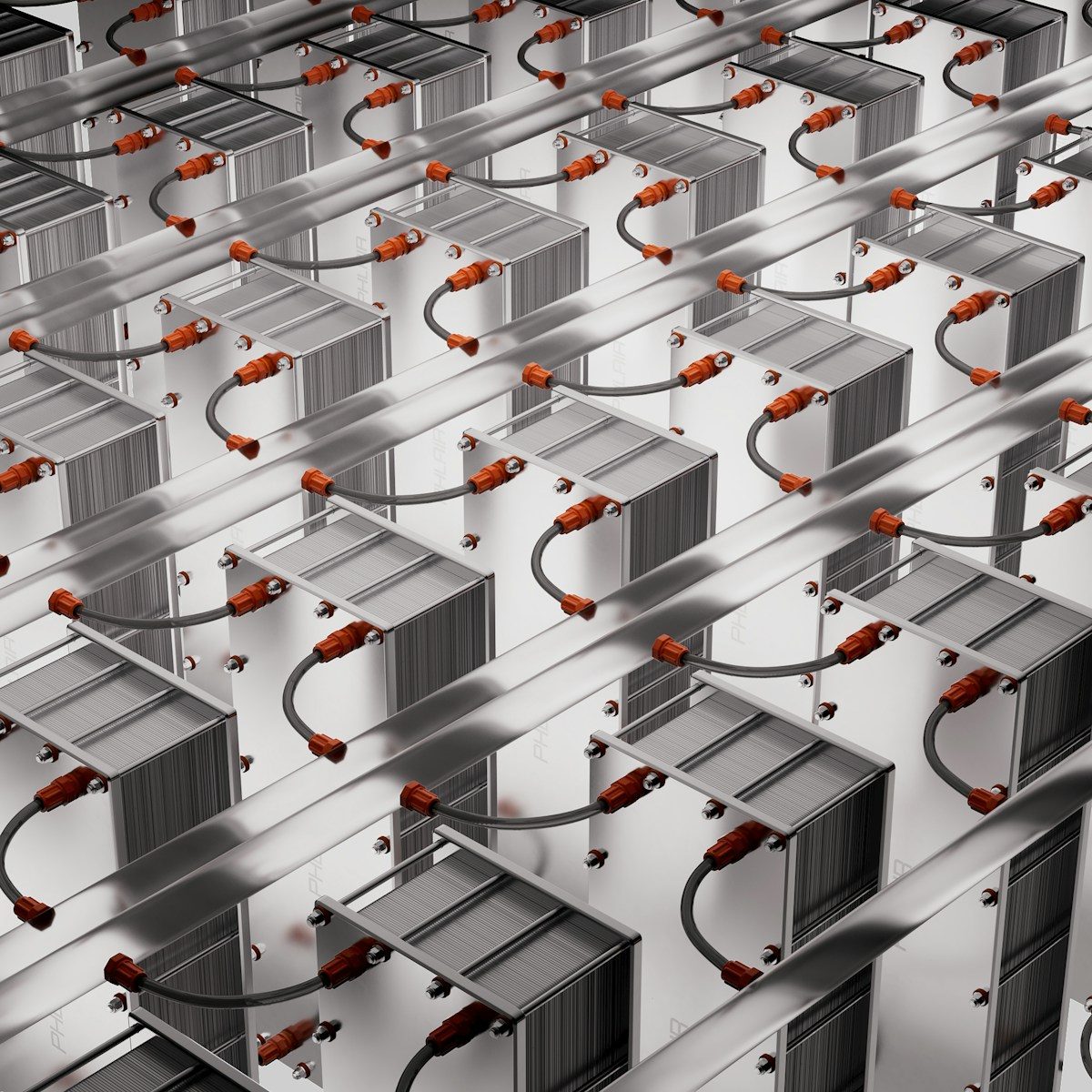
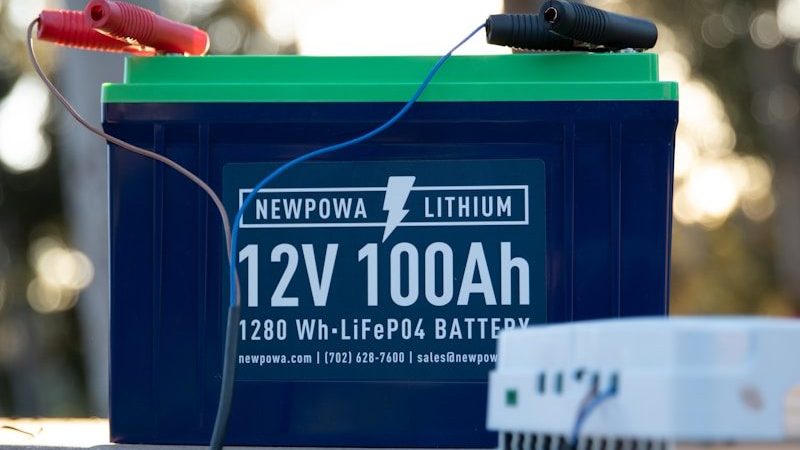
The problem lies in “cell consistency” and the “unrepairable battery.” In most EVs, the battery is part of the car’s structure. It is glued or welded into the frame to save weight and space. This sounds like smart engineering, but it means you can’t replace just one part of the battery. If a single cell fails or a rock hits the bottom of the car, the whole $20,000 battery must be replaced. But that is just the beginning of the problem.
In a traditional car, you can swap out an engine or a transmission. In a modern EV, the battery is often “potted” in a hard plastic foam to keep it safe from vibrations. This makes it impossible for a mechanic to get inside and fix a loose wire or a bad sensor. Because nobody can see what’s wrong inside, insurance companies choose to throw the whole car away rather than risk a fire. We are creating “disposable” cars that cost $60,000. But the weight of these batteries is causing another problem on the road.
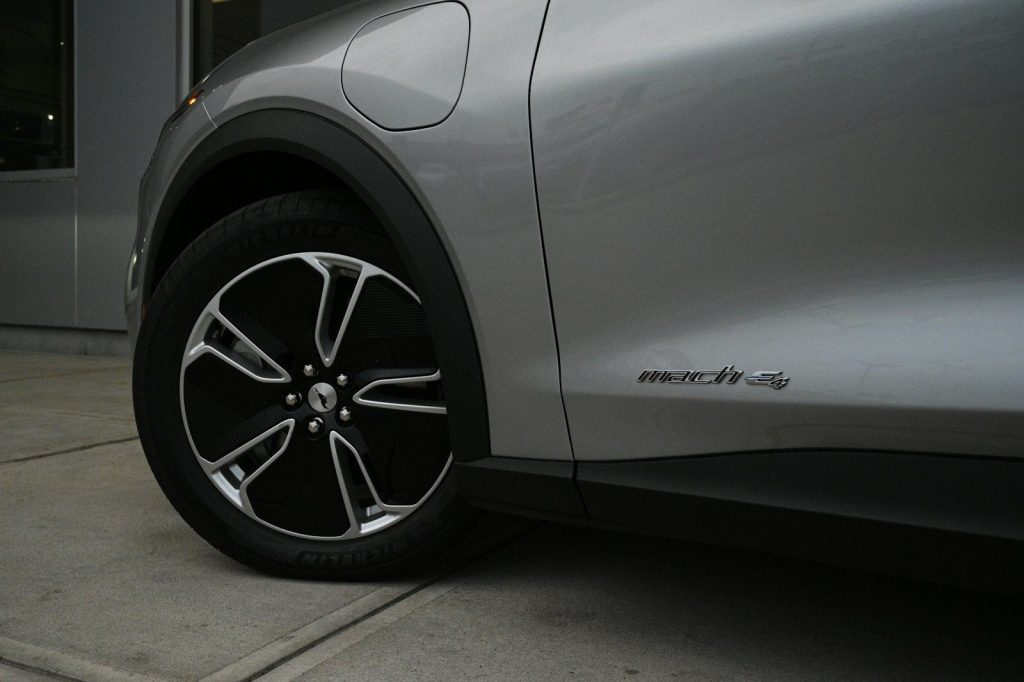
Batteries are incredibly heavy. An electric SUV can weigh 1,000 pounds more than its gas equivalent. This extra weight puts a massive strain on tires and suspension parts. EV tires wear out 30% faster than regular tires, creating more microplastic pollution. It also means that when an EV hits a pothole, the damage is much more severe. The car is literally “crushing” its own components because of a manufacturing choice to use heavy, low-density batteries. But wait until you see the “software glitch” that stops the car.
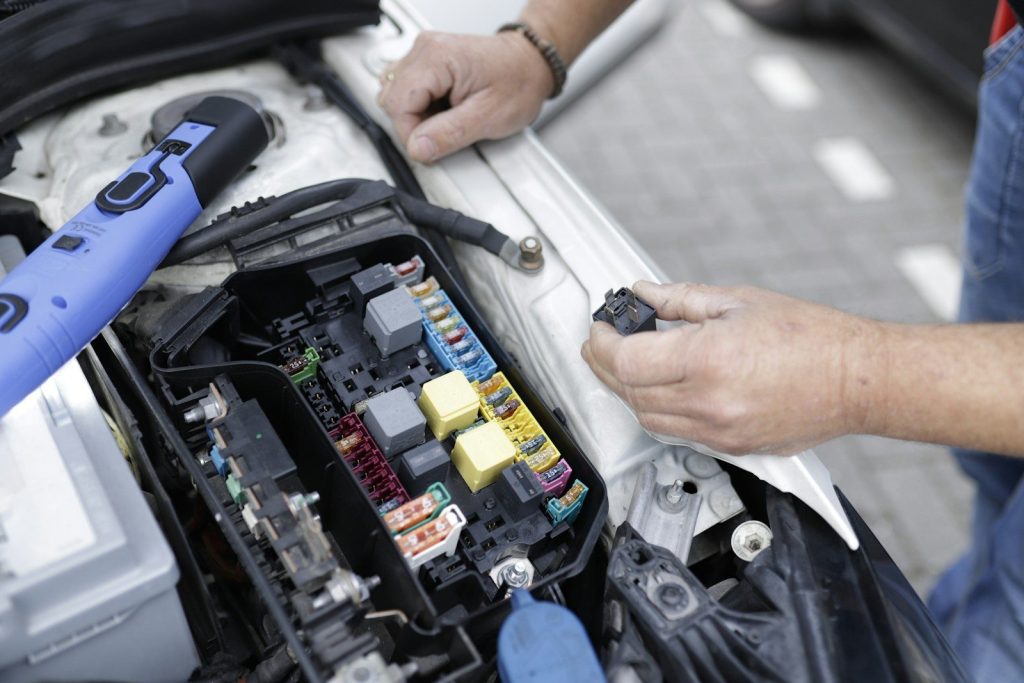
Modern EVs are “computers on wheels.” Every part of the car is controlled by software that is proprietary to the manufacturer. This means you cannot take your car to a local mechanic for a simple electronic fix. If the software “glitches,” it can “brick” the entire car, making it unmovable. Manufacturers are using this to prevent people from using third-party parts. It is a manufacturing flaw designed to keep you paying the dealer forever. But the “thermal runaway” risk is the scariest part.
When a lithium battery gets damaged, it can enter “thermal runaway.” This is a chemical fire that produces its own oxygen and cannot be put out with water. Because the battery is built into the bottom of the car, a fire there will melt the frame in minutes. Firefighters often have to let the car burn for days or submerge it in a giant tank of water. This danger is why many parking garages are starting to ban electric cars. It is a fundamental flaw in how we store energy in vehicles. But the depreciation is what hits the wallet.
Because everyone is afraid of a failing battery, used EVs are losing their value faster than any other type of car. Who wants to buy a 5-year-old car if the battery might die tomorrow and cost $20,000 to fix? This manufacturing choice has destroyed the “resale” market. People are finding themselves stuck with cars that they owe more money on than they are worth. It is a financial disaster for the average family. But can “solid state” technology save us?
The car industry is betting everything on “Solid State” batteries. They are supposed to be lighter, safer and easier to repair. They are still years away from mass production. For now, manufacturers still pump out cars with the same old flaws. We are building the “old” tech while we wait for the “new” tech to arrive. It is a high-risk gamble that could leave millions of drivers with “obsolete” cars. Wait until you see why bridges are actually designed to break.
The electric car revolution isn’t dead, but it needs a major reboot. We have to stop building cars as “disposable gadgets” and go back to building them as machines that can be fixed. The manufacturing flaw of the “unrepairable battery” is a choice, not a necessity. If we want a green future, we need cars that last 20 years, not 5. We are learning the hard way that you can’t save the planet with a product that goes into the trash. The next generation of EVs will have to be built to break, but in a way that we can put them back together.
If you have ever felt your smartphone get hot while playing a game or recording a video, you have felt the failure of modern engineering. For years, the only way to keep a powerful computer cool was with giant fans and liters of liquid. But in 2026, a “Micro-Pump Miracle” has arrived. Engineers have successfully shrunk a full-scale liquid cooling system down to the size of a postage stamp.
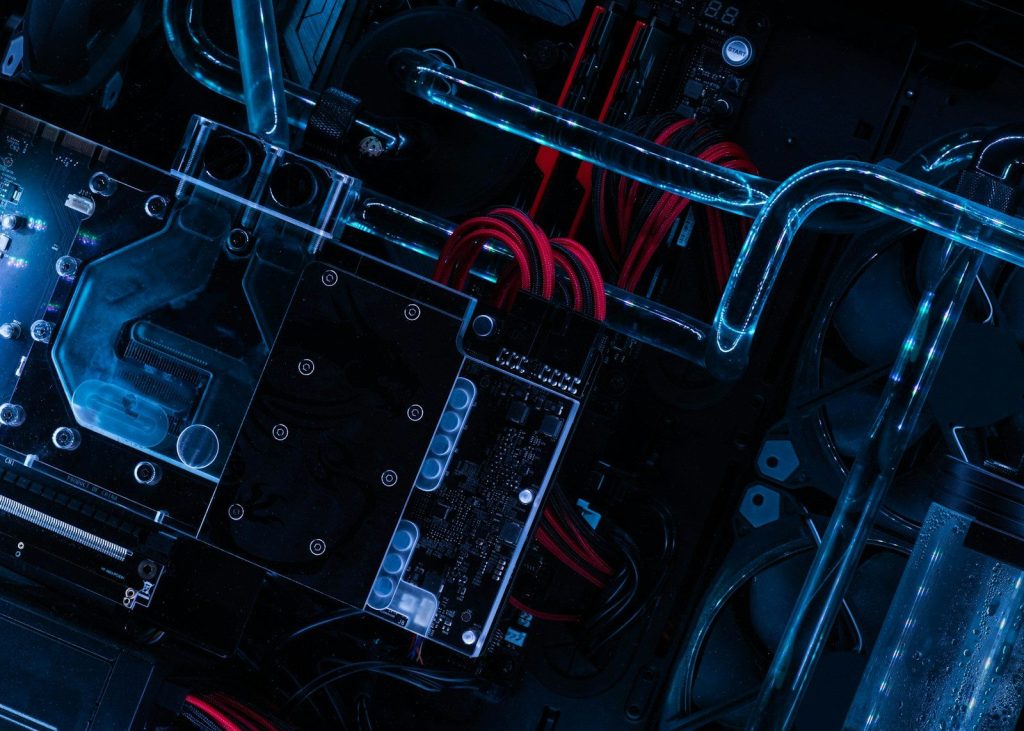
This isn’t just a fancy heat sink; it is an active, high-pressure pump system that lives inside your phone. It moves specialized cooling fluid across the processor at incredible speeds, whisking away heat before it can ever slow down your device. This breakthrough means your next phone could have the power of a high-end gaming PC without ever getting warm. It is a total reset for the mobile tech industry. But how do you fit a mechanical pump into a device that is only 7 millimeters thick?
The secret isn’t a traditional motor. Instead, the micro-pump uses “Piezoelectric” materials that vibrate trillions of times per second when electricity hits them. These vibrations act like tiny heartbeats, pushing the cooling fluid through microscopic channels etched into the silicon. It has no moving parts to break and makes zero noise. It is essentially a “solid-state” pump that never wears out. But what is the mysterious liquid flowing through your phone?
Regular water would destroy a phone, so engineers developed a “Synthetic Heat-Blood.” This fluid is non-conductive and can absorb ten times more heat than water. It is designed to work at the molecular level, grabbing heat from the processor and carrying it to the phone’s metal frame to be released. This fluid is so efficient that the processor stays at room temperature even under the heaviest loads. But wait until you see what this does to your battery life.
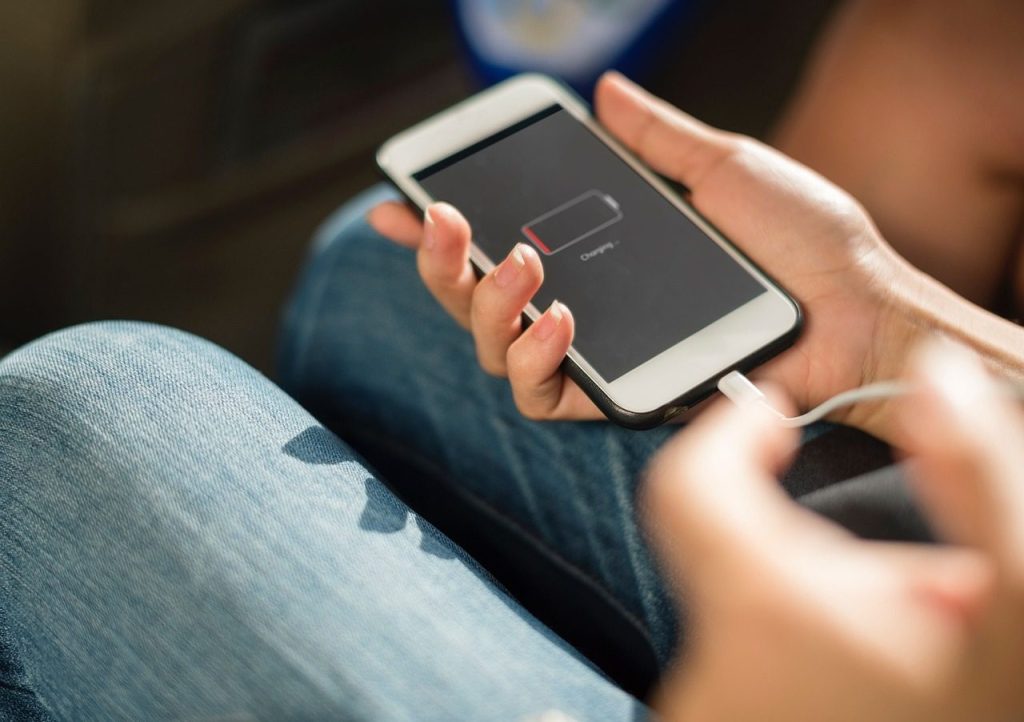
Heat is the number one killer of battery life. When your phone gets hot, the battery’s chemical reactions become inefficient, and the charge disappears in minutes. By keeping the entire system cool, the micro-pump miracle increases battery life by 30 percent overnight. It also prevents the “throttling” that makes old phones feel slow. Your phone will perform like it’s brand new for its entire life. But this technology isn’t just for phones.
Running a massive AI model like ChatGPT locally on a phone used to be impossible because the chips would melt. With active liquid cooling, the 2026 smartphone can run full-scale AI models entirely offline. This means your private data never has to leave your device. You can translate entire languages or generate 8K videos in your pocket without an internet connection. We are witnessing the birth of the truly “Personal” AI assistant. But how do they manufacture something so tiny?
You can’t build these pumps on a traditional assembly line. Instead, they are “grown” using 3D laser lithography. Scientists use lasers to carve channels into the chips that are smaller than a human hair. It is a level of precision that was reserved for the aerospace industry until now. This manufacturing breakthrough is what allowed the cost to drop enough for consumer electronics. But wait until you see the next big move in the global battery war.
Laptops are the next target for the micro-pump miracle. By replacing heavy, loud fans with these silent pumps, engineers are designing laptops that are as thin as a tablet but as powerful as a workstation. We are finally moving into a world of “Silent Power.” No more fan noise during meetings and no more hot laps. It is a lifestyle shift that everyone has been waiting for. But can this technology handle the extreme power of a cargo ship?
The micro-pump is just the beginning. The same logic is being used to cool electric car batteries and city-wide power grids. We are removing the “Heat Wall” that has held back human technology for a century. The 2026 tech reveals that when we solve the cooling problem, we solve the performance problem. The future is cool, fast, and incredibly quiet. But while we fix our gadgets, a different type of battery is quietly taking over the world’s oceans.
The internet as we know it is built on a very fragile foundation. Every time you send an email or check your bank account, you are trusting that a hacker isn’t watching. For decades, we have used complex math to hide our secrets. But as computers get faster, those mathematical walls are starting to crumble. In 2026, scientists announced a milestone involving the “W-State.” This is a specific way of linking quantum particles that creates a permanent, unbreakable bond.
It is a level of security that feels like magic. If someone tries to peek at your data, the “W-State” particles instantly change. This alert tells the system to shut down the connection before a single bit of info is stolen. We are talking about a future where identity theft and massive data breaches simply cannot happen. It is the ultimate digital shield for a world that is moving faster than ever. But how does this tiny particle trick actually stop a professional hacker?
To understand the W-State, you have to understand entanglement. This is when two particles become so connected that they act as one, no matter how far apart they are. If you change one, the other one reacts. Scientists have used this to create “quantum keys” for years. The problem was that these links were too easy to break. The new W-State milestone allows for three or more particles to stay linked in a much more stable way. This means we can build a massive, global network that is physically impossible to tap into. But can this technology work on the cables we already have?
In a normal hack, a criminal copies your data without you ever knowing. They stay in the shadows and collect your secrets for months. Quantum security changes the rules. Because of the W-State, the act of “observing” the data actually changes the data itself. It is like a booby trap that goes off the moment it is touched. The hacker ends up with a handful of useless noise, and the system logs the exact moment they tried to break in. It is a self-defending internet that never sleeps. But is this technology too expensive for regular people?
Governments are already racing to install W-State hardware in their most sensitive offices. We are seeing the birth of “Cloud 3.0,” where data doesn’t just sit in a box but exists in this protected quantum state. This means that even if a foreign government uses a supercomputer to guess your password, they still couldn’t get through the door. The physics of the universe is now your personal bodyguard. But what happens if the hardware itself gets damaged during a storm?
Imagine a world where you never have to remember a long string of numbers and symbols again. With W-State technology, your identity is verified by the unique physical state of your device. If your phone or computer is linked to your personal quantum key, no one else on Earth can pretend to be you. It is the end of phishing emails and fake login pages. We are moving from “guessing” who you are to “knowing” who you are through science. But does this mean we are giving up our privacy?
Many people worry that a more secure internet means more government tracking. However, W-State technology actually provides better privacy. Because the connection is direct and unbreakable, no middleman can listen in—not even the people who built the network. It is the ultimate “private room” in a very loud digital world. You can share your most personal information with total confidence. It is a level of freedom we haven’t felt since the early days of the web. But how long will it take to reach your house?
The US, China, and Europe are all pouring billions into W-State research. The first country to master this will have an economy that is immune to digital warfare. It is the new space race, but instead of the moon, we are aiming for the atom. Companies like Google and IBM are already showing off the first working prototypes of these unhackable networks. The transition is happening faster than anyone predicted. But wait until you see why tech giants are now launching their AI into space.
We are finally building an internet that works for us, not for the criminals. The W-State milestone is the final piece of the puzzle for a safe digital life. We can finally stop looking over our shoulders and start looking forward to what we can create. It is a hopeful time for anyone who lives their life online. The shadows are disappearing, and the light of science is taking over. But while we fix the internet, the giants of tech are heading to Earth’s orbit.
The boundary between the human mind and the digital world has officially vanished. For the first time in history, a human being has successfully navigated the internet and performed a Google search without moving a single muscle. This is not a scene from a science fiction movie; it is a medical reality that is happening right now. Scientists have successfully implanted a tiny device that translates brain signals into digital commands. This allows a person to control a computer cursor just by thinking about it.
For decades, we have used our hands to communicate with machines. We moved from keyboards to mice, and then to touchscreens. But this new breakthrough skips the body entirely. It creates a direct “telepathic” link between a person’s neurons and the global web. The implications are staggering, and the technology is surprisingly less invasive than you might think. But how did they manage to get a computer chip inside a human brain without a dangerous surgery?
No Skull Drilling Required For This Digital Upgrade
Most people assume that connecting a brain to a computer requires a massive, risky operation. They imagine surgeons drilling holes into a skull to plant wires. However, this breakthrough used a much smarter approach. Researchers utilized a device called a “stentrode.” Instead of going through the bone, they inserted the device through the jugular vein in the neck. They then threaded it up into the brain’s blood vessels.
Once the device was in place, it expanded to sit against the walls of the vein. This allows it to “listen” to the electrical signals of the brain without ever touching sensitive brain tissue. It acts like a digital microphone for your thoughts. This method is much safer and heals much faster than traditional brain surgery. Once the device is settled, the user has to undergo a very specific kind of training. Do you think you could learn to move a cursor with your mind?
Having the implant is only half the battle. The human brain does not naturally know how to talk to a Windows PC or a Mac. The patient had to spend weeks training their mind to associate specific thoughts with specific actions. For example, imagining the movement of a foot might be the signal to “click” on a search result. The computer learns the unique electrical signature of that thought and executes the command.
At first, the process is slow and requires intense focus. But over time, the brain adapts. The patient described the feeling as a new kind of “muscle memory” that doesn’t involve muscles. Eventually, thinking about a search term becomes as natural as breathing. The speed of these mental commands is already starting to rival physical typing. But is it actually accurate enough for everyday use?
Accuracy is the biggest hurdle for brain-computer interfaces. If the computer misreads a thought, the user could end up clicking the wrong link or deleting an important file. Surprisingly, the latest tests show that this technology is becoming incredibly precise. Patients are now able to type dozens of characters per minute just by imagining the letters. This is faster than many people can type on a smartphone with their thumbs.
The “Google Search” test was the ultimate proof of concept. The patient was able to navigate to the search bar, think of a query, and browse the results without any errors. This level of control opens up the entire digital world to people who have lost the ability to move. While this is a victory for science, the primary goal was to solve a much more heartbreaking problem.
The first people to receive these implants are those living with paralysis or conditions like ALS. For these individuals, the mind is perfectly healthy, but the “wires” connecting it to the body are broken. They are often “locked in,” unable to speak or move despite being fully conscious. This technology acts as a bridge, bypassing the damaged nerves to give them back their independence.
Being able to search Google means being able to self-diagnose, communicate with family, and stay informed. It is the difference between being a passive observer and an active participant in the world. The joy expressed by the first patients was overwhelming. But as the technology proves successful, people are starting to ask if healthy people will want these implants too.
If a computer can read your intent to click a button, could it eventually read your private thoughts? This is the big question haunting the tech industry. As we move closer to a world where brain implants are common, the line between private reflection and public data becomes thin. Researchers insist that the device only listens for specific “command” signals, not a continuous stream of consciousness.
However, the potential for “thought-jacking” or hacking a brain interface is a real concern for cybersecurity experts. We are entering an era where we might need a “firewall” for our own minds. Despite these fears, the convenience of a “screenless” life is a massive draw for big tech companies. Could your next smartphone actually be hidden inside your head?
We are currently addicted to our screens, but many experts believe the “Age of the Glass Rectangle” is ending. If you can search Google, send a text, or dim your lights just by thinking about it, you don’t need a physical device in your pocket. This breakthrough is the first step toward “invisible” technology. We could soon live in a world where information is simply there when you need it.
Imagine walking down the street and having directions appear in your mind’s eye, or instantly knowing the answer to any question without looking down. It sounds like a superpower, but it is the logical conclusion of the path we are on. The first human “Google search” was just the spark. The real question is whether our society is ready for the fire that comes next.
The success of the first mind-controlled Google search proves that the “Cyborg” future isn’t a fantasy anymore. We have successfully linked human biology with digital intelligence. As these devices become smaller, faster, and even more reliable, the gap between “human” and “computer” will continue to shrink. We are standing at the edge of a new evolution for our species.
This technology offers a miracle for the paralyzed and a new frontier for everyone else. It challenges our ideas of privacy, identity, and what it means to be human. We are no longer just using tools; we are becoming the tools. But before we all sign up for our own brain chips, there is one final detail that might change your mind about the whole thing.
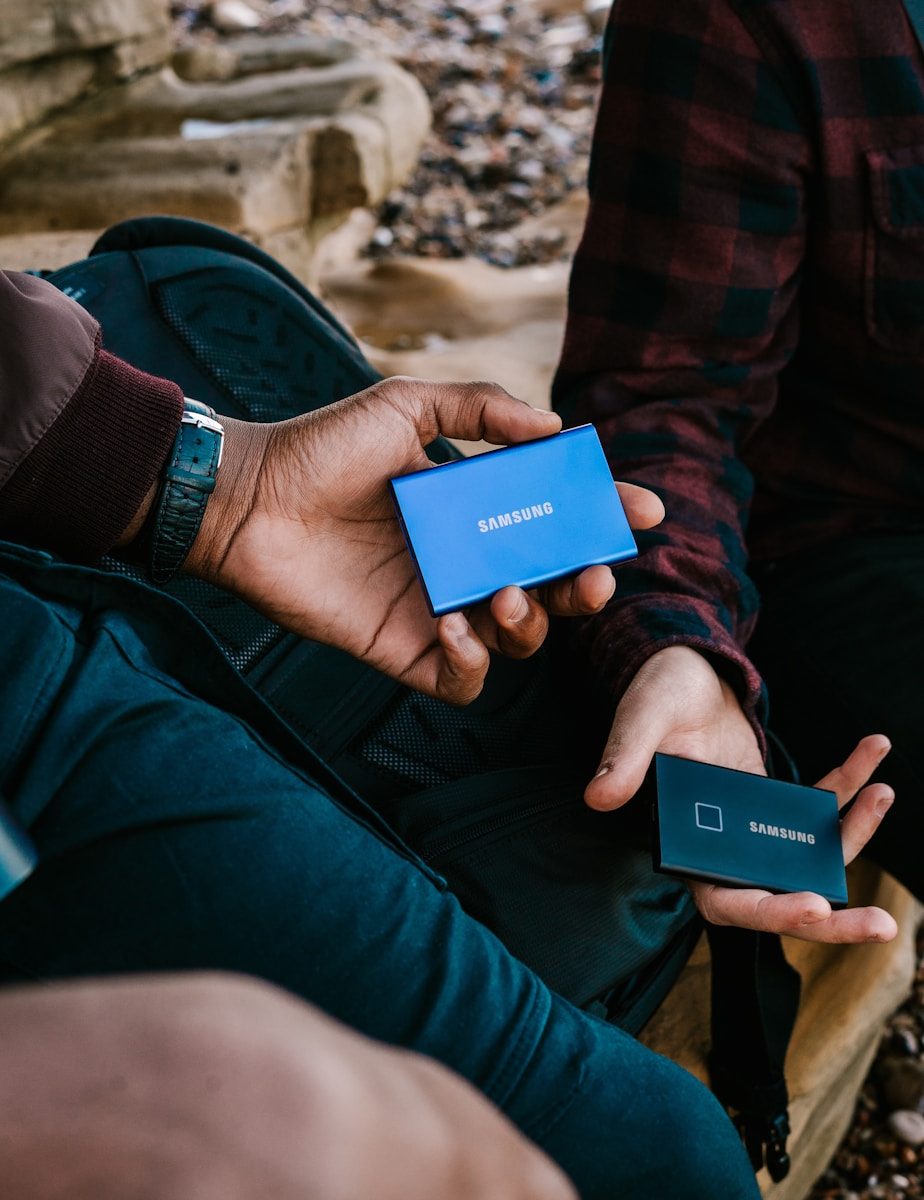
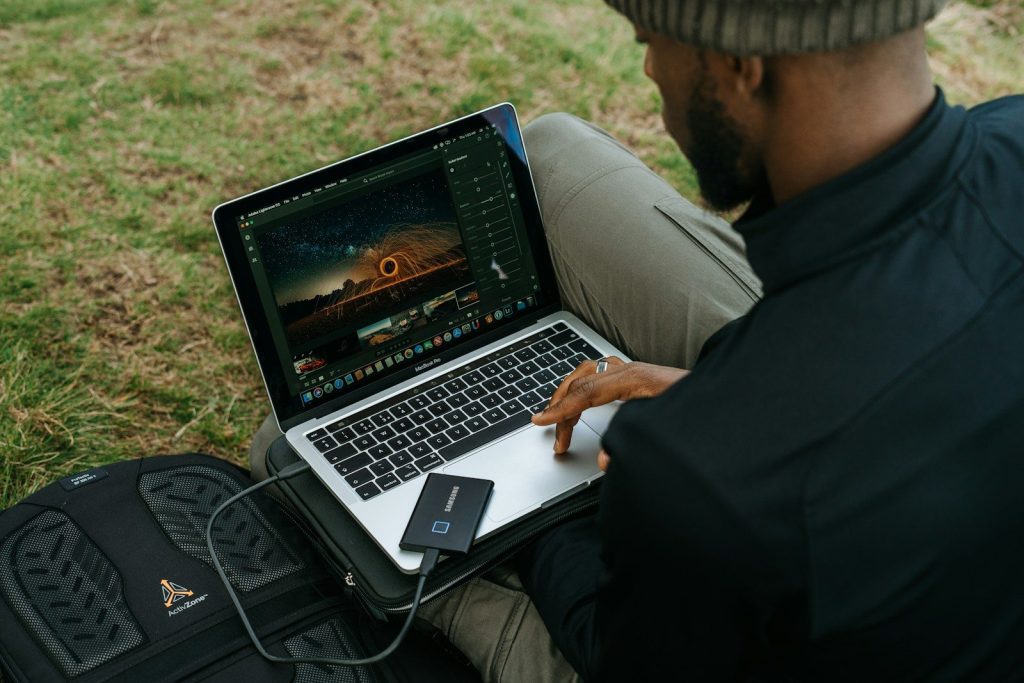
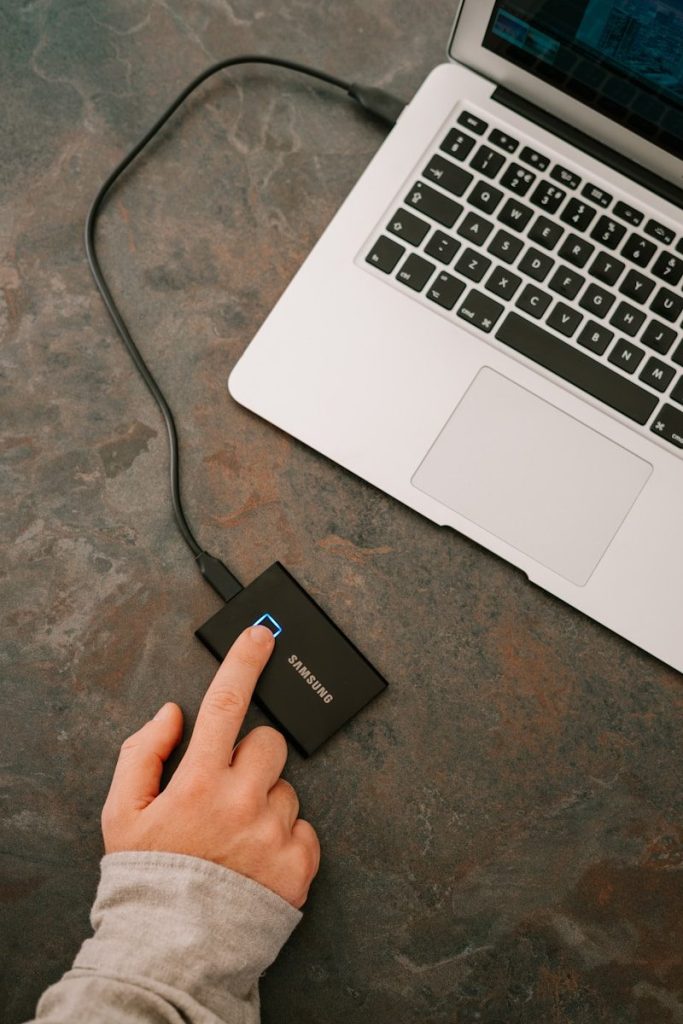
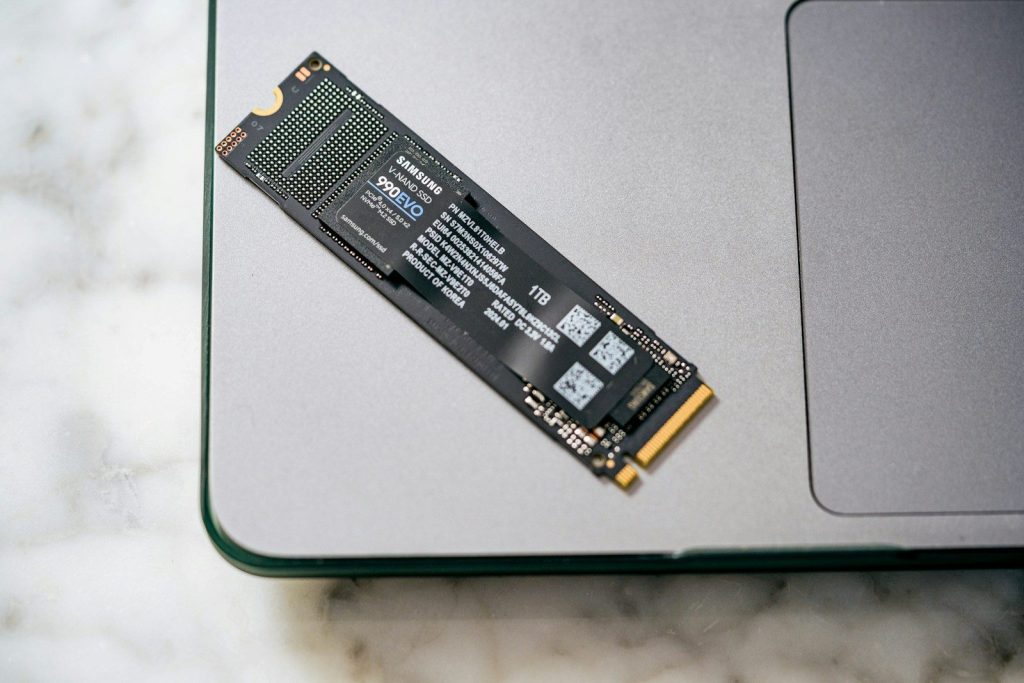
External SSDs used to feel like simple backup tools. Now they are becoming everyday work gear for creators, students, small business owners, and anyone handling large files. Photos, 4K video, game projects, design files, and phone footage can fill a laptop fast. A good external SSD gives people extra room without forcing them to replace their computer.
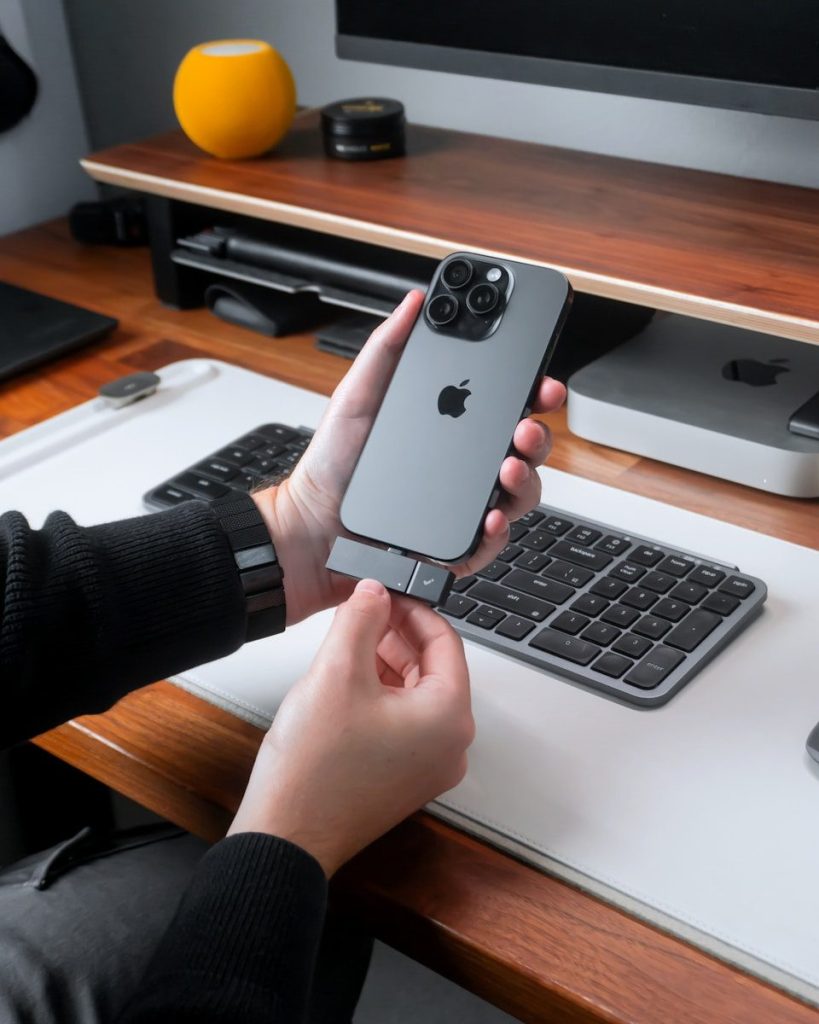
It also makes it easier to move work between a desktop, laptop, tablet, camera, or phone. Apple says recent Pro iPhone models can record ProRes video directly to compatible USB-C external storage, which shows how normal this workflow is becoming. For serious work, storage is no longer just a place to park files. It is part of the setup.
Waiting on large file transfers can break your focus. External SSDs help because they are much faster than older portable hard drives, especially when moving video clips, photo libraries, or project folders.
That speed matters during real work, not just benchmarks. Editors can open large media faster, photographers can move shoots quickly, and teams can pass files around without losing as much time between tasks.
Many modern laptops are thin, fast, and expensive to upgrade. Once the built-in storage is full, users may have to delete files, move projects to the cloud, or buy a new machine sooner than planned.
An external SSD gives more breathing room. It can hold active projects, older work, media libraries, and backups. That makes a smaller laptop feel more useful for a longer time.
High-quality video can take up a huge amount of space. Apple notes that ProRes files can be much larger than HEVC files, and newer Pro iPhones can record ProRes directly to external USB-C storage when the drive and cable meet requirements.
That is a big shift for mobile creators. Instead of stopping to clear phone space, they can record straight to a drive and move the footage into an editing setup afterward.
Not every serious workflow happens at a desk. Photographers, filmmakers, designers, and social media teams often work from studios, events, coffee shops, classrooms, or client locations.
A portable SSD helps carry the project, not just the files. Someone can shoot, copy, review, and edit from different places without depending only on one computer. That flexibility is why small drives now feel like work tools.
Cloud storage is useful, but it is not always the fastest choice. Uploads can take time, internet service can be uneven, and large files may create extra costs or delays.
External SSDs give users local control. Files are right there, even without Wi-Fi. For many workflows, the best setup is not cloud or drive. It is both working together, with the SSD handling fast local access.
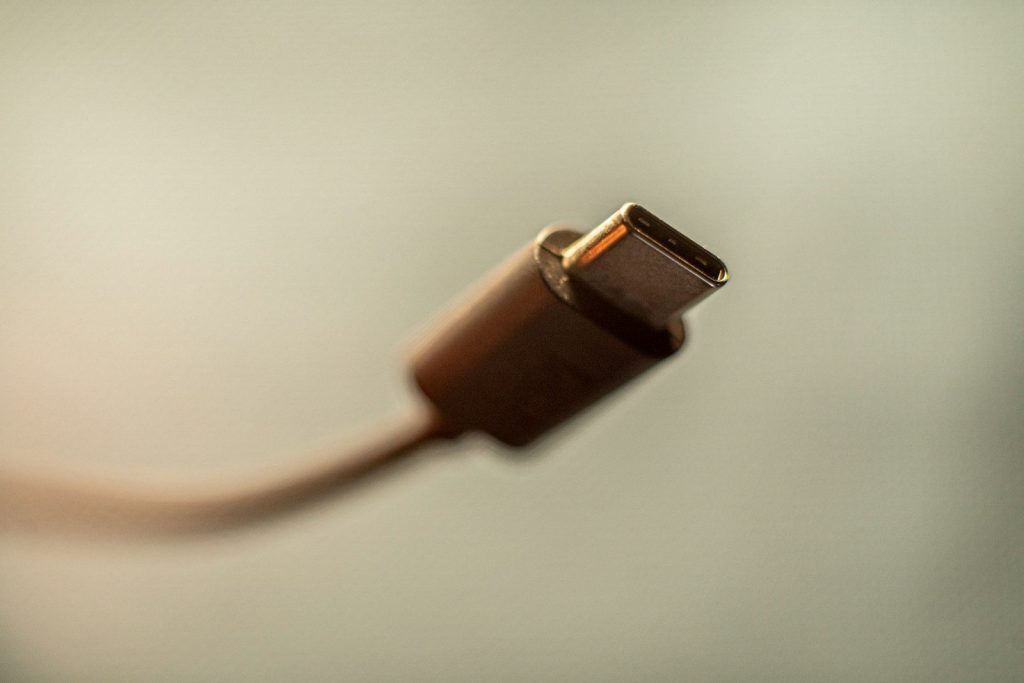
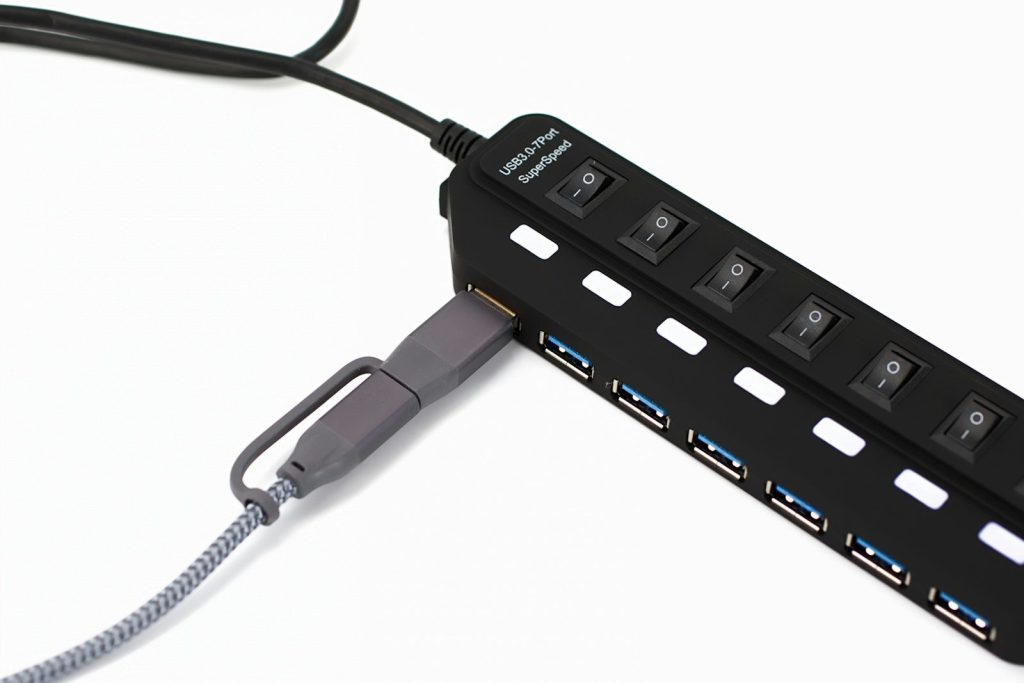
USB-C has made external storage simpler across many devices. A drive that works with a laptop may also connect to some phones, tablets, cameras, and gaming devices, depending on support and formatting.
That shared connection matters. It reduces the need for special adapters and makes storage feel more universal. Serious users want fewer roadblocks, and modern ports help external SSDs fit into more setups.
Some editors do more than store files on an external SSD. They may edit directly from the drive, especially when working with large media libraries or switching between machines.
The results depend on the drive, cable, port, and file type. Still, faster external SSDs can make editing setups cleaner. Instead of filling a computer’s internal drive, the active project can live on a separate, portable drive.
Buying a new computer just for more storage can be expensive. An external SSD offers a cheaper and more flexible path, especially for people who need space more than a faster processor.
That makes the drive part of a longer-term workflow. It can move from one computer to the next, hold older projects, and grow with changing needs. For many users, that is what makes external SSDs feel serious now.
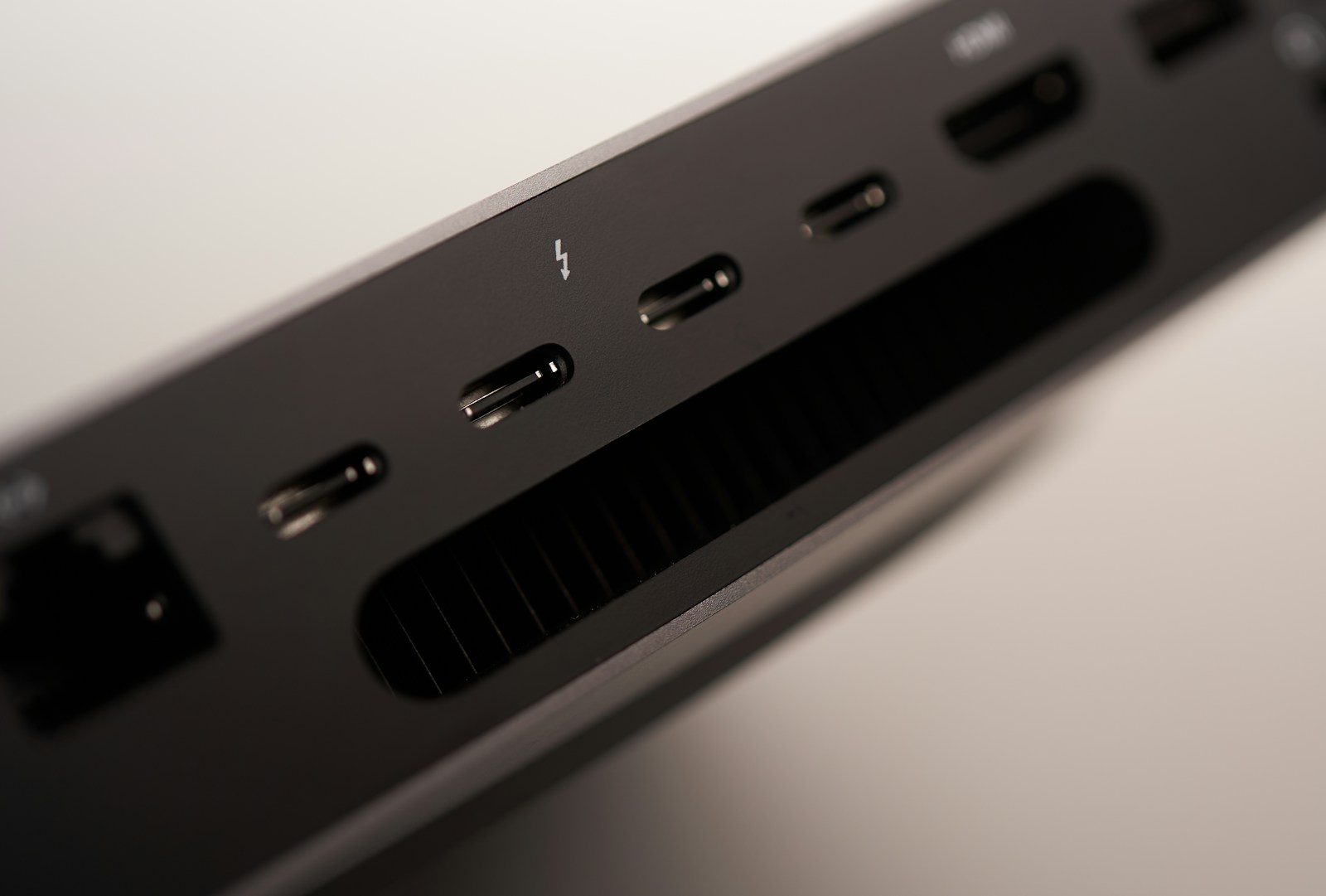
A messy desk can make even a powerful computer feel frustrating. One cable charges the laptop, another runs the monitor, another connects storage, and a dock tries to hold everything together. Thunderbolt 5 could make that setup feel much simpler. It keeps the familiar USB-C shape, but raises the performance behind the port in a big way.
Intel says Thunderbolt 5 supports up to 80Gbps of two-way bandwidth and up to 120Gbps with Bandwidth Boost for heavy display needs. It can also support up to 240W charging and dual 8K 60Hz monitors, depending on the device and setup. That means future desks may rely more on one powerful cable instead of a pile of separate connections.
Thunderbolt 5 could make the “one cable desk” feel more realistic. A laptop could connect to a dock, monitor, storage, keyboard, mouse, and power through one main cable.
That is a big deal for people who move between a desk and the couch, classroom, or office. Instead of plugging in several cords, they may only need one cable to get back to a full workstation.
Big screens are becoming common at home and work. Some people use one ultrawide monitor, while others prefer two or three displays for multitasking.
Thunderbolt 5 has more display bandwidth than Thunderbolt 4. Intel says it can support up to dual 8K 60Hz monitors, while Thunderbolt 4 supports dual 4K 60Hz monitors. That opens the door for sharper, cleaner desk setups.
A good dock turns a laptop into a full desk computer. The problem is that older docks can run out of bandwidth when too many screens and devices are connected.
Thunderbolt 5 gives docks more room to handle displays, storage, networking, and accessories at the same time. That could make future docks feel less like a compromise and more like the center of the whole desk.
Many desk setups still need a separate laptop charger. That adds another power brick, another cable, and more clutter under the desk.
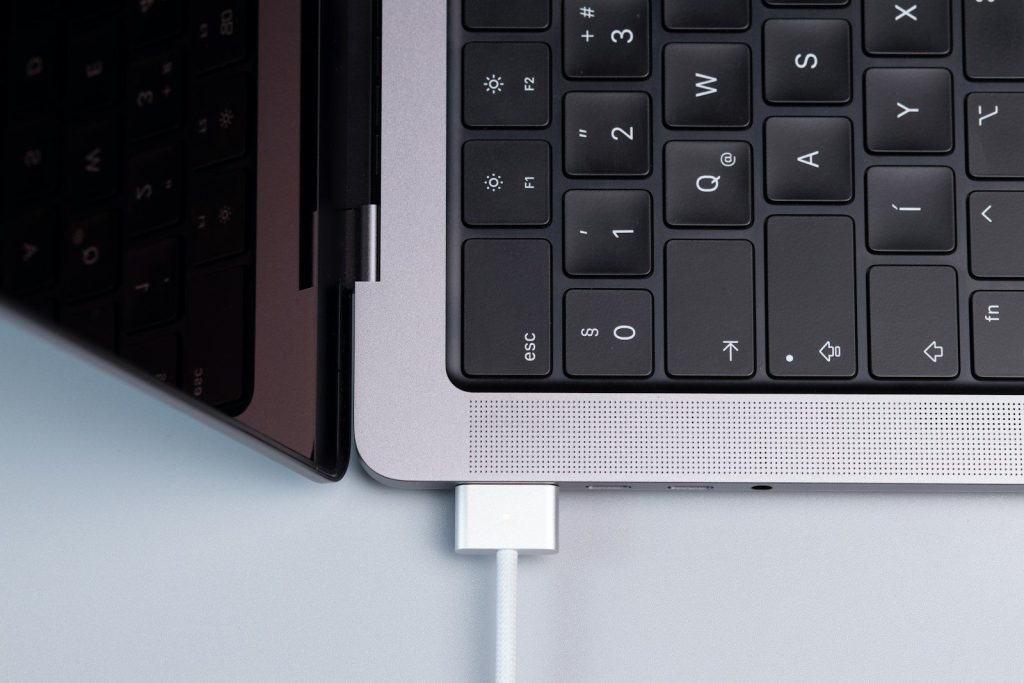
Thunderbolt 5 supports up to 240W charging, depending on the device and cable. That could help more powerful laptops charge through the same cable used for displays and accessories, making the desk cleaner and easier to manage.
People who edit video, move huge files, or work with high-resolution displays often need more than a basic USB-C hub. Their desks usually include fast drives, cameras, monitors, and card readers.
Thunderbolt 5 is built for heavier workflows like these. More bandwidth means fewer slowdowns when several demanding devices are connected at once, especially in creative setups that rely on speed and screen space.
Gaming desks often need high-refresh monitors, fast storage, streaming gear, and extra accessories. That can make cable management difficult.
Intel says Thunderbolt 5 supports higher display bandwidth and can help with high-performance gaming setups. It also supports external graphics connections through faster PCIe bandwidth, though real results will depend on the laptop, dock, and accessories being used.
Thunderbolt 5 uses the USB-C connector, but not every USB-C port is Thunderbolt 5. That can confuse shoppers, especially when cables and docks look almost the same.
The good news is that Thunderbolt 5 is designed to work with many earlier USB and Thunderbolt devices. Still, users will need to check labels, specs, and cables carefully before expecting full Thunderbolt 5 speed.
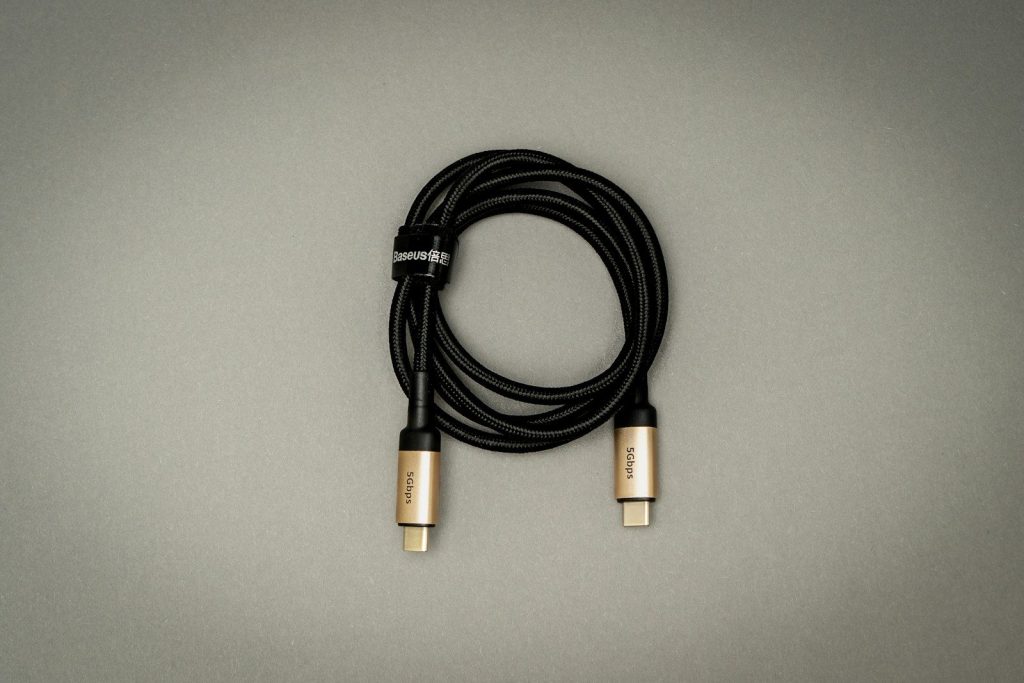
With faster speeds and higher power, the cable becomes more important. A random USB-C cable may charge a phone, but that does not mean it can handle a high-end desk setup.
For Thunderbolt 5, certified cables will matter. The right cable can support higher data speeds, stronger charging, and better display performance. The wrong one may limit the whole setup without making it obvious.
The biggest change may not be speed alone. It may be how much simpler a desk feels when one port can handle more jobs at once.
Thunderbolt 5 could help laptops act more like desktop computers when docked. For many people, that means fewer cords, faster accessories, cleaner monitor setups, and an easier way to switch between mobile work and a full desk.
A big black screen can feel out of place in a carefully decorated room. That is one reason TV makers are changing how some models look when no one is watching a show. Instead of sitting there like a blank rectangle, these TVs can display artwork, family photos, or soft visual backgrounds that blend into the room.
This trend is also about how homes are used now. Living rooms often work as family spaces, work areas, and places to relax. A TV that looks more like framed art can feel less distracting and more intentional. Samsung’s The Frame is one of the best-known examples, with Art Mode, customizable bezels, and a matte display made to reduce reflections. LG has also moved further into art-style TV features with Gallery+ and newer gallery-focused designs.
For years, many people tried to hide the TV when it was turned off. It was useful, but it did not always match the rest of the room.
Now, some TV makers are treating the screen like a design object. Thin frames, wall-hugging mounts, and art displays help the TV feel more like something chosen for the room, not just placed there.
A large TV can become the main thing people notice, even when it is off. In bright, open rooms, that dark rectangle can stand out against light walls and furniture.
Art-style TVs try to solve that problem by giving the screen something calm to show. A painting, photo, or simple image can make the wall feel more finished and less empty.
Art Mode lets a TV show artwork or personal images when it is not being used for movies or shows. Samsung says The Frame can display digital artwork, photos, or personal images so it looks more like a framed picture.
That small change can make a room feel warmer. Instead of a silent black screen, the wall can show a landscape, a modern print, or a family photo that fits the space.
A regular glossy TV screen can reflect windows, lamps, and ceiling lights. That makes it harder for a digital image to pass as real art.
Many art-style TVs use matte or anti-glare screens to cut down reflections. Samsung highlights The Frame’s matte display, while LG’s Gallery TV is also described as using a matte-coated screen to help the art-like look.
The frame around the screen is a big part of the illusion. A thin black border still looks like a TV, but a picture-style frame can make it feel closer to wall decor.
Some models use customizable bezels, so owners can match the TV to wood tones, light walls, or modern furniture. That gives people more control over how the screen fits their room.
Art-style TVs work best when they sit close to the wall. A gap behind the screen can break the picture-frame effect and make the setup look less polished.
That is why slim mounts and tidy cable setups matter. When wires are hidden and the TV sits flat, the screen feels more like part of the wall instead of a separate gadget.
Not everyone wants famous artwork on the wall. Some people may prefer family photos, travel pictures, or simple images that match the season.
This is where art-style TVs become more flexible than a regular framed print. The same screen can show a beach photo in summer, a cozy scene in winter, or a favorite family memory anytime.
Samsung helped make the art-TV idea popular with The Frame, but it is no longer alone. LG has added Gallery+ for artwork and announced a Gallery TV aimed at the same style-focused space.
That shows the idea is becoming bigger than one product. TV makers are noticing that shoppers care about how a screen looks all day, not just during movie night.
Art-style TVs are not only about hiding technology. They are about making it feel less harsh in everyday life.
The best versions still need good picture quality, easy controls, and a design that works with the room. When those pieces come together, the TV feels less like clutter and more like part of the home.
The history of flight is built on a legacy of bold ambition, creative engineering, and spectacular failure. For every successful aircraft that took to the skies, dozens of bizarre prototypes crashed or remained grounded. Early aviation pioneers had to invent the rules of aerodynamics through trial and error. According to historical records from the Smithsonian National Air and Space Museum, many of these strange designs failed because they ignored the basic laws of physics. Others were simply too complex for the technology of their era to support. By studying these creative misfires, aerospace engineers learned how to build the safe, efficient planes we rely on today. These historical relics reveal how close we came to a very different kind of aviation. But the journey begins with a massive, multi-winged wooden giant that promised to revolutionize ocean travel.
In 1921, an Italian designer built a massive flying houseboat called the Caproni Ca-60. It featured nine giant wings and eight powerful engines. According to aviation historians, the vessel was built to carry up to one hundred passengers across the Atlantic Ocean. During its first brief test flight over Lake Maggiore, the heavy wooden structure lifted only a few feet before plunging face-first into the water. The crash completely destroyed the aircraft and bankrupted the company. It proved that adding more wings does not guarantee better lift. But another designer was about to try a completely circular approach to flight.
The United States Navy wanted a fighter plane that could take off from short runway decks during the Second World War. They approved the Chance Vought V-173, commonly known as the Flying Flapjack. According to military design records, the aircraft featured a flat, circular body that acted as a single wing. While the prototype was incredibly stable and could hover at slow speeds, the complex drive shafts created intense vibrations that were impossible to fix. The project was eventually canceled as the jet age arrived. But a legendary billionaire was about to build his own massive wooden failure.
Howard Hughes wanted to build a massive cargo plane to transport troops across the ocean during the war. Due to wartime metal shortages, he constructed the entire plane out of birch wood. According to records from the Evergreen Aviation Museum, the Hughes H-4 Hercules was the largest flying boat ever built. It made only one brief flight in 1947, traveling just over a mile at an altitude of seventy feet. The giant plane never flew again and spent decades locked inside a massive climate-controlled hangar. But engineers were still determined to find a way to take off without a runway.
The Convair XFY-1 Pogo was designed to take off vertically like a rocket and then transition to horizontal flight. It relied on a massive set of contra-rotating propellers on its nose. According to test flight reports from the US Navy, the aircraft successfully completed several vertical takeoffs and landings in 1954. However, the pilot had to look backward over his shoulder while landing, which was incredibly difficult and dangerous. The extreme mental strain on the pilots forced the military to cancel the project. Meanwhile, a French designer was building an even stranger circular craft.
In the late 1950s, French engineers built an experimental jet called the SNECMA Coleoptere. It featured an unusual annular wing that formed a giant cylinder around the fuselage. According to historical archives, the jet was designed to take off vertically and fly at high speeds. During its ninth test flight, the circular wing caused the aircraft to spin violently out of control. The pilot successfully ejected, but the prototype was completely destroyed in the crash. This failure ended French research into cylindrical wings. But a supersonic design was about to cause its own share of trouble.
The Chance Vought F7U Cutlass was a radical tailless fighter jet built for carrier operations in the late 1940s. It featured swept wings and a unique twin-boom tail. According to reports from the Naval Historical Center, the jet suffered from severe engine issues and low landing visibility. The nose gear was notoriously fragile and would routinely collapse during hard carrier landings. These mechanical failures led to numerous accidents and the deaths of several test pilots. The aircraft was quickly retired after only a few years of service. But the search for speed was about to take a deadly turn.
Germany faced devastating Allied bombing raids near the end of the Second World War. In response, they built a tiny, rocket-powered interceptor called the Bachem Ba 349 Natter. According to historical records, the aircraft was built primarily of wood and launched vertically from a launch tower. The pilot would guide the rocket toward the bomber formation and fire a volley of missiles. The pilot and the engine would then eject and parachute back to earth. The first manned test flight ended in tragedy when the canopy detached, killing the pilot. But these failures paved the way for modern flight.
The history of aviation is built on the ruins of these failed experiments. Every crash and design flaw taught engineers valuable lessons about stability, materials, and safety. By pushing the boundaries of what was possible, these brave designers helped unlock the secrets of the sky. Today, modern computer modeling allows us to test radical ideas safely before they ever leave the ground. The strange shapes of the past continue to inspire new generations of aerospace designers. The dream of flight is still evolving, and the lessons of history are guiding the way.
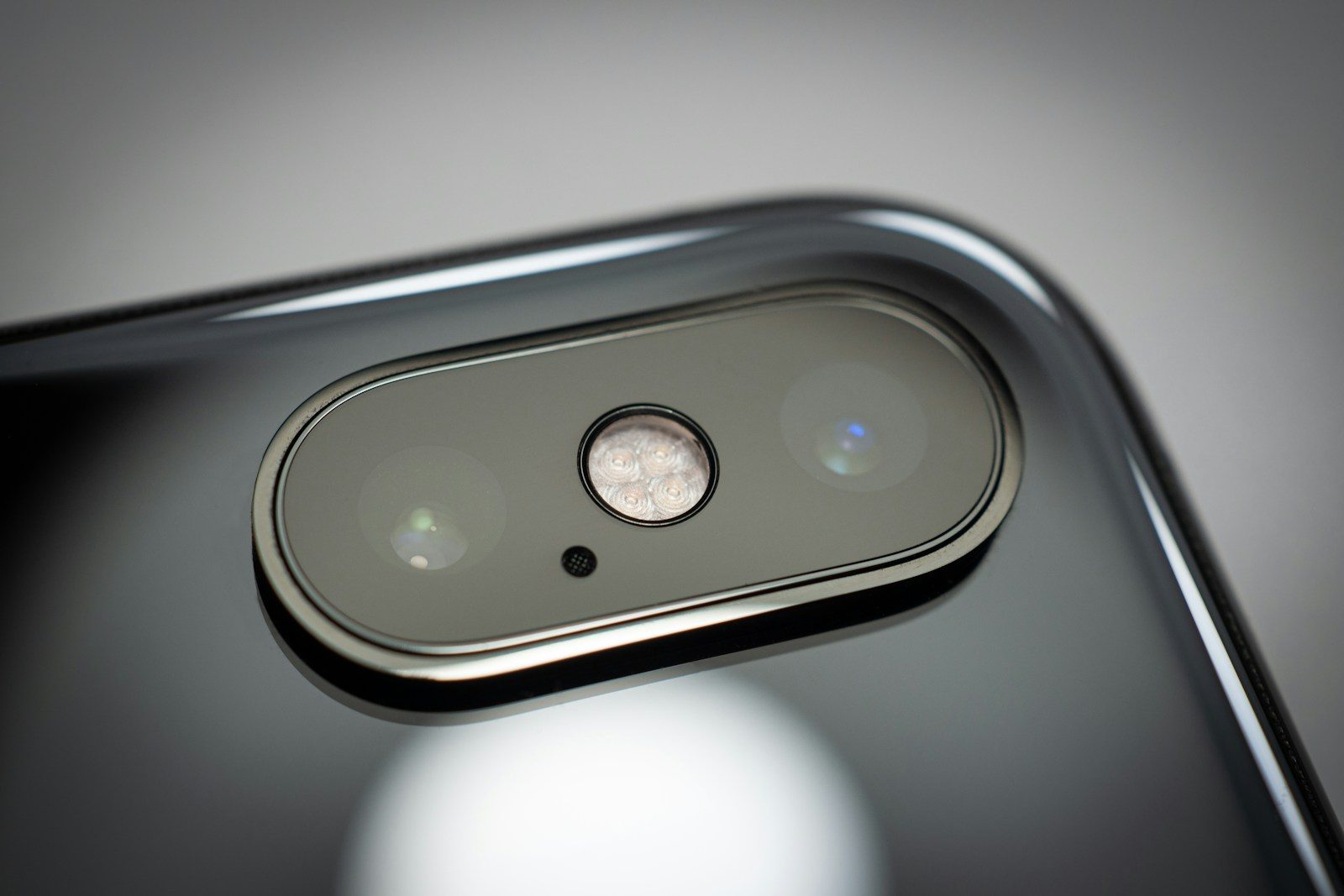
Every smartphone sold in the last decade has a camera pointed directly at your face for most of the hours you are awake. It sits on your desk while you work. It rests on your nightstand while you sleep. It travels with you into every private space you enter.
Most people believe the camera is only active when they consciously open it. That belief is wrong — and the evidence is not from conspiracy theorists. It comes from security researchers at major universities, from court documents in corporate litigation, and from disclosures made by Apple and Google themselves in response to legal pressure.
Apps that you have installed on your phone can access your camera without displaying any visible indicator that they are doing so. They can capture still images and video. Some can process that footage in real time. And the technical mechanism that prevents this from happening — a small indicator light — has been demonstrated to be bypassable under specific conditions.
The people who know the most about device security have made very specific choices about what they keep near their phones and what they cover. What they know — and what you are about to read — changes how you will think about the device in your pocket for a long time.
The Research Paper That Quietly Started a Panic in 2023
In 2023, researchers at the Graz University of Technology published findings that forced Apple to issue an emergency patch to iOS. The vulnerability — which they named “LeftoverLocals” — allowed malicious apps to access data being processed by the phone’s graphics processing unit.
That included camera data. Depending on the device and the operating system version, an app with no camera permissions could theoretically access fragments of camera processing that remained in GPU memory after another app had used the camera — without triggering any permission request or indicator light.
Apple patched the vulnerability. But the significance of the finding went beyond one bug. It demonstrated that the permission system most users rely on as their primary protection — the pop-up that says “App X would like to access your camera” — is not the only pathway to camera data on a modern smartphone.
The researchers did not claim this was being exploited in the wild at scale. What they demonstrated was that the assumption of total camera inactivity when the camera app is closed is not technically guaranteed. That distinction matters more than most users realize.
Your Front Camera Can Record Without the Indicator Light
The green indicator dot that appears on iPhones and newer Android devices when the camera is active was introduced specifically to address concerns about unauthorized access. Apple added it in iOS 14 in 2020. Google added a similar indicator to Android 12 in 2021.
What most users do not know is that the indicator operates at the software level — not the hardware level. This distinction is critical.
A hardware-level indicator is a physical circuit that lights up whenever electrical current flows to the camera sensor. It cannot be bypassed by software. Several laptop manufacturers use this design for their webcam lights.
A software-level indicator is controlled by the operating system itself. It activates when the camera API is called through normal channels. In 2019, security researcher Felix Krause demonstrated that iOS apps could, at the time, activate the camera in certain conditions without triggering the indicator. Apple subsequently addressed the specific exploit he identified.
But the fundamental architecture — software controlling the indicator rather than hardware — remains unchanged in most smartphones. What was patched was a specific method. The underlying limitation of software-controlled indicators is structural.
The Apps That Were Caught Accessing Cameras Without Permission
This is not theoretical. It has happened — and companies have paid significant fines for it.
In 2020, Google paid a settlement after YouTube was found to have accessed camera and microphone data from children’s devices without proper consent under COPPA — the Children’s Online Privacy Protection Act. The settlement totaled 170 million dollars.
Facebook — now Meta — faced a class action lawsuit in 2020 after users reported their cameras activating while they were browsing the Instagram feed without ever opening the camera function. Meta attributed the behavior to a software bug. A patch was released. The lawsuit proceeded regardless.
TikTok — in its FTC settlement from 2023 — acknowledged collecting biometric data, including face geometry from users, a category of data that requires camera access. The extent to which that collection occurred without clear user understanding was part of the regulatory action.
None of these cases proved malicious, and continuous surveillance. What they collectively demonstrated is that the gap between “the app has camera permission” and “the app is using the camera right now” is not always transparent to the user — and sometimes not even to the platform’s own engineering teams.
Apps From Certain Countries Operate Under Different Rules
This is where the risk calculus changes significantly — and where government agencies have been most vocal.
Apps developed in countries with different legal frameworks around data collection and government access are subject to entirely different standards than apps built in the European Union, the United States, or the United Kingdom. Most critically, they may be subject to laws that require them to provide government intelligence agencies with access to data collected from users — including camera and microphone data — without disclosing that access to the users themselves.
This is the core argument behind the United States government’s actions against TikTok. The concern was never that TikTok was obviously doing something wrong. It was that the legal framework governing ByteDance — TikTok’s Chinese parent company — creates a structural obligation to share user data with Chinese government authorities on request, with no notification requirement to users or to foreign governments.
The same concern applies to dozens of other apps that are widely installed but receive far less scrutiny than TikTok did. The question is not whether you trust the app. The question is who the app is legally required to answer when a government makes a demand.
The Piece of Black Tape That Security Experts Actually Use
This is not a joke. It is documented behavior among the people who know the most about device security.
James Comey — former director of the FBI — told an audience at a conference in 2016 that he puts tape over his laptop webcam. He said he saw an FBI agent do it and thought it was a reasonable practice. Coming from the head of the organization responsible for the most significant domestic surveillance operations in the United States, it was a remarkable endorsement of physical countermeasures.
Mark Zuckerberg was photographed in 2016 with his laptop visible in the background. Both the webcam and the microphone port had tape applied. This was the CEO of the company that owns Facebook, Instagram, and WhatsApp — applications through which billions of people share their lives — covering his own camera as a precaution.
For smartphones, the equivalent is a sliding camera cover — a small physical device that attaches over the front-facing camera and can be manually slid open and closed. Unlike software settings, it cannot be bypassed by an app update or a remote exploit.
It is the oldest and most reliable security measure available. It has zero technical complexity. And the people who understand the technical landscape best are the ones most likely to be using it.
Your Camera Can Process Sound Even When the Microphone Is Muted
Modern smartphone cameras include image stabilization sensors — small gyroscopes and accelerometers that detect movement so the camera can compensate for it. These sensors are exquisitely sensitive. They are designed to detect even the smallest physical vibrations.
Sound is a physical vibration.
Researchers at MIT demonstrated in a study called “Visual Microphone” that it is theoretically possible to reconstruct audio from video footage of nearby objects — plants, bags of chips, a glass of water — by analyzing the microscopic vibrations caused by sound waves hitting their surfaces. The camera, in effect, became a microphone.
More practically, in 2023, researchers at Georgia Tech demonstrated that the motion sensors in a smartphone — not the microphone, but the gyroscope — could be used to pick up speech within approximately one meter. No microphone permission required. No camera permission required. Motion sensor data is accessible to apps without a permission prompt on most Android devices.
This does not mean every app is recording your conversations through your motion sensor. It means the assumption that muting your microphone creates silence is not technically complete — and the people designing data collection systems are aware of every alternative pathway that exists.
Apple and Google Both Confirmed Parts of This Risk
Neither Apple nor Google has ever publicly stated that unauthorized camera access is impossible. What both companies have done — repeatedly, in response to legal pressure and security research — is patch specific vulnerabilities as they are identified.
Apple’s App Store review process includes checks for camera access calls that occur outside normal user interaction. Google’s Play Protect system scans for similar patterns. Both systems catch a significant portion of malicious behavior before apps reach users.
But both companies have also publicly acknowledged that the review process is not perfect. Malicious apps have passed review. Bugs have created unintended access pathways. The indicator systems are software-dependent rather than hardware-guaranteed.
Both companies have also responded to government requests for user data — including in cases involving camera and audio data — through legally mandated processes that they are not always permitted to disclose to the users whose data was accessed.
The companies building the safest smartphones on the market are the same companies acknowledging, in legal filings and security bulletins, that complete protection from camera access is a goal — not a guarantee.
Which means what you do with your device physically matters more than most users have been told.
The Three Settings You Need to Change Before Tonight
The risk is real. But so is the protection. These three changes — each taking under two minutes — dramatically reduce the camera access exposure on any smartphone.
First: Audit every app that currently has camera permission. On iPhone, go to Settings — Privacy and Security — Camera. On Android, go to Settings — Privacy — Permission Manager — Camera. Any app that does not obviously require camera access to function — social media apps, shopping apps, utility apps — should have permission revoked immediately.
Second: Enable the microphone and camera usage indicators in your notification settings and check them periodically. Both iOS and Android now display a recent-access log showing which apps accessed your camera or microphone and when. If an app you did not consciously use appears on that list, it is worth investigating.
Third: For your front-facing camera specifically — the one most likely to capture your face — consider a physical camera cover. They are inexpensive, universally compatible, and provide the only form of protection that cannot be overridden by a software update, a policy change, or a government request.
The threat to your camera is not science fiction. The engineers who understand it best have already taken these steps. The question now is simply whether you will too — before someone else makes that decision for you.
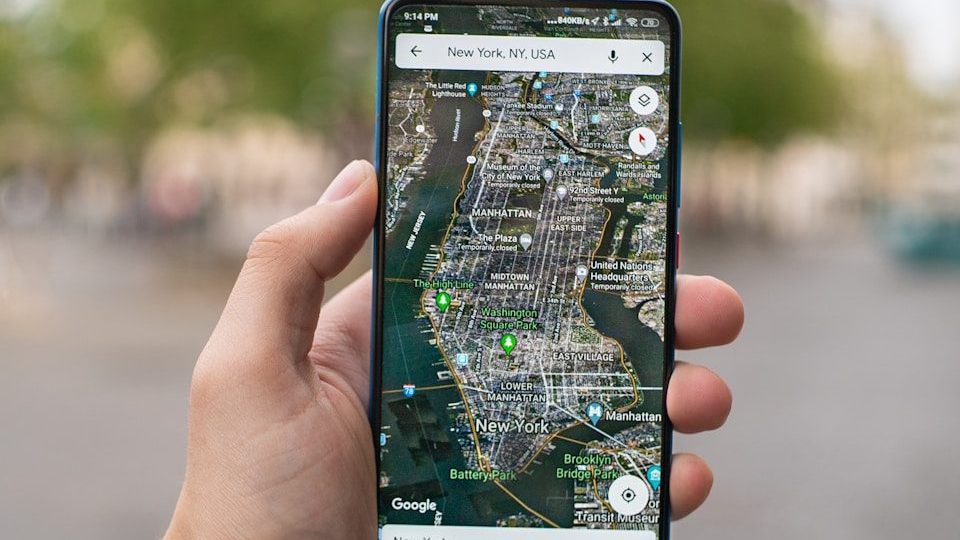
Open Google Maps right now. Go to your account settings. Find the section called Timeline.
What you are about to see is a complete, date-stamped, location-by-location record of almost everywhere you have physically been — possibly for years. Every coffee shop. Every doctor’s office. Every late-night drive. Every address you visited and never told anyone about.
Google has been quietly building this record since 2009. It is stored on Google’s servers. It has been handed to the police without a warrant in documented court cases. It has been used as evidence in criminal trials. It has been accessed by third-party advertisers to build targeting profiles of extraordinary detail.
Most people who discover their Timeline for the first time feel two things simultaneously. The first is amazement — the level of detail is startling. The second is a cold, sinking feeling — the realization that this information has existed for years without them consciously knowing it was being collected.
You did not sign a form agreeing to this specifically. You ticked a box during setup that most people do not read. That was enough.
The Timeline Feature Most People Have Never Actually Opened
Google Maps Timeline — previously called Location History — is not hidden. It is simply never mentioned. Google does not send you a notification saying your movements have been logged. There is no annual summary email. There is no prominent dashboard.
It sits quietly inside the Google Maps app under your profile icon. For users who enabled location tracking at any point — during a Google account setup, during an Android phone configuration, or while granting Maps permission to access location services — the Timeline may contain years of detailed movement data.
The records show the time you arrived somewhere. The time you left. The route you took. The mode of transport the system estimated you used. The name of the business, if it is registered on Google Maps. Sometimes the system will label locations — “Work,” “Home,” “Gym” — based on how frequently you visit.
It reads like a diary. One you never wrote — but that was written for you, automatically, without your active awareness.
The question is how far back it goes — and the answer depends on when you first activated location services on any Google-connected device.
This Data Has Already Been Used in Real Criminal Trials
This is not theoretical. It has happened — in documented, verified court cases — multiple times.
In 2020, a man in Florida was arrested for murder based partly on Google Timeline data that placed him near the crime scene at the time of the killing. His defense argued he had never consented to that level of surveillance. The data was admitted as evidence.
In multiple other cases, prosecutors used “geofence warrants” — a legal mechanism that allows law enforcement to request from Google the location data of every device that was present within a specific geographic area during a specific time window. Not a named suspect’s device. Every device in the area.
In 2023, a federal court ruled that geofence warrants of the type routinely used by law enforcement were unconstitutional under the Fourth Amendment. But hundreds of cases had already used this data before that ruling. And the data Google holds on you existed long before any court considered whether collecting it was appropriate.
Your location data is not just an advertising tool. It is potential legal evidence — and it has already been used as exactly that against people who had no idea it existed.
Advertisers Are Buying a Detailed Map of Your Physical Life
Google’s business model depends on advertising. Its advertising system is built on data. And location data is among the most valuable data an advertiser can purchase — because it tells them not just who you are online, but what you physically do in the real world.
A company selling gym memberships can target people whose location data shows they previously visited a gym but stopped going. A car dealership can target people who visited competing dealerships in the past 60 days. A hospital system can target people whose location history shows repeated visits to a specialist’s office.
This level of targeting is currently legal in most countries. Google’s advertising documentation describes location-based targeting in straightforward commercial language. What it does not include is a clear, plain-English explanation of the fact that these targeting categories were built using the historical location records of real people moving through their real daily lives.
The person who bought coffee at the same place every morning for two years before switching brands — their location data helped an advertiser figure out how to get them back. They never agreed to be part of that analysis. They just walked into a coffee shop.
Google Shared Your Location With Police Without Telling You
The practice has a name: a geofence warrant. And until 2023, it was used tens of thousands of times across the United States — often without the knowledge of the people whose data was accessed.
Law enforcement would identify a location where a crime occurred — a bank robbery, an assault, a protest — and submit a warrant to Google requesting the anonymized location data of every device present in that area during the relevant time window. Google would provide the data. Officers would then narrow down the list to persons of interest. If a suspect was identified, they would request a second warrant to unmask the identity behind the anonymized device.
In several documented cases, innocent people were identified as suspects based solely on the fact that their location data placed them near a crime scene. At least one person — a cyclist in Arizona named Jorge Molina — was arrested, held for six days, and released only when police identified the actual suspect. His location data had placed him near the scene because he regularly cycled through that neighborhood.
He had done nothing wrong. His location data, collected by a service he used for navigation, made him a suspect in a murder investigation.
The 43-Second Process to Delete All of It Right Now
You can delete your Google Location History. The process is straightforward and takes under a minute once you know where to look.
Open Google Maps. Tap your profile photo in the top right corner. Select “Your Timeline.” On the Timeline screen, tap the three-dot menu in the top right corner. Select “Settings and privacy.” Scroll to “Delete all Location History” and confirm.
You can also turn off future location collection. In the same settings screen, find “Location settings” and select “Location is on.” On the next screen, you can set it to “Off.” This stops Google from logging future location data for your account.
Google also offers an auto-delete option — setting your location history to automatically delete after three months or 18 months rather than storing it indefinitely. This option is in the same settings section.
One important note: deleting your Timeline data removes it from your personal view. Whether it is fully purged from Google’s server infrastructure — or retained in aggregated, anonymized form — is a question Google has not answered with complete public transparency.
Which brings up the final thing most people never consider.
When you delete your Google Timeline, you remove your own access to that history. What happens on Google’s servers is a different conversation entirely.
Google’s privacy policy states that some data may be retained in backup systems for a period of time after deletion. It also states that data may be retained to comply with legal obligations — meaning if law enforcement has issued a preservation request for your location data, Google is legally required to hold it even if you delete it from your end.
Additionally, Google collects location data through multiple systems simultaneously. Even with Location History turned off, Google can still infer your location from your IP address, from Wi-Fi networks you connect to, from the location tags on photos you upload to Google Photos, and from location data embedded in searches you perform on Google.com.
A 2018 investigation by the Associated Press found that Google continued to store location data even when users had explicitly disabled Location History — a finding that led to a 391 million dollar settlement with attorneys general from 40 US states in 2022.
Turning off one setting does not make you invisible. But knowing which settings to change, in combination, comes significantly closer to limiting what Google can see.
What the People Who Know Most About This Have Done
Privacy researchers, cybersecurity professionals, and journalists who cover surveillance technology make specific choices that the average user never considers.
They do not use Google Maps as their default navigation app. They use alternatives like Apple Maps — which does not retain location history on Apple’s servers by default — or open-source options like OsmAnd that store navigation data only on the device itself.
They disable location access for every app that does not require it to function. Weather apps, shopping apps, news apps, and social media apps routinely request location access. Denying it costs you nothing.
They regularly audit their Google account’s “Data and Privacy” dashboard — available at myaccount.google.com — which shows a full breakdown of every category of data Google is currently collecting. Most people who visit this page for the first time are surprised by the length of the list.
The most important realization is not that Google is uniquely malicious. It is that the system was designed to collect by default, retain by default, and share with third parties by default — and that reversing any of those defaults requires the user to actively choose to do so.
Most people never make that choice because they never knew the defaults existed.