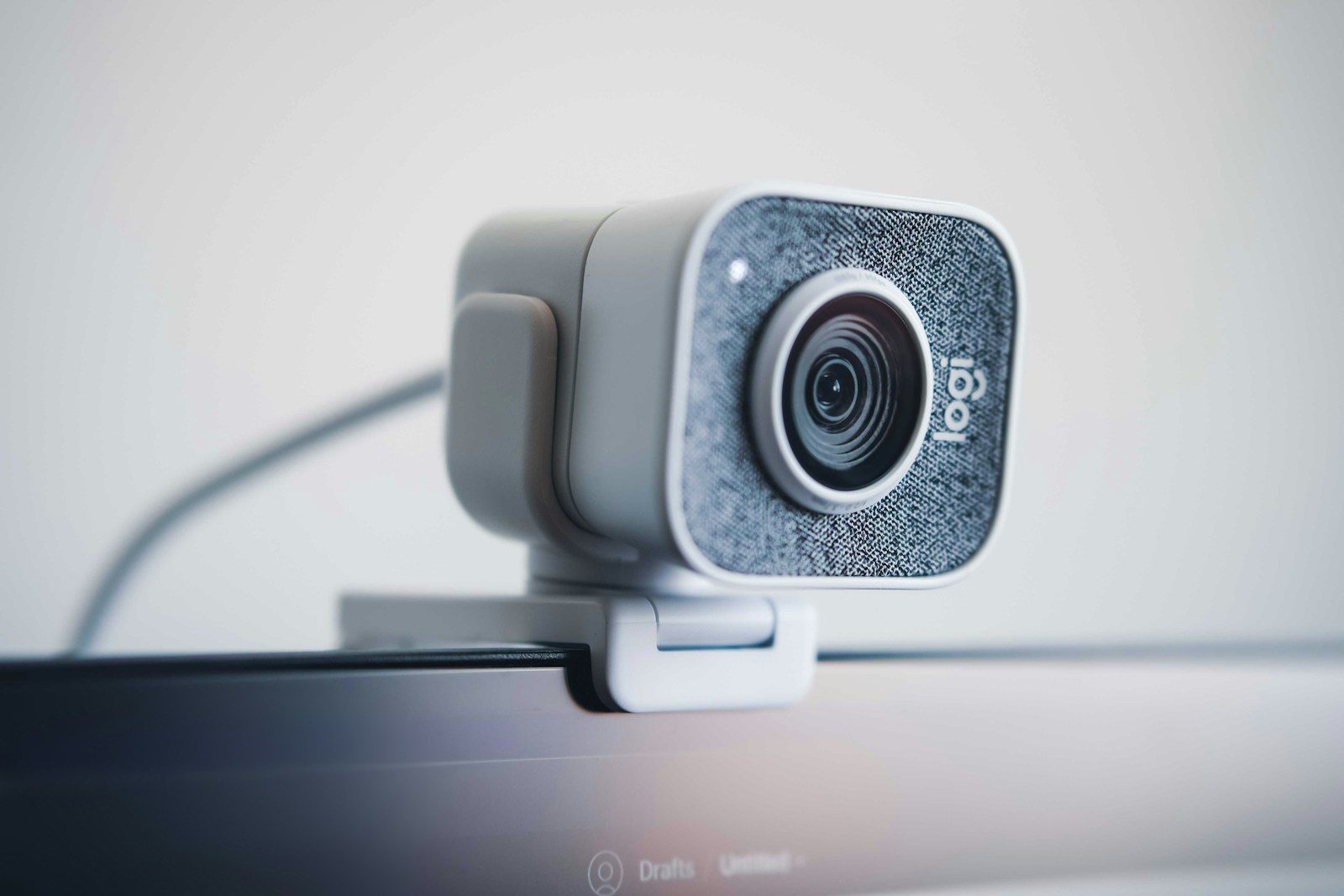
Webcams used to have one basic job: put your face on a screen during a video call. That job still matters, but modern webcams are doing much more. Newer models and built-in camera systems now use AI features that can adjust lighting, blur backgrounds, keep people centered, reduce background noise, and even help with secure sign-ins on some devices. Microsoft’s Windows Studio Effects, for example, supports features such as background blur, eye contact, automatic framing, portrait light, and voice focus on compatible devices.
For work, school, streaming, and family calls, this shift is changing what people expect from a camera. A webcam is becoming a small communication hub that helps people look clearer, sound better, and stay connected with less effort.
Webcams now help you look ready

A modern webcam can do more than show a plain video feed. Many newer camera systems can adjust brightness, improve contrast, and make faces easier to see in tricky lighting.
That matters during work calls, online classes, and virtual appointments. Instead of needing a perfect room setup, users can get a cleaner picture with help from camera software and built-in image tools.
Background blur adds polish

Background blur used to feel like a feature only found in video apps. Now, some devices can apply it at the camera or system level, making it easier to keep the focus on the speaker.
This can help when someone is calling from a busy room or shared space. The goal is not to hide everything, but to make the call look cleaner and less distracting.
Better audio is part of it

Webcams are no longer only about video. Many newer models include improved microphones, noise reduction, or voice-focused features that help the speaker sound clearer during calls.
Microsoft also lists Voice Focus as part of Windows Studio Effects, designed to help reduce background noise on supported devices. A clearer voice can make meetings feel easier, even when the room is not perfectly quiet.
Lighting gets smarter too

Poor lighting is one of the biggest reasons a video call looks bad. Newer webcams can use automatic light correction, HDR, or face-based image adjustment to improve the picture.
For example, Logitech’s MX Brio 705 for Business includes HDR and face-based image enhancement, with automatic adjustment for bright and low-light conditions. These tools help users look more natural without changing the whole room.
Creators need more control

Streamers, teachers, and online creators often need more than a basic camera. They may want sharper video, smoother movement, better low-light handling, and flexible mounts.
Some newer webcams even include pan, tilt, tracking, gesture controls, or higher frame-rate options. These features can help creators stay framed, share demonstrations, and make videos feel more professional without a full studio setup.
Work calls feel more natural
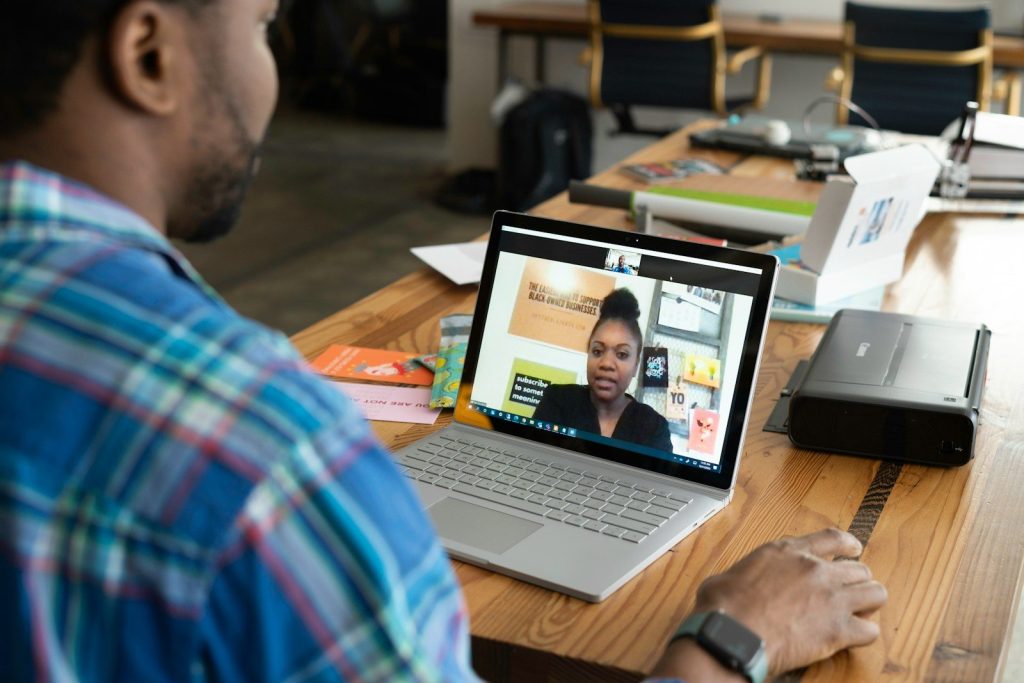
Hybrid work made webcams a daily tool for many people. A better webcam can make a person look more present, especially when calls replace face-to-face meetings.
Features like eye contact correction and automatic framing are designed to make conversations feel less awkward. They cannot replace real presence, but they can make online meetings feel more focused and comfortable.
External webcams still matter
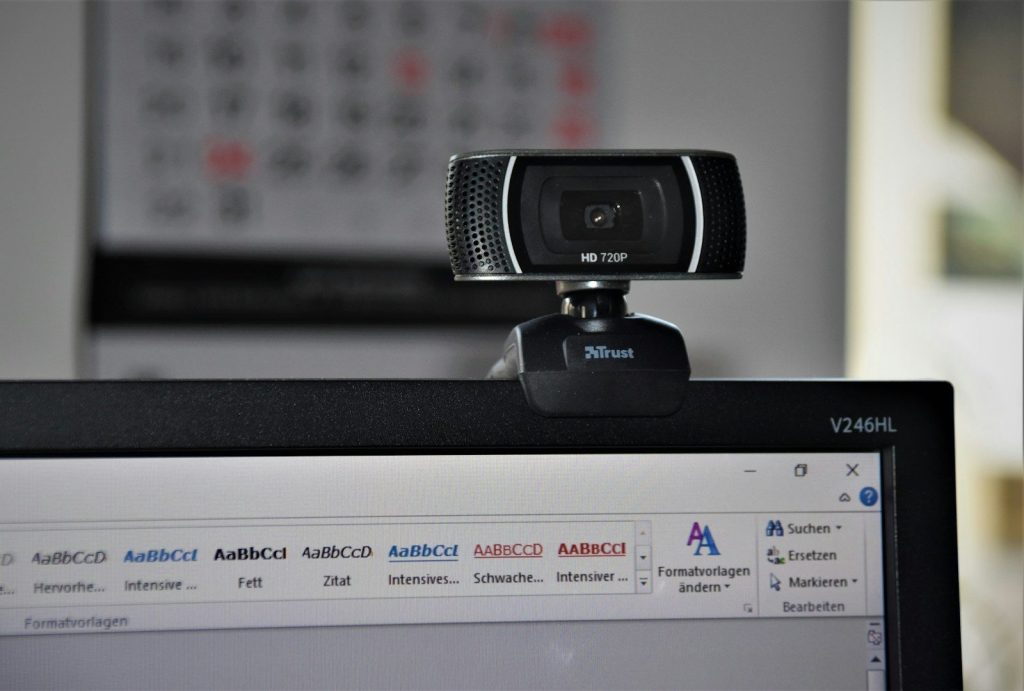
Laptop webcams have improved, but external webcams still have a place. They can offer better image quality, stronger low-light performance, more flexible placement, and improved microphones.
That is useful for people who use monitors, home offices, or desktop setups. An external camera can sit at a better angle than a built-in laptop camera, which helps video calls look more natural.
The webcam is becoming smarter

The biggest change is that webcams are no longer passive devices. They are starting to understand lighting, framing, movement, sound, and privacy needs in real time.
That makes them more useful for everyday life. Whether someone is joining a meeting, teaching online, streaming, or catching up with family, the webcam is becoming a smarter tool for clearer communication.
Leave a Reply