Category: Technology

  • Why tri-fold phones feel strange but serious

    Why tri-fold phones feel strange but serious

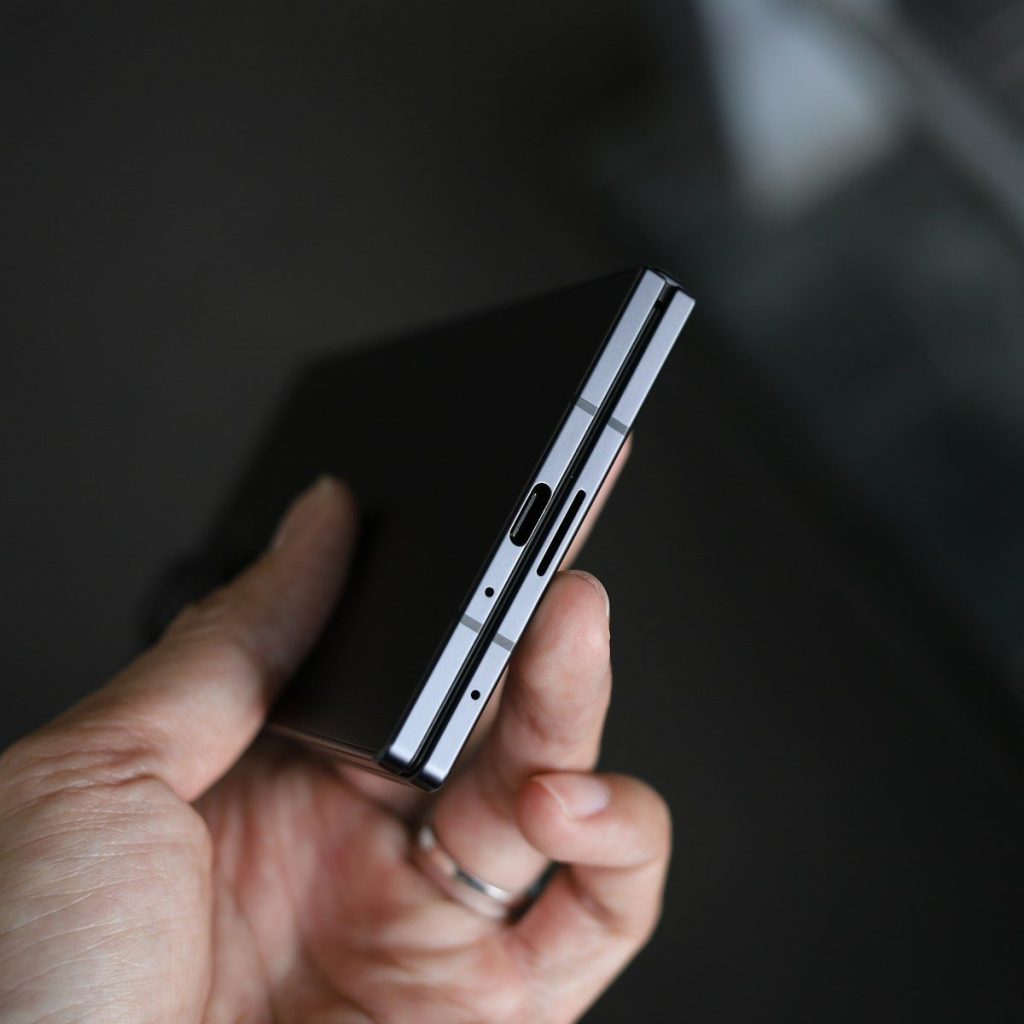
    A phone that opens into a tablet still sounds a little unreal. Now imagine one with two hinges and three folding sections. That is why tri-fold phones can feel odd at first glance. They look like a gadget from a demo booth, not something made for pockets, bags, and daily life. But the idea is not just for attention.

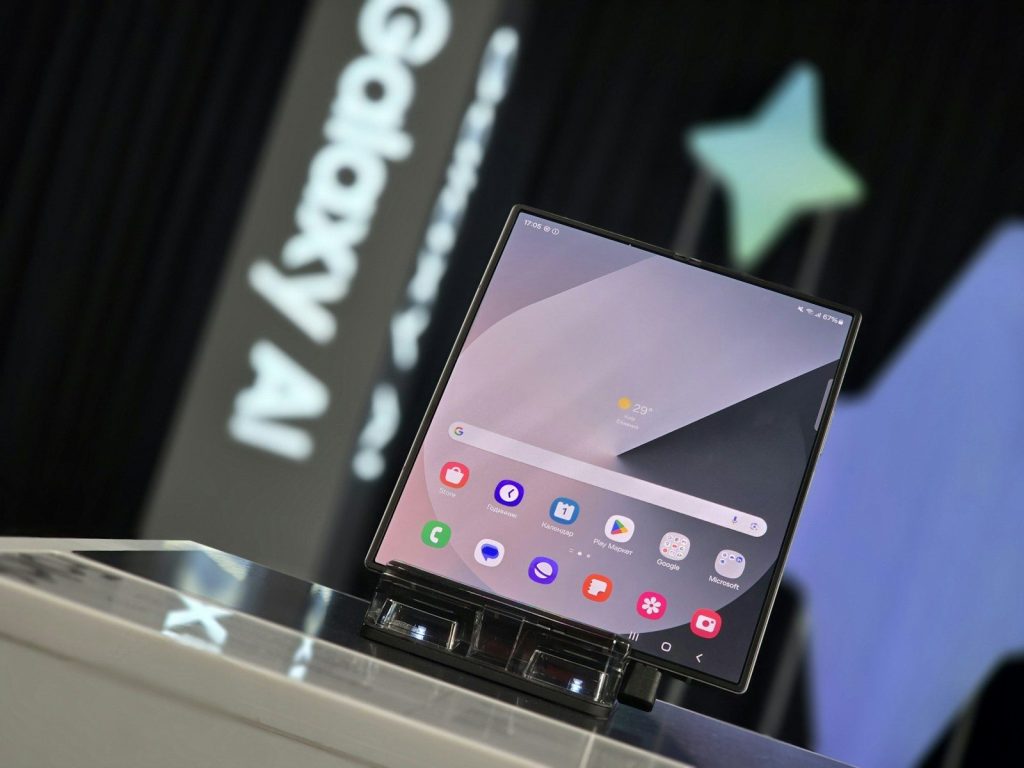
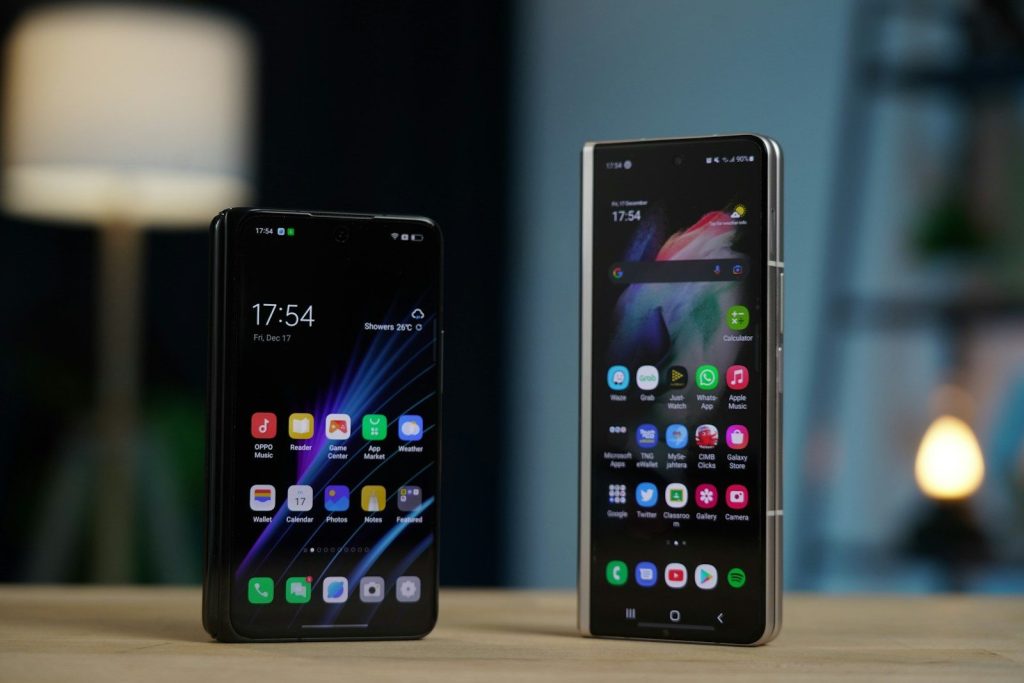
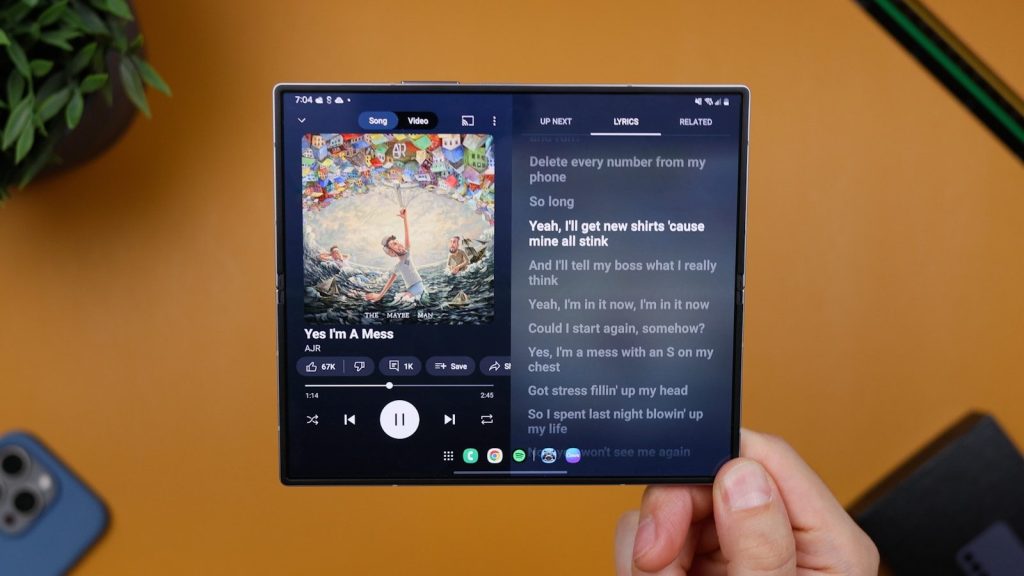
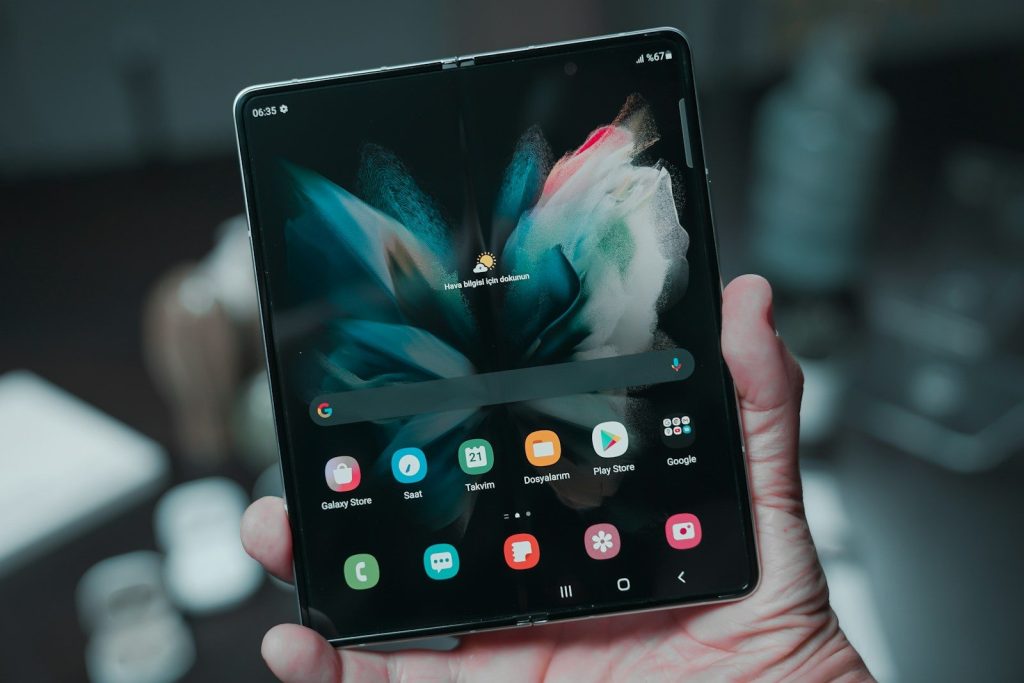
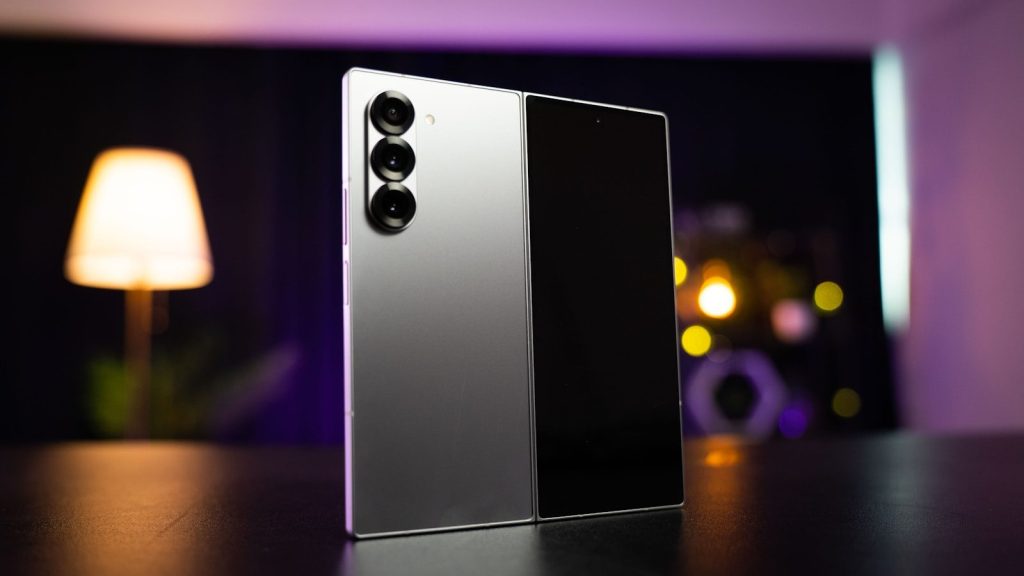
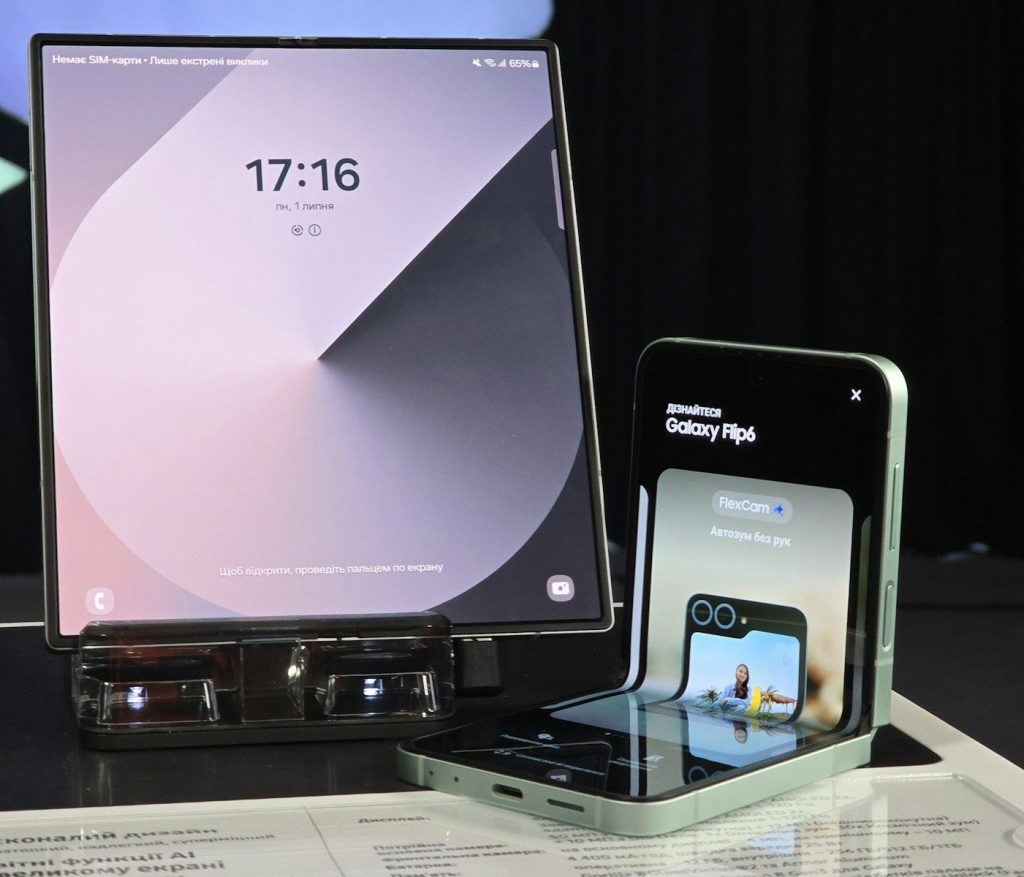
    Huawei’s Mate XT showed how one device can shift from a regular phone screen to a larger tablet-style display, while Samsung’s Galaxy Z TriFold brought the format into a more familiar Galaxy lineup. These phones are expensive, limited, and still early, but they point to a serious goal: giving people more screen space without asking them to carry a second device.

    Big screens, small pockets
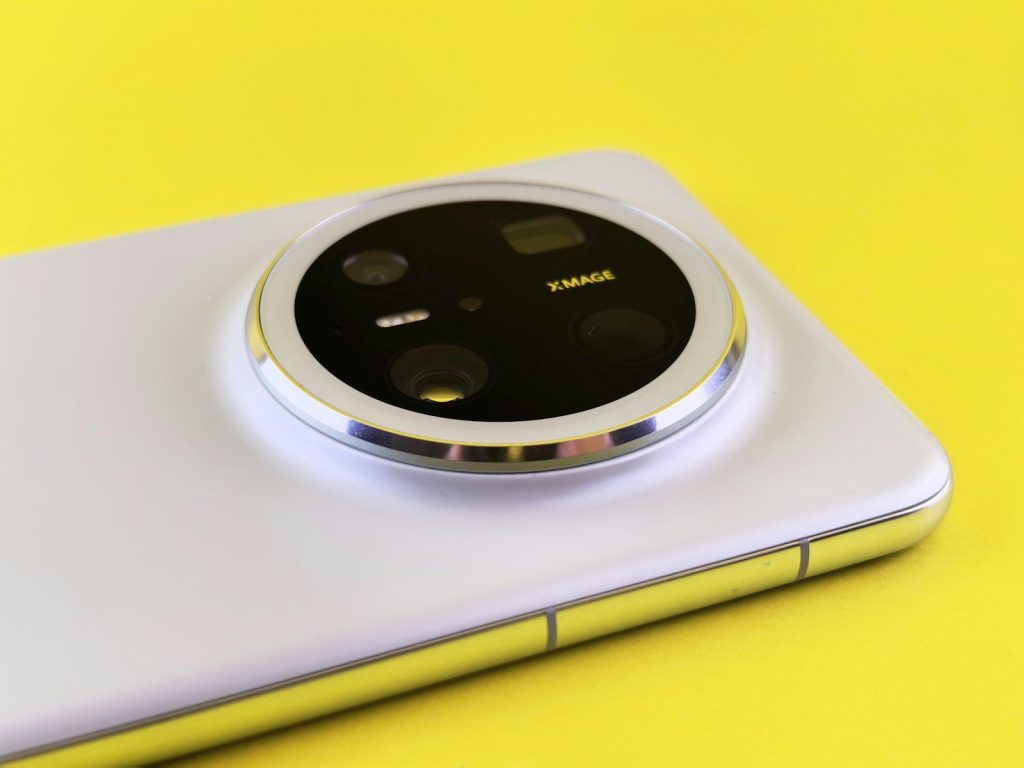
    Close-up of a smartphone's rear camera module.
    Photo by Andrey Matveev on Unsplash

    Tri-fold phones are built around one simple promise: more screen when you need it, less bulk when you do not. A device like Huawei’s Mate XT can work as a 6.4-inch phone, a 7.9-inch middle-sized screen, or a 10.2-inch tablet-style display.

    That flexibility is the main reason the design feels serious. It is not only about looking futuristic. It is about turning one pocket device into a reading screen, work screen, or video screen in seconds.

    The shape feels unusual
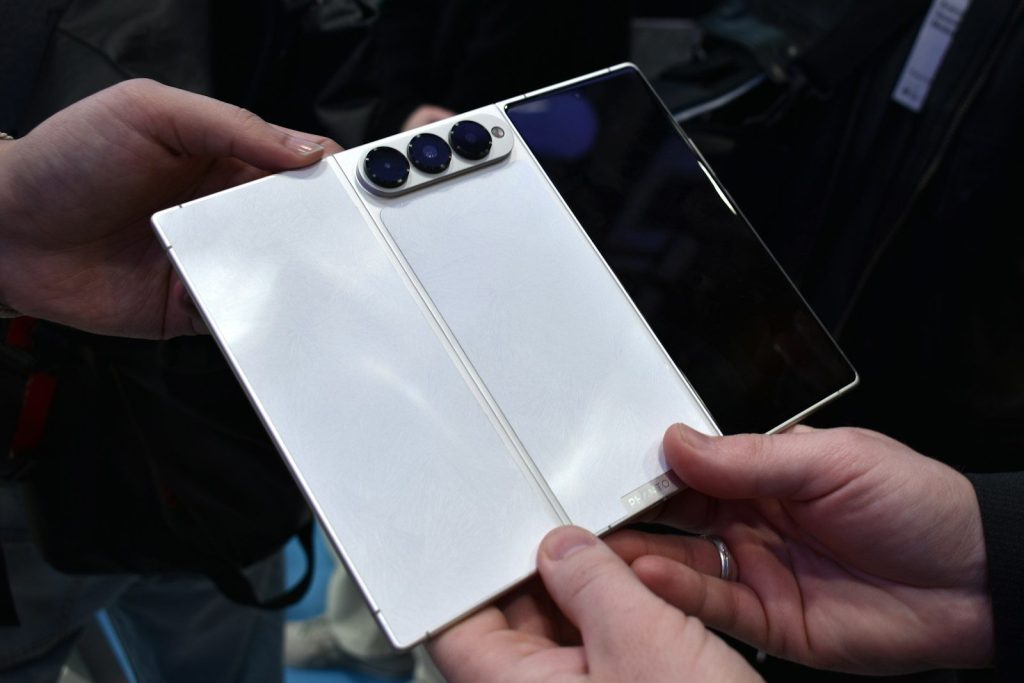
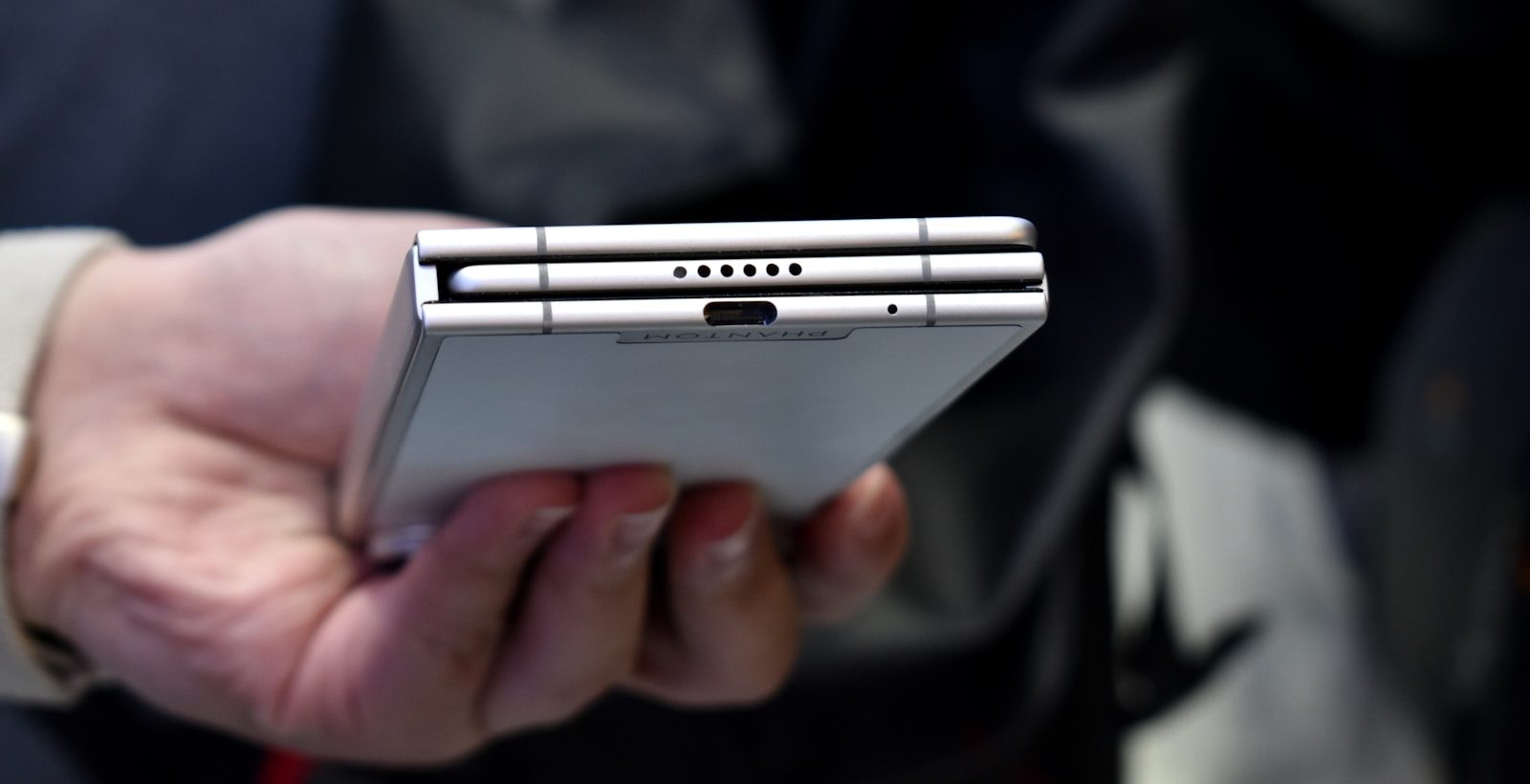
    Hands hold a white foldable smartphone with three cameras.
    Photo by Gavin Phillips on Unsplash

    Most people are used to phones being flat slabs. Even book-style foldables took time to feel normal. A tri-fold design adds another hinge, another fold line, and a wider open shape that may look strange in public.

    That odd feeling matters because phones are personal objects. People hold them all day, pull them out around others, and expect them to feel natural. A new shape has to win comfort, not just attention.

    The tablet idea is clearer
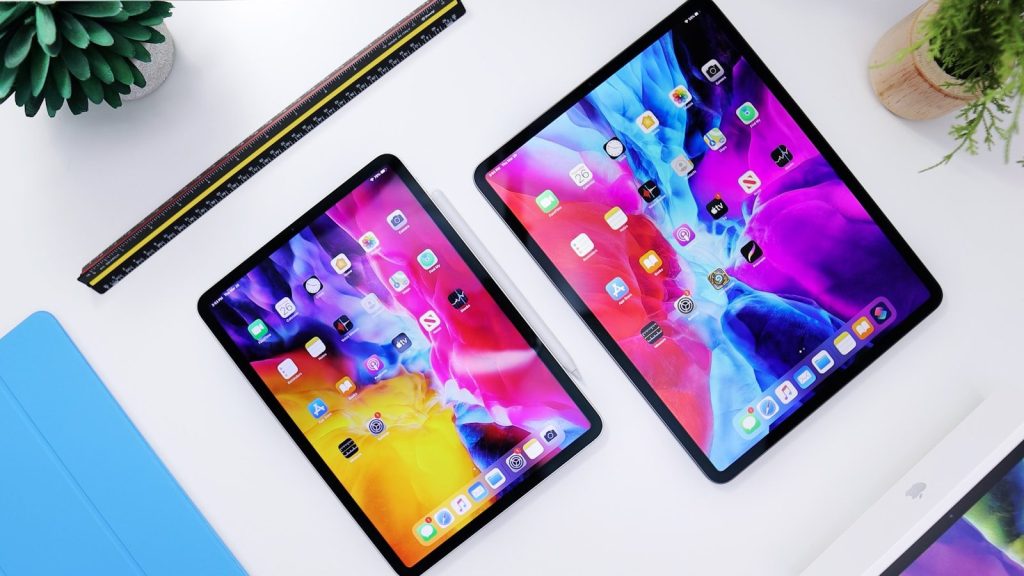
    black ipad beside silver iphone 6
    Photo by Daniel Romero on Unsplash

    A regular foldable phone can feel like a phone that opens wider. A tri-fold phone feels closer to a tablet that can shrink. That small difference changes how people may think about it.

    The larger inside screen can make maps, documents, web pages, and videos easier to use. Instead of pinching and zooming, users get more room. That is a real use case, not just a flashy design trick.

    Two hinges raise trust questions

    a man holding a smart phone in his hands
    Photo by Jonas Leupe on Unsplash

    The biggest concern is not the screen size. It is trust. A tri-fold phone has more moving parts than a standard phone and even more than a regular foldable. More moving parts can make buyers wonder about strength.

    That does not mean the design is weak. It means companies have to prove the hinges, screens, and software can handle daily use. For many shoppers, durability will matter more than the wow factor.

    The price makes it niche

    fan of 100 U.S. dollar banknotes
    Photo by Alexander Mils on Unsplash

    Tri-fold phones are not trying to be budget devices right now. Samsung said the Galaxy Z TriFold would start at $2,899 in the U.S., while Huawei’s Mate XT global launch was reported at about €3,499.

    Those prices keep the audience small. Early buyers are more likely to be tech fans, mobile workers, or people who want the newest form factor. For everyone else, the idea may need time to become affordable.

    Software has to keep up
    a cell phone with a green icon on it
    Photo by Kelly Sikkema on Unsplash

    A bigger screen only helps if apps use it well. Tri-fold phones need smart layouts, smooth resizing, and simple ways to move between folded, partly open, and fully open modes.

    This is where the format becomes more than hardware. Email, notes, photos, browsers, and video apps all need to feel natural. A strange device can become useful fast when the software makes the shape feel easy.

    Work use is a strong pitch
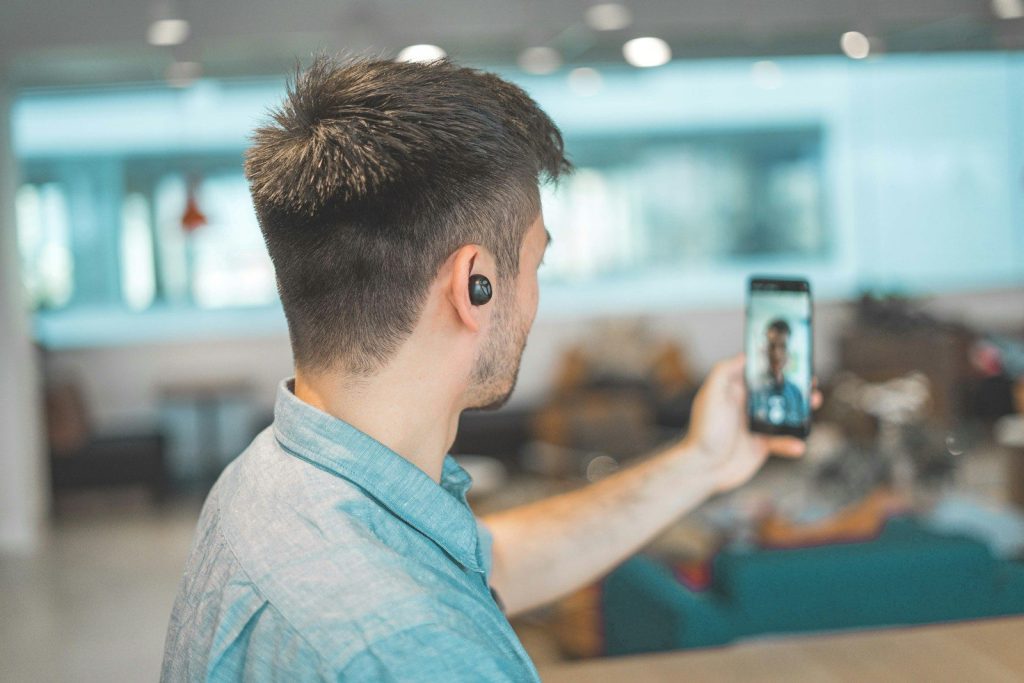
    shallow focus photo of man in gray collared top taking selfie
    Photo by Hc Digital on Unsplash

    Tri-fold phones make the most sense when people imagine doing more than scrolling. A larger display can help with reading files, checking calendars, comparing pages, or joining a video call while viewing notes.

    That gives the design a business-friendly angle. It may not replace a laptop for heavy work, but it could reduce how often some users need a tablet. That makes the format feel practical, even if it still looks unusual.

    Entertainment gets more room
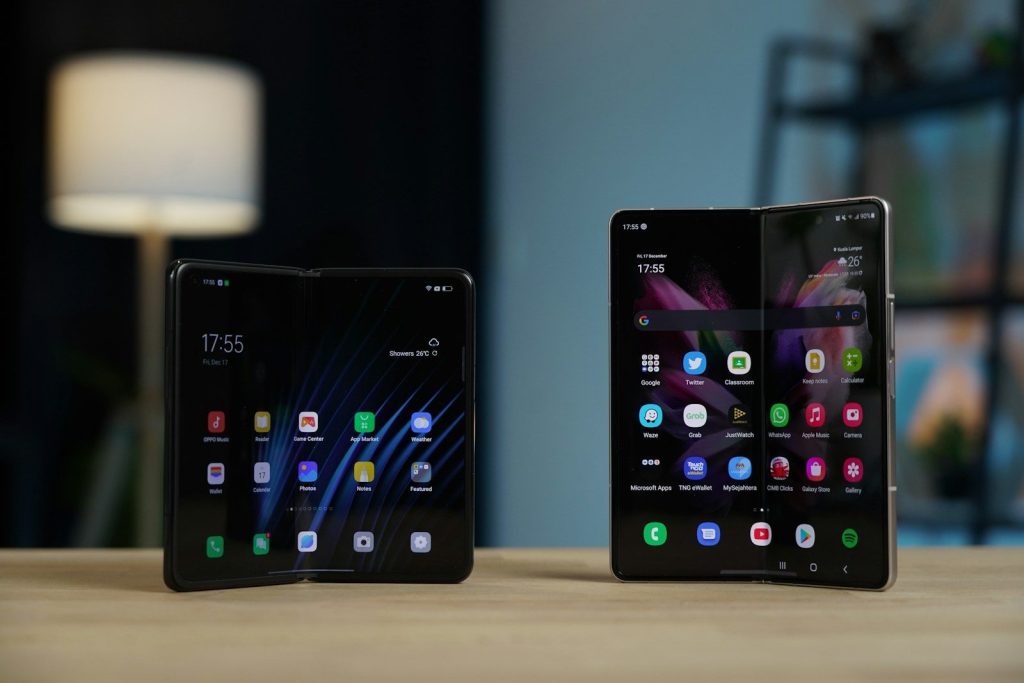
    a couple of cell phones
    Photo by Amanz on Unsplash

    Videos, games, photos, and comics all benefit from extra screen space. A tri-fold phone can offer a more relaxed viewing experience without making users carry a separate tablet.

    The challenge is comfort. A larger unfolded screen may be great on a table, couch, or plane seat, but less ideal while walking around. The best uses may happen when people stop and settle in.

    Foldables are still growing
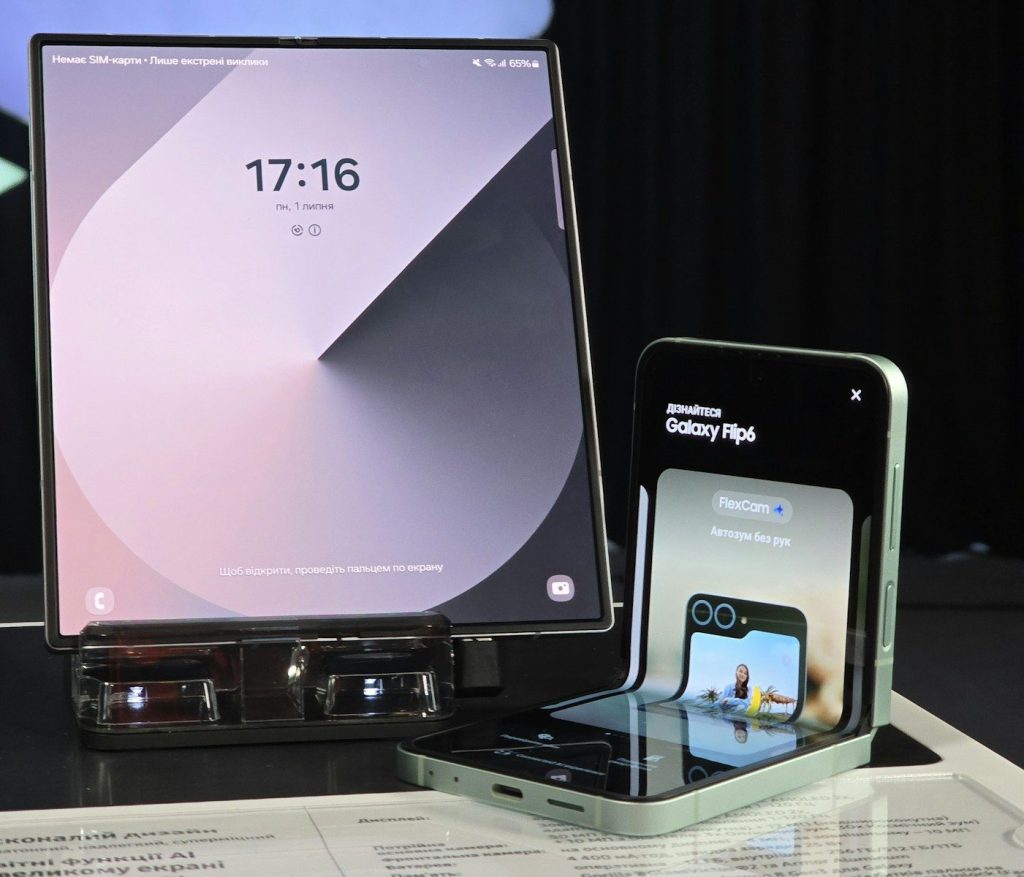
    A cell phone and a laptop on a table
    Photo by Evgeny Opanasenko on Unsplash

    Tri-fold phones are arriving as the wider foldable market keeps gaining interest. Counterpoint Research reported record global foldable shipments in the third quarter of 2025 and projected stronger growth for 2026. IDC also forecast year-over-year foldable shipment growth for 2025.

    That matters because tri-fold phones need a larger foldable market around them. Better screens, stronger hinges, and improved apps can help the strange new shape feel less risky over time.

    Strange can become normal
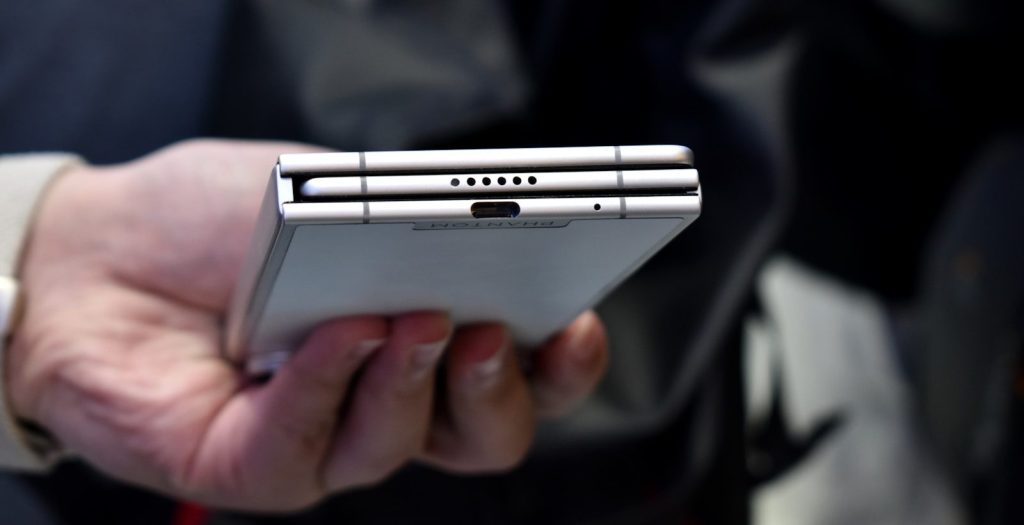
    Person holding a silver foldable smartphone
    Photo by Gavin Phillips on Unsplash

    Many phone ideas seemed odd before people got used to them. Large screens, camera bumps, face unlock, and folding displays all faced early doubts. Tri-fold phones are going through that same awkward stage.

    Their future depends on more than being impressive. They need to become thinner, cheaper, tougher, and easier to use. For now, they feel strange because they are new. They feel serious because the problem they solve is real.

  • How game load times could shrink dramatically

    How game load times could shrink dramatically

    Waiting for a game to load used to feel normal. You would start a mission, enter a new area, or fast-travel across the map, then sit through a loading screen while the system caught up. That is changing fast.

    Modern consoles and PCs no longer rely solely on raw power. They are using faster SSDs, smarter data streaming, hardware decompression, and new tools that help games prepare files before players even press start. Microsoft’s DirectStorage is built to move game data more efficiently, while Xbox Velocity Architecture and the PS5’s custom SSD setup were designed around faster asset loading.

    The result could be a future where games open faster, worlds feel smoother, and loading screens become shorter, rarer, or easier to hide.

    Faster SSDs change everything

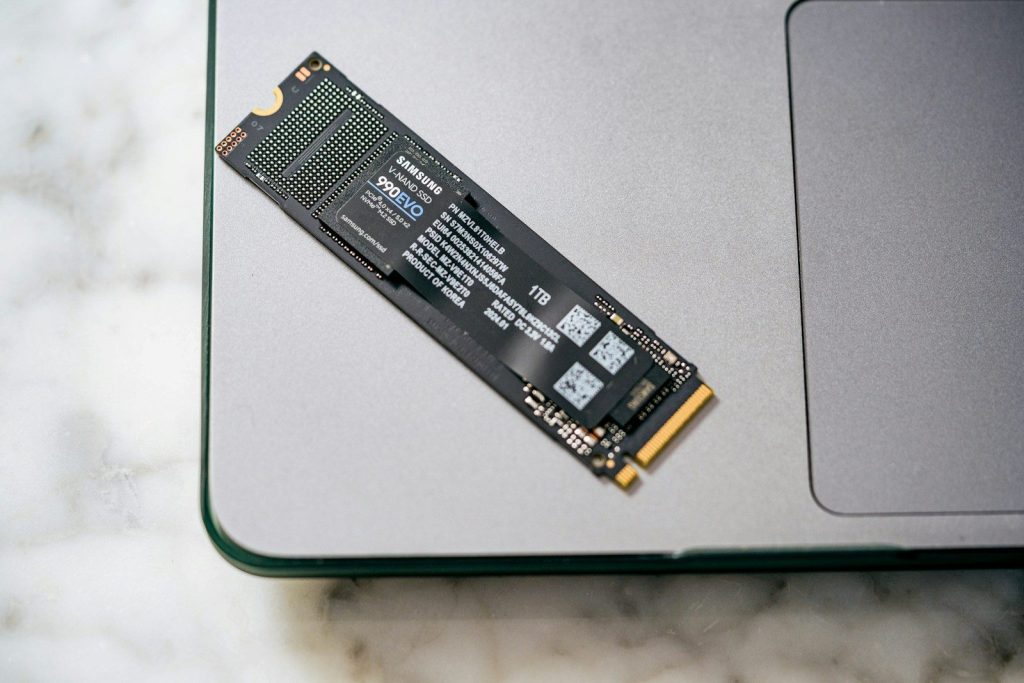
    A close up of a laptop on a table
    Photo by Samsung Memory on Unsplash

    Old game systems often used hard drives, which had moving parts. That made them slower at finding and loading the many small files games need.

    Modern SSDs can reach data much faster. That matters because games are packed with textures, sounds, maps, characters, and effects. When storage gets faster, games can pull in those pieces with less waiting.

    Games can stream worlds better

    man in brown coat holding black long coat small dog
    Photo by Fausto Sandoval on Unsplash

    Many big games no longer load one full level and stop there. They stream parts of the world as the player moves.

    That means the game keeps pulling in new data in the background. Faster storage helps this feel smoother. Players may notice fewer long pauses when entering cities, crossing maps, or switching scenes.

    DirectStorage helps PCs catch up

    a hand holding a device
    Photo by Samsung Memory on Unsplash

    DirectStorage is Microsoft’s technology for helping games move data from storage more efficiently. It is especially useful with NVMe SSDs and modern graphics hardware.

    Instead of making the CPU handle too much storage work, newer systems can shift more of that job elsewhere. That can reduce bottlenecks and help games load assets faster.

    Decompression is a hidden key

    person sitting on gaming chair while playing video game
    Photo by Florian Olivo on Unsplash

    Game files are often compressed to save space. Before the game can use them, those files must be unpacked.

    That unpacking step can slow things down. Hardware decompression helps by handling that work more efficiently. Microsoft says DirectStorage supports hardware decompression, which can reduce the need for games to spend CPU power on that task.

    Consoles were built for this

    a video game console sitting on top of a table
    Photo by Roberto Vincenzo Minasi on Unsplash

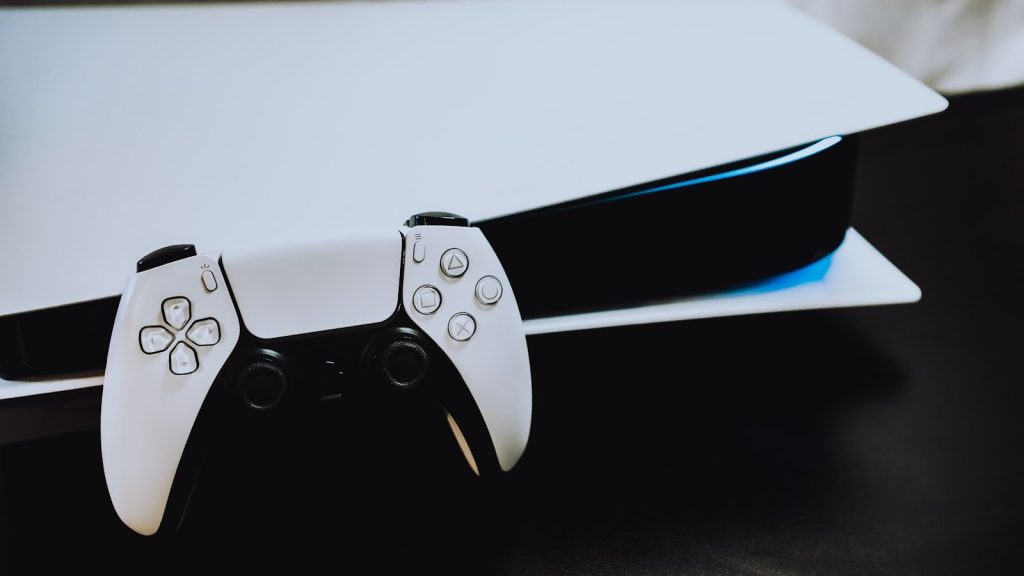
    The PS5 and Xbox Series X|S were designed with fast storage in mind, not just better graphics.

    Sony says the PS5 uses an ultra-high-speed SSD with integrated I/O for fast loading. Microsoft’s Xbox Velocity Architecture combines SSD speed, hardware decompression, and DirectStorage-style features to help games access data faster.

    Shaders can slow first launches

    a small electronic device
    Photo by BoliviaInteligente on Unsplash

    Sometimes a game does not feel slow because of storage alone. It may be preparing shaders, which help the game display lighting, materials, and visual effects correctly.

    New shader delivery systems can reduce that wait. Recent reports say Microsoft’s Advanced Shader Delivery can use precompiled shaders to cut first-launch delays in supported games and setups.

    Smaller files can help too

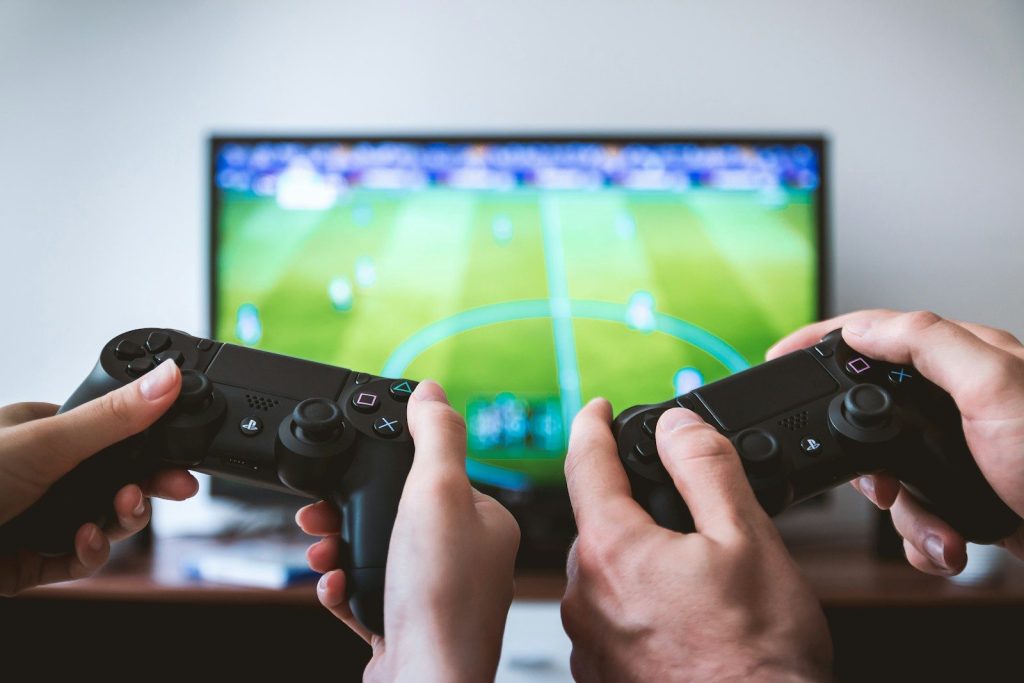
    two people playing Sony PS4 game console
    Photo by JESHOOTS.COM on Unsplash

    Load times are not only about speed. File size and file structure matter as well.

    Microsoft’s DirectStorage 1.4 added support for Zstandard compression and a Game Asset Conditioning Library, according to reports from GDC 2026. These tools are meant to improve compression, better organize assets, and support faster-loading pipelines.

    Loading screens may fade away

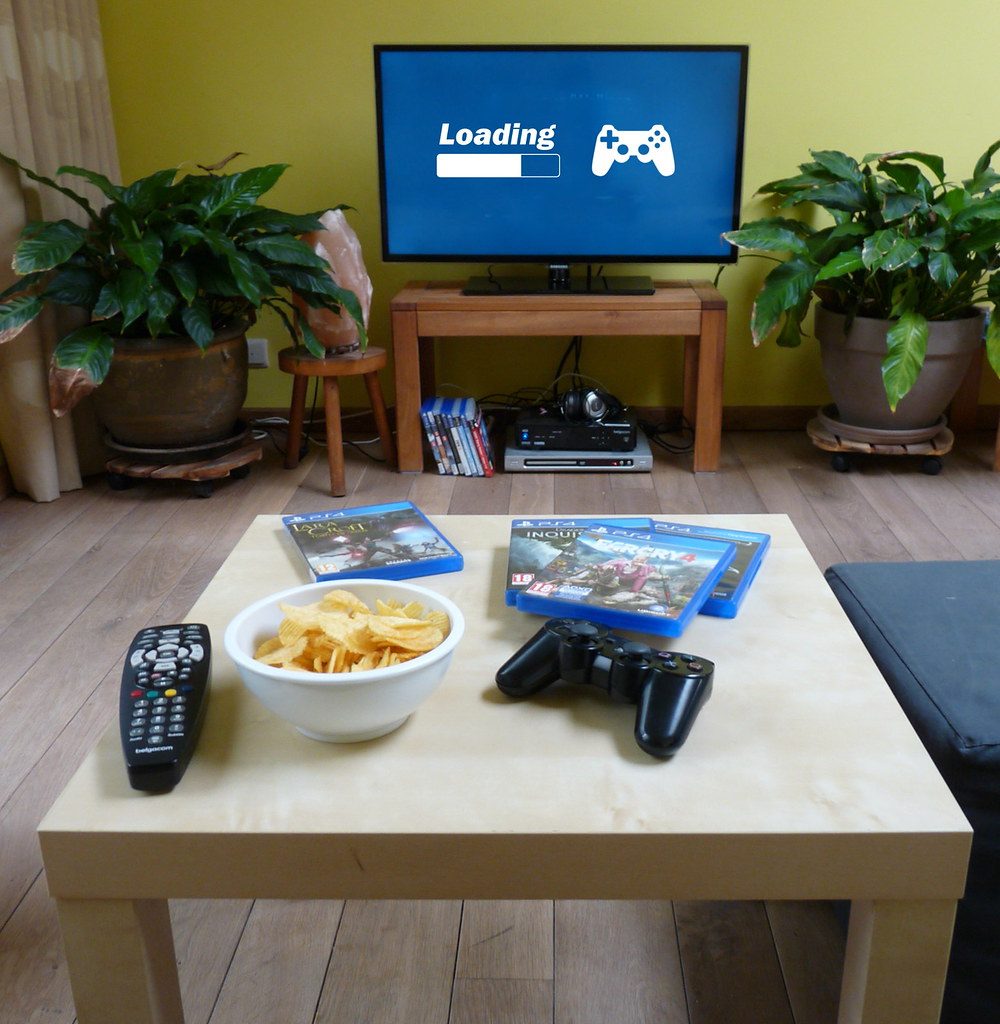
    Playstation games loading…” by FotoBIB is licensed under CC BY-NC-SA 2.0

    The biggest change may be how load times feel. Instead of stopping players with a long screen, games may hide loading during elevators, doors, camera moves, or quick transitions.

    That does not mean every wait will disappear. But as SSDs, DirectStorage, shader delivery, and compression tools improve, the old “sit and wait” loading screen could become much less common.

  • How foldable phones are becoming thinner and tougher

    How foldable phones are becoming thinner and tougher

    Foldable phones used to feel like a risky idea. They were exciting, but many people worried about thick bodies, delicate screens, and hinges that might not last. That picture is changing fast. Newer foldables are shaving down the bulk while adding stronger frames, tougher glass, better hinges, and improved resistance to everyday dust and splashes.

    Brands are now racing to make foldables feel closer to regular phones when closed. Honor lists the Magic V5 at just 8.8mm folded, while Oppo promotes the Find N5 as an 8.93mm ultra-slim book-style foldable. Samsung also says the Galaxy Z Fold7 uses stronger materials, including upgraded Armor Aluminum and tougher cover glass.

    Foldables are losing bulk

    a man holding a smart phone in his hands
    Photo by Jonas Leupe on Unsplash

    Early foldable phones often looked thick because they had two screens, a hinge, and extra layers packed into one body. That made them feel more like a gadget than a daily phone.

    New models are much slimmer. When closed, some now come close to the feel of a normal smartphone. That matters because most people still carry their phone in a pocket, purse, or backpack every day.

    Hinges are getting smarter

    A cell phone and a laptop on a table
    Photo by Evgeny Opanasenko on Unsplash

    The hinge is the heart of any foldable phone. If it feels loose, stiff, or weak, the whole phone feels less trustworthy. That is why companies are putting more work into hinge design.

    Samsung says its Galaxy Z Fold7 uses an enhanced Armor FlexHinge that closes thinner and is more durable than before. A better hinge can also help the phone fold flatter, which makes the whole design feel cleaner.

    Stronger frames help a lot

    A person standing at a podium with a laptop on it
    Photo by Evgeny Opanasenko on Unsplash

    A thin phone still needs a strong body. Foldables are built with more moving parts than regular phones, so the frame has to protect the screen, hinge, and internal parts.

    Samsung says the Galaxy Z Fold7 uses Advanced Armor Aluminum for its frame and hinge cover. The company says this material is tougher than the previous Armor Aluminum used in the Galaxy Z Fold6, helping support the thinner design.

    Cover screens feel tougher

    a couple of cell phones
    Photo by Amanz on Unsplash

    Most foldable phones have a cover screen that gets used all day. People check texts, maps, calls, and apps without opening the device. That front screen needs to handle normal bumps and scratches.

    Samsung says the Galaxy Z Fold7 cover screen uses Corning Gorilla Glass Ceramic 2. The company says it offers stronger material strength than the previous generation, which helps make the phone feel less delicate.

    Batteries are changing shape

    Hands hold a white foldable smartphone with three cameras.
    Photo by Gavin Phillips on Unsplash

    One challenge with foldables is space. A phone that opens like a small tablet needs enough battery power, but it cannot become too heavy or thick.

    Some brands are using silicon-carbon battery designs to fit more power into slimmer bodies. Oppo lists a 5600mAh silicon-carbon battery in the Find N5, while Honor says the Magic V5 uses silicon-carbon battery tech to support its thin build.

    Thin does not mean tiny

    graphical user interface, application
    Photo by Amanz on Unsplash

    Foldables are not just getting slimmer for looks. The goal is to make a big-screen phone feel easier to carry. That balance is what makes newer models more appealing.

    A book-style foldable can still open into a large display for reading, gaming, video calls, or multitasking. The difference is that the same device can now feel less bulky when it is folded shut.

    Water resistance is improving

    A person holding up a tablet with a picture on it
    Photo by Daniel Romero on Unsplash

    Durability is not only about drops. Phones also face rain, wet hands, dusty pockets, and messy bags. Foldables need better protection because the hinge leaves more room for worry.

    Samsung lists IP48 water and dust resistance for the Galaxy Z Fold7. That does not mean people should treat it like a rugged outdoor tool, but it does show how foldables are becoming more practical.

    Creases are less distracting

    person holding black android smartphone
    Photo by Onur Binay on Unsplash

    The fold line is one of the biggest things people notice on a foldable screen. It can still be there, but newer designs are working to make it less distracting during normal use.

    Better hinge systems and improved display layers can help the screen open more smoothly. For many users, the crease becomes easier to ignore once they are watching videos, reading, or using apps.

    Camera bumps still matter

    A close up of a cell phone on a table
    Photo by Amanz on Unsplash

    Phone makers can make the body thinner, but cameras can still add thickness. A slim foldable may feel sleek in the hand, yet the camera area can stick out on the back.

    That is one reason real-world thickness can feel different from official numbers. TechRadar measured several 2025 foldables and found tiny differences between Samsung, Honor, and Oppo, while noting that camera bumps affect the feel.

    The future looks lighter

    A hand holding a black smartphone with silver accents.
    Photo by Thai Nguyen on Unsplash

    Foldable phones are moving away from the “cool but fragile” image. They are becoming thinner, lighter, and easier to use as regular daily phones.

    The biggest change is confidence. Stronger frames, improved hinges, tougher glass, and better batteries all work together. Foldables may still cost more than many phones, but the design is starting to feel much more ready for everyday life.

  • How phones are turning into desktop-style computers

    How phones are turning into desktop-style computers

    Phones are no longer just small screens for calls, texts, photos, and quick searches. Many newer models can now connect to bigger displays, keyboards, mice, tablets, PCs, and even smart glasses. The idea is simple: keep the power, apps, files, and internet connection in your pocket, then turn them into a larger workspace when you need it.

    Samsung DeX already lets some Galaxy phones launch a desktop-like setup on an external monitor with a keyboard and mouse. Google says Android 16 is bringing connected-display support to supported phones and foldables, with resizable windows, a taskbar, and desktop-style multitasking. Motorola’s Smart Connect also lets users mirror a phone, create a virtual phone window, and use PC keyboard and mouse control.

    The pocket PC idea is back

    A cell phone and a laptop on a table
    Photo by Evgeny Opanasenko on Unsplash

    For years, people joked that phones were “tiny computers.” Now that idea feels much more real. A phone can already handle email, video calls, documents, payments, photos, maps, and streaming without much effort.
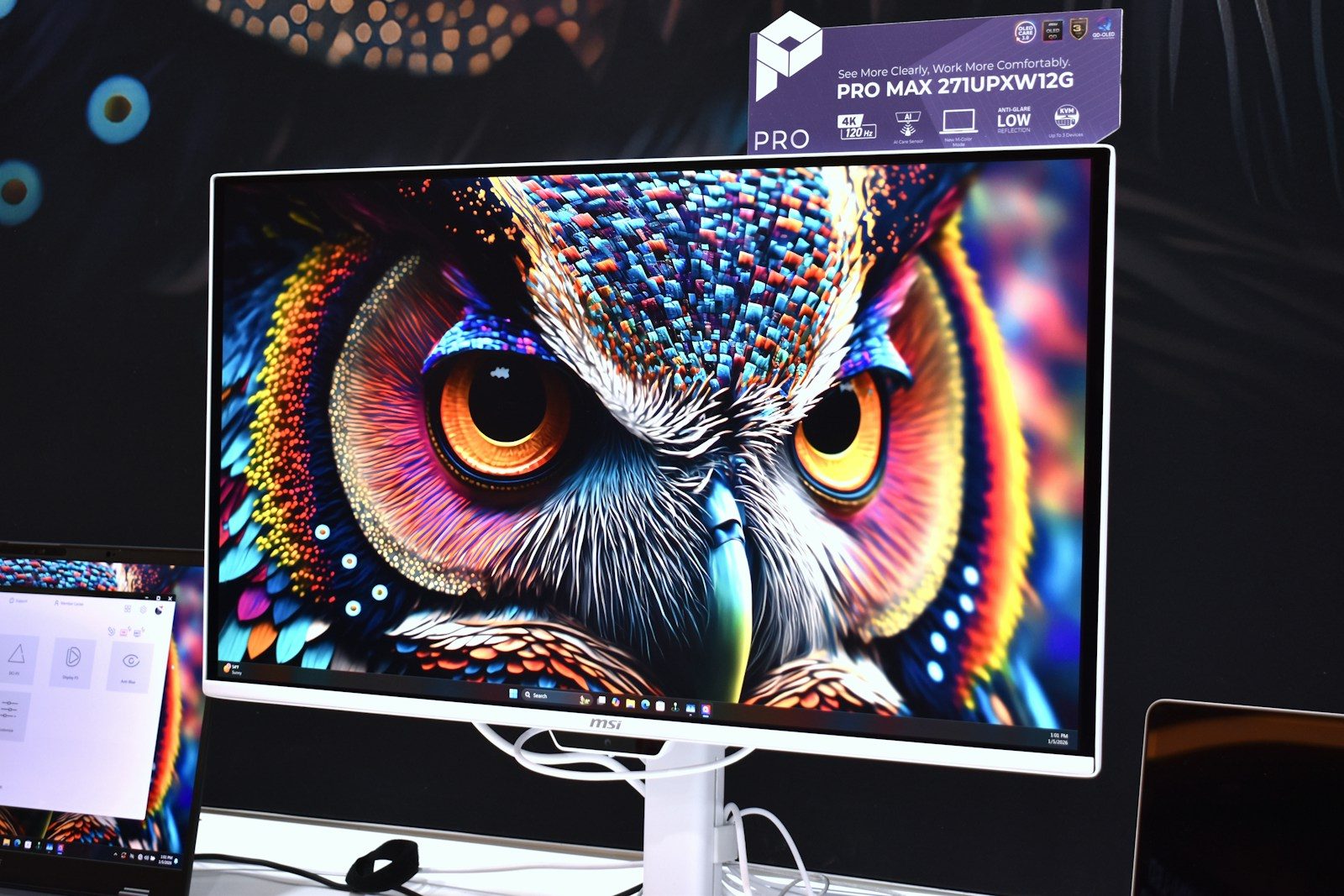
    The newer twist is that the phone does not have to stay trapped on a small screen. When connected to a monitor or PC, it can act more like a simple desktop setup for everyday work.

    Bigger screens change everything

    A person standing at a podium with a laptop on it
    Photo by Evgeny Opanasenko on Unsplash

    A phone screen is great for scrolling, but it can feel cramped when you need to compare files, edit a document, or manage several apps. A larger display gives those same apps more room to breathe.

    That is why external display support matters. Google says supported Android phones can start a new desktop session on a connected screen, letting users work in free-form or maximized windows.

    Windows are becoming normal

    a cell phone with a green icon on it
    Photo by Kelly Sikkema on Unsplash

    Desktop-style phone use depends on windows. Instead of jumping between full-screen apps, users can keep two or more apps open and resize them as needed.

    Android 16 adds desktop windowing for larger screens, including the ability to open, group, and resize multiple app windows. That makes a phone feel less like a single-task device and more like a light computer.

    Keyboards make phones faster

    a person holding a cell phone in their hand
    Photo by Terrillo Walls on Unsplash

    Typing long emails or school notes on glass can get tiring fast. A real keyboard can make the same phone feel much more useful, especially for people who travel or work from different places.

    Samsung says DeX can work with a mouse, keyboard, and Ethernet cable for added productivity. Motorola also supports using a PC’s mouse and keyboard to control a connected phone or tablet.

    The taskbar is a big clue

    a close up of a cell phone on a table
    Photo by Amanz on Unsplash

    A taskbar may sound boring, but it is one of the clearest signs that phones are moving toward desktop habits. It helps users switch apps, see what is open, and get back to work faster.

    Google says its connected display experience includes a taskbar that shows active apps and lets users pin apps for quick access. That small feature can make phone-powered work feel familiar.

    Your phone can stay separate

    person holding black android smartphone
    Photo by Jonas Leupe on Unsplash

    One smart part of this shift is that the phone does not always have to become useless while connected. In some setups, the bigger screen gets its own desktop session while the phone keeps its own state.

    That means you could use the monitor for work while still checking something privately on the phone. Google describes this as a connected display session that starts on the external screen.

    Apps need to grow up

    black iphone 5 on black computer keyboard
    Photo by Azamat E on Unsplash

    A desktop-style phone only works well if apps behave properly on bigger screens. Some mobile apps still assume the user is touching a narrow screen in portrait mode.

    Google has warned developers not to treat phones as touch-only devices forever. It says apps should support external displays, different screen densities, keyboards, mice, trackpads, webcams, microphones, and speakers.

    PCs and phones are blending

    Laptop, phone, and notebook on a wooden desk.
    Photo by Jakub Żerdzicki on Unsplash

    This change is not only about plugging a phone into a monitor. It is also about making phones and PCs work together more smoothly.

    Motorola’s Smart Connect lets users mirror a phone on a PC or open a virtual phone window. It also supports Android app notifications on a PC, which makes the phone feel more like part of the computer setup.

    Travel could get lighter

    silhouette of man holding luggage inside airport
    Photo by yousef alfuhigi on Unsplash

    A phone-powered desktop can be especially useful for travelers, students, and anyone who does not want to carry a laptop everywhere. A small keyboard, cable, or dock may be enough for basic tasks.

    It will not replace every full computer for every person. Heavy editing, advanced software, and long workdays may still need a laptop. But for lighter jobs, the gap is getting smaller.

    The future is flexible

    a group of cell phones sitting on top of a table
    Photo by kuaileqie RE on Unsplash

    The biggest change is not that phones will suddenly erase laptops. It is that people may get more choices. One device could handle quick mobile tasks, big-screen work, video calls, and file access.

    As Android, Samsung, Motorola, and app makers keep improving these tools, the phone may become the center of more daily setups. The computer of the future might spend most of its time in your pocket.

  • How memory shortages can make gadgets more expensive

    How memory shortages can make gadgets more expensive

    Memory is easy to ignore until prices jump. These small chips help phones open apps, laptops run smoothly, game consoles load worlds, cameras save photos, and tablets store files. When memory gets scarce, gadget makers may pay more for the same parts. That extra cost can show up in higher prices, smaller discounts, fewer storage choices, or slower upgrades.

    A big reason is the fast growth of AI data centers. They need huge amounts of DRAM, NAND, and high-performance memory, which can pull supply away from everyday electronics. TrendForce said conventional DRAM contract prices were expected to rise 58% to 63% in the second quarter of 2026, while NAND Flash prices were expected to rise 70% to 75%.

    AI is using more memory

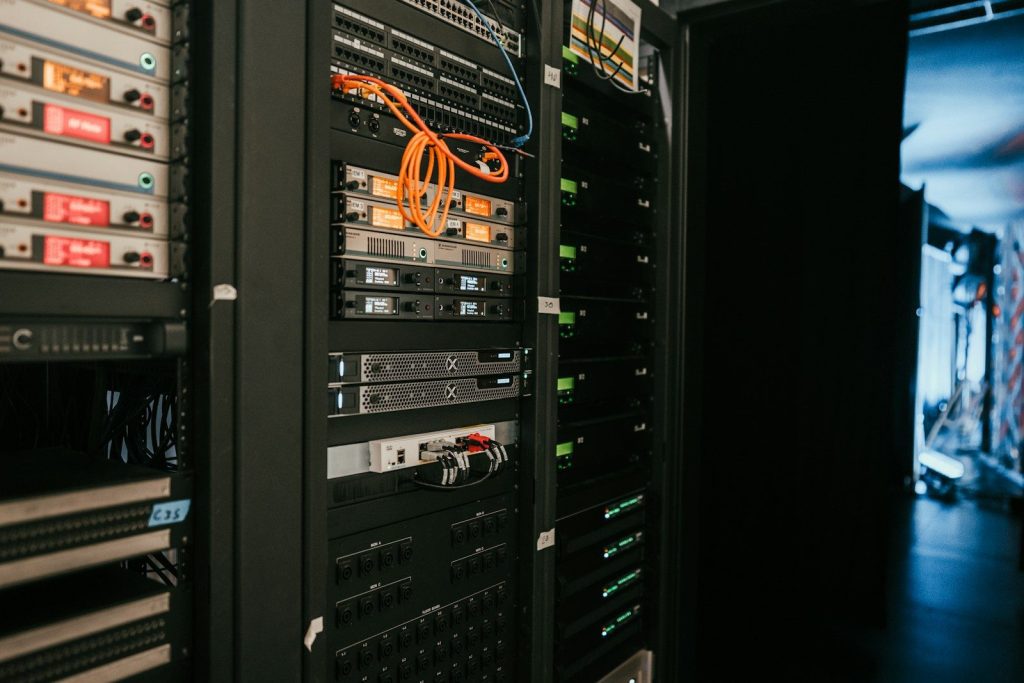
    a rack of servers in a server room
    Photo by Kevin Ache on Unsplash

    AI tools need powerful servers, and those servers need lots of memory to move and store data quickly. That demand has grown so fast that some chip makers are focusing more on server customers.

    When the biggest buyers lock in supply, smaller gadget brands may have less room to negotiate. That can make memory more expensive for phones, laptops, tablets, and other devices that many people buy every year.

    Phones may cost more

    a group of cell phones sitting on top of a table
    Photo by kuaileqie RE on Unsplash

    Smartphones depend on memory for smooth apps, photos, videos, and storage. If memory prices rise, phone makers may face higher costs before the device even reaches a store shelf.

    IDC warned that surging memory chip prices could hurt the smartphone market in 2026, with shipments expected to fall as device costs rise. That means shoppers may see fewer cheap upgrades or less generous storage at the same price.

    Laptops feel the squeeze

    a laptop computer sitting on top of a wooden desk
    Photo by Ricardo Resende on Unsplash

    A laptop needs memory for everyday tasks like web browsing, video calls, schoolwork, and games. It also needs storage chips for files, photos, and apps.

    When DRAM and NAND prices rise together, brands may adjust in quiet ways. A model that once came with more memory may start with less, or the higher-storage version may cost much more than buyers expect.

    Budget gadgets get hit hardest

    fan of 100 U.S. dollar banknotes
    Photo by Alexander Mils on Unsplash

    Expensive gadgets often have more room in the price. Budget devices do not. A small parts increase can matter a lot when a company is trying to sell a low-cost phone, laptop, or tablet.

    That can lead to tougher choices. Makers may raise the price, cut memory, reduce storage, or skip extra features. Shoppers may still see a “budget” label, but the deal may not feel as strong.

    Discounts may become smaller

    man in green jacket walking on sidewalk during daytime
    Photo by Markus Spiske on Unsplash

    When parts are cheap and supply is steady, stores can offer better sales. When memory costs climb, brands and retailers may have less space to cut prices.

    That could make holiday deals, back-to-school sales, and clearance offers less exciting. A device may still go on sale, but the discount might be smaller, especially on models with more storage or higher RAM.

    Storage upgrades can sting

    A close up of a laptop on a table
    Photo by Samsung Memory on Unsplash

    Many gadgets are sold in different storage sizes. A phone might come in 128GB, 256GB, or 512GB options. A laptop may offer a larger SSD for more money.

    When NAND Flash is tight, those upgrades can become much pricier. TrendForce has noted that NAND capacity has been shifting toward enterprise SSDs, while consumer uses face more cost pressure.

    PC builders may wait longer

    a close up of a computer motherboard
    Photo by Luan Gjokaj on Unsplash

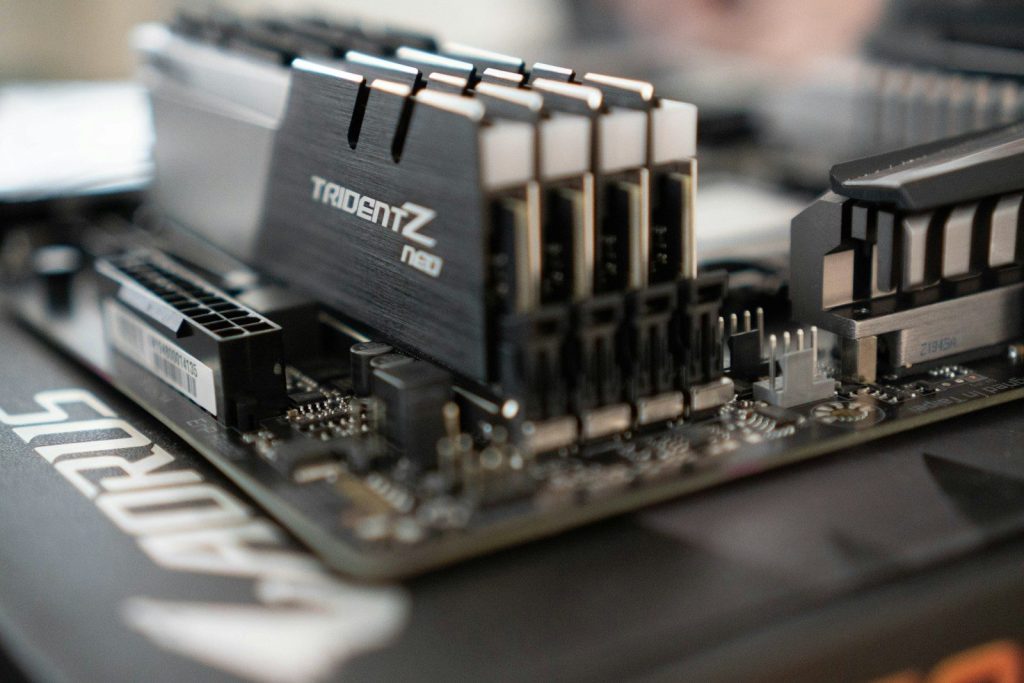
    People who build or upgrade PCs watch memory prices closely. RAM and SSD prices can change the total cost of a gaming or work setup.

    Recent reporting said higher DRAM and SSD prices have made some PC gamers delay new builds. When memory costs rise, a simple upgrade can suddenly feel like a much bigger purchase.

    Cameras are affected too

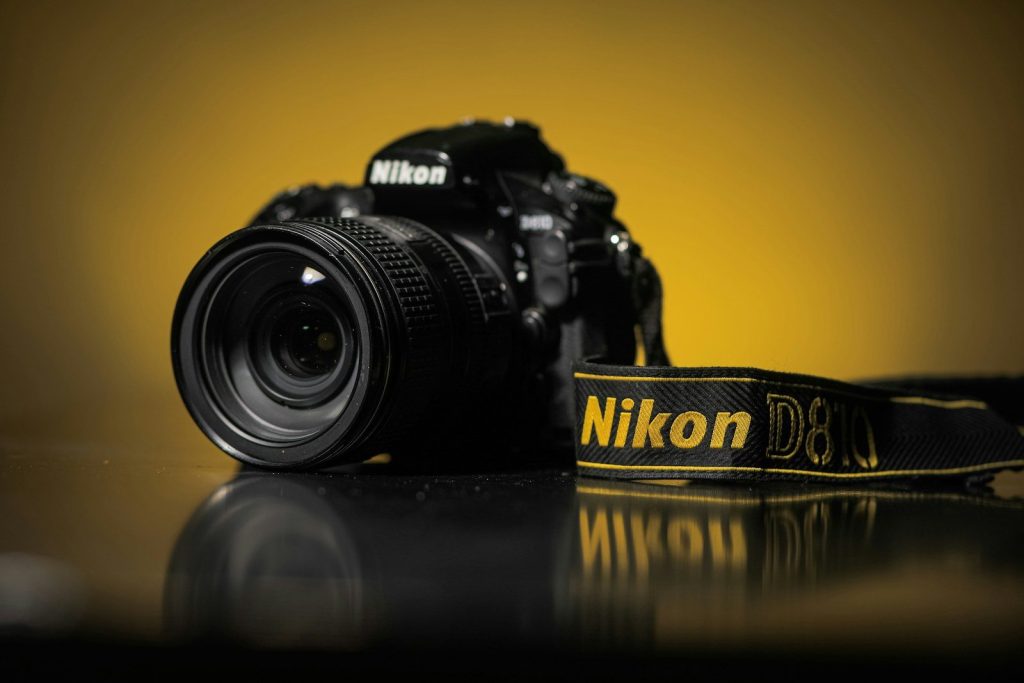
    black nikon dslr camera on water
    Photo by Gift Habeshaw on Unsplash

    Cameras do not only use memory cards. Many also need internal memory to handle fast shooting, video recording, and image processing.

    Camera brands have warned that rising memory costs may affect the industry. If costs stay high, shoppers could see higher launch prices, fewer deals, or more expensive accessories over time.

    Supply choices shape prices

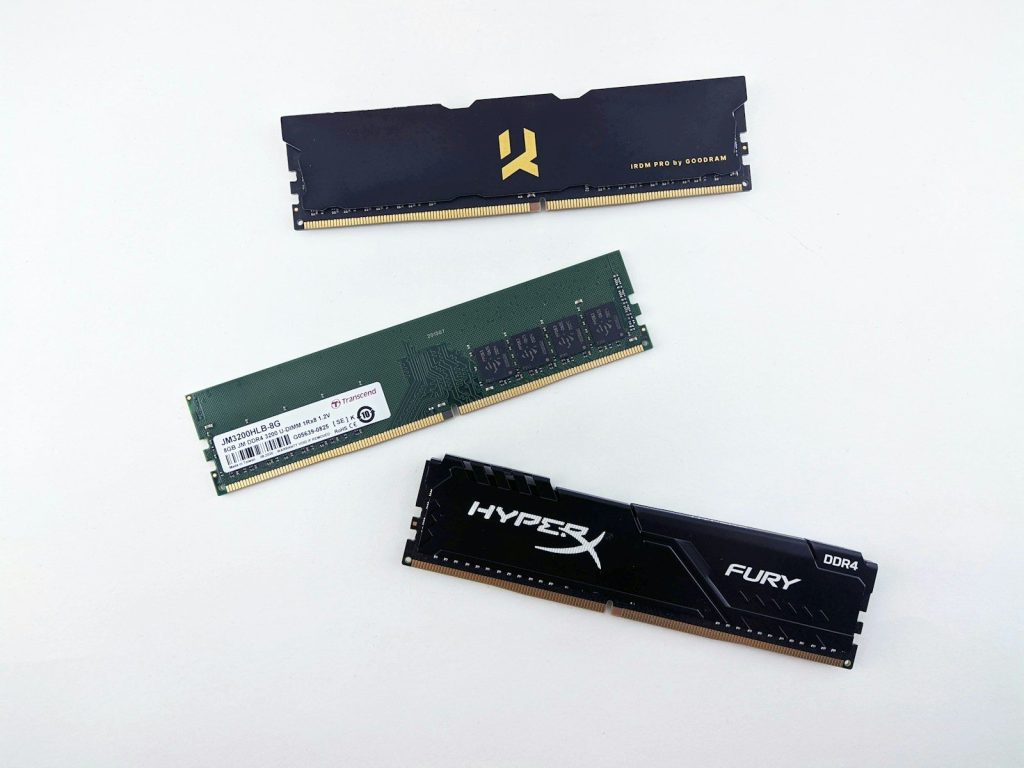
    text
    Photo by Andrey Matveev on Unsplash

    Chip makers cannot instantly create unlimited memory. Building new capacity takes time, money, and planning. So when one area, like AI servers, needs much more supply, other markets can feel the pressure.

    That is why gadget prices may rise even when the device itself does not look very different. The parts inside may simply cost more than they did before.

    Smart shoppers can adapt

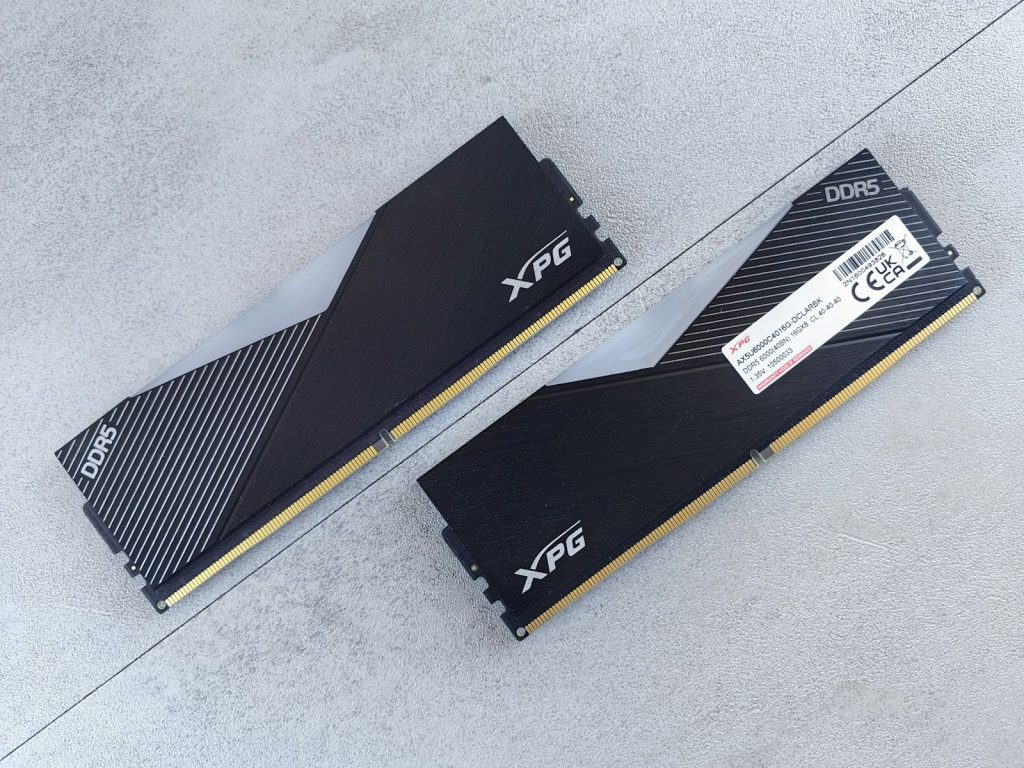
    a pair of xfx radeon rx 4800 and rx
    Photo by Andrey Matveev on Unsplash

    The best move is not panic buying. It is paying closer attention to memory and storage before choosing a gadget. Sometimes a slightly older model with enough RAM and storage can be the better value.

    Shoppers can also compare storage tiers carefully. A device with enough space from the start may cost less than upgrading later, especially if memory shortages keep pushing prices upward.

  • Why 120Hz screens make games feel smoother

    Why 120Hz screens make games feel smoother

    Fast games can feel totally different when the screen keeps up with the action. A 120Hz screen refreshes up to 120 times per second, which gives your eyes more visual updates than a standard 60Hz screen. That can make camera turns, racing lines, sports plays, and quick movements look cleaner and easier to follow. It can also help controls feel more connected when the game is running at a high enough frame rate.

    The biggest gains show up in fast-paced games, especially on modern consoles and gaming PCs that can output 120 frames per second. A 120Hz screen is not magic, and it cannot make every game instantly smoother by itself. But when the screen, game, and device all work together, the difference can feel sharp, quick, and surprisingly natural.

    More screen updates help

    a computer monitor sitting on top of a desk
    Photo by Markus Spiske on Unsplash

    A 120Hz screen can refresh twice as often as a 60Hz screen. That means the image on the display can update more frequently while a game is moving.

    This matters because games are built around motion. When the camera turns, a car speeds by, or a player jumps across the screen, extra updates can make the action look smoother and less choppy.

    Motion looks easier to follow

    black flat screen tv turned on near white wall
    Photo by Samuel Regan-Asante on Unsplash

    Fast movement can blur or feel jumpy when a screen updates slowly. A higher refresh rate gives your eyes more steps between one position and the next.

    That can make it easier to track enemies, read movement, or follow a ball in sports games. The game may not just look better. It can also feel easier to understand while things are happening quickly.

    Controls can feel quicker

    a man playing a video game on the nintendo wii
    Photo by JESHOOTS.COM on Unsplash

    Refresh rate also affects how responsive a game can feel. When the screen updates more often, your actions may appear on the display sooner.

    That smaller delay can make aiming, turning, and reacting feel more direct. It is especially helpful in racing, fighting, and action games where timing matters. The change may be small on paper, but players often notice it during real gameplay.

    Frame rate still matters

    Hands holding a game controller playing a video game.
    Photo by Nahmar Saeed on Unsplash

    A 120Hz screen works best when the game can run near 120 frames per second. The screen can only show extra smoothness when the device sends enough frames.

    If a game is locked at 30 or 60 frames per second, the screen may still look good, but it will not fully use the 120Hz limit. The display and the game both need to match well.

    Modern consoles support it

    a close up of two video game controllers
    Photo by Triyansh Gill on Unsplash

    Current gaming systems can support 120Hz gameplay in select titles when paired with the right display. Many 120Hz TVs also use HDMI 2.1 for 4K gaming at high frame rates.

    That is why 120Hz has become a popular feature on PS5, Xbox Series X|S, and gaming PCs. It gives players more room for smoother motion when games are built to support it.

    It helps more in fast games

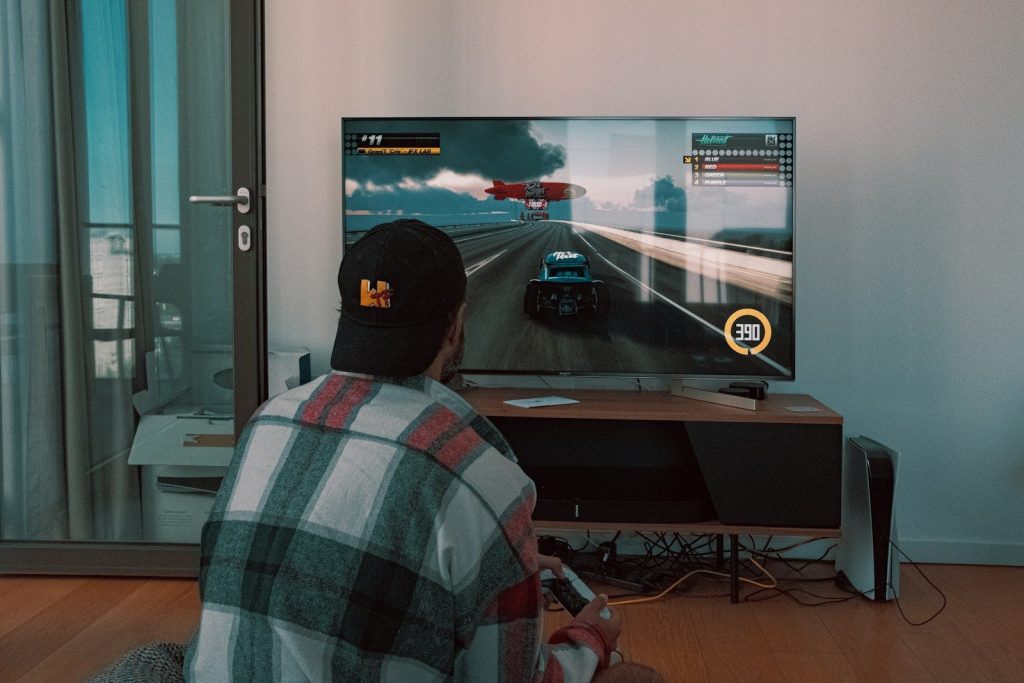
    Television screen displaying a first-person shooter video game.
    Photo by Andrey Matveev on Unsplash

    The 120Hz difference is usually easier to notice in games with quick camera movement. Shooters, racers, sports games, and action titles often benefit the most.

    Slower games may still feel cleaner, but the upgrade can be less dramatic. A story game with calm scenes may not show the same jump in smoothness as a fast match where every second is full of motion.

    Bigger screens can show it clearly

    a boy is playing a video game on the television
    Photo by Emily Wade on Unsplash

    On a large TV or monitor, motion issues can be easier to see. When the picture is big, choppy camera movement or blur may stand out more.

    That is one reason 120Hz TVs are often marketed toward gamers. A smoother picture can make large-screen gaming feel more comfortable, especially when sitting close or playing games with wide, fast camera turns.

    Not every player needs it

    a computer screen with a video game on it
    Photo by Fábio Magalhães on Unsplash

    A 120Hz screen is a strong upgrade, but it is not required for every gamer. Casual players may still enjoy many games on a good 60Hz screen.

    The value depends on what you play, what device you use, and whether your favorite games support high frame rates. For fast gaming, though, 120Hz can make the experience feel cleaner, quicker, and more natural.

    The full setup counts

    a desk with a monitor, keyboard and mouse
    Photo by EJ Aquino on Unsplash

    The screen is only one part of the smoothness puzzle. The game, console or PC, cable, display settings, and performance mode can all affect the final result.

    To get the best 120Hz experience, players usually need a supported game, a capable device, and the right display input. When everything lines up, the screen can show why higher refresh rates feel so good.

  • How TV speakers may work with wireless surround sound

    How TV speakers may work with wireless surround sound

    TV sound has changed a lot. A thin screen can look amazing, but its built-in speakers often have limited room to push out rich sound. That is why many people add a soundbar, subwoofer, or rear speakers to make movies, sports, and games feel bigger at home.

    Wireless surround sound can help clean up the room by reducing long speaker wires, but it does not always mean every part is completely wire-free. Most systems still need power, and many still connect to the TV through HDMI ARC or eARC for better sound quality and easier control. Some systems use Wi-Fi or a brand’s own wireless link to send sound to rear speakers, while Bluetooth is usually better for simple music playback than serious surround sound.

    TV sound starts the chain

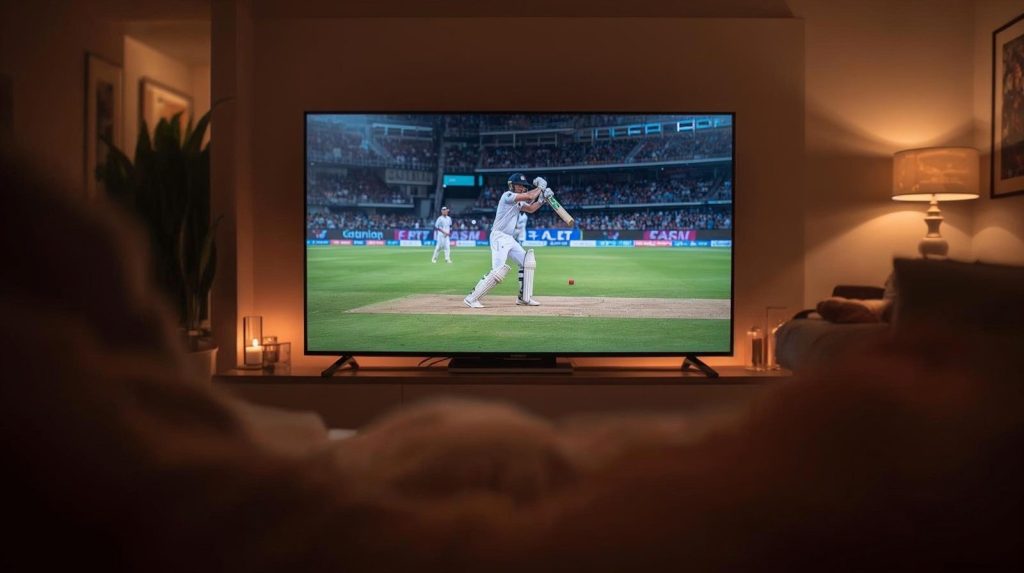
    Cricket match playing on a television screen at night.
    Photo by Momina Zeshan on Unsplash

    Your TV is usually the starting point. It receives sound from streaming apps, cable boxes, game consoles, or Blu-ray players, then sends that audio to another device.

    That device may be a soundbar, receiver, or wireless speaker hub. Once the sound leaves the TV, the system decides which parts go to the front, center, rear, or bass speakers.

    HDMI often does the heavy work

    black and blue coated wires
    Photo by Patrick Campanale on Unsplash

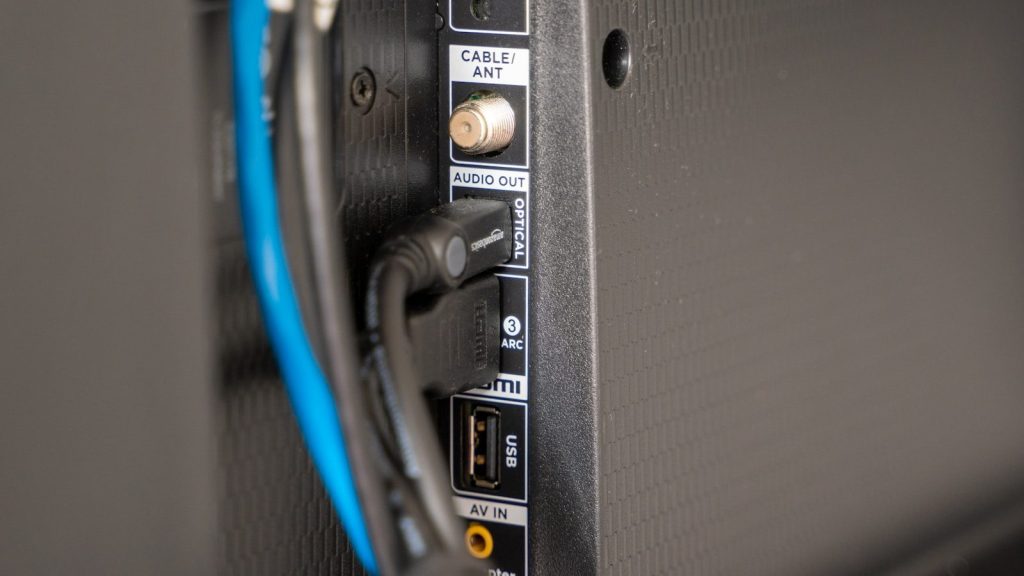
    HDMI ARC and eARC are common ways to send TV audio to a soundbar or receiver. They can also let the TV remote control volume on the connected audio system.

    eARC can support higher-quality audio formats than older ARC in many setups. That matters when people want fuller surround sound or formats such as Dolby Atmos from supported content and devices.

    Wireless does not mean magic

    a flat screen tv sitting on top of a table
    Photo by Mostafa Bepari on Unsplash

    Wireless surround sound usually means fewer speaker cables running across the room. Rear speakers or subwoofers may receive audio without a long wire from the TV area.

    Still, many parts need power from a wall outlet. A soundbar may also need an HDMI cable connected to the TV, so “wireless” often means cleaner, not completely cord-free.

    Wi-Fi can carry surround sound

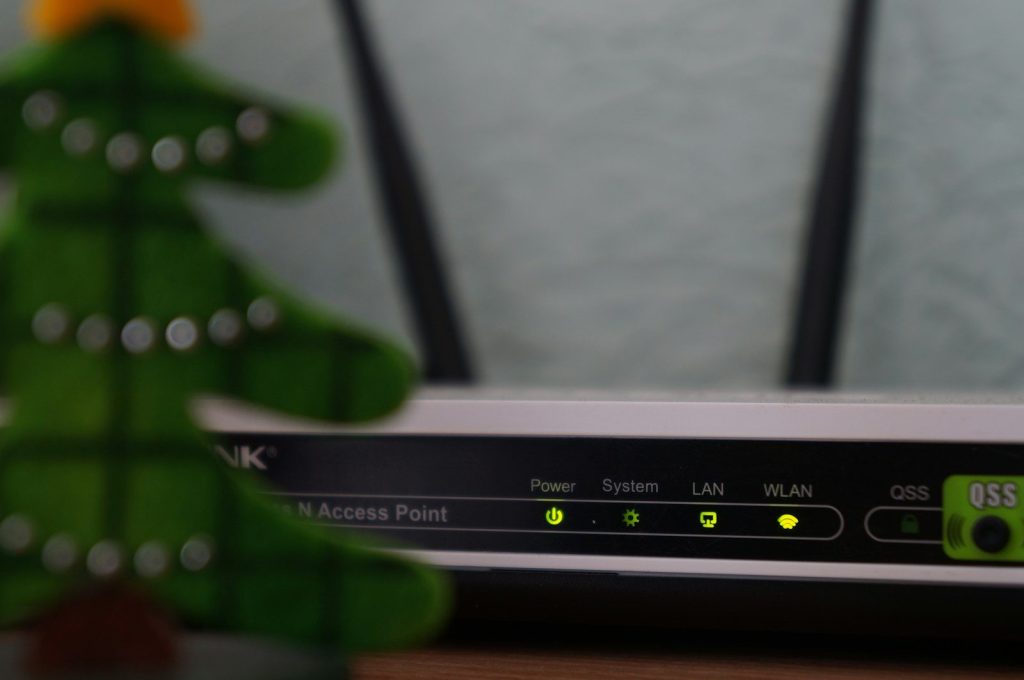
    white and black modem router with four lights
    Photo by Misha Feshchak on Unsplash

    Many wireless surround systems use Wi-Fi or a private wireless connection between matching devices. This can help move more audio data than basic Bluetooth in many home theater setups.

    That is why some brands require compatible speakers on the same network. In some systems, wireless surround features may not work through Bluetooth alone.

    Bluetooth has a smaller role

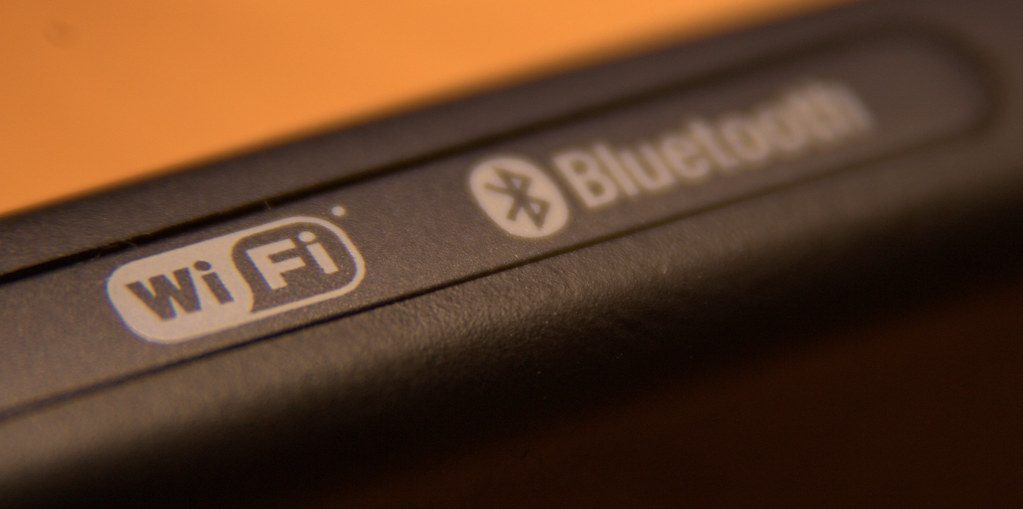
    Bluetooth & WiFi” by michperu is licensed under CC BY 2.0

    Bluetooth can be handy for quick music streaming from a phone. It is simple, familiar, and works with many devices.

    For TV surround sound, though, Bluetooth is not always the best choice. It can have delay, limited format support, or lower audio quality, depending on the device and connection.

    Rear speakers create space

    a man watching a movie on tv in his living room
    Photo by Mathieu Improvisato on Unsplash

    Rear speakers help sound feel like it is coming from behind or around the viewer. That can make rain, crowds, engines, or background action feel more natural.

    A soundbar alone can still improve TV sound, but physical rear speakers usually create a stronger surround effect. Placement matters, so the speakers should sit beside or behind the seating area when possible.

    Subwoofers add the impact

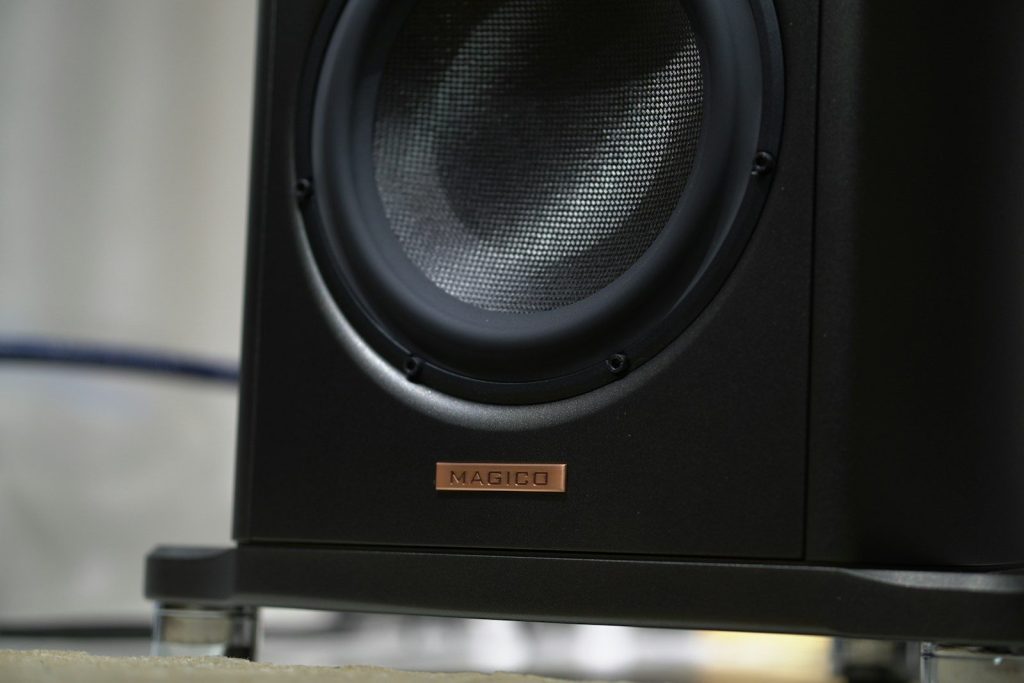
    Close-up of a black speaker with a copper logo.
    Photo by Tawshif Khan on Unsplash

    A subwoofer handles deep bass that small TV speakers usually cannot produce well. That can make action scenes, music, and sports broadcasts feel fuller.

    Many modern subwoofers connect wirelessly to the soundbar or main system. They still usually need power, but they can be placed more freely than a fully wired bass speaker.

    Dolby Atmos can add height

    dolby, sound, audio, dsp, sound processor, controller, surround, surround sound, sound reinforcement, technology, dolby, dolby, dolby, dolby, dolby, surround sound, surround sound
    Photo by Bru-nO on Pixabay

    Dolby Atmos is designed to make sound feel more three-dimensional. Some TVs, soundbars, and speaker systems can use it to create the feeling of sound above and around the room.

    Some systems use upward-firing speakers, while others use sound processing to create a height effect. The final result depends on the room, speaker design, and content support.

    Setup choices affect results

    a vase of flowers sitting on a coffee table
    Photo by Linus Mimietz on Unsplash

    Good surround sound is not only about buying extra speakers. TV settings, the right HDMI port, speaker placement, and sound modes can all change the experience.

    A common mistake is leaving TV audio set to internal speakers instead of the soundbar or receiver. Using the correct output setting can make the system work as intended.

    Compatibility matters most

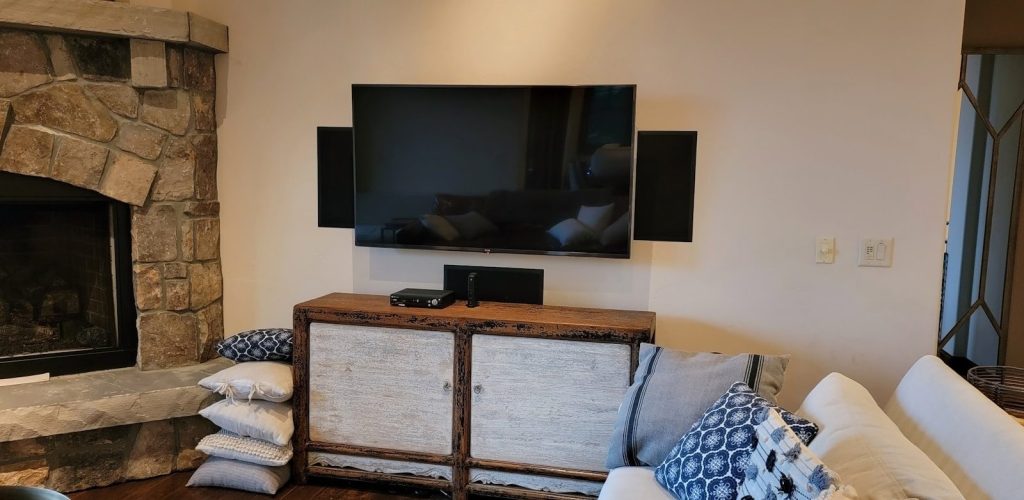
    a living room with a fireplace and a flat screen tv
    Photo by Grand Central Wiring on Unsplash

    Wireless surround systems often work best when the soundbar, rear speakers, and subwoofer are designed to pair together. Mixing random wireless speakers may not create true surround sound.

    Before buying, people should check TV ports, ARC or eARC support, app support, and whether the speakers are made for the same system. That simple check can prevent setup problems later.

    The right setup feels cleaner

    a flat screen tv sitting on top of a wooden stand
    Photo by JALG TV Stand on Unsplash

    Wireless surround sound can make a TV room feel neater and more immersive. It is especially useful for people who want better audio without running speaker wire across the floor.

    The best setup depends on the room, budget, and how much surround effect someone wants. For many homes, a soundbar with wireless rear speakers and a subwoofer offers a strong balance of sound and simplicity.

  • Why HDR can make games and movies look more real

    Why HDR can make games and movies look more real

    A sunset in a movie should glow, not look like a flat orange wall. A dark game level should feel tense, not turn into a muddy gray mess. That is where HDR can make a real difference. HDR, short for high dynamic range, helps screens show brighter highlights, deeper shadows, and a wider range of colors than standard video.

    When it works well, small details stand out more clearly, from sunlight on metal to clouds around a bright sky. HDR also depends on the screen, the content, and the settings, so the same movie or game can look different from one TV to another. Good HDR is not just about being brighter. It is about making light, color, and contrast feel closer to real life.

    HDR expands the light range

    Chic and comfortable living room featuring a modern sofa, decorative pillows, and a TV streaming popular shows.
    Photo by Lisa from Pexels on Pexels

    HDR helps a screen show a wider range between the darkest darks and the brightest highlights. That means a bright lamp, fire, moon, or sun reflection can stand out without making the whole picture look washed out.

    This extra range can make scenes feel more natural. Instead of everything sitting in the same flat brightness level, HDR gives the picture more depth and makes light behave more like it does in real life.

    Bright highlights feel sharper

    black flat screen tv turned on showing game
    Photo by Nicolas J Leclercq on Unsplash

    One of HDR’s biggest strengths is how it handles bright details. A spark, flashlight, car headlight, or glowing window can look more intense while still keeping shape and texture.

    That matters because real life is full of tiny bright spots. When a TV has strong HDR brightness, those highlights can pop more clearly instead of blending into the rest of the scene.

    Shadows can show more detail

    a man watching a movie on tv in his living room
    Photo by Mathieu Improvisato on Unsplash

    HDR is not only about bright light. It can also help darker scenes keep more visible detail, especially when the screen has strong contrast and good black levels.

    In a movie, this can make night scenes easier to read. In a game, it can help you notice walls, paths, or objects without turning the picture into a dull gray image.

    Colors can look more lifelike

    Cricket match playing on a television screen at night.
    Photo by Momina Zeshan on Unsplash

    HDR often works with a wider color range, which can help certain shades look richer and more natural. Grass, skies, skin tones, neon signs, and fire can all appear more layered.

    The goal is not to make every color loud. Good HDR lets colors look closer to what the creator intended, with smoother changes between soft shades and bold highlights.

    Movies gain a bigger mood

    a couple of women sitting on top of a couch
    Photo by Kevin Woblick on Unsplash

    Movies rely heavily on lighting to shape emotion. HDR can make a quiet candlelit room feel warmer, a city skyline feel brighter, or a stormy sky feel heavier.

    That extra contrast can pull viewers deeper into the scene. When highlights and shadows are balanced well, the picture feels less like a screen and more like a real place.

    Games feel more immersive

    black flat screen tv turned on near white wall
    Photo by Samuel Regan-Asante on Unsplash

    HDR can make games feel more alive because players control the action in real time. Bright explosions, glowing signs, sunlight through trees, and dark tunnels can all feel more dramatic.

    It can also help with atmosphere. A well-tuned HDR game can make a desert feel hotter, a cave feel deeper, and a sci-fi world feel more cinematic.

    The screen still matters

    black flat screen tv turned on on brown wooden tv rack
    Photo by Marques Kaspbrak on Unsplash

    HDR does not look the same on every TV or monitor. A screen needs enough brightness, good contrast, and strong color performance to show HDR at its best.

    If the screen cannot get bright enough or control dark areas well, HDR may look too dim, too flat, or uneven. That is why display quality plays a major role.

    Settings can change everything

    turned-on flat screen television
    Photo by Glenn Carstens-Peters on Unsplash

    HDR can look amazing, but poor settings can ruin the effect. If brightness, black levels, or game calibration are off, the image may look washed out or too dark.

    Many consoles, TVs, and games include HDR adjustment tools. Taking a few minutes to set them properly can make highlights cleaner, shadows clearer, and colors more balanced.

    Content must support HDR

    Selective focus of a Netflix screen on a smart TV in an indoor setting.
    Photo by www.kaboompics.com on Pexels

    A TV with HDR does not automatically make every movie or game true HDR. The movie, show, game, app, cable, and device also need to support the right HDR format.

    When the whole setup matches, HDR has more room to shine. Without HDR content, the screen may simply show regular standard dynamic range video instead.

    Realism comes from balance

    tv, popcorn, movie, streaming, watch tv, movie night, action, movie theater, netflix, tv, popcorn, movie, movie, movie, movie, watch tv, watch tv, watch tv, watch tv, watch tv, movie night, movie night, movie night, netflix, netflix, netflix, netflix
    Photo by Frank_Rietsch on Pixabay

    HDR looks best when it feels natural, not extreme. The strongest results come from balanced brightness, deep contrast, clean colors, and detail in both light and dark areas.

    That balance is why HDR can make games and movies feel more real. It gives the picture more visual range, helping scenes feel closer to the way our eyes experience the world.
  • 7 TV features that actually change how games look

    7 TV features that actually change how games look

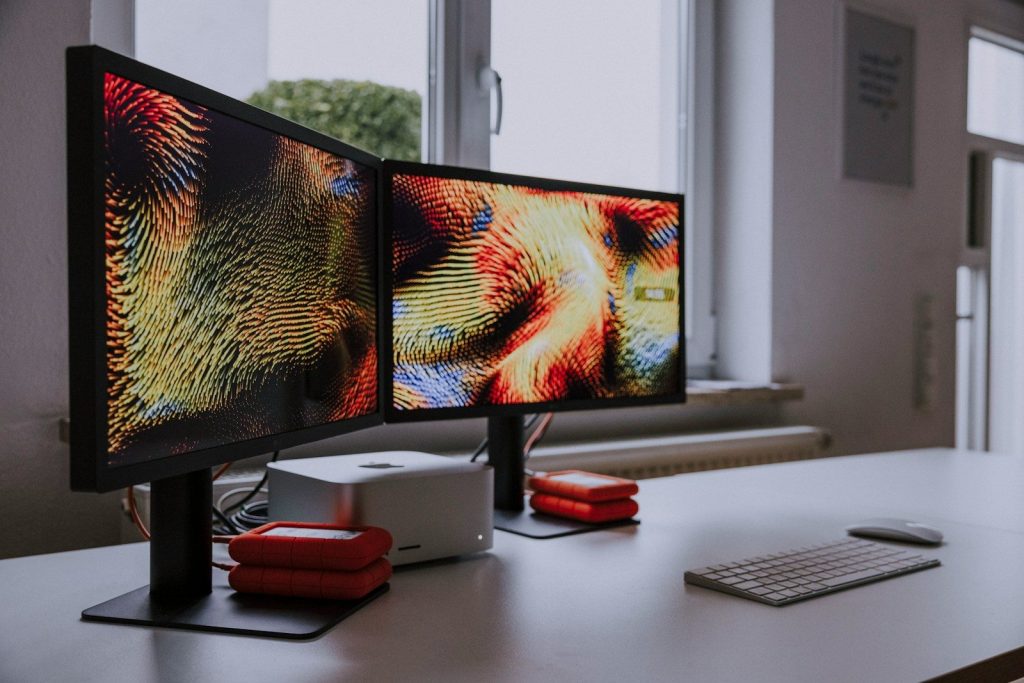
    A great game can still look flat on the wrong TV. The colors may feel dull, fast action can blur, and a split-second delay can make every move feel off. That is why gaming TVs are about more than screen size or a “4K” label.
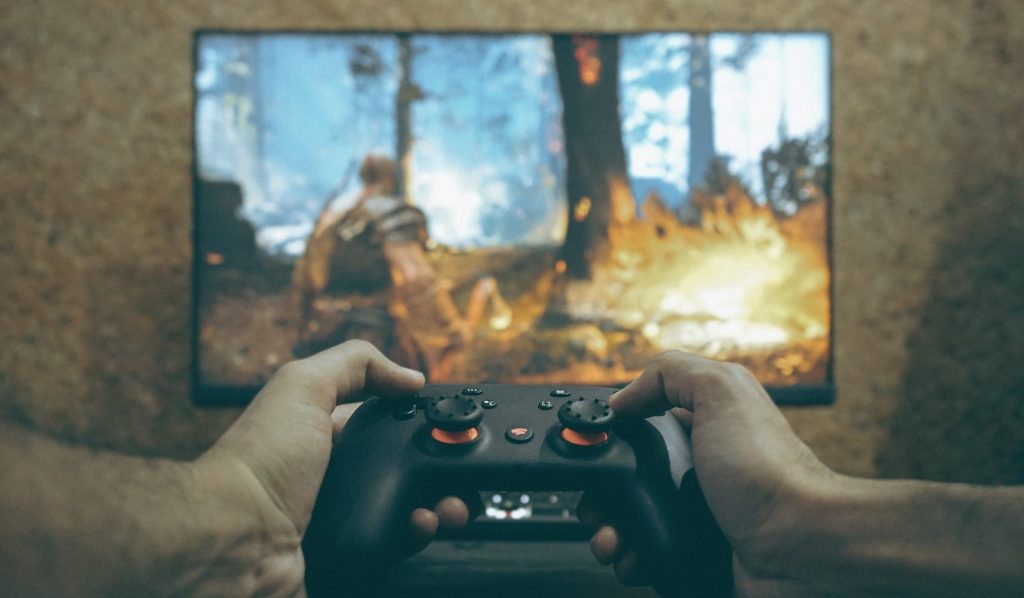
    The right features can make games look smoother, brighter, sharper, and more responsive. Some help fast scenes stay clear. Others improve lighting, shadows, and color. A few features work quietly in the background, switching your TV into better gaming settings without extra work. For PS5, Xbox Series X, and newer gaming PCs, features like VRR, ALLM, 4K at 120Hz, and low input lag can make a real difference.
    Game mode matters first

    Hands holding a game controller playing a video game.
    Photo by Nahmar Saeed on Unsplash

    Game mode is one of the easiest features to miss, but it can change how a game feels right away. It reduces extra TV processing so your button presses show up faster on screen.

    That matters most in racing, sports, platformers, and action games. Lower input lag helps the game feel more connected to your controller, especially when timing is important.

    120Hz makes motion smoother

    Television screen displaying a first-person shooter video game.
    Photo by Andrey Matveev on Unsplash

    A 120Hz TV can refresh the image up to 120 times per second when the console, game, and settings support it. That can make movement look smoother than standard 60Hz play.

    It is especially useful in fast games where the camera moves quickly. Racing turns, sports plays, and quick camera swings can look cleaner and easier to follow.

    HDR adds brighter highlights

    a man playing a video game on the nintendo wii
    Photo by JESHOOTS.COM on Unsplash

    HDR can make bright parts of a game stand out more, from sunlight on metal to glowing signs in a night scene. It also helps games show a wider range between dark and bright areas.

    Good HDR depends on the TV’s brightness, contrast, and tone mapping. When those parts work well, game worlds can look deeper, richer, and more realistic.

    Local dimming improves shadows

    man in red shirt watching tv
    Photo by Erik Mclean on Unsplash

    On many LED and Mini-LED TVs, local dimming controls different backlight zones across the screen. Better local dimming can make dark areas look deeper while keeping bright objects stronger.

    That helps in games with caves, night scenes, space settings, or dramatic lighting. Shadows can look less washed out, and bright effects can pop with more impact.

    OLED gives deeper blacks

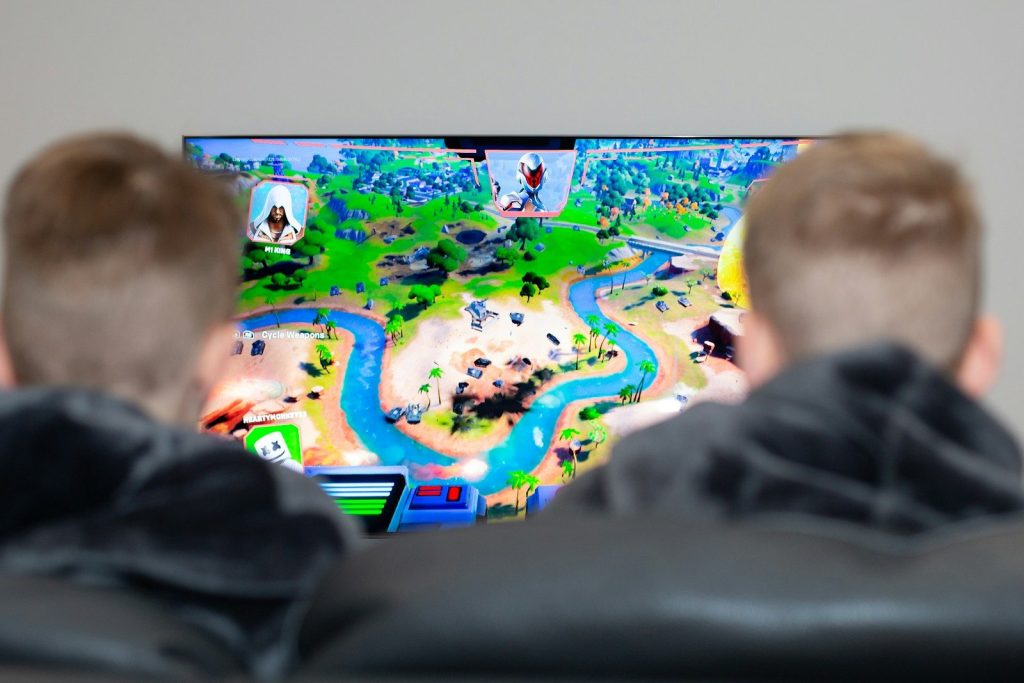
    two boys are playing a video game on the television
    Photo by Emily Wade on Unsplash

    OLED TVs can turn individual pixels on and off, which helps create very deep black levels. In dark games, that can make shadows, space scenes, and nighttime areas look more intense.

    OLED also tends to have very fast pixel response, which helps motion look clean. For many players, the mix of strong contrast and fast motion makes games feel more cinematic.

    Fast response cuts blur

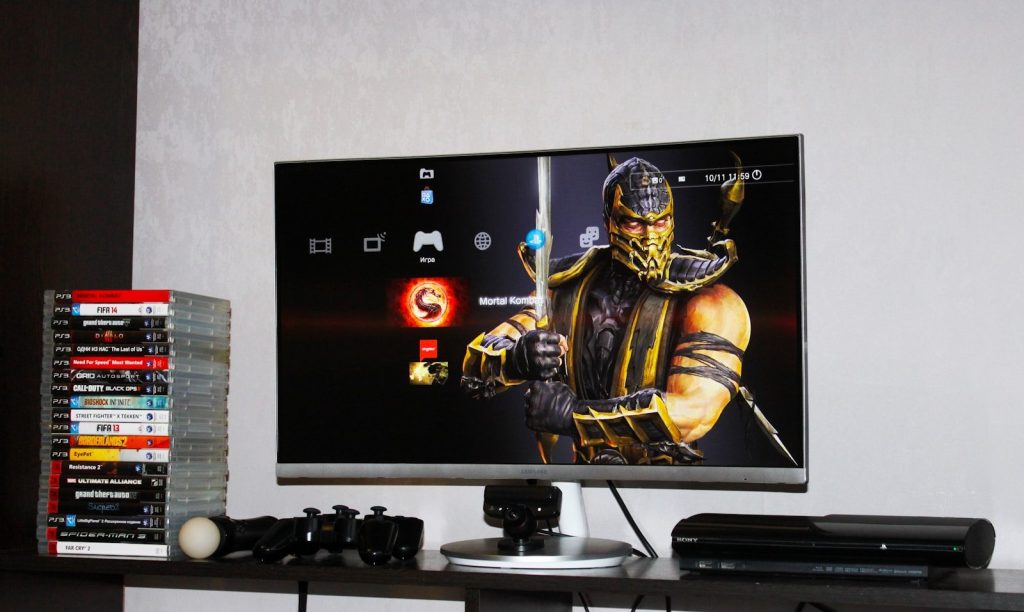
    flat screen monitor beside PS3 Super Slim
    Photo by Ivan Shilov on Unsplash

    Response time describes how quickly pixels change from one shade to another. Slower response can create blur, ghosting, or dark smearing around fast-moving objects.

    A faster response time helps keep movement cleaner. That can make it easier to track enemies, read fast action, and follow quick camera moves without the image turning messy.

    HDMI bandwidth unlocks more

    black and blue coated wires
    Photo by Patrick Campanale on Unsplash

    The HDMI port matters because advanced gaming features need enough bandwidth. For example, HDMI 2.1 added support for higher refresh rates, including 4K at 120Hz, along with gaming features such as VRR and ALLM.

    This does not mean every HDMI port on every TV supports everything. Always check which ports handle the features you need before buying or setting up a console.

  • How RGB Mini LED TVs are challenging OLED screens

    How RGB Mini LED TVs are challenging OLED screens

    Buying a premium TV used to feel like a simple choice: pick OLED for deep blacks, rich contrast, and a movie-like picture. Now RGB Mini LED is making that decision a lot more interesting. This newer screen approach uses separate red, green, and blue LEDs in the backlight, which can help TVs push brighter images and stronger color than many regular Mini LED sets.

    That matters because many living rooms are bright, sports are fast, and today’s HDR movies are made to shine. OLED still has a major edge with pixel-level light control and perfect-looking blacks, but RGB Mini LED is closing the gap in ways shoppers can actually notice.

    Brighter rooms need more punch

    two boys are playing a video game on the television
    Photo by Emily Wade on Unsplash

    OLED screens look beautiful, but very bright rooms can make any TV work harder. RGB Mini LED is built to fight that problem with a powerful backlight that can push bold highlights and vivid colors.

    That extra punch can help daytime sports, nature shows, and bright movie scenes look clearer. For families who watch TV in sunny living rooms, brightness may matter just as much as perfect black levels.

    Color is the big upgrade

    black flat screen tv turned on on brown wooden tv rack
    Photo by Marques Kaspbrak on Unsplash

    Traditional Mini LED TVs use a white or blue-based backlight with filters and quantum dots to create color. RGB Mini LED changes the game by using red, green, and blue light sources in the backlight itself.

    That can help colors look fuller and cleaner, especially in bright HDR scenes. The result is a picture that can feel more vibrant without looking washed out.

    OLED still owns black levels

    flat screen TV
    Photo by Jens Kreuter on Unsplash

    OLED’s biggest strength is simple: each pixel can turn itself on or off. That gives OLED excellent control in dark scenes, especially when stars, shadows, or small lights appear on screen.

    RGB Mini LED can dim different backlight zones, but it still relies on an LCD layer. That means OLED remains the cleaner choice for the deepest blacks and the most precise contrast.

    HDR scenes can look bigger

    A flat screen TV sitting on top of a TV stand
    Photo by Alex Tyson on Unsplash

    HDR is all about bright highlights, deep shadows, and rich color. RGB Mini LED has a real advantage here because it can deliver very bright peaks while keeping colors strong.

    That can make sunlight, fire, city lights, and shiny details feel more dramatic. OLED may still look smoother in dark rooms, but RGB Mini LED can make HDR pop in a way many viewers will notice fast.

    Bigger screens are a key battleground

    Zootopia movie still
    Photo by Chauhan Moniz on Unsplash

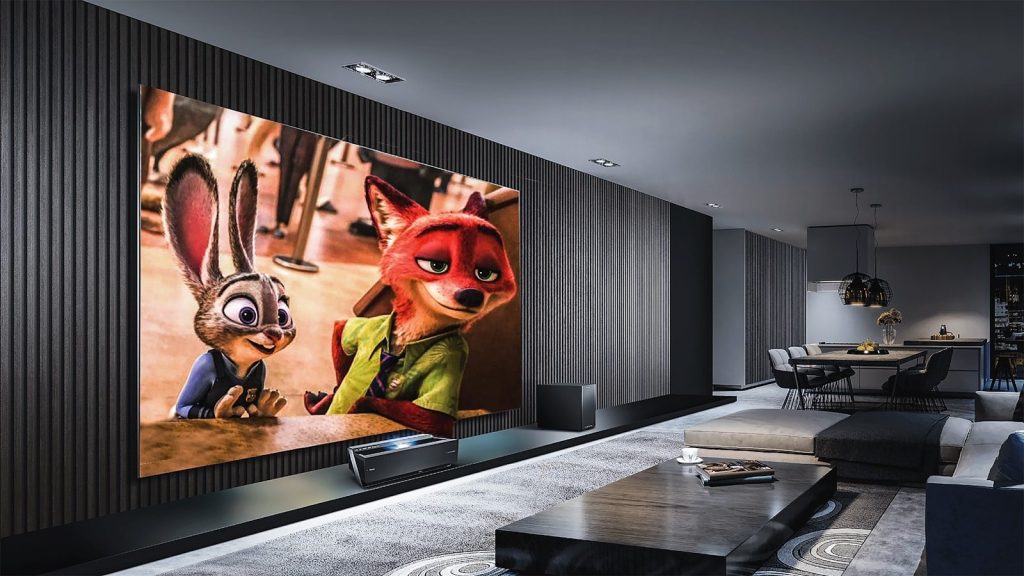
    TV brands are pushing RGB Mini LED hard in very large screen sizes. Hisense and TCL have shown giant RGB Mini LED models, including 116-inch and 115-inch class sets aimed at premium buyers.

    That matters because OLED prices can climb quickly at huge sizes. If RGB Mini LED keeps improving, it could become a strong option for shoppers who want a theater-like screen at home.

    Gaming could benefit too

    Hands holding a game controller playing a video game.
    Photo by Nahmar Saeed on Unsplash

    Gamers often want bright highlights, fast motion, and strong color. RGB Mini LED has the potential to bring those strengths together, especially on large screens built for premium home entertainment.

    OLED still has excellent response time and contrast, so it is not being pushed aside. But RGB Mini LED may become a serious gaming rival when brands pair it with high refresh rates and strong processing.

    Prices may decide the fight

    fan of 100 U.S. dollar banknotes
    Photo by Alexander Mils on Unsplash

    Early RGB Mini LED TVs are premium products, especially in very large sizes. Hisense’s first 116-inch RGB Mini LED model launched in China at a high premium-market price, showing that this technology is not yet a budget feature.

    Still, TV technology often starts expensive and moves down over time. If smaller and more affordable models arrive, RGB Mini LED could reach many more living rooms.

    It is not just hype

    tv, popcorn, movie, streaming, watch tv, movie night, action, movie theater, netflix, tv, popcorn, movie, movie, movie, movie, watch tv, watch tv, watch tv, watch tv, watch tv, movie night, movie night, movie night, netflix, netflix, netflix, netflix
    Photo by Frank_Rietsch on Pixabay

    RGB Mini LED is getting attention because it solves real TV problems. It can offer stronger brightness, better color control, and a safer choice for bright-room viewing than many shoppers expect from premium screens.

    That does not mean OLED is outdated. It means OLED finally has a tougher rival, especially for people who care about size, brightness, and bold HDR performance.

    The best choice depends on you

    black flat screen tv turned on showing game
    Photo by Nicolas J Leclercq on Unsplash

    OLED is still a great pick for movie lovers who watch mostly at night and want deep blacks. RGB Mini LED may be better for bright rooms, very large screens, and viewers who want a vivid picture all day.

    The real winner is the shopper. As brands compete, TVs should keep getting brighter, more colorful, and more flexible for different homes. That makes the next few years exciting for anyone planning an upgrade.