
A modern laptop can feel powerful on the go, but the desk setup often tells a different story. One cable may need to handle a monitor, keyboard, mouse, charger, camera, storage drive, and wired internet. That is where docking stations still earn their place. They help turn a slim laptop into a cleaner, more complete workstation without making users plug in several devices every time they sit down.
Docking stations also matter because today’s work setups keep changing. Many people move between home, office, school, and travel. A good dock can support bigger screens, faster data transfer, stable Ethernet, and laptop charging through one main connection. Modern USB-C, USB4, and Thunderbolt docks can support video, data, and power through compatible ports, making them useful for both simple desks and more advanced setups.
They clean up cable clutter

A docking station helps keep a desk from turning into a mess of loose cables. Instead of plugging several devices into a laptop, users can connect most of them to the dock.
That makes the desk easier to use every day. One main cable can connect the laptop to monitors, USB devices, speakers, storage, and power when the dock and laptop support those features.
Bigger screens work better
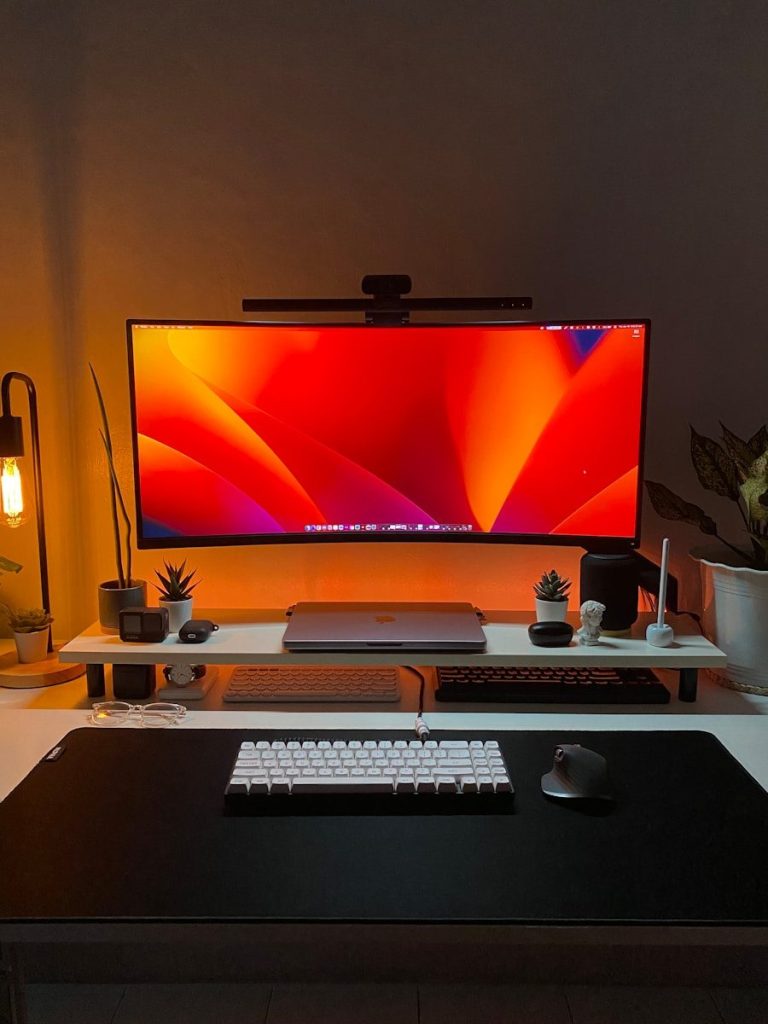
Many people buy laptops for portability, but work often feels easier on larger monitors. A docking station can help connect one or more external displays, depending on the laptop, dock, cable, and display support.
This can make writing, editing, research, video meetings, and spreadsheets easier to manage. Thunderbolt 4, for example, can support up to two 4K 60Hz monitors through a compatible dock or adapter.
Charging becomes simpler

Some docking stations can charge a laptop while also handling display and data connections. That means the power cable does not always need to be separate.
This is helpful for clean desks and shared workspaces. It also reduces the chance of forgetting a charger at home or leaving one tangled behind the desk.
Ethernet still has value
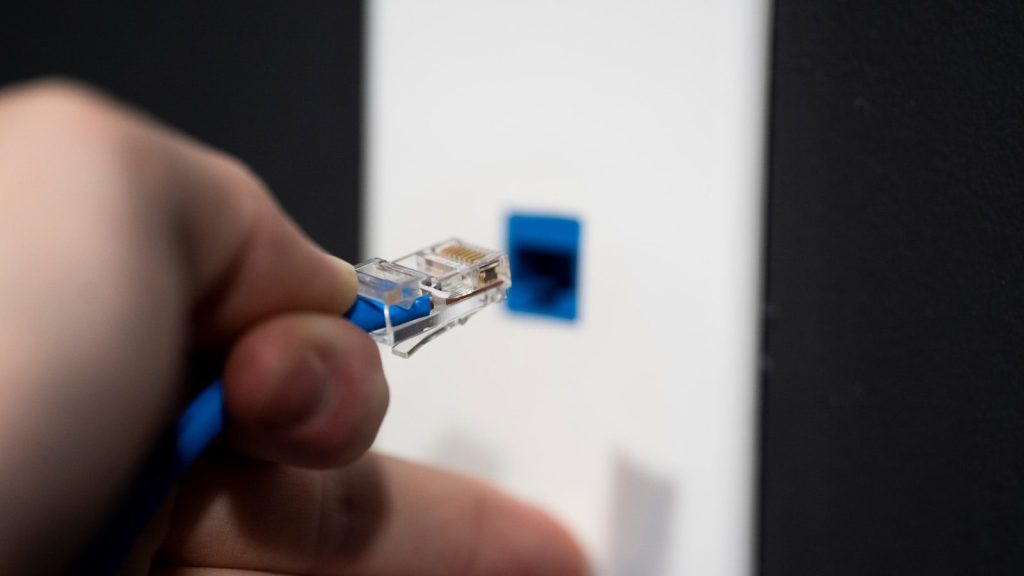
Wi-Fi is convenient, but wired Ethernet can still be useful for steady connections. A dock with Ethernet gives users another option when video calls, large uploads, or remote work need more stability.
This can be especially helpful in busy homes, offices, or dorms. When Wi-Fi feels crowded or uneven, a wired connection through the dock can make the setup feel more dependable.
Ports are still limited
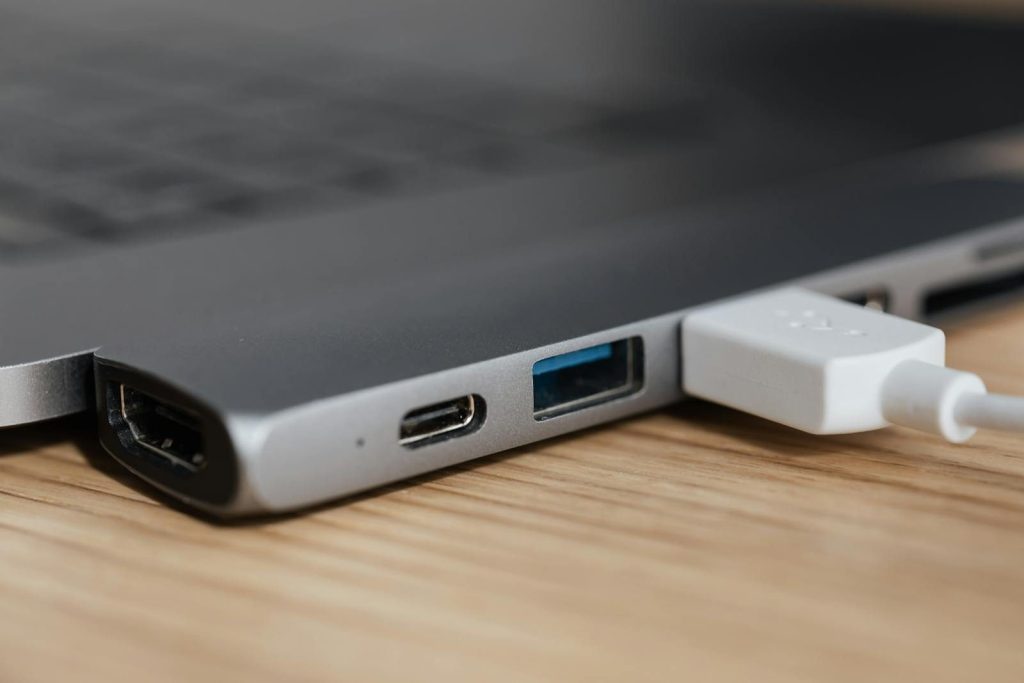
Thin laptops often remove full-size ports to stay light and slim. That can be frustrating when someone needs HDMI, USB-A, Ethernet, an SD card slot, or extra USB-C ports.
A docking station brings many of those connections back in one place. It helps modern laptops stay portable without forcing users to give up the tools they still use.
Creative work gets easier

People who edit photos, videos, audio, or large design files often need more than a laptop alone can offer. They may use external drives, monitors, card readers, microphones, cameras, and speakers.
A dock can bring those tools together in a more organized way. It can also help reduce repeated plugging and unplugging, which is useful when projects require many devices at once.
Compatibility matters most
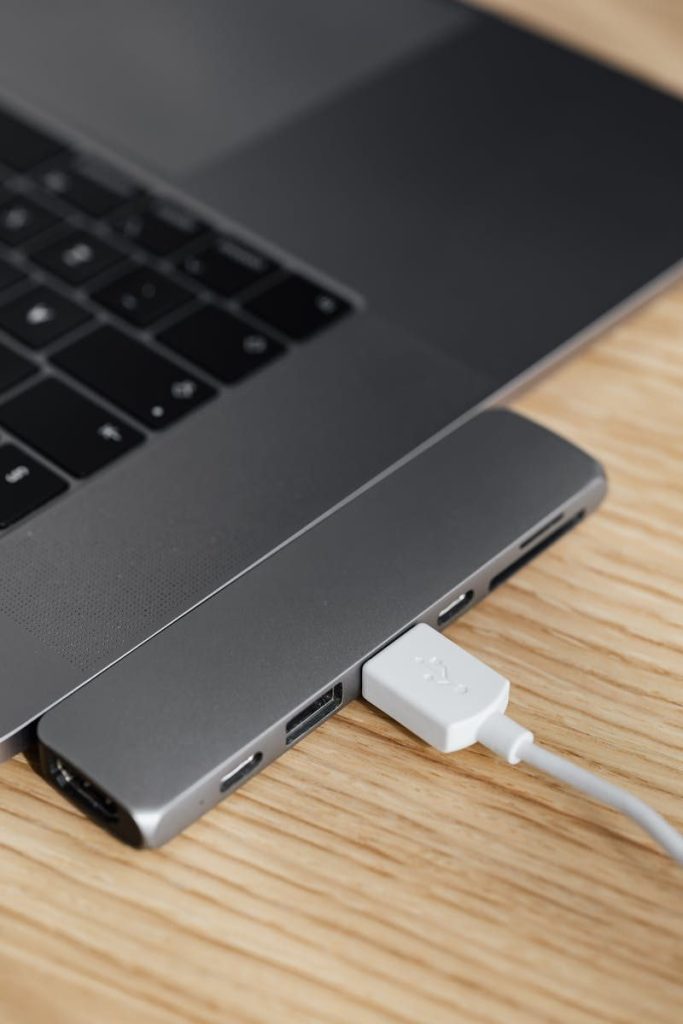
Not every dock works the same way with every laptop. Some features depend on whether the laptop supports USB-C video output, USB4, Thunderbolt, or enough power delivery.
That is why users should check the laptop, dock, cable, and monitor requirements before buying. The right match can feel seamless, while the wrong match may limit displays, charging, or data speeds.
They make setups last
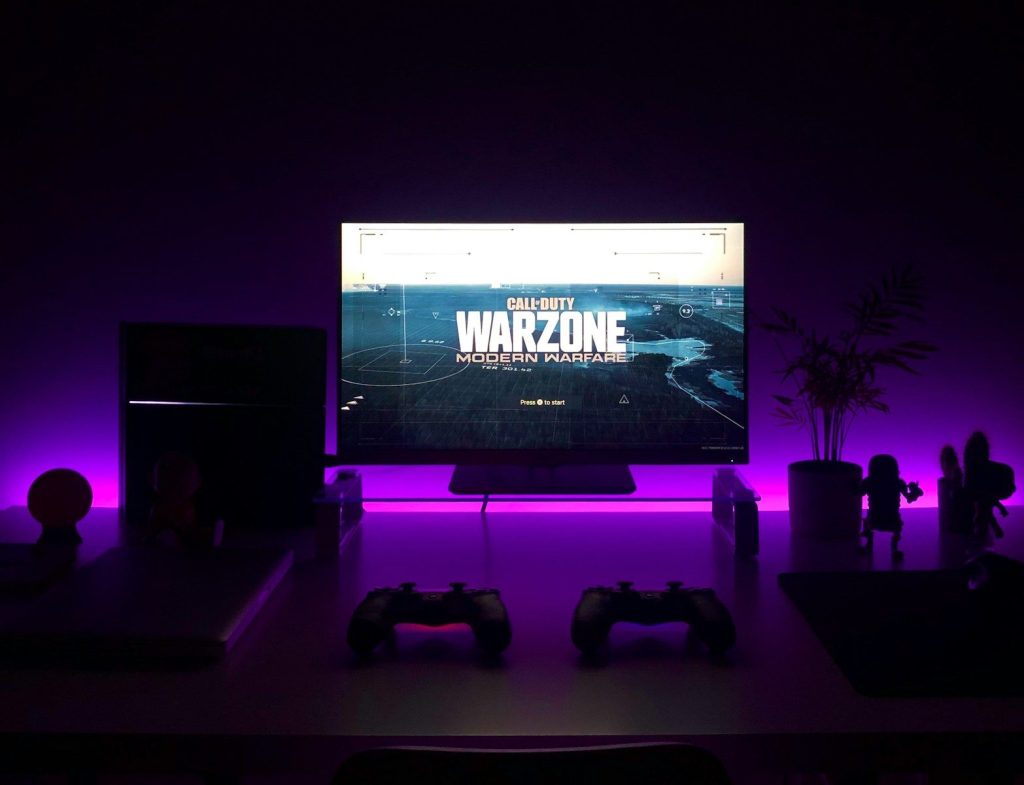
A docking station can help a desk setup grow over time. Users may start with one monitor and a keyboard, then later add more storage, better speakers, a webcam, or wired internet.
That flexibility is why docks still matter. Even as laptops get thinner and wireless tools improve, many people still need a simple way to connect everything at a real workstation.
Leave a Reply