
Hybrid work sounds simple until the small problems start adding up. A laptop camera sits too low. A call sounds muffled. A desk feels fine for 20 minutes, then becomes uncomfortable after hours of typing. That is why computer accessories matter more now than they did when many people worked from one fixed office setup every day.
The right accessories can help make a home desk feel more like a real workstation, while also making office days easier to manage. OSHA notes that there is no single “correct” computer setup for everyone, but basic workstation design can improve comfort and usability. Detachable keyboards, proper monitor placement, and better input devices can also support a more comfortable setup for laptop users.
A sharper webcam

A good webcam can make a big difference when meetings are split between home and office. Built-in laptop cameras often sit at a low angle, which can make video calls feel less natural.
An external webcam can sit higher and show a clearer picture. For hybrid workers, that can make calls feel smoother, more professional, and easier for teammates to follow.
A comfortable keyboard
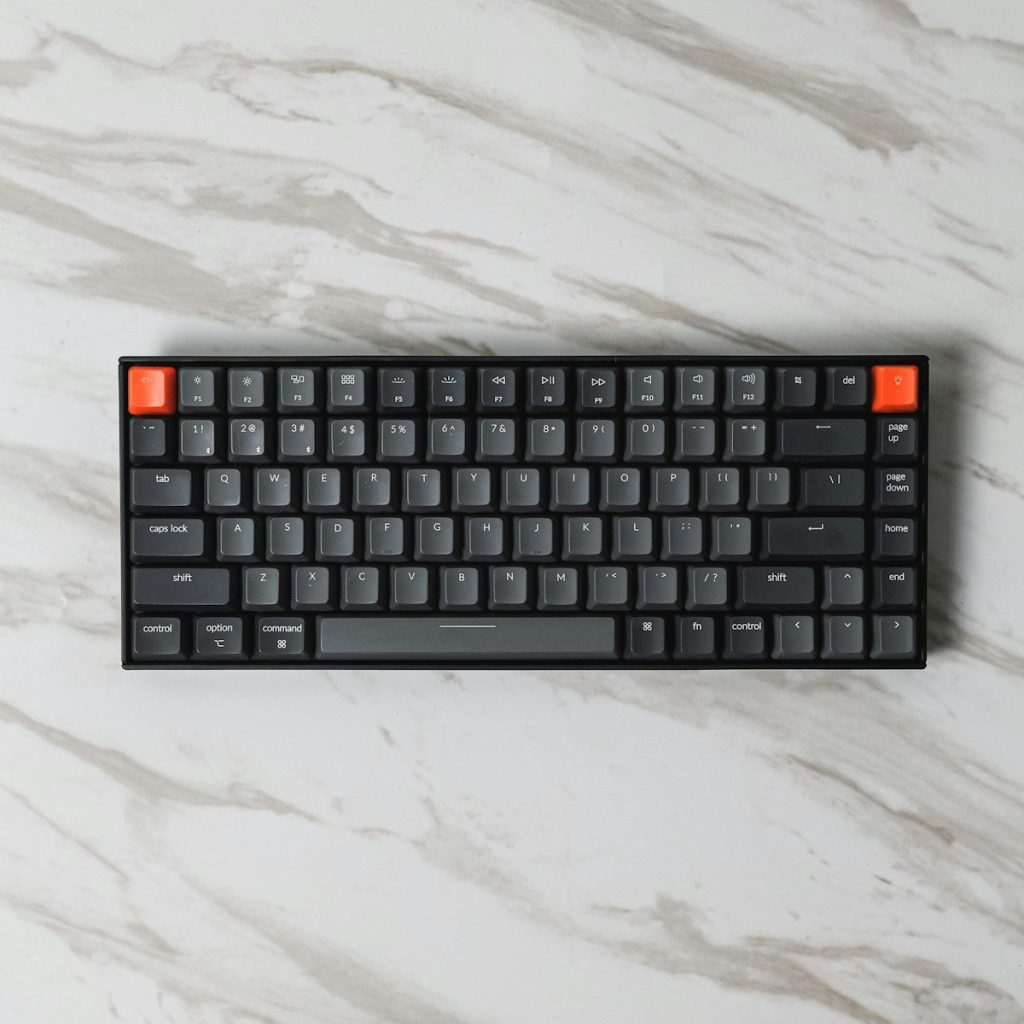
A separate keyboard helps turn a laptop into a better workstation. It lets the screen sit higher while the hands stay lower on the desk.
That setup can feel more natural during long typing sessions. Oregon OSHA recommends using a standard-sized keyboard and mouse with a laptop when setting up a computer workspace.
A reliable mouse
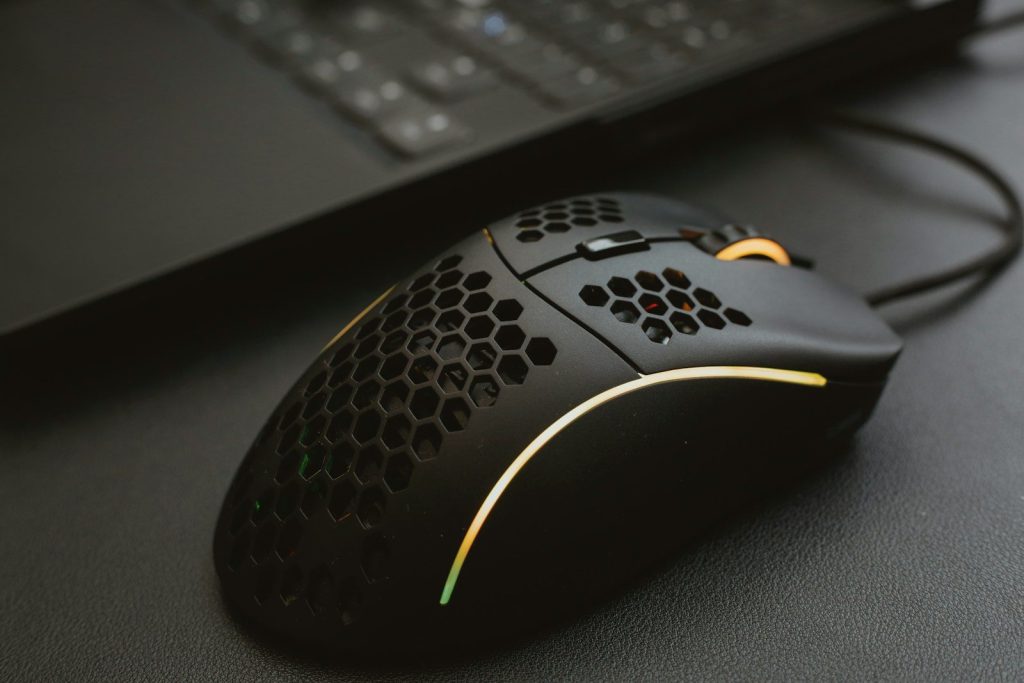
A mouse may seem basic, but it matters when work moves between spreadsheets, documents, browsers, and video calls all day. A small trackpad can feel limiting during longer work sessions.
A full-size mouse gives better control and may feel more comfortable for many users. It also helps keep the hand in a steadier position than constant trackpad use.
A larger monitor
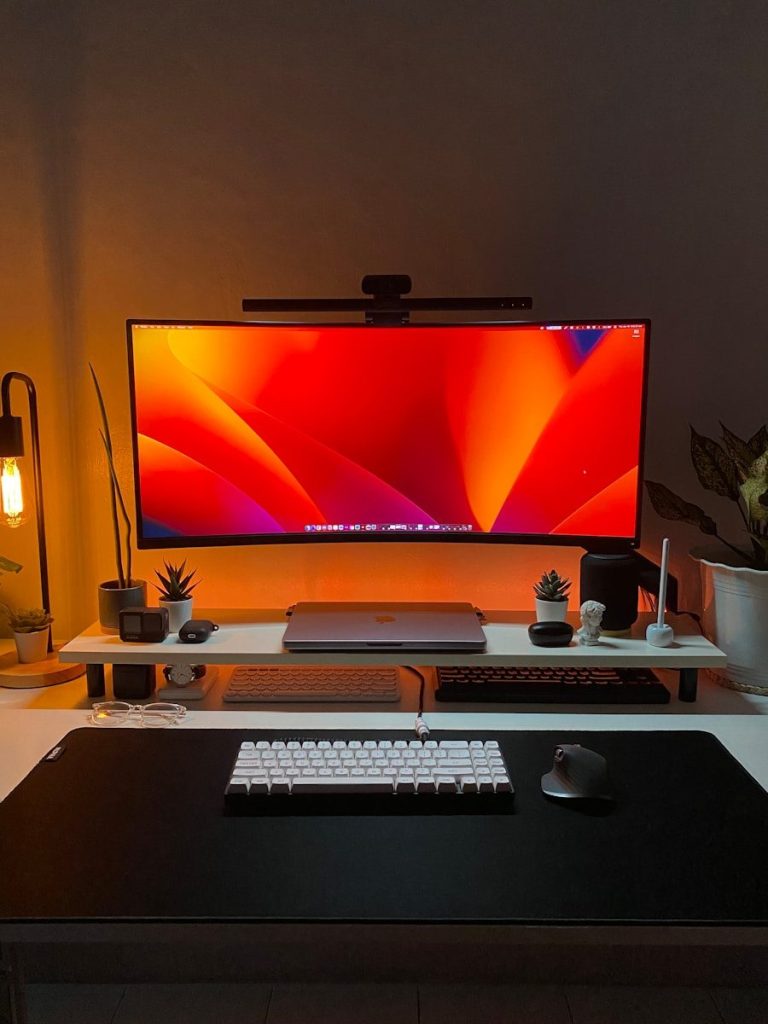
A separate monitor can make hybrid work feel less cramped. It gives more space for email, documents, dashboards, video meetings, and research.
Monitor position matters too. Workstation guidance often recommends placing the screen directly in front of the user and at a comfortable distance to reduce awkward posture.
A laptop stand

A laptop stand can raise the screen closer to eye level. That matters because many laptops sit too low when placed flat on a desk.
Raising the screen can help create a more comfortable viewing position. It also pairs well with an external keyboard and mouse, which keeps typing from becoming awkward.
A quality headset
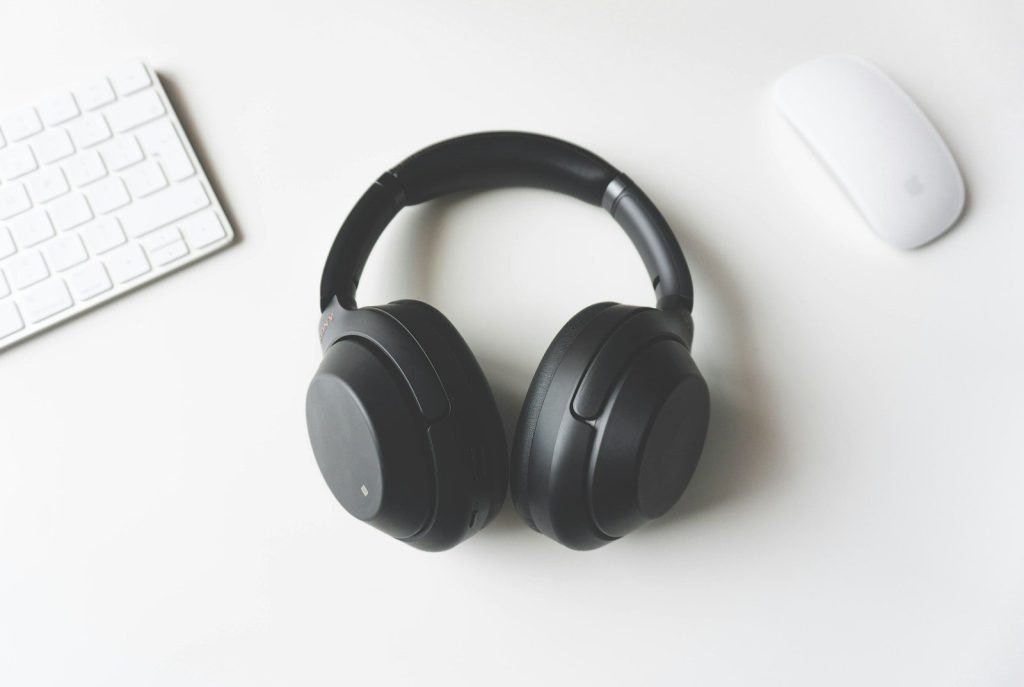
Hybrid work often means meetings from busy homes, open offices, or shared spaces. A headset can help make voices clearer and reduce distracting background noise.
It also keeps calls more private and focused. For workers who spend hours in online meetings, better audio can matter as much as better video.
A docking station
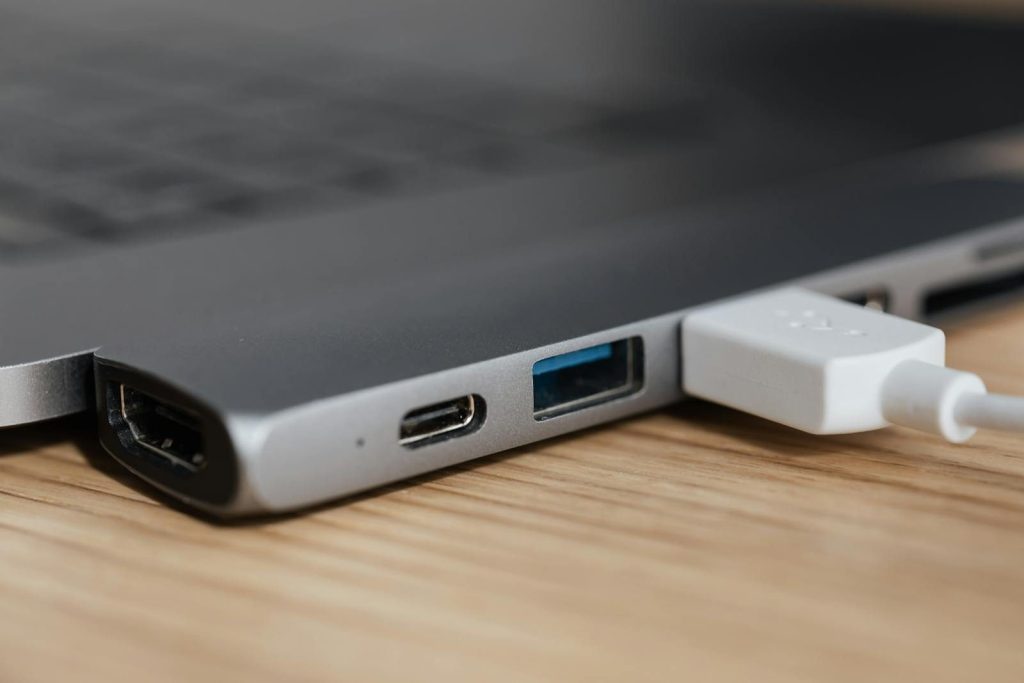
A docking station can turn one laptop into a full desk setup. It may connect a monitor, keyboard, mouse, headset, charger, and other devices through fewer cables.
That is useful for people who move between home and office. Instead of plugging in many items each time, one dock can make the setup faster and cleaner.
A desk lamp
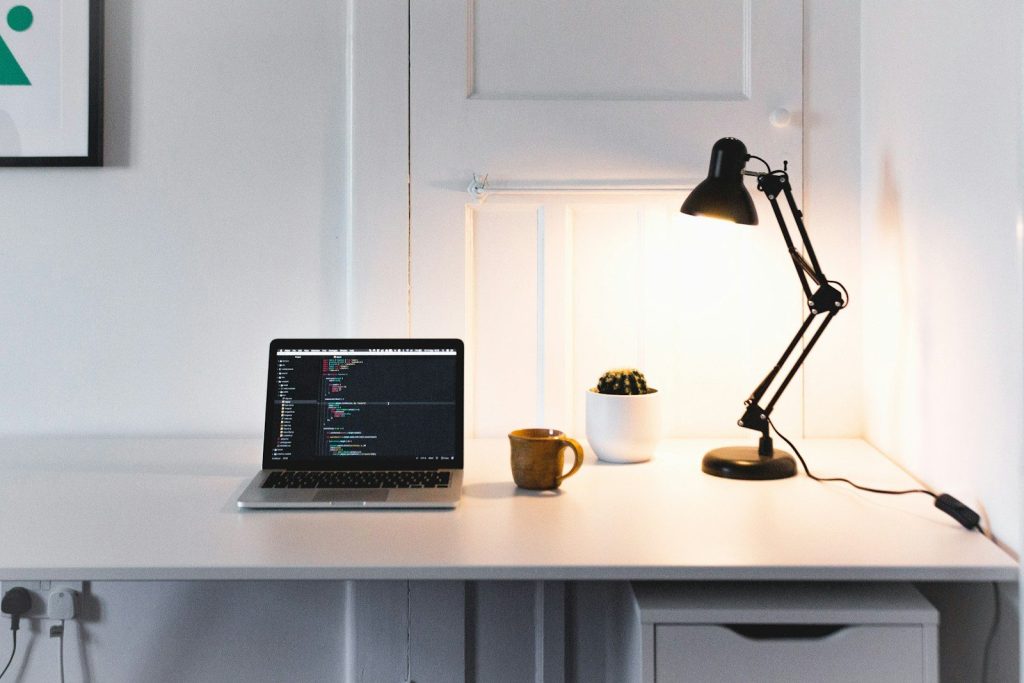
Lighting affects more than the room. It can also change how a person looks on video calls and how easy the screen feels to read.
A simple desk lamp can help brighten the face without relying only on ceiling lights. It can also reduce the dull, shadowy look that sometimes happens during early or late work hours.
A cable organizer
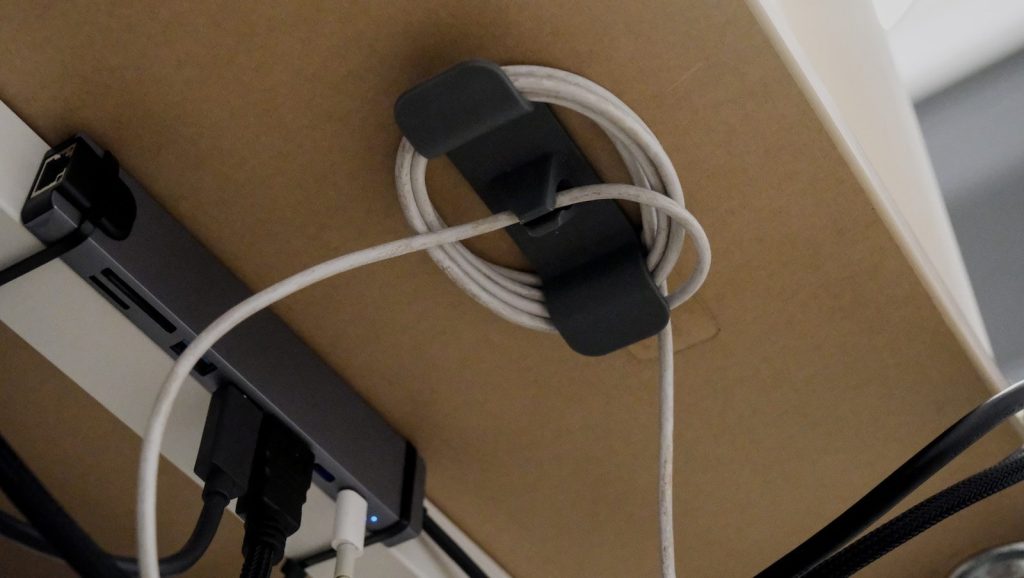
Hybrid work often brings extra chargers, USB cables, HDMI cords, and adapters. Without cable control, a desk can quickly feel messy and harder to use.
Cable clips, sleeves, or a small organizer can make the setup easier to manage. A cleaner desk also makes it faster to pack up when moving between work locations.
A portable charger
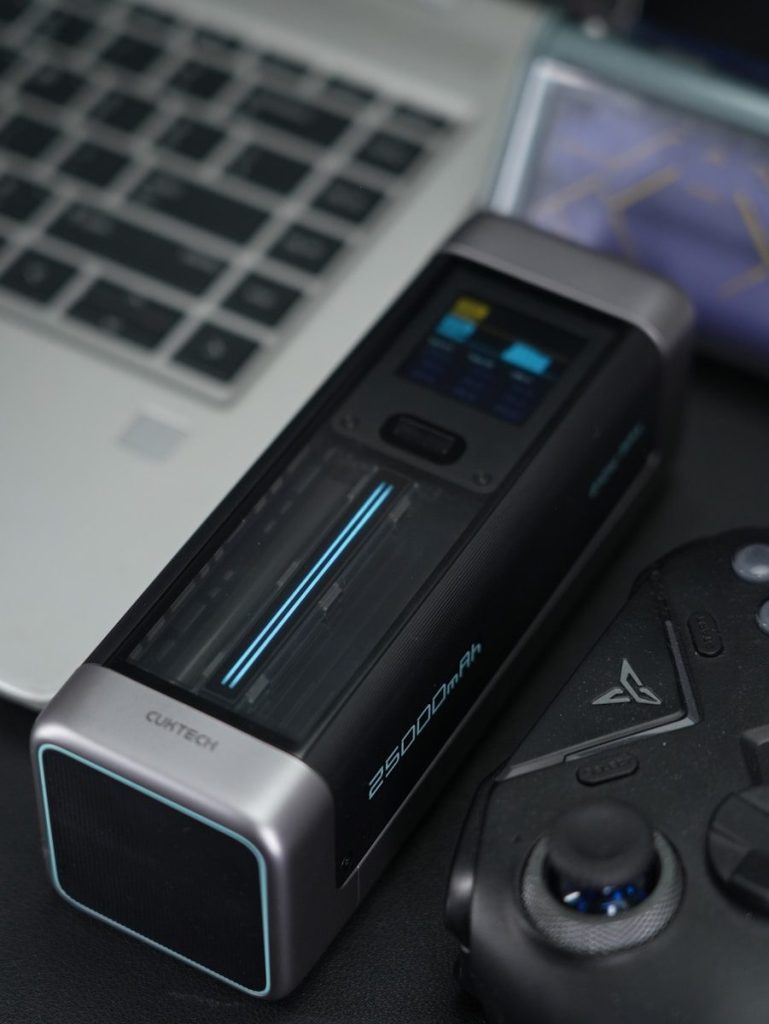
A portable charger can be helpful when work happens away from a regular desk. It can support phones, tablets, earbuds, and some smaller accessories during travel or long office days.
For hybrid workers, power backup adds peace of mind. It is especially useful when meetings, messages, and two-factor logins depend on devices staying charged.
Leave a Reply