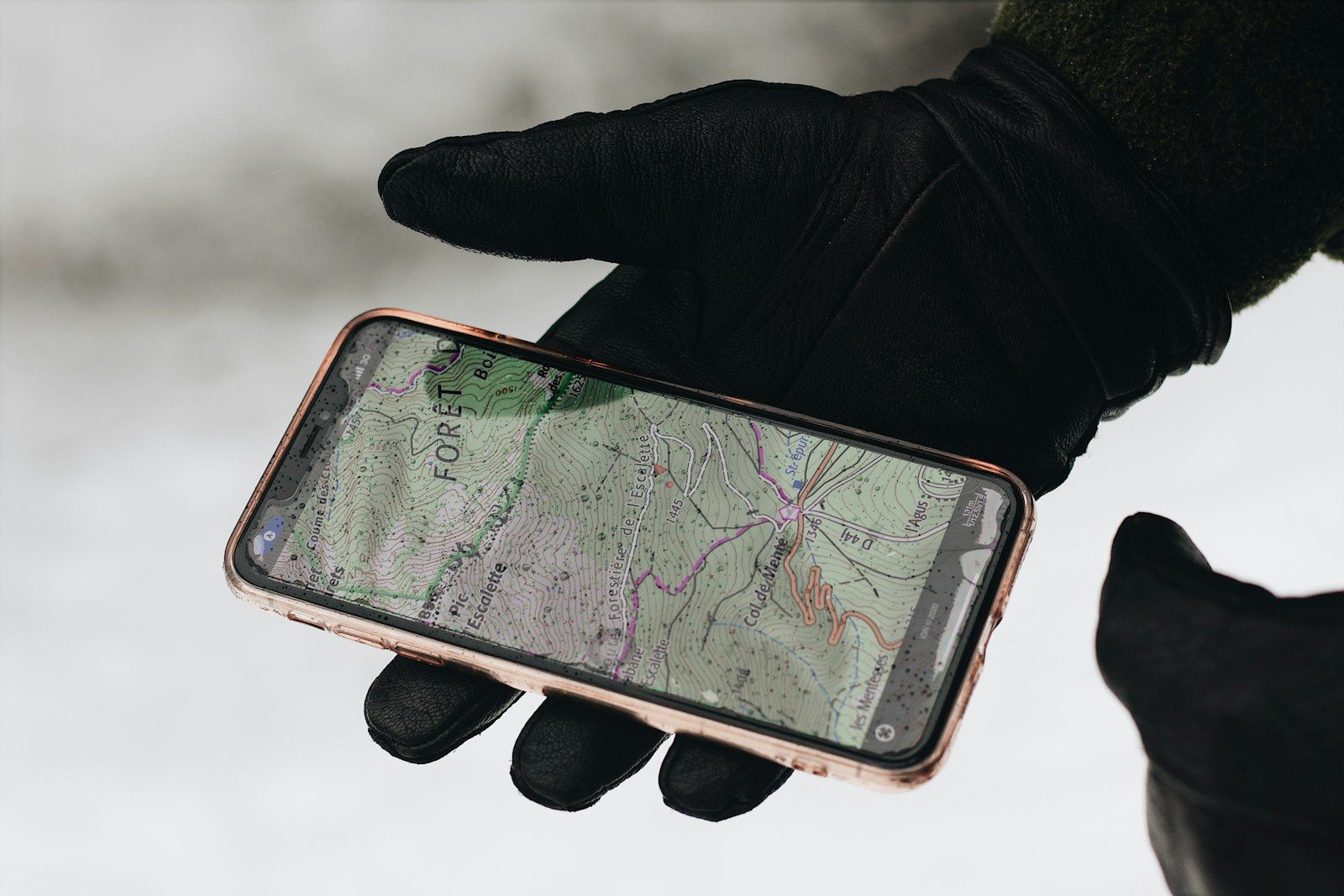
Open Google Maps right now. Go to your account settings. Find the section called Timeline.
What you are about to see is a complete, date-stamped, location-by-location record of almost everywhere you have physically been — possibly for years. Every coffee shop. Every doctor’s office. Every late-night drive. Every address you visited and never told anyone about.
Google has been quietly building this record since 2009. It is stored on Google’s servers. It has been handed to the police without a warrant in documented court cases. It has been used as evidence in criminal trials. It has been accessed by third-party advertisers to build targeting profiles of extraordinary detail.
Most people who discover their Timeline for the first time feel two things simultaneously. The first is amazement — the level of detail is startling. The second is a cold, sinking feeling — the realization that this information has existed for years without them consciously knowing it was being collected.
You did not sign a form agreeing to this specifically. You ticked a box during setup that most people do not read. That was enough.
The Timeline Feature Most People Have Never Actually Opened
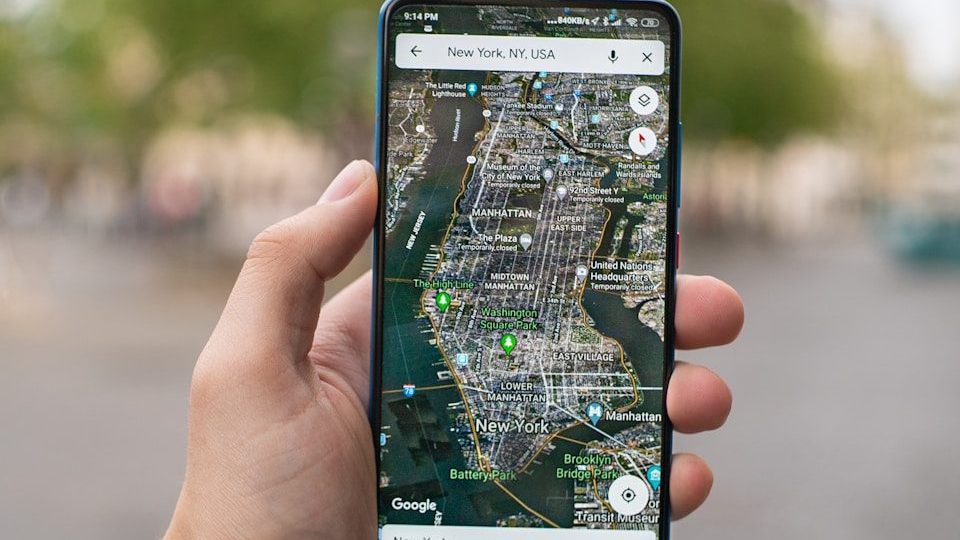
Google Maps Timeline — previously called Location History — is not hidden. It is simply never mentioned. Google does not send you a notification saying your movements have been logged. There is no annual summary email. There is no prominent dashboard.
It sits quietly inside the Google Maps app under your profile icon. For users who enabled location tracking at any point — during a Google account setup, during an Android phone configuration, or while granting Maps permission to access location services — the Timeline may contain years of detailed movement data.
The records show the time you arrived somewhere. The time you left. The route you took. The mode of transport the system estimated you used. The name of the business, if it is registered on Google Maps. Sometimes the system will label locations — “Work,” “Home,” “Gym” — based on how frequently you visit.
It reads like a diary. One you never wrote — but that was written for you, automatically, without your active awareness.
The question is how far back it goes — and the answer depends on when you first activated location services on any Google-connected device.
This Data Has Already Been Used in Real Criminal Trials

This is not theoretical. It has happened — in documented, verified court cases — multiple times.
In 2020, a man in Florida was arrested for murder based partly on Google Timeline data that placed him near the crime scene at the time of the killing. His defense argued he had never consented to that level of surveillance. The data was admitted as evidence.
In multiple other cases, prosecutors used “geofence warrants” — a legal mechanism that allows law enforcement to request from Google the location data of every device that was present within a specific geographic area during a specific time window. Not a named suspect’s device. Every device in the area.
In 2023, a federal court ruled that geofence warrants of the type routinely used by law enforcement were unconstitutional under the Fourth Amendment. But hundreds of cases had already used this data before that ruling. And the data Google holds on you existed long before any court considered whether collecting it was appropriate.
Your location data is not just an advertising tool. It is potential legal evidence — and it has already been used as exactly that against people who had no idea it existed.
Advertisers Are Buying a Detailed Map of Your Physical Life
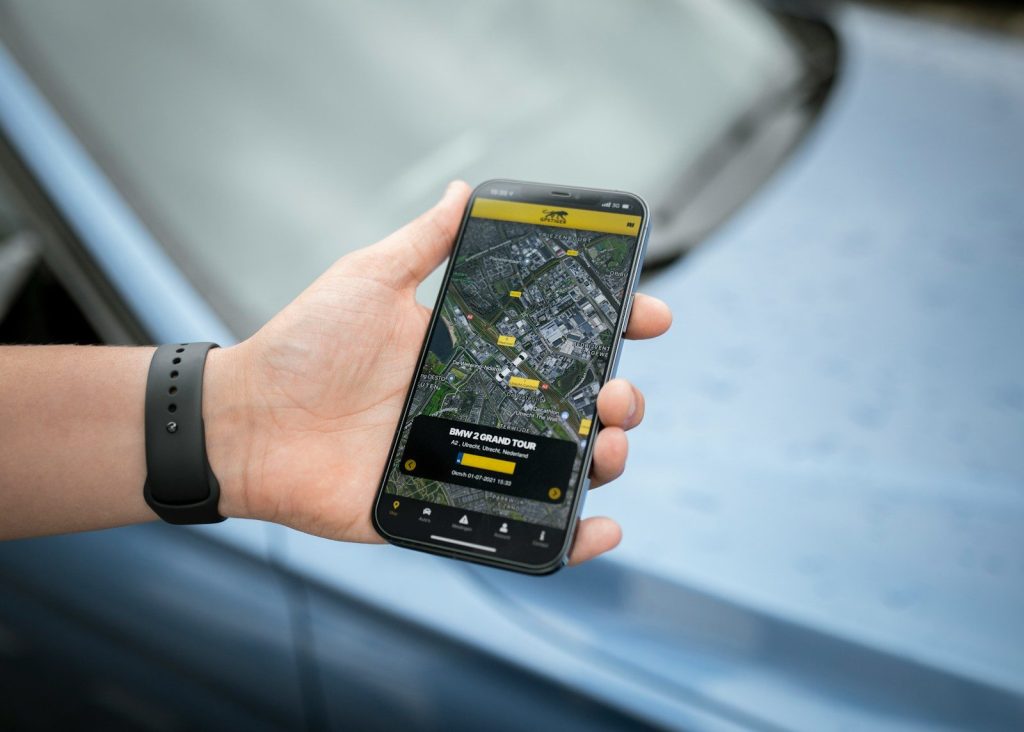
Google’s business model depends on advertising. Its advertising system is built on data. And location data is among the most valuable data an advertiser can purchase — because it tells them not just who you are online, but what you physically do in the real world.
A company selling gym memberships can target people whose location data shows they previously visited a gym but stopped going. A car dealership can target people who visited competing dealerships in the past 60 days. A hospital system can target people whose location history shows repeated visits to a specialist’s office.
This level of targeting is currently legal in most countries. Google’s advertising documentation describes location-based targeting in straightforward commercial language. What it does not include is a clear, plain-English explanation of the fact that these targeting categories were built using the historical location records of real people moving through their real daily lives.
The person who bought coffee at the same place every morning for two years before switching brands — their location data helped an advertiser figure out how to get them back. They never agreed to be part of that analysis. They just walked into a coffee shop.
Google Shared Your Location With Police Without Telling You
The practice has a name: a geofence warrant. And until 2023, it was used tens of thousands of times across the United States — often without the knowledge of the people whose data was accessed.
Law enforcement would identify a location where a crime occurred — a bank robbery, an assault, a protest — and submit a warrant to Google requesting the anonymized location data of every device present in that area during the relevant time window. Google would provide the data. Officers would then narrow down the list to persons of interest. If a suspect was identified, they would request a second warrant to unmask the identity behind the anonymized device.
In several documented cases, innocent people were identified as suspects based solely on the fact that their location data placed them near a crime scene. At least one person — a cyclist in Arizona named Jorge Molina — was arrested, held for six days, and released only when police identified the actual suspect. His location data had placed him near the scene because he regularly cycled through that neighborhood.
He had done nothing wrong. His location data, collected by a service he used for navigation, made him a suspect in a murder investigation.
The 43-Second Process to Delete All of It Right Now
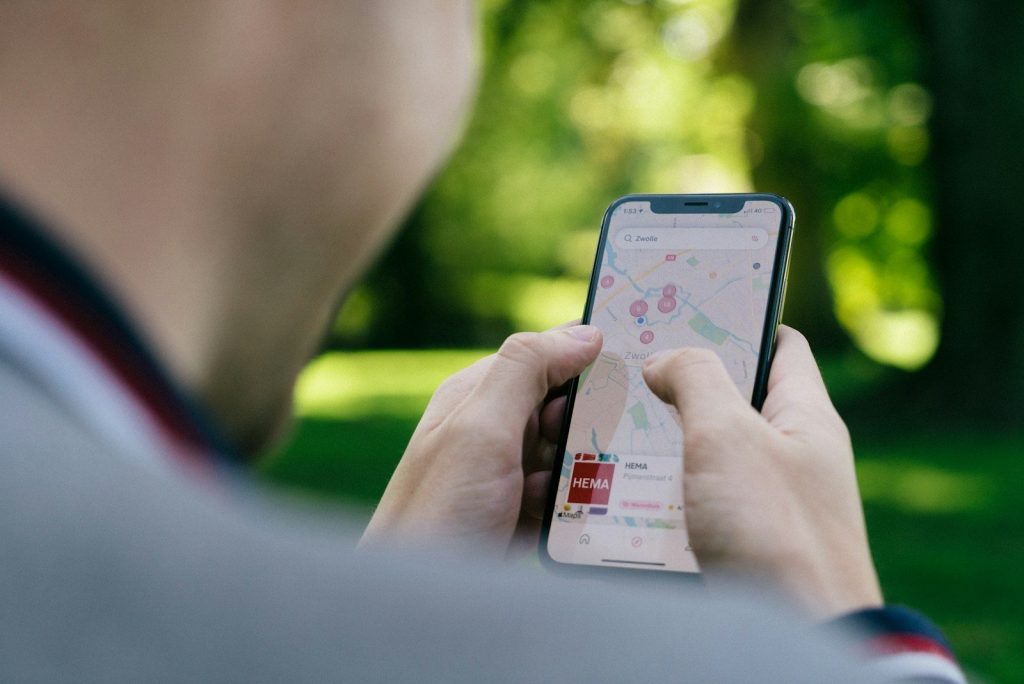
You can delete your Google Location History. The process is straightforward and takes under a minute once you know where to look.
Open Google Maps. Tap your profile photo in the top right corner. Select “Your Timeline.” On the Timeline screen, tap the three-dot menu in the top right corner. Select “Settings and privacy.” Scroll to “Delete all Location History” and confirm.
You can also turn off future location collection. In the same settings screen, find “Location settings” and select “Location is on.” On the next screen, you can set it to “Off.” This stops Google from logging future location data for your account.
Google also offers an auto-delete option — setting your location history to automatically delete after three months or 18 months rather than storing it indefinitely. This option is in the same settings section.
One important note: deleting your Timeline data removes it from your personal view. Whether it is fully purged from Google’s server infrastructure — or retained in aggregated, anonymized form — is a question Google has not answered with complete public transparency.
Which brings up the final thing most people never consider.
Deleting It Does Not Mean Google Actually Stops

When you delete your Google Timeline, you remove your own access to that history. What happens on Google’s servers is a different conversation entirely.
Google’s privacy policy states that some data may be retained in backup systems for a period of time after deletion. It also states that data may be retained to comply with legal obligations — meaning if law enforcement has issued a preservation request for your location data, Google is legally required to hold it even if you delete it from your end.
Additionally, Google collects location data through multiple systems simultaneously. Even with Location History turned off, Google can still infer your location from your IP address, from Wi-Fi networks you connect to, from the location tags on photos you upload to Google Photos, and from location data embedded in searches you perform on Google.com.
A 2018 investigation by the Associated Press found that Google continued to store location data even when users had explicitly disabled Location History — a finding that led to a 391 million dollar settlement with attorneys general from 40 US states in 2022.
Turning off one setting does not make you invisible. But knowing which settings to change, in combination, comes significantly closer to limiting what Google can see.
What the People Who Know Most About This Have Done
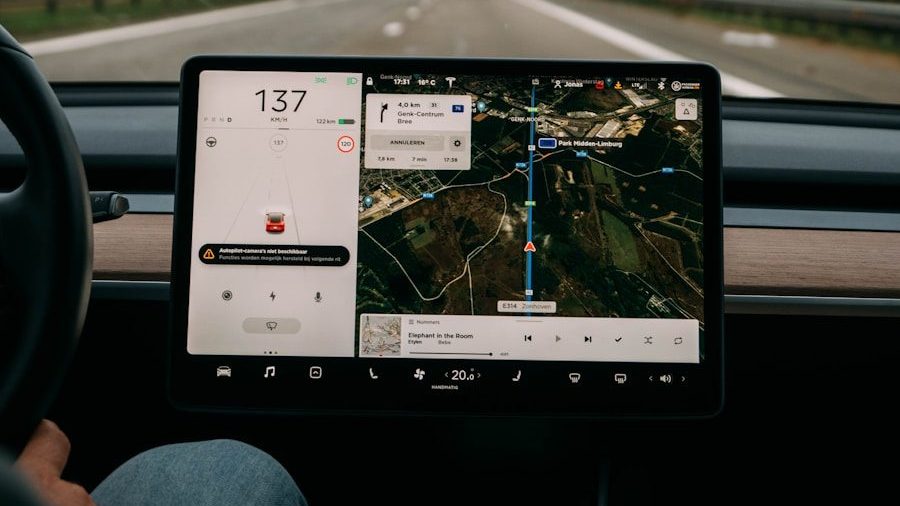
Privacy researchers, cybersecurity professionals, and journalists who cover surveillance technology make specific choices that the average user never considers.
They do not use Google Maps as their default navigation app. They use alternatives like Apple Maps — which does not retain location history on Apple’s servers by default — or open-source options like OsmAnd that store navigation data only on the device itself.
They disable location access for every app that does not require it to function. Weather apps, shopping apps, news apps, and social media apps routinely request location access. Denying it costs you nothing.
They regularly audit their Google account’s “Data and Privacy” dashboard — available at myaccount.google.com — which shows a full breakdown of every category of data Google is currently collecting. Most people who visit this page for the first time are surprised by the length of the list.
The most important realization is not that Google is uniquely malicious. It is that the system was designed to collect by default, retain by default, and share with third parties by default — and that reversing any of those defaults requires the user to actively choose to do so.
Most people never make that choice because they never knew the defaults existed.
Featured Image: Photo by Maël BALLAND on Unsplash
Leave a Reply