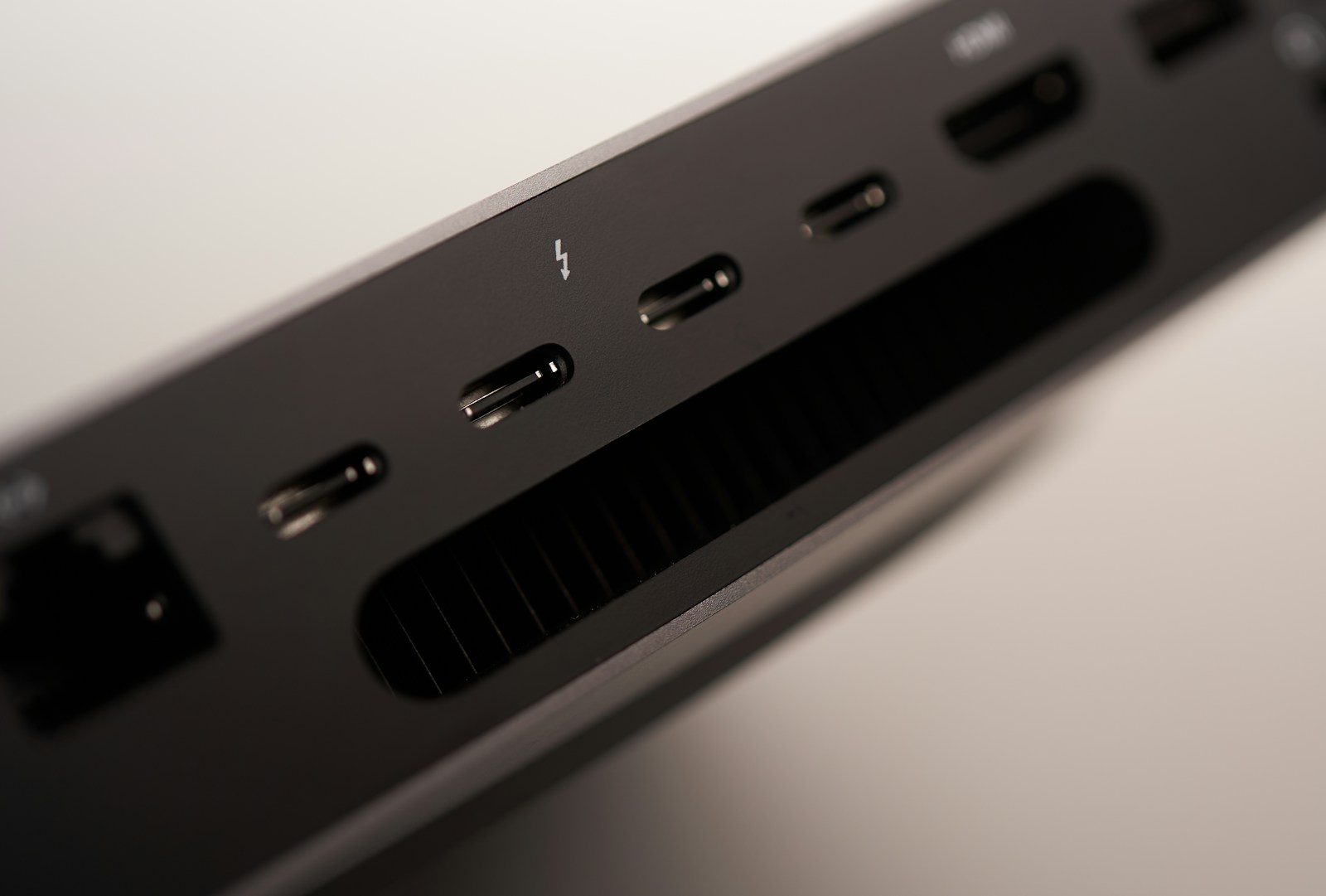
A messy desk can make even a powerful computer feel frustrating. One cable charges the laptop, another runs the monitor, another connects storage, and a dock tries to hold everything together. Thunderbolt 5 could make that setup feel much simpler. It keeps the familiar USB-C shape, but raises the performance behind the port in a big way.
Intel says Thunderbolt 5 supports up to 80Gbps of two-way bandwidth and up to 120Gbps with Bandwidth Boost for heavy display needs. It can also support up to 240W charging and dual 8K 60Hz monitors, depending on the device and setup. That means future desks may rely more on one powerful cable instead of a pile of separate connections.
One cable can do more
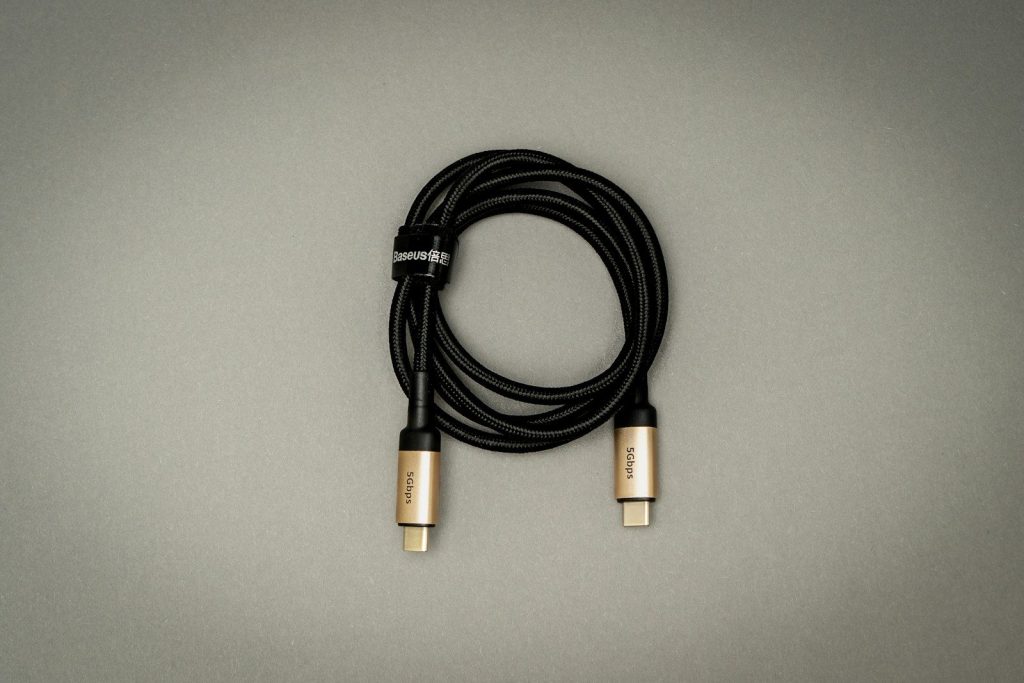
Thunderbolt 5 could make the “one cable desk” feel more realistic. A laptop could connect to a dock, monitor, storage, keyboard, mouse, and power through one main cable.
That is a big deal for people who move between a desk and the couch, classroom, or office. Instead of plugging in several cords, they may only need one cable to get back to a full workstation.
More room for big monitors
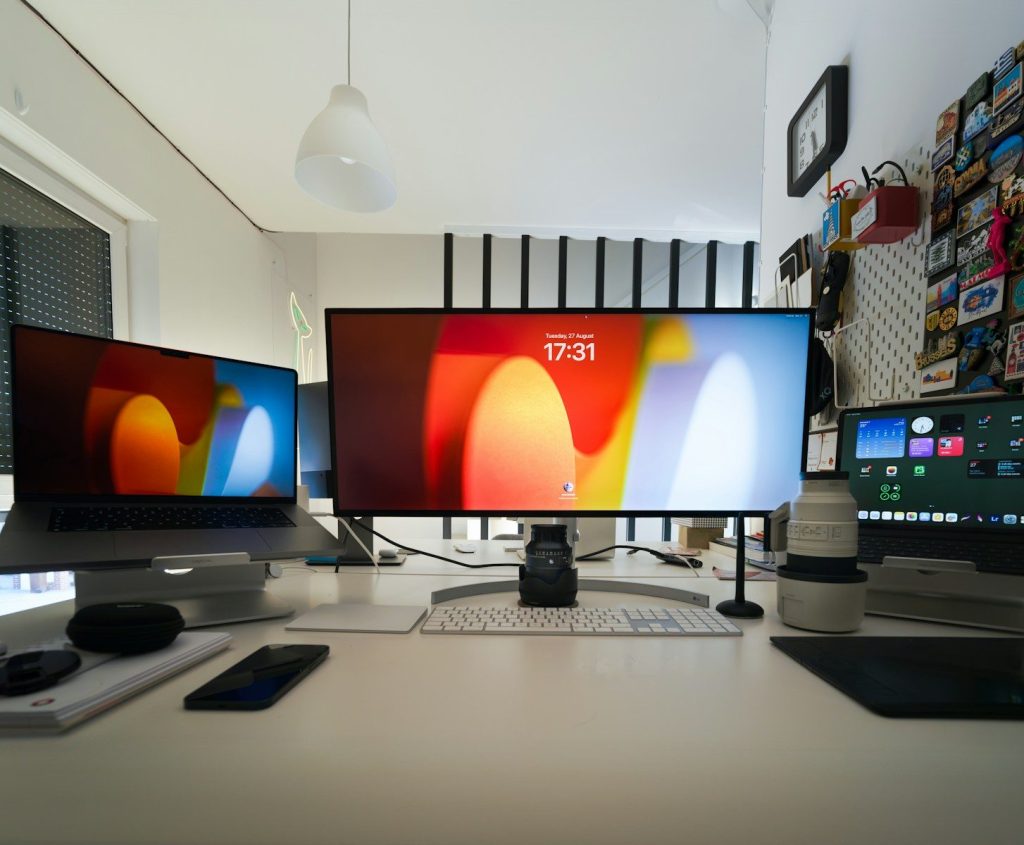
Big screens are becoming common at home and work. Some people use one ultrawide monitor, while others prefer two or three displays for multitasking.
Thunderbolt 5 has more display bandwidth than Thunderbolt 4. Intel says it can support up to dual 8K 60Hz monitors, while Thunderbolt 4 supports dual 4K 60Hz monitors. That opens the door for sharper, cleaner desk setups.
Docks may become stronger
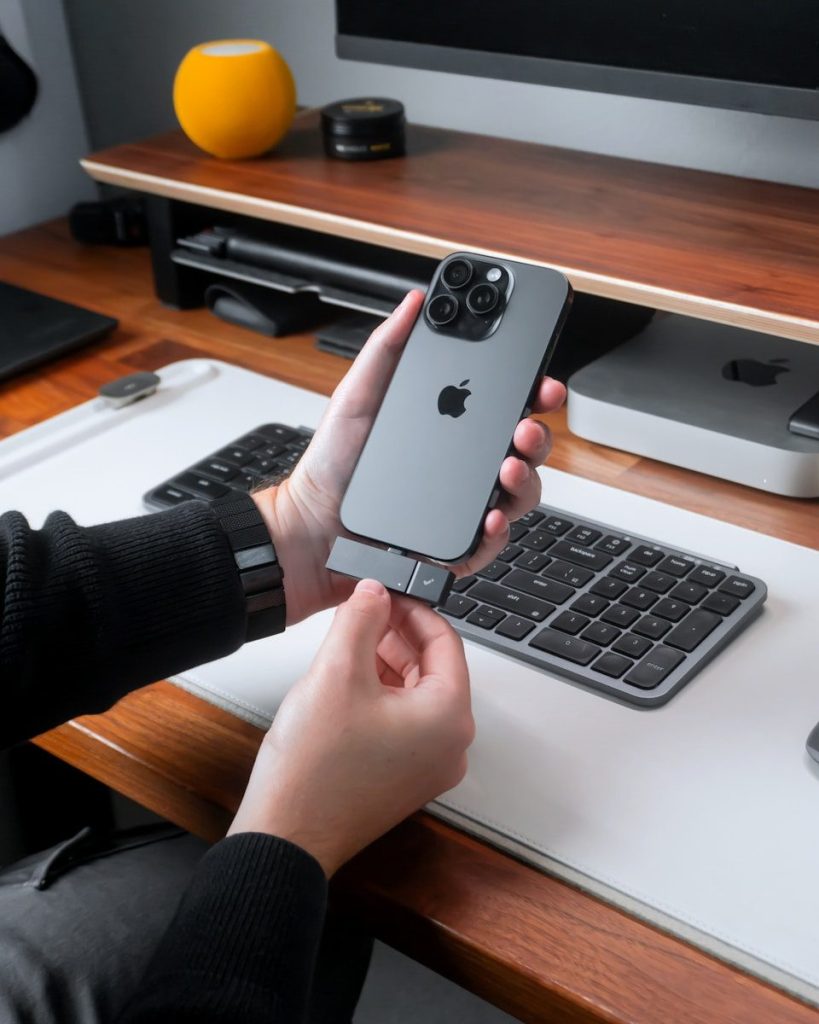
A good dock turns a laptop into a full desk computer. The problem is that older docks can run out of bandwidth when too many screens and devices are connected.
Thunderbolt 5 gives docks more room to handle displays, storage, networking, and accessories at the same time. That could make future docks feel less like a compromise and more like the center of the whole desk.
Charging could get simpler
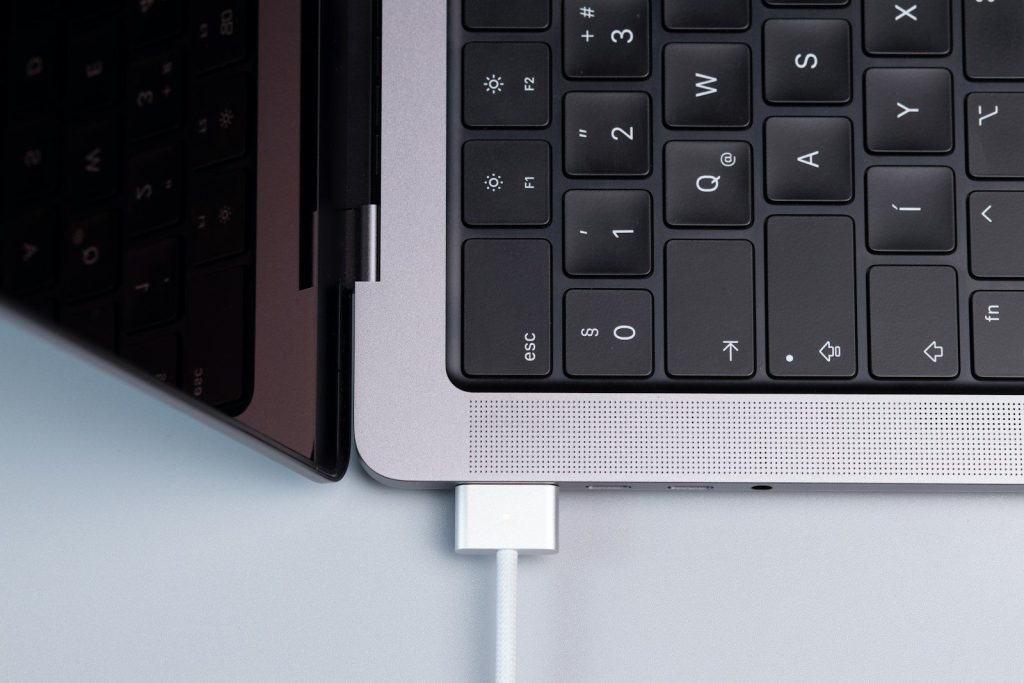
Many desk setups still need a separate laptop charger. That adds another power brick, another cable, and more clutter under the desk.
Thunderbolt 5 supports up to 240W charging, depending on the device and cable. That could help more powerful laptops charge through the same cable used for displays and accessories, making the desk cleaner and easier to manage.
Creators may benefit most

People who edit video, move huge files, or work with high-resolution displays often need more than a basic USB-C hub. Their desks usually include fast drives, cameras, monitors, and card readers.
Thunderbolt 5 is built for heavier workflows like these. More bandwidth means fewer slowdowns when several demanding devices are connected at once, especially in creative setups that rely on speed and screen space.
Gamers get more flexibility

Gaming desks often need high-refresh monitors, fast storage, streaming gear, and extra accessories. That can make cable management difficult.
Intel says Thunderbolt 5 supports higher display bandwidth and can help with high-performance gaming setups. It also supports external graphics connections through faster PCIe bandwidth, though real results will depend on the laptop, dock, and accessories being used.
Old ports will not vanish
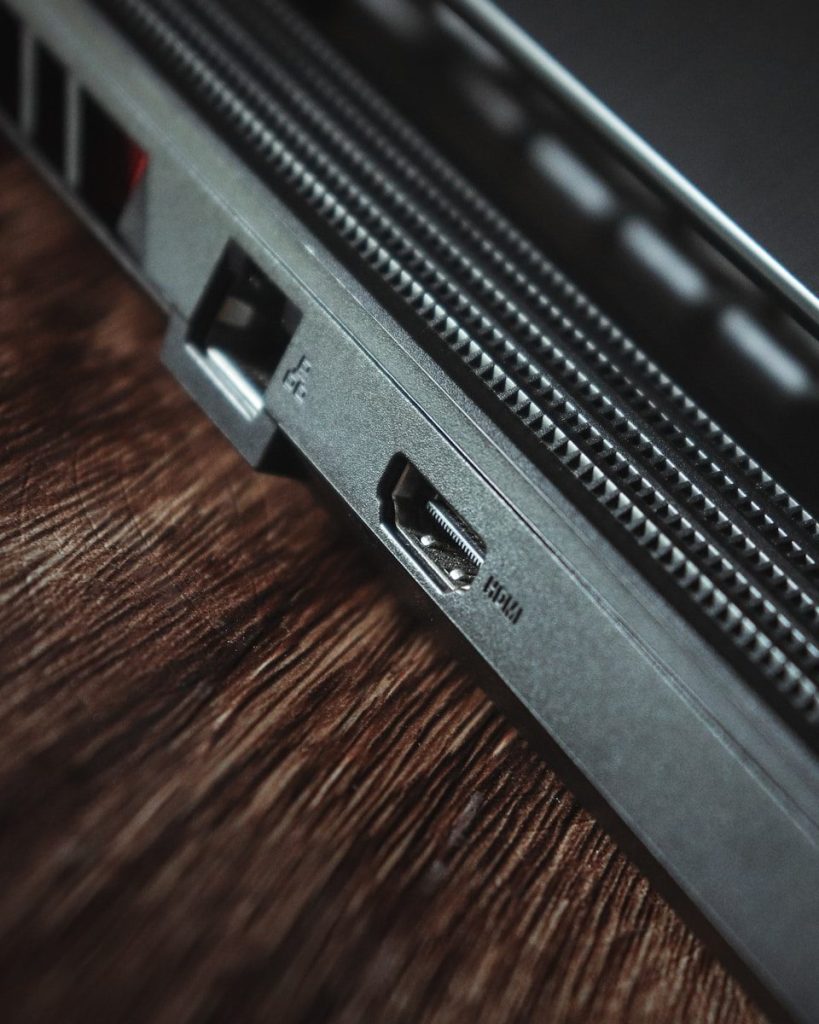
Thunderbolt 5 uses the USB-C connector, but not every USB-C port is Thunderbolt 5. That can confuse shoppers, especially when cables and docks look almost the same.
The good news is that Thunderbolt 5 is designed to work with many earlier USB and Thunderbolt devices. Still, users will need to check labels, specs, and cables carefully before expecting full Thunderbolt 5 speed.
Cable quality matters more
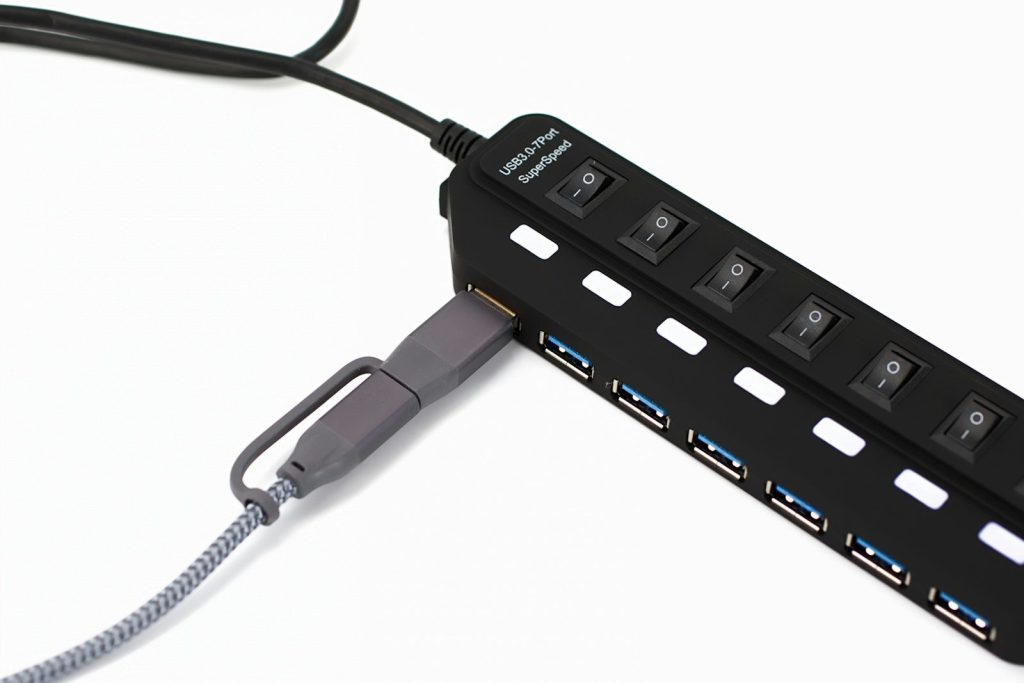
With faster speeds and higher power, the cable becomes more important. A random USB-C cable may charge a phone, but that does not mean it can handle a high-end desk setup.
For Thunderbolt 5, certified cables will matter. The right cable can support higher data speeds, stronger charging, and better display performance. The wrong one may limit the whole setup without making it obvious.
Desks could feel less crowded

The biggest change may not be speed alone. It may be how much simpler a desk feels when one port can handle more jobs at once.
Thunderbolt 5 could help laptops act more like desktop computers when docked. For many people, that means fewer cords, faster accessories, cleaner monitor setups, and an easier way to switch between mobile work and a full desk.
Leave a Reply