Category: Technology

  • 8 smart home safety checks people forget

    8 smart home safety checks people forget

    Smart homes can make daily life easier, but they also add more little doors into your home network. Cameras, speakers, lights, thermostats, doorbells, plugs, and TVs may all connect to the internet. That means each one needs a little care, not just a quick setup and forget-it approach.

    The good news is that smart home safety does not have to be hard. Federal guidance from the FTC and CISA points to simple habits like changing default passwords, updating devices, using strong Wi-Fi encryption, and keeping guest devices separate from your main network. These small checks can lower risk without making your home feel complicated. Think of them like checking locks before bed: quick, simple, and worth doing.

    Change the default password
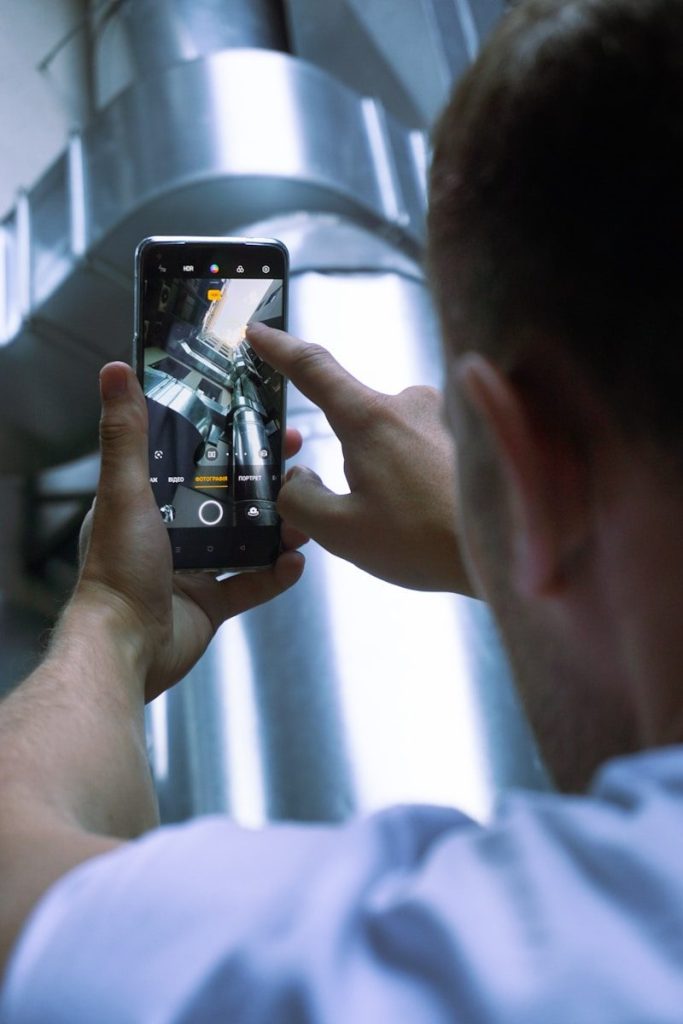
    a person holding a phone
    Photo by Onur Binay on Unsplash

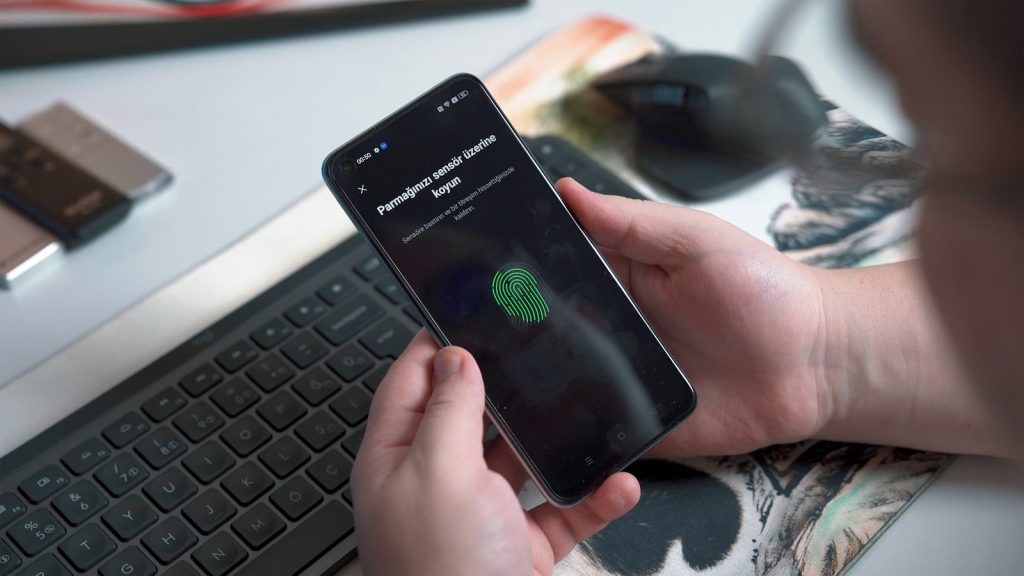
    Many smart devices and routers come with default login details. Those settings are meant to help with setup, but they are not meant to stay forever.

    CISA warns that default usernames and passwords may be easy to find online or even printed on the device. Change them to something long, unique, and hard to guess before adding more gadgets to your home.

    Update the router first
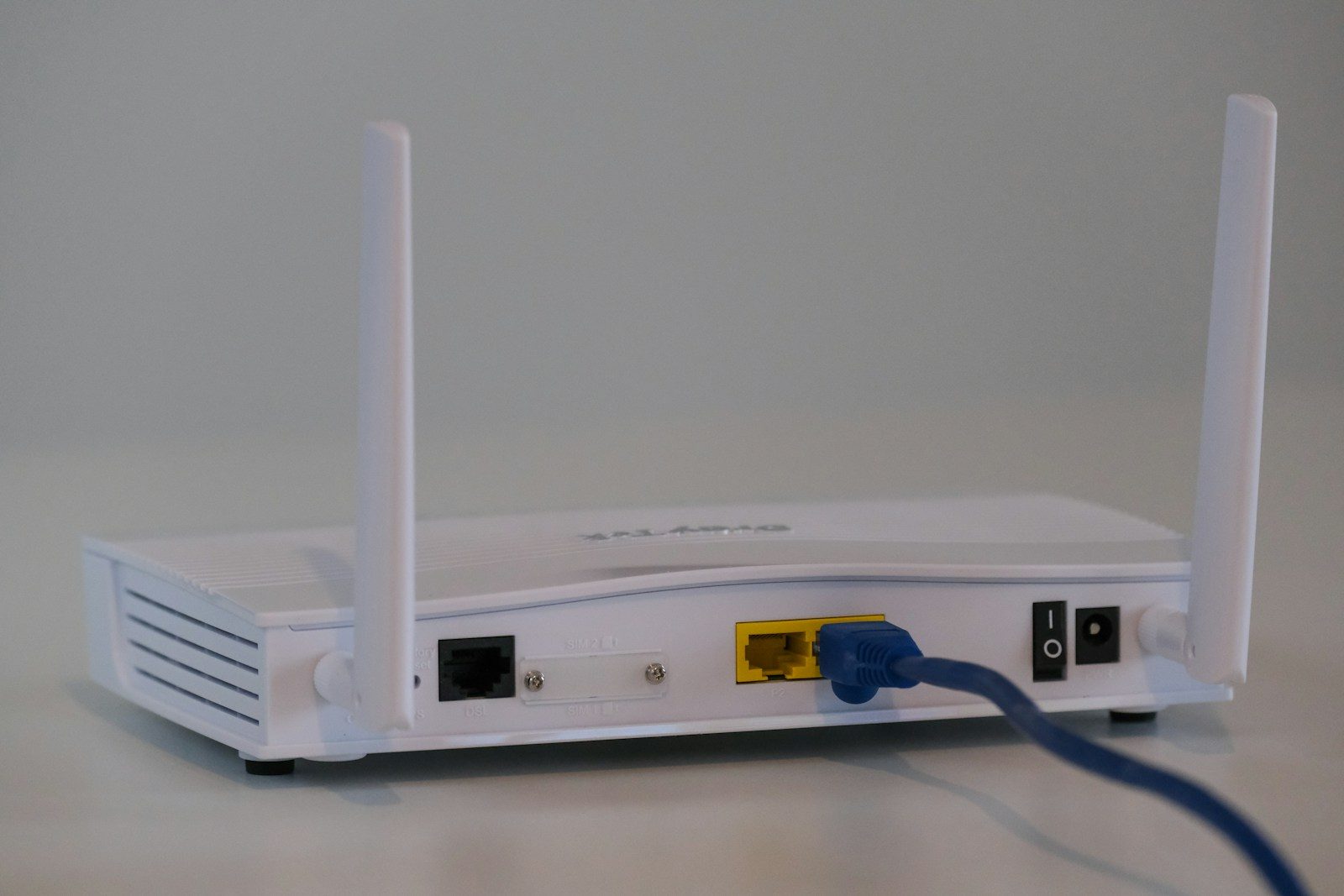
    a couple of routers sitting on top of a table
    Photo by TechieTech Tech on Unsplash

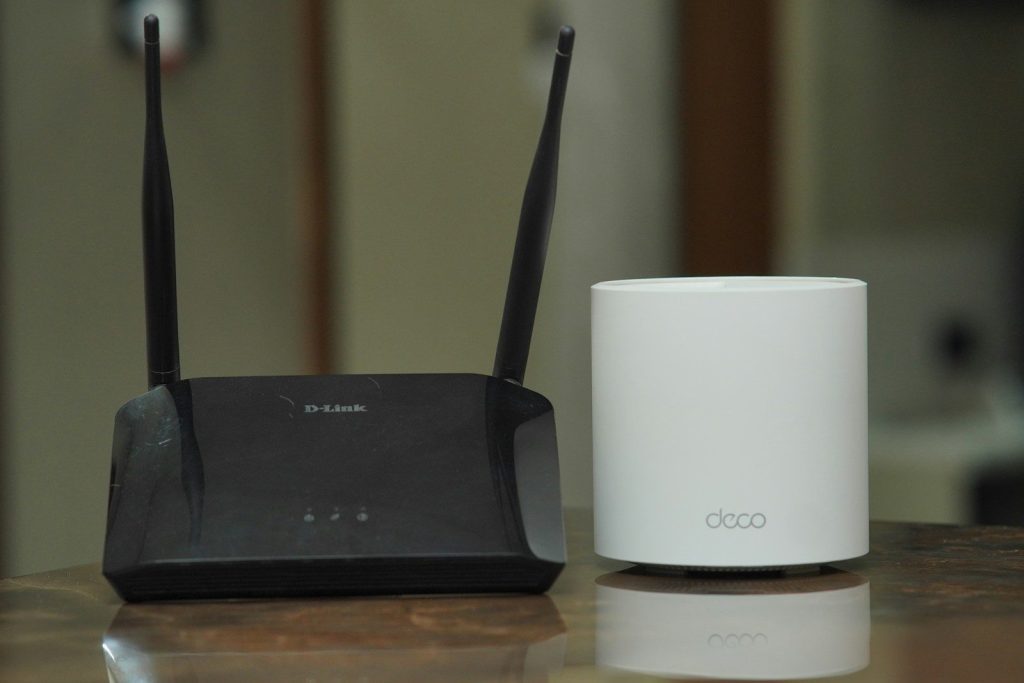
    Your router is the front door for your connected home. If it is outdated, every smart device behind it may be easier to reach.

    The FTC recommends checking for router hardware and software updates, along with changing default settings. Make router updates part of your regular home routine, just like replacing air filters or testing smoke alarms.

    Use stronger Wi-Fi security
    a close up of the wifi logo on the side of a bus
    Photo by Dreamlike Street on Unsplash

    A weak Wi-Fi setup can make even good smart devices less safe. Your home network should use modern encryption, not old settings that are easier to break.

    The FTC says WPA3 Personal is the newer and best available option, while WPA2 Personal is also recommended when WPA3 is not available. Check your router settings and avoid older security modes when possible.

    Create a guest network

    Two adults working from home in a cozy living room setting using a laptop.
    Photo by Ivan S on Pexels

    Visitors, old tablets, and random smart gadgets do not always need access to your main network. A guest network gives them a separate space to connect.

    CISA recommends enabling the guest Wi-Fi option when your router offers it. Use a separate long, random, and unique password for that network so your main devices stay better protected.

    Review app permissions
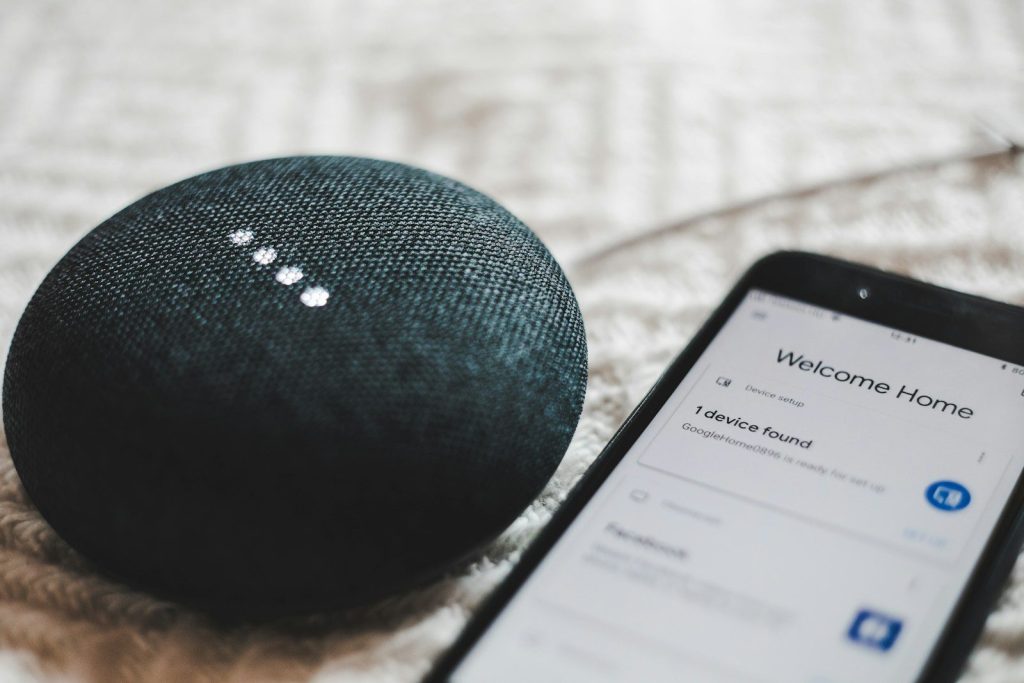
    turned-on charcoal Google Home Mini and smartphone
    Photo by BENCE BOROS on Unsplash

    Smart home apps may ask for access to your location, microphone, camera, contacts, or notifications. Some permissions make sense, but others may not be needed for daily use.

    Open your phone settings and check what each app can access. If a light bulb app does not need your location all the time, change it. Less access usually means fewer privacy worries.

    Turn on account protection
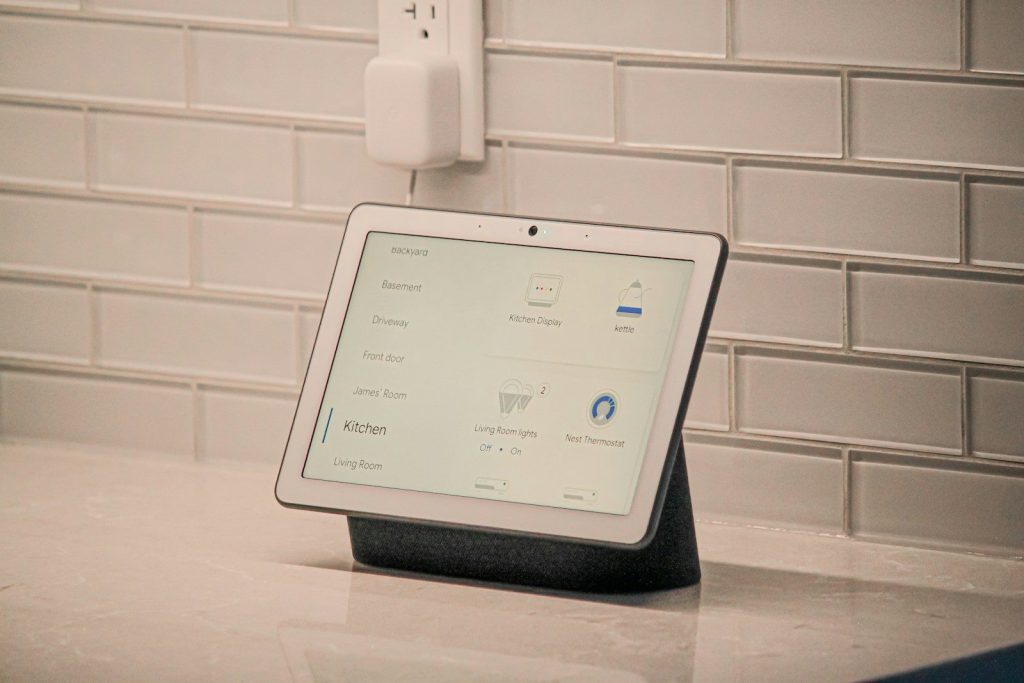
    a white tablet with a screen
    Photo by James Yarema on Unsplash

    Many smart home systems connect through an online account. If that account is weak, someone may control settings, view activity, or change connected features.

    Use a strong password and turn on multifactor authentication when the app offers it. The FTC has encouraged stronger steps like unique passwords and multifactor authentication for internet-connected devices and services.

    Remove devices you retired
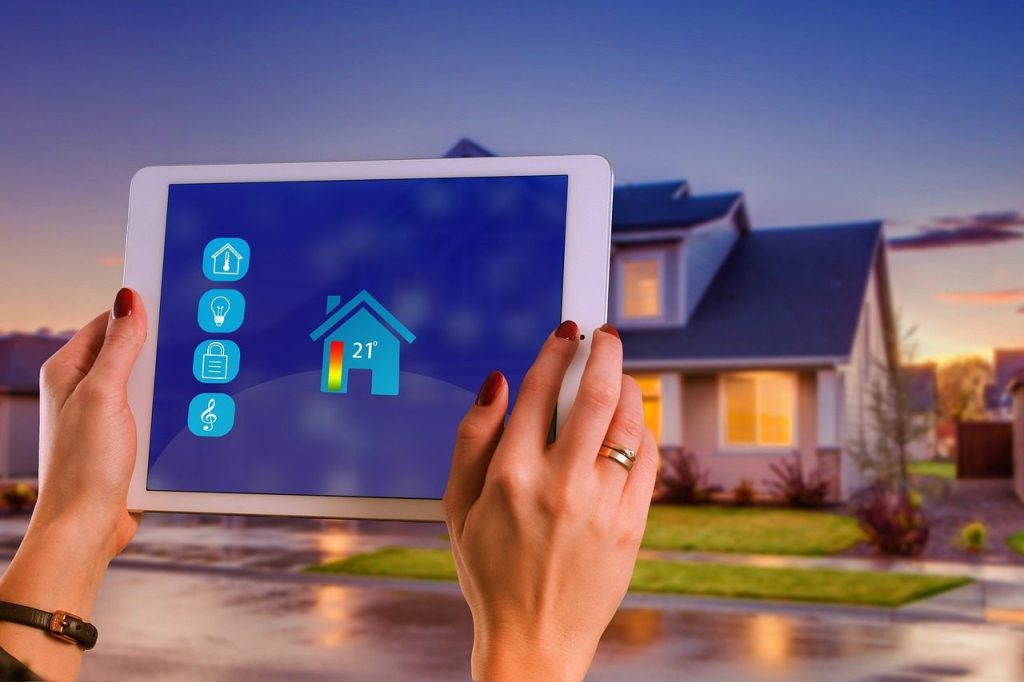
    smart home, house, technology, multimedia, tablet, steering, smarthome, kitchen, washing machine, house technology, wireless, refrigerator, tv, window, door, security, automatically, wlan, temperature, ehome, monitoring, heating, smart home, smart home, smart home, smart home, smart home
    Photo by geralt on Pixabay

    Old smart plugs, cameras, bulbs, and speakers can linger in apps long after you stop using them. That clutter can make it harder to know what is still connected.

    Delete retired devices from your smart home apps and factory reset them before giving them away. If a device no longer receives updates, consider disconnecting it from your network instead of leaving it online.

    Check camera settings

    a person pressing a button on a coffee machine
    Photo by Jakub Żerdzicki on Unsplash

    Smart cameras and doorbells are useful, but they deserve extra attention because they collect sensitive home activity. A quick settings review can make them feel safer to use.

    Check who has account access, where recordings are stored, and whether alerts are too broad. NIST notes that smart home privacy and security choices can include better control over what data devices collect.

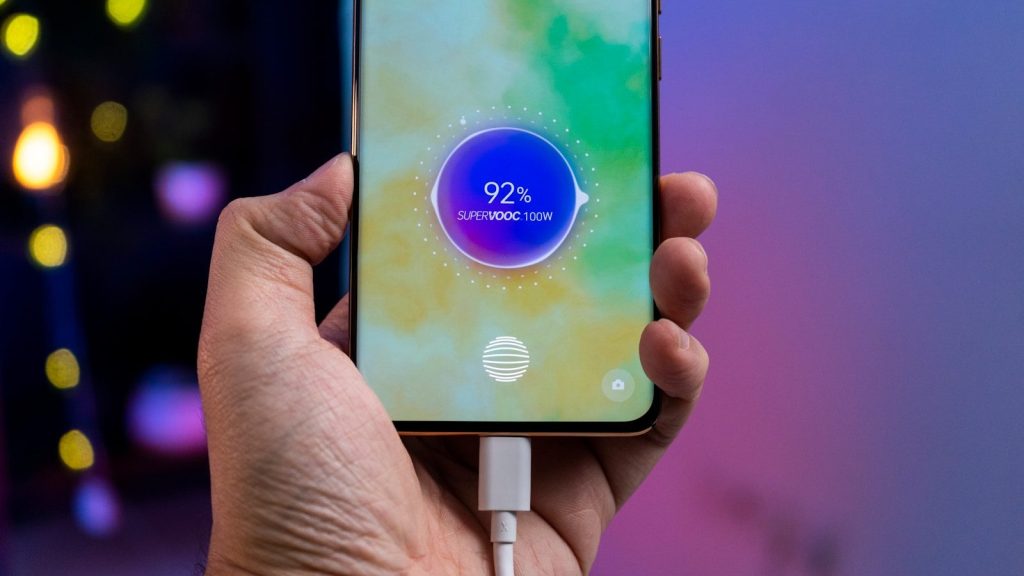
  • 6 phone battery habits that actually matter

    6 phone battery habits that actually matter

    Phone battery advice can get confusing fast. Some people say you should drain your phone to zero. Others say never charge it overnight. Then there are tips about brightness, heat, fast charging, background apps, and battery-saving modes. The truth is simpler: modern phones are smart, but daily habits still matter.

    Most phones use lithium-ion batteries, and those batteries slowly age with time, heat, charging patterns, and heavy use. You do not need to baby your phone every minute, but a few easy changes can help it last longer between charges and stay healthier over the years. Apple, Google, and Samsung all point to the same basic ideas: avoid extreme heat, use built-in battery tools, watch power-hungry apps, and charge in ways that reduce stress when possible.

    Keep it away from heat

    a person holding a cell phone with a charger in their hand
    Photo by Amanz on Unsplash

    Heat is one of the biggest battery enemies. Apple says exposing a device to temperatures above 95°F can permanently reduce battery capacity, which means the phone may not last as long on each charge.

    That matters during normal life. Do not leave your phone baking on a car dashboard, under direct sun, or under a pillow while charging. A cooler phone is usually a happier phone.

    Do not drain it daily

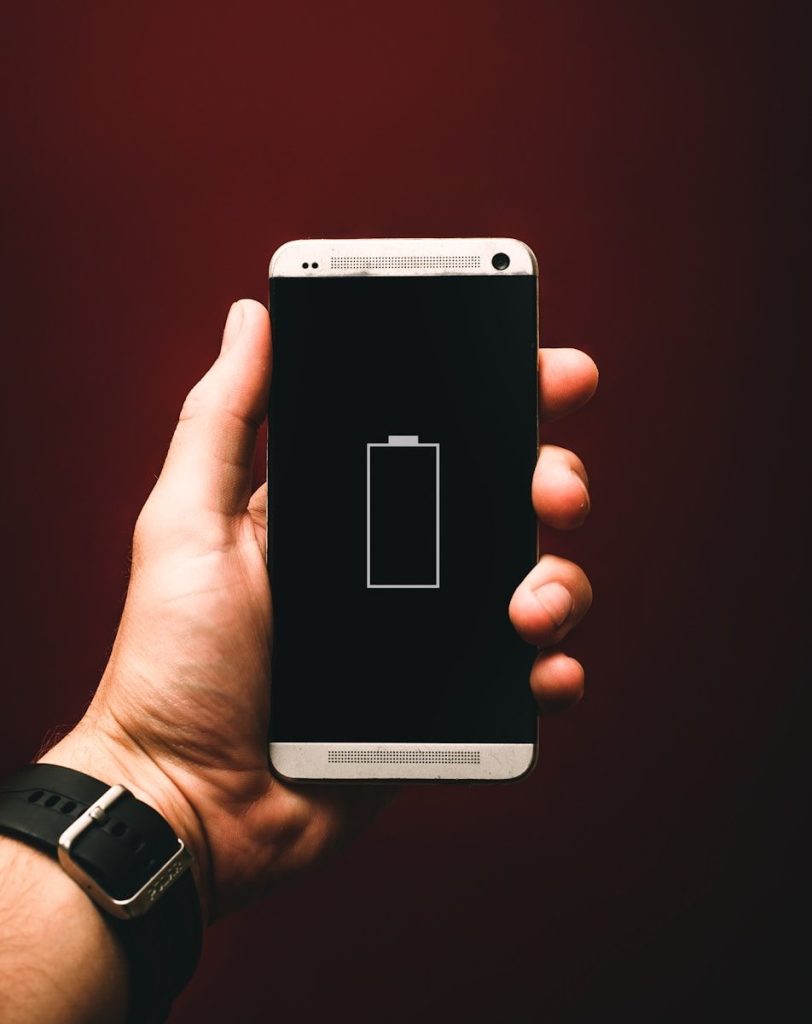
    person holding low battery smartphone
    Photo by Alexander Andrews on Unsplash

    Old battery advice said you should drain a device fully before charging it again. That does not fit modern phone batteries. Deep draining every day can add extra stress and make your phone feel less reliable.

    A better habit is topping up before the battery gets very low. You do not need to panic at every low-battery warning, but regularly running down to zero is not a smart long-term routine.

    Use battery optimization

    a person holding an iphone in their hand
    Photo by Onur Binay on Unsplash

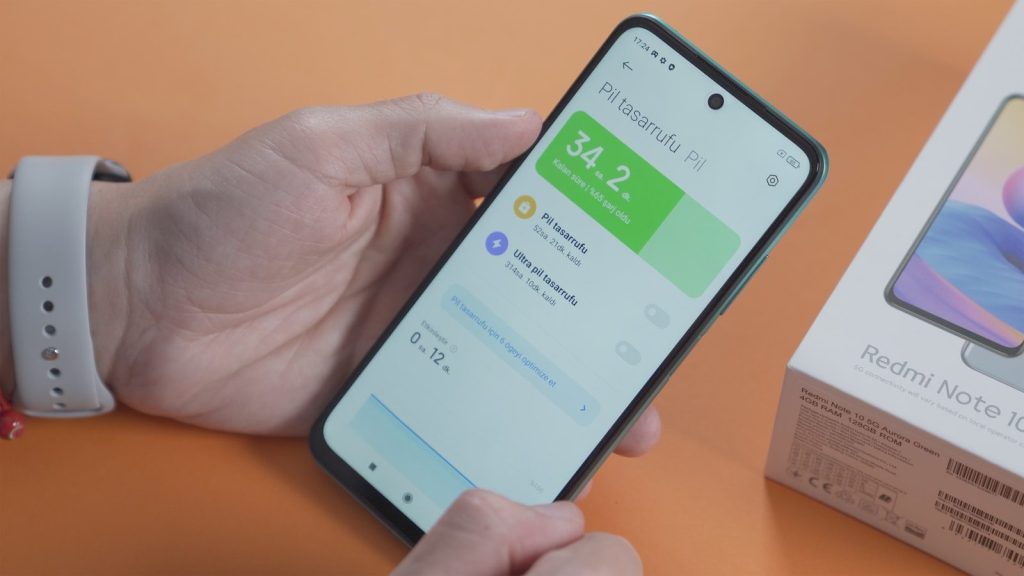
    Your phone already has tools that help manage power in the background. Google says Adaptive Battery and battery optimization help apps use battery only when needed, and these settings are usually on by default.

    It is still worth checking. If your phone is draining fast, look at the battery settings and see which apps are using the most power. One busy app can quietly shorten your day.

    Lower screen brightness

    a cell phone sitting on top of a wooden table
    Photo by EFFYDESK on Unsplash

    The screen is one of the biggest battery users on most phones. A very bright display looks nice, but it can drain power faster, especially during long scrolling, video watching, or navigation.

    Auto-brightness can help by adjusting the screen based on your surroundings. You can also lower the brightness by hand when indoors. This small habit often makes a real difference without changing how you use the phone.

    Use trusted chargers

    A yellow wall with a bunch of plugs attached to it
    Photo by Andrey Matveev on Unsplash

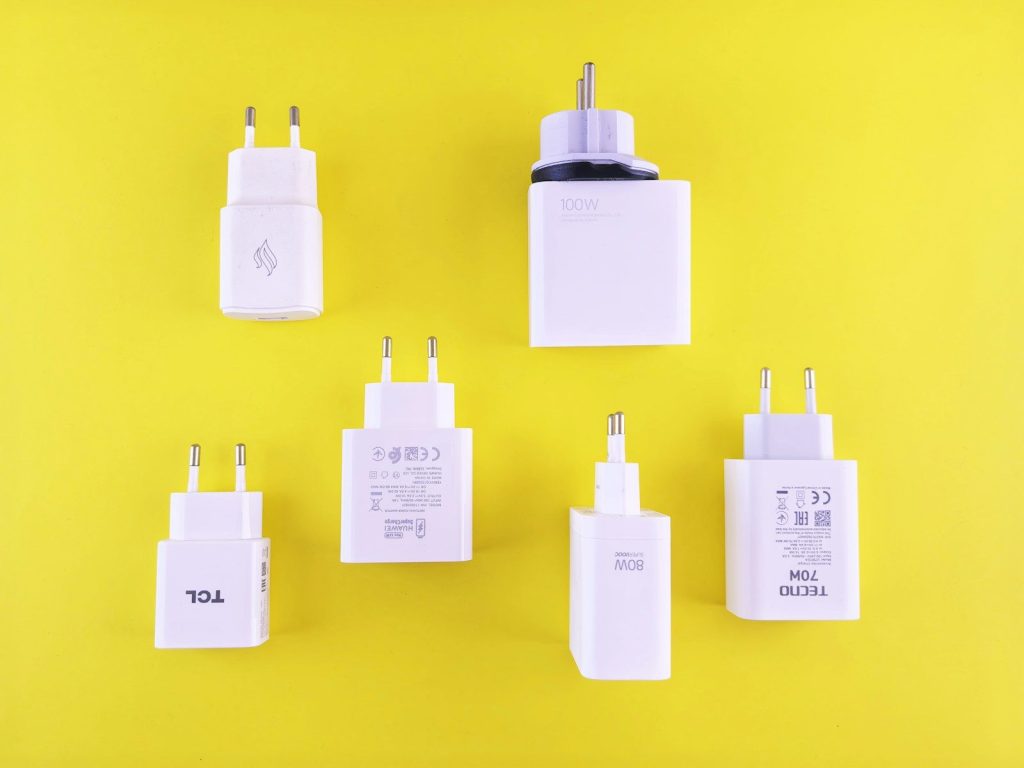
    A charger is not just a simple plug. Charging speed and safety can depend on the cable, adapter, phone model, and supported charging standard. Samsung notes that fast charging requires compatible adapters, cables, and supported devices.

    Cheap or worn-out chargers can also cause problems. Use reliable accessories from trusted brands, and replace damaged cables. A loose or frayed cable is not worth the risk.

    Try optimized charging

    blue ipod nano 6 th gen
    Photo by Lasse Jensen on Unsplash

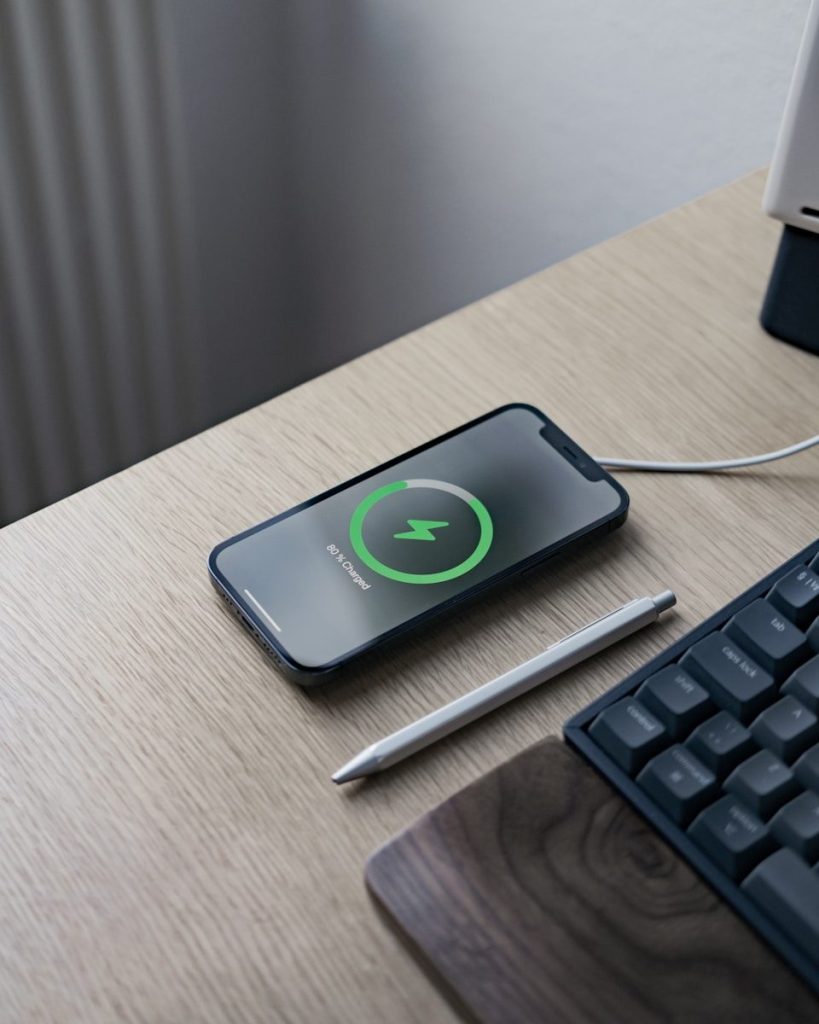
    Many phones now include features that slow or limit charging to reduce battery wear. Apple offers charging features meant to help reduce battery aging, and newer Pixel phones include charging optimization options such as Adaptive Charging or an 80% limit on supported models.

    These tools are helpful if you charge overnight or keep your phone plugged in often. You still get a usable phone, but the battery may face less stress over time.

  • How Android gives users more control over privacy

    How Android gives users more control over privacy

    Your phone knows a lot about your daily life, from where you go to which apps use your camera, microphone, contacts, photos, and files. That can feel a little overwhelming, especially when apps ask for permissions in the middle of normal use. Android helps by putting many privacy controls directly in Settings, so you can review what apps can access and change those choices later.

    You can check recent permission use, limit location sharing, remove permissions from apps you no longer use, and quickly adjust camera or microphone access. These tools do not mean every app is perfect, but they do give users more say over what stays private and what gets shared. Google says Android’s Privacy Dashboard can show recent access to sensitive permissions like camera, microphone, and location.

    Permission checks are easier

    black android smartphone on brown wooden table
    Photo by Adrien on Unsplash

    Android lets you review app permissions from one place instead of hunting through every app one by one. You can open Permission Manager and see which apps have access to things like location, camera, microphone, contacts, and files.

    That makes privacy feel less hidden. If an app has access it no longer needs, you can change the setting. You are not stuck with the choice you made when the app was first installed.

    Recent access is visible

    black android smartphone displaying icons
    Photo by Daniel Romero on Unsplash

    The Privacy Dashboard helps show which apps recently used sensitive permissions. That can include access to your camera, microphone, and location, depending on your device and Android version.

    This is helpful because privacy problems are often hard to spot. A quick look at recent access can reveal whether an app is using a permission more often than expected. From there, you can decide what to allow.

    Location can be limited

    person holding black samsung android smartphone
    Photo by Maxim Hopman on Unsplash

    Not every app needs your exact location. Android gives users the option to share approximate location with apps instead of precise location when exact tracking is not needed.

    That small choice can make a big difference. A weather app may only need your general area, while a navigation app may need more detail. Android lets you match the permission to the real purpose.

    Camera and mic stand out

    person holding black iphone 4
    Photo by David Karp. on Unsplash

    Android includes privacy indicators that show when an app is using the camera or microphone. On supported devices, these signs appear near the top of the screen while the sensor is active.

    That gives users a simple warning signal. If you see an indicator and do not expect it, you can check which app is responsible and adjust its access. It turns invisible activity into something easier to notice.

    One-time access helps

    person holding black iphone 5
    Photo by Sebastian Bednarek on Unsplash

    Some Android permissions can be granted only for one use. For example, an app may get temporary access to your location, camera, or microphone, then need to ask again later.

    This is useful for apps you do not fully trust yet, or for features you only use once in a while. You can finish the task without giving the app long-term access to sensitive information.

    Unused apps lose access

    graphical user interface, application
    Photo by PiggyBank on Unsplash

    Android can reset permissions for apps you have not used in a while. That helps reduce old access you may have forgotten about, especially from apps sitting quietly on your phone.

    It is a practical safety net. People often download apps for one trip, one event, or one task, then never open them again. Android helps make sure those apps do not keep unnecessary permissions forever.

  • Why your router is the first device you should secure

    Why your router is the first device you should secure

    Your router is easy to forget because it usually sits in a corner blinking quietly. But it is the front door to your home internet. Phones, laptops, tablets, smart TVs, cameras, speakers, and game consoles all pass through it. If the router is weak, every connected device can become easier to reach.

    The good news is that router security does not have to be complicated. CISA recommends changing default router logins, updating firmware, using WPA3 or WPA2 encryption, turning off risky features, and creating a guest network. The FTC also recommends changing default router settings and using strong encryption for home Wi-Fi. A few careful settings can make your whole network safer.

    It guards every device

    a couple of routers sitting on top of a table
    Photo by TechieTech Tech on Unsplash

    Your router connects nearly everything in your home. That includes your phone, computer, tablet, printer, smart TV, speakers, and other connected devices.

    Because so much traffic moves through it, the router deserves attention before anything else. Securing it helps protect the whole network instead of fixing one device at a time.

    Default passwords are risky

    blue and black iphone case
    Photo by Franck on Unsplash

    Many routers come with default usernames, passwords, or network names. Those defaults may be easy to guess or find, especially on older devices.

    CISA and the FTC both recommend changing the default router login and Wi-Fi password. Use strong, unique passwords that are not reused from email, banking, or shopping accounts.

    Firmware needs updates

    a close up of the wifi logo on the side of a bus
    Photo by Dreamlike Street on Unsplash

    Your router runs software called firmware. Like a phone or laptop, it needs updates to fix bugs, improve performance, and close security gaps.

    CISA recommends updating router firmware regularly and turning on automatic updates when possible. If your router no longer receives updates, it may be time to replace it.

    Encryption protects traffic

    A wooden block spelling the word encryption on a table
    Photo by Markus Winkler on Unsplash

    Wi-Fi encryption helps scramble information moving across your wireless network. Without strong encryption, nearby users may have an easier time trying to connect or watch activity.

    CISA recommends WPA3 Personal, or WPA2 AES if WPA3 is not available. Avoid outdated security modes when your router gives you stronger options.

    Your network name matters

    black and white remote control
    Photo by Brett Jordan on Unsplash

    Your Wi-Fi name, also called an SSID, can reveal more than you think. If it shows the router brand or model, it may give outsiders clues about your setup.

    CISA recommends changing the default SSID to something unique. Keep it simple, but avoid using your full name, address, router model, or anything too personal.

    Guest Wi-Fi adds a barrier

    person using phone and laptop
    Photo by Austin Distel on Unsplash

    A guest network gives visitors internet access without putting them on the same network as your main devices. That can help keep personal phones, computers, and smart home gear more separate.

    CISA recommends creating guest Wi-Fi as part of a safer home setup. It is also useful for smart home devices that do not need access to your main computer or files.

    Remote access can wait

    Two adults working from home in a cozy living room setting using a laptop.
    Photo by Ivan S on Pexels

    Remote management lets you adjust router settings from outside your home network. That may sound handy, but many people never need it.

    CISA recommends disabling remote management. If you only change router settings while at home, turning this feature off removes one more path that could be misused.

    WPS is too convenient

    Tablet with keyboard and colorful app icons
    Photo by Georgiy Lyamin on Unsplash

    WPS was designed to make Wi-Fi setup easier, often with a button or short code. The problem is that convenience can come with extra risk.

    CISA recommends disabling WPS setup. It may take a little longer to type your Wi-Fi password manually, but it gives you more control over who joins the network.

    UPnP needs a review

    white router on black table
    Photo by Compare Fibre on Unsplash

    UPnP can help devices and apps open network connections automatically. It may support gaming, streaming, or smart devices, but it can also create openings you did not plan.

    CISA recommends disabling UPnP when it is not needed. Check your router settings and turn it off if your devices work fine without it.

    Old routers age out

    white and green electric device
    Photo by Veit Hammer on Unsplash

    Even a well-set router can become a problem when it is too old. If updates have stopped, newer security features may be missing.

    The NSA recommends using modern security practices at home, including WPA3 or WPA2 and replacing outdated equipment when needed. A newer router can bring stronger security, better speed, and easier update controls.

  • 7 Windows shortcuts that can save time every day

    7 Windows shortcuts that can save time every day

    Small keyboard habits can make a normal day on a Windows PC feel much smoother. You do not need to memorize a giant list or learn anything complicated. A few useful shortcuts can help you copy text, find files, switch apps, clean up your screen, grab screenshots, and reopen tools without digging through menus.

    Microsoft lists many built-in Windows shortcuts for common actions like copy, paste, search, snapping windows, opening File Explorer, using clipboard history, and taking screenshots. Some work across Windows 10 and Windows 11, while others depend on settings or the app you are using. The best ones are easy to remember because they solve small problems you hit every day.

    Copy and paste faster

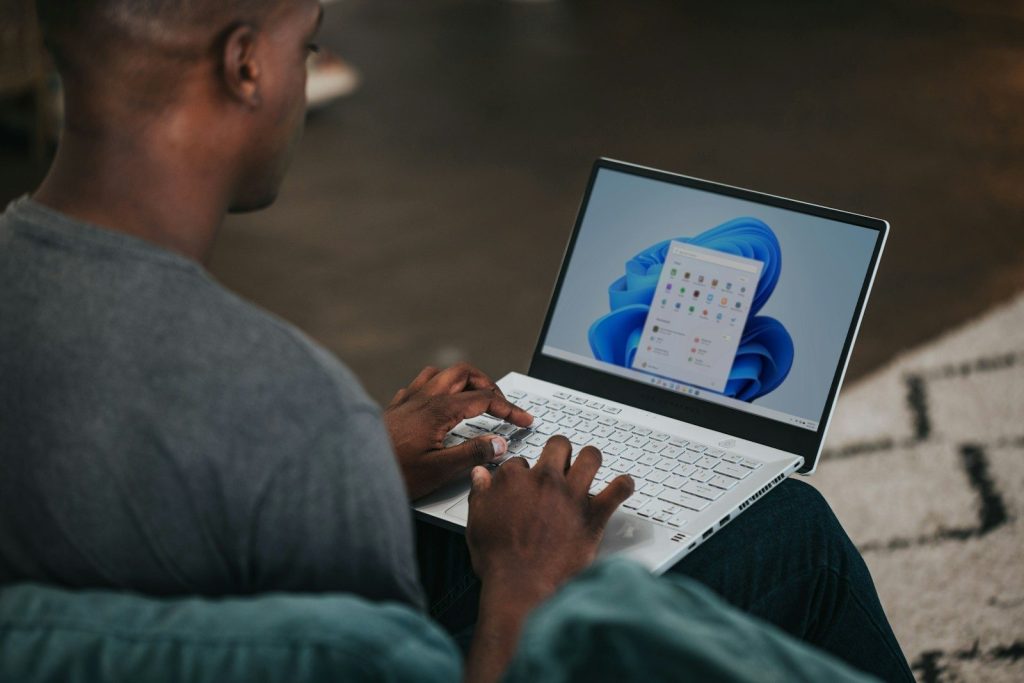
    man in gray long sleeve shirt using Windows 11 computer
    Photo by Windows on Unsplash

    Ctrl + C and Ctrl + V are still the classic time-savers. Use Ctrl + C to copy selected text, files, or images, then Ctrl + V to place them somewhere else. It is quicker than right-clicking through menus.

    These shortcuts help when you are filling forms, moving notes, editing documents, or sharing links. Add Ctrl + X when you want to cut something instead of copying it. Once this becomes muscle memory, basic PC work feels much faster.

    Switch apps in seconds

    person using Windows 11 computer on lap
    Photo by Windows on Unsplash

    Alt + Tab lets you move between open windows without reaching for the mouse. Hold Alt, tap Tab, and stop when the app you want is highlighted. It is simple, quick, and useful on almost any busy desktop.

    This helps when you are jumping between a browser, email, notes, and a document. It also keeps your focus moving instead of making you hunt through the taskbar. For work, school, or casual browsing, it can save many small clicks.

    Find files quickly

    a woman sitting at a table using a laptop computer
    Photo by Surface on Unsplash

    Windows key + E opens File Explorer right away. That means you can get to Downloads, Documents, Pictures, and folders without clicking through the Start menu or desktop icons.

    It is a great shortcut when you just saved a file and need to attach it, move it, or rename it. Pair it with the search box inside File Explorer when a folder is crowded. It turns file hunting into a faster habit.

    Search your PC

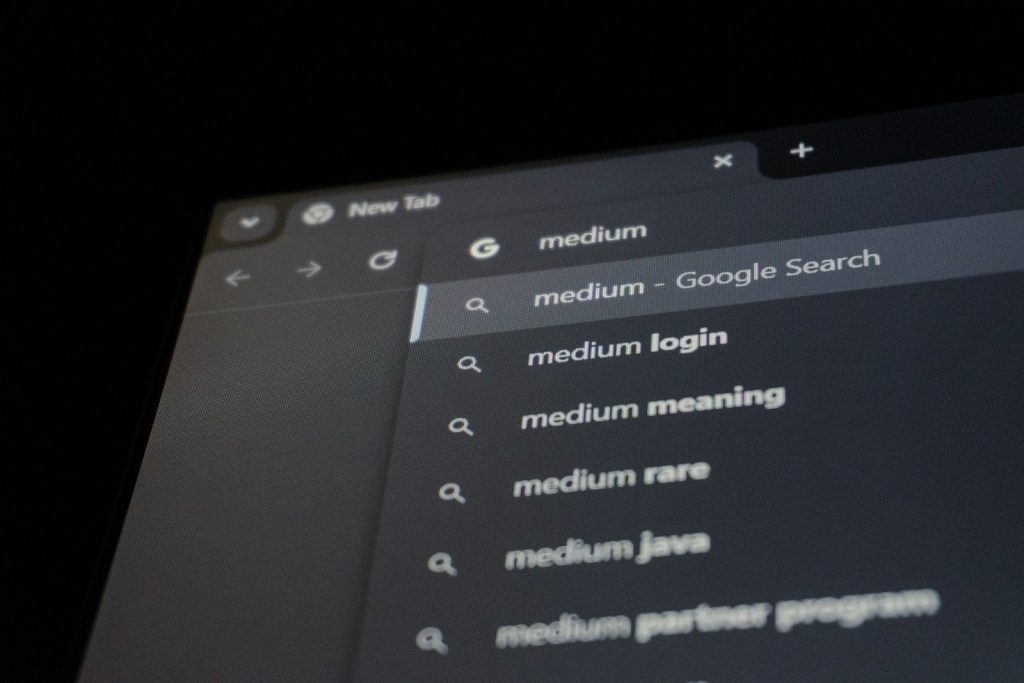
    Browser search bar with medium suggestions
    Photo by Zulfugar Karimov on Unsplash

    Windows key + S opens Windows search. You can use it to find apps, files, settings, and sometimes web results from one place. It is faster than scrolling through menus when you already know what you need.

    Try typing only the first few letters of an app or setting. For example, search “printer,” “Bluetooth,” or “calculator.” This shortcut is handy for people who do not want to remember where every Windows setting lives.

    Clean up the desktop

    black and silver asus laptop computer
    Photo by Erick Cerritos on Unsplash

    Windows key + D shows or hides the desktop. Press it once to move all open windows out of the way. Press it again to bring them back. It is perfect when your screen feels messy.

    This shortcut helps when you need a file on the desktop, want a cleaner view before sharing your screen, or just need a quick reset. It does not close your apps. It simply gives you breathing room.

    Capture part of your screen

    a woman in glasses is looking at a laptop
    Photo by Surface on Unsplash

    Windows key + Shift + S lets you select part of the screen for a screenshot. After you drag over the area you want, Windows copies the capture so you can paste or edit it.

    This is useful for saving receipts, sharing error messages, grabbing a chart, or sending a small part of a page. It is cleaner than taking a full-screen screenshot when you only need one section.

    Open emoji and symbols

    An emoji keyboard is displayed on a phone.
    Photo by Tim Witzdam on Unsplash

    Windows key + period, or Windows key + semicolon, opens the emoji panel. It is not just for emoji. You can also use it when you need symbols that are not sitting on your keyboard.

    This shortcut helps when writing messages, social posts, school notes, or casual emails. It saves you from searching online for a symbol, copying it, a

  • Why Saudi Arabia’s dream is becoming an engineering nightmare

    Why Saudi Arabia’s dream is becoming an engineering nightmare

    Saudi Arabia is trying to build the future in the middle of a desert. The project is called Neom, and its centerpiece is a 100-mile-long mirrored city known as “The Line.” It was supposed to be a revolution in how humans live. No cars, no streets, and zero carbon emissions. However, building a skyscraper that stretches for miles across a scorching desert is harder than anyone thought. Reports are leaking out that the project is being scaled back significantly. What was supposed to be a home for millions might now only house a few thousand.

    Engineers are facing impossible physical challenges. The heat in the desert can expand the materials to a breaking point. Then there is the sheer cost of moving enough steel and glass to finish the job. It is becoming the most expensive construction project in human history. Every day, new problems arise that even the world’s best architects cannot solve. The dream is hitting a wall of reality that is starting to look like a multi-billion-dollar disaster. But the temperature isn’t the only thing threatening to destroy the project.
    The physics of a hundred-mile mirror

    a pyramid in the desert with a sky background
    Photo by Anna Sullivan on Unsplash

    A building that is 170 kilometers long creates a massive barrier for the environment. Mirrors reflect the sun, which can create “death rays” of concentrated heat on the desert floor. This isn’t just bad for the local wildlife; it is a nightmare for the internal cooling systems of the building. To keep people alive inside, the city would need a power plant larger than almost any other on Earth. The cost of just running the air conditioning could bankrupt a small nation. But the wind might be an even bigger threat to the structure.

    Fighting the desert wind currents

    man, wall, walking, painting, cartoon, fantasy, creativity, man, wall, walking, walking, painting, painting, painting, cartoon, cartoon, cartoon, cartoon, cartoon, fantasy, fantasy
    Photo by CDD20 on Pixabay

    When you put a 1,600-foot-tall wall in a flat desert, you create a massive sail. The wind pressure against the mirrored glass is immense. Engineers have to figure out how to keep the building from vibrating or even tipping under the constant force of the desert gales. Traditional skyscrapers allow wind to flow around them. A continuous wall has nowhere for that energy to go. If the glass cracks, the entire pressure system fails. But how do you even get the glass to the site in the first place?

    The logistics of a desert supply chain

    a desert scene with a large mirror in the middle
    Photo by Anna Sullivan on Unsplash

    Neom is built in one of the most remote places on the planet. There are no ports, no railway lines, and very few roads that can handle the mass of heavy machinery. Every single bolt and beam must be shipped across thousands of miles. This creates a logistical bottleneck, which adds billions to the price tag. If a shipment is late, thousands of workers sit idle. It is a puzzle of timing and money that is falling apart under pressure. Wait until you see the human cost of this dream.

    A workforce struggling under the sun

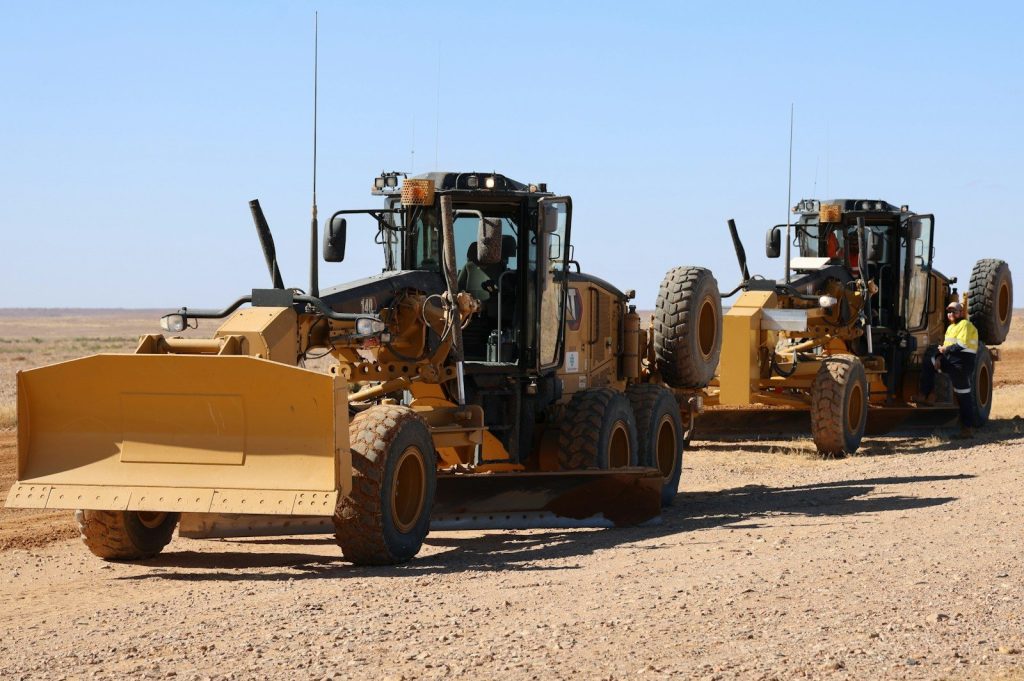
    Two heavy-duty construction vehicles are on the ground.
    Photo by Michael SKOPAL on Unsplash

    Building in 120-degree heat is not just difficult; it is deadly. Thousands of workers are toiling around the clock to meet impossible deadlines. There are growing concerns about the safety and living conditions of the people actually building the dream. When the schedule slips, the pressure on the labor force increases. This leads to mistakes, and in engineering, a small mistake in a desert wall can lead to a total collapse. But the financial bleeding is what might actually kill the project first.

    The sovereign wealth fund is leaking.

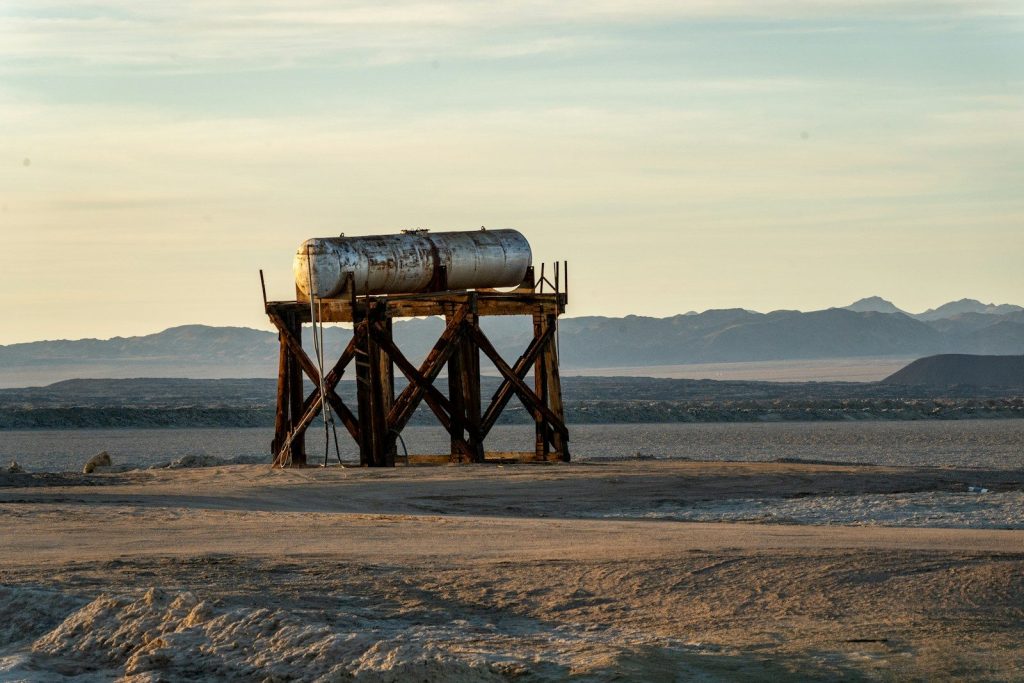
    An old water tank stands in a dry landscape.
    Photo by Fabian Kleiser on Unsplash

    Saudi Arabia has a lot of money, but even they have limits. The estimated cost of Neom has climbed to over $1.5 trillion. That is more than the total value of many developed countries. To keep the project alive, the government is having to borrow money and attract foreign investors who are becoming nervous. If the investors pull out, the machines stop. The “Line” is becoming a giant hole in the ground that eats cash. But the environmentalists have another reason to worry.

    A giant wall for migrating birds

    birds, flock, flying, migration, migrating, birds migrating, fly, geese, animals, sky, nature, migration, migration, migration, migration, migration
    Photo by terski on Pixabay

    Millions of birds migrate through the Saudi desert every year. A 100-mile-long mirrored wall is a death trap for them. They cannot see the glass and will fly directly into the structure. This could trigger an ecological disaster that affects entire continents. Engineers are trying to find “bird-safe” glass, but covering a 100-mile wall in it is incredibly expensive. It is one more problem on a list that is getting too long to manage. But what happens if the water runs out?

    The impossible quest for fresh water

    low angle photography of cranes on top of building
    Photo by Danist Soh on Unsplash

    A city in the desert needs water, and there isn’t any in the ground. Neom will have to rely entirely on desalination plants. These plants are expensive to build and require massive amounts of energy to run. If the power goes out, the city dies in hours. Engineers are struggling to create a system that is 100% reliable in such a harsh climate. It is a high-stakes gamble with human lives. But is the whole project just a massive PR stunt that went too far?

    The future of the desert dream

    A vast desert landscape reflecting in sleek modern architectural glass.
    Photo by Fatih Dağlı on Pexels

    Neom was supposed to show that Saudi Arabia was ready for a post-oil world. Instead, it is showing the limits of what money can buy. The project is a warning to all mega-engineers that nature always has the final word. While parts of the city will eventually be built, the original dream of a 100-mile mirrored wall is slowly fading into the sand. We have to decide if we are building for humans or just for a photo op. But you won’t believe why we actually stopped flying across the ocean in three hours.

    Featured Image: Photo by sanoojck on Pixabay

  • Is the US power grid one “glitch” away from a total national blackout?

    Is the US power grid one “glitch” away from a total national blackout?

    Most of us take power for granted. We turn a switch and the lights come on. Still under our feet and over our heads, the US power grid is a fragile, aging machine that is struggling to keep up. It was designed a decade ago for a world that used much less power. Today, it is pushed to its absolute limit by electric cars, data centers and extreme weather. Experts are warning that the grid is now so interconnected that a single failure in one state can trigger a “cascade” that shuts down half the country. We live on the edge of a total national blackout that could last for weeks.

    The grid is actually three separate networks that talk to each other. When one area gets overwhelmed, it “borrows” power from another. But if that area is also stressed, the whole system can trip like a circuit breaker in your house. The problem is that we don’t have enough “backups” to handle a major shock. From cyber attacks to solar flares, the threats are growing every day. But the most dangerous part of the grid is something you can see from your car window.

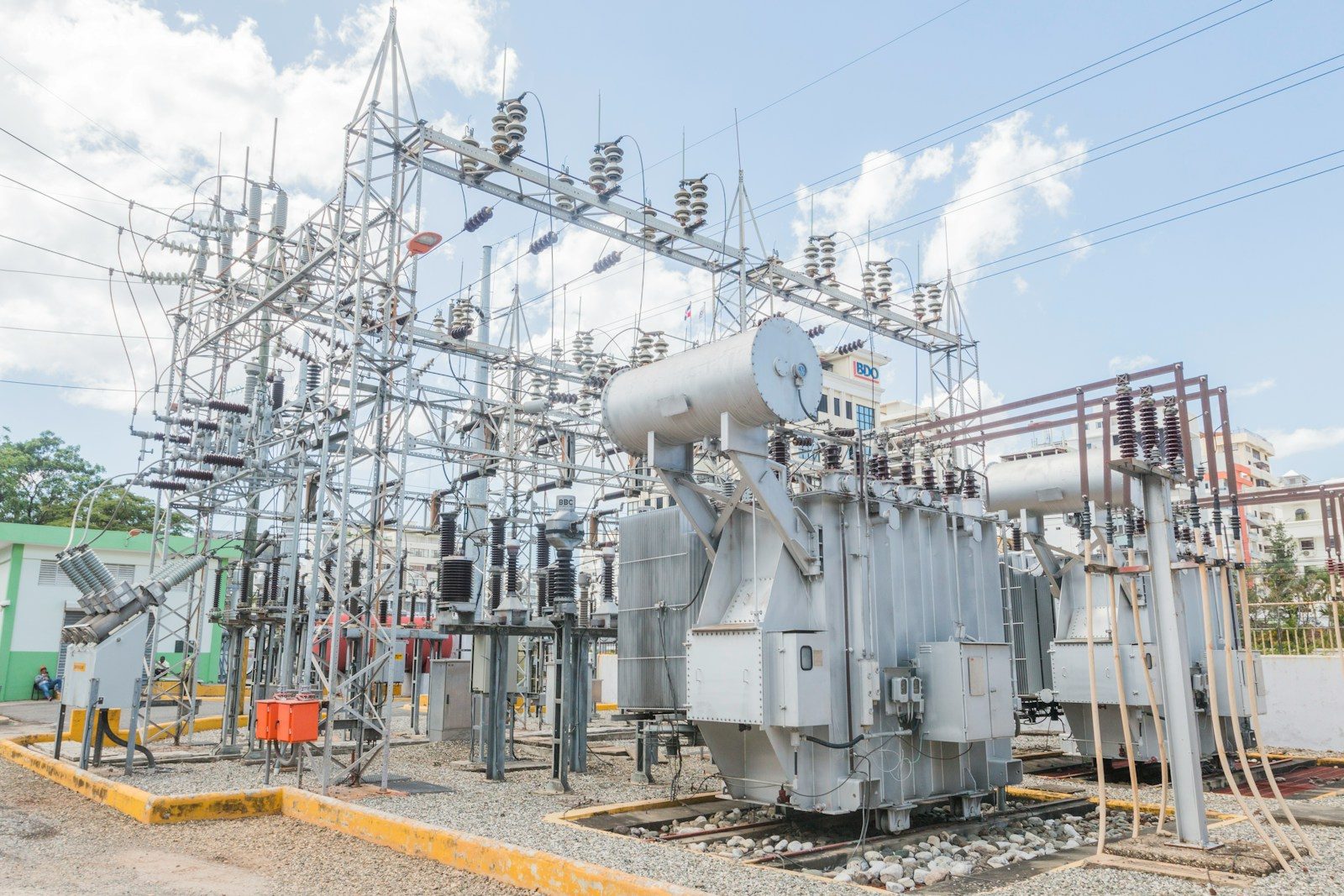
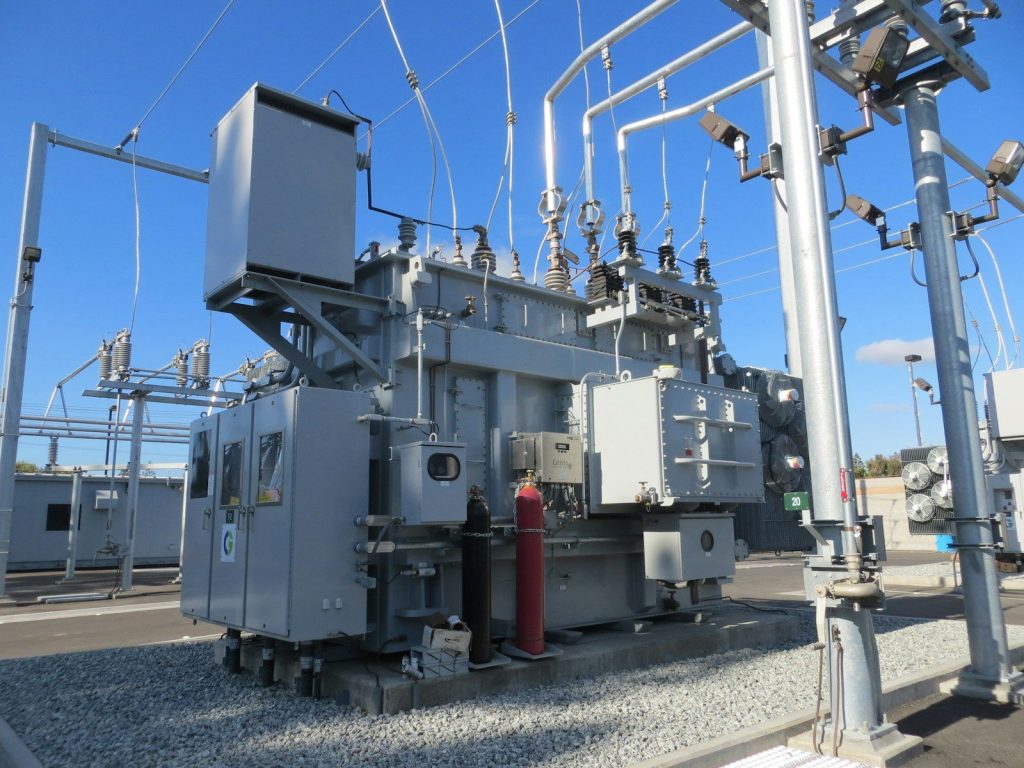
    The 50-year-old transformer problem

    white electric power generator
    Photo by American Public Power Association on Unsplash

    The average age of a large power transformer in the US is over 40 years. These are the giant metal boxes that move electricity from power plants to your neighborhood. They are the “heart” of the grid, and many of them are past their expiration date. If one fails, it can take months to replace because they are not made in the US anymore. There is a massive backlog for new parts. If a major storm hits and destroys dozens of these at once, some cities might stay dark for a long time. But nature is not the only enemy.

    The rising threat of cyber warfare

    a large metal tower with a bright light at the top
    Photo by Documerica on Unsplash

    Every part of the power grid is now connected to the internet. While this makes it easier to manage, it also makes it a target for hackers. Hostile nations are constantly probing the grid for “glitches” they can exploit. A well-placed piece of malware could shut down power to a major city in seconds. This isn’t science fiction; it has already happened in other countries. The US is in a constant “digital war” to keep the lights on. But sometimes, the threat comes from the sun itself.

    The invisible fire of a solar flare

    low angle photography of electric post near fogs
    Photo by Marcus on Unsplash

    Every few decades, the sun releases a massive burst of energy called a “Coronal Mass Ejection.” If this hits Earth, it creates a magnetic storm that can fry long-distance power lines. In 1859, a solar storm was so strong that it made telegraph wires catch fire. If a similar storm hit today, it could destroy the entire US power grid in minutes. We have very few defenses against a “space weather” event of this scale. It is a biological certainty that another one is coming. But our own weather is already doing damage.

    Extreme heat is melting the wires.

    a fire pit with a person holding a lit candle
    Photo by Detoured Studio on Unsplash

    Power lines are made of metal, and metal expands when it gets hot. During a record-breaking heat wave, power lines can sag so low that they touch trees and cause a short circuit. At the same time, everyone turns on their air conditioning, which pulls a massive amount of power. This “double stress” is what causes rolling blackouts in places like California and Texas. The grid is literally melting under the pressure of a warming planet. But why can’t we just build more power lines?

    The legal wall against new power

    grayscale photo of houses near trees
    Photo by Stephen Tafra on Unsplash

    To fix the grid, we need to build thousands of miles of new high-voltage lines. But nobody wants a giant power tower in their backyard. It can take 10 to 15 years to get the permits to build a single line across state borders. By the time the line is finished, the technology is already old. The “red tape” is preventing the engineering we need to survive. We are stuck with a 20th-century grid in a 21st-century world. But there is a new “glitch” coming from our garages.

    The electric car charging bottleneck

    aerial photography of cityscape at daytime
    Photo by Denise Jans on Unsplash

    Millions of people are switching to electric vehicles. This is great for the air, but it is a massive challenge for the grid. When everyone comes home at 6:00 PM and plugs in their car, the power demand spikes. Neighborhood transformers are not designed to handle that much load all at once. If we don’t upgrade our local wires, we will start seeing “neighborhood blackouts” every single evening. It is a manufacturing flaw in our urban planning. But there is one way to stay safe when the grid fails.

    The rise of the microgrid backup

    an aerial view of a city at night
    Photo by Andre Benz on Unsplash

    Smart communities are now building their own “micro-grids.” These are small power networks that can disconnect from the main grid during a failure. Using solar panels and giant batteries, a neighborhood can keep its own lights on even when the rest of the state is dark. It is the only way to protect ourselves from a total national blackout. We are moving toward a future where everyone has to be their own power company. But wait until you see the manufacturing flaw that is killing the electric car.

    The final countdown to a total blackout

    group of people walking inside building
    Photo by Claudio Schwarz on Unsplash

    The clock ticks for the US power grid. We are dependent on a system that is held together by “duct tape and prayers”. Without a massive national investment, a major blackout is not a matter of “if”, but “when”. We have the engineering to fix it, but we run out of time. Every “glitch” is a warning that we need to listen to before the screen goes dark for good. Are you ready for a world without light switch?

    Featured Image: Photo by Aldward Castillo on Unsplash

  • Why we stopped building supersonic planes (and why they aren’t coming back)

    Why we stopped building supersonic planes (and why they aren’t coming back)

    In 2003, the legendary Concorde made its final flight. It was the end of an era where humans could fly from London to New York in less than three and a half hours. We thought it was the beginning of a future where everyone would travel faster than the speed of sound. Instead, we went backward. Today, we fly at the same speeds we did in the 1960s. The dream of supersonic travel crashed because of high costs, noise complaints, and a single tragic accident. While several companies are trying to revive the technology, the engineering and economic walls are higher than ever.

    The truth is that supersonic planes were a “luxury” that the world could no longer afford. They used twice as much fuel as a regular jet, but carried only a fraction of the passengers. When fuel prices skyrocketed, tickets became too expensive for even the wealthiest travelers. But it wasn’t just about money. The very physics of travelling faster than sound created a noise problem that the world refused to accept. The “sonic boom” was a loud crack that shook windows on the ground.

    The noise that banned a jet

    a fighter jet flying through a blue sky
    Photo by Ross Drysdale on Unsplash

    When a plane breaks the sound barrier, it creates a massive shockwave. This “sonic boom” can break glass and disturb thousands of people below. Because of this, the US and many other countries banned supersonic flight over land. This meant the Concorde could only fly fast over the ocean. It limited the routes the plane could take and destroyed its profitability. Without the ability to fly over land, the market for speed was cut in half. But the heat of the flight was another hidden danger.

    Living in a flying blowtorch

    white and black plane in the air during daytime
    Photo by Jon Robinson on Unsplash

    Air friction at Mach 2 creates incredible heat. During a flight, the nose of a supersonic plane can reach temperatures over 250 degrees Fahrenheit. This causes the metal skin of the plane to expand and contract significantly. After every flight, the Concorde had to be inspected for tiny cracks caused by this “thermal cycling.” This made maintenance incredibly expensive and time-consuming. Regular jets don’t have this problem, making them much cheaper to run. But wait until you see the fuel bill for one flight.

    Guzzling gas at a terrifying rate

    man fueling plane near man
    Photo by Jose Lebron on Unsplash

    Supersonic engines are incredibly thirsty. To push a plane through the “wall” of air resistance, you need massive amounts of thrust. The Concorde burned about 6,700 gallons of fuel per hour. In today’s economy, a ticket would have to cost over $20,000 just to break even. Airlines realized they could make much more money by flying more people slowly in “efficient” planes. We traded time for profit. But there was one final incident that sealed the fate of the fast jet.

    The tragedy that broke the trust

    concorde, plane, supersonic fighter, passenger aircraft, technology, concorde, concorde, concorde, concorde, concorde
    Photo by froehlich-gera on Pixabay

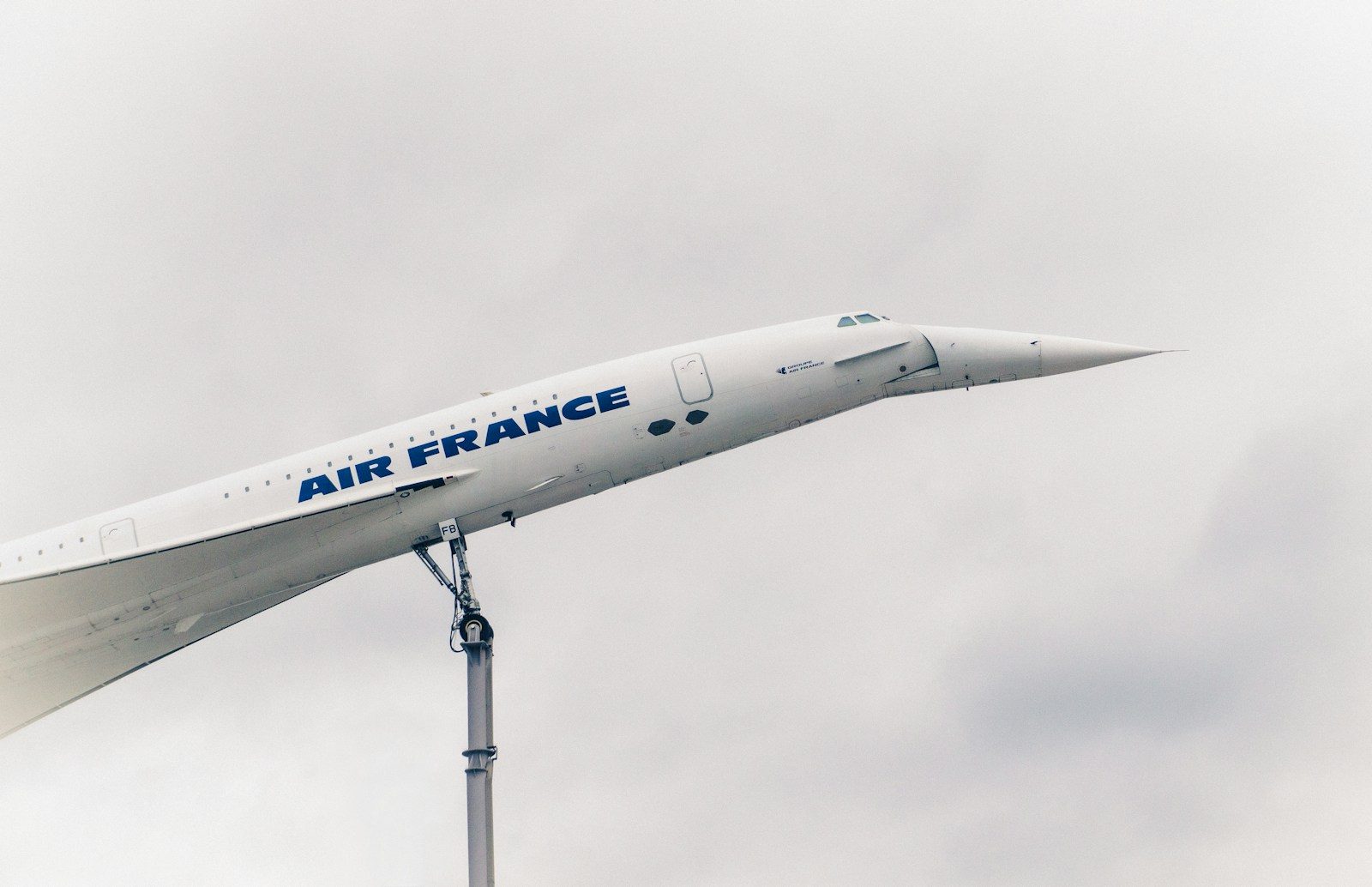
    In the year 2000, an Air France Concorde crashed shortly after takeoff. It was the first and only fatal accident in the plane’s history, but it was enough to shatter public confidence. People realized that at supersonic speeds, there is very little room for error. The cost of upgrading the remaining planes to be “safer” was too high for the airlines to justify. The trust was gone, and the fleet was retired three years later. But can modern tech fix these old problems?

    The struggle to silence the boom

    an artist's rendering of a space shuttle flying over the earth
    Photo by Hermeus on Unsplash

    NASA is currently testing a new plane called the X-59. It is designed to turn the “sonic boom” into a “sonic thump” that people on the ground won’t notice. Engineers are using complex shapes to spread out the shockwaves. If they succeed, the ban on flying over land might be lifted. However, even with a quiet boom, the plane still has to deal with the same massive fuel costs and maintenance issues of the past. It is an engineering masterpiece that might never find a buyer. But the real competition isn’t in the air.

    The rise of the digital meeting

    macbook pro displaying group of people
    Photo by Chris Montgomery on Unsplash

    In the 1970s, you had to fly to New York to sign a contract. Today, you can do it on Zoom. The “need for speed” has been replaced by the “need for connection.” Most business travelers would rather save $15,000 and stay home for a video call. The market for supersonic travel has shrunk to almost zero. We are no longer chasing the sound barrier; we are chasing better bandwidth. But there is one final reason why these planes aren’t coming back soon.

    The environmental price of speed

    Airplane leaving a contrail across a clear blue sky
    Photo by Alito McBean on Unsplash

    Supersonic planes release their emissions much higher in the atmosphere than regular jets. This causes more damage to the ozone layer and contributes faster to climate change. In a world that is trying to reach “Net Zero,” a plane that burns twice as much fuel is an environmental villain. No airline wants to be seen as the “polluter” of the sky. The dream of speed has been grounded by the reality of our planet. But are you ready for the “glitch” that could plunge the entire US into darkness?
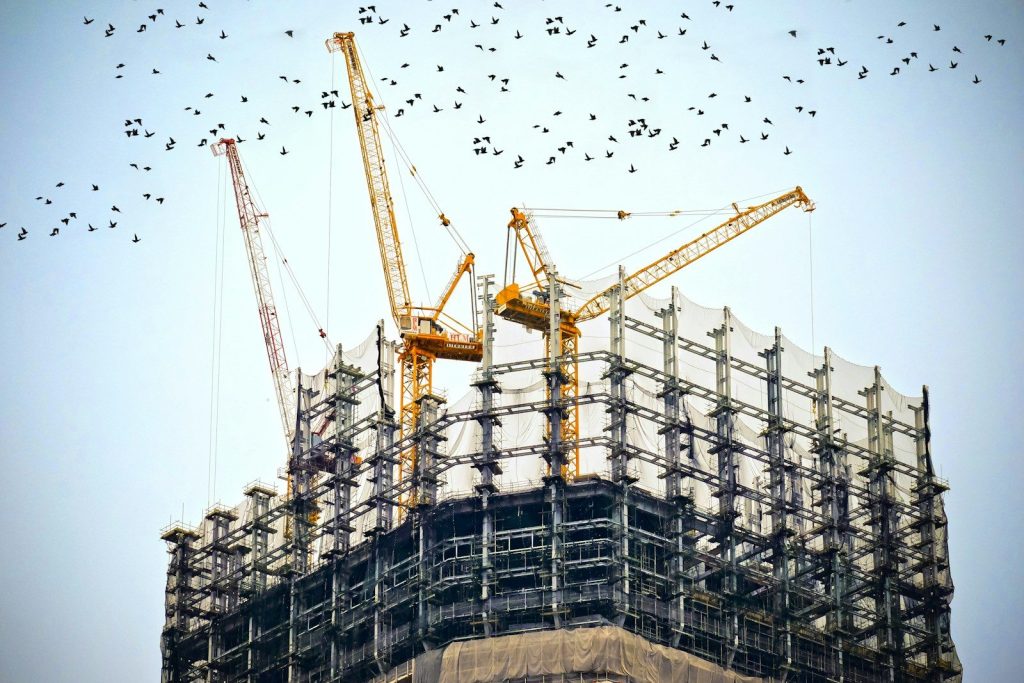
    Featured Image: Photo by Sindy Süßengut on Unsplash

  • How satellite connectivity is moving beyond emergencies

    How satellite connectivity is moving beyond emergencies

    Not long ago, satellite phone features sounded like something most people would never use. They were mainly tied to serious situations far from cell towers. That is changing fast. Newer phones and carrier services are increasingly using satellites for more than just urgent texts. Apple says iPhone 14 and later models can use satellite connections for emergency assistance, roadside assistance, messages, and location sharing when there is no cellular or Wi-Fi coverage.

    T-Mobile’s T-Satellite with Starlink is also moving direct-to-cell service toward regular messaging and supported apps in places where towers cannot reach. These tools are still limited, and they work best with a clear view of the sky. But the direction is clear: satellite connectivity is slowly becoming part of normal mobile life, not just a last-resort backup.

    Dead zones are the real target

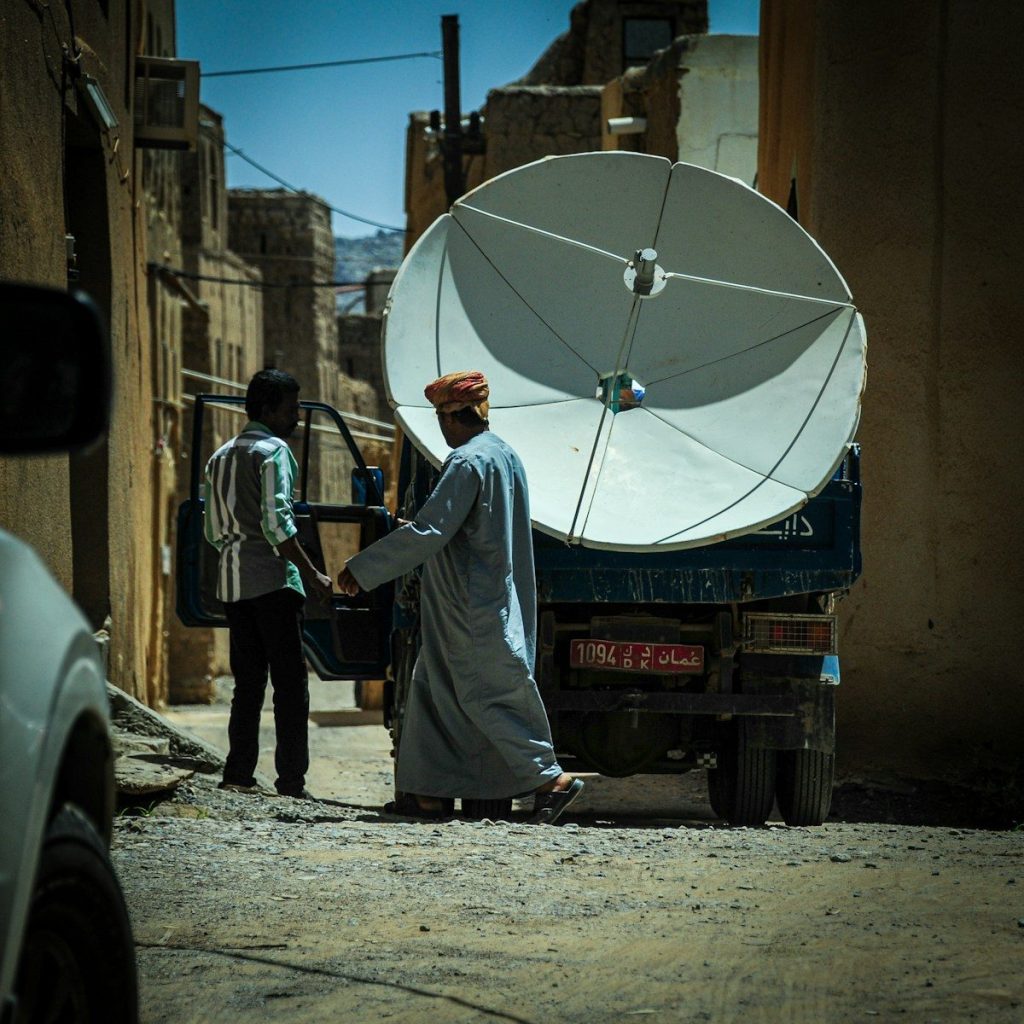
    Men unload satellite dish from truck on street.
    Photo by Erik Esly on Unsplash

    Most people do not think about satellite service until their phone shows no bars. That is where this technology becomes useful. It can help fill gaps on rural roads, hiking areas, campgrounds, and other places where cell towers are too far away.

    The goal is not to replace regular mobile networks. It is to give phones a backup path when normal service disappears. That makes satellite connectivity feel less like a luxury and more like a practical safety net.

    Texting is just the start

    person holding black iphone 4
    Photo by Asterfolio on Unsplash

    Early phone satellite features focused mostly on short messages. That made sense because text uses less data and can work better over a slower connection. It also gives users a simple way to reach help or share basic updates.

    Now the idea is growing beyond basic texts. Apple supports satellite messaging with friends and family on newer iPhones in supported areas, while T-Mobile has been expanding satellite access toward selected apps.

    Apps are joining in

    A person holding a cell phone in their hand
    Photo by Amanz on Unsplash

    Satellite connections are becoming more useful as apps begin to support them. T-Mobile said its satellite service expanded to apps such as WhatsApp, Google Maps, AllTrails, AccuWeather, and others in areas without regular coverage.

    That does not mean phones suddenly get full-speed internet from space everywhere. It means certain important app features may still work when a tower signal is missing. For many users, that could be enough to check a route, send an update, or get basic information.

    Roadside help gets easier

    wifi” by miniyo73 is licensed under CC BY-SA 2.0

    Satellite service is not only for remote trails. A flat tire or car problem can happen on a quiet highway where cell service is weak. That is why roadside assistance through satellite matters.

    Apple says supported iPhones can request roadside assistance by satellite when users are outside cellular and Wi-Fi coverage. For drivers, that turns the phone into a more dependable travel companion, especially in open areas with few nearby towers.

    Location sharing matters

    person holding black smartphone
    Photo by henry perks on Unsplash

    Sometimes the most important message is simply, “Here is where I am.” Satellite location sharing can help family members know a person’s position when normal service is gone.

    Apple lists location sharing as one of its satellite features on iPhone 14 or later. That can be useful during road trips, outdoor plans, or travel through low-coverage areas. It is a small feature, but it can bring a lot of peace of mind.

    Android is catching up

    a cell phone with a green icon on it
    Photo by Kelly Sikkema on Unsplash

    Satellite connectivity is no longer only tied to one phone brand. Google’s Pixel 9 series introduced Satellite SOS in the U.S. with support from Skylo, giving Android users a way to reach help when cellular and Wi-Fi are unavailable.

    That shows the feature is becoming part of the wider smartphone market. As more phone makers and carriers support it, buyers may start seeing satellite access as a normal spec to check before upgrading.

    Carriers see a bigger role

    brown concrete building during daytime
    Photo by Brendan Stephens on Unsplash

    Wireless companies are looking at satellite service as a way to shrink coverage gaps. Reuters reported that Verizon, AT&T, and T-Mobile agreed in principle to create a joint venture aimed at reducing rural dead zones through satellite-based direct-to-device technology.

    That kind of move shows how serious the industry is becoming. Instead of treating satellite service as a side feature, carriers are exploring it as part of the future coverage map.

    Watches may benefit too

    a close up of a person wearing an apple watch
    Photo by Alek Olson on Unsplash

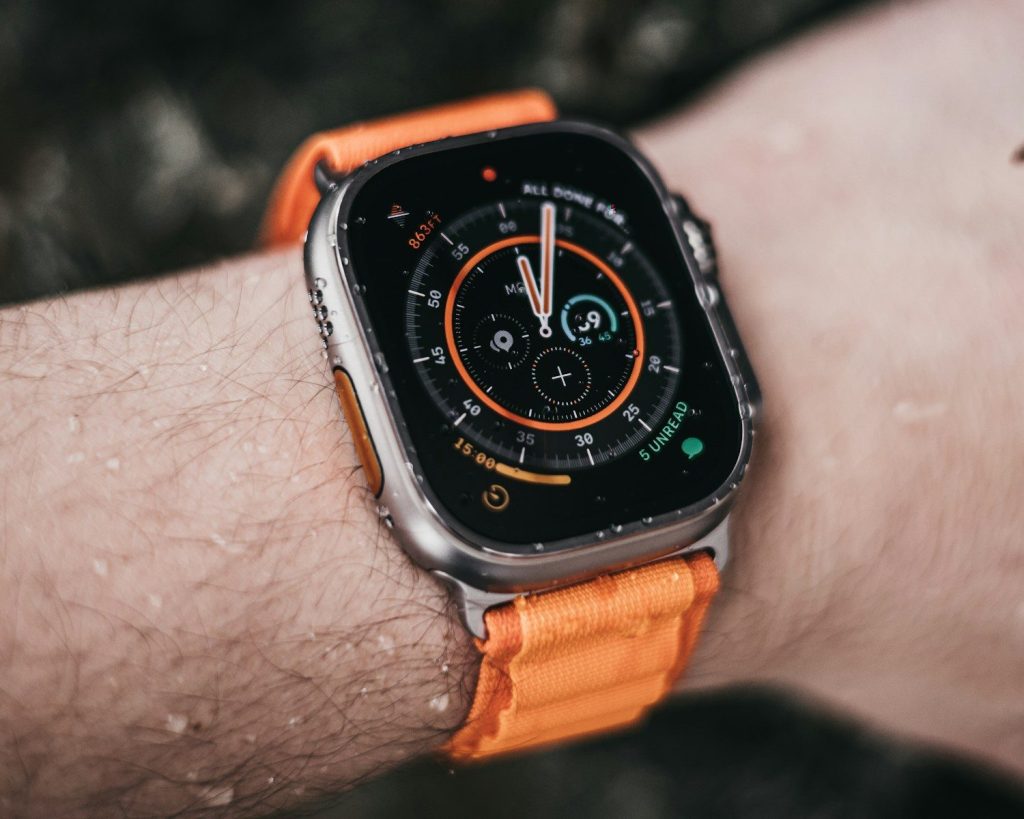
    Satellite connectivity is also moving beyond phones. Amazon said Globalstar currently helps power satellite service for iPhone 14 or later and Apple Watch Ultra 3, supporting features like emergency texts, family messages, roadside help, and location sharing.

    That hints at a broader future. A watch, phone, or other mobile device may be able to stay useful even when it is far from a tower. Small connected gadgets could become more dependable in more places.

  • 6 laptop features that matter more than flashy branding

    6 laptop features that matter more than flashy branding

    A shiny logo can catch your eye, but it does not decide whether a laptop feels good after months of real use. The better question is simple: can it handle your daily work, last long enough away from the charger, and feel comfortable every time you open it? That is where practical features matter most.

    For many buyers, the smartest laptop choice comes down to performance, memory, storage, battery life, screen quality, and everyday usability. Consumer Reports notes that strong laptops balance speed, power, battery life, and display quality, while value-focused models can still cover common tasks like browsing, writing, video calls, and spreadsheets.

    The processor sets the pace

    Intel core i7 sticker on a dark surface.
    Photo by Pauli Nie on Unsplash

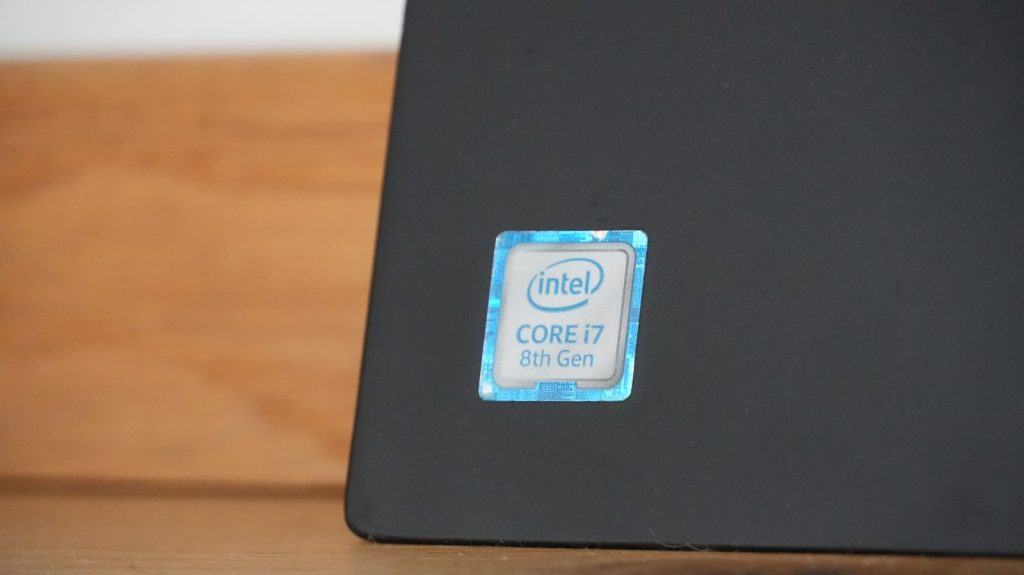
    A laptop’s processor affects how quickly it handles everyday tasks. Web browsing, video calls, documents, spreadsheets, and photo editing all depend on a chip that can keep up without slowing down.

    For many everyday users, a midrange processor is often enough. Consumer Reports has noted that an Intel Core i5 or AMD Ryzen 5 can handle common tasks well, including more demanding work like high-resolution streaming and large photo edits.

    RAM keeps multitasking smooth

    SODIMM RAM stick
    Photo by Possessed Photography on Unsplash

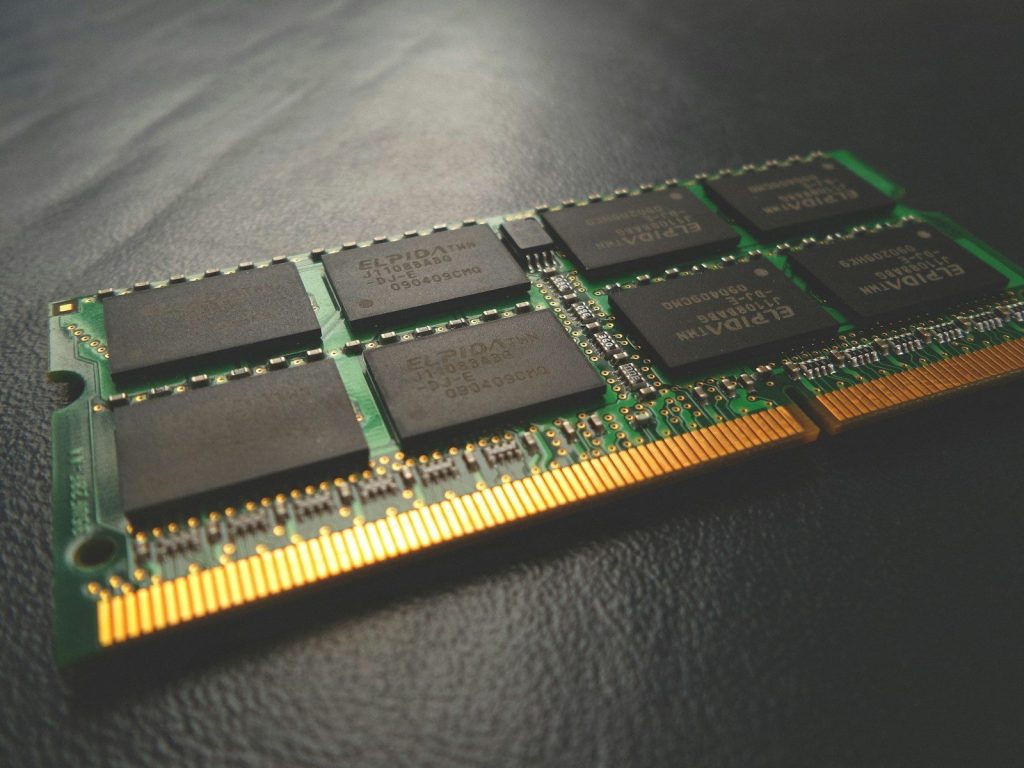
    RAM helps a laptop juggle several tasks at once. It matters when you keep many browser tabs open, switch between work apps, stream music, and join video calls.

    A laptop with too little RAM can feel slow even if the brand name looks impressive. For smoother daily use, buyers should look beyond the logo and check whether the memory matches how they actually work, study, or create.

    SSD storage feels faster

    A close up of a laptop on a table
    Photo by Samsung Memory on Unsplash

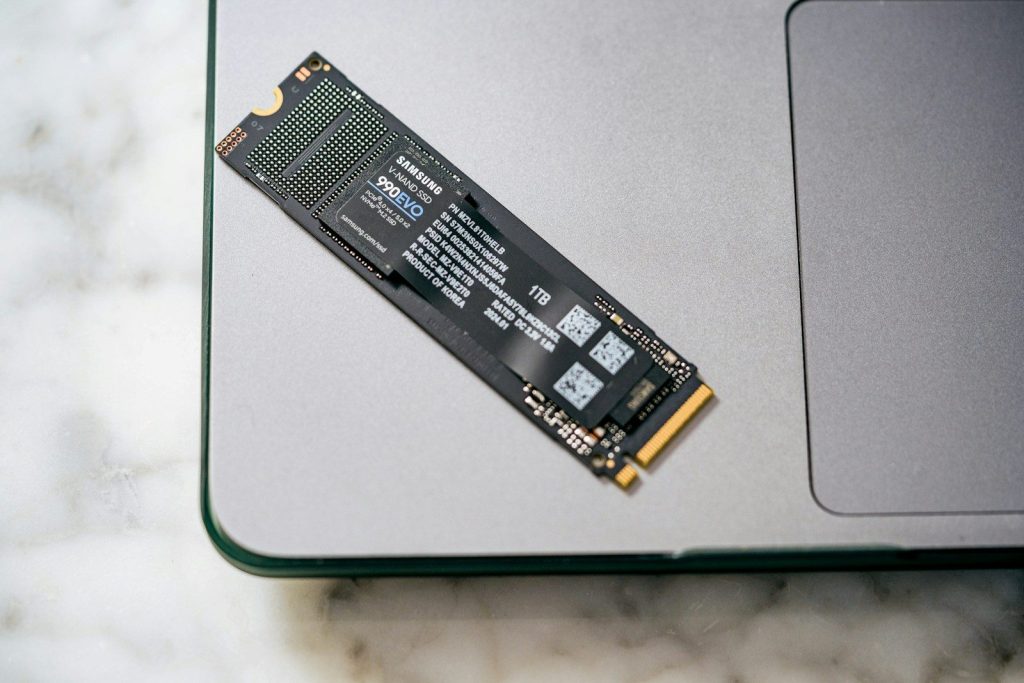
    Storage is not just about how many files a laptop can hold. A solid-state drive, or SSD, can make the computer start faster, open apps quicker, and move files with less waiting.

    Older hard drives are usually slower because they use moving parts. SSDs have become common in modern laptops because they offer quicker read and write speeds, which helps the whole machine feel more responsive.

    Battery life changes the day

    turn-on laptop displaying 97 percent battery
    Photo by Panos Sakalakis on Unsplash

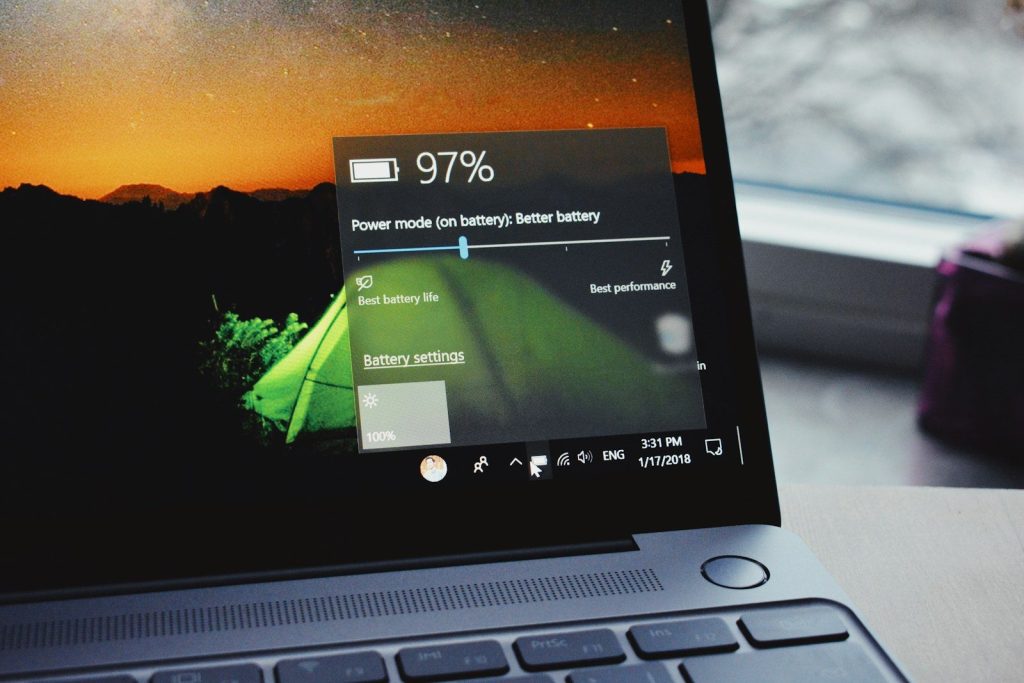
    A laptop that always needs a charger can become frustrating fast. Battery life matters for students, travelers, remote workers, and anyone who moves between rooms during the day.

    Consumer Reports highlights long battery life as a key strength in top laptops, especially for people who want to carry less and work away from outlets. A famous badge on the lid means less if the battery cannot keep up.

    The screen affects comfort

    open macbook air on wooden desk
    Photo by Howard Bouchevereau on Unsplash

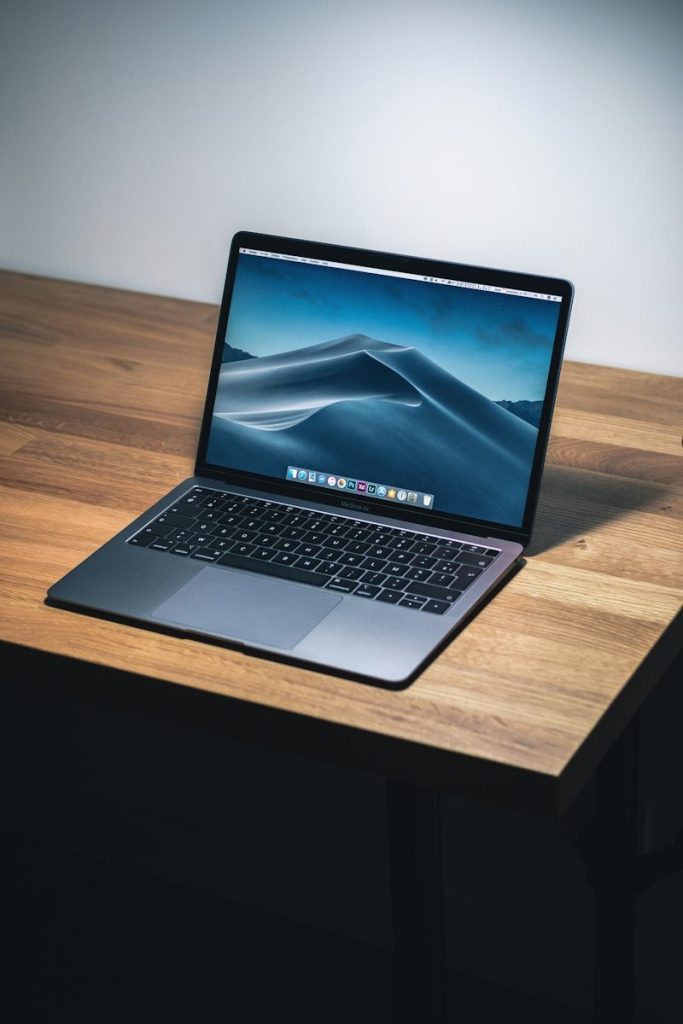
    People often focus on speed, but the display matters every time the laptop is opened. A clear, bright screen can make reading, writing, browsing, and watching content easier on the eyes.

    Resolution, brightness, and overall display quality are worth checking before buying. TechRadar’s student laptop guidance lists display quality as an important factor, with Full HD as a sensible baseline for many users.

    Ports make life easier

    Side view of a silver laptop with white keyboard
    Photo by Kamil Switalski on Unsplash

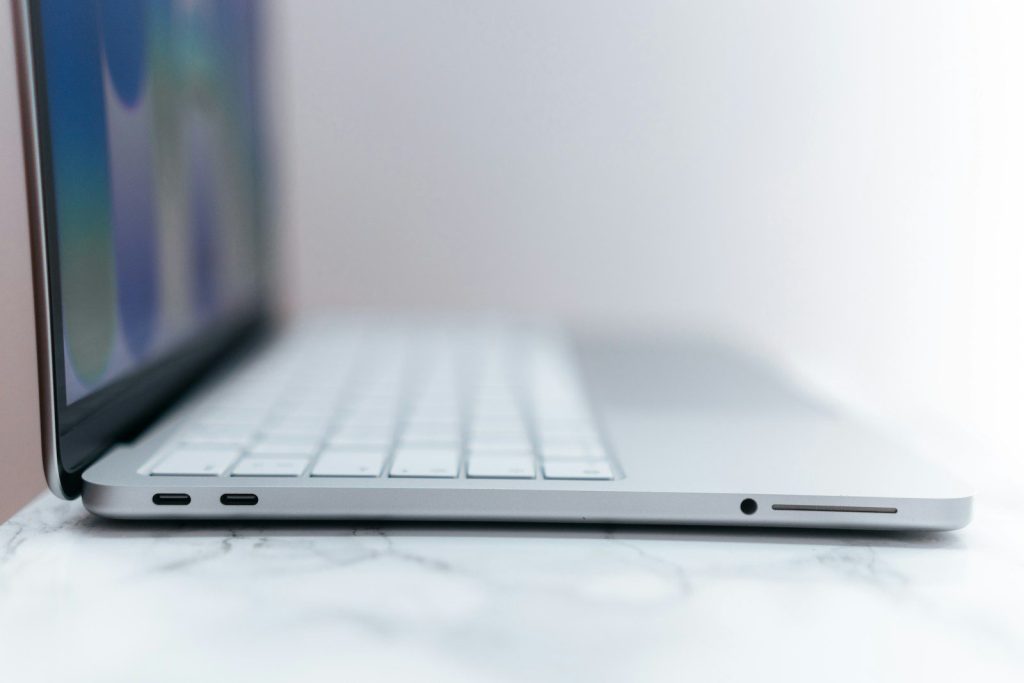
    Ports can decide how simple a laptop feels in real life. USB-C, USB-A, HDMI, headphone support, and charging options can affect monitors, drives, mice, docks, and accessories.

    A thin laptop may look sleek, but it can be annoying if it needs extra adapters for basic tasks. TechRadar also lists connectivity as a key laptop feature, including modern ports and strong wireless support for daily use.