Category: Technology

  • 10 things to know before buying a gaming handheld

    10 things to know before buying a gaming handheld

    Gaming handhelds look simple at first. You see a screen, controls, and the promise of console-style games anywhere. But buying one is not quite the same as buying a regular console. Some handhelds are built around one game library, while others run Windows and can play games from several stores. Battery life, storage, comfort, heat, updates, and game compatibility can change the whole experience.

    Current devices also vary a lot. Valve lists the Steam Deck LCD with a 40Wh battery and 2–8 hours of gameplay depending on the game, while ASUS lists the ROG Ally with Windows 11 and AMD Ryzen Z1 chips. Nintendo’s Switch 2 specs list about 2–6.5 hours of battery life, depending on use.

    Check the game library first

    Playstation 5 controller and remote play screen
    Photo by Emmanuel Mbala on Unsplash

    The best handheld is the one that plays the games you actually want. Some devices are tied closely to one store or platform, while others work more like small gaming PCs.

    Before buying, check your favorite games, not just the device specs. A powerful handheld is not much fun if your top games do not run well, need workarounds, or are missing from the system.

    Battery life can vary wildly
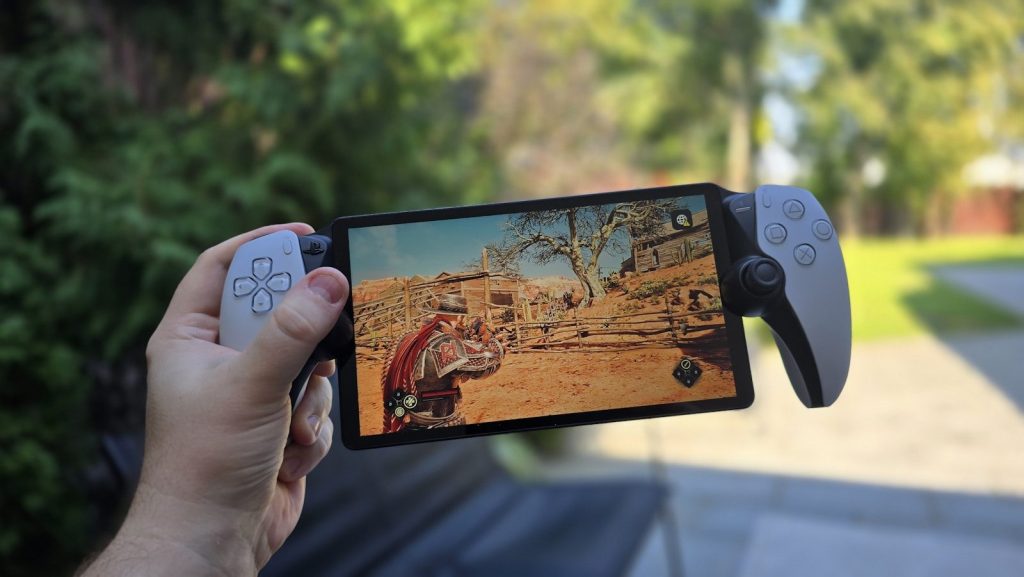
    A person taking a picture with a cell phone
    Photo by Evgeny Opanasenko on Unsplash

    Handheld battery life is not one fixed number. A simple indie game may last much longer than a big, demanding title with high graphics settings.

    That is why official battery ranges are often broad. The Steam Deck LCD is listed at 2–8 hours of gameplay, while Nintendo lists the Switch 2 at about 2–6.5 hours. Your real use will depend on the game, brightness, sound, and settings.

    Storage fills up fast

    Hand holding a nintendo switch playing pokémon legends
    Photo by Daniel J. Schwarz on Unsplash

    Modern games can take a lot of space, especially large action, racing, sports, and open-world titles. A handheld with small storage may feel full after only a few big downloads.

    Look at internal storage and expansion options before you buy. Some handhelds support microSD cards, but loading speeds and card types can matter. If you plan to keep many games installed, storage should be a top priority.

    Windows adds freedom

    A man holding a cell phone in his hands
    Photo by Amanz on Unsplash

    Windows handhelds can feel exciting because they may run many PC launchers and game stores. ASUS lists the ROG Ally as a Windows 11 Home device, which gives it a more PC-like setup.

    That freedom can also bring extra setup. You may deal with updates, settings, launchers, pop-ups, and small text. For some players, that is worth it. For others, a simpler console-style system may feel better.

    Comfort matters more than specs

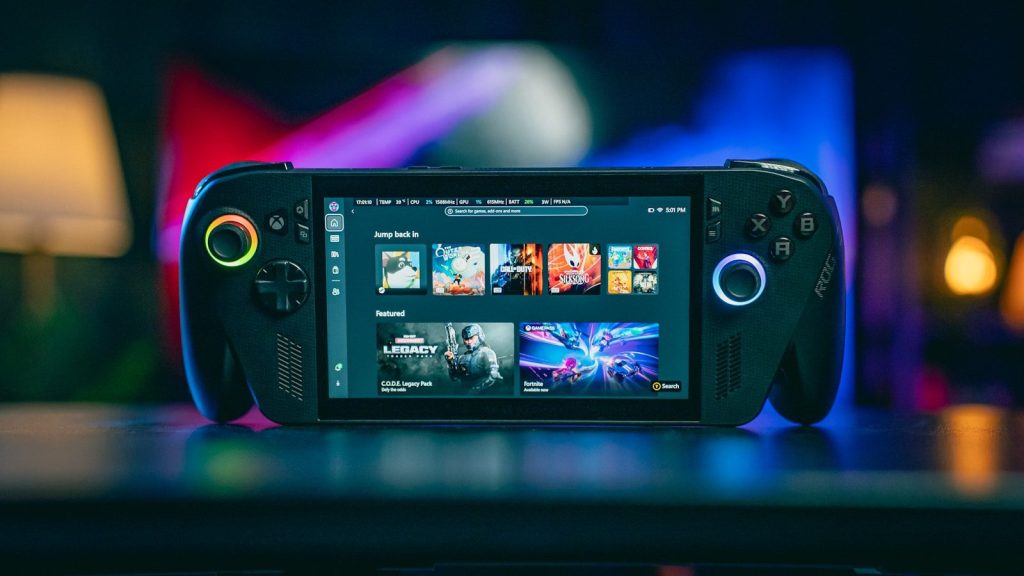
    Handheld gaming device displaying game library
    Photo by Gavin Phillips on Unsplash

    A handheld can have great power and still feel tiring to use. Weight, grip shape, button placement, screen size, and fan noise all affect long sessions.

    Try to think beyond performance numbers. A device that feels balanced in your hands may get more use than one with better specs but awkward controls. Comfort is not a bonus feature when the whole system sits in your hands.

    The screen changes everything

    Two handheld gaming consoles side by side.
    Photo by Amanz on Unsplash

    A handheld screen is your TV, monitor, and display all in one. Size, brightness, resolution, refresh rate, and panel quality can change how games feel.

    A sharp screen is great, but it can also demand more power. Higher refresh rates may look smoother, but they can drain battery faster. The best choice depends on whether you care more about visuals, battery life, or portability.

    Performance needs context

    Hands holding smartphone with game controller attachment
    Photo by Daniel Romero on Unsplash

    More power sounds better, but handheld gaming is always a balance. High graphics settings can mean more heat, louder fans, and shorter battery life.

    Think about the games you play most. If you mainly play lighter games, you may not need the strongest hardware. If you want newer PC games on the go, performance becomes much more important.

    Updates can shape the experience
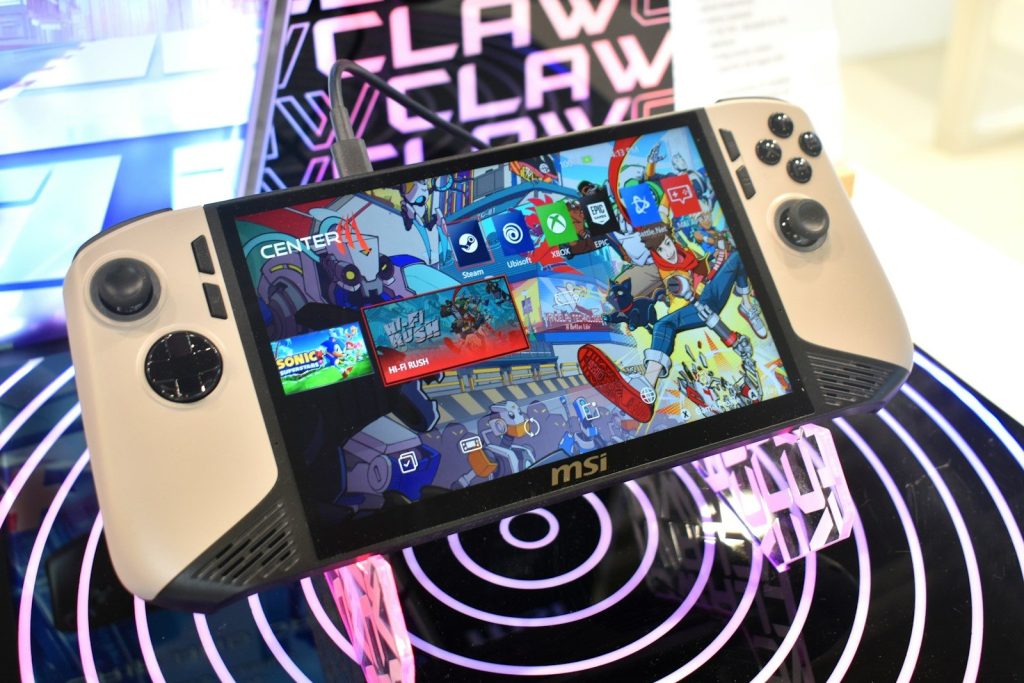
    Msi handheld gaming device with colorful screen
    Photo by Gavin Phillips on Unsplash

    Gaming handhelds are not frozen at launch. Software updates can improve performance, fix bugs, add features, and make the system easier to use.

    That makes long-term support important. A handheld with active updates may get better over time. A device with weak software support may feel rough, even if the hardware looks good on paper.

    Accessories add to the cost

    a table topped with a laptop computer next to a game controller
    Photo by Mockuuups on Unsplash

    The sticker price may not be the final cost. You may also want a case, screen protector, dock, charger, microSD card, or extra controller.

    This matters because a cheaper handheld can become more expensive after add-ons. Before buying, price out the full setup you actually want. A well-protected device with enough storage may save frustration later.

    Decide how you will play

    Person playing a handheld gaming console
    Photo by Amanz on Unsplash

    Some people want a travel device. Others want a couch gaming screen. Some want a mini PC that can connect to a monitor, keyboard, and controller.

    Your use case should guide the purchase. If you mostly play at home, screen size and comfort may matter most. If you travel often, battery life, weight, storage, and durability become much bigger factors.

  • Why Xbox hardware may be getting more flexible

    Why Xbox hardware may be getting more flexible

    Xbox no longer looks tied to one box under the TV. Microsoft is building a wider gaming setup where console, PC, cloud, handheld play, and Windows all connect more closely. That shift is showing up in real products like the ROG Xbox Ally handhelds, which combine Xbox features with Windows freedom and access to multiple PC storefronts.

    The bigger message is simple: Xbox wants players to keep their games, progress, friends, and identity moving across devices. Microsoft has also confirmed Project Helix, its next-generation Xbox console, is in development with AMD and is designed to play both Xbox console and PC games.

    Xbox is thinking beyond one box

    a large green sign hanging from the ceiling of a building
    Photo by Jonathan Kemper on Unsplash

    For years, Xbox hardware mostly meant a console in the living room. That idea is changing. Microsoft is now talking about Xbox as a platform that can follow players across console, PC, mobile, cloud, and handheld devices.

    That does not mean the console is going away. Microsoft still calls console the foundation of the Xbox experience. But the future looks less locked to one screen and more built around choice.

    Handhelds change the picture

    Two handheld gaming consoles side by side.
    Photo by Amanz on Unsplash

    The ROG Xbox Ally and ROG Xbox Ally X are a clear sign of this shift. Built with ASUS, these handhelds mix Xbox features with Windows, giving players another way to play away from the couch.

    That matters because handheld gaming is no longer a side idea. Xbox is treating it like part of the main experience. Players can play native games, use the cloud, or stream from their Xbox console at home.

    Windows opens more doors

    A person holding a smart phone in their hand
    Photo by Georgiy Lyamin on Unsplash

    A major reason Xbox hardware can become more flexible is Windows. The ROG Xbox Ally devices run Windows 11, but they boot into an Xbox full-screen experience made for handheld gaming.

    That setup gives Microsoft a wider path. Instead of building every device from scratch, Xbox can bring its interface and services to Windows-based hardware. That could make future Xbox devices feel more open than past consoles.

    PC games become more important

    a person playing a video game on a laptop
    Photo by Onur Binay on Unsplash

    Microsoft has said Project Helix is designed to play both Xbox console and PC games. That is a big clue about where the hardware strategy is heading.

    If Xbox hardware supports more PC-style play, it could give players bigger libraries and more ways to buy games. It may also help developers reach console and Windows players with fewer walls between them.

    Play Anywhere gets stronger

    white xbox one game controller
    Photo by Diego Marín on Unsplash

    Xbox Play Anywhere is one of the quiet pieces behind this flexible future. Microsoft says the catalog now includes more than 1,500 games across console and Windows.

    That kind of system makes hardware feel less separate. When a supported game works across devices, players do not have to think as much about where they bought it. They can focus more on where they want to play.

    Cloud keeps devices connected

    a close up of a video game controller
    Photo by Anthony on Unsplash

    Cloud gaming is another reason Xbox hardware may not stay limited to one machine. Microsoft says cloud helps bring the Xbox experience to more devices while keeping progress, friends, and identity connected.

    That can make cheaper or smaller devices more useful. A device does not always need to run every game locally if it can stream supported games. For casual players, that could make Xbox easier to access.

    Remote play adds freedom

    Person playing a handheld gaming console
    Photo by Amanz on Unsplash

    Remote play also fits this bigger plan. The ROG Xbox Ally page says players can use Xbox remote play to access games installed on their Xbox console from the handheld.

    That makes the home console more flexible instead of less important. It can stay in the living room while the player moves to another room. The hardware becomes part of a connected setup, not a single fixed spot.

    Docked play blurs lines

    A handheld gaming console with a bright screen
    Photo by Amanz on Unsplash

    The ROG Xbox Ally page also points to improved docked play, with output optimized for a TV screen.

    That is interesting because it blurs the line between handheld and console. A device can be portable during the day and connect to a larger screen later. Xbox hardware may be moving toward forms that shift based on the moment.

    AMD powers the next step

    black and green lenovo logo
    Photo by Timothy Dykes on Unsplash

    Microsoft says Project Helix is being built with AMD, using a custom AMD chip and next-generation graphics technology.

    This matters because hardware flexibility still needs strong performance. If Xbox wants one family of devices to handle console games, PC games, and modern features, the chip design has to support that goal. The AMD partnership gives Microsoft a clearer technical path.

    Choice is the real goal

    white xbox one game controller
    Photo by Mika Baumeister on Unsplash

    The biggest change is not just a handheld or a new console. It is the idea that Xbox wants to meet players in more places. Microsoft has said the next era will be affordable, personal, and open.

    That points to a future where Xbox hardware may come in more shapes, price points, and play styles. The classic console still matters, but it may become only one part of a much wider Xbox family.

  • Gaming setup mistakes that quietly drain your budget

    Gaming setup mistakes that quietly drain your budget

    A gaming setup can get expensive fast, especially when every upgrade sounds like the one thing you “need” next. A brighter monitor, faster mouse, bigger desk, flashy lights, better headset, larger storage drive, and premium chair can all seem important in the moment.

    But many gamers waste money by buying parts that do not match the way they actually play. The smartest setup is not always the most expensive one. It is the one where the screen, console or PC, audio, desk, chair, cables, and settings work together. A few small choices can save money, reduce frustration, and make games feel better without chasing every new accessory or trend.

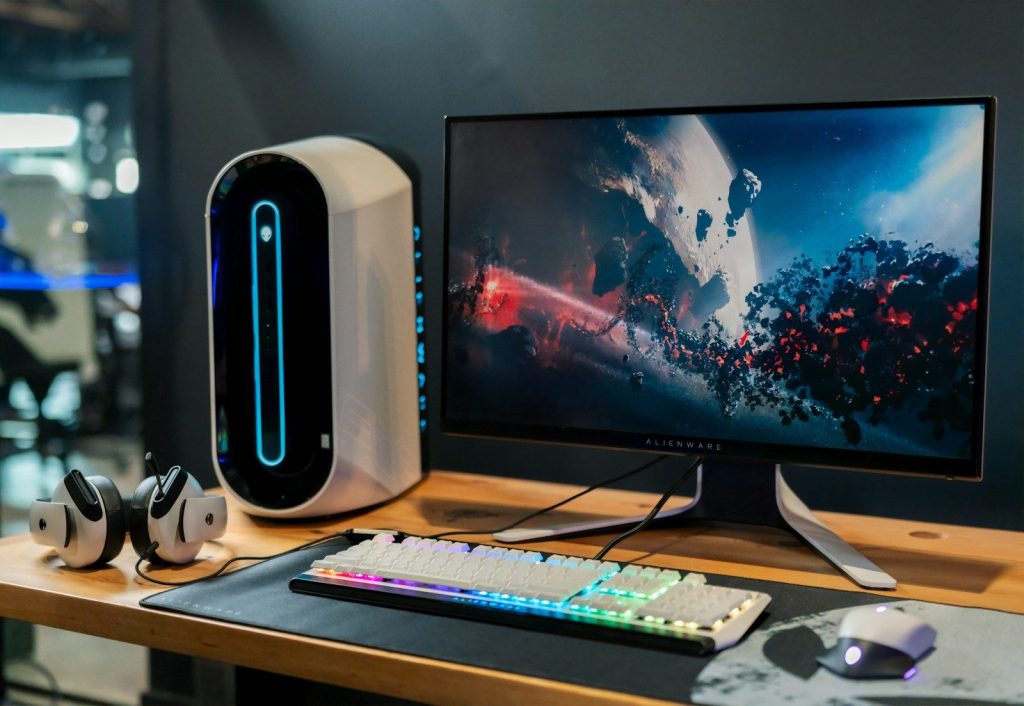
    Buying the wrong monitor

    black flat screen computer monitor beside white computer keyboard
    Photo by Alienware on Unsplash

    A high-end monitor is not useful if your system cannot take advantage of it. For example, a 4K screen with a high refresh rate may sound great, but it needs the right console, PC, cable, and settings to shine.

    Refresh rate, response time, resolution, and panel type all matter when choosing a gaming monitor. Intel’s gaming monitor guide highlights these as key things to understand before buying.

    Ignoring refresh rate settings

    black computer keyboard on brown wooden desk
    Photo by Seyed Sina Fazeli on Unsplash

    Some gamers buy a fast monitor and then never turn on the higher refresh rate. That means they may be paying for smoother motion but still playing at a lower setting.

    NVIDIA recommends checking that your display is set to its maximum refresh rate because higher hertz can reduce display scanout delay. It is a simple setting that can make a paid upgrade actually matter.

    Overspending on looks first

    a living room with a television and a game system
    Photo by Branden Skeli on Unsplash

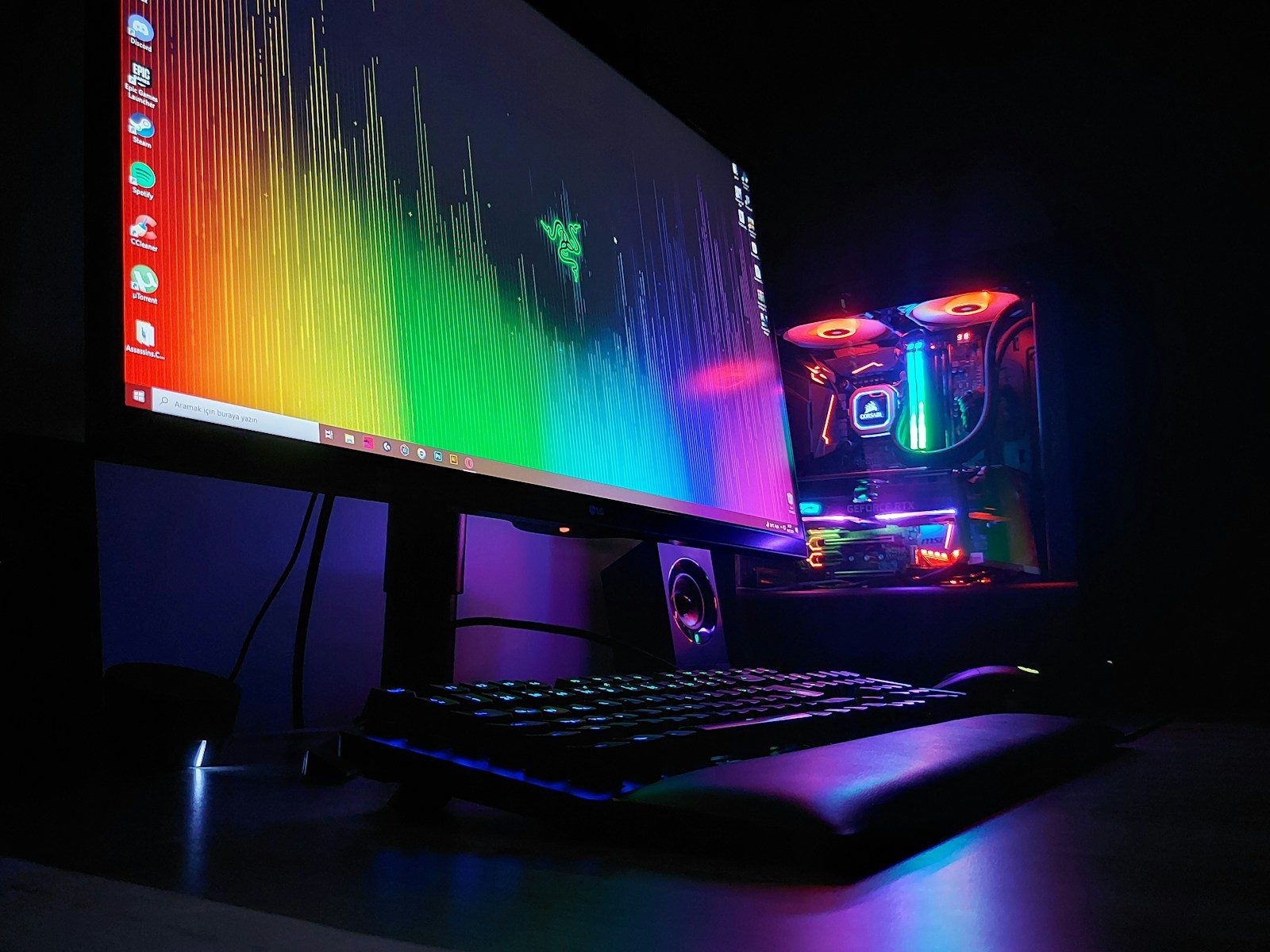
    RGB lights, themed desk mats, wall panels, and matching accessories can make a setup look great. The problem starts when looks get the budget before comfort, performance, or basic quality.

    A clean setup does not need to be expensive. Better airflow, a solid desk, a comfortable chair, and tidy cables usually help more than adding another light strip or decorative gadget.

    Using the wrong HDMI cable

    A black braided cable with a gold connector.
    Photo by Barry A on Unsplash

    Console players can waste money on a great TV or monitor if the cable or port is limiting the signal. This matters most for 4K, HDR, and high refresh rate gaming.

    Sony says the PS5 supports HDMI 2.1 and 4K 120Hz video output, but the display and setup must also support it. Checking the cable and TV input can save a needless upgrade.

    Forgetting console display menus

    white xbox one game controller
    Photo by Mika Baumeister on Unsplash

    Many consoles do not automatically use every feature your screen supports. If the settings are wrong, you might miss 120Hz, HDR, or the best resolution without realizing it.

    Xbox notes that changing some display settings can affect the refresh rate, and the Xbox Series X|S supports 4K at 120Hz with the right display. Always check the console’s video menu before buying new gear.

    Buying too much storage

    A woman sitting at a table using a laptop computer
    Photo by Samsung Memory on Unsplash

    Extra storage is useful, but buying a huge drive before you need it can waste money. Game libraries grow fast, yet many players only rotate through a small number of titles at once.

    A better move is to check what you actually play and uninstall games you are done with. Then buy storage based on real habits, not fear of running out someday.

    Choosing weak furniture

    black flat screen computer monitor on brown wooden desk
    Photo by Zachary Nelson on Unsplash

    A gaming chair or desk should not be judged only by style. If it wobbles, sits too high, lacks space, or feels uncomfortable, the setup may look cool but feel bad after an hour.

    Money is better spent on stable furniture that fits your body and room. A simple, sturdy desk and supportive seat can outlast trendier pieces and make every session more comfortable.

    Skipping airflow basics

    black computer tower on white table
    Photo by Nathan Anderson on Unsplash

    PC gamers sometimes spend on faster parts while ignoring heat. Poor airflow can make a system louder, warmer, and less pleasant to use, especially during long gaming sessions.

    Before buying another major component, check the case layout, fans, dust buildup, and cable clutter. A cooler, cleaner PC can feel better without jumping straight to expensive upgrades.

    Paying for unused features

    black flat screen tv on brown wooden tv rack
    Photo by Andre Tan on Unsplash

    Some headsets, keyboards, mice, and controllers come with long feature lists. That can include extra buttons, wireless modes, software tools, lighting options, or premium materials you may never use.

    The smarter question is simple: will you use it every week? If not, a more basic model may do the same job for less money and with less setup hassle.

    Upgrading without a plan

    black flat screen tv turned on near black computer keyboard
    Photo by Sunil kumar on Unsplash

    The biggest money mistake is upgrading one piece at a time with no clear goal. A new GPU, monitor, chair, headset, or controller may not fix the thing that actually bothers you.

    Start with the problem first. Is it low frame rate, blurry visuals, bad audio, lag, discomfort, or messy cables? Once you know that, the right upgrade becomes much easier to choose.

  • 10 smart home upgrades that actually earn their place

    10 smart home upgrades that actually earn their place

    Smart home gadgets can look fun in ads, but the best upgrades are not about showing off. They solve small problems that happen every day: wasted energy, forgotten lights, missed leaks, poor air quality, hard-to-manage locks, and watering schedules that do not match the weather. That is where smart home tech becomes useful instead of flashy.

    Some upgrades also have real efficiency or safety value. ENERGY STAR says certified smart thermostats are independently verified to save energy, and the U.S. Department of Energy says residential LEDs use at least 75% less energy and last up to 25 times longer than incandescent bulbs. EPA WaterSense also says labeled irrigation controllers can reduce overwatering by watering only when plants need it.

    Smart thermostats save effort

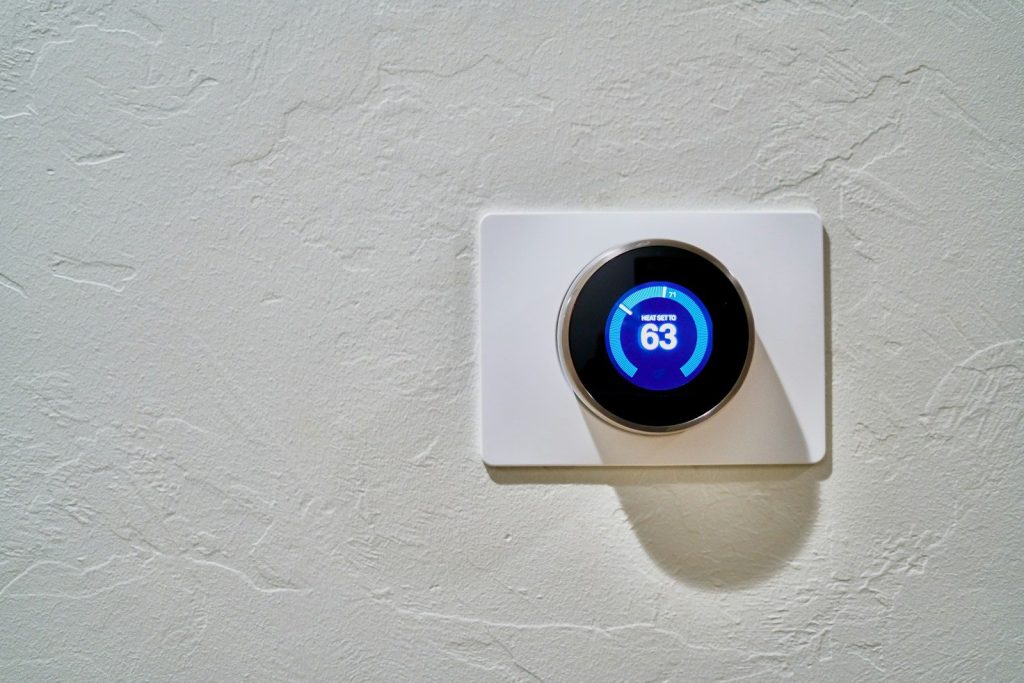
    white thermostat at 62
    Photo by Dan LeFebvre on Unsplash

    A smart thermostat is useful because heating and cooling take a big bite out of many home energy bills. It can adjust the temperature when you are asleep, away, or following a regular routine.

    The best part is that it does not need constant attention. ENERGY STAR says certified smart thermostats are tested with real-world field data to confirm energy savings, making them more practical than flashy.

    Smart lights fix forgetfulness

    A white led light bulb on a yellow background
    Photo by Jorge Campos on Unsplash

    Smart lighting is not just about changing colors. It can turn off lights on a schedule, dim rooms at night, and make it easier to control hard-to-reach lamps.

    When paired with efficient bulbs, the upgrade makes even more sense. The Department of Energy says residential LEDs use at least 75% less energy and last up to 25 times longer than incandescent lighting.

    Smart plugs add control

    A close up of a blue and pink object on a table
    Photo by Jakub Żerdzicki on Unsplash

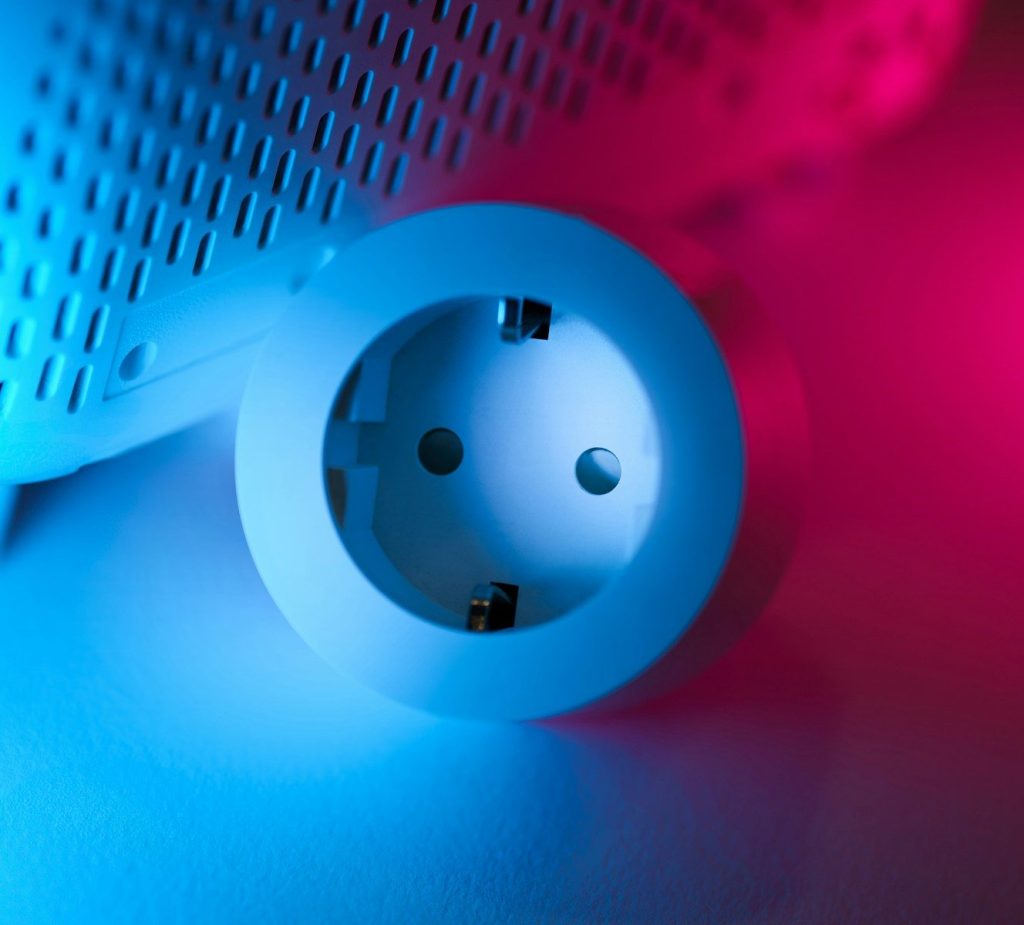
    Smart plugs are a simple way to upgrade older lamps, fans, coffee makers, or small appliances without replacing everything. They let you create schedules or turn devices off from an app.

    They are especially helpful for items you often forget to switch off. A basic plug can make an ordinary device easier to manage, which is far more useful than buying a brand-new connected version.

    Leak sensors prevent surprises

    white and gray wireless router
    Photo by Mastars on Unsplash

    A water leak sensor is one of the least flashy smart home upgrades, but it can be one of the most helpful. Place one near a water heater, washing machine, sink, or basement trouble spot.

    The goal is early warning. Instead of finding a puddle after damage spreads, you can get an alert sooner and act quickly. That kind of quiet protection is exactly what smart home tech should do.

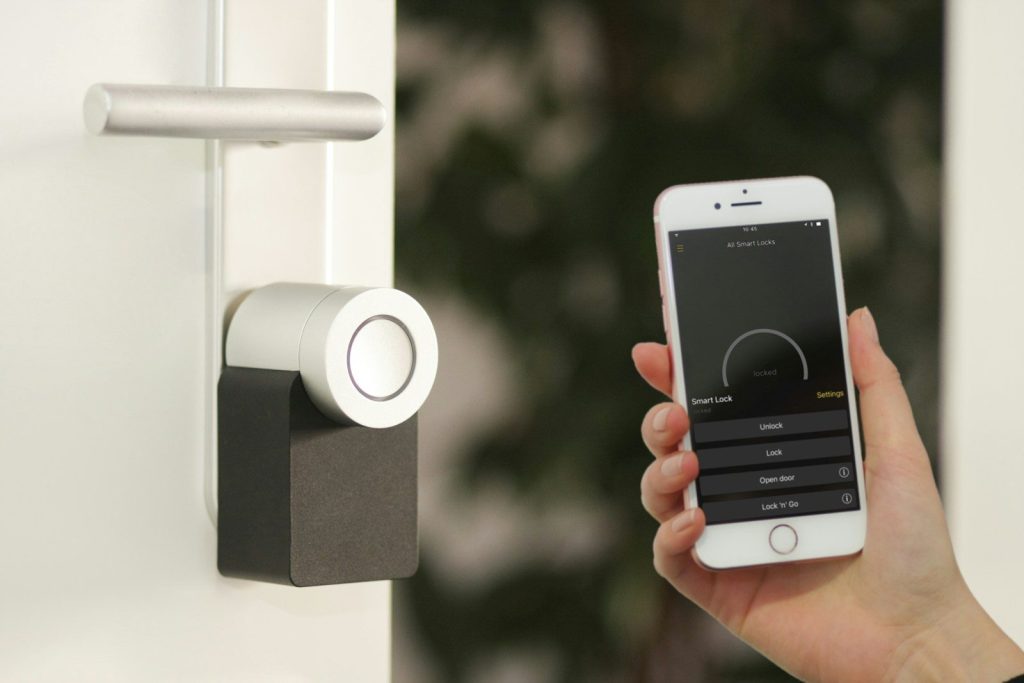
    Smart locks ease entry

    gold Apple iPhone smartphone held at the door
    Photo by Sebastian Scholz (Nuki) on Unsplash

    Smart locks can help when you forget whether the door is locked or need to let in a trusted visitor. Some models also let you use codes instead of spare keys.

    Consumer Reports notes that smart locks can add peace of mind by letting users check lock status and track who opens the door, depending on the model. That is practical convenience, not just tech for show.

    Video doorbells add awareness

    a silver camera sitting on top of a metal pole
    Photo by Gabriel Ramos on Unsplash

    A video doorbell can help you see deliveries, visitors, or motion near the front door. That can be useful when you are upstairs, in the backyard, or away from home.

    The value is not just the camera. It is the alert. Knowing when someone came by, or when a package arrived, can make daily home routines feel easier to manage.

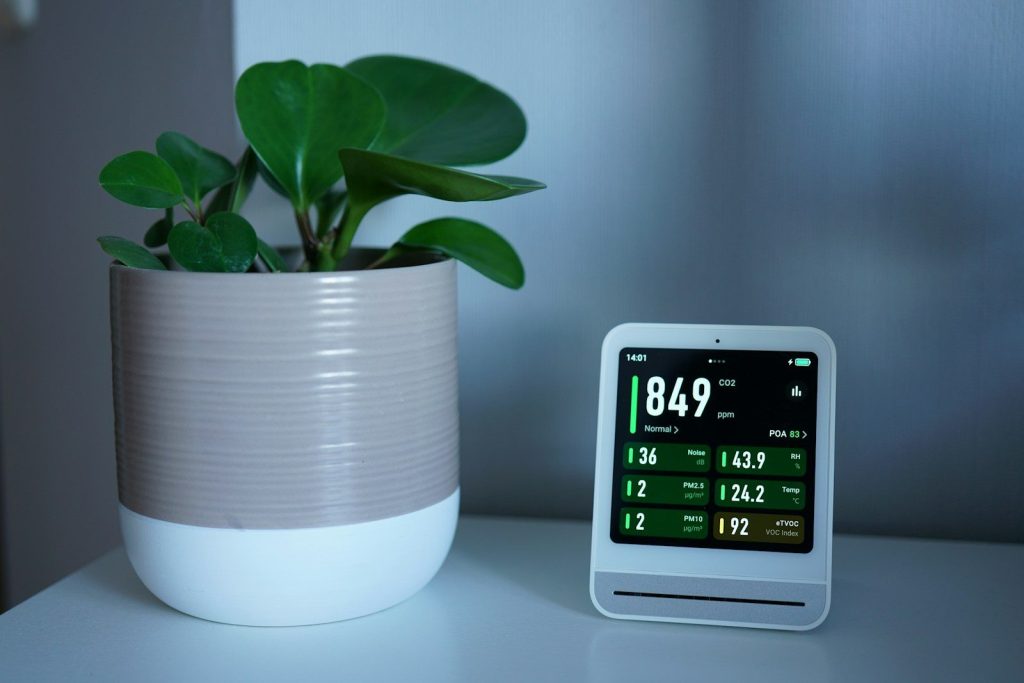
    Air sensors reveal problems

    A plant and a monitor sit on a white table.
    Photo by Tim Witzdam on Unsplash

    Indoor air quality is easy to ignore because you cannot always see it. Smart air monitors can track things like particles, carbon dioxide, temperature, or humidity, depending on the device.

    The EPA says low-cost air pollution monitors can provide information about specific pollutants or environmental factors indoors. They do not replace certified smoke or carbon monoxide alarms, but they can add useful awareness.

    Smart sprinklers cut waste

    green and black lego toy on green grass during daytime
    Photo by Paul Moody on Unsplash

    A smart irrigation controller can help your yard avoid wasteful watering. Instead of running on the same schedule every time, some systems use weather and landscape data.

    EPA WaterSense says labeled controllers can reduce overwatering by applying water only when plants need it. For homes with lawns or gardens, that is a practical upgrade with a clear purpose.

    Connected alarms boost safety

    a light bulb on a table
    Photo by Yosuke Ota on Unsplash

    Smart smoke and carbon monoxide alarms can send alerts, but the most important feature is still reliable warning inside the home. Safety comes before app features.

    The U.S. Fire Administration recommends interconnected smoke alarms so that when one sounds, they all sound. Smart features can be helpful, but proper placement, testing, and replacement matter most.

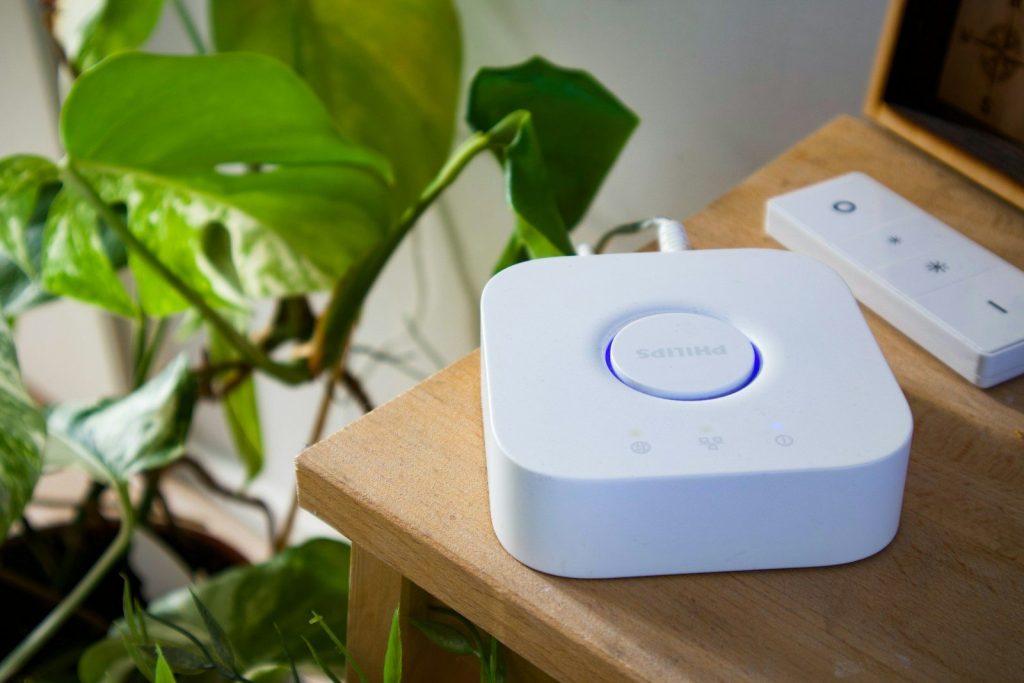
    Matter makes setup easier

    Smart home hub and remote on a wooden table.
    Photo by User_Pascal on Unsplash

    One problem with smart homes is that devices may not work well together. Matter is designed to reduce that confusion by helping products from different brands work across major smart home platforms.

    This matters when you buy new gear over time. Choosing devices with broader compatibility can help your home grow without locking every room into one brand or app.

  • Why Nvidia’s next earnings could shake Wall Street

    Why Nvidia’s next earnings could shake Wall Street

    Nvidia is no longer just another chip company reporting numbers. Its earnings have become a major test for the AI boom, the tech rally, and Wall Street’s confidence in some of the market’s biggest winners.

    When Nvidia reports on May 20, investors will be looking beyond revenue and profit. They will want to know if demand for AI chips is still strong, if data center spending is holding up, and whether the company can keep leading as competition grows. A strong report could fuel the rally even more. A weak outlook could shake far more than Nvidia’s stock.

    One report carries weight

    a street sign on wall street in new york city
    Photo by Robb Miller on Unsplash

    When Nvidia reports earnings on May 20, Wall Street will not be watching only one company. Investors will be looking for clues about the strength of the AI boom, the chip market, and the tech rally that has pushed major indexes near record levels.

    That is why this report matters so much. Nvidia has become a key signal for whether heavy AI spending is still turning into real business growth.

    AI is driving the story

    the nvidia logo is displayed on a table
    Photo by Mariia Shalabaieva on Unsplash

    Nvidia sits at the center of the AI buildout because its chips help power advanced data centers. These systems support tools that create text, images, code, search results, and business software.

    Big technology companies are spending heavily to build more AI capacity. That demand has helped lift Nvidia shares and the wider semiconductor sector, making the company’s results feel bigger than a normal earnings update.

    The rally looks powerful

    SPDR S&P 500 ETF Trust (SPY)” by alpha_photo is licensed under CC BY-NC 2.0

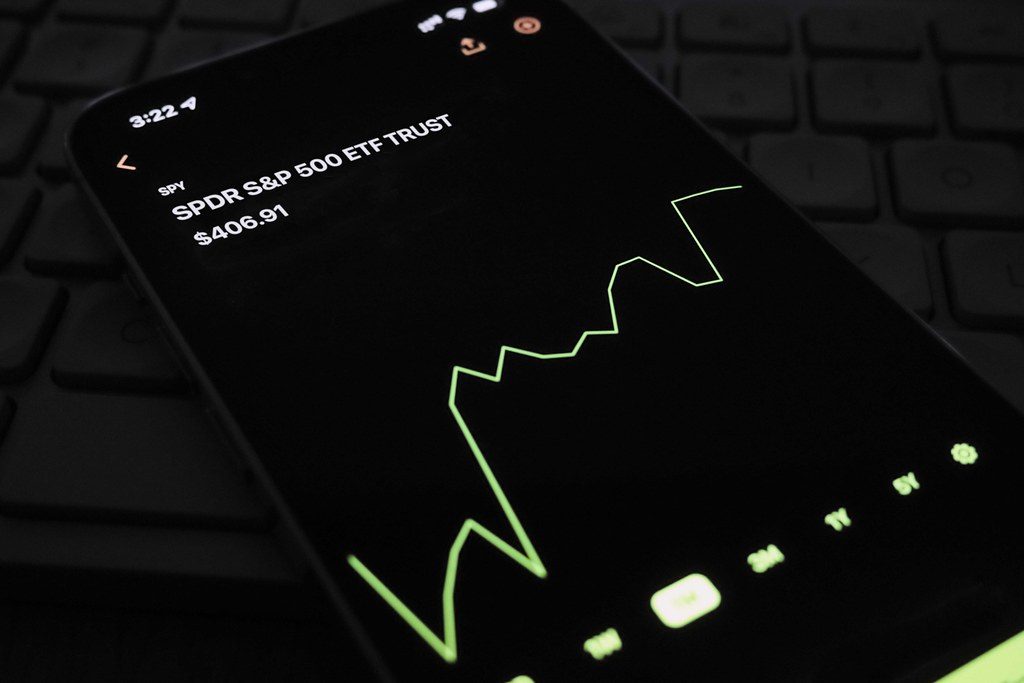
    The broader market has staged a strong comeback since late March. The S&P 500 has climbed sharply from its 2026 low, while the Nasdaq has also pushed near record levels as technology stocks regained momentum.

    That strength makes Nvidia’s report even more important. When a market has already run hard, investors often want proof that profits can keep up with rising stock prices.

    A few stocks lead

    black and silver laptop computer
    Photo by Yorgos Ntrahas on Unsplash

    One concern is that the rally has not been spread evenly across the market. Reports show that a smaller group of large stocks has done much of the heavy lifting, which can make the market feel less balanced.

    Nvidia is one of those major leaders. If its earnings impress investors, it could support confidence in AI stocks. If results disappoint, the pullback could reach beyond Nvidia itself.

    Data centers matter most

    Data center
    Photo by Brett Sayles on Pexels

    Investors will pay close attention to Nvidia’s data center business. That part of the company has become the main engine behind its growth as cloud providers, businesses, and AI developers buy more advanced computing power.

    S&P Global Market Intelligence reported that consensus expectations point to $78.5 billion in total revenue for fiscal Q1 2027, with data center revenue expected to make up the largest share.

    Leadership is being tested

    Jen-Hsun Huang, CEO of NVIDIA, carrying the torch for Moore’s Law” by jurvetson is licensed under CC BY 2.0

    Nvidia still holds a powerful position in AI chips, but investors want to know whether it can defend that lead. Rival chipmakers and in-house designs from large tech companies are part of the conversation.

    The real question is not just whether Nvidia can grow. It is whether the company can keep its edge while the market gets more crowded and customers look for more options.

    China adds another layer

    architectural photograph of lighted city sky China
    Photo by Li Yang on Unsplash

    China remains an important topic for Nvidia because advanced chip sales are tied to changing trade rules and customer demand. Any update about international sales, supply limits, or approved products could quickly affect investor expectations.

    Reports ahead of earnings said traders were watching Nvidia for signs of how China demand may shape future growth. That makes guidance just as important as the numbers already reported.

    Retail earnings add pressure

    a target store with cars parked in front of it
    Photo by Shabaz Usmani on Unsplash

    Nvidia is not the only major report on Wall Street’s calendar. Walmart, Home Depot, Target, and TJX are also expected to give investors a fresh look at consumer spending trends.

    That matters because consumer spending is a major driver of the U.S. economy. If retailers sound cautious, it could raise concern that higher everyday costs are starting to slow shoppers down.

    Inflation remains a concern

    Inflation
    Photo by Markus Winkler on Unsplash

    Investors are also watching inflation and energy prices. Higher costs can pressure families, affect business expenses, and change how much people spend at stores, restaurants, and online.

    That is why the week feels like a double test. Nvidia can show whether AI demand is still strong, while retailers can show whether American shoppers are still holding up under price pressure.

    Guidance may decide it

    Close-up of a hand holding a smartphone showing the NVIDIA logo on screen with a blurred background.
    Photo by UMA media on Pexels

    The biggest market reaction may come from what Nvidia says about the future. Strong past results matter, but investors often care even more about sales forecasts, chip supply, data center demand, and customer orders.

    If Nvidia sounds confident, it could keep the AI trade alive. If the outlook feels softer than expected, Wall Street may rethink how much growth is already priced into tech stocks.

  • 8 smart speaker privacy checks worth doing today

    8 smart speaker privacy checks worth doing today

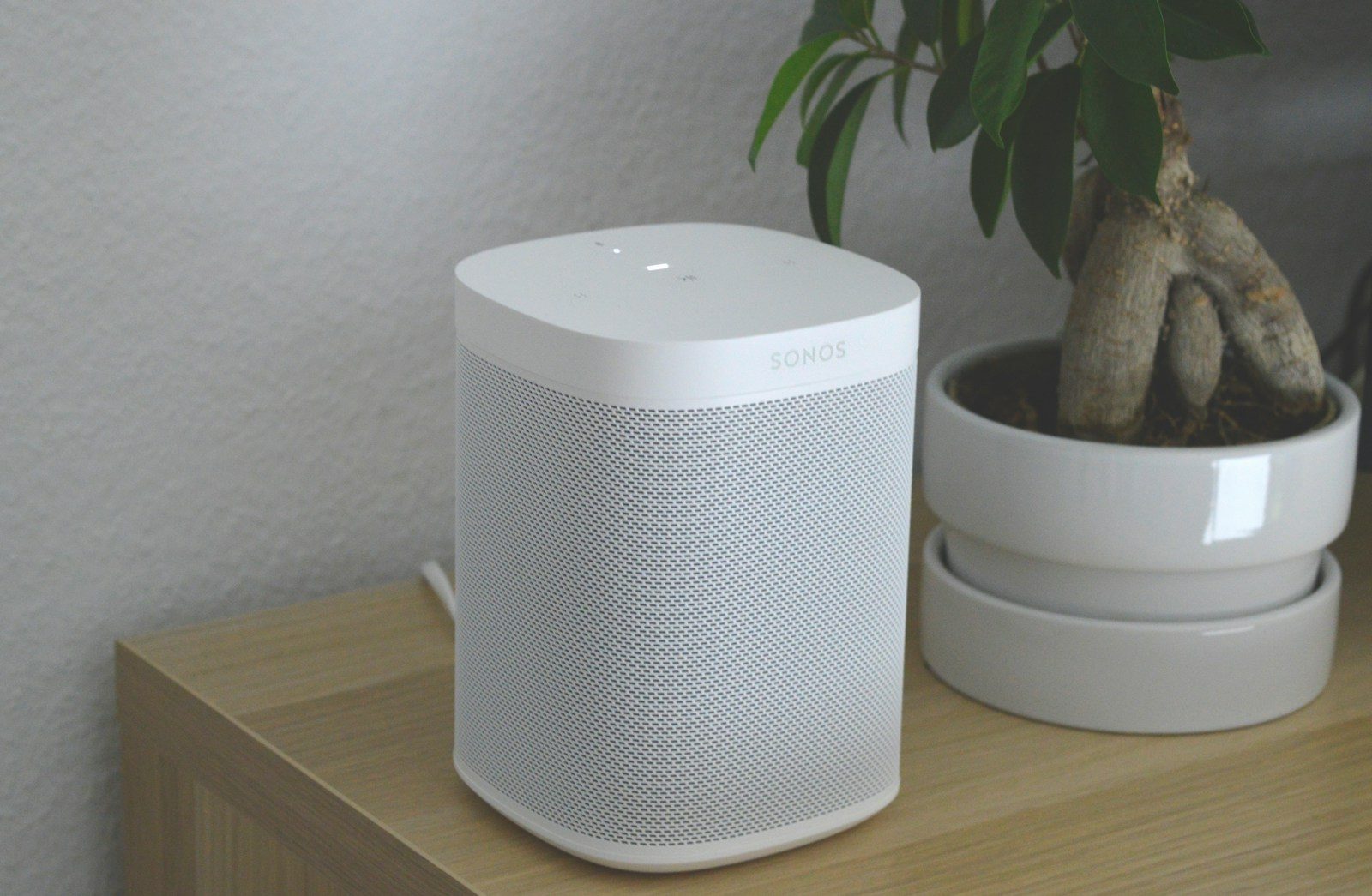
    Smart speakers and smart displays are handy little helpers. They play music, answer questions, control lights, show recipes, and make the weather feel one voice command away. But because they sit in busy rooms and listen for wake words, it is smart to review the privacy settings behind them.

    The good news is that most major platforms give you controls for voice history, app access, activity records, microphones, cameras, location, and connected devices. Amazon lets users review and delete Alexa history, Google lets users manage Assistant activity and audio settings, and Apple lets HomePod users delete Siri history through the Home app. A few small checks can help your device stay useful without sharing more than you want.

    Check voice history

    turned-on charcoal Google Home Mini and smartphone
    Photo by BENCE BOROS on Unsplash

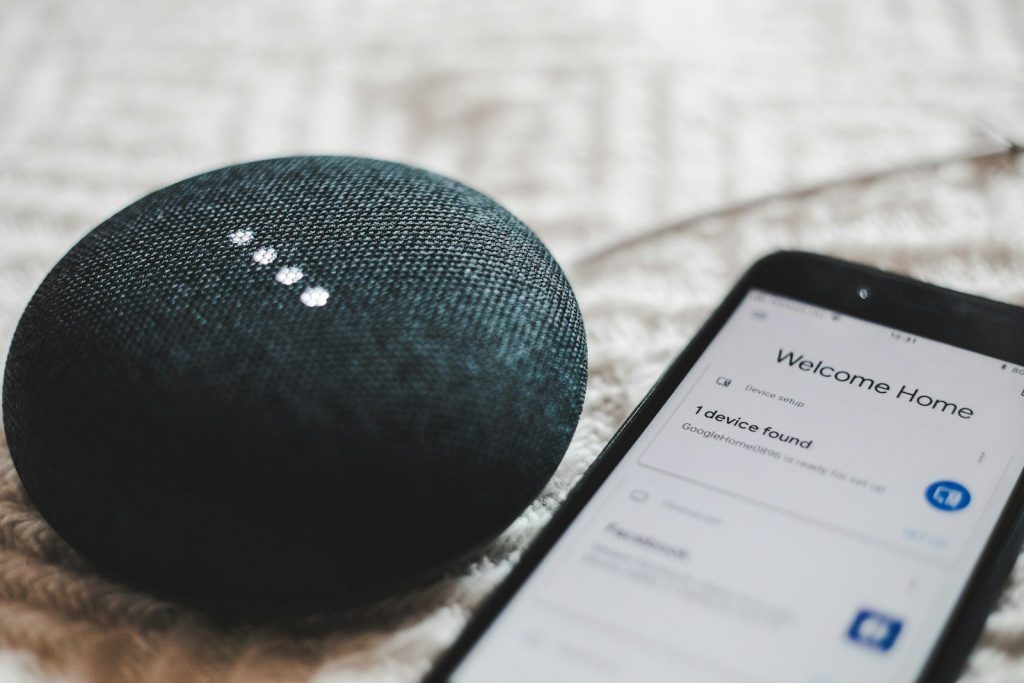
    Your smart speaker may save voice requests so the service can improve responses or personalize results. That history can include simple commands, questions, and moments when the device thought it heard its wake word.

    Open the privacy or activity section in your speaker’s app and review what is stored. Amazon says Alexa users can review, listen to, or delete history in Alexa Privacy, while Google users can review and delete Assistant activity in My Activity.

    Set auto-delete options

    A smartphone is connected to a cylinder speaker.
    Photo by User_Pascal on Unsplash

    Deleting old activity by hand is easy to forget. That is why auto-delete settings are worth checking. They help reduce how much old data stays linked to your account over time.

    Google says users can delete activity manually, set up automatic deletion, or turn off Web & App Activity, though turning it off may limit personalization. For many homes, auto-delete is a simple middle ground between convenience and privacy.

    Mute the microphone

    a google home mini sitting on top of a table
    Photo by Curtis Berry on Unsplash

    The microphone mute button is one of the simplest privacy tools on a smart speaker. It is useful when you are having a private conversation, working from home, or placing the device in a shared space.

    Google notes that Assistant-enabled devices may include built-in controls like a mute mic button. Get in the habit of using it when voice help is not needed. It is a quick check that does not require digging through settings.

    Review camera controls

    A white clock sitting on top of a table
    Photo by 铮 夏 on Unsplash

    Smart displays can be more sensitive than speakers because they may include both a microphone and a camera. That camera can be helpful for video calls, but it should not stay open when you do not need it.

    Look for a physical shutter, camera switch, or camera setting in the device app. Google says some Assistant-enabled devices include a camera switch, which gives users another direct way to control when the camera can be used.

    Limit location access

    white and gray Google smart speaker and two black speakers
    Photo by Sebastian Scholz (Nuki) on Unsplash

    Location can make smart speakers more useful. It helps with local weather, nearby traffic, time zones, and local search. Still, not every device needs precise location access all the time.

    Apple’s HomePod privacy page includes steps for turning off Location Services on HomePod. If you only use your device for music, timers, or basic questions, limiting location access may be a smart privacy choice.

    Clean up linked apps

    person holding black iphone 4
    Photo by Moritz Kindler on Unsplash

    Smart speakers often connect to music services, shopping tools, calendars, smart home apps, and third-party skills. Over time, those links can pile up, even if you no longer use them.

    Open the device app and remove services you do not recognize or need. This lowers the number of outside tools connected to your speaker. It also makes your smart home setup easier to understand and manage.

    Check smart home devices

    Collection of modern electronic devices and speakers.
    Photo by Andrey Matveev on Unsplash

    A speaker can become the control center for lights, locks, plugs, cameras, and thermostats. That makes it important to review which devices are connected and who can control them.

    Remove old devices, rename confusing ones, and check household access. The FTC also recommends setting up device security features and keeping internet-connected devices updated, since weak settings can create avoidable risks.

    Delete Siri history

    black and gray round portable speaker
    Photo by Tron Le on Unsplash

    HomePod users should know where Siri history controls live. Apple says Siri interactions associated with a HomePod can be deleted through the Home app by opening the HomePod settings and choosing Siri History.

    This is a useful check after setting up a new HomePod, moving one to another room, or changing how your family uses it. It gives you more control over what remains tied to that speaker.

  • Why Big Tech is borrowing billions to win the AI race

    Why Big Tech is borrowing billions to win the AI race

    Big Tech used to look almost unstoppable because its biggest companies had mountains of cash. But the AI race is changing the rules. Building smarter tools now means building massive data centers, buying expensive chips, securing power, and expanding cloud capacity at a pace few industries have ever seen.

    That is why companies like Amazon, Microsoft, Alphabet, Meta, and Oracle are turning more often to debt markets. Cash still matters, but it is no longer enough on its own. The next stage of AI will be fought with software, servers, electricity, and billions in borrowed money.

    Cash is no longer enough

    1 U.S.A dollar banknotes
    Photo by Alexander Grey on Unsplash

    For years, the biggest tech companies could fund huge projects mostly from the cash their businesses generated. AI has changed that math. Building the next wave of data centers, chips, servers, and power systems now costs far more than ordinary expansion.

    That is why borrowing has become a bigger part of the plan. J.P. Morgan estimates that AI-linked data center and hyperscaler borrowing has reached about $455 billion across 27 issuers, with Amazon, Microsoft, Alphabet, Meta, and Oracle tied to a large share of it.

    AI needs physical muscle

    A man standing in an office checks his smartphone with a digital screen displaying AI graphics. AI
    Photo by Mikhail Nilov on Pexels

    AI may feel like software, but it depends on massive real-world infrastructure. Every chatbot, search tool, coding assistant, and image model needs powerful chips, cooling systems, fiber connections, backup power, and large buildings packed with servers.

    That is the expensive part many people do not see. As AI tools spread into phones, workplaces, shopping, search, and cloud services, Big Tech needs more capacity before customers even ask for it. That means companies are spending now and hoping the payoff comes later.

    Spending keeps climbing fast

    Money
    Photo by Mufid Majnun on Unsplash

    The AI buildout is moving at a pace that would have sounded extreme just a few years ago. Recent reports show major tech firms planning hundreds of billions of dollars in 2026 capital spending, with some estimates placing combined hyperscaler spending above $700 billion.

    That money is not just going toward flashy AI apps. Much of it is being poured into data centers, chips, networking gear, energy contracts, and cloud capacity. These are the foundations needed to keep AI services fast, available, and competitive.

    Bond markets become key

    Close-up of a stack of $10,000 US dollar bills with a currency strap on a background of paper money.
    Photo by adrian vieriu on Pexels

    When companies borrow at this scale, bond markets become part of the AI story. Big Tech can sell bonds to investors, then use that money to fund long-term projects without draining all of its cash at once.

    That approach gives companies more flexibility. It also gives bond buyers a wide range of choices, because different deals can carry different timelines, rates, and risks. AI is no longer just reshaping tech products. It is also changing how large companies raise money.

    Oracle faces big demand

    Oracle logo
    Photo by BoliviaInteligente on Unsplash

    Oracle stands out because it is trying to expand its cloud business quickly. Reports have tied the company to large financing needs as it builds capacity for major AI and cloud workloads. J.P. Morgan’s estimate linked Oracle to about $133 billion in debt sales.

    The reason is simple: cloud providers need enough data center space to serve customers that want powerful AI systems. If demand keeps rising, the companies with enough capacity may have an edge. If demand slows, the debt load becomes harder to justify.

    Meta builds more capacity

    Meta logo
    Photo by Julio Lopez on Unsplash

    Meta is also spending heavily on AI infrastructure, even though it does not rent out cloud servers the same way Amazon, Microsoft, Google, or Oracle do. Its AI needs are tied to products such as social platforms, ads, recommendation systems, and new AI features.

    J.P. Morgan linked Meta to about $89 billion in borrowing, including some financing connected to data center arrangements outside its balance sheet. Reuters also reported that Meta was working on a roughly $13 billion financing package for a data center in El Paso, Texas.

    Global borrowing is growing

    an amazon store with a person sitting in front of it
    Photo by Yender Gonzalez on Unsplash

    Big Tech is not only borrowing in the U.S. Reuters reported that Alphabet and Amazon have turned to overseas debt markets as AI infrastructure costs keep rising. Alphabet planned a yen bond sale, while Amazon prepared a Swiss franc bond sale.

    That shows how global this funding race has become. These companies are looking for money wherever markets are open and attractive. AI may be built in data centers, but the financing behind it can stretch across countries and currencies.

    Investors want a payoff

    person standing near the stairs
    Photo by Hunters Race on Unsplash

    The big question is whether all this spending will pay off. Investors are watching closely because AI projects can cost billions before they produce clear profits. Data centers take time to build, and customers must keep paying for AI services at high enough levels.

    Some analysts have warned that AI spending could pressure cash flow and reduce money available for buybacks or dividends. Still, Big Tech is betting that falling behind would be more costly than borrowing to stay ahead.

    Energy becomes part of AI

    Data center
    Photo by Brett Sayles on Pexels

    AI data centers need a lot of electricity. That makes power supply, cooling, grid connections, and backup energy a major part of the spending plan. A company cannot run advanced AI systems without reliable energy powering them.

    This is why the AI boom now reaches beyond Silicon Valley. Utilities, construction firms, chip suppliers, cooling companies, and infrastructure investors are all connected to the same buildout. The race is not only about better models. It is also about who can power them.

    The race is still open

    Social media big tech
    Photo by Luis Quintero on Pexels

    Borrowing billions does not guarantee success. Some companies may build the right capacity at the right time. Others may spend too much before demand is clear. That is why the AI boom is exciting, but also risky.

    For now, Big Tech appears willing to keep pushing. The companies leading AI believe scale matters, and scale costs money. Their message is clear: the future of AI will not be won with software alone. It will also be won with capital, concrete, chips, and power.

  • Why AI is putting America’s power grid under new pressure

    Why AI is putting America’s power grid under new pressure

    AI may seem like something that lives inside apps, search bars, and cloud tools, but it depends on one of America’s oldest systems: the power grid. Behind every chatbot, AI image tool, and business platform are data centers packed with servers that need steady electricity and constant cooling.

    That growing demand is putting new pressure on utilities, regulators, and grid operators. As AI data centers expand across the country, the U.S. must figure out how to add power plants, transmission lines, substations, and equipment fast enough to keep up. The race for AI is no longer only about smarter software. It is also about whether the grid can handle the load.

    Demand is rising fast

    a person holding a cell phone in their hand
    Photo by Solen Feyissa on Unsplash

    AI may feel like a digital tool, but it needs a lot of real electricity. Every data center that powers AI search, chatbots, cloud tools, and business software depends on servers, cooling systems, backup power, and strong grid connections.

    That is why America’s power grid is getting more attention. U.S. power use is expected to hit record highs in 2026 and 2027 as data centers, factories, and electric technologies keep adding demand.

    Data centers need muscle

    Data center
    Photo by Brett Sayles on Pexels

    Modern data centers are not simple office buildings. They can use enough electricity to strain local systems, especially when many projects are planned in the same region. AI-focused sites can be even more demanding because advanced chips need constant cooling and power.

    This is creating a new challenge for grid planners. The country needs more electricity, but it also needs wires, substations, transformers, and generation projects ready at the right time.

    PJM is in the spotlight

    silhouette of electric post during sunset
    Photo by Andrey Metelev on Unsplash

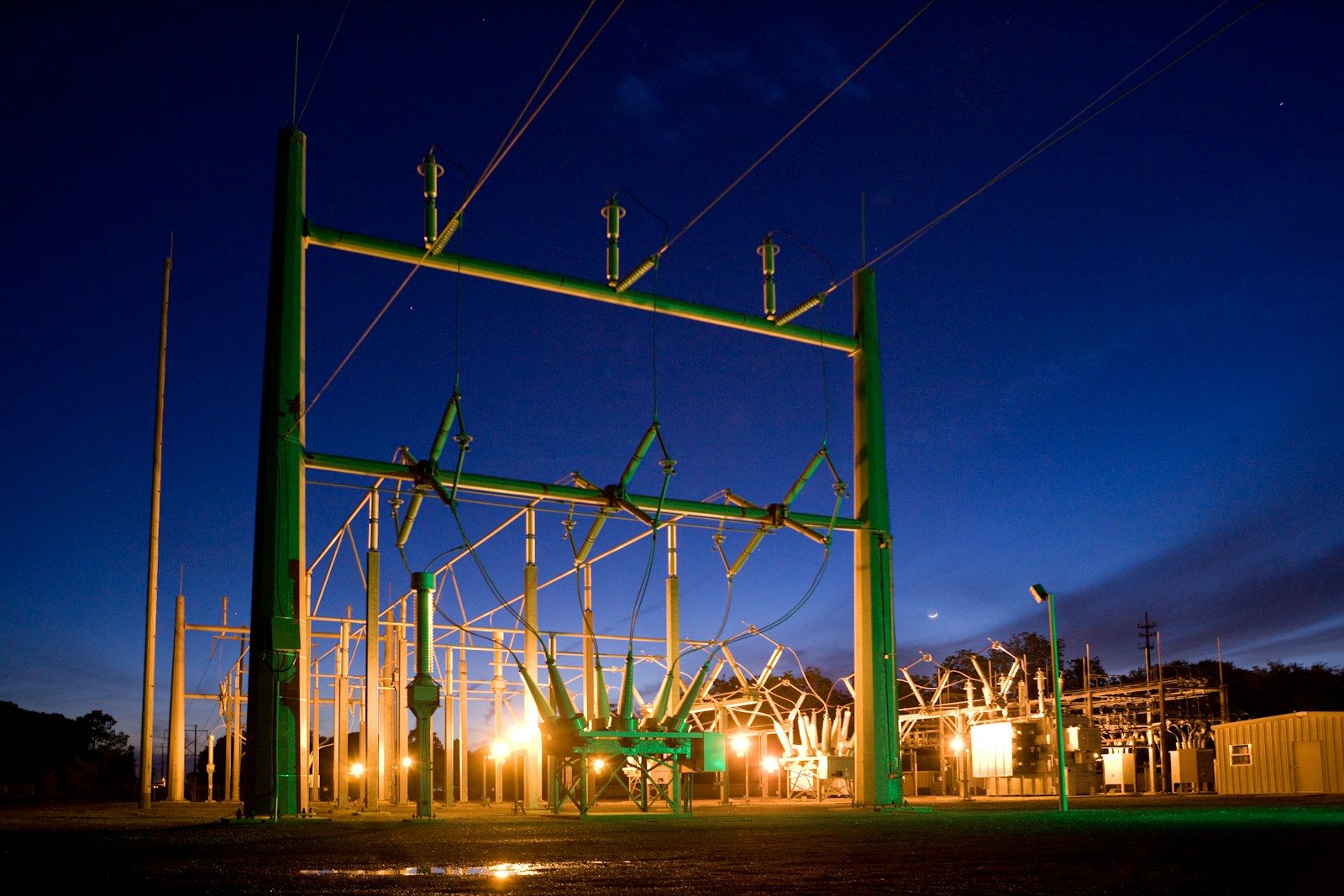
    PJM Interconnection manages the power grid across 13 states and Washington, D.C. It also serves Northern Virginia, often called “data center alley,” one of the country’s most important hubs for cloud and AI infrastructure.

    Federal regulators are now taking a closer look at whether PJM can keep up with fast-growing demand. FERC Chairman Laura Swett said PJM’s structure and market challenges need serious attention as the AI buildout accelerates.

    Growth is hard to forecast

    white electric power generator
    Photo by American Public Power Association on Unsplash

    Planning the grid gets tricky when demand can change quickly. Data center developers may announce big projects, but not every project gets built. If planners overbuild, customers may face unnecessary costs. If they underbuild, the grid may fall short.

    PJM has projected major peak-demand growth between 2024 and 2030, with data centers making up most of that increase. That makes accurate forecasting one of the biggest issues facing the region.

    New power waits in line

    Scientist in a lab gown interacting with equipment in a modern laboratory setting.
    Photo by Tima Miroshnichenko on Pexels

    Before new power plants or battery projects can connect to the grid, they must go through interconnection studies. That process checks whether the grid can handle the new project safely and reliably.

    The problem is that the line is crowded. Lawrence Berkeley National Laboratory reported that more than 2,060 gigawatts of generation and storage capacity were seeking grid connection at the end of 2025, though many projects may never be completed.

    The queue takes years

    A view of a city from a rooftop
    Photo by Rose Galloway Green on Unsplash

    Grid connection delays are not just paperwork. They can slow down power projects that help meet rising demand. Many projects spend years waiting before they can move forward, and some are withdrawn before they ever reach operation.

    That matters for AI because data centers can move faster than grid upgrades. A company may want to build quickly, but the electricity system still has to study, approve, connect, and support that new load.

    Transmission is falling behind

    no smoking no smoking sign
    Photo by Tim Mossholder on Unsplash

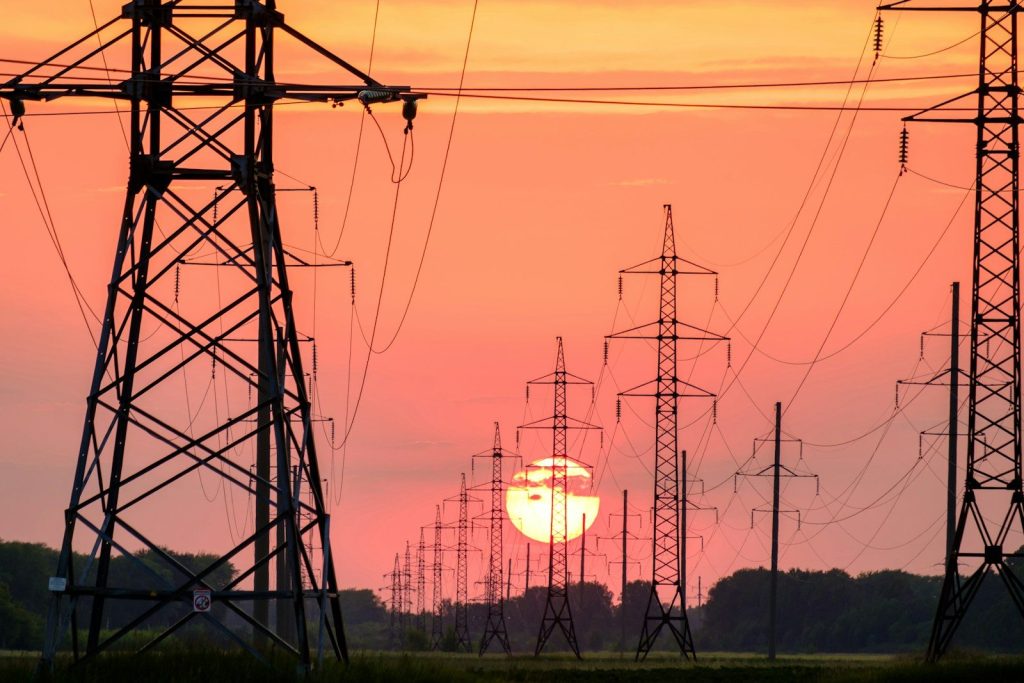
    High-voltage transmission lines move electricity across long distances. They help connect power from where it is generated to where it is needed. As demand rises, more transmission becomes important for reliability and cost control.

    But new transmission is slow to build. Recent reporting shows only a limited amount of high-voltage line construction has been completed, even as AI, manufacturing, and electrification push demand higher.

    Equipment is a bottleneck

    gray and black industrial machine
    Photo by American Public Power Association on Unsplash

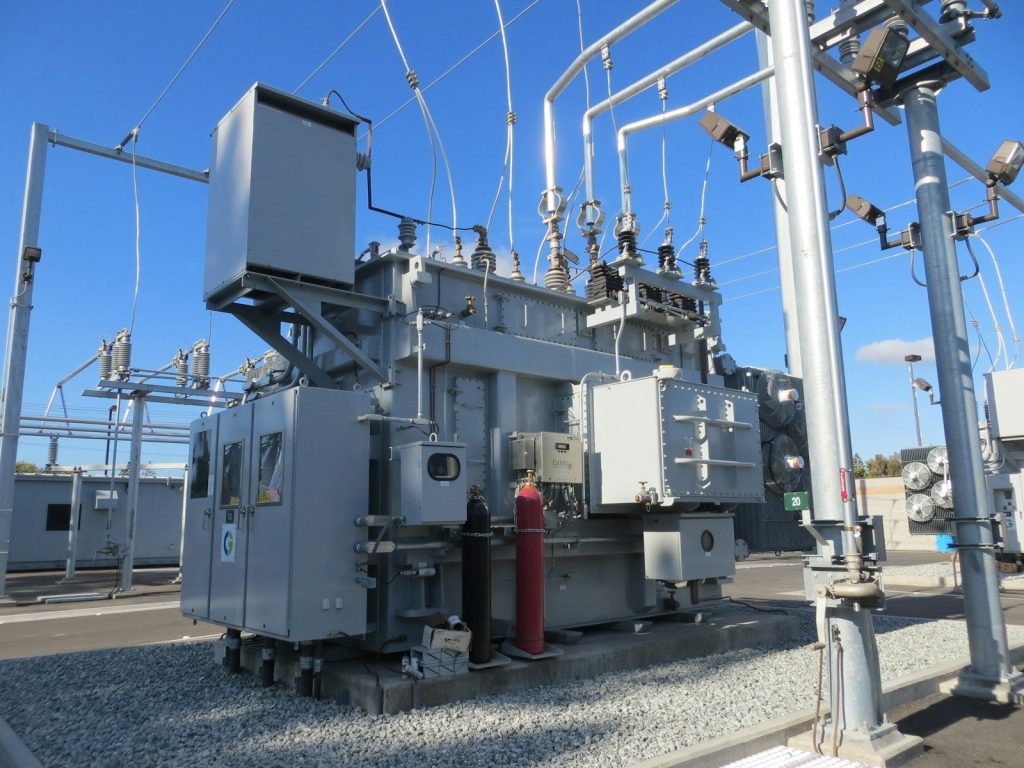
    Even approved projects can face another challenge: getting the right equipment. Large transformers, switchgear, cables, and other grid parts are not always available quickly. Some items can take years to order, manufacture, and deliver.

    That delay can affect everything from new substations to power plants and data center connections. The grid is not just waiting on decisions. It is also waiting on physical parts that are in high demand around the world.

    Bills are part of the debate

    person holding white printer paper
    Photo by Chanhee Lee on Unsplash

    As data center demand grows, regulators and state leaders are asking who should pay for the needed upgrades. Households and small businesses already worry about rising electricity bills, so cost sharing has become a major policy issue.

    Maryland Governor Wes Moore has pushed for grid reforms, including steps aimed at making large energy users cover more of the infrastructure costs tied to their growth.

    AI needs better planning

    ai company
    Photo by LYCS Architecture on Unsplash

    America’s AI race now depends on more than chips and software. It also depends on whether the power system can deliver enough electricity, in the right places, at the right time.

    The good news is that the challenge is visible. Faster grid connections, better forecasting, more transmission, stronger equipment supply, and smarter energy use could all help. The AI boom is showing that digital progress still needs a strong physical backbone.

  • How AI may quietly change health care in 2026

    How AI may quietly change health care in 2026

    Health care may not suddenly look like science fiction in 2026, but AI could still change the experience in ways patients notice. The biggest shifts may happen quietly, from shorter paperwork time to smarter follow-ups and better-organized medical records.

    Instead of replacing doctors and nurses, AI is more likely to work in the background as a helper. It can sort information, flag possible concerns, support remote care, and make busy health systems run more smoothly. The real test will be whether these tools save time, protect patient privacy, and keep humans at the center of care.

    Care may feel more personal

    Man gives robot bottles on a tray
    Photo by Enchanted Tools on Unsplash

    A doctor visit could start changing before you even walk into the room. Health systems are using AI to better organize patient records, spot patterns, and help care teams understand what a person may need next.

    That does not mean machines are replacing doctors. The stronger idea is support. AI can help connect details from records, lab results, imaging, and home health data so clinicians can make faster, better-informed decisions.
    Paperwork may shrink

    person in orange long sleeve shirt writing on white paper
    Photo by Romain Dancre on Unsplash

    One of the biggest changes may happen quietly during appointments. Ambient AI scribes can listen during a visit and create draft clinical notes, which may reduce the time doctors spend typing after seeing patients.

    That could matter for both doctors and patients. Less paperwork may give clinicians more time to listen, explain, and focus on care. These tools still need careful review because accuracy, consent, and privacy remain important.

    Wearables may do more

    Close-up of a person interacting with a smartwatch for health tracking indoors.
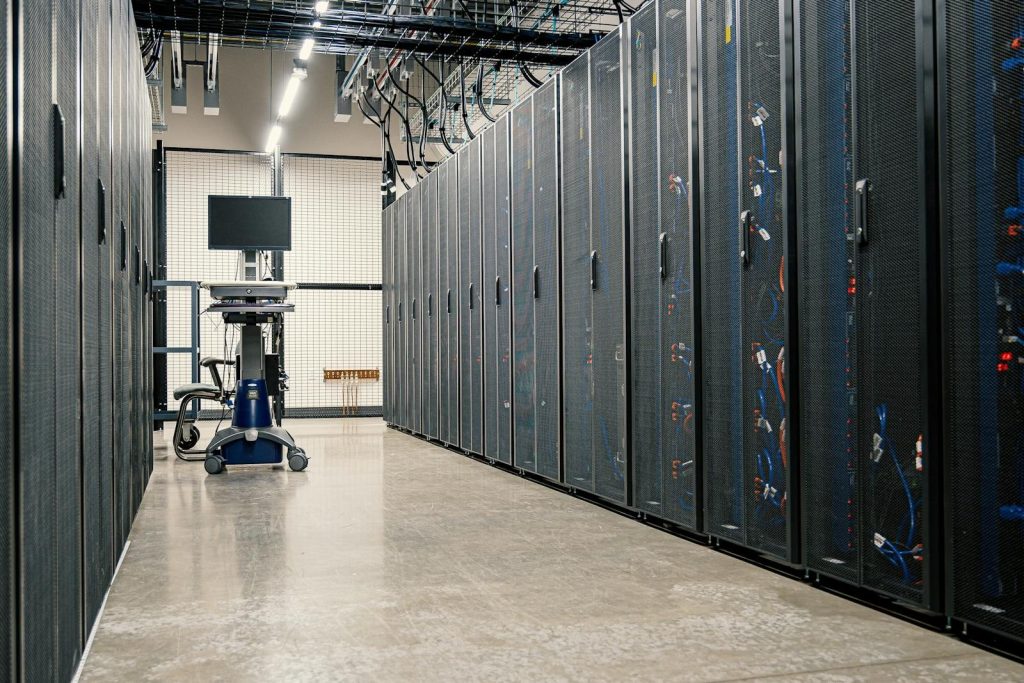
    Photo by cottonbro studio on Pexels

    Smartwatches, rings, patches, and home devices are becoming more useful for health tracking. AI can help review this steady stream of information and flag changes that might deserve attention.

    This could support people with ongoing health needs, recovery after a hospital stay, or routine wellness goals. The goal is not to panic users with every small change, but to help care teams notice meaningful patterns sooner.

    Remote care gets smarter

    woman in brown button up shirt holding white smartphone
    Photo by Georg Arthur Pflueger on Unsplash

    Virtual care is moving beyond simple video visits. AI can help sort messages, support remote monitoring, and alert care teams when a patient’s data may need a closer look.

    That can make care feel more connected between appointments. For people who live far from a clinic or need regular check-ins, smarter remote tools may help reduce delays and make follow-up care easier to manage.

    Doctors get better support

    doctor holding red stethoscope
    Photo by Online Marketing on Unsplash

    AI can help clinicians review images, organize symptoms, compare records, and find useful medical information faster. Used well, it works like a helper that brings important details to the surface.

    The human role still matters most. Doctors, nurses, and specialists must decide what the information means for each patient. AI can support judgment, but it should not replace professional care or patient-specific medical advice.

    Prevention may move earlier

    a man showing something on the computer
    Photo by Accuray on Unsplash

    Health care has long focused on treating problems after they appear. AI may help shift more attention toward spotting risks earlier, especially when it combines records, lab results, lifestyle data, and monitoring tools.

    That could help care teams recommend earlier checkups, lifestyle changes, or follow-up testing when appropriate. The best use is careful and practical: giving clinicians better signals before a small issue turns into a bigger one.

    Drug research may speed up

    person holding silver and black hand tool
    Photo by National Cancer Institute on Unsplash

    AI is also changing the research side of health care. Scientists can use advanced models to study molecules, compare possible drug targets, and test ideas in digital simulations before moving deeper into development.

    This does not make new medicines instant. Research still needs lab testing, clinical trials, safety review, and regulatory approval. But AI may help researchers choose stronger ideas earlier and reduce wasted time.

    Hospitals may run smoother

    hospital bed near couch
    Photo by Martha Dominguez de Gouveia on Unsplash

    AI can help hospitals manage everyday pressure points, such as scheduling, patient flow, bed planning, staffing needs, and supply use. These behind-the-scenes changes may not sound exciting, but they can affect the care experience.

    When operations run better, patients may face fewer delays and staff may spend less time fighting messy systems. Strong health care AI is not only about diagnosis. It is also about making hospitals easier to run.

    Trust will matter most

    Doctor consulting with an elderly patient in an office.
    Photo by Vitaly Gariev on Unsplash

    As AI moves deeper into health care, trust becomes a major test. Patients need to know their data is protected, tools are checked for accuracy, and people remain responsible for important decisions.

    Health systems will need strong rules for privacy, security, testing, and transparency. The technology may be powerful, but it only works well when patients and clinicians feel safe using it.

    Humans stay at the center

    Doctor examines a young boy's chest with stethoscope.
    Photo by Vitaly Gariev on Unsplash

    The most useful AI in health care will likely be the kind people barely notice. It may write draft notes, organize records, flag risks, or speed up routine work while doctors and nurses stay focused on patients.

    That is the real promise for 2026. AI may not transform every part of medicine overnight, but it can make care more organized, timely, and personal when it is used with care, oversight, and common sense.

  • Why wearable software matters more than the sensor count

    Why wearable software matters more than the sensor count

    Wearables love to brag about sensors. Heart rate, skin temperature, blood oxygen, motion tracking, GPS, and other tiny parts can make a watch or ring sound powerful. But sensors only collect signals. The real value comes from the software that turns those signals into useful advice, trends, alerts, and daily habits. Without good software, even a sensor-packed device can feel confusing or forgettable.



    That is why the best wearable experience is not only about how many things a device can measure. Fitbit estimates sleep stages using movement and heart rate patterns, while Garmin’s training readiness combines sleep, recovery, stress, and training load into a broader picture. Apple’s watchOS updates also show how software can reshape a watch’s feel over time.

    Sensors only collect clues

    Fingers hold a black smart ring with circuits visible.
    Photo by Andrey Matveev on Unsplash

    A sensor is like a tiny reporter on your wrist. It can notice motion, light, heart-rate changes, or temperature shifts, but it does not automatically explain what those changes mean.

    Software connects the dots. It turns raw signals into sleep estimates, workout summaries, recovery trends, reminders, and alerts that regular users can understand without reading a science chart.

    Better insights need context

    a person with a watch on their arm
    Photo by April Laugh on Unsplash

    One number rarely tells the full story. A higher heart rate could mean exercise, stress, poor sleep, heat, or just a busy day.

    Good wearable software looks at patterns instead of one moment. Garmin says training readiness uses strain, stress, recovery, sleep hygiene, and balance, which shows why context matters more than a long sensor list.

    Sleep tracking proves it

    man in black shirt holding black smartphone
    Photo by Shane on Unsplash

    Sleep tracking sounds simple, but it depends heavily on interpretation. A watch cannot “see” sleep the way a lab test can, so it uses signals and models.

    Fitbit says it estimates sleep stages with movement and heart-rate patterns, along with other data that helps confirm sleep behavior. That means the software model is what makes the sensor data useful.

    Updates can add value

    silver aluminum case apple watch with white sport band
    Photo by Lala Azizli on Unsplash

    A wearable can become more useful after you buy it. New software can improve menus, add features, change widgets, and make daily actions easier.

    Apple’s watchOS 26 brings a fresh design, Workout Buddy, configurable widgets, and new ways to dismiss notifications. That kind of update can make the same watch feel newer without adding a single new sensor.

    Coaching beats raw data

    activity tracker reading 11 36 Mo 21
    Photo by Adam Birkett on Unsplash

    Most people do not want a pile of numbers. They want to know whether they slept well, trained too hard, moved enough, or should take it easier.

    That is where software matters. Google’s Fitbit app highlights health metrics like breathing rate, heart rate variability, skin temperature, oxygen saturation, and resting heart rate so users can follow trends instead of staring at isolated readings.

    Accuracy is not just hardware

    woman stretching on pathway
    Photo by Charlotte Karlsen on Unsplash

    A better sensor can help, but accuracy also depends on placement, skin contact, movement, algorithms, and how the data is processed.

    That is why two devices with similar sensors can give different experiences. The software decides how noisy signals are cleaned up, how results are shown, and when a reading is useful enough to trust.

    Design shapes daily use

    man in black crew neck t-shirt holding brown football
    Photo by Tim Mossholder on Unsplash

    A wearable can have impressive health tools and still fail if the app is confusing. People need clean charts, simple explanations, and controls they can find quickly.

    Software design also affects habits. Clear reminders, readable trends, and easy goals can help users stick with a device. A crowded app can make even advanced sensors feel like work.

    Privacy settings matter

    aluminum case Apple Watch
    Photo by Kamil Switalski on Unsplash

    Wearables collect personal health and activity data, so software controls are important. Users should be able to review permissions, manage sharing, and understand what data is stored.

    Good privacy tools make a wearable feel safer to use. A device with many sensors but weak account controls or confusing settings may not be the best choice for everyday life.

    Health claims need caution

    a close up of a person holding a smart watch
    Photo by Amanz on Unsplash

    Wearables can support healthier habits, but they are not always medical devices. The FDA says its general wellness policy covers low-risk products that promote a healthy lifestyle.

    That distinction matters for buyers. A helpful trend or alert can be useful, but it should not replace professional medical advice when something feels serious or unusual.

    The best wearables explain more

    a hand holding a cell phone
    Photo by Nik on Unsplash

    A wearable should not just count things. It should help users understand what changed, why it may matter, and what small step they can take next.

    That is why software often matters more than sensor count. The right app experience can make health data feel useful, calm, and motivating, while weak software can turn great hardware into noise.