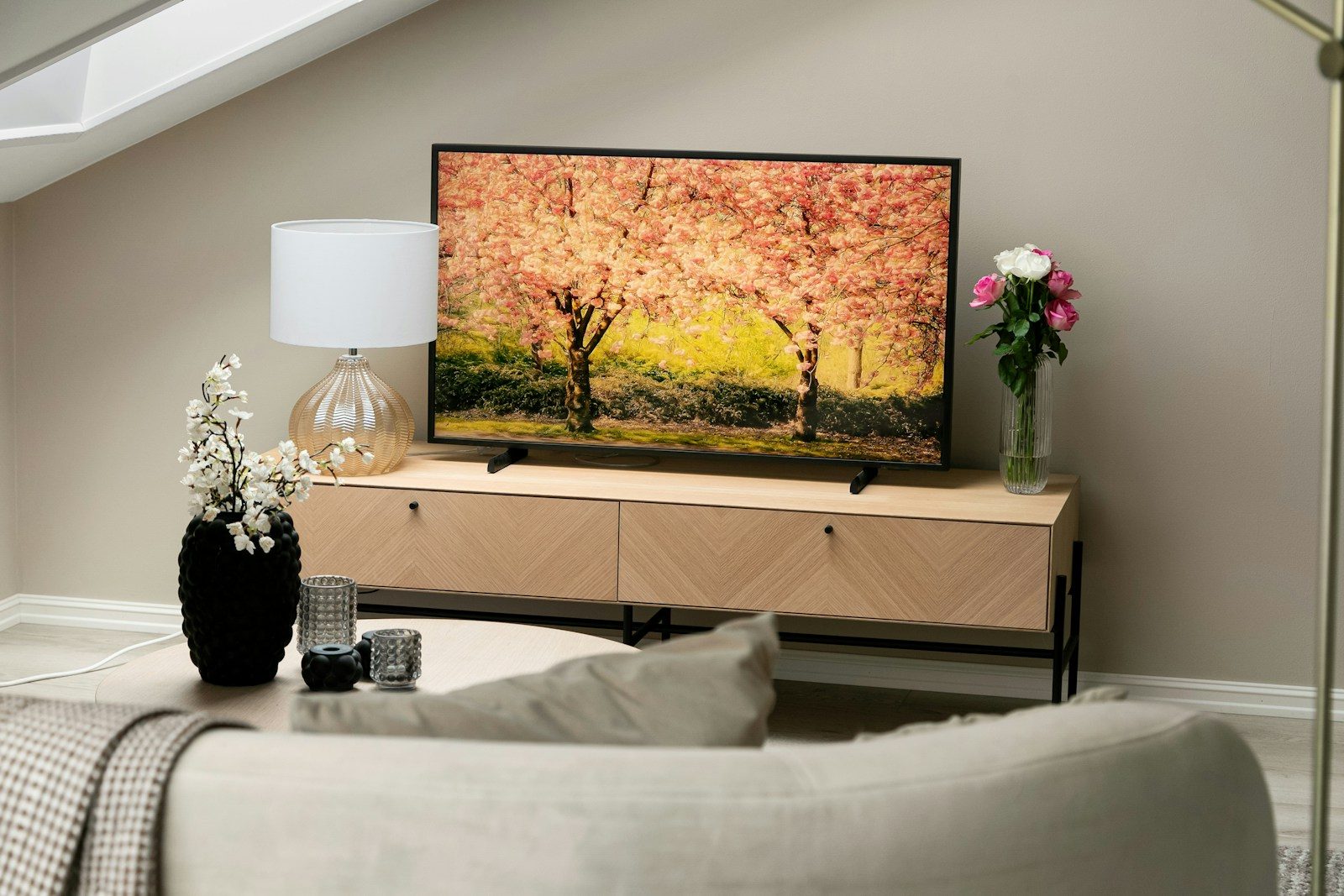
A sunset in a movie should glow, not look like a flat orange wall. A dark game level should feel tense, not turn into a muddy gray mess. That is where HDR can make a real difference. HDR, short for high dynamic range, helps screens show brighter highlights, deeper shadows, and a wider range of colors than standard video.
When it works well, small details stand out more clearly, from sunlight on metal to clouds around a bright sky. HDR also depends on the screen, the content, and the settings, so the same movie or game can look different from one TV to another. Good HDR is not just about being brighter. It is about making light, color, and contrast feel closer to real life.
HDR expands the light range

HDR helps a screen show a wider range between the darkest darks and the brightest highlights. That means a bright lamp, fire, moon, or sun reflection can stand out without making the whole picture look washed out.
This extra range can make scenes feel more natural. Instead of everything sitting in the same flat brightness level, HDR gives the picture more depth and makes light behave more like it does in real life.
Bright highlights feel sharper
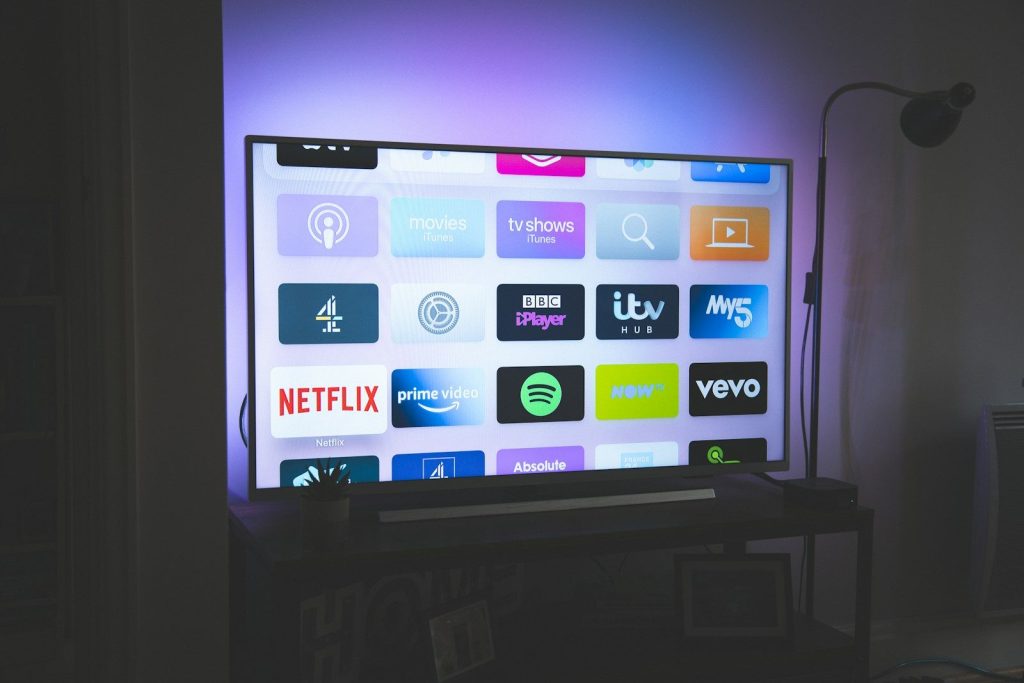
One of HDR’s biggest strengths is how it handles bright details. A spark, flashlight, car headlight, or glowing window can look more intense while still keeping shape and texture.
That matters because real life is full of tiny bright spots. When a TV has strong HDR brightness, those highlights can pop more clearly instead of blending into the rest of the scene.
Shadows can show more detail
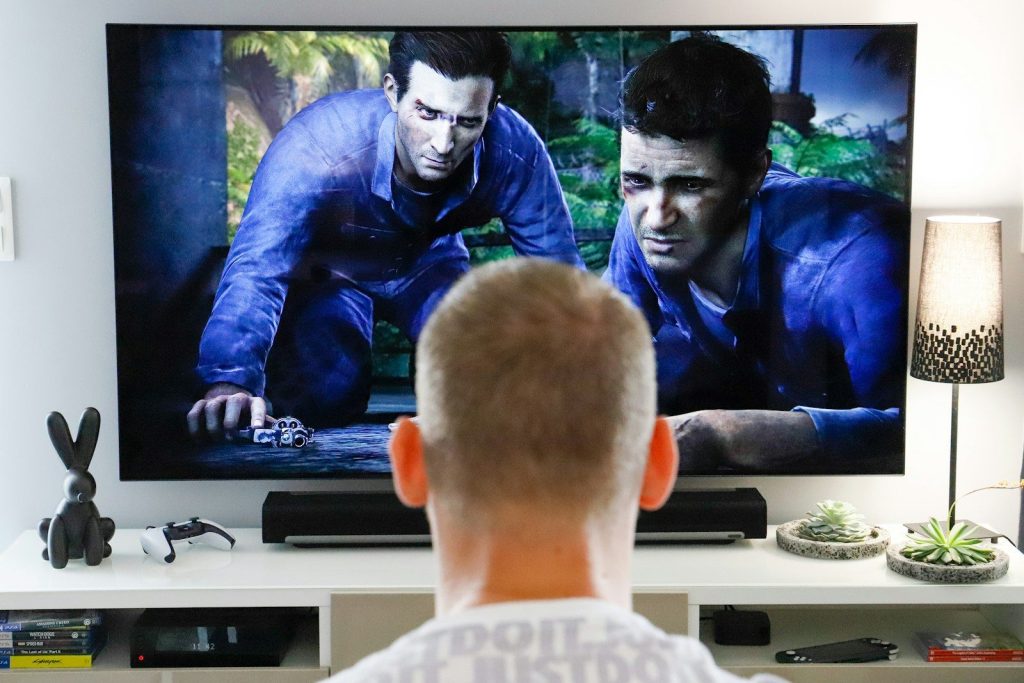
HDR is not only about bright light. It can also help darker scenes keep more visible detail, especially when the screen has strong contrast and good black levels.
In a movie, this can make night scenes easier to read. In a game, it can help you notice walls, paths, or objects without turning the picture into a dull gray image.
Colors can look more lifelike
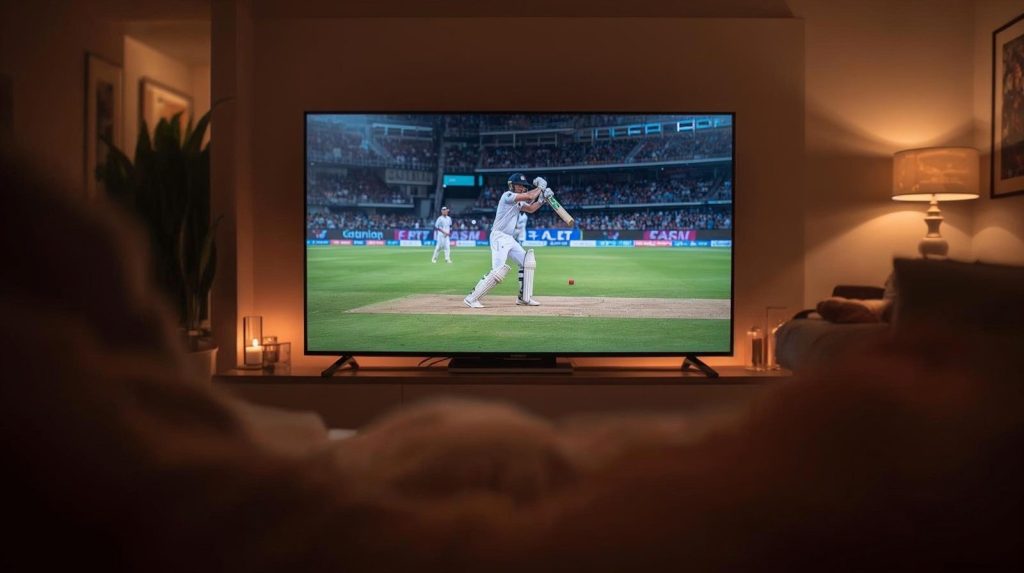
HDR often works with a wider color range, which can help certain shades look richer and more natural. Grass, skies, skin tones, neon signs, and fire can all appear more layered.
The goal is not to make every color loud. Good HDR lets colors look closer to what the creator intended, with smoother changes between soft shades and bold highlights.
Movies gain a bigger mood
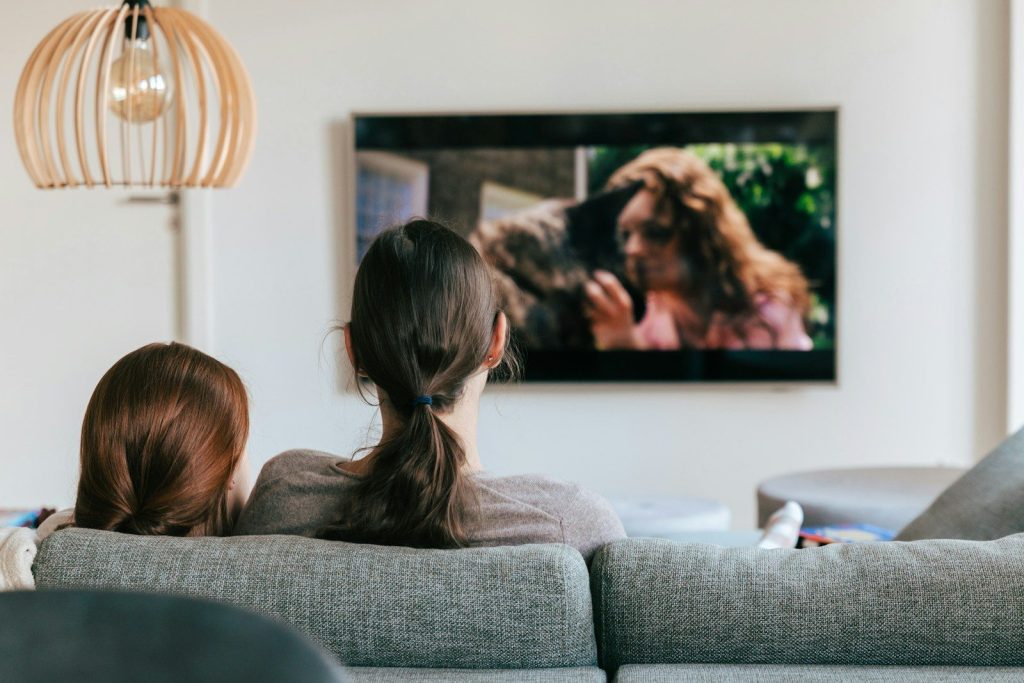
Movies rely heavily on lighting to shape emotion. HDR can make a quiet candlelit room feel warmer, a city skyline feel brighter, or a stormy sky feel heavier.
That extra contrast can pull viewers deeper into the scene. When highlights and shadows are balanced well, the picture feels less like a screen and more like a real place.
Games feel more immersive
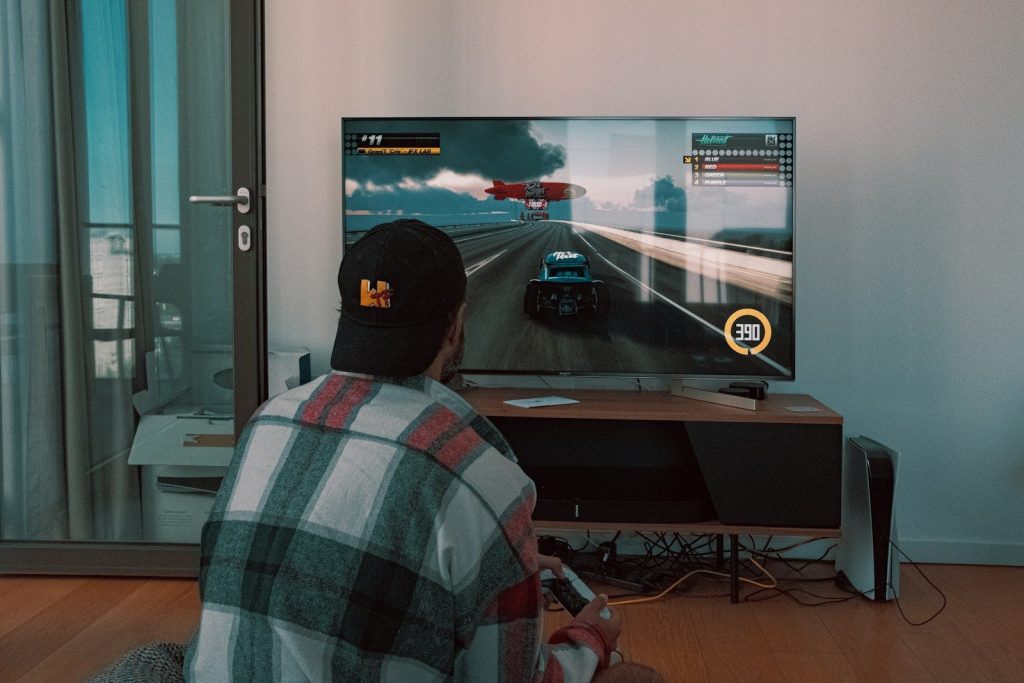
HDR can make games feel more alive because players control the action in real time. Bright explosions, glowing signs, sunlight through trees, and dark tunnels can all feel more dramatic.
It can also help with atmosphere. A well-tuned HDR game can make a desert feel hotter, a cave feel deeper, and a sci-fi world feel more cinematic.
The screen still matters

HDR does not look the same on every TV or monitor. A screen needs enough brightness, good contrast, and strong color performance to show HDR at its best.
If the screen cannot get bright enough or control dark areas well, HDR may look too dim, too flat, or uneven. That is why display quality plays a major role.
Settings can change everything

HDR can look amazing, but poor settings can ruin the effect. If brightness, black levels, or game calibration are off, the image may look washed out or too dark.
Many consoles, TVs, and games include HDR adjustment tools. Taking a few minutes to set them properly can make highlights cleaner, shadows clearer, and colors more balanced.
Content must support HDR

A TV with HDR does not automatically make every movie or game true HDR. The movie, show, game, app, cable, and device also need to support the right HDR format.
When the whole setup matches, HDR has more room to shine. Without HDR content, the screen may simply show regular standard dynamic range video instead.
Realism comes from balance
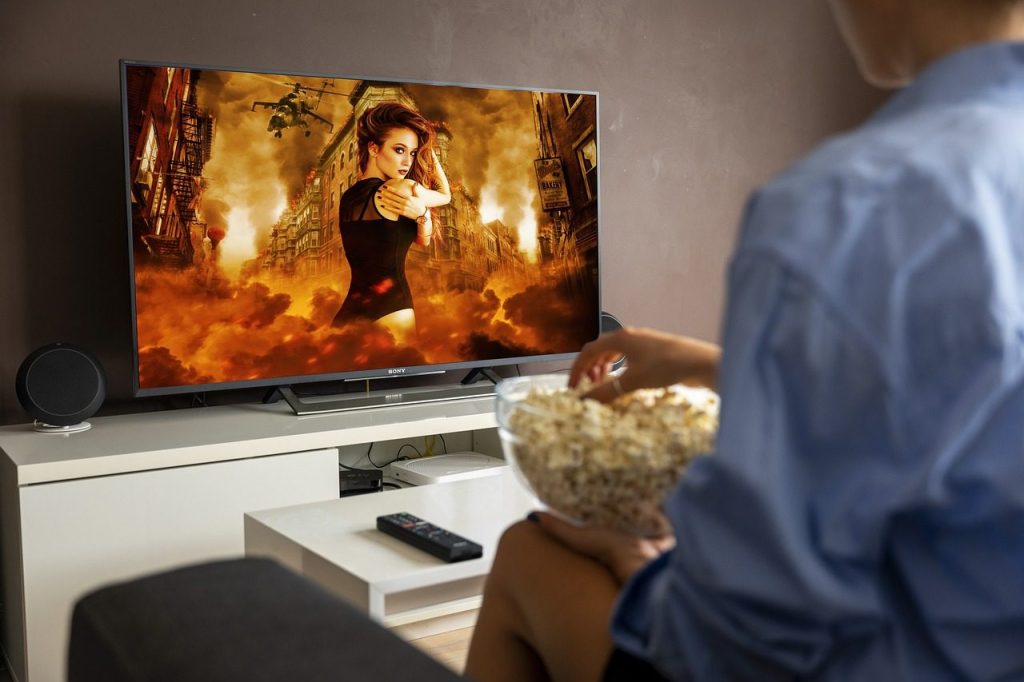
HDR looks best when it feels natural, not extreme. The strongest results come from balanced brightness, deep contrast, clean colors, and detail in both light and dark areas.
That balance is why HDR can make games and movies feel more real. It gives the picture more visual range, helping scenes feel closer to the way our eyes experience the world.
Leave a Reply