Category: Technology

  • 10 daily tech problems you can fix faster than you think

    10 daily tech problems you can fix faster than you think

    Tech problems always seem to show up at the worst time. Your Wi-Fi drops during a video call. Your phone battery falls fast before you leave the house. Your laptop slows down right when you need to finish something important. The good news is that many everyday tech headaches do not need a repair shop or a long support call.

    A few simple checks can often bring things back to normal. Restarting a device, checking updates, freeing storage, or reconnecting an accessory can solve more than people expect. Microsoft, Apple, and Google all recommend basic troubleshooting steps like updates, restarts, connection resets, and battery checks for common device issues.

    Wi-Fi keeps dropping
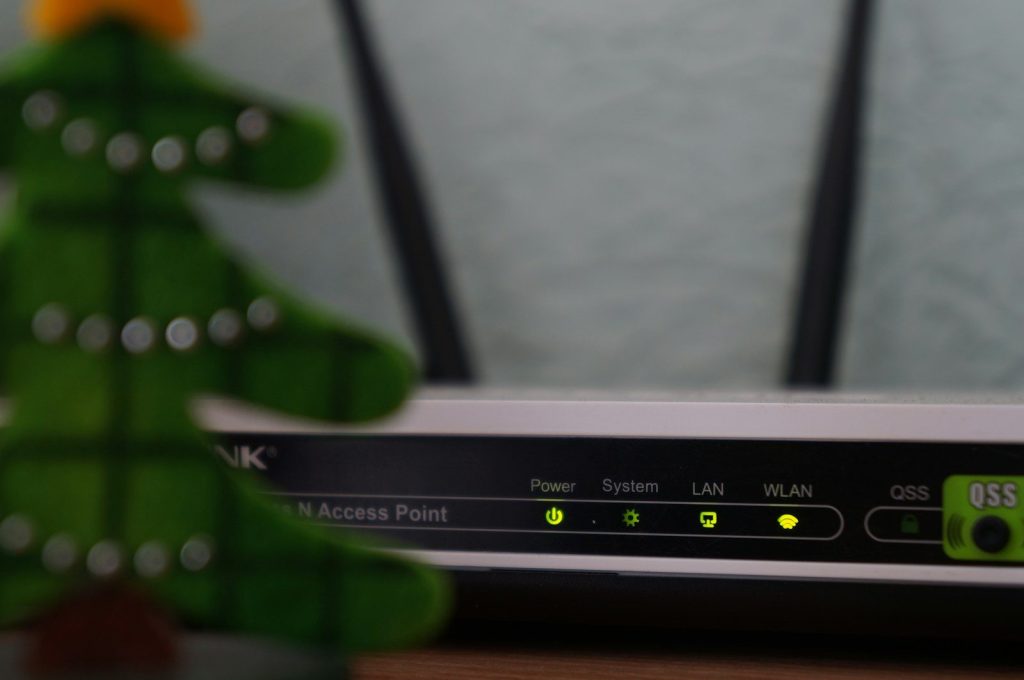
    white and black modem router with four lights
    Photo by Misha Feshchak on Unsplash

    Few things are more annoying than Wi-Fi that works one minute and disappears the next. Before blaming your internet provider, restart your router and your device. A fresh connection often clears small glitches.

    Also check whether other devices are having the same problem. If only one laptop or phone is affected, forget the Wi-Fi network and reconnect. On Windows, Microsoft also suggests network reset when normal fixes do not work.

    Your phone battery drains fast
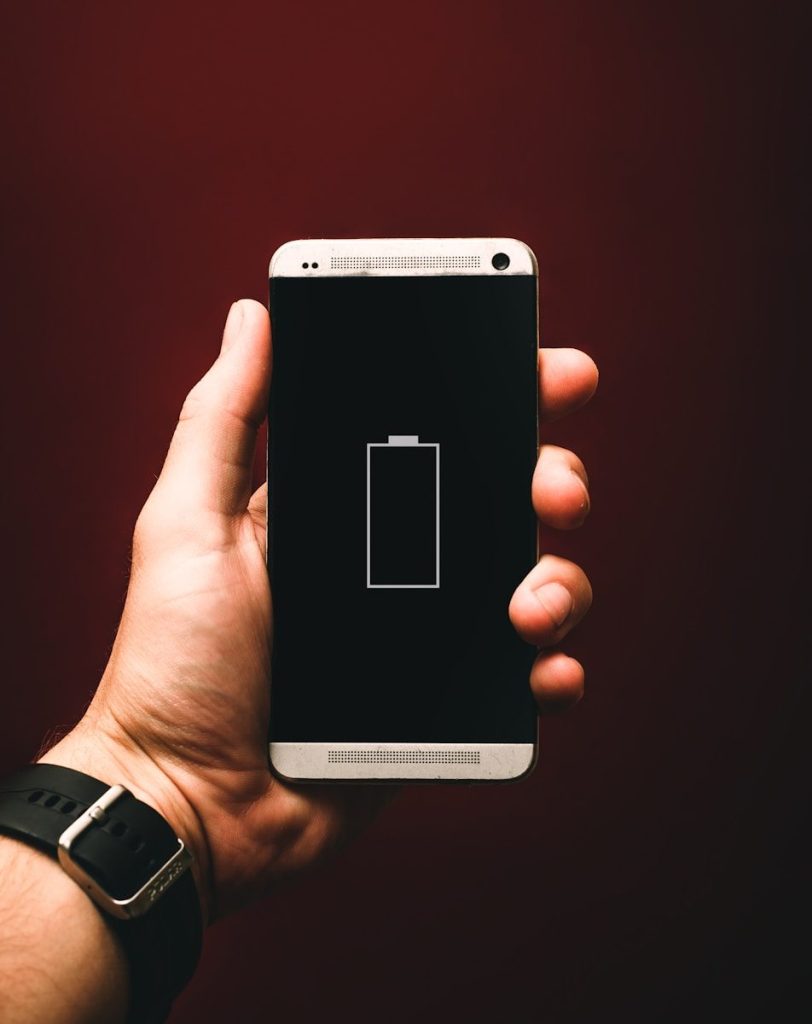
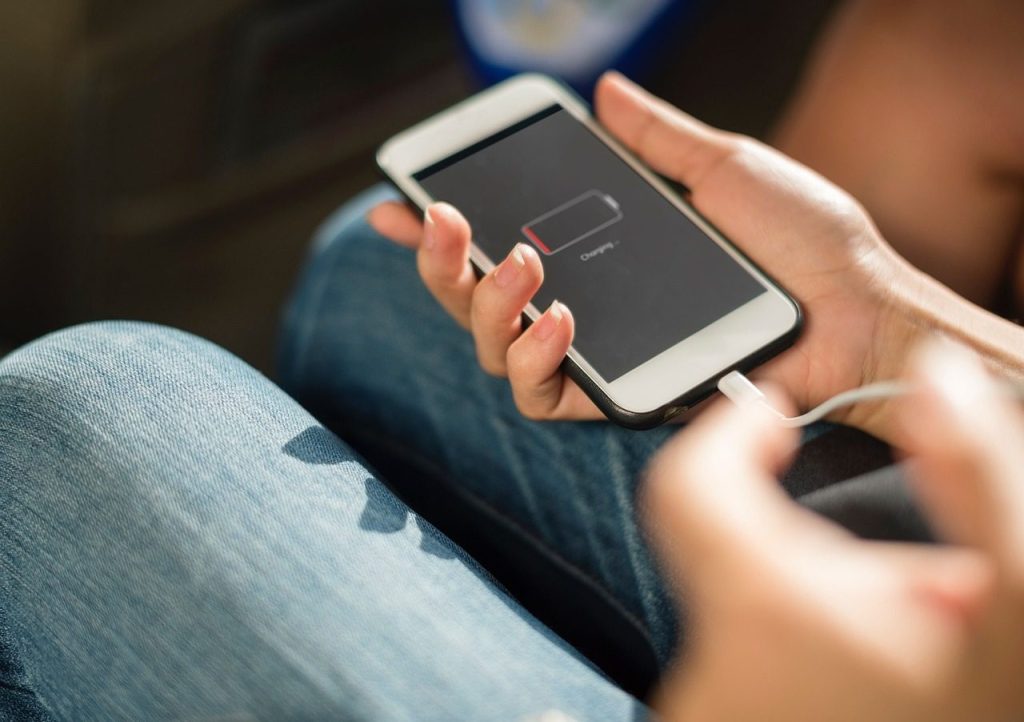
    person holding low battery smartphone
    Photo by Alexander Andrews on Unsplash

    A fast-draining phone can make a normal day feel stressful. Start by checking which apps are using the most power. Both iPhone and Android phones include battery settings that show app activity.

    Lower screen brightness, use Wi-Fi when possible, and close apps that are working too hard in the background. Apple also recommends checking battery suggestions and daily usage when battery life feels shorter than expected.

    Bluetooth will not connect
    black and white remote control
    Photo by Brett Jordan on Unsplash

    Bluetooth problems are often caused by a bad pairing, not a broken device. Turn Bluetooth off, turn it back on, then restart both devices. That simple reset can clear a stuck connection.

    If it still fails, remove the device from your Bluetooth list and pair it again. Keep the devices close together and make sure the accessory is charged. For phones, checking for system updates can also help fix connection bugs.

    Your laptop feels too slow

    Two people sitting across from each other in an office working on a Surface laptop
    Photo by Microsoft Edge on Unsplash

    A slow laptop does not always mean it is old. Too many startup apps, low storage, or pending updates can make even a decent computer feel tired.

    Check for Windows updates, close unused programs, and remove apps you no longer need. Microsoft says Windows updates can include performance improvements, and optional driver updates may also help with slow or unstable behavior.

    Apps keep freezing
    woman in white shirt holding black iphone 4
    Photo by Miquel Parera on Unsplash

    When an app freezes, the fastest fix is often closing it completely and reopening it. If that fails, restart the device. This clears temporary issues that may be blocking the app.

    Next, check for app and system updates. If the same app keeps freezing, clear its cache on Android or reinstall it on iPhone or desktop. Just make sure any important data is backed up first.

    Storage is almost full
    Phone cleaner app showing finished cleaning and whatsapp cleaner.
    Photo by Zulfugar Karimov on Unsplash

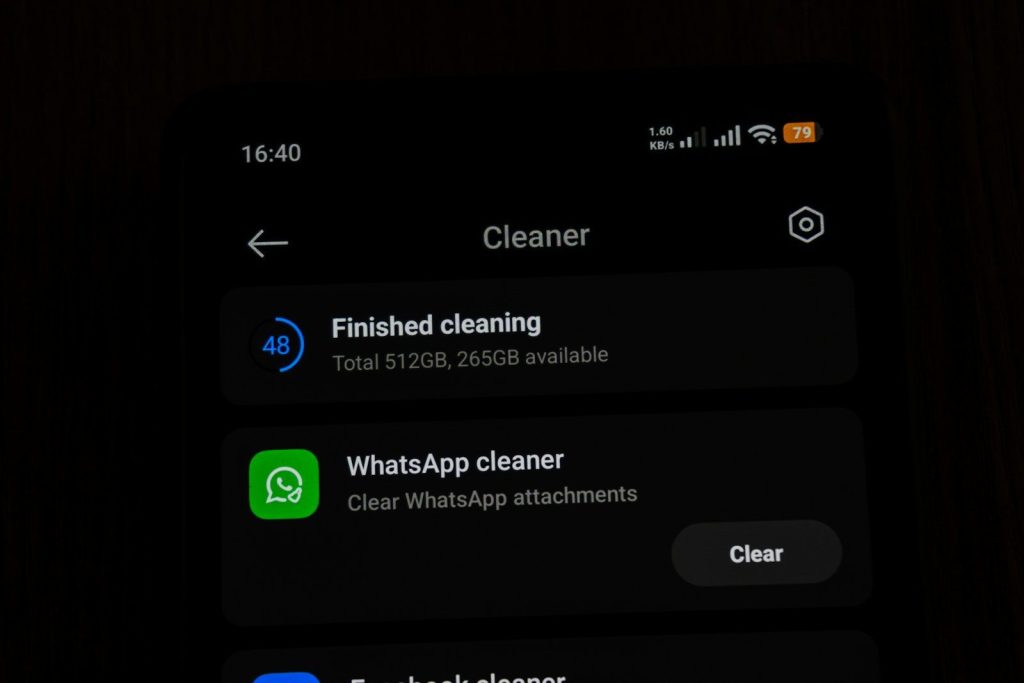
    Low storage can slow devices, stop updates, and keep apps from working well. Start with the easy stuff: delete old downloads, duplicate photos, and videos you no longer need.

    Cloud backups can help, but do not delete anything important until you know it is safely saved. On Windows, built-in storage tools can help remove temporary files. Phones also show which apps and media take the most space.

    Printer refuses to print
    A person is pressing a button on a printer
    Photo by Stanislav Staritsyn on Unsplash

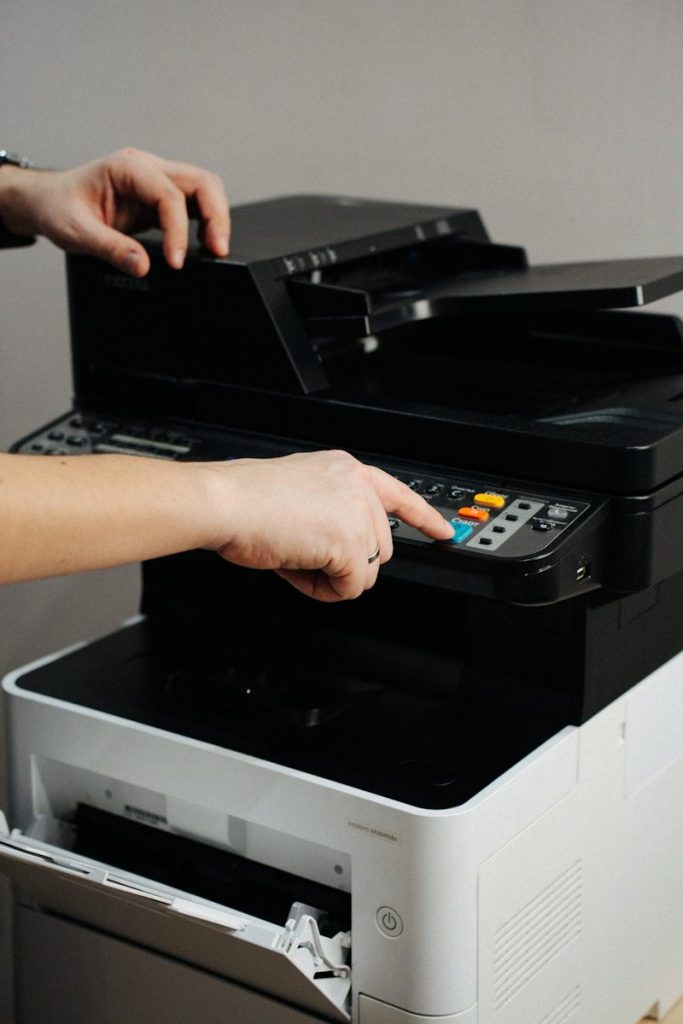
    Printers can be fussy, but the fix is often simple. Check that the printer is on, loaded with paper, connected to Wi-Fi, and not showing an error light.

    Then restart the printer, computer, and router. If the printer still does not respond, remove it from your device and add it again. Updating printer software or drivers can also solve problems after a system update.

    Video calls sound bad

    person in black long sleeve shirt holding black tablet Surface device
    Photo by Surface on Unsplash

    Bad sound on a call can come from the wrong microphone, weak internet, or background noise. First, check the meeting app’s audio settings and make sure the right mic and speaker are selected.

    Use headphones if the room echoes or the laptop mic sounds weak. If voices cut in and out, move closer to the router or switch off other heavy internet use, like large downloads or streaming.

    Your screen looks strange

    a man holding a smart phone in his hands
    Photo by Jonas Leupe on Unsplash

    If text looks blurry or colors seem off, check display settings before worrying about hardware. A wrong resolution, zoom setting, or night mode can change how everything looks.

    On laptops, reconnect any external monitor cables and restart the computer. Also check brightness and color settings. If the problem started after an update, a graphics driver update may help restore normal display behavior.

    Updates will not install
    A xiaomi phone is displaying the hyperos screen.
    Photo by Andrey Matveev on Unsplash

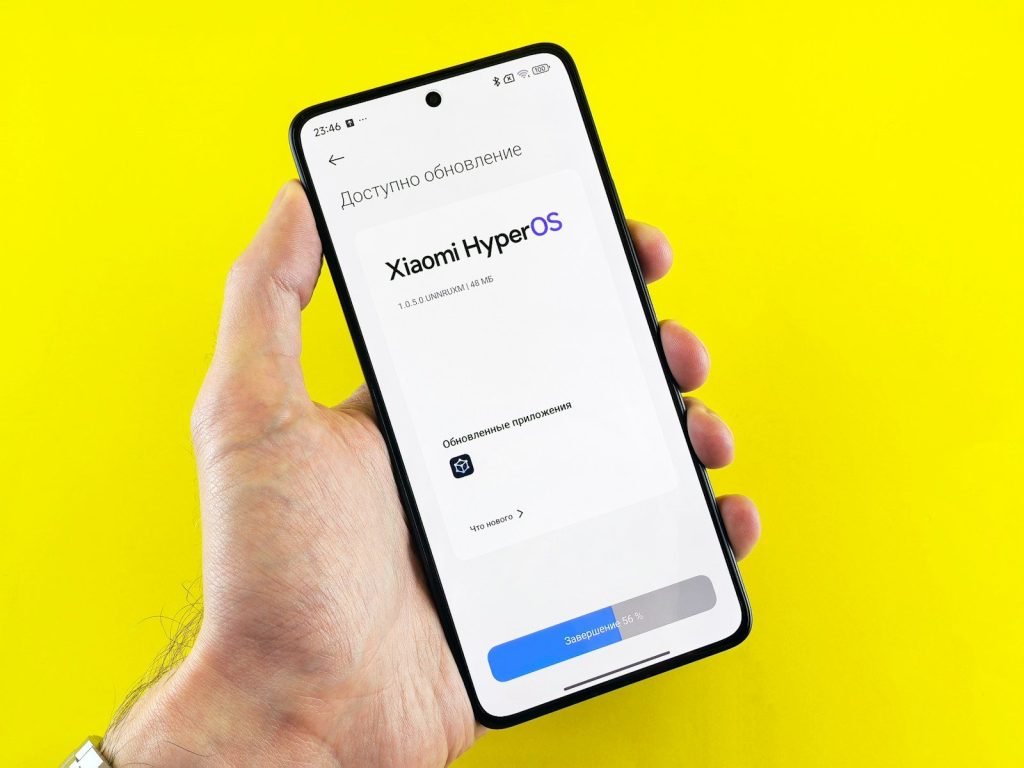
    Failed updates can be frustrating, but they often need space, power, and a stable connection. Plug in the device, connect to strong Wi-Fi, and free up storage before trying again.

    Restart the device and run the update one more time. Microsoft recommends checking Windows Update and optional updates when fixing pe
  • 7 browser habits that make the internet safer

    7 browser habits that make the internet safer

    A safer internet does not always require fancy tools or expert skills. Most of the time, it comes down to small browser habits you repeat every day. Your browser is where you shop, search, study, stream, check email, and sign in to important accounts, so it deserves more attention than most people give it.

    The good news is that modern browsers already include strong safety features. Chrome, for example, can check for weak passwords, unsafe browsing settings, unwanted notifications, and available updates through Safety Check. The FTC also recommends keeping software updated, using strong passwords, and turning on two-factor authentication to protect personal information online.

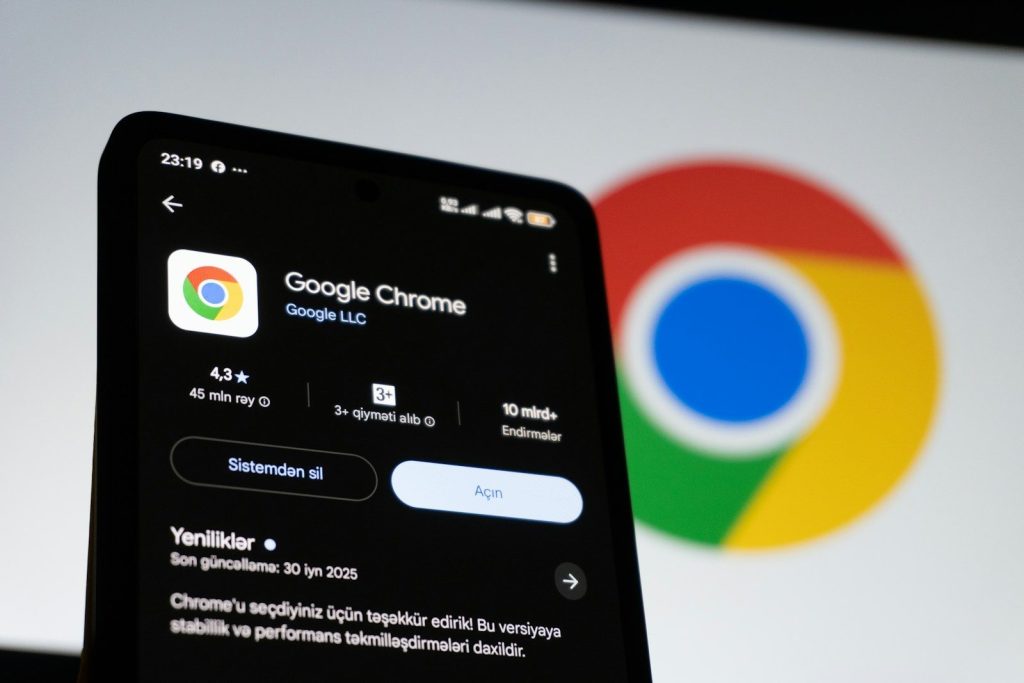
    Keep your browser updated

    Google chrome app on a smartphone with logo
    Photo by Zulfugar Karimov on Unsplash

    Browser updates are easy to ignore, especially when you are busy and just want to keep clicking. But those updates often include security fixes that help block new tricks used by scammers and harmful websites.

    Make it a habit to restart your browser when an update is ready. If your browser offers automatic updates, keep them turned on. A few minutes of updating can save you from much bigger problems later.

    Use stronger sign-ins

    a screenshot of a phone
    Photo by Ed Hardie on Unsplash

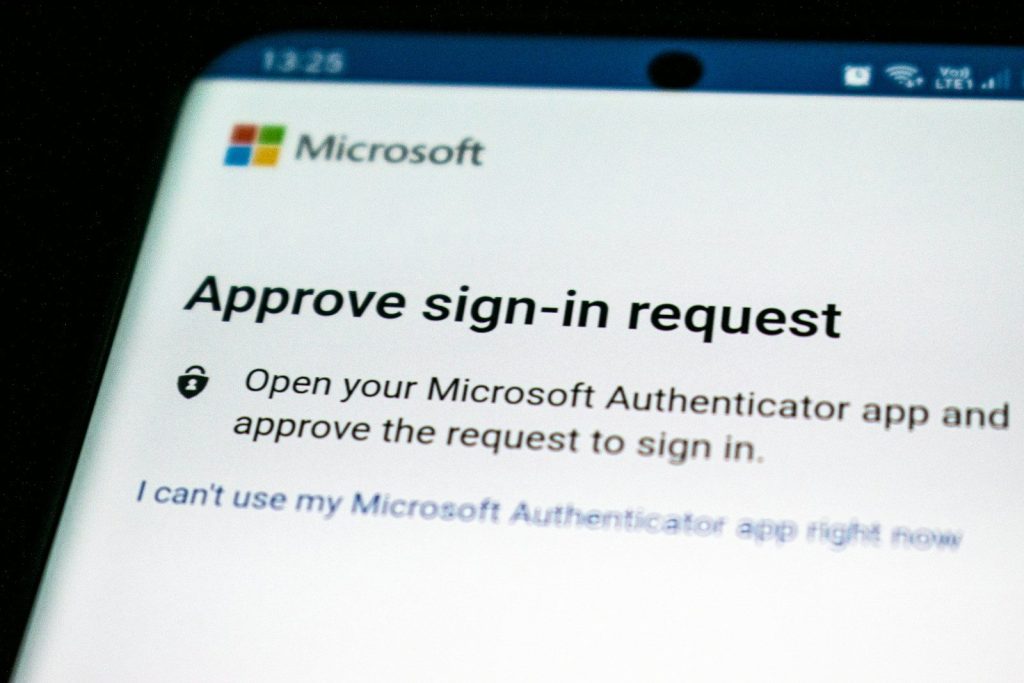
    Weak or reused passwords make online accounts easier to break into. A better habit is to use long, unique passwords for every important account and store them in a trusted password manager.

    Two-factor authentication adds another layer of protection by asking for a second step when you sign in. Passkeys can also make signing in safer because they are designed to resist many common phishing tricks.

    Check links before clicking

    Woman working on a laptop in a modern office.
    Photo by Vitaly Gariev on Unsplash

    A link can look normal at first glance but still lead somewhere risky. Before clicking, slow down and check the web address, especially if the message sounds urgent or asks you to sign in.

    Google recommends watching for look-alike domains, checking unfamiliar URLs, and being careful with sudden password reset messages. Scammers often copy real brands, so the address bar can be your best early warning sign.

    Watch for secure pages

    Google sign in to chrome screen
    Photo by Zulfugar Karimov on Unsplash

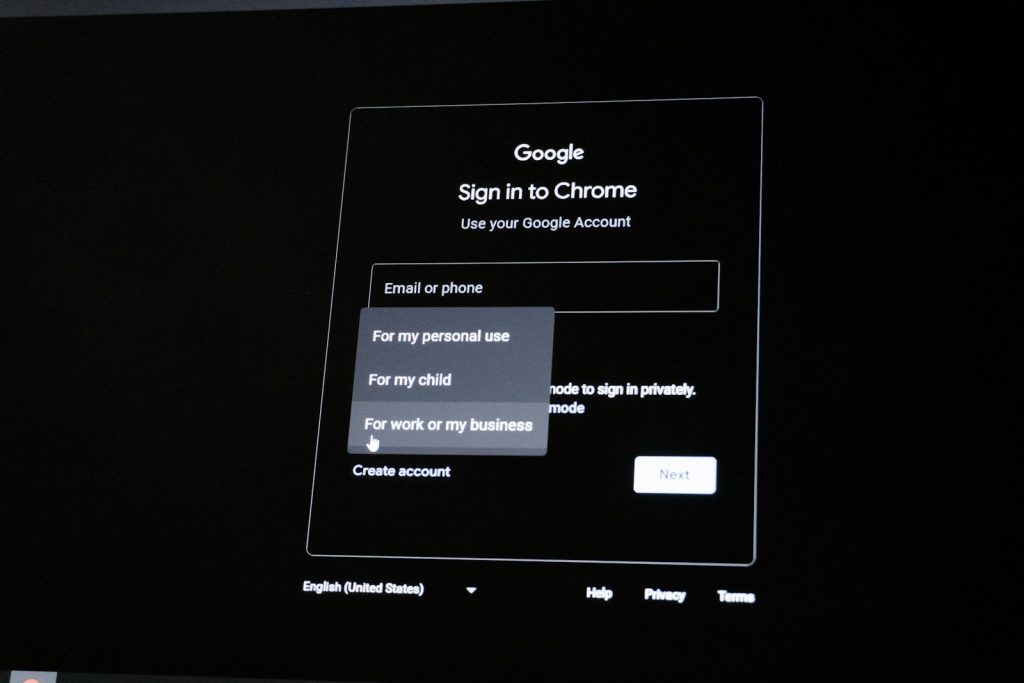
    When you enter private details, the page should use a secure connection. Many browsers show a warning when a site is not secure, especially on pages that ask for passwords or payment details.

    HTTPS helps protect the connection between your browser and the website. It is not a guarantee that a site is honest, but it is still an important sign to check before sharing sensitive information.

    Limit browser extensions

    Browser search bar with pinterest suggestions
    Photo by Zulfugar Karimov on Unsplash

    Extensions can be useful, but they can also see or change parts of what you do in the browser. That is why it is smart to keep only the ones you truly use and trust.

    Review your extensions every few months. Remove anything you do not recognize, no longer need, or installed for a one-time task. A cleaner browser is often a safer browser.

    Control site permissions

    Close-up of a computer screen displaying an authentication failed message.
    Photo by Markus Spiske on Pexels

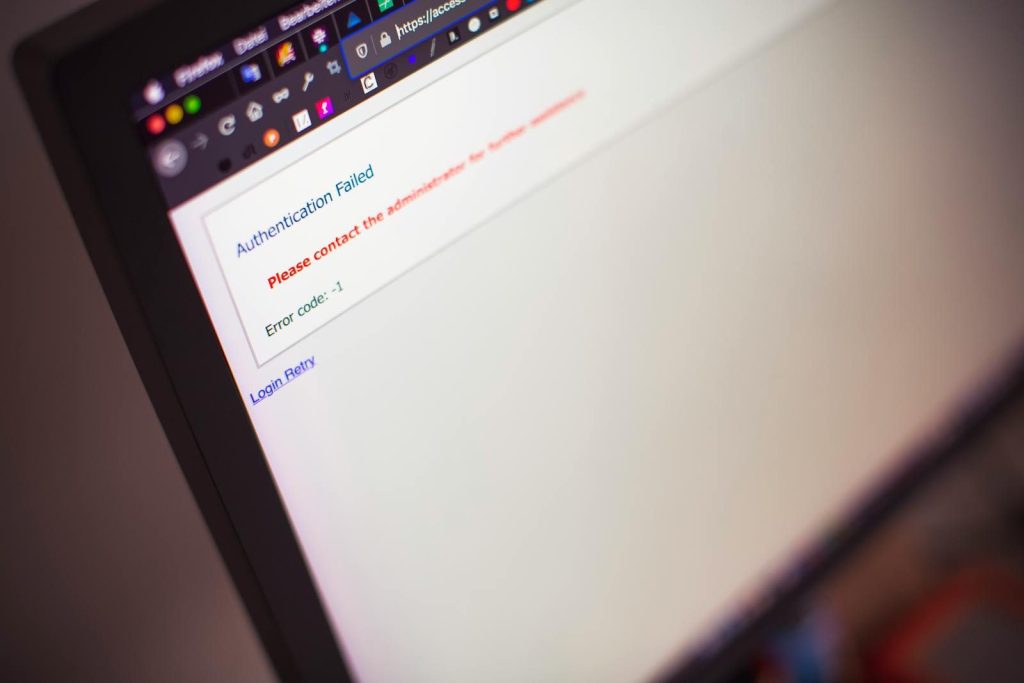
    Websites may ask for access to your camera, microphone, location, notifications, or clipboard. Some requests make sense, but others are unnecessary and should be denied.

    Check your browser’s site settings and remove permissions from websites you no longer use. Chrome can also remind users about unwanted notifications and remove unused permissions from inactive sites.

    Be careful with downloads

    Browser logos displayed on a laptop screen.
    Photo by Zulfugar Karimov on Unsplash

    Downloads are one of the easiest ways to invite trouble onto a device. Avoid files from random pop-ups, strange ads, or websites that pressure you to install something right away.

    A safer habit is to download apps, browser updates, and files from official sources. If a page says your device is infected or demands urgent action, close it and check through your browser or device settings instead.

  • Cloud storage habits that can save or sink your digital life

    Cloud storage habits that can save or sink your digital life

    Cloud storage feels almost invisible now. Photos move from phone to cloud, school files sync across devices, and work documents appear wherever you sign in. That convenience is the whole point, but it can also make people careless. When everything feels automatic, it is easy to forget about passwords, sharing links, backup copies, storage limits, and account recovery.

    The safest cloud habits are simple, but they matter. CISA recommends strong passwords, multi-factor authentication, limited permissions, updated devices, and careful cloud service choices. It also warns that backups should be protected and tested, not just assumed to work. A few smart habits can decide whether your digital life feels organized or falls apart during one bad login, lost phone, or accidental deletion.

    Password habits matter most

    switched-on iPhone
    Photo by Yura Fresh on Unsplash

    Your cloud account may hold photos, tax files, schoolwork, notes, and years of personal memories. A weak password can put all of that at risk.

    Use a long, unique password for each major account. Do not reuse the same one across email, cloud storage, shopping, and social apps. One stolen password should not unlock your whole digital life.

    Two-factor login helps

    a screenshot of a phone
    Photo by Ed Hardie on Unsplash

    A password alone is not enough protection anymore. Two-factor authentication adds another step, such as a code, app prompt, or security key.

    The FTC says two-factor authentication is one of the best ways to protect accounts. It may feel like a small extra step, but it can block many account break-ins before they reach your files.

    Sharing links need review

    Woman working on a laptop in a modern office.
    Photo by Vitaly Gariev on Unsplash

    Cloud sharing is useful, but it can get messy fast. A file shared for one project may stay open long after it is needed.

    Google Drive lets users stop, limit, or change sharing after a file has been shared. That is a good habit to build. Review shared files often, especially folders with personal, school, or work information.

    Backups need backup plans

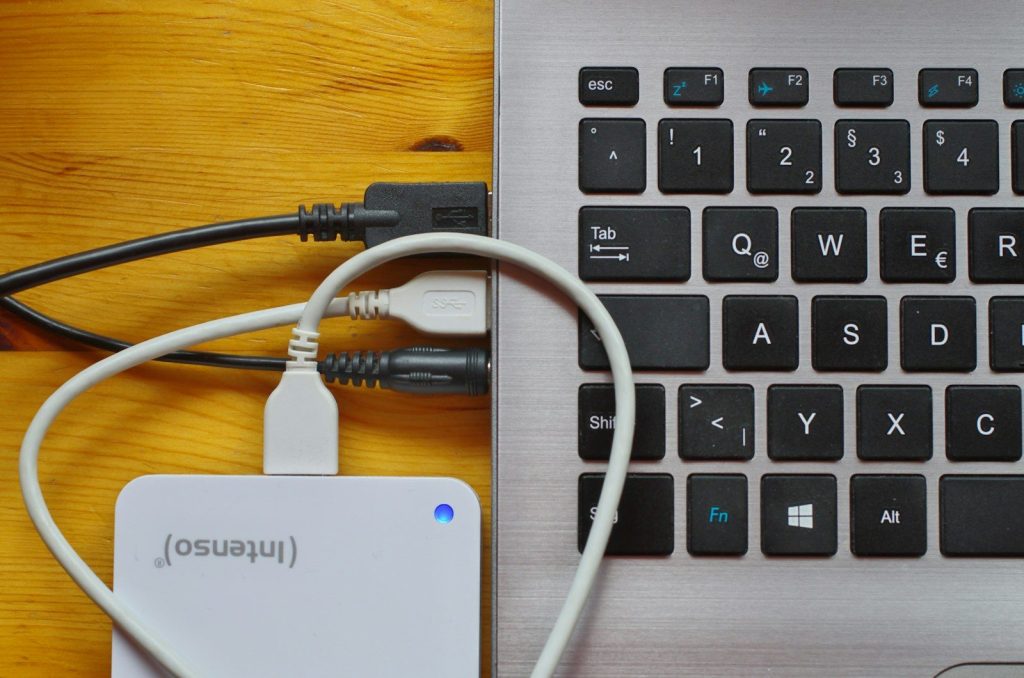
    white usb cable on gray laptop computer
    Photo by Immo Wegmann on Unsplash

    Cloud storage is helpful, but it should not be your only copy of truly important files. Accounts can be locked, files can be deleted, and sync mistakes can spread quickly.

    CISA recommends backing up data to an external drive or a properly vetted cloud service, and it also recommends maintaining offline, encrypted backups. One extra copy can save you from a very bad day.

    Sync can spread mistakes

    A close up of a cell phone on a table
    Photo by appshunter.io on Unsplash

    Syncing is convenient because changes appear everywhere. Delete a file on one device, and it may disappear from other devices too.

    That is why file history and restore options matter. Microsoft says OneDrive can restore files after deletion, corruption, or malware infection in some cases. Still, it is smarter to prevent mistakes than depend on recovery every time.

    Storage limits sneak up

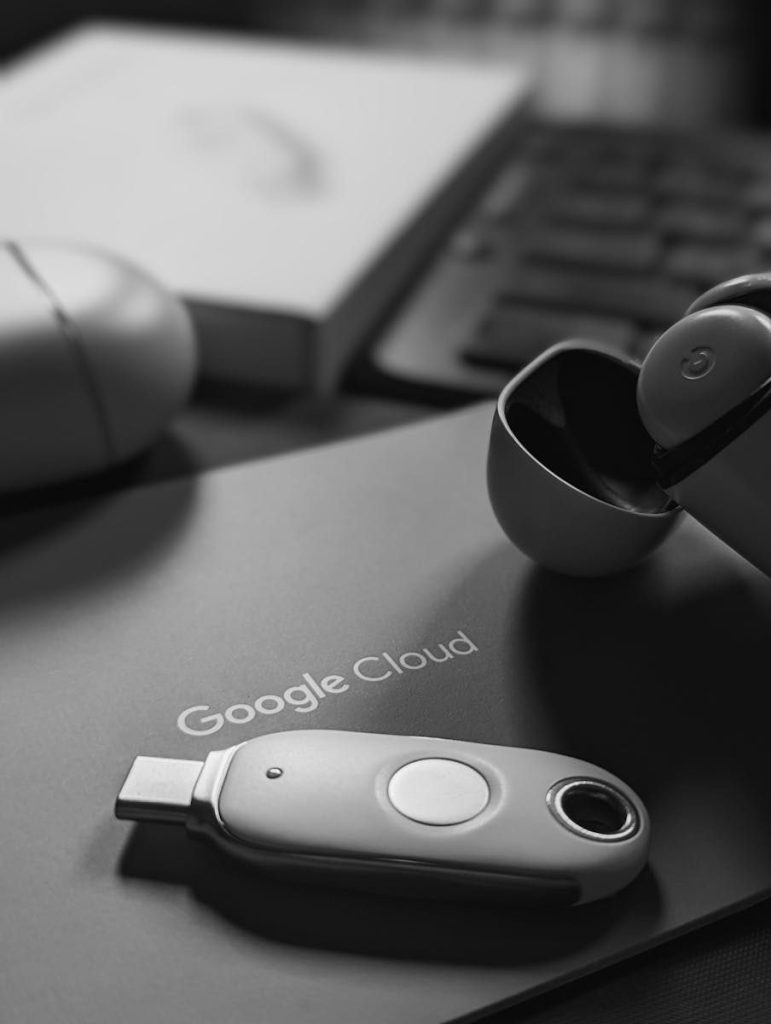
    Black and white tech scene featuring a USB device and Google Cloud logo, embodying digital connectivity.
    Photo by Obi Onyeador on Pexels

    Cloud storage fills slowly until it suddenly becomes a problem. Photos, videos, downloads, backups, and shared folders can eat space without much warning.

    When storage gets tight, uploads may stop, email may be affected, or phone backups may fail. Make a habit of deleting duplicates, clearing old screenshots, and moving large files you no longer need every day.

    Recovery info must stay current

    smartphone screen showing facebook application
    Photo by Justin Morgan on Unsplash

    Your backup email, phone number, and recovery codes may seem boring until you lose access. Then they become the only way back in.

    Check recovery settings after changing phones, numbers, or email accounts. A strong password will not help if you cannot prove the account is yours when something goes wrong.

    Ransomware can reach synced files

    MacBook Pro turned-on
    Photo by Michael Geiger on Unsplash

    Cloud storage does not automatically make files safe from every threat. If harmful software changes synced files on a device, those changes may reach the cloud too.

    Microsoft says OneDrive ransomware detection can notify users and guide them through file recovery. That kind of tool helps, but careful downloads, updated software, and separate backups still matter.

  • 8 overlooked tech accessories that can make your daily devices feel better

    8 overlooked tech accessories that can make your daily devices feel better

    Most people think about the big devices first: the phone, laptop, tablet, monitor, or game console. But the smaller accessories around those devices often decide how smooth the day feels. A weak charger, messy cable setup, poor desk angle, or dying battery pack can turn good tech into a daily headache.

    The right accessories do not have to be flashy or expensive. They just need to solve real problems. A better charger can reduce clutter. A laptop stand can make long work sessions more comfortable. A smart power strip can help cut wasted energy, while a privacy screen can make public work feel safer. These are the quiet upgrades many people ignore until they finally try them.

    A better USB-C charger

    white samsung galaxys 3
    Photo by Mika Baumeister on Unsplash

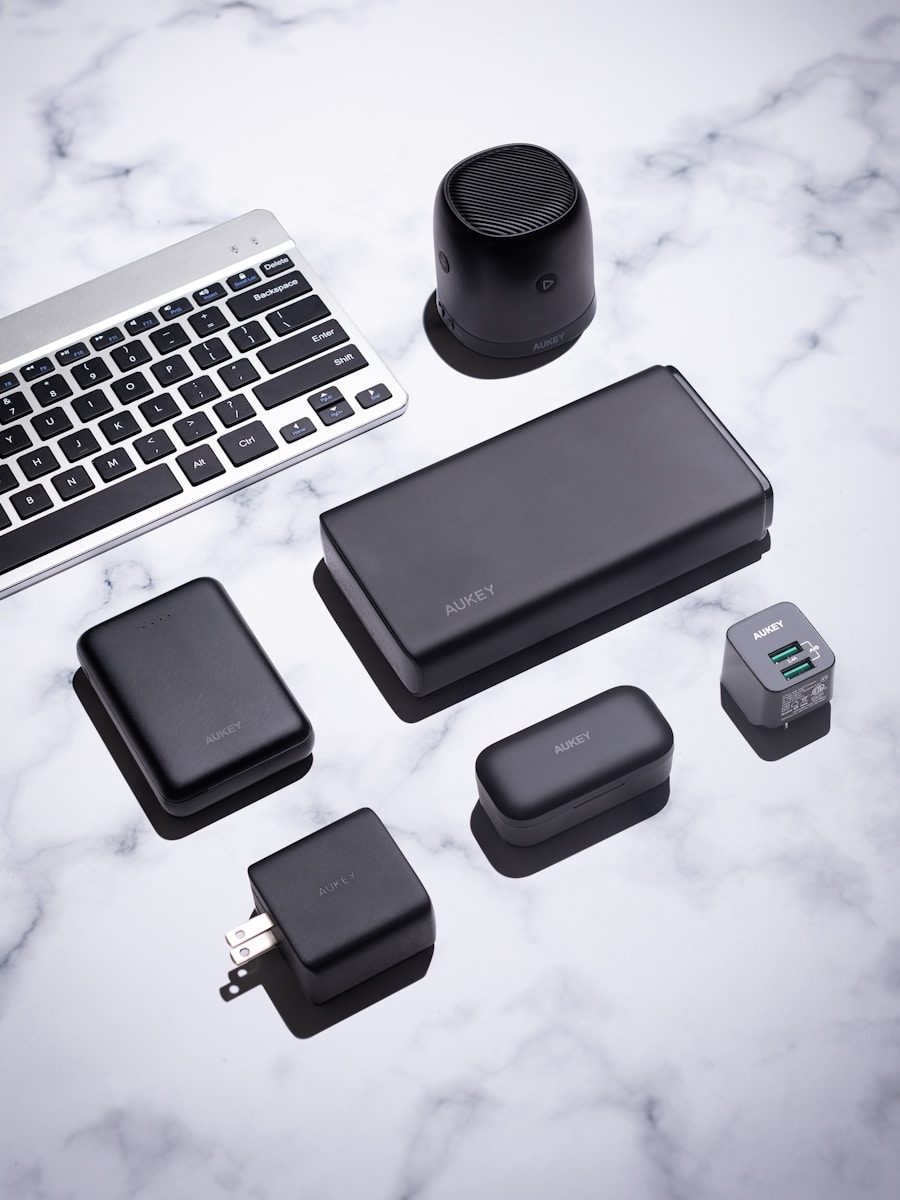
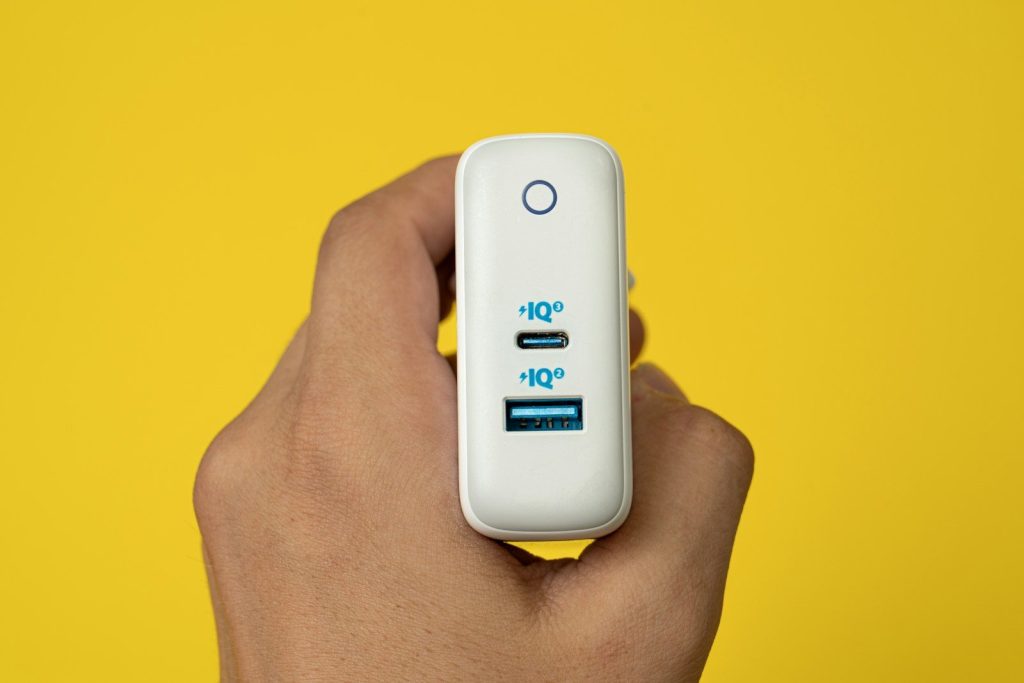
    The charger that came in the box may not be the best one for your setup. A good USB-C charger can power a phone, tablet, earbuds, and even many laptops with fewer bricks on your desk or in your bag.

    Look for the right wattage, enough ports, and trusted safety markings. USB-IF certification is tied to products that follow official USB Power Delivery requirements, which helps with safer, more reliable charging.

    A portable power bank

    a white cell phone sitting on top of a white table
    Photo by gomi on Unsplash

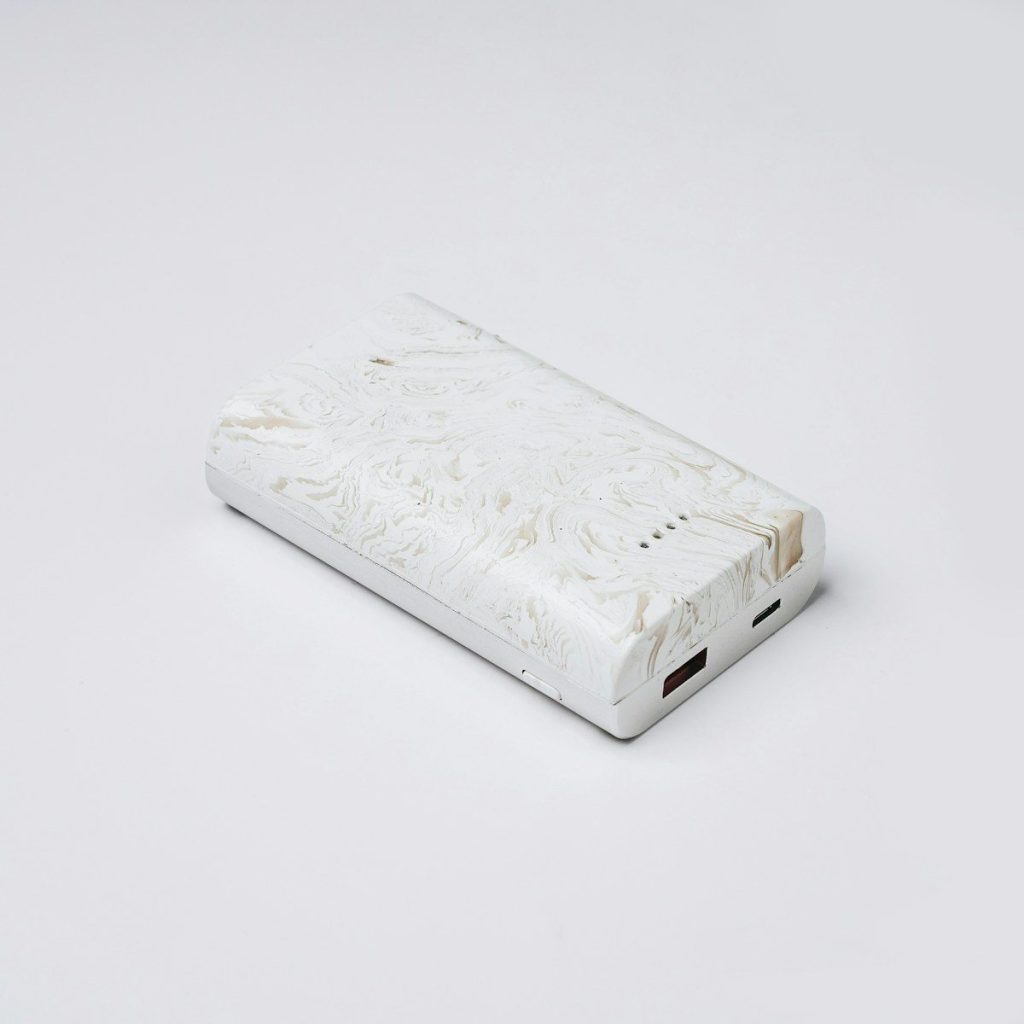
    A power bank is easy to ignore until your phone hits 5% at the worst possible time. It can be useful during travel, long workdays, school, emergencies, or any day when outlets are not nearby.

    The best choice depends on what you carry. A small bank works for phones and earbuds, while higher-capacity USB-C models can help with tablets or some laptops. For flights, keep battery rules in mind and pack power banks in carry-on bags.

    A laptop stand

    black flat screen computer monitor and black computer keyboard
    Photo by Riekus on Unsplash

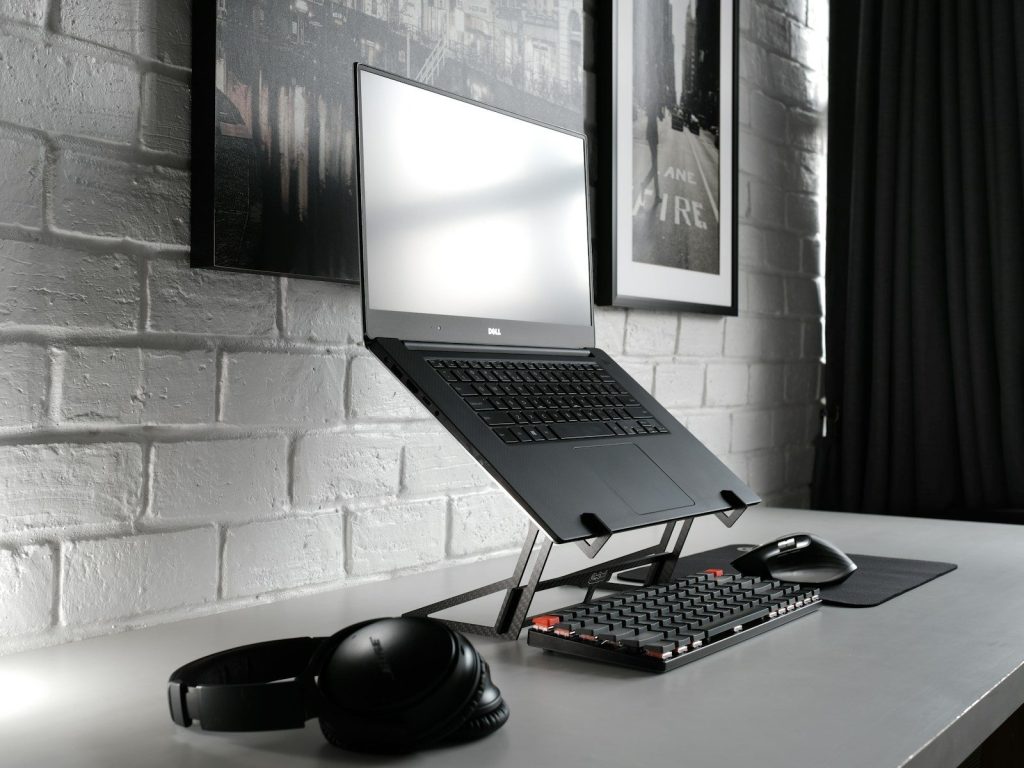
    Using a laptop flat on a desk for hours can make your neck, shoulders, and wrists work harder than they should. A simple stand raises the screen closer to eye level and makes the setup feel more like a real workstation.

    Mayo Clinic suggests pairing a laptop stand with an external keyboard and mouse when using a laptop at a desk. That small change can make long typing sessions feel much easier.

    An external keyboard

    Apple keyboard on MacBook Pro
    Photo by Karim MANJRA on Unsplash

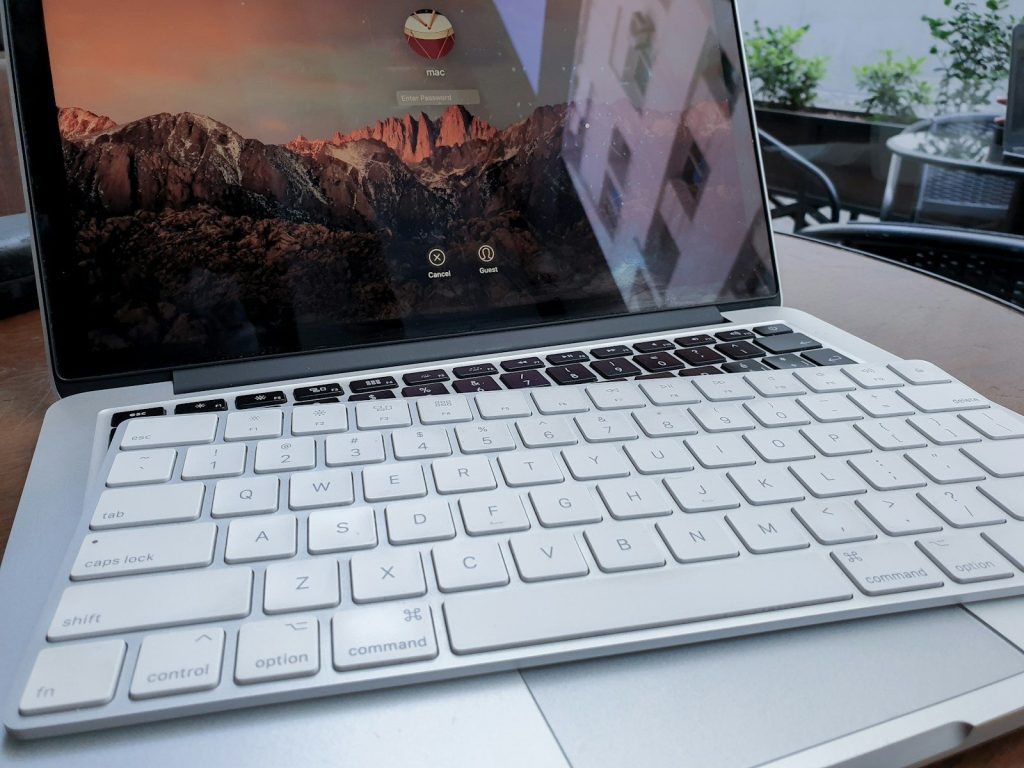
    A laptop keyboard is fine for quick tasks, but it is not always great for long writing, schoolwork, spreadsheets, or daily office use. An external keyboard gives your hands more room and lets you place the screen farther away.

    You do not need a fancy model to notice the difference. A comfortable layout, stable keys, and the right size can make typing feel smoother. For many people, this is one of the cheapest ways to improve a desk setup.

    A wireless mouse

    a black and white photo of a computer mouse
    Photo by Bruno Yamazaky on Unsplash

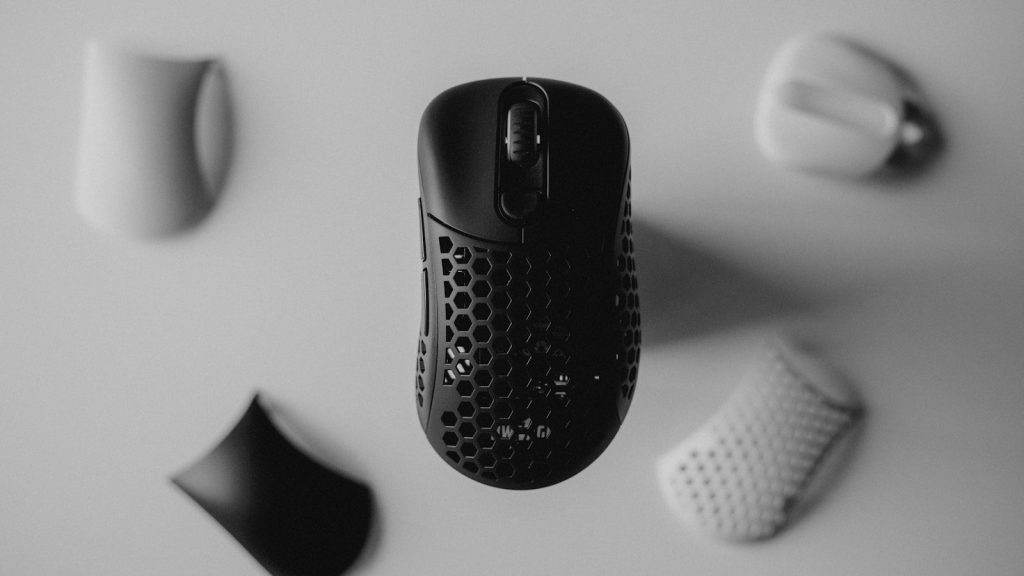
    Trackpads are useful, but they are not always the fastest or most comfortable choice. A wireless mouse can make browsing, editing, gaming, and office work feel more precise, especially when you use a laptop every day.

    The key is fit. A mouse that feels right in your hand can reduce awkward movement and make small tasks faster. Some people prefer compact travel mice, while others do better with a full-size shape for longer sessions.
    A smart power strip

    white box on white table
    Photo by ergonofis on Unsplash

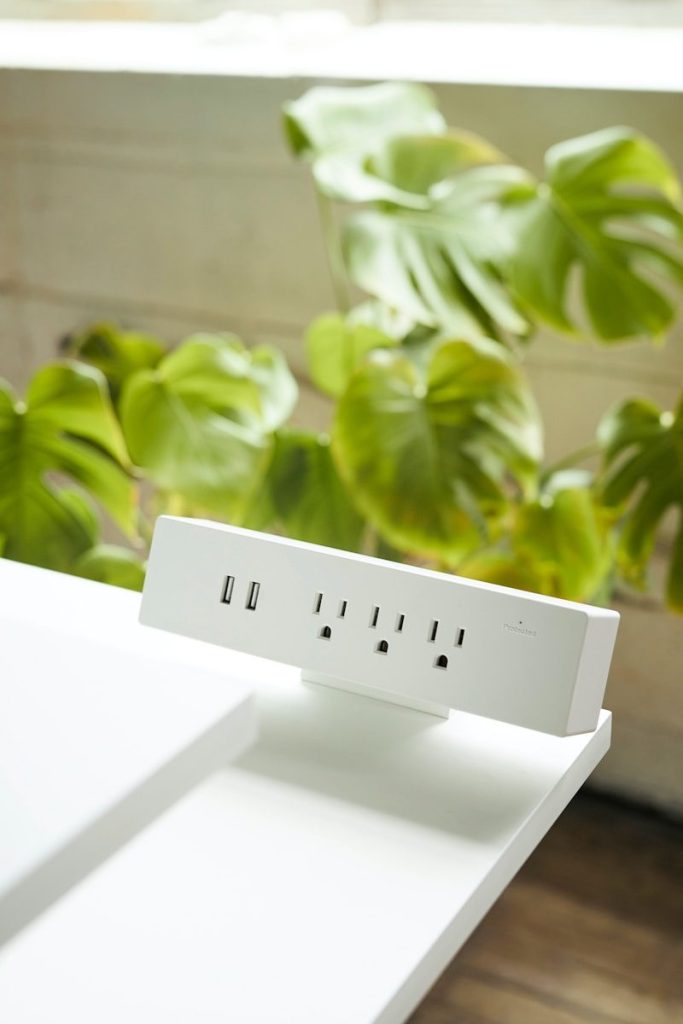
    A smart power strip can clean up cable mess and help manage devices that stay plugged in all day. It is especially useful for desks, entertainment centers, gaming setups, and home offices with several chargers and screens.

    The U.S. Department of Energy says smart power strips can cut power to devices in standby mode, which may help reduce wasted electricity. It is a small upgrade that can make a crowded setup easier to control.

    A real surge protector

    Hand holding a white electronic device with ports.
    Photo by Abolfazl Pahlavan on Unsplash

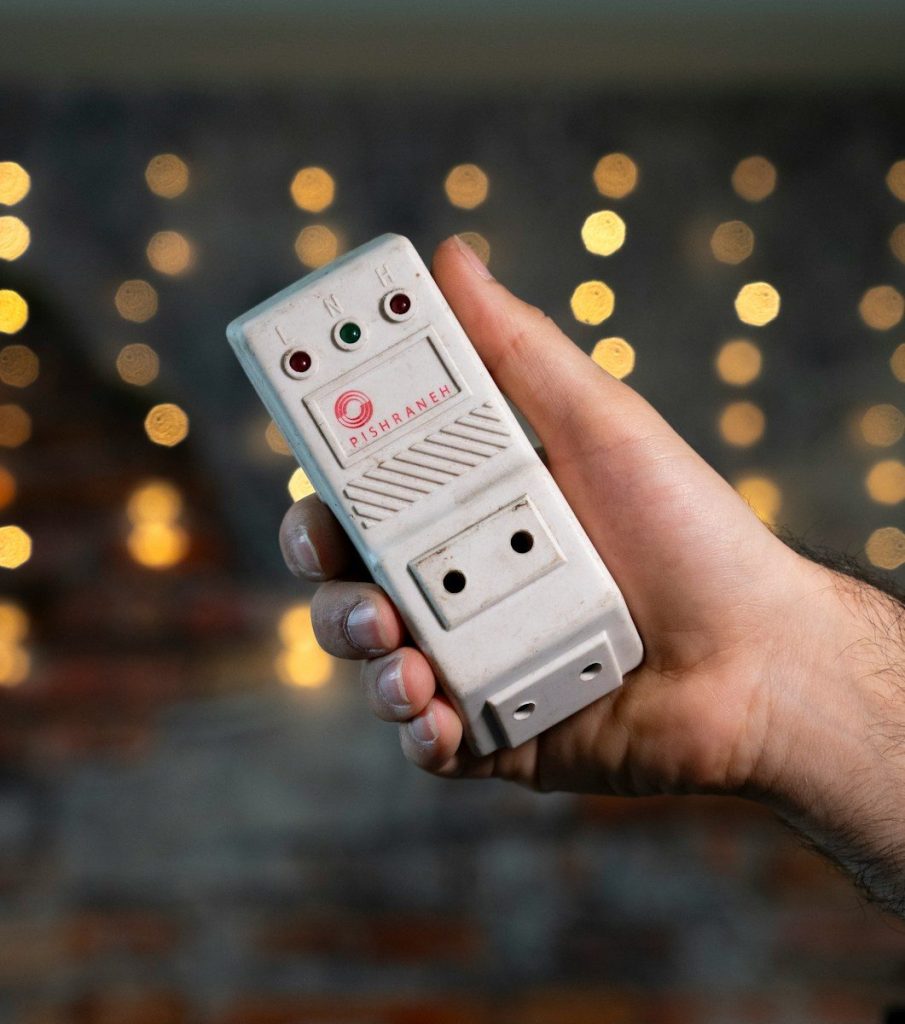
    Many people use basic power strips and assume their devices are protected. A true surge protector is different because it is designed to absorb sudden voltage spikes that may harm electronics.

    Eaton notes that a surge protector’s joule rating indicates how much energy it can absorb before failing. Higher-value electronics may need stronger protection, especially in areas with frequent storms or unstable power.

    A cable organizer

    Cable organizer holding coiled white cord under desk
    Photo by Bedirhan Gül on Unsplash

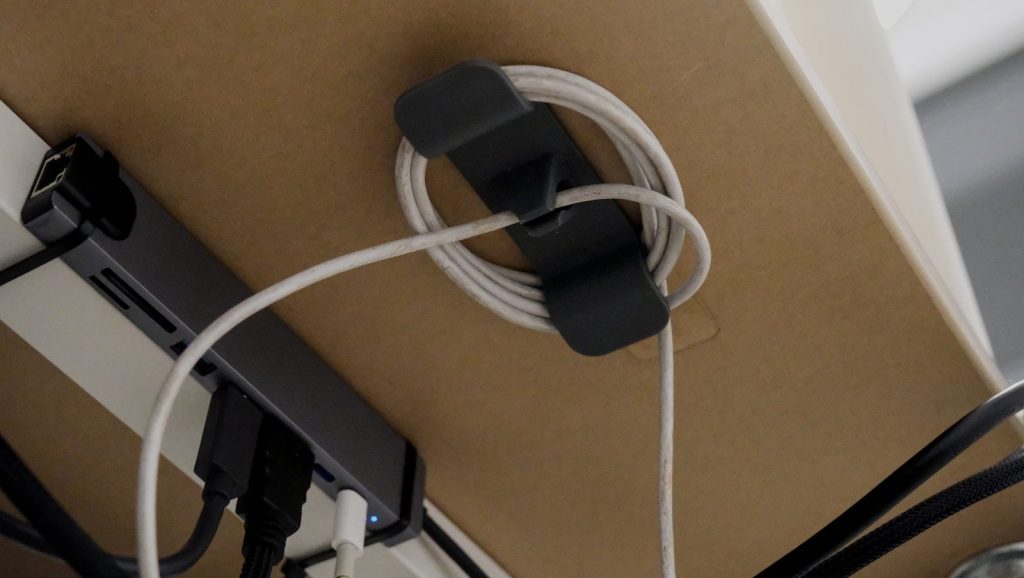
    Messy cables make even expensive tech setups feel frustrating. A few cable clips, ties, sleeves, or labels can turn a tangled drawer or crowded desk into something much easier to use.

    This accessory is not exciting, but it saves time. You can quickly find the right charger, avoid pulling the wrong cord, and keep cables from sliding behind the desk. It also makes cleaning and moving devices much easier.

  • Why tablets are becoming a smarter backup when your laptop is out of reach

    Why tablets are becoming a smarter backup when your laptop is out of reach

    Tablets used to feel like bigger phones with better screens. Now they are turning into serious backup machines for work, school, travel, and home tasks. They still are not perfect laptop replacements for everyone, but they are getting much closer for everyday needs.

    The change is coming from several directions at once. iPadOS supports Stage Manager for window-style multitasking on supported iPads, Samsung DeX gives many Galaxy tablets a PC-like workspace, and Android tablet windowing is moving toward resizable desktop-style apps. Add keyboard cases, trackpads, cloud storage, Microsoft 365 apps, video calls, and long battery life, and a tablet can now step in when a laptop is charging, packed away, or left at home.

    Keyboards make work easier

    white samsung tablet computer with black smart keyboard
    Photo by Haidan on Unsplash

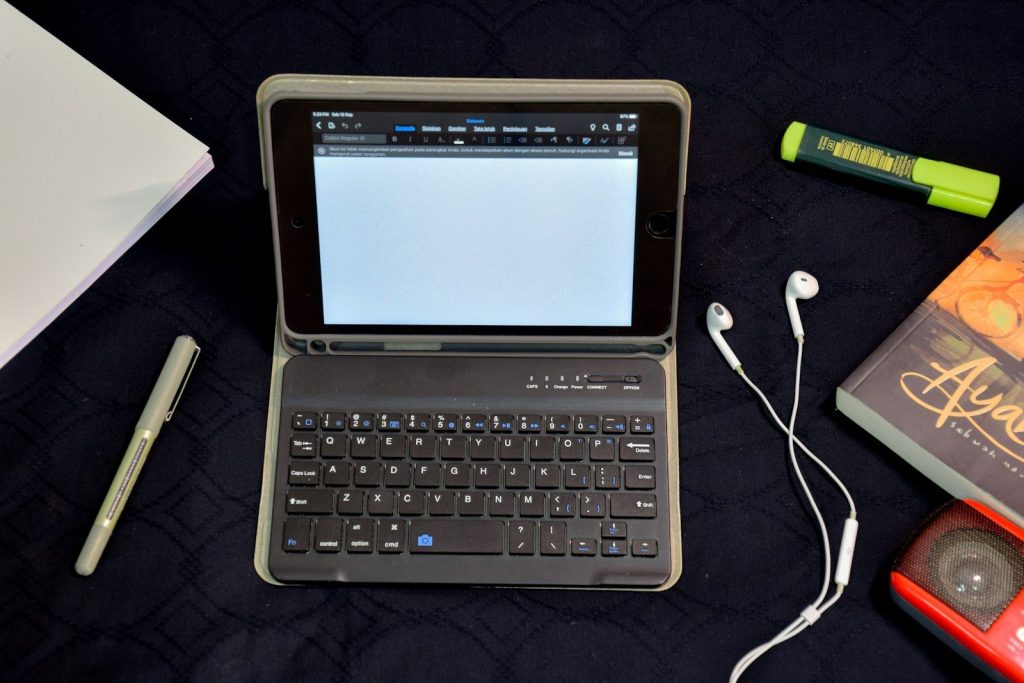
    A tablet becomes much more useful when you add a keyboard. Typing emails, notes, school assignments, or quick reports feels faster than tapping on glass for every sentence.

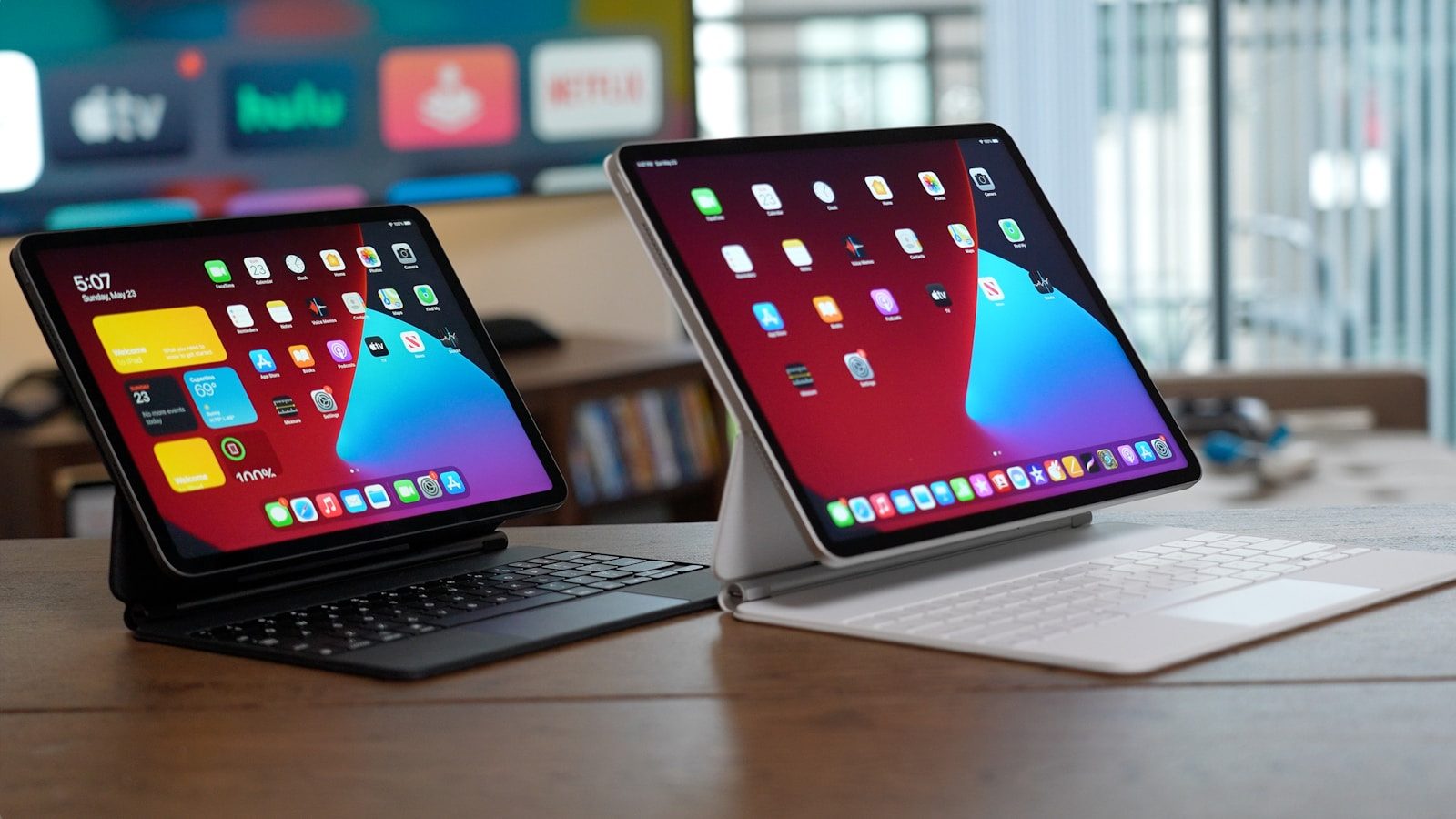
    Modern tablet keyboards often add trackpads, function keys, and protective covers. Apple’s Magic Keyboard for iPad, for example, includes a trackpad, pass-through USB-C charging, and front and back protection on supported models.

    Multitasking feels more natural

    space gray iPhone with red case beside tablet keyboard
    Photo by Haidan on Unsplash

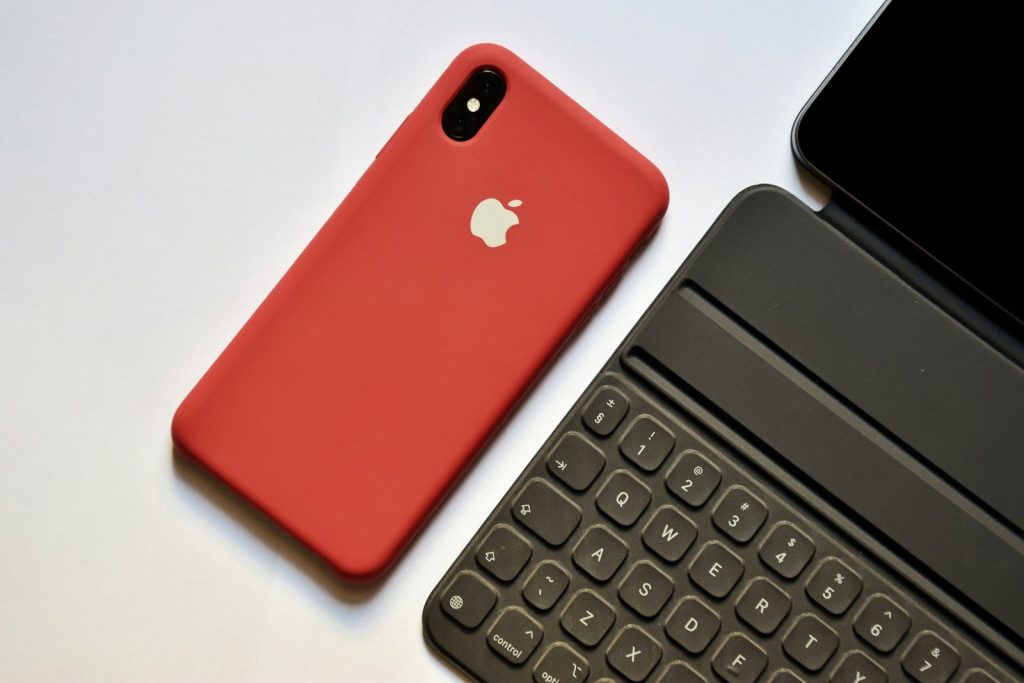
    One big reason tablets feel more laptop-like is better multitasking. Instead of switching between full-screen apps all day, many tablets now let users keep more than one app visible.

    Apple’s Stage Manager lets supported iPads organize apps and windows in a more flexible workspace. That makes it easier to write while checking notes, reply to messages while reading, or keep a browser nearby during work.

    Desktop modes are improving

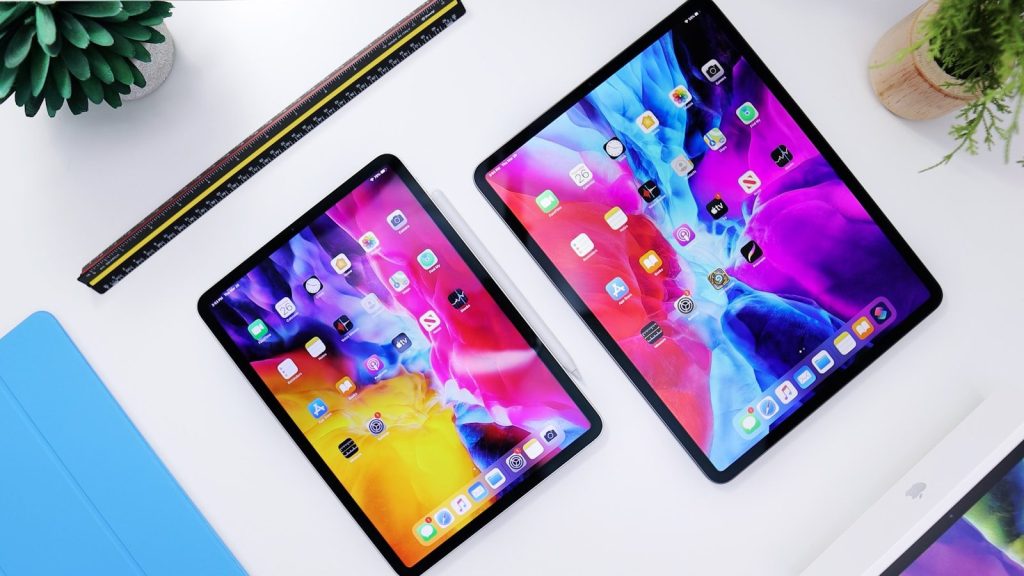
    Modern tablet with keyboard and colorful app icons.
    Photo by Andrey Matveev on Unsplash

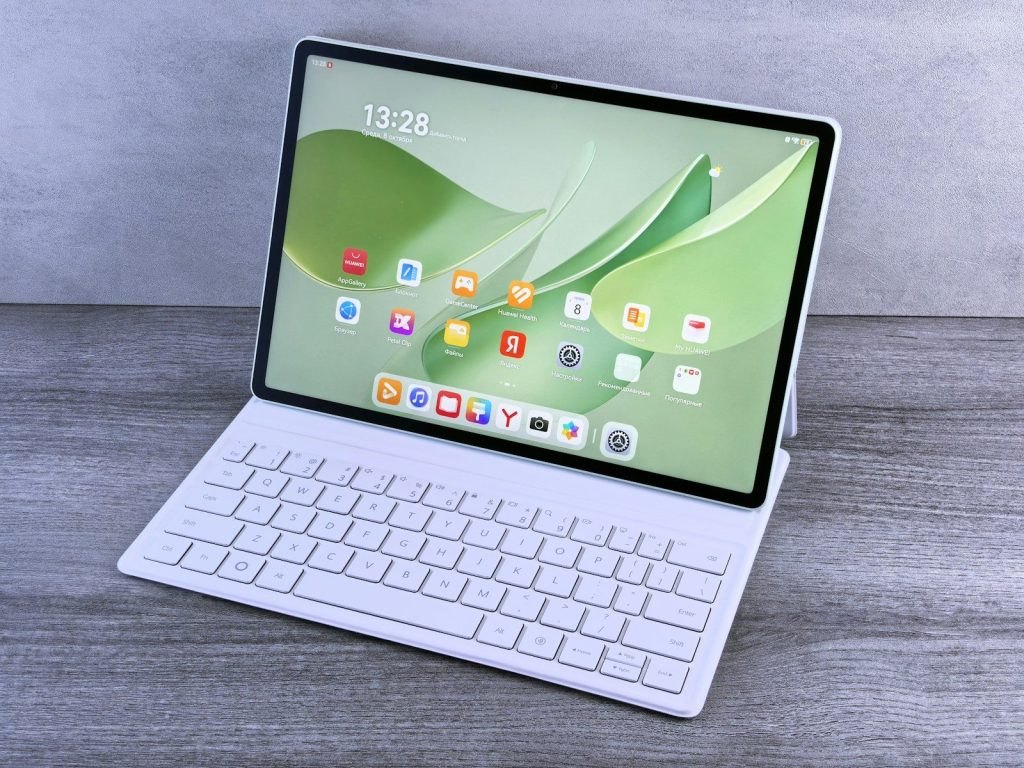
    Some tablets now offer desktop-style modes that look and feel closer to a computer. Samsung DeX lets compatible Galaxy phones and tablets use a PC-like workspace with multi-window multitasking.

    That is helpful when you want a cleaner setup for writing, browsing, presentations, or basic office tasks. It may not replace a powerful laptop, but it can cover many everyday jobs in a pinch.

    External screens add room

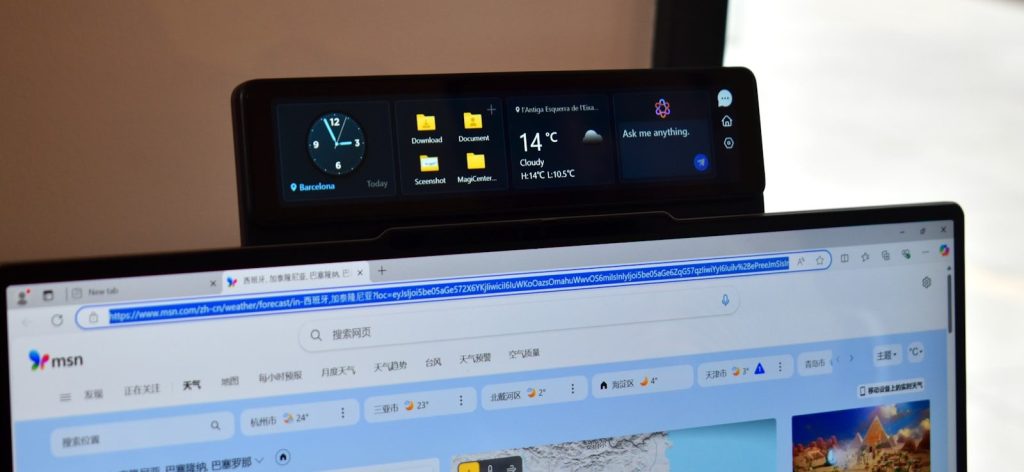
    Digital display shows clock, folders, and weather.
    Photo by Gavin Phillips on Unsplash

    A tablet screen is portable, but it can feel tight for bigger tasks. That changes when a tablet can connect to a monitor or TV for more viewing space.

    Samsung says DeX can connect a phone or tablet to a monitor or TV for a larger desktop-mode view. On supported iPads, Stage Manager can also move apps and windows to an external display, depending on the model and software version.

    Cloud files travel well

    A cell phone sitting on top of a wooden table
    Photo by appshunter.io on Unsplash

    Cloud storage makes a tablet more useful as a laptop backup. If your documents, photos, and downloads are synced, you can pick up work without hunting for a specific computer.

    Apple’s Files app can organize files from the device, cloud services, external drives, and file servers. Microsoft OneDrive, Google Drive, Dropbox, and similar services can also help keep work available across devices.

    Office apps are ready

    a close up of a cell phone screen with different app icons
    Photo by Ed Hardie on Unsplash

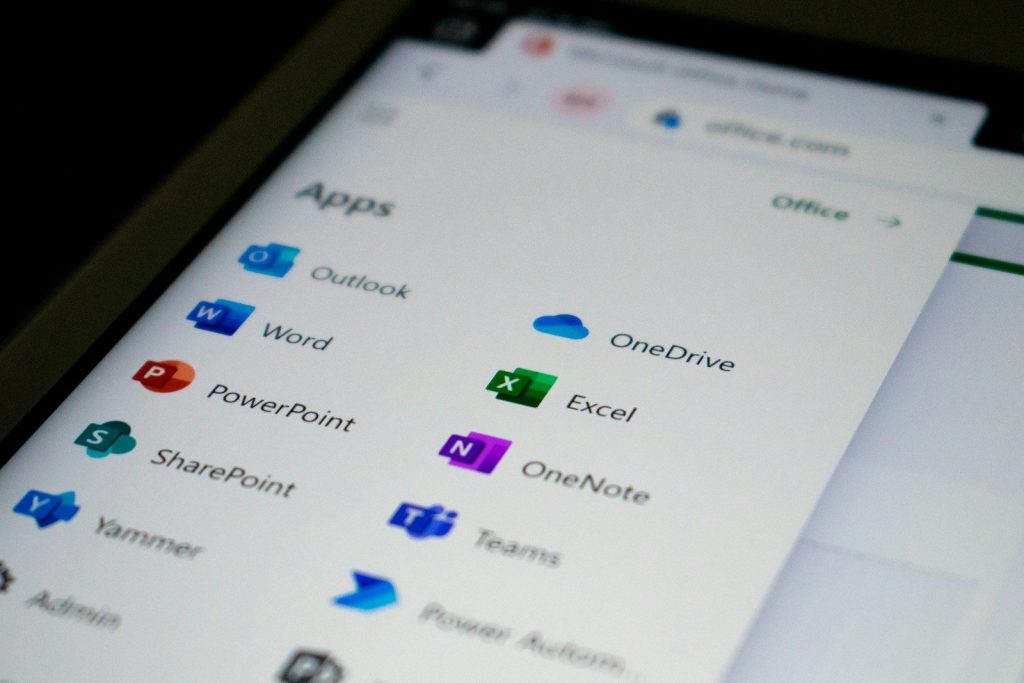
    Many common work tasks now happen inside mobile apps. Microsoft says Word, Excel, PowerPoint, and OneDrive have mobile versions for iOS and Android, with extra features for Microsoft 365 subscribers.

    That makes tablets better for editing documents, reviewing spreadsheets, reading slides, and sharing files. For many people, those are the exact tasks they need when a laptop is not nearby.

    Video calls are simple

    person in black long sleeve shirt holding black tablet Surface device
    Photo by Surface on Unsplash

    Tablets are often great for meetings because the screen is bigger than a phone but easier to move than a laptop. You can place one on a stand, join a call, and still keep notes nearby.

    Front cameras, built-in microphones, and popular meeting apps make tablets easy backup devices for quick calls. They are especially handy at home, in classrooms, or while traveling light.

    Battery life helps travelers

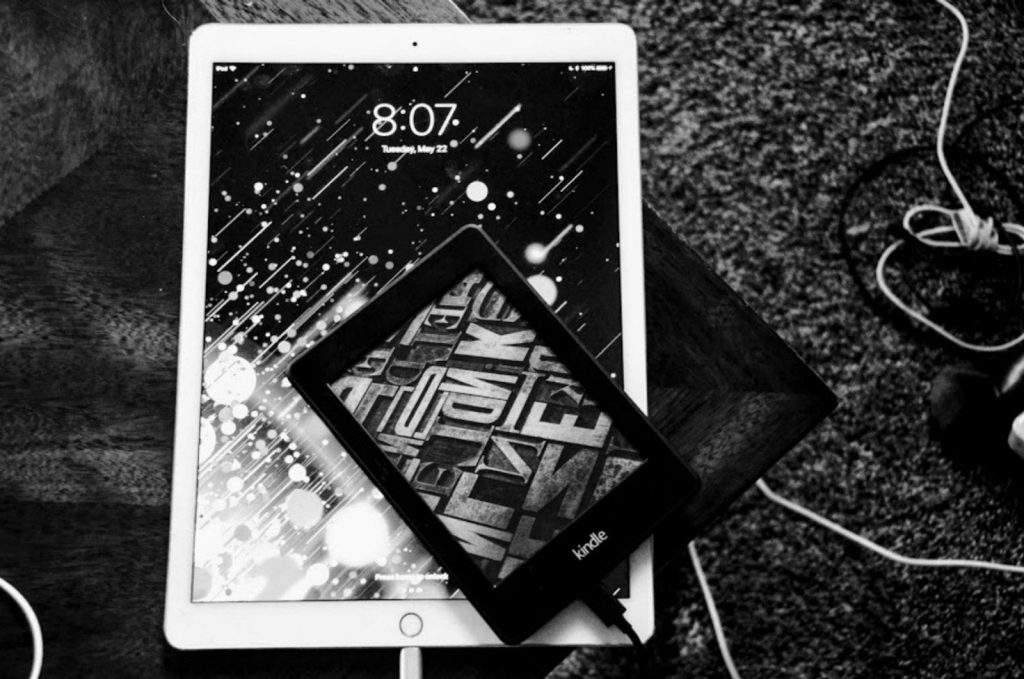
    grayscale photography of iPad turned-on
    Photo by Hanna W on Unsplash

    A tablet can be a strong travel backup because it is slim, light, and usually easy to charge with USB-C. That makes it useful in airports, hotels, coffee shops, and shared workspaces.

    Even when you still bring a laptop, a tablet can handle reading, email, maps, entertainment, and quick edits. That saves your laptop battery for heavier work later in the day.

    Pens help with notes

    a person holding a pen and writing on a tablet
    Photo by Zaid Ajani on Unsplash

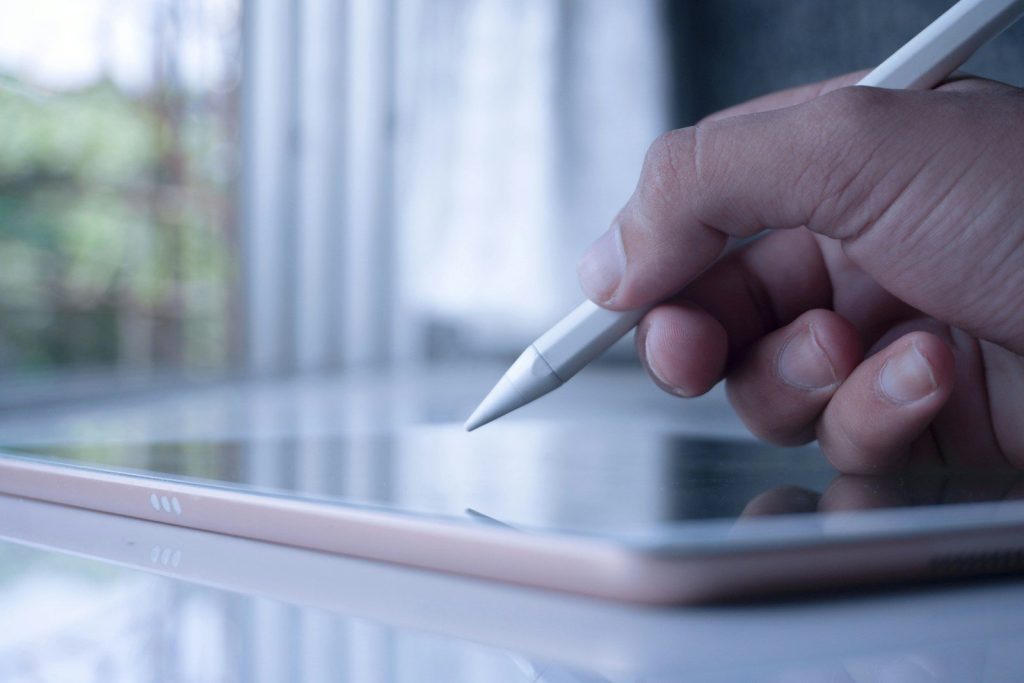
    A tablet can do something many laptops do not handle as smoothly: handwriting and sketching. With a stylus, it becomes a notebook, planner, markup tool, and drawing pad.

    That is useful for students, designers, teachers, and anyone who reviews documents. You can circle a line, sign a form, sketch an idea, or take handwritten notes without printing anything.

    Limits still matter

    black ipad beside silver iphone 6
    Photo by Daniel Romero on Unsplash

    Tablets are better backups, but they still have limits. Some desktop apps may not work the same way, and serious coding, advanced editing, or heavy file management can still feel easier on a laptop.

    The best approach is realistic. Use a tablet for everyday work, travel tasks, calls, reading, notes, and quick edits. Keep the laptop for jobs that need full desktop power.

  • 10 small phone habits that can help your device last longer

    10 small phone habits that can help your device last longer

    A phone can feel old fast when the battery fades, storage fills up, or apps start acting slow. But many of the problems that push people toward an early upgrade come from everyday habits, not just age. The way you charge, clean, update, carry, and use your phone can make a real difference.

    Apple warns that high heat can permanently reduce battery capacity, while Samsung says using or charging a phone in extreme temperatures may speed up battery wear. Google also recommends battery-saving features like Adaptive Battery and charging optimization on Pixel phones. With a few simple routines, your phone can stay smoother, safer, and more useful for longer.

    Keep it away from heat

    group of people standing on brown floor
    Photo by Creative Christians on Unsplash

    Heat is one of the fastest ways to wear down a phone battery. Apple says temperatures above 95°F can permanently damage battery capacity, and charging in hot conditions can make it worse.

    Avoid leaving your phone in a parked car, direct sun, or under a pillow while charging. If it feels hot, pause heavy use and let it cool in a shaded spot.

    Use smart charging tools

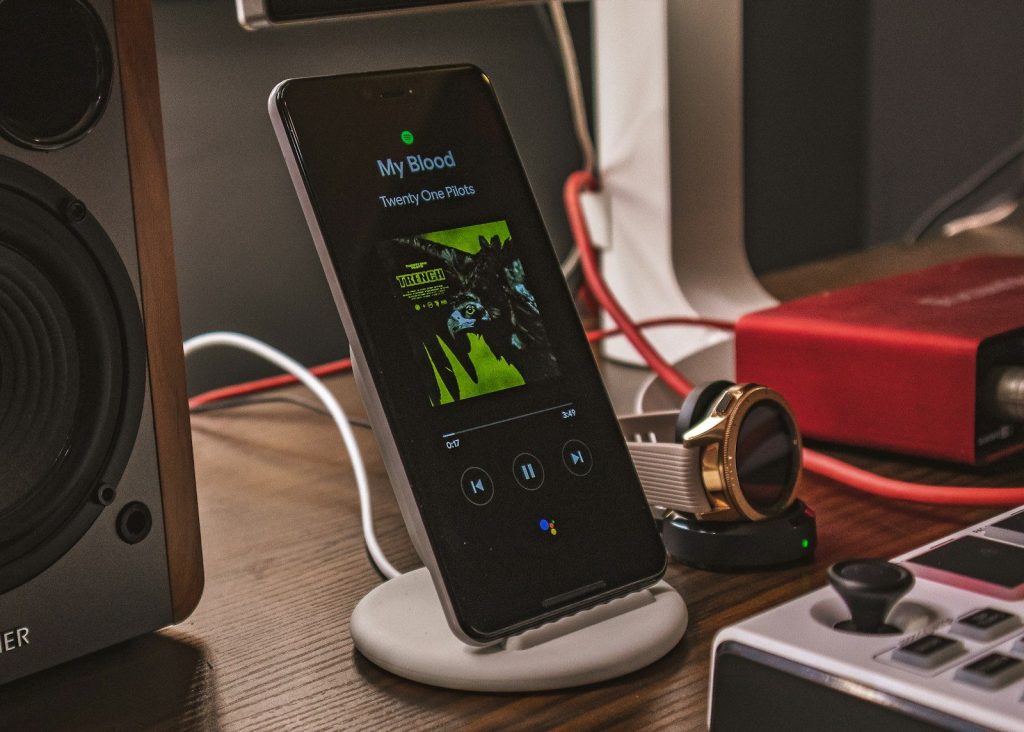
    charging smartphone beside smartwatch
    Photo by Joshua Oluwagbemiga on Unsplash

    Most modern phones include charging features made to reduce battery wear. Apple says Optimized Battery Charging can reduce the time an iPhone spends fully charged, which helps slow battery aging.

    Google Pixel phones also offer charging optimization, including an 80% charge limit on some models. Turning these tools on is an easy habit because the phone does most of the work for you.

    Avoid constant full drains

    graphical user interface, application
    Photo by Amanz on Unsplash

    Letting your phone drop to empty all the time can make daily life harder and may add stress to the battery. It is better to charge before the phone is nearly dead.

    You do not need to watch the number every minute. Just plug in during normal breaks, like while getting ready or sitting at a desk. Smaller, calmer charging sessions are easier on your routine.

    Charge in a cool place

    silver laptop computer turned-on
    Photo by Yogas Design on Unsplash

    Charging already creates some heat, so the spot matters. Apple recommends charging iPhone in environments between 32°F and 95°F and removing the case if the phone tends to heat up while charging.

    A hard, flat surface is better than a couch, bed, or blanket. Those soft spots can trap heat around the phone and charger, especially during longer charging sessions.

    Use the right charger

    shallow focus photography of white travel adapter
    Photo by Steve A Johnson on Unsplash

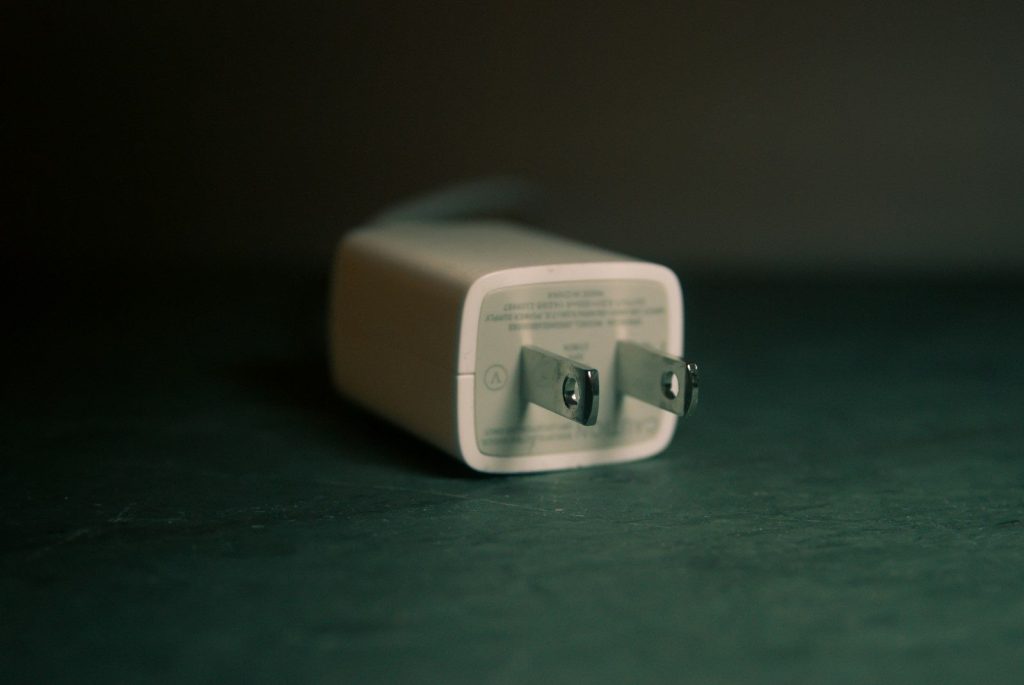
    Cheap or mismatched chargers can cause problems over time. Samsung recommends using an authentic charging cable and plug, and warns that an incompatible charger can damage the USB port.

    That does not mean you need to buy something fancy. The key is using a charger from a trusted brand, with the right power rating, and a cable that fits cleanly without forcing it.

    Keep software updated

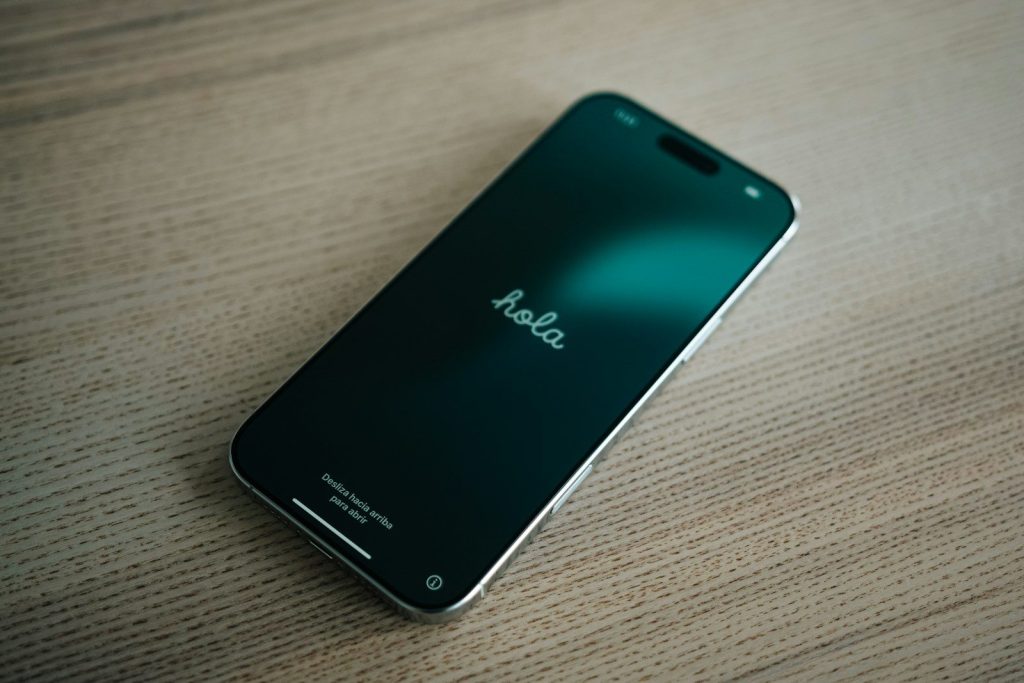
    A xiaomi phone is displaying the hyperos screen.
    Photo by Andrey Matveev on Unsplash

    Updates are not just about new features. Google says Android users should install the latest available Android version to get the latest security update for their device.

    Updates can also fix bugs that make a phone feel slow or unstable. Set updates to automatic when possible, or check once a month so your phone does not fall far behind.

    Clear out unused apps

    a cell phone with instagram stickers on the screen
    Photo by Damien Roué on Unsplash

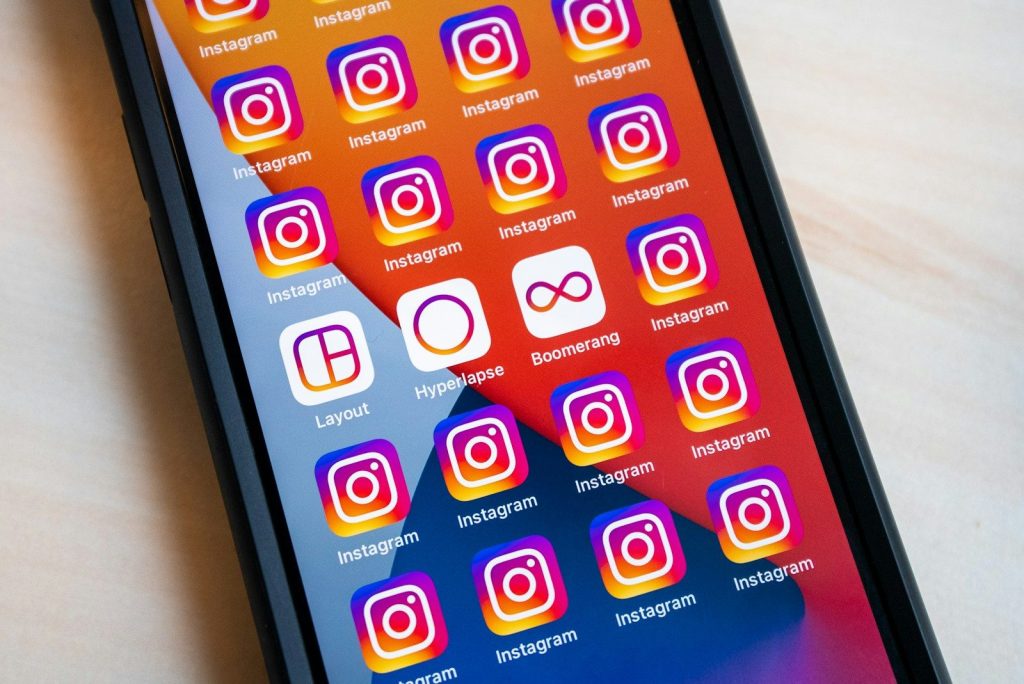
    Old apps can take storage, run background tasks, and clutter your phone. Apple’s iPhone storage settings show recommendations and a list of apps with their storage use, making cleanup easier.

    Delete apps you no longer need. For apps you may use later, offloading or removing extra files can free space without making the phone feel freshly wiped.

    Manage photos and videos

    a cell phone sitting on top of a laptop computer
    Photo by Topique SL on Unsplash

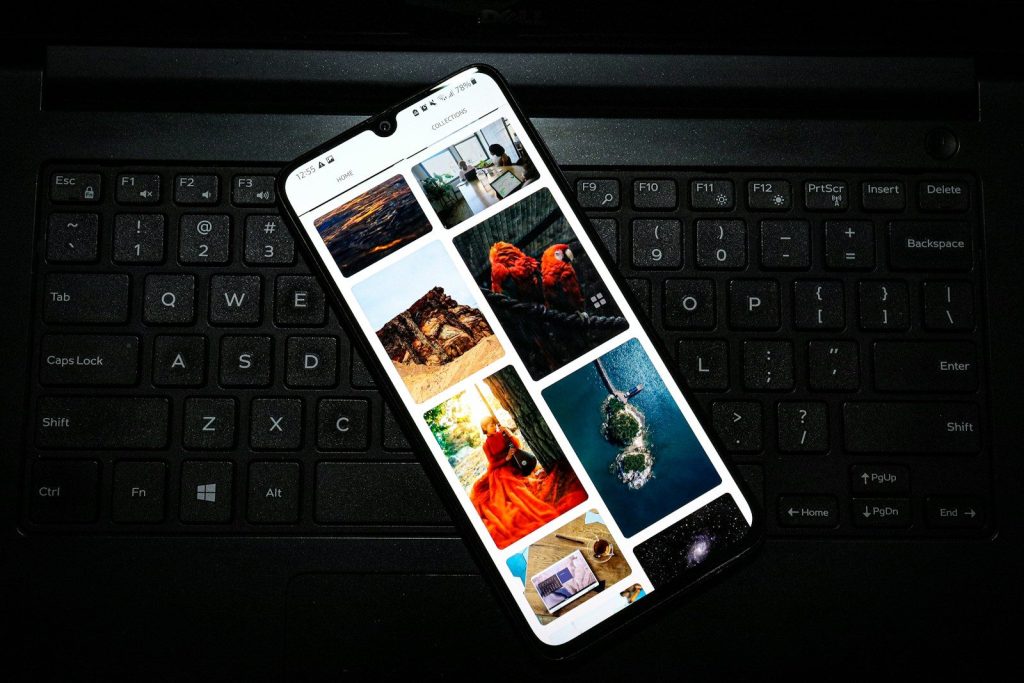
    Photos and videos can quietly fill a phone faster than almost anything else. Once storage gets tight, updates, downloads, and app performance can all become more annoying.

    Move important photos to cloud storage, a computer, or an external backup. Then delete duplicates, blurry shots, and old screen recordings. A little cleanup can make an older phone feel lighter.

    Clean it the safe way

    a person holding a phone
    Photo by Mac Care on Unsplash

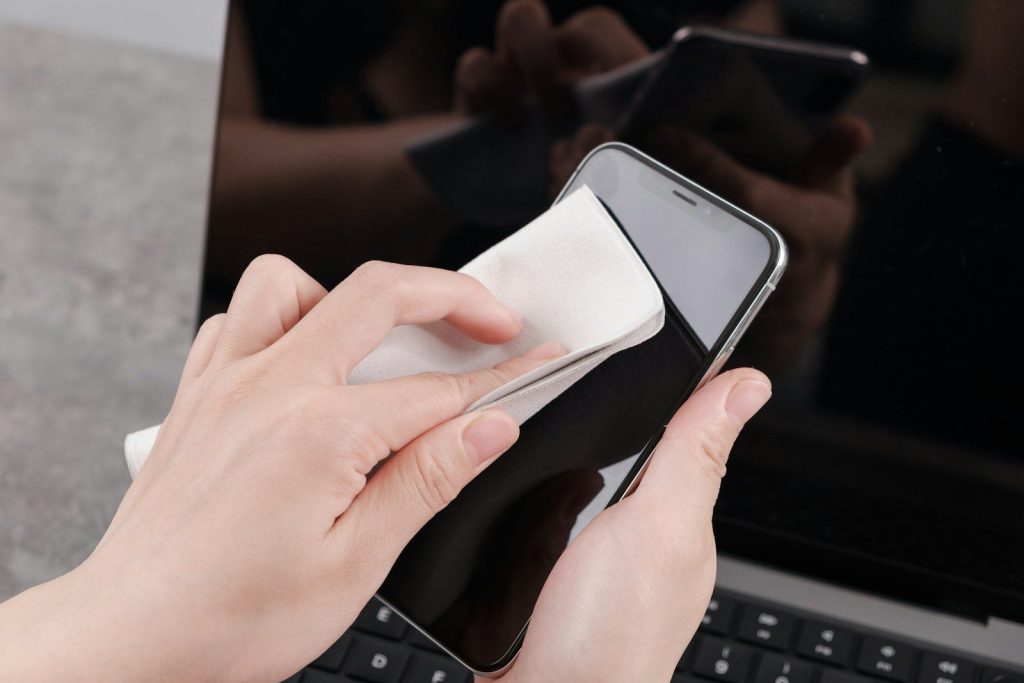
    Dust, fingerprints, and pocket lint can build up over time. Apple says to unplug cables, turn off the iPhone, and use a soft, slightly damp, lint-free cloth while avoiding moisture in openings.

    Skip harsh cleaners and compressed air unless your device maker says otherwise. A gentle wipe keeps the screen, buttons, and ports in better shape without risking extra damage.

    Protect it from drops

    A close up of a cell phone on a table
    Photo by Sam Grozyan on Unsplash

    A cracked screen or bent charging port can end a phone’s useful life long before the processor feels old. A good case and screen protector are simple insurance.

    Also build small habits around where you place the phone. Keep it away from table edges, loose pockets, and cluttered bags. Preventing one bad drop can add months or even years of use.

  • Why smart home screens may make a comeback

    Why smart home screens may make a comeback

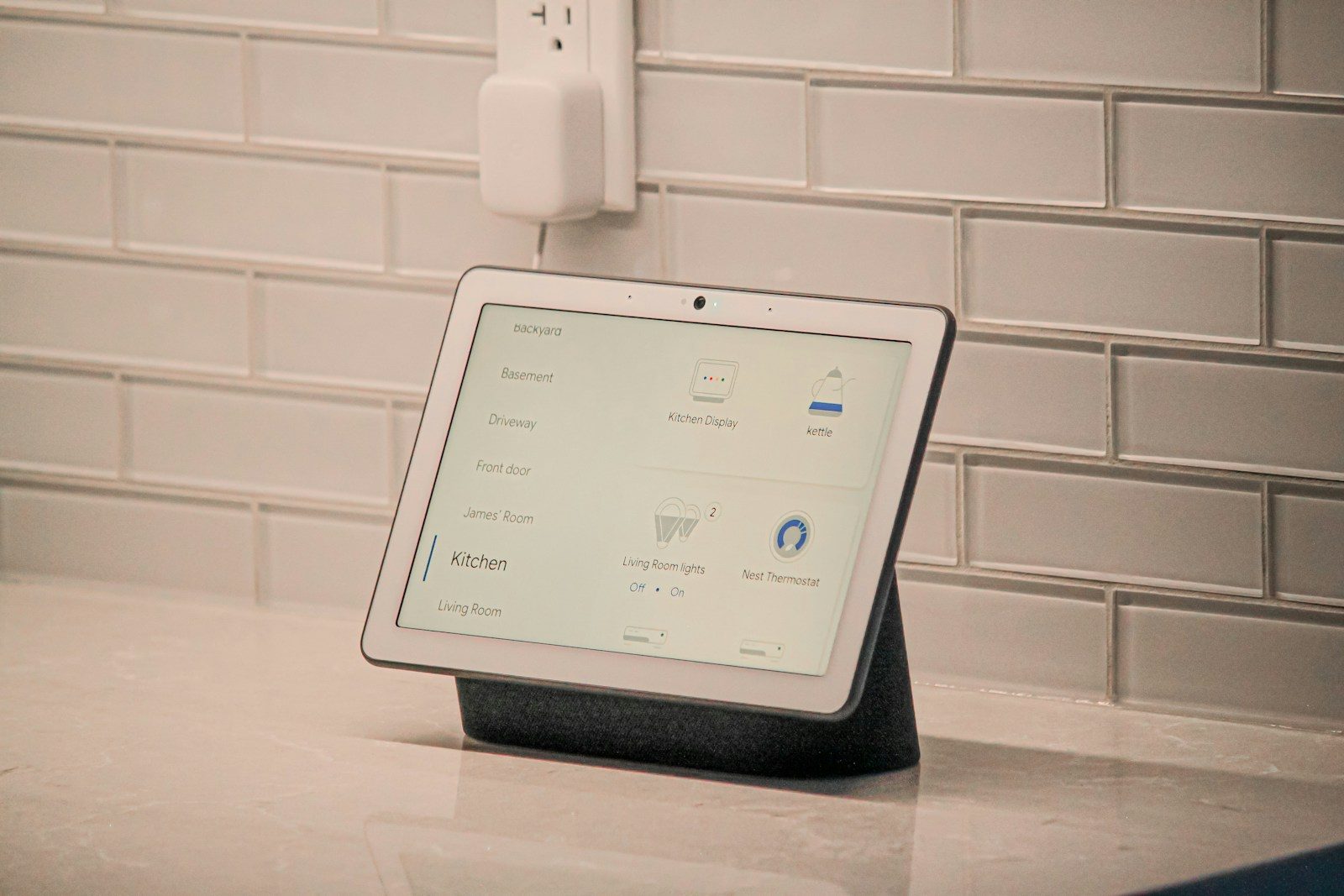
    Smart home screens never fully disappeared, but for a while they felt stuck between a speaker, a tablet, and a digital photo frame. Now they may have a better reason to matter. Homes are filling with connected lights, cameras, locks, thermostats, plugs, and sensors, and controlling all of them from a phone can get annoying fast. A shared screen on the counter or wall can make the whole setup easier for everyone.

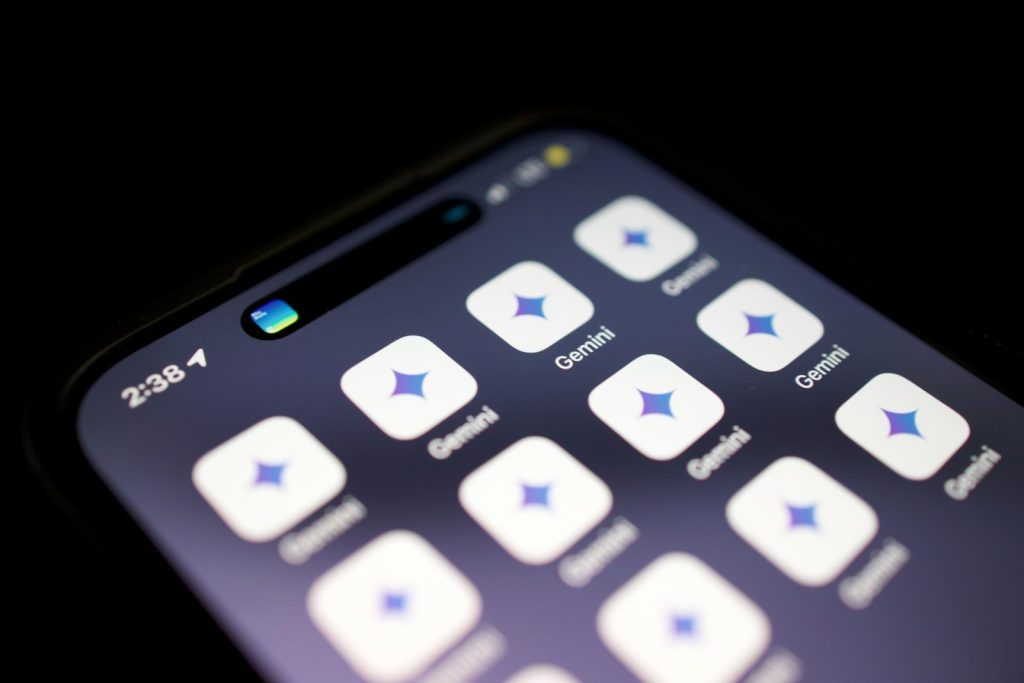
    The timing also looks interesting. Google says Gemini for Home is coming to compatible speakers and displays, with smarter voice help and easier home control. Amazon’s Echo Hub is built as a touch control panel for lights, outlets, camera feeds, and routines. Matter support is also making smart home devices work together more smoothly across brands.

    Phones are not always ideal

    person holding black iphone 4
    Photo by Moritz Kindler on Unsplash

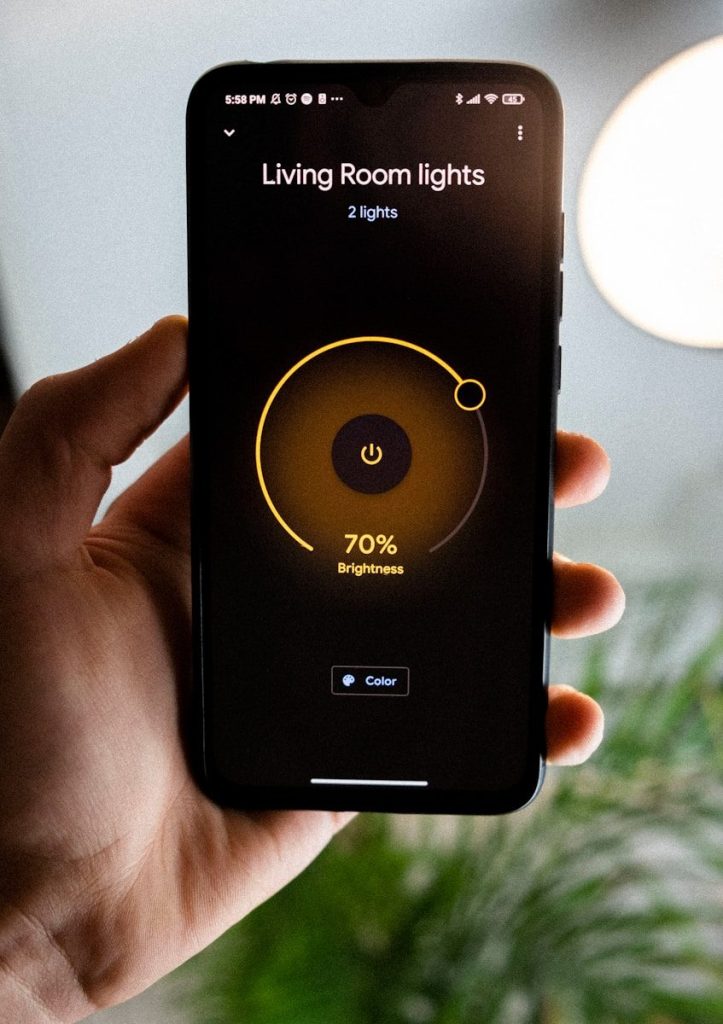
    Phones are great for smart home control, but they are personal devices. If the person with the app is away, charging their phone, or busy, everyone else may struggle.

    A smart home screen can sit in one shared spot. That makes it easier for family members, guests, or roommates to adjust lights, check a camera, or start a routine without hunting for someone’s phone.

    Smart homes need a hub

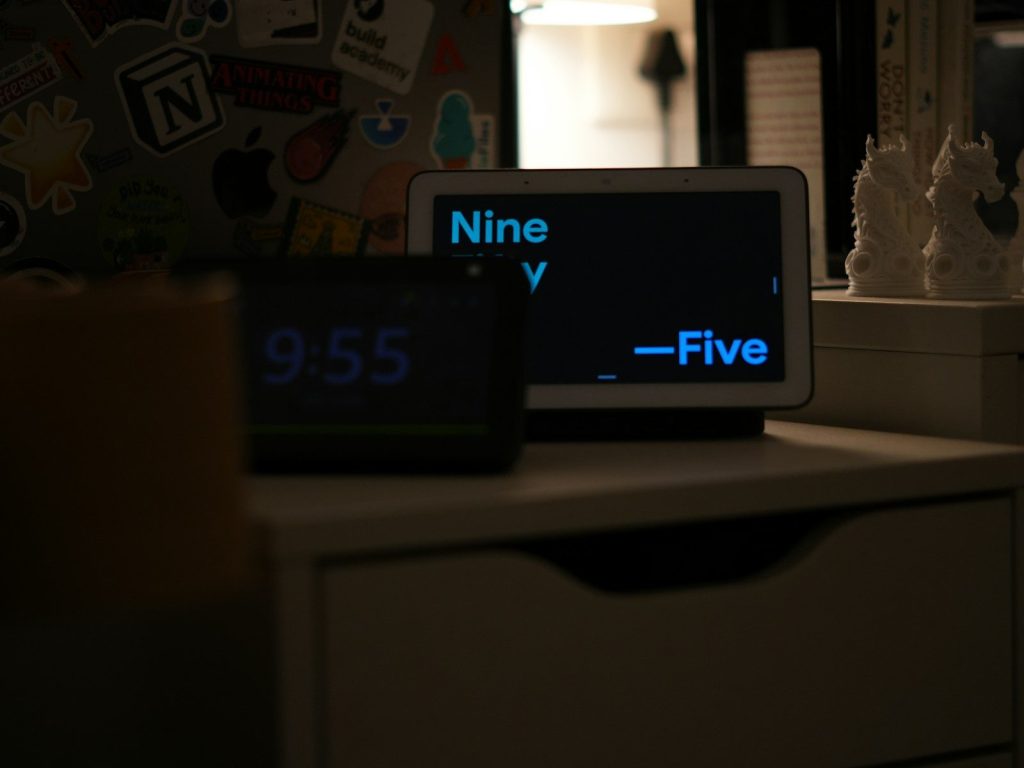
    Two digital clocks display different times
    Photo by Vidhunnan Murugan on Unsplash

    As homes add more connected devices, control can become messy. One app handles lights, another handles cameras, and another handles plugs or locks.

    A home screen can bring common controls into one view. Amazon describes the Echo Hub as a dashboard for smart devices, routines, camera feeds, and widgets, which shows why screens can be more practical than flashy.

    AI gives screens new purpose

    a close up of a cell phone with buttons
    Photo by Solen Feyissa on Unsplash

    Older smart displays often felt limited. They could show weather, timers, recipes, photos, and video calls, but they did not always feel essential.

    AI could change that. Google says Gemini for Home will support more natural hands-free help and multi-step smart home commands on compatible speakers and displays, which could make screens feel more useful every day.

    Voice still needs visuals

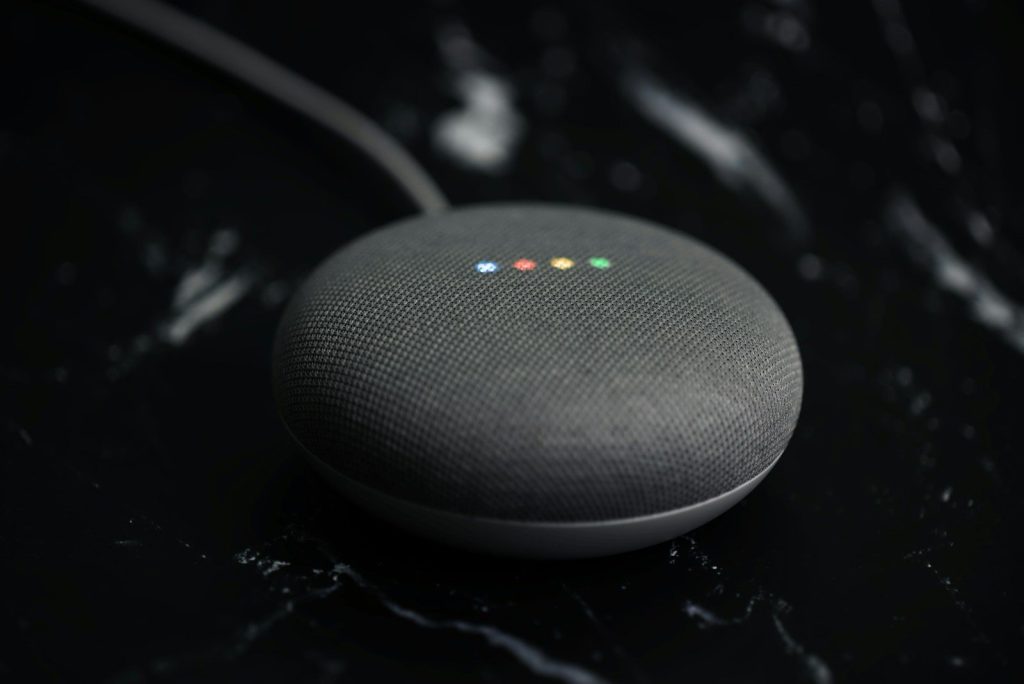
    a google home mini sitting on top of a table
    Photo by Curtis Berry on Unsplash

    Voice control is handy, but it is not perfect. Sometimes you want to see camera previews, room temperatures, light levels, timers, calendars, or a list of devices.

    That is where a screen helps. It gives voice commands a visual backup, so users can speak when it is faster and tap when it is clearer. The best setup uses both, not just one.

    Matter reduces confusion

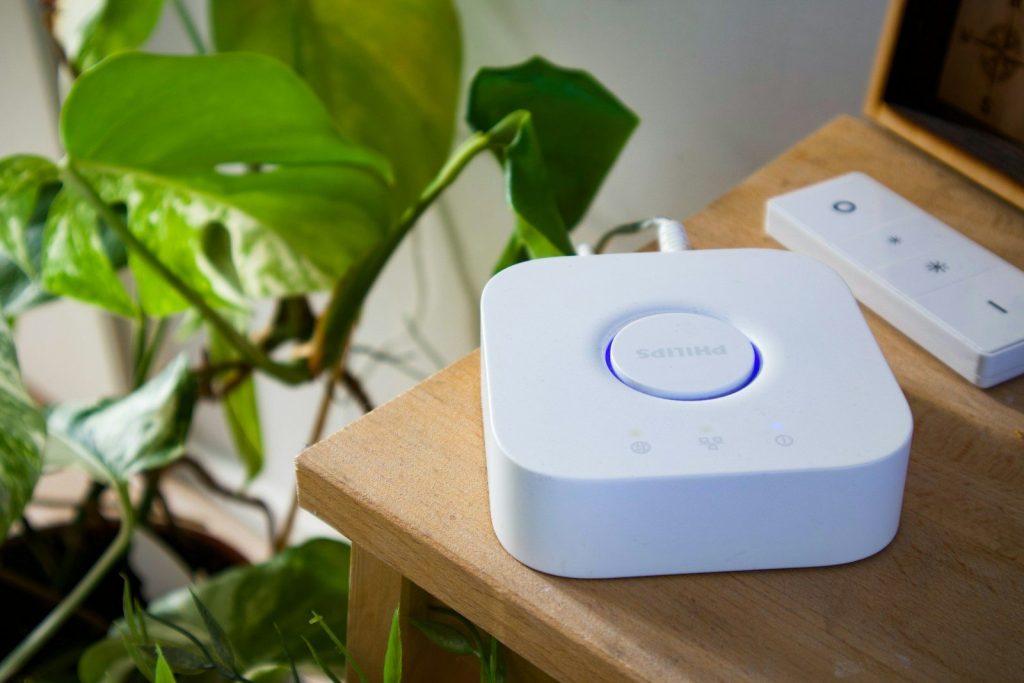
    Smart home hub and remote on a wooden table.
    Photo by User_Pascal on Unsplash

    One reason smart homes felt frustrating was compatibility. Shoppers had to check whether a device worked with one platform, another platform, or a separate hub.

    Matter is meant to make that easier. Amazon says Matter lets smart home devices connect directly to Alexa without a separate hub or skill, helping improve local control and reliability.

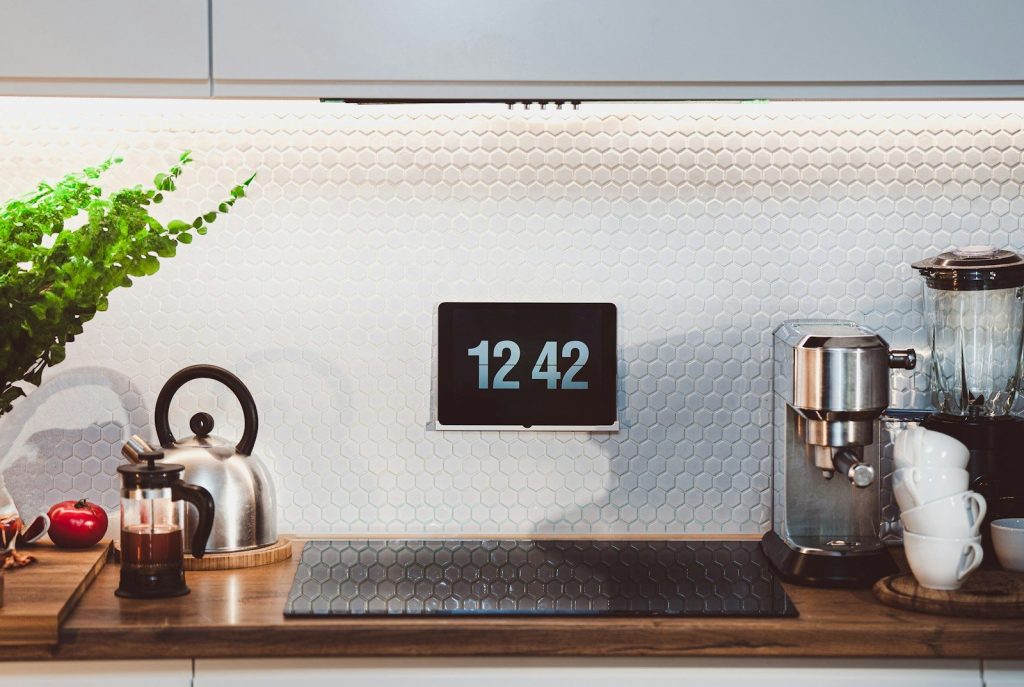
    Wall screens feel practical

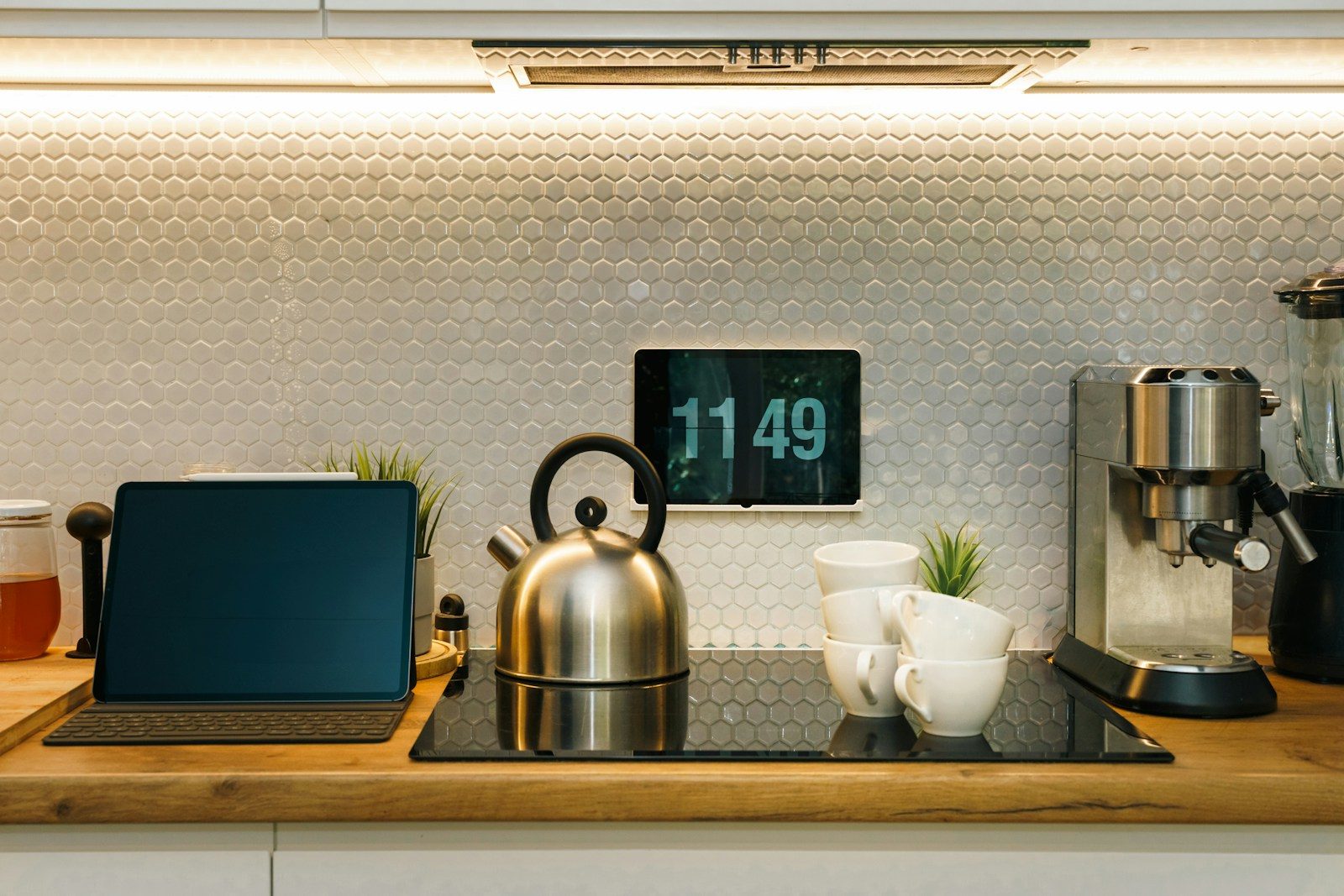
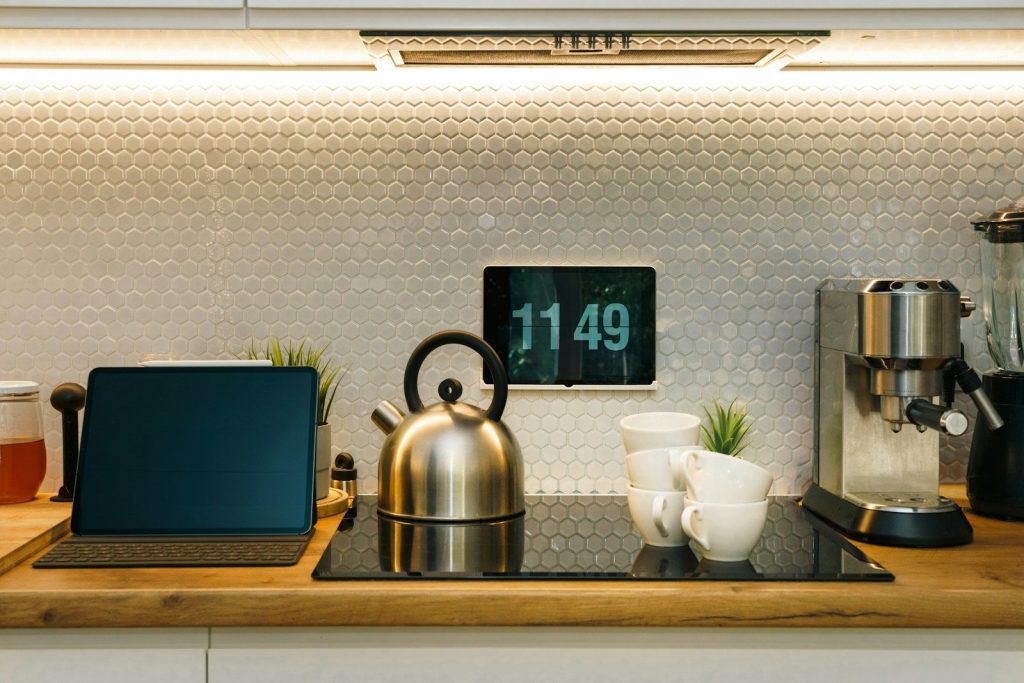
    a kitchen counter with a clock and a potted plant
    Photo by Jakub Żerdzicki on Unsplash

    A wall-mounted smart screen can act like a modern control panel. Instead of opening an app, users can glance at one place for lights, cameras, reminders, and routines.

    That makes sense in busy spaces like kitchens, hallways, and family rooms. A screen that stays put can become part of the home, not just another gadget that gets moved around.

    Kitchens are a natural fit

    brown wooden kitchen cabinet near white wall
    Photo by Shot By Joe on Unsplash

    The kitchen may be the best place for a smart home screen. People already use it for timers, recipes, music, shopping lists, weather, and quick questions.

    A screen also helps when your hands are full. You can ask for help by voice, then glance at the result. That mix feels more natural than balancing a phone on the counter.

    Cameras become easier to check

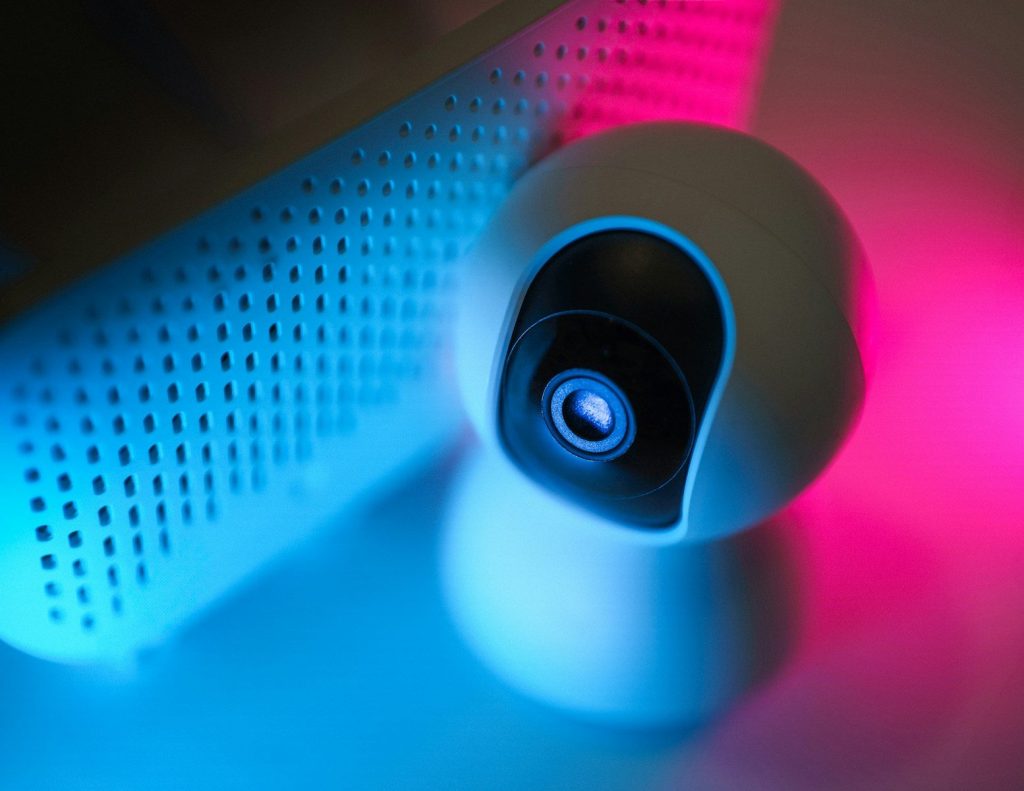
    A close up of a camera on a table
    Photo by Jakub Żerdzicki on Unsplash

    Smart cameras and video doorbells are more useful when you can see them quickly. A phone alert works, but opening the app can take extra steps.

    A home screen can show camera feeds in a more direct way. Amazon promotes the Echo Hub as a way to view camera feeds from a dashboard, which is the kind of everyday use that gives screens a real job.

    Apple could raise interest

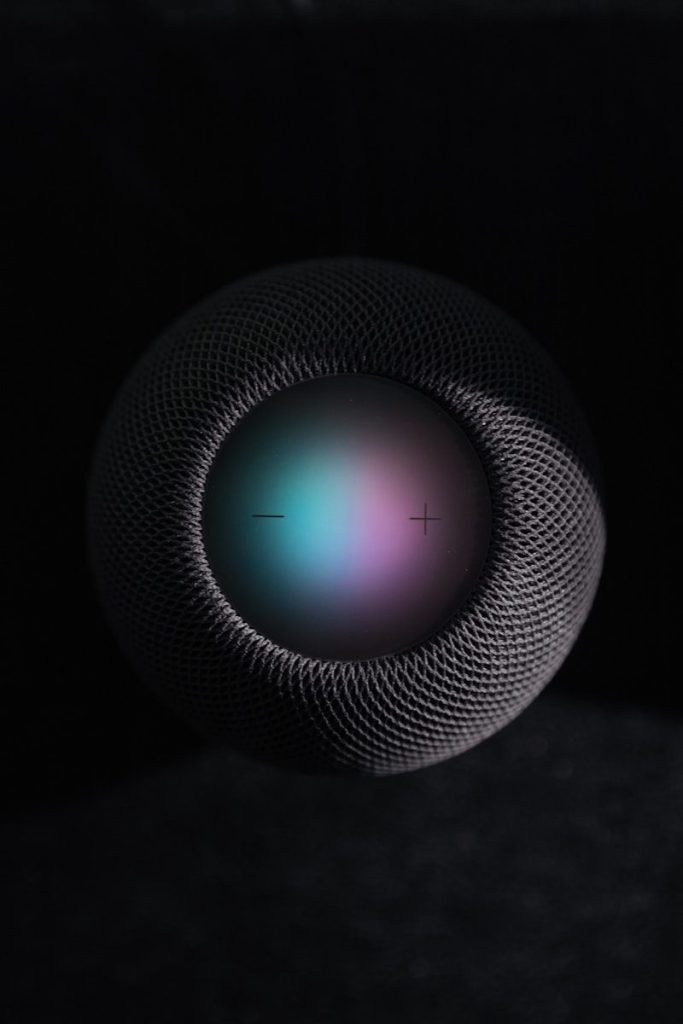
    black and gray round portable speaker
    Photo by Tron Le on Unsplash

    Apple has long been rumored to be working on a smart home display or command center. Recent reporting has described a possible home hub with a screen meant to control home devices.

    If Apple enters the space, it could make smart home screens feel mainstream again. The key will be whether the device solves daily problems, not just whether it looks polished.

    The comeback depends on usefulness

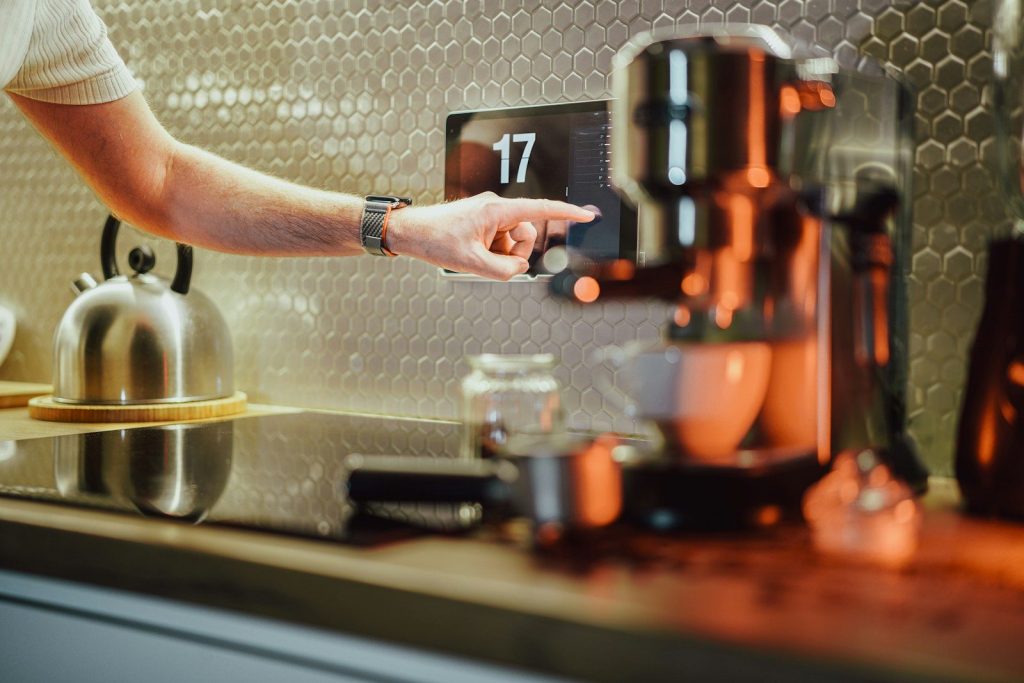
    a person pressing a button on a coffee machine
    Photo by Jakub Żerdzicki on Unsplash

    Smart home screens will not win people back just by being bright and pretty. They need to save time, reduce app juggling, and make connected homes easier for everyone.

    That is why the comeback may be different this time. With AI, better dashboards, stronger compatibility, and more home devices to manage, smart screens finally have a clearer reason to exist.

  • Why smart appliances may be the next daily tech battleground

    Why smart appliances may be the next daily tech battleground

    The next big tech fight may not happen only on phones, laptops, or TVs. It may happen in the kitchen, laundry room, and hallway closet. Smart appliances are becoming more connected, more automated, and more tied to the apps people already use every day. A fridge can send alerts, a washer can report energy use, and a dishwasher may run at a better time for the power grid.

    ENERGY STAR says connected appliances can offer convenience, energy reporting, and features that may support a cleaner, more reliable grid. That gives appliance makers, tech companies, and smart home platforms a new reason to compete for a spot in daily routines.

    The home is the new screen

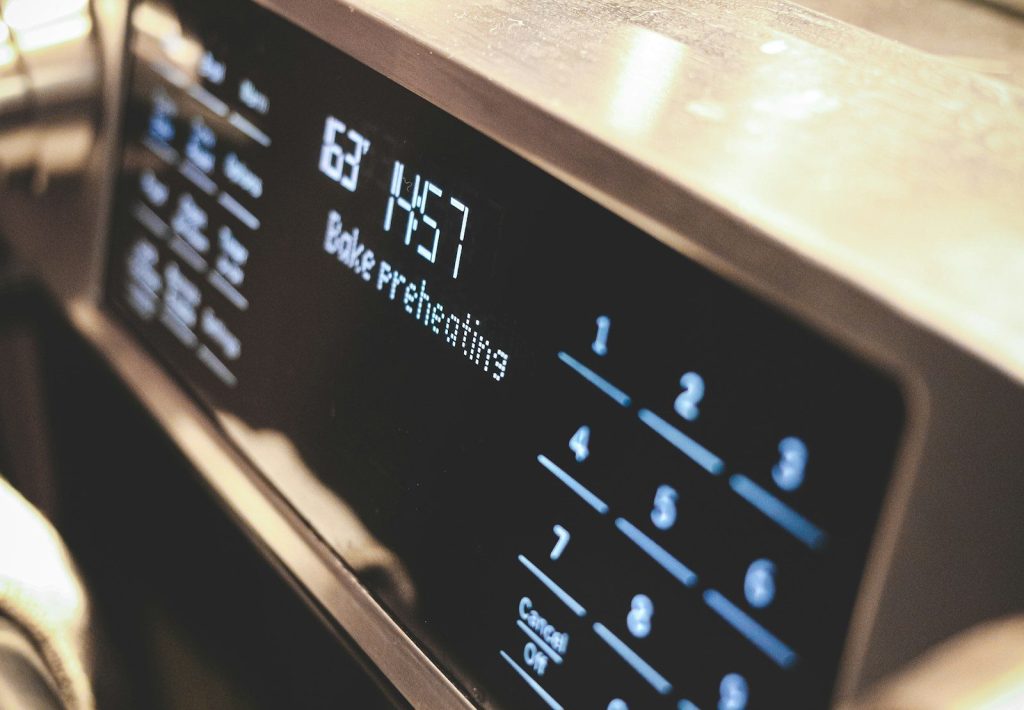
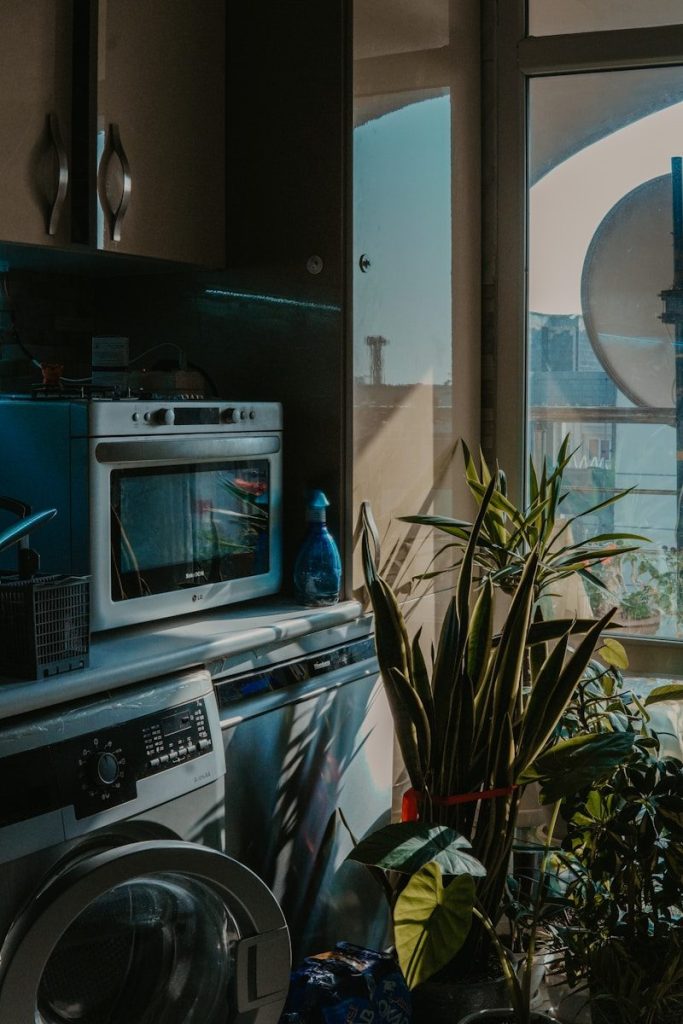
    a close up of a microwave with buttons and numbers
    Photo by Compagnons on Unsplash

    For years, the smartphone was the center of daily tech. Now companies are looking at the home itself as the next place to win attention, habits, and loyalty.

    Smart appliances fit that shift because people use them constantly. Fridges, washers, dryers, dishwashers, and air conditioners are not occasional gadgets. They are part of normal life, which makes them valuable in a connected home.

    Convenience is the first hook

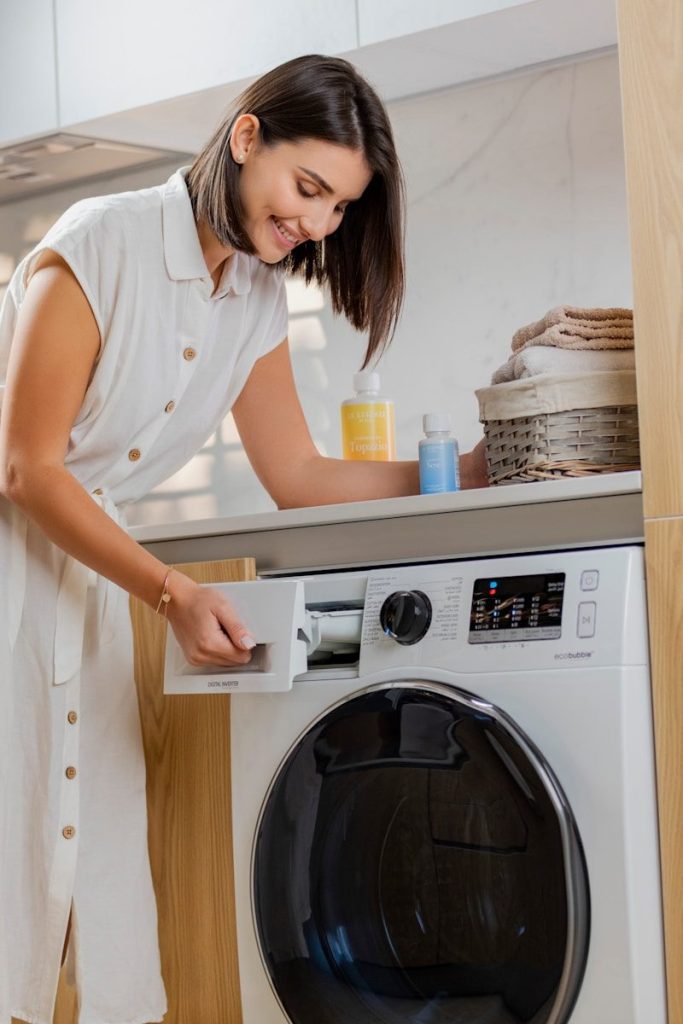
    a woman is putting something in a washing machine
    Photo by LOLA AZIZADA on Unsplash

    Most people do not buy smart appliances just because they sound futuristic. They care about simple wins, like getting an alert when laundry is done or checking if the fridge door was left open.

    ENERGY STAR says connected appliances can offer remote management, user alerts, and energy-use reporting. Those features are easy to understand because they solve small problems people already deal with at home.

    Energy savings may matter more

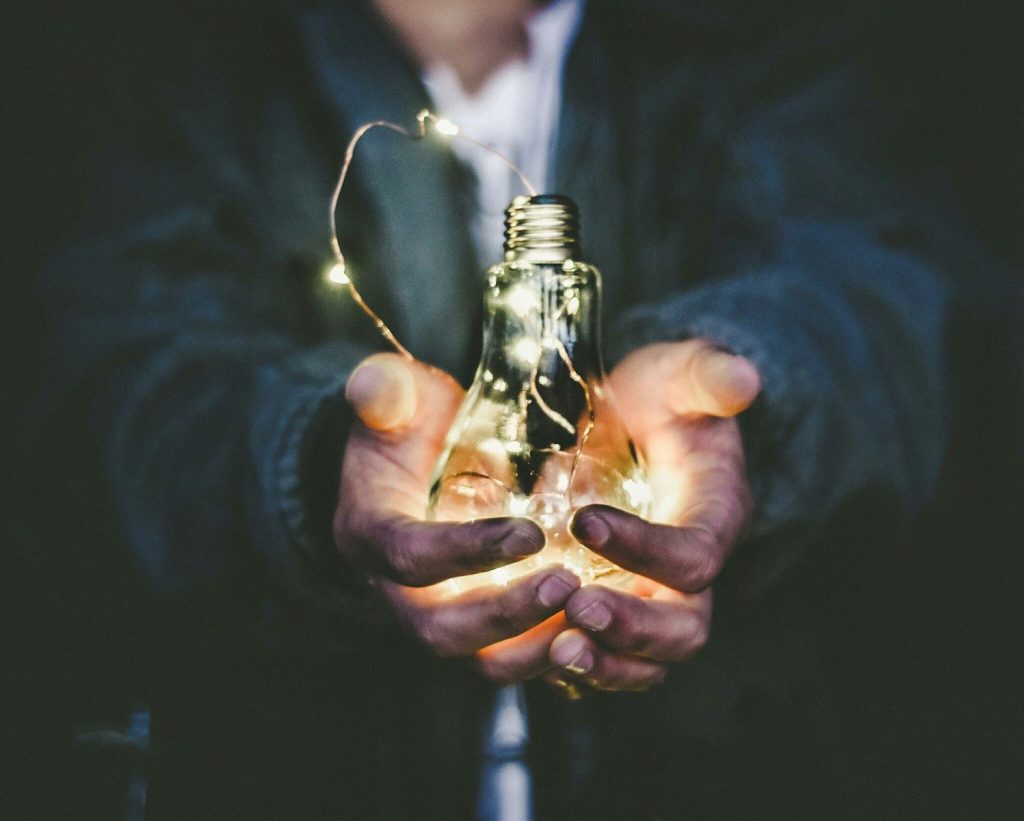
    man holding incandescent bulb
    Photo by Riccardo Annandale on Unsplash

    Energy costs can make smart appliances feel more practical. A connected washer, dryer, dishwasher, or thermostat can help users better understand when and how energy is being used.

    ENERGY STAR says smart appliances can add convenience and may also support savings through connected features. Smart Home Energy Management Systems are designed around energy-saving controls, feedback, and connected devices.

    Matter could reduce frustration

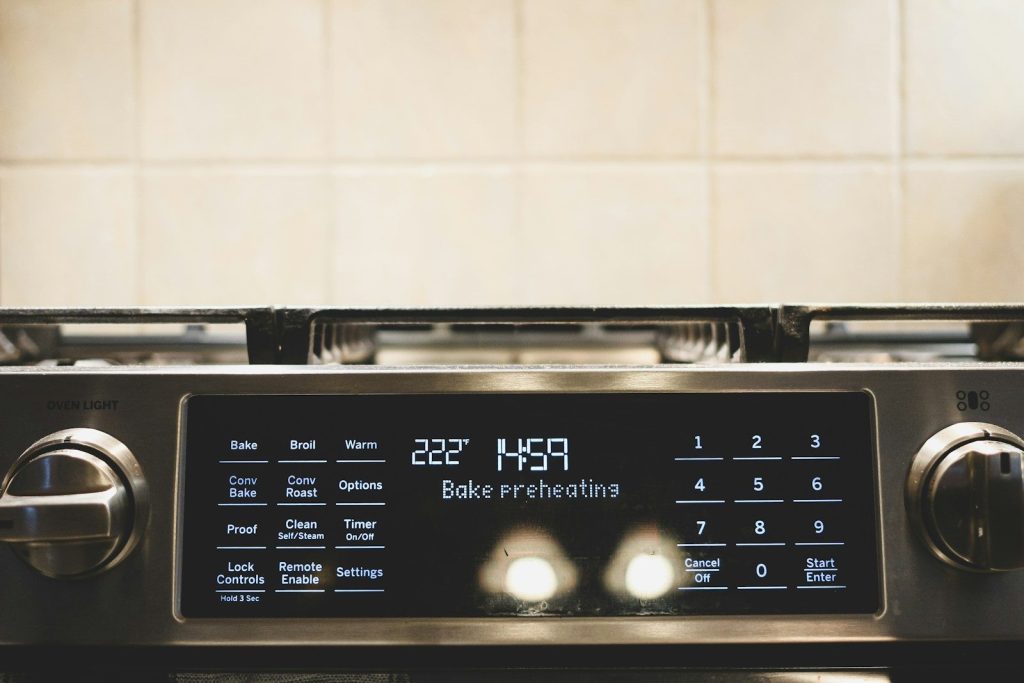
    a close up of a stove with a clock on it
    Photo by Compagnons on Unsplash

    One reason smart homes have felt messy is that devices from different brands do not always work together smoothly. Matter is trying to fix that by giving smart home products a common way to connect.

    The Connectivity Standards Alliance describes Matter as an IP-based connectivity protocol for reliable and secure smart home ecosystems. If it keeps improving, buyers may feel less locked into one brand.

    Apps are becoming control panels

    Smartphone held in front of a smart TV screen
    Photo by Jakub Żerdzicki on Unsplash

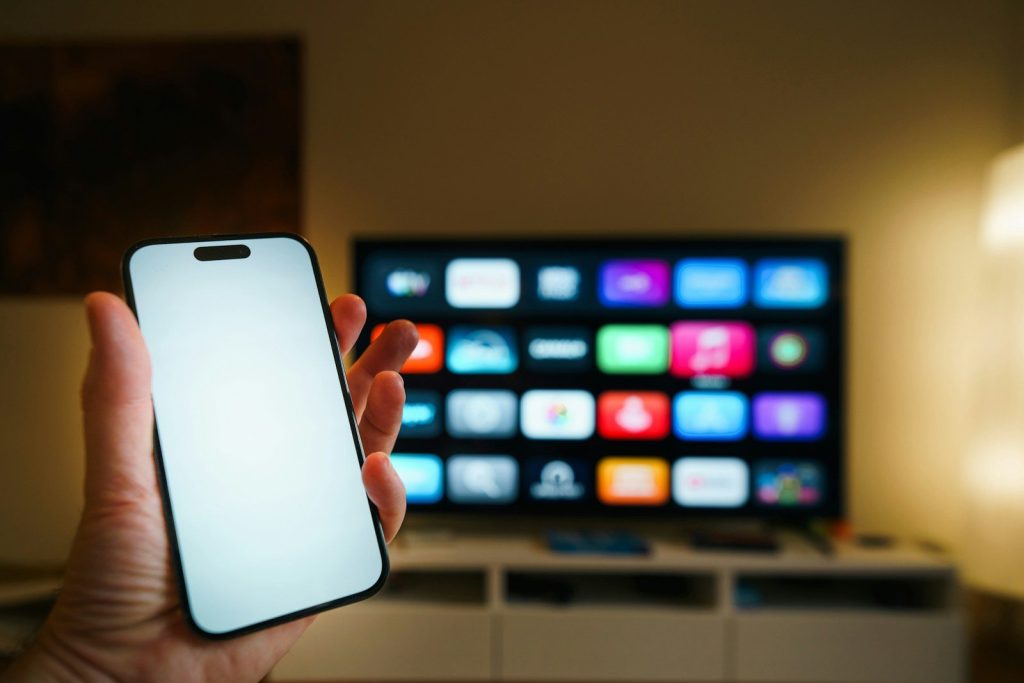
    Appliance apps can now act like control centers for the home. They may show alerts, settings, maintenance reminders, energy details, and connected routines in one place.

    That creates a bigger battle than just selling hardware. Brands want users to open their app, trust their ecosystem, and keep adding more devices over time. The appliance may be the starting point, but the app can become the habit.

    AI needs real uses

    a yellow letter sitting on top of a black floor
    Photo by Jackson Sophat on Unsplash

    AI is showing up in more appliances, but buyers may not care about the label by itself. People usually want better results, not a fancy buzzword on the box.

    A recent NIQ report discussed by Kiplinger found that only a small share of robot vacuum and washing machine buyers ranked AI as a top reason to buy. The stronger pitch may be cleaner floors, smarter washing, and less wasted energy.

    The grid could join in

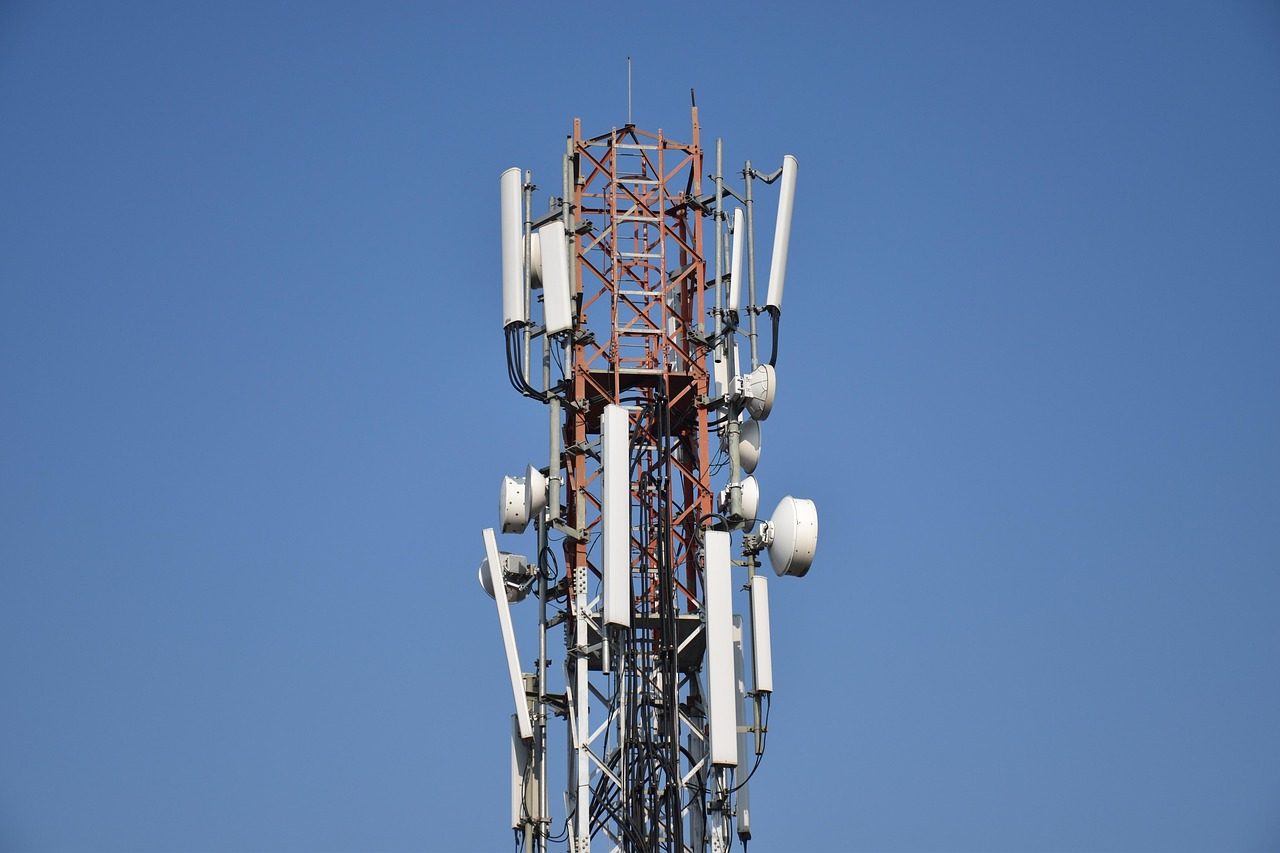
    green and grey transmission tower during nighttime
    Photo by American Public Power Association on Unsplash

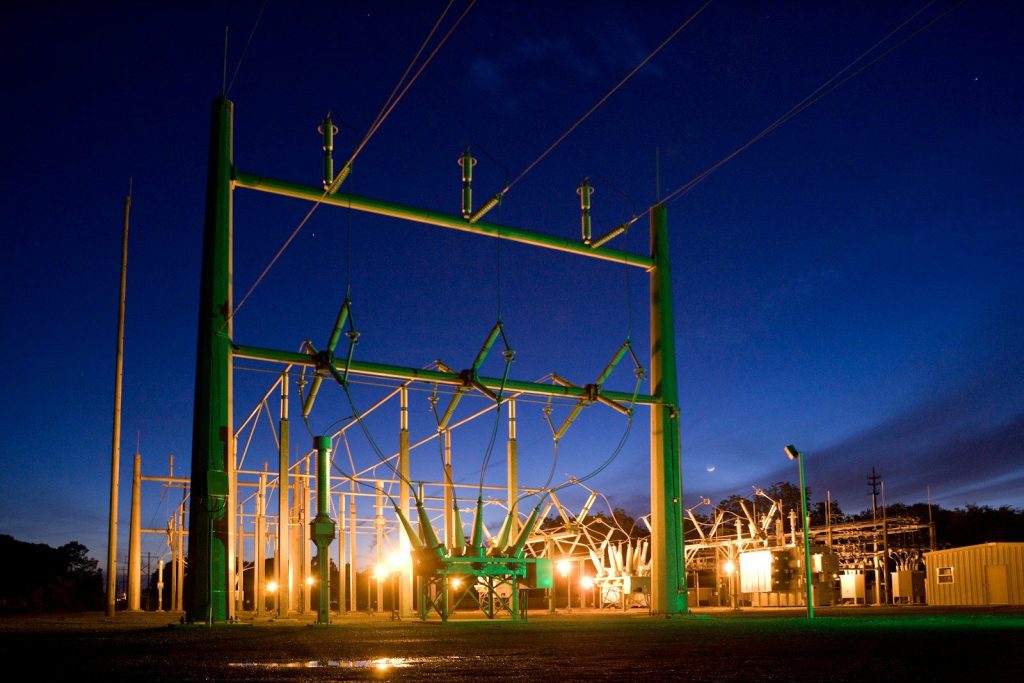
    Smart appliances may become useful beyond the home. Some connected devices can help shift energy use away from peak times, which can support the larger electric grid.

    A recent Matter and OpenADR partnership aims to make smart energy management easier by connecting in-home devices with energy gateways and utilities. That could help appliances play a bigger role in demand response programs.

    Repairs may get smarter

    Close-up of washing machine motor and belt mechanism
    Photo by Abolfazl Pahlavan on Unsplash

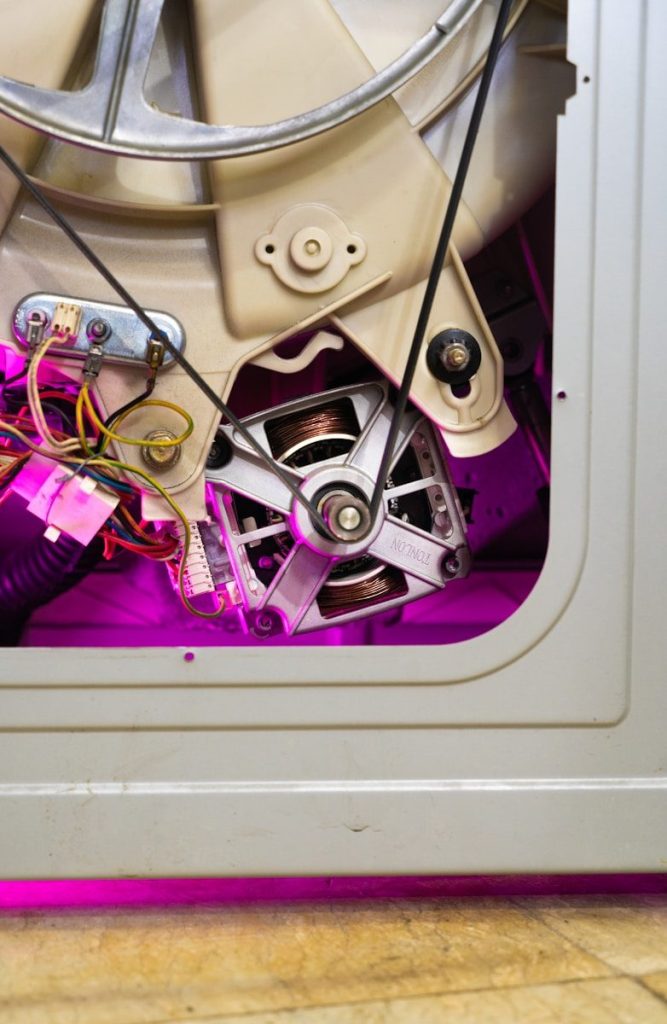
    Smart appliances can also change how people handle problems. Instead of waiting for something to fully break, a connected device may send an alert about a filter, cycle issue, or possible maintenance need.

    That can save time and reduce guesswork. For busy households, a useful warning is more valuable than another app notification. The key is making alerts clear, helpful, and not annoying.

    Trust will decide adoption

    a kitchen with a washing machine and a window
    Photo by Ali Choubin on Unsplash

    Smart appliances handle daily routines, so trust matters. People want useful features, but they also want simple controls, reliable updates, clear settings, and confidence that their data is handled responsibly.

    ENERGY STAR says connected functionality includes consumer ownership of all data. That kind of promise matters because appliances sit inside private home routines, not just on a desk or in a pocket.

    The winner must feel simple

    brown wooden kitchen cabinet near white wall
    Photo by Shot By Joe on Unsplash

    The next smart appliance battle will not be won by the longest feature list. It will be won by products that make home life easier without making people feel like they need a tech manual.

    That means simple setup, clear apps, useful alerts, energy tools, and better teamwork across brands. If smart appliances can do that, they may become normal daily tech instead of expensive extras.

  • Why 6G tech is a privacy nightmare you aren’t prepared for

    Why 6G tech is a privacy nightmare you aren’t prepared for

    While most of the world is still getting used to 5G, the next generation is already in the works. 6G technology promises to be 100 times faster than what we have now. It will allow us to download a thousand movies in a single second. But this incredible speed comes with a hidden cost. 6G is not just about communication; it is about “sensing.” The new frequencies used by 6G can actually see through walls and track the movement of every human in a room.

    This is the “Privacy Nightmare” that experts are warning us about. In a 6G world, your network doesn’t just know where you are; it knows what you are doing. It can see your posture, your breathing, and even your heartbeat without a single camera. We are moving toward a world of “ubiquitous sensing” where there is no place to hide. But how can a radio wave act like an X-ray?

    The power of the terahertz wave

    man in white and blue long sleeve shirt standing near glass window
    Photo by Wonderlane on Unsplash

    6G uses “Terahertz” frequencies. These waves are so small and fast that they can bounce off almost any object. When these waves hit a human body, they create a detailed “reflection” that can be processed by AI. It is essentially radar for your living room. The network uses these reflections to optimize the signal, but it also creates a perfect 3D image of your environment. Every 6G base station becomes a high-definition eye. But what happens when this data is sold to the highest bidder?

    Your home becomes a data gold mine.

    A modern kitchen with various electronic devices.
    Photo by Jakub Żerdzicki on Unsplash

    In the 6G era, your furniture and your appliances will all be part of the sensing network. Your house will know when you are sleeping, when you are eating, and when you are arguing. This “context-aware” data is incredibly valuable for advertisers. They won’t just guess what you want; they will see it in your physical reactions. This level of intrusion is unprecedented in human history. We are trading our private spaces for a faster connection. But the danger goes beyond just ads.

    The end of the anonymous walk

    man standing near buildings
    Photo by Nathan Dumlao on Unsplash

    Walking down a city street will never be the same. 6G towers will be placed every few meters to handle the high-frequency waves. These towers will track your “digital signature” as you move through the city. They can identify you by the way you walk, even if your face is covered. The concept of an “anonymous crowd” is officially dead. You are being watched by the very air you breathe. But is there any way to “opt out” of the sensing?

    The difficulty of blocking a 6G signal

    a circular object with a blue center
    Photo by Growtika on Unsplash

    Unlike a camera, you can’t just put a piece of tape over a 6G sensor. The sensors are the signals themselves. If you block the signal, you lose the connection. Some companies are developing “privacy paint” and “smart wallpaper” that can block these frequencies. But this would also mean you can’t use your phone inside your own house. We are being forced to choose between our technology and our dignity. But what about the health risks of these high-frequency waves?

    The radiation debate returns

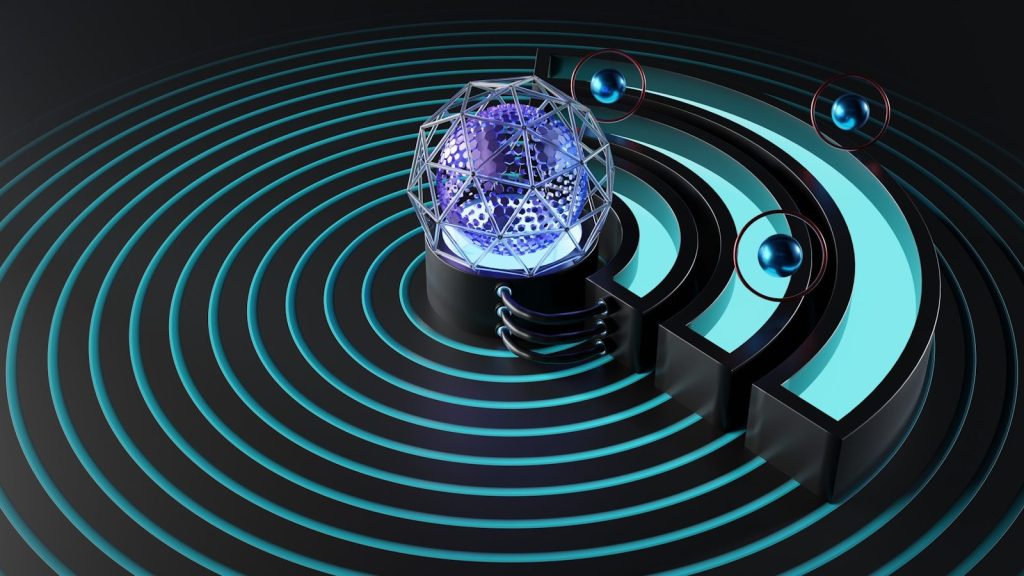
    a black background with a blue wave of light
    Photo by Pawel Czerwinski on Unsplash

    Every time a new network arrives, people worry about the health effects. Terahertz waves have never been used on this scale before. While they are “non-ionizing,” which means they shouldn’t damage DNA, we don’t know the long-term effects of constant exposure. Scientists are racing to study how these waves interact with human skin and eyes. We are once again the “test subjects” for a global experiment. But the speed of the network might make us forget the risks.

    Instant gratification at a heavy price

    A blurry image of a lol bubble with the word lol on it
    Photo by Igor Omilaev on Unsplash

    The benefits of 6G are hard to ignore. It will allow for perfect holographic calls and instant AI assistance. We will live in a world of pure digital magic. For many, this convenience will be worth the loss of privacy. We are a species that loves its toys, and 6G is the ultimate toy. The “privacy nightmare” will likely be ignored until it is too late to change the system. But can we build a “secure” 6G that respects our space?

    The fight for an ethical network

    cyber security, technology, network, internet, information, computer, protection, secure, security, cyber, data, digital, code, system, online, padlock, blue computer, blue technology, blue laptop, blue data, blue online, blue network, blue internet, blue digital, blue security, blue information, blue code, blue coding, cyber security, cyber security, cyber security, cyber security, cyber security, security, security, cyber
    Photo by TheDigitalArtist on Pixabay

    There is a movement of engineers and activists who want to build “Privacy by Design” into 6G. They want to make sure the sensing data is encrypted and stays on the device. They are fighting for new laws that protect our “physical privacy” in the digital age. This will be the biggest battle of the next decade. We have to decide what kind of future we want to live in. But while we fight for our rights, the world’s weight is changing at the bottom of the sea.

    The countdown to the 6G rollout

    A sign that says good things are coming
    Photo by Marija Zaric on Unsplash

    The first 6G networks are expected to go live by 2030. That gives us only a few years to prepare for the sensing revolution. We need to start having these conversations now before the towers are built. Your home, your body, and your thoughts are all at stake. Are you ready for a world that knows you better than you know yourself?

    Featured Image: Photo by prasanna_devadas on Pixabay

  • Is your smartphone secretly listening to your “inner voice”?

    Is your smartphone secretly listening to your “inner voice”?

    Have you ever thought about a product without saying it out loud and then seen an advert for it minutes later? It feels as if your phone is reading your mind. For years, tech giants have denied listening to our private conversations. But new research into “inner voice” technology indicates that the truth might be even weirder. Scientists are studying how smartphones could pick up sub-vocalizations. These are small muscle movements in your throat and mouth that occur when you think.

    If your phone can track these micro-movements, it doesn’t need to hear your spoken words. It can hear your thoughts. This breakthrough in biosensors means your privacy might be disappearing from the inside out. We are looking at a world where our most private reflections are converted into data for advertisers. It sounds like science fiction, but the patents for this technology already exist. But how does the phone actually distinguish between a random thought and a real desire?

    The myth of the accidental advertisement

    hands, phone, smartphone, electronics, mobile phone, technology, touchscreen, screen, using phone, communication, wireless, phone, phone, phone, phone, phone, smartphone, smartphone, mobile phone
    Photo by Pexels on Pixabay

    Most experts tell us that these perfectly timed ads are just a coincidence. They say algorithms are so good at predicting our behavior that they know what we want before we do. They track our location, our friends, and our search history. When all this data is combined, it looks like mind-reading. But many users swear that “thinking” about a specific brand was the only trigger. This has led researchers to look deeper into the hardware. Is there a hidden sensor we didn’t know about?

    Ultrasonic tracking is already in your room.

    photography, taking photos, woman, camera, right at the own picture, personality, personality right, publication, hand, lens, photographer, photo, digital, girl, technology, shot, recording, female, movie, camera, camera, lens, lens, photographer, movie, movie, movie, movie, movie
    Photo by geralt on Pixabay

    Your phone can hear things that you cannot. Many apps use “ultrasonic beacons” to talk to other devices in your home. These high-frequency sounds tell advertisers which TV shows you watch and which stores you visit. This invisible network creates a digital map of your life without ever using a human-audible word. It is a silent conversation happening right under your nose. But can these same sensors pick up the vibrations of your own body?

    How sensors capture silent vibrations

    a woman holding up a cell phone with a picture of an eye on it
    Photo by uliana soboleva on Unsplash

    The accelerometers and gyroscopes in your phone are extremely sensitive. They are designed to track movement, but can also act as tiny microphones. They can detect the slight vibrations of your vocal cords, even when you are not speaking. This data can be processed by AI to reconstruct what you thought. It is a backdoor into your mind that does not require “Hey Siri” to be active. What happens when this data is fed into a learning machine?

    Artificial intelligence and the art of prediction

    smartphone, mobile, phone, gadget, touchscreen, battery, charger, cord, hand, battery, battery, battery, battery, battery, charger, charger, charger, charger
    Photo by StockSnap on Pixabay

    AI models are now being trained on vast amounts of sub-vocal data. These machines are becoming experts at guessing human intent. They don’t just see a thought; they see a pattern of behavior. This allows your phone to stay one step ahead of your own consciousness. It creates a “digital twin” of your personality that knows your cravings before you feel them. But there is another way your phone tracks you that doesn’t involve sound at all.

    The microphone is not the only spy.

    black and white smartphone on persons hand
    Photo by Tech Daily on Unsplash

    Your front-facing camera might be watching your reactions to every post you see. Eye-tracking software can tell exactly how long you look at an image. It can even detect the tiny dilation of your pupils when you see something you like. This physical response is an honest signal of interest that you cannot fake. It is a direct link to your brain’s reward center. But how much of this data is actually leaving your device?

    Why your battery life tells a secret story

    black smartphone
    Photo by Tyler Lastovich on Unsplash

    Have you noticed that your battery drains faster for no reason? This often happens when running processes work overtime to crunch data. Your phone is busy analysing your environment and your physical state while it sits in your pocket. This “passive monitoring” is a gold mine for tech companies. They are willing to trade your battery life for a glimpse into your inner world. But is there a way to truly shut out the listener?

    Can you truly turn off the listener?

    a bunch of speakers that are sitting on a table
    Photo by Steve Pancrate on Unsplash

    Turning off your microphone and camera permissions is a good start. But as technology evolves, the ways our devices “feel” us are multiplying. We are entering an age where the only way to be private is to be disconnected. The relationship between humans and their phones is becoming more intimate than ever. We have to decide how much of our “inner voice” we are willing to share with the machine. But wait until you see the danger of a face that looks exactly like your boss.

    Featured Image: Photo by Al Elmes on Unsplash