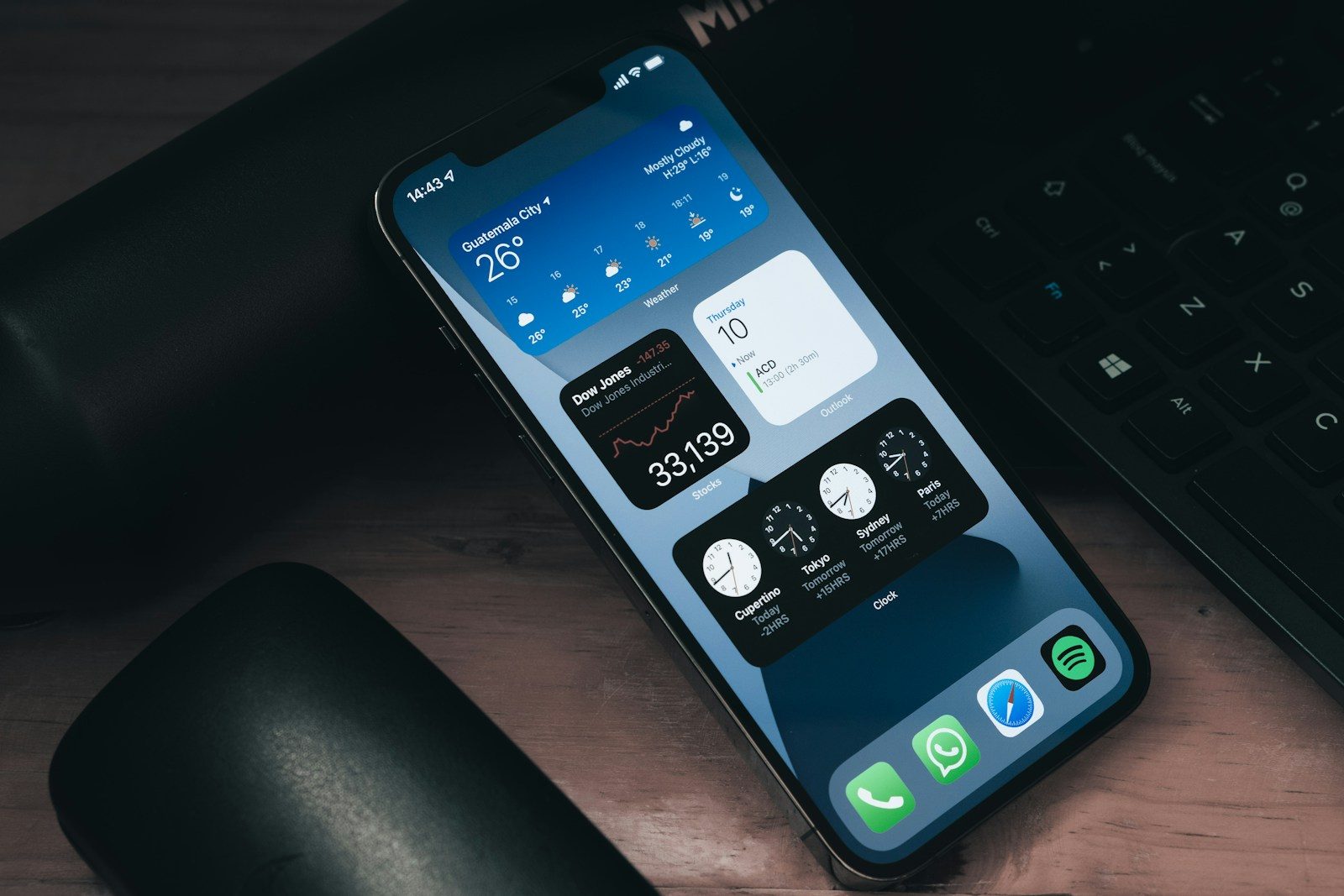
A phone can feel old fast when the battery fades, storage fills up, or apps start acting slow. But many of the problems that push people toward an early upgrade come from everyday habits, not just age. The way you charge, clean, update, carry, and use your phone can make a real difference.
Apple warns that high heat can permanently reduce battery capacity, while Samsung says using or charging a phone in extreme temperatures may speed up battery wear. Google also recommends battery-saving features like Adaptive Battery and charging optimization on Pixel phones. With a few simple routines, your phone can stay smoother, safer, and more useful for longer.
Keep it away from heat

Heat is one of the fastest ways to wear down a phone battery. Apple says temperatures above 95°F can permanently damage battery capacity, and charging in hot conditions can make it worse.
Avoid leaving your phone in a parked car, direct sun, or under a pillow while charging. If it feels hot, pause heavy use and let it cool in a shaded spot.
Use smart charging tools
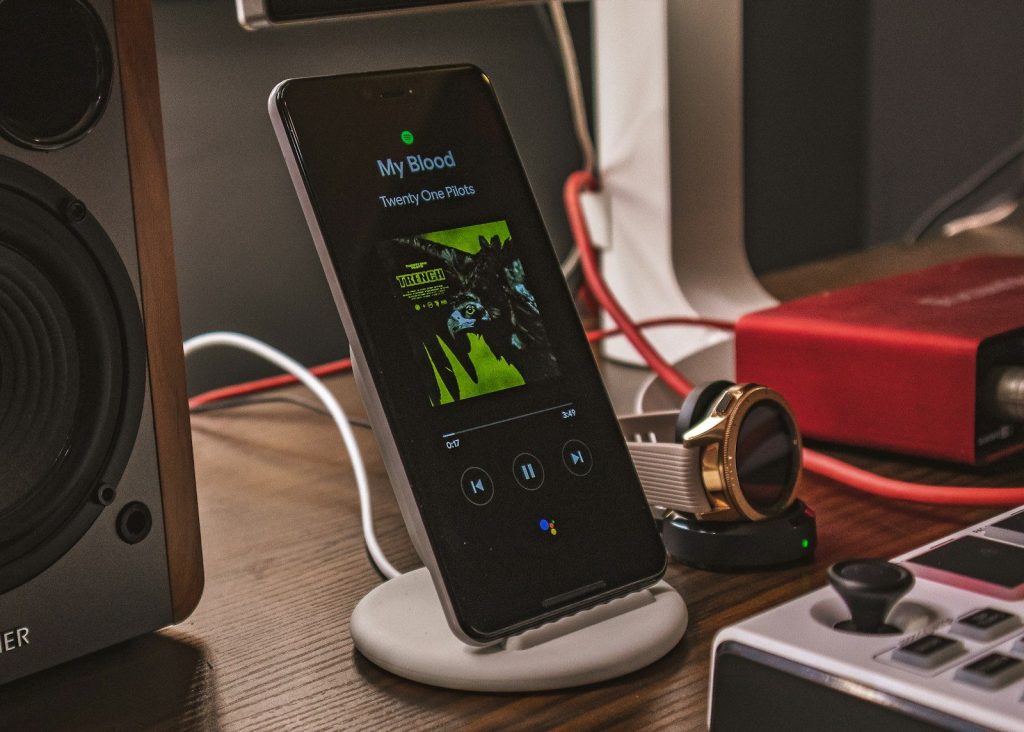
Most modern phones include charging features made to reduce battery wear. Apple says Optimized Battery Charging can reduce the time an iPhone spends fully charged, which helps slow battery aging.
Google Pixel phones also offer charging optimization, including an 80% charge limit on some models. Turning these tools on is an easy habit because the phone does most of the work for you.
Avoid constant full drains
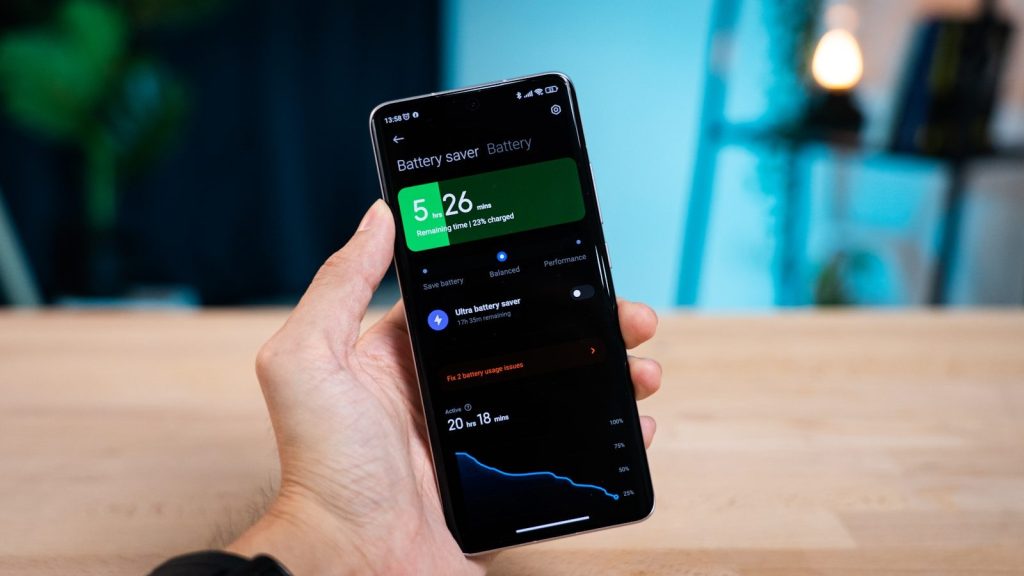
Letting your phone drop to empty all the time can make daily life harder and may add stress to the battery. It is better to charge before the phone is nearly dead.
You do not need to watch the number every minute. Just plug in during normal breaks, like while getting ready or sitting at a desk. Smaller, calmer charging sessions are easier on your routine.
Charge in a cool place
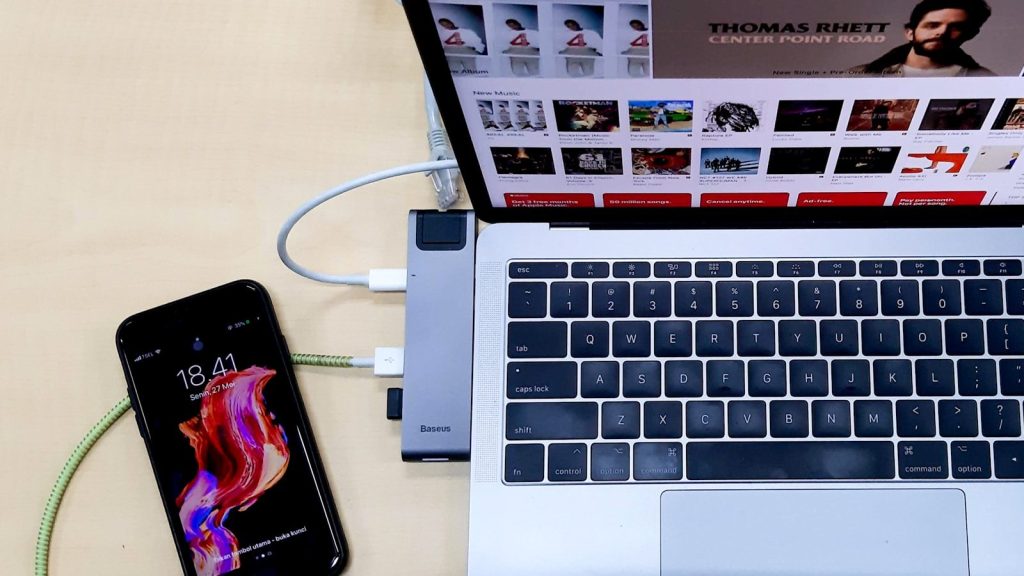
Charging already creates some heat, so the spot matters. Apple recommends charging iPhone in environments between 32°F and 95°F and removing the case if the phone tends to heat up while charging.
A hard, flat surface is better than a couch, bed, or blanket. Those soft spots can trap heat around the phone and charger, especially during longer charging sessions.
Use the right charger
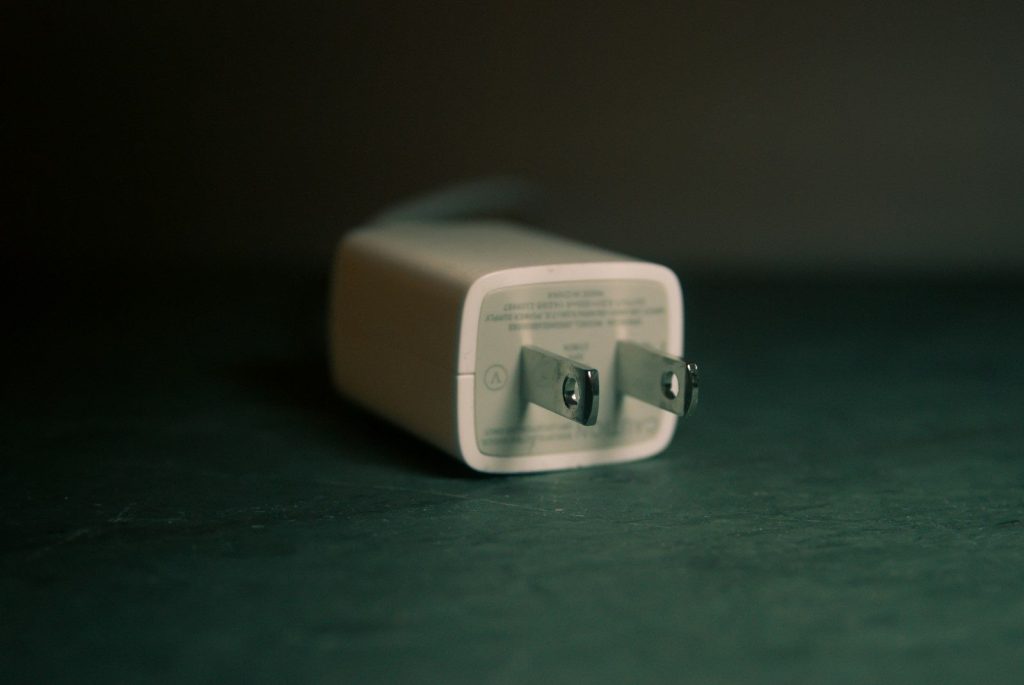
Cheap or mismatched chargers can cause problems over time. Samsung recommends using an authentic charging cable and plug, and warns that an incompatible charger can damage the USB port.
That does not mean you need to buy something fancy. The key is using a charger from a trusted brand, with the right power rating, and a cable that fits cleanly without forcing it.
Keep software updated
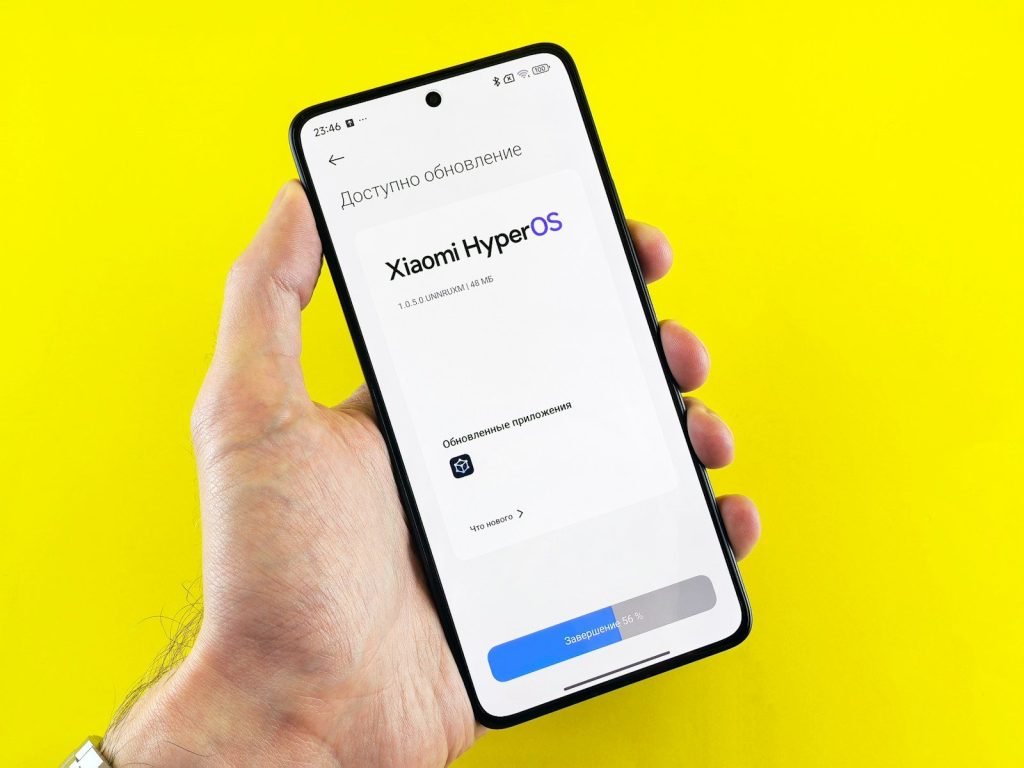
Updates are not just about new features. Google says Android users should install the latest available Android version to get the latest security update for their device.
Updates can also fix bugs that make a phone feel slow or unstable. Set updates to automatic when possible, or check once a month so your phone does not fall far behind.
Clear out unused apps
Old apps can take storage, run background tasks, and clutter your phone. Apple’s iPhone storage settings show recommendations and a list of apps with their storage use, making cleanup easier.
Delete apps you no longer need. For apps you may use later, offloading or removing extra files can free space without making the phone feel freshly wiped.
Manage photos and videos
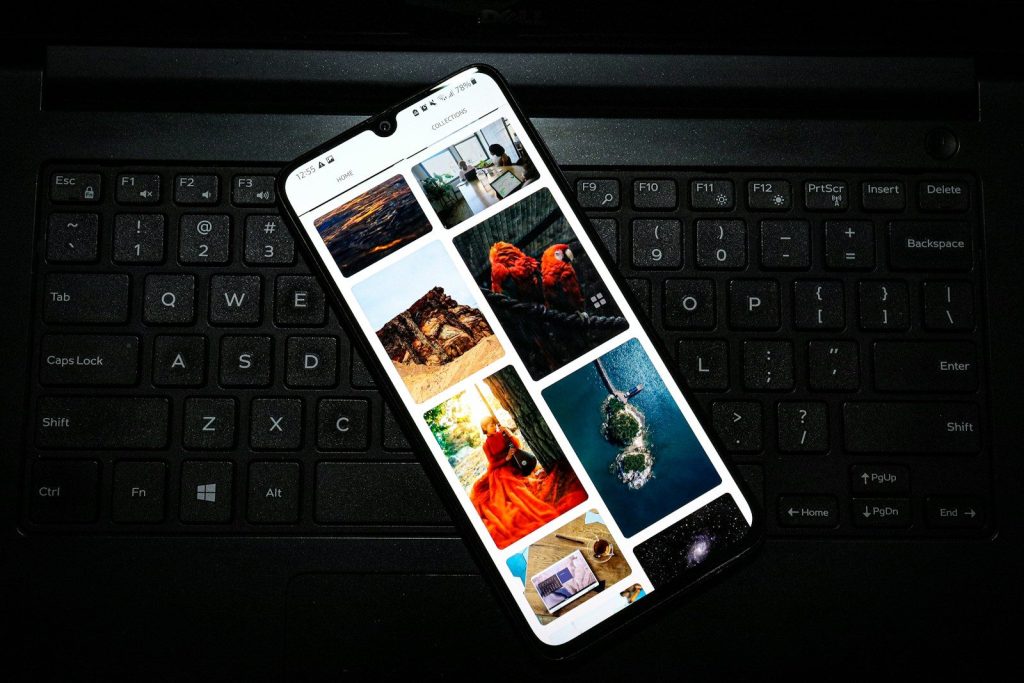
Photos and videos can quietly fill a phone faster than almost anything else. Once storage gets tight, updates, downloads, and app performance can all become more annoying.
Move important photos to cloud storage, a computer, or an external backup. Then delete duplicates, blurry shots, and old screen recordings. A little cleanup can make an older phone feel lighter.
Clean it the safe way
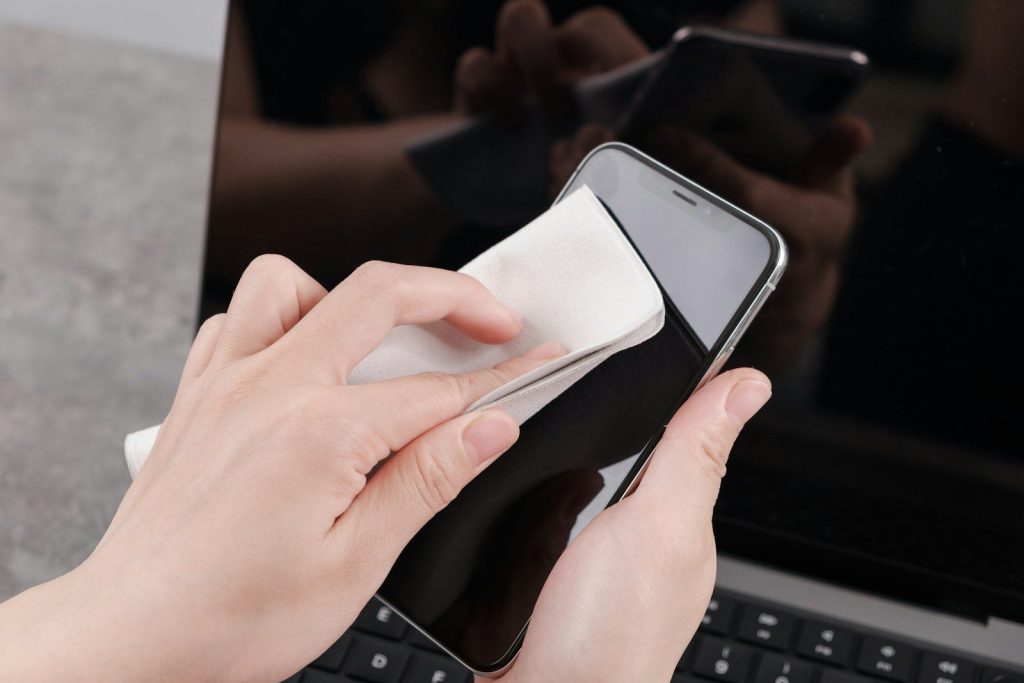
Dust, fingerprints, and pocket lint can build up over time. Apple says to unplug cables, turn off the iPhone, and use a soft, slightly damp, lint-free cloth while avoiding moisture in openings.
Skip harsh cleaners and compressed air unless your device maker says otherwise. A gentle wipe keeps the screen, buttons, and ports in better shape without risking extra damage.
Protect it from drops
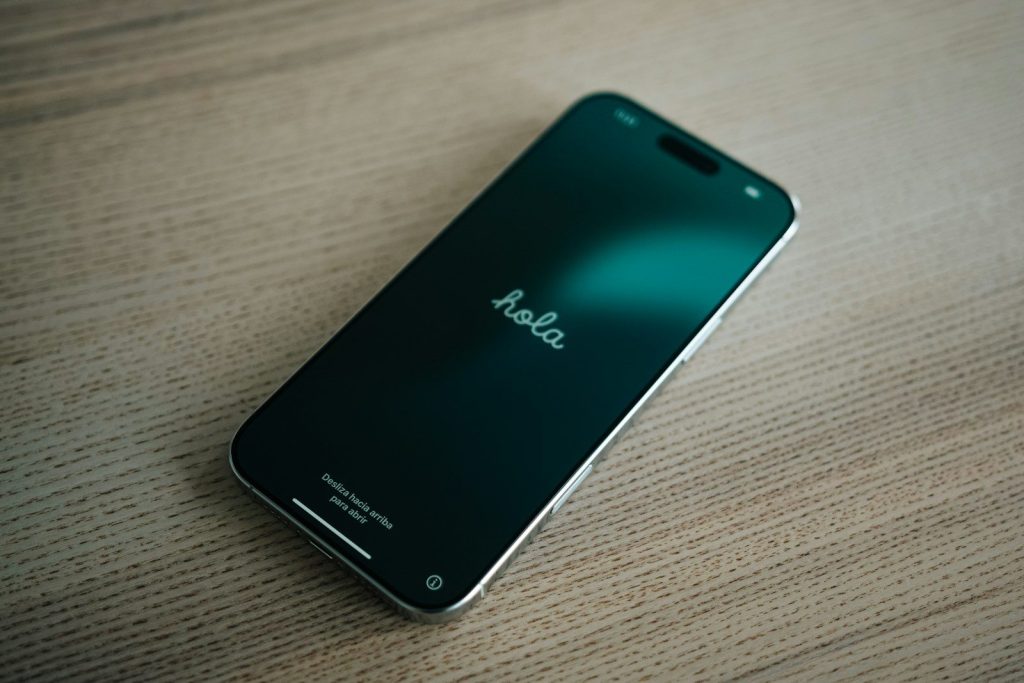
A cracked screen or bent charging port can end a phone’s useful life long before the processor feels old. A good case and screen protector are simple insurance.
Also build small habits around where you place the phone. Keep it away from table edges, loose pockets, and cluttered bags. Preventing one bad drop can add months or even years of use.
Leave a Reply