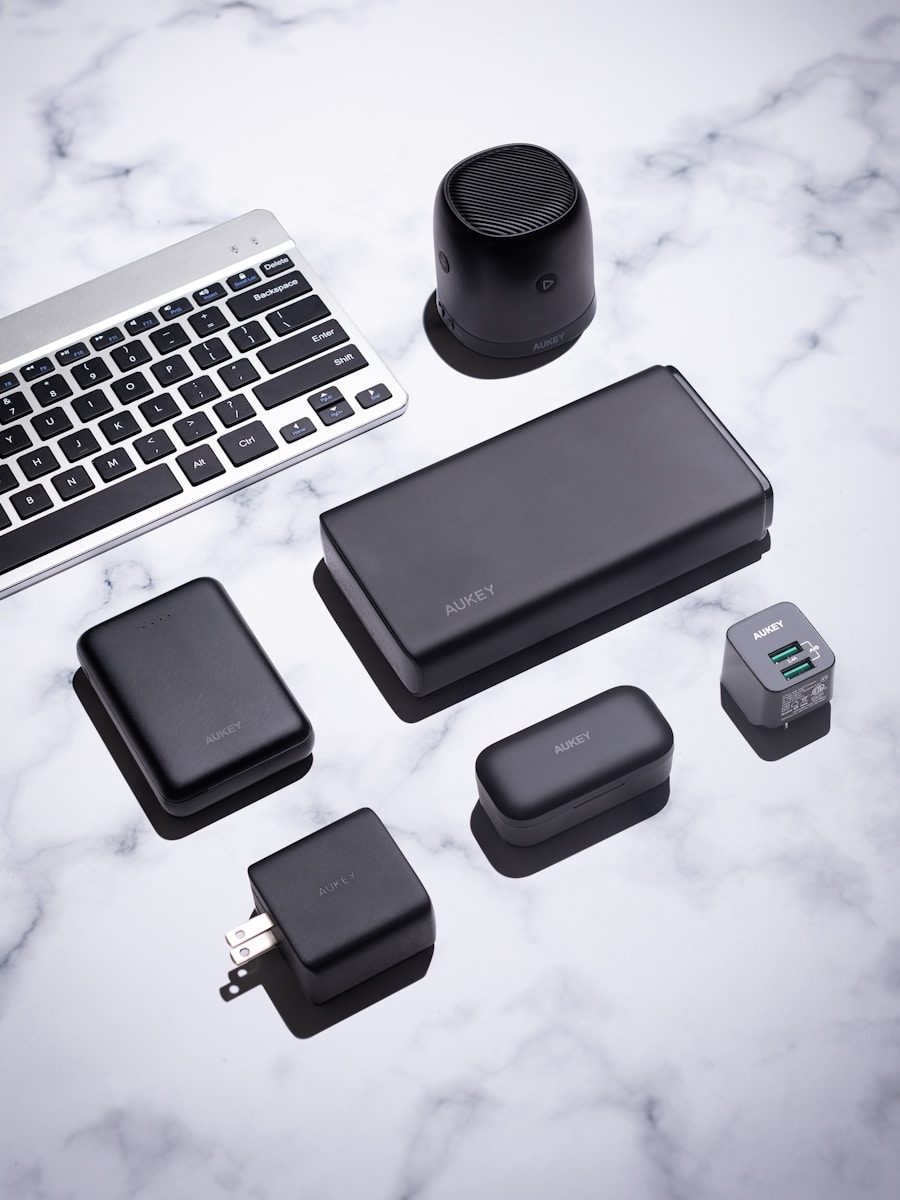
Most people think about the big devices first: the phone, laptop, tablet, monitor, or game console. But the smaller accessories around those devices often decide how smooth the day feels. A weak charger, messy cable setup, poor desk angle, or dying battery pack can turn good tech into a daily headache.
The right accessories do not have to be flashy or expensive. They just need to solve real problems. A better charger can reduce clutter. A laptop stand can make long work sessions more comfortable. A smart power strip can help cut wasted energy, while a privacy screen can make public work feel safer. These are the quiet upgrades many people ignore until they finally try them.
A better USB-C charger
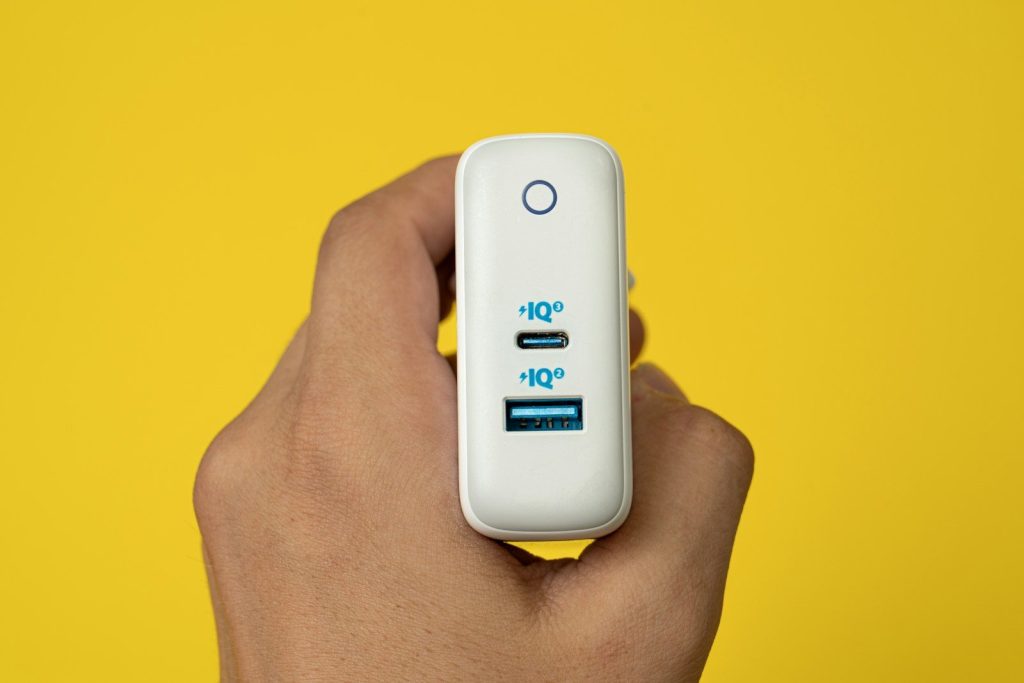
The charger that came in the box may not be the best one for your setup. A good USB-C charger can power a phone, tablet, earbuds, and even many laptops with fewer bricks on your desk or in your bag.
Look for the right wattage, enough ports, and trusted safety markings. USB-IF certification is tied to products that follow official USB Power Delivery requirements, which helps with safer, more reliable charging.
A portable power bank
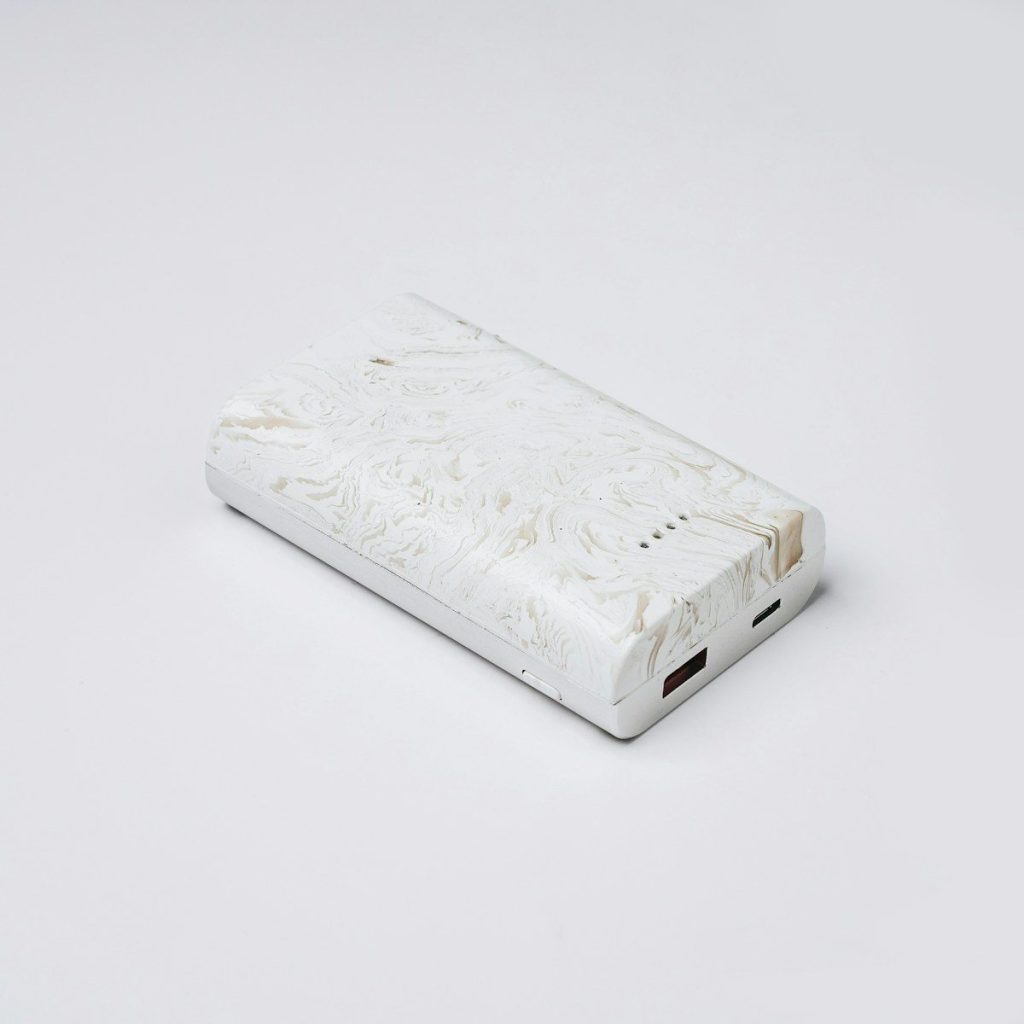
A power bank is easy to ignore until your phone hits 5% at the worst possible time. It can be useful during travel, long workdays, school, emergencies, or any day when outlets are not nearby.
The best choice depends on what you carry. A small bank works for phones and earbuds, while higher-capacity USB-C models can help with tablets or some laptops. For flights, keep battery rules in mind and pack power banks in carry-on bags.
A laptop stand
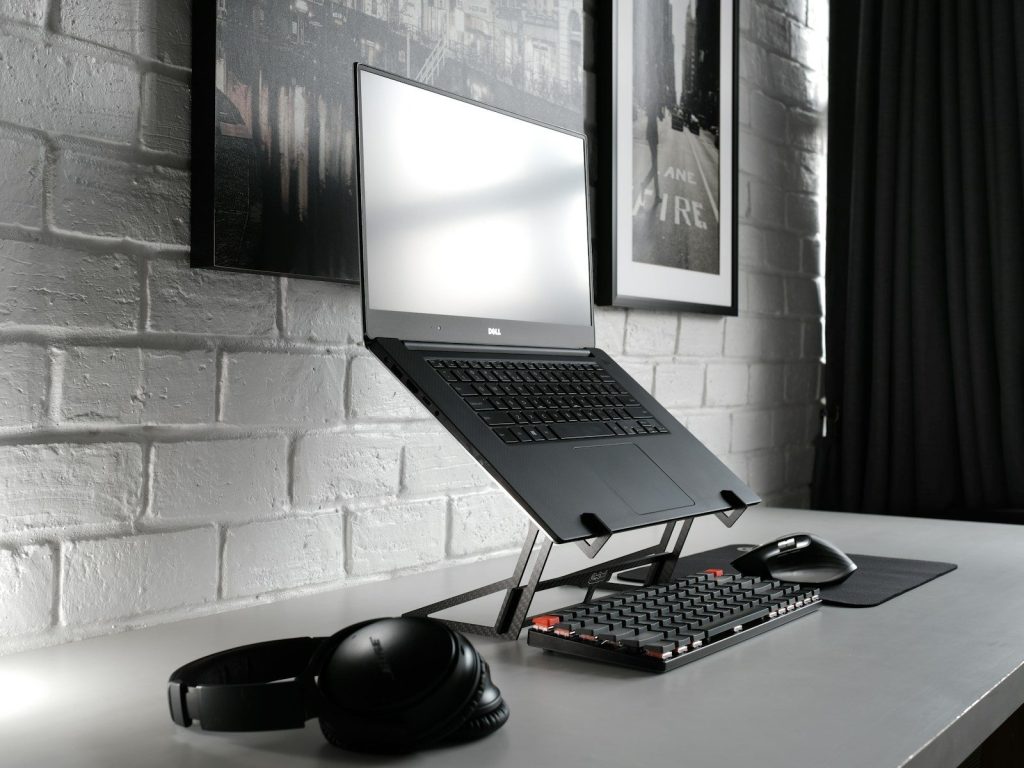
Using a laptop flat on a desk for hours can make your neck, shoulders, and wrists work harder than they should. A simple stand raises the screen closer to eye level and makes the setup feel more like a real workstation.
Mayo Clinic suggests pairing a laptop stand with an external keyboard and mouse when using a laptop at a desk. That small change can make long typing sessions feel much easier.
An external keyboard
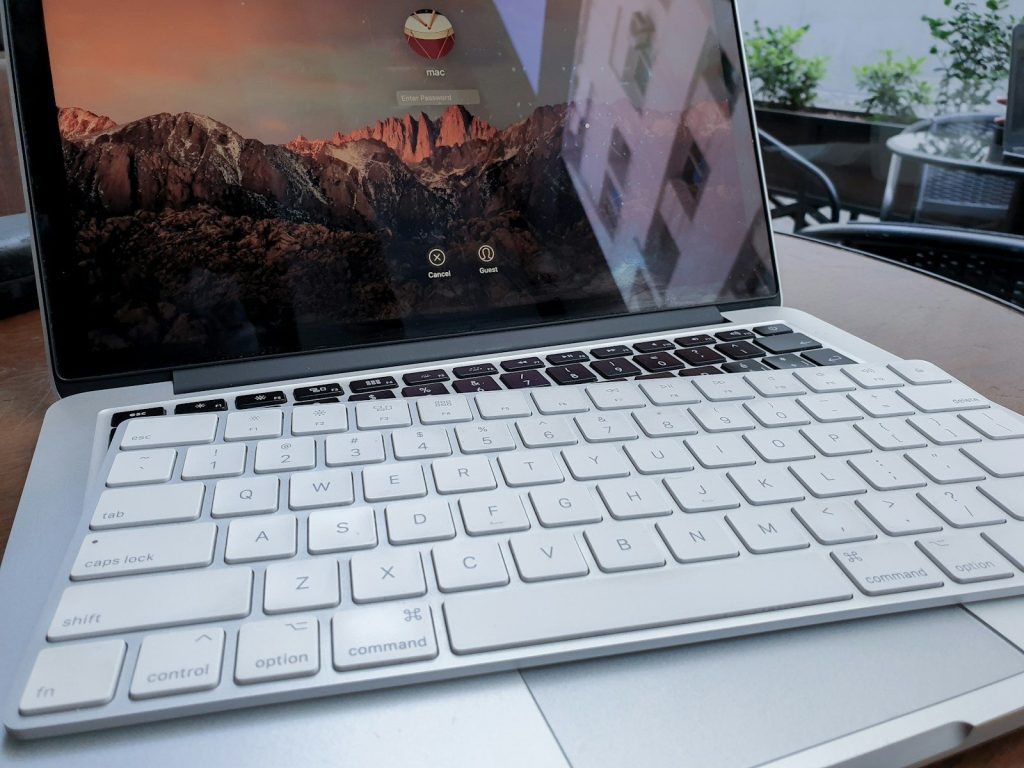
A laptop keyboard is fine for quick tasks, but it is not always great for long writing, schoolwork, spreadsheets, or daily office use. An external keyboard gives your hands more room and lets you place the screen farther away.
You do not need a fancy model to notice the difference. A comfortable layout, stable keys, and the right size can make typing feel smoother. For many people, this is one of the cheapest ways to improve a desk setup.
A wireless mouse
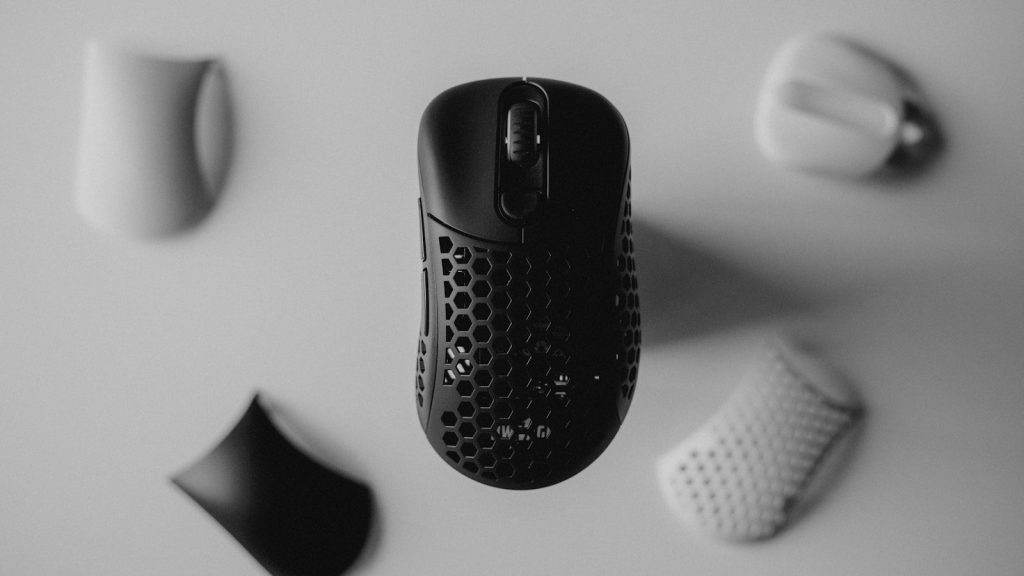
Trackpads are useful, but they are not always the fastest or most comfortable choice. A wireless mouse can make browsing, editing, gaming, and office work feel more precise, especially when you use a laptop every day.
The key is fit. A mouse that feels right in your hand can reduce awkward movement and make small tasks faster. Some people prefer compact travel mice, while others do better with a full-size shape for longer sessions.
A smart power strip
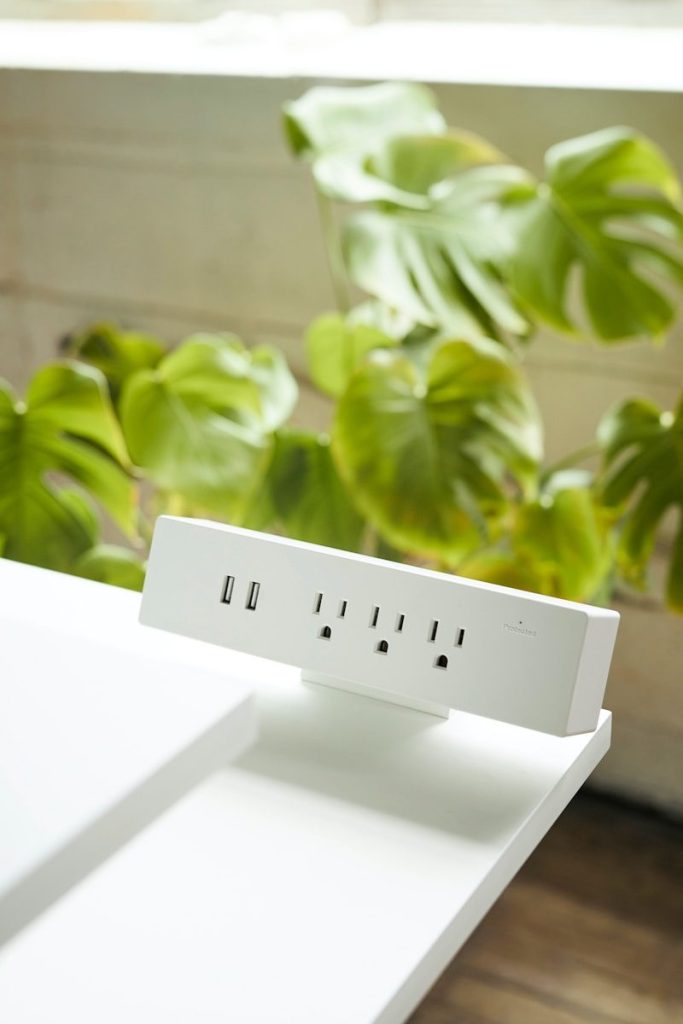
A smart power strip can clean up cable mess and help manage devices that stay plugged in all day. It is especially useful for desks, entertainment centers, gaming setups, and home offices with several chargers and screens.
The U.S. Department of Energy says smart power strips can cut power to devices in standby mode, which may help reduce wasted electricity. It is a small upgrade that can make a crowded setup easier to control.
A real surge protector
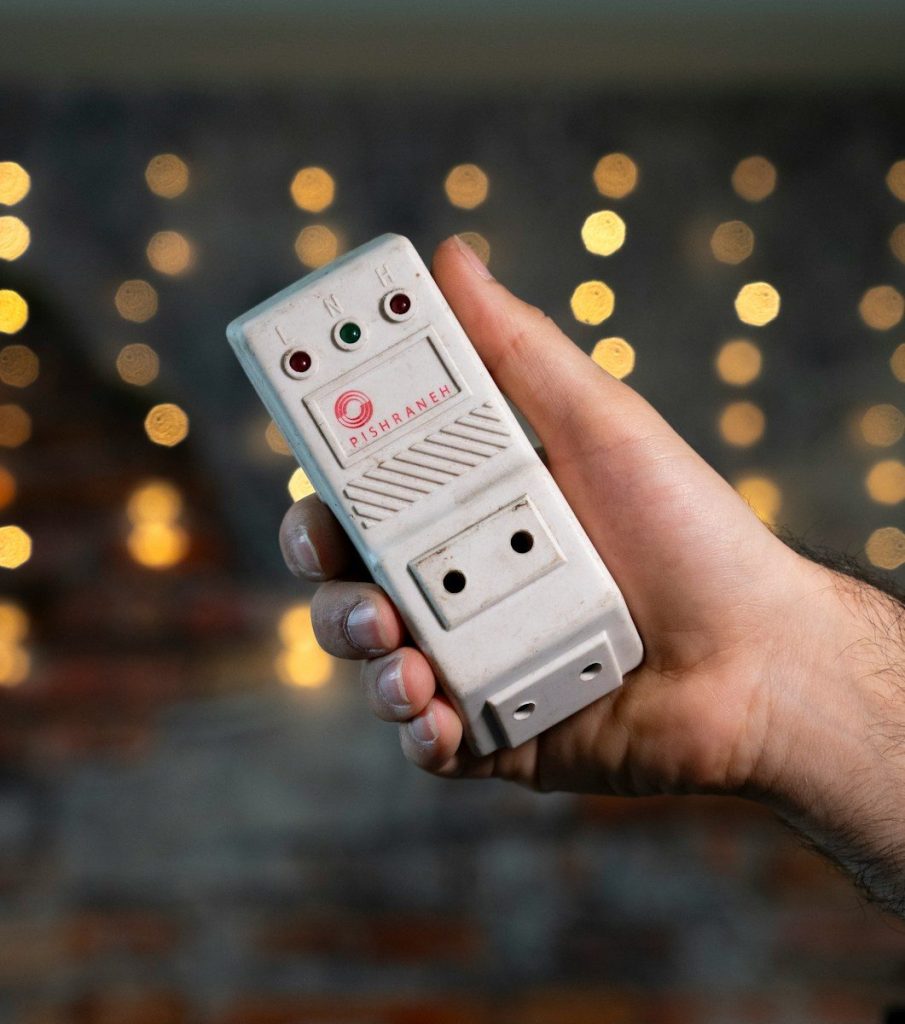
Many people use basic power strips and assume their devices are protected. A true surge protector is different because it is designed to absorb sudden voltage spikes that may harm electronics.
Eaton notes that a surge protector’s joule rating indicates how much energy it can absorb before failing. Higher-value electronics may need stronger protection, especially in areas with frequent storms or unstable power.
A cable organizer
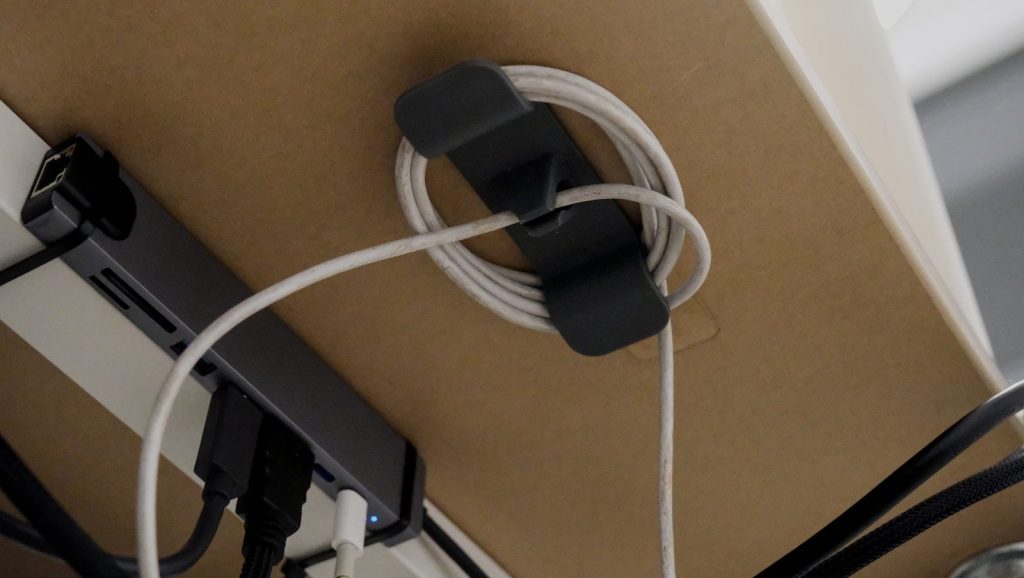
Messy cables make even expensive tech setups feel frustrating. A few cable clips, ties, sleeves, or labels can turn a tangled drawer or crowded desk into something much easier to use.
This accessory is not exciting, but it saves time. You can quickly find the right charger, avoid pulling the wrong cord, and keep cables from sliding behind the desk. It also makes cleaning and moving devices much easier.
Leave a Reply