Most people assume that humans are the ultimate physical peak of primate evolution. We believe that our athletic abilities make us incredibly strong and resilient.
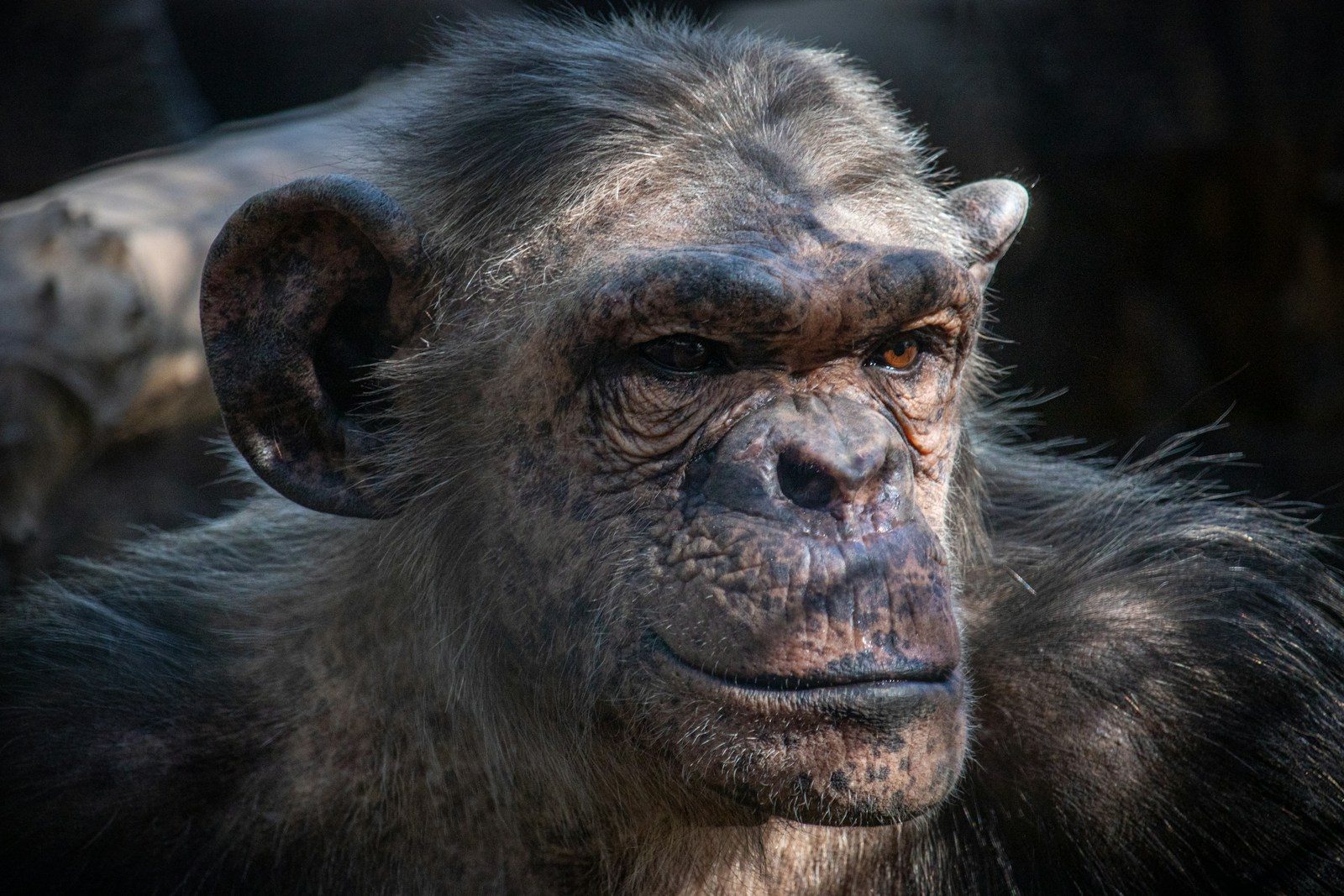
But a simple comparison with our closest animal relatives reveals a shocking physical truth. Chimpanzees possess a terrifying, natural strength that easily overpowers the strongest human.
The Muscle Power Gap

A chimpanzee can easily lift weights that would crush an Olympic athlete. This muscle gap has puzzled biologists for decades because our DNA is so similar. According to a study in the Proceedings of the National Academy of Sciences, chimps are nearly twice as strong as humans. They are incredibly powerful. But the secret is hidden deep within their muscle fibers.
Fast Twitch Dominance
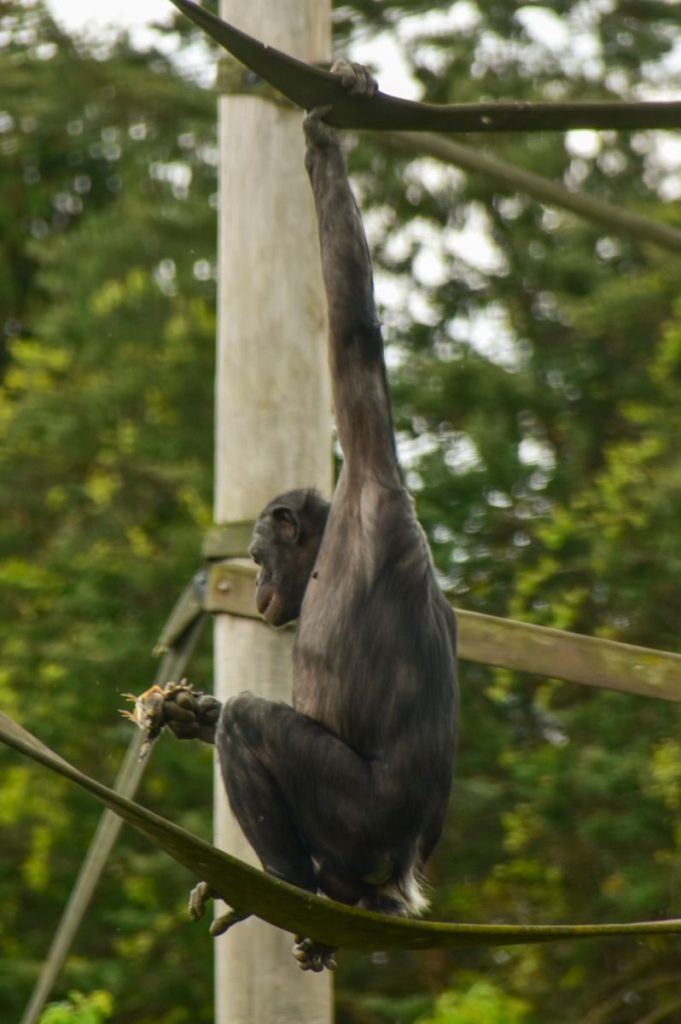
Chimpanzee muscles are packed with a specific type of fast-twitch fiber. These fibers are designed for explosive bursts of power and speed. According to muscle research at the University of Massachusetts, over sixty percent of chimp muscle is fast-twitch. Humans have far less. This cellular difference allows them to swing through trees effortlessly. But this raw power comes with a major physiological cost.
The Endurance Tradeoff

While chimpanzees excel at explosive movements, they tire out incredibly quickly. Their muscles lack the stamina needed for long-distance efforts. According to evolutionary biologists, humans sacrificed raw strength to gain unparalleled endurance. We can run forever. This physical trade-off was actually key to our survival in the open savannahs. But muscle fibers are only part of the story.
Neurological Brake Pads
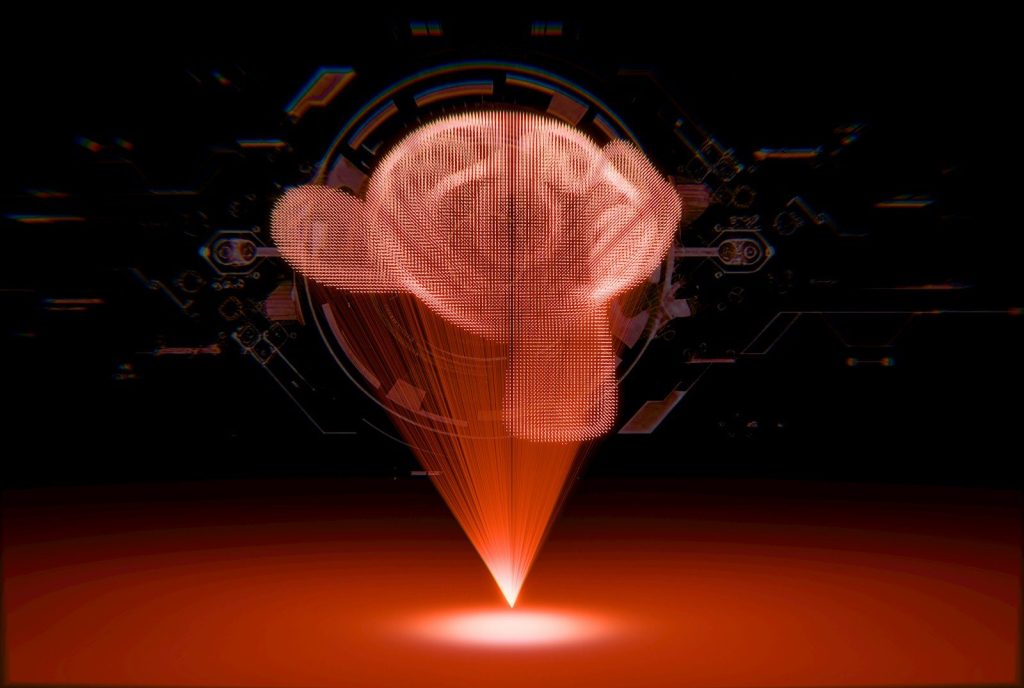
Our brains actively limit how much force our muscles can generate at one time. This built-in safety system prevents us from tearing our own tendons. According to neurological research at the University of Arizona, chimpanzees lack these strict brain brakes. They use maximum force. But this lack of control is tied to another evolutionary mystery.
The Fine Motor Sacrifice
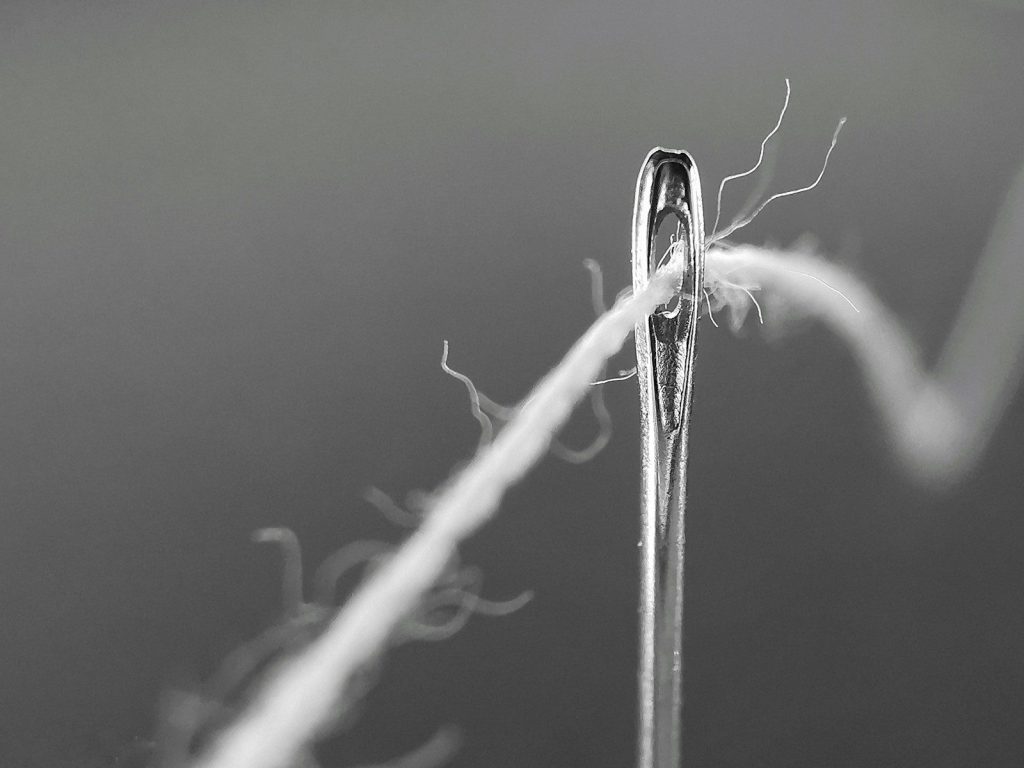
Because humans have strict neurological limits, we can perform incredibly delicate tasks. Our brains can coordinate tiny, precise movements like writing or threading a needle. According to comparative studies at Kyoto University, chimpanzees struggle with fine motor control due to their raw power. They lack precision. But this delicate trade-off also changed how our ancestors hunted.
The Art Of Throwing

Humans are the only primates capable of throwing objects with high speed and pinpoint accuracy. Our shoulders and wrists evolved specifically to launch weapons at prey. According to research from Harvard University, chimpanzees cannot throw effectively despite their massive upper body strength. They are poorly designed. But our unique physiology also shaped the very structure of our minds.
Calories For Brains

Muscles are incredibly expensive to maintain in terms of daily energy. By shrinking our muscles, our ancestors saved massive amounts of daily calories. According to metabolic studies by the Duke Global Health Institute, those saved calories were redirected to fuel our growing brains. It was a trade. And this evolutionary bargain continues to define our place in nature today.
Strength In Intelligence

Our apparent weakness is actually our greatest evolutionary success. While chimpanzees remain master climbers, humans built the modern world with precision and stamina. According to evolutionary anthropologists, understanding this muscle divide helps us appreciate the unique path our species took. We are built differently. This article is for informational purposes only.
Featured Image: Photo by Joseph Grazone on Unsplash