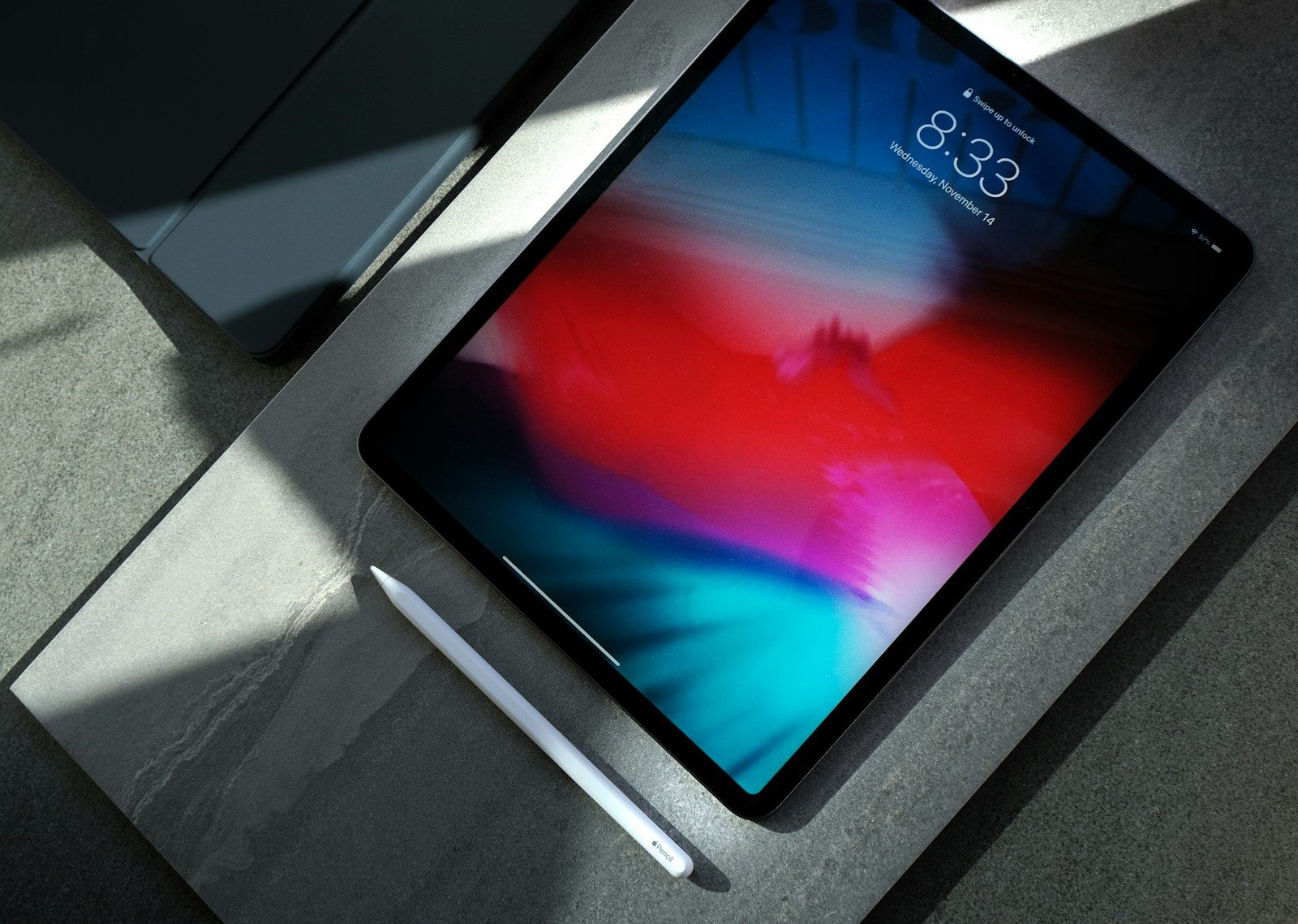
Buying an iPad is not cheap, so it is fair to wonder how many years you can really get out of one. The good news is that most iPads are built to last much longer than a phone upgrade cycle. For many people, an iPad can remain useful for school, streaming, reading, work, games, and everyday browsing for 5 to 7 years, and sometimes even longer.
Still, age does catch up. A weak battery, limited storage, missing software updates, or one bad drop can make a good iPad feel old fast. The trick is knowing what actually affects its lifespan and what simple habits can help you stretch it further. Here is what really decides how long an iPad lasts, and how to keep yours running smoothly for as long as possible.
Most iPads last for years
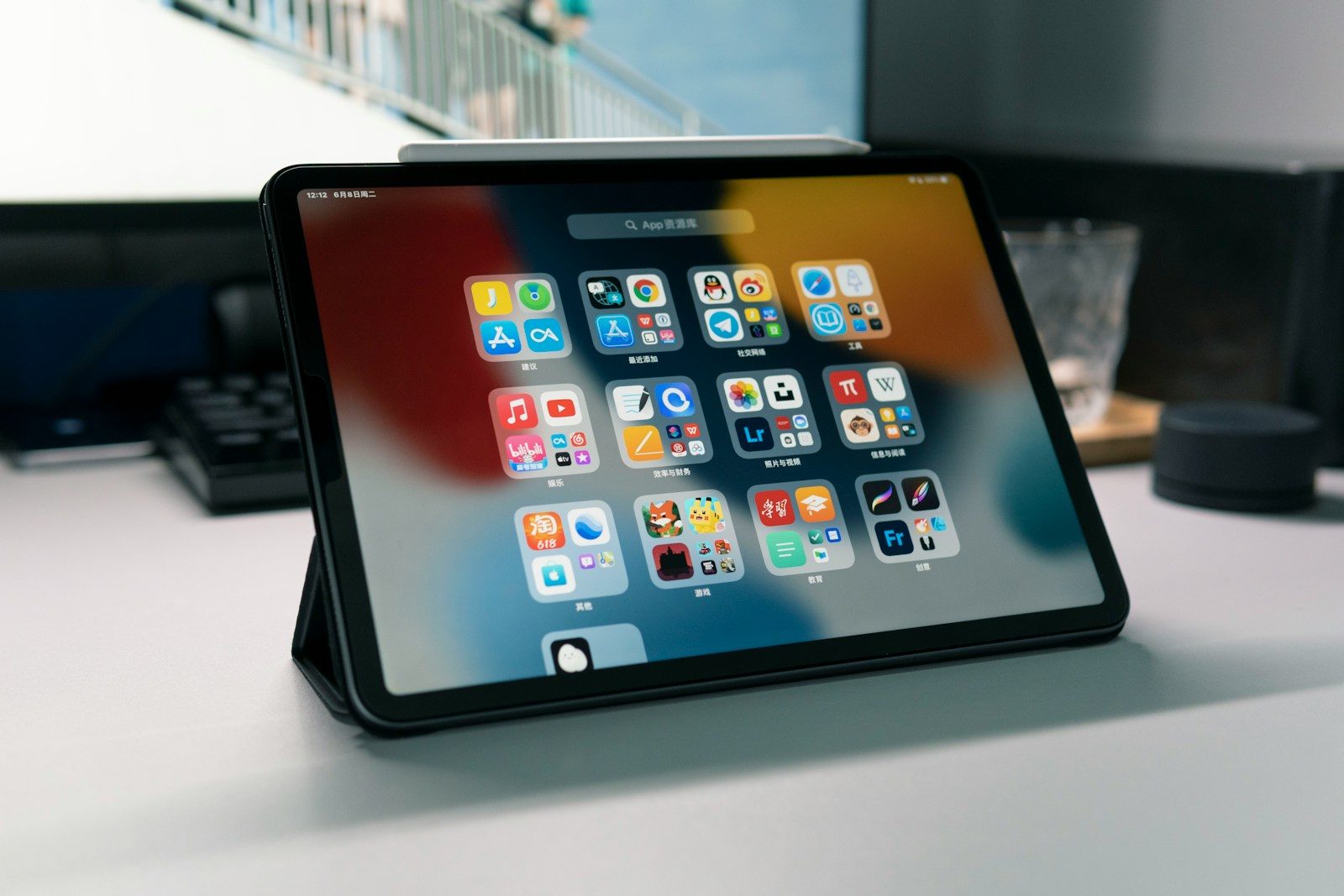
An iPad is not something most people replace every year. With normal care, many iPads can stay useful for about five to seven years, and sometimes longer for simple tasks.
The real lifespan depends on the model, battery health, storage space, and software support. A newer iPad used lightly may last far longer than an older one pushed hard every day.
Software support matters most

An iPad can still turn on after many years, but software support decides how modern it feels. Apple’s current iPadOS 26 compatibility list includes models such as iPad 8th generation and later, iPad mini 5th generation and later, and iPad Air 3rd generation and later.
When an iPad stops getting major updates, apps may slowly drop support. That does not make it useless overnight, but it can limit newer features and security improvements.
Battery age changes everything
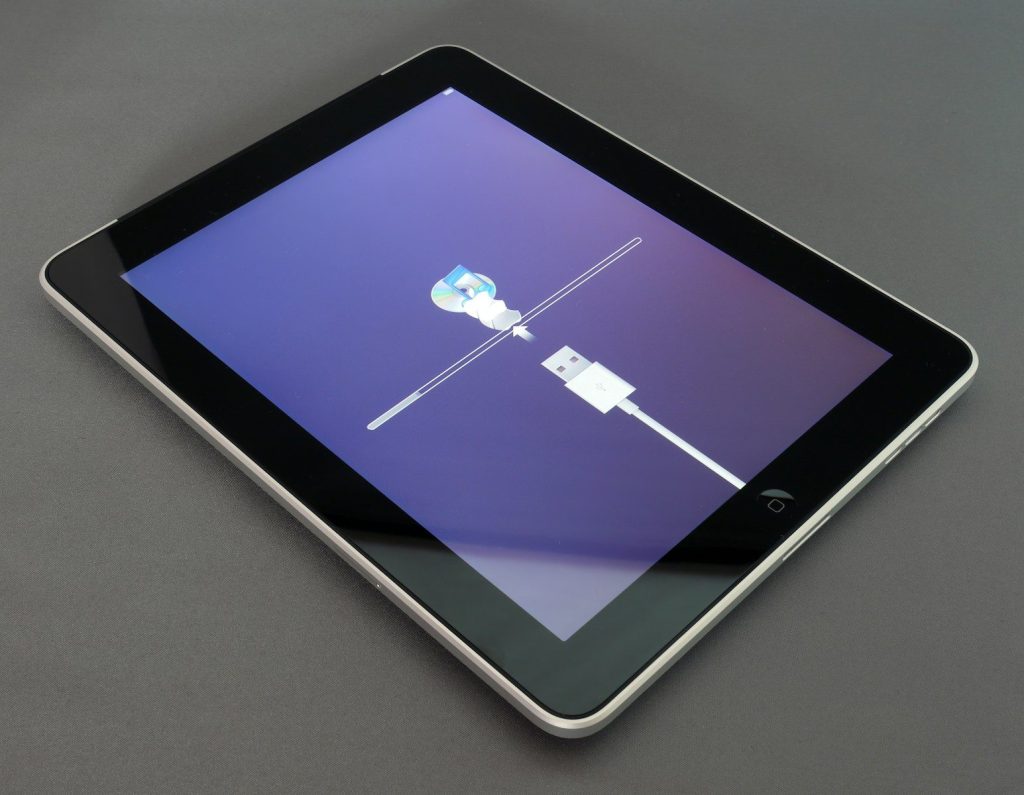
The battery is usually one of the first parts that makes an iPad feel old. Over time, it may not hold a charge as long, even if the screen and apps still work fine.
Apple says eligible iPad battery service may be covered when the battery capacity drops below 80%. That is a helpful sign that battery health plays a major role in how long the device feels usable.
Charging habits can help
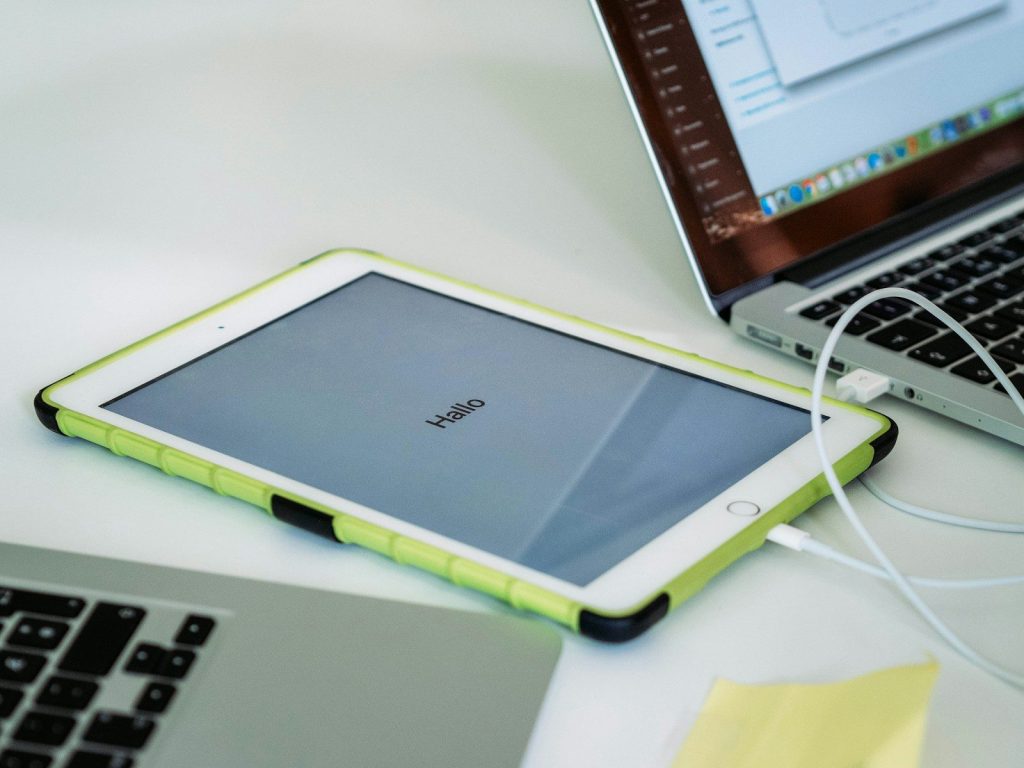
Good charging habits can slow battery wear. Apple says some newer iPad models include an 80% charge limit option, which can help prolong battery lifespan.
You do not need to obsess over every charge. Still, avoiding constant heat, unplugging when practical, and using trusted chargers can help your iPad stay reliable for a longer stretch.
Heat is a quiet problem
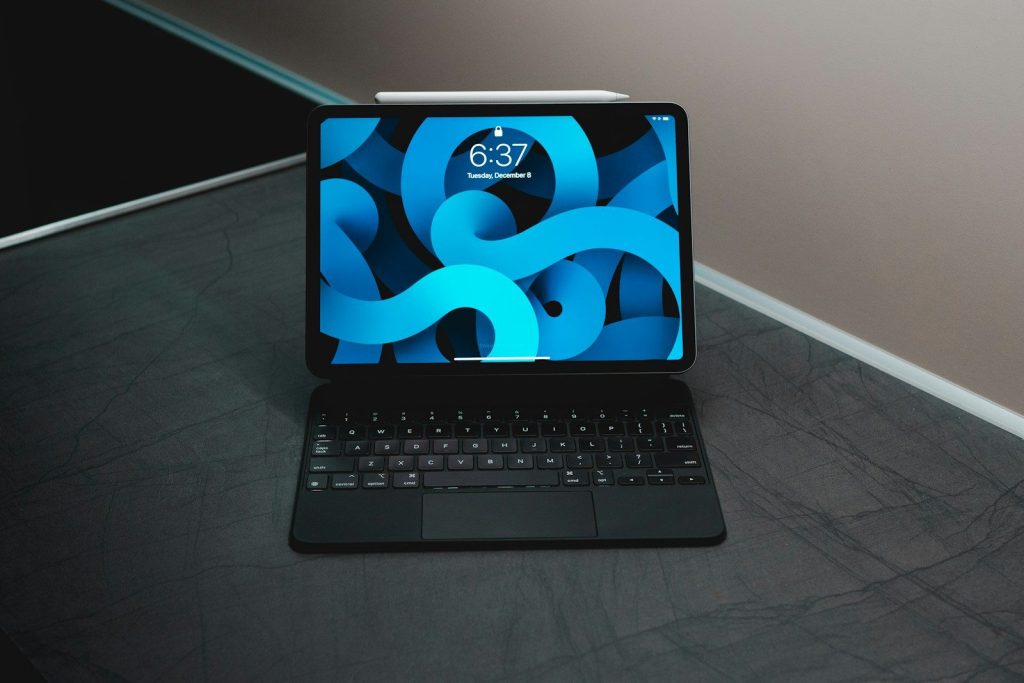
Heat can wear down an iPad faster than many people realize. Leaving it in a hot car, using it in direct sun, or charging it under a blanket can stress the battery.
Try to keep your iPad in a comfortable room-temperature space. If it feels unusually warm, give it a break before charging, gaming, streaming, or running heavy apps again.
Storage can slow it down
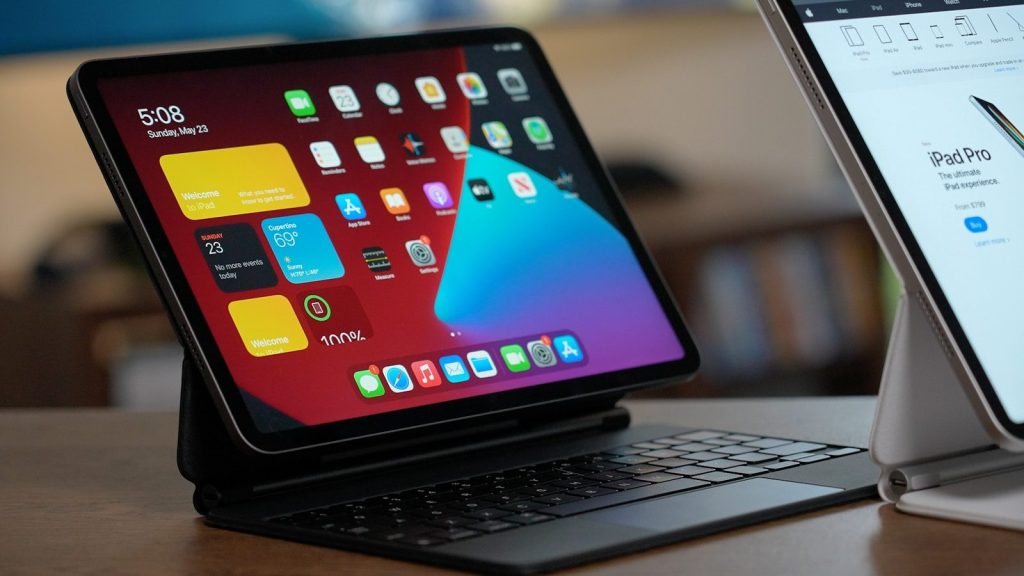
A full iPad often feels older than it really is. When storage is packed with videos, photos, games, and old downloads, the device has less room to work smoothly.
Delete apps you no longer use, move photos to cloud storage, and clear large downloads. A little free space can make everyday tasks feel much cleaner and quicker.
Cases are worth it
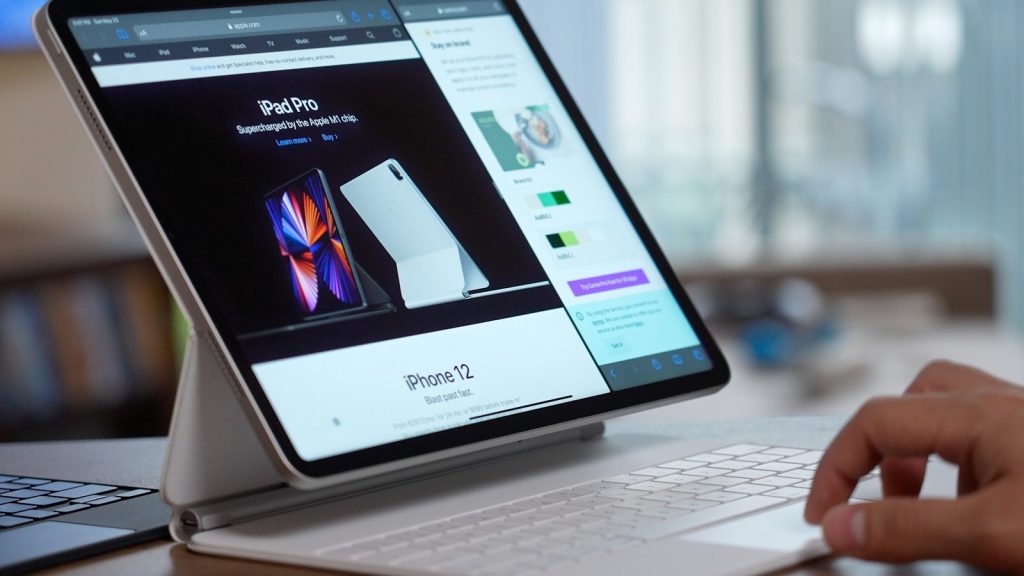
A cracked screen or bent frame can end an iPad’s useful life early. A sturdy case and screen protector are simple upgrades that can prevent expensive damage.
This matters even more for kids, travel, school, and kitchen use. An iPad that survives drops and spills is far more likely to stay useful for several extra years.
Updates should not be ignored

Software updates can fix bugs, patch security issues, and improve performance. When your iPad is still eligible, keeping it updated is usually a smart move.
Before installing a major update, make sure the battery is charged and your data is backed up. That way, you get the benefits without risking lost photos, files, or schoolwork.
Older iPads still have jobs
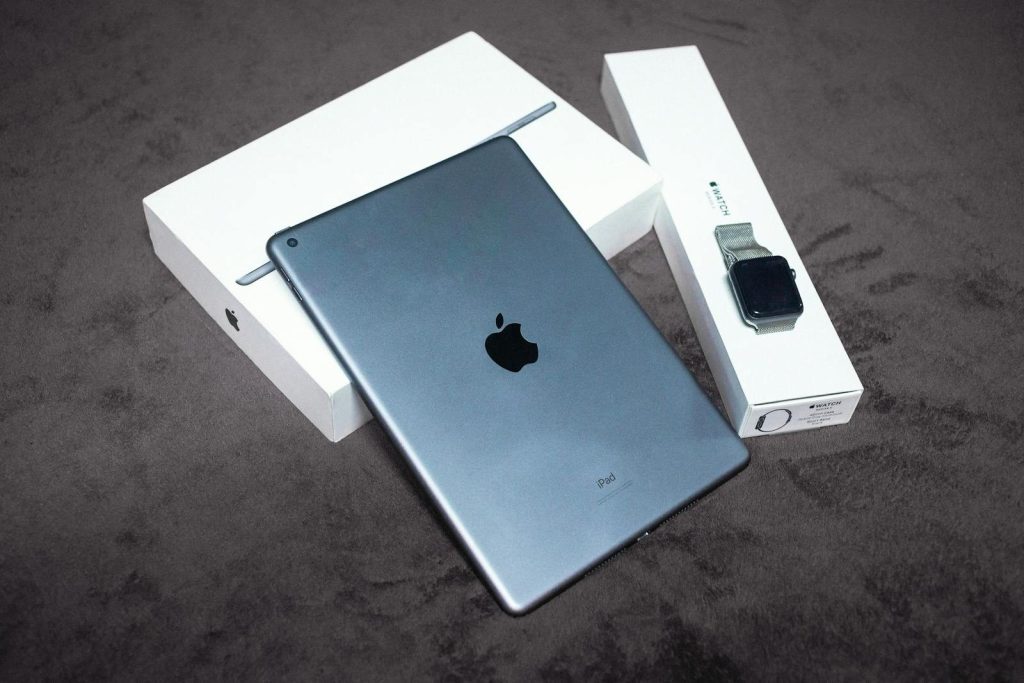
Even when an iPad no longer feels fast enough for everything, it can still be useful. Older models can work well for recipes, reading, music, video calls, notes, or a kids’ learning screen.
Just be careful with sensitive tasks on very old devices that no longer receive updates. Banking, shopping, and private accounts are safer on a device with current security support.
Know when to replace it
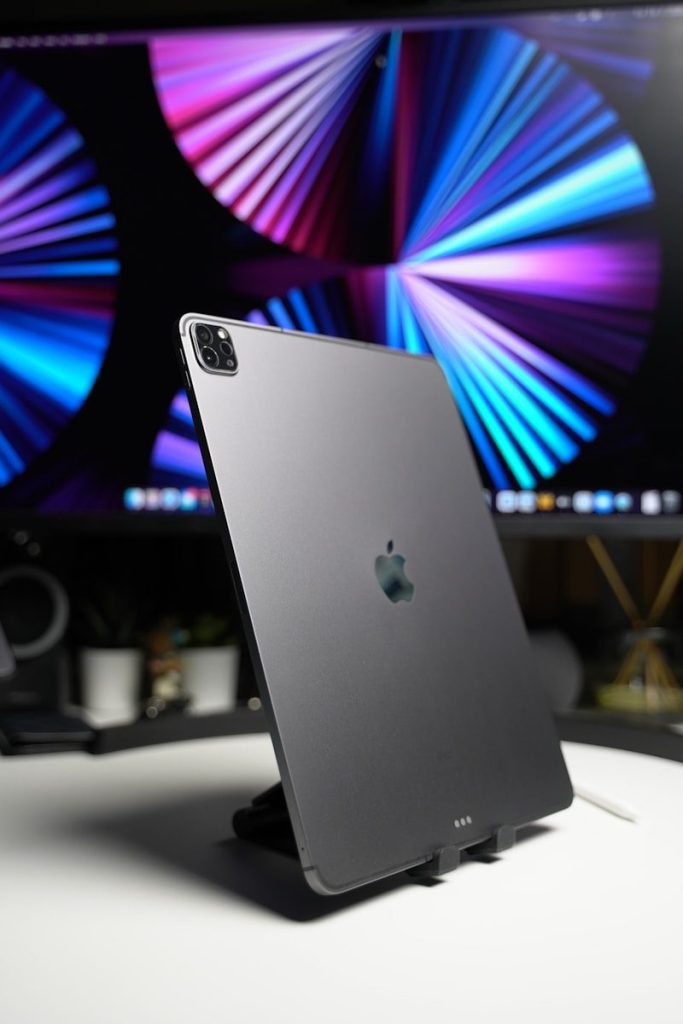
It may be time to replace your iPad when the battery drains quickly, apps stop working, updates are no longer available, or repairs cost too much compared with a newer model.
You can make an iPad last longer with smart charging, storage cleanup, protection, and updates. But when it starts slowing down your daily routine, upgrading can be the better value.
Leave a Reply