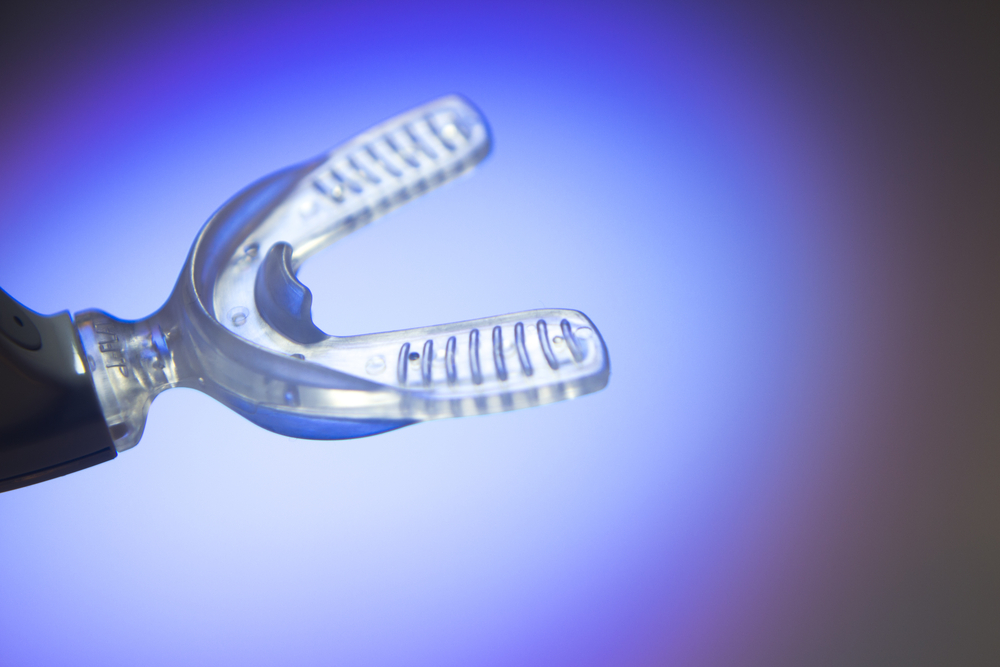
The MouthPad is a custom-fitted wireless controller that allows people to operate phones, tablets, and computers using tongue, head, and sip gestures. It sits over the upper teeth like a slim dental retainer and functions much like a Bluetooth mouse, providing hands-free cursor movement, clicks, swipes, and programmable commands.
The device was developed primarily for users who have limited hand or arm movement, including people with spinal cord injuries. It is not a cure or a medical treatment, and it will not suit every disability. Its significance lies in offering another practical way to reach digital tools that education, employment, communication, and entertainment increasingly require.
Brain Sensory Motor Control Tongue Diagram
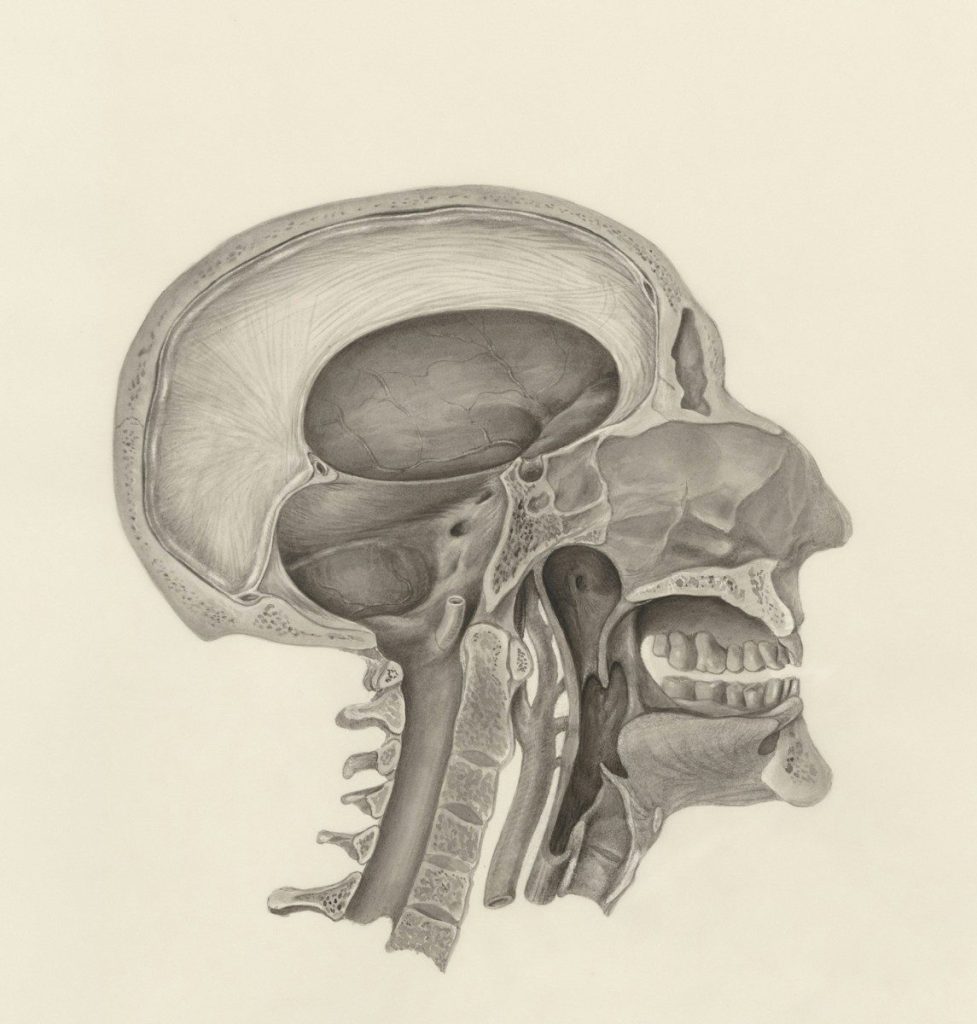
The tongue is unusually precise, flexible, and resistant to fatigue. A large area of the brain helps control its movements, allowing people to make small adjustments without using their hands. It also remains mobile after many spinal cord injuries that affect the arms and legs. Designers recognized that these qualities could support detailed computer control. Unlike voice commands, tongue input can work quietly in classrooms, offices, libraries, or shared spaces where speaking continuously may be slow, disruptive, or impossible.
3D Dental Scan Retainer MouthPad
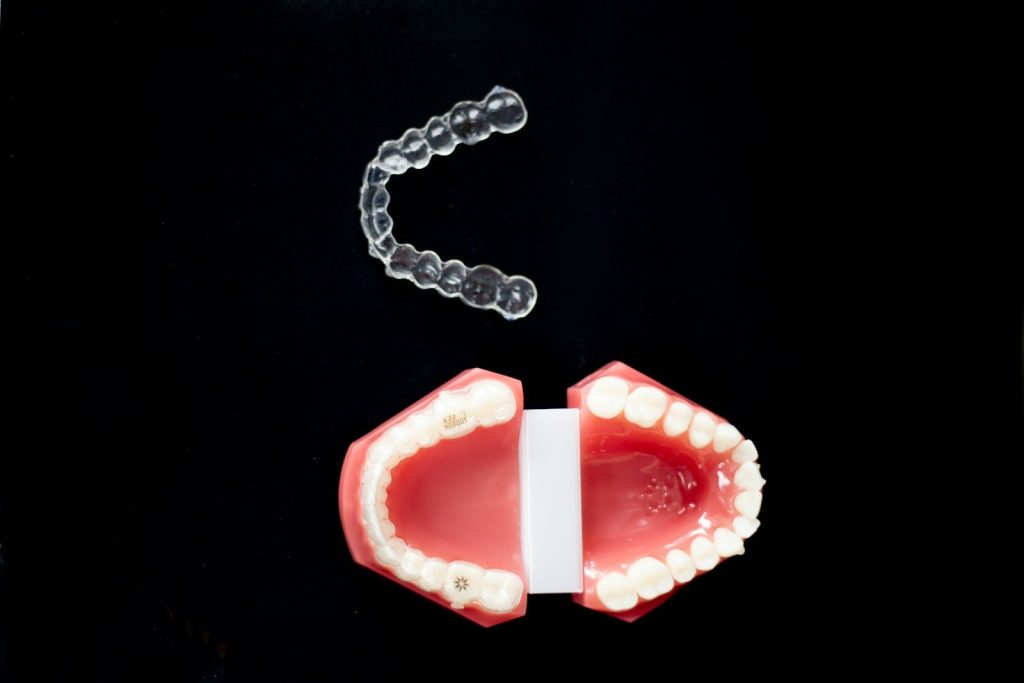
Each MouthPad is designed from a three-dimensional scan of the user’s mouth. The finished device fits against the upper teeth and places a pressure-sensitive trackpad near the palate. Flexible electronics are sealed inside dental resin, while a compact external section contains additional hardware. Custom fitting is important because mouths differ in size and shape. A stable fit helps the tongue reach controls consistently and reduces unwanted movement while the user speaks, works, studies, or plays games.
MouthPad Tongue Trackpad Bluetooth Device

Moving the tongue across the palate trackpad guides the on-screen pointer. Pressing can register a standard click, while sip gestures and other inputs can trigger additional commands. Motion sensors also allow head movements to assist with navigation. Through companion software, users can customize gestures, create keyboard shortcuts, and map controls for particular applications. Because the device behaves like a Bluetooth input tool, it can connect with common computers, smartphones, and tablets without requiring a brain implant or surgical procedure.
User Testing Assistive Technology Computer
The system was developed through years of prototypes and feedback from people with mobility challenges. More than 100 early users tested it for activities such as writing, studying, design work, gaming, and everyday communication. That process matters because assistive technology often fails when designers build around assumptions rather than lived experience. A feature that appears impressive in a laboratory must also remain comfortable, reliable, repairable, and easy to learn during long sessions in homes, classrooms, workplaces, and public settings.
Wireless Dental Device Charging Case
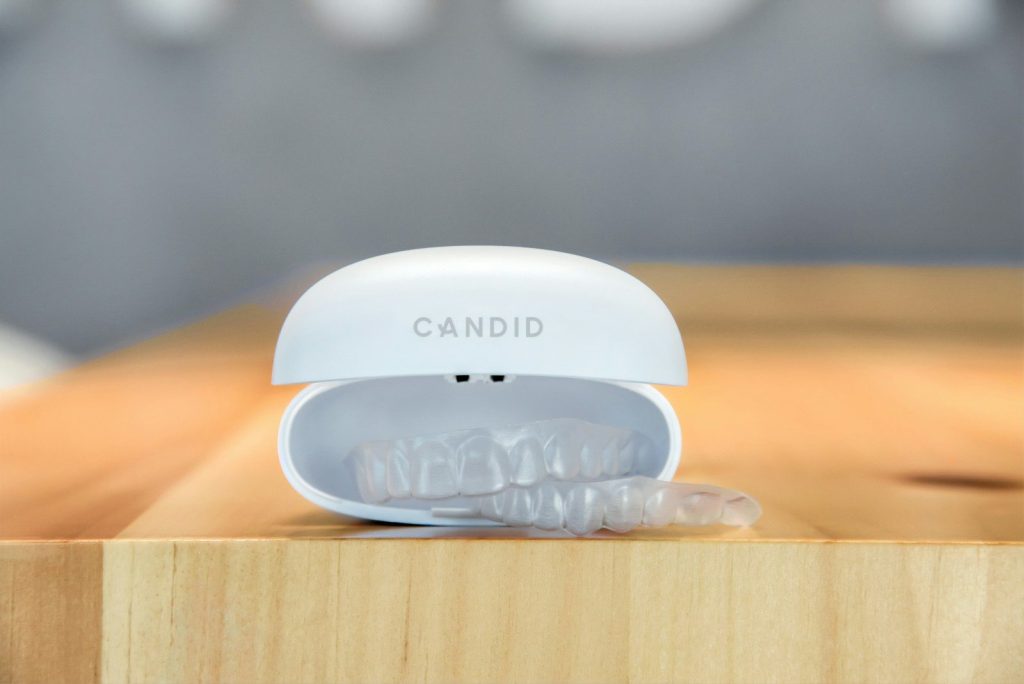
The current model provides more than seven hours of continuous operation on one charge and takes roughly an hour and a half to recharge. It can pair with several devices and switch between them, which may help users move from a computer to a phone. Those specifications still create practical limits for people who need access throughout a full day. A backup unit, charging breaks, cleaning, dental fit, internet access, and technical support can all affect whether the device provides dependable independence.
Accessible Assistive Technology Workspace
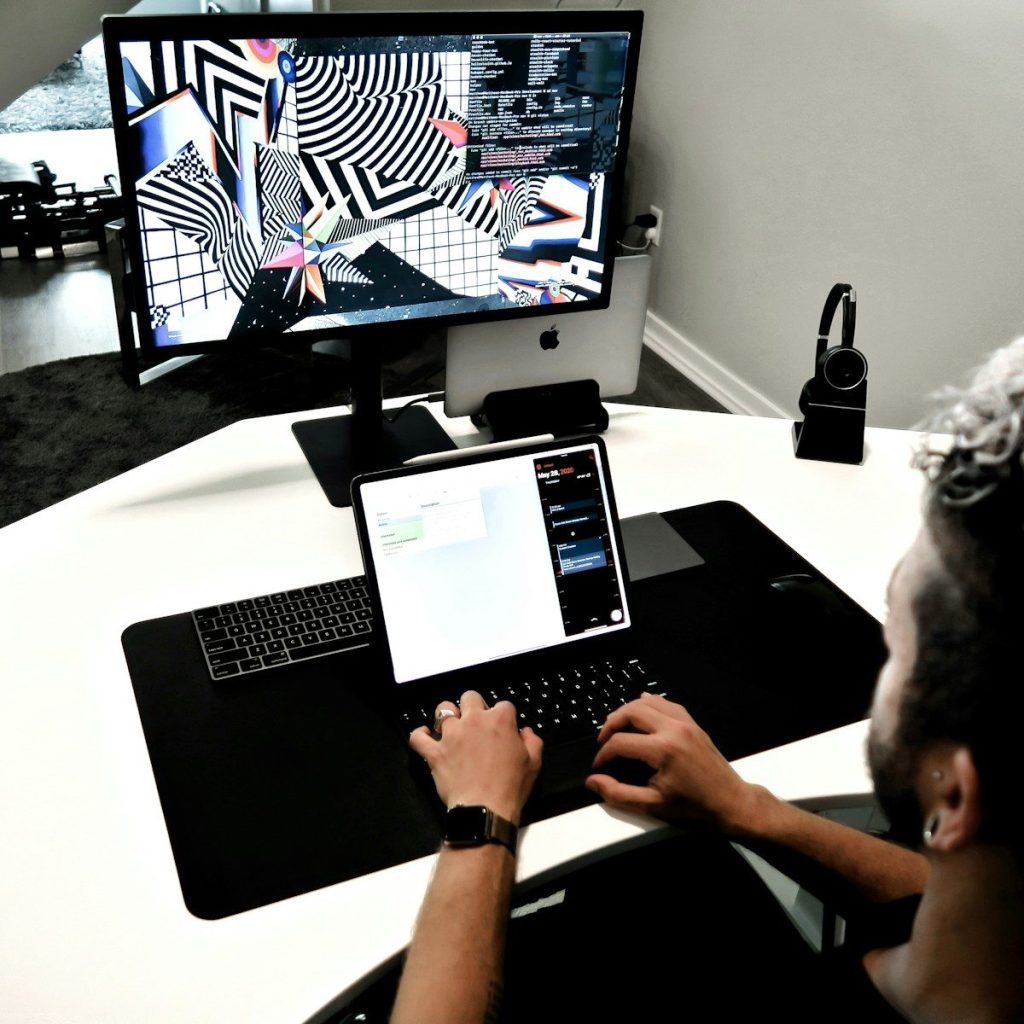
Advanced assistive devices often reach the market before they become affordable or widely funded. Custom manufacturing, dental scanning, support, and low production volumes can raise costs. Because the MouthPad is sold as an input device rather than a medical treatment, insurance coverage may be limited. Wider adoption will depend on lower prices, training, repair services, and purchasing programs in schools or workplaces. A technically successful device cannot transform daily access if the people who need it cannot obtain or maintain it.
Hands Free Computer Input Devices Overview

No single interface works for every person with a disability. Some users prefer eye tracking, switches, voice control, sip-and-puff systems, adapted keyboards, or brain-computer interfaces. The MouthPad adds a discreet, precise option that can work alongside those tools rather than replace them. Its wider lesson is that computer control does not have to begin with hands. Designing around different parts of the body can expand independence while pushing mainstream technology toward more flexible and inclusive ways of interaction. This article is for informational purposes only.
Featured Image: Shutterstock
Leave a Reply