Category: Gadgets

  • Why A Cheap Apple Laptop Is Terrifying Rival Tech Giants

    Why A Cheap Apple Laptop Is Terrifying Rival Tech Giants

    Most consumers believe that premium technology must always come with an eye-watering price tag. We expect budget laptops to feel cheap and perform poorly.

    But Apple has engineered a machine that completely shatters this assumption. This new budget design is sending shockwaves through the tech industry.

    A Shock To The System

    Abstract glowing blue and cyan light on a dark background.
    Photo by Akif Waseem on Unsplash

    For years, the budget laptop market was dominated by slow and plastic devices. Tech buyers had to compromise on speed to save money. According to reports from Bloomberg, Apple designed the MacBook Neo to disrupt this exact space. It is incredibly sleek. This strategic move caught competitors completely off guard.

    Inside The Silicon Secret
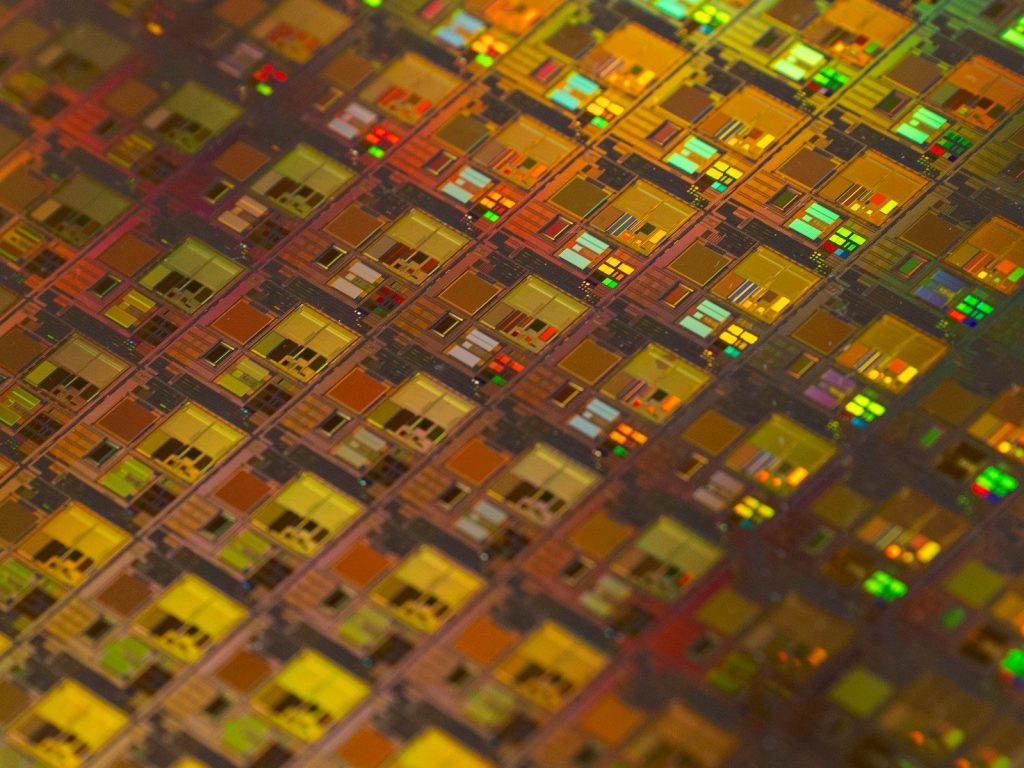
    a close up of a pattern of small squares
    Photo by Maxence Pira on Unsplash

    The secret behind the machine’s extreme performance lies in its custom-built processor. Instead of buying expensive parts, Apple designs its own silicon chips. According to tech analysts at TrendForce, this custom engineering drops production costs dramatically while keeping speeds high. They are super fast. But this hardware breakthrough is only half of the story.

    Battery Life That Defies Physics
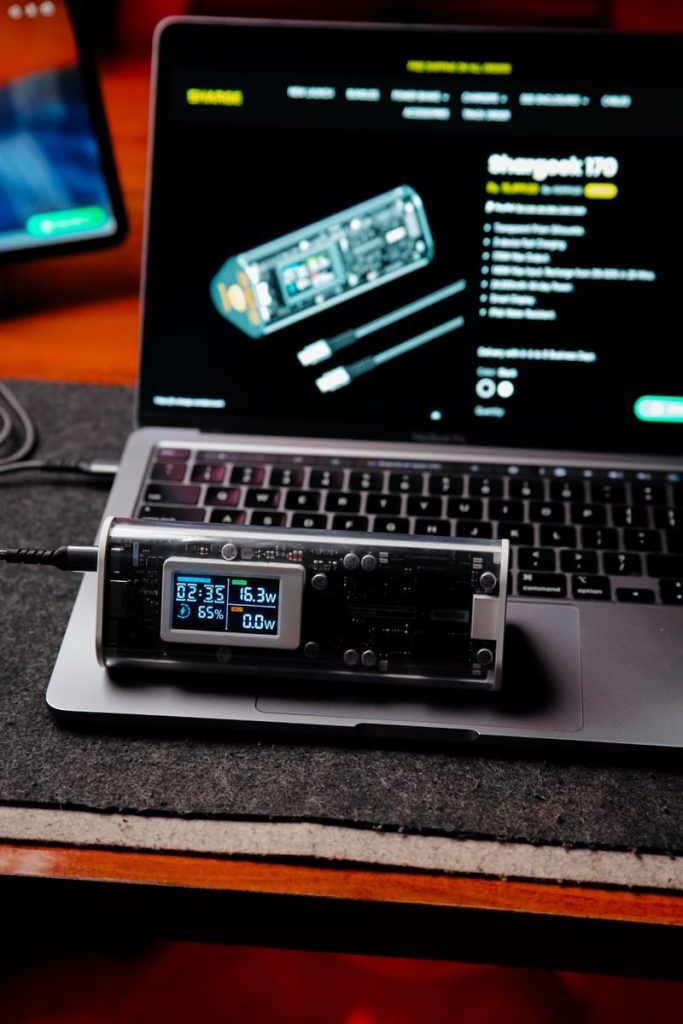
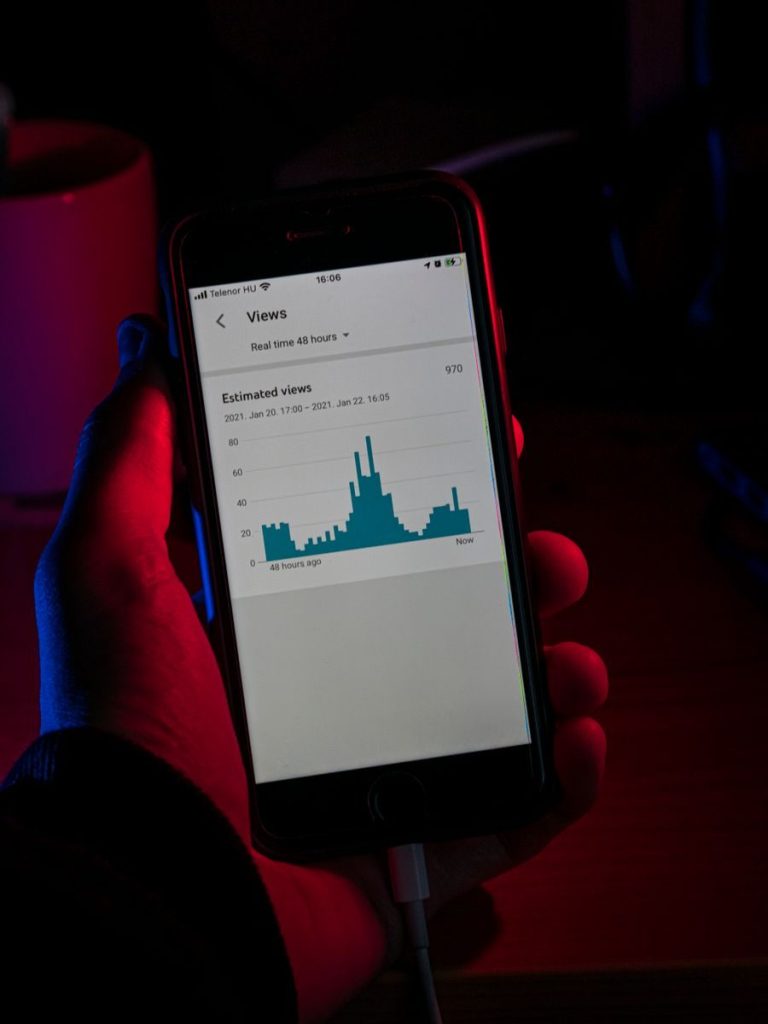
    A digital device displaying data connected to a laptop in a tech-savvy setup.
    Photo by Rubaitul Azad on Pexels

    Budget laptops usually run out of power after just a few hours of work. This device manages to double that standard runtime without needing a bulky battery. According to battery testing by Engadget, the efficient chip allows the machine to run for up to twenty hours. It is highly efficient. Yet, this extreme battery life is creating a massive problem for other brands.

    Competitors In Deep Trouble

    a man looking out a window at a city at night
    Photo by avechenri on Unsplash

    Rival brands are struggling to match this combination of performance and low price. Many companies are watching their market share quickly slip away. According to a market report by Canalys, Windows laptop makers are scrambling to redesign their budget systems. The race is on. However, Apple had to make one major compromise to achieve this price.

    The Hard Drive Catch
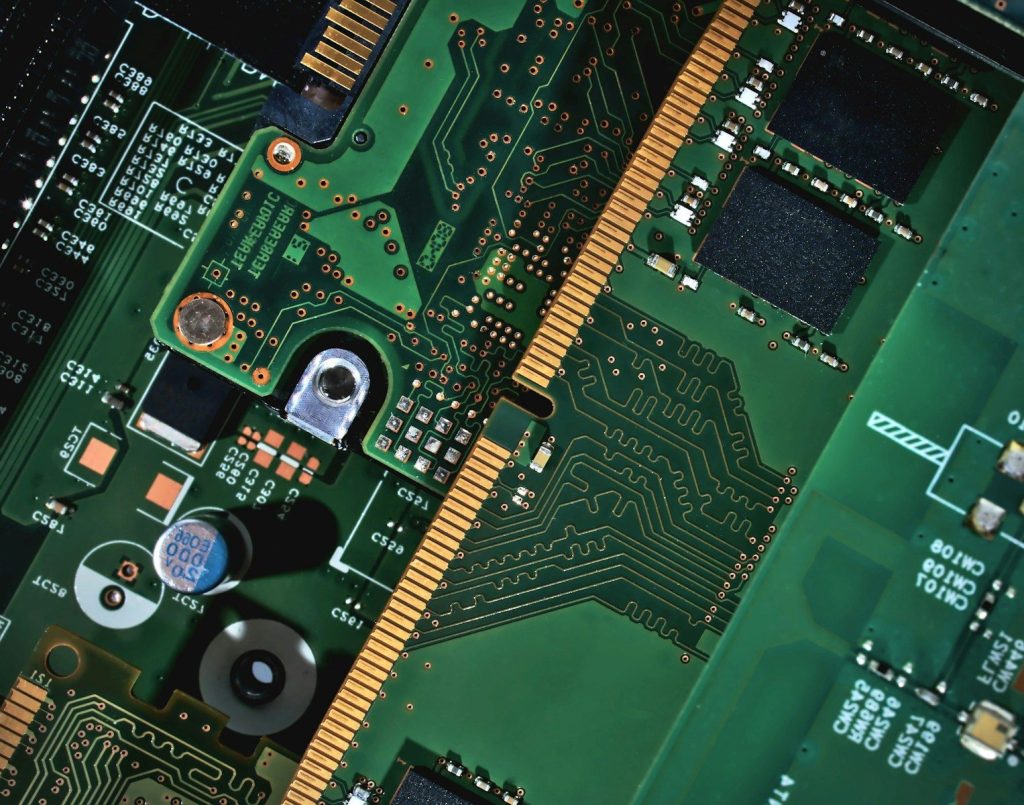
    A close up of a computer mother board
    Photo by Random Thinking on Unsplash

    To keep the price incredibly low, the base model comes with limited storage space. Users who need to save large files will quickly run out of room. According to technical teardowns by iFixit, the storage chips are permanently soldered to the motherboard. Upgrades are impossible. This design choice forces users to make a highly critical decision before buying.

    Relying On The Cloud

    a blue and white logo
    Photo by Growtika on Unsplash

    Because physical storage is so limited, the laptop relies heavily on remote internet storage. This setup keeps the device lightning fast but requires a constant network connection. According to cloud researchers at Gartner, this strategy effectively locks users into Apple’s subscription ecosystem. It is a clever trap. This software integration represents a permanent shift in how we use personal computers.

    A New Tech Era

    A group of young professionals working with laptops in a bright, modern office setting.
    Photo by Mikhail Nilov on Pexels

    The budget laptop landscape has changed forever. High performance is no longer a luxury reserved only for those with deep pockets. According to technology historians, this shift will force all tech brands to deliver better devices for less money. This article is for informational purposes only.

    Featured Image: Photo by TheStandingDesk on Unsplash
  • How Invisible Glass Tech Will Change Your Phone

    How Invisible Glass Tech Will Change Your Phone

    Most people assume that mobile phone screens have reached their ultimate peak of design. We believe that future upgrades will only bring slightly faster speeds or brighter colors.

    But a major engineering breakthrough is quietly happening behind closed doors. This radical change will completely transform how we interact with our screens.

    The Disappearing Front Camera

    person holding black android smartphone
    Photo by Taan Huyn on Unsplash

    We are used to seeing a small black punch hole or island cutting into our screen space. According to reports from Bloomberg, upcoming designs aim to hide all essential front sensors completely beneath the glass. This is clean engineering. Sophisticated light-bending materials will allow cameras to capture perfect images through active pixels. But this optical vanishing act is only the first stage of the design shift.

    Shrinking Down The Brain

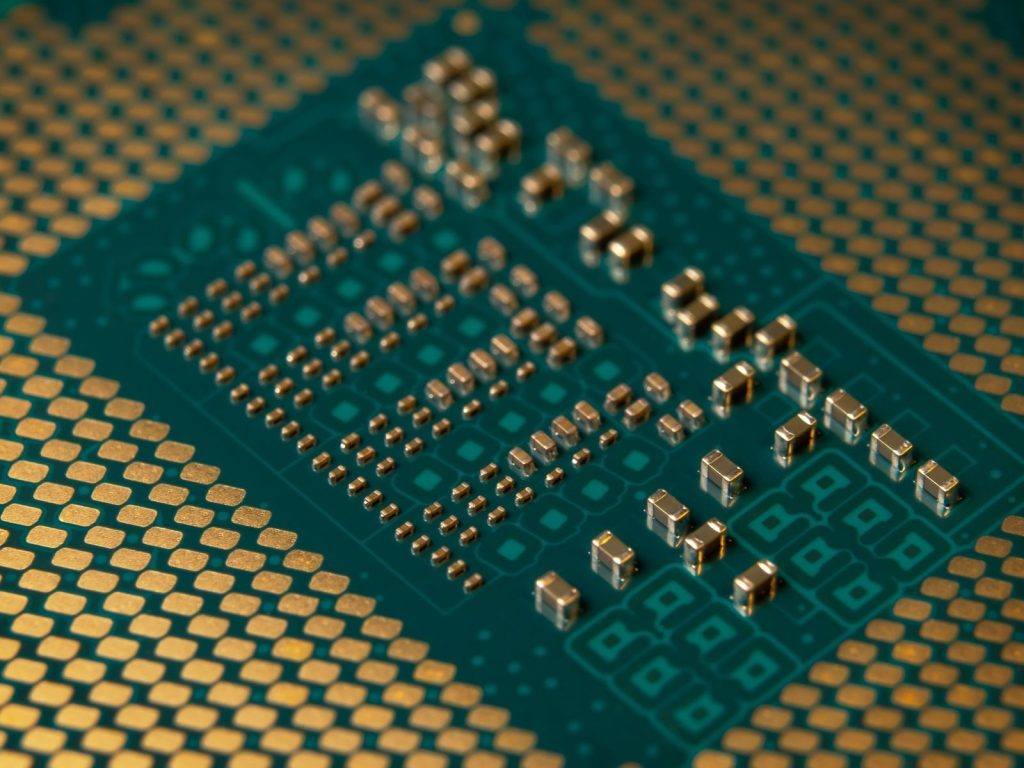
    Detailed close-up of a microprocessor circuit board showcasing intricate circuitry and components.
    Photo by ed br on Pexels

    The physical size of internal processing chips is approaching a hard barrier of physics. According to technical reports from TSMC, upcoming microchips will utilize a highly advanced two-nanometer production process. They are incredibly small. Shrinking these components increases processing efficiency while dramatically reducing heat. But packing more power into a smaller space introduces a serious biological challenge.

    The Battle Against Thermal Heat

    Close-up of a high-performance graphics card with detailed cooling fan design, ideal for tech enthusiasts.
    Photo by Natalia S on Pexels

    High-performance chips quickly generate extreme heat that can damage delicate pocket devices. According to industry analysis from TechInsights, engineers are developing advanced graphite sheets to pull warmth away from internal cores. Heat is the enemy. This silent cooling network allows heavy programs to run smoothly without draining your daily battery life. But another quiet revolution is taking place on the outside of the device.

    Harder Metals For Everyday Use

    a bunch of metal boxes stacked on top of each other
    Photo by Sam Carter on Unsplash
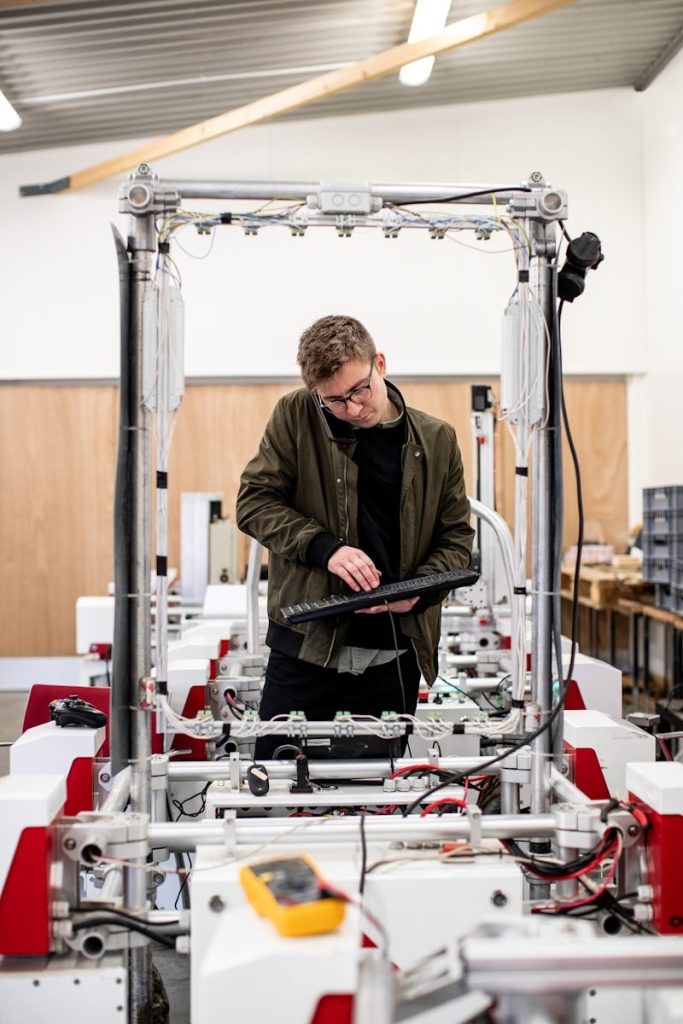
    Phone frames often scratch easily or bend when placed under high pressure. According to materials research from the Massachusetts Institute of Technology, developers are testing next-generation titanium alloys combined with tough ceramics. They are remarkably tough. These futuristic compounds will make our devices almost immune to deep scuffs and structural breaks. But this extreme durability will also serve a surprising functional purpose.

    Redefining Interactive Tactile Buttons

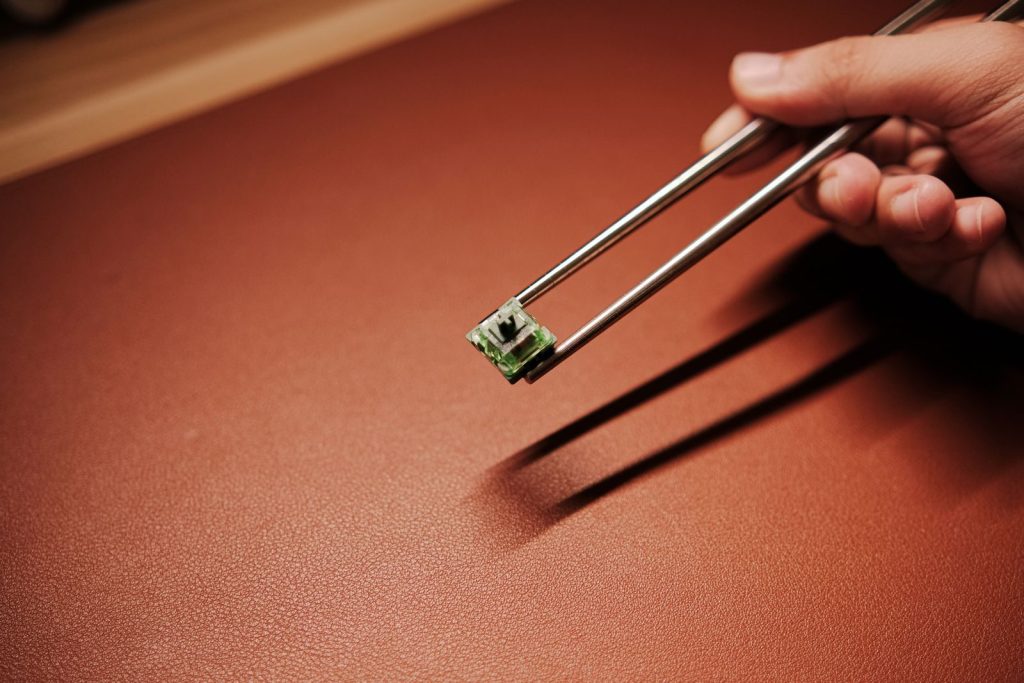
    A detailed view of a hand holding a mechanical switch with chopsticks, showcasing technology and precision.
    Photo by Click Jeth on Pexels

    Physical clicking buttons are slowly being phased out to create completely smooth outer frames. According to patent filings from the United States Patent and Trademark Office, solid-state sensors will soon mimic the physical sensation of clicking using localized vibrations. The magic is touch. This seamless design removes mechanical parts that easily collect dust or let water seep inside. But this structural sealing is paving the way for a much larger evolution.

    Smarter Logic At The Core

    Artistic arrangement of circuit boards and cables symbolizes modern technology.
    Photo by Mikhail Nilov on Pexels

    Modern mobile devices rely heavily on external servers to process complex cognitive tasks. According to software engineering reports from Apple, future operating systems will process massive machine-learning models directly on your device. This is private data. Keeping these operations local ensures instant responses and protects sensitive personal information. But this massive technological leap points to a major shift in how we live our lives.

    Seamless Integration Into Reality

    silhouette photo of transmission post
    Photo by Jeevan Katel on Unsplash
    The physical tool we call a phone is slowly blending into the background of our physical lives. According to tech consumer surveys, hardware is moving toward becoming a quiet, invisible assistant. The future is arriving now. This article is for informational purposes only.

    Featured Image: Photo by Lorenzo Rui on Unsplash

  • The Quiet Sensors Tracking Your Every Digital Step

    The Quiet Sensors Tracking Your Every Digital Step

    Most mobile users believe their smartphone only records their location when they open a map. We assume our private movements remain completely confidential when our screens are locked.

    But deeply buried hardware sensors are quietly monitoring your physical actions around the clock. Security experts have revealed that these silent components can reconstruct your private life.

    The Silent Gyroscope Log

    a close up of a computer screen with the words mid - journey on it
    Photo by Jonathan Kemper on Unsplash

    Your phone contains a highly sensitive gyroscope that measures the exact angle of the device. According to cybersecurity reports, this hardware sensor operates constantly in the background without requiring user permission. It runs silently. Hackers can analyze these tiny rotational shifts to guess exactly what you are typing. But this angle tracking is only the first part of the issue.

    Tracking Your Step Rhythms

    a person holding a pen and writing on an electronic device
    Photo by Liana S on Unsplash

    Built-in accelerometers are designed to count your steps and measure daily exercise routines. According to digital privacy studies, these sensors also record the unique rhythmic pattern of your walk. The pattern is personal. This physical signature can be used to identify your movement profile across separate devices. But your phone is also listening to the surrounding air.

    Triangulating Local Air Signals

    A black and white photo of cell towers
    Photo by Wendell Adriel L.S. on Unsplash

    Even when your location services are disabled, the phone scans for nearby wireless networks. According to reports from the Electronic Frontier Foundation, tracking these local Wi-Fi signals allows companies to pinpoint your coordinates. The scans are constant. This silent mapping can locate you inside a specific shopping aisle without using satellites. But some trackers are hiding inside your battery.

    Reading Your Battery Drain

    a close up of a speedometer on a motorcycle
    Photo by Austin Hervias on Unsplash

    Websites can monitor the exact battery percentage of your handheld device in real time. According to research from Princeton University, your battery’s charging cycle creates a unique digital footprint. The tracking is silent. This status data can link your web visits together even if you clear your browser cookies. But managing this data leak requires checking your default accounts.

    Silent Photo Location Stamps

    A close up of a computer screen with a monkey on it
    Photo by Glen Carrie on Unsplash

    Taking a photo with your mobile camera automatically embeds precise coordinates into the image file. According to software support guides, this metadata remains attached when you share the file online. The stamp is hidden. Anyone downloading the photo can easily extract the exact location of your home or office. But turning off these hidden trackers only takes a few steps.

    Turning Off Background Logs

    man in red shirt and brown pants holding tablet computer
    Photo by Arthur Debons on Unsplash
    Users must navigate through several layers of advanced settings to disable these hidden hardware logs. According to network security engineers, disabling background sensor access prevents third-party apps from reading your motion. Action is required. Once disabled, the system stops sharing your physical movements with corporate data servers. But keeping your device secure requires running monthly audits.

    Long Term Privacy Sovereignty

    cityscape photography of buildings under blue sky
    Photo by blue bird on Unsplash

    Taking control of your mobile hardware settings is the easiest way to secure your digital footprint. According to technological researchers, staying mindful of default sensor logs preserves your personal independence. Your data belongs to you. This article is for informational purposes only.

    Featured Image:Photo by Joseph Royer on Unsplash

  • The Hidden Smartphone Settings Tracking Your Every Move

    The Hidden Smartphone Settings Tracking Your Every Move

    Most mobile users believe their smartphone only logs their location when they open a map application. We assume our personal movements remain completely private when our devices are locked.

    But deeply buried factory settings are quietly recording your geographic coordinates around the clock. Security experts have revealed that turning off three hidden options can restore your digital privacy immediately.

    The Silent Geographic Log

    black and silver asus laptop computer
    Photo by Erik Mclean on Unsplash

    Our mobile devices coordinate dozens of background activities to keep systems running smoothly. According to digital security reports, a hidden background directory actively logs your coordinates at all times. The ledger is detailed. It can tell exactly when you leave your home or arrive at an office. But finding this directory requires navigating several confusing privacy menus.

    Web And App Tracking

    a computer screen with a phone and a tablet
    Photo by Team Nocoloco on Unsplash

    The first major tracking setting records your active search history and app usage. According to device support manuals, this Web and App Activity option is enabled by default on most systems. It runs silently. This constant monitoring builds a highly detailed profile of your daily interests and habits. But you can turn this setting off easily in your account options.

    Clearing Location History

    Car navigation screen showing map and music player
    Photo by Seungmin Yoon on Unsplash

    The secondary target setting keeps a permanent digital map of all your physical travels. According to network privacy advocates, Location History records the coordinates of every restaurant and store you visit. It is highly precise. Over several months, this tracking file accumulates enough data to reconstruct your entire private life. But disabling this log is a critical step for security.

    Personalized Ad Personalization

    a computer screen with a rocket on top of it
    Photo by Growtika on Unsplash

    The final tracking setting uses your private data to customize the ads displayed on your screen. According to advertising industry reports, Ad Personalization shares your profile details with marketing networks to target you. The tracking is constant. This data transfer is why you see ads for items you just searched. But silencing this settings loop is remarkably simple.

    Navigating Privacy Controls

    Person using a smartphone with a profile on screen.
    Photo by Detail .co on Unsplash

    Finding and disabling these three default tracking settings only takes a few minutes in your account. According to cybersecurity professionals, users must locate the data and privacy tab inside their default browser settings. Action is required. Once disabled, the system stops sending your private coordinates and web history to central servers. But stopping future tracking is only half the puzzle.

    Deleting Past Logs

    white and red card on white computer keyboard
    Photo by CARTIST on Unsplash

    Turning off the tracking settings does not automatically erase the historical files stored in memory. According to network security engineers, users must manually select the clear history option to wipe the existing slate clean. Do not forget. Doing this ensures your past movements are completely deleted from the database forever. But keeping your device secure requires continuous vigilance.

    Running Monthly Audits

    black android smartphone on brown table
    Photo by Claudio Schwarz on Unsplash

    Operating system updates can sometimes reset your customized privacy preferences to their default settings. According to mobile security experts, running monthly device audits is essential to verify that your trackers remain disabled. The check is quick. This routine maintenance ensures that your private details stay fully protected from corporate data miners. But the final shield relies entirely on your own habits.

    Complete Privacy Sovereignty

    Modern office interior with white desks and black chairs.
    Photo by The Yardcoworking on Unsplash

    Taking control of your smartphone privacy options is the easiest way to protect your digital footprint. According to technological researchers, staying mindful of default tracking settings preserves your cognitive and spatial independence in a connected world. Your data belongs to you. This article is for informational purposes only.

    Featured Image: Photo by stevepb on Pixabay

  • Why Next Generation Electric Vans Are Redefining Utility Transport

    Why Next Generation Electric Vans Are Redefining Utility Transport

    Most commercial fleet owners assume that utility vans must always rely on loud diesel engines. We believe that heavy transport vehicles are too heavy to ever run efficiently on pure battery power.

    But a revolutionary shift in electric vehicle design is completely challenging this vehicle standard. Advanced electric utility vans are delivering incredible cargo space with almost zero emissions.

    The Utility Aerodynamic Design

    A modern CGI rendering of a futuristic sports car in a dark studio setting.
    Photo by Pușcaș Adryan on Pexels

    Moving a massive cargo box through the air creates intense wind resistance that drains battery range. According to electric vehicle design logs, the new utility van features a highly streamlined external shell. It is remarkably smooth. This sleek shape allows the heavy vehicle to slide through wind with minimal energy loss. But carrying heavy shipments requires a highly robust battery placement.

    Integrating Flat Floor Batteries

    Electric skateboard with large wheels on pavement
    Photo by Khudadad Alam on Unsplash

    Traditional utility vans waste valuable cargo space housing heavy transmission tunnels and engine blocks. According to reports from automotive engineers, next-generation electric vans place the battery pack flat beneath the floor. The design is genius. This flat layout lowers the center of gravity while maximizing storage room inside the cabin. But driving these heavy loads requires a highly efficient motor.

    The Compact Drive Units

    man in brown jacket using a machine
    Photo by ThisisEngineering on Unsplash

    Moving heavy commercial cargo requires instant pulling power without any transmission lag. According to mechanical hardware journals, the van utilizes ultra-compact electric drive units that deliver high torque. They are tiny. This space-saving design ensures the vehicle can accelerate smoothly even when fully loaded. But managing this electrical current demands an advanced high-voltage grid.

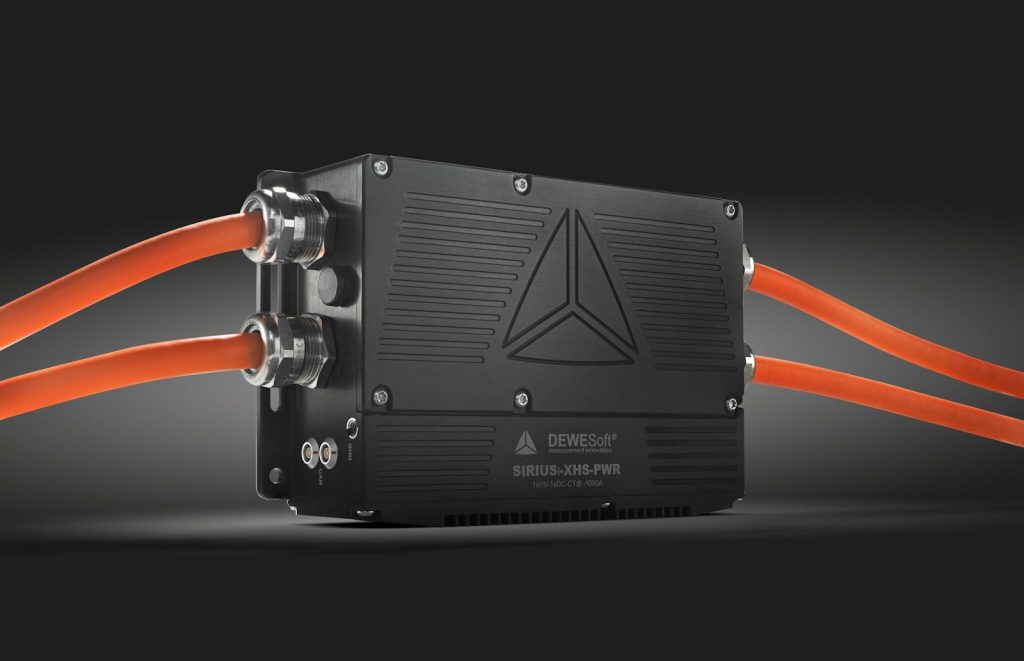
    High Voltage Electrical Systems

    a black box with orange wires attached to it
    Photo by Tomaž Srpčič on Unsplash

    Distributing electrical current across a massive utility vehicle requires a highly robust wiring setup. According to electric grid reviews, the van uses an advanced eight-hundred-volt system to run the motors. The current is strong. This high voltage allows the vehicle to charge much faster at commercial stations. But keeping the battery healthy during rapid charging requires a clever thermal controller.

    Smart Thermal Pump Recovery

    a close-up of a machine
    Photo by Mario Verduzco on Unsplash

    Cold winter weather can cause a severe drop in battery performance and cabin heating efficiency. According to vehicle engineering studies, an integrated heat pump captures waste energy from the motors to warm the battery. It is highly efficient. This recycling process ensures the van maintains its driving range during freezing winter deliveries. But navigating tight city streets introduces a major steering challenge.

    Precise Steer-by-Wire Control

    A close up of a robot on a tiled floor
    Photo by Maxim on Unsplash

    Maneuvering a long commercial vehicle through crowded city centers requires a highly responsive steering system. According to vehicle testing logs, the van features an all-digital steer-by-wire setup that eliminates the mechanical column. It is highly advanced. A computer translates the driver movements into precise wheel angles instantly. But this smart steering is also paving the way for autonomous deliveries.

    Automated Software Fleet Guidance

    Blurred abstract image of a microchip with heatmap colors highlighting technological innovation.
    Photo by Steve A Johnson on Pexels

    Navigating delivery routes efficiently requires a highly advanced digital piloting assistant on board. According to computer software logs, built-in artificial intelligence programs map surrounding terrain in real time. The software never sleeps. This automated driving assistant can calculate the fastest paths to reduce delivery delays. But the long-term success of these electric fleets relies on global charging setups.

    Unlocking Clean Utility Fleets

    cars on road during daytime
    Photo by Siami Tan on Unsplash

    Transitioning toward electric utility transport is the final piece of the sustainable transit puzzle. According to transportation historians, electric vans will allow businesses to operate cleanly inside urban centers around the clock. The transition is inevitable. This article is for informational purposes only.

    Featured Image: Photo by Vadym Alyekseyenko on Unsplash

  • The Hidden Smartphone Features Changing Daily Mobile Life

    The Hidden Smartphone Features Changing Daily Mobile Life

    Most mobile users believe they already know every single tool and option on their handheld devices. We assume that daily scrolling and tapping have revealed all the capabilities of our phones.

    But a deeply buried system of secret settings is quietly recording data and changing performance in the background. Activating these hidden features can transform your smartphone into a highly secure personal assistant.

    The Secret Location Journal

    person using smartphone with nordic walking sticks
    Photo by Antonio Groß on Unsplash

    Our digital devices coordinate dozens of background activities to ensure systems run smoothly. According to mobile security reports, a hidden background system actively logs your precise coordinates at all times. The ledger is detailed. It can tell exactly when you leave your home or arrive at an office. But finding this secret directory requires navigating through several confusing privacy menus.

    Turning Off Background Tracking

    graphical user interface, application
    Photo by Typerium App on Unsplash

    Disabling this background coordinate logging is surprisingly simple once you know where the setting is hidden. According to device support manuals, turning off the tracking does not disrupt your basic map navigation apps. Action is required. Once disabled, the phone stops keeping a local map of your private life. But keeping your personal data truly secure requires taking a few secondary steps.

    Clearing Old Spatial Logs

    A close-up of CDs and disks on a desk, featuring hands in a tech environment.
    Photo by cottonbro studio on Pexels

    Turning off the background location setting does not automatically erase the travel logs already stored in memory. According to network privacy advocates, users must manually select the clear history option to wipe the files. Do not forget. Doing this ensures your past movements are completely deleted from the device forever. But other hidden settings can actively boost your daily signal strength.

    The Hidden Diagnostic Menus

    person holding silver electronic diary
    Photo by Wahyu Setiawan on Unsplash

    Mobile developers build secret testing screens into the operating code to help technicians diagnose hardware faults. According to telecommunication guides, typing specific numeric codes into your phone dialer unlocks these hidden diagnostic menus. They are highly complex. This access allows you to run antenna tests and verify battery health directly. But these diagnostic tools also reveal how much power is being wasted.

    Silencing Hungry Background Apps

    turn-on laptop displaying 97 percent battery
    Photo by Panos Sakalakis on Unsplash

    Dozens of installed apps constantly update their content in the background even when your screen is locked. According to software engineering audits, this silent activity drains battery power and consumes valuable mobile data. The drain is rapid. Disabling background app refresh keeps your processor cool and easily doubles your battery life. But there is another hidden feature designed specifically for emergency situations.

    Activating Your Emergency Beacon

    person holding phone displaying stop complaining text screengrab
    Photo by Omar Prestwich on Unsplash

    Most smartphones contain a hidden shortcut that can instantly contact rescue services and share your coordinates. According to personal security reports, pressing the power button five times rapidly triggers an automated distress signal. It works silently. This feature can send a direct distress message to your chosen contact list during a crisis. But keeping these security settings sharp requires running monthly updates.

    Mastering Your Connected Life

    man in blue dress shirt sitting on rolling chair inside room with monitors
    Photo by Austin Distel on Unsplash

    Taking control of your smartphone privacy and performance options is the easiest way to secure your digital footprint. According to cybersecurity professionals, regular device audits are essential to protect your personal details from corporate tracking. Awareness is vital. This article is for informational purposes only.

    Featured Image: Photo by Rami Al-zayat on Unsplash

  • The Hidden Smartphone Feature Quietly Recording Your Movements

    The Hidden Smartphone Feature Quietly Recording Your Movements

    Most smartphone users believe that their location is only tracked when they actively use mapping applications. We assume that our private movements remain completely confidential when our devices are locked in our pockets.

    But a deeply buried factory setting is quietly recording every place you visit. This hidden digital ledger keeps a highly detailed map of your life without your active knowledge.

    The Great Geographic Leak

    A person holding a smart phone in their hand
    Photo by Serg Magpie on Unsplash

    Our digital networks coordinate dozens of background activities to ensure devices run smoothly. According to mobile security reports, a hidden background system actively logs your coordinates at all times. It is highly detailed. This specialized directory can tell exactly when you leave your home or arrive at an office. But locating this secret ledger requires digging through multiple software barriers.

    Digging Into Settings Menus

    A hand holding a smartphone displaying a VPN app screen for secure online browsing.
    Photo by Dan Nelson on Pexels

    Finding this tracking directory requires navigating through several layers of confusing privacy options. According to software engineering guides, users must locate the system services tab buried inside their location settings. The path is hidden. Most people never scroll deep enough to find where this data is actually stored. But seeing the recorded list has left many users completely shocked.

    Viewing Your Daily Maps

    a close up of a cell phone screen with a line graph on it
    Photo by lonely blue on Unsplash

    Opening the folder reveals a highly precise map displaying your exact movements over several months. According to consumer privacy audits, the device groups your coordinates into highly specific local neighborhood categories. The accuracy is terrifying. It knows exactly where you buy coffee and where you sleep every night. But technology developers claim this tracking serves a highly useful purpose.

    Personalizing Your Digital Experience

    Man working at a desk with computer and tablet
    Photo by Mahmudul Hasan on Unsplash

    Operating systems use this spatial data to speed up your daily search queries. According to official device support pages, the tracking helps the virtual assistant suggest commute times and local weather updates. They want efficiency. The software relies on these patterns to customize your home screen widgets in real time. But security experts are warning about a major vulnerability.

    The Risk Of Physical Access

    Facebook profile lock screen on a smartphone
    Photo by Smartupworld on Unsplash

    If someone gets access to your unlocked phone, they can view your entire travel history. According to digital forensics experts, this local file represents a goldmine of highly sensitive personal information. Protection is vital. Anyone with physical access to your device can easily discover your daily routines. But you can turn off this tracking setting instantly.

    Silencing The Location Tracker

    a close up of a cell phone on a table
    Photo by Dominic Wajda on Unsplash

    Disabling the background tracking feature only takes a few simple taps in your privacy menu. According to mobile support documentation, turning off the service does not disrupt your basic map navigation apps. Action is easy. Once disabled, the device immediately stops logging your coordinates in the background. But keeping your data safe requires taking a few secondary steps.

    Clearing Your Old Data

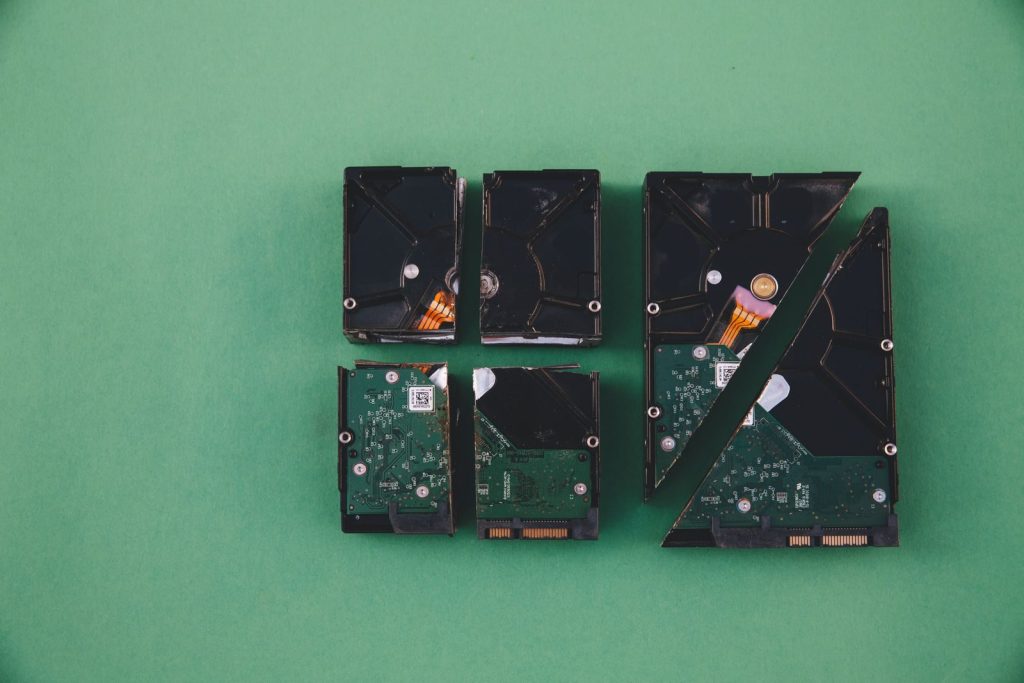
    Four broken hard drives arranged on a green background, showcasing data destruction.
    Photo by Markus Spiske on Pexels

    Turning off the setting does not automatically erase the travel logs that have already been recorded. According to network privacy advocates, users must manually select the clear history option to wipe the slate clean. Do not forget. Doing this ensures that your past movements are completely deleted from the device memory. But developers are constantly designing new background features.

    Guarding Our Digital Sovereignty

    the sun is shining through the windows of a building
    Photo by Nguyen Phan Nam Anh on Unsplash

    Taking control of your smartphone privacy settings is the easiest way to secure your connected life. According to cybersecurity professionals, regular device audits are essential to protect your personal details. Vigilance is necessary. This article is for informational purposes only.

    Featured Image: Photo by Maël BALLAND on Unsplash

  • Why Classic Warm Light Bulbs Are Making A Comeback

    Why Classic Warm Light Bulbs Are Making A Comeback

    Most modern homeowners assume that LED light bulbs are the perfect replacement for old lighting options. We believe that low energy usage makes these blue-white lights superior in every single room.

    But a surprising biological shift is bringing classic incandescent bulbs back into our homes. Their unique continuous color spectrum offers healthy benefits that modern bulbs simply cannot match.

    The Blue Light Problem

    A black background with a blue wave on it
    Photo by Pawel Czerwinski on Unsplash

    Many standard LED bulbs emit intense peaks of blue light that can disrupt human biological rhythms. According to a study from Harvard University, exposure to this cool light late at night halts melatonin production. The body wakes up. This chemical block makes it difficult for families to fall asleep and rest deeply. But classic warm bulbs behave in a highly different way.

    The Continuous Spectrum Glow

    a living room with a white couch and chairs
    Photo by Pipcke on Unsplash

    Classic incandescent bulbs generate light by heating a thin metal filament until it glows naturally. According to physics research updates, this thermal glow produces a continuous spectrum that mimics the setting sun. It is highly soothing. This natural light contains almost zero sharp blue peaks, making it incredibly gentle on human eyes. But finding these classic bulbs in modern stores remains a challenge.

    The Return Of Specialty Filaments

    a bunch of lights hanging from a ceiling
    Photo by Bernd 📷 Dittrich on Unsplash

    Manufacturing laws previously restricted the sale of standard inefficient light bulbs across the nation. According to retail market analysts, developers are bypassing these rules by designing specialized warm glass fixtures. The loophole is legal. These specialty bulbs are classified as decorative elements, allowing homeowners to purchase them easily. But this vintage revival is also changing how we design cozy rooms.

    Designing Cozy Interior Spaces

    a living room filled with furniture and a dining room table
    Photo by witpix <3 on Unsplash

    Interior designers are using warm filament bulbs to create relaxing atmospheres inside residential homes. According to lighting design guides, warm amber light can lower stress levels and reduce evening eye strain. The change is immediate. This cozy environment helps the brain prepare for sleep naturally after a busy day. But managing the energy use of these classic bulbs is a major concern.

    Balancing Efficiency and Health

    ai, robot, technology, coding, laboratory, development, women, engineering, collaboration, future, innovation, software, research, science, tech, workplace, machine, human, screen, data, ai generated
    Photo by geralt on Pixabay

    While filament bulbs consume slightly more electricity, their biological benefits can outweigh the minor costs. According to sleep health specialists, using warm bulbs strictly in bedrooms and living rooms is the ideal setup. It is remarkably simple. This targeted placement protects your sleep cycle while keeping your total energy bill low. But device developers are also working on a clever compromise.

    Smart Spectrum Adjustments

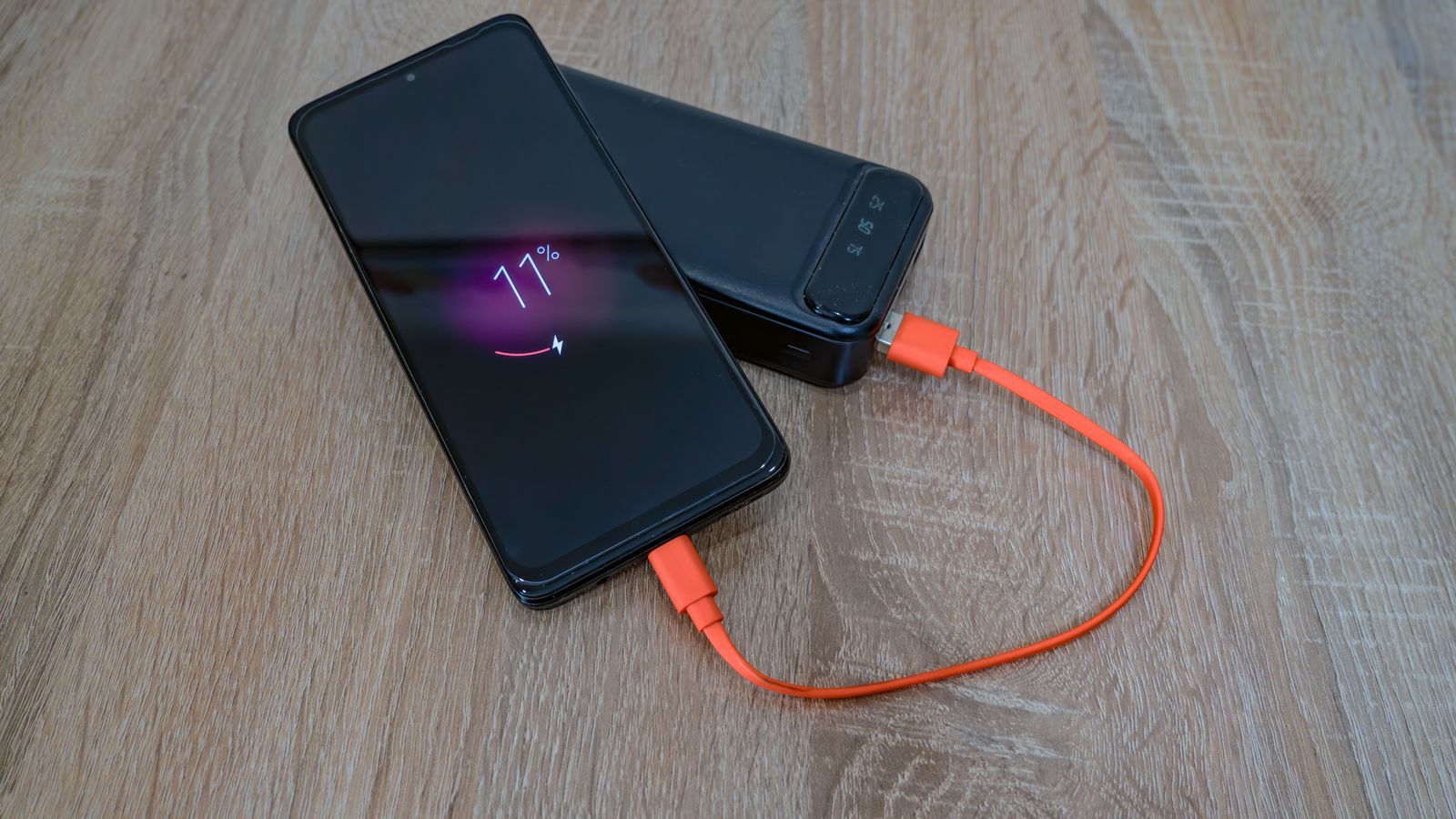
    black samsung android smartphone displaying 11 00
    Photo by ashkanis on Unsplash

    Some technology firms are designing advanced LED bulbs that can mimic the warm glow of filaments. According to product testing logs, these smart systems adjust their color outputs automatically throughout the day. They are highly active. This digital shift helps families enjoy the efficiency of LEDs without the toxic blue spikes. But the ultimate success of these systems depends on consumer adoption.

    Caring For Your Body

    The sun is shining through the clouds over a field
    Photo by Wolfgang Hasselmann on Unsplash

    Choosing the right lighting in your home is a simple way to protect your long-term health. According to medical researchers, aligning your indoor environment with natural solar cycles preserves your physical well-being. Healthy choices matter. This article is for informational purposes only.

    Featured Image: Photo by jason hu on Unsplash

  • The Surprising Reason Your New LED Bulbs Fail Fast

    The Surprising Reason Your New LED Bulbs Fail Fast

    Most consumers believe that modern LED bulbs are designed to last for several decades without any issues. We assume that buying these expensive lights guarantees a lifetime of maintenance-free performance.

    But many new LED bulbs are failing within just a few short months of use. This rapid decay is currently driven by a hidden hardware flaw inside the bulb itself.

    The Myth Of Longevity

    green and yellow beaded necklace
    Photo by KOBU Agency on Unsplash

    Packaging boxes often promise that a new LED bulb will shine brightly for over twenty years. According to consumer hardware reviews, many of these devices burn out much faster than advertised. The claims fail. Buyers are left feeling frustrated as they replace supposedly durable lights repeatedly. But explaining why these bulbs die requires looking beyond the glowing diode.

    Inside The Bulb Core

    a close up of a piece of electronic equipment
    Photo by Vishnu Mohanan on Unsplash

    An LED bulb is not a simple glass filament but a highly complex electronic device. According to reports from lighting engineers, the light-emitting diode itself is actually incredibly durable. It runs cool. The real point of failure is a tiny circuit board called the LED driver. But this fragile circuit board faces a severe threat inside your home.

    The Extreme Heat Trap

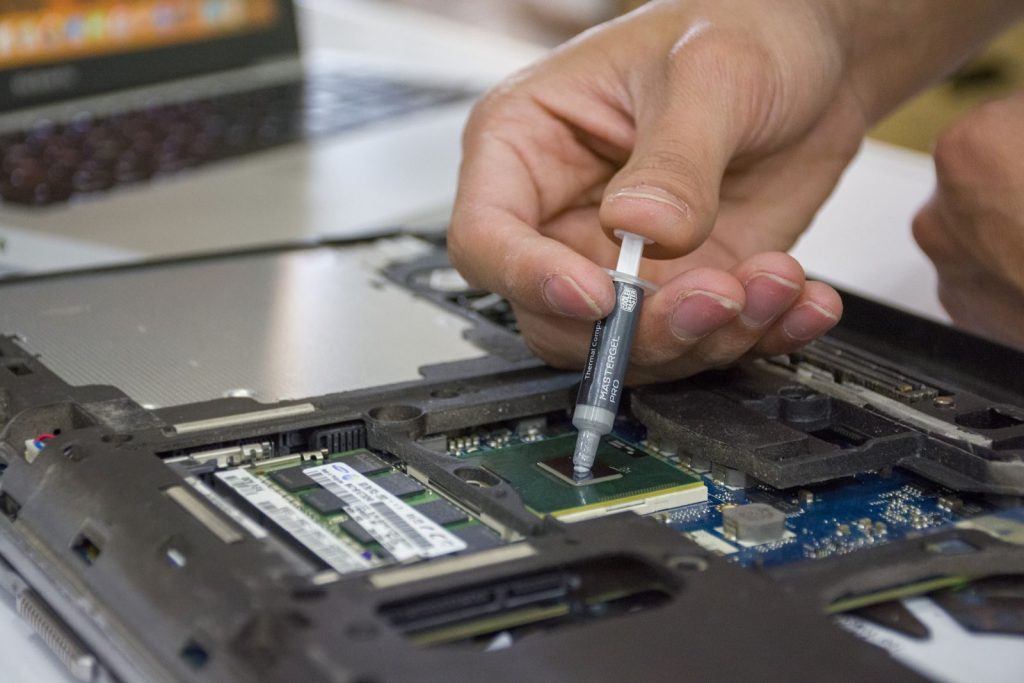
    Close-up of hand applying thermal paste to a laptop microchip for maintenance.
    Photo by Elias Gamez on Pexels

    Circuit boards generate significant heat while converting high-voltage household current into low-voltage power. According to materials science studies, this heat must be quickly directed away from the delicate processors. The thermal load is intense. If the heat stays trapped, it cooks the tiny capacitors and destroys the driver. But the design of modern fixtures makes this heat problem much worse.

    Enclosed Ceiling Fixture Danger

    Modern living room with sleek furniture and large windows.
    Photo by jason hu on Unsplash

    Placing a standard LED bulb inside a sealed ceiling dome traps the hot air completely. According to home safety logs, this confined space prevents the metal heat sink from cooling the bulb. The temperature rises rapidly. Operating in this hot environment can cut the lifespan of your device by eighty percent. But some cheap manufacturers are making the issue even more severe.

    Sourcing Cheap Internal Components

    person holding gray audio mixer
    Photo by ThisisEngineering on Unsplash

    To compete on price, some brands use low-quality capacitors that degrade rapidly under stress. According to electronics engineering audits, these cheap parts are highly vulnerable to slight voltage spikes. They are fragile. When a capacitor fails, the entire bulb goes dark even though the diodes are perfect. But you can protect your bulbs by making a few simple changes.

    Choosing Open Ventilation Fixtures

    a living room filled with furniture and a kitchen
    Photo by Bailey Alexander on Unsplash

    Using open fixtures allows the rising hot air to escape away from the bulb base. According to hardware guides, keeping your bulbs cool is the easiest way to double their operating life. The fix is simple. This air circulation ensures the internal driver electronics remain stable for years. But selecting the right brand is also a critical step.

    Checking The Warranty Logs

    a typewriter on a table
    Photo by Markus Winkler on Unsplash

    Buying bulbs from reputable manufacturers that offer long replacement warranties is highly recommended. According to consumer advocacy reports, reliable brands use premium components that resist high temperatures. The investment is smart. These durable models will save you money and prevent constant trips to the store. But the future of lighting is moving toward even smarter designs.

    Designing Better Gadgets

    metal structure frame beside wall
    Photo by Justin Ha on Unsplash

    Mastering thermal management is key to unlocking the true potential of modern home technology. According to industrial historians, building durable electronics reduces global electronic waste significantly. Maintenance remains essential. This article is for informational purposes only.

    Featured Image: Photo by Adi Goldstein on Unsplash

  • The Bizarre Chemistry of Charging Your Phone Overnight

    The Bizarre Chemistry of Charging Your Phone Overnight

    Most portable device owners assume that leaving a phone plugged in overnight is completely harmless. We believe modern chargers simply shut off the power once the battery is full.

    But keeping your device connected to a power source for hours triggers a destructive chemical cycle. Materials science researchers have discovered that this simple habit slowly decays your hardware from within.

    The Lithium Battery Grid

    Abstract visualization of futuristic digital technology with layered components in dynamic 3D rendering.
    Photo by Google DeepMind on Pexels

    Modern phone batteries operate through the constant movement of lithium ions between internal chemical layers. According to electrochemists, these ions flow smoothly when the battery stays in a balanced state of charge. Balance is essential. Forcing the cell to hold a maximum voltage state for hours creates a high-pressure zone inside the hardware. But this internal chemical tension is only the start of the issue.

    Microscopic Internal Cracking

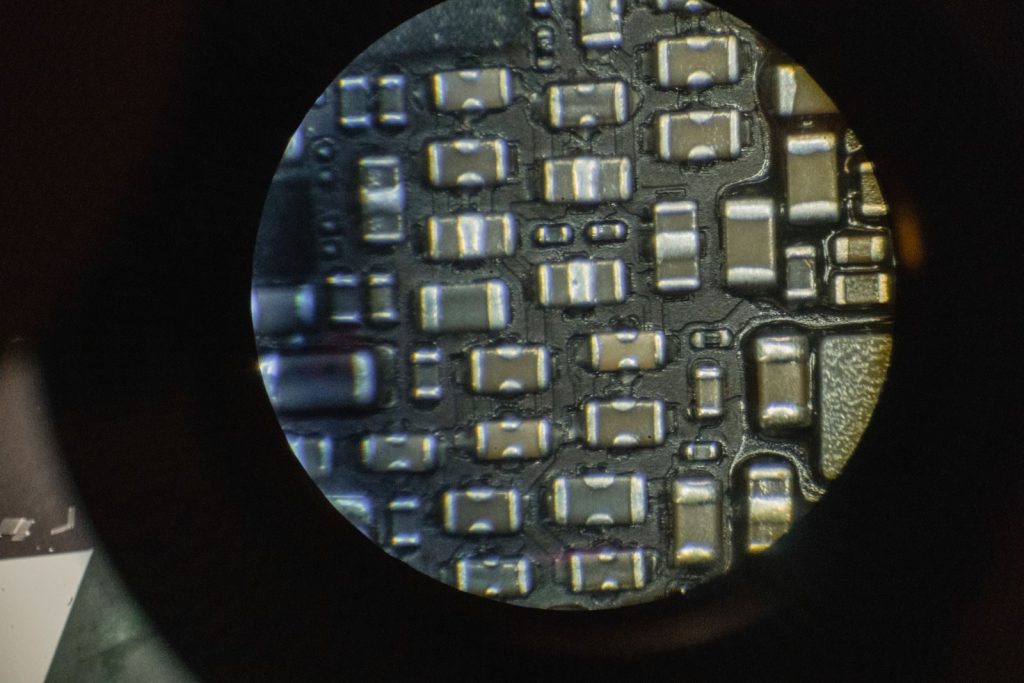
    Detailed image of microchip components viewed through a microscope lens.
    Photo by Tima Miroshnichenko on Pexels

    Maintaining maximum voltage over long periods forces the lithium layers to expand and contract unevenly. According to materials science studies, this uneven physical movement causes microscopic cracks to form in the battery electrodes. The damage is permanent. These tiny cracks permanently trap active lithium ions and prevent them from storing energy in the future. But a secondary threat is quietly accelerating this destruction.

    The Overnight Heat Loop

    Close-up of an infrared thermometer displaying temperature, held by a gloved hand against a pink background.
    Photo by Towfiqu barbhuiya on Pexels

    Once a phone reaches full charge, it begins a continuous cycle of miniature trickle charges. According to electronic safety reports, this constant intake of power generates localized pockets of heat inside the device. Heat destroys delicate electronics. This prolonged thermal exposure slowly degrades the protective chemical coating that keeps the battery stable. But smart operating systems are trying to fight this damage.

    Smart Power Software

    Hand holding smartphone showing real-time analytics graph in a dimly lit room.
    Photo by Szabó Viktor on Pexels

    Device manufacturers are actively writing software to shield modern batteries from their owners. According to software logs from leading mobile developers, modern systems include smart features that delay charging overnight. The software is clever. The system tracks your morning alarms and holds the battery at eighty percent until right before you wake up. But this digital protection only works if you keep it enabled.

    The Fast Charge Trap

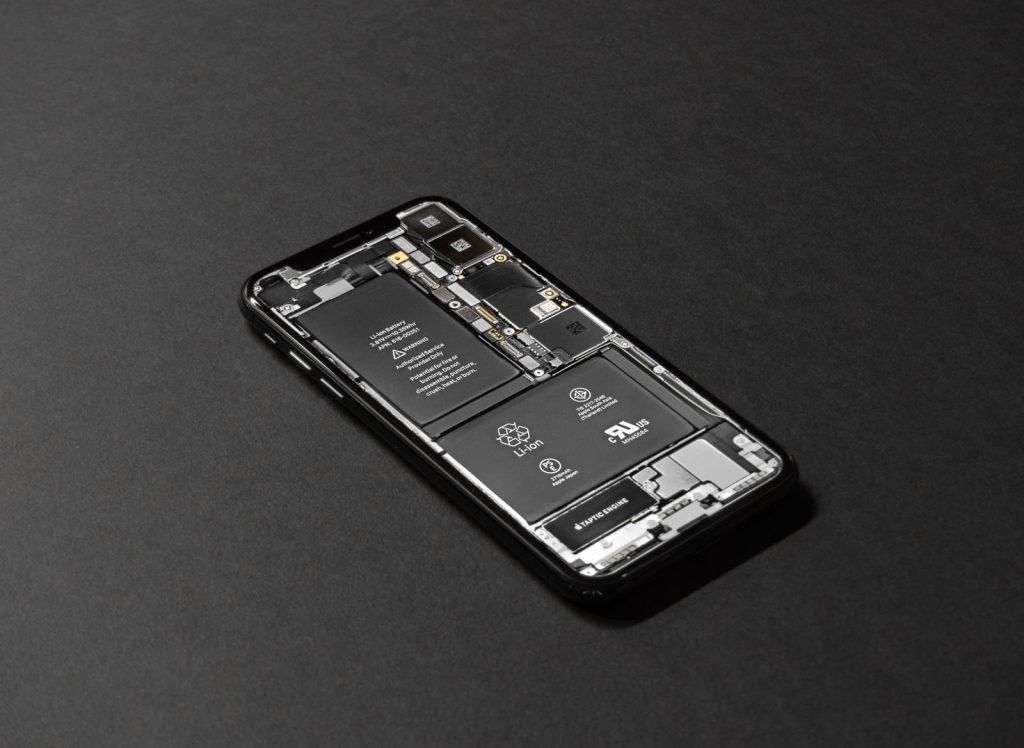
    High-resolution image of a smartphone showcasing its internal components on a dark surface.
    Photo by Tyler Lastovich on Pexels

    Pushing high amounts of electricity into a cell quickly creates a severe chemical trade-off. According to technical trials, high-wattage chargers force lithium ions to move too fast and create localized friction. Speed has consequences. This intense chemical friction can cause the battery to swell and damage other internal parts of your phone. But your immediate physical environment can also introduce a hidden danger.

    Freezing Ambient Limits

    Man in a van using a smartphone, possibly for navigation or communication, while parked.
    Photo by Norma Mortenson on Pexels

    Cold room temperatures pose a severe and hidden threat to your mobile battery health. According to hardware support guides, charging a cold lithium-ion cell can cause permanent physical plating on the internal electrodes. This ruins the chemistry. Leaving your device in a freezing car or drafty window can result in sudden capacity loss. But a few simple charging adjustments can keep your phone healthy for years.

    Shifting Your Habits

    A smartphone is left unattended on concrete steps outdoors, next to a person in blue clothing.
    Photo by Barbara Olsen on Pexels

    Changing how you handle your daily power needs is the easiest way to protect your hardware. According to consumer tech experts, keeping your battery level between twenty and eighty percent is the absolute sweet spot. It is remarkably simple. Avoiding extreme percentages reduces physical strain and keeps the internal grid healthy over the long term. But this simple habit change requires a bit of daily discipline.

    Long-Term Device Care

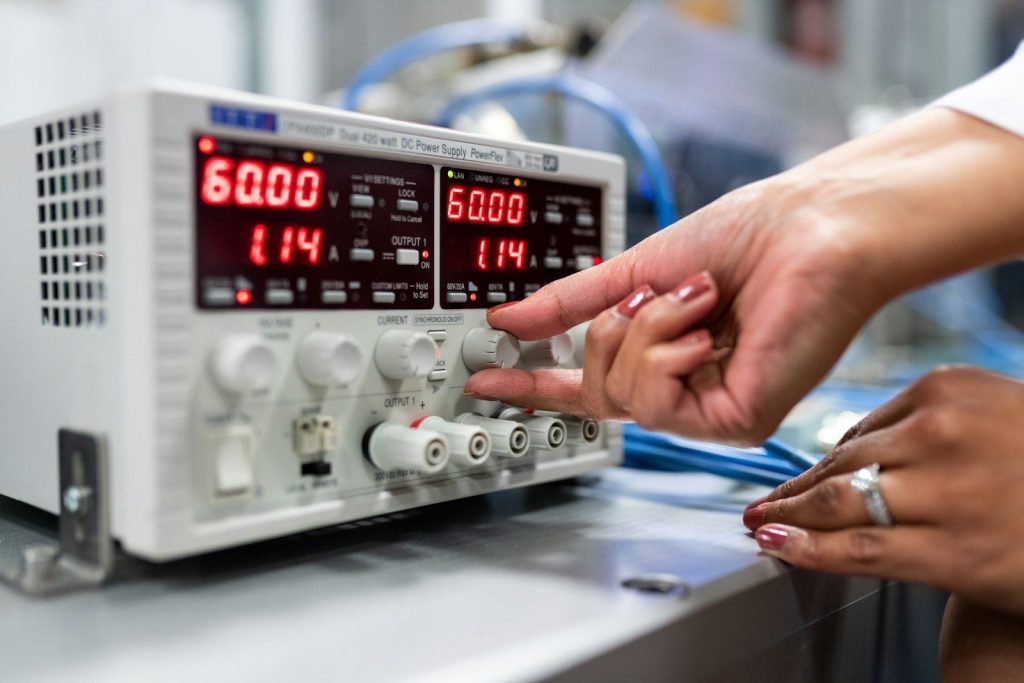
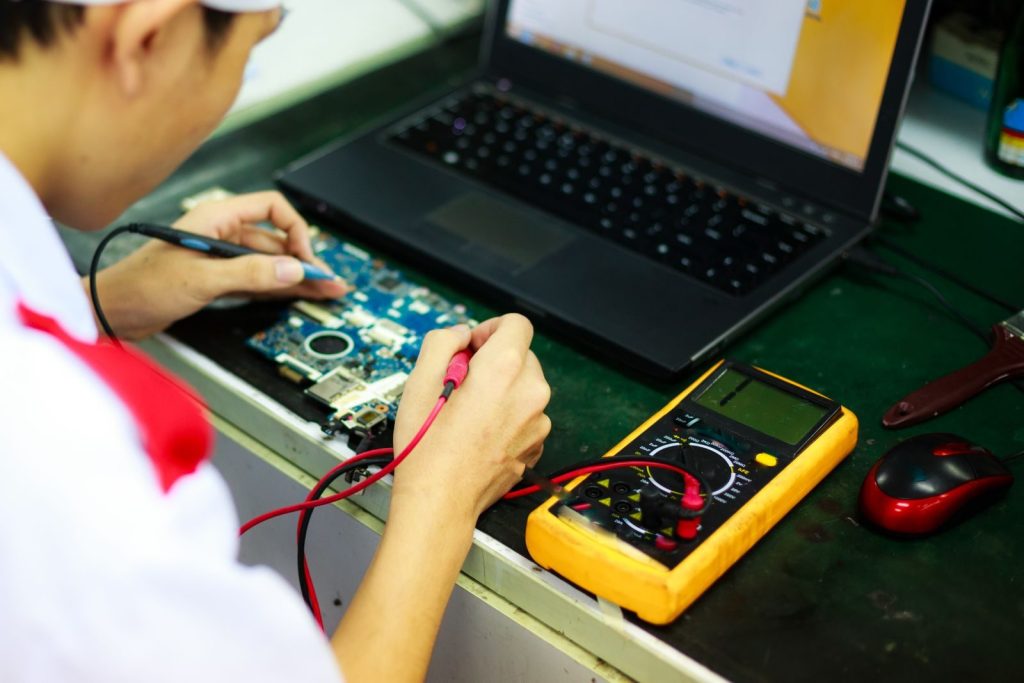
    Technician working on a laptop with multimeter in a professional workspace.
    Photo by Quang Nguyen Vinh on Pexels

    Making small adjustments to your charging schedule will keep your mobile devices running smoothly for years to come. According to electronics technicians, staying mindful of heat and voltage is the absolute key to maximizing battery life. Healthy habits preserve tech. This article is for informational purposes only.

    Featured Image: Photo by Eleonora Vokueva on Pexels