Most technology users assume that artificial intelligence is capable of handling any complex task. We believe that modern algorithms can easily replace human judgment in daily situations.
But seasoned developers understand that software has massive structural limits. Some critical areas of human life should never be turned over to machine code.
The Limits Of Pure Logic
Computer programs process information by following mathematical rules. According to reports from the Stanford Institute for Human-Centered Artificial Intelligence, machine code lacks true human understanding. They cannot feel empathy. This major cognitive gap means that algorithms often fail when facing delicate social issues. But this logical bottleneck is particularly dangerous in private communication.
Guarding Personal Relationships

Writing deeply personal letters requires emotional awareness that algorithms cannot replicate. According to cognitive psychologists, machine-generated notes often feel cold and empty to the reader. Relationships require real effort. Relying on digital assistants to express feelings can quickly ruin personal trust between loved ones. But the risk grows even larger when managing professional networks.
Creating Real Professional Networks

Personal branding relies on genuine human experiences and individual perspectives. According to business analysts, readers can easily spot standard automated text in a feed. Originality is increasingly rare. Using generic text to build your career network often backfires by making you look lazy. But there is a much deeper technical problem with relying on automated research.
The Automated Hallucination Hazard
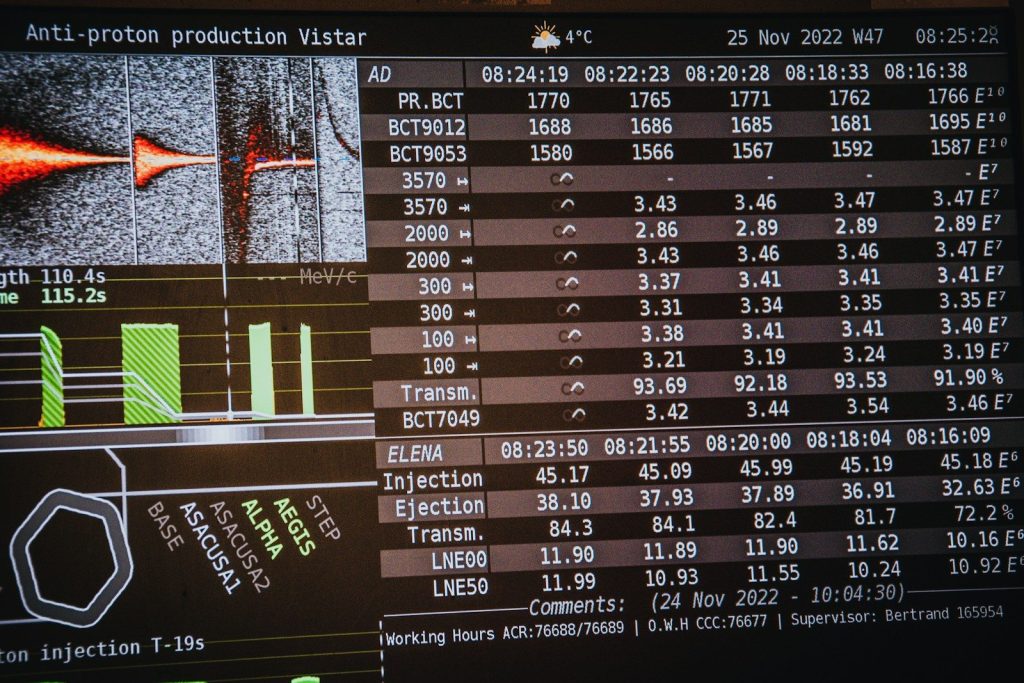
Generative programs routinely present fictional facts as absolute truths. According to technical hardware reviews, these digital errors are known as algorithmic hallucinations. The software makes mistakes. This tendency to make things up makes automated tools highly unreliable for critical research tasks. But these technical limits are also shaping how we handle critical financial steps.
Securing Crucial Decisions

Making major investments or medical choices requires a level of accountability that code lacks. According to legal studies, an algorithm cannot take responsibility when a decision causes real harm. Humans must remain accountable. This is why professionals insist on verifying every single data point before acting. But protecting our unique style requires keeping the machine at bay.
Preserving The Human Touch

Human language is filled with subtle cultural humor and unique regional idioms. According to linguistic researchers, computer models often smooth out these colorful details to create boring text. Personal style is precious. Giving up your voice to a machine eventually dilutes your creative potential. But learning where to draw the line will define the future of technology.
Setting Intelligent Boundaries

Using technology as a helpful assistant is far better than letting it run your life. According to software engineers, keeping human judgment at the center of critical decisions ensures safety and trust. Balance is essential. This article is for informational purposes only and does not constitute professional advice.
Featured Image: Photo by Mikhail Nilov on Pexels