Smart devices are supposed to make life easier, but they can quickly do the opposite. A light bulb needs an app, a speaker sends random alerts, a camera keeps buzzing, and the Wi-Fi drops right when you ask something to work. Suddenly, the “smart” home feels harder than the regular one.
The fix does not always mean buying better gadgets. Most of the time, it comes down to using fewer devices, cleaner settings, clearer names, and better habits. A smart home should help quietly in the background, not demand attention all day. With a few simple changes, your connected devices can feel less confusing, less noisy, and much easier for everyone at home to use.
Start with fewer gadgets
Smart devices are helpful when they solve a real problem. They get annoying when every light, plug, camera, speaker, or appliance needs its own app, login, and settings.
Before adding another device, ask what it will actually make easier. NIST recommends planning before buying smart home products, including checking privacy and security features first.
Pick one main app
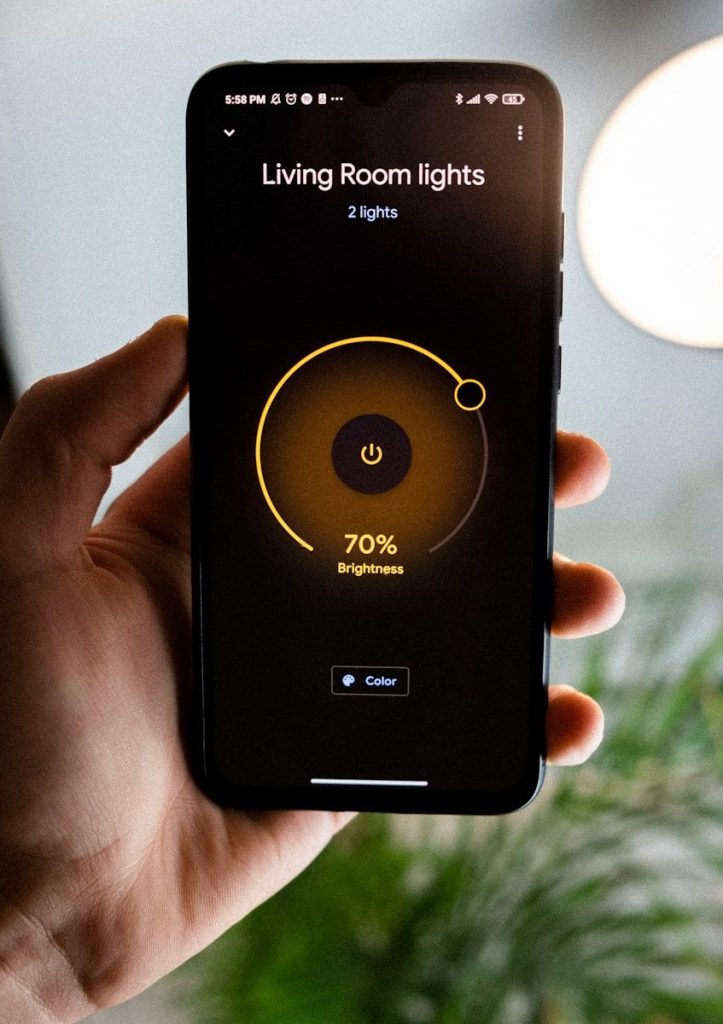
A smart home can quickly feel messy when every device lives in a different app. That means more alerts, more updates, and more places to adjust settings.
Try to group devices under one trusted platform when possible. Keeping controls in fewer places can make daily use simpler and help the whole household understand how things work.
Turn off extra alerts
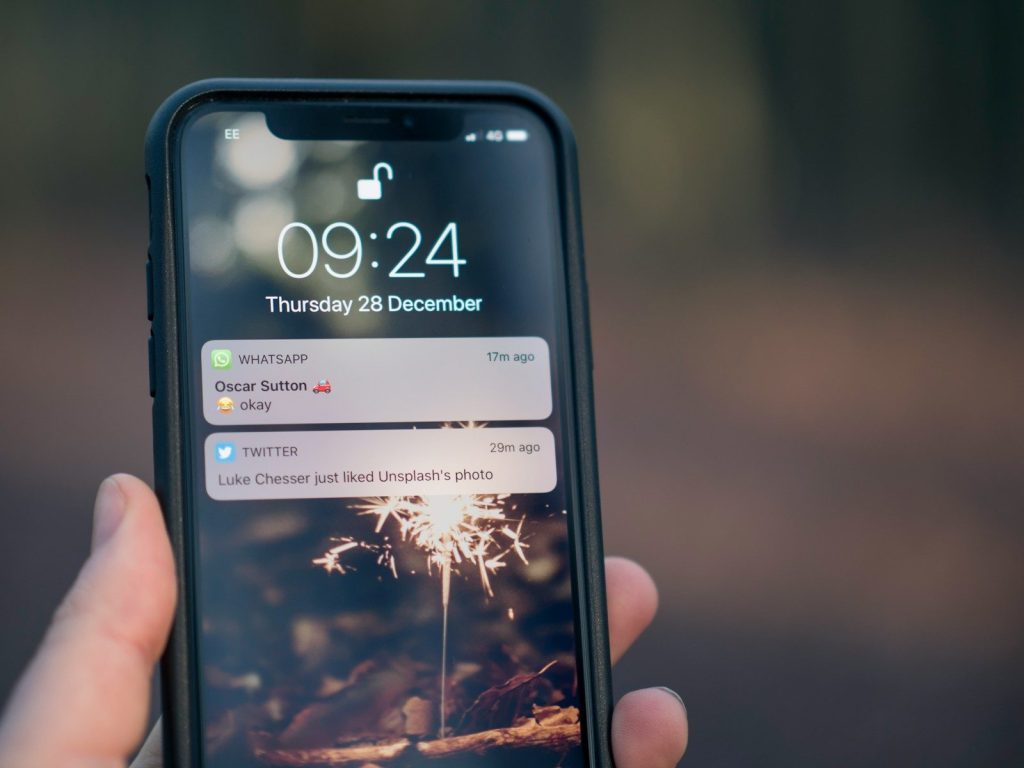
Smart devices often send too many notifications. A doorbell, camera, thermostat, washer, speaker, or robot vacuum can fill your phone with alerts you do not need.
Go into each app and keep only the most useful notifications. Alerts should help you notice something important, not make your phone buzz every time a device does routine work.
Use clear device names
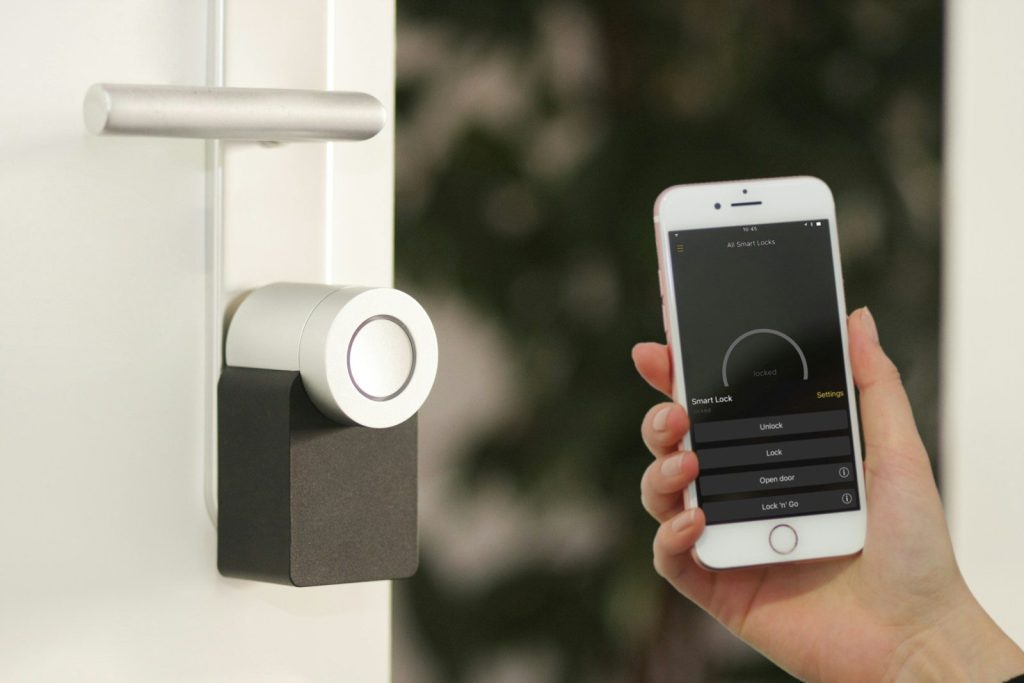
Confusing names can make voice commands frustrating. If your app has “lamp 1,” “plug 2,” and “living room device,” it is easy to trigger the wrong thing.
Rename devices in simple, everyday language. Names like “kitchen light,” “front door camera,” or “bedroom fan” make apps and voice assistants easier for everyone at home.
Set simple routines
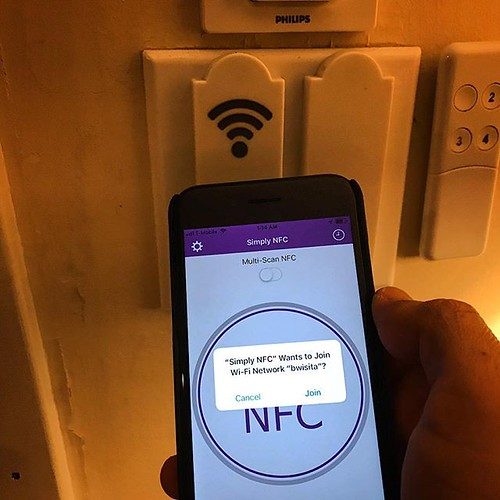
Routines can make smart devices feel less annoying because they reduce repeated commands. A few good routines can handle lights, temperature, reminders, or bedtime settings automatically.
Keep routines short and easy to understand. If a routine does too many things at once, it may create confusion when something does not work the way you expected.
Disable unused features
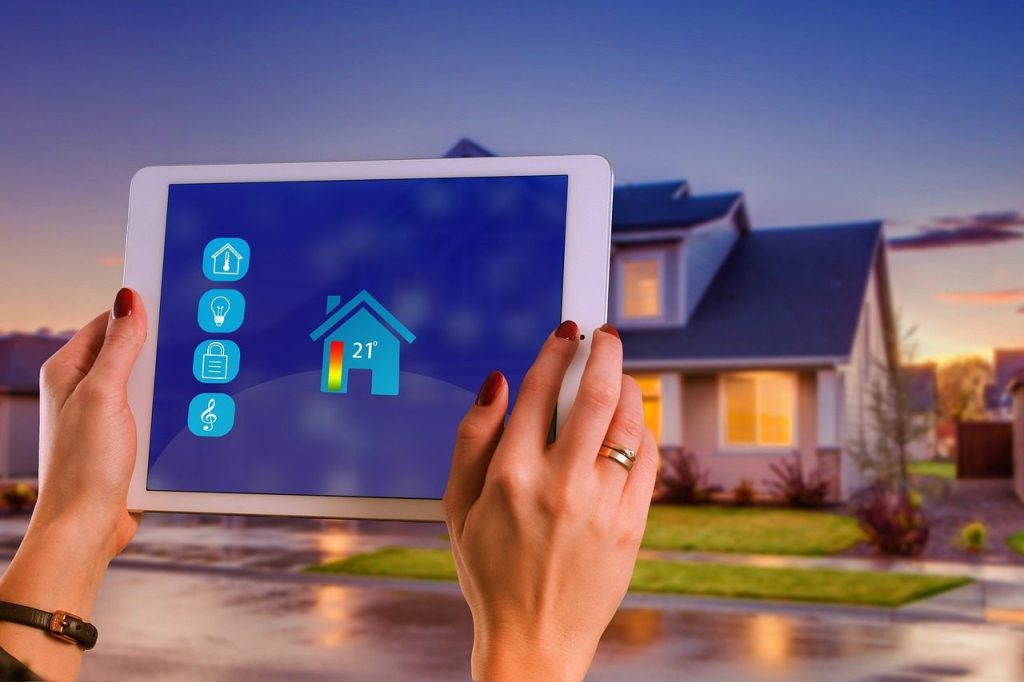
Many smart devices come with features you may never use. Voice shopping, location tools, camera storage, shared access, or extra sensors may add clutter and privacy concerns.
NIST suggests turning off features you do not need, especially when they collect data or allow actions you do not want. Fewer active features can mean fewer interruptions.
Keep updates automatic
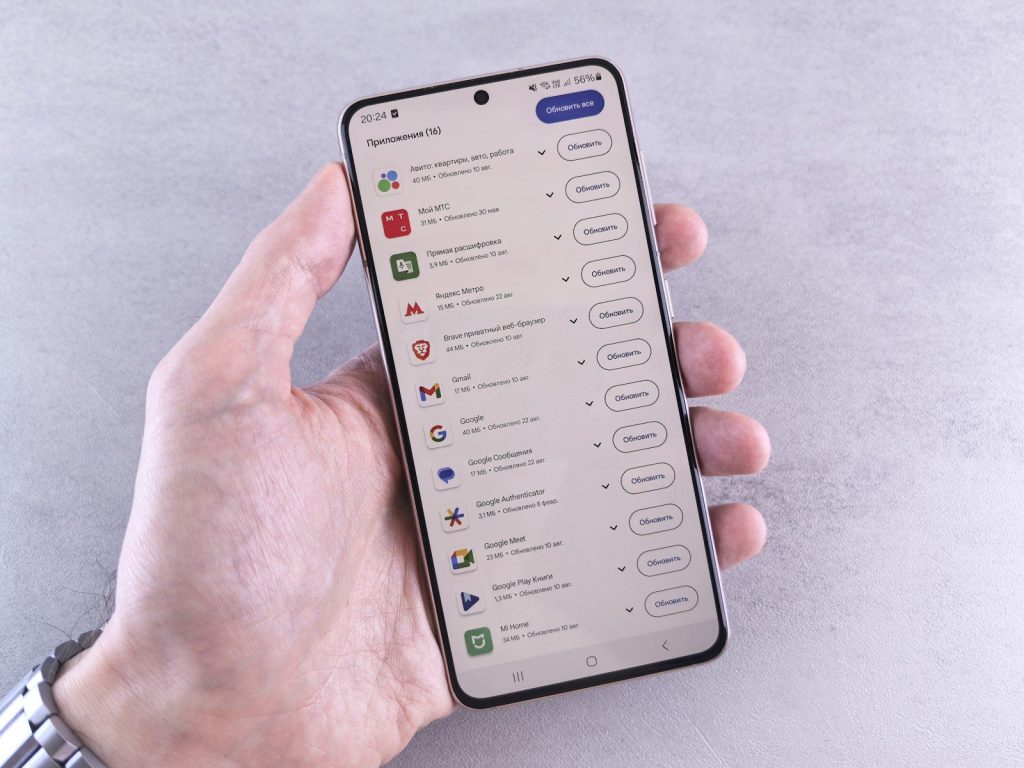
Smart devices can act strangely when software is old. Updates may fix bugs, improve performance, and close security gaps that could affect connected devices.
Turn on automatic updates when available. The FTC also advises checking for hardware and software updates on internet-connected devices, including home network equipment.
Fix the Wi-Fi first
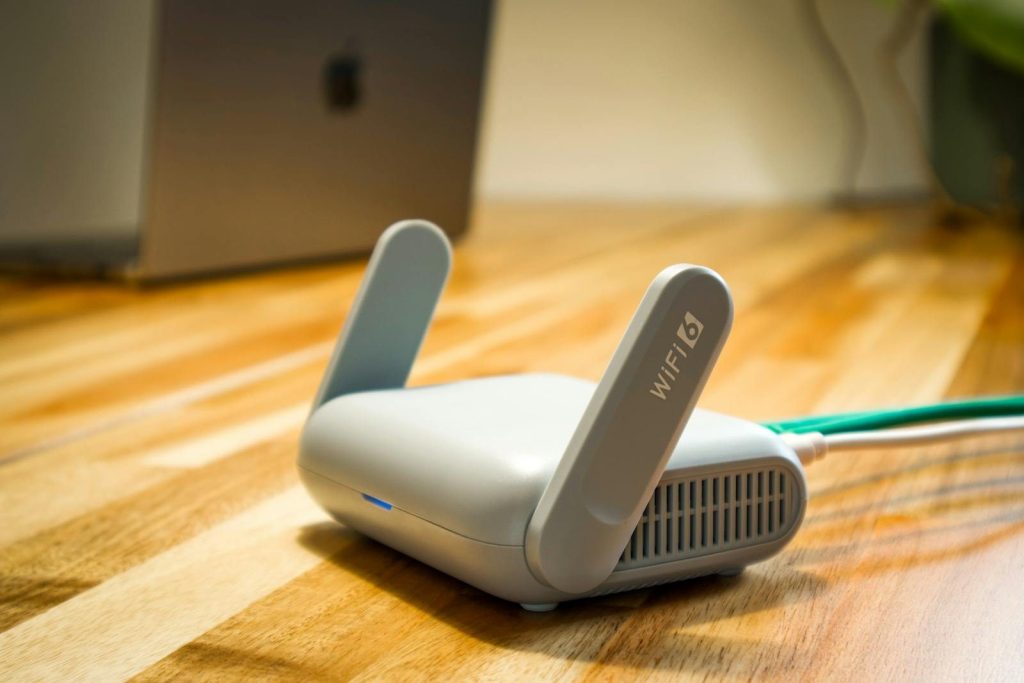
Many smart home problems are really Wi-Fi problems. Slow responses, dropped connections, and delayed commands often happen when the router or signal is weak.
Place the router in a better spot, restart it when needed, and use strong Wi-Fi protection. The FTC recommends changing default router settings and using WPA3 or WPA2 encryption.
Limit who has access
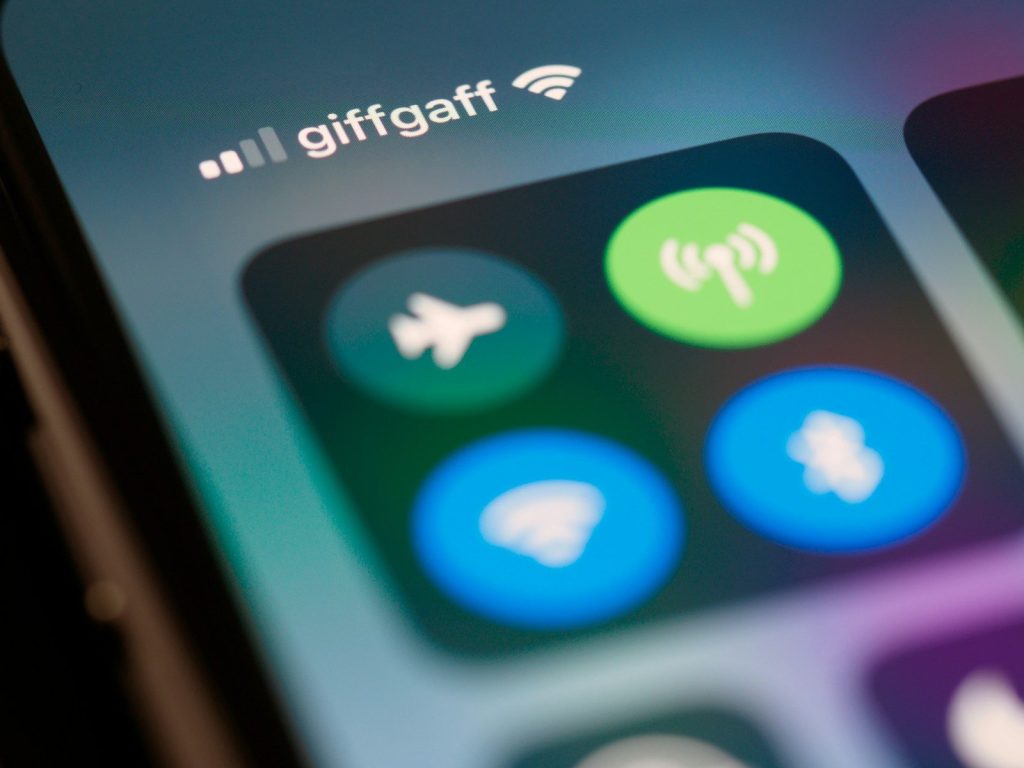
Shared access is useful, but too many users can make a smart home harder to manage. Old guests, former roommates, or unused accounts may still have control.
Review access inside each app every few months. Remove people who no longer need control, and give limited access when a full admin role is not necessary.
Make privacy a habit
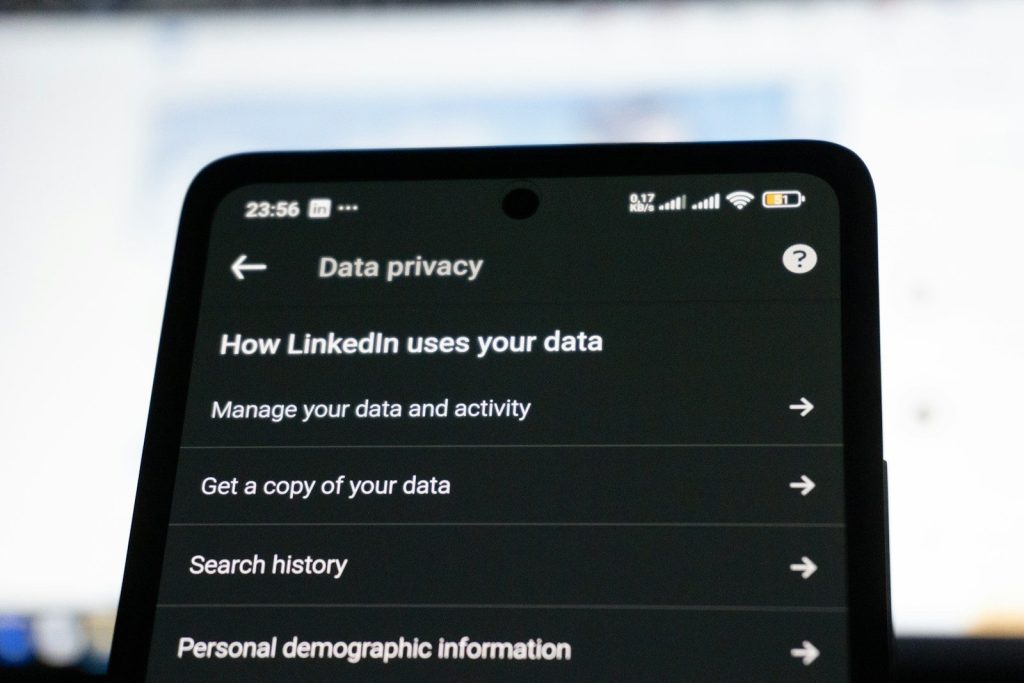
Smart devices are less annoying when they feel predictable and safe. That starts with small habits, not complicated tech skills or expensive upgrades.
Use strong passwords, review privacy settings, and secure your home network. CISA recommends reducing unnecessary services, adjusting factory settings, and updating software to improve home network security.
Leave a Reply