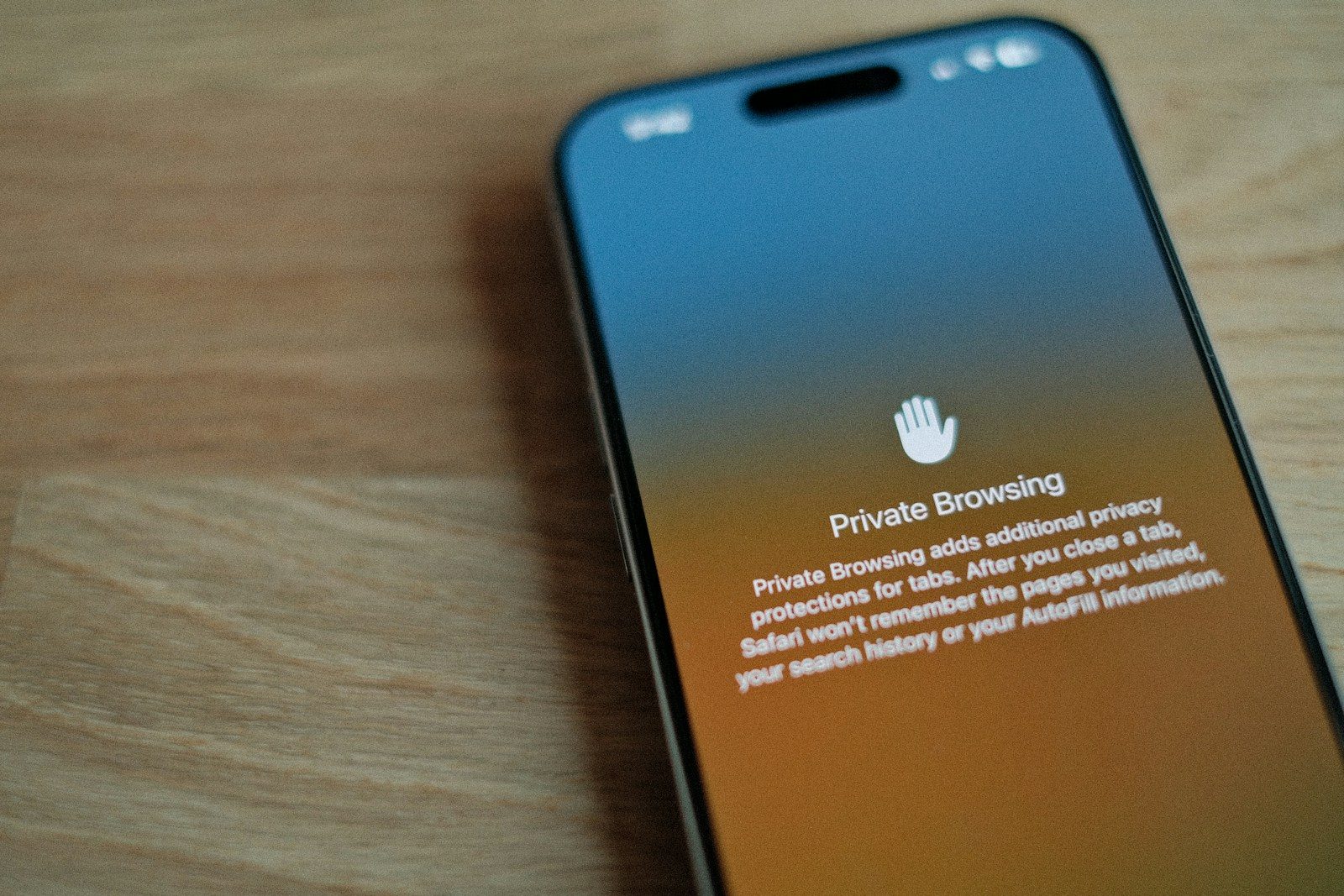
Online privacy is easy to ignore until something goes wrong. A hacked account, fake login page, missing file, or strange charge can make people realize how much personal information is tied to everyday internet use. Banking, shopping, social media, school, work, and even smart devices all leave digital traces.
The good news is that staying safer online does not require expert skills. Small habits can make a big difference, from using stronger passwords to checking links before clicking. Privacy is really about slowing down, sharing less, and keeping control of your accounts and devices. These simple habits can help protect your information and make your online life feel a lot less risky.
Use trusted internet connections
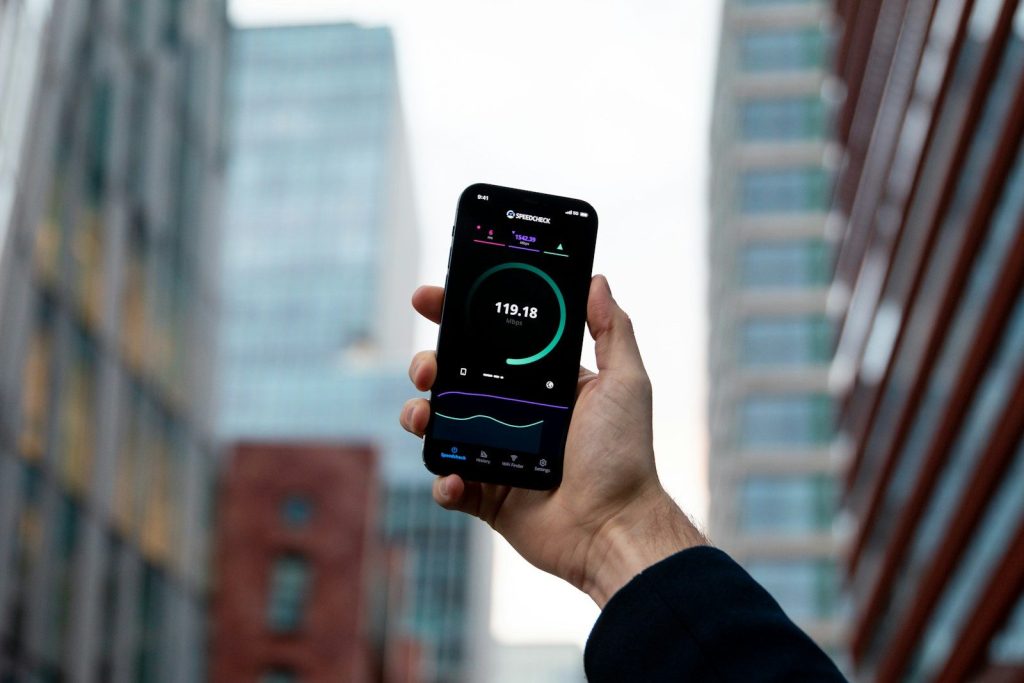
Everyday online tasks can expose more personal data than people realize. Banking, shopping, work logins, and account updates are safest on a trusted private connection.
Public Wi-Fi can be useful, but it is not always secure. Avoid handling sensitive information on open networks, or use safer options when you need extra protection away from home.
Create stronger passwords
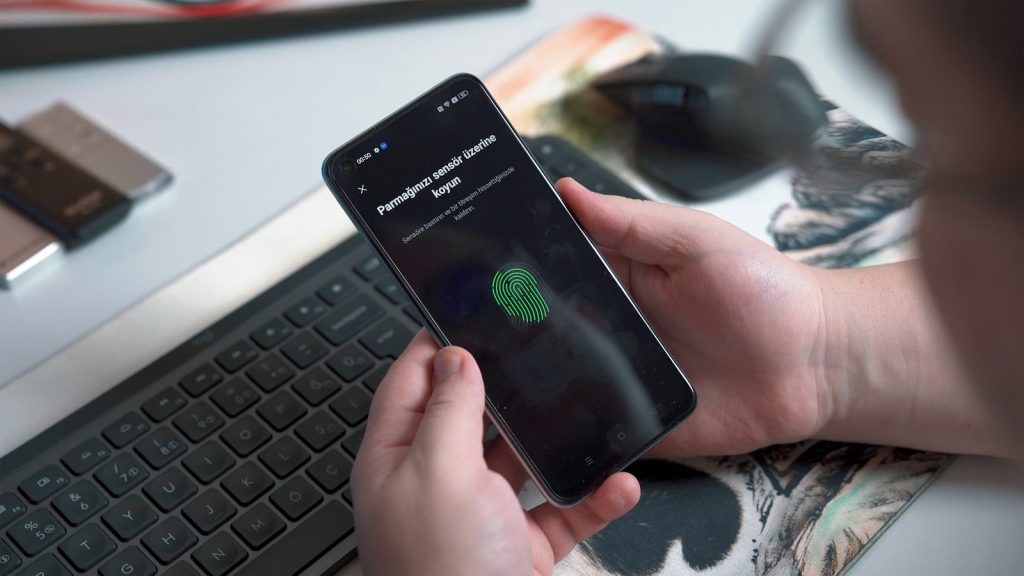
Weak passwords are still one of the easiest ways for accounts to become exposed. Simple words, birthdays, names, and number patterns can be easier to guess or crack.
Use long, unique passwords for important accounts. A password manager can help create and store strong logins, so you do not have to reuse the same password everywhere.
Turn on extra verification
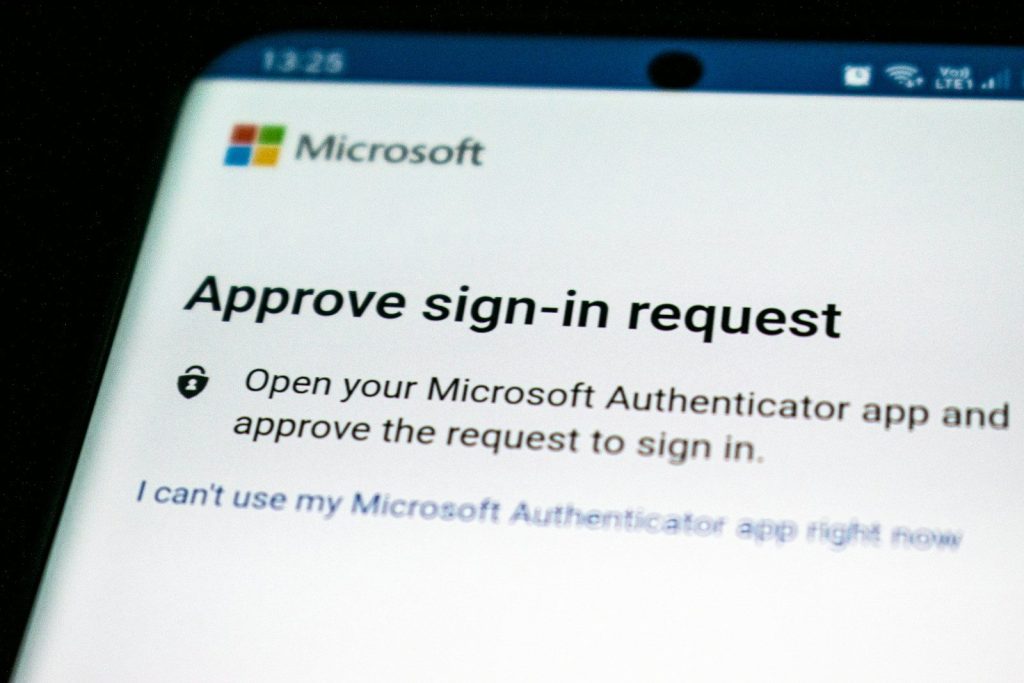
Multi-factor authentication adds another step before someone can enter your account. It may ask for a code, app approval, fingerprint, or face check.
That extra step can protect you even if a password is exposed. Turn it on for email, banking, shopping, cloud storage, and any account that holds personal information.
Update your devices often
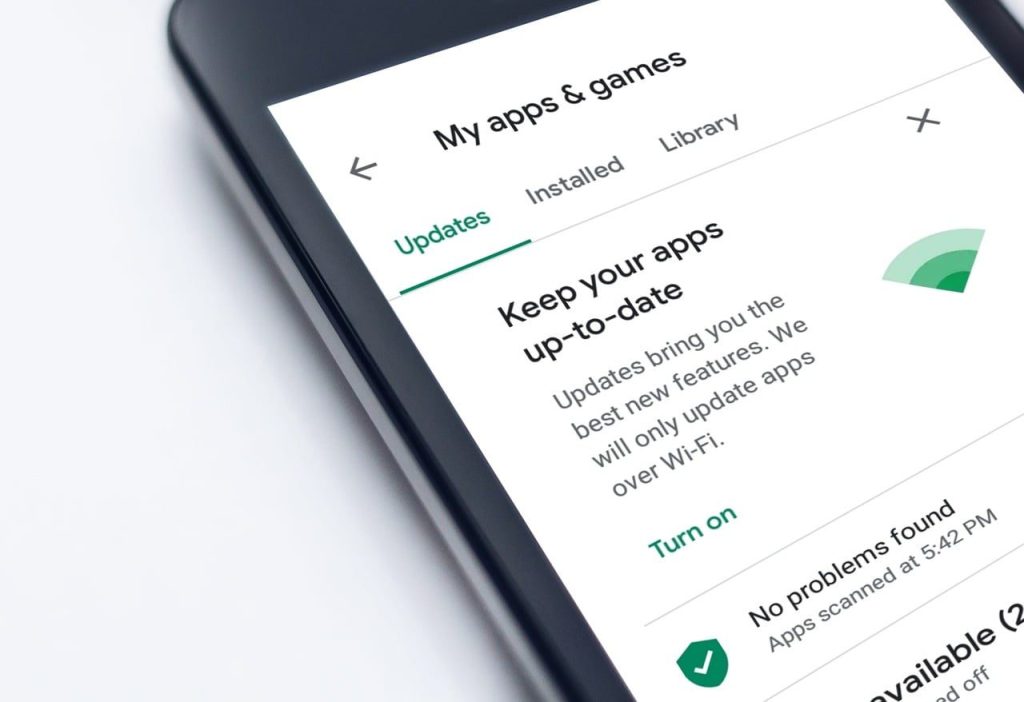
Software updates are not just about new features. Many updates fix security gaps that could put your device, files, or accounts at risk.
Turn on automatic updates when possible for phones, computers, browsers, apps, and security tools. Keeping systems current is one of the simplest ways to stay safer online.
Check links before clicking
A single careless click can lead to fake pages, harmful downloads, or attempts to steal account details. Suspicious emails, pop-ups, and too-good-to-be-true offers deserve extra caution.
When a message feels strange, do not rush. Go directly to the company’s official site or app instead of clicking the link inside the message.
Review privacy settings
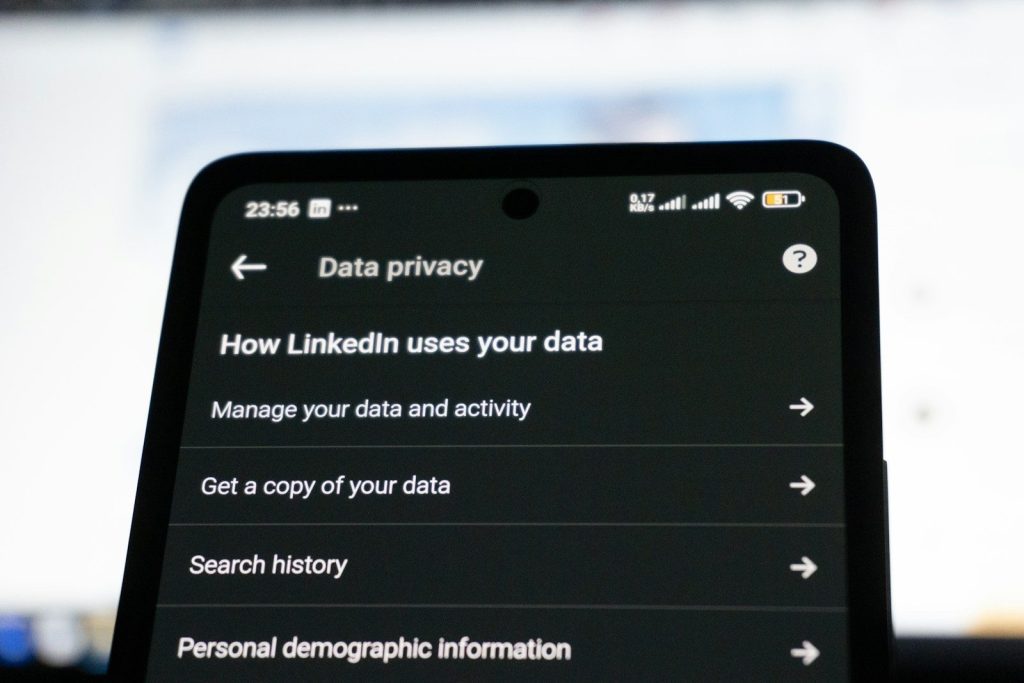
Many apps, browsers, and social platforms collect more information than users expect. Privacy settings can control who sees your posts, what data is saved, and how activity is used.
Take a few minutes to review settings on the services you use most. Limit location access, reduce tracking where possible, and share only what feels necessary.
Protect every device
Phones, tablets, laptops, smart TVs, and watches can all carry personal information. If one device is poorly protected, it can become a weak spot in your digital life.
Use passcodes, screen locks, and built-in security options like fingerprint or face unlock. Also avoid installing apps from unknown sources, especially on devices used for work or shopping.
Back up important files
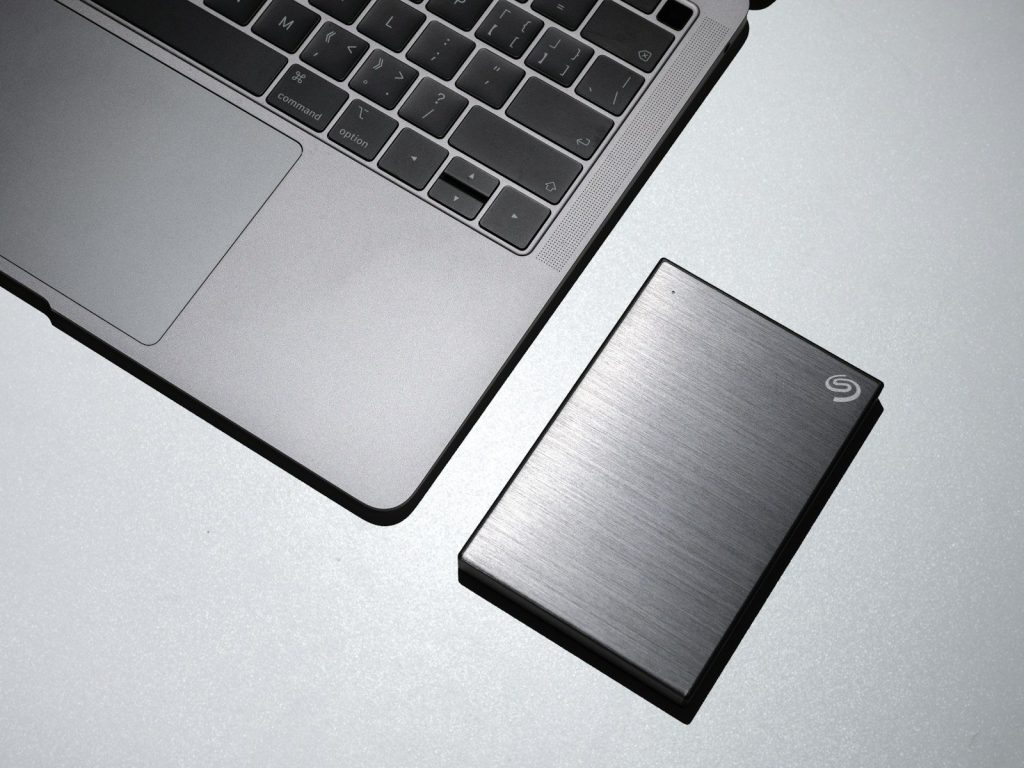
Photos, documents, tax records, schoolwork, and business files can be hard to replace. A broken device or online attack can make them disappear quickly.
Keep backups in a safe place, such as an external drive or trusted cloud service. Regular backups help you recover faster if files are lost, locked, or damaged.
Close old accounts
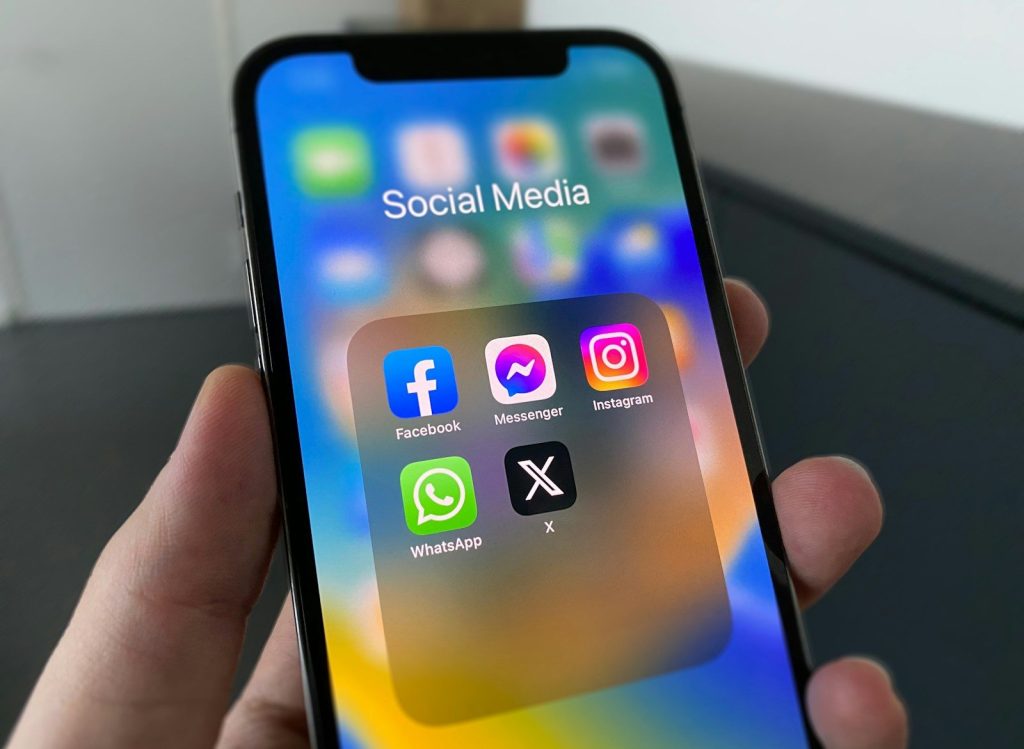
Old accounts can quietly create privacy risks. They may still hold names, birthdays, addresses, emails, photos, or payment details you no longer remember sharing.
Review accounts you no longer use and close the ones you do not need. When possible, delete stored personal information before shutting them down.
Share less online
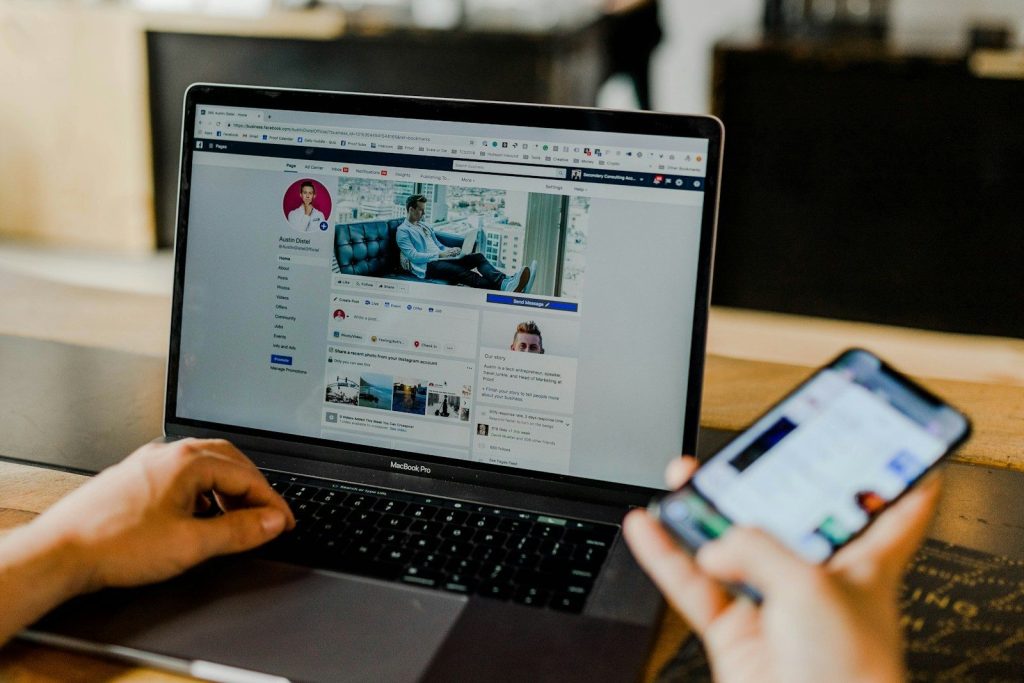
The more personal information you post, the easier it becomes for others to build a profile about you. Small details can add up over time.
Be careful with full birthdays, addresses, travel plans, school names, work details, and personal photos. A safer rule is simple: share only what you would be comfortable leaving public.
Leave a Reply