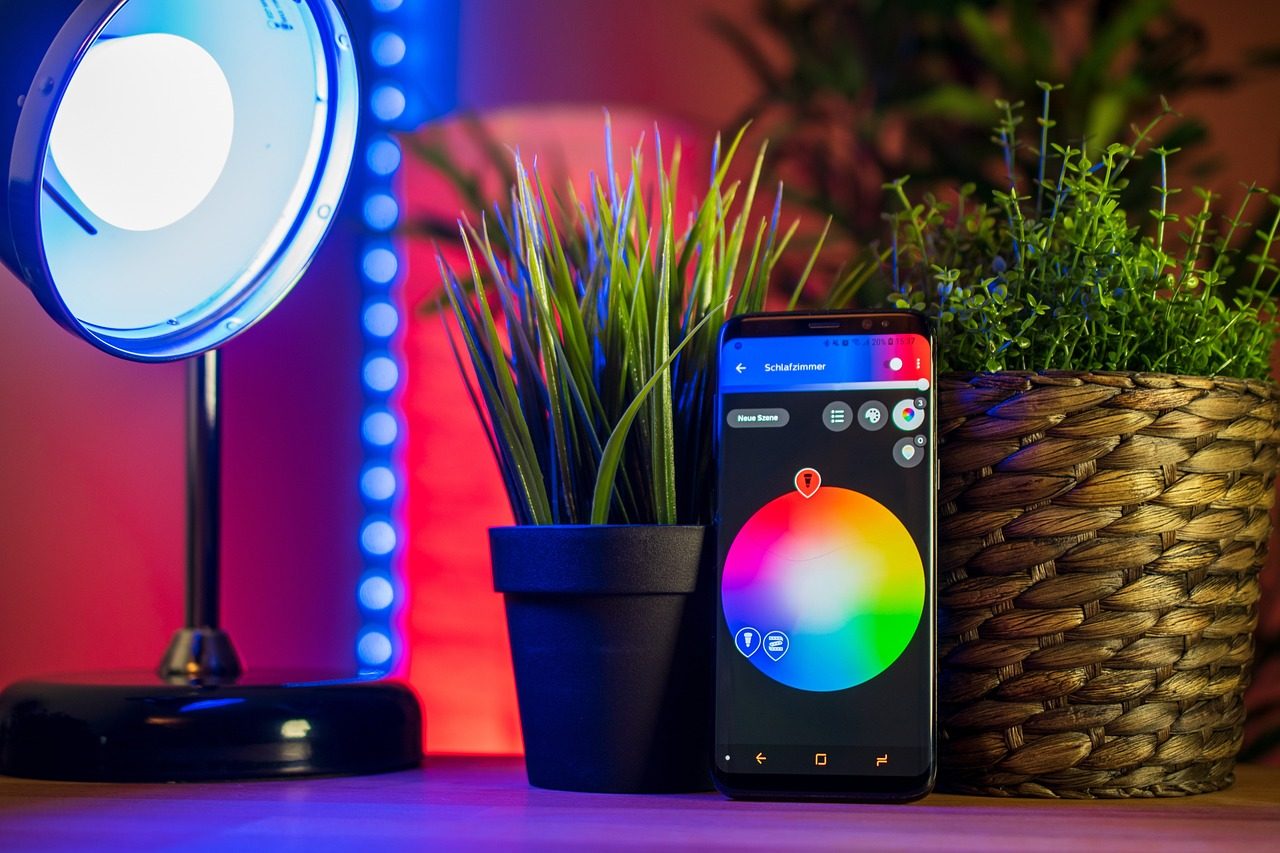
A smart home can feel convenient, but it also brings connected cameras, speakers, locks, sensors, and apps into some of the most private parts of your life. That is why privacy should not be an afterthought. Every new device can collect data, store settings, or give someone access to parts of your home routine.
The good news is that protecting privacy does not mean giving up smart gadgets. It mostly means being more careful about what you buy, how you set it up, and who can control it. Strong passwords, safer Wi-Fi, automatic updates, and fewer unused features can go a long way. With the right habits, your smart home can stay helpful without feeling too exposed.
Think before adding devices
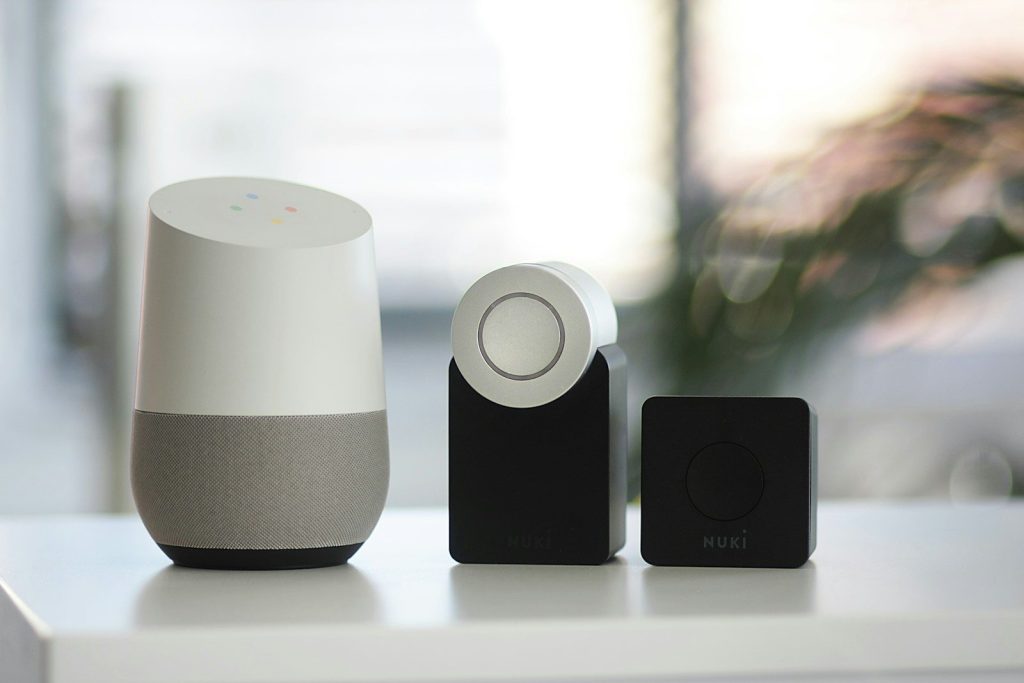
Smart home gadgets can make life easier, but they also bring cameras, microphones, sensors, and apps into private spaces. That is why it helps to slow down before buying.
Ask whether the device really solves a problem in your home. Check what data it collects, what settings it offers, and whether everyone in the household is comfortable using it.
Use strong sign-ins
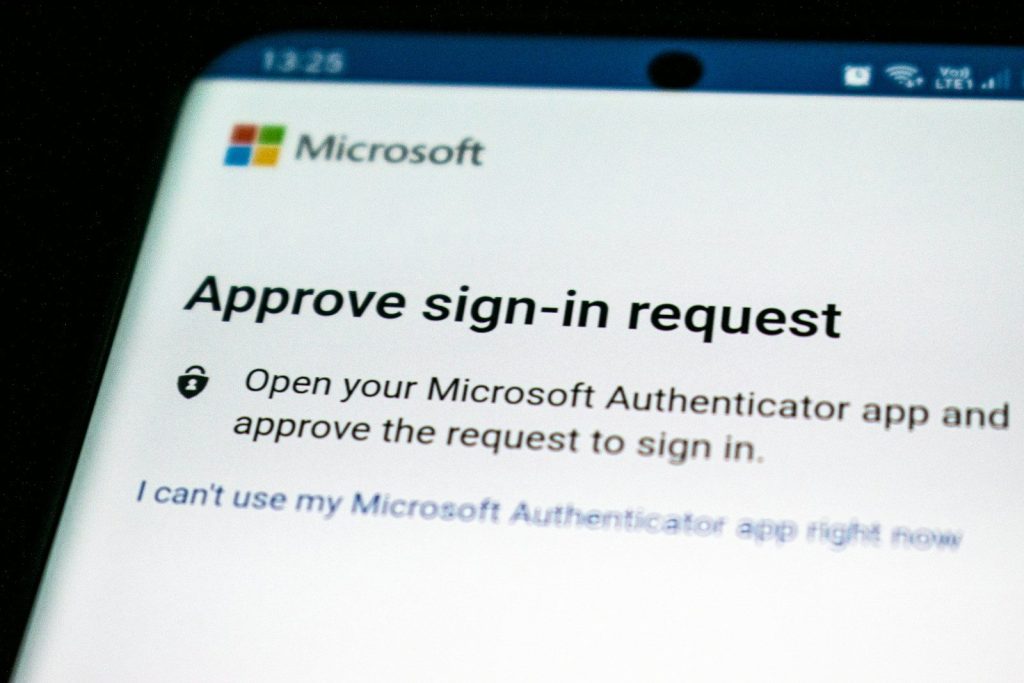
Most smart devices connect through an app, which means your account needs solid protection. A weak login can put cameras, locks, speakers, or other connected tools at risk.
Use a strong password and turn on multi-factor authentication when it is available. Extra sign-in steps may feel small, but they can make it much harder for someone else to get in.
Stop reusing passwords
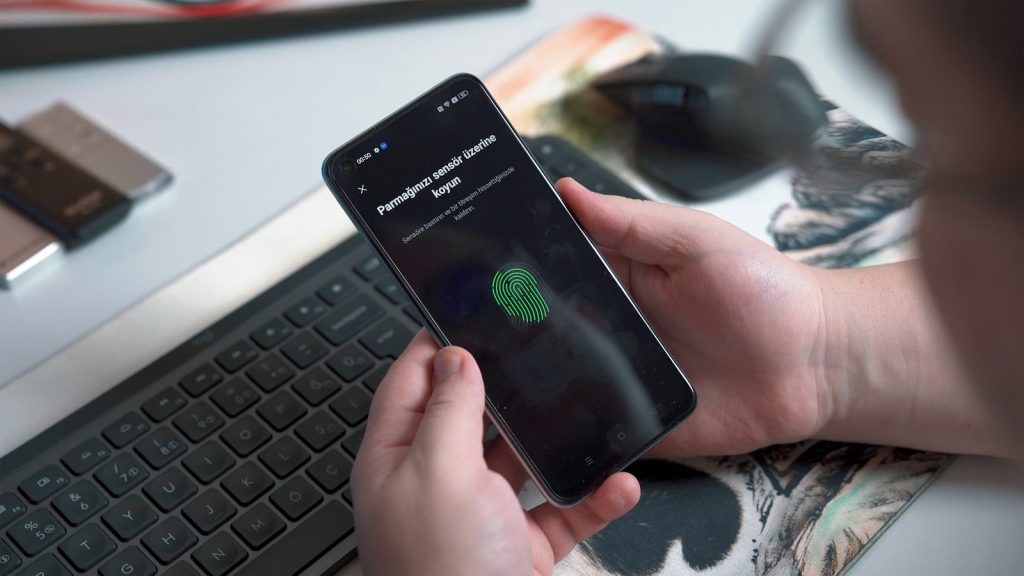
Using the same password across many accounts can create a chain reaction. If one account is exposed, other accounts using that password may become easier to access.
Give every smart home account its own password. A password manager can help you create and store unique logins without needing to remember every single one.
Turn off unused features
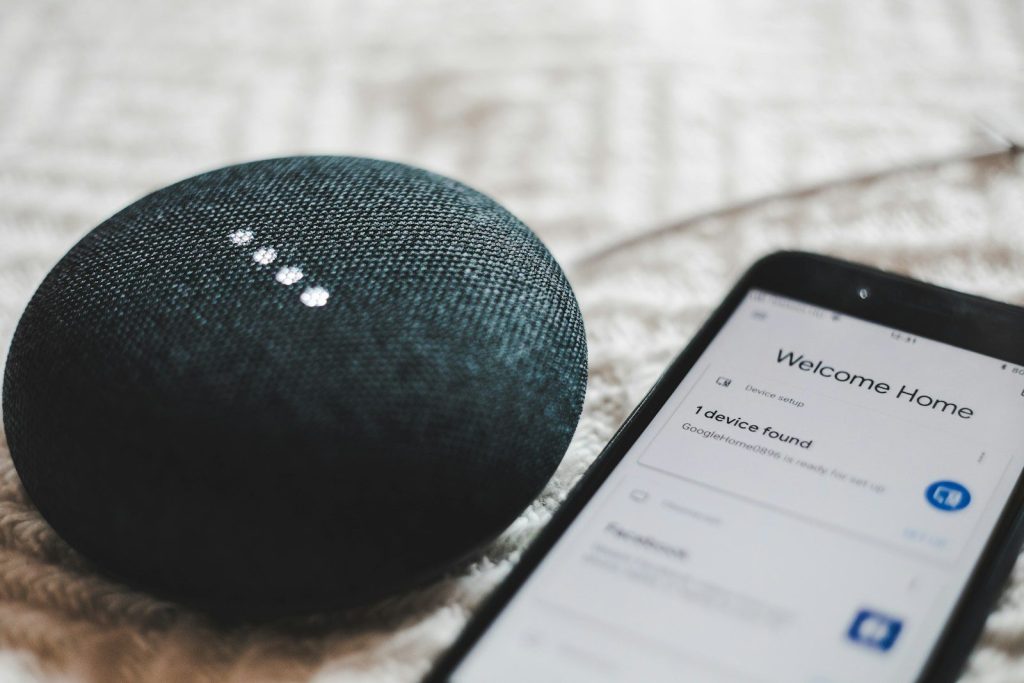
Many smart devices come with extra features that sound helpful but may not be needed in your home. Voice ordering, location tracking, stored recordings, or shared access can add privacy concerns.
Look through the settings after setup. Turn off anything you do not plan to use, especially features that collect more information or allow purchases, sharing, or remote control.
Check privacy settings
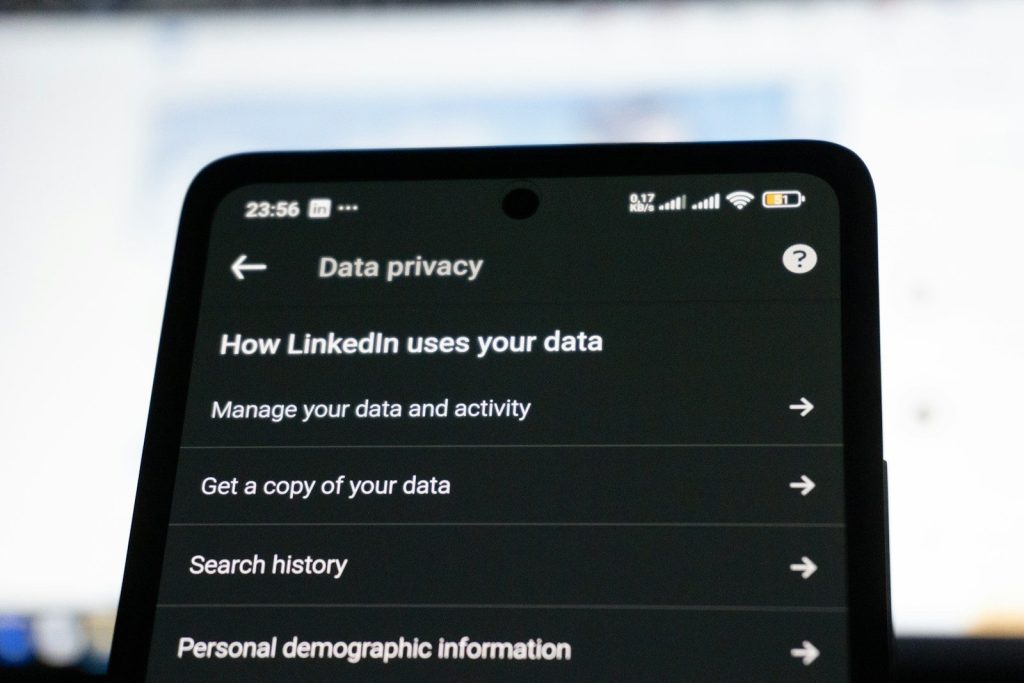
Privacy settings are easy to skip during setup, but they can shape how much information your device keeps or shares. Video, audio, usage history, and location details may all have options.
Review each device’s app and account dashboard. Choose settings that match your comfort level, such as shorter storage times, limited sharing, or fewer personalized features.
Keep updates automatic
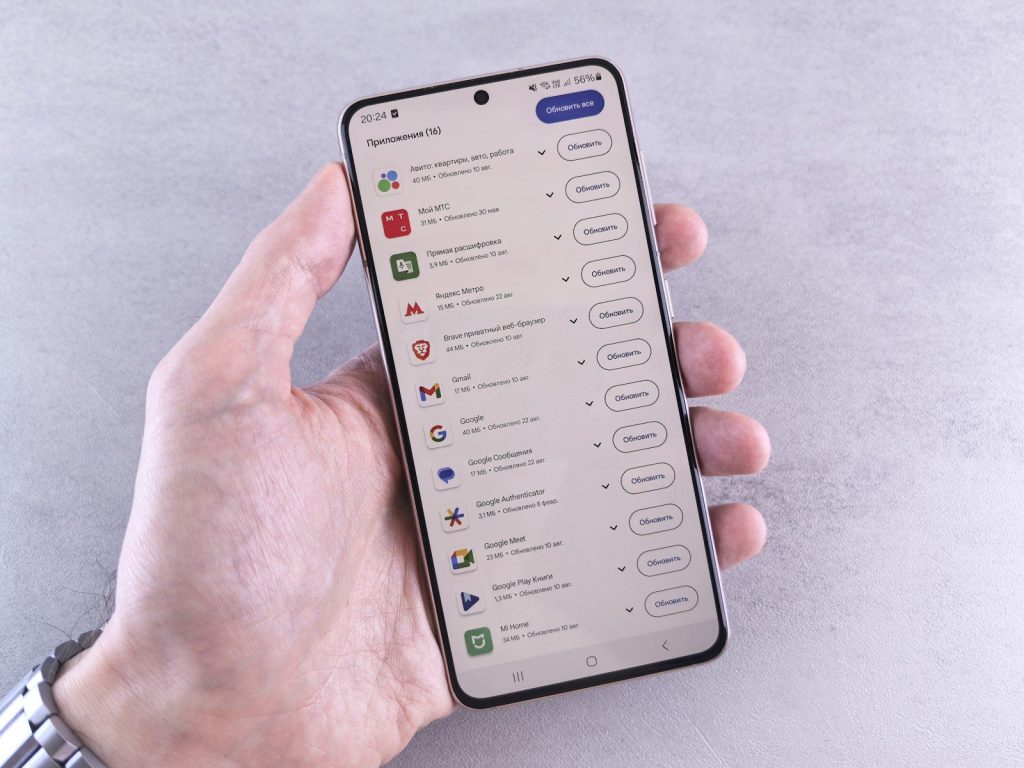
Smart home devices often receive updates that fix bugs and close security gaps. When updates are ignored, older software can become an easy weak point.
Turn on automatic updates whenever possible. If a device is too old to receive updates, it may be time to replace it or remove it from your network.
Separate your Wi-Fi
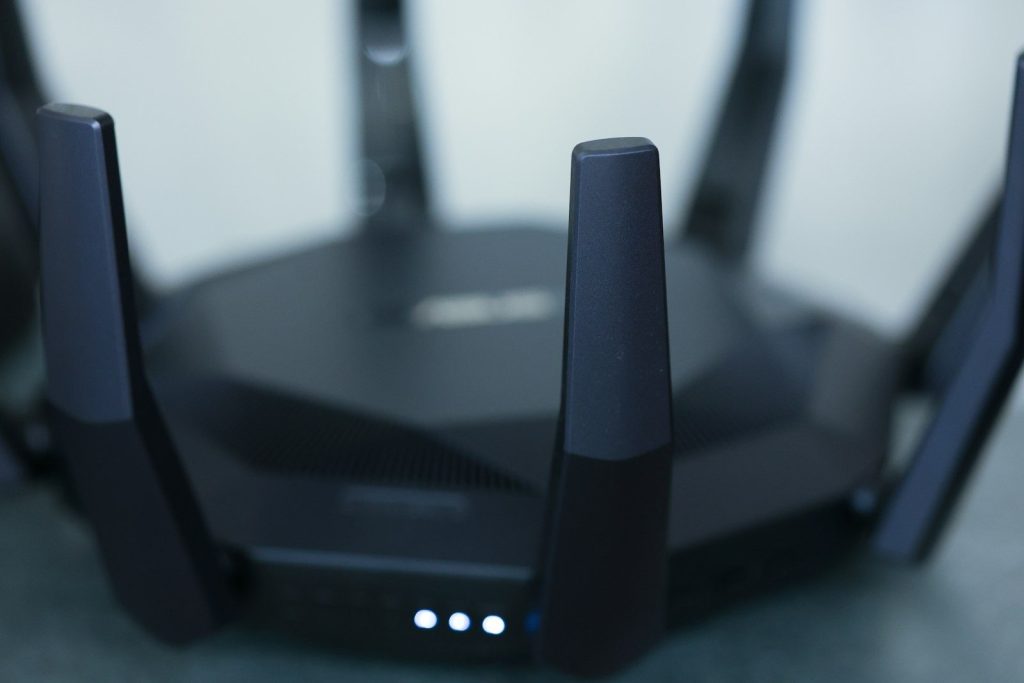
Your router is the front door to your connected home. If every device uses the same network, one weaker gadget could create risks for computers, phones, or personal files.
Set up a separate guest network or smart device network if your router allows it. This keeps connected gadgets away from more sensitive devices used for banking, work, or private documents.
Secure the router first
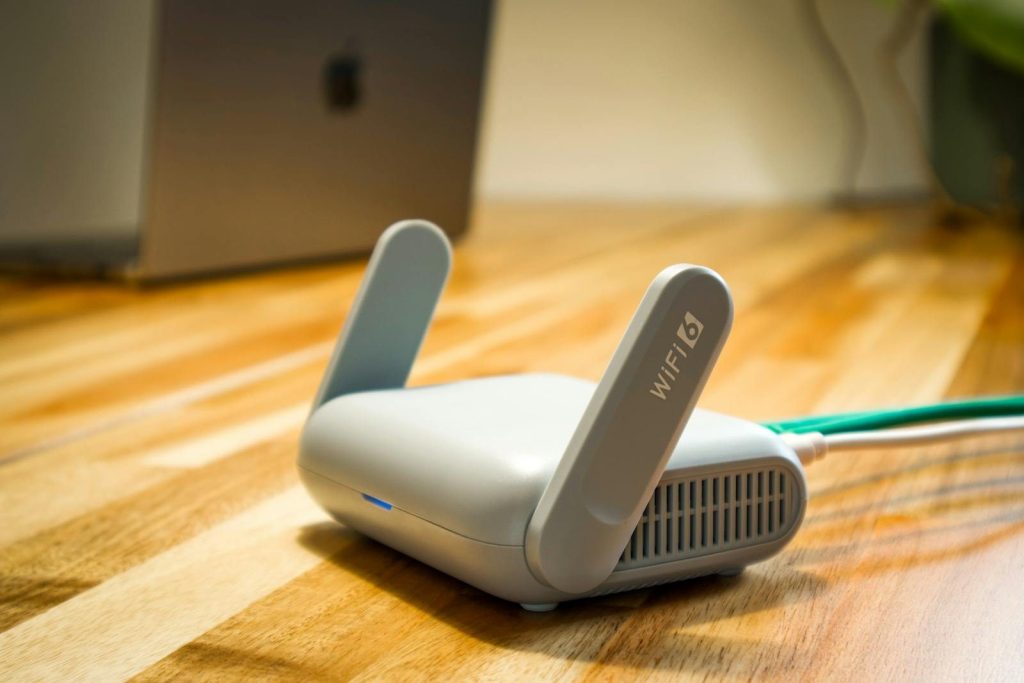
A smart home is only as safe as the Wi-Fi running it. Many people protect devices but forget the router that connects everything together.
Change the default router password, use modern Wi-Fi security, and keep router software updated. These simple steps help protect every device connected inside the home.
Watch shared access
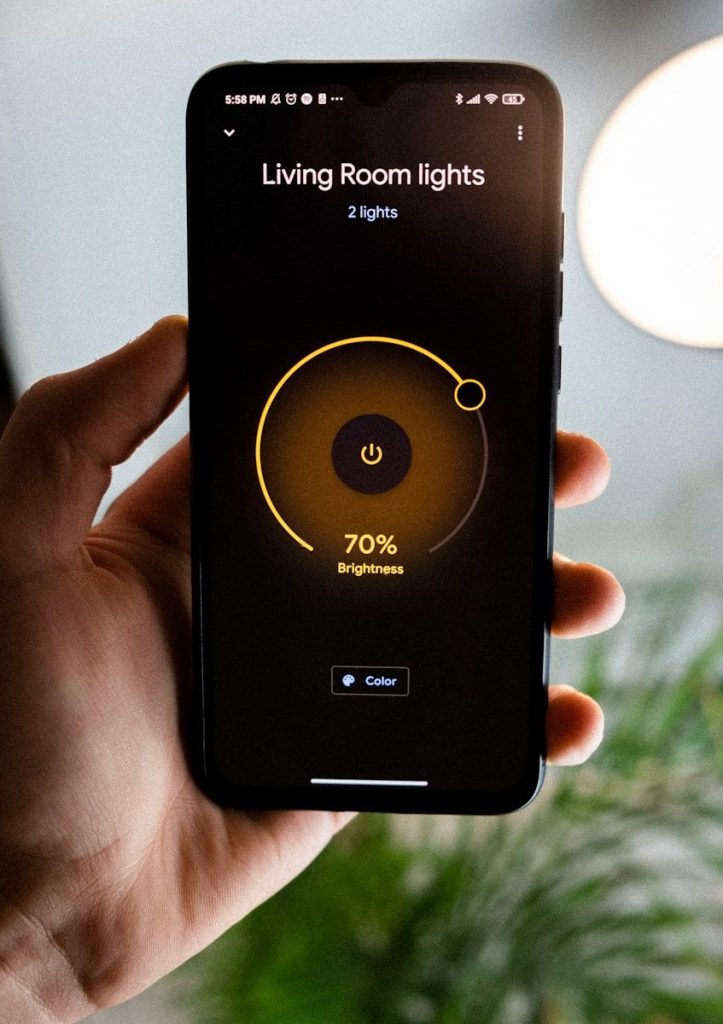
Smart home apps often let you share control with family members, guests, contractors, or caregivers. That can be useful, but old access can quietly remain active.
Review who can control each device from time to time. Remove users who no longer need access, and avoid sharing full control when a limited option is available.
Build safer routines
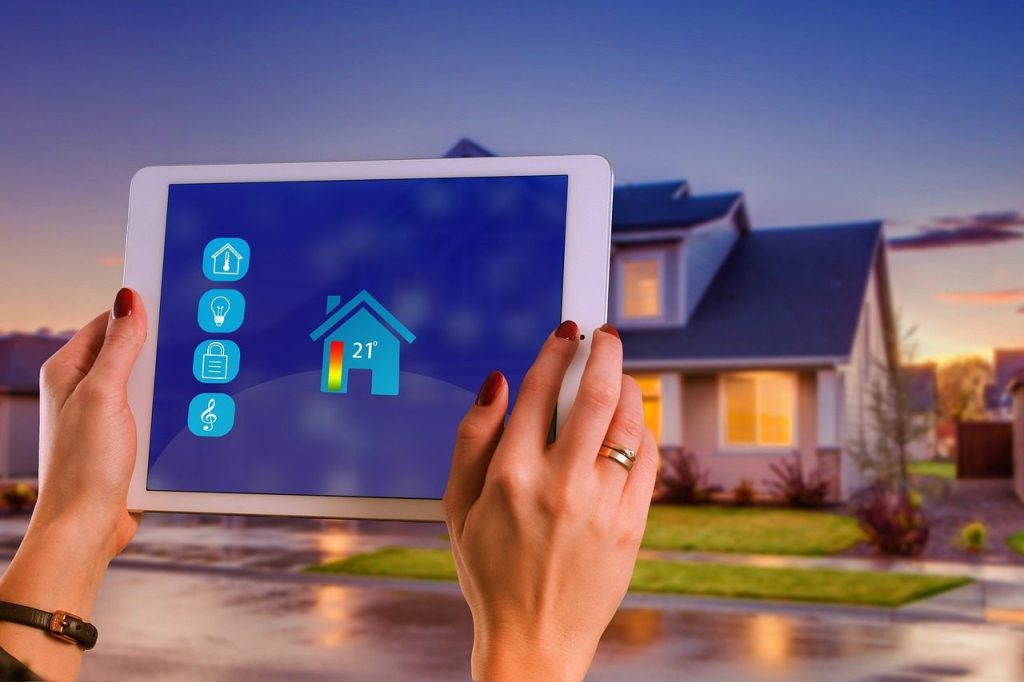
Privacy is not about giving up smart home comfort. It is about building habits that make connected devices safer and easier to trust.
Check settings, update devices, protect accounts, and keep only the features you actually use. A little regular attention can help your smart home stay convenient without giving away too much.
Leave a Reply