Category: Technology

  • Why robotic pool cleaners are becoming backyard must-haves

    Why robotic pool cleaners are becoming backyard must-haves

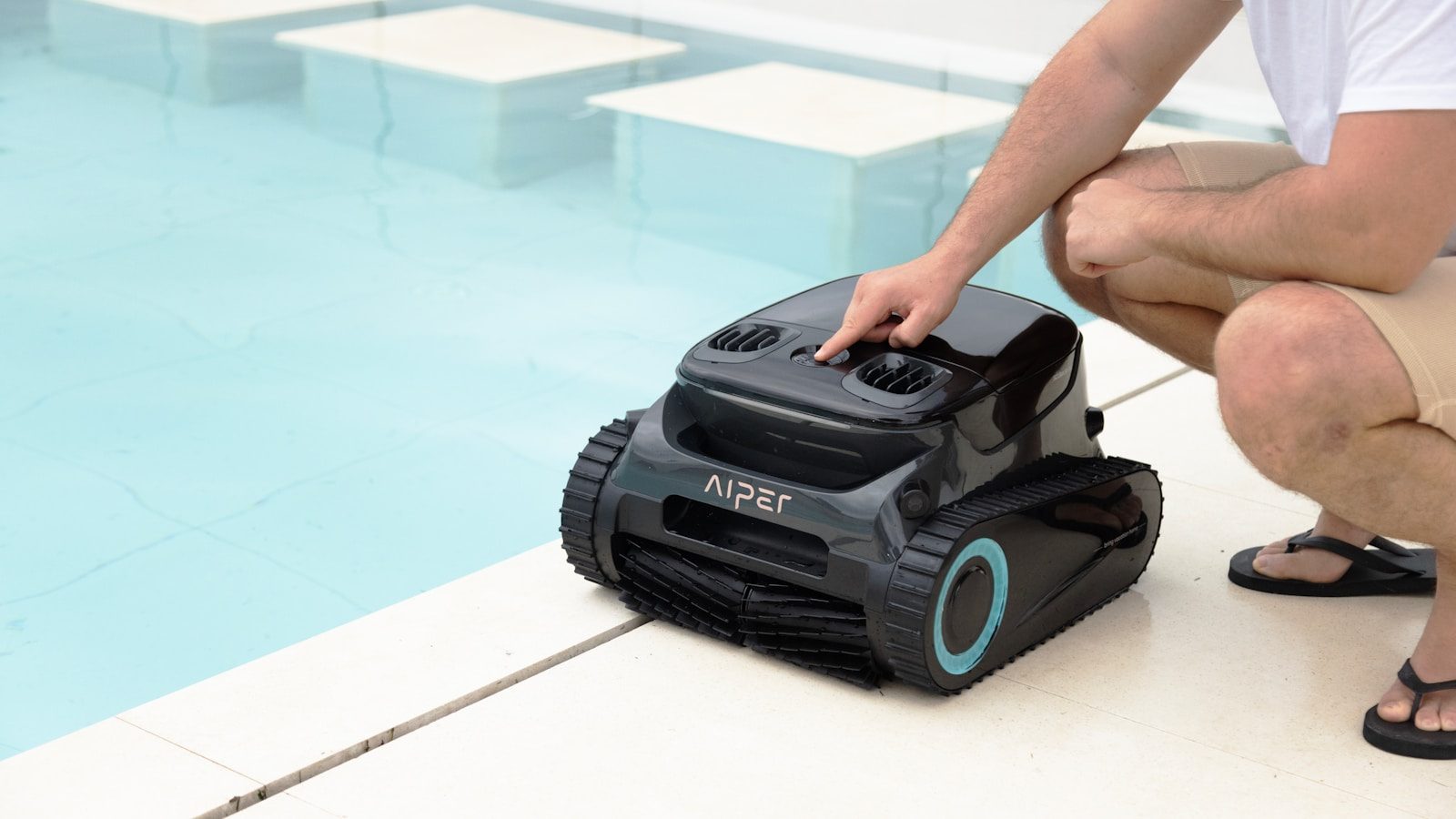
    Pool days are supposed to feel easy, but anyone who owns a pool knows the work does not stop when the cover comes off. Leaves settle on the floor, dust sticks to the walls, and the waterline can start looking dull right when guests are on the way. That is why robotic pool cleaners are getting so much attention. They promise a simpler way to handle one of the least fun parts of pool ownership.

    The timing makes sense. The U.S. has millions of residential pools, and pool owners are looking for tools that save time, reduce hassle, and fit into smarter home routines. Market researchers also expect the robotic pool cleaner business to keep growing as more homeowners choose automated maintenance.

    Pool chores take real time

    A cell phone floating in a pool of water
    Photo by Aiper Pool Cleaner on Unsplash

    Pool cleaning may look simple, but it can quickly eat into a weekend. Skimming, brushing, vacuuming, and checking the pool floor all take effort, especially after windy weather or heavy use.

    Robotic cleaners appeal to homeowners because they handle much of the physical cleaning on their own. Instead of pushing a vacuum by hand, owners can let the robot work while they handle other backyard tasks.

    They fit busy routines

    A couple of people that are in a pool
    Photo by Aiper Pool Cleaner on Unsplash

    Modern homeowners are used to devices that save steps, from robot vacuums to smart thermostats. Robotic pool cleaners bring that same “set it and move on” feeling to the backyard.

    This matters because pool care is not a once-a-season job. Debris can return every day. A cleaner that runs on a schedule or starts quickly can make pool upkeep feel less like a project.

    Cleaner water feels more inviting

    A black briefcase is submerged underwater in a pool.
    Photo by Aiper Pool Cleaner on Unsplash

    A pool looks more welcoming when the floor, walls, and waterline stay clear. Some robotic pool cleaners are designed to scrub surfaces and collect loose debris, not just move dirt around.

    Maytronics says its Dolphin robotic cleaners can pick up debris, scrub floors and walls, and clean along the waterline on compatible models. That kind of full-surface cleaning is a big reason shoppers notice the category.

    Smart features add appeal
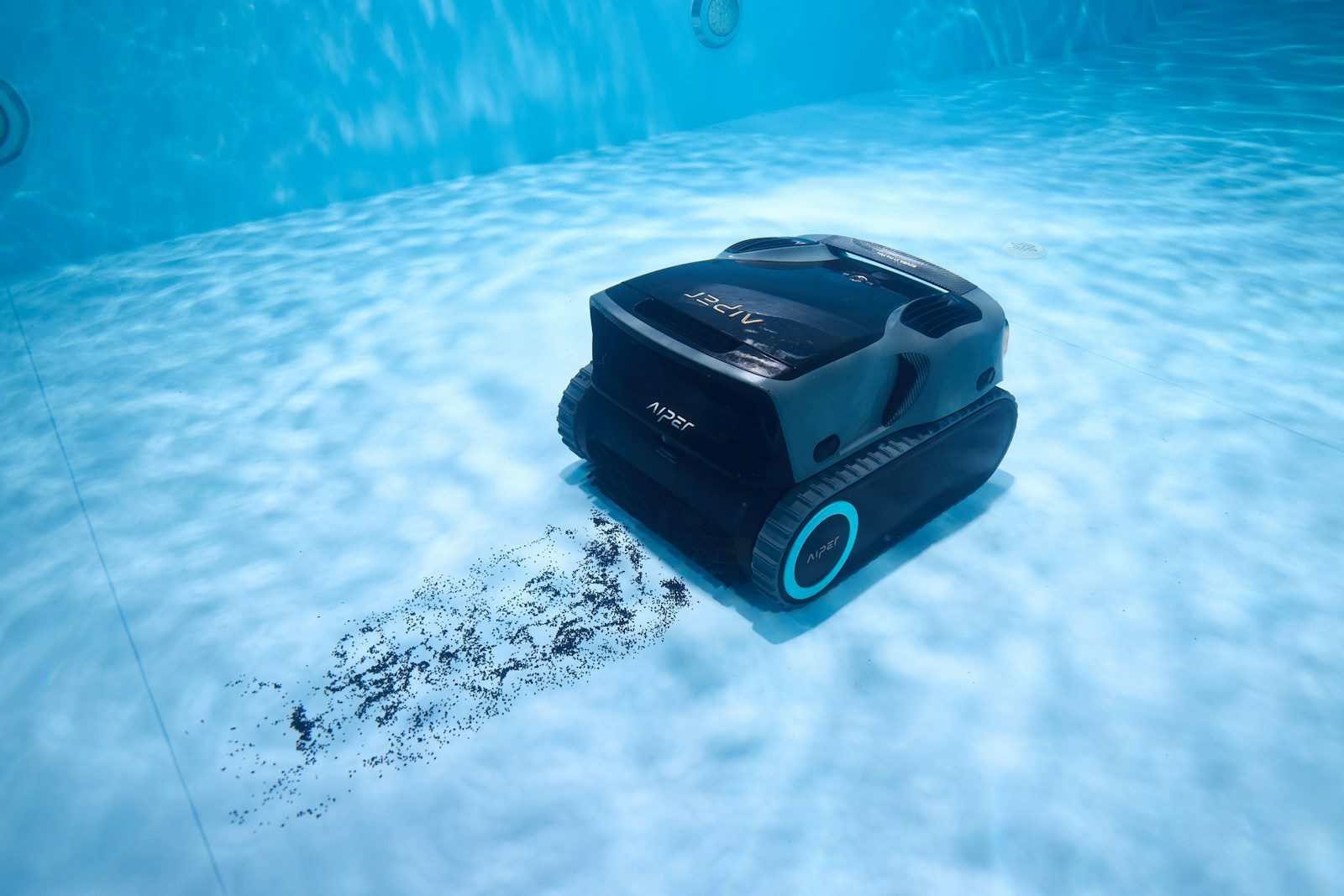
    A robotic pool cleaner is underwater.
    Photo by Aiper Pool Cleaner on Unsplash

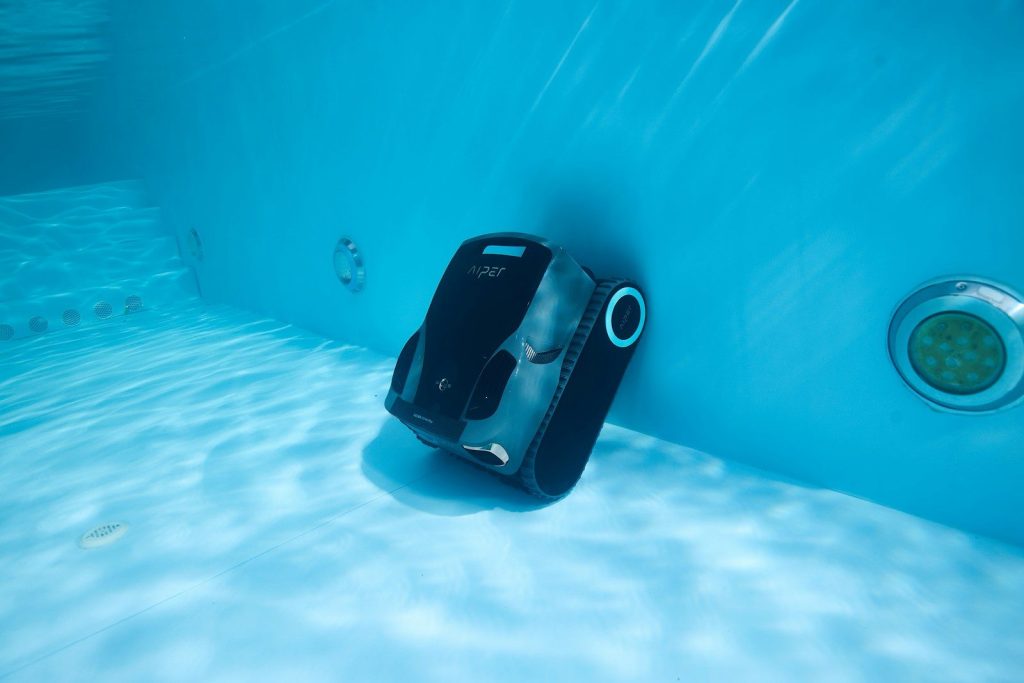
    Robotic pool cleaners are becoming more advanced, with features like app control, smarter navigation, cordless designs, and improved filters. These upgrades make the machines feel closer to other smart home tools.

    The trend is still moving. At CES 2026, The Verge reported on a pool robot designed to lift itself out of the water to charge, showing how brands are trying to make pool care even more automatic.

    They can ease pump strain
    A robotic pool cleaner cleans underwater.
    Photo by Aiper Pool Cleaner on Unsplash

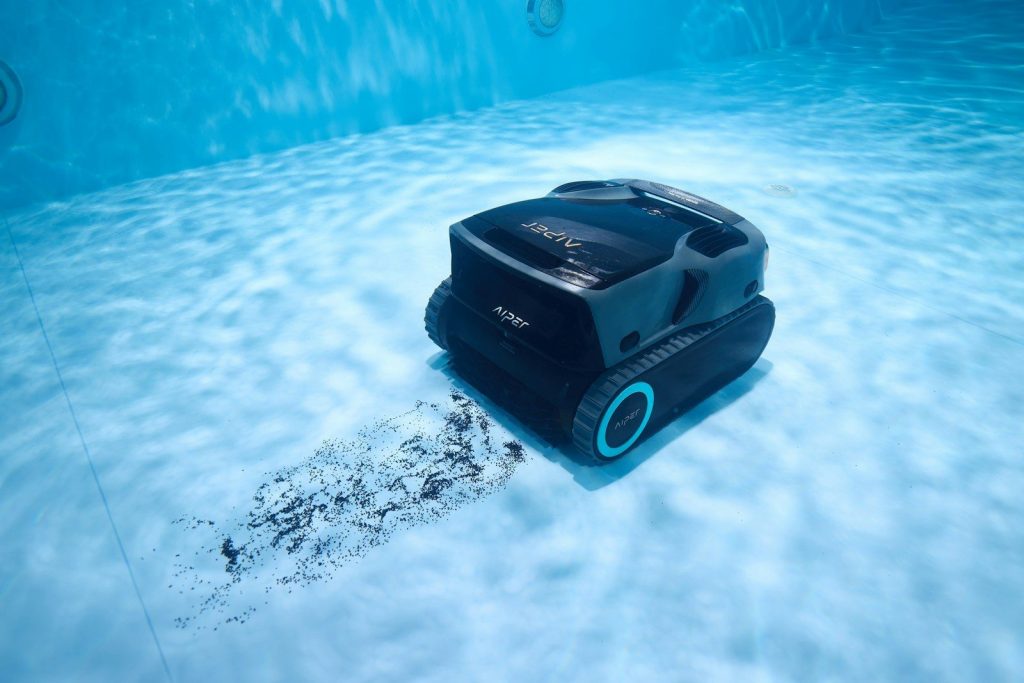
    Many robotic pool cleaners work separately from the pool’s main pump and filter system. That can be helpful because the robot has its own motor, filter, and cleaning path.

    Energy use is already a big topic in pool care. ENERGY STAR says variable-speed and multi-speed pool pumps can reduce energy costs and offer quieter operation. Robotic cleaners fit into that same push toward smarter, more efficient backyard equipment.

    Portable models are growing

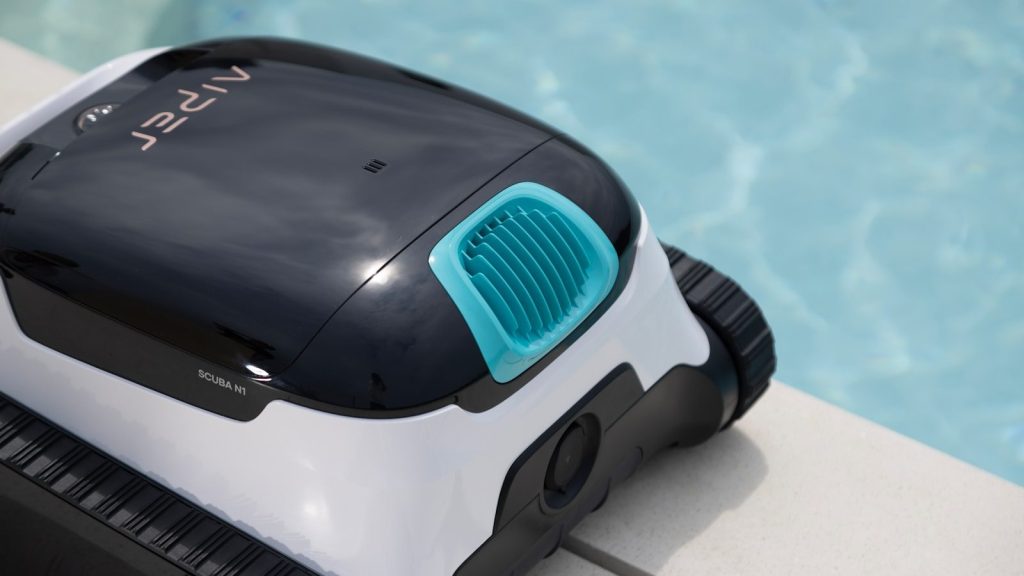
    A robotic pool cleaner is next to a pool.
    Photo by Aiper Pool Cleaner on Unsplash

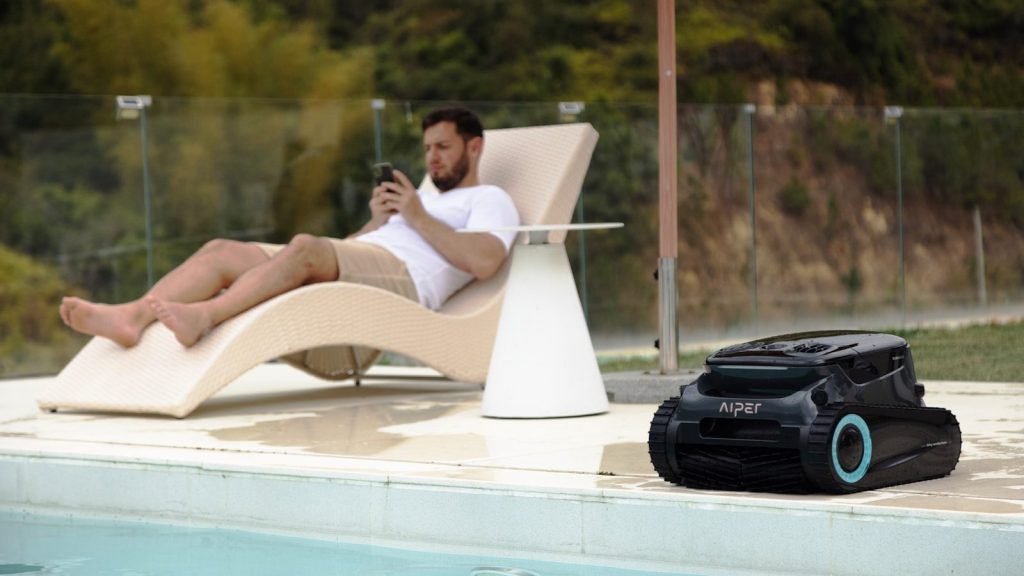
    Cordless robotic pool cleaners have made the category feel easier for many homeowners. Without a long floating cord, setup can seem less annoying, especially for smaller pools or quick cleanups.

    This does not mean every cordless model is right for every pool. Battery life, pool size, wall climbing, and debris type still matter. But the rise of cordless designs has made robotic cleaning feel less complicated for everyday users.

    The market is expanding fast
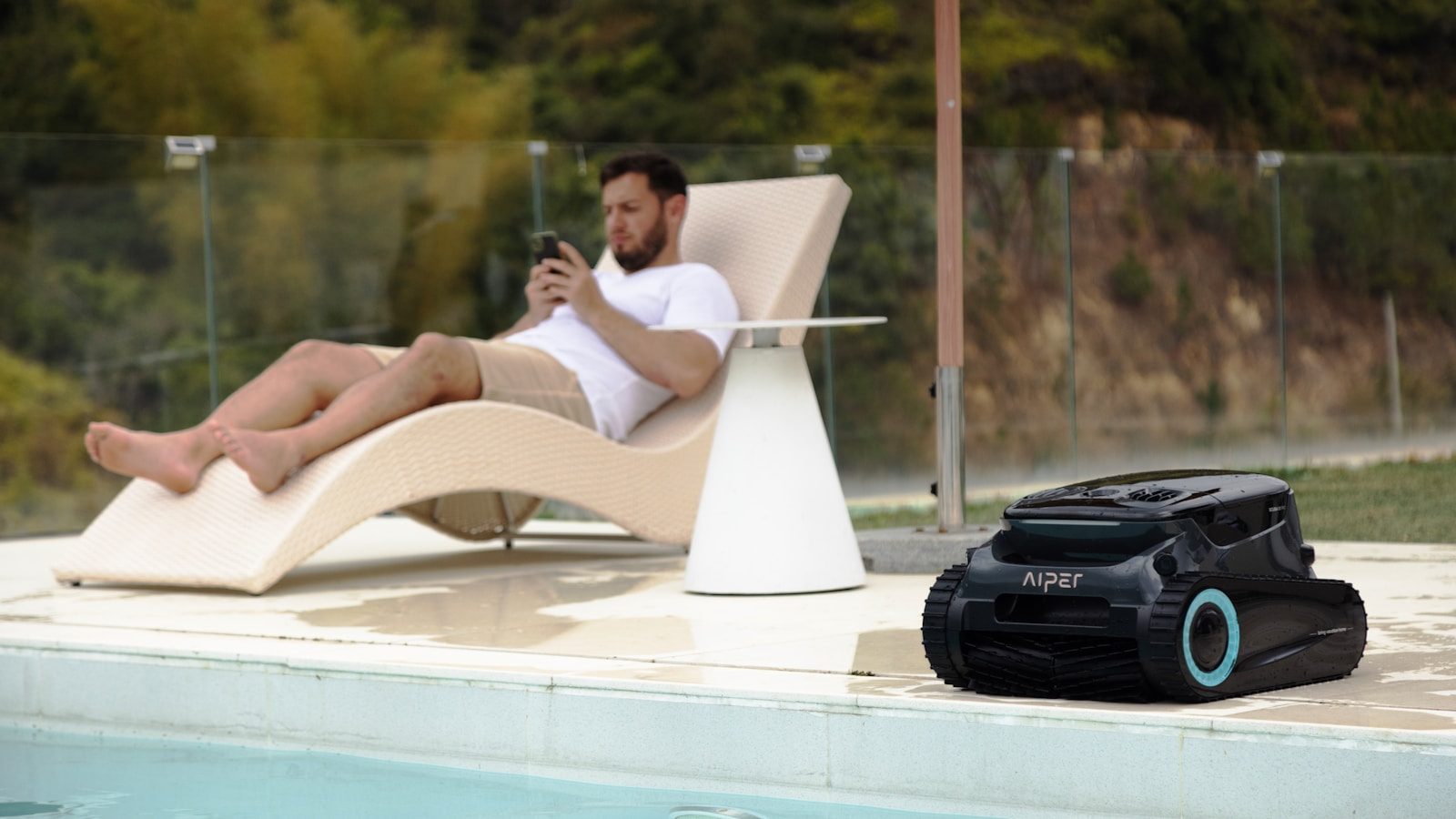
    A man relaxing by the pool, using his phone.
    Photo by Aiper Pool Cleaner on Unsplash

    Robotic pool cleaners are no longer a niche gadget. Global Market Insights estimated the robotic pool cleaner market at $1.18 billion in 2025 and projected strong growth through 2035.

    That growth shows a clear shift in how people think about backyard maintenance. Homeowners are not only paying for clean water. They are paying for convenience, time savings, and a pool that feels easier to enjoy.

    They make hosting simpler

    A man standing in a pool with an inflatable flamingo
    Photo by Aiper Pool Cleaner on Unsplash

    A clean pool can change the whole feel of a backyard gathering. When the pool looks ready, the space feels more relaxed, even before anyone gets in the water.

    Robotic cleaners help because they can handle routine debris before guests arrive. They do not replace smart water care or safe chemical handling, but they can make the visible cleaning part much easier.

    They support better upkeep habits

    Pool Robot” by Z303 is licensed under CC BY-NC-SA 2.0

    The CDC recommends following pool chemical directions carefully and handling chemicals safely. Clean surfaces are only one part of pool care, but regular upkeep can help owners stay more aware of the pool’s condition.

    A robotic cleaner can support that habit by making routine cleaning less of a burden. When the chore feels easier, owners may be more likely to keep the pool looking fresh between deeper maintenance checks.

    Convenience is the real draw

    Man relaxes by the pool, reading a book.
    Photo by Aiper Pool Cleaner on Unsplash

    The biggest reason robotic pool cleaners are becoming backyard must-haves is simple: they make pool ownership feel easier. A pool should be fun, not a constant reminder of unfinished chores.

    For many homeowners, the value is not just the machine itself. It is the time saved, the cleaner look, and the peace of mind that the pool can stay closer to ready when the next sunny day arrives.
  • 10 thermostat settings to understand before summer heat hits

    10 thermostat settings to understand before summer heat hits

    Summer comfort is not just about turning the thermostat lower and hoping the house cools faster. The right settings can help your air conditioner work smarter, lower energy use, and keep rooms feeling steady through long hot days. The U.S. Department of Energy says households can save as much as 10% a year on heating and cooling by setting the thermostat back 7 to 10 degrees for 8 hours a day.

    It also notes that ceiling fans can let many people raise the thermostat by about 4 degrees without feeling less comfortable. These simple settings are worth understanding before summer arrives, especially if your home gets warm fast or your cooling bill climbs every year.

    Start near 78 degrees

    graphical user interface
    Photo by Sean on Unsplash

    A common summer starting point is about 78 degrees when people are home and awake. That number is not perfect for every house, but it gives many families a good balance between comfort and energy use.

    From there, adjust slowly. Try one degree at a time instead of making big changes. Small moves help you find a setting that feels good without making the air conditioner run harder than needed.

    Raise it when away

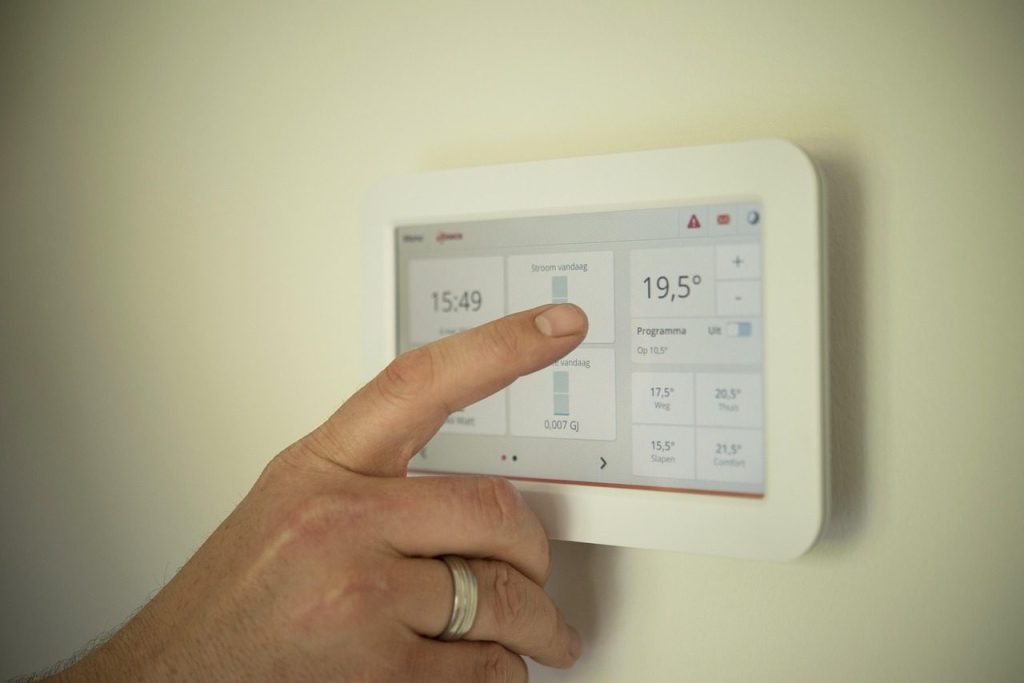
    tablet, heating, man, pointing, manual, technology, person, male, computer, home, modern, system, energy, control, people, temperature, app, heating, heating, heating, heating, heating, temperature, temperature, temperature, temperature
    Photo by ClickerHappy on Pixabay

    When the house is empty, the thermostat does not need to work as hard. Raising the setting while you are gone can reduce cooling time and help lower energy use.

    The Department of Energy says turning the thermostat back 7 to 10 degrees for 8 hours a day can save as much as 10% a year on heating and cooling. Summer is a good time to use that habit wisely.

    Use a sleep schedule

    Night settings depend on comfort, humidity, and how warm the house stays after sunset. Some people sleep better with a slightly cooler room, while others can keep the setting higher.

    A programmable or smart thermostat can help by changing the temperature before bedtime and again before morning. That way, the home feels comfortable without someone getting up to adjust it.

    Do not chase fast cooling

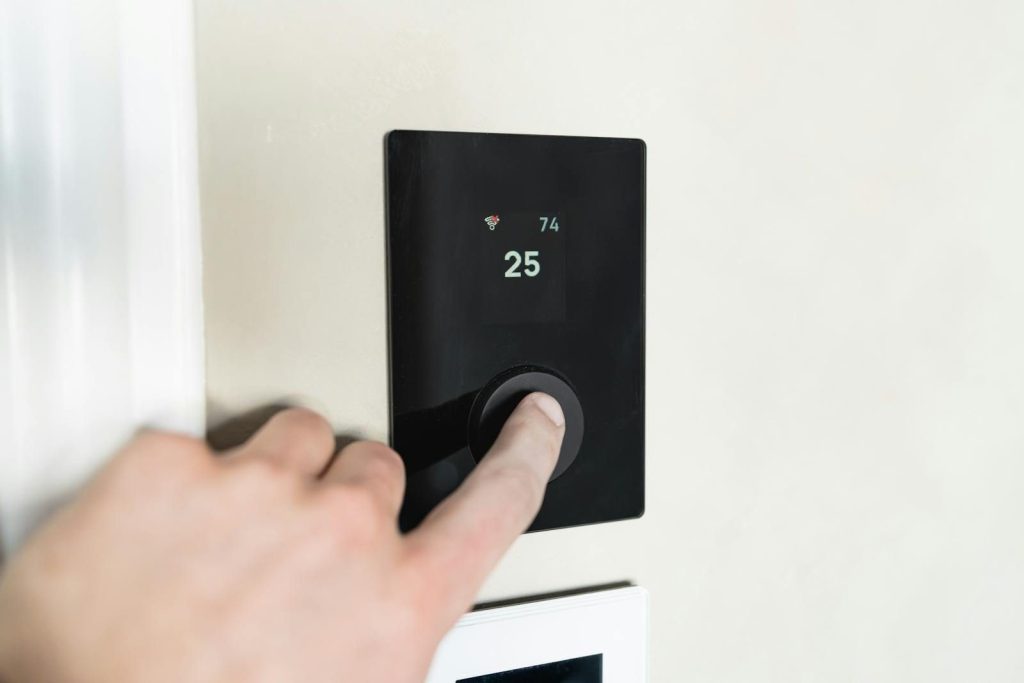
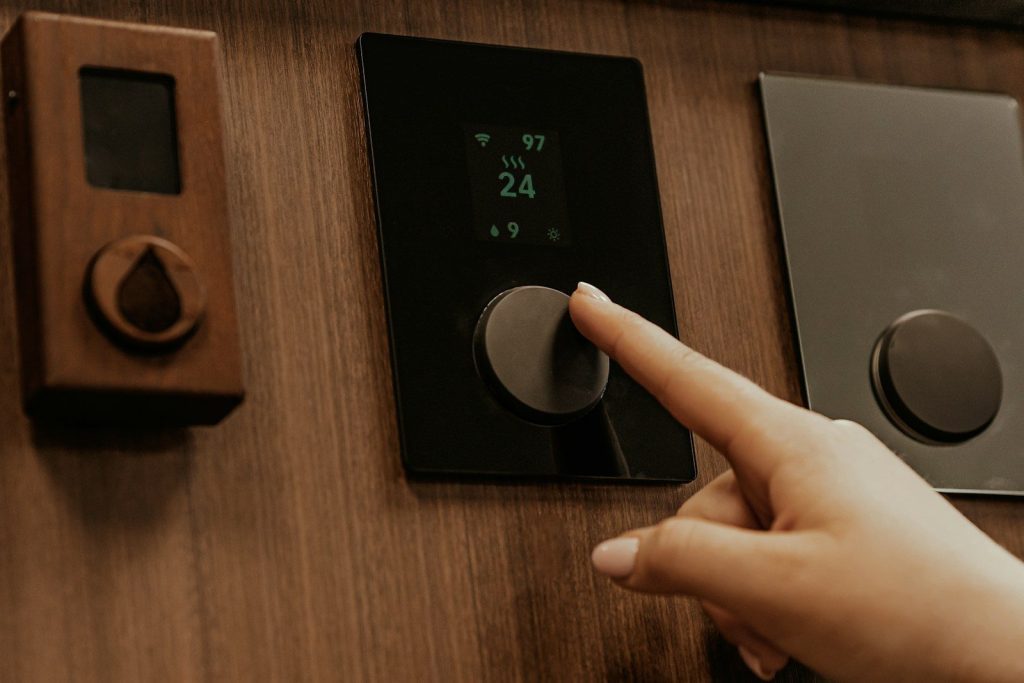
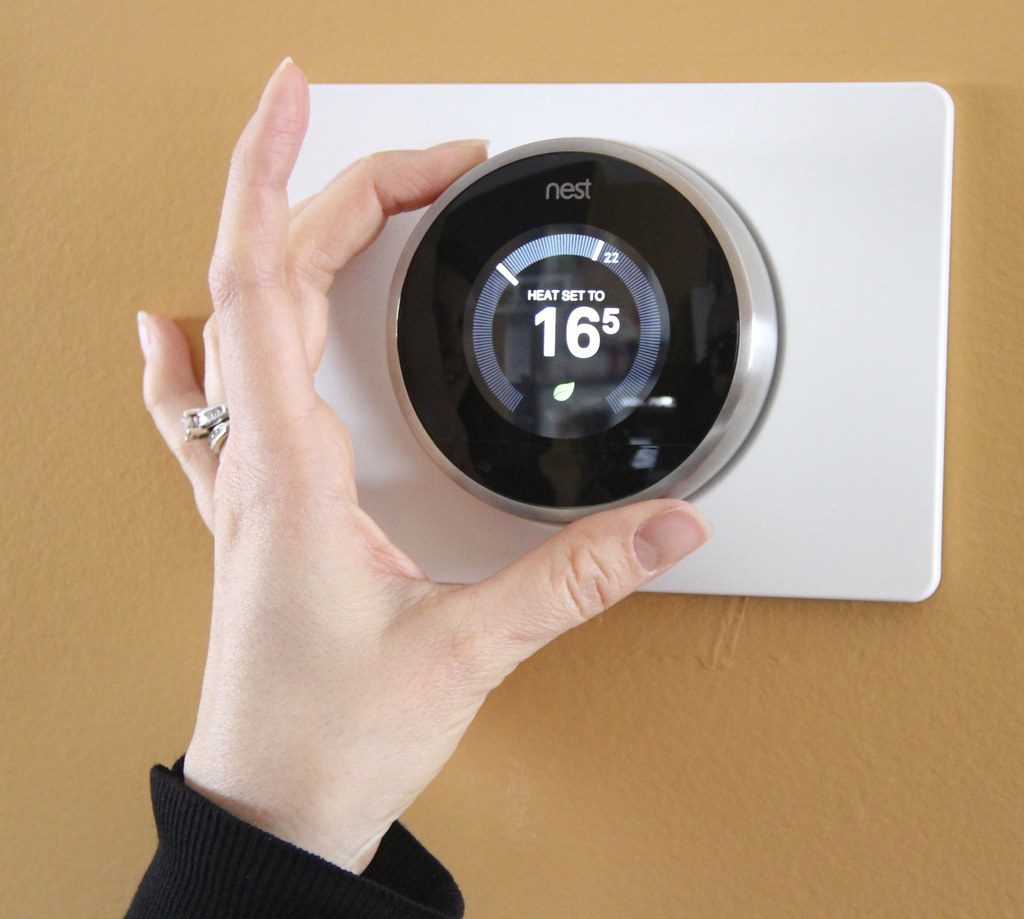
    Close-up of a hand adjusting a sleek, modern smart thermostat on a wall.
    Photo by HUUM │sauna heaters on Pexels

    Lowering the thermostat far below your target does not usually cool the house faster. It simply tells the system to keep running until it reaches that lower number.

    That can waste energy and make rooms feel too cold later. A better move is to set the temperature you actually want, then give the system time to reach it.

    Learn the fan setting

    a wooden room with a clock on the wall
    Photo by Jason Leung on Unsplash

    Many thermostats have fan settings like “auto” and “on.” In many homes, “auto” runs the fan only when the system is cooling, while “on” keeps air moving more often.

    The right choice depends on your home, but “auto” often helps avoid nonstop fan use. It may also help the system manage cooling cycles more efficiently during hot weather.

    Pair it with ceiling fans

    a close up of a thermostaer on a wall
    Photo by Jason Leung on Unsplash

    Ceiling fans do not lower the room temperature, but they can help people feel cooler. The moving air creates a breeze on skin, which can make a warmer room feel more comfortable.

    The Department of Energy says ceiling fans may let you raise the thermostat by about 4 degrees without reducing comfort. In summer, ceiling fans should run counterclockwise to create a cooling breeze.

    Watch indoor humidity

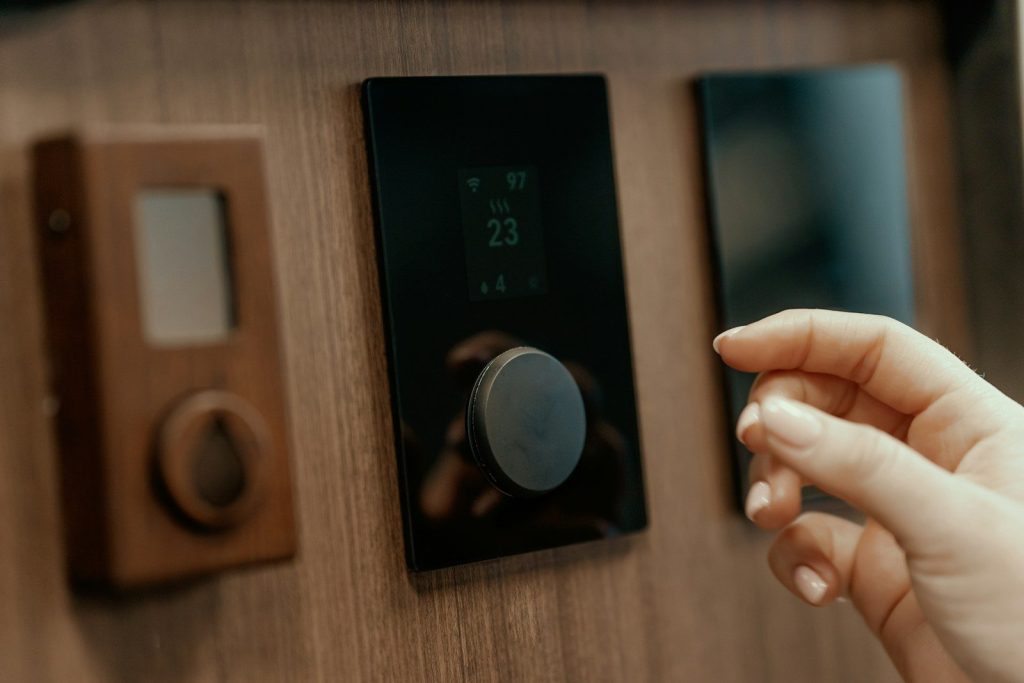
    a hand holding a black device
    Photo by HUUM on Unsplash

    Temperature is only part of comfort. A house can feel sticky even when the thermostat number looks reasonable, especially in humid areas or after a long cooling cycle.

    Your air conditioner also helps remove moisture from the air when it runs properly. If the home still feels damp, check filters, airflow, and maintenance before simply lowering the thermostat again.

    Set no-go extremes

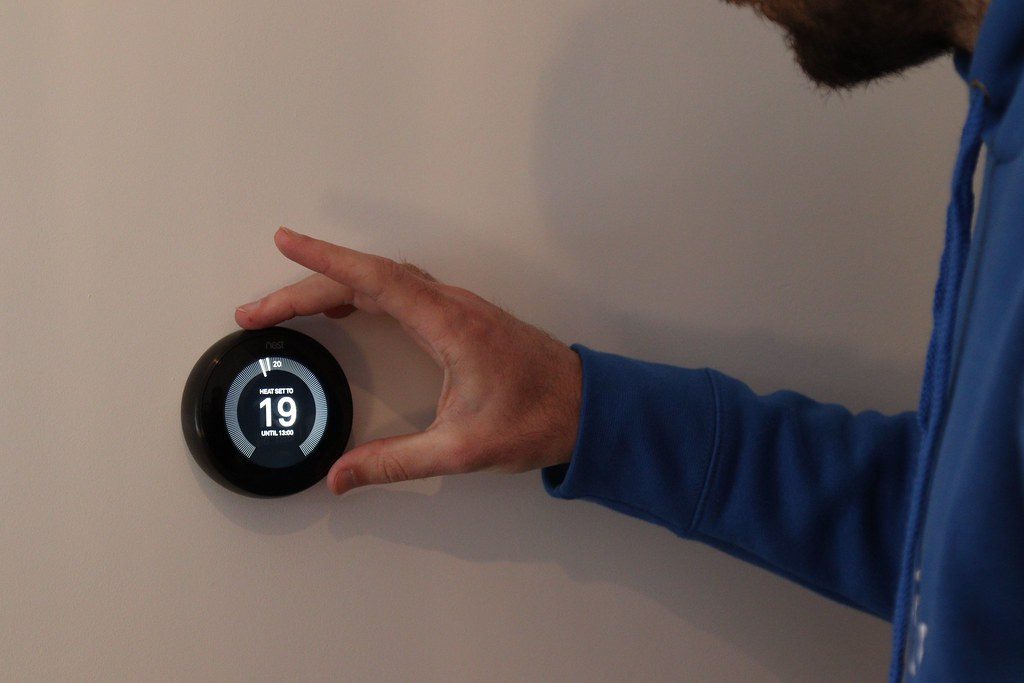
    Nest smart thermostat demo (Creative commons by https://heatable.co.uk/)” by Heatable is licensed under CC BY 2.0

    It helps to decide your highest and lowest summer settings before the heat arrives. That keeps the thermostat from becoming a daily guessing game.
    For example, you might choose one setting for home, one for sleep, and one for when everyone is away. Clear limits make it easier to stay comfortable without constant changes.
    Use gradual changes

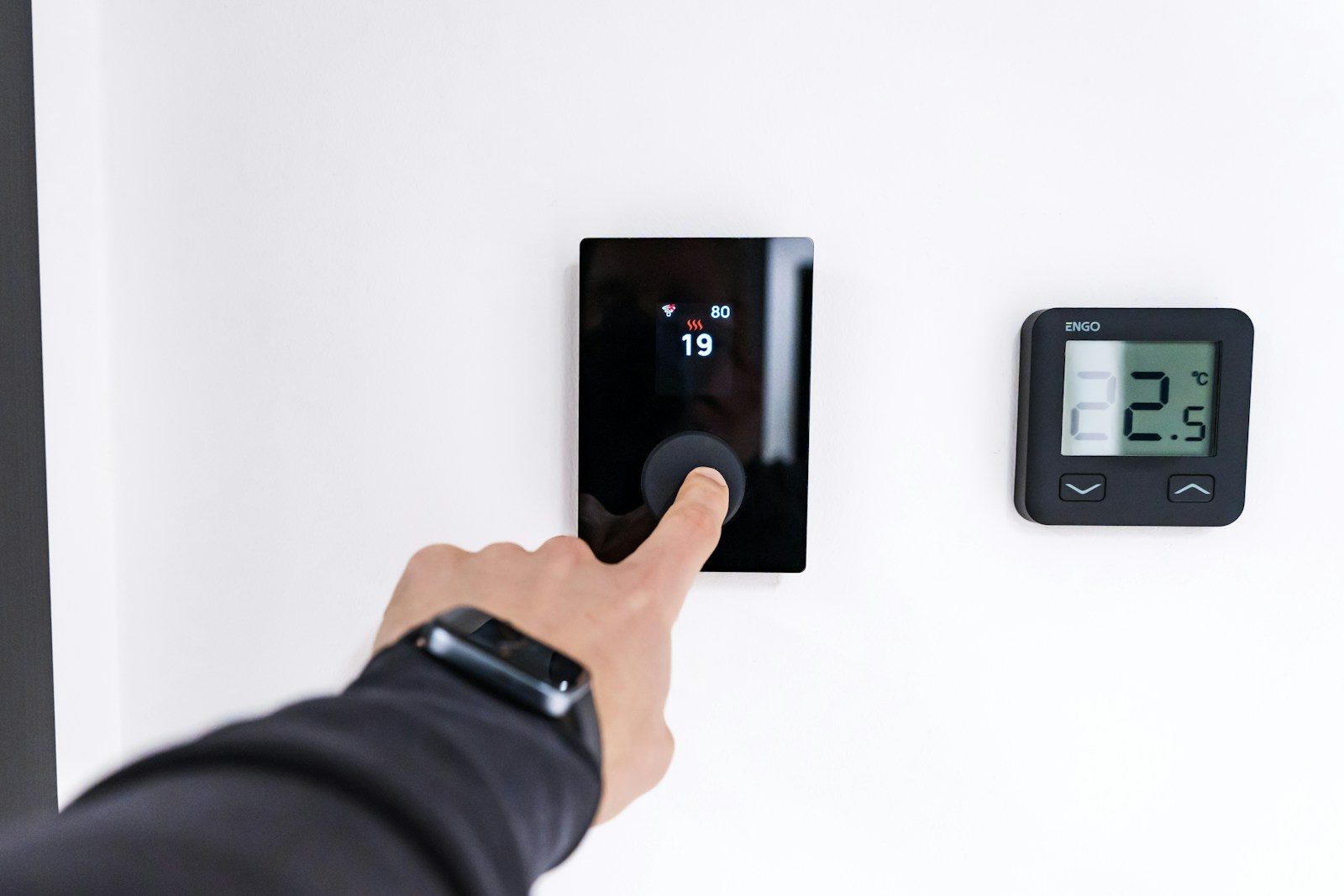
    white and gray thermostat at 19 5
    Photo by Erik Mclean on Unsplash

    Big thermostat swings can make a home feel uneven. One room may cool down while another stays warm, especially in homes with poor airflow or lots of sunlight.

    Gradual changes are easier for the system and easier for people to notice. Move the setting by one or two degrees, then wait before deciding whether it needs another adjustment.

    Let automation help

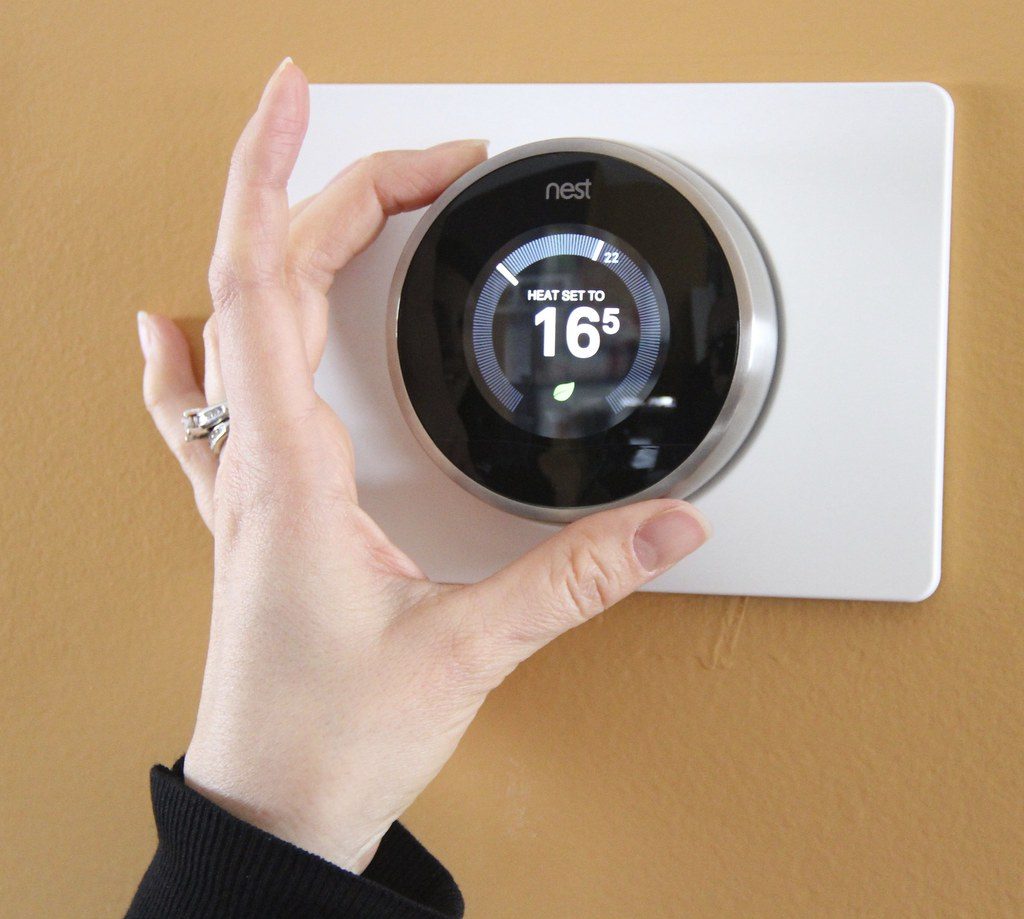
    6. Smart Thermostat” by Green Energy Futures is licensed under CC BY-NC-SA 2.0

    A programmable thermostat can handle daily temperature changes without much effort. A smart thermostat can add features like app controls, schedules, and sometimes learning routines.

    The main benefit is consistency. Once the schedule matches your household, the thermostat can raise and lower the temperature at the right times instead of relying on someone to remember every day.

  • How pool robots are taking over one of summer’s worst chores

    How pool robots are taking over one of summer’s worst chores

    Few summer chores feel more annoying than cleaning the pool when everyone else wants to jump in. Leaves collect overnight, dirt sinks to the floor, and the waterline can start looking dull faster than expected. Robotic pool cleaners are becoming popular because they take on much of that work without needing constant pushing, brushing, or hose setup.

    Many models use electric motors, brushes, built-in filters, and navigation systems to scrub pool floors, climb walls, and collect debris. Some even work separately from the pool’s main pump and filter, which can reduce strain on pool equipment. Pool care still needs water testing and basic upkeep, but these machines can make the cleaning part feel much less like a weekend job.

    They do the dirty work

    Pool Robot” by Z303 is licensed under CC BY-NC-SA 2.0

    A pool robot is built to handle the part most people delay: scrubbing and vacuuming. Instead of standing outside with a manual vacuum, the owner can place the cleaner in the water and let it move.

    Many robotic cleaners use brushes, motors, and pumps to pull in water and trap debris in an internal filter. That means dirt, leaves, and small particles can be collected while the robot travels across the pool.

    They work on their own

    A man relaxing by the pool, using his phone.
    Photo by Aiper Pool Cleaner on Unsplash

    One big reason pool robots feel convenient is that they do not need constant steering. Once started, the cleaner follows its cleaning cycle and moves through the pool with little help.

    Maytronics says its automatic cleaners work independently from the pool’s filter and pump, collecting dirt inside the robot itself. That setup can make cleaning feel simpler than connecting hoses or relying on the main pool system.

    Floors are only the start

    Man relaxes by the pool, reading a book.
    Photo by Aiper Pool Cleaner on Unsplash

    Older pool cleaning often focused on the floor, where dirt and leaves settle first. Newer pool robots can do more than sweep the bottom.

    Some models are designed to clean floors, walls, coves, and even the waterline. Hayward describes cleaners in its lineup that handle pool floors, walls, coves, and the waterline, depending on the model.

    Filters catch the mess

    Someone is removing a pool filter.
    Photo by Aiper Pool Cleaner on Unsplash

    Robotic pool cleaners usually carry their own filter baskets, bags, or cartridges. That is helpful because the debris is collected inside the machine instead of being sent straight to the pool’s main filter.

    Maytronics says its cleaners collect debris in a bag or cartridge within the robot. After the cycle, the owner can remove and rinse the filter, which keeps cleanup simple and easy to see.

    Smart paths save time

    A group of people sitting around a pool
    Photo by Aiper Pool Cleaner on Unsplash

    A pool robot that wanders randomly may still clean, but smarter navigation can make the job feel faster and more complete. Better path planning helps reduce missed spots and repeated passes.

    Some robotic cleaners use sensors or mapping-style systems to move more efficiently. The Verge reported that newer pool robots are using cameras and sensors to identify pool surfaces, steps, corners, and obstacles.

    They do not replace care

    A robotic pool cleaner is underwater.
    Photo by Aiper Pool Cleaner on Unsplash

    A pool robot can scrub, vacuum, and collect debris, but it does not handle every part of pool ownership. Water chemistry still needs attention.

    The Pool & Hot Tub Alliance recommends regular maintenance tasks such as testing water chemistry and removing debris. A robot can reduce the cleaning burden, but safe, clear water still depends on basic pool care.

    Summer feels easier

    A couple of people that are in a pool
    Photo by Aiper Pool Cleaner on Unsplash

    The real appeal of pool robots is not just the technology. It is the time saved when a machine handles one of the least fun backyard chores.

    Instead of spending every warm day chasing leaves and dirt, owners can let the robot do a cleaning cycle. That leaves more time for swimming, relaxing, and actually enjoying the pool.

  • Why smart thermostats are more than wall gadgets

    Why smart thermostats are more than wall gadgets

    A smart thermostat may seem like a small screen that only changes the temperature, but it can do much more for a home. These devices connect to Wi-Fi, work with apps, and adjust heating or cooling based on schedules, habits, sensors, and system needs.

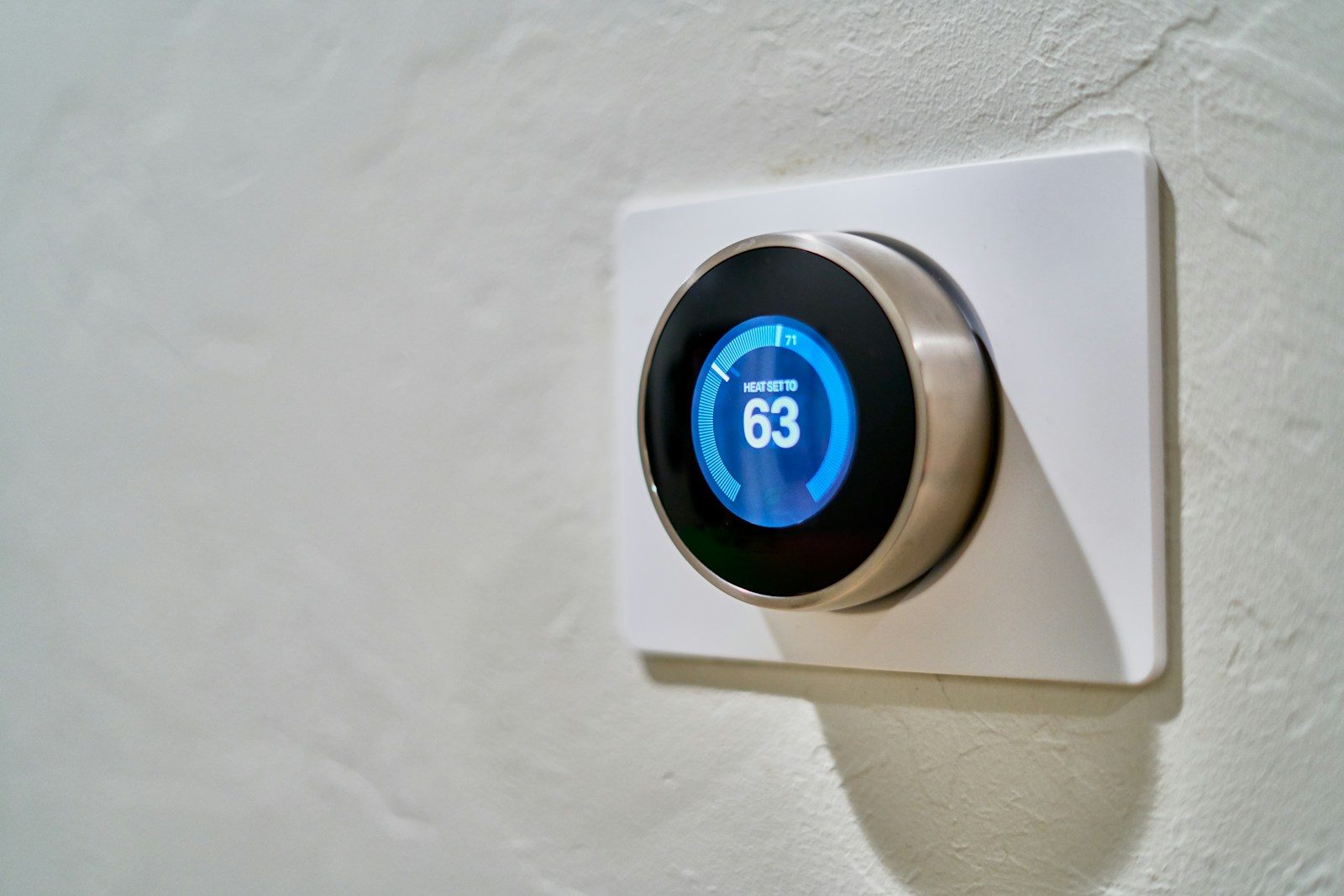
    ENERGY STAR says certified smart thermostats are designed to automatically adjust heating and cooling settings for better performance, and average homes can save about 8% on heating and cooling costs. The U.S. Department of Energy also says setting a thermostat back 7 to 10 degrees for eight hours a day can save as much as 10% a year. So the real value is not the gadget on the wall. It is the control, comfort, and savings behind it.

    They learn your routine

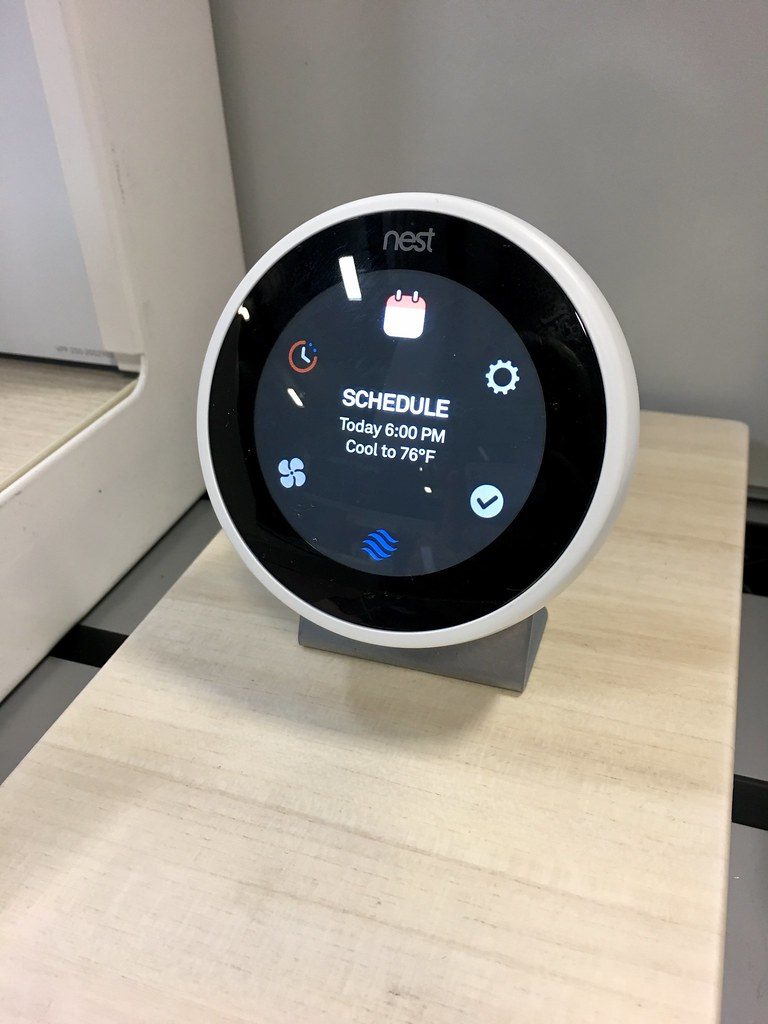
    Nest smart thermostat” by the-unwinder is licensed under CC BY-SA 2.0

    Smart thermostats can reduce the need to keep changing the temperature by hand. Many models are made to follow schedules, patterns, or occupancy so the home is comfortable when people are there.

    That makes them feel less like basic controls and more like quiet helpers. Instead of heating or cooling the same way all day, the system can adjust around real life.

    They may cut energy waste

    white and gray thermostat at 19 5
    Photo by Erik Mclean on Unsplash

    Heating and cooling can use a lot of home energy, so small changes matter. ENERGY STAR says certified smart thermostats are independently tested and can help average homes save about 8% on heating and cooling costs.

    The savings are not magic. They usually come from better schedules, fewer wasted hours, and smarter setbacks when no one needs full comfort. That can make the monthly bill feel easier to manage.

    App control adds freedom

    a hand holding a black device
    Photo by HUUM on Unsplash

    Remote control is one of the easiest benefits to understand. With a smart thermostat, users can adjust the temperature from a phone, tablet, or computer instead of walking to the wall.

    That helps when plans change. Someone can turn the heat down after leaving, cool the house before returning, or check settings while away. It makes home comfort easier to manage from almost anywhere.

    Sensors help every room

    a close up of a thermostaer on a wall
    Photo by Jason Leung on Unsplash

    One wall thermostat may not know how every room feels. A hallway can be comfortable while a bedroom, office, or living room feels too warm or too cold.

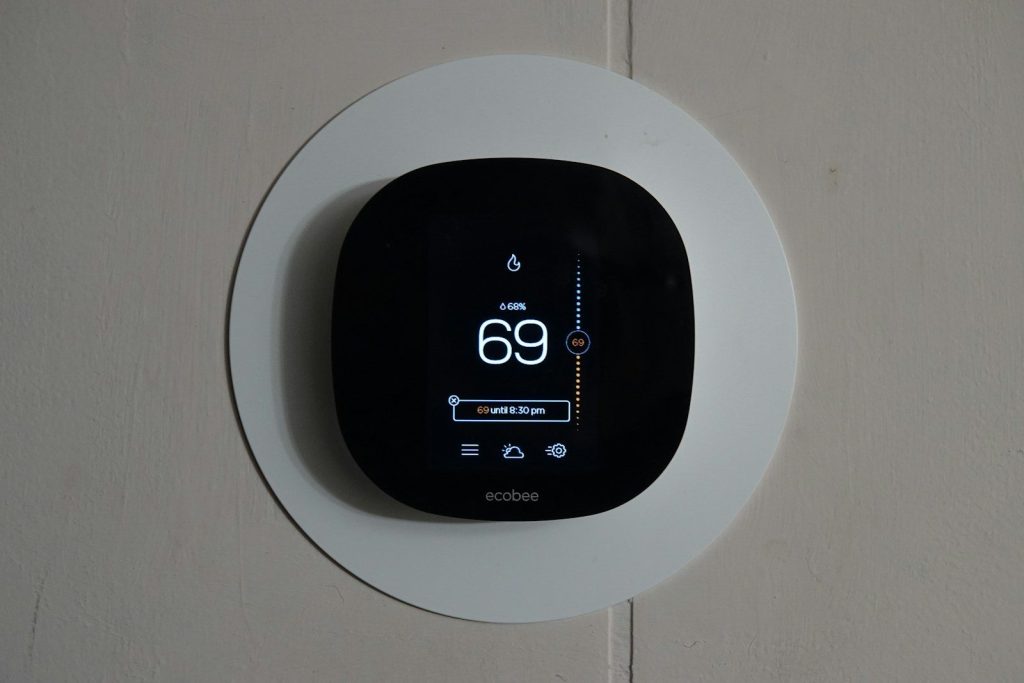
    That is where sensors can help. Ecobee says its sensors can connect with smart thermostats for whole-home comfort, and some sensors can detect temperature and motion in different rooms.

    Alerts can flag problems

    Close-up of a hand adjusting a sleek, modern smart thermostat on a wall.
    Photo by HUUM │sauna heaters on Pexels

    Some smart thermostats can also watch for possible heating or cooling issues. Google says Nest System Health Monitor alerts can tell users when a thermostat notices something unusual with heating or cooling.

    That does not replace a repair professional. But an early alert can push someone to check the system sooner, change a filter, or schedule service before comfort becomes a bigger problem.

    They fit smart homes

    graphical user interface
    Photo by Sean on Unsplash

    Smart thermostats can work as part of a bigger connected home. Depending on the model, they may connect with voice assistants, apps, sensors, speakers, or other smart devices.

    That makes temperature control feel more automatic. A home can adjust when people leave, return, sleep, or start the day. The thermostat becomes part of a routine instead of a separate chore.

    Comfort becomes simpler

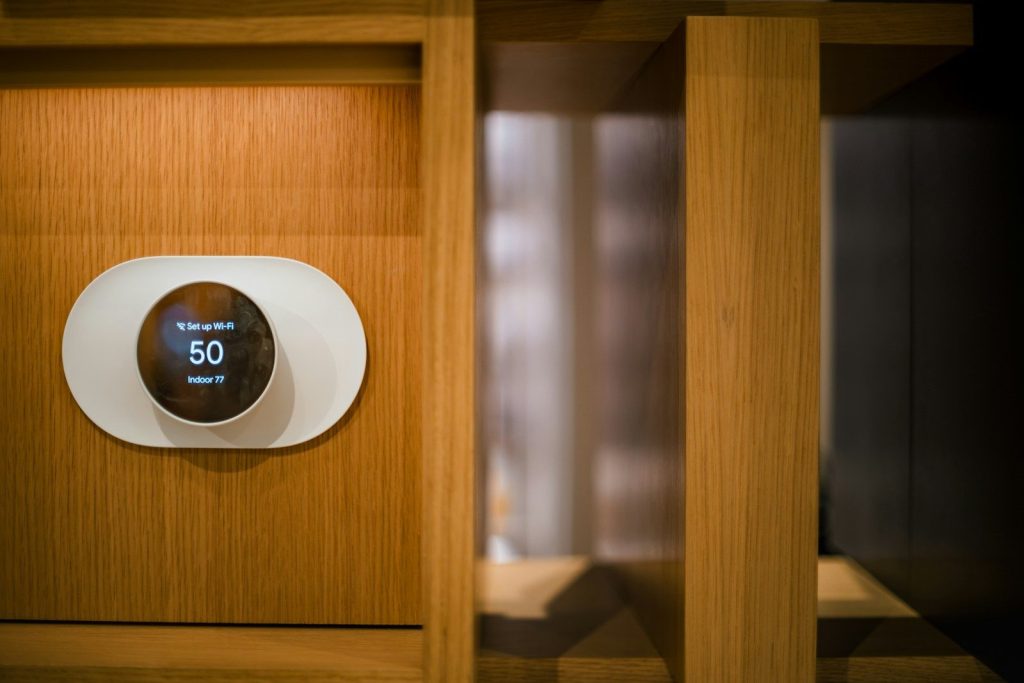
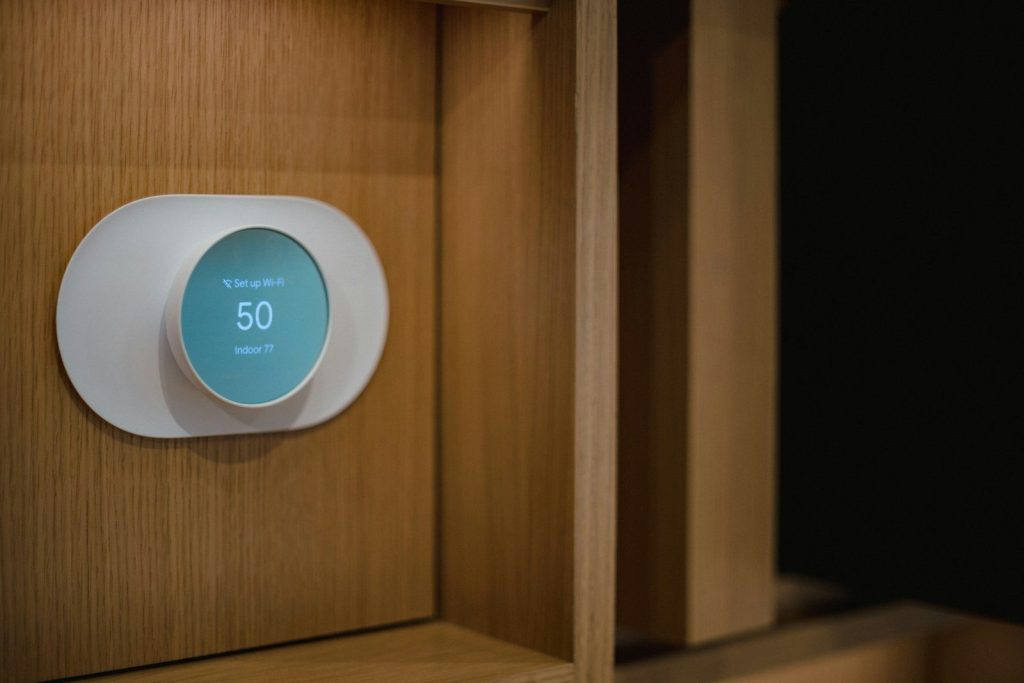
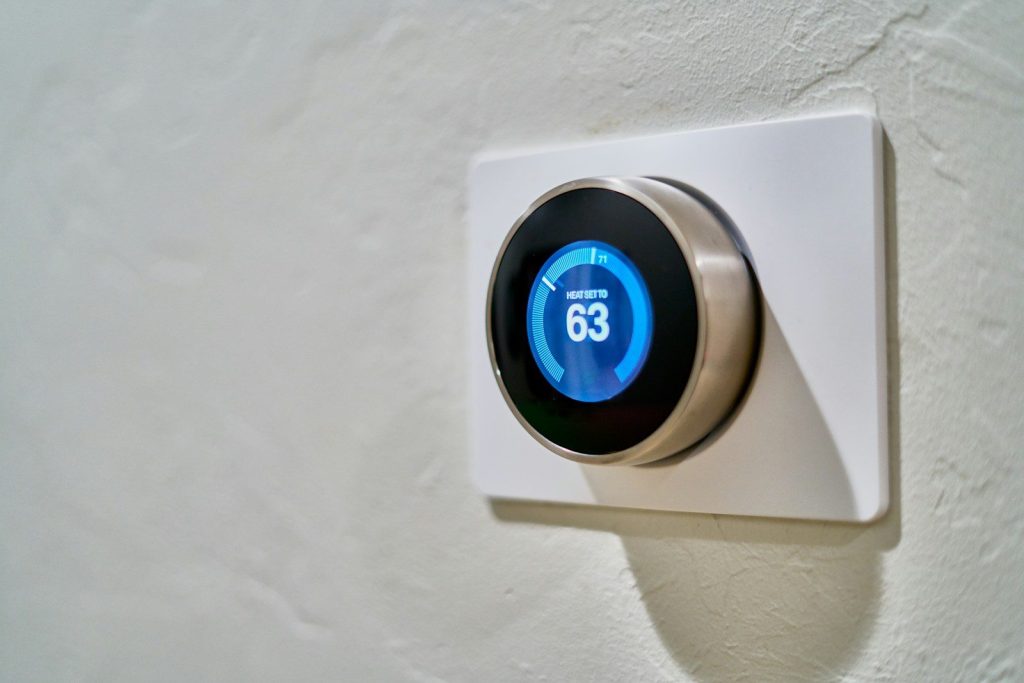
    gray Nest thermostat displaying at 63
    Photo by Dan LeFebvre on Unsplash

    The biggest reason smart thermostats are more than wall gadgets is simple: they make comfort easier. They combine scheduling, remote control, room awareness, energy insight, and system alerts in one small device.

    For many homes, that means fewer temperature battles and less wasted energy. A smart thermostat may be small, but it can change how the whole house feels day after day.

  • Why smart AC units are getting easier to live with

    Why smart AC units are getting easier to live with

    Air conditioning used to be simple but stubborn. You turned it on, waited for the room to cool, and hoped the bill would not jump too much. Smart AC units are changing that daily routine. Many newer models can connect to apps, follow schedules, show energy use, and let people adjust cooling without walking across the room.

    ENERGY STAR notes that many certified room air conditioners now include connected features such as remote control, scheduling, and energy-use feedback. The U.S. Department of Energy also says smart temperature setbacks can help reduce heating and cooling costs when used well. That is why smart AC is not just about tech anymore. It is about comfort that feels easier to manage.

    Control is now more convenient

    a laptop on a desk
    Photo by Luther Yonel on Unsplash

    Smart AC units make cooling easier because people do not have to stand in front of the unit every time they want a change. An app can turn the system on, off, or adjust the setting from another room.

    That simple control matters on busy days. Someone can cool a bedroom before bedtime, turn off an AC that was left running, or make a quick change without breaking their routine.

    Schedules reduce daily fuss

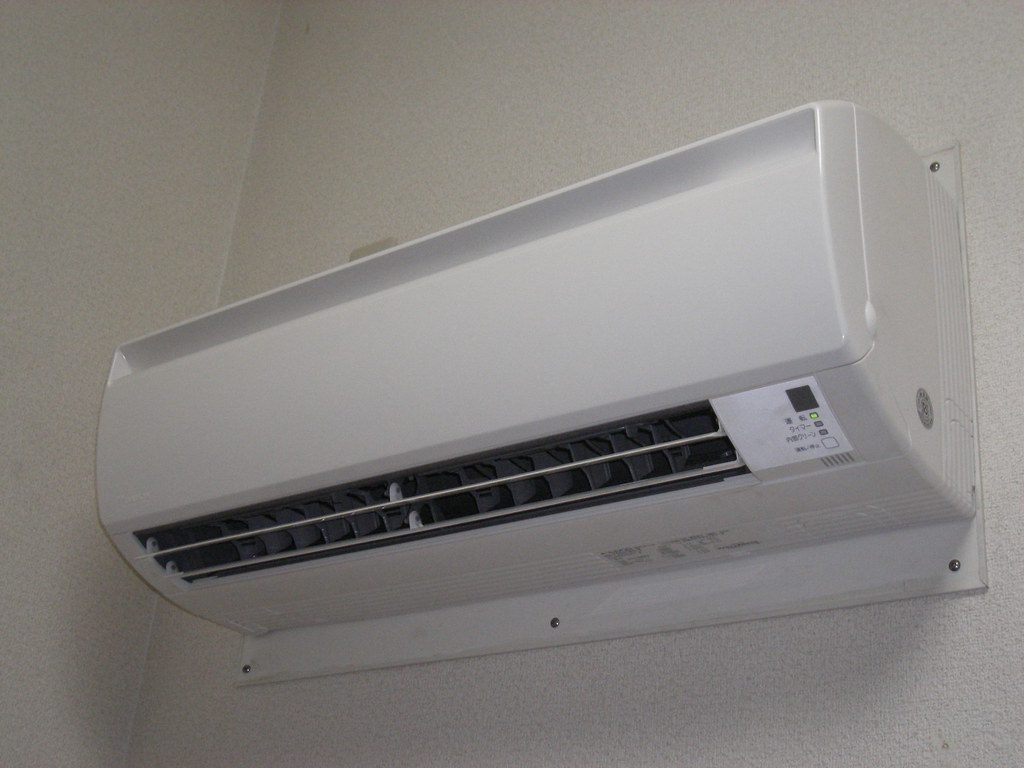
    Air Conditioner” by rockriver is licensed under CC BY 2.0

    Scheduling is one of the biggest reasons smart AC units feel easier to live with. Instead of changing the temperature over and over, users can set a daily cooling pattern.

    That helps the AC match real life. It can run more before people get home, ease back when rooms are empty, and avoid wasting cool air during hours when nobody needs it.

    Energy feedback feels useful

    air conditioner, remote, air con, home, residential, room, window, air conditioner, air conditioner, air conditioner, air conditioner, air conditioner
    Photo by u_ssfofehsaj on Pixabay

    Many smart AC units can show energy-use information, which helps people understand how their cooling habits affect the bill. ENERGY STAR lists energy-use feedback as one benefit of connected room air conditioners.

    That feedback can make cooling feel less like a guessing game. When people see how long the unit runs, they can make smarter choices about schedules, temperature settings, and room use.

    Comfort can follow the room

    A modern coffee shop interior with wooden decor, stainless steel counter, and stylish appliances.
    Photo by FOX ^.ᆽ.^= ∫ on Pexels

    Smart AC features are not only about saving energy. They are also about making comfort feel more personal. A room can be cooler for sleep, lighter during the day, and less chilly when no one is inside.

    That kind of control is helpful in homes where different rooms heat up at different speeds. A sunny office, upstairs bedroom, or small apartment can be managed more carefully.

    Voice control adds ease

    Hand holding a modern gray remote control
    Photo by Matúš Gocman on Unsplash

    Many smart AC units or smart controllers can work with voice assistants. That makes small adjustments easier when someone is cooking, working, relaxing, or getting ready for bed.

    Voice control is not needed for everyone, but it can remove little annoyances. Asking for a cooler room feels easier than finding a remote, opening a menu, or walking across the room.

    Better standards may help

    Wooden wardrobe and shelves near white wall in modern room with parquet floor and bright lamps
    Photo by Max Vakhtbovych on Pexels

    Smart home setup has often been confusing because different devices work with different apps and systems. Newer standards like Matter are meant to improve how connected devices work together across brands.

    That matters for smart AC buyers. When devices become easier to connect and manage, people can focus more on comfort, room size, and energy use instead of worrying about app confusion.

    Thermostats play a role

    6. Smart Thermostat” by Green Energy Futures is licensed under CC BY-NC-SA 2.0

    Smart AC living is also tied to better thermostat control. ENERGY STAR says certified smart thermostats are independently certified to deliver energy savings, and heating and cooling take a large share of many home energy bills.

    That makes smarter control valuable. Whether the system is a room unit or central cooling, better temperature management can help comfort feel more automatic and less wasteful.

    Remote access brings peace

    Close-up of a man using a remote to control air conditioning indoors.
    Photo by Jakub Zerdzicki on Pexels

    Remote access is a small feature that can feel big in real life. If someone leaves home and wonders whether the AC is still running, they may be able to check from a phone.

    That can reduce stress and wasted energy. It also helps during hot days, when cooling a room before arriving home can make the first few minutes indoors feel much better.

    Efficiency is easier to use

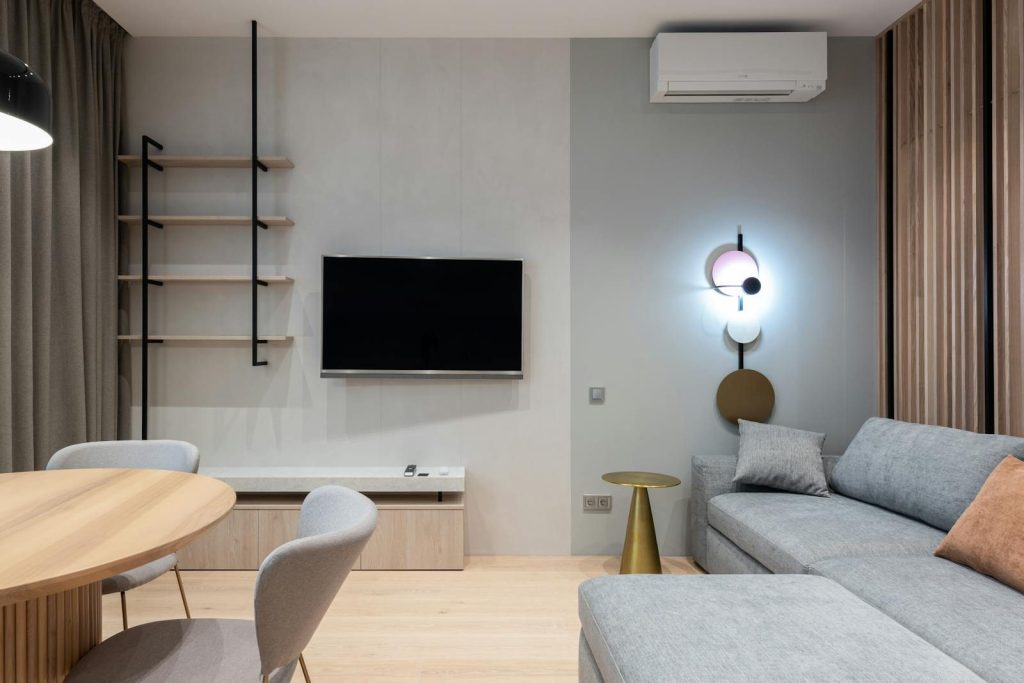
    Comfortable living room furnished with big sofa placed near TV and shelf with curtains
    Photo by Max Vakhtbovych on Pexels

    Saving energy used to mean remembering every setting yourself. Smart AC features make those habits easier because schedules, app controls, and thermostat setbacks can do some of the work.

    The Department of Energy says households can save as much as 10% a year on heating and cooling by turning thermostats back 7 to 10 degrees for 8 hours a day. Smart controls can help make that routine easier.

    The best smart AC feels simple

    empty dining set indoors
    Photo by Jonathan Borba on Unsplash

    The best smart AC features do not make cooling more complicated. They make the unit easier to understand, easier to adjust, and easier to fit into daily life.

    That is why smart AC units are becoming more livable. The strongest upgrades are not flashy. They are practical: better control, clearer feedback, smarter schedules, and fewer little moments of frustration.

  • How smart AC controllers can upgrade older units

    How smart AC controllers can upgrade older units

    Older air conditioners can still cool a room well, but many of them feel stuck in the past. You may have to hunt for the remote, guess the right setting, or leave the unit running longer than needed. A smart AC controller can help by adding Wi-Fi control, app schedules, voice commands, timers, and room-based automation to many older units.

    The main catch is compatibility. Most smart AC controllers work with units that use an infrared remote, including many window, portable, and mini-split air conditioners. Cielo says its Breez controllers work with AC units that have IR remotes, while TechHive notes that Bluetooth-only remotes may not work with that type of setup. Energy Star also says smart thermostats can save about 8% on heating and cooling bills on average, depending on the home and habits.

    Phone control feels easier

    a person holding a remote control in their hand
    Photo by Battenhall on Unsplash

    A smart AC controller lets you adjust your older air conditioner from an app. That means you can change the temperature, mode, fan speed, or timer without standing near the unit.

    This is useful when the remote is missing, the buttons are worn out, or the AC is across the room. It makes an older unit feel closer to a modern smart appliance.

    Schedules cut wasted cooling

    a person holding a device
    Photo by HUUM on Unsplash

    Many older AC units keep running until someone remembers to turn them off. A smart controller can help by setting cooling schedules for mornings, evenings, bedtime, or work hours.

    That can make the room comfortable when needed without cooling an empty space all day. The U.S. Department of Energy says setting temperatures back for long periods can help reduce heating and cooling costs.

    Remote access adds peace

    Close-up of a man using a remote to control air conditioning indoors.
    Photo by Jakub Zerdzicki on Pexels

    Remote access is one of the biggest upgrades. You can turn the AC off after leaving home or start cooling a room before you get back.

    This helps people who forget to shut things down before rushing out. It also helps families manage bedrooms, offices, or guest rooms without walking around the house.

    Voice control feels modern

    Hand holding a modern gray remote control
    Photo by Matúš Gocman on Unsplash

    Some smart AC controllers can connect with voice assistants like Alexa or Google Assistant. That makes simple commands easier, especially when your hands are full.

    You might ask the room to cool down, turn the AC off, or change the fan setting. It is a small change, but it can make an old unit feel much more current.

    Geofencing can help

    Air Conditioner” by rockriver is licensed under CC BY 2.0

    Some controllers offer geofencing, which uses your phone’s location to help manage cooling. The AC can turn down when you leave and prepare the room when you return.

    This feature is helpful for people with regular routines. It can reduce the need to keep checking the app while still keeping comfort in the background.

    Sensors improve comfort

    a hand holding a black device
    Photo by HUUM on Unsplash

    A smart AC controller may include temperature or humidity sensing. That gives it a better idea of how the room actually feels, not just what the AC unit reports.

    This can help avoid overcooling or uneven comfort. In rooms that get sunny, stuffy, or humid, smarter readings can make the AC feel more controlled.

    Compatibility comes first

    Comfortable living room furnished with big sofa placed near TV and shelf with curtains
    Photo by Max Vakhtbovych on Pexels

    Before buying a controller, check how your AC remote works. Many smart AC controllers rely on infrared signals, which need a clear path to the air conditioner.

    If your unit uses a special remote type or Bluetooth only, setup may not work as expected. Checking the model, remote style, and supported brands can prevent frustration later.

    Setup is usually simple

    air conditioner, remote, air con, home, residential, room, window, air conditioner, air conditioner, air conditioner, air conditioner, air conditioner
    Photo by u_ssfofehsaj on Pixabay

    Most smart AC controllers sit in the same room as the air conditioner. They connect to Wi-Fi and send commands to the unit, much like the original remote.

    Placement matters. The controller needs to “see” the AC receiver clearly, so hiding it behind furniture or placing it too far away can cause missed commands.

    Energy use becomes clearer

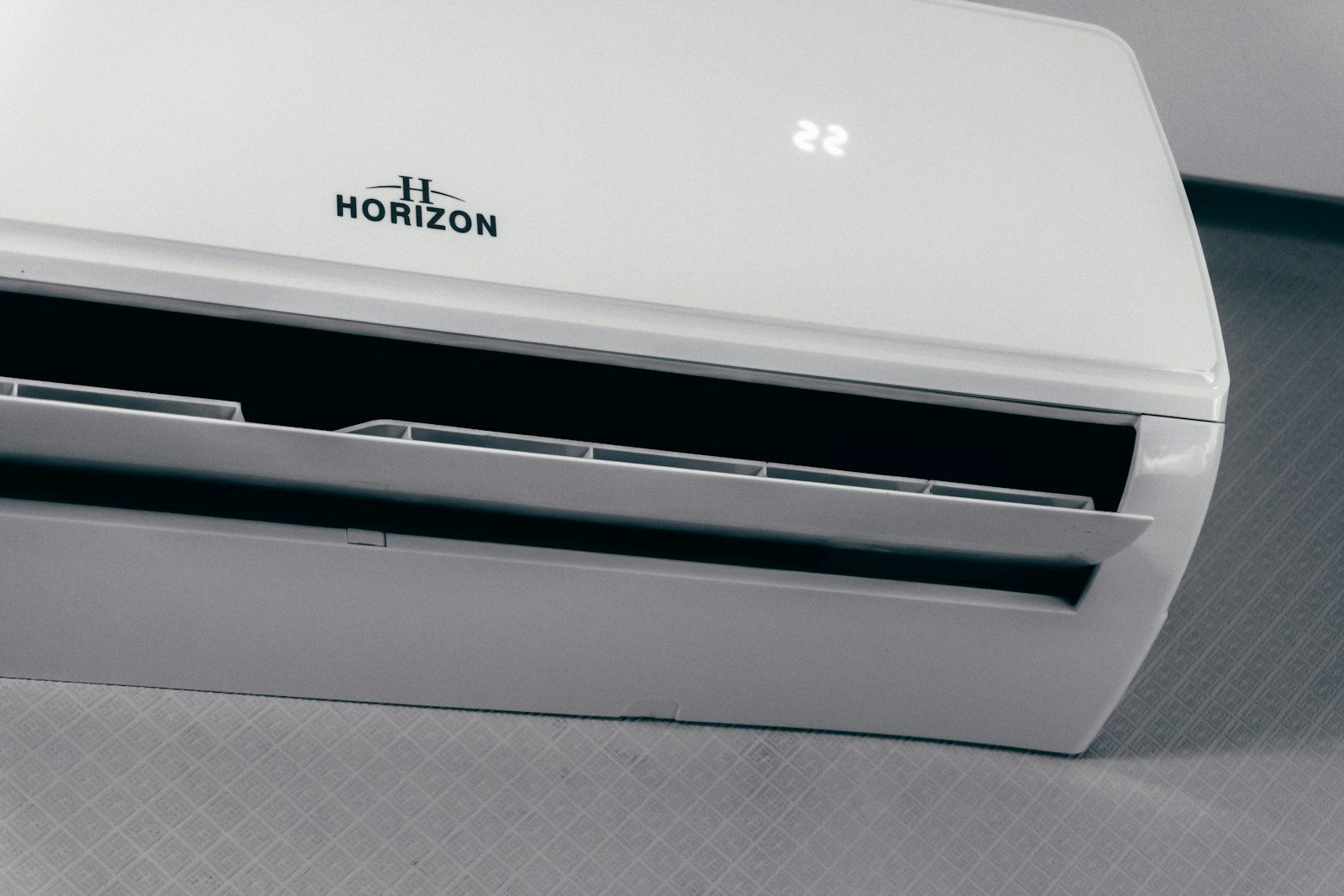
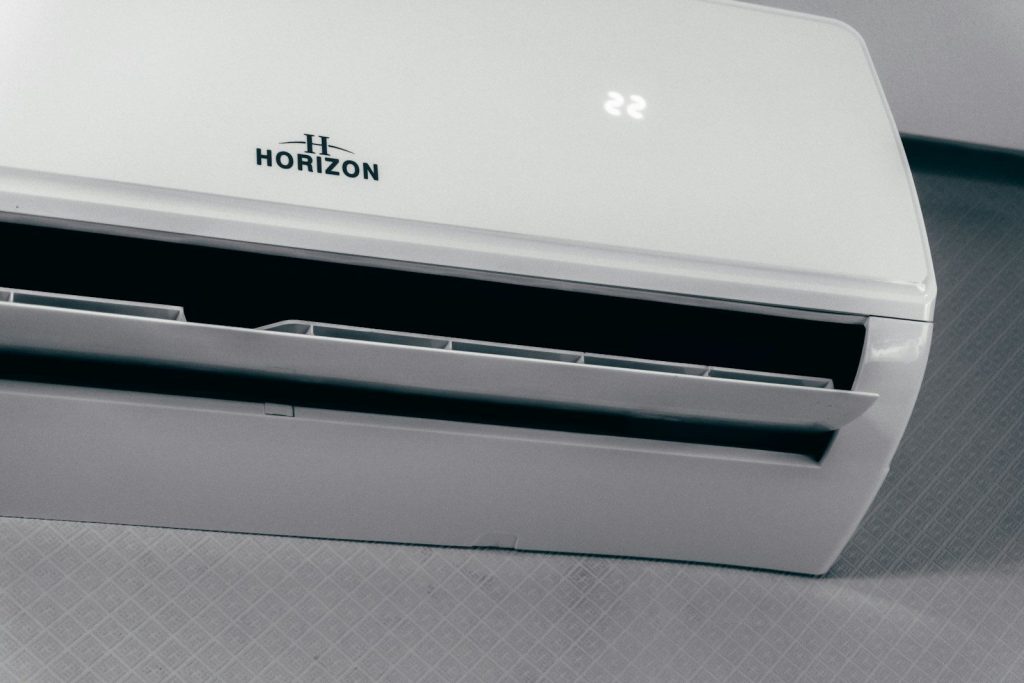
    White air conditioner unit displaying 22 degrees
    Photo by Zulfugar Karimov on Unsplash

    Older AC units do not always make energy habits easy to track. Smart controllers can help by showing schedules, usage patterns, and settings in one app.

    Even simple reminders can make a difference. When people see how often cooling runs, they may adjust timers, temperatures, or room use in smarter ways.

    It can delay replacement

    A modern coffee shop interior with wooden decor, stainless steel counter, and stylish appliances.
    Photo by FOX ^.ᆽ.^= ∫ on Pexels

    A smart controller will not make an old AC more powerful or more efficient by itself. But it can make a working unit easier to manage and more convenient.

    That makes it a practical upgrade for renters, small rooms, home offices, and people not ready to replace a cooling unit. Sometimes, better control is enough to make old hardware feel fresh.

  • Why robotic lawn mowers are getting smarter about yards

    Why robotic lawn mowers are getting smarter about yards

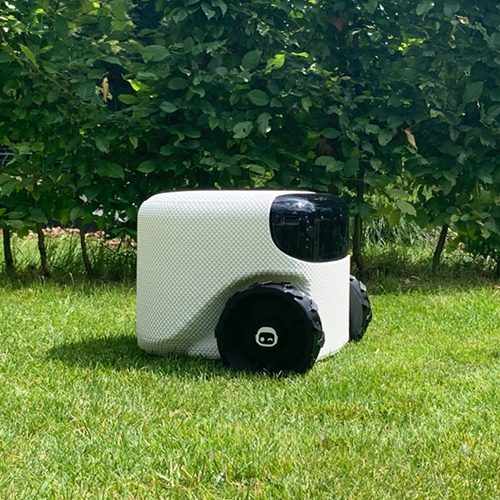
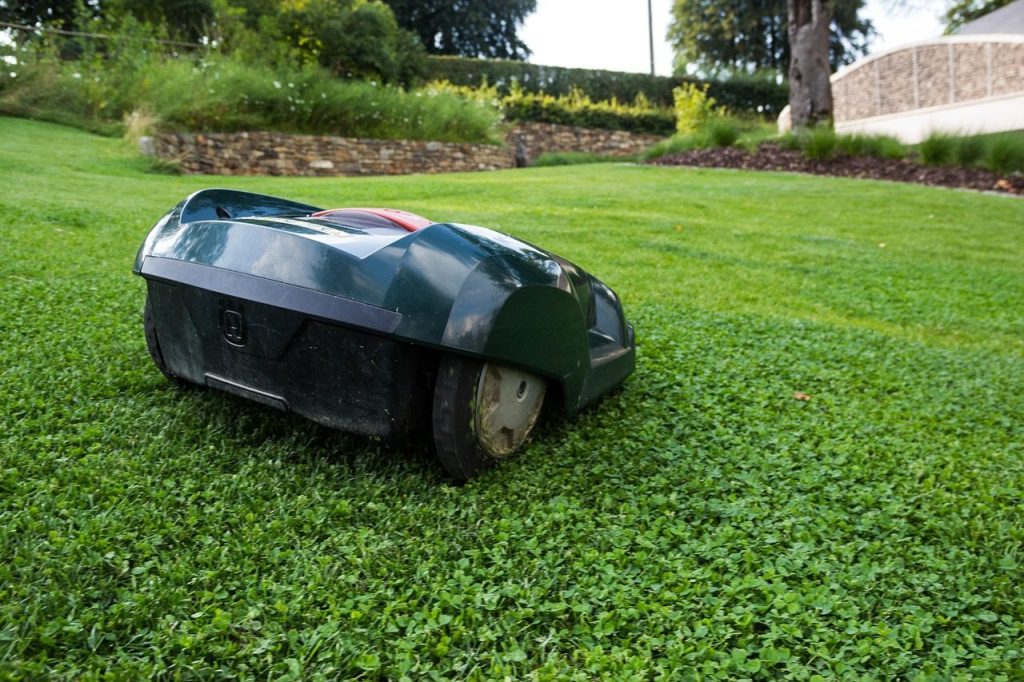
    Robotic lawn mowers used to feel like simple outdoor gadgets. Many early models followed boundary wires, bounced around, and hoped to cover the whole lawn before returning to charge. Now the category is getting much smarter. Newer models from brands like Husqvarna, Segway Navimow, Mammotion, Roborock, Dreame, and EGO use tools such as RTK positioning, vision systems, lidar, app maps, object detection, and multi-zone planning. Some can mow in neat lines, avoid toys, handle slopes, and work without buried perimeter wires.

    Husqvarna’s EPOS system supports wire-free mowing and systematic cutting patterns, while newer Navimow and Mammotion models combine positioning with camera or lidar-based sensing.

    Yards are not simple rooms

    Toadi robot lawn mower” by Helpingout45 is licensed under CC BY-SA 4.0

    A yard may look open, but it can be tricky for a robot. There are trees, flower beds, slopes, toys, pets, narrow paths, wet patches, and uneven edges.

    That is why robotic lawn mowers need more than spinning blades. They must understand where they are, where they should cut, and what they should avoid. Smarter yard awareness is becoming the big upgrade.

    Wires are fading away

    a lawn mower parked in front of a stone wall
    Photo by Myrin van Putten on Unsplash

    Older robot mowers often needed a perimeter wire buried or pinned around the lawn. That worked, but setup could be slow, messy, and hard to change later.

    Newer models are moving toward virtual boundaries. Husqvarna’s EPOS technology supports wire-free mowing, while Segway Navimow promotes wire-free navigation using positioning and smart sensing.

    Mapping is getting better

    green and black lawnmower on green grass
    Photo by Daniel Watson on Unsplash

    Modern robotic mowers are learning to map yards more like robot vacuums map rooms. The owner can often mark zones, paths, no-go areas, and schedules in an app.

    That makes mowing feel less random. Instead of simply roaming around, a mower can understand which areas need attention and how the yard is divided. This is especially helpful for larger or oddly shaped lawns.

    Vision helps them notice objects

    a toy car sitting on top of a lush green field
    Photo by Maximilian Kunstwadl on Unsplash

    A smarter mower needs to see what is in front of it. Cameras and AI systems can help recognize common yard items like toys, tools, furniture, and small obstacles.

    Mammotion’s newer Luba 3 AWD, shown at CES 2026, uses lidar, dual cameras, and AI vision to recognize many obstacle types and build a detailed yard map.

    Lidar adds another layer

    a toy car with its headlights on in the grass
    Photo by Maximilian Kunstwadl on Unsplash

    Lidar helps a machine measure its surroundings by scanning space around it. In a yard, that can help a mower understand shape, distance, and obstacles with more detail.

    This matters because lawns change. A chair may move, a toy may appear, or a branch may fall. Better sensing helps the mower adjust instead of blindly following a fixed path.

    Slopes are a new challenge

    lawn mower, robot, grass, robotic lawnmower, automatically, nature, lawn, estate, landscape design, labor, mowing, electric, garden
    Photo by niekverlaan on Pixabay

    Some yards are flat and easy. Others have hills, dips, and rough ground that can stop a weaker mower. That is why brands are improving wheels, tracks, steering, and traction.

    Roborock’s RockMow Z1 was introduced with all-wheel drive and slope handling up to 80%, while Mammotion’s Luba models also focus on tougher lawns and steep areas.

    Neat stripes are now possible

    Robot lawn mower close-up” by Ivan Radic is licensed under CC BY 2.0

    Many early robot mowers cut in a random-looking pattern. The lawn still got trimmed, but it did not always look like a tidy, freshly striped yard.

    Newer systems can mow in planned lines. Husqvarna says systematic mowing lets supported Automower models with EPOS wire-free technology cut in parallel tracks and create a striped effect.

    Apps give owners control

    Man watering a robotic lawnmower in a garden.
    Photo by Aiper Pool Cleaner on Unsplash

    A smart mower is not only about hardware. The app matters too. Owners want to set schedules, divide zones, change cutting height, pause mowing, and protect certain areas.

    That kind of control makes the mower feel more useful day to day. A user can treat the front yard, backyard, and side yard differently instead of using one basic setting for everything.

    Safety is a bigger focus

    A jeep driving through the woods on a sunny day
    Photo by Mohamed Ahmed on Unsplash

    Smarter yard awareness can also support safer operation. A mower that recognizes objects better may be less likely to bump into things or get stuck in the wrong place.

    Still, no mower should be treated as perfect. Owners should keep lawns clear, follow the brand’s safety guidance, and avoid running mowers when children, pets, or wildlife may be nearby.

    The smart-yard race is growing

    white and black wheel on green grass
    Photo by Richard Catabay on Unsplash

    Robotic lawn mowers are no longer just about saving time. Brands are competing on mapping, vision, slope handling, wire-free setup, edge cutting, app control, and smarter movement.

    That is why the yard itself has become the real test. The best robotic mower is not only the one that cuts grass. It is the one that understands the lawn well enough to work with fewer headaches.

  • Amazon Alexa vs Google Home: what matters most in a smart home

    Amazon Alexa vs Google Home: what matters most in a smart home

    Smart homes sound simple until you start choosing the system that will run them. One person may care most about voice commands. Another may want better routines, smoother camera controls, or devices that work together without constant fixing. That is why the Amazon Alexa vs Google Home question is really about daily habits, not just smart speakers.

    Both platforms can control lights, plugs, thermostats, cameras, and other connected devices. Alexa has long been tied closely to Echo devices and Amazon’s smart home tools, while Google Home is now moving deeper into Gemini-powered home features. Matter support also matters because it helps compatible devices work across different smart home ecosystems.

    Voice control still leads

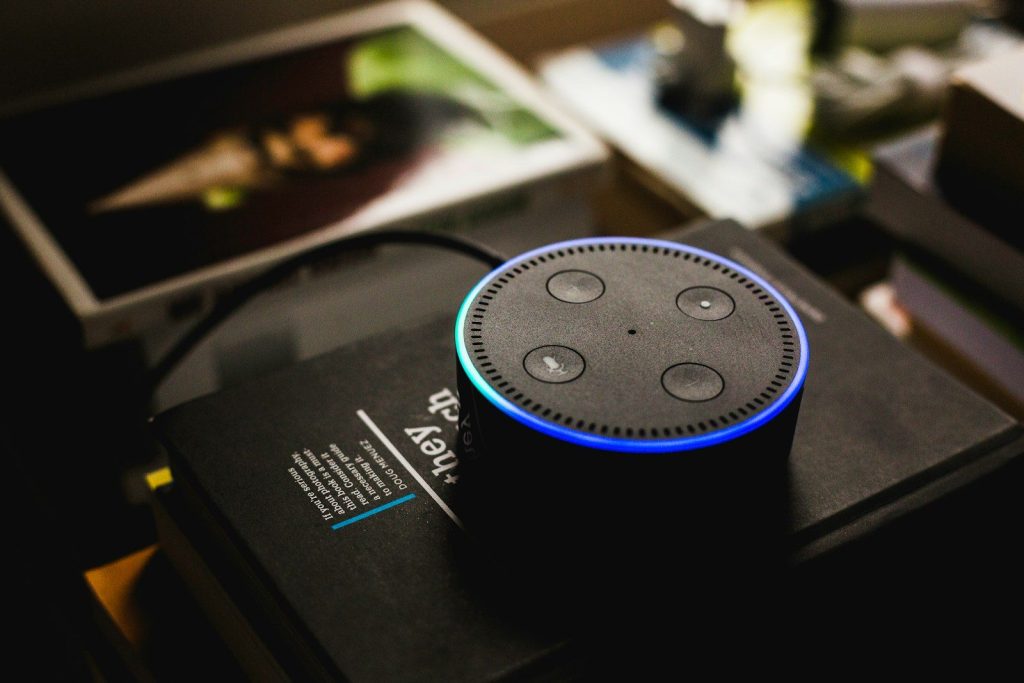
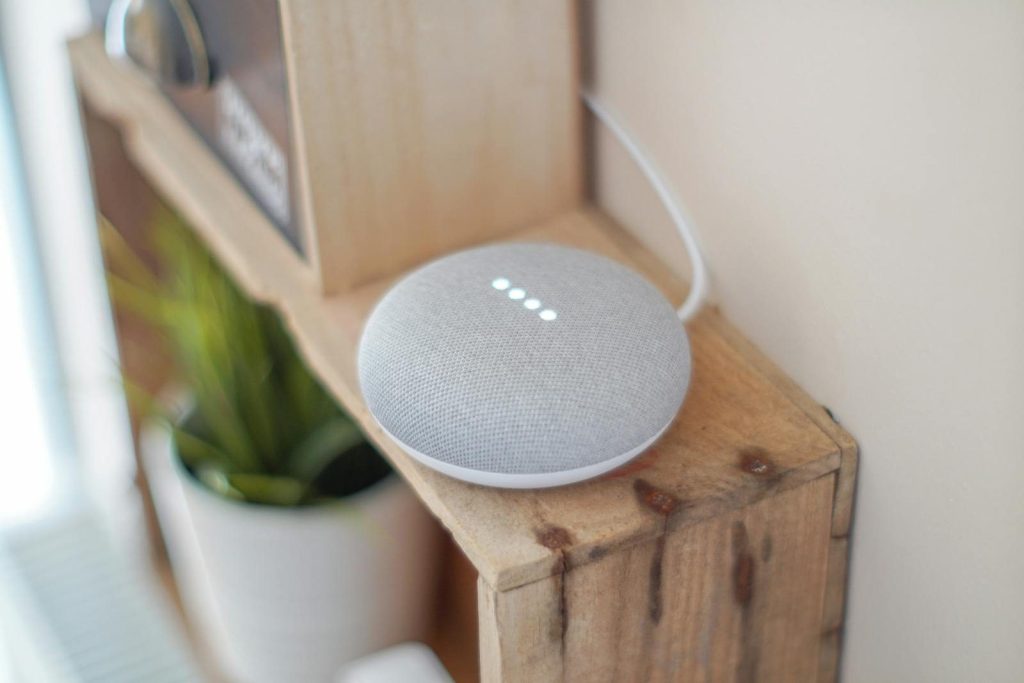
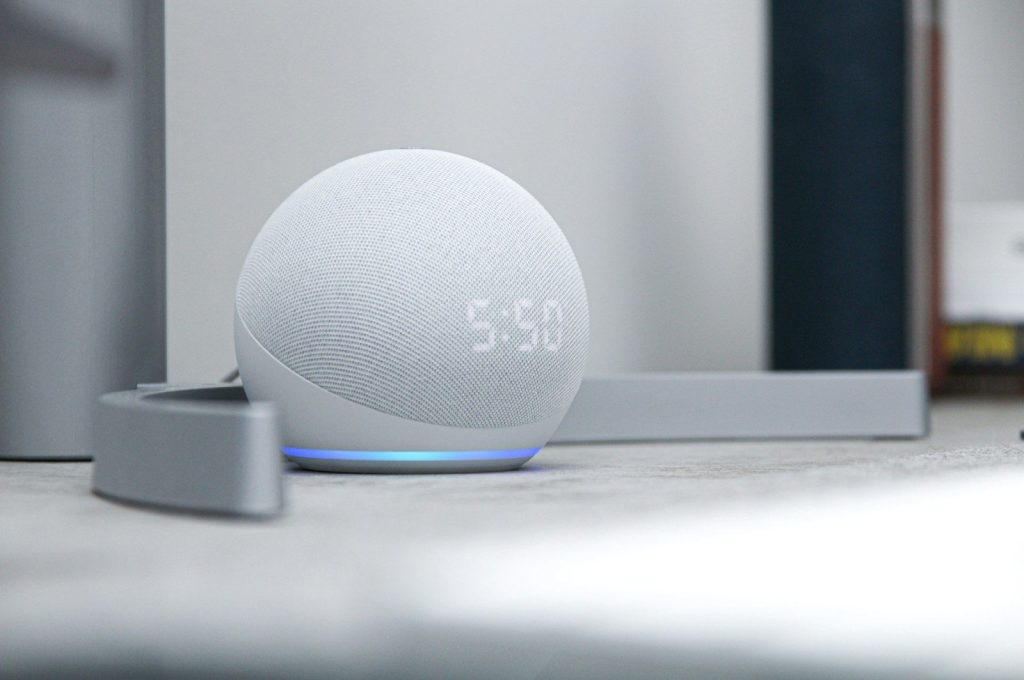
    Amazon Echo dot
    Photo by Andres Urena on Unsplash

    Voice commands are still the first thing many people think about when comparing Alexa and Google Home. Turning on lights, checking the weather, setting timers, or controlling a thermostat should feel quick and natural.

    Alexa is known for wide smart home support through Echo devices and Alexa-compatible products. Google Home connects closely with Google Assistant and newer Gemini features, which may appeal to people already using Google services every day.

    Device support matters most

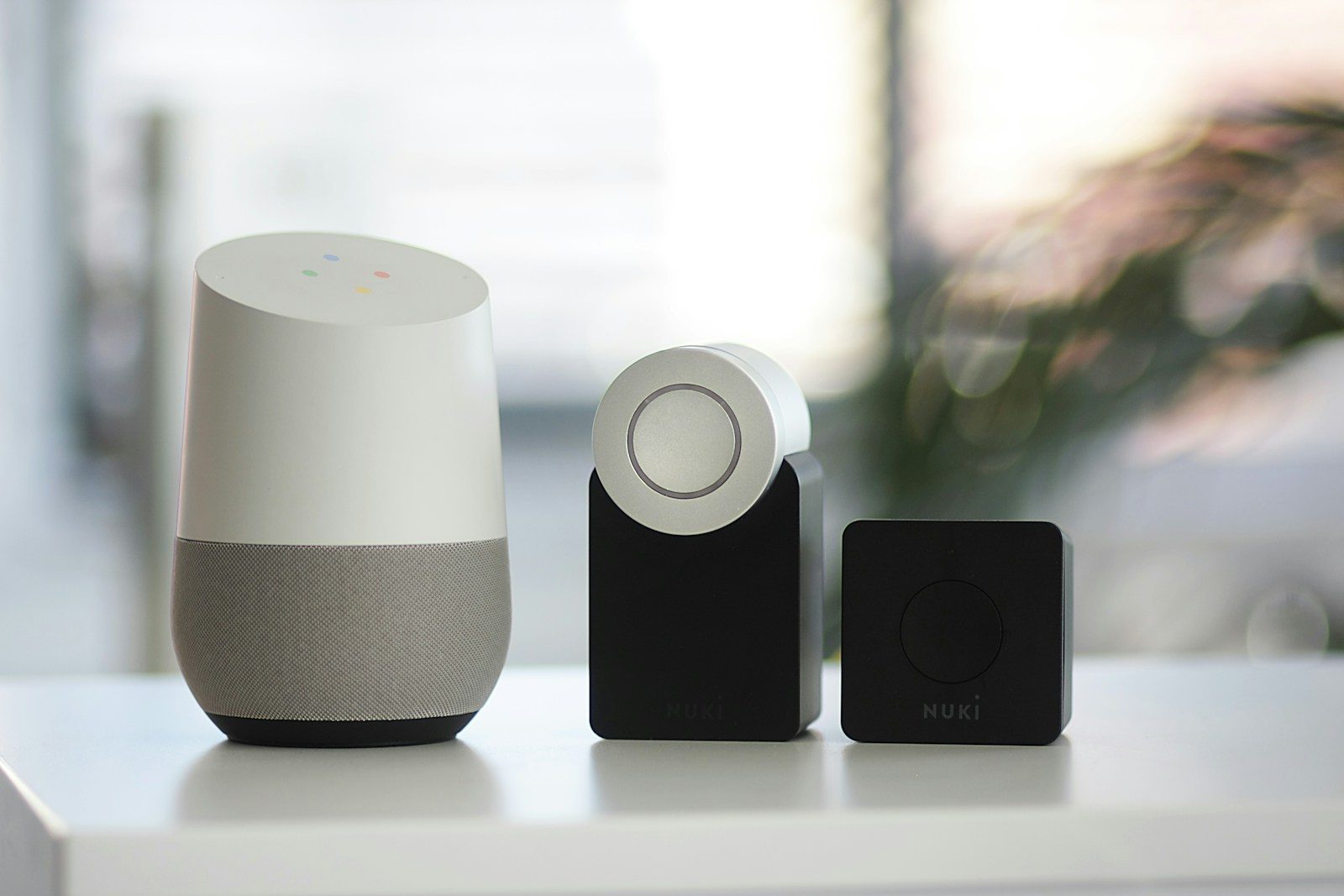
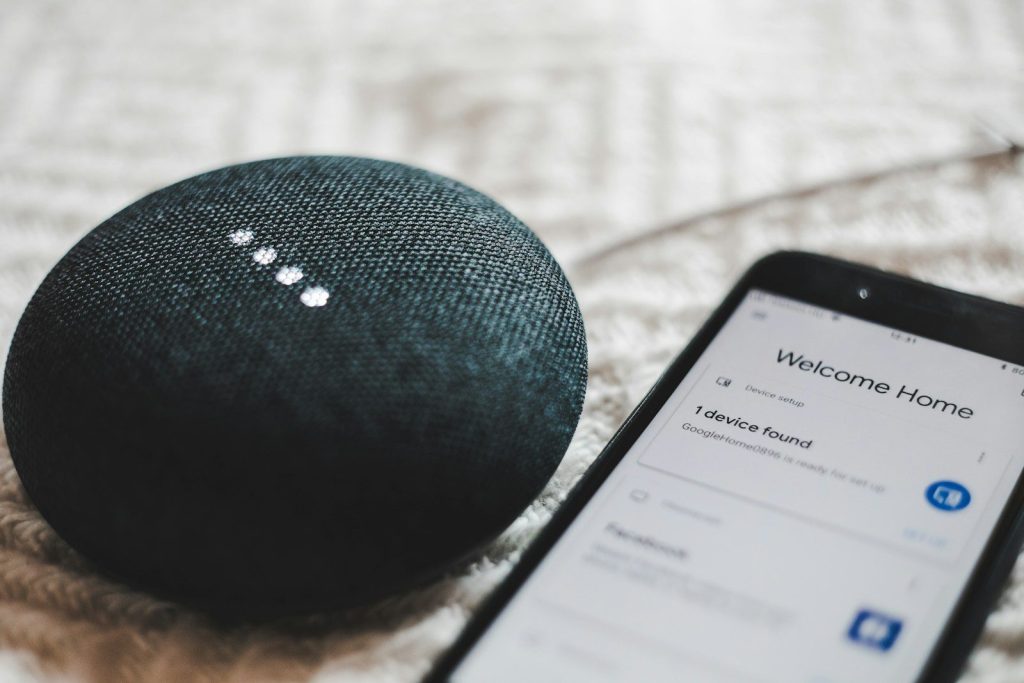
    turned-on charcoal Google Home Mini and smartphone
    Photo by BENCE BOROS on Unsplash

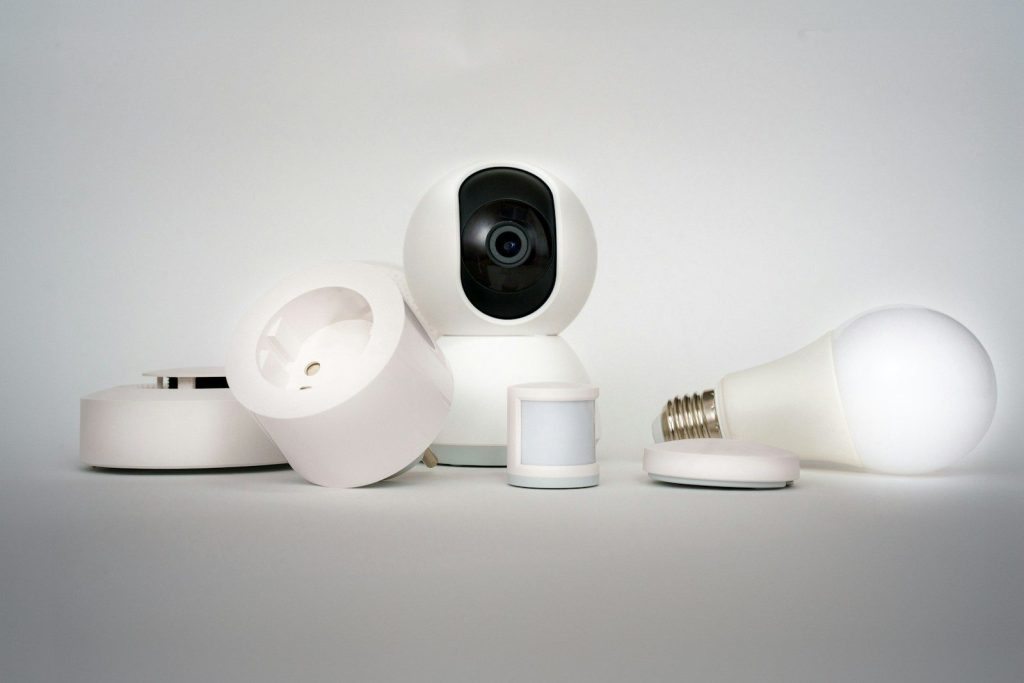
    A smart home works best when your devices actually connect. Before picking a platform, shoppers should check lights, plugs, cameras, locks, speakers, and thermostats for Alexa or Google Home compatibility.

    Amazon says Alexa can help automate everyday routines with compatible lights, plugs, thermostats, and cameras. Google’s Home device page also highlights Nest products and compatible smart devices, which makes device support a key part of the choice.

    Routines save daily effort

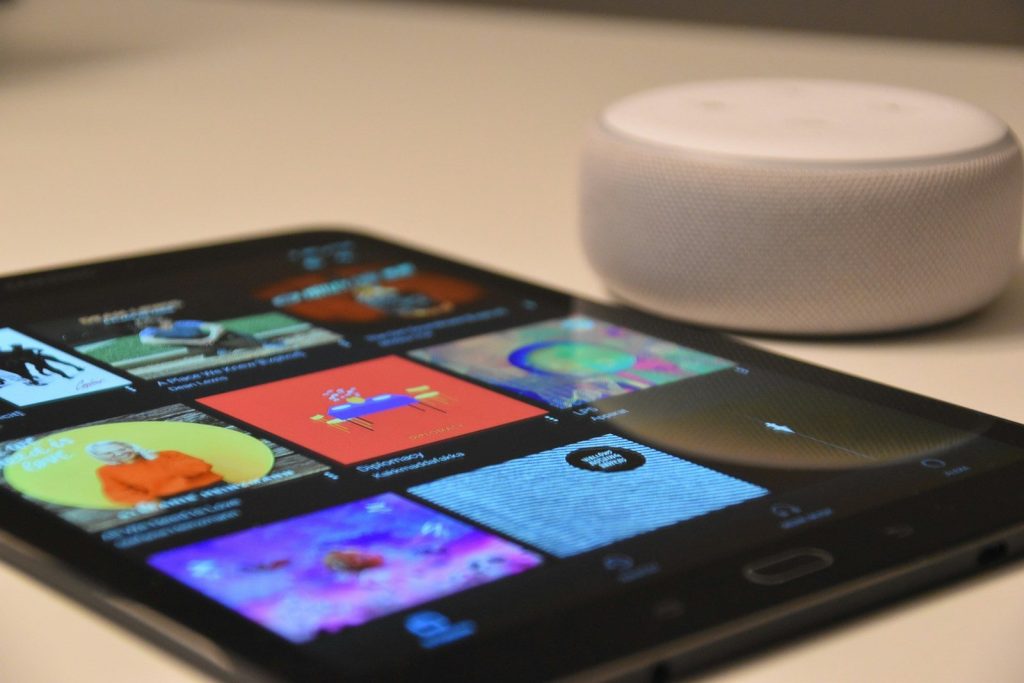
    black tablet computer beside round white portable speaker
    Photo by Waldemar Brandt on Unsplash

    The best smart home systems do not just answer commands. They handle small tasks automatically, like turning off lights at night or starting a morning routine.

    Alexa routines can connect different actions across compatible devices. Google Home has also been improving routine behavior, including updates meant to make custom routines run more consistently. For most homes, reliable routines matter more than flashy features.

    Matter reduces confusion

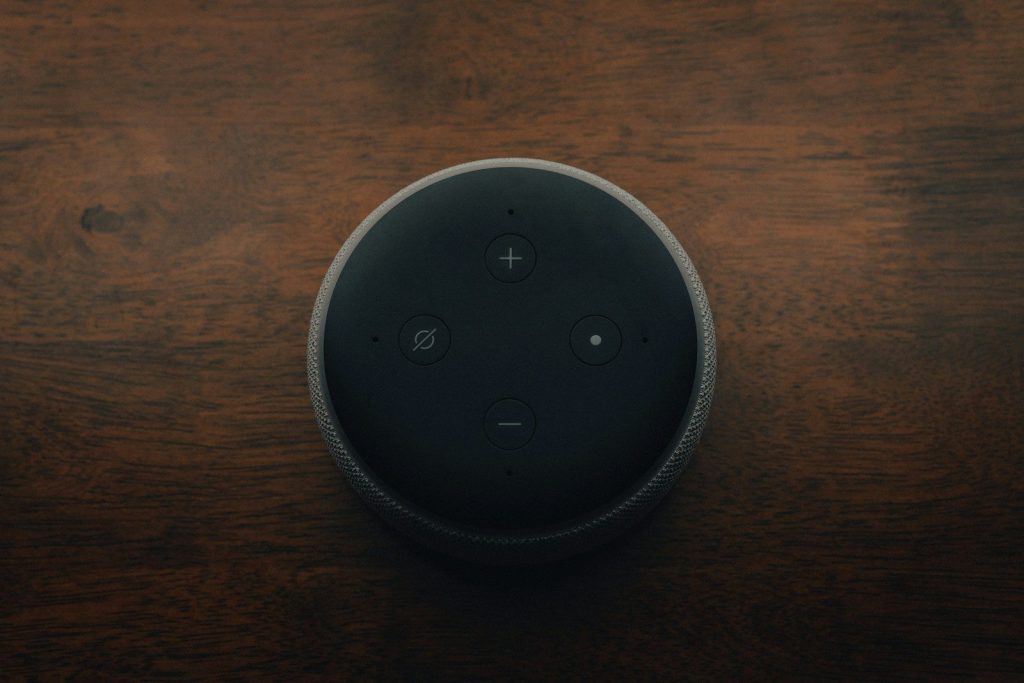
    black amazon echo dot on brown wooden table
    Photo by Mark Farías on Unsplash

    Matter is one of the biggest smart home changes because it aims to make devices work across different ecosystems. That can help buyers avoid feeling locked into only one brand.

    The Connectivity Standards Alliance describes Matter as an IP-based standard built to help smart devices connect reliably and securely. Google also explains Matter as an open smart home standard that lets certified devices work with certified ecosystems through one protocol.

    Alexa fits Amazon homes

    alexa, echo, smart home, box, jukebox, echodot, amazon, computer, alexa, alexa, alexa, alexa, alexa
    Photo by finnhart on Pixabay

    Alexa can make a lot of sense for homes already using Echo speakers, Fire TV devices, Ring products, or Amazon shopping tools. The setup feels especially useful when voice control is spread across several rooms.

    For many families, Alexa’s appeal is convenience. It can handle common tasks like lights, plugs, reminders, music, and simple routines. That makes it feel approachable for people who want smart home control without overthinking every device.

    Google fits Google users

    A Google Home Mini smart speaker on a wooden shelf, blending technology with home decor.
    Photo by John Tekeridis on Pexels

    Google Home may feel more natural for people who already use Gmail, Google Calendar, Nest devices, Android phones, or Chromecast. The system works best when it connects with habits already built around Google.

    Google has also been moving toward Gemini for Home, with early access features and updates shown on its Google Home pages. That shift could make the platform feel more conversational over time, especially for users who want smarter home commands.

    Privacy settings need attention

    Linkedin data privacy settings on a smartphone screen
    Photo by Zulfugar Karimov on Unsplash

    Smart speakers and home devices often use microphones, cameras, cloud accounts, and app permissions. That means privacy settings should be part of the setup, not an afterthought.

    No platform is “set and forget” for everyone. Users should review voice history, camera access, household member permissions, and device sharing. A smart home feels better when everyone in the house understands what is connected and why.

    Cameras change the choice

    A group of electronic devices sitting on top of a table
    Photo by Jakub Żerdzicki on Unsplash

    Smart cameras, doorbells, and displays can strongly influence which platform feels better. A home with several Nest devices may lean toward Google Home, while a home with Ring or Echo Show devices may lean toward Alexa.

    This is where the comparison becomes personal. The best choice may depend less on the assistant’s name and more on which cameras, screens, and speakers are already installed around the home.

    Reliability beats extra features

    a kitchen with a wooden counter top next to a stove top oven
    Photo by taufiq triadi on Unsplash

    A smart home can have many features, but reliability is what people notice every day. If lights respond slowly or routines fail often, the system quickly feels annoying.

    Matter, local control, stronger Wi-Fi, and better device support all help. Amazon says Matter can let compatible devices connect locally to Alexa, which can reduce delay and improve reliability in supported setups.

    The best pick depends

    gray round portable speaker on white table
    Photo by Brandon Romanchuk on Unsplash

    Alexa and Google Home both make sense, but for different homes. Alexa may fit people who want broad Echo-based control, while Google Home may fit users who already live inside Google and Nest products.

    The smartest move is to start with the devices you already own. Then compare voice control, routines, privacy settings, Matter support, and future upgrades. The winner is the system that makes your home easier to manage every day.

  • How outdoor robots are changing backyard maintenance

    How outdoor robots are changing backyard maintenance

    Backyard work used to mean giving up a big part of the weekend to mowing, sweeping, watering, skimming, trimming, and cleaning. Now outdoor robots are starting to take over some of those repeat jobs. Robot lawn mowers can map yards with wires, cameras, GPS-style tools, LiDAR, or other sensors. Robotic pool cleaners can scrub floors, walls, and waterlines with less hands-on effort.

    Smart irrigation controllers can adjust watering based on weather or soil needs, helping reduce wasted water. The EPA says outdoor residential water use in the U.S. is nearly 8 billion gallons a day, mostly for landscape irrigation, and much of it can be wasted through overwatering. These machines are not perfect, but they are changing what “yard work” means.

    Mowing gets more automatic

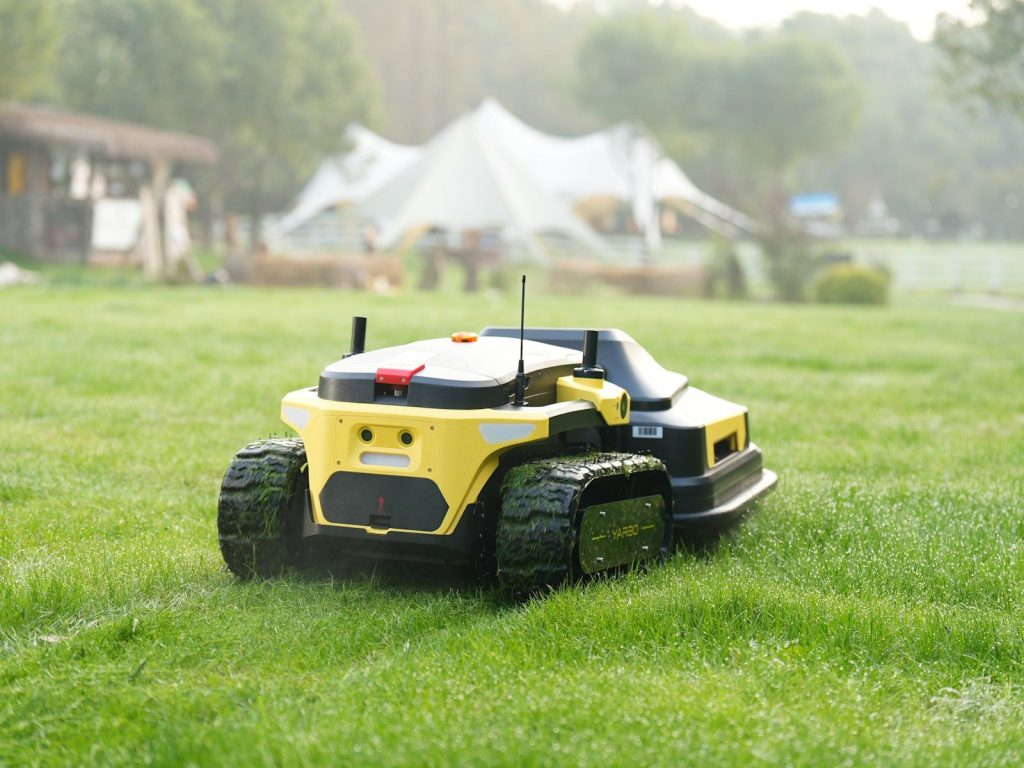
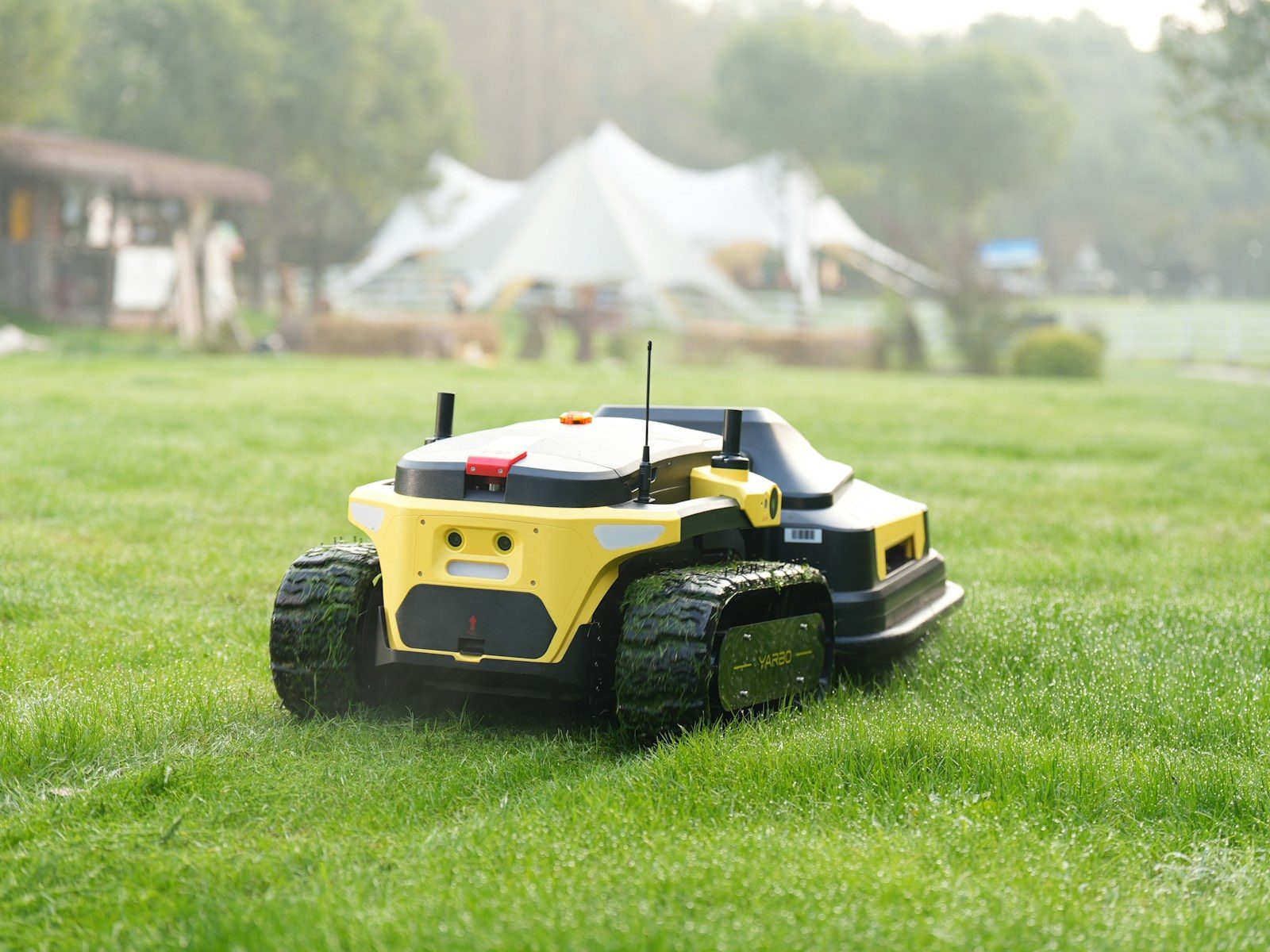
    Robot lawnmower cuts grass in a backyard.
    Photo by Yarbo Global on Unsplash

    Robot lawn mowers are one of the clearest signs of change. Instead of pushing a mower every week, homeowners can set a schedule and let the machine trim grass in smaller, regular passes.

    Many newer models use app controls, sensors, and mapped mowing zones. Some still rely on boundary wires, while others use cameras, RTK satellite positioning, LiDAR, or virtual maps to stay inside the lawn.

    Yards are getting mapped

    a lawn mower parked in front of a stone wall
    Photo by Myrin van Putten on Unsplash

    Outdoor robots work better when they understand the space. Mapping helps them learn where grass, patios, flower beds, fences, slopes, and narrow paths are located.

    This matters because backyards are rarely simple rectangles. A good map can help a robot avoid wasting time, missing corners, or wandering into places where it should not go.

    Pool cleaning is less manual

    A robotic pool cleaner cleans underwater.
    Photo by Aiper Pool Cleaner on Unsplash

    Robotic pool cleaners are making pool care feel less like a chore. Many models can move across pool floors, climb walls, scrub surfaces, and collect debris without a person guiding every step.

    Some newer pool robots also offer app controls, cleaning modes, and smart navigation. That can help owners schedule cleanings and check progress without standing beside the pool.

    Watering can get smarter

    a blue fire hydrant sitting in the middle of a field
    Photo by li quan on Unsplash

    Smart irrigation controllers are another quiet backyard upgrade. Instead of watering on the same timer every day, they can adjust based on weather, soil moisture, or local conditions.

    The EPA says WaterSense labeled irrigation controllers can reduce overwatering by applying water only when plants need it. That can help lawns and gardens stay healthy while cutting waste.

    Apps put control nearby

    A person holding a cell phone in their hand
    Photo by Sorin Gheorghita on Unsplash

    Many outdoor robots now connect to phone apps. That gives homeowners a simple way to change schedules, set zones, pause cleaning, or check battery status without walking outside.

    Apps are especially useful for yards with more than one work area. A mower can handle separate zones, while a pool cleaner or irrigation system can run on a schedule that fits the day.

    Electric tools cut fuel chores

    A robotic pool cleaner sits by the pool.
    Photo by Aiper Pool Cleaner on Unsplash

    Many outdoor robots run on rechargeable batteries, which means no gas cans, pull cords, or engine oil for those jobs. That can make maintenance feel cleaner and simpler.

    Electric outdoor equipment also avoids tailpipe emissions during use. EPA-related research has reported that gasoline lawn and garden equipment produces several air pollutants, including carbon monoxide, nitrogen oxides, and carbon dioxide.

    They still need supervision

    Man watering a robotic lawnmower in a garden.
    Photo by Aiper Pool Cleaner on Unsplash

    Outdoor robots are helpful, but they are not magic. Reviews of some new robot mowers still show issues with setup, mapping, and object detection in certain yards.

    That means owners should keep expectations realistic. A robot can reduce work, but people still need to clear problem areas, check blades or filters, and make sure safety settings are used correctly.

    Modular robots are emerging

    a white robot holding a tablet in its hand
    Photo by Sieuwert Otterloo on Unsplash

    Some companies are trying to turn one outdoor robot into a multi-season helper. Modular yard robots can be designed to swap attachments for jobs like mowing, leaf moving, or snow clearing.

    This idea could make backyard automation more useful year-round. Instead of buying a separate machine for every chore, one base robot may eventually handle several outdoor tasks.

  • 10 Alexa features people forget they can use

    10 Alexa features people forget they can use

    Alexa is often treated like a speaker that plays music, answers quick questions, or checks the weather. But many Echo owners forget it can do a lot more than that. Amazon’s help pages show Alexa can handle routines, reminders, timers, calendars, notes, to-do lists, smart-home controls, announcements, and more.

    Routines can group several actions into one shortcut, while household features can help with everyday organization. Some Echo devices can also support safety-related alerts, sound detection, and Drop In features depending on the model, settings, and location. The best part is that many of these tools are already built into the Alexa app, so people may not need new hardware to make Alexa more helpful.

    Alexa can run routines

    a blue ball on a black surface
    Photo by Jonathan Borba on Unsplash

    Routines are one of Alexa’s most useful features, but many people forget to set them up. Amazon says routines can group actions together, such as controlling smart-home devices, playing music, or sharing weather updates.

    That means one phrase can start several tasks. A “good morning” routine might turn on lights, read the weather, and start a playlist. It saves time because you do not have to ask for each action one by one.

    Timers can stay organized

    a blue ball on a stand
    Photo by Jonathan Borba on Unsplash

    Alexa timers are handy in the kitchen, but they can do more than count down one task. Users can set multiple timers and name them, which helps when cooking, cleaning, studying, or working.

    A named timer is easier to track than a basic beep. You can ask for a pasta timer, laundry timer, or homework timer and know exactly what Alexa is reminding you about when it goes off.

    Reminders can help families

    a blue speaker sitting on top of a white table
    Photo by James Yarema on Unsplash

    Alexa reminders can help with small tasks that are easy to forget. Amazon’s productivity page lists reminders, alarms, calendar management, notes, and to-do lists as ways Alexa can help with daily details.

    That can be useful for families, roommates, and busy homes. A reminder for trash night, medicine time, homework, or a meeting can come from the speaker instead of being buried in a phone notification.

    Announcements reach every room

    Amazon Echo dot
    Photo by Andres Urena on Unsplash

    Alexa announcements can work like a simple home intercom. Instead of shouting across the house, someone can send a message to supported Echo devices in other rooms.

    This can be helpful at dinner time, before leaving the house, or when reminding kids to get ready. It keeps the message short, clear, and easy for everyone nearby to hear.

    Drop In works like intercom

    a planet in space
    Photo by Jonathan Borba on Unsplash

    Drop In is another feature people often forget. On supported devices and approved contacts, it can open a quick two-way connection, which can be useful inside the home.

    It works best for simple household check-ins, like asking if someone needs help or calling into the kitchen. Since it affects privacy, users should review permissions and only enable it where they feel comfortable.

    Alexa can manage lists

    black amazon echo dot on brown wooden table
    Photo by Mark Farías on Unsplash

    Shopping lists and to-do lists are simple, but they are some of Alexa’s most practical tools. You can add items by voice the moment you think of them.

    That helps when your hands are full or your phone is in another room. A quick “add paper towels” or “add batteries” can save a store trip from turning into a guessing game.

    Guard features add awareness

    white Amazon Echo Dot speaker on book
    Photo by Find Experts at Kilta.com on Unsplash

    Some Echo devices can support Alexa Guard-style features that listen for certain sounds, such as smoke alarms, carbon monoxide alarms, or breaking glass, depending on setup and availability. Amazon says Alexa can send Smart Alerts when supported sounds are detected.

    This is not a full security system, but it can add another layer of awareness while you are away. For many users, the forgotten value is simple: Alexa can help the home feel a little more connected.