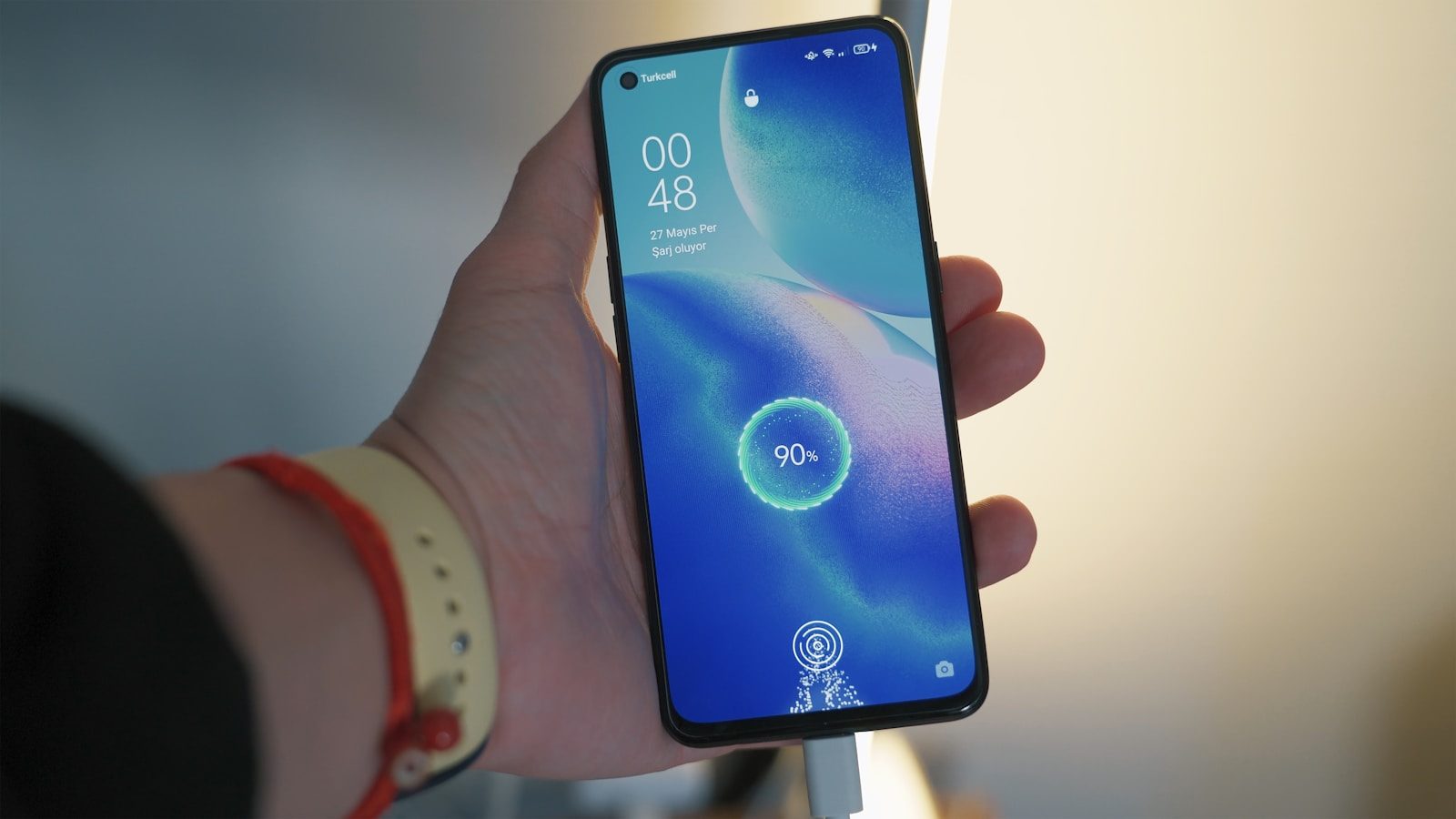
Phone battery advice can get confusing fast. Some people say you should drain your phone to zero. Others say never charge it overnight. Then there are tips about brightness, heat, fast charging, background apps, and battery-saving modes. The truth is simpler: modern phones are smart, but daily habits still matter.
Most phones use lithium-ion batteries, and those batteries slowly age with time, heat, charging patterns, and heavy use. You do not need to baby your phone every minute, but a few easy changes can help it last longer between charges and stay healthier over the years. Apple, Google, and Samsung all point to the same basic ideas: avoid extreme heat, use built-in battery tools, watch power-hungry apps, and charge in ways that reduce stress when possible.
Keep it away from heat
Heat is one of the biggest battery enemies. Apple says exposing a device to temperatures above 95°F can permanently reduce battery capacity, which means the phone may not last as long on each charge.
That matters during normal life. Do not leave your phone baking on a car dashboard, under direct sun, or under a pillow while charging. A cooler phone is usually a happier phone.
Do not drain it daily
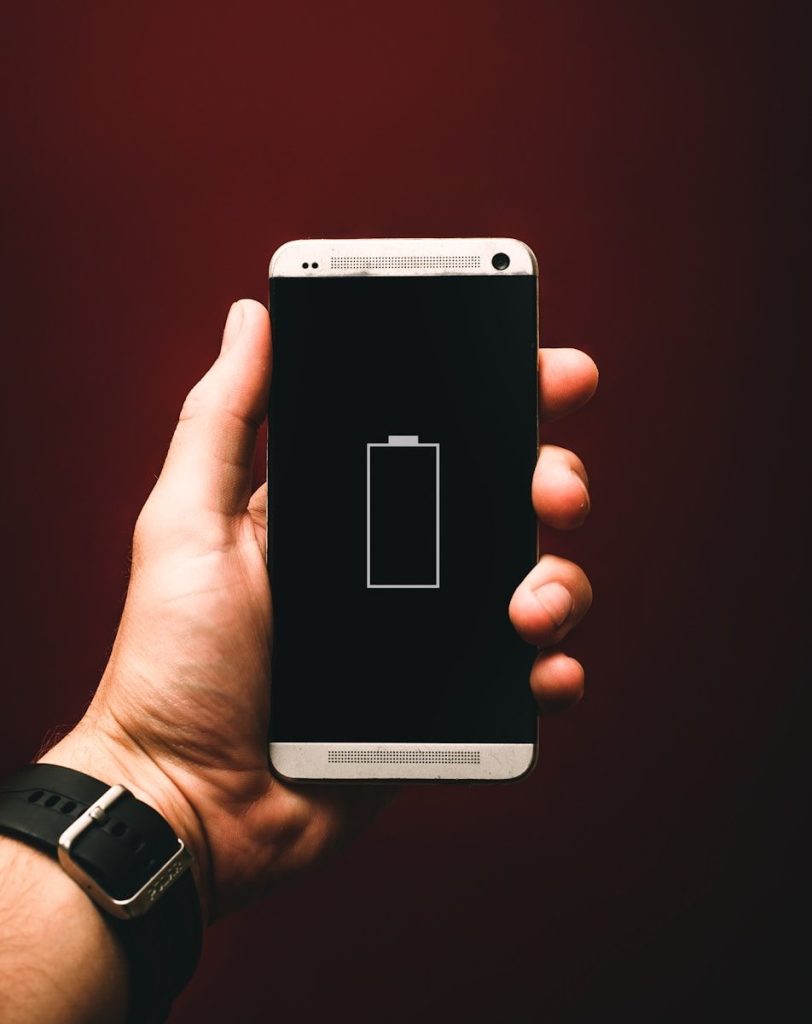
Old battery advice said you should drain a device fully before charging it again. That does not fit modern phone batteries. Deep draining every day can add extra stress and make your phone feel less reliable.
A better habit is topping up before the battery gets very low. You do not need to panic at every low-battery warning, but regularly running down to zero is not a smart long-term routine.
Use battery optimization
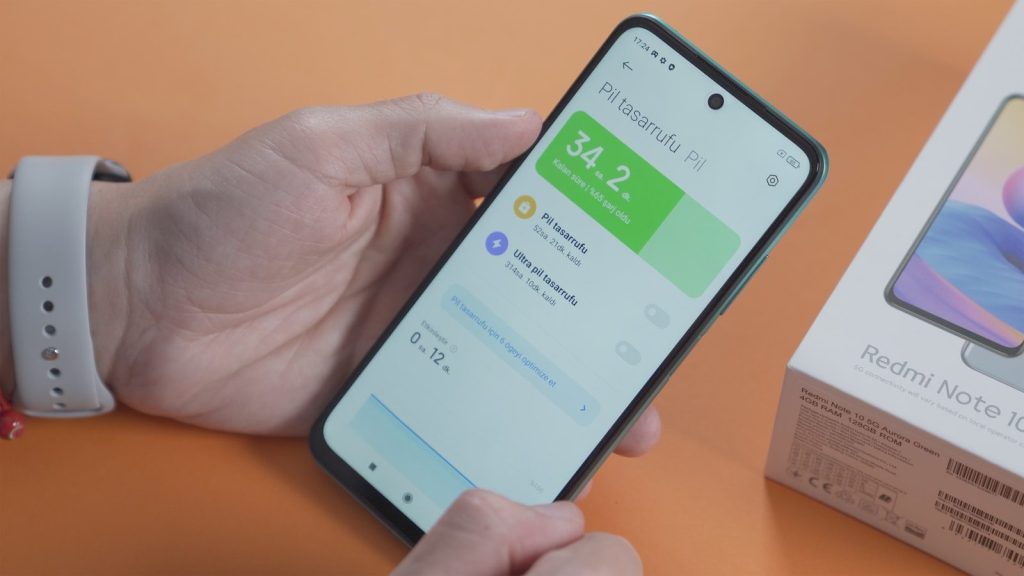
Your phone already has tools that help manage power in the background. Google says Adaptive Battery and battery optimization help apps use battery only when needed, and these settings are usually on by default.
It is still worth checking. If your phone is draining fast, look at the battery settings and see which apps are using the most power. One busy app can quietly shorten your day.
Lower screen brightness
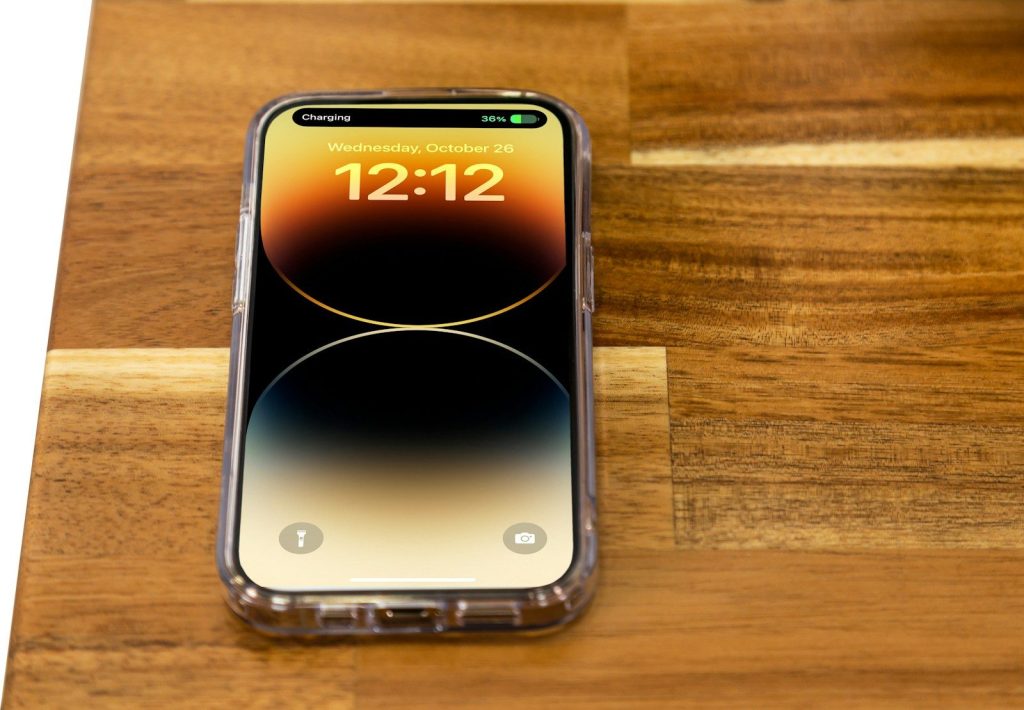
The screen is one of the biggest battery users on most phones. A very bright display looks nice, but it can drain power faster, especially during long scrolling, video watching, or navigation.
Auto-brightness can help by adjusting the screen based on your surroundings. You can also lower the brightness by hand when indoors. This small habit often makes a real difference without changing how you use the phone.
Use trusted chargers
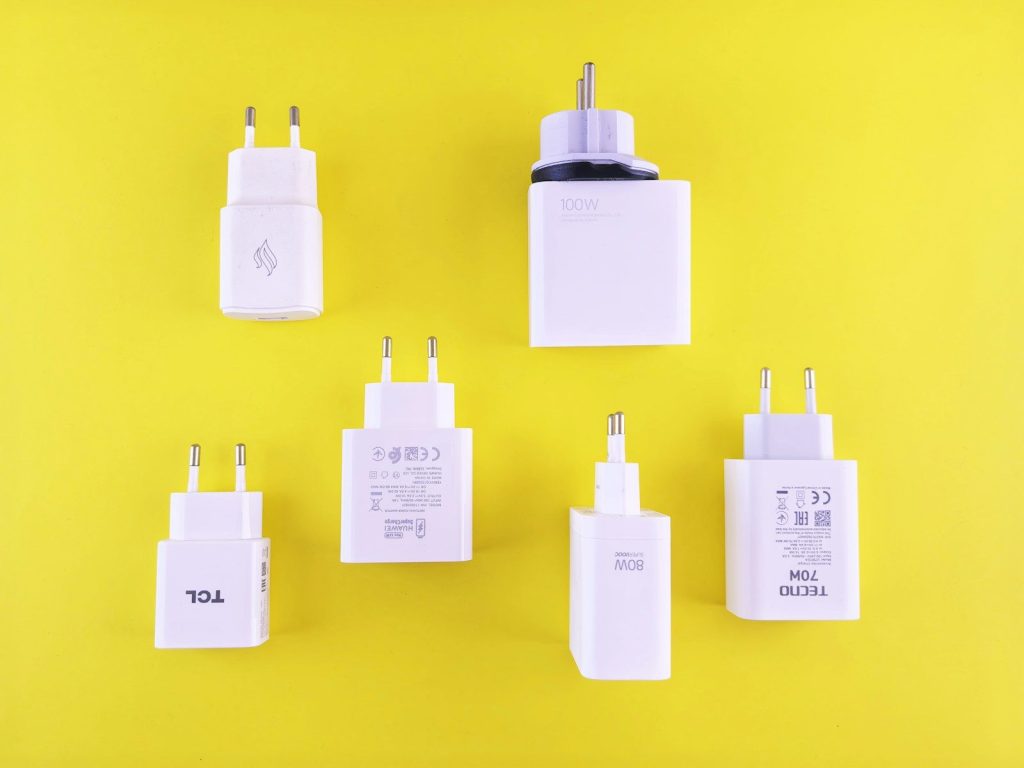
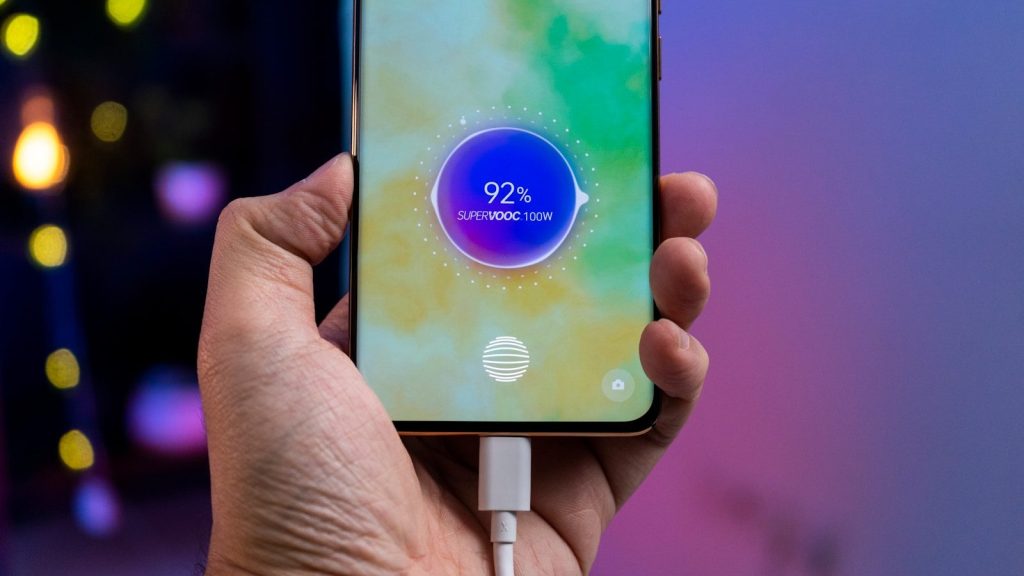
A charger is not just a simple plug. Charging speed and safety can depend on the cable, adapter, phone model, and supported charging standard. Samsung notes that fast charging requires compatible adapters, cables, and supported devices.
Cheap or worn-out chargers can also cause problems. Use reliable accessories from trusted brands, and replace damaged cables. A loose or frayed cable is not worth the risk.
Try optimized charging
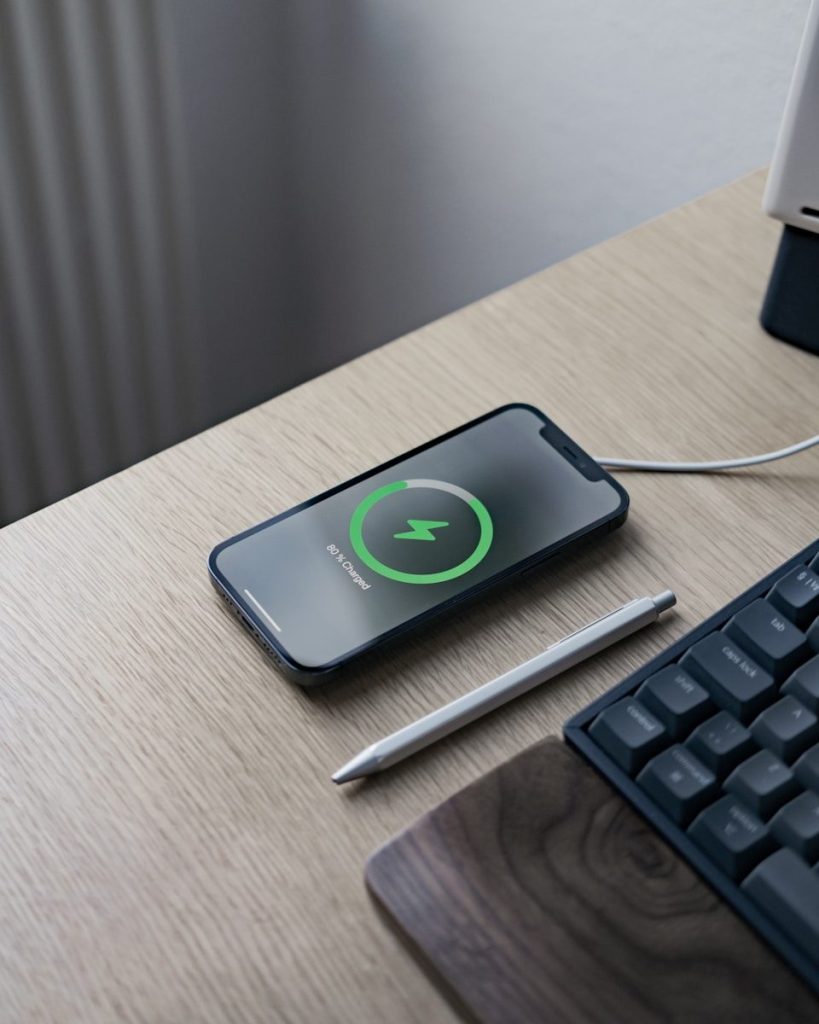
Many phones now include features that slow or limit charging to reduce battery wear. Apple offers charging features meant to help reduce battery aging, and newer Pixel phones include charging optimization options such as Adaptive Charging or an 80% limit on supported models.
These tools are helpful if you charge overnight or keep your phone plugged in often. You still get a usable phone, but the battery may face less stress over time.
Leave a Reply