Buying a laptop used to feel simple enough: check the price, screen size, battery life, storage, and speed. Now shoppers are seeing labels like “AI PC,” “Copilot+ PC,” “NPU,” and “TOPS,” often without a clear reason to care. The idea is real, but the marketing can feel bigger than the everyday benefits. An AI PC usually has a special chip called an NPU that helps handle certain AI tasks more efficiently, while Copilot+ PCs need a stronger NPU rated at 40+ TOPS for specific Windows AI features.
That sounds exciting, but many regular buyers just want a laptop that feels fast, lasts all day, and works with the apps they already use. That gap is where the confusion begins.
The name sounds too broad

“AI PC” can make it sound like the whole computer is powered by artificial intelligence. In reality, it is still a regular PC with a CPU, GPU, memory, storage, and battery.
The difference is that many newer models include an NPU, a chip made to handle certain AI tasks more efficiently. That matters, but it does not mean every app suddenly becomes smarter overnight.
Copilot+ adds another layer

A regular AI PC and a Copilot+ PC are not always the same thing. Microsoft says Copilot+ PCs need a high-performance NPU that can reach more than 40 trillion operations per second.
That one detail can confuse shoppers fast. A laptop may be marketed as AI-ready, but it may not support every Copilot+ feature buyers see in ads or store displays.
TOPS is not shopper-friendly

Tech brands often talk about TOPS, which stands for trillions of operations per second. It is a performance number used to describe how much AI work a chip can handle.
For regular buyers, that number feels abstract. A shopper can understand “10 hours of battery” or “1TB of storage,” but “40 TOPS” does not clearly explain what the laptop will do better on Monday morning.
The benefits feel uneven
Some AI PC features are useful, like better background blur, live captions, image tools, or faster on-device help. These can make daily tasks smoother for certain users.
But not everyone needs them. A student writing papers, a parent shopping online, or someone checking email may not notice a huge difference right away, especially if their current laptop already feels fast enough.
Local AI sounds unclear
One promise of AI PCs is that some AI tasks can run directly on the device instead of depending fully on the cloud. That can help with speed, privacy, and battery use in supported tasks.
The confusing part is that many popular AI tools still run online. So buyers may wonder why they need special hardware when the AI services they use already work in a browser.
App support is still growing
Hardware is only part of the story. For an AI PC to feel useful, apps must actually take advantage of the NPU inside the machine.
That support is still developing. Some features work today, while others depend on future updates from Microsoft, chip makers, or app developers. Buyers may feel like they are paying for benefits that are not fully visible yet.
Battery claims can blur the message
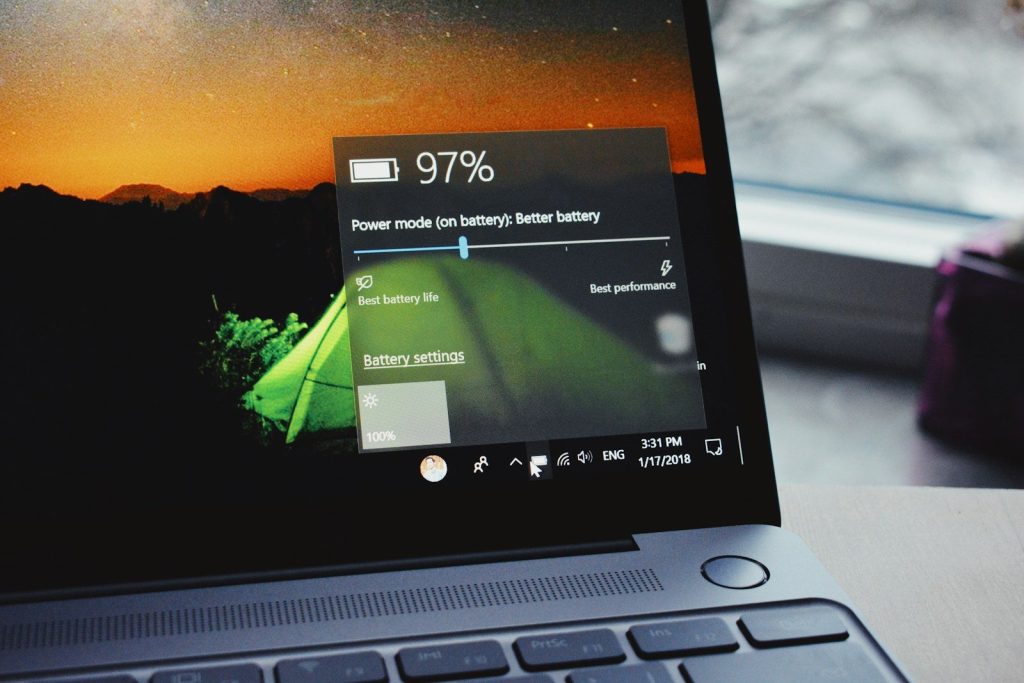
Many new AI PCs are also simply better laptops. They may have newer processors, improved power use, and longer battery life, which are things shoppers already understand.
That creates a mixed message. A buyer may love the laptop because it lasts longer or runs quietly, but the box may focus on AI features instead of the practical upgrades that actually matter most.
Chip brands use different wording
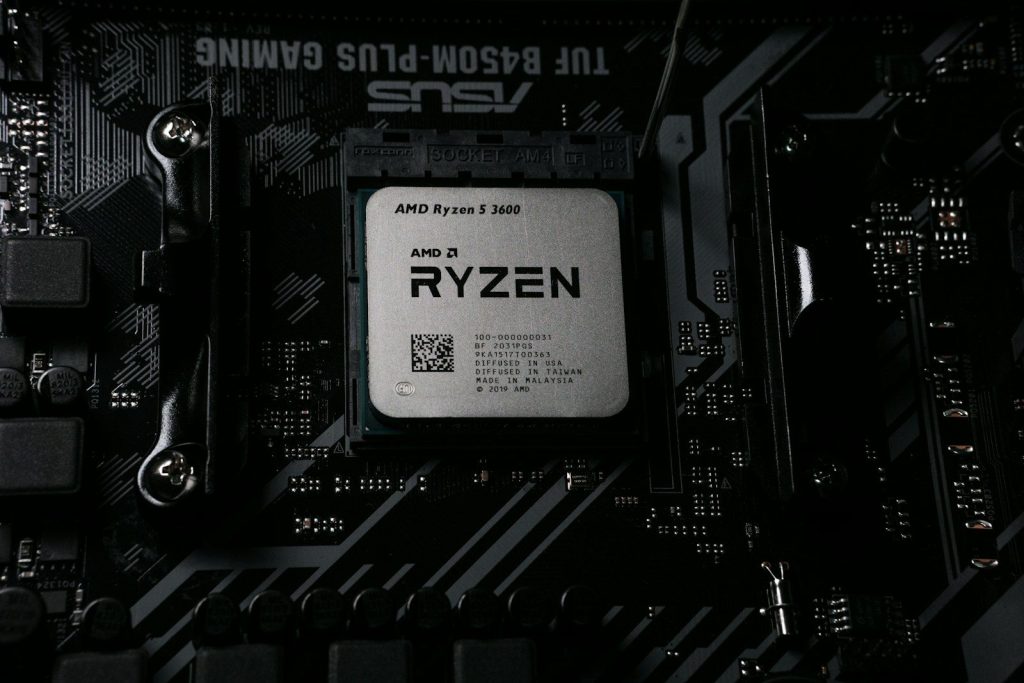
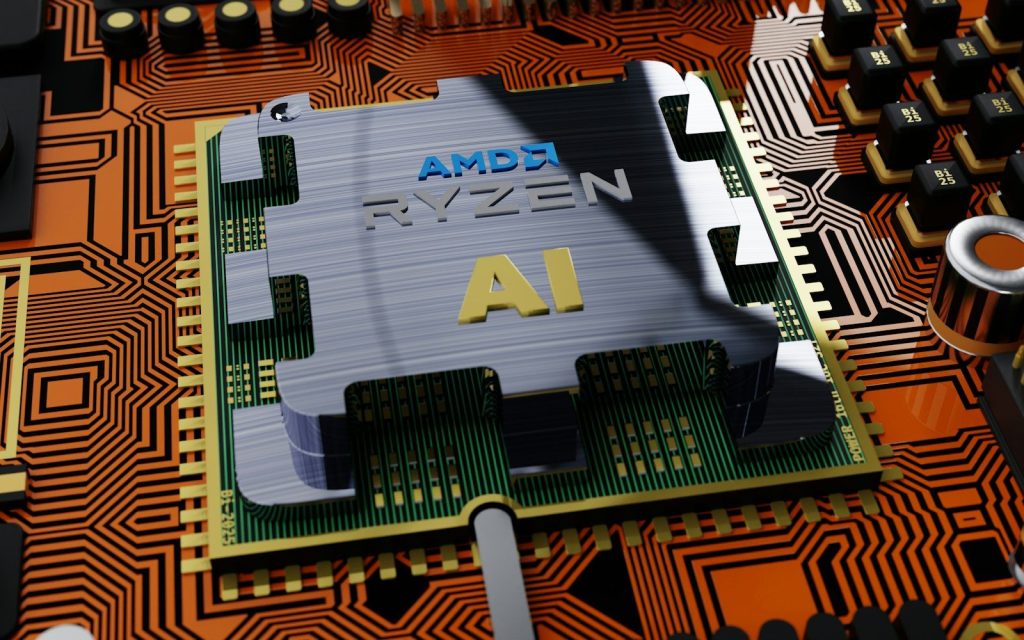
Intel, AMD, Qualcomm, and other companies all promote AI features in their own way. Intel describes AI PCs as systems using CPU, GPU, and NPU hardware, while AMD highlights dedicated Ryzen AI NPU technology for efficient AI processing.
That variety can make store shelves messy. Two laptops may both say “AI,” but use different chips, support different features, and perform differently in daily use.
Price makes buyers hesitate

AI PCs often appear in newer laptop lines, which can mean higher prices than older models. That makes people ask a fair question: “Am I paying for something I will actually use?”
For many buyers, the answer depends on timing. Someone replacing an old laptop may enjoy the extra future-proofing. Someone with a recent laptop may not need to rush.
Simple buying rules help

Regular buyers do not need to chase every AI label. The smarter move is to start with basics: battery life, screen quality, keyboard comfort, memory, storage, ports, and overall performance.
Then check the AI part. If the laptop is a Copilot+ PC, it should meet the stronger NPU requirement. If it is only called an AI PC, read the feature list carefully before assuming it supports everything.
Leave a Reply