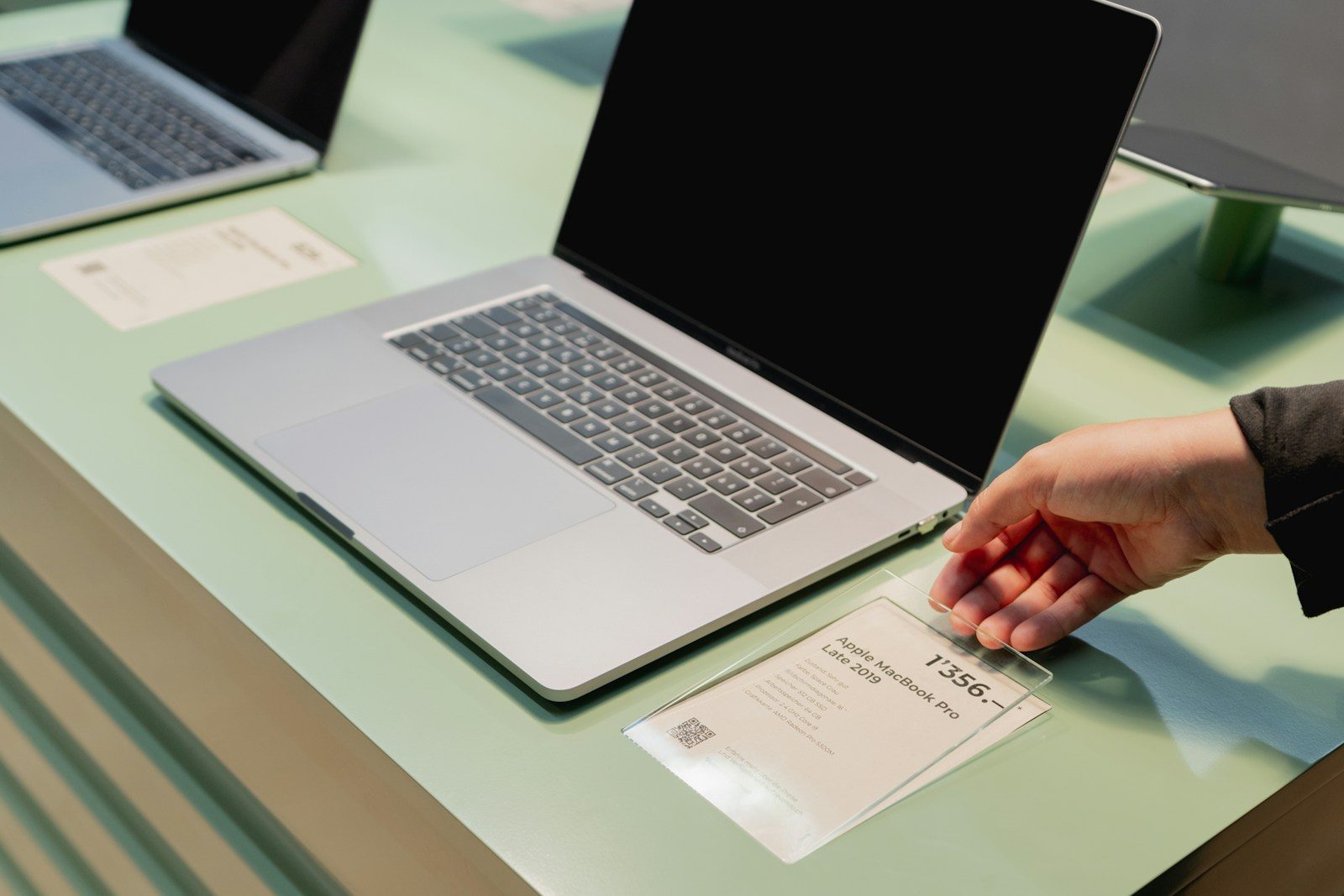
Buying a laptop can feel simple until the spec sheet starts throwing numbers at you. RAM, cores, storage, brightness, battery life, refresh rate, and graphics all sound important, but they do not always mean what people think they mean. A laptop with bigger numbers can still feel slow, run hot, or lose battery faster than expected.
The tricky part is that specs work together. A fast processor needs good cooling. A sharp screen can drain more power. More storage does not mean faster storage. Even Windows 11 has basic hardware needs, but meeting the minimum does not always mean the experience will feel smooth. Microsoft lists 4GB of RAM and 64GB of storage as Windows 11 minimums, but most everyday users will want more room than that.
More RAM is not always faster
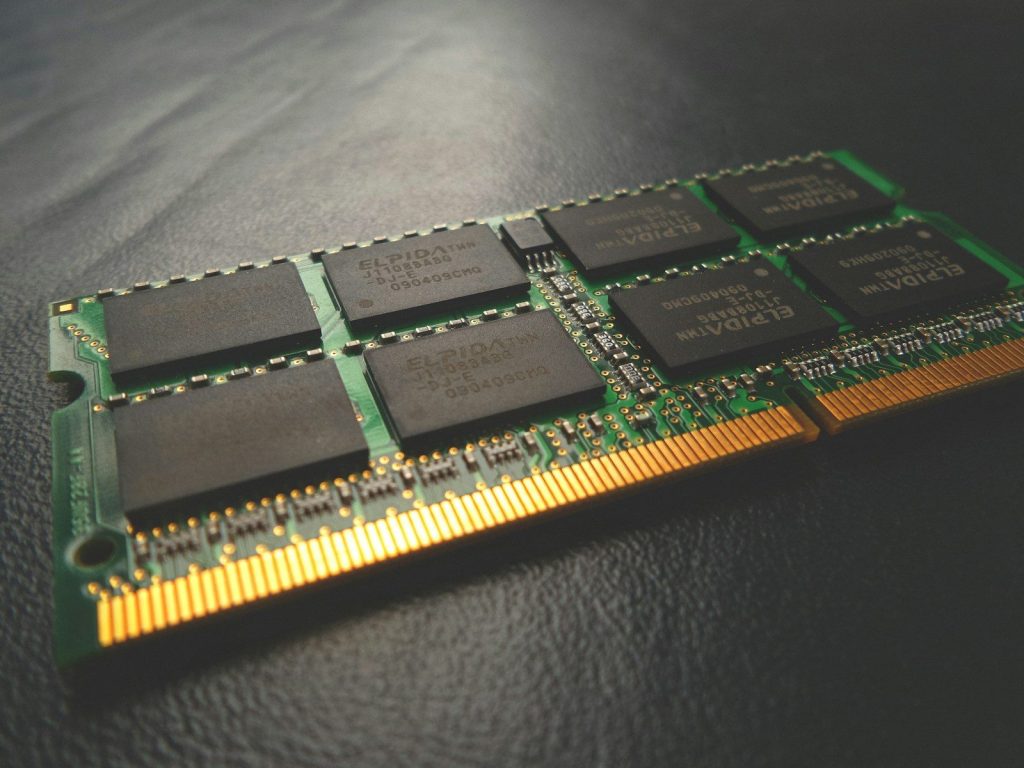
RAM helps your laptop keep more apps open at the same time. That means 16GB usually feels better than 8GB if you browse with many tabs, edit photos, or use school and work apps together.
But RAM size is not the whole story. Speed, type, and whether the memory is soldered or upgradeable also matter. A laptop with enough RAM and a solid processor often feels better than one with huge RAM but weak overall hardware.
Storage size is not speed

A 1TB drive sounds better than a 512GB drive because it holds more files. That is true for photos, videos, games, and downloads. But storage size does not tell you how fast the laptop opens apps or moves files.
The type of drive matters more for speed. A modern SSD will feel much quicker than an older hard drive. Even among SSDs, some are faster than others, so do not judge storage by capacity alone.
Processor cores need context
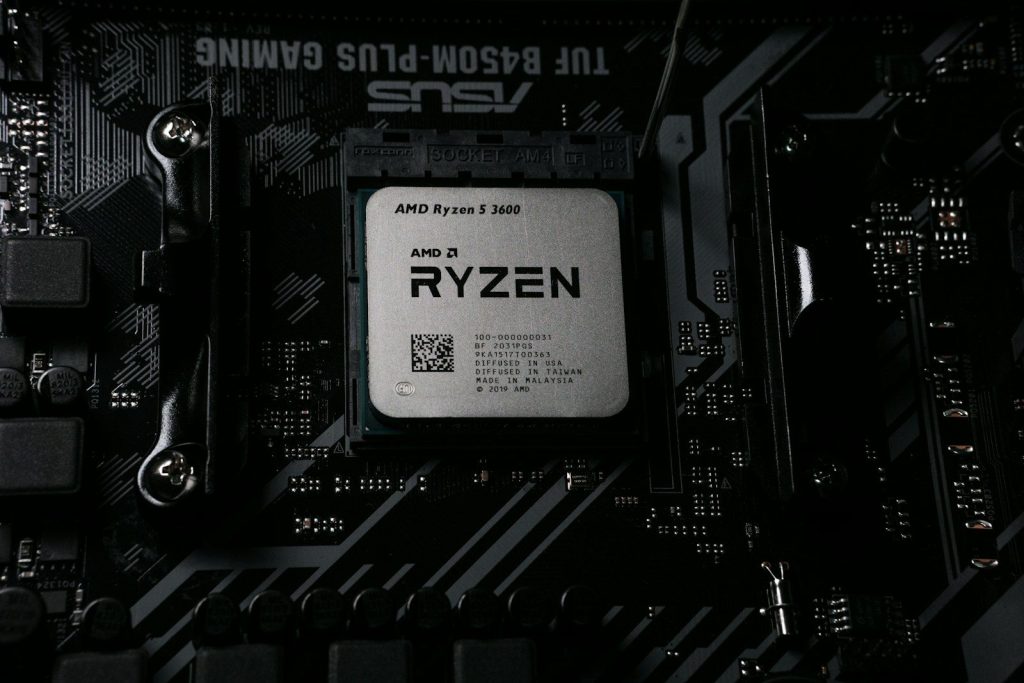
Many shoppers see more processor cores and assume the laptop must be much faster. That can be true for heavy work like video editing, coding, or 3D tasks. For basic browsing and streaming, it may not make a big difference.
Modern chips can also mix different core types. Intel explains that Performance-cores focus on demanding work, while Efficient-cores handle lighter background tasks. So the core count matters, but the design matters too.
Clock speed is not everything
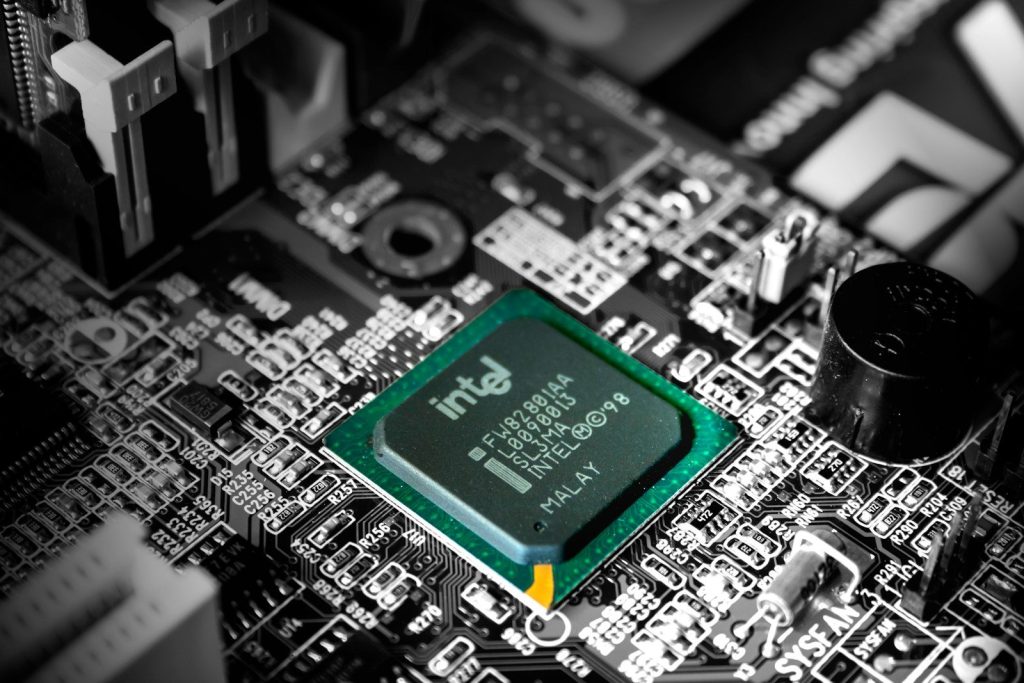
A processor listed at a higher GHz can look stronger at first glance. Clock speed shows how fast a chip can run, but it does not tell the full story about real laptop performance.
A newer chip with better design may beat an older chip with a higher clock speed. Cooling, power limits, and battery settings also affect how long a laptop can stay fast before slowing down.
Graphics names can mislead
Two laptops can have graphics with similar names but perform very differently. This happens a lot with gaming and creator laptops, where power limits and cooling can change the final result.
A graphics chip with more power available can often run faster, but it may also create more heat and use more battery. ASUS notes that laptop GPU power values help buyers make more informed choices because each machine is tuned differently.
Battery claims are best-case numbers
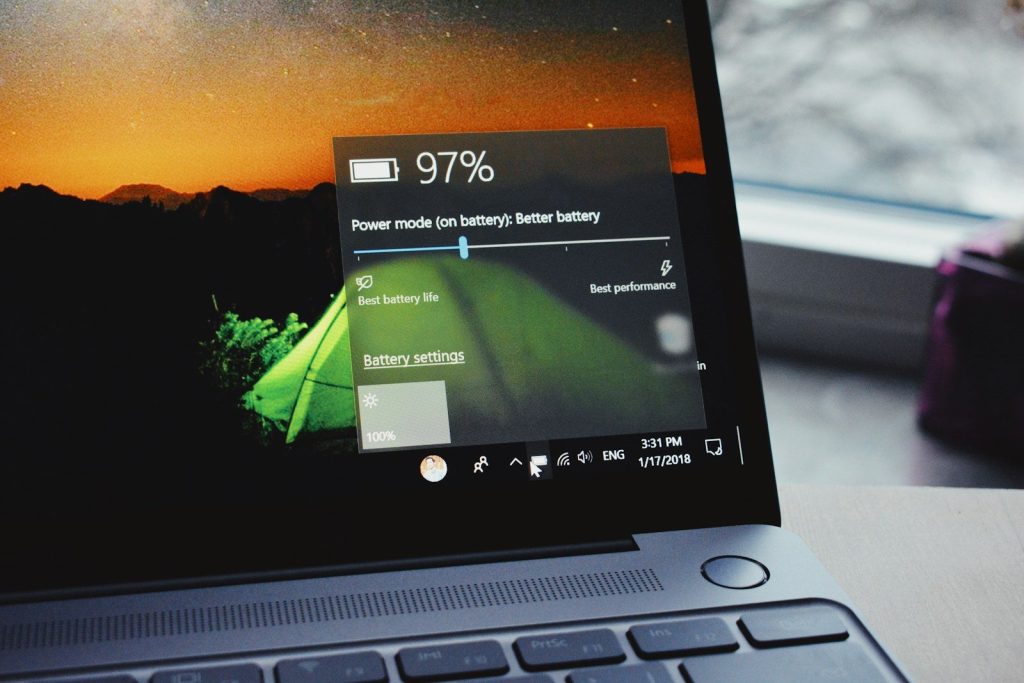
Laptop battery life numbers are usually measured under controlled conditions. That may mean low brightness, light tasks, quiet performance modes, and limited background activity.
Real use can be very different. Video calls, gaming, high screen brightness, many browser tabs, and demanding apps can drain the battery much faster. Treat battery claims as a guide, not a promise.
Screen resolution has trade-offs
A higher-resolution display can make text, photos, and videos look sharper. That sounds great, especially on larger laptops or devices used for creative work.
But sharper screens can use more power and may cost more. On smaller laptops, the difference between full HD and higher resolutions may not feel huge for everyday tasks. Brightness, color quality, and glare control can matter just as much.
Refresh rate is not for everyone
A 120Hz or 144Hz screen can make motion look smoother. Gamers often notice it, and some people like it for scrolling through websites and apps.
Still, refresh rate does not improve everything. Movies and basic office work may not benefit much. A high refresh screen also needs good graphics performance to truly shine, especially in games.
Thin laptops can slow down
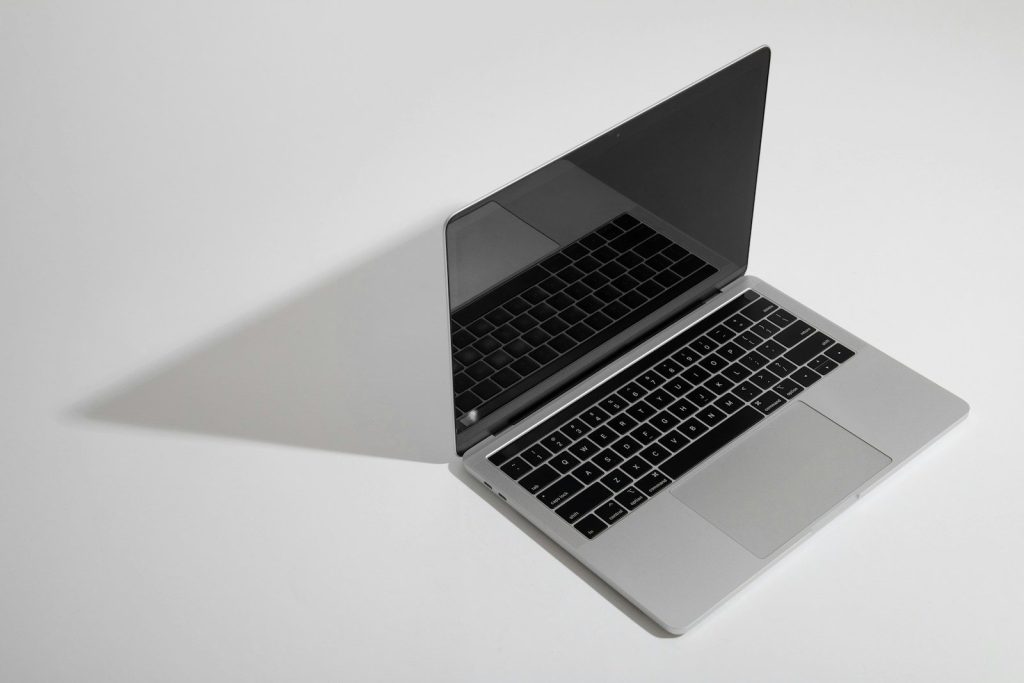
Thin and light laptops are easy to carry, which is why many people love them. But slim bodies leave less space for cooling hardware.
That means a thin laptop with powerful specs may not always perform like a thicker machine with the same chip. Heat can force the laptop to slow down during long tasks, so design matters as much as the parts inside.
Minimum specs are not comfort specs

A laptop can meet the basic requirements for Windows and still feel limited. Microsoft lists minimum Windows 11 needs such as a compatible processor, 4GB of RAM, and 64GB of storage.
Minimum specs are about whether the system can run, not whether it will feel fast for years. For everyday use, extra RAM, more storage, a newer processor, and a good screen usually make the laptop easier to live with.
Leave a Reply