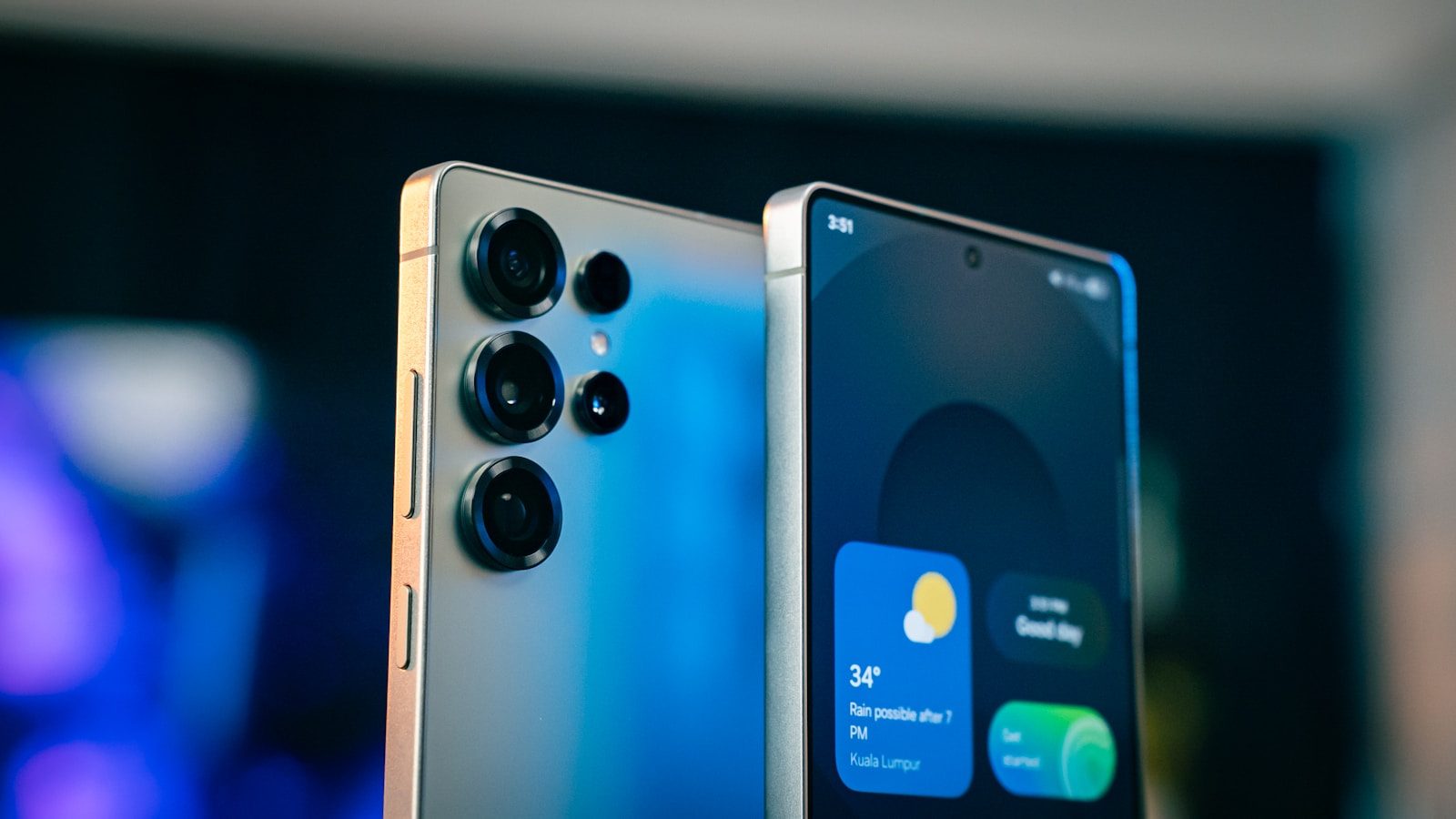
A phone can look perfect in a store photo, carrier deal, or online listing, but software support is what decides how long it will feel safe and useful. Many buyers check the camera, screen size, color, and price, then forget to ask a simple question: how many updates are left? That mistake can turn a “great deal” into a phone that feels old sooner than expected.
Updates can bring security fixes, bug repairs, new features, and better app support. Apple advises backing up before updating, while Google says Pixel 8 and later phones get seven years of OS and security updates from their U.S. Google Store launch date. Samsung also says selected Galaxy devices may receive security support for up to seven years.
Ignoring update support
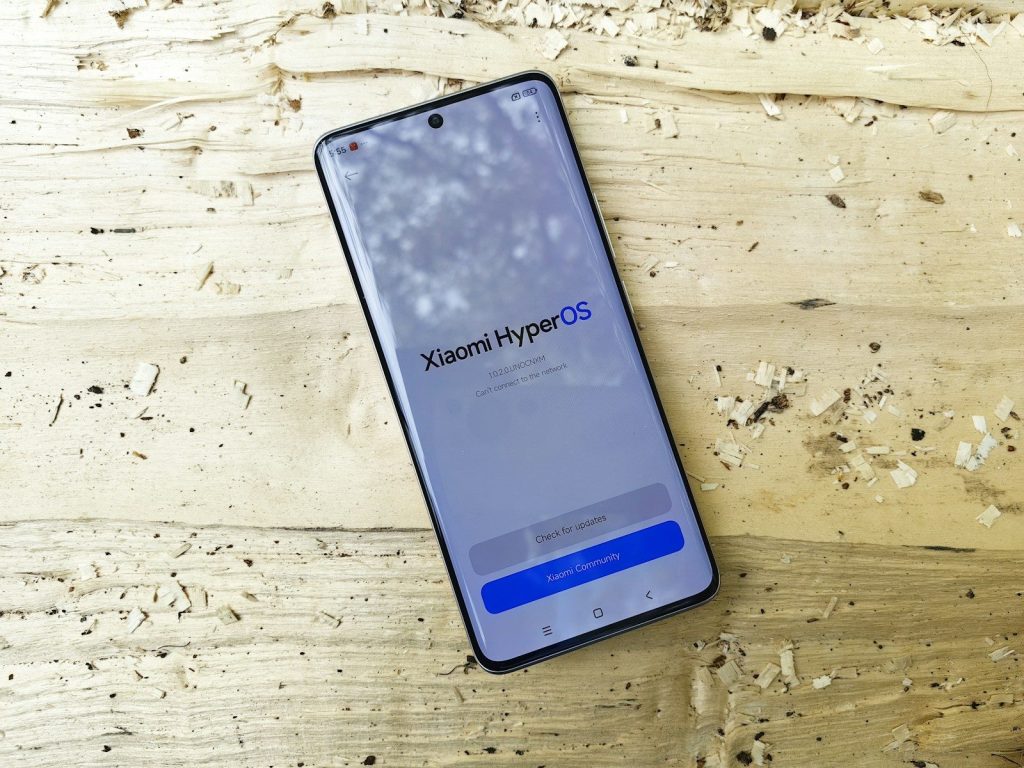
A low price can be tempting, but an older phone may have fewer updates left. That means it may miss future security fixes and new system features sooner than a newer model.
Before buying, check the official support page for that exact model. Pixel 8 and newer Pixel phones, for example, are listed for seven years of OS and security updates from their launch timing.
Forgetting security patches
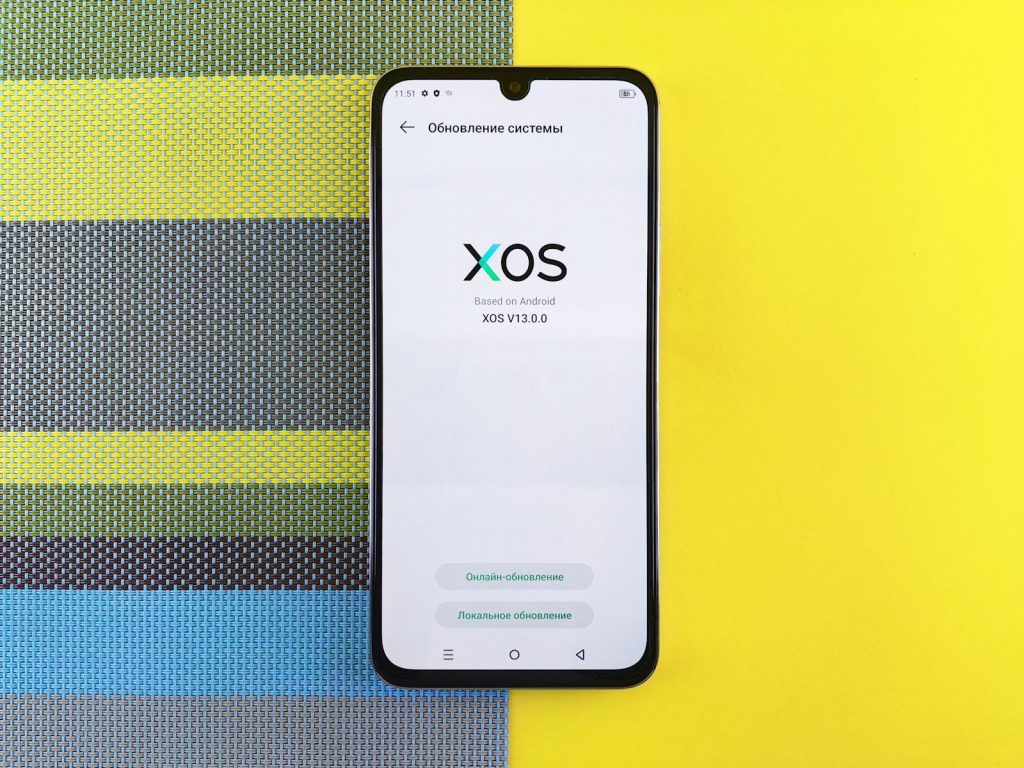
Some shoppers focus only on big system updates, like iOS or Android version changes. Security patches matter too because they help protect your phone from known risks.
A phone can still work fine but fall behind on security support. Samsung says selected Galaxy devices receive monthly, quarterly, or biannual security updates, depending on the model and support status.
Skipping a backup check
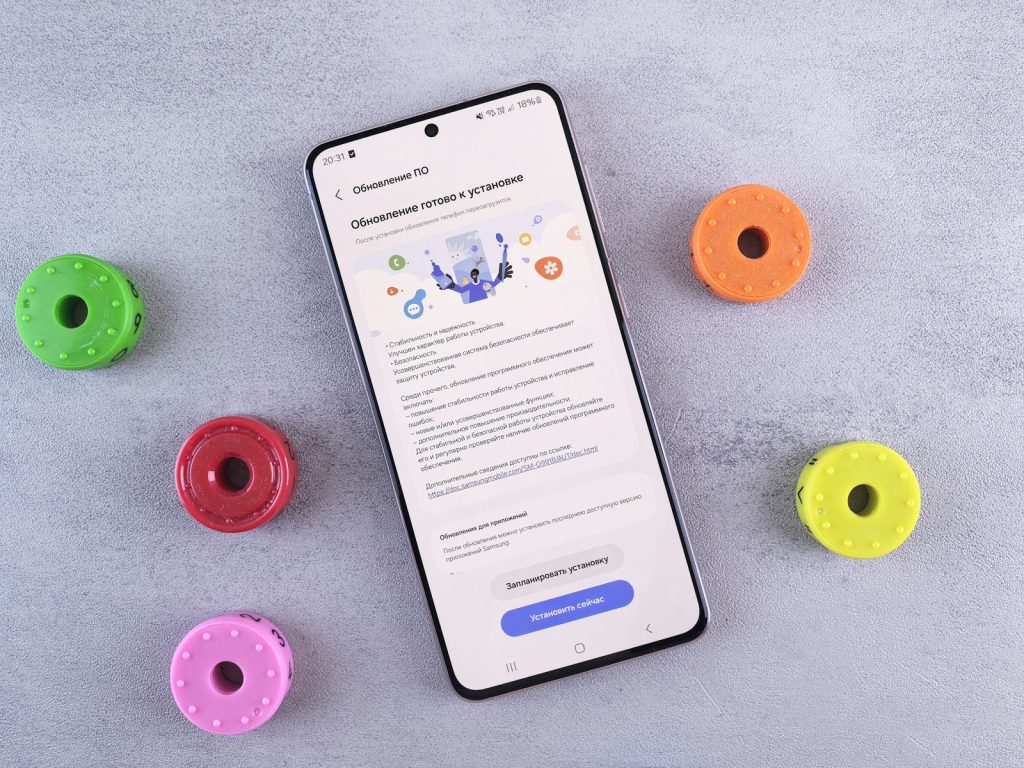
Buying a phone is exciting, but updates can go wrong if your data is not backed up. Photos, contacts, messages, and app settings are worth protecting before any major setup or update.
Apple tells users to back up iPhone automatically or manually before updating. Google also offers Android backup options through device settings, so buyers should check backup status before moving everything over.
Not checking storage space
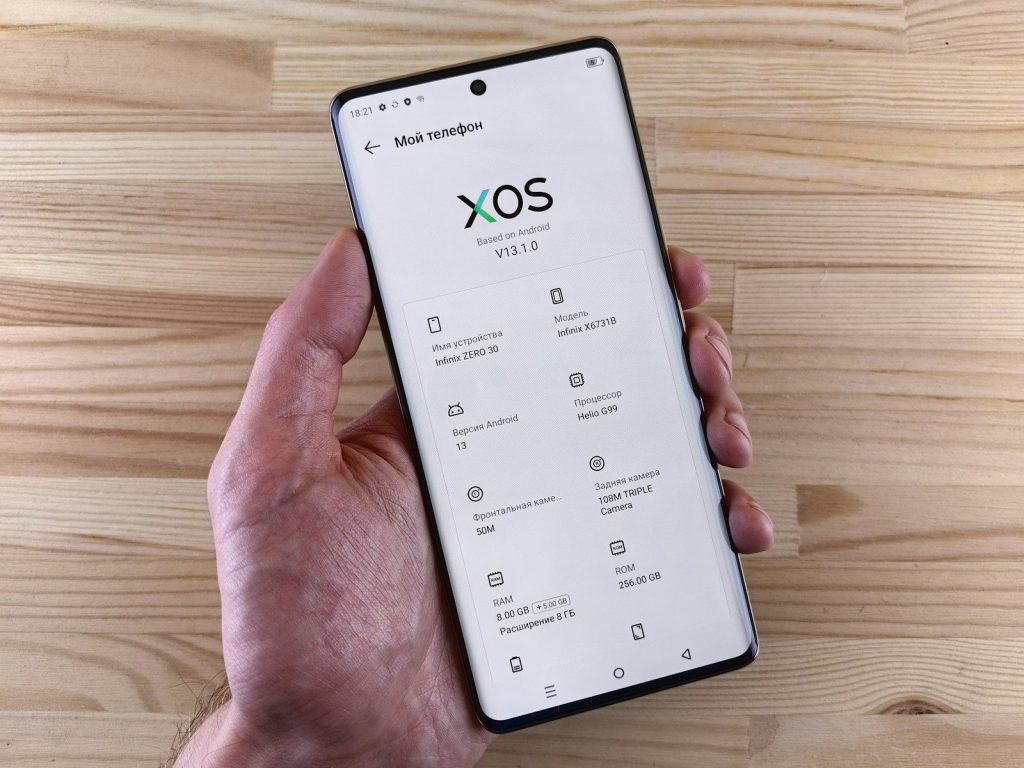
A phone with low storage can struggle when updates arrive. System updates often need extra room to download, install, and restart safely.
Before buying, avoid picking the smallest storage option just to save money if you keep lots of photos, games, or videos. Extra storage can make future updates and everyday use feel smoother.
Buying too old
An older flagship can look like a bargain because it once had premium features. The problem is that its update clock usually started years ago.
That means you may be buying near the end of its support life. Check the release year and official update promise before choosing an older model over a newer midrange phone.
Trusting vague listings
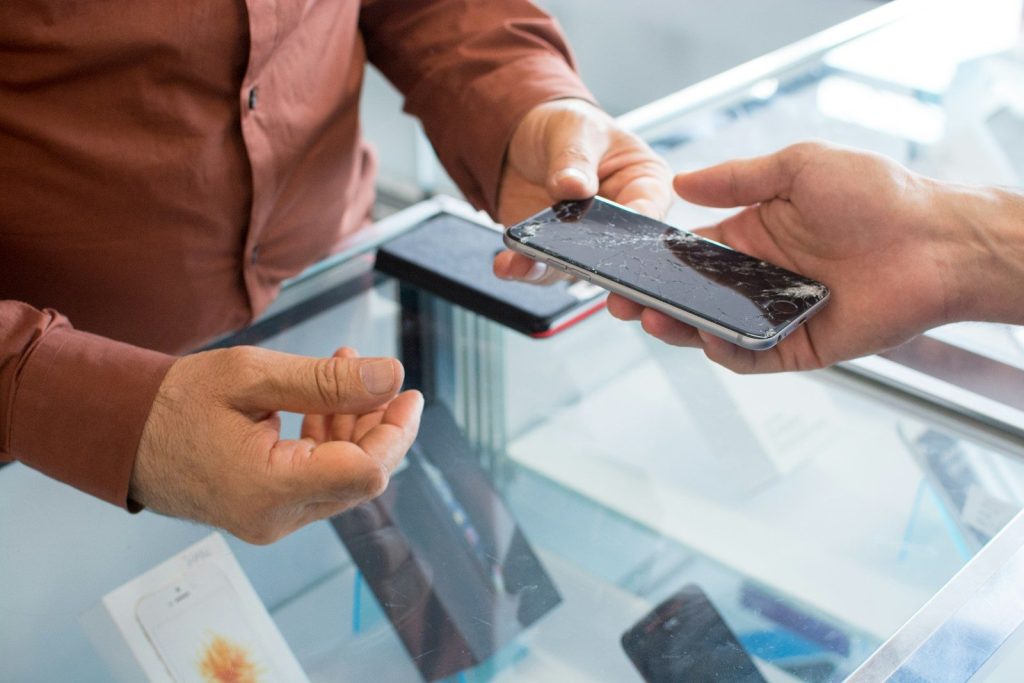
Online listings may say “latest update” or “fully updated,” but that does not always mean the phone will keep getting updates. It may only mean the seller installed the newest update available today.
Ask for the exact model number and current software version when buying used or refurbished. Small model differences can affect carrier support, update timing, and compatibility.
Ignoring carrier delays
Unlocked and carrier models may not always receive updates at the same speed. Some updates roll out in stages, so two phones with the same name may update at different times.
Before buying from a carrier deal, check whether the model is locked, unlocked, or tied to a specific network. That can affect your setup choices and future flexibility.
Updating on weak battery
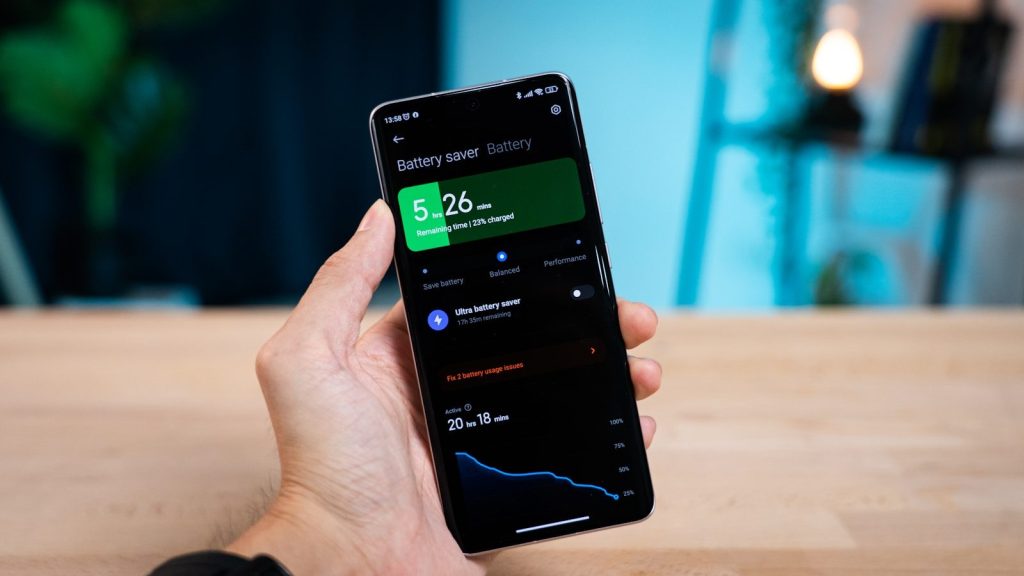
A phone update should not start when the battery is low. If the phone shuts off during setup or installation, it can create stress and may require extra recovery steps.
Before updating a new phone, charge it well and connect to reliable Wi-Fi. That simple habit helps avoid failed downloads, slow installs, and setup interruptions.
Missing app compatibility
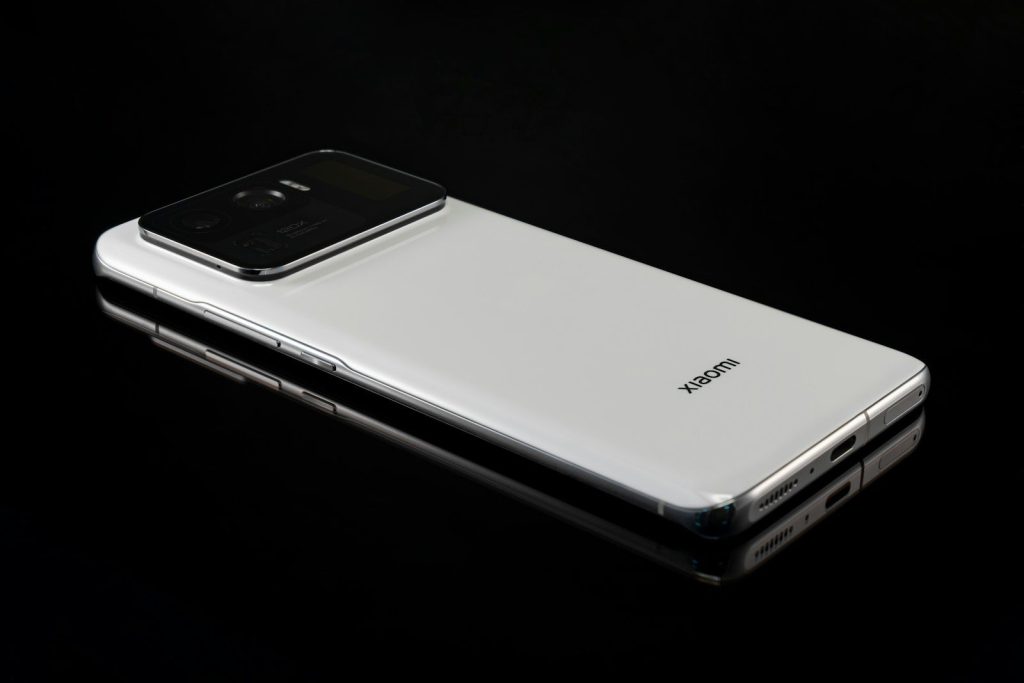
A phone’s system version affects which apps run well. If the phone is too old, some apps may lose features or stop supporting that device over time.
Before buying, think about the apps you use every day. Banking, school, work, smart home, and photo apps may depend on newer system versions for smooth performance.
Forgetting resale value
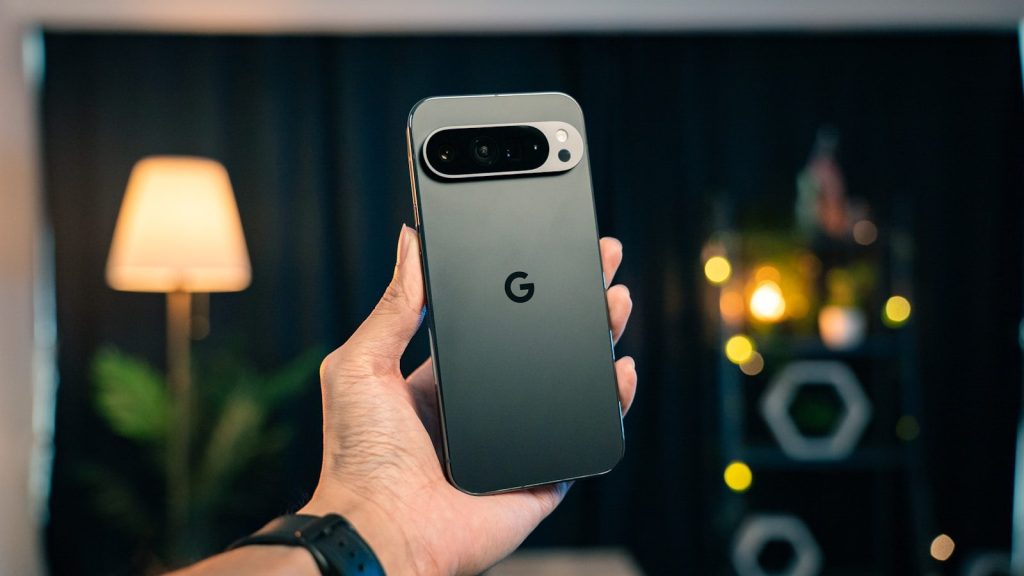
Update support can also affect resale value. A phone with years of updates left may be easier to sell later than one close to the end of support.
This matters even if you plan to keep the phone for a while. A longer update window can make the phone feel like a safer buy and a better long-term value.
Leave a Reply