Blog

  • How smart fridges are becoming grocery helpers

    How smart fridges are becoming grocery helpers

    Smart fridges are moving beyond cold storage and becoming everyday kitchen helpers. Newer models can connect to phone apps, show what is inside, help build shopping lists, and even support meal planning. Samsung says its Family Hub refrigerators can let users view inside the fridge from a phone and track food dates, while LG promotes ThinQ features that help users create shared shopping lists and check fridge contents remotely.

    The big idea is simple: less guessing, fewer forgotten items, and better use of food already at home. These features still have limits, especially with covered containers, packed shelves, or items the system cannot recognize. But for busy families, meal planners, and anyone tired of buying the same thing twice, smart fridges are becoming more useful.

    They help you see inside

    a person standing next to a person sitting at a table
    Photo by Samsung UK on Unsplash

    One of the most helpful smart fridge tricks is the ability to check what is inside while you are away from home. Instead of standing in a grocery aisle wondering about milk, eggs, or leftovers, you can look from your phone.

    Samsung’s Family Hub View Inside feature is built for that exact moment, letting users check fridge contents remotely through a connected device. It is not magic, but it can save a second trip or stop a duplicate purchase.

    Shopping lists follow you

    A kitchen with white cabinets and wooden floors
    Photo by Lisa Anna on Unsplash

    Paper lists are easy to leave on the counter. Smart fridges make grocery lists more portable by syncing them with a phone or tablet. That means the list can come with you, even when your fridge cannot.

    Samsung says its Family Hub refrigerators include a Shopping List app that can sync with SmartThings on mobile devices. LG also highlights shared shopping lists between a smartphone and refrigerator through its ThinQ system.

    AI can spot some foods
    a person looking at a person in a kitchen
    Photo by Samsung UK on Unsplash

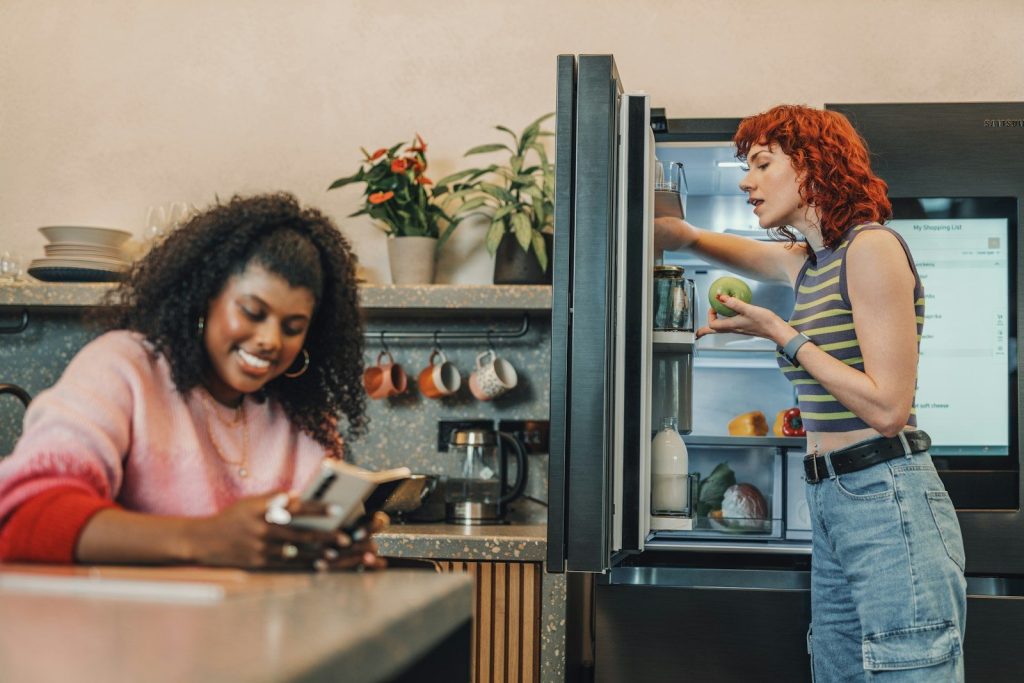
    Some smart fridges now use cameras and AI to recognize certain foods. This can help create a basic food list without asking you to type in every apple, carrot, or carton by hand.

    Samsung says AI Vision Inside can recognize and label 37 unobscured fresh food items, while other items may need manual labels. That detail matters because the system works best when items are visible and placed in a way the camera can read.

    Dates can be easier to track

    silver French-door refrigerator
    Photo by nrd on Unsplash

    Food waste often starts with forgetting what is already in the fridge. Smart fridge tools can help by keeping a food list and tracking dates, so older items do not disappear behind newer groceries.

    Samsung says Family Hub can help track expiration dates for food items in and outside the refrigerator. Some systems also let users manage food lists through companion apps, making it easier to plan meals around items that should be used soon.

    Meal ideas feel more useful

    A black refrigerator with its door open in a kitchen
    Photo by Alex Tyson on Unsplash

    Recipe suggestions are more helpful when they connect to what you already have. Instead of searching for dinner from scratch, a smart fridge can become part of the meal-planning process.

    Samsung says its Samsung Food tools can recommend personalized recipes based on preferences and existing ingredients. LG also promotes recipe ideas through its smart fridge experience. The goal is not to replace your cooking style, but to make weeknight decisions less tiring.

    Apps bring the fridge along

    Samsung Family Hub smart fridge” by robpegoraro is licensed under CC BY-NC-SA 2.0

    The phone app is what makes many smart fridge features practical. Without it, the fridge screen is still stuck in the kitchen. With it, lists, settings, and alerts can travel with you.

    LG says its ThinQ app lets users check smart appliances from anywhere and monitor refrigerator needs such as water filter replacement. Samsung’s connected features also depend on Wi-Fi and an account for many smart functions.

    Voice control adds convenience
    LG smart fridge” by robpegoraro is licensed under CC BY-NC-SA 2.0

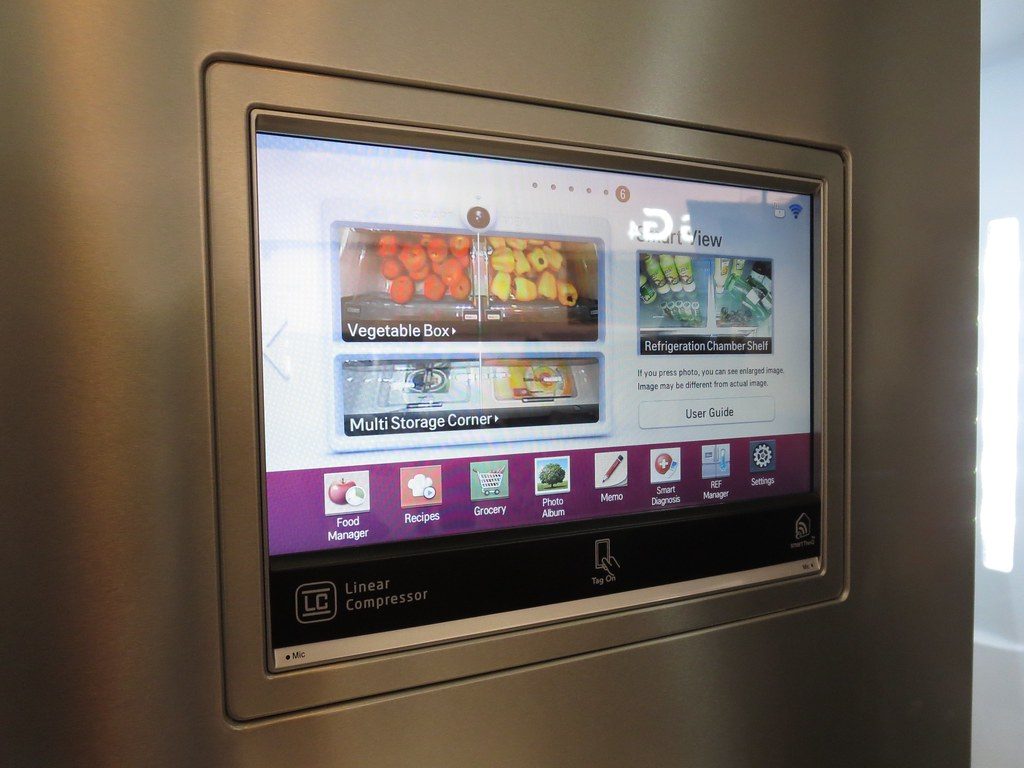
    Smart fridges can also work with voice assistants, which can be useful when your hands are full. You might ask for help managing food, checking a list, or controlling connected kitchen features.

    Samsung notes that Bixby voice assistance can help with food management on Family Hub refrigerators. LG says some ThinQ appliance features can work with voice control through Google Assistant or Alexa-enabled devices. These tools are small helpers, but they can smooth out busy kitchen routines.

    Grocery ordering may grow
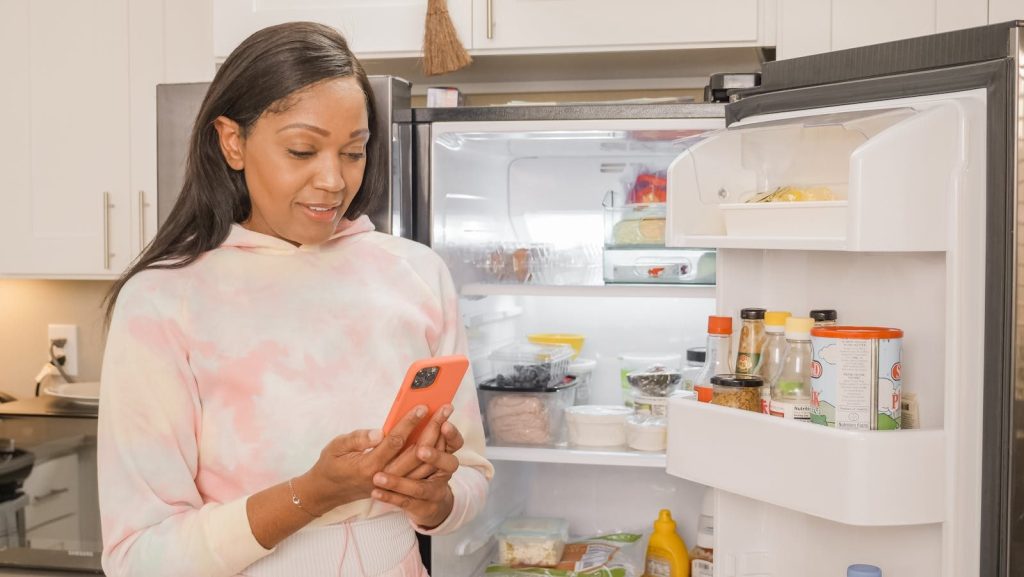
    Woman using smartphone for online shopping while standing in the kitchen with an open refrigerator.
    Photo by Kindel Media on Pexels

    Smart fridges are starting to move closer to grocery ordering, not just grocery tracking. The Verge reported that Samsung partnered with Instacart to let certain smart fridges suggest groceries through the Instacart app.

    That kind of feature could be helpful when common items run low. Still, shoppers will want to review any suggested list before buying. A fridge can help notice patterns, but you still know your budget, meals, and family habits best.

    Smart homes may connect better

    gray steel 3-door refrigerator near modular kitchen
    Photo by Naomi Hébert on Unsplash

    A smart fridge becomes more useful when it works well with the rest of the home. That is why smart home standards matter. They can help devices from different brands communicate more smoothly.

    Matter is a smart home standard aimed at improving compatibility across platforms. Home Connect says Matter is meant to let appliances and controllers work together more easily, while reports have noted that refrigerators are among the device types added to Matter support.

    Limits still matter

    Adult woman using smartphone in a contemporary kitchen setting.
    Photo by Jep Gambardella on Pexels

    Smart fridges can be handy, but they are not perfect grocery managers. Cameras may miss blocked items, AI may not recognize everything, and some features need manual updates to stay accurate.

    That is why the best use is as a helper, not a full replacement for common sense. A quick app check, a synced list, and a few date reminders can make shopping easier. The fridge handles some memory work, while you stay in control.
  • 10 features that make a phone better for gaming

    10 features that make a phone better for gaming

    Mobile games have come a long way from quick puzzle apps and simple racing games. Today, phones can run sharp graphics, fast action, online matches, and console-style titles. That means the phone itself matters more than ever. A great gaming phone is not just about having the newest name or the biggest screen.

    It needs a strong chip, a smooth display, fast touch response, good cooling, solid battery life, and enough storage to keep games running without constant cleanup. Major phone makers now highlight features like 120Hz or higher refresh rates, advanced graphics, large batteries, and cooling systems because these details can change how games feel in real use.

    A fast processor

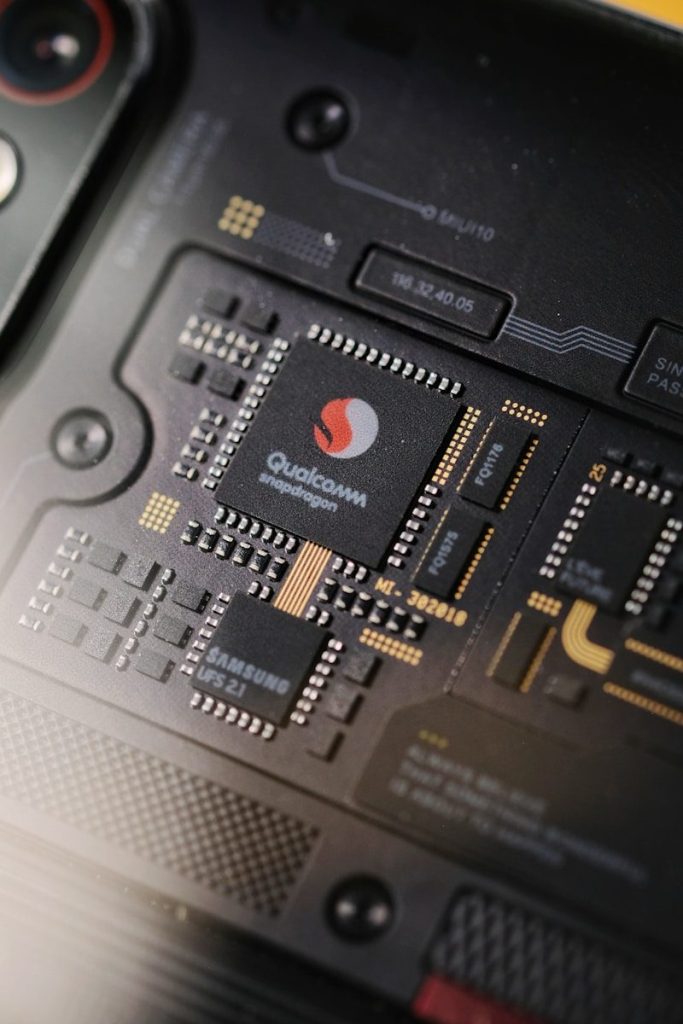
    Close-up of a smartphone's internal qualcomm snapdragon processor.
    Photo by Phước Sang on Unsplash

    The processor is the brain of the phone. For gaming, it helps control how quickly the phone opens games, loads maps, handles action, and keeps frame rates steady.

    A stronger chip can make a big difference in heavier games with sharp graphics or online play. Apple, Qualcomm, and other chip makers now promote advanced graphics features because mobile games are becoming more demanding.

    A strong graphics chip

    Close-up of computer circuit board with many chips
    Photo by Jakub Pabis on Unsplash

    The graphics chip helps create the visual side of the game. It handles lighting, shadows, textures, effects, and fast movement on the screen.

    This matters most in games with detailed worlds or realistic action. Phones with stronger graphics support can make scenes look cleaner and help gameplay feel more stable, especially when a game is using high visual settings.

    A smoother refresh rate

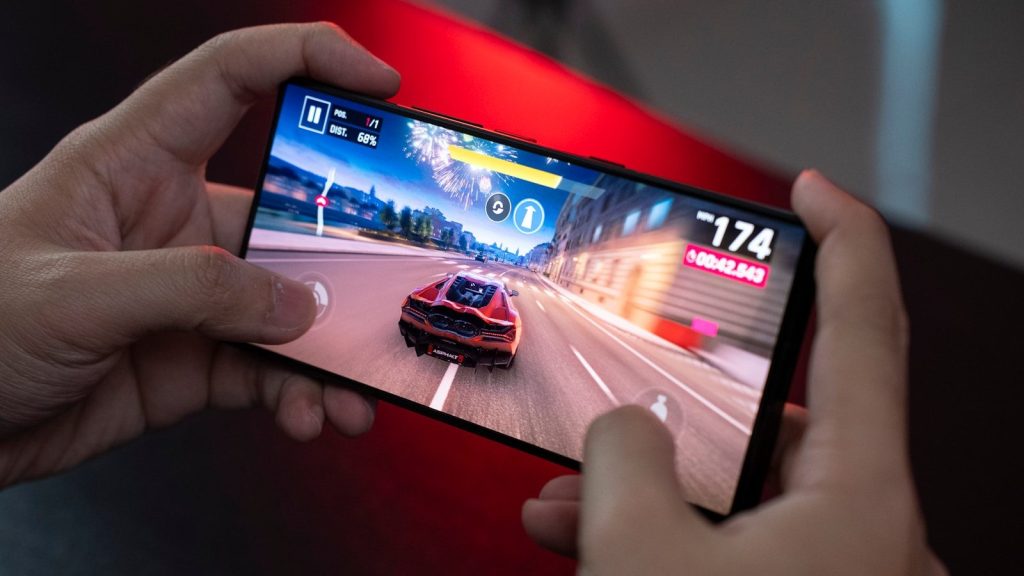
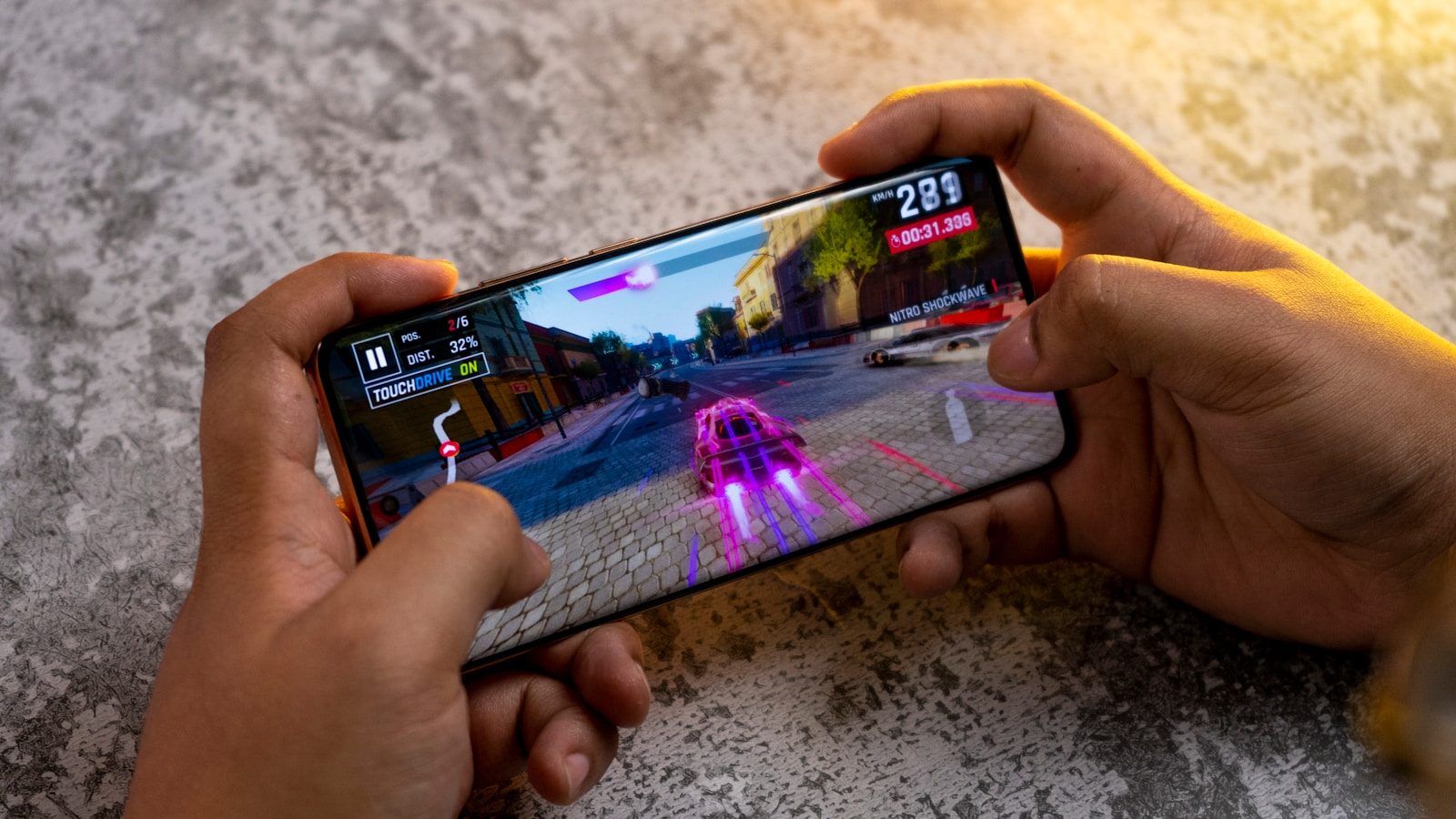
    A person playing a game on a cell phone
    Photo by Amanz on Unsplash

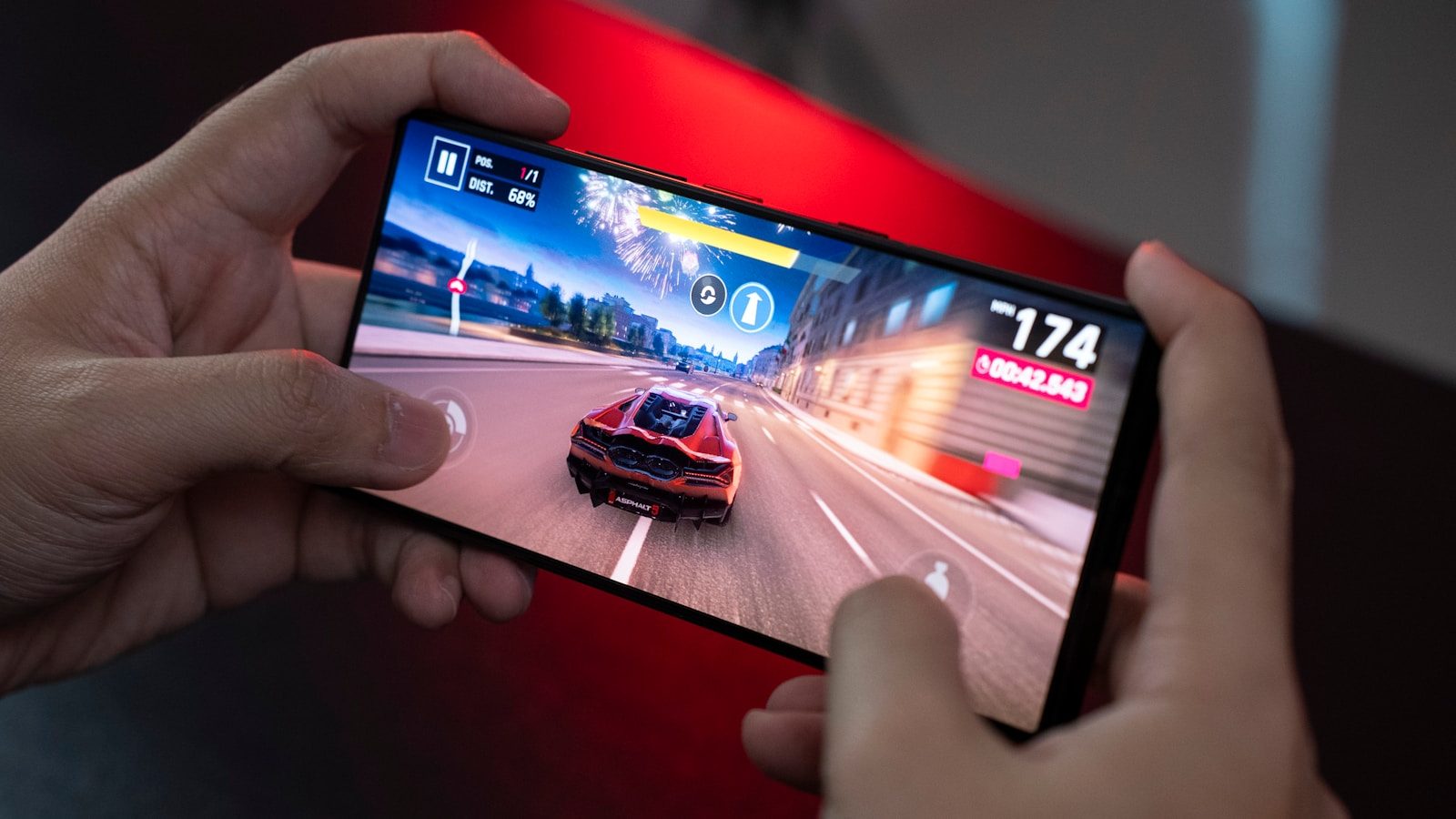
    A high refresh rate can make games look more fluid. Many gaming-friendly phones now offer 120Hz, 144Hz, or similar smooth display options.

    That extra smoothness can help in racing, sports, and action games where fast motion matters. Samsung notes that higher refresh rates can reduce blur and make movement appear smoother on supported Galaxy phones.

    Quick touch response

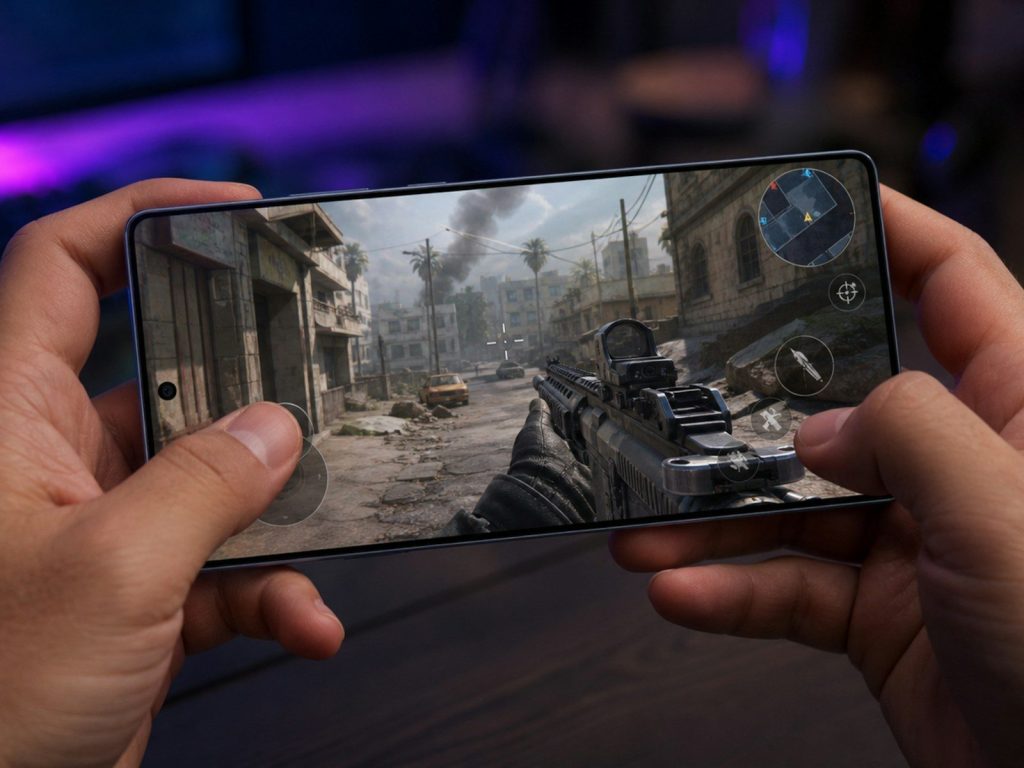
    Hands holding smartphone playing a first-person shooter game.
    Photo by Harold Hizon on Unsplash

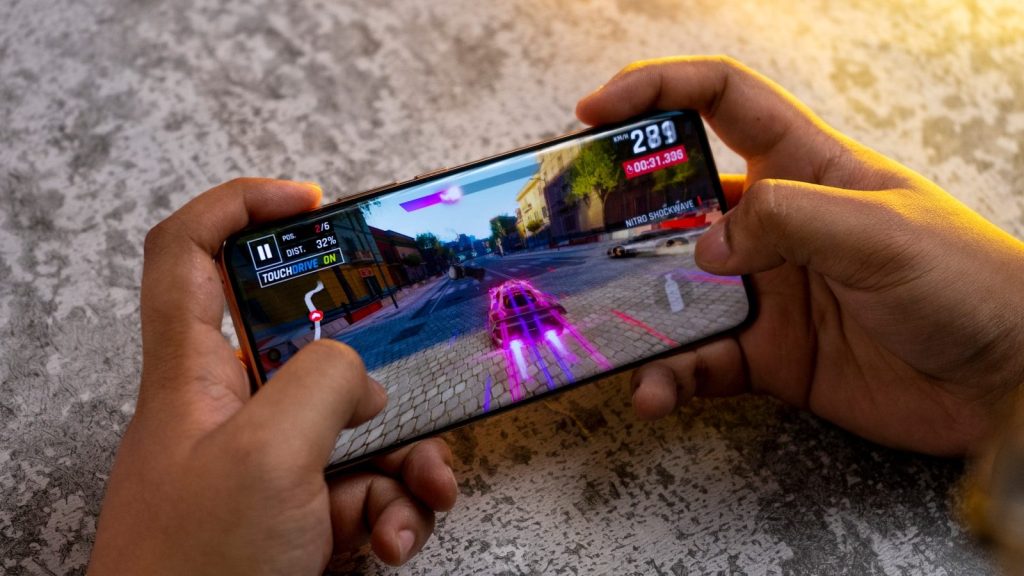
    A game can look great and still feel slow if the screen does not respond quickly. Touch response helps decide how fast taps, swipes, and presses show up in the game.

    This is important for shooting, racing, rhythm, and battle games. Some gaming phones promote high touch sampling rates because quick input can make controls feel sharper and more direct during fast matches.

    Enough RAM for multitasking

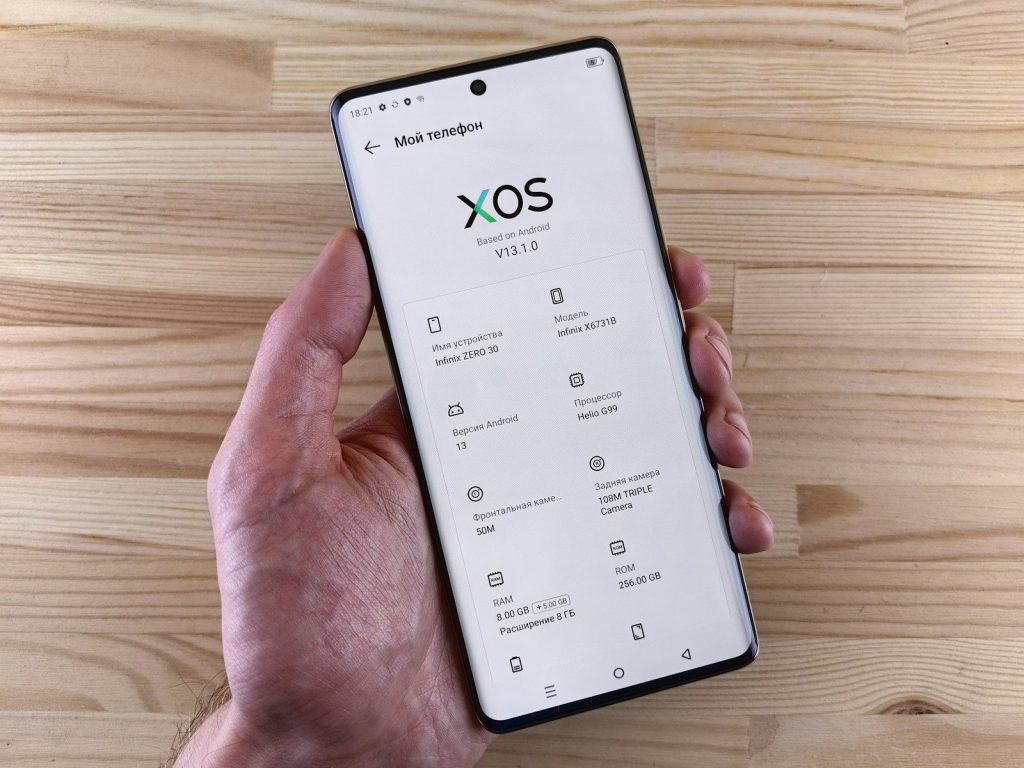
    Hand holding a smartphone with sos screen
    Photo by Andrey Matveev on Unsplash

    RAM helps the phone keep games and apps ready without slowing down. More RAM can be useful when switching between a game, chat app, browser, or screen recorder.

    It can also help heavier games run with fewer pauses. RAM is not the only thing that matters, but when paired with a strong processor, it can help the phone feel quicker and more stable.

    Plenty of storage space

    A woman holding two samsung phones in her hands
    Photo by Amanz on Unsplash

    Games can take up a lot of room, especially when they include updates, extra maps, saved files, and high-quality graphics packs. Low storage can make a phone feel crowded fast.

    A gaming-friendly phone should have enough space for several large games, photos, videos, and apps. Faster storage can also help games load quicker and reduce waiting between menus or levels.

    Better cooling inside

    A person holding a cell phone in their hand
    Photo by Amanz on Unsplash

    Gaming can heat up a phone, especially during long sessions. When a phone gets too warm, it may slow itself down to protect the hardware.

    That is why cooling matters. Some gaming phones use vapor chambers, fans, or other heat-control designs to help performance stay steadier. Honor also lists cooling as one of the key areas to consider in a gaming phone.

    A battery that lasts

    A close up of a cell phone on a table
    Photo by Amanz on Unsplash

    A great gaming phone needs a battery that can keep up. Games use more power than basic texting, browsing, or music because they push the screen, processor, graphics, and network.

    A larger battery can help players enjoy longer sessions before reaching for a charger. Fast charging is also useful when the phone needs a quick boost between school, work, travel, or weekend plans.

    Clear speakers and haptics

    A person holding a cell phone in their hand
    Photo by Amanz on Unsplash

    Sound can make games more fun and easier to follow. Good speakers help players hear footsteps, engines, alerts, music, and voice lines without needing earbuds every time.

    Haptics also matter. Strong, clean vibration can make taps, crashes, hits, and other game actions feel more natural. Together, sound and haptics can make the phone feel more like a handheld gaming device.

    Comfortable design and controls

    A man laughing while holding a cell phone
    Photo by Amanz on Unsplash

    A phone can have great specs and still feel awkward after 30 minutes. Gaming comfort depends on weight, shape, grip, button placement, screen size, and how warm the phone gets.

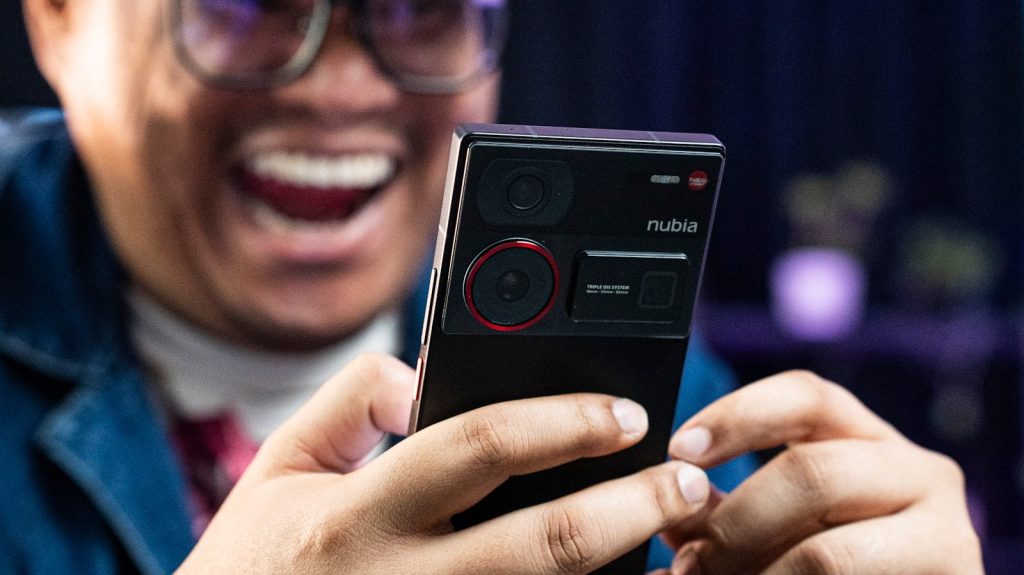
    Some gaming phones add shoulder triggers or game-focused controls for a more console-like feel. Even without those extras, the best phone should feel easy to hold and simple to control during longer play sessions.

  • Why gaming phones are becoming pocket consoles

    Why gaming phones are becoming pocket consoles

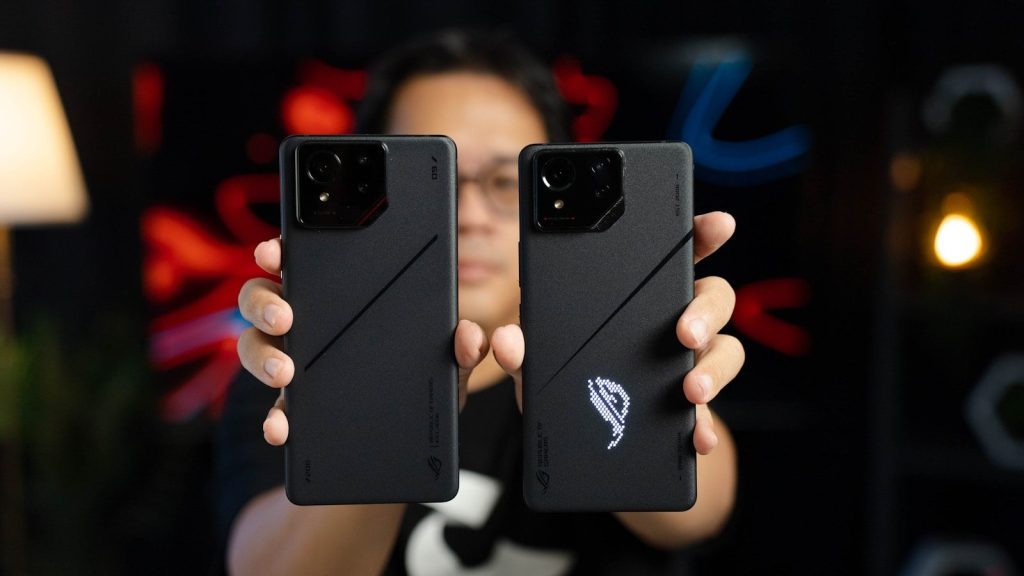
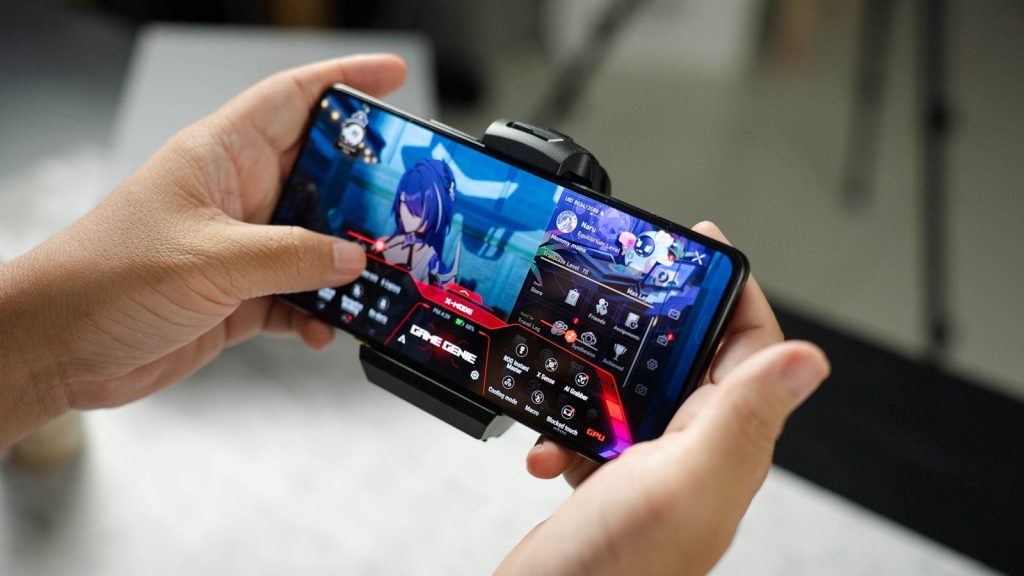
    Gaming phones used to sound like a niche idea, but they are becoming much more practical. Today’s models can combine fast chips, high-refresh screens, large batteries, advanced cooling, controller support, and cloud gaming apps in one device. ASUS lists the ROG Phone 9 with a 6.78-inch AMOLED display, up to 185 Hz refresh rate through Game Genie, 720 Hz touch sampling, and a 5,800 mAh battery, while RedMagic promotes the 10 Pro with a 144 Hz display and a 7,050 mAh battery.

    Those are not small upgrades for casual play. Add Xbox Cloud Gaming, GeForce NOW, Bluetooth controllers, and faster mobile networks, and a phone can start to feel less like a backup screen and more like a portable game system.

    Screens feel built for play

    A person holding a cell phone in their hand
    Photo by Amanz on Unsplash

    Gaming phones often use fast, bright displays that make movement look smoother. ASUS says the ROG Phone 9 can reach up to 185 Hz through Game Genie, while RedMagic lists a 144 Hz refresh rate for the 10 Pro.

    That matters because games depend on motion. A smoother screen can make racing, sports, action, and fast scrolling feel more responsive than a basic phone display.

    Touch response gets faster

    a person playing a game on a cell phone
    Photo by Amanz on Unsplash

    A phone screen is also the main controller for many mobile games. ASUS lists 720 Hz touch sampling on the ROG Phone 9, which shows how gaming phones are built to read taps and swipes quickly.

    Faster touch response can help games feel more immediate. When controls react quickly, the phone starts to feel closer to a handheld console than a regular device.

    Cooling keeps games steady

    A person holding a cell phone in their hand
    Photo by Amanz on Unsplash

    Gaming phones usually focus heavily on heat control. That is important because a powerful chip can slow down if the phone gets too hot during long play sessions.

    Better cooling helps performance stay steadier. It also makes the phone feel more reliable for longer sessions, especially when playing demanding games or using cloud gaming apps for extended periods.

    Big batteries support longer play

    A woman holding two samsung phones in her hands
    Photo by Amanz on Unsplash

    Battery life is another reason gaming phones feel closer to pocket consoles. The ROG Phone 9 lists a 5,800 mAh battery, while the RedMagic 10 Pro lists a 7,050 mAh dual-cell battery.

    That extra capacity matters when games, bright screens, speakers, and wireless connections are all working at once. A larger battery helps the phone handle entertainment without feeling drained too quickly.

    Controllers change the feel

    Person holding smartphone with game controller attachment
    Photo by Daniel Romero on Unsplash

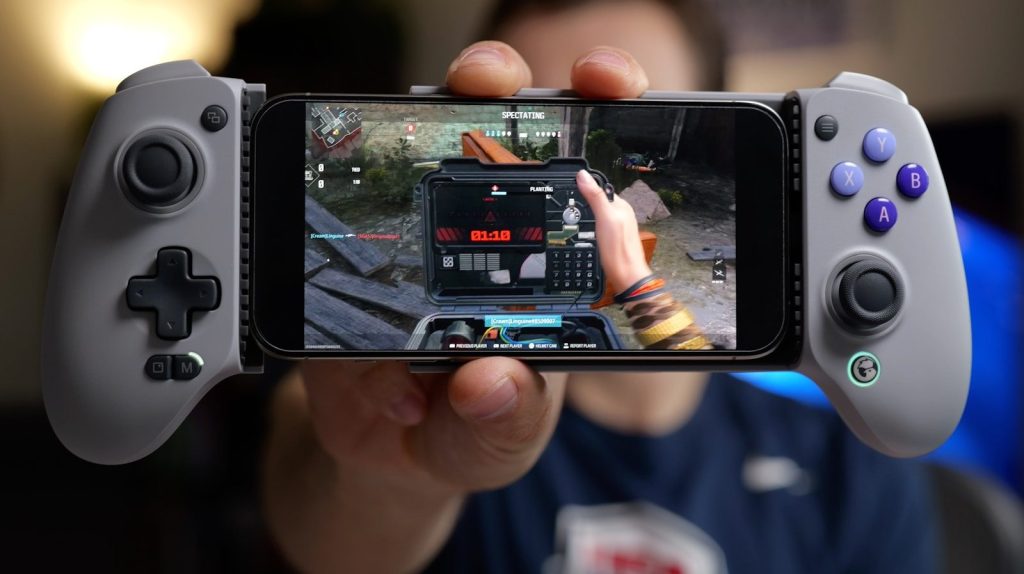
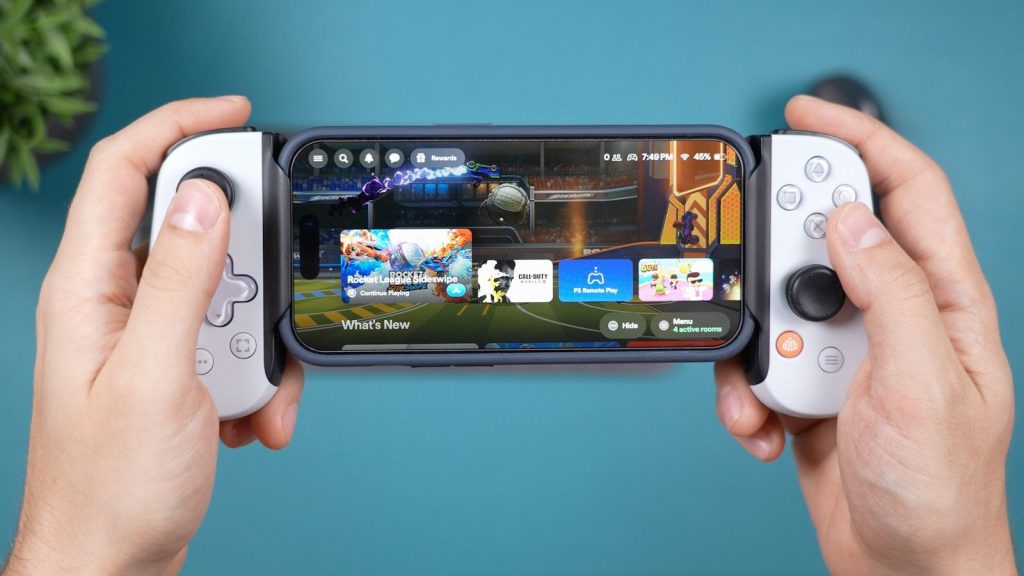
    A clip-on or Bluetooth controller can make phone gaming feel much more like a handheld system. Xbox says cloud gaming works with controllers including the Xbox Wireless Controller, and many mobile controllers support Android devices.

    Physical buttons can make a big difference. They help with racing, platform, sports, and adventure games where touch controls may feel crowded or less precise.

    Cloud gaming expands choices

    A man laughing while holding a cell phone
    Photo by Amanz on Unsplash

    Cloud gaming lets phones play games that do not fully run on the device itself. Nvidia says its GeForce NOW Android app supports gaming on Android devices, with a strong 5 GHz Wi-Fi connection recommended for the best experience.

    That opens the door to bigger libraries. A phone can stream games from cloud services, making it feel less limited by storage space or mobile-only titles.

    Portable gaming fits daily life

    Hands holding smartphone playing a first-person shooter game.
    Photo by Harold Hizon on Unsplash

    A gaming phone is easy to carry because it is already part of daily life. People use it for calls, messages, maps, photos, and entertainment, then switch into gaming when they have free time.

    That convenience gives phones a major advantage. A dedicated handheld may stay at home, but a gaming phone is usually in a pocket, bag, or hand already.

    Accessories build a console setup

    A close up of a cell phone on a table
    Photo by Amanz on Unsplash

    Gaming phones can grow with accessories. Controllers, earbuds, chargers, cooling fans, stands, and external displays can turn one phone into a more complete gaming setup.

    This makes the experience flexible. A player can use touch controls for quick sessions, add a controller for serious play, or connect other gear when they want a bigger setup.

    Limits still matter

    A young man is focused on his mobile game.
    Photo by Firas Wardhana on Unsplash

    Gaming phones are getting impressive, but they do not replace every console for every player. Cloud gaming depends on internet quality, and research notes that cloud gaming needs much more bandwidth and stable connectivity than traditional online console play.

    Still, the direction is clear. With stronger hardware, better screens, bigger batteries, controllers, and cloud libraries, gaming phones are becoming serious pocket-size game machines.

  • Why cheaper Windows laptops may finally get interesting again

    Why cheaper Windows laptops may finally get interesting again

    Cheap Windows laptops have had a rough reputation for years. Many felt slow, looked plain, or cut too many corners just to hit a low price. But that story may be changing as new chips, better battery goals, and the push toward Windows 11 bring fresh pressure to the budget laptop market.

    Microsoft says Windows 10 support ended on October 14, 2025, which means many older PCs are now due for replacement. At the same time, Copilot+ PCs require newer AI hardware, including an NPU capable of 40+ TOPS, pushing chipmakers to bring more modern features into wider price ranges. That could make cheaper Windows laptops feel less like compromises and more like practical everyday machines.

    New chips are changing value

    Close-up of a smartphone's internal qualcomm snapdragon processor.
    Photo by Phước Sang on Unsplash

    Budget laptops used to feel behind the curve quickly. A low price often meant weaker performance, shorter battery life, and a machine that aged fast.

    That may change as newer Intel, AMD, and Qualcomm chips move into more affordable systems. These processors are built with better efficiency in mind, which can help cheaper laptops feel smoother for school, work, streaming, and daily browsing.

    AI features are moving down

    A tall building with a microsoft logo on top of it
    Photo by Simon Ray on Unsplash

    AI PCs are no longer only a premium idea. Microsoft says Copilot+ PCs include a 40+ TOPS NPU, which is designed to handle AI tasks more efficiently on the device.

    That matters because cheaper laptops may start getting features that once sounded high-end. Better video calls, background effects, smarter search, and local AI tools could become part of more everyday machines over time.

    Windows 11 creates demand

    a macbook air laptop in the dark
    Photo by Sunrise King on Unsplash

    Windows 10 support ended on October 14, 2025, so many homes, schools, and small businesses now have a reason to replace older PCs.

    That refresh cycle could make budget Windows laptops more competitive. If millions of people need newer devices, brands have a strong reason to offer better low-cost models instead of saving every good feature for premium laptops.

    Battery life matters more

    turn-on laptop displaying 97 percent battery
    Photo by Panos Sakalakis on Unsplash

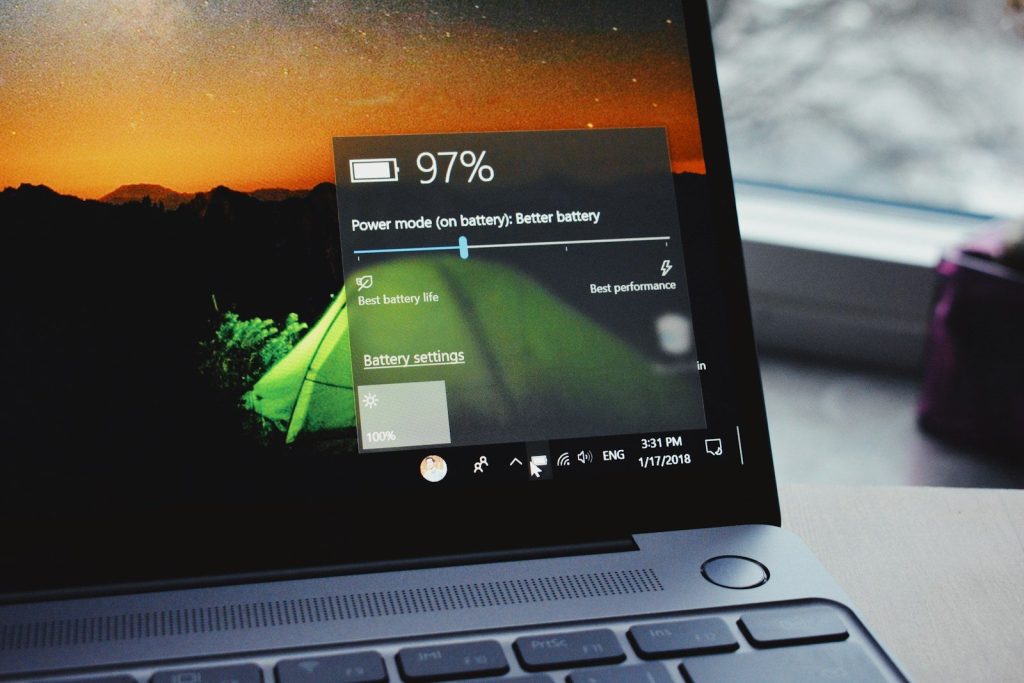
    A cheap laptop is not very useful if it always needs a charger nearby. That is why battery life has become a bigger part of the value story.

    Qualcomm promotes Snapdragon X Series laptops around long battery life, while Intel also highlights real-world battery efficiency in its Core Ultra systems. If these gains reach lower prices, budget laptops could become much easier to live with.

    Arm laptops add pressure

    man in gray long sleeve shirt using Windows 11 computer
    Photo by Windows on Unsplash

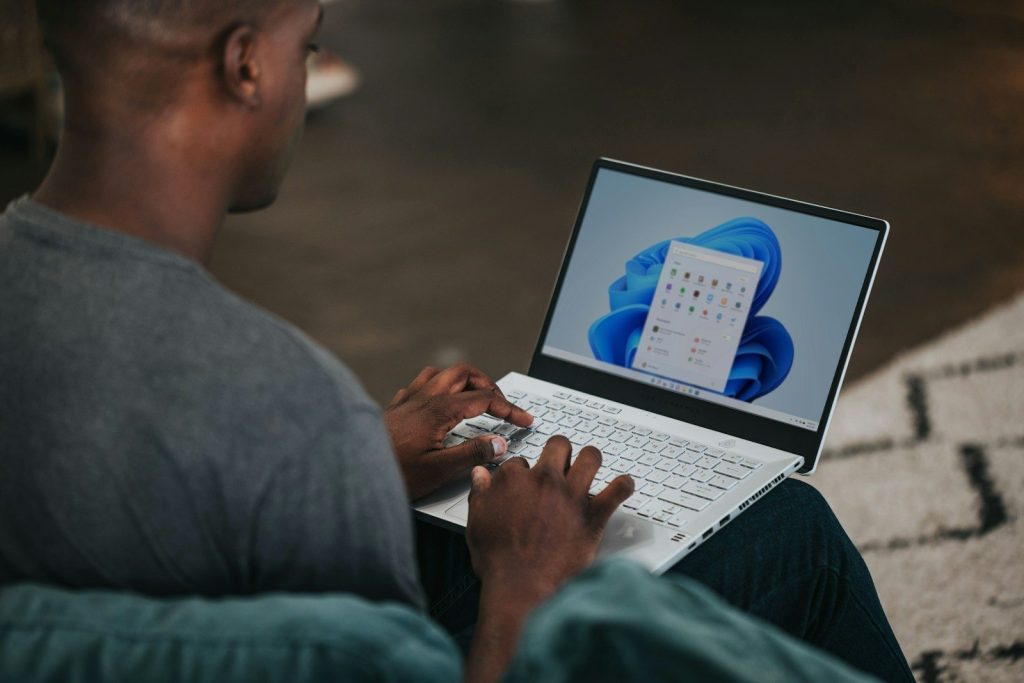
    Windows on Arm laptops are helping push the market in a new direction. They focus on long battery life, quiet designs, and efficient performance for everyday tasks.

    App compatibility has also improved. Microsoft says its Prism update helps Windows on Arm run more x86 apps and games on Windows 11 version 24H2 or later, which could make these laptops more practical for more buyers.

    Displays may get better

    a laptop computer sitting on top of a wooden desk
    Photo by Ricardo Resende on Unsplash

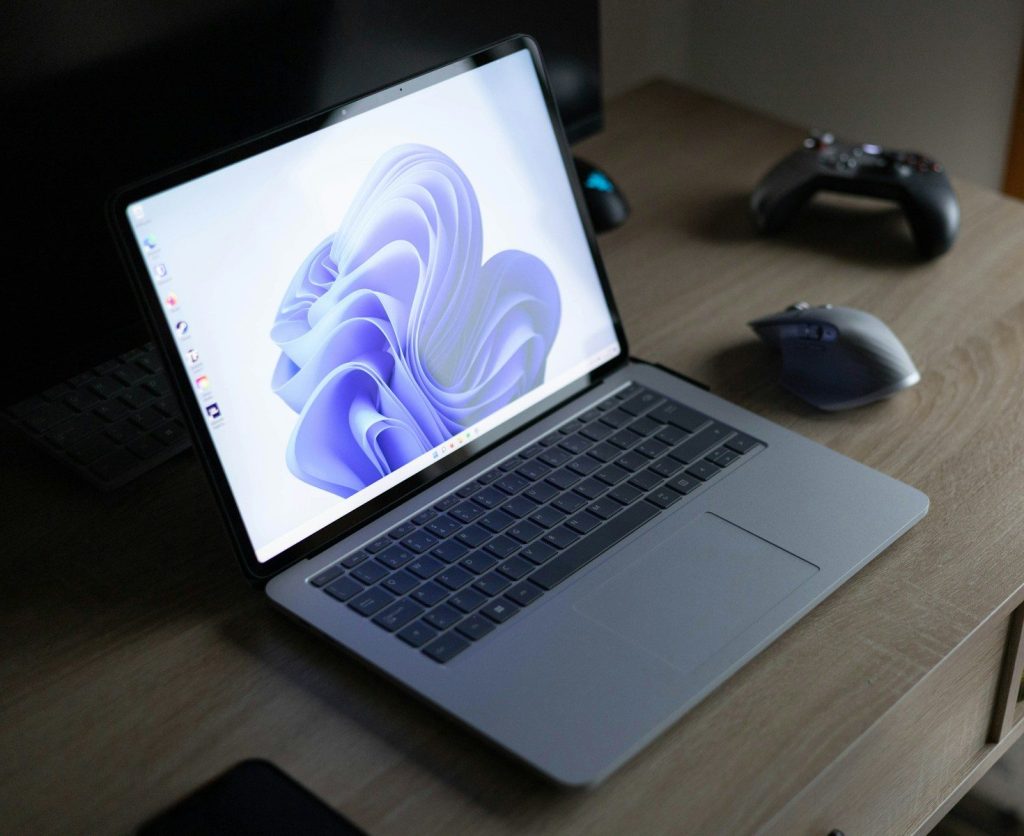
    Cheap laptops have often used dull screens with weak brightness or poor color. That can make even simple work feel less comfortable, especially in bright rooms.

    As competition grows, display quality may become a bigger selling point at lower prices. A sharper, brighter screen can make schoolwork, video calls, streaming, and web browsing feel much better without changing the whole laptop design.

    Memory is the new line

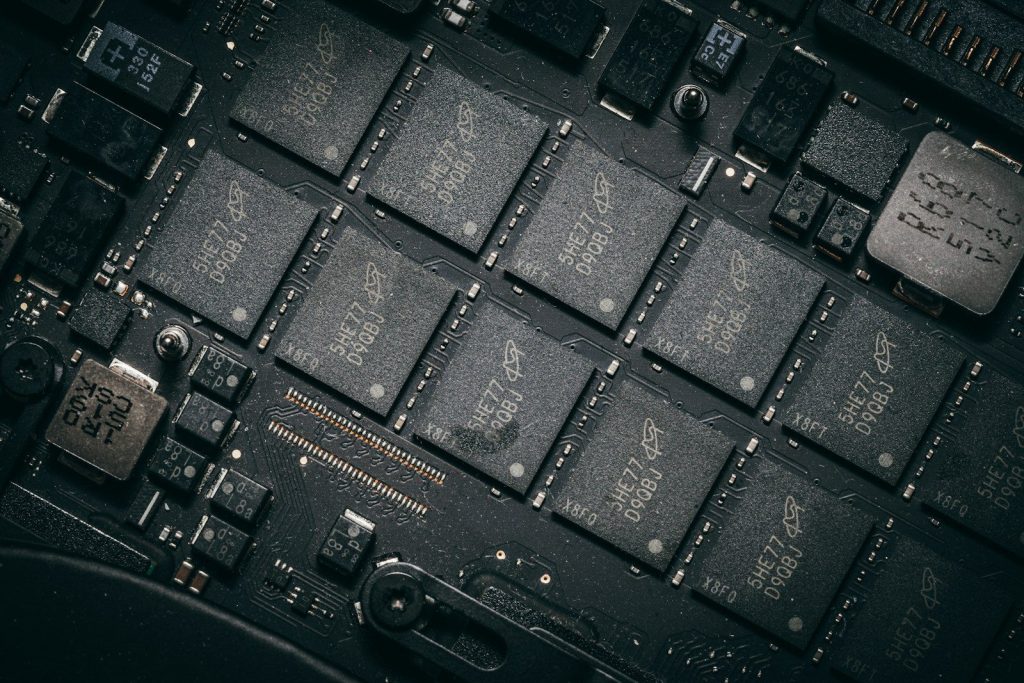
    SODIMM RAM stick
    Photo by Possessed Photography on Unsplash

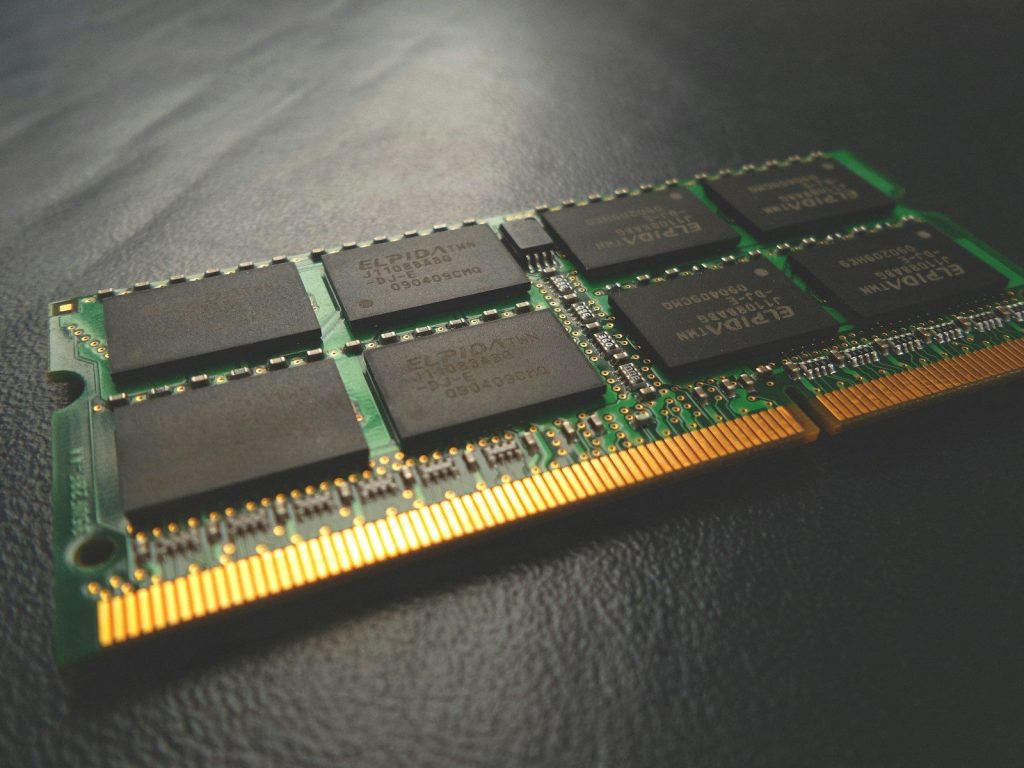
    Price still matters, but memory is becoming harder to ignore. Microsoft’s Copilot+ PC requirements point to newer hardware standards, and many AI-focused PCs now lean on stronger memory and storage setups.

    That could help buyers avoid the weakest budget models. A cheaper laptop with enough RAM and a solid-state drive can feel much more useful than one that only wins on sticker price.

    Competition helps shoppers

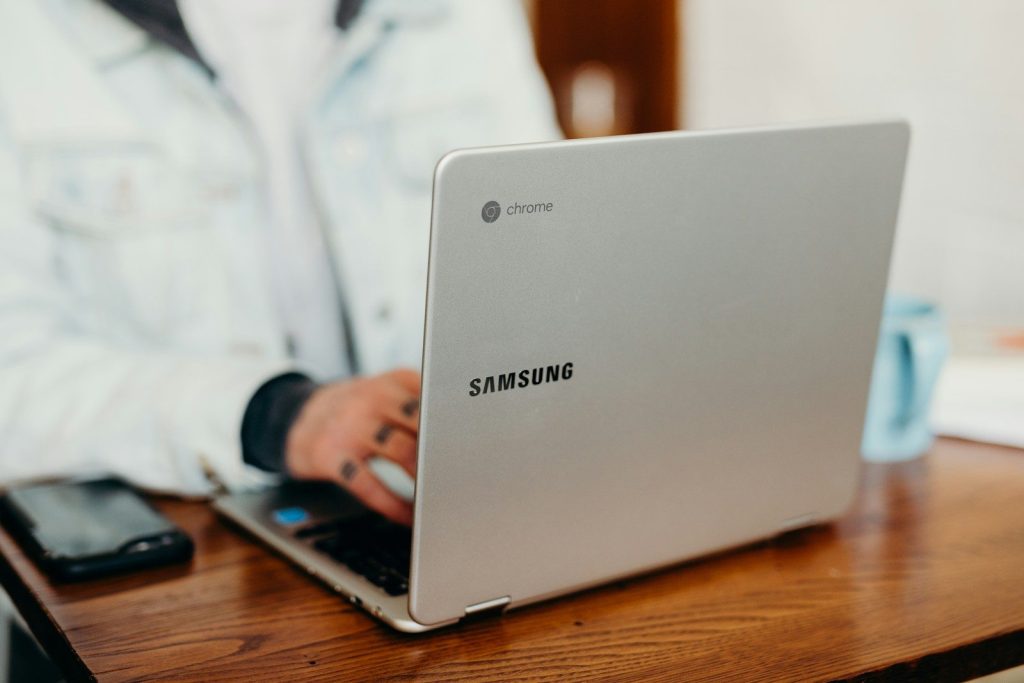
    shallow focus photography of person using gray Samsung laptop
    Photo by Brooke Cagle on Unsplash

    The budget Windows laptop space is getting pressure from many sides. Chromebooks, tablets, used premium laptops, and affordable MacBooks all make buyers more careful.

    That pressure can be good for shoppers. Windows laptop makers may need to offer better keyboards, longer battery life, sharper screens, and stronger processors at prices that still feel reachable for families, students, and everyday users.

    Cheap may feel capable

    turned on Acer laptop on table near cup
    Photo by Anete Lūsiņa on Unsplash

    The most interesting shift is not that every cheap laptop will become great. It is that more low-cost Windows laptops may finally feel good enough for real daily use.

    For buyers, the key will be looking past the lowest price. A budget laptop with a modern chip, enough memory, solid battery life, and a decent screen could feel far more useful than older bargain models.

  • How Ask YouTube could change video search

    How Ask YouTube could change video search

    Searching YouTube has always been a little hit-or-miss. You type a few words, scroll past thumbnails, open a video, skip around, and hope the answer is somewhere inside. Ask YouTube could make that process feel more like asking a real question. Google says the feature can answer complex questions using YouTube content and web information, while also helping people explore topics more deeply. It is currently tied to YouTube’s wider push into conversational AI and was announced as part of Google I/O 2026 updates.

    Instead of only showing a list of videos, Ask YouTube may give viewers written answers, suggested videos, and useful follow-up questions. That could change how people learn, compare, and discover videos.

    Search may feel more natural

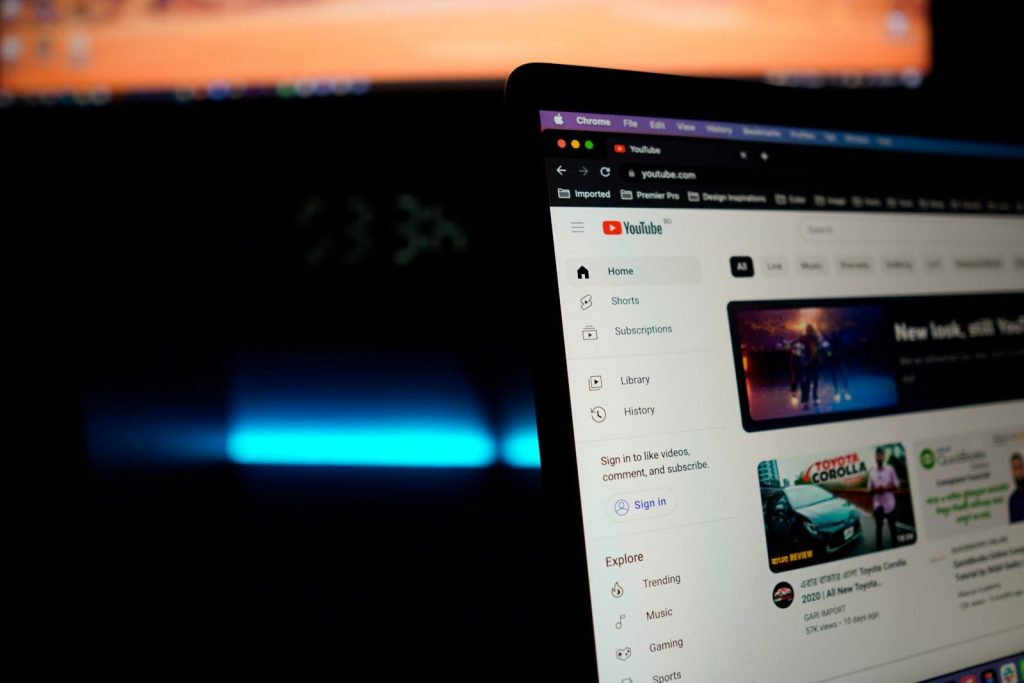
    Youtube application screengrab
    Photo by Christian Wiediger on Unsplash

    Most people do not think in perfect keywords. They ask things like, “What camera should a beginner use?” or “How do I fix this setting?” Ask YouTube is built for that kind of natural question.

    That could make video search easier for people who are not sure what terms to type. Instead of guessing the right keywords, users may be able to explain what they need in plain language and get a more helpful starting point.

    Answers could come faster

    graphical user interface
    Photo by Rashidul Islam on Unsplash

    Traditional video search often makes viewers do the hard work. You open a video, scan the timeline, read comments, and jump around until the answer appears. That can take longer than expected.

    Ask YouTube may shorten that process by giving a written answer first, then pointing to related videos. Reports say the tool can also show video results that open near the most useful part, which could save viewers time.

    Videos may get better context

    black headphones on MacBook Pro
    Photo by whereslugo on Unsplash

    A video title or thumbnail does not always explain what is inside. Sometimes a helpful answer is buried in the middle of a long video. Ask YouTube could make that hidden value easier to find.

    This matters for tutorials, reviews, explainers, and learning videos. A viewer may not need the whole video at first. They may only need the right section, a quick summary, or a better idea of whether the video is worth watching.

    Follow-up questions may matter

    Youtube logo displayed on a keyboard.
    Photo by Zulfugar Karimov on Unsplash

    One big change is the idea of continuing the search as a conversation. Instead of starting over with a new search, viewers may ask a follow-up question and keep moving through the topic.

    That could be helpful for learning something step by step. A person researching a school topic, home project, recipe, or tech problem could start broad, then narrow the search without losing the thread.

    Shorts could be easier to find

    Youtube logo on a black background
    Photo by Zulfugar Karimov on Unsplash

    YouTube is no longer just long videos. Shorts are a huge part of the platform, but they can be harder to search when someone wants a clear answer. Ask YouTube may help connect quick clips with longer videos.

    Google’s YouTube update says conversational search can help users find videos, while other AI tools are also being added around Shorts and creation. That means search and short-form discovery may become more connected.

    Viewers may need to verify

    Close-up of hands using a smartphone to watch YouTube outdoors, showcasing digital connectivity.
    Photo by Viralyft on Pexels

    AI answers can be useful, but they are not perfect. Search results can still miss context, and summaries can sometimes be incomplete or wrong. Viewers should still check the video source, creator, date, and details.

    That is especially important for topics where accuracy matters. Ask YouTube may make searching faster, but smart viewers will still compare sources and watch enough of a video to understand the full point.

    Creators may rethink titles

    selective focus photography of person using tablet computer
    Photo by CardMapr.nl on Unsplash

    If Ask YouTube becomes widely used, creators may think beyond catchy titles and thumbnails. Clear chapters, accurate descriptions, and well-structured videos could become even more important.

    A video that explains its topic clearly may be easier for AI search tools to understand and recommend. That could reward creators who organize their content well and answer viewer questions directly.

  • Why game controllers are being redesigned for the cloud

    Why game controllers are being redesigned for the cloud

    Game controllers used to be built mostly for one place: the couch in front of a console. Cloud gaming is changing that idea fast. Now players may start a game on a TV, continue on a phone, and later pick it back up on a laptop. That shift is pushing controller makers to think beyond the old living room setup.

    The biggest challenge is feel. Cloud games run on remote servers, so every button press has to travel through a network before the game reacts. That makes latency, comfort, phone support, battery life, and quick pairing much more important. Xbox says cloud gaming works across phones, PCs, consoles, and supported devices, while Amazon’s Luna Controller uses Cloud Direct to connect through Amazon’s game servers and reduce latency on supported devices.

    Speed matters more now

    two white controllers
    Photo by Kamil Switalski on Unsplash

    Cloud gaming depends on fast response. When a player presses a button, that command must reach a remote server, then the game video must stream back.

    That extra path makes controller delay easier to notice. This is why newer cloud-focused designs often try to reduce lag through wired USB-C, direct wireless links, or better connection options.

    Phones changed the shape

    Hands holding smartphone with game controller attachment
    Photo by Daniel Romero on Unsplash

    Many cloud games are now played on phones, not just TVs. That has pushed controllers to wrap around mobile screens or hold phones more securely.

    This design makes a phone feel closer to a handheld console. Backbone’s Xbox Edition controller, for example, is built for USB-C phones and supports cloud gaming, mobile games, and remote play.

    Direct links reduce delay

    a close up of a laptop on a table
    Photo by dlxmedia.hu on Unsplash

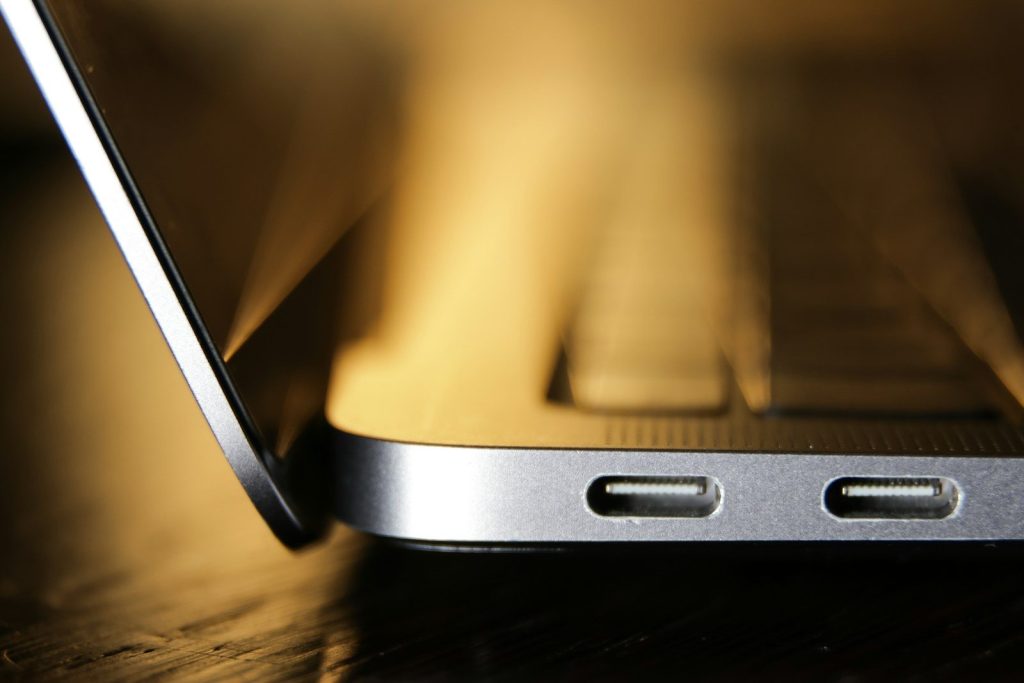
    Bluetooth is convenient, but cloud gaming makes every small delay feel more important. Some newer controllers use direct USB-C or cloud-focused connections to make input feel quicker.

    Razer says its Kishi V2 uses a direct USB-C or Lightning connection to reduce input latency during gaming. Amazon also says Luna Controller’s Cloud Direct connection can reduce latency on supported devices.

    Pairing needs to be easier

    a person holding a video game controller in their hands
    Photo by Daniel Romero on Unsplash

    A cloud player may switch between a phone, tablet, laptop, smart TV, or console. That means controllers need to connect faster and remember more devices.

    The old one-device setup feels less useful now. A better cloud controller should help players move from screen to screen without a long setup each time.

    Comfort still matters

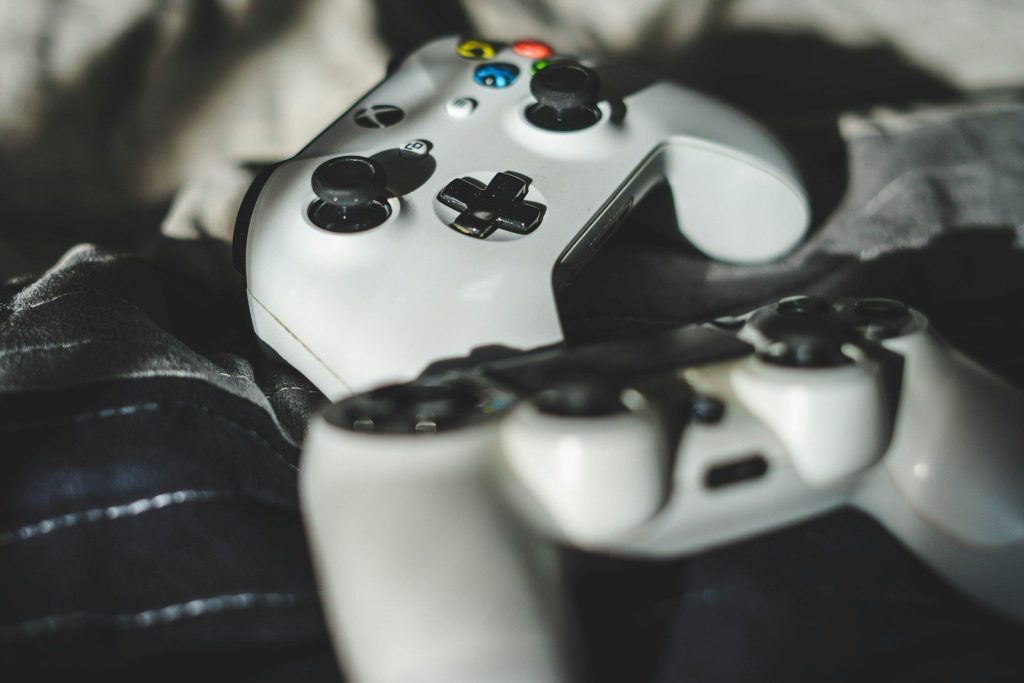
    person holding white and black xbox one game controller
    Photo by Habib Dadkhah on Unsplash

    Cloud gaming may be portable, but long play sessions still need comfortable controls. Small buttons, cramped grips, or awkward phone weight can make a controller tiring to hold.

    That is why many mobile controllers are shaped more like full-size console controllers. The goal is to keep the portable design while making the grip feel stable and familiar.

    Battery life is a bigger deal

    a blue controller sitting on top of a pile of rocks
    Photo by Nick Nice on Unsplash

    A cloud controller may be used in more places than a living room. Players might use it on a commute, during travel, or in different rooms at home.

    That makes battery life and charging design more important. Pass-through charging is also useful because it can help keep the phone powered while the controller is attached.

    Touch controls need backup

    man playing using VR headset
    Photo by David Dvořáček on Unsplash

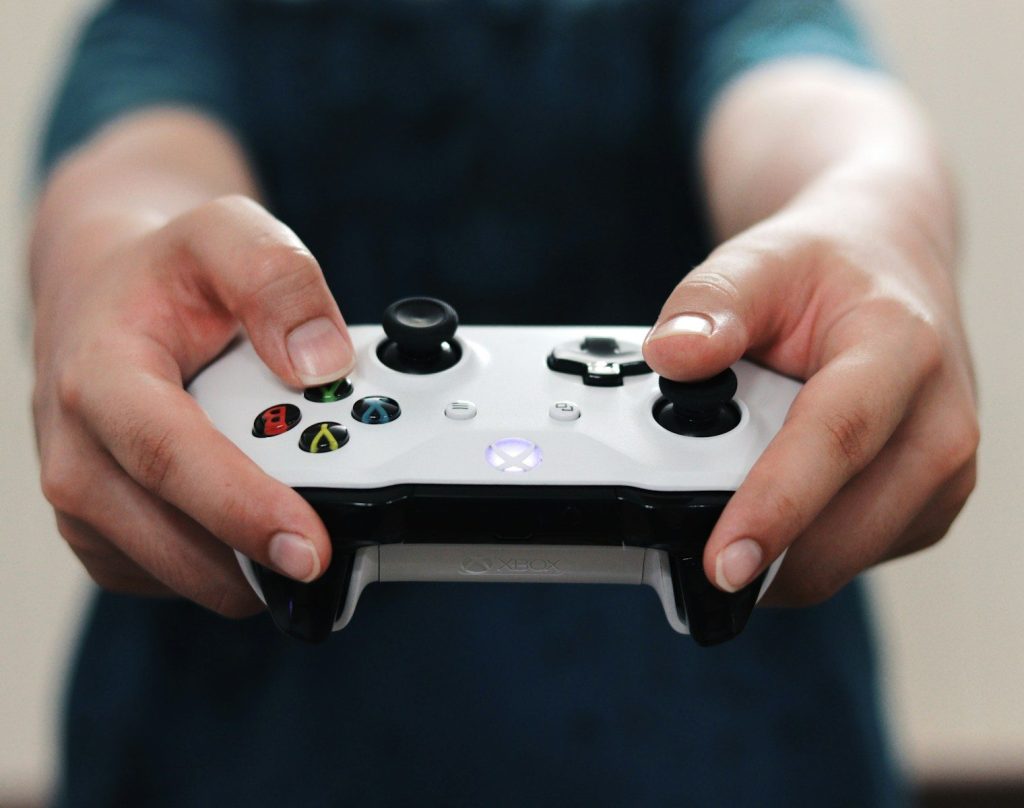
    Some cloud games support touch controls, which can be helpful when a controller is not nearby. Xbox says supported games can be played with touch controls, along with controllers such as Xbox Wireless Controller and Sony DualShock 4.

    Still, many players prefer physical buttons for better control. Triggers, sticks, and buttons can make action, racing, sports, and adventure games feel more natural.

    Wi-Fi designs are emerging

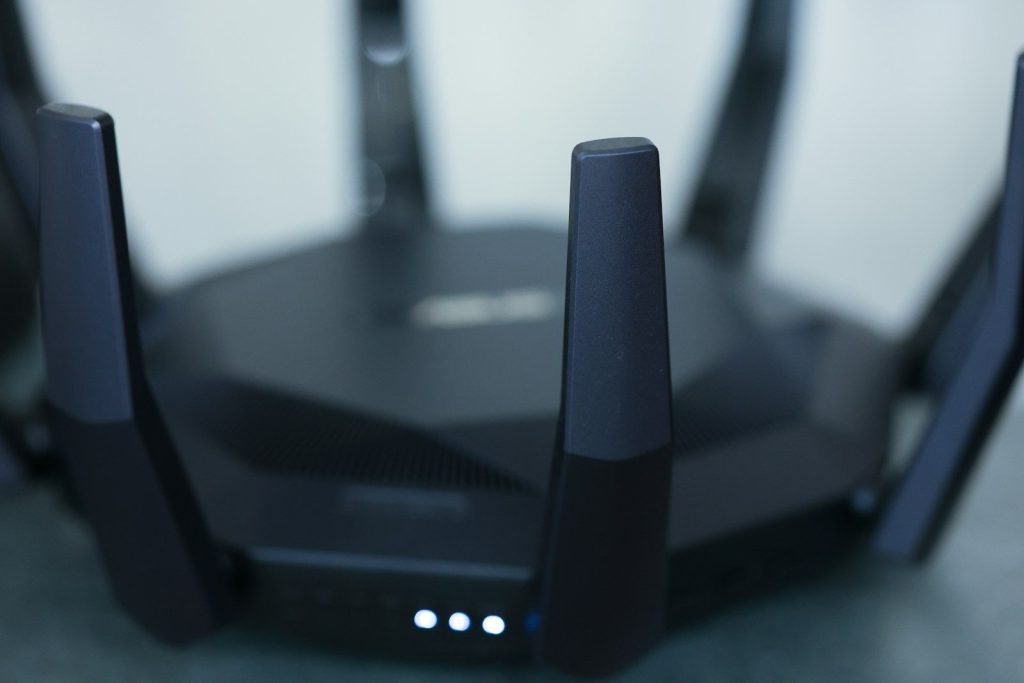
    A close-up of a wireless router.
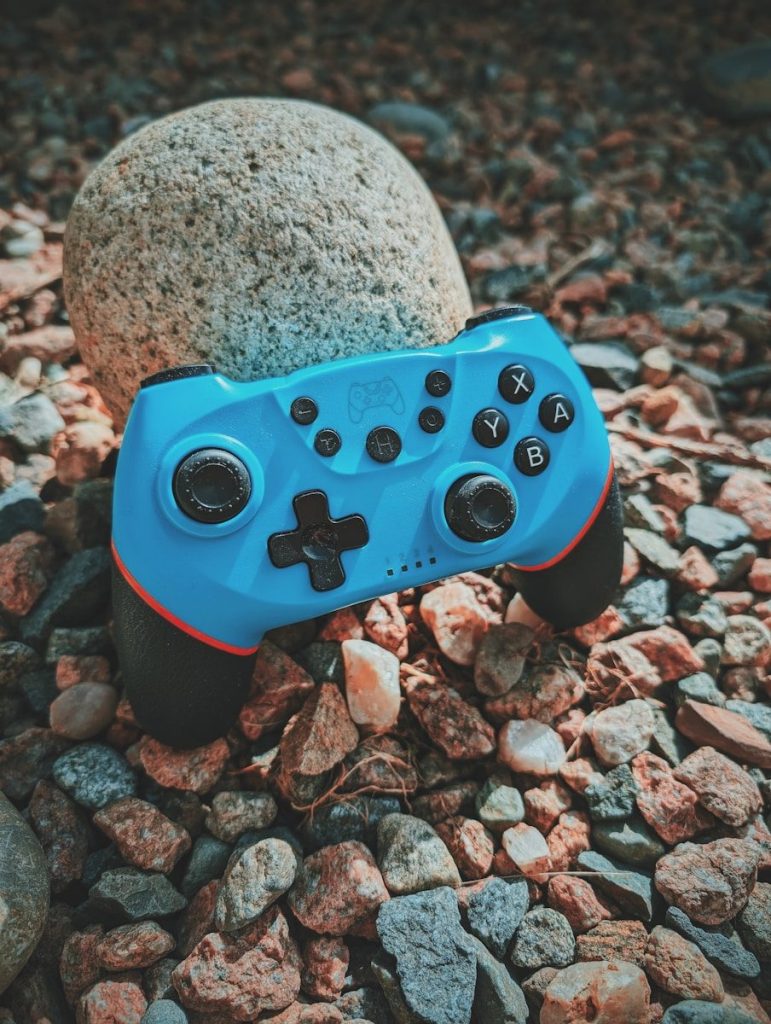
    Photo by dlxmedia.hu on Unsplash

    Some cloud-focused controller ideas now look beyond standard Bluetooth. Recent reports about an unannounced Xbox cloud controller describe built-in Wi-Fi and a compact design aimed at cloud play.

    Those reports are still based on leaks, not a final official launch. But they show where controller design may be heading: faster cloud connections, lighter bodies, and easier switching between local and cloud modes.

    Compatibility is now central

    Couple playing video games on sofa
    Photo by Vitaly Gariev on Unsplash

    A good cloud controller needs to work with the services and screens people actually use. That includes phones, PCs, tablets, smart TVs, and supported streaming devices.

    Xbox lists tested and verified controllers for cloud gaming, and it also recommends keeping controller firmware updated for better performance. That makes compatibility checks more important before choosing a setup.

    The controller is becoming portable

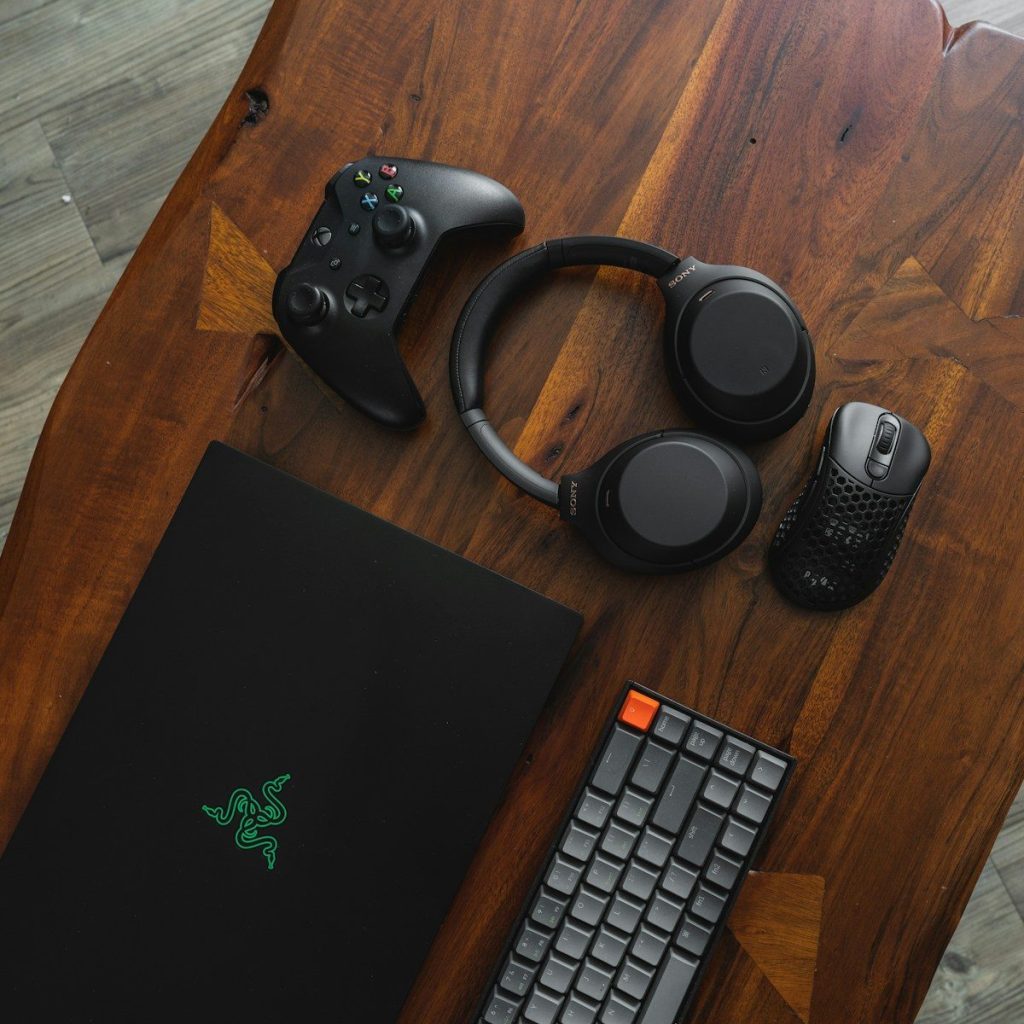
    black laptop computer beside black and silver headphones
    Photo by Sam Pak on Unsplash

    Cloud gaming is turning the controller into a travel-friendly tool, not just a console accessory. It has to be light, quick to connect, and comfortable across different screens.

    That is why controller redesigns matter. The best cloud-ready designs are not only about butto

  • Why gaming accessories are becoming a bigger business

    Why gaming accessories are becoming a bigger business

    Gaming accessories used to feel like extras. A second controller, a basic headset, or a charging cable was nice to have, but not always seen as part of the main setup. That has changed fast. More players now want gear that makes games feel smoother, more social, more comfortable, and easier to fit into daily life.

    The audience is also huge. The Entertainment Software Association said 205.1 million Americans ages 5 to 90 regularly played video games in its 2025 report, with an average player age of 36. That broad audience creates room for many kinds of accessories, from family-friendly controllers to premium headsets and adaptive devices.

    Players want better control

    black laptop computer beside black and silver headphones
    Photo by Sam Pak on Unsplash

    A controller is no longer just a simple plastic pad. Many players now care about comfort, button feel, battery life, grip, and extra features that help games feel more responsive.

    That demand makes controllers a major part of the accessory business. Some players buy extra controllers for family play, while others choose advanced models for quicker inputs or more custom settings. The more personal gaming becomes, the more important the controller feels.

    Headsets became everyday gear

    a pair of headphones sitting on top of a stand
    Photo by Barry A on Unsplash

    Online gaming made headsets feel almost as important as the game itself. Players use them to hear small in-game sounds, talk with friends, and keep the TV volume lower at home.

    This helped turn audio gear into a steady business. A good headset can make a game feel more immersive, but it can also make group play easier. For many players, clear sound and a comfortable fit are now basic parts of the setup.

    Comfort is a selling point

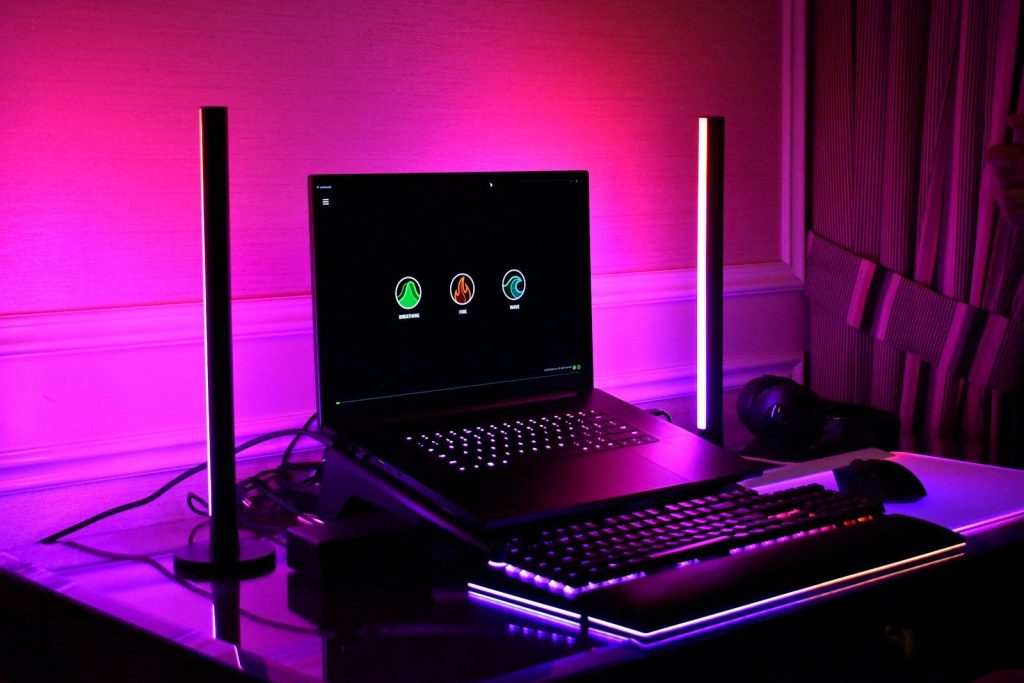
    Gaming setup with laptop, keyboard, and rgb lighting.
    Photo by Gavin Phillips on Unsplash

    Longer play sessions have made comfort a bigger deal. Players may look for thumb grips, controller stands, cooling gear, headset cushions, or chairs that make gaming feel easier on the body.

    Accessory makers benefit because comfort needs are personal. One player may want a lighter controller, while another may need a better headset fit. These small upgrades can feel meaningful, especially for people who play often.

    Custom setups feel personal

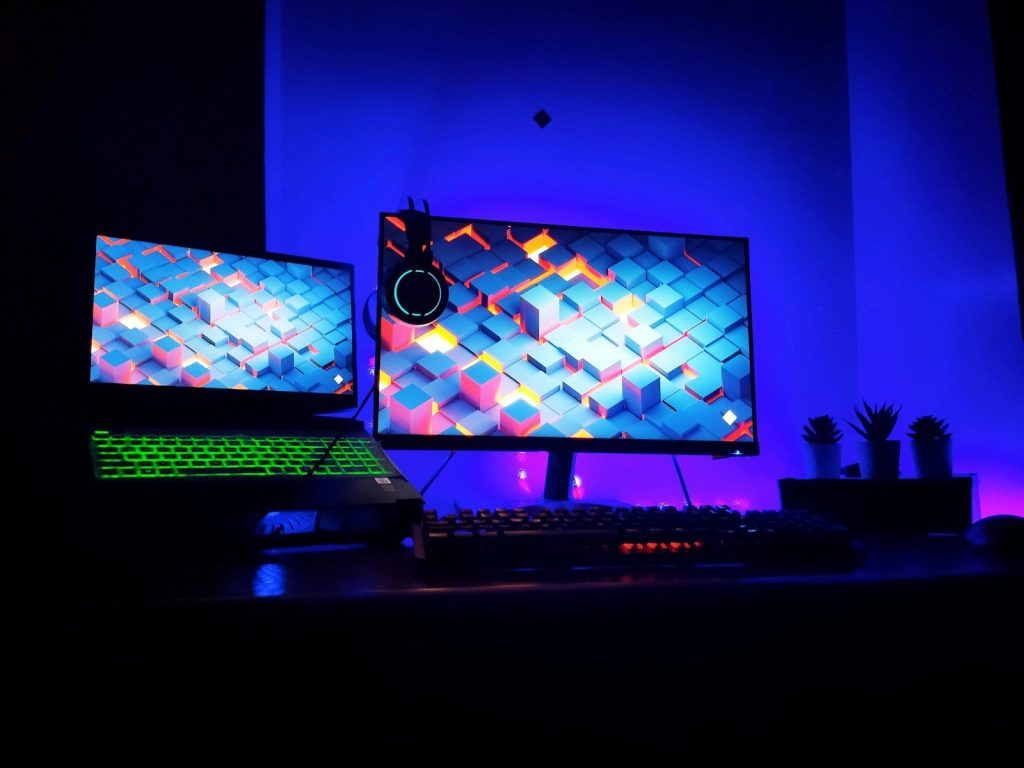
    two computer monitors sitting on top of a desk
    Photo by amjed omaf on Unsplash

    Gaming has become part hobby, part self-expression. Many players like setups that match their style, from colorful controllers to themed cases, lights, stands, and desk gear.

    That makes accessories more than tools. They help players build a space that feels like their own. This is one reason the market keeps widening, because people are not only buying for performance. They are buying for identity, convenience, and fun.

    Portable gaming adds demand

    Two handheld gaming consoles side by side.
    Photo by Amanz on Unsplash

    Portable and hybrid gaming has created a bigger need for cases, chargers, screen protectors, docks, grips, and storage. When a device leaves the living room, accessories become more practical.

    Circana reported that U.S. video game accessories spending grew 5% year over year to $252 million in March 2026, and cases and organizers jumped sharply compared with March 2025. That shows how portable habits can lift smaller add-on categories.

    Accessibility is expanding the market

    a video game console sitting next to a neon sign
    Photo by Roberto Vincenzo Minasi on Unsplash

    Gaming accessories are also helping more people play in ways that fit their needs. Microsoft says the Xbox Adaptive Controller is designed mainly for gamers with limited mobility, while Sony’s Access controller for PS5 is built as a customizable adaptive controller kit.

    This matters for business and for players. Accessibility gear can open gaming to people who may not be comfortable with standard controllers. It also pushes the whole industry toward more flexible design.

    Brands see steady growth

    Nintendo kyoto store interior with merchandise displays
    Photo by Perry Merrity II on Unsplash

    Big accessory companies are treating gaming gear as a serious growth area. Reuters reported in May 2026 that Logitech’s gaming product sales rose 12%, helped by new launches, as the company posted stronger-than-expected quarterly results.

    That kind of growth explains why brands keep releasing new headsets, keyboards, controllers, and streaming gear. Accessories can refresh a player’s setup without requiring a whole new console, which makes them attractive during long console cycles.

    The market keeps getting bigger

    Micro Center in Mayfield Heights, Ohio” by Nicholas Eckhart is licensed under CC BY-NC-SA 2.0

    Market researchers expect gaming accessories to keep growing as players spend more on comfort, audio, control, and personalization. Fortune Business Insights valued the global gaming accessories market at $11.49 billion in 2025 and projected it to reach $26.17 billion by 2034.

    That growth comes from a simple shift. Accessories are no longer just add-ons at checkout. For many players, they are part of the full gaming experience, shaping how games sound, feel, travel, and connect people.

  • Why fireflies glow like tiny lanterns

    Why fireflies glow like tiny lanterns

    Fireflies can make an ordinary summer night feel magical. One moment the yard is dark, and the next, tiny flashes blink over the grass like floating lanterns. But that glow is not random, and it is not just for show. Fireflies create light through a natural chemical reaction inside special organs in their abdomens.

    Scientists call this bioluminescence. It involves luciferin, luciferase, oxygen, and ATP, the same energy-carrying molecule cells use for work. Fireflies also use their flashes to send signals, attract mates, and sometimes warn predators. Their glow is beautiful, but it also plays a real role in survival. Researchers and conservation groups also warn that habitat loss, pesticides, and artificial light can make life harder for these glowing insects.

    Their glow is chemistry

    man in black shirt standing on green grass field during daytime
    Photo by Jerry Zhang on Unsplash

    A firefly’s light starts with a chemical called luciferin. Inside the firefly’s light organ, luciferin reacts with oxygen, ATP, and an enzyme called luciferase.

    That reaction releases energy as visible light instead of strong heat. This is why fireflies can glow without burning themselves. It is one of nature’s most famous examples of bioluminescence.

    It happens in the abdomen

    insect, nature, yard, firefly, coleoptera, elateriformia, firefly, firefly, firefly, firefly, firefly
    Photo by FranciscoJavierCoradoR on Pixabay

    The glow usually comes from special light organs near the firefly’s abdomen. These organs are built to control the light-producing reaction in a careful way.

    Fireflies are not glowing from their whole bodies. They are using a small, specialized area that works like a built-in signal lamp. That tiny body part creates the bright flashes people notice at night.

    Oxygen helps control flashes

    green grass field during sunset
    Photo by Rajesh Rajput on Unsplash

    Fireflies can switch their lights on and off by controlling oxygen flow to their light organs. More oxygen helps the reaction glow. Less oxygen slows or stops it.

    That control is what makes flashing possible. Instead of shining nonstop like a bulb, many fireflies blink in short patterns. Those patterns can carry useful messages in the dark.

    The light stays cool

    Abstract background with bright glowing garland on coniferous tree in dark night room
    Photo by Tomáš Malík on Pexels

    A regular light bulb can waste energy as heat. Firefly light is different because most of the energy becomes light, not warmth.

    That is why people often call it “cold light.” The glow looks bright, but it does not feel hot like a tiny flame. It is a smart natural system that works safely inside a small insect.

    Flashes help them communicate

    selective focus photography of plants
    Photo by Sabine Berzina on Unsplash

    Fireflies use light to find and recognize each other. In many species, males flash while flying, and females answer from grass, leaves, or low plants.

    Each species can have its own timing and pattern. That helps the right fireflies connect in the same area without every flash meaning the same thing.

    Larvae can glow too

    Close-up of a red and black beetle on grass in a moody summer garden setting.
    Photo by Wyxina Tresse on Pexels

    Adult fireflies get most of the attention, but young fireflies can glow as well. Firefly larvae are often called glowworms, and their light can serve a different purpose.

    Scientists believe larval glow may warn predators that they are not a good snack. In other words, the light can act like a tiny “leave me alone” sign.

    Colors can vary

    A mesmerizing close-up of a glowing firefly against a vibrant sunset background.
    Photo by Marek Piwnicki on Pexels

    Not every firefly glow looks exactly the same. Depending on the species and chemical details, firefly light can appear yellow, green, or orange.

    Those color differences are part of what makes fireflies so interesting. To us, the flashes may all look like summer sparkle. To fireflies, the exact color and timing can help carry important signals.

    Darkness makes signals clearer

    A mystical forest scene with ferns illuminated by glowing fireflies at dusk. Captivating and serene.
    Photo by Danila Popov on Pexels

    Fireflies depend on dark spaces to make their flashes easy to see. Streetlights, porch lights, and bright outdoor lighting can make those signals harder to notice.

    That does not mean people must live in total darkness. Simple steps like turning off extra lights, closing blinds, or using softer outdoor lighting can help fireflies communicate more easily.

    Habitats matter a lot

    a close up of a bug on a leaf
    Photo by Josie Weiss on Unsplash

    Fireflies often do best in damp, leafy, grassy places where they can find food, shelter, and safe spots to rest. Yards that are too tidy may offer fewer hiding places.

    Leaving some leaf litter, reducing pesticide use, and protecting moist areas can make outdoor spaces friendlier for them. Small choices can help these insects keep lighting up summer nights.

    Their glow is survival

    A night time view of the city lights and trees
    Photo by Amit Pritam on Unsplash

    Fireflies may look like tiny decorations, but their glow is practical. It helps them signal, survive, and continue their life cycle in the right habitat.

    That is what makes the glow so special. It is not just pretty light in the dark. It is chemistry, communication, protection, and nature’s design all blinking together in one small lantern.

  • How geckos climb walls without glue

    How geckos climb walls without glue

    Geckos make wall climbing look effortless, but they are not using glue, suction cups, or sticky slime. Their secret is built into the bottoms of their toes. Each toe has many tiny hair-like structures called setae, and those split into even smaller tips called spatulae.

    These tips get extremely close to the surface, close enough for weak molecular attractions called van der Waals forces to help the gecko hold on. Scientists have studied this system for years because it is strong, reusable, and surprisingly clean. It also helps explain why geckos can climb smooth glass, hang from ceilings, and let go again without getting stuck.

    Their feet are not sticky

    an orange and white gecko sitting on a wall
    Photo by Dennis Schmidt on Unsplash

    A gecko’s feet may look sticky, but they do not work like tape or glue. The animal does not leave behind a wet trail or a sticky coating as it climbs.

    Instead, its toes are covered with dry structures that grip through close contact. That is why geckos can climb many smooth surfaces without making a mess or needing fresh adhesive.

    Tiny hairs do the work

    a small lizard is peeking out from behind a wall
    Photo by Pierre Bamin on Unsplash

    The bottom of a gecko’s toe is covered with rows of very small hairs called setae. These hairs are far too small to notice without special tools.

    Each seta helps spread the gecko’s grip across many contact points. One tiny hair is not enough by itself, but millions working together can support the animal’s weight while it moves.

    The tips are even smaller

    a lizard is climbing up the side of a wall
    Photo by Garv Chaplot on Unsplash

    Setae are impressive, but the real magic happens at their tips. Each hair can branch into many smaller ends called spatulae, which look a little like tiny flat pads.

    These tiny tips help the foot touch more of the wall. More contact means more attraction between the gecko’s foot and the surface, giving it a stronger hold.

    Molecules help them hang on

    brown lizard on brown tree trunk during daytime
    Photo by Sérgio João Carvalho da Silva on Unsplash

    Geckos use weak attractions between molecules called van der Waals forces. These forces are tiny on their own, but they become useful when many small contact points work together.

    The spatulae must get very close to the wall for this to happen. When they do, the gecko can grip glass, walls, and even ceilings with surprising strength.

    They can let go fast

    a green gecko climbing up the side of a building
    Photo by Carter J on Unsplash

    A gecko’s grip is strong, but it is not permanent. The animal can release its toes quickly by changing the angle of the tiny hairs on its feet.

    This peel-away action helps it run, turn, and climb without getting trapped. It is more like carefully lifting tape from one edge than yanking a stuck shoe from the floor.

    It is not suction

    A gecko clings to a rough, red brick wall.
    Photo by Svenja Wagenseil on Unsplash

    People sometimes think geckos climb because their feet act like suction cups. Scientists have found that explanation does not fit, especially because gecko feet can still work on very smooth surfaces.

    Suction also would not explain the way each tiny foot hair grips. The better answer is dry contact plus many tiny molecular attractions working at the same time.

    Clean feet help them climb

    Moorish Gecko; Mgarr, Gozo” by foxypar4 is licensed under CC BY 2.0

    A gecko’s foot system is useful because it can be used again and again. It does not depend on a layer of glue that runs out or picks up dirt easily.

    Scientists have studied how this kind of dry grip can stay effective through repeated use. That idea has helped inspire new materials and climbing tools based on gecko feet.

    Surface contact is everything

    gecko, leopard gecko, climb, wall, reptile, leopard gecko, leopard gecko, leopard gecko, leopard gecko, leopard gecko
    Photo by torstensimon on Pixabay

    A gecko does not need deep cracks or rough bark to climb. Its tiny foot tips can press close to smooth surfaces, which is why glass is not a big problem.

    Still, the grip depends on contact. If the surface or the foot cannot get close enough, the forces become weaker and climbing can be harder.

    Scientists copied the idea

    Leopard gecko exploring its habitat, showcasing distinctive spotted pattern.
    Photo by Natasha Latinovska on Pexels

    Gecko feet have inspired research into reusable dry adhesives. Engineers like the idea because a gecko-style grip can attach without liquid glue and release without damage.

    This could help with robots, special gripping tools, and other designs that need controlled sticking. Nature solved the problem first, and scientists are still learning from it.

    The trick is tiny, not magic

    brown and white lizard on brown wood
    Photo by verdian chua on Unsplash

    Geckos climb walls because their feet turn small forces into a big effect. Millions of tiny contact points work together, giving them a strong grip without glue.

    That is what makes their movement so amazing. The gecko is not breaking the rules of nature. It is using physics at a scale too small for our eyes to see.

  • Why snowflakes almost never look exactly alike

    Why snowflakes almost never look exactly alike

    Snowflakes look simple when they land on your coat, but each one has a wild little history. A flake begins high in a cloud, where cold water vapor freezes around a tiny speck of dust or another small particle. From there, it grows while moving through changing layers of air.

    A slight shift in temperature, moisture, wind, or path can change how its branches form. That is why two flakes may look similar from far away but still differ up close. Scientists have found that simple ice crystals can sometimes match closely, but large, detailed snowflakes have so many possible growth patterns that exact twins are extremely unlikely.

    A flake starts very small

    trees and snowdrop
    Photo by Chandler Cruttenden on Unsplash

    A snowflake begins when a tiny cold water droplet freezes onto a small particle in the air. That first frozen bit becomes the seed for the ice crystal.

    As more water vapor freezes onto it, the crystal grows. It does not become fancy all at once. Its shape slowly builds as it floats, falls, and passes through changing cloud conditions.

    Water makes six-sided shapes

    white and blue balloons on bare tree
    Photo by Chandler Cruttenden on Unsplash

    Snowflakes often have six sides because of the way water molecules arrange themselves when they freeze. The molecules naturally form a hexagonal pattern inside ice.

    That hidden pattern is why many snowflakes share a basic six-sided look. Even when the outside shape gets fancy, the tiny structure inside still guides the design.

    Clouds keep changing conditions

    white clouds and blue sky during daytime
    Photo by Zbyněk Skrčený on Unsplash

    A snowflake does not grow in one steady place. It moves through cloud layers that can have different temperatures and moisture levels.

    Those small changes matter. One part of the flake may grow faster, another may slow down, and the whole crystal can take on a new style as the weather around it shifts.

    Tiny paths make big differences

    Macro shot of intricate snowflakes showcasing winter beauty in Lapeer, Michigan.
    Photo by Kristin Morgan on Pexels

    Two snowflakes can start near each other, but they do not follow the exact same path. Wind can lift one higher, push another sideways, or drop them through different air pockets.

    That makes each journey personal. Even a small difference in route can change how much moisture the crystal meets and how quickly its arms grow.

    Branches grow in steps

    red and orange round fruits on tree branch under blue sky during daytime
    Photo by Chelsey Faucher on Unsplash

    A snowflake’s arms do not appear fully formed. They grow bit by bit as water vapor freezes onto the edges of the crystal.

    If the air is moist enough, the arms can stretch into detailed branches. If conditions are drier, the shape may stay simpler and flatter. That step-by-step growth creates many possible designs.

    Some flakes are crystal clusters

    focused photo of a snow flake
    Photo by Aaron Burden on Unsplash

    Not every snowflake is just one neat ice crystal. Some are made of many ice crystals stuck together as they fall through the sky. UCAR notes that some elaborate snowflakes can include many crystals fused into one flake.

    That adds another layer of variety. A flake can change not only through growth, but also through bumps, joining, and tiny breaks along the way.

    Similar does not mean identical

    a close up view of a frosted window
    Photo by Darius Cotoi on Unsplash

    Some small, simple ice crystals can look nearly the same, especially if they form under very similar conditions. That is why the old saying needs a little care.

    But large, complex snowflakes are different. Caltech snowflake researcher Kenneth Libbrecht explains that the number of possible complex designs is staggeringly large.

    Temperature shapes the style

    Snowflake” by Gui Seiz is licensed under CC BY-SA 2.0

    Temperature helps decide whether a snow crystal becomes a plate, column, needle, or branching star. Different cold ranges encourage different crystal shapes.

    This is why one storm can produce many kinds of flakes. If a snowflake falls through several temperature zones, its shape can record that changing trip through the air.

    Moisture adds the detail

    Close-up view of detailed frost crystals on a leaf, capturing the beauty of winter's icy patterns.
    Photo by Choice on Pexels

    Moisture is another major part of the design. When the air has more water vapor, a snowflake has more material to build with.

    That extra vapor can help create longer arms and finer branches. In drier air, flakes may stay smaller or simpler. The final look depends on how much moisture the crystal meets.

    Nature rarely repeats the route

    white snow on black sand
    Photo by Mona Hamm on Unsplash

    A snowflake is shaped by its full journey, not just its starting point. Temperature, moisture, wind, height, timing, and tiny accidents all leave marks.

    That is why snowflakes almost never look exactly alike. Each one is like a frozen travel record, shaped by a path through the sky that no other flake follows in exactly the same way.