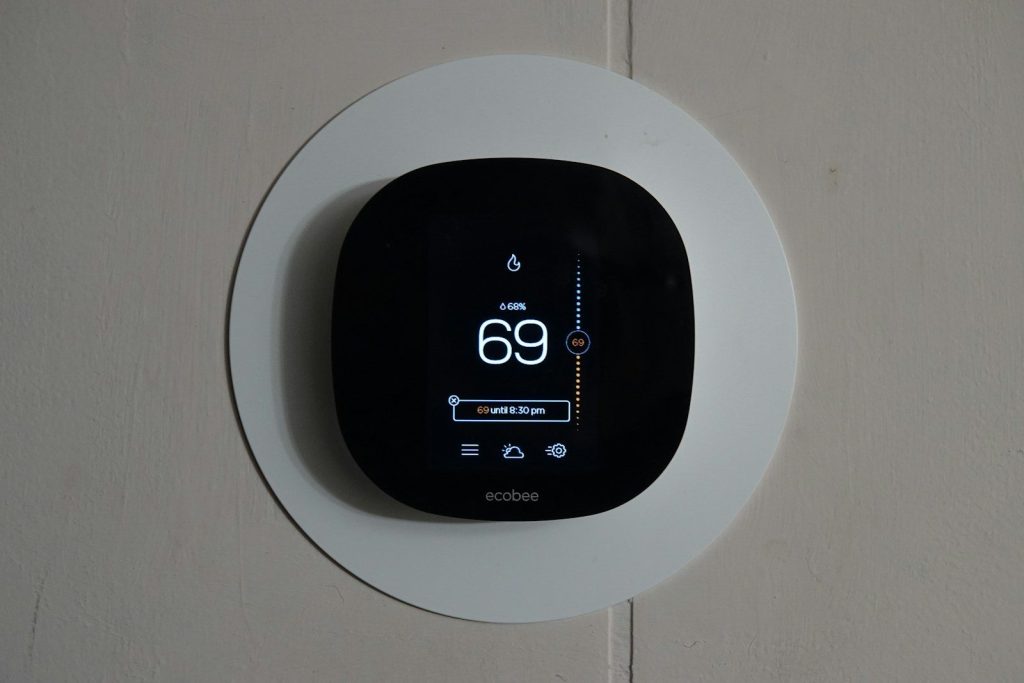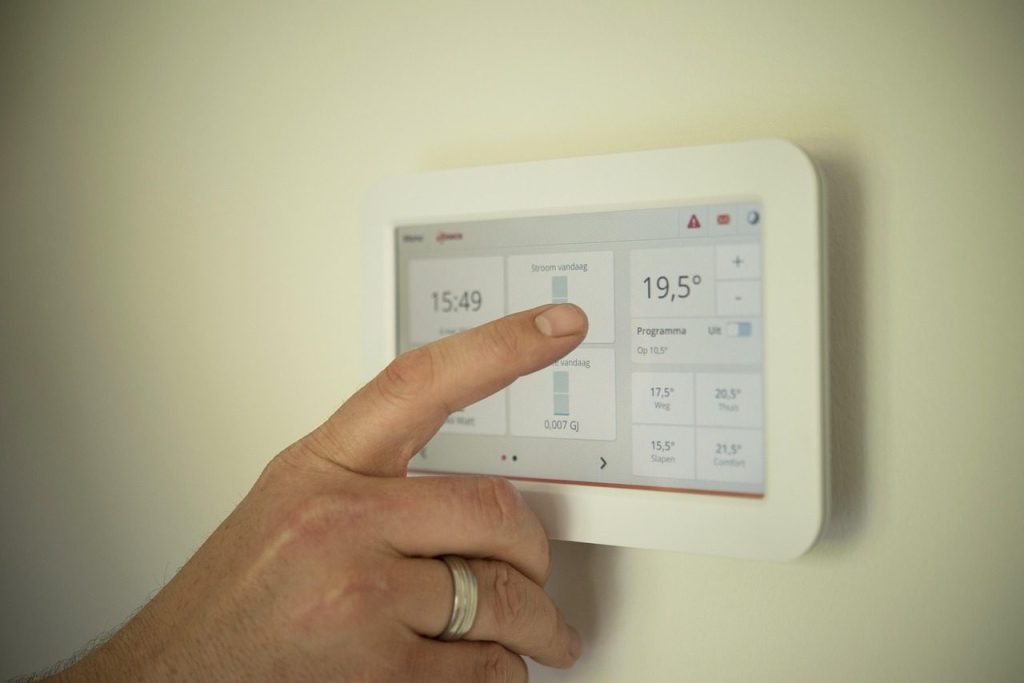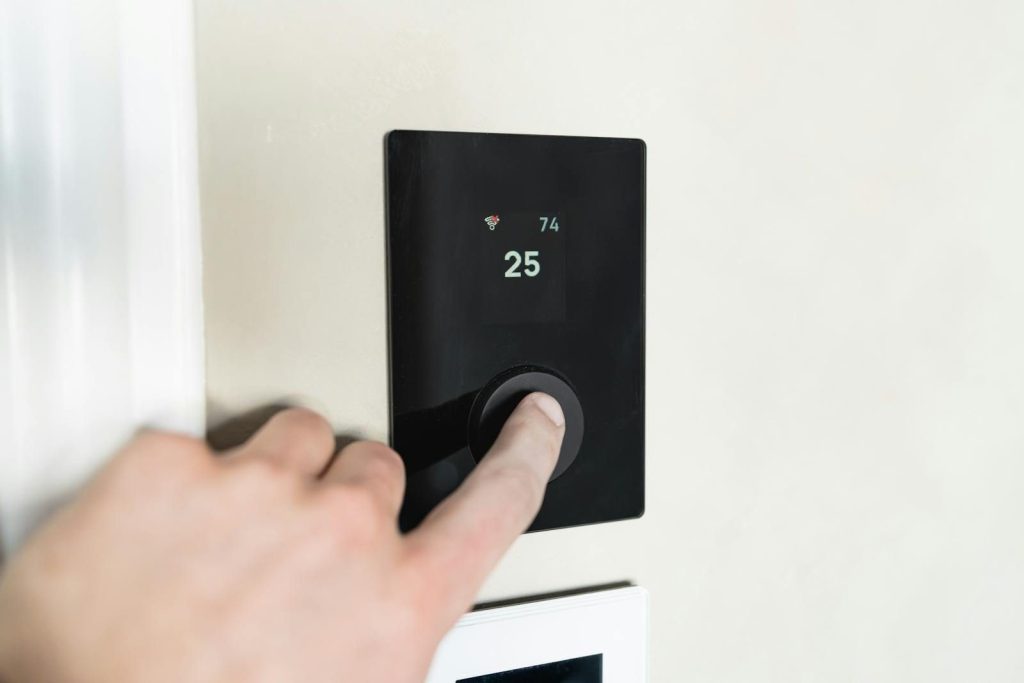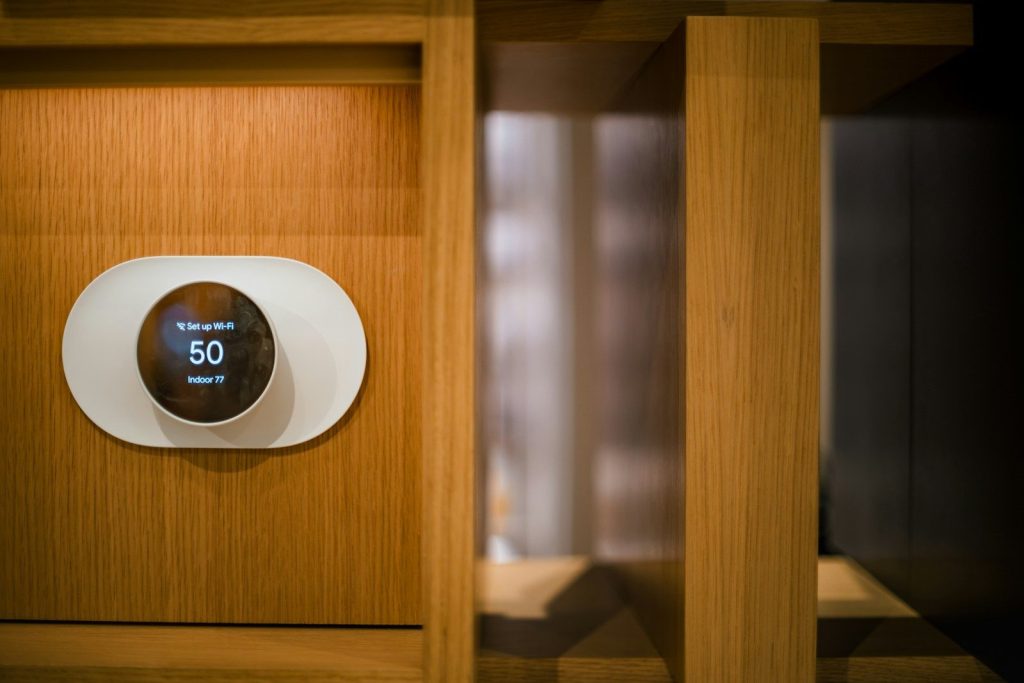
Blog

  • How smartwatch alerts are becoming more useful

    How smartwatch alerts are becoming more useful

    A smartwatch alert used to mean one thing: your wrist buzzed because your phone got a message. Now the idea is much bigger. Today’s watches can warn users about health trends, missed calls, calendar changes, safety check-ins, possible falls, and even emergencies. Apple Watch includes alerts for heart health, fall detection, crash detection, Emergency SOS, and Check In features, while Pixel Watch and Galaxy Watch also offer safety and health notification tools.

    The useful part is not just that alerts are faster. It is that they can be more personal. Instead of sending every buzz to your wrist, newer smartwatch features are trying to give people the alerts that matter most at the right moment.

    Alerts now feel more personal
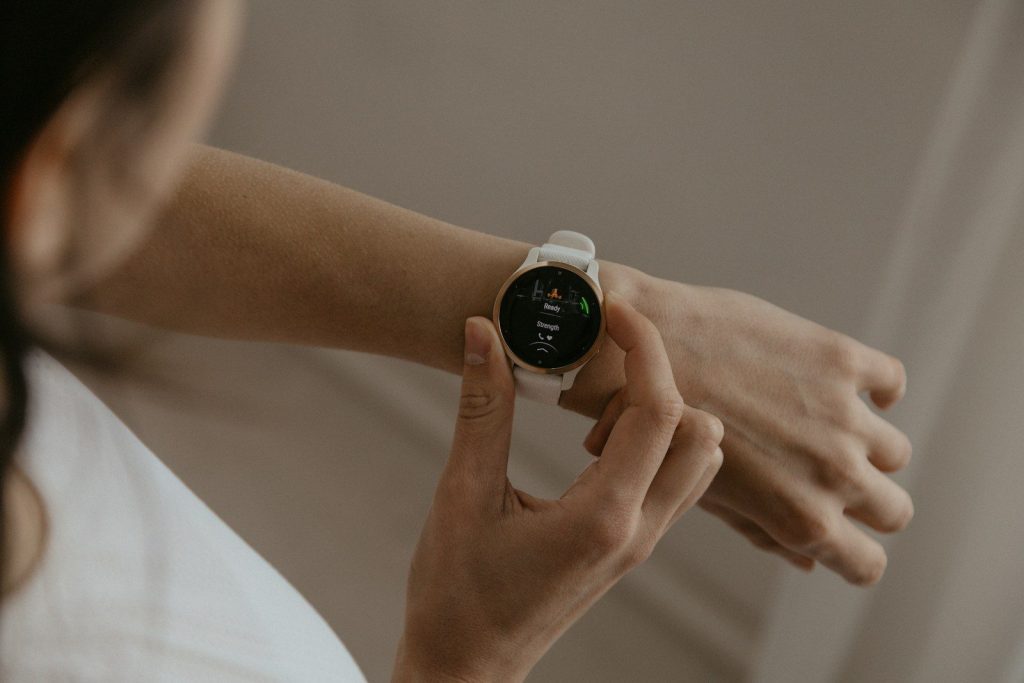
    A woman holding a smart watch in her hand
    Photo by Káplár Bálint Áron on Unsplash

    Smartwatch alerts are becoming less like phone copies and more like helpful reminders. Many watches let users choose which apps, health updates, and daily prompts can appear on the wrist.

    That matters because people do not want a tiny screen filled with noise. A better smartwatch alert should feel timely, clear, and worth checking, not like another distraction.

    Health updates stand out
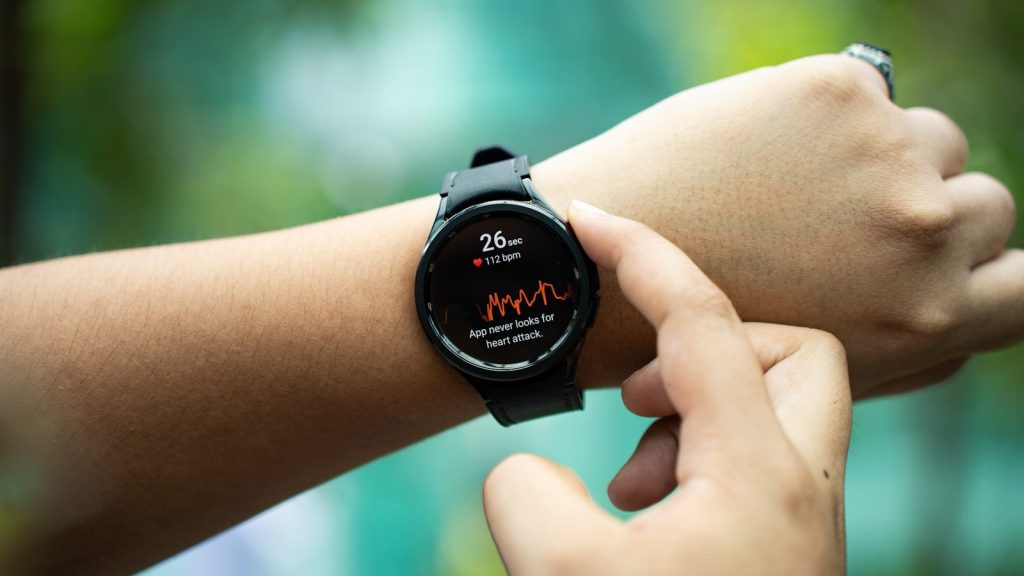
    a close up of a person holding a smart watch
    Photo by Amanz on Unsplash

    Health alerts are one reason smartwatches feel more useful. Apple Watch supports notifications for high and low heart rate, irregular rhythm, cardio fitness, and other wellness features on supported models.

    These alerts are not meant to replace a doctor, but they can encourage people to pay attention sooner. A small wrist notice may remind someone to rest, check their trends, or ask a professional about a concern.

    Safety alerts add comfort
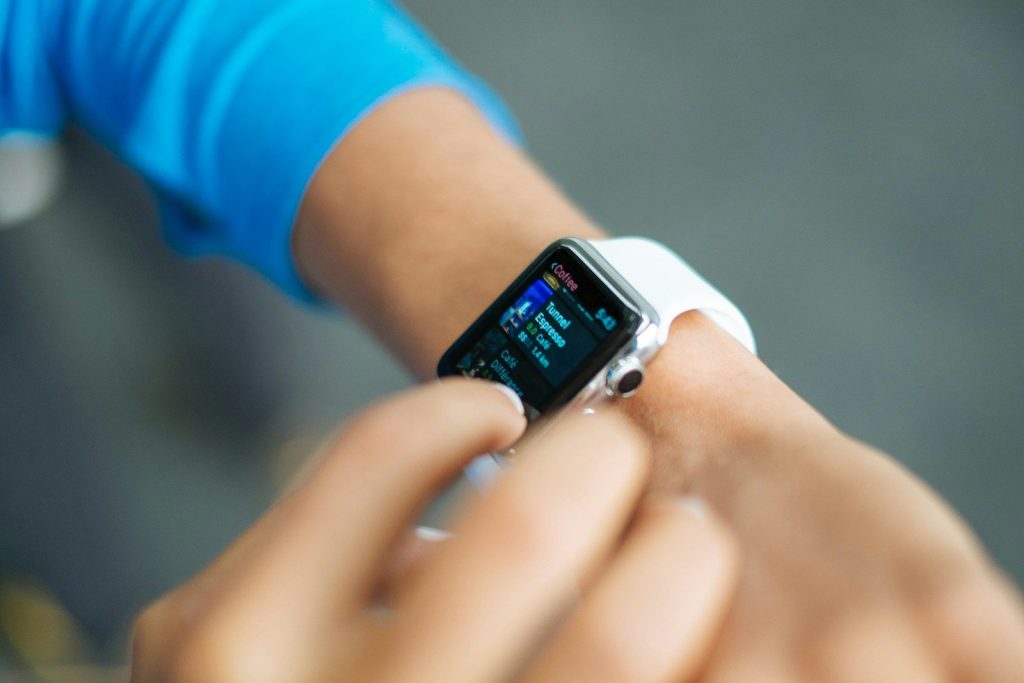
    person wearing silver Apple Watch with white Sport Band
    Photo by Luke Chesser on Unsplash

    Safety features are becoming a major part of smartwatch alerts. Apple Watch can support Fall Detection, Crash Detection, Emergency SOS, and Check In, depending on model and setup.

    For many users, that brings peace of mind during walks, workouts, commutes, or solo errands. The watch is not just showing notifications. It can become a quick way to reach help when a phone is not easy to grab.

    Fall detection can help fast
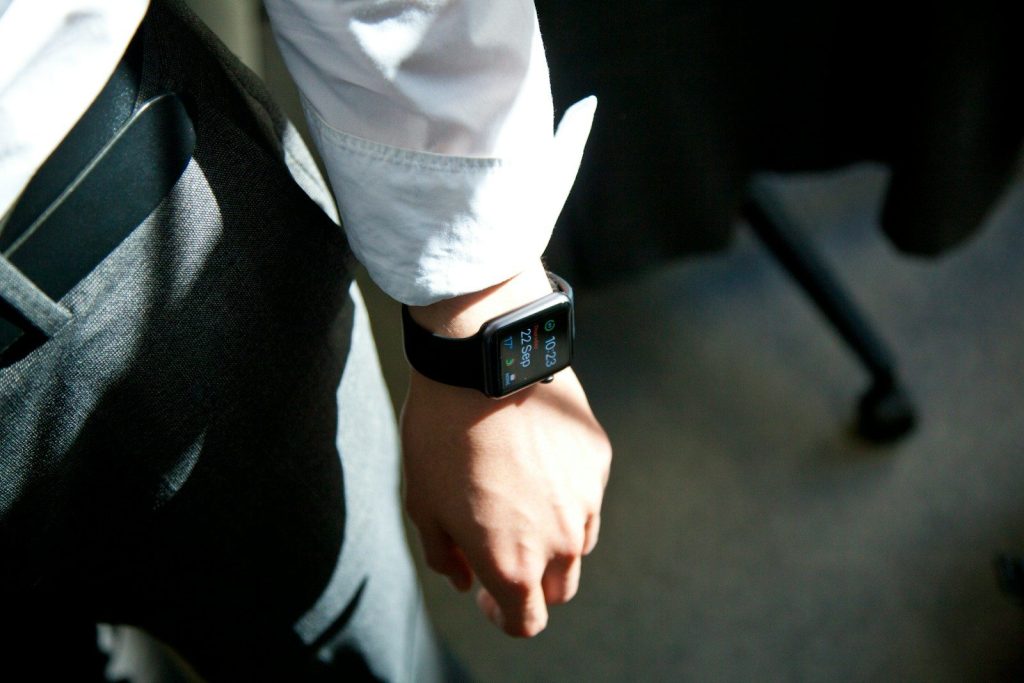
    Apple Watch on person's wrist
    Photo by Tyler Hendy on Unsplash

    Fall detection is one of the clearest examples of a useful alert. If a supported watch senses a hard fall, it can warn the wearer and help contact emergency services if there is no response.

    This can be helpful for older adults, runners, cyclists, and people who live alone. It is not perfect and may not catch every fall, but it adds another layer of safety.

    Reminders are more practical
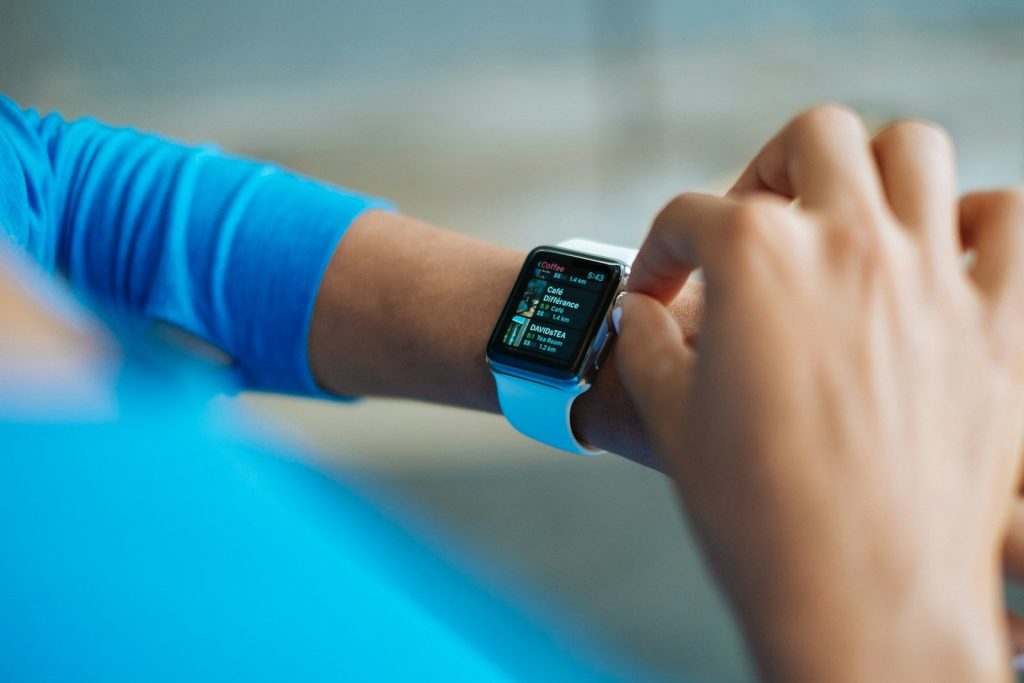
    person operating smartwatch
    Photo by Luke Chesser on Unsplash

    Smartwatch reminders are also getting better for everyday life. A wrist alert for a meeting, timer, workout, bill, or medication can be easier to notice than a phone buried in a bag.

    The best part is how quick the action can be. Users can glance, dismiss, reply, or snooze in seconds. That keeps small tasks from turning into bigger problems later.

    Location alerts feel helpful
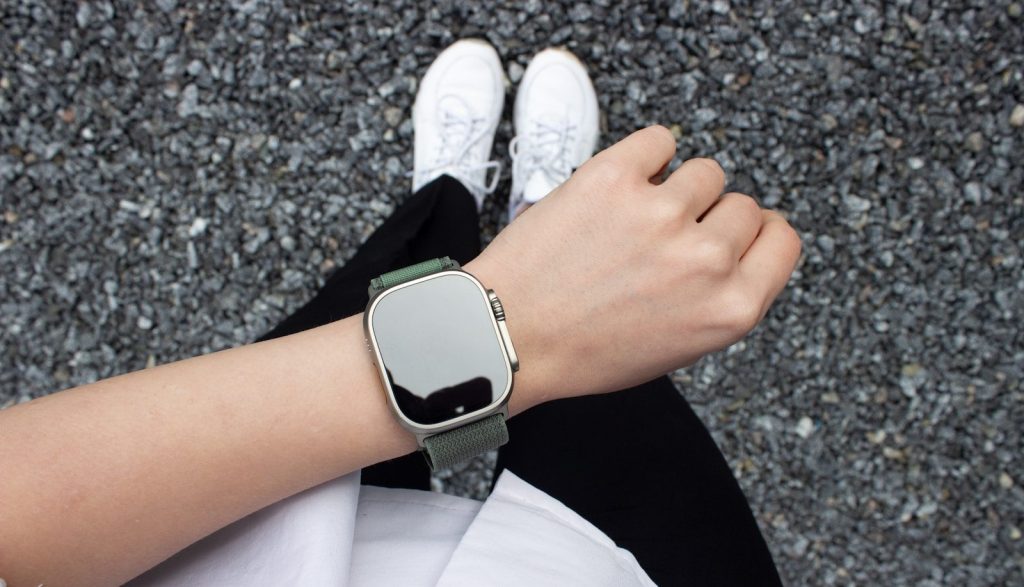
    a person's hand wearing a watch
    Photo by Sophia Stark on Unsplash

    Some smartwatch alerts now connect to location and movement. Pixel Watch safety features include options such as Safety Check, Emergency Sharing, and fall detection, depending on model, settings, and availability.

    This can help during walks, workouts, travel, or late commutes. A watch that can share a location or ask for a check-in may give users and loved ones a little more confidence.

    Less noise is the real win
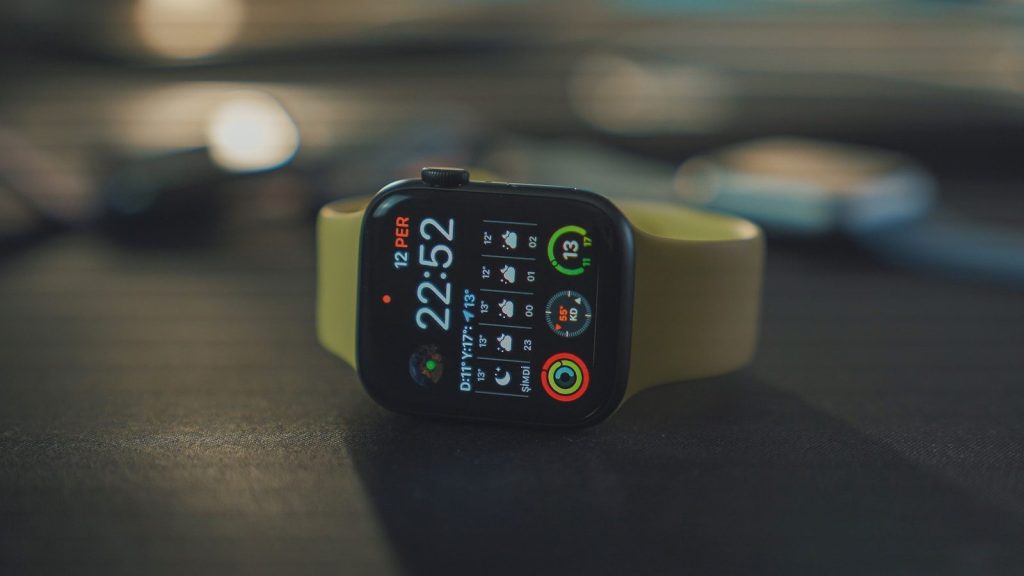
    white sports band apple watch
    Photo by Onur Binay on Unsplash

    The future of smartwatch alerts is not about buzzing more often. It is about buzzing smarter. Samsung Health, for example, lets users adjust which health activities and features send notifications.

    That kind of control matters. When people can turn down the clutter and keep the alerts they trust, the smartwatch becomes more useful. The goal is simple: fewer interruptions, better timing, and more helpful information.
  • Could your TV become your next game console?

    Could your TV become your next game console?

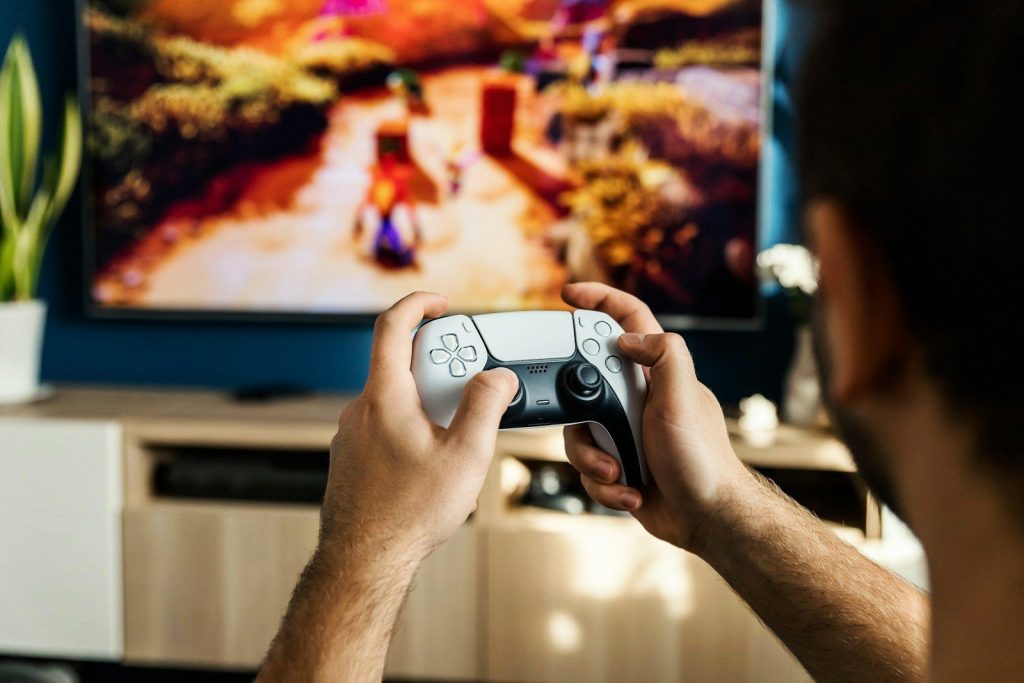
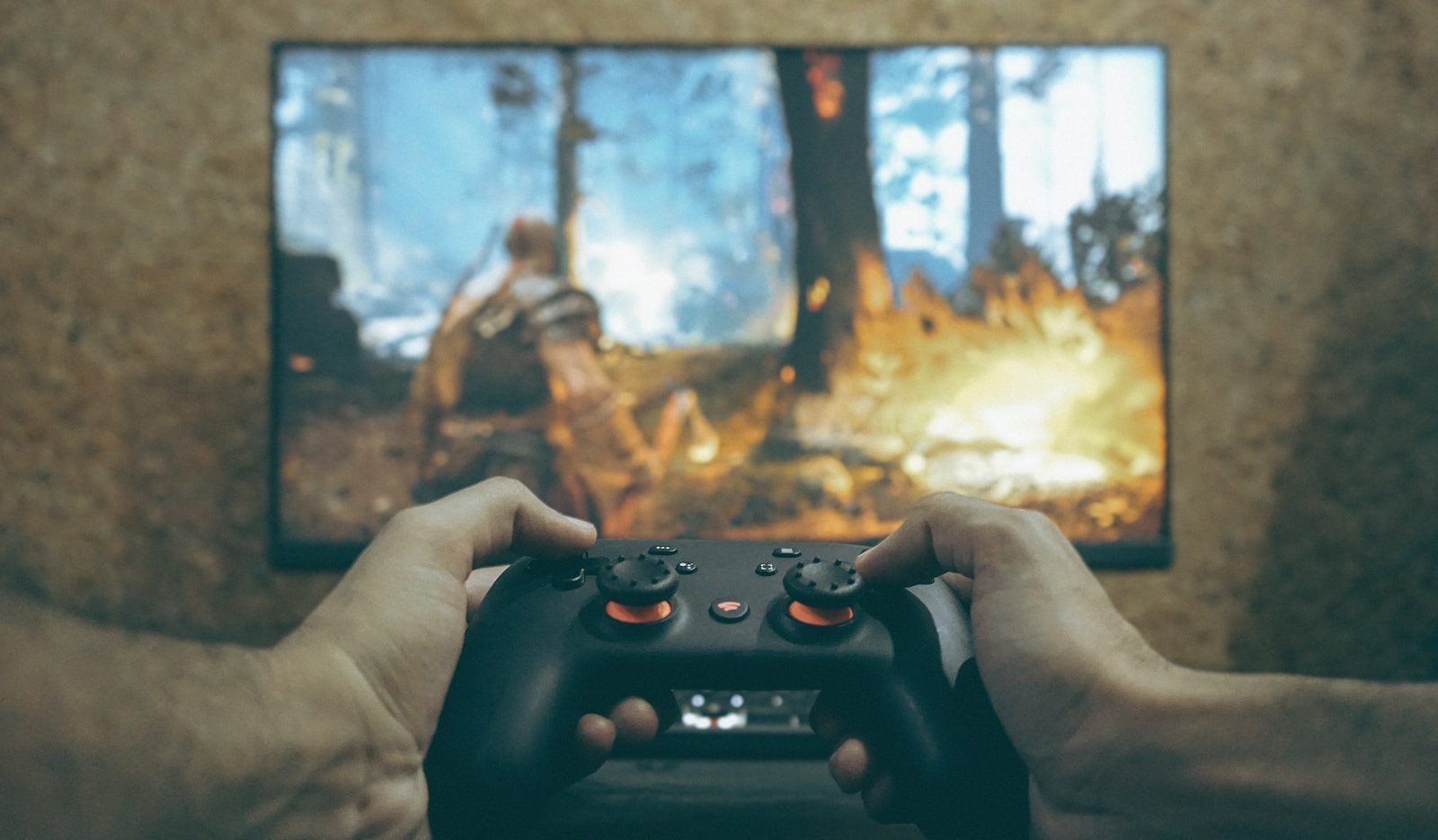
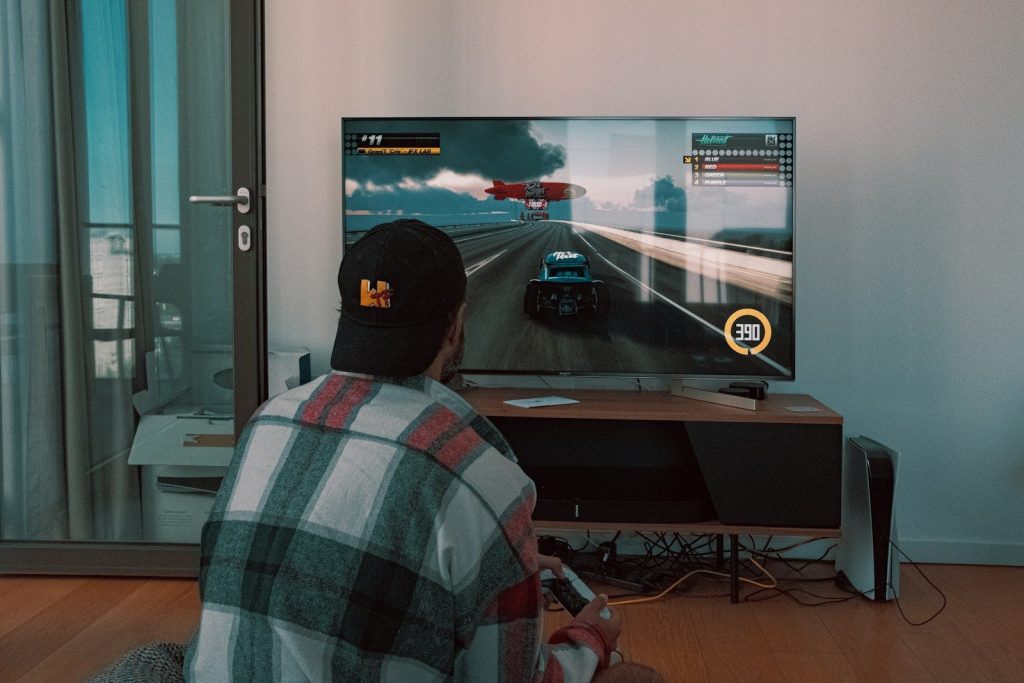
    The idea sounds strange at first: turn on the TV, grab a controller, and start playing without a console sitting under the screen. But that future is already taking shape. Xbox Cloud Gaming now works on supported devices including select Samsung and LG smart TVs, Amazon Fire TV devices, and more, while services like Amazon Luna also stream games without a traditional console. The TV is becoming more than a display; it is becoming a doorway to cloud-based gaming libraries.

    This does not mean consoles are disappearing overnight. Local hardware still matters for the best response, visuals, and ownership experience. Still, for casual players, families, and people who do not want another box in the living room, the TV may soon feel like enough.

    Cloud gaming changes the setup

    black flat screen tv turned on near white wall
    Photo by Samuel Regan-Asante on Unsplash

    Cloud gaming moves much of the heavy work away from the living room. Instead of a console running the game locally, remote servers run the game and stream the video back to your screen.

    That is why a supported smart TV can now feel more like a gaming device. With the right app, subscription, controller, and internet connection, players can launch games without installing a console.

    Smart TVs already support games

    a man playing a video game on the nintendo wii
    Photo by JESHOOTS.COM on Unsplash

    This is not just a future idea. Xbox says cloud gaming is available on supported devices, including select LG and Samsung smart TVs, Amazon Fire TV, phones, tablets, PCs, and more.

    Samsung also promotes its Gaming Hub for 2022 and newer smart TVs, select monitors, and projectors as a built-in way to access game streaming services. That makes the TV itself part of the gaming setup.

    Controllers replace the console box

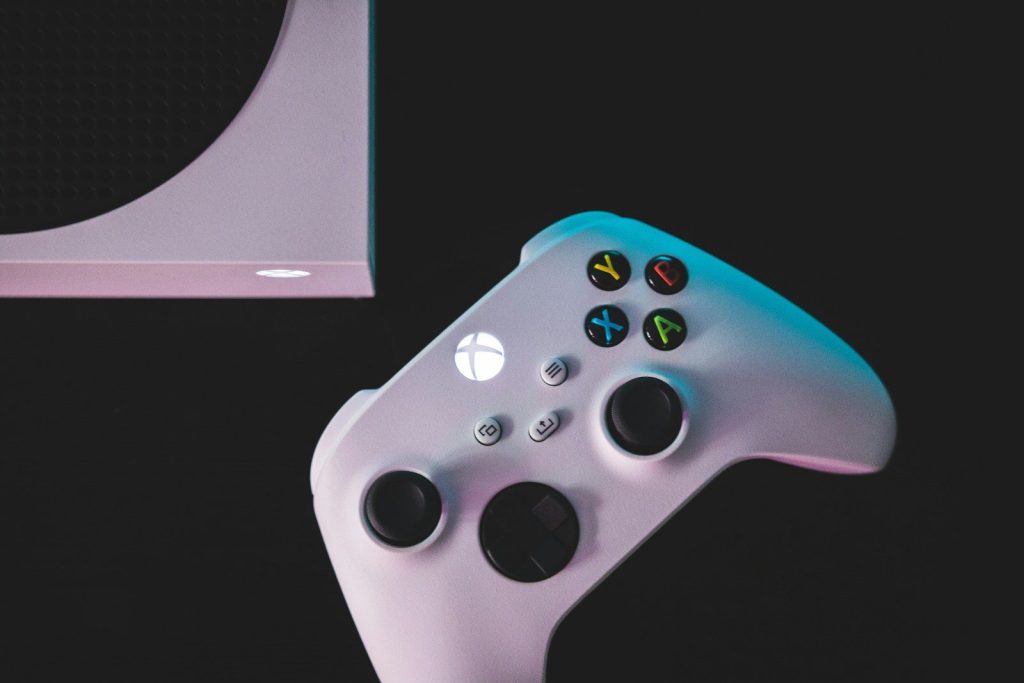
    person holding white and black xbox one game controller
    Photo by Habib Dadkhah on Unsplash

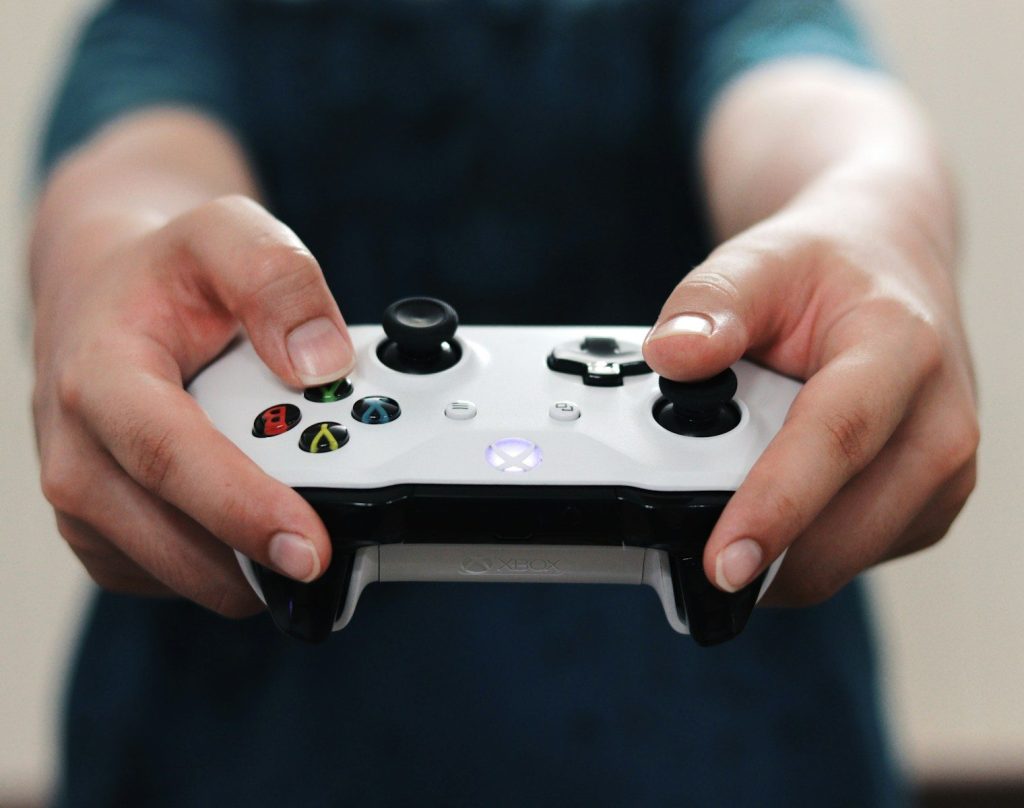
    A TV still needs a controller for most serious games. Xbox says cloud gaming supports controllers such as the Xbox Wireless Controller and Sony DualShock 4, depending on the device and game.

    That makes the setup feel familiar. Instead of buying a whole console, a household may only need a compatible controller and a supported TV or streaming device to start playing.

    Subscriptions open the library

    mockup, screen, smartphone, website, blog, word, subscribe, social, media, channel, subscription, money, sale, youtube, contract, e commerce, number, netflix, streaming, stream, video, subscribe, subscribe, subscribe, subscribe, subscribe, youtube
    Photo by viarami on Pixabay

    Game streaming often works more like video streaming than old-school game buying. Xbox Cloud Gaming lets players stream supported free-to-play games or access hundreds of games through Game Pass plans.

    Amazon Luna also offers cloud gaming without downloads or a console, with access depending on the plan or included library. This points to a future where a TV game library may sit inside an app.

    Fire TV widens access

    turned-on flat screen television
    Photo by Glenn Carstens-Peters on Unsplash

    Streaming sticks and smart TV platforms can help bring cloud gaming to more homes. Amazon said Xbox Game Pass Ultimate members can play hundreds of cloud-enabled games through the Xbox app on select Fire TV devices.

    That matters because not everyone buys a new TV often. A small streaming device can give some households a cheaper way to try TV-based gaming without replacing the whole screen.

    LG adds another doorway

    LG TV, ‘2014 CES’ 어워드 휩쓸어” by LGEPR is licensed under CC BY 2.0

    LG smart TVs have also joined the cloud gaming push. Xbox announced in 2025 that the Xbox app became available on LG smart TVs, letting players use the LG Gaming Portal and stream games through Game Pass Ultimate.

    That kind of support makes the TV feel more like a platform. Instead of switching inputs to a console, players can find games from the TV’s own menu.

    Internet quality matters most

    Television screen displaying a first-person shooter video game.
    Photo by Andrey Matveev on Unsplash

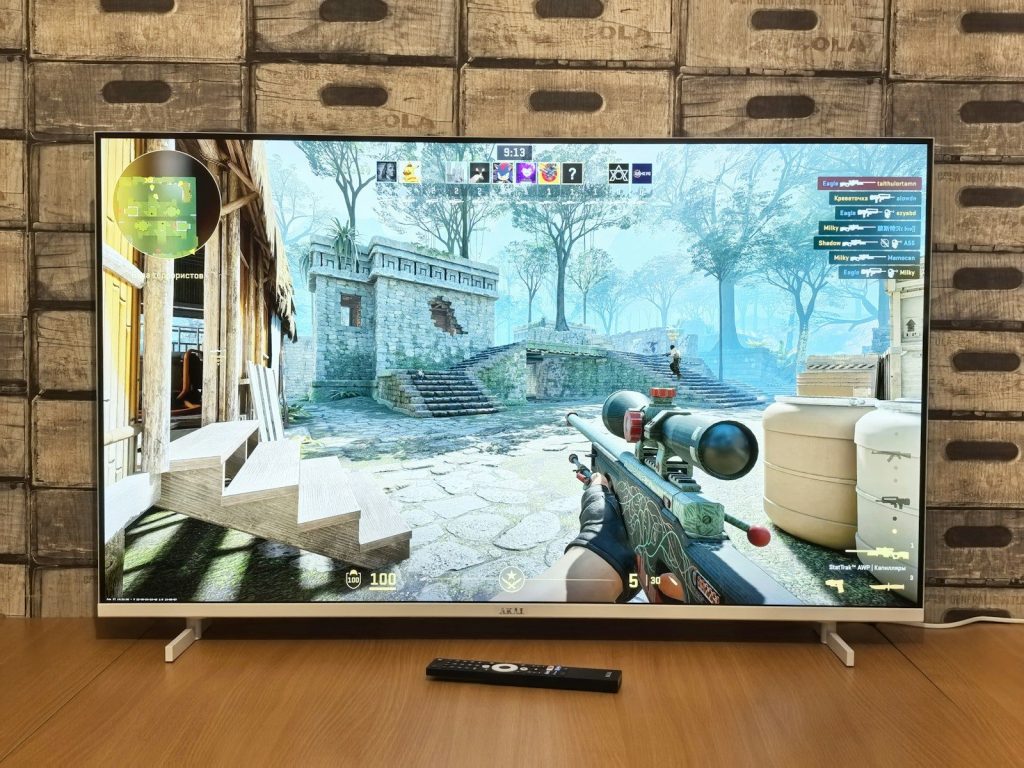
    A cloud gaming TV can only feel smooth if the connection is strong. Research on cloud gaming notes that it needs much more bandwidth than traditional online console play because the video stream is being delivered in real time.

    That is the biggest catch. A weak Wi-Fi signal, busy home network, or distant server can lead to lag, lower image quality, or dropped smoothness during fast games.

    Consoles still have advantages

    white xbox one game controller
    Photo by Kamil Switalski on Unsplash

    TV-based cloud gaming is convenient, but it does not fully replace local hardware for everyone. A console can still offer stronger consistency, faster response, physical or downloaded game access, and fewer network worries.

    That matters for competitive players and people who care deeply about performance. For them, a cloud app may be a handy extra, while the main console still earns its place under the TV.

    Casual players benefit first

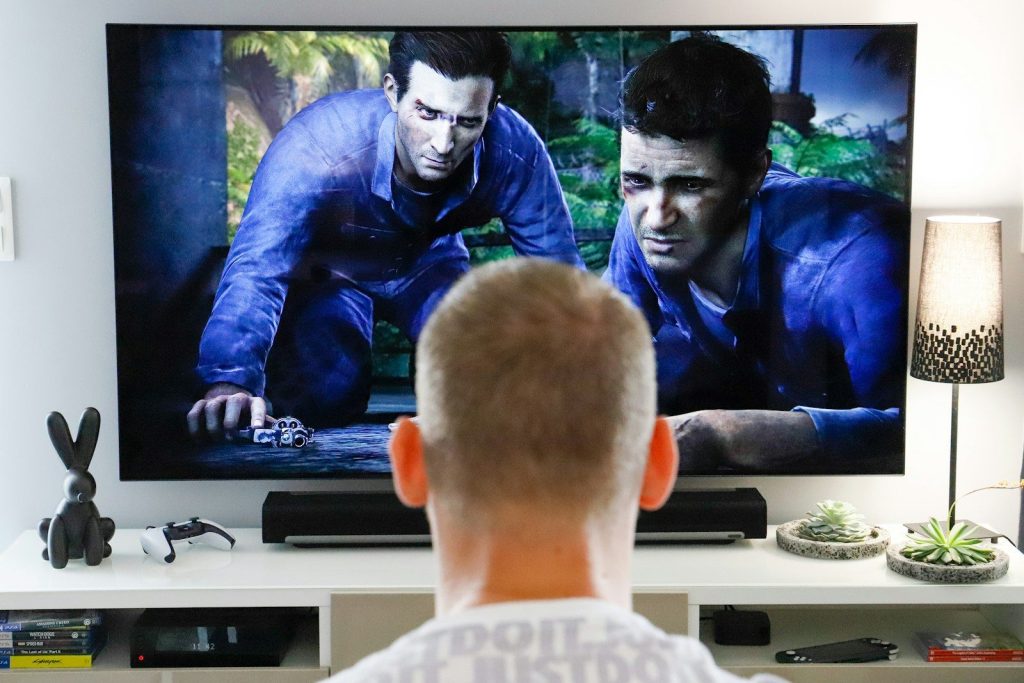
    a man watching a movie on tv in his living room
    Photo by Mathieu Improvisato on Unsplash

    The first big winners may be casual players and families. If someone wants to play a few games after work, try a family-friendly title, or avoid buying another large device, TV-based gaming can feel simple.

    It also lowers the entry barrier. A person can test cloud gaming with hardware they may already own, then decide later whether a full console or gaming PC is worth it.

    The TV becomes a hub

    turned on television
    Photo by Kitai on Unsplash

    The larger trend is clear: the TV is becoming a home entertainment hub for movies, shows, fitness, video calls, and now games. Gaming apps simply make that hub more complete.

    Your TV may not replace every console soon, but it may replace the need for one in many casual homes. For plenty of players, the next console-like experience could start with a TV remote and a controller.

  • How clouds can weigh tons but still float

    How clouds can weigh tons but still float

    Clouds look soft enough to rest on, but they can hold a surprising amount of water. A typical cloud may contain thousands or even millions of gallons of water, yet it does not fall like one giant bucket from the sky. The trick is that the water is spread out across countless tiny droplets or ice crystals. Those pieces are so small that light air movement can keep them suspended.

    Clouds form when water vapor cools and condenses onto tiny particles such as dust, salt, or smoke. When droplets grow larger and heavier, they can fall as rain, snow, or other precipitation. That simple balance explains the mystery: clouds are heavy as a whole, but light piece by piece.
    Clouds are made of tiny drops

    white clouds
    Photo by C Dustin on Unsplash

    A cloud is not one solid floating object. It is a huge collection of tiny water droplets, ice crystals, or both, spread across a large area of air.

    Those droplets are far smaller than raindrops. Because each one is so light, it can stay suspended much longer than a large drop. The whole cloud may be heavy, but its weight is divided into countless tiny pieces.

    The weight is spread out

    white clouds and blue sky during daytime
    Photo by engin akyurt on Unsplash

    When people hear that a cloud can weigh tons, it sounds impossible. But that weight is spread through a very large space, often much larger than it looks from the ground.

    Think of mist in the air instead of water in a bucket. The water exists, but it is scattered. That wide spread helps explain why clouds can float instead of dropping all at once.

    Air keeps them moving

    grass field at daytime
    Photo by Rodion Kutsaiev on Unsplash

    Cloud droplets do slowly fall, but the air around them is also moving. Even gentle rising air can help support tiny droplets and keep them from quickly reaching the ground.

    This is why clouds can seem to hang in the sky. They are not frozen in place. They are constantly forming, shifting, evaporating, and being held up by moving air.

    Warm air helps clouds form

    sea of clouds
    Photo by Łukasz Łada on Unsplash

    Clouds often form when warm, moist air rises. As that air moves higher, it cools, and water vapor begins turning into visible droplets.

    NASA explains that clouds form when invisible water vapor becomes liquid droplets on tiny particles in the air. That process is called condensation, and it is the start of many clouds we see overhead.

    Tiny particles start the process

    Beautiful cloudscape featuring dramatic clouds against a bright blue sky.
    Photo by Sindre Fs on Pexels

    Water vapor usually needs something to cling to before it becomes a cloud droplet. Tiny bits of dust, salt, smoke, and other particles can act like starting points.

    The National Weather Service calls these cloud condensation nuclei. They are small particles where water vapor condenses and forms droplets. Without them, cloud formation would be much harder.

    Droplets are not raindrops yet

    A group of people standing in front of a water fountain
    Photo by HYEWON HWANG on Unsplash

    Cloud droplets are visible, but they are often too small to fall as rain. They have to grow by joining with other droplets or ice particles first.

    NOAA explains that rain begins when droplets inside a cloud grow heavy enough to fall. Until that happens, the droplets remain suspended and help make the cloud look full and bright.

    Updrafts can hold more weight

    Clouds” by CSLmedia Productions is licensed under CC BY-NC-SA 2.0

    In stronger storms, rising air can be powerful. Updrafts can help hold larger drops or ice particles inside clouds for longer than calm air could.

    NOAA notes that thunderstorm updrafts can be extremely strong, and stronger updrafts can support more rain and hail weight. That is one reason storm clouds can grow so tall and heavy.

    Clouds are always changing

    large clouds on a blue sky
    Photo by David Ballew on Unsplash

    A cloud may look steady from the ground, but it is changing all the time. Some parts are growing as vapor condenses, while other parts are disappearing as droplets evaporate.

    USGS explains that clouds can have areas that grow and fade at the same time. So a cloud is less like a parked object and more like an ongoing process in the sky.

    Rain begins with growth

    dew drops on glass panel
    Photo by Valentin Müller on Unsplash

    The same tiny droplets that help a cloud float can eventually become rain. As droplets bump together and grow, their fall speed increases.

    The National Weather Service explains that larger drops fall faster and can collide with smaller droplets. Once droplets become heavy enough, gravity wins, and the cloud releases precipitation.
    The mystery is scale

    rock, nature, landscape, england, meadow, mountainside, heaven, clouds
    Photo by the_iop on Pixabay

    Clouds can weigh tons because they cover a huge volume of sky. They float because their water is divided into tiny particles that air can support.

    That is the simple answer behind the magic-looking scene. A cloud is heavy in total, but each droplet is light. When those droplets grow too large, the floating ends, and rain begins.

  • Why bees matter far beyond making honey

    Why bees matter far beyond making honey

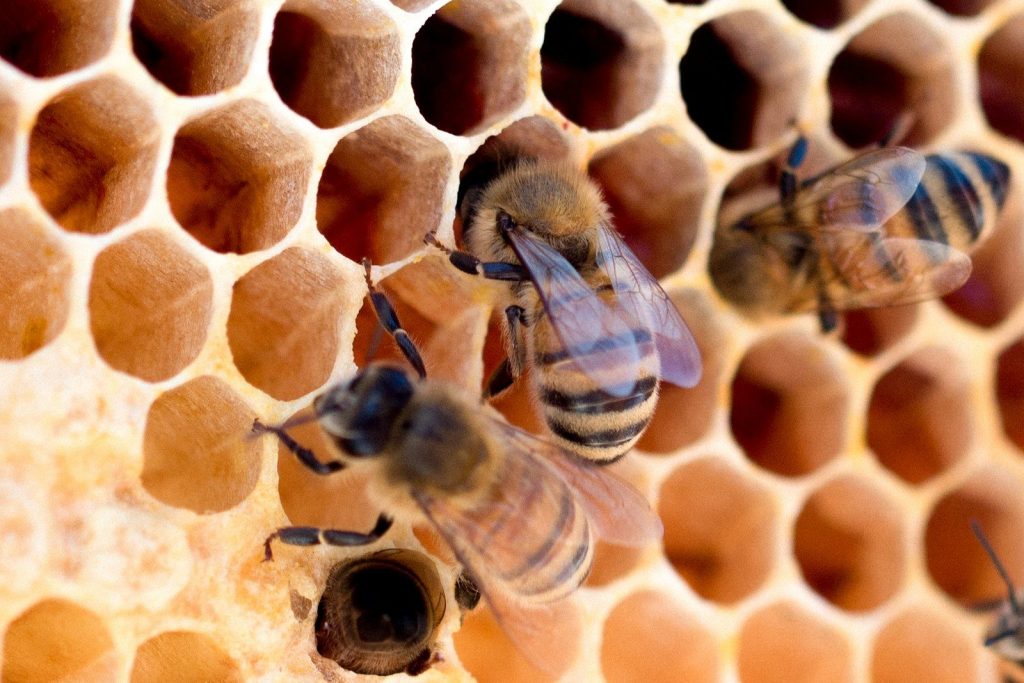
    Bees may be famous for honey, but their real value is much bigger than something sweet on toast. Every time a bee moves from flower to flower, it can carry pollen that helps plants grow fruits, seeds, and new flowers. That quiet work supports farms, gardens, wild plants, and the animals that depend on those plants.

    The USDA says animal pollinators help about 35% of the world’s food crops reproduce, and honey bees add about $15 billion in crop value in the United States each year. More than 3,500 native bee species also help increase crop yields. Bees are small, but their work reaches grocery stores, backyard gardens, forests, and entire ecosystems.

    Bees help grow our food

    wasp on blooming white flower
    Photo by Aaron Burden on Unsplash

    Many foods need pollination before they can fully develop. Bees help move pollen between flowers, which allows plants to produce fruits, nuts, seeds, and vegetables.

    This affects far more than honey. Apples, almonds, berries, melons, squash, and many other crops benefit from bee visits. Without pollinators, grocery stores would still have food, but many shelves would look less colorful and less varied.

    Farms count on pollinators

    brown and black bee on brown wooden stick
    Photo by Bianca Ackermann on Unsplash

    Bees support farmers by helping crops grow in better amounts and quality. The FDA says the pollination value of honey bees is estimated to be 10 to 20 times greater than the value of honey and beeswax.

    That means bees are part of the farm economy, not just nature’s background noise. Their work can help growers produce stronger harvests and bring more fresh food to markets.

    Native bees do big work

    a bee on a flower
    Photo by Kristina Kutleša on Unsplash

    Honey bees get the spotlight, but native bees matter too. The USDA says more than 3,500 native bee species help increase crop yields.

    Some native bees are especially good at pollinating certain plants. Bumble bees, mason bees, and squash bees can be powerful helpers in gardens and farms. A healthy pollinator mix gives plants more chances to reproduce successfully.

    Bees support wild plants

    green grass field during daytime
    Photo by Martin Sepion on Unsplash

    Bees do not only visit farm crops. They also pollinate wildflowers, shrubs, and trees that grow in parks, fields, forests, and roadside spaces.

    Those plants feed and shelter other living things. Birds may eat seeds and berries. Small animals may use plants for cover. Insects may depend on flowers for nectar. Bees help keep that larger web moving.

    They protect biodiversity

    white bird flying over the lake during daytime
    Photo by Coralie Meurice on Unsplash

    Biodiversity means having many different kinds of living things in one area. Bees support that by helping plants reproduce and spread.

    The United Nations Environment Programme says bees are part of the biodiversity that people depend on, and pollinators help keep ecosystems healthy. When bees are doing well, many plants and animals often benefit too.

    Healthy gardens need bees

    green plants on garden during daytime
    Photo by Zoe Richardson on Unsplash

    Backyard gardens can become small pollinator stops. Bees visit flowers for nectar and pollen, and the plants may get help producing seeds or fruit.

    That is why a bee-friendly yard can be useful as well as pretty. Native flowers, blooming herbs, and a mix of plants that flower at different times can give bees food through more of the season.

    Bees feed other wildlife

    brown bee flying near yellow petaled flower
    Photo by Brad Huchteman on Unsplash

    Bees help plants make seeds, fruits, and berries, and those foods support many animals. A single pollinated plant can feed birds, mammals, and other insects later in the year.

    This makes bees part of a bigger food chain. Even animals that never touch honey may still depend on the plants that bees helped create.

    Their homes are important

    yellow and black bee on yellow and black surface
    Photo by Meggyn Pomerleau on Unsplash

    Bees need more than flowers. Many native bees nest in soil, hollow stems, wood, or leaf litter. If those spaces disappear, bee populations can struggle.

    The Xerces Society says nesting and overwintering habitat is one of the most important factors for native bees and other helpful insects. Leaving some natural areas can make a real difference.

    Small choices can help

    Lavender Bee” by Bennilover is licensed under CC BY-ND 2.0

    People can support bees in simple ways. Planting native flowers, reducing pesticide use, leaving small natural patches, and providing blooms across the season can all help.

    These steps do not require a perfect garden. Even a few pollinator-friendly plants in a yard, balcony, school, or community space can become a useful stop for hungry bees.

    Bees keep life connected

    swarm of bees
    Photo by Damien TUPINIER on Unsplash

    Bees matter because they connect flowers, food, farms, wildlife, and people. Their work is quiet, but the results show up everywhere from orchards to wild meadows.

    Honey is only one small part of the story. Bees help keep nature productive, colorful, and balanced. Protecting them means protecting many of the foods and outdoor spaces people enjoy every day.

  • Why mid-range phones are starting to look less boring

    Why mid-range phones are starting to look less boring

    Phone shopping used to feel pretty simple. The expensive models looked exciting, and the cheaper ones looked like safe, plain backups. That line is getting blurrier now. Many mid-range phones are showing up with brighter OLED screens, smoother refresh rates, better camera tricks, longer battery life, and designs that feel less like a copy of last year’s flagship.

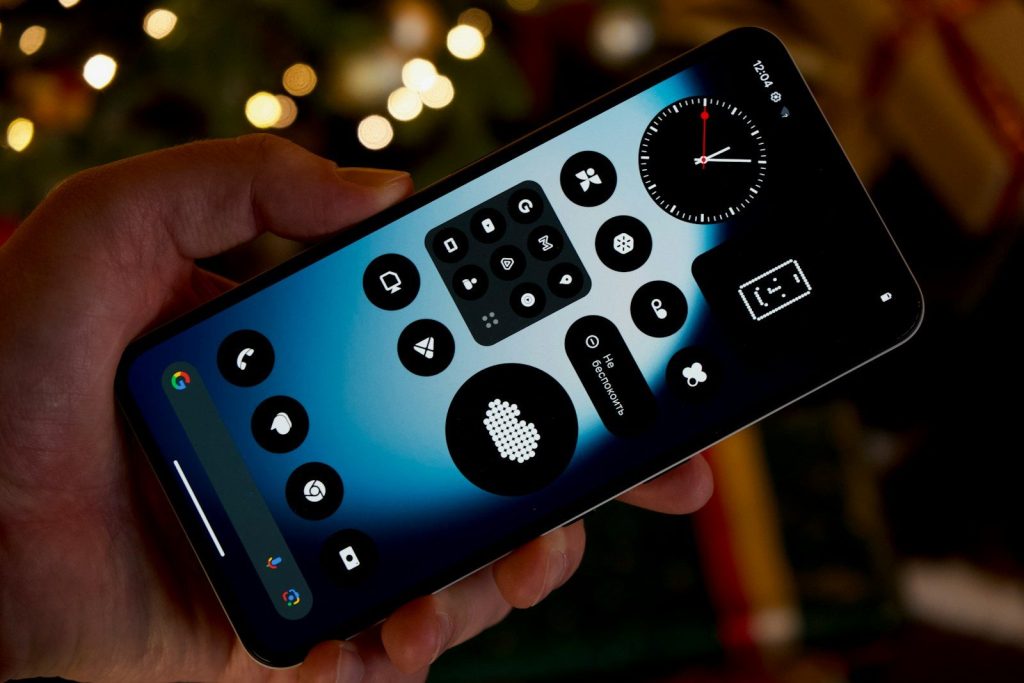
    The change is not only about looks. Buyers are keeping phones longer, watching prices more closely, and expecting useful features without paying top-dollar. Reviewers now judge mid-range phones on build quality, display, performance, cameras, battery life, software, and value, not just price. Recent models from brands like Nothing and Xiaomi show how far this space has moved, with bold designs, large AMOLED displays, fast charging, and stronger specs at lower prices.

    Design finally feels fun

    a close up of a cell phone on a surface
    Photo by He Junhui on Unsplash

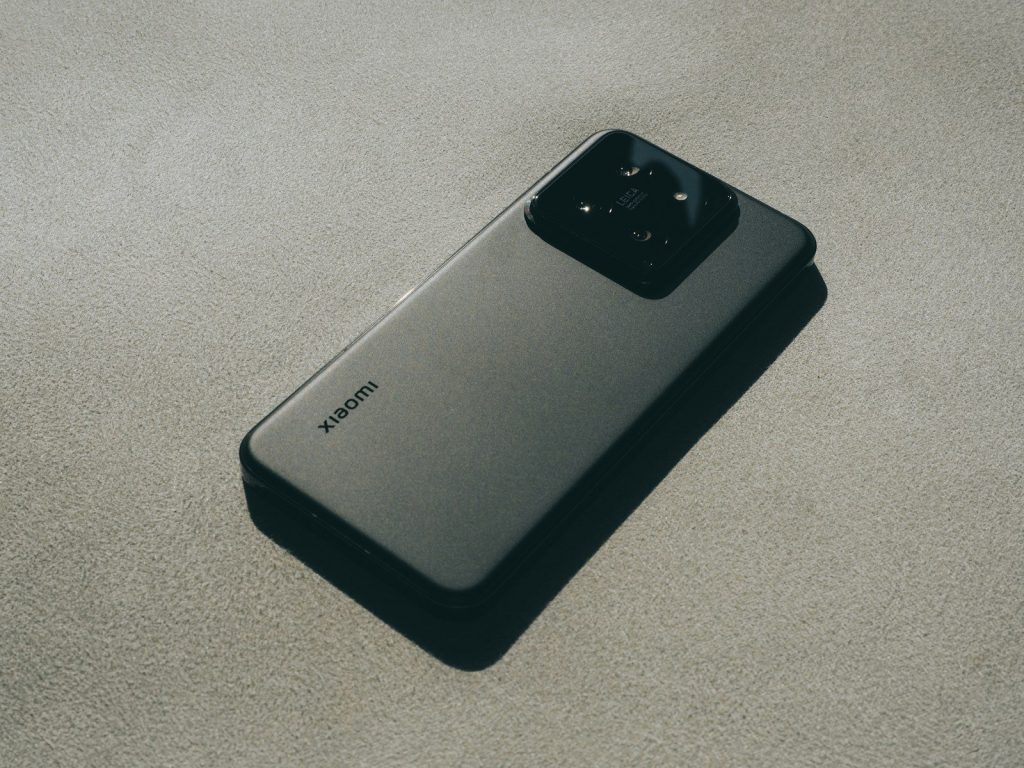
    Mid-range phones used to play it safe with basic colors and simple plastic backs. Now, more brands are using cleaner shapes, matte finishes, sharper camera layouts, and bolder color choices.

    That matters because a phone is something people carry all day. When a mid-range model looks stylish, it feels less like a compromise and more like a smart pick.

    Screens got a big upgrade

    a cell phone on a table
    Photo by Amanz on Unsplash

    A bright, smooth screen can make even a cheaper phone feel more expensive. Many mid-range models now offer OLED or AMOLED panels, deep contrast, and 90Hz or 120Hz refresh rates.

    That means scrolling feels smoother, videos look richer, and games feel more responsive. For everyday users, the screen upgrade may be the first thing they notice.

    Cameras are less basic now

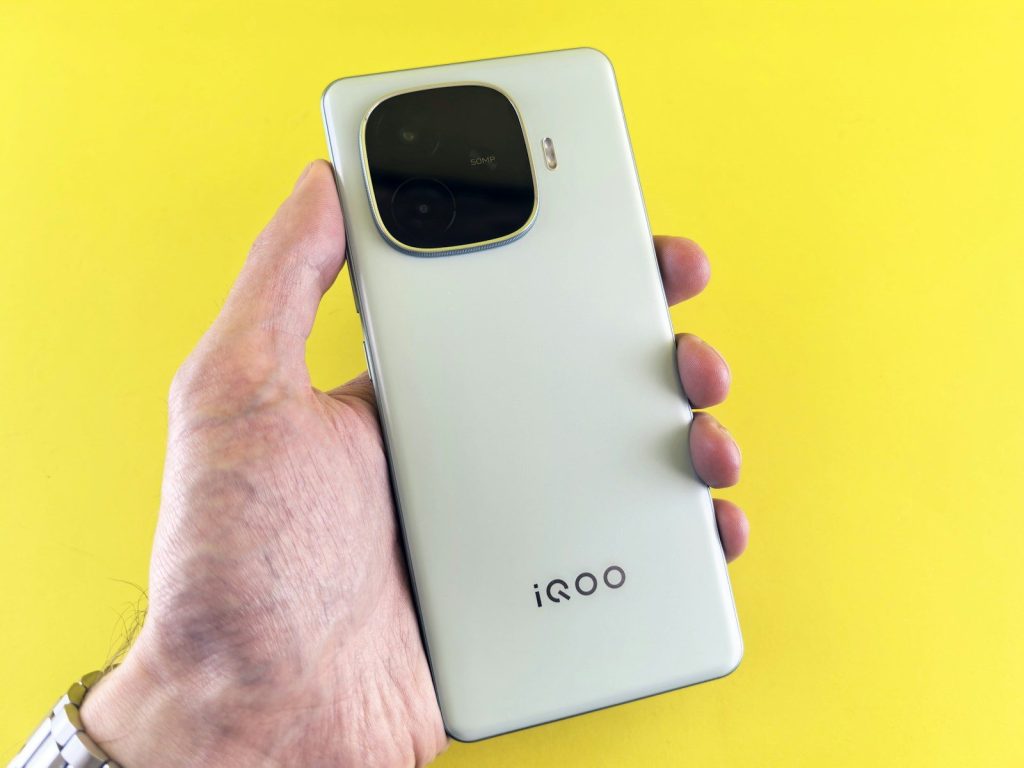
    A hand holds an iqoo smartphone.
    Photo by Andrey Matveev on Unsplash

    Mid-range cameras are no longer just “good enough” in daylight. Many phones now include better main sensors, improved night modes, portrait tools, and smarter image processing.

    They still may not beat the most expensive flagships in every shot. But for social posts, family photos, pets, food, and travel, many mid-range cameras now feel surprisingly capable.

    Battery life is a selling point

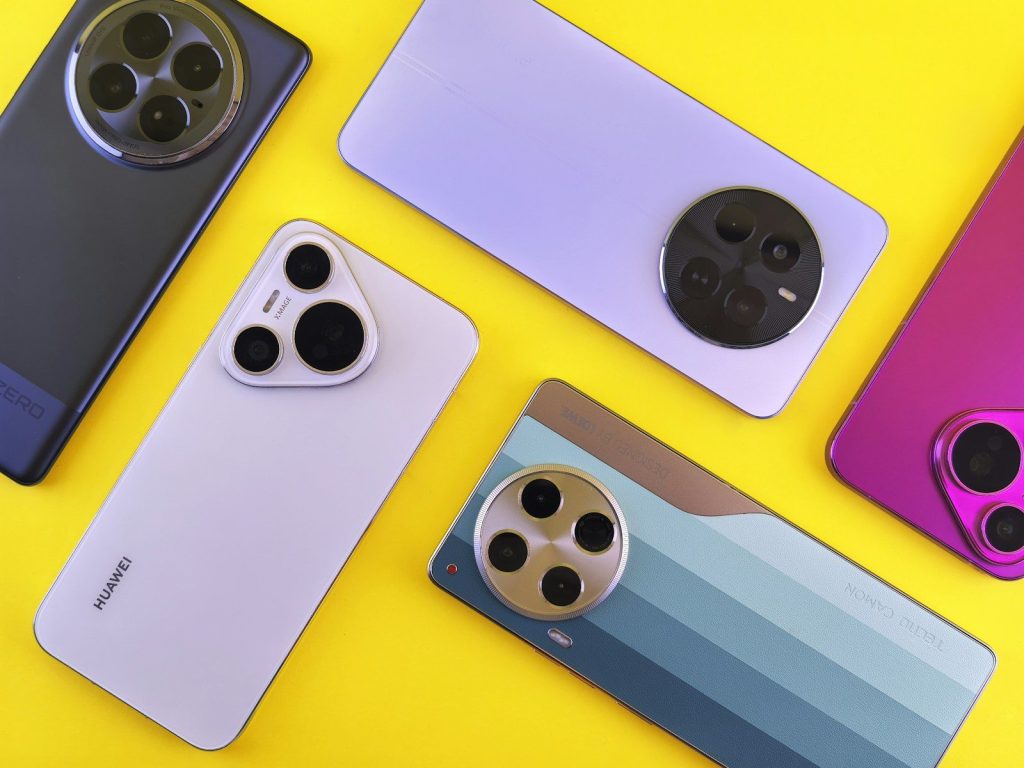
    Several smartphones of varying colors are displayed.
    Photo by Andrey Matveev on Unsplash

    A flashy phone is not much fun if it dies before dinner. That is why battery life has become one of the biggest strengths in the mid-range market.

    Some models offer large batteries and efficient chips that can last a full day or more. For many buyers, that practical win matters more than a luxury feature they rarely use.

    Fast charging adds real value

    white iphone 5 c on brown wooden table
    Photo by De an Sun on Unsplash

    Fast charging used to feel like a premium extra. Now it is showing up on more affordable phones, especially from Android brands trying to stand out.

    This makes a big difference for busy users. A short charge before school, work, or a night out can give the phone enough power to keep going.

    Performance feels smoother

    Hand holding smartphone with abstract interface design
    Photo by Georgiy Lyamin on Unsplash

    Mid-range chips have improved a lot. Most people can now text, stream, browse, video call, edit photos, and play casual games without feeling slowed down.

    Flagship phones still lead in heavy gaming and advanced video work. But for daily use, many mid-range phones now feel fast enough that buyers may not miss the pricier option.
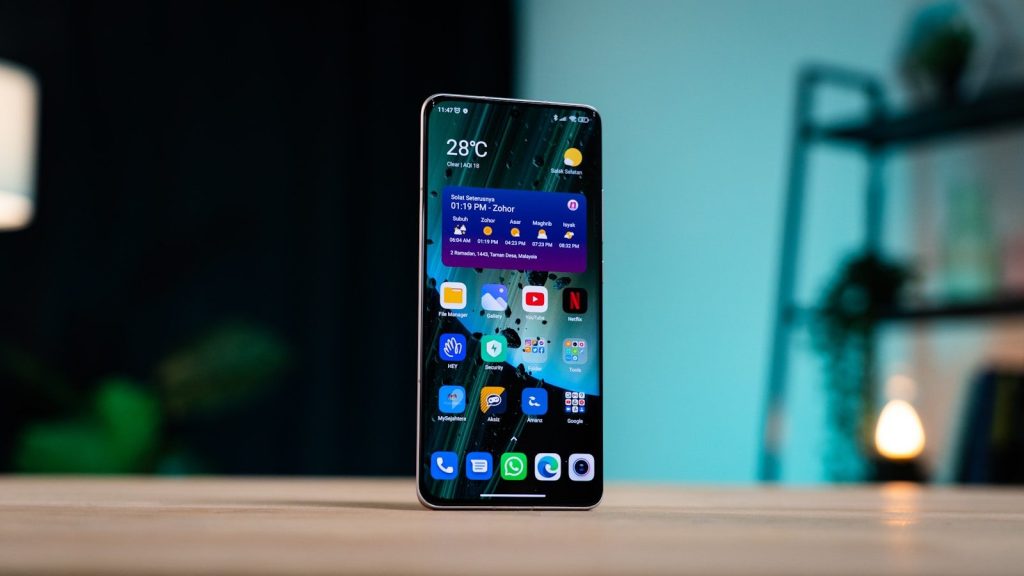
    Software support matters more

    A xiaomi phone is displaying the hyperos screen.
    Photo by Andrey Matveev on Unsplash

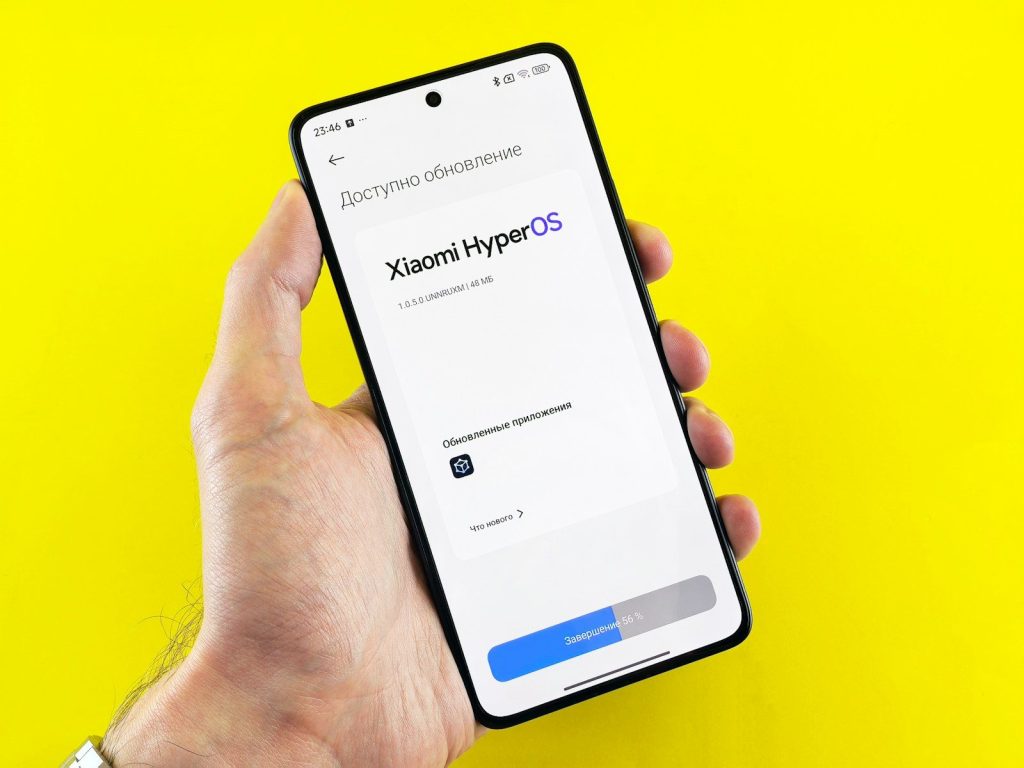
    People are paying more attention to how long their phones will stay updated. A good mid-range phone is more appealing when it gets security patches and system upgrades for years.

    This is one area where brands can really earn trust. Longer support helps a phone feel like a better investment, not just a cheaper purchase.

    AI features are spreading

    A close up of a cell phone on a table
    Photo by Solen Feyissa on Unsplash

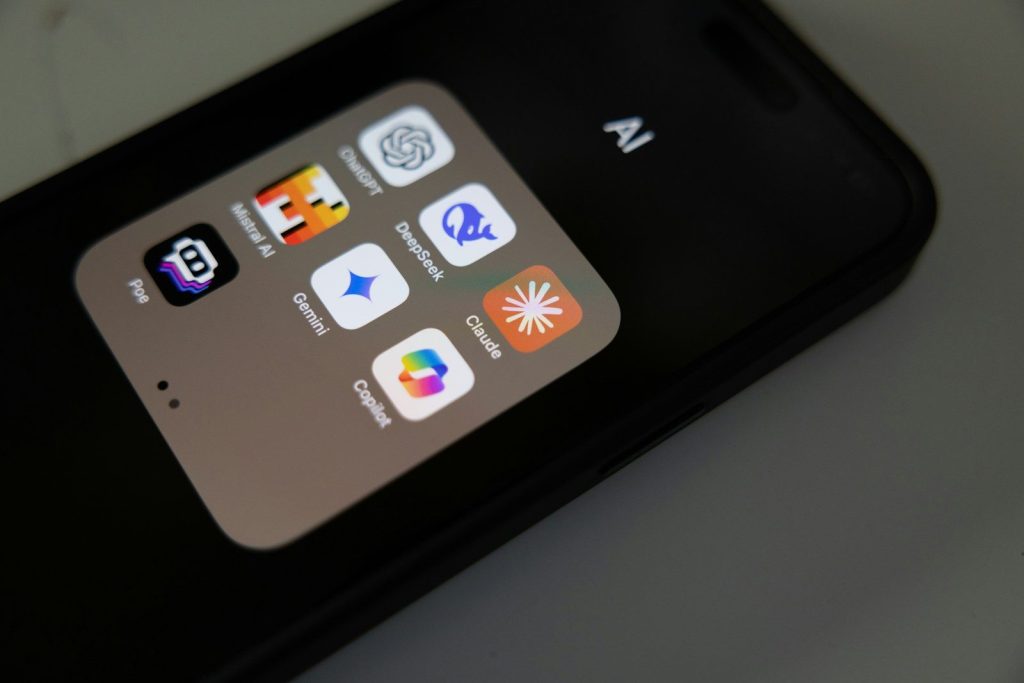
    AI tools are no longer limited to the most expensive phones. Some mid-range models now include smarter photo editing, voice features, translation tools, and helpful search options.

    Not every AI feature is a must-have. Still, when these tools work well, they make mid-range phones feel more modern and less stripped down.

    Value is the real upgrade

    a person holding a cell phone
    Photo by Shawn Rain on Unsplash

    The biggest reason mid-range phones look less boring is simple: value has improved. People can now get a phone that looks good, runs well, and handles daily life without the flagship price.

    That does not mean every mid-range phone is perfect. But the best ones now feel thoughtful, polished, and exciting enough to make many shoppers think twice before spending more.

  • Why Microsoft is still chasing a smoother PC gaming feel

    Why Microsoft is still chasing a smoother PC gaming feel

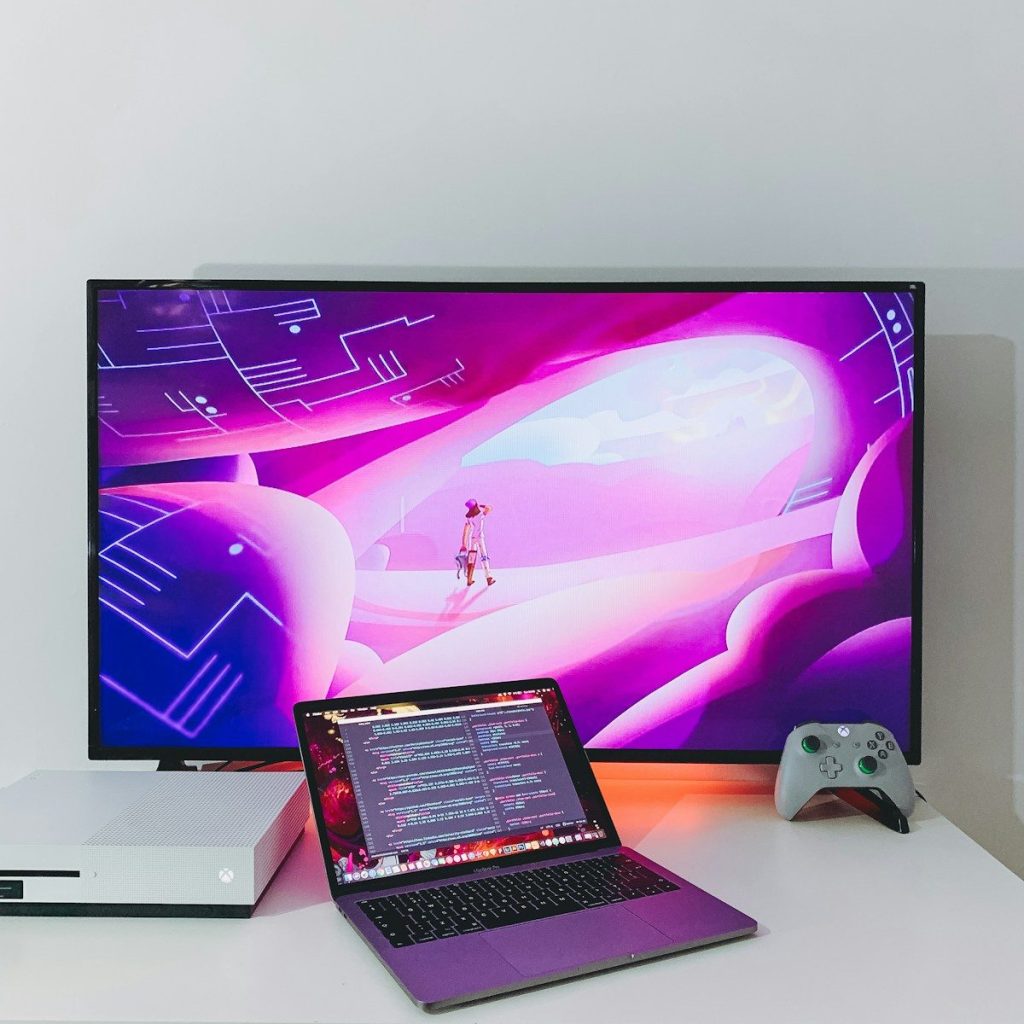
    PC gaming is powerful, but it can still feel messy. A console usually turns on, opens a clean menu, and gets you into a game fast. A Windows PC can offer more choice, more stores, more hardware, and more ways to play, but that freedom can also bring updates, launchers, settings, background tasks, driver issues, and uneven performance.

    That is why Microsoft keeps trying to make PC gaming feel smoother. Windows 11 now highlights features like Game Mode, Auto HDR, DirectStorage, Controller bar, Dynamic Lighting, and Xbox app support. Microsoft has also pushed a fuller Xbox-style experience for handheld PCs and tested tools that cut down first-launch delays. The goal is simple: keep PC freedom, but make the ride feel less bumpy.

    PC gaming has more moving parts

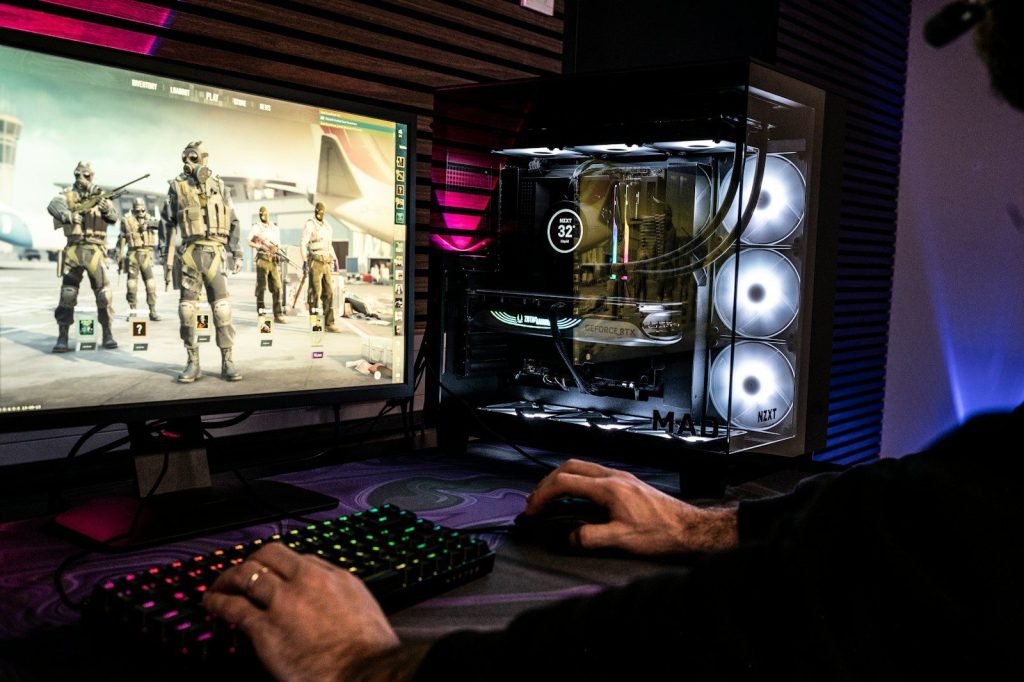
    a person wearing headphones and using a computer
    Photo by Samsung Memory on Unsplash

    A gaming PC can be amazing because players can pick their parts, stores, settings, and accessories. That freedom is a big reason PC gaming stays popular.

    But all those choices can also create friction. One player may use Steam, another may use the Xbox app, and another may use several launchers. Microsoft wants Windows to feel more organized around play.
    Smoothness is more than FPS

    a computer with a couple of monitors
    Photo by Samsung Memory on Unsplash

    When people talk about smooth gaming, they often think of frame rates. That matters, but it is not the whole story. Load times, stutter, menus, updates, and controller support matter too.

    A game can run fast and still feel annoying if it takes too long to open or if switching between apps feels clunky. Microsoft is trying to improve the full experience, not just the number on a screen.
    Windows has built-in tools

    a macbook air laptop in the dark
    Photo by Sunrise King on Unsplash

    Windows 11 includes gaming features that help without much setup. Microsoft points to Game Mode, Auto HDR, Dynamic Lighting, Controller bar, and optimizations for windowed games.
    These tools are not magic fixes for every PC. Still, they show Microsoft’s plan: make useful gaming features part of the operating system, instead of asking every player to hunt for tweaks.

    Faster loading still matters

    text
    Photo by Mike van den Bos on Unsplash

    Nobody enjoys staring at loading screens. Microsoft says DirectStorage can improve game load times when the PC hardware and game support it.

    That matters because modern games are huge. Faster storage and better data handling can make big worlds feel easier to enter, especially as game files keep growing and players expect quicker starts.

    Shader stutter is a target

    A man is playing a video game on his computer
    Photo by ELLA DON on Unsplash

    Some PC games pause or hitch when shaders are being prepared. Microsoft has worked on Advanced Shader Delivery, which uses precompiled shaders to reduce first-launch waits and early stutter.

    Microsoft said some supported titles saw major first-run load-time drops, and Tom’s Hardware reported a Forza Horizon 6 example where a supported setup loaded far faster with the feature enabled.

    Handheld PCs raised the pressure

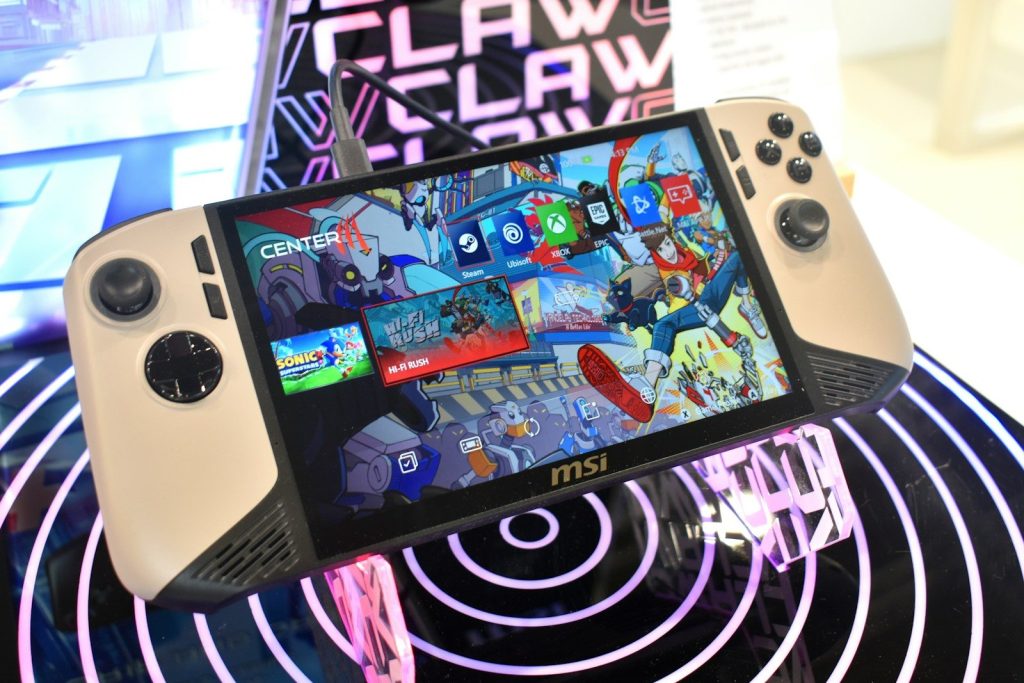
    Msi handheld gaming device with colorful screen
    Photo by Gavin Phillips on Unsplash

    Windows handheld gaming PCs showed a clear problem. Windows is powerful, but it was not always built around small screens, controllers, batteries, and quick game launching.

    Microsoft’s Xbox full screen experience aims to make handhelds feel more console-like. It is designed for controller-first navigation and easier access to games across libraries.

    Background tasks can hurt feel

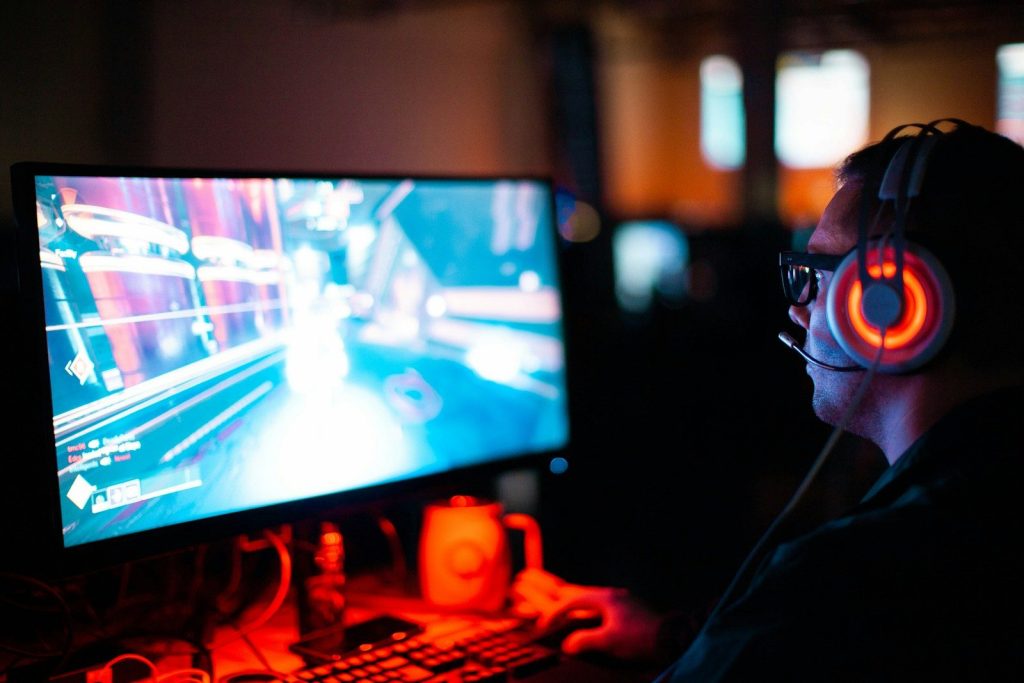
    person using computer playing FPS game
    Photo by Sean Do on Unsplash

    A powerful PC can still feel uneven if too many background tasks interrupt play. That is especially true on handhelds, where battery life and steady frame pacing matter more.

    Microsoft said its full screen experience minimizes background activity and defers non-essential tasks. The goal is to help games feel steadier when every watt of power counts.

    The Xbox app keeps evolving

    a large green sign hanging from the ceiling of a building
    Photo by Jonathan Kemper on Unsplash

    Microsoft also wants the Xbox app to feel like a clearer home for PC gaming. PC Game Pass is built around downloading and playing a changing library of PC games through the Xbox app.

    That matters because many players want less jumping between menus. A smoother app can make it easier to find games, install them, launch them, and return to what they were playing.

  • Phone design is becoming a bigger reason people switch brands

    Phone design is becoming a bigger reason people switch brands

    For years, many people picked a phone by checking the camera, battery, price, or operating system. Those things still matter, but design is becoming a stronger reason to switch. A phone is now something people hold all day, carry everywhere, and often see as part of their personal style. The shape, weight, screen size, camera layout, colors, materials, buttons, and foldable features can all affect how a phone feels in daily life.

    Apple highlights thinner borders, contoured edges, Ceramic Shield materials, and a 120Hz display on iPhone 17, while Samsung keeps pushing foldable designs in its Galaxy Z line. Google has also made the Pixel camera bar a clear design signature.

    Design now feels personal

    A close up of a cell phone on a table
    Photo by Samuel Angor on Unsplash

    A phone is not just a tool anymore. It is one of the few devices people touch dozens of times a day, so the way it looks and feels can matter a lot.

    That makes design more emotional. A person may switch brands because one phone feels sleeker, lighter, easier to hold, or more like their style. Specs can win attention, but comfort often wins loyalty.

    Foldables change the pitch

    a man holding a smart phone in his hands
    Photo by Jonas Leupe on Unsplash

    Foldable phones have made design feel exciting again. Instead of every phone being one flat glass rectangle, foldables offer shapes that open, close, stand, and fit pockets differently.

    Samsung’s Galaxy Z line focuses on foldable designs with large-screen multitasking and compact flip options. For some buyers, that fresh shape is enough to consider leaving a familiar brand.

    Thin bezels feel modern

    a cell phone on a table
    Photo by Amanz on Unsplash

    Thinner borders can make a phone feel newer even before someone checks the specs. More screen and less frame can make videos, games, reading, and photos feel more immersive.

    Apple describes iPhone 17 with thinner borders, contoured edges, and a 6.3-inch Super Retina XDR display. That kind of design language helps make a phone feel polished, not just powerful.

    Materials affect daily comfort

    a close up of a cell phone on a surface
    Photo by He Junhui on Unsplash

    Phone materials can change the whole experience. Metal, glass, matte finishes, textured backs, and stronger screen coverings all affect grip, weight, durability, and feel.

    Apple has promoted materials such as Ceramic Shield and titanium in recent iPhone designs, while Google describes the Pixel 9 Pro design with matte back glass and polished aluminum. Those details can make a phone feel more premium in the hand.

    Camera layouts become identity

    Several smartphones of varying colors are displayed.
    Photo by Andrey Matveev on Unsplash

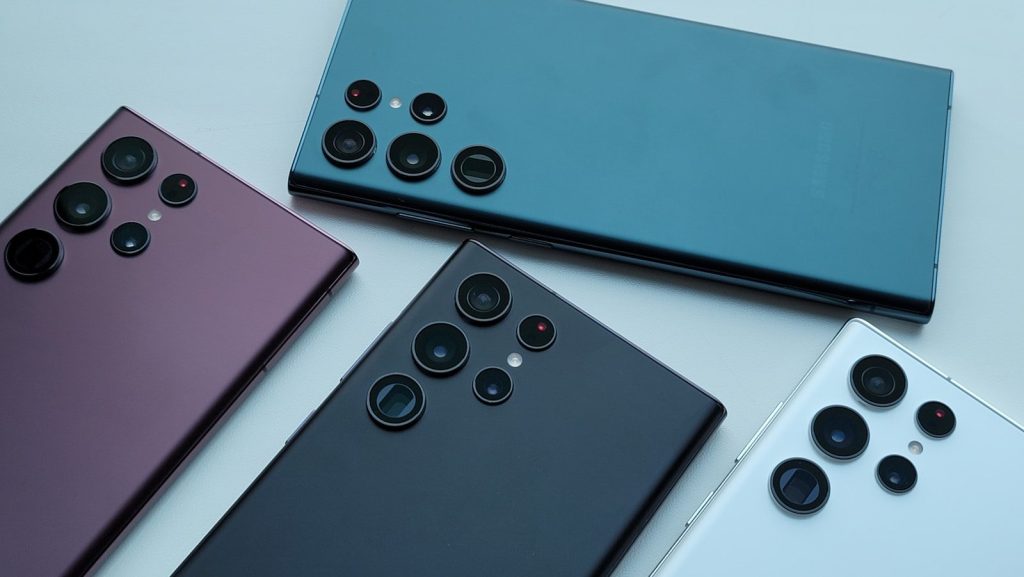
    Camera design is now part of brand identity. People can often recognize a phone from the back before they even see the logo.

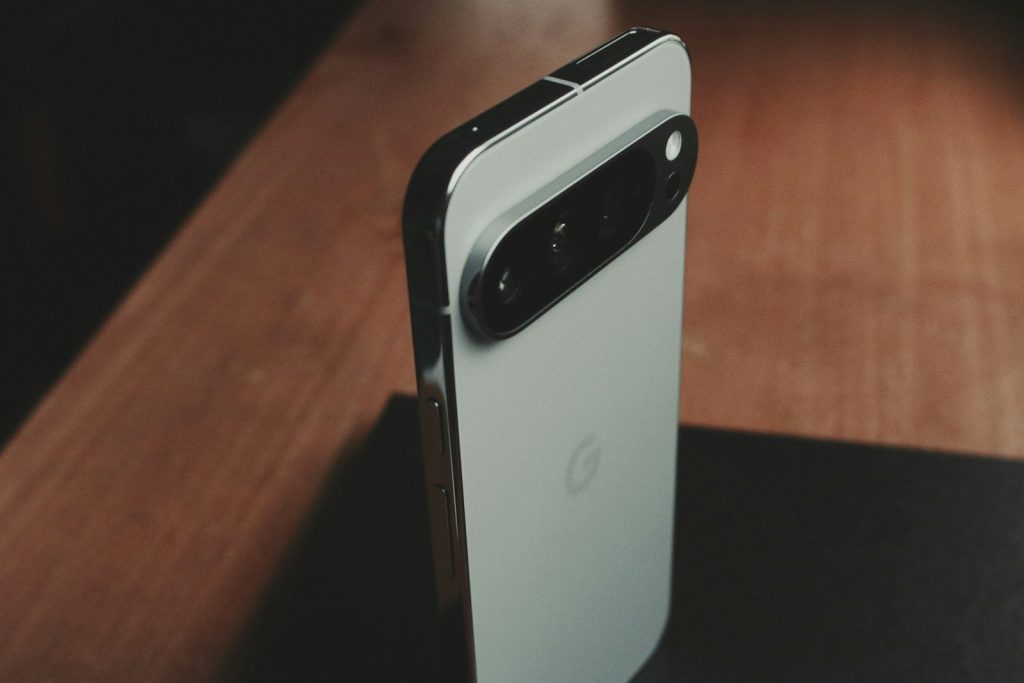
    Google’s Pixel camera bar is a strong example. Google explained that the camera bar was built as a visual design feature, and the Pixel Fold adjusted that look for a more balanced foldable shape. That kind of signature can make a brand feel distinct.

    Buttons can change habits

    a close up of a cell phone with a keyboard in the background
    Photo by Samuel Angor on Unsplash

    Small design choices can change how people use a phone. A button for quick actions, camera controls, or silent modes can make the device feel more direct and personal.

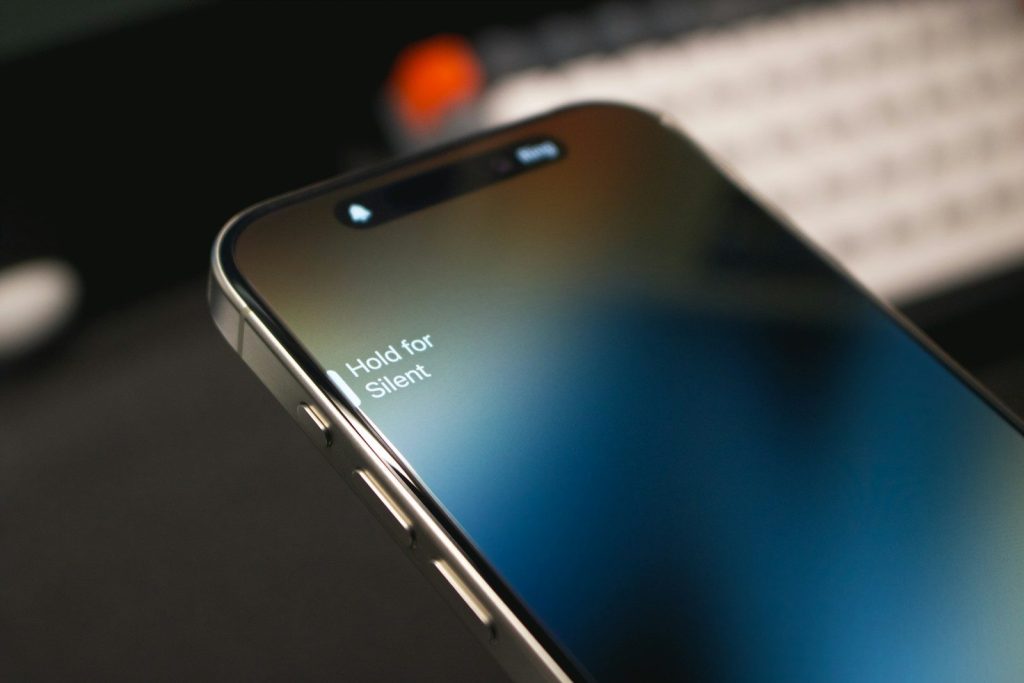
    Apple introduced the Action button on iPhone 15 Pro models and later support pages describe newer iPhones with Action button and Camera Control placements. These hardware touches can become reasons some users prefer one brand’s feel over another.

    Outside screens add value

    Two cell phones sitting next to each other on a window sill
    Photo by Evgeny Opanasenko on Unsplash

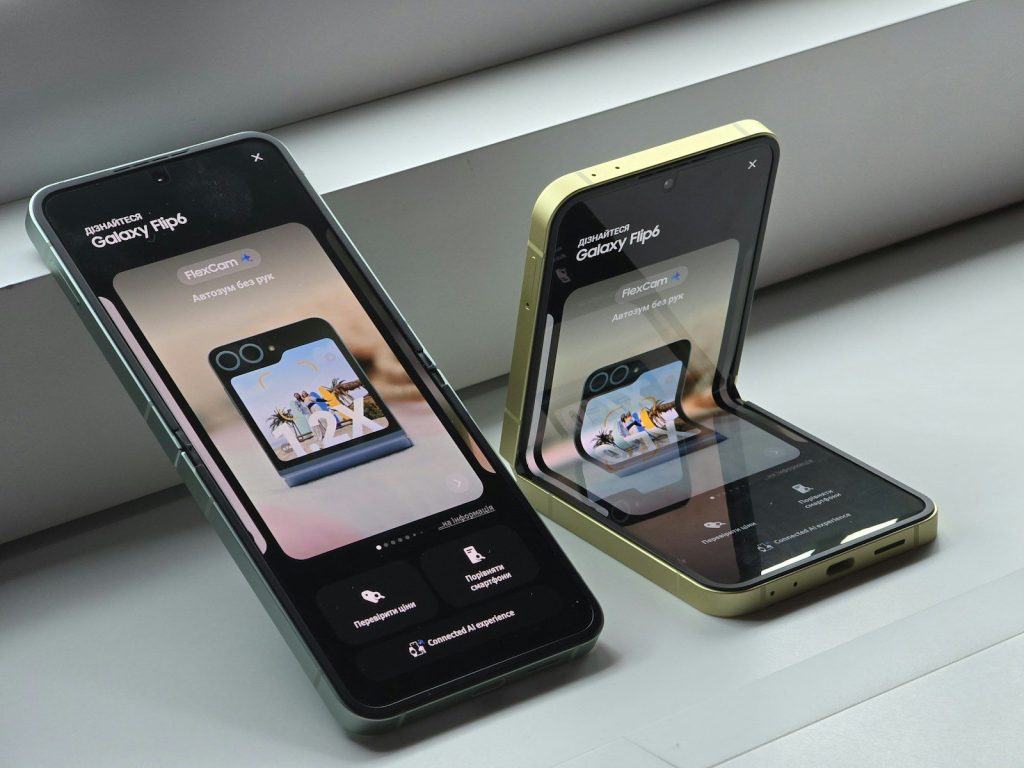
    Flip phones are gaining attention because the outside screen can do more. Users may check messages, take photos, control music, or view updates without opening the full phone.

    Motorola describes its razr as a flip phone with a large external display and a 6.9-inch pOLED screen inside. That design gives people a different routine, which can make switching feel practical instead of risky.

    Weight matters more now

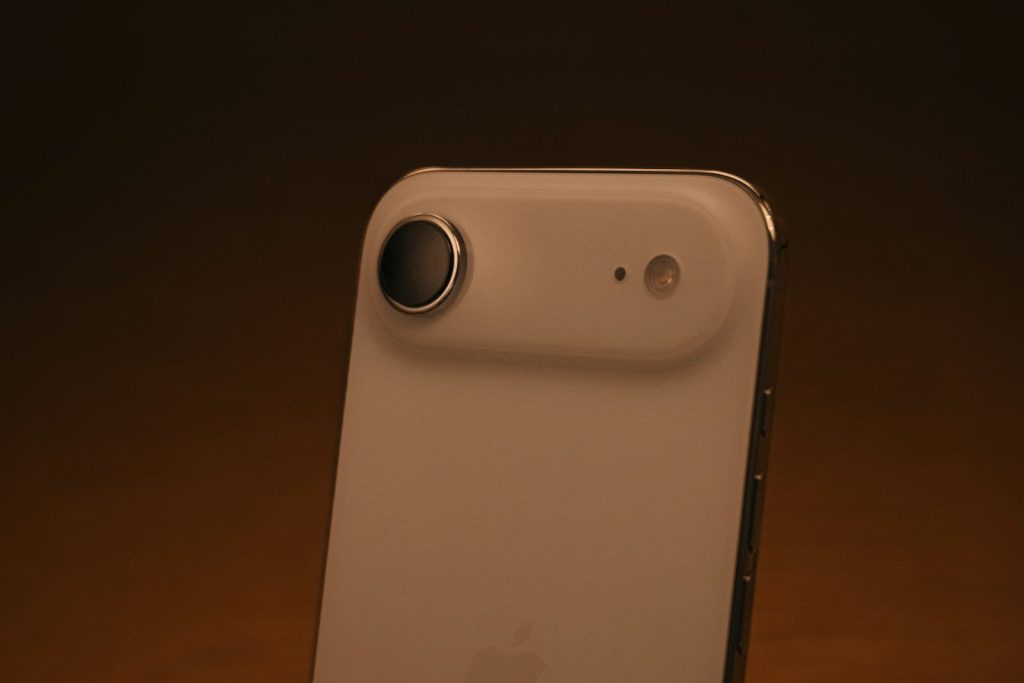
    Close-up of a white smartphone camera lens
    Photo by Sam Grozyan on Unsplash

    A phone can have great features but still feel tiring if it is too heavy or awkward. As screens get larger, comfort becomes a bigger part of design.

    People notice weight during long calls, scrolling, gaming, reading, or taking photos. A lighter or better-balanced phone may feel easier to live with, which can make buyers rethink the brand they usually choose.

    Colors help phones stand out

    a group of four different colored cell phones
    Photo by Evgeny Opanasenko on Unsplash

    Color may seem simple, but it can influence a purchase. Many users want a phone that feels fun, clean, bold, or professional before they even add a case.

    Brands now treat color and finish as part of the full design story. Matte glass, polished frames, soft tones, and brighter shades can help a phone feel less generic and more personal.

    Switching can start with feel

    a person holding a cell phone
    Photo by Shawn Rain on Unsplash

    People may say they switch brands for cameras, battery life, or software, but design can be the first thing that pulls them in. The phone has to look good and feel right.

    That is why design is becoming a real selling point. Foldables, thinner borders, signature camera bars, new buttons, better materials, and more comfortable shapes can make another brand feel worth trying.

  • Why Nintendo Switch 2 storage may matter more than the screen

    Why Nintendo Switch 2 storage may matter more than the screen

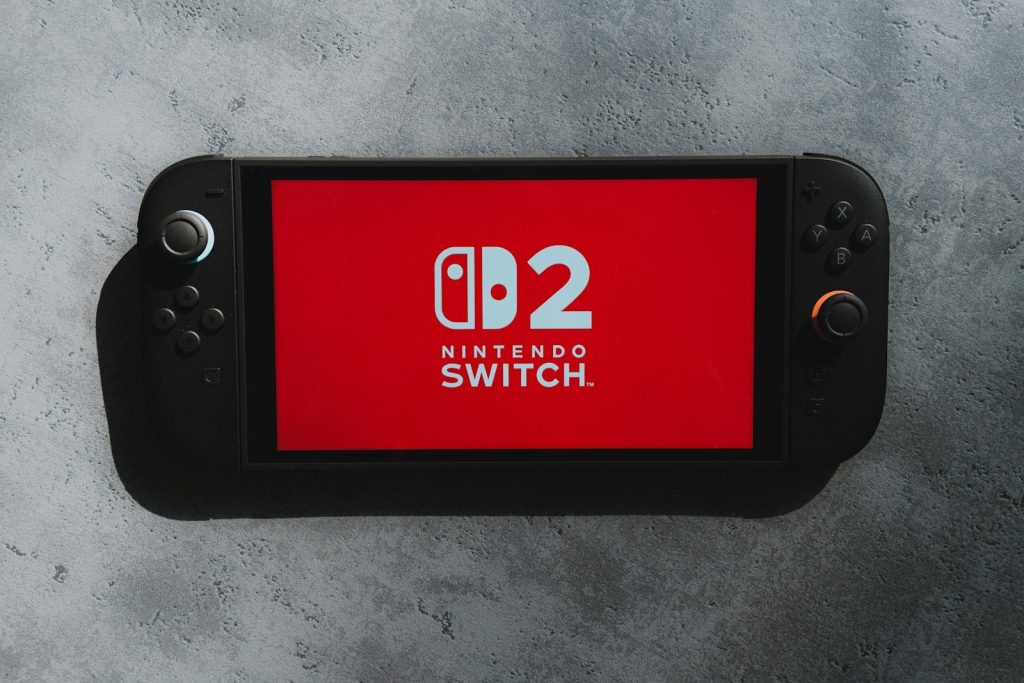
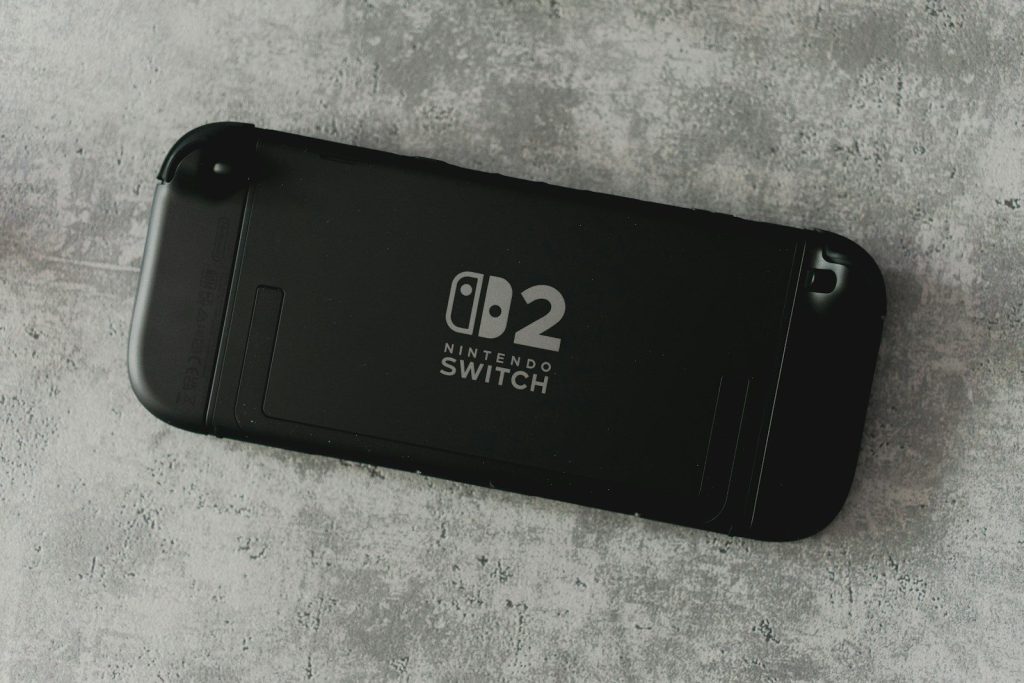
    The Nintendo Switch 2 sounds roomy at first because it has 256GB of internal storage, which is a big jump from the original Switch. But storage can disappear faster than many players expect. Newer games can use larger files, updates can add more data, and some physical releases may still require downloads.

    Nintendo also says Switch 2 uses microSD Express cards for expanded storage, and older non-Express microSD cards used with the original Switch cannot be used to store playable Switch 2 games. That means storage is not just a small spec on the box. It can affect what players download, what they keep installed, and how much extra they may spend later.

    256GB sounds bigger

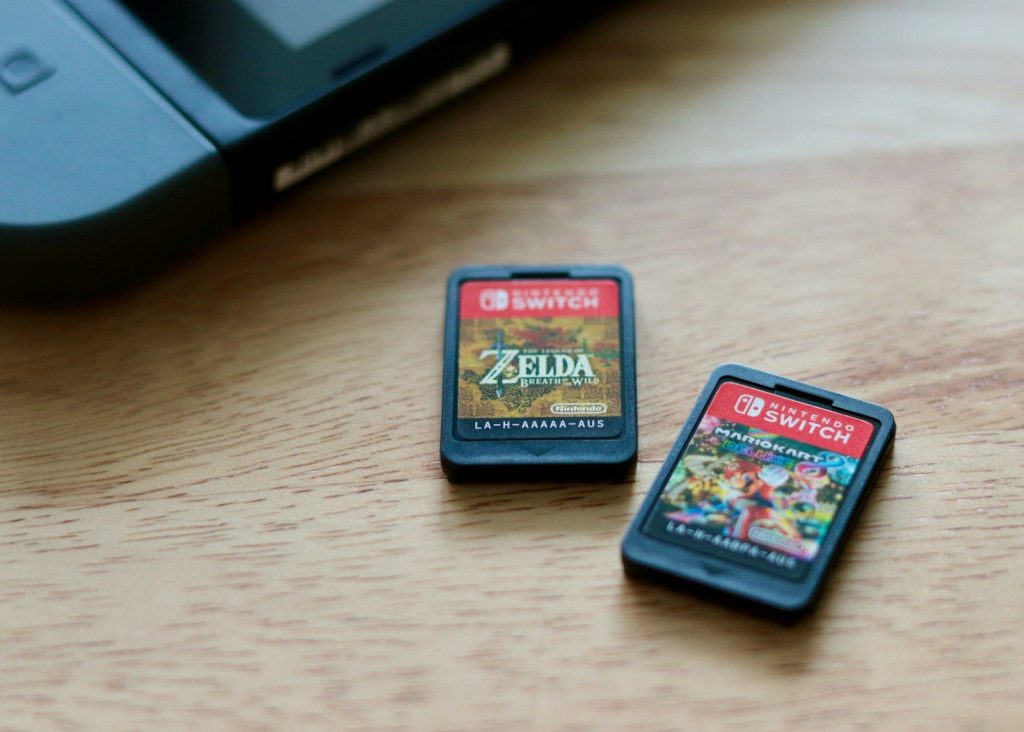
    a couple of nintendo games sitting on top of a wooden table
    Photo by Jacob Spaccavento on Unsplash

    Nintendo Switch 2 comes with 256GB of internal storage, which is much more than the original Switch offered. On paper, that feels like a strong upgrade for digital games, updates, screenshots, and saved content.

    The catch is that modern games are also bigger. A few large downloads can quickly take up a serious chunk of that space, especially for players who like keeping many games installed at once.

    Game sizes are growing

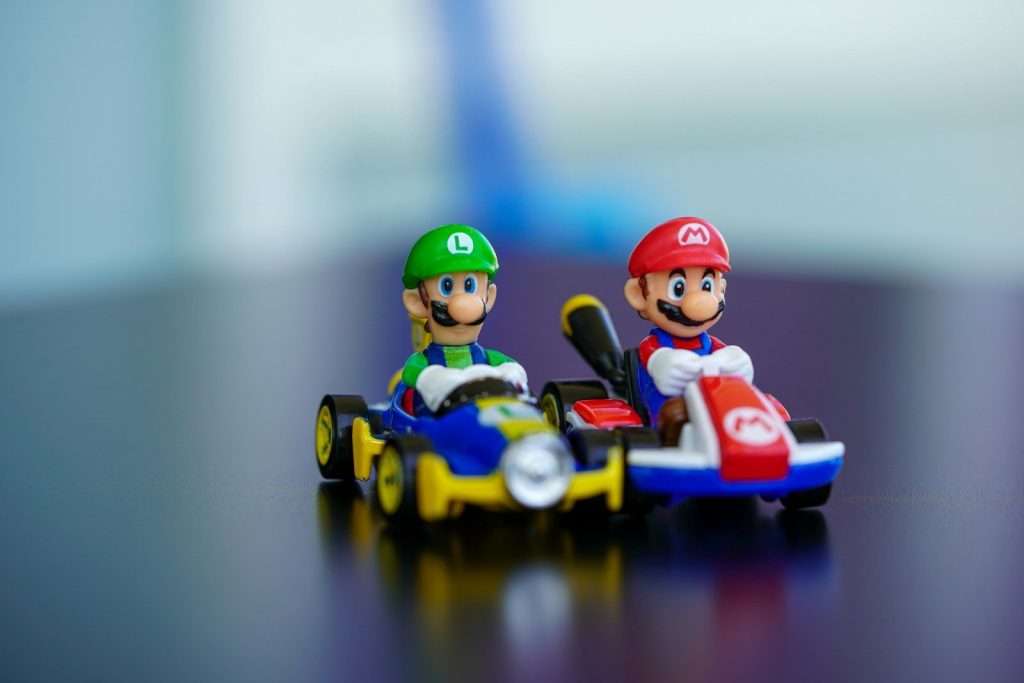
    lego mini figure riding blue and red toy car
    Photo by Ravi Palwe on Unsplash

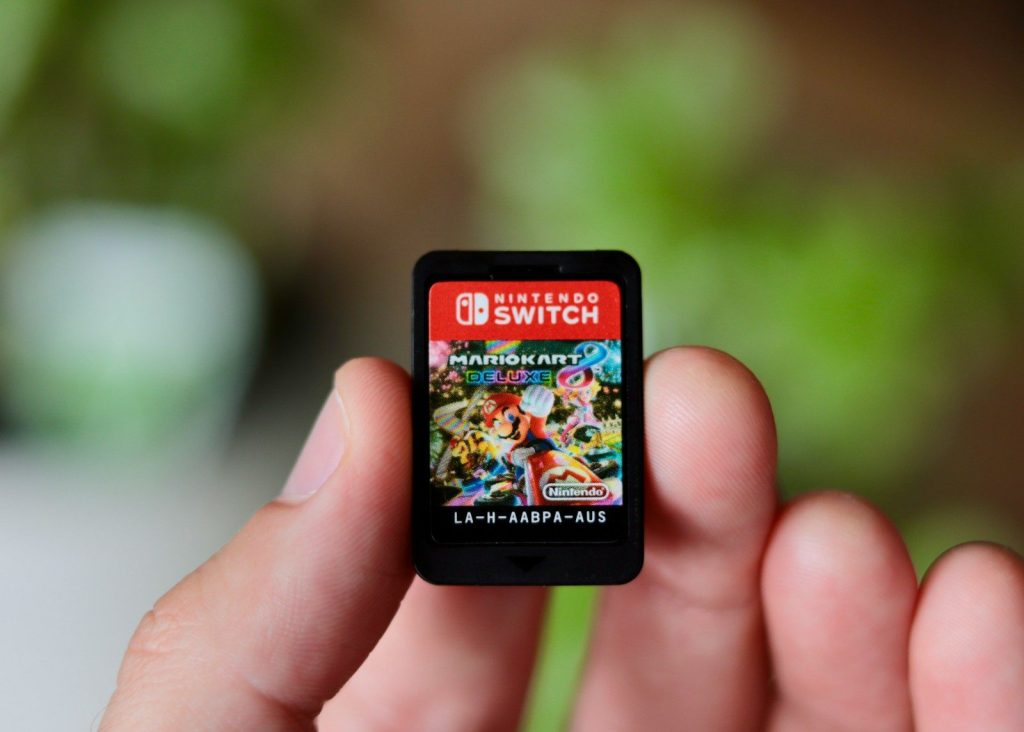
    Nintendo’s own games can still be fairly compact. For example, Nintendo lists Mario Kart World with a 22GB game file size on its official store page.

    But not every game will be that small. Larger third-party games, big updates, and extra content can make storage feel tighter over time. That is why 256GB may not stretch as far as some players expect.

    Old cards may not help

    a close up of a person holding a cell phone
    Photo by Jacob Spaccavento on Unsplash

    Many current Switch owners already have microSD cards. Unfortunately, those cards may not solve the storage problem on Switch 2 if they are not microSD Express cards.

    Nintendo says Switch 2 is only compatible with microSD Express cards for expanded storage. Older microSD cards used with Nintendo Switch do not meet that standard for Switch 2 game storage.

    Faster cards are required

    an orange and blue nintendo wii game controller
    Photo by Anthony on Unsplash

    Switch 2’s microSD Express requirement is not just about selling a newer card type. Nintendo says the newer standard is needed for faster access speeds and smooth game performance.

    That matters because games do more than sit on storage. They load worlds, textures, saves, updates, and extra content. A slower card could hold the system back if the console allowed it.

    Physical may still download

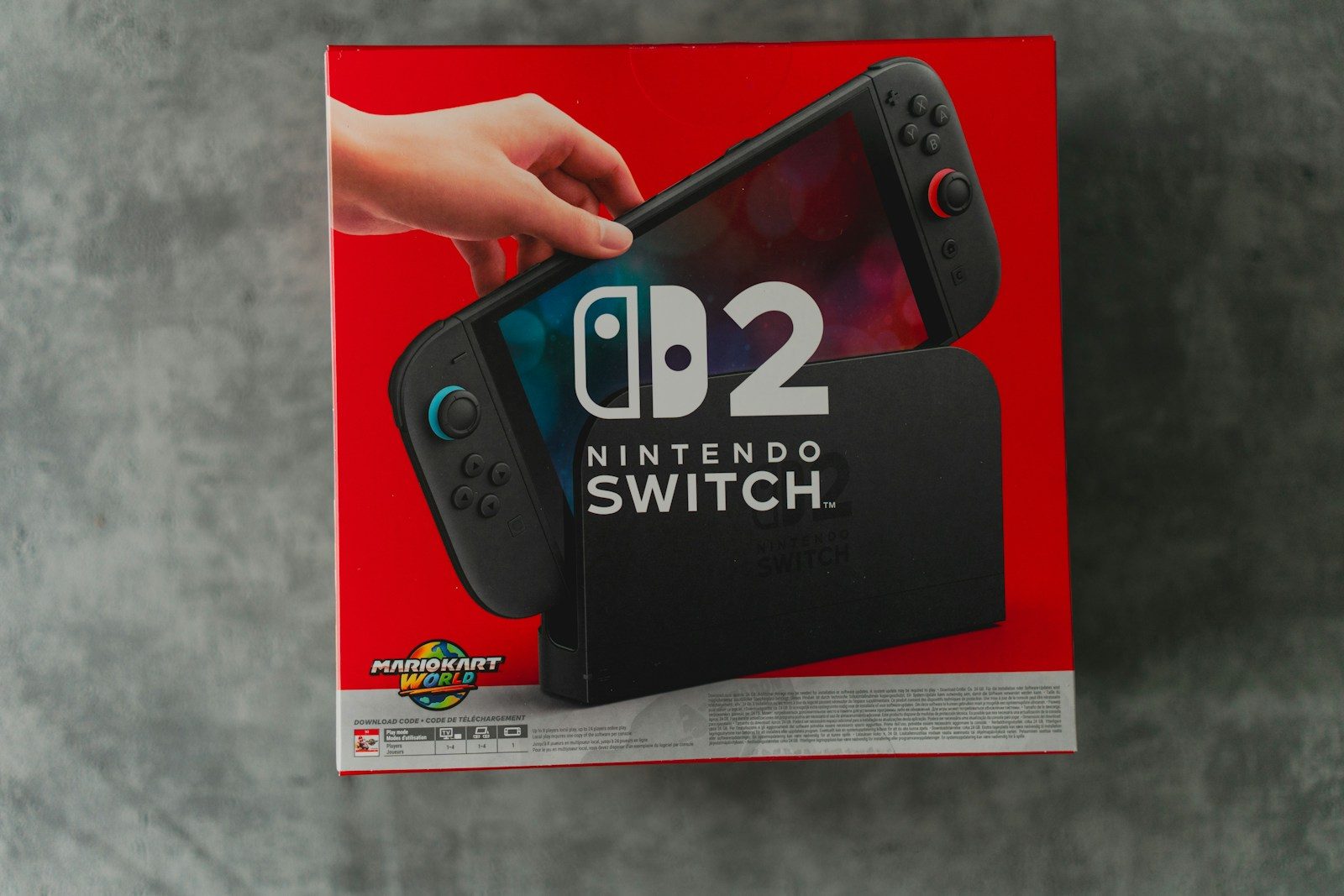
    The nintendo switch 2 with a red screen.
    Photo by Kamil Switalski on Unsplash

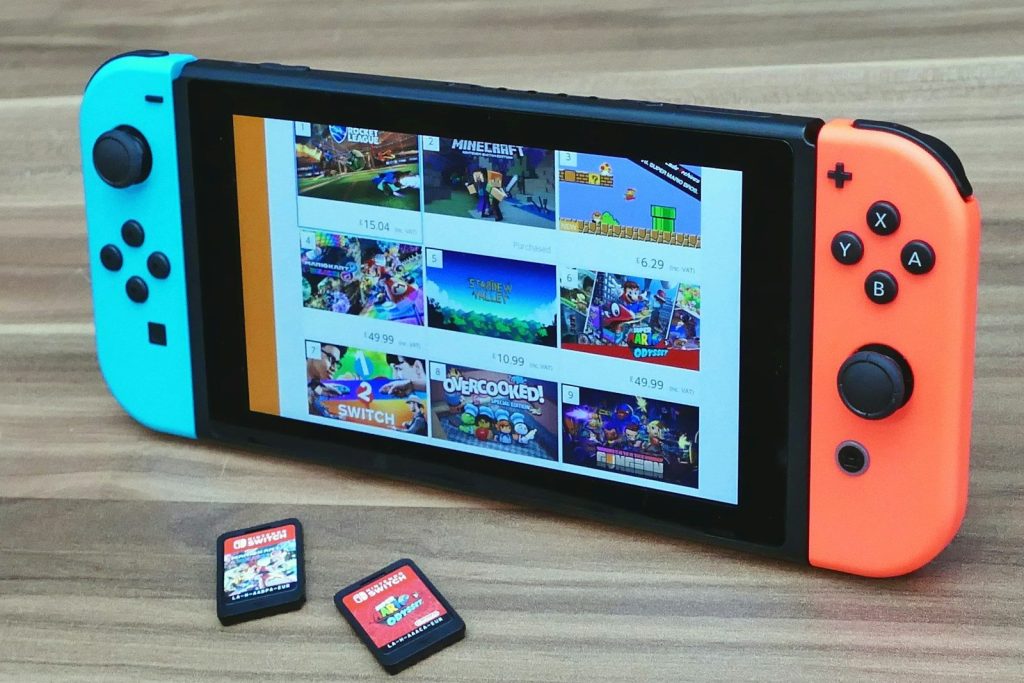
    Buying a physical game does not always mean avoiding storage use. Nintendo says some Switch 2 games use game-key cards, which do not contain the full game data.

    Instead, the card acts like a key that lets the player download the full game to the system through the internet. That makes storage important even for people who prefer physical shelves and game cases.

    Updates can add pressure

    The back of a nintendo switch 2 console.
    Photo by Kamil Switalski on Unsplash

    Storage needs can grow after launch. Games may receive patches, new modes, performance fixes, language files, or extra content months after players first install them.

    That means the space a game needs on day one may not be the final number forever. Players who keep favorites installed for years may notice storage slowly filling up through updates alone.

    Digital libraries need room

    Handheld gaming console displaying a video streaming service.
    Photo by Kamil Switalski on Unsplash

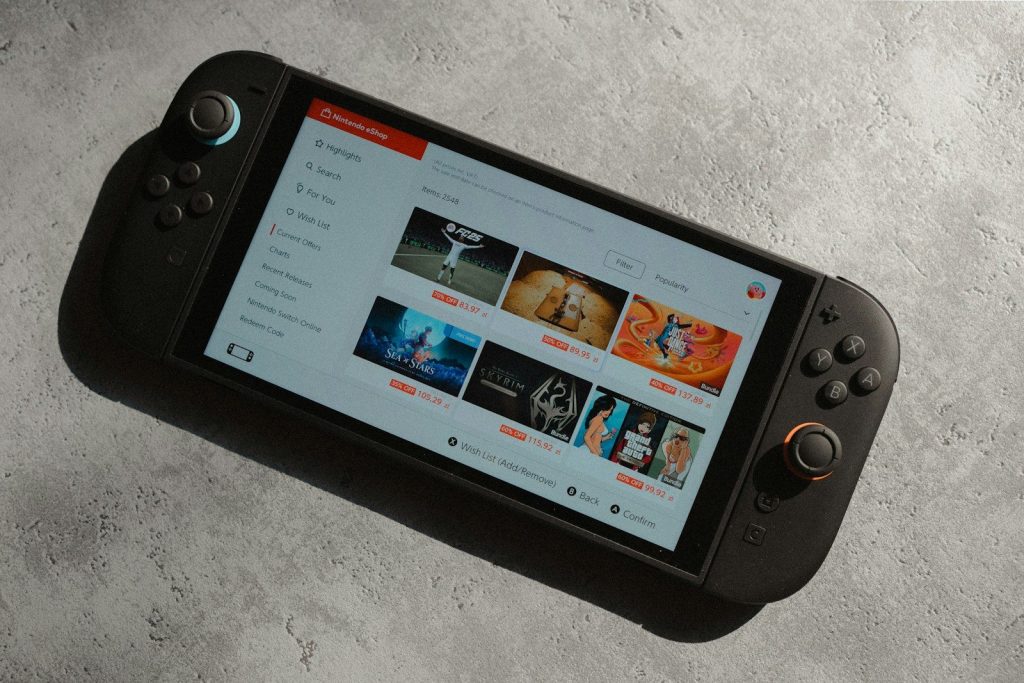
    Digital games are convenient because players can switch titles without carrying cartridges. But that convenience depends on having enough space to keep games downloaded.

    When storage runs low, players may need to delete games, redownload them later, or move data around. That can be annoying for families, travelers, and anyone with slower internet.

  • Why robotic pool cleaners are becoming backyard must-haves

    Why robotic pool cleaners are becoming backyard must-haves

    Pool days are supposed to feel easy, but anyone who owns a pool knows the work does not stop when the cover comes off. Leaves settle on the floor, dust sticks to the walls, and the waterline can start looking dull right when guests are on the way. That is why robotic pool cleaners are getting so much attention. They promise a simpler way to handle one of the least fun parts of pool ownership.

    The timing makes sense. The U.S. has millions of residential pools, and pool owners are looking for tools that save time, reduce hassle, and fit into smarter home routines. Market researchers also expect the robotic pool cleaner business to keep growing as more homeowners choose automated maintenance.

    Pool chores take real time

    A cell phone floating in a pool of water
    Photo by Aiper Pool Cleaner on Unsplash

    Pool cleaning may look simple, but it can quickly eat into a weekend. Skimming, brushing, vacuuming, and checking the pool floor all take effort, especially after windy weather or heavy use.

    Robotic cleaners appeal to homeowners because they handle much of the physical cleaning on their own. Instead of pushing a vacuum by hand, owners can let the robot work while they handle other backyard tasks.

    They fit busy routines

    A couple of people that are in a pool
    Photo by Aiper Pool Cleaner on Unsplash

    Modern homeowners are used to devices that save steps, from robot vacuums to smart thermostats. Robotic pool cleaners bring that same “set it and move on” feeling to the backyard.

    This matters because pool care is not a once-a-season job. Debris can return every day. A cleaner that runs on a schedule or starts quickly can make pool upkeep feel less like a project.

    Cleaner water feels more inviting

    A black briefcase is submerged underwater in a pool.
    Photo by Aiper Pool Cleaner on Unsplash

    A pool looks more welcoming when the floor, walls, and waterline stay clear. Some robotic pool cleaners are designed to scrub surfaces and collect loose debris, not just move dirt around.

    Maytronics says its Dolphin robotic cleaners can pick up debris, scrub floors and walls, and clean along the waterline on compatible models. That kind of full-surface cleaning is a big reason shoppers notice the category.

    Smart features add appeal

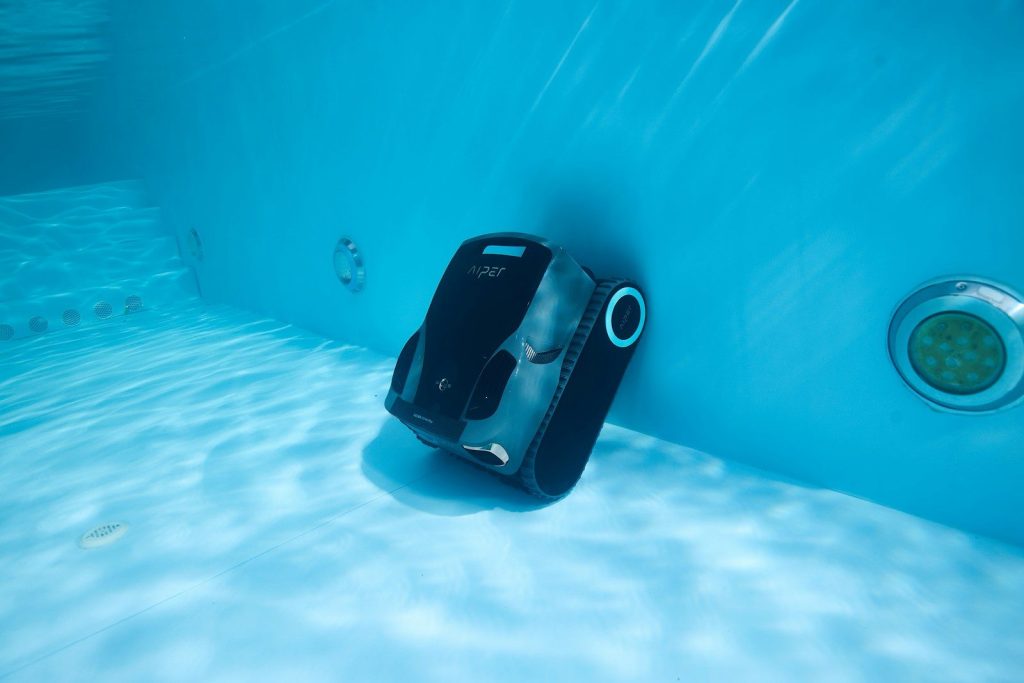
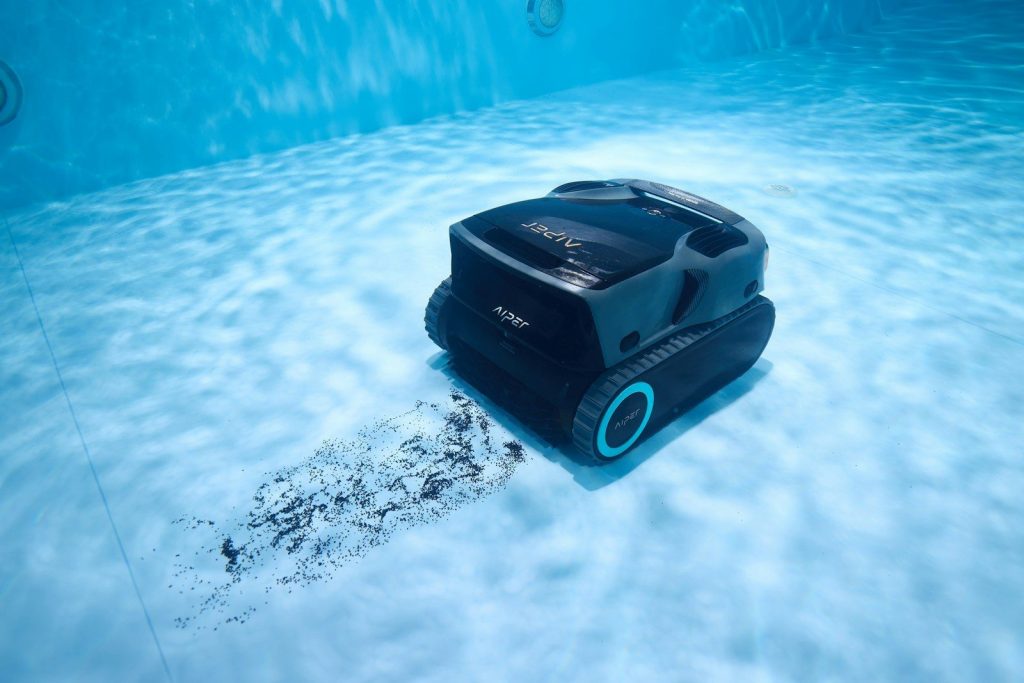
    A robotic pool cleaner is underwater.
    Photo by Aiper Pool Cleaner on Unsplash

    Robotic pool cleaners are becoming more advanced, with features like app control, smarter navigation, cordless designs, and improved filters. These upgrades make the machines feel closer to other smart home tools.

    The trend is still moving. At CES 2026, The Verge reported on a pool robot designed to lift itself out of the water to charge, showing how brands are trying to make pool care even more automatic.

    They can ease pump strain

    A robotic pool cleaner cleans underwater.
    Photo by Aiper Pool Cleaner on Unsplash

    Many robotic pool cleaners work separately from the pool’s main pump and filter system. That can be helpful because the robot has its own motor, filter, and cleaning path.

    Energy use is already a big topic in pool care. ENERGY STAR says variable-speed and multi-speed pool pumps can reduce energy costs and offer quieter operation. Robotic cleaners fit into that same push toward smarter, more efficient backyard equipment.

    Portable models are growing

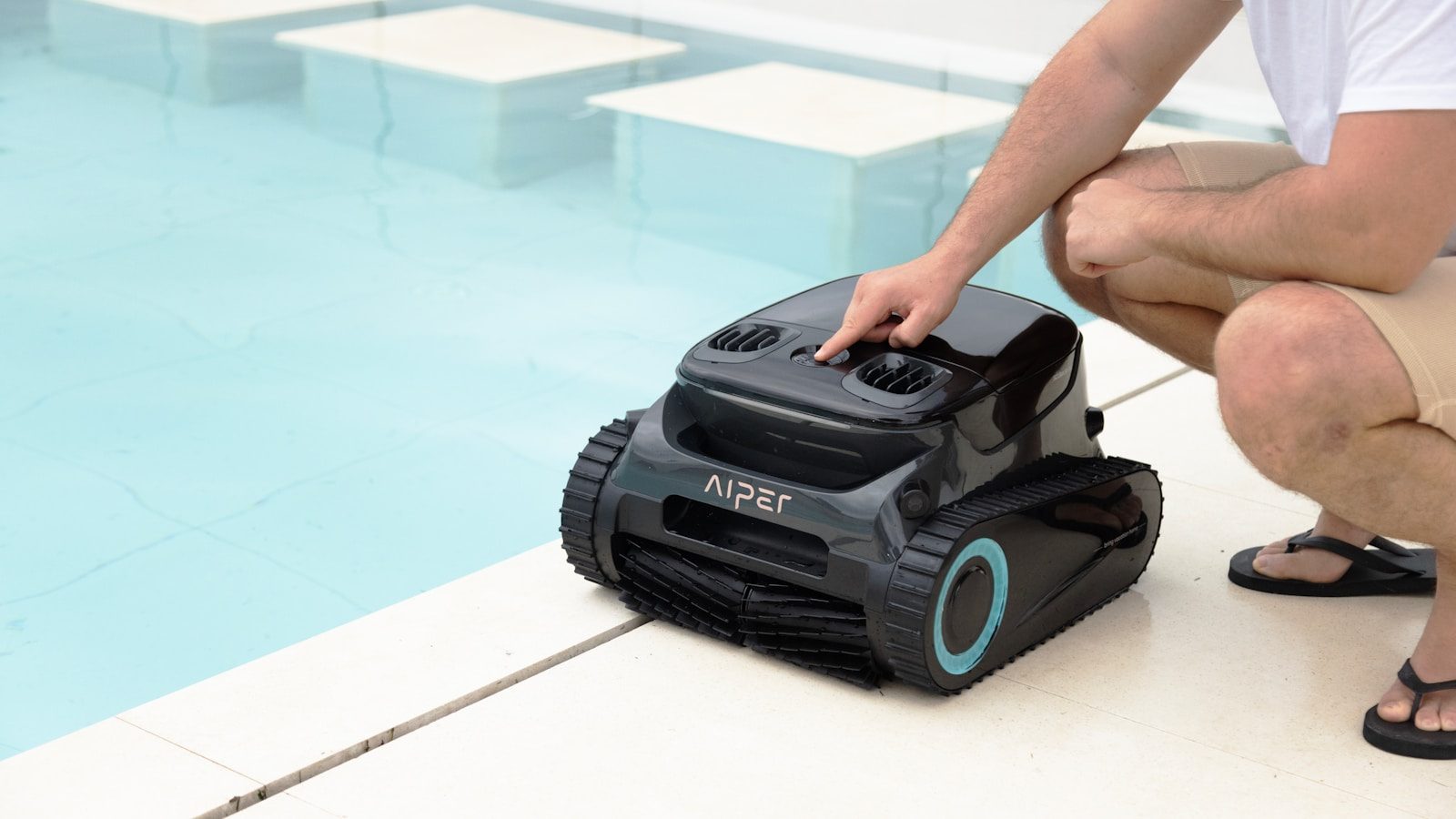
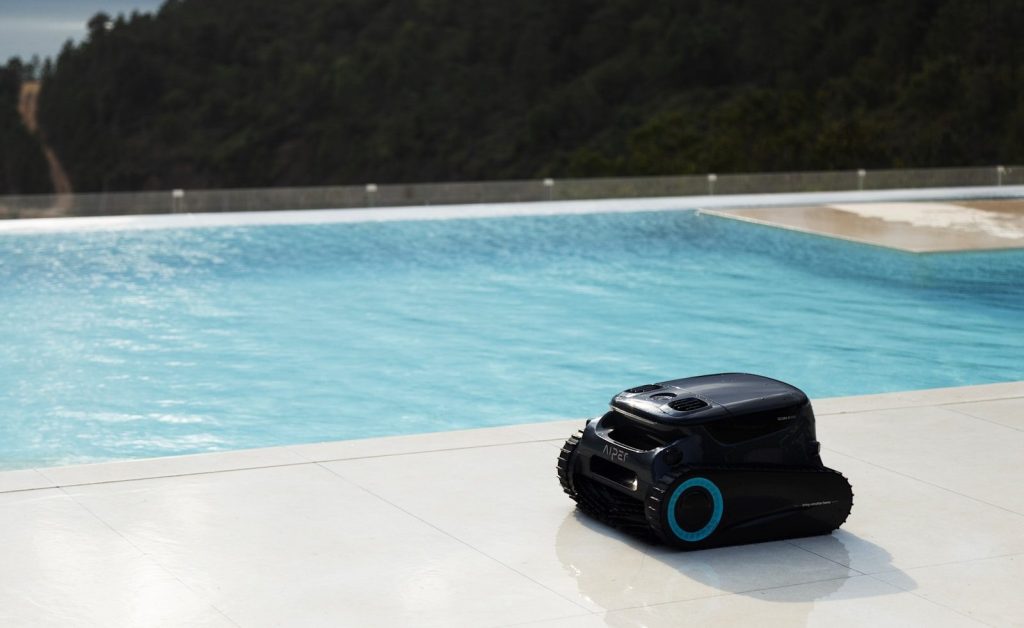
    A robotic pool cleaner is next to a pool.
    Photo by Aiper Pool Cleaner on Unsplash

    Cordless robotic pool cleaners have made the category feel easier for many homeowners. Without a long floating cord, setup can seem less annoying, especially for smaller pools or quick cleanups.

    This does not mean every cordless model is right for every pool. Battery life, pool size, wall climbing, and debris type still matter. But the rise of cordless designs has made robotic cleaning feel less complicated for everyday users.

    The market is expanding fast

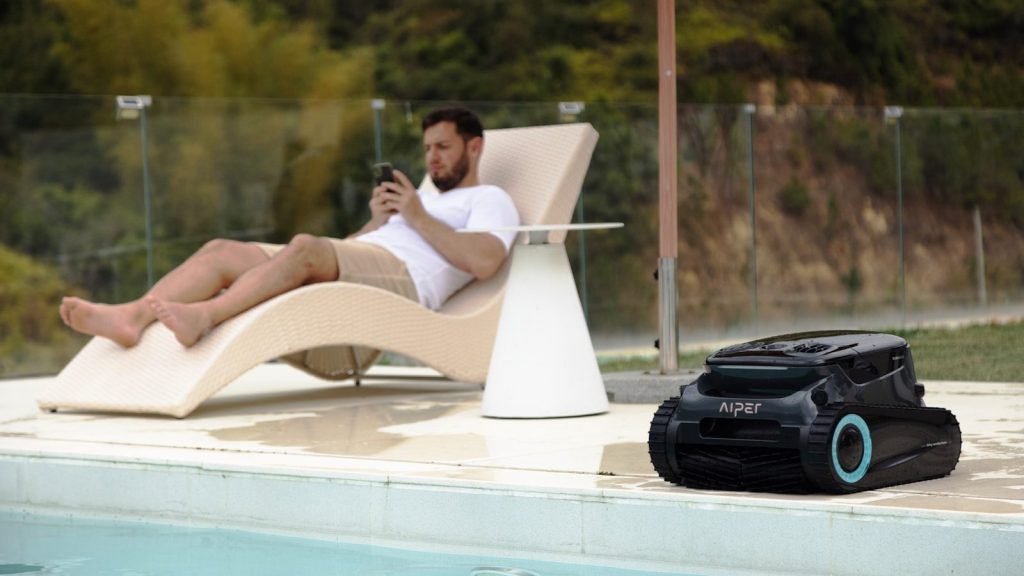
    A man relaxing by the pool, using his phone.
    Photo by Aiper Pool Cleaner on Unsplash

    Robotic pool cleaners are no longer a niche gadget. Global Market Insights estimated the robotic pool cleaner market at $1.18 billion in 2025 and projected strong growth through 2035.

    That growth shows a clear shift in how people think about backyard maintenance. Homeowners are not only paying for clean water. They are paying for convenience, time savings, and a pool that feels easier to enjoy.

    They make hosting simpler

    A man standing in a pool with an inflatable flamingo
    Photo by Aiper Pool Cleaner on Unsplash

    A clean pool can change the whole feel of a backyard gathering. When the pool looks ready, the space feels more relaxed, even before anyone gets in the water.

    Robotic cleaners help because they can handle routine debris before guests arrive. They do not replace smart water care or safe chemical handling, but they can make the visible cleaning part much easier.

    They support better upkeep habits

    Pool Robot” by Z303 is licensed under CC BY-NC-SA 2.0

    The CDC recommends following pool chemical directions carefully and handling chemicals safely. Clean surfaces are only one part of pool care, but regular upkeep can help owners stay more aware of the pool’s condition.

    A robotic cleaner can support that habit by making routine cleaning less of a burden. When the chore feels easier, owners may be more likely to keep the pool looking fresh between deeper maintenance checks.

    Convenience is the real draw

    Man relaxes by the pool, reading a book.
    Photo by Aiper Pool Cleaner on Unsplash

    The biggest reason robotic pool cleaners are becoming backyard must-haves is simple: they make pool ownership feel easier. A pool should be fun, not a constant reminder of unfinished chores.

    For many homeowners, the value is not just the machine itself. It is the time saved, the cleaner look, and the peace of mind that the pool can stay closer to ready when the next sunny day arrives.

  • 10 thermostat settings to understand before summer heat hits

    10 thermostat settings to understand before summer heat hits

    Summer comfort is not just about turning the thermostat lower and hoping the house cools faster. The right settings can help your air conditioner work smarter, lower energy use, and keep rooms feeling steady through long hot days. The U.S. Department of Energy says households can save as much as 10% a year on heating and cooling by setting the thermostat back 7 to 10 degrees for 8 hours a day.

    It also notes that ceiling fans can let many people raise the thermostat by about 4 degrees without feeling less comfortable. These simple settings are worth understanding before summer arrives, especially if your home gets warm fast or your cooling bill climbs every year.

    Start near 78 degrees

    graphical user interface
    Photo by Sean on Unsplash

    A common summer starting point is about 78 degrees when people are home and awake. That number is not perfect for every house, but it gives many families a good balance between comfort and energy use.

    From there, adjust slowly. Try one degree at a time instead of making big changes. Small moves help you find a setting that feels good without making the air conditioner run harder than needed.

    Raise it when away

    tablet, heating, man, pointing, manual, technology, person, male, computer, home, modern, system, energy, control, people, temperature, app, heating, heating, heating, heating, heating, temperature, temperature, temperature, temperature
    Photo by ClickerHappy on Pixabay

    When the house is empty, the thermostat does not need to work as hard. Raising the setting while you are gone can reduce cooling time and help lower energy use.

    The Department of Energy says turning the thermostat back 7 to 10 degrees for 8 hours a day can save as much as 10% a year on heating and cooling. Summer is a good time to use that habit wisely.

    Use a sleep schedule

    Night settings depend on comfort, humidity, and how warm the house stays after sunset. Some people sleep better with a slightly cooler room, while others can keep the setting higher.

    A programmable or smart thermostat can help by changing the temperature before bedtime and again before morning. That way, the home feels comfortable without someone getting up to adjust it.

    Do not chase fast cooling

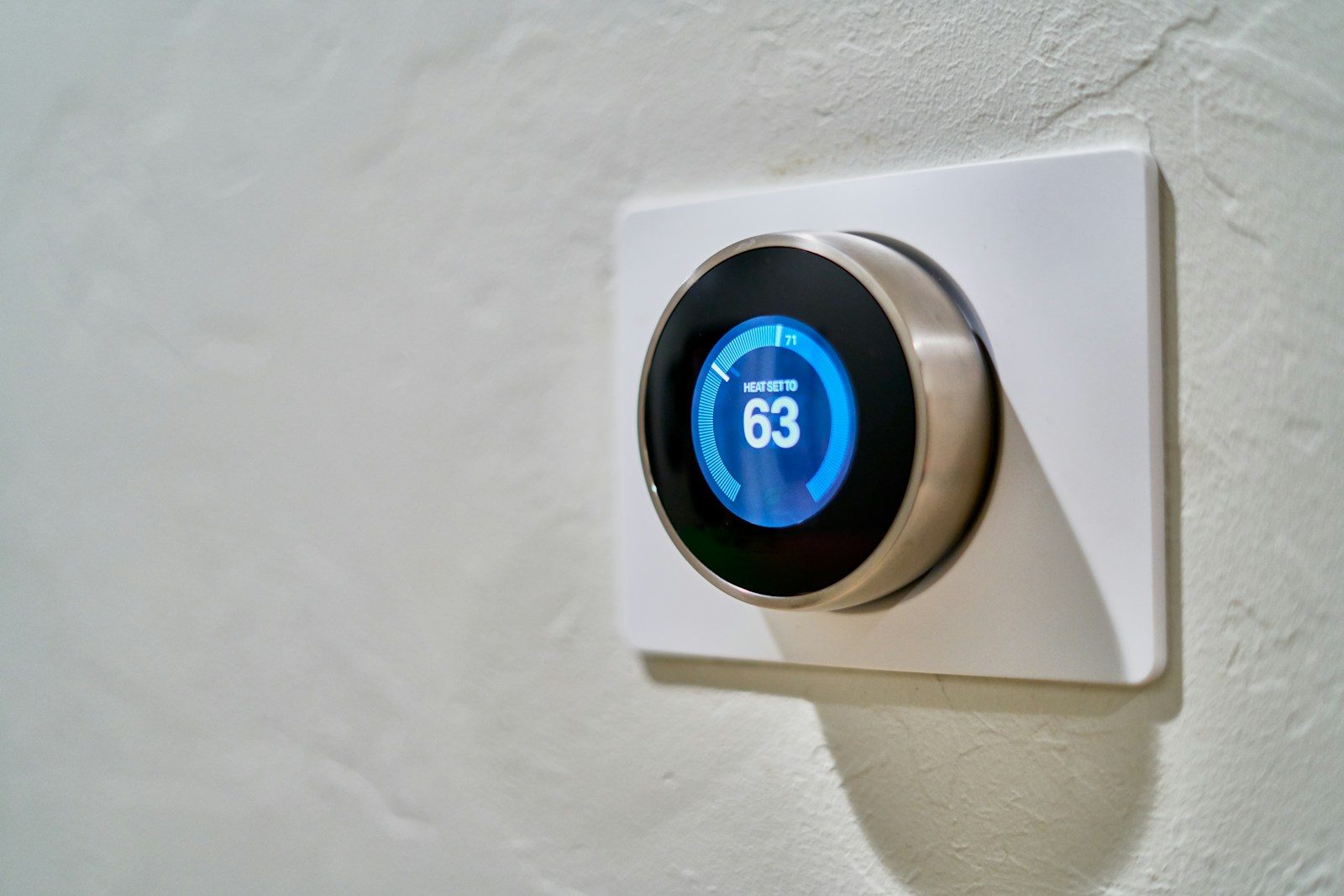
    Close-up of a hand adjusting a sleek, modern smart thermostat on a wall.
    Photo by HUUM │sauna heaters on Pexels

    Lowering the thermostat far below your target does not usually cool the house faster. It simply tells the system to keep running until it reaches that lower number.

    That can waste energy and make rooms feel too cold later. A better move is to set the temperature you actually want, then give the system time to reach it.

    Learn the fan setting

    a wooden room with a clock on the wall
    Photo by Jason Leung on Unsplash

    Many thermostats have fan settings like “auto” and “on.” In many homes, “auto” runs the fan only when the system is cooling, while “on” keeps air moving more often.

    The right choice depends on your home, but “auto” often helps avoid nonstop fan use. It may also help the system manage cooling cycles more efficiently during hot weather.

    Pair it with ceiling fans

    a close up of a thermostaer on a wall
    Photo by Jason Leung on Unsplash

    Ceiling fans do not lower the room temperature, but they can help people feel cooler. The moving air creates a breeze on skin, which can make a warmer room feel more comfortable.

    The Department of Energy says ceiling fans may let you raise the thermostat by about 4 degrees without reducing comfort. In summer, ceiling fans should run counterclockwise to create a cooling breeze.

    Watch indoor humidity

    a hand holding a black device
    Photo by HUUM on Unsplash

    Temperature is only part of comfort. A house can feel sticky even when the thermostat number looks reasonable, especially in humid areas or after a long cooling cycle.

    Your air conditioner also helps remove moisture from the air when it runs properly. If the home still feels damp, check filters, airflow, and maintenance before simply lowering the thermostat again.

    Set no-go extremes

    Nest smart thermostat demo (Creative commons by https://heatable.co.uk/)” by Heatable is licensed under CC BY 2.0

    It helps to decide your highest and lowest summer settings before the heat arrives. That keeps the thermostat from becoming a daily guessing game.

    For example, you might choose one setting for home, one for sleep, and one for when everyone is away. Clear limits make it easier to stay comfortable without constant changes.

    Use gradual changes

    white and gray thermostat at 19 5
    Photo by Erik Mclean on Unsplash

    Big thermostat swings can make a home feel uneven. One room may cool down while another stays warm, especially in homes with poor airflow or lots of sunlight.

    Gradual changes are easier for the system and easier for people to notice. Move the setting by one or two degrees, then wait before deciding whether it needs another adjustment.

    Let automation help

    6. Smart Thermostat” by Green Energy Futures is licensed under CC BY-NC-SA 2.0

    A programmable thermostat can handle daily temperature changes without much effort. A smart thermostat can add features like app controls, schedules, and sometimes learning routines.

    The main benefit is consistency. Once the schedule matches your household, the thermostat can raise and lower the temperature at the right times instead of relying on someone to remember every day.