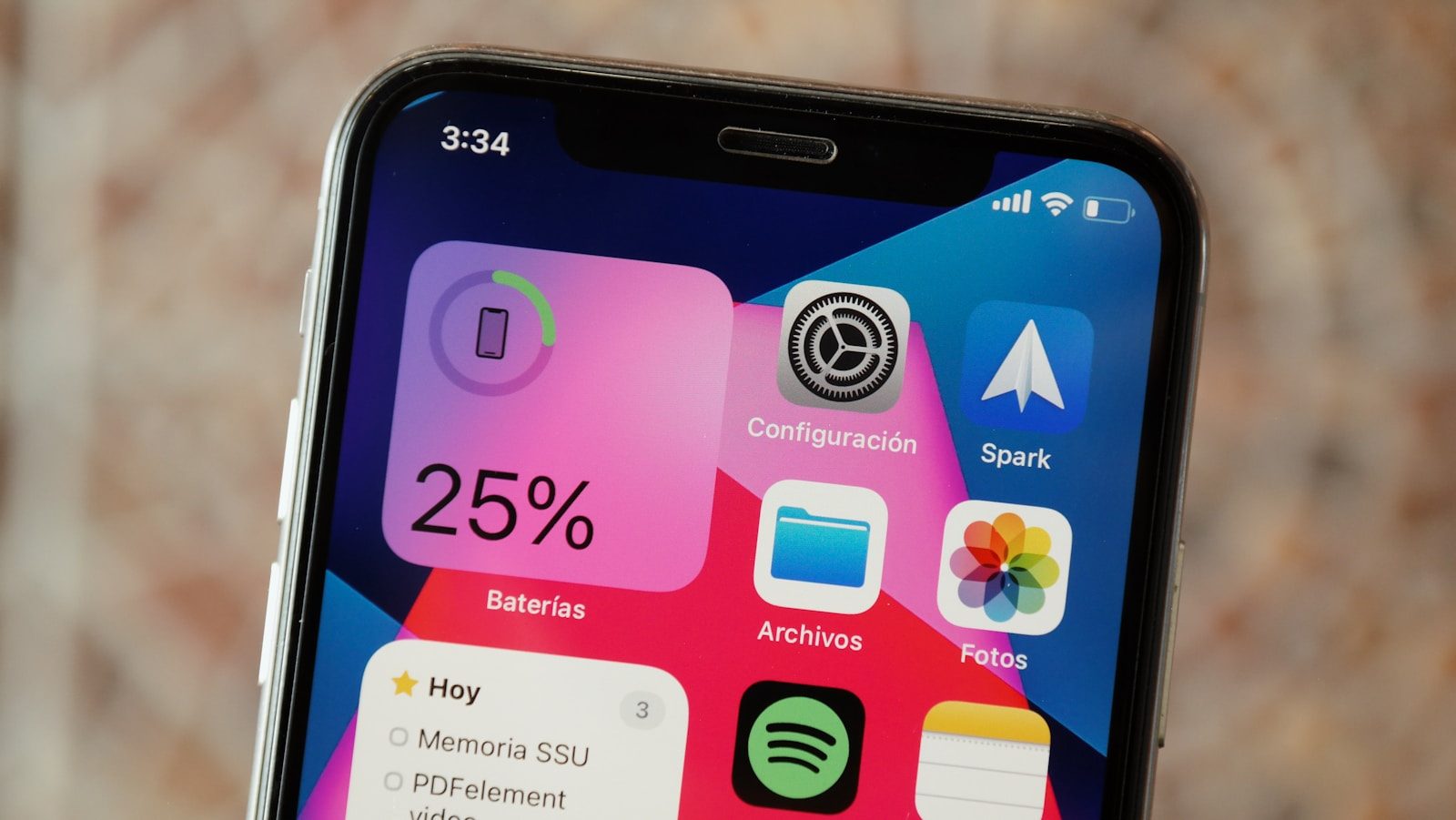
Your iPhone battery health can feel a little mysterious. One month it looks fine, and later the maximum capacity number has slipped. That does not always mean something is wrong. iPhones use lithium-ion batteries, and those batteries naturally age as they are charged, used, exposed to heat, and asked to power daily tasks. Apple says chemical aging reduces how much charge a battery can hold, which can affect battery life and peak performance.
The good news is that battery aging is normal and manageable. You cannot stop it completely, but you can understand why it happens. Heat, full charging time, charge cycles, software behavior, and everyday use all play a part. Once you know the reasons, the battery health number becomes less scary and more useful.
Battery aging is normal
Every rechargeable battery wears down with use. Inside an iPhone, the battery stores and releases energy through chemical reactions. Over time, those reactions become less efficient, so the battery cannot hold as much charge as it did when new.
That is why maximum capacity slowly drops. Apple explains that lithium-ion batteries chemically age, and this can lead to shorter battery life and reduced peak performance. It is a normal part of owning a phone, not always a sign of damage.
Charge cycles add up
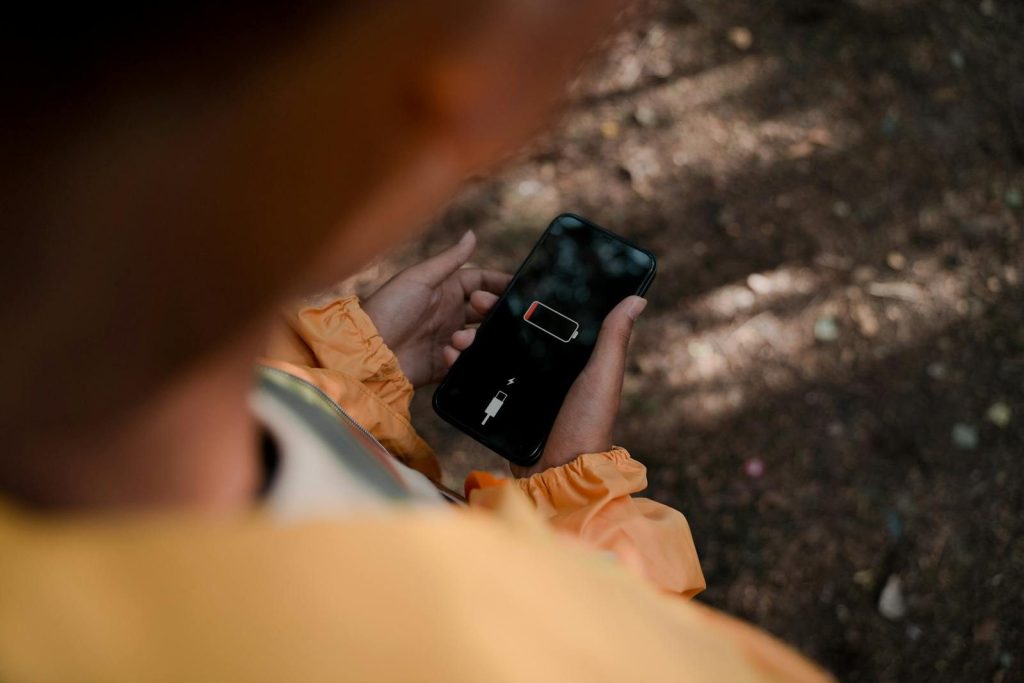
A charge cycle does not mean plugging in once. It means using an amount equal to 100% of the battery’s capacity. For example, using 50% one day and 50% the next can count as one full cycle.
Apple says iPhone 14 models and earlier are designed to retain 80% of original capacity at 500 complete charge cycles under ideal conditions. iPhone 15 models and later are designed for 80% at 1,000 complete cycles under ideal conditions.
Heat speeds up wear
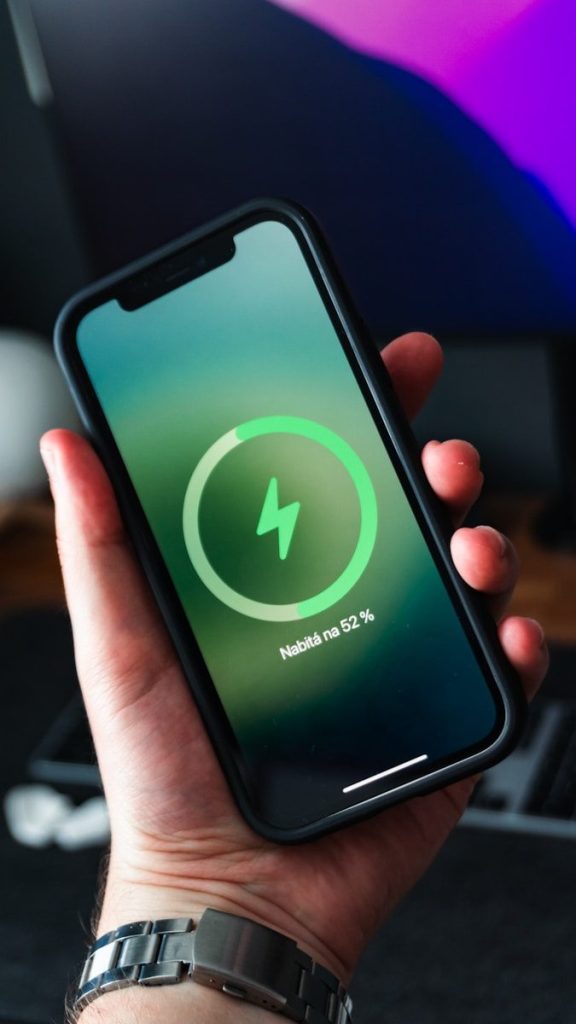
Heat can make battery health fall faster. Apple warns that exposing a device to temperatures above 95°F can permanently reduce battery capacity. That means the phone may not run as long between charges later.
This can happen in simple ways. Leaving an iPhone in a hot car, charging it under a pillow, or using heavy apps while it is already warm can add stress. Keeping it cooler is one of the easiest battery habits.
Full charge time matters
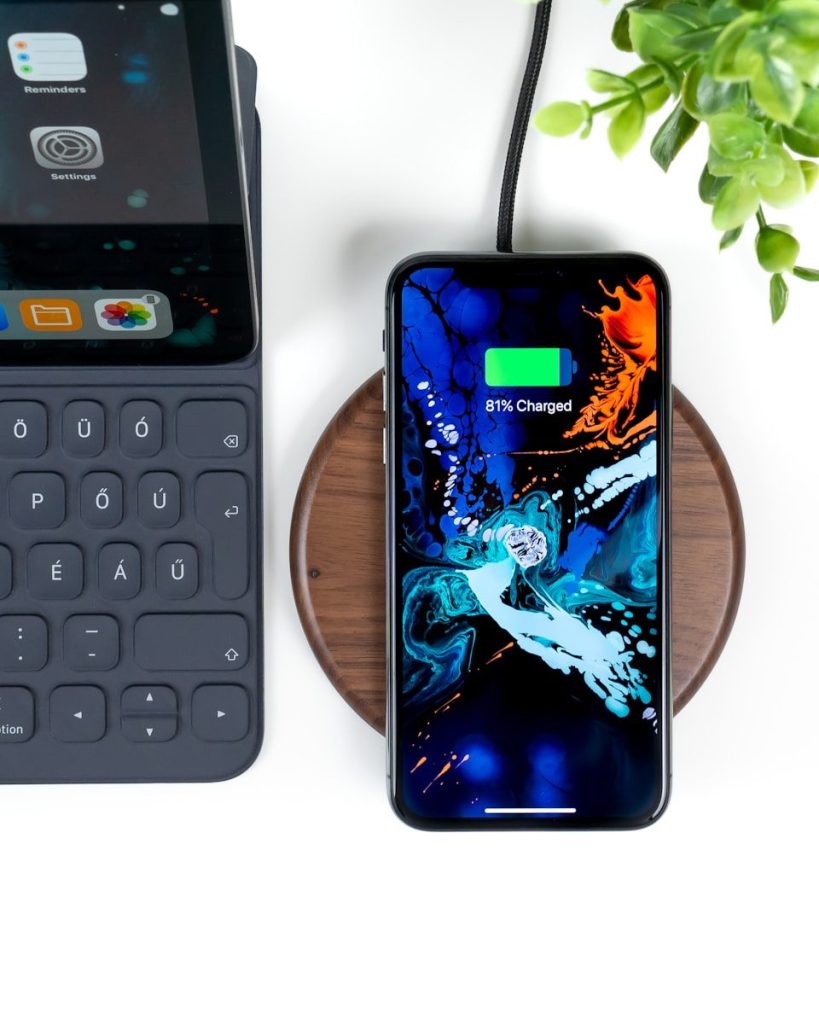
Charging to 100% is not bad when you need a full day of use. Still, spending lots of time fully charged can add wear over time, especially when the phone also gets warm.
That is why Apple offers Optimized Battery Charging. Apple says it is designed to reduce battery wear by reducing the time an iPhone spends fully charged. The phone can pause charging around 80% and finish later based on your routine.
Daily use changes capacity
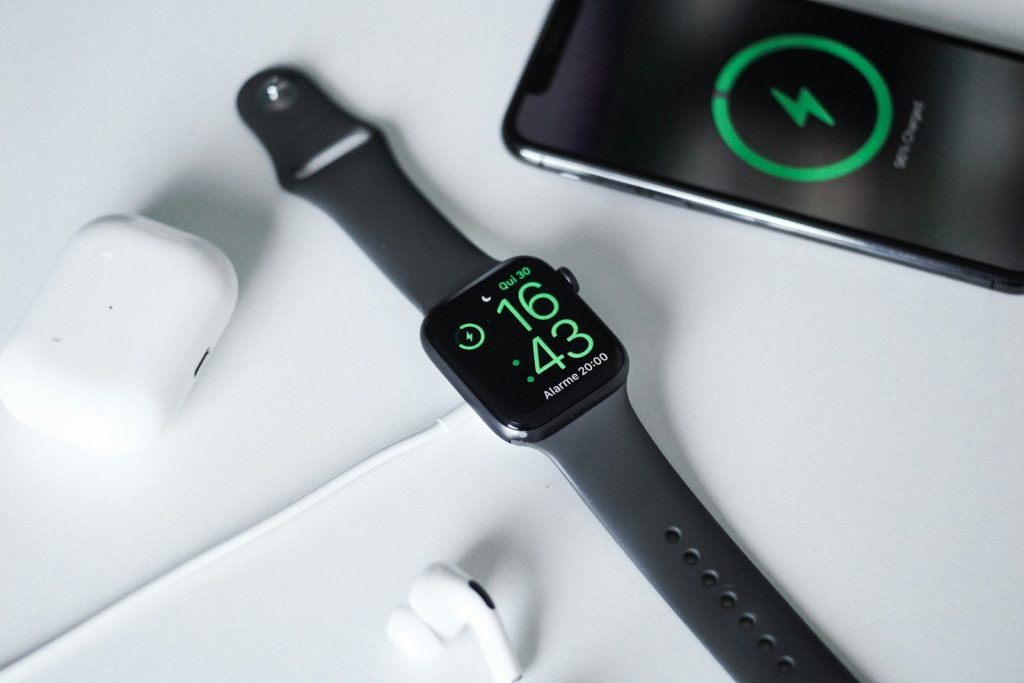
Your iPhone battery works harder when the phone is doing more. Bright screens, navigation, video, gaming, weak signal areas, and background activity can all use power quickly during the day.
Heavy use does not instantly ruin the battery, but it can lead to more charging and more cycles over time. That is why two people can buy the same iPhone and see battery health change at different speeds.
Software can affect drain
Sometimes battery life feels worse after an update, new app, or settings change. That does not always mean battery health suddenly dropped. The phone may be organizing files, syncing data, or letting apps refresh in the background.
Battery Health shows long-term capacity, while daily battery drain can change for many reasons. Checking battery settings can help you spot apps using more power than expected and adjust them before blaming the battery itself.
Replacement is part of ownership
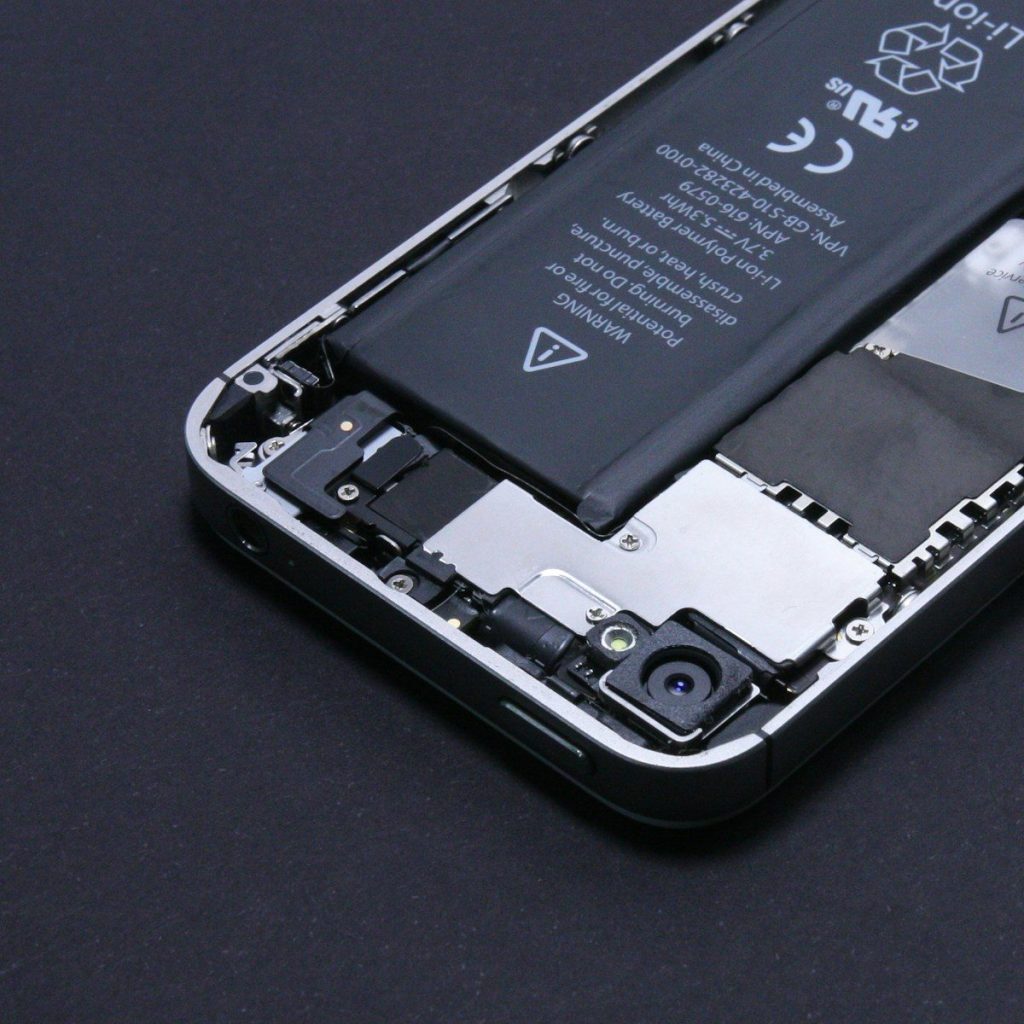
A lower battery health number does not mean the iPhone is finished. It usually means the battery is aging, and at some point, replacing the battery may make the phone feel better again.
Apple says its one-year warranty includes service coverage for a defective battery, with additional rights depending on local laws. Out-of-warranty battery service is also available, with prices and terms varying by device and region.
Leave a Reply