A messy device can slow down your day in small, annoying ways. Your phone runs out of space right when you want to take a photo. Your PC feels crowded with downloads, old screenshots, and apps you forgot you installed. The good news is that digital cleanup does not need to be a huge weekend project.
A few simple habits can help your phone and computer feel more organized, safer, and easier to use. Built-in tools on Android, iPhone, and Windows can help you review storage, remove unused files, clear temporary data, and manage apps without needing complicated steps. Google, Apple, and Microsoft all offer storage tools designed to help users find space and clean up clutter.
Check storage once a month

Start by looking at what is actually taking up space. Most phones and PCs have a storage page that shows apps, photos, videos, downloads, and temporary files in one place.
This quick check can save you from guessing. On Windows, Microsoft points users to Storage settings and cleanup recommendations. On iPhone, Apple shows storage use by app, along with space-saving suggestions.
Delete apps you never use
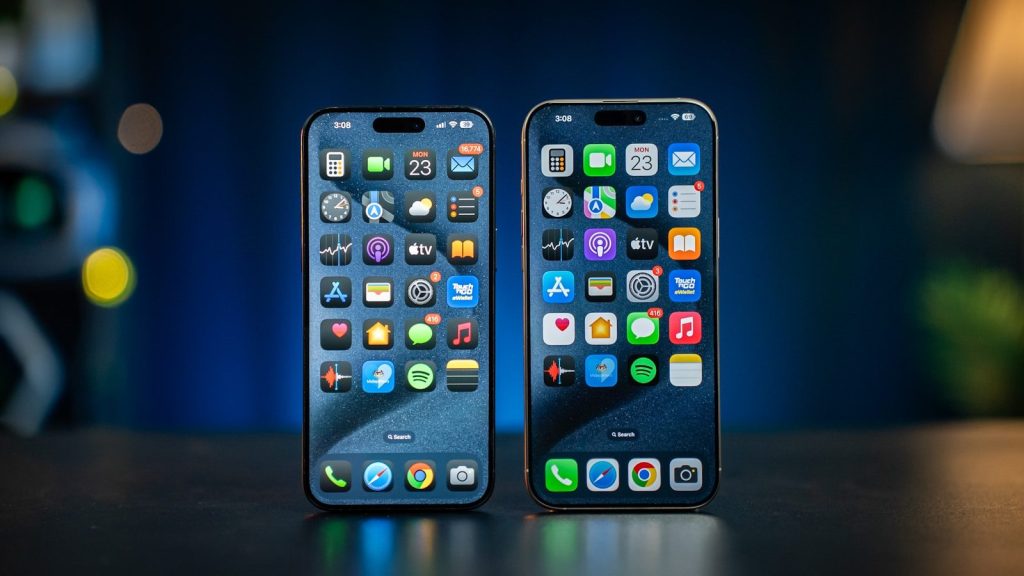
Old apps can take up space and add extra clutter to your home screen or Start menu. If you have not opened an app in months, it may be time to remove it.
This habit works well on phones and PCs. Android also supports app archiving to help free space, while iPhone can offload unused apps and keep related documents and data.
Clear downloads often
The Downloads folder is one of the easiest places to forget. It can fill up with installers, PDFs, images, receipts, and files you only needed once.
Set a simple rule: check it every few weeks and delete what you no longer need. On a PC, this can quickly remove clutter. On a phone, clearing saved files can also make storage easier to manage.
Sort photos and videos
Photos and videos are often the biggest space hogs. Start with obvious items like blurry shots, duplicate photos, old screenshots, and large videos you no longer need.
Google Photos includes storage tools that can help surface blurry photos, screenshots, and large videos for review. That makes cleanup less random and more focused, especially when your camera roll feels endless.
Clear temporary files
Temporary files are created while apps and systems work in the background. They can be useful for speed, but they can also build up over time.
Android lets users clear app cache from Settings, while Windows includes cleanup tools for temporary files and other space-saving recommendations. Just be careful with “clear storage” options, because they can remove app data.
Keep software updated
A clean device is not only about space. Updates can fix bugs, improve performance, and close security gaps. That is why it helps to turn on automatic updates when possible.
CISA recommends enabling automatic software updates and avoiding unsupported software. This is a simple habit that can protect your phone and PC without much extra effort.
Make cleanup a routine

Digital cleanup works best when it becomes small and regular. Waiting until your device is full can turn a simple task into a stressful one.
Try pairing cleanup with something you already do, like paying bills or checking subscriptions. Delete a few apps, empty downloads, review photos, and run storage tools. Ten calm minutes can make your devices feel much easier to use.
Leave a Reply