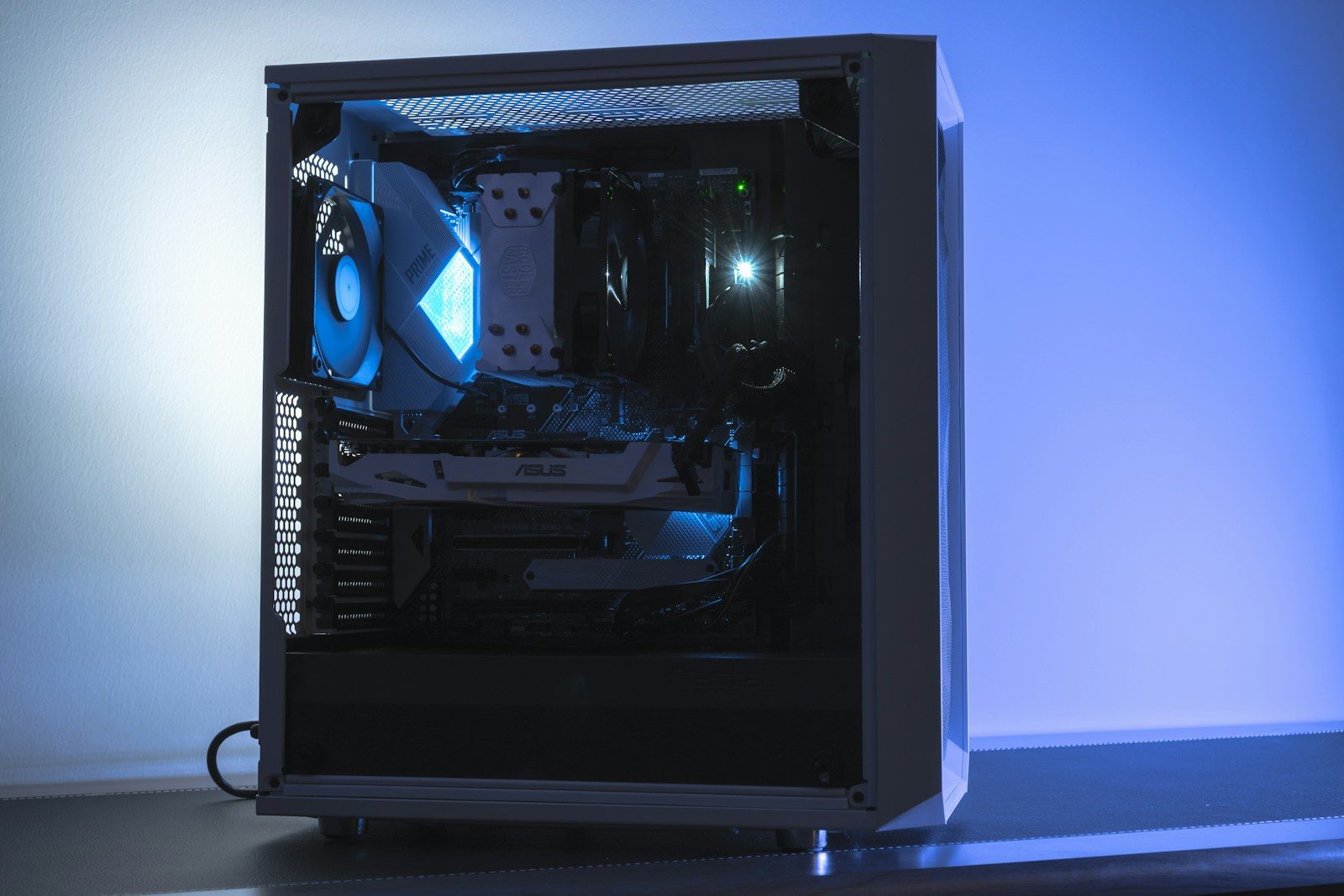
A gaming PC case may be the first thing people notice, especially when it has glass panels, clean lighting, and a sharp desk setup. But looks are only one part of the story. The case also shapes how cool your parts stay, how loud your PC gets, how easy it is to build, and how much room you have for future upgrades.
That matters more than ever because modern gaming PCs can use large graphics cards, big air coolers, liquid-cooling radiators, multiple fans, and extra storage. A good case helps all those parts work together without turning the inside of your PC into a cramped heat box. Case guides often point to airflow, component fit, cooling support, and cable space as key buying factors, not just style.
Airflow keeps parts steady
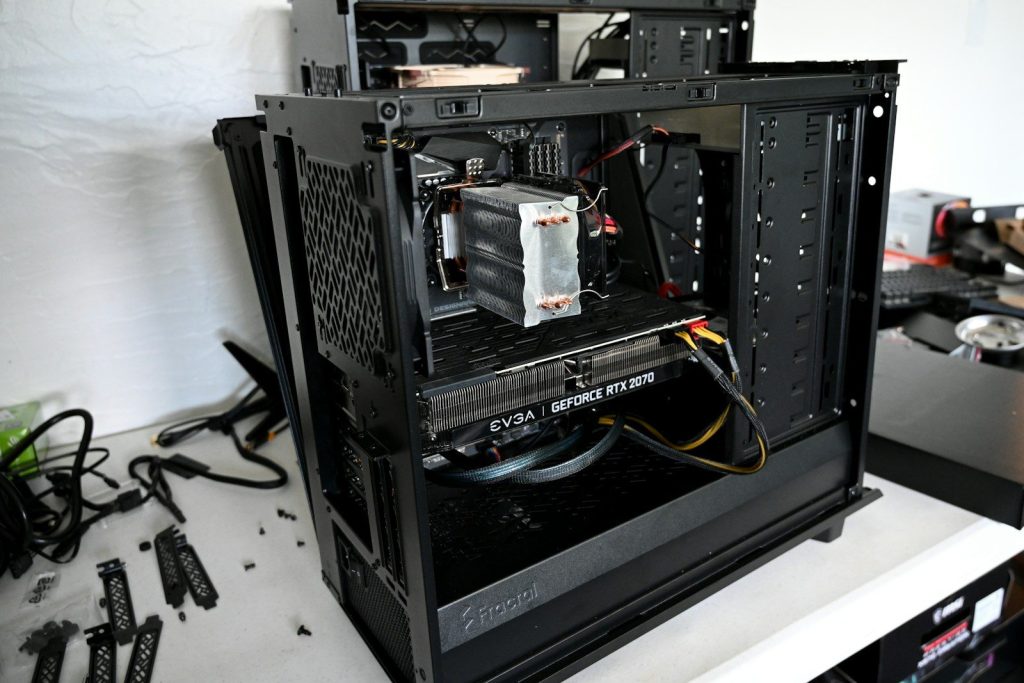
A gaming PC creates heat when the CPU and graphics card are working hard. The case needs a clear path for cool air to come in and warm air to leave.
That is why airflow-focused cases matter. Newegg’s case guide notes that airflow patterns, radiator support, and fan placement can affect CPU and GPU temperature stability. Better airflow can help performance feel smoother during long gaming sessions.
Size affects every part
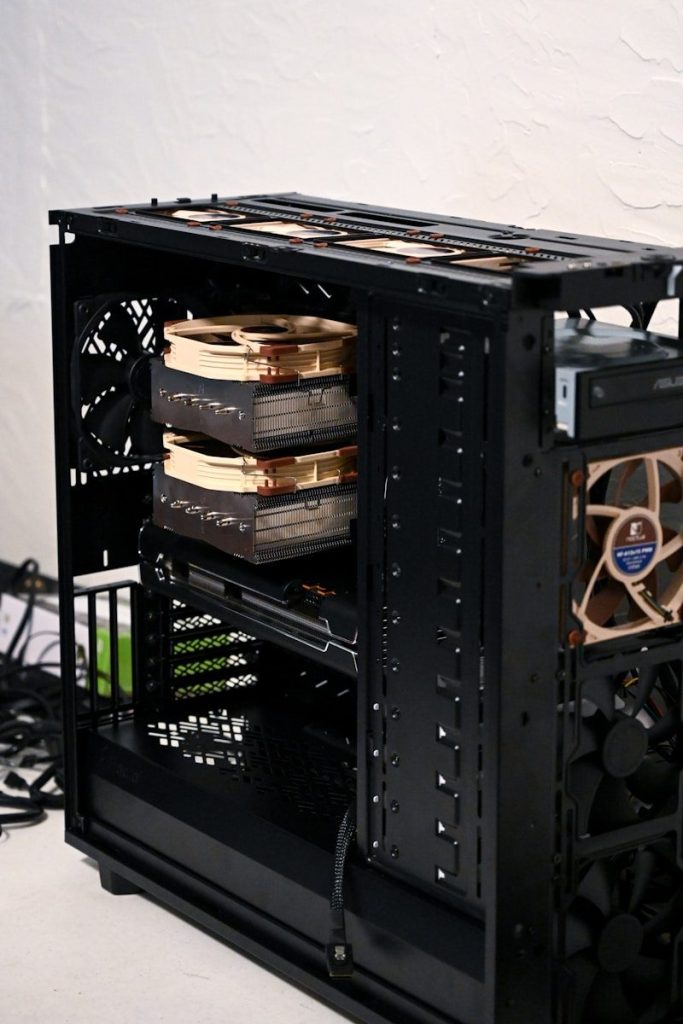
A case has to match the parts going inside it. Motherboard size, graphics card length, power supply space, and CPU cooler height can all decide whether a build fits.
Micro Center explains that smaller Mini-ITX cases are great for tight spaces, but they require careful planning because component choices are more limited. Bigger cases usually give builders more room to work, upgrade, and manage cables.
GPUs need breathing room
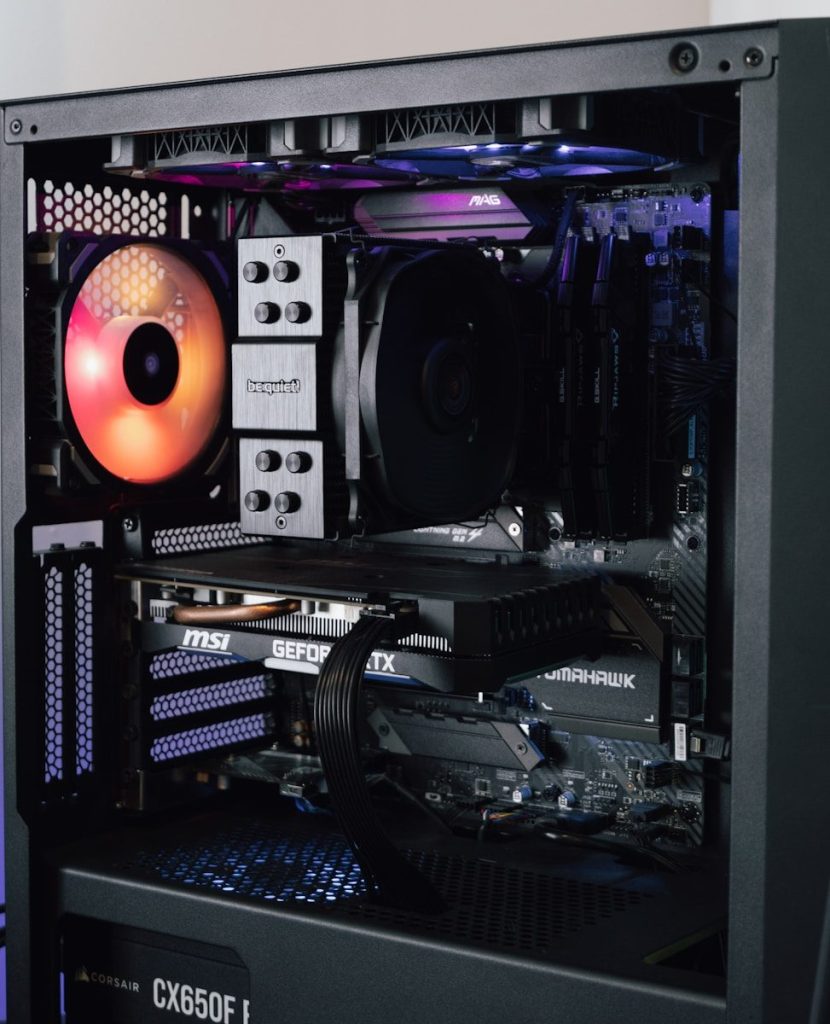
Modern graphics cards can be long, thick, and power-hungry. Even if a card technically fits, it still needs room for airflow and clean cable routing.
Lenovo’s PC case guide notes that ATX cases support most graphics cards, but buyers should still check GPU clearance for larger models. That small detail can prevent a frustrating build problem later.
Cooling options add flexibility
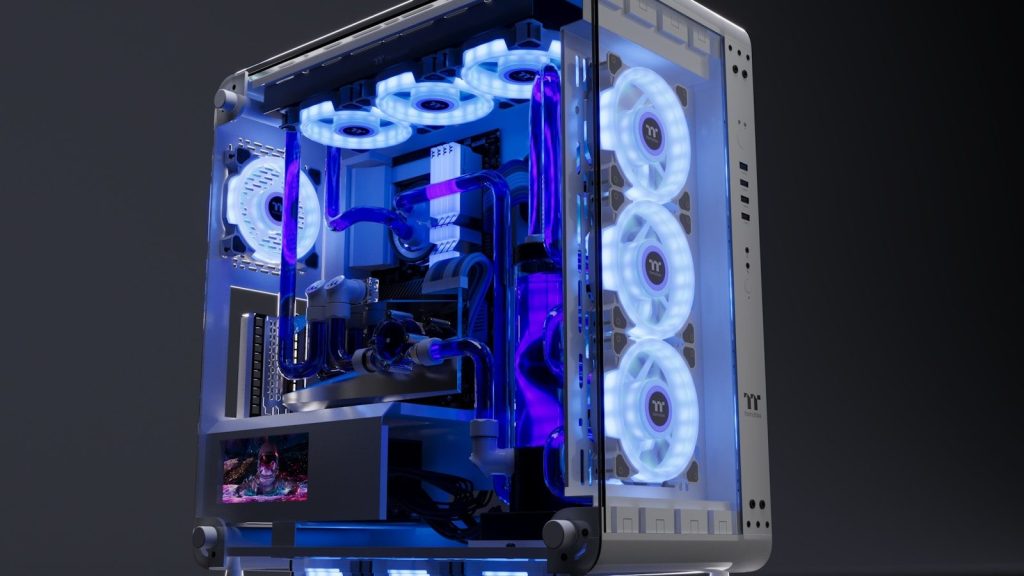
Some gamers use air coolers, while others prefer liquid cooling. A good case gives room for fans, radiators, and smart placement choices without forcing awkward compromises.
Corsair’s case information shows how radiator support can vary by model, with some mid-tower cases supporting large front and top radiators. That flexibility helps builders match the case to the cooling style they want.
Dust control saves effort
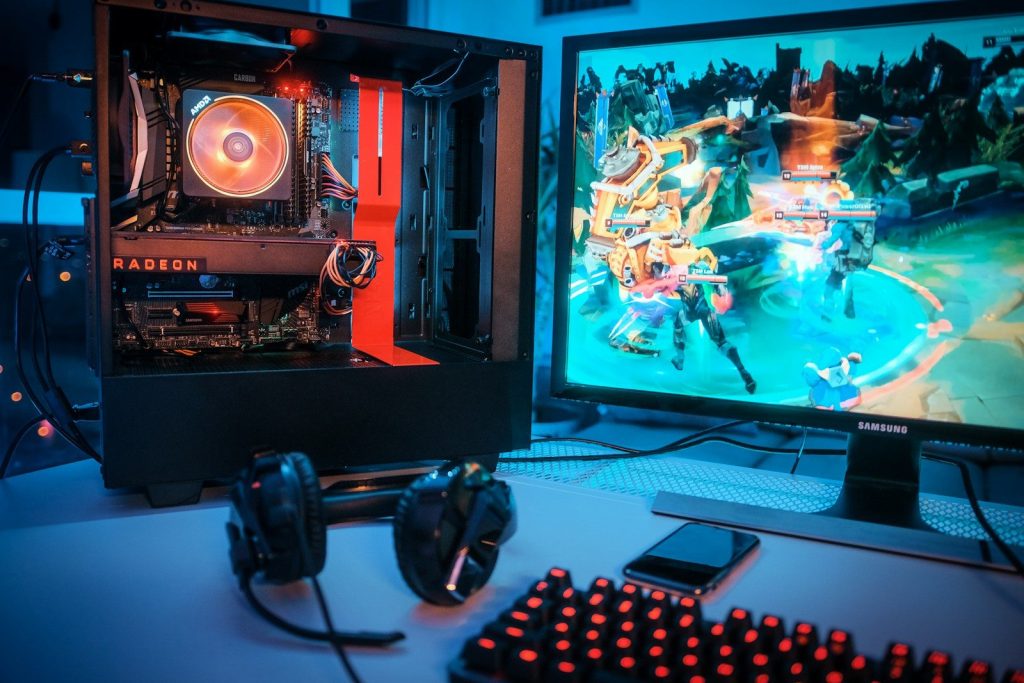
Dust is not exciting, but it matters. When dust builds up inside a PC, fans and filters need cleaning, and airflow can get worse over time.
Cases with removable dust filters make maintenance easier. Corsair also notes that radiator fan placement can affect where dust collects, which can make cleaning simpler depending on the setup. A cleaner PC is usually easier to keep running smoothly.
Cable space helps builds
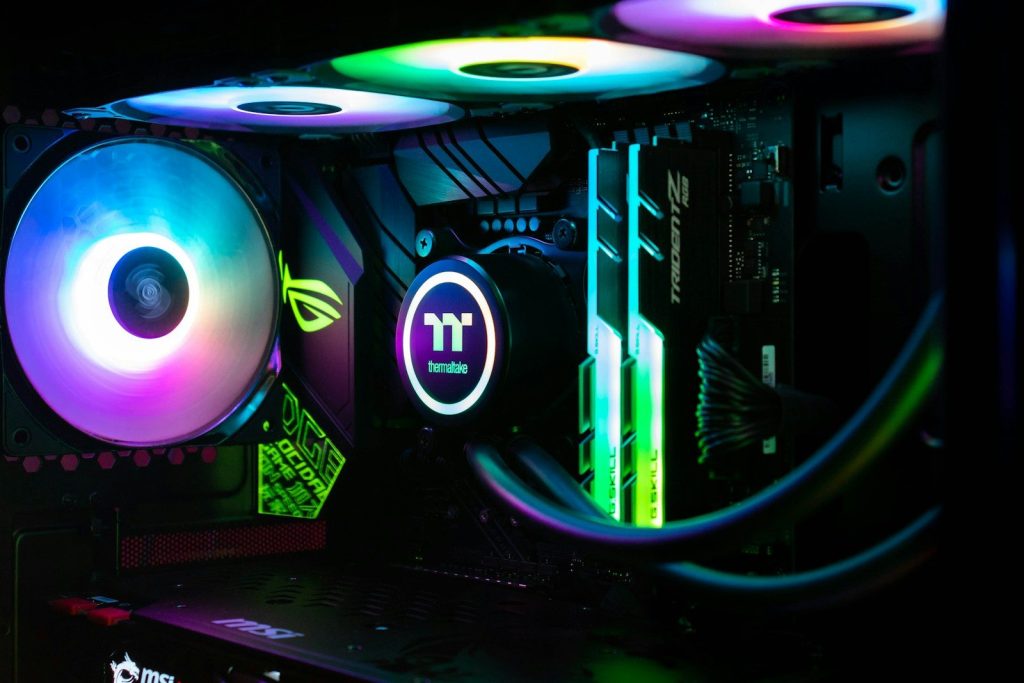
Cable management is not just about making the inside look neat. Good cable space can make building easier, improve airflow paths, and help future upgrades feel less stressful.
A cramped case can turn simple work into a headache. When there is room behind the motherboard tray and enough tie-down points, builders can route power cables more cleanly and keep the main chamber less crowded.
Noise can change the feel
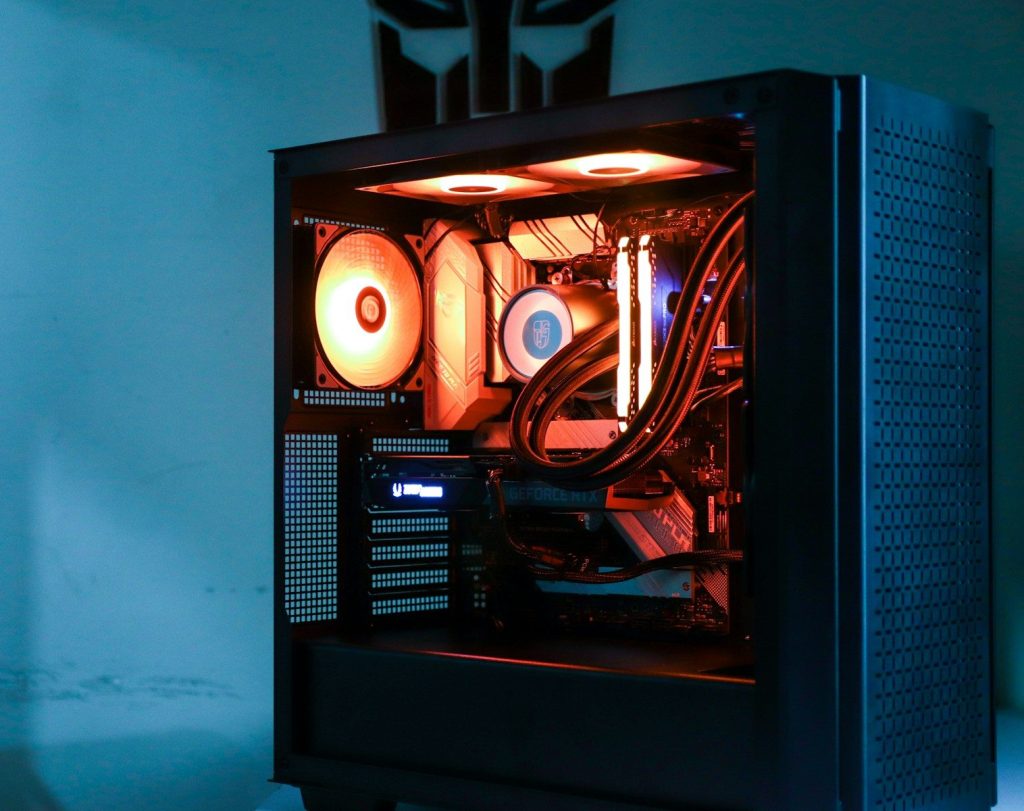
A powerful gaming PC does not have to sound like a small fan storm. Case design, fan placement, airflow, and panel layout can all affect how loud a system feels.
Better airflow can also help fans work less aggressively. When the case lets air move well, the system may not need to spin fans as hard just to keep temperatures under control during gaming.
Upgrades need extra room
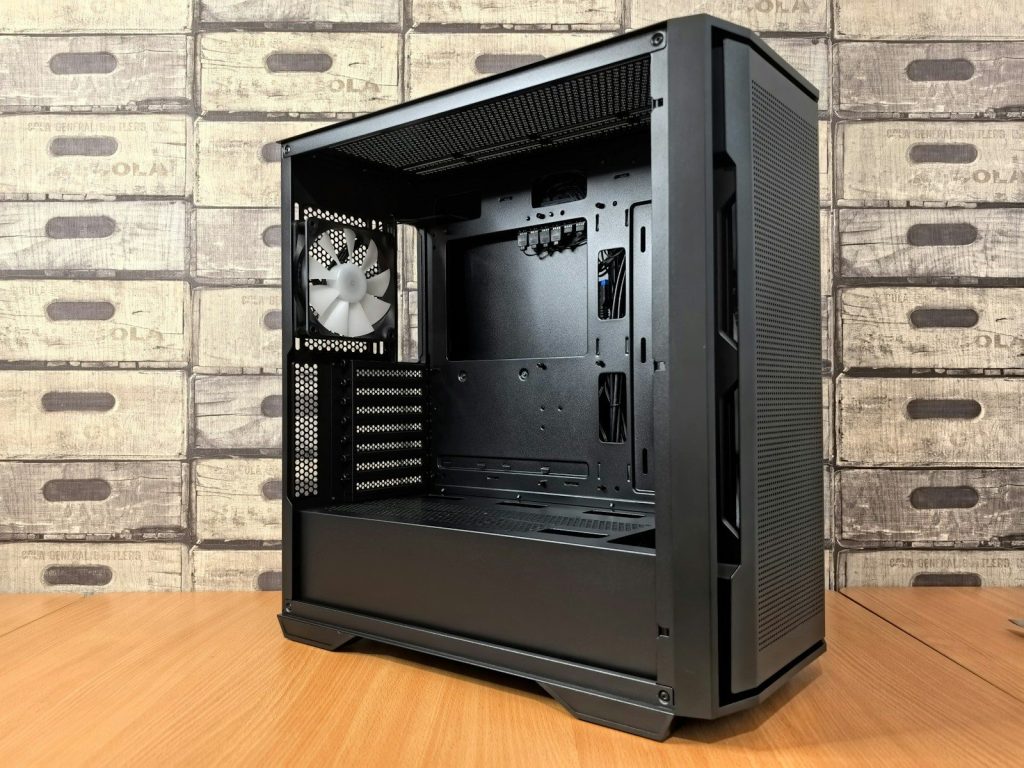
A gaming PC often changes over time. Someone may add a bigger graphics card, more storage, extra fans, or a new cooler later.
That is why buying a case only for today can be risky. A case with extra clearance, useful drive mounts, and flexible cooling support can make upgrades easier. It gives the build more life before the whole setup feels too tight.
Building should feel easier
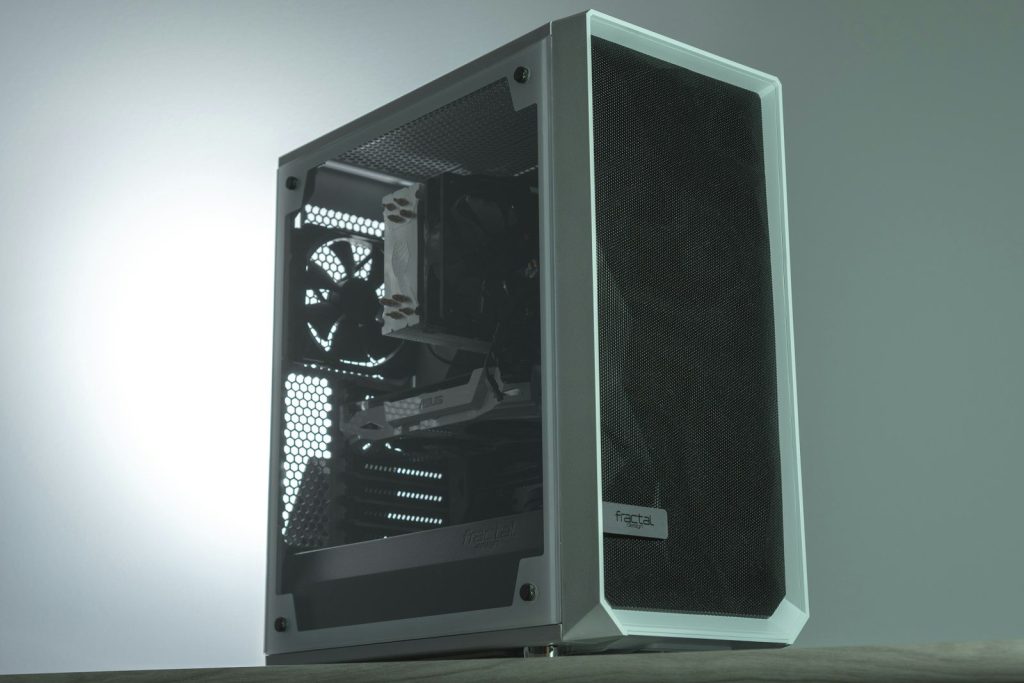
Some cases are easier to build in than others. Tool-free panels, open layouts, removable brackets, and clear cable paths can make a big difference, especially for first-time builders.
PC Gamer’s 2026 case guide highlights build experience, dimensions, and airflow as important parts of choosing a case. That shows why a case is more than a shell. It shapes the whole building process.
Looks still have a role
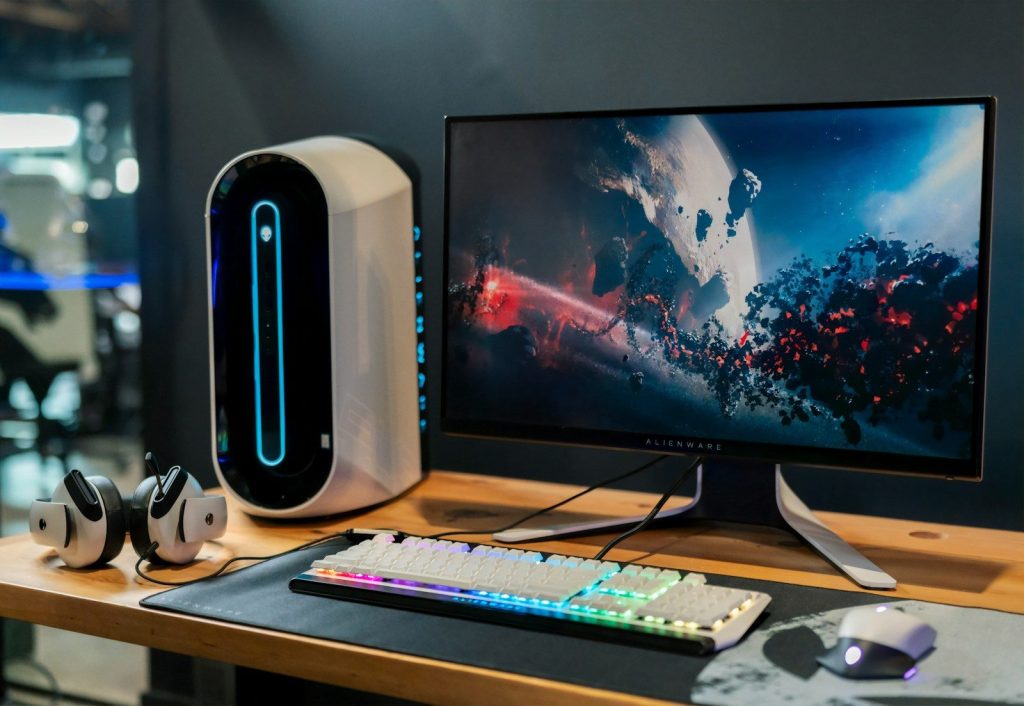
Style still matters because the case is what people see on the desk. Glass panels, lighting, color, and shape can make a setup feel personal and finished.
But the best-looking case is not always the best choice. A smart pick balances design with airflow, space, cooling support, dust filters, and upgrade room. When those pieces line up, the PC looks good and works better too.
Leave a Reply