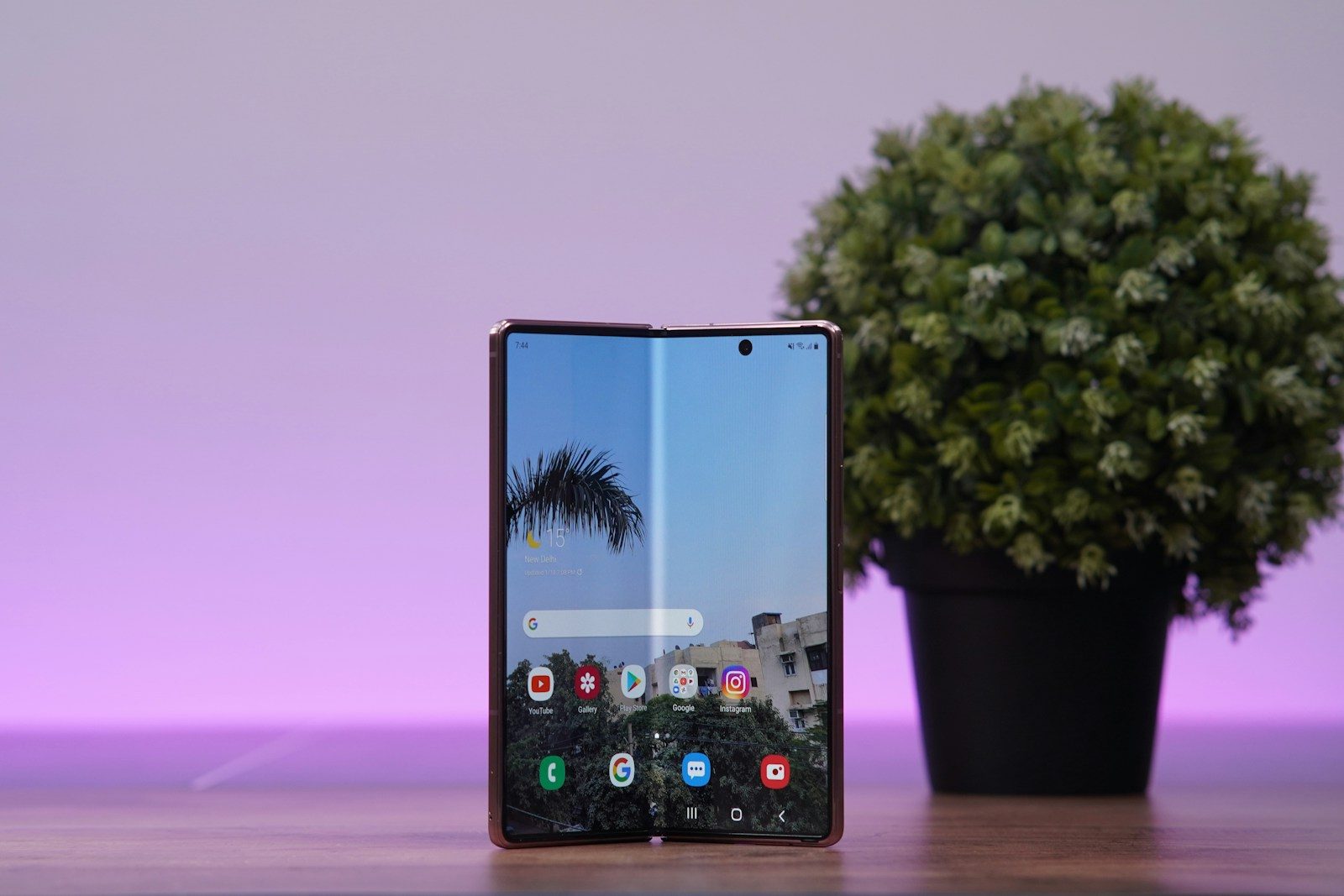
Foldable phones look exciting because the hardware can bend, open, close, and change size in seconds. But the screen is only half of the story. A foldable can feel amazing or awkward depending on how well the software understands what the user is doing. A regular phone app may look fine on a small display, then feel stretched or empty when opened on a tablet-sized inner screen.
That is why foldables need software built for changing layouts, smooth app switching, multitasking, and special screen positions. Google’s Android guidance says foldable devices can move between compact phone screens and larger tablet-like displays, while also using postures such as tabletop and book mode for special layouts.
Bigger screens need better layouts
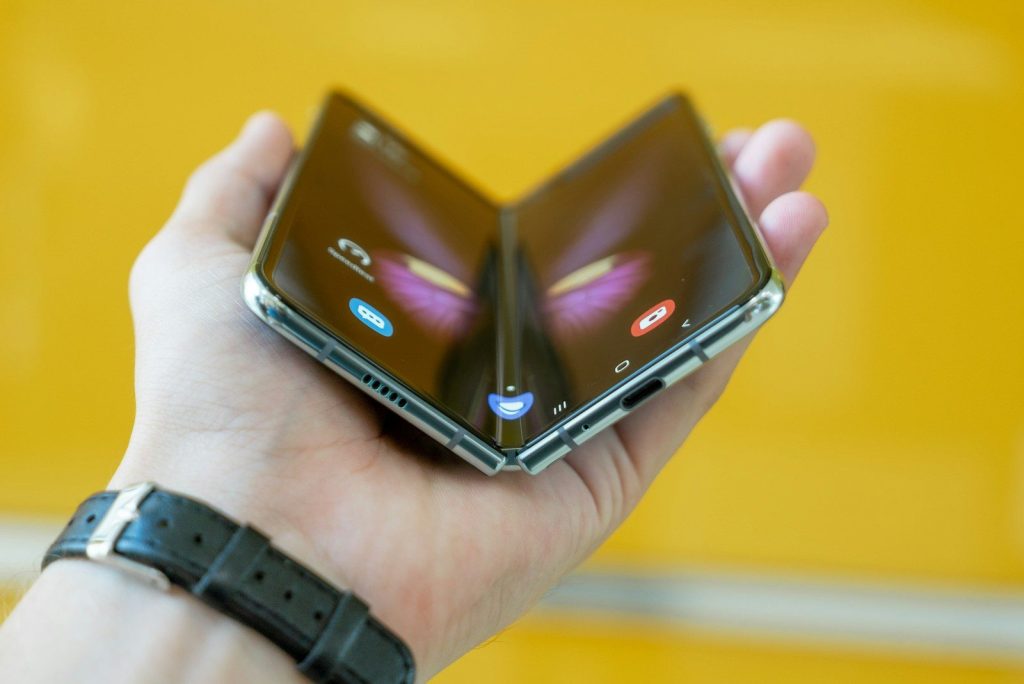
A foldable phone is not just a regular phone with more space. When opened, the display can feel closer to a small tablet, so apps need to use the extra room in a smart way.
Google encourages developers to use responsive and adaptive layouts for large screens. That means apps should adjust to different screen sizes instead of simply stretching buttons, lists, and menus across a wider display.
Apps must switch smoothly
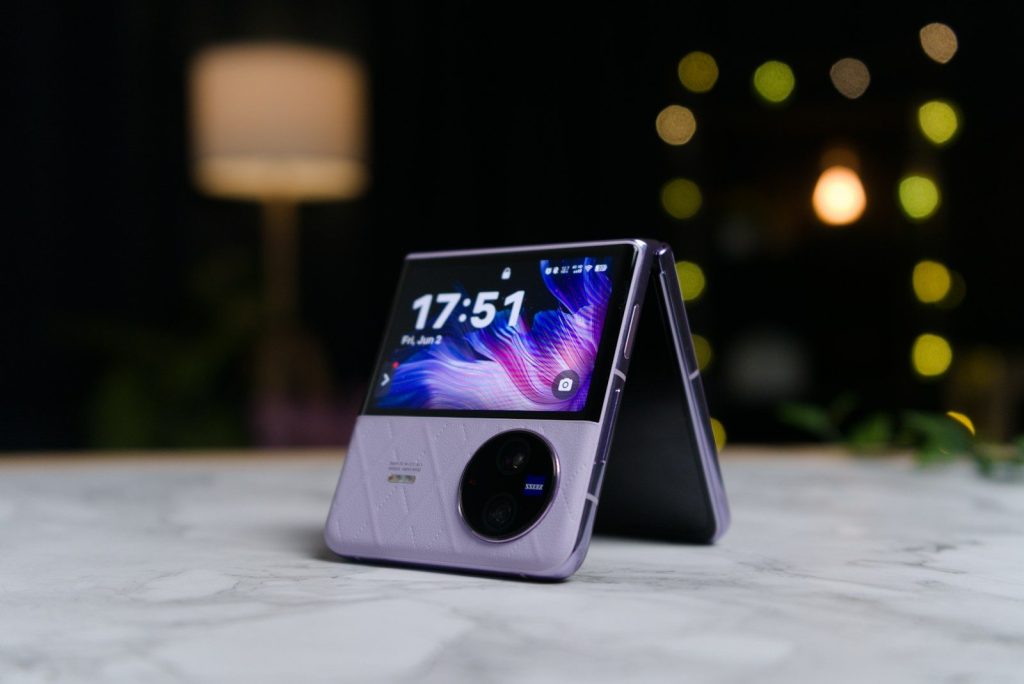
One big foldable trick is moving from the outside screen to the inside screen without losing your place. If software is not ready for that change, an app can refresh, resize poorly, or feel broken.
Samsung calls this kind of smooth movement app continuity. Its foldable guidance says apps should restore the user’s state when the device changes configuration, such as when the screen opens or closes.
Multitasking changes everything
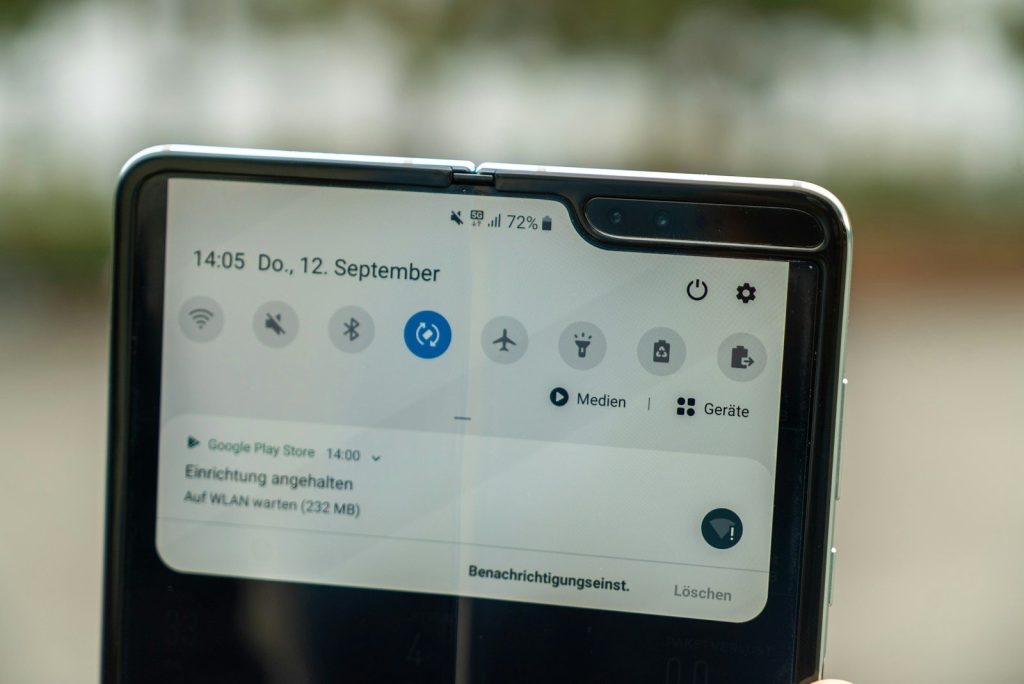
Foldables are built for doing more than one thing at a time. A large inner screen can make split-screen use feel much more natural than it does on a narrow phone display.
Google says large-screen foldables are well suited for multitasking in multi-window mode. Some foldable experiences can even support desktop-style windows, where apps can move or resize in a more computer-like way.
Tabletop mode needs support
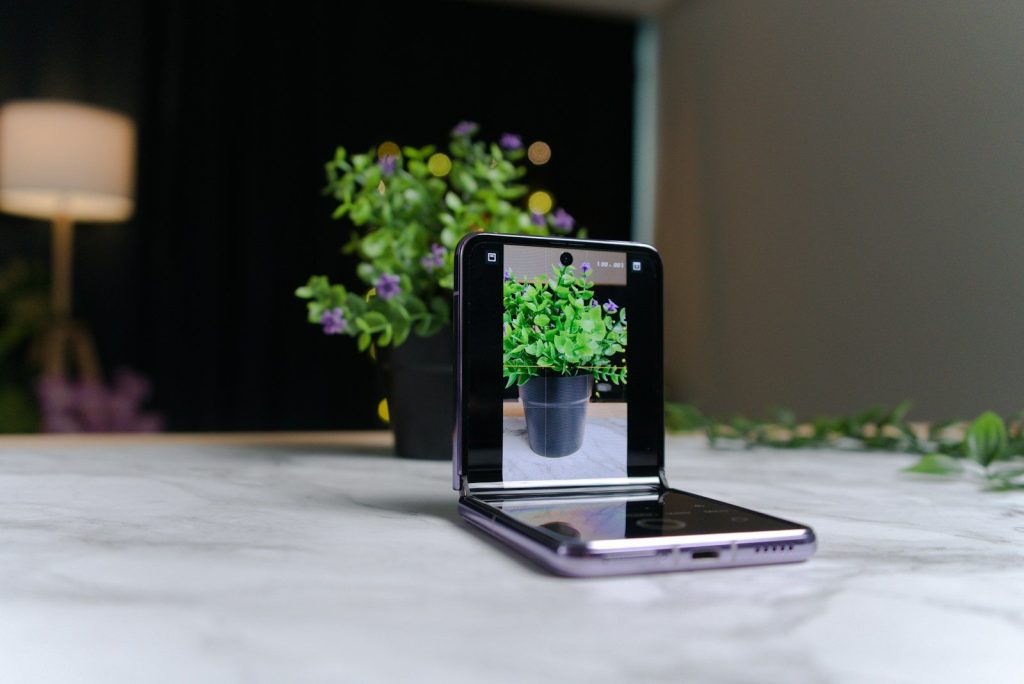
A foldable phone can sit half-open on a desk, almost like a tiny laptop. That posture can be great for video calls, photos, timers, recipes, or hands-free viewing.
But the software must know how to split the experience. Google notes that foldable postures, including tabletop and half-open states, create chances for special app designs that regular phones do not need.
Book mode feels different
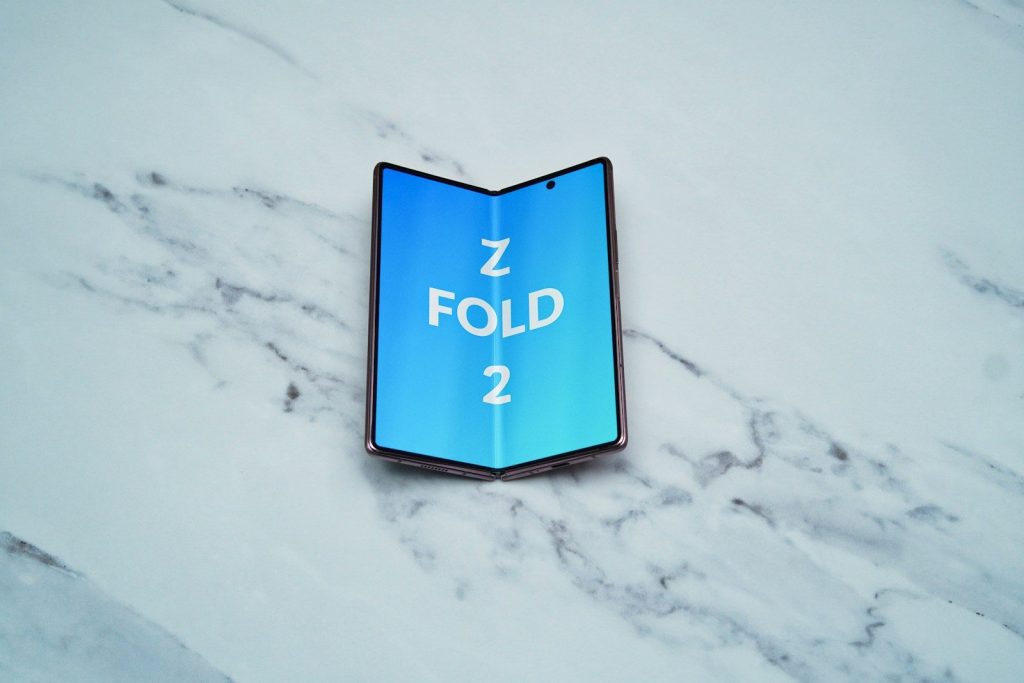
Some foldables can be held like a small book. That shape can make reading, browsing, notes, calendars, and photo galleries feel more natural when the app is designed for two sides.
Google’s foldable quality guidance says devices can use postures such as book posture for specialized layouts. Without that support, an app may waste space or place important controls in uncomfortable spots.
Menus need more room
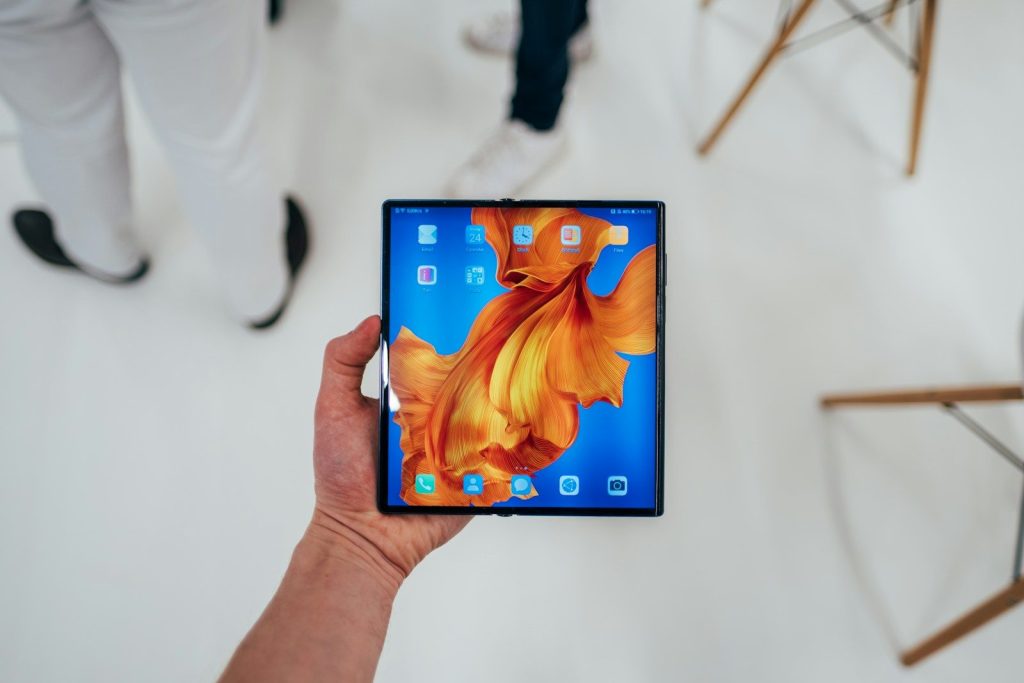
A normal phone app often shows one column at a time. On a foldable, that can feel slow because the larger screen has enough room for a list, details, and controls together.
Google’s window size class guidance helps developers decide when an app should change layout at different screen widths. This matters because foldables can quickly move between compact and expanded views.
Controls should move wisely
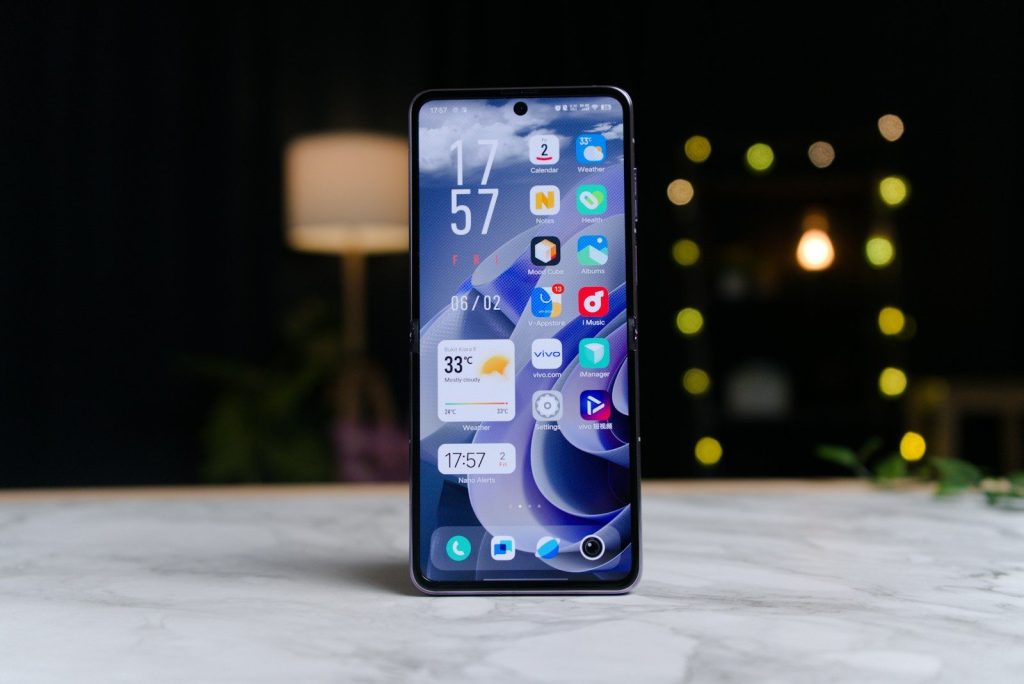
When a foldable opens, the user’s thumbs, hands, and screen angle can change. Buttons that feel fine on a small screen may suddenly be too far away or placed in an awkward area.
Good foldable software thinks about reach, comfort, and posture. That can mean moving playback controls, camera buttons, or menus to the half of the screen that makes the most sense.
Video apps need new tricks
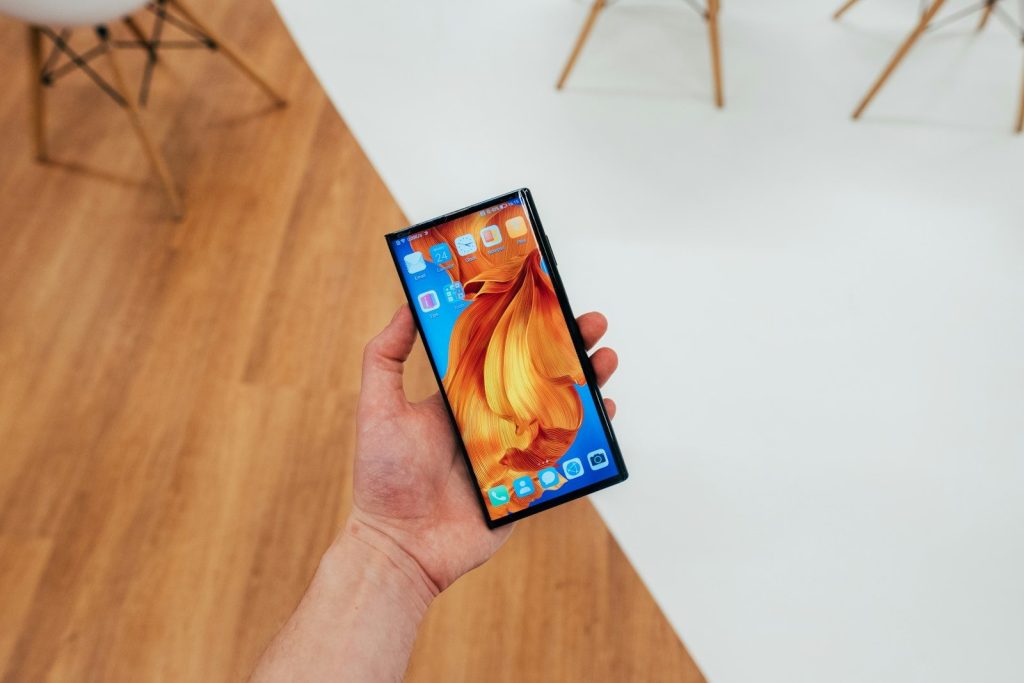
Foldables can make videos more flexible, especially when the phone is partly folded. On supported Galaxy Z devices, Samsung says Flex Mode lets apps adapt when the phone is positioned at certain angles.
That can place video on one part of the screen and controls on another. It keeps the viewing area cleaner and makes the phone useful without a stand.
Testing matters much more
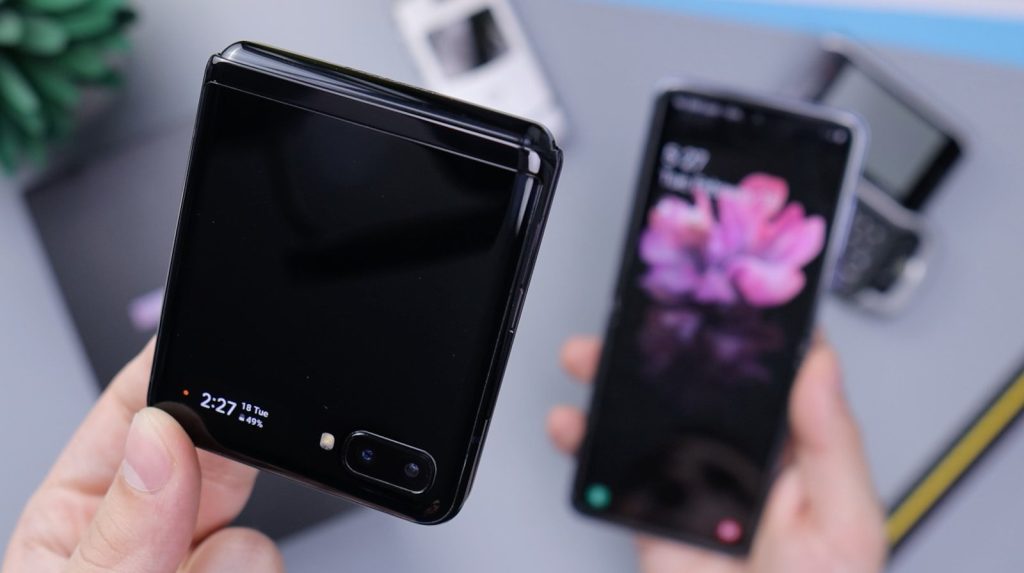
Foldable software has more situations to handle than a regular slab phone. Developers have to think about closed screens, open screens, split-screen, half-open positions, rotation, and app resizing.
Samsung’s developer resources highlight testing for optimized layouts, app continuity, multi-window, and Flex Mode. That shows why foldable apps need extra care before they feel polished.
The best foldables feel natural
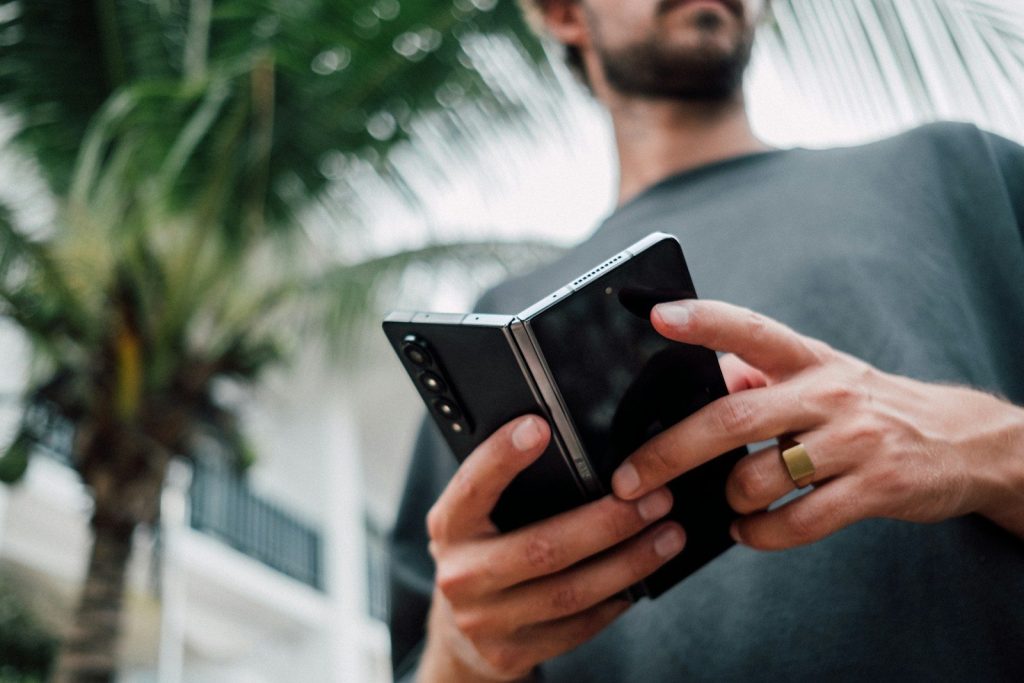
The goal is not to make every app look fancy. The real goal is to make the phone feel natural when it changes shape, size, and position during normal use.
When software works well, a foldable can feel like a phone, tablet, camera stand, and multitasking tool in one device. Without that software polish, the flexible screen is only doing part of the job.
Leave a Reply