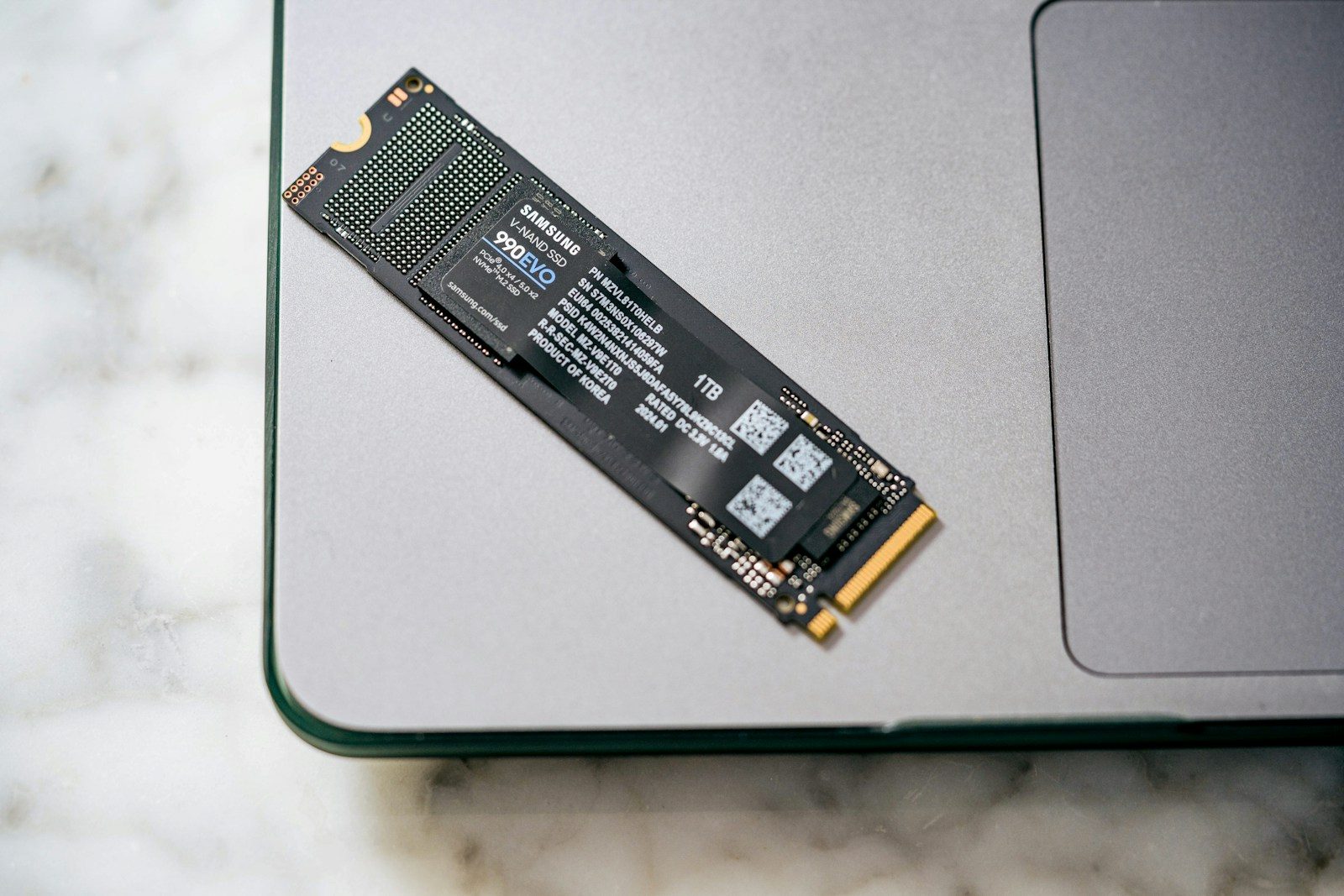
Buying an SSD for gaming sounds simple at first. You see a big number on the box, compare the price, and hope your game library finally has room to breathe. But storage space is only part of the story. The drive you choose can affect load times, game updates, install juggling, console compatibility, and how smoothly large game worlds pull in new areas.
That is why SSD choices matter more now. Modern games are bigger, consoles have stricter storage rules, and PC features like Microsoft DirectStorage are built around fast NVMe drives. A smart SSD pick is not just about having more terabytes. It is about choosing storage that fits how and where you play.
Load times still matter

Long loading screens can break the mood, especially when you only have a short time to play. A faster SSD can help games start quicker and move between areas with less waiting.
Microsoft DirectStorage is designed to help games pull data from NVMe SSDs more efficiently. Kingston explains that a PCIe 4.0 NVMe SSD can load PC games faster than a SATA SSD, with DirectStorage adding more room for improvement.
Speed is not just storage
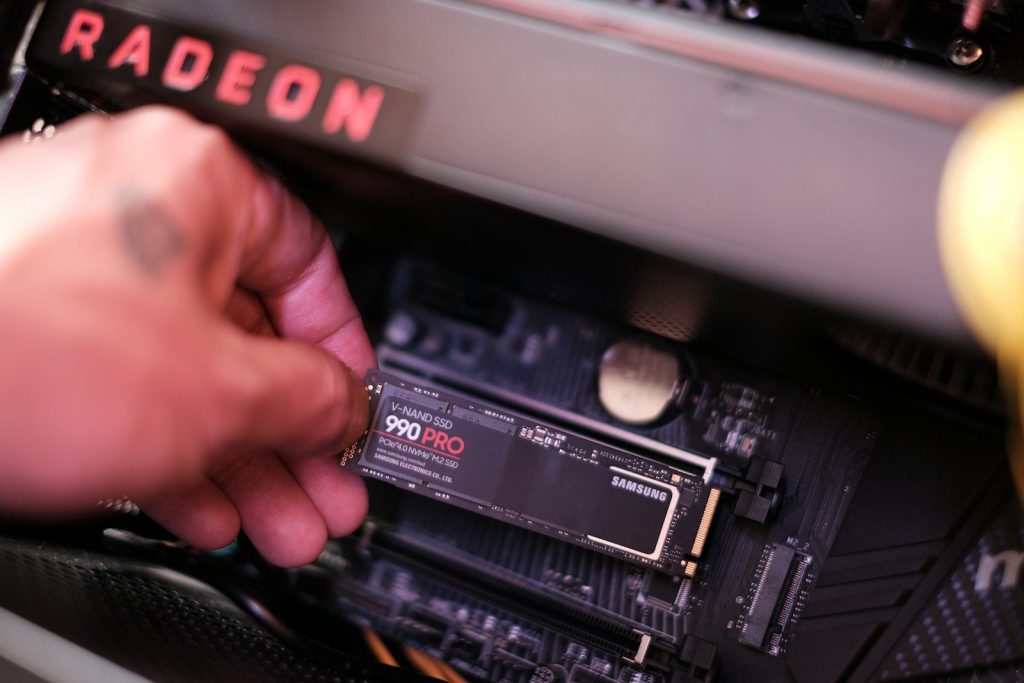
An SSD is not only a place to park game files. It also affects how fast the system can read textures, maps, saves, and other game data when a title needs it.
That matters more in open-world games, where the next area may need to load while you are still moving. Faster drives can help reduce rough transitions, though the game and platform still decide how much difference you notice.
Consoles have strict rules
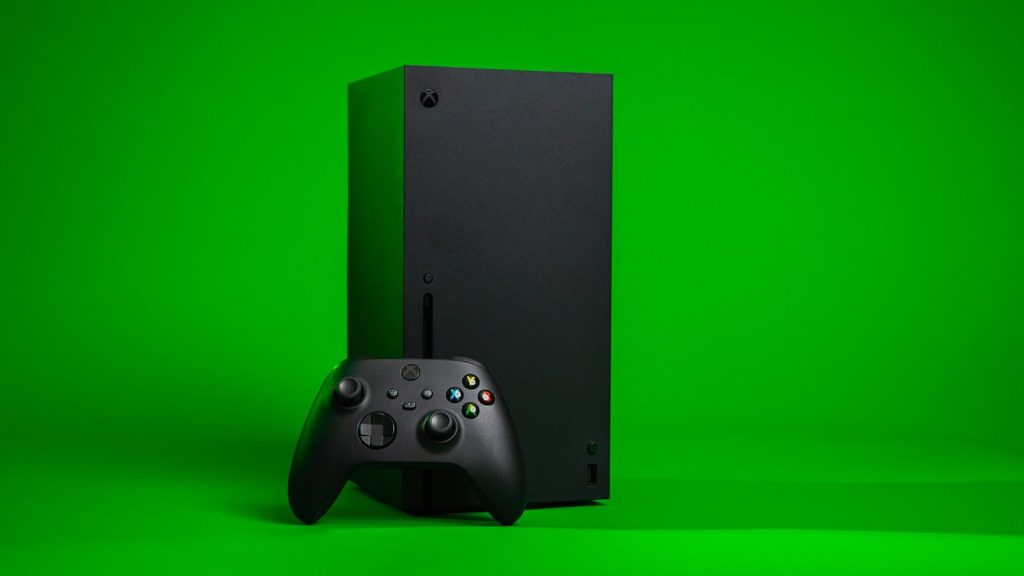
Console players cannot always buy any SSD and expect the same result. The PS5 requires a compatible M.2 SSD, and Sony recommends a sequential read speed faster than 5,500 MB/s.
Xbox Series X|S is also specific. Microsoft says games optimized for Xbox Series X|S need to be installed on the internal SSD or an official Storage Expansion Card to play as intended.
Capacity changes your habits
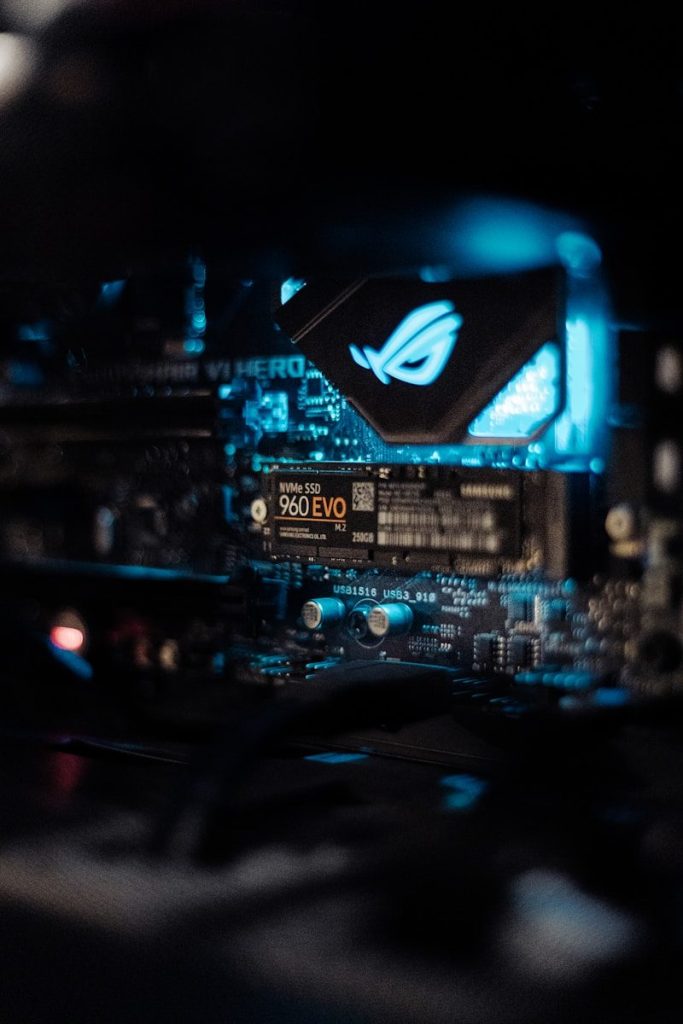
A small SSD can fill up fast when games, updates, and add-ons stack up. Once that happens, players spend more time deleting, moving, and reinstalling titles.
A larger SSD can make gaming feel simpler because more of your library stays ready. It may not raise frame rates, but it can reduce the daily hassle of deciding which game has to go before a new one fits.
SATA and NVMe differ
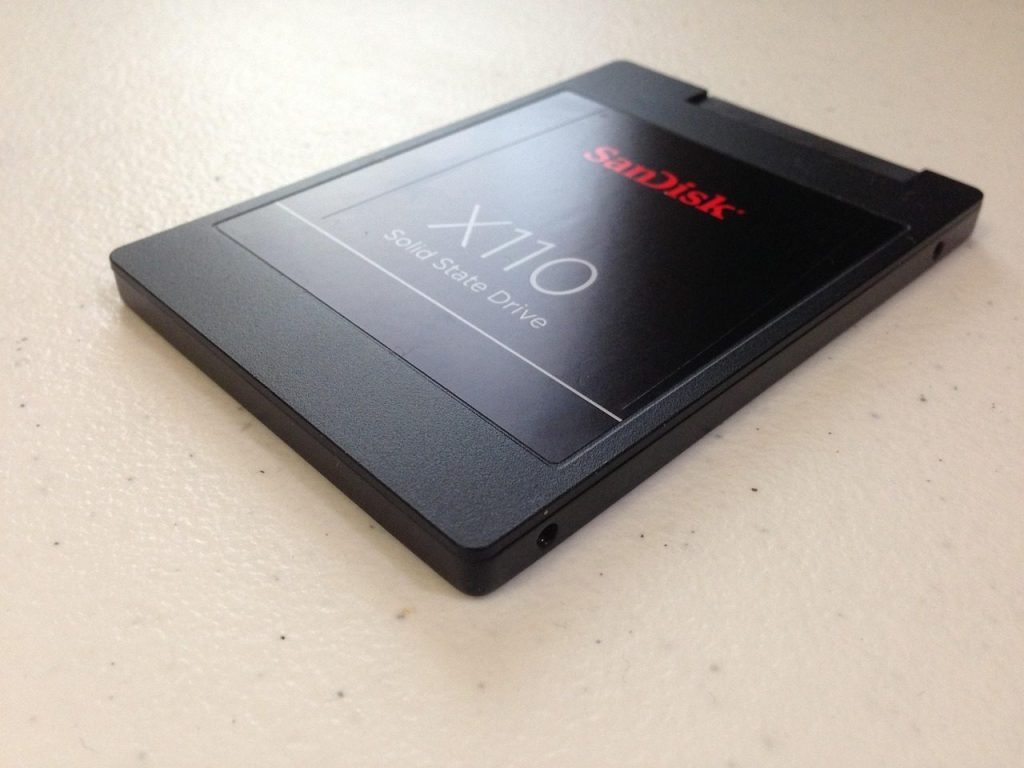
Not all SSDs are built the same. SATA SSDs are much faster than older hard drives, but NVMe drives can move data through a faster connection and are now common in gaming PCs.
That does not mean every game feels wildly different on the fastest drive. Some titles only gain a few seconds. Still, NVMe matters more for newer platforms, newer PC features, and future games designed around faster storage.
Cooling can matter too
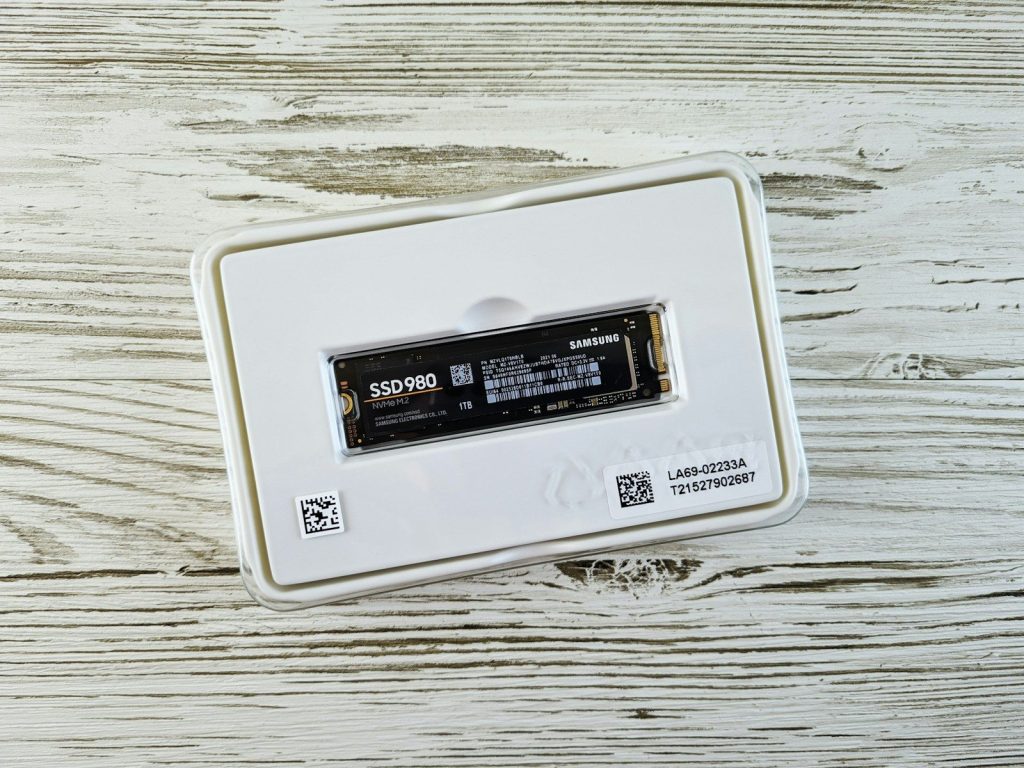
Fast SSDs can get warm, especially high-speed M.2 drives inside tight gaming PCs or consoles. When a drive gets too hot, performance may drop to protect the hardware.
That is why heatsinks and airflow are worth checking. Sony notes that PS5 M.2 SSD cooling structures vary in size, and buyers should confirm the drive and heatsink fit the console’s slot before installing.
Updates need free space
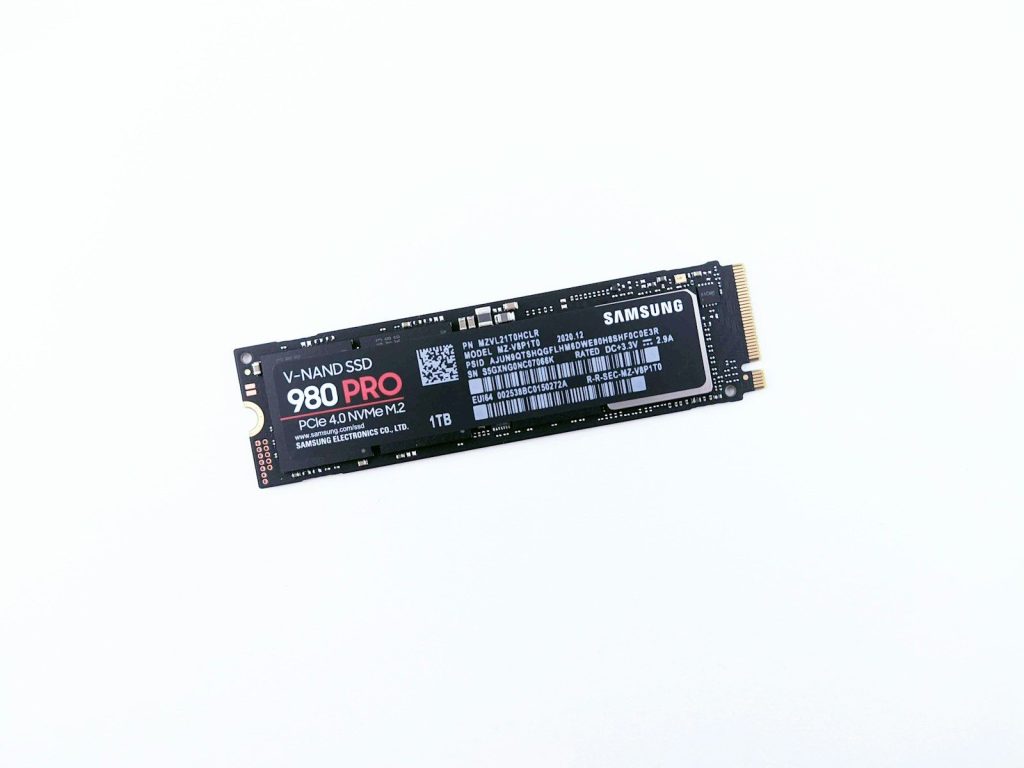
Game updates can be surprisingly demanding. Even when the update itself looks small, the system may need extra working room to download, unpack, copy, or patch files.
This is where SSD size affects convenience. Leaving open space can help avoid last-minute cleanup before a patch. It also makes the drive feel less cramped when several big games are installed at once.
The best pick fits you
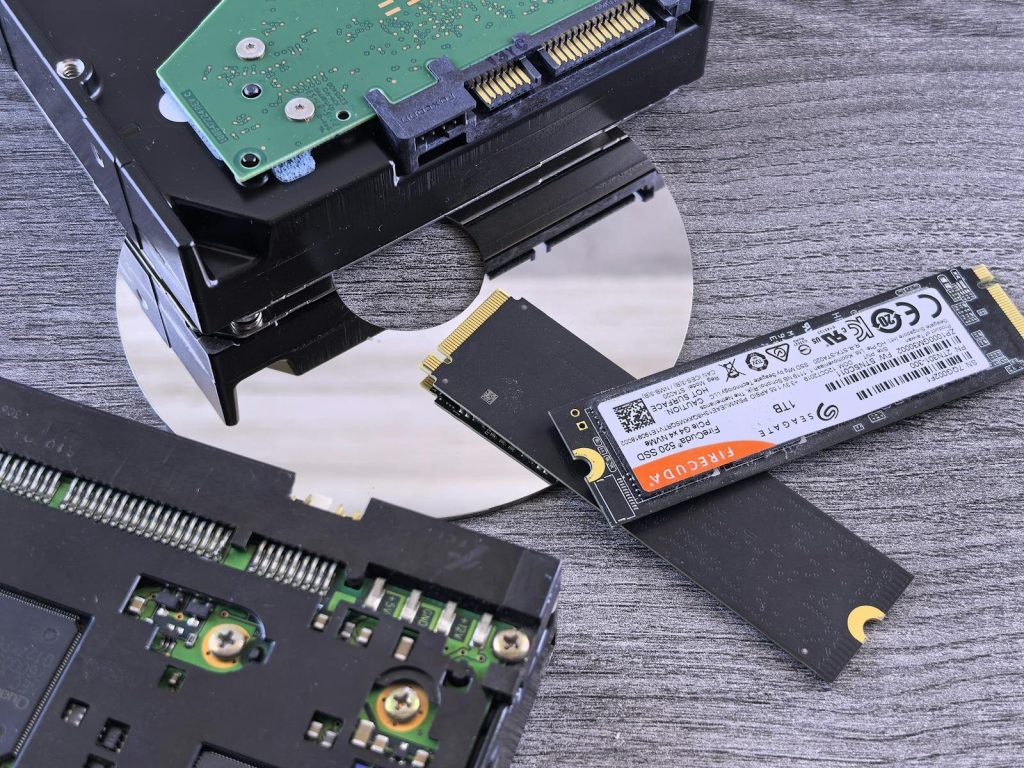
The right SSD depends on your device and your habits. A PS5 owner should focus on Sony’s M.2 requirements, while an Xbox Series X|S player should understand which storage can run optimized games. PC gamers should check motherboard slots, PCIe support, and cooling.
Storage space is important, but it is not the only thing. Speed, compatibility, heat control, and library size all shape the experience. A good SSD should make gaming feel easier, faster, and less interrupted.
Leave a Reply