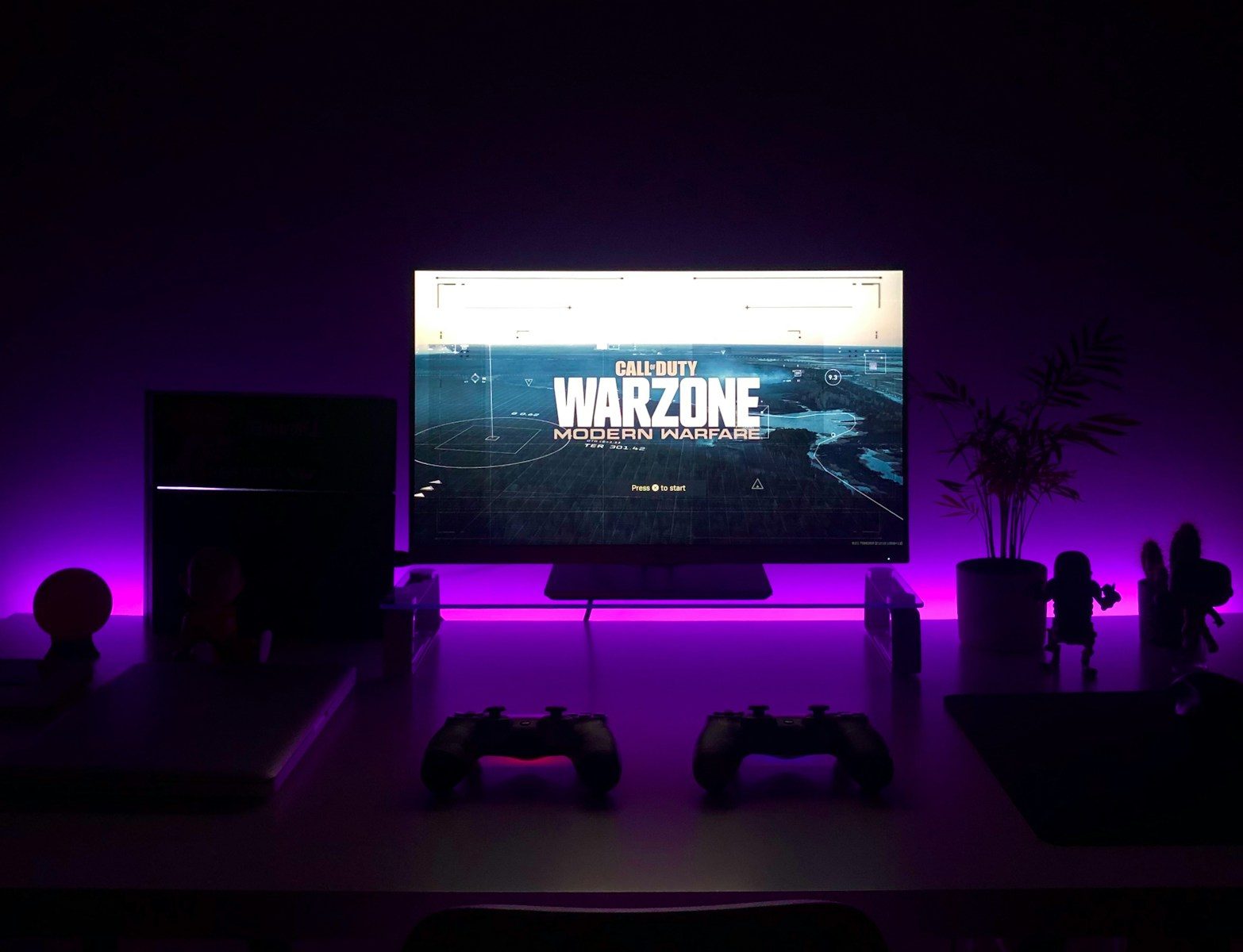
A gaming monitor is not just a screen with a cool stand. The right features can make games feel smoother, sharper, faster, and easier to enjoy for long sessions. Refresh rate affects how often the picture updates, while response time helps control motion blur. Variable refresh rate technologies like NVIDIA G-SYNC and AMD FreeSync can reduce screen tearing and stutter by synchronizing the display’s refresh rate with the game’s frame rate.
HDR standards, such as VESA DisplayHDR, help buyers understand whether a monitor can deliver stronger brightness, contrast, and color for supported games. For console players, HDMI 2.1 can also matter because it supports features like high refresh rates and variable refresh rate on newer systems.
Refresh rate feels faster
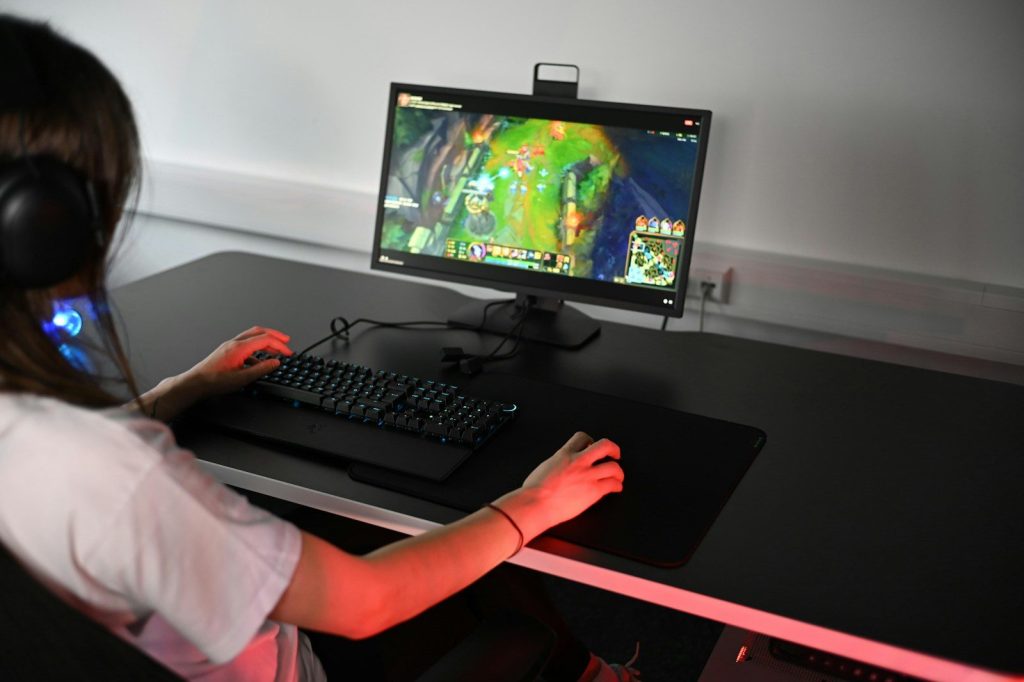
Refresh rate tells you how many times a monitor updates the image each second. A 144Hz or 165Hz screen can feel much smoother than a basic 60Hz screen, especially in fast games.
This matters most in racing, sports, shooters, and action games where movement changes quickly. A higher refresh rate will not make someone instantly better, but it can make the game feel more responsive and easier to follow.
Response time cuts blur
Response time explains how quickly pixels can change from one shade to another. When response time is slow, fast movement can leave smearing or ghosting behind objects.
A lower response time can make motion look cleaner. This is helpful when tracking fast characters, cars, or camera turns. Buyers should still check reviews, because real-world performance can vary from the number printed on the box.
VRR helps smooth frames
Variable refresh rate, often called VRR, helps the monitor match the game’s changing frame rate. That can reduce screen tearing, stutter, and uneven motion during gameplay.
NVIDIA G-SYNC and AMD FreeSync are two common VRR options. AMD says FreeSync works by syncing a display’s refresh rate with compatible graphics output, while NVIDIA lists G-SYNC and G-SYNC Compatible displays for smoother gaming experiences.
Resolution sharpens details
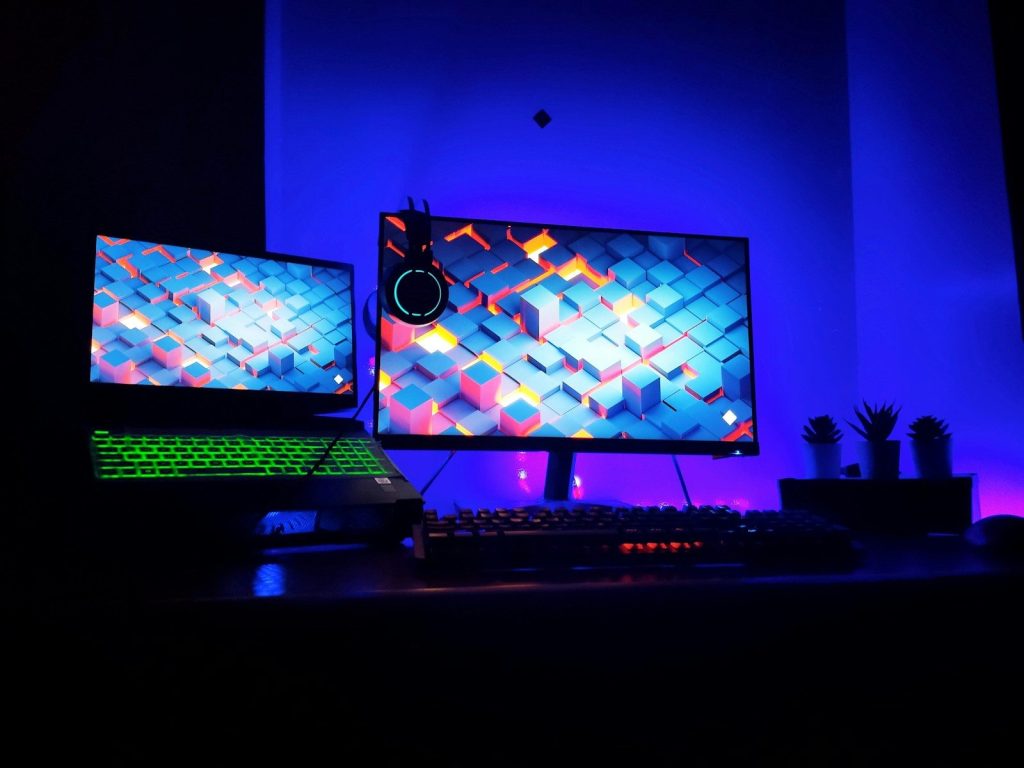
Resolution controls how many pixels appear on the screen. A 1080p monitor can still be great for high-frame-rate play, while 1440p often gives a sharper image without needing the most expensive PC.
A 4K monitor can look very crisp, especially on larger screens. But higher resolution needs more graphics power, so buyers should match the monitor to their console or gaming PC.
HDR can add depth
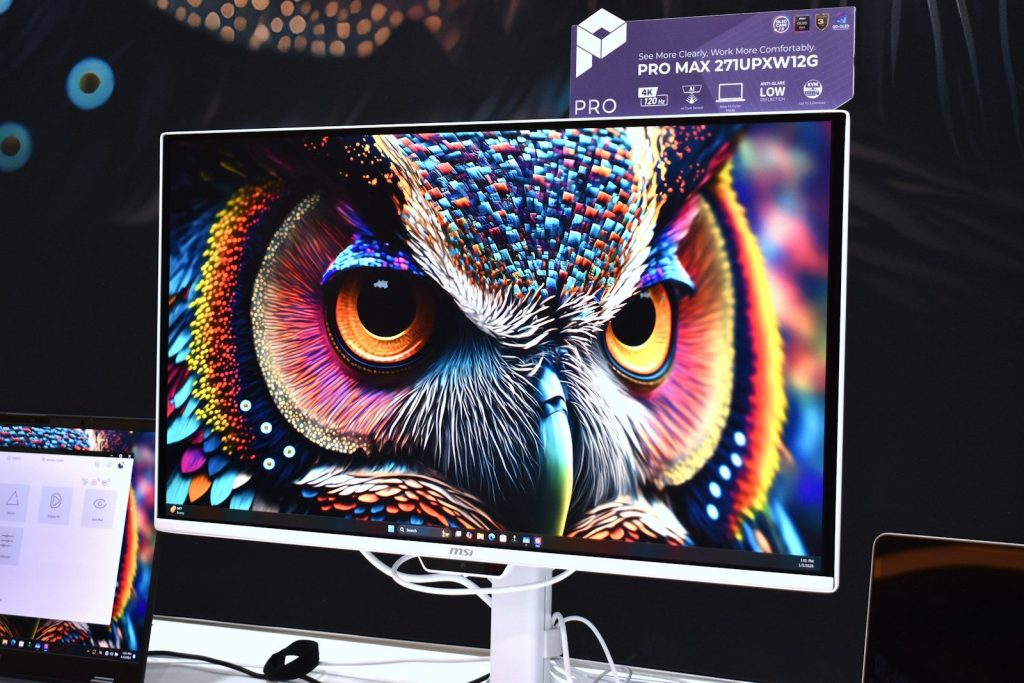
HDR can make bright highlights, dark scenes, and colors look more dramatic when the game and monitor support it. But not every monitor labeled “HDR” gives the same experience.
That is why certifications can help. VESA says DisplayHDR is an open standard for HDR quality and performance, and Intel notes the DisplayHDR logo can help identify monitors tested through that program.
Panel type changes the look
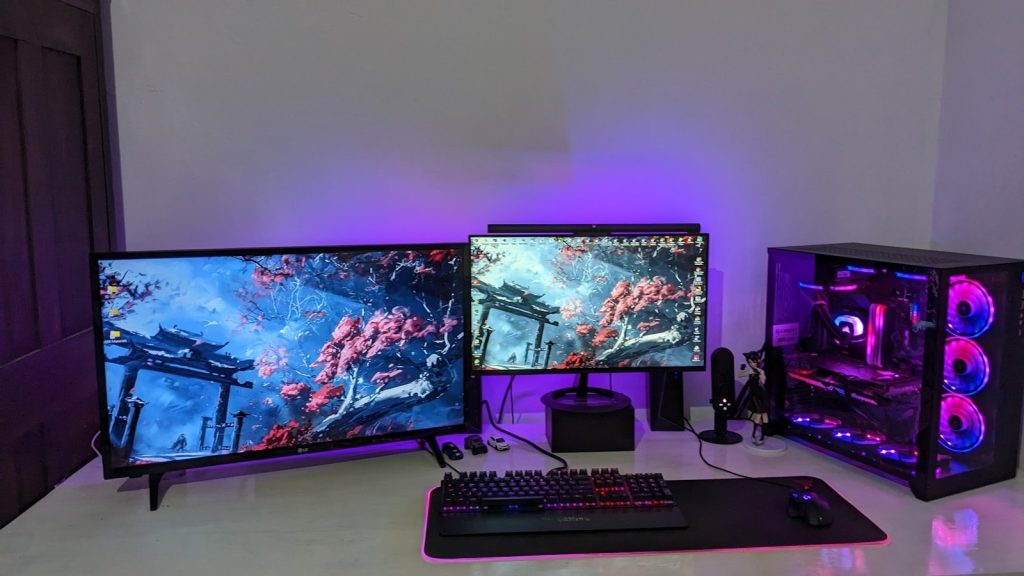
Panel type affects color, contrast, viewing angles, and motion. IPS panels are often known for strong color and wide viewing angles, while VA panels can offer better contrast in dark scenes.
OLED monitors can deliver deep blacks and very fast pixel response, but buyers should also think about price and long-term screen care. The best panel depends on what games you play most.
Ports decide your limits
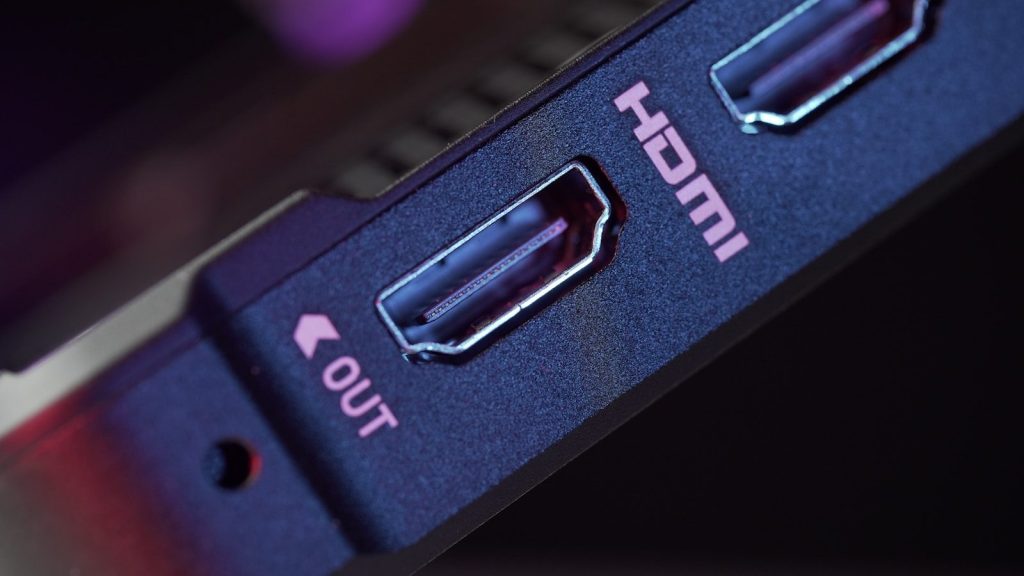
Ports can quietly decide what a monitor can actually do. A screen may support high refresh rates, but the wrong cable or port can hold it back.
HDMI 2.1 is useful for newer consoles and some PCs because it supports higher bandwidth, higher refresh rates at high resolutions, automatic low-latency mode, and variable refresh rate features.
Ergonomics matter daily
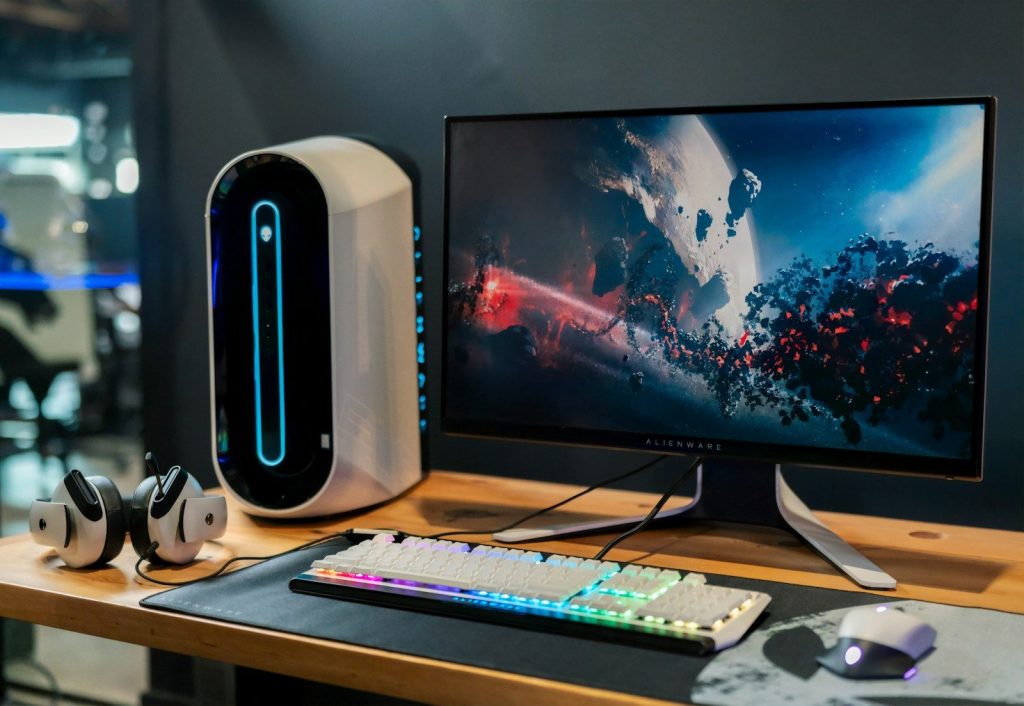
A monitor can have great specs and still feel annoying if it sits too low, tilts poorly, or takes up too much desk space. Height, tilt, swivel, and VESA mount support all matter.
Comfort becomes more important during long sessions. A screen that lines up well with your eyes can make gaming, streaming, browsing, and work feel easier on the neck and shoulders.
Leave a Reply