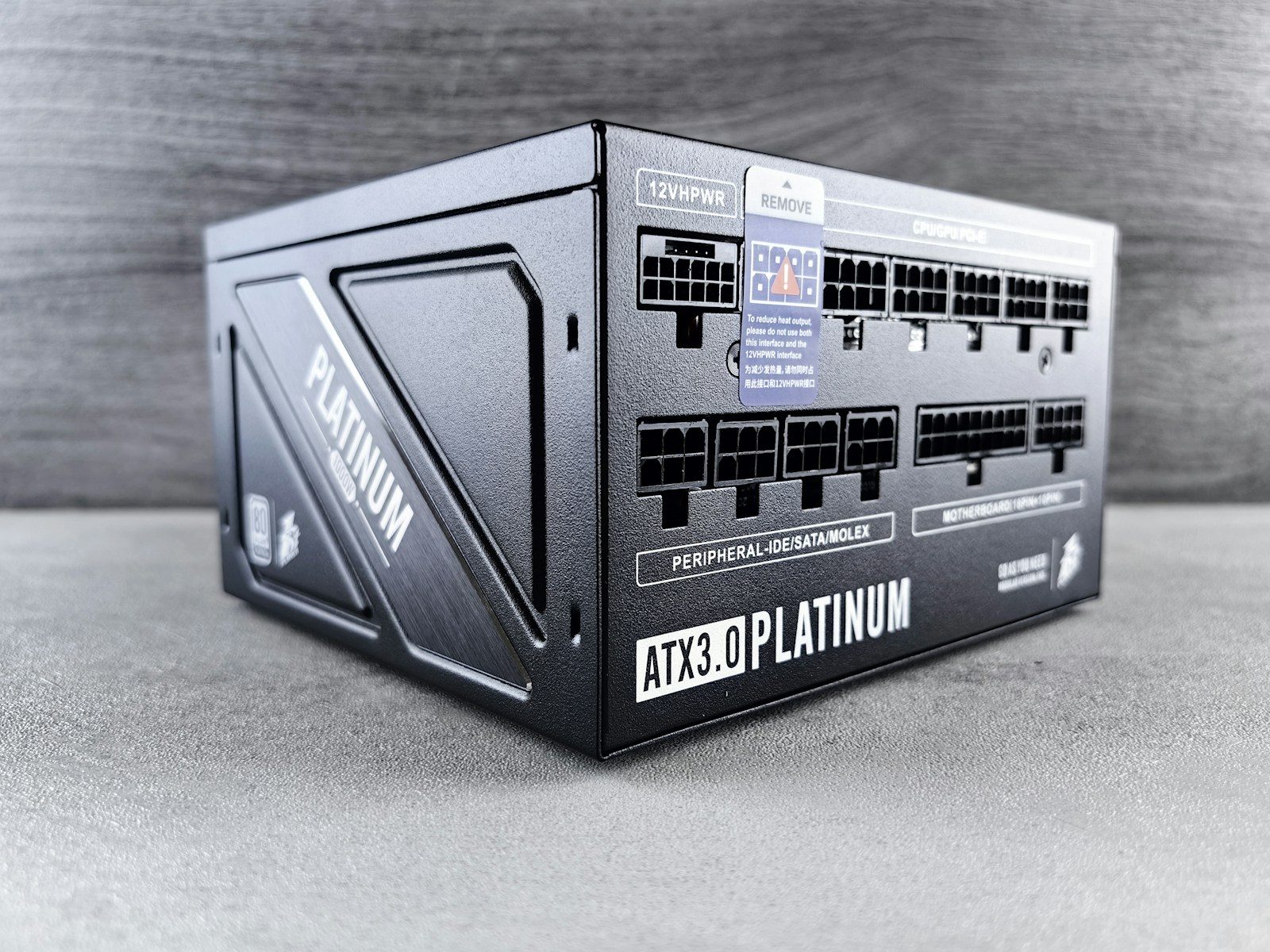
A power supply unit does not get the same attention as a graphics card, glass case, or glowing fans, but it can make or break a PC build. The PSU feeds power to every major part, from the CPU and GPU to storage drives and cooling. Pick the wrong one, install it badly, or reuse the wrong cables, and a clean build can turn into random shutdowns, upgrade headaches, or damaged hardware.
Modern parts also make PSU choices more important because high-end GPUs can pull heavy power in short bursts, and newer standards are built to handle those spikes. Intel’s ATX 3.0 guidance includes power-excursion requirements, while brands like Corsair warn that modular PSU cables are not universal.
Buying too little wattage
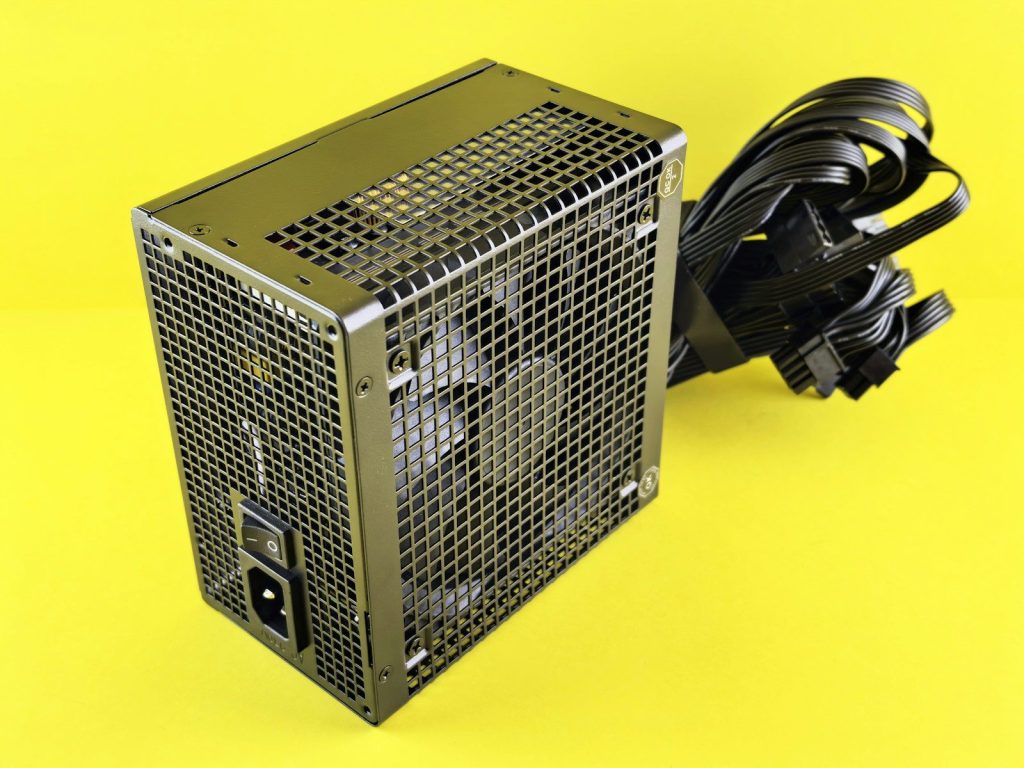
A common mistake is buying a PSU that barely covers the parts list. The PC may turn on, but gaming, rendering, or future upgrades can push it harder than expected.
Use the CPU, GPU, drives, fans, and planned upgrades to estimate the real load. Be quiet!’s PSU calculator says it uses peak power consumption from selected components when estimating the correct wattage.
Ignoring power spikes
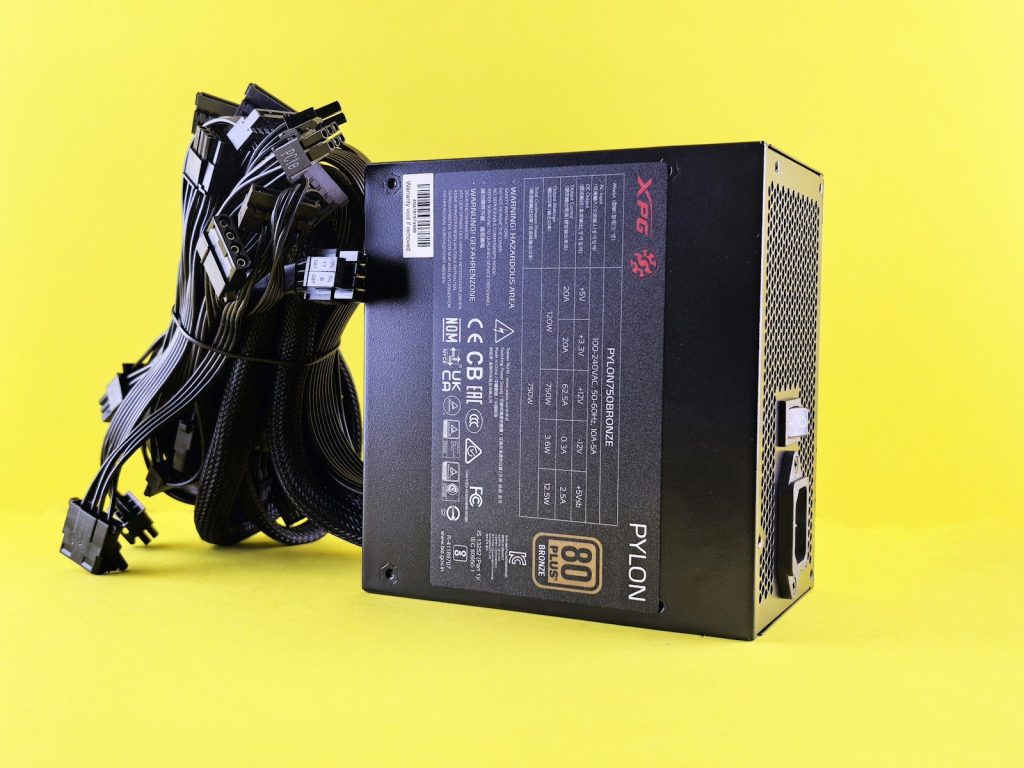
Some PC parts do not pull power in a perfectly smooth line. Modern graphics cards can create short power spikes that stress a weak or older PSU.
That is why newer PSU standards matter. Intel’s ATX 3.0 design guide includes power-excursion rules, and some guides explain that compliant units must handle brief loads above normal rated power.
Reusing modular cables
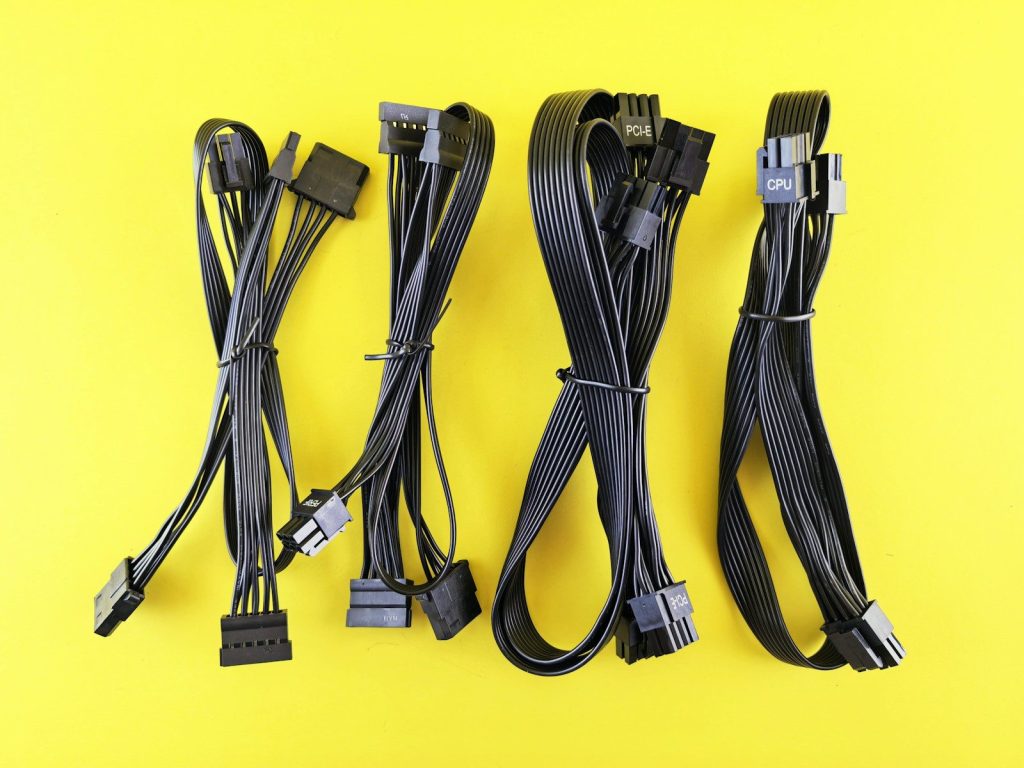
Modular PSU cables can look alike, but that does not make them interchangeable. Mixing cables from another brand or model can be one of the riskiest build mistakes.
Corsair says PSU-side wiring can vary by manufacturer, even when the component-side connector looks standard. Using the wrong cable can be dangerous for the user and the parts.
Chasing only 80 Plus
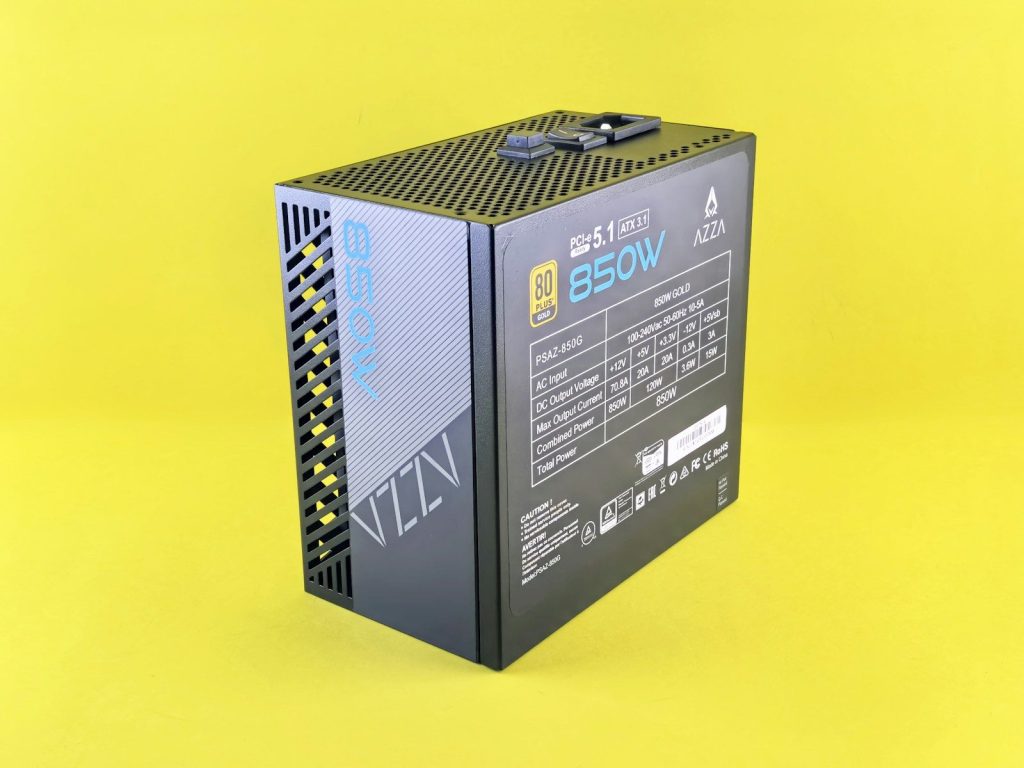
An 80 Plus label is useful, but it does not tell the whole story. It mainly shows efficiency, not every detail about build quality, noise, protection, or long-term reliability.
The official 80 Plus program describes several certification levels for increasing PSU energy efficiency. That is helpful, but builders should still check trusted reviews, warranty length, protections, and platform quality.
Skipping safety protections
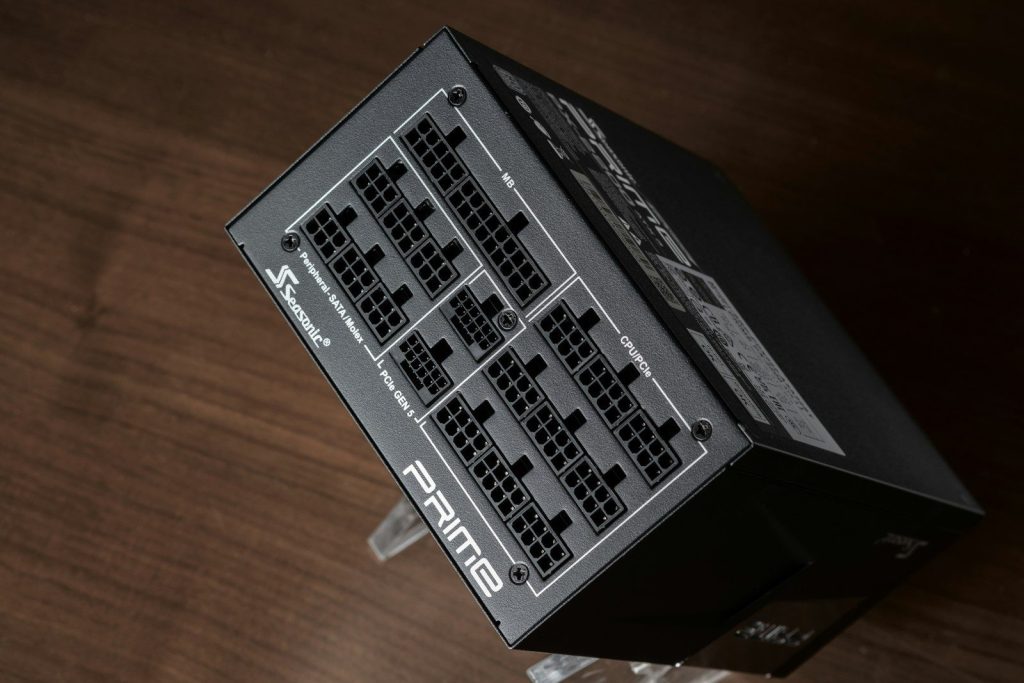
A PSU should do more than deliver power. It should also protect the system when something goes wrong, such as overload, short circuit, overheating, or voltage problems.
Seasonic lists protections such as OVP, UVP, OCP, SCP, OTP, and OPP in its PSU safety explanation. These features can help the system react quickly during faults.
Using the wrong GPU cable
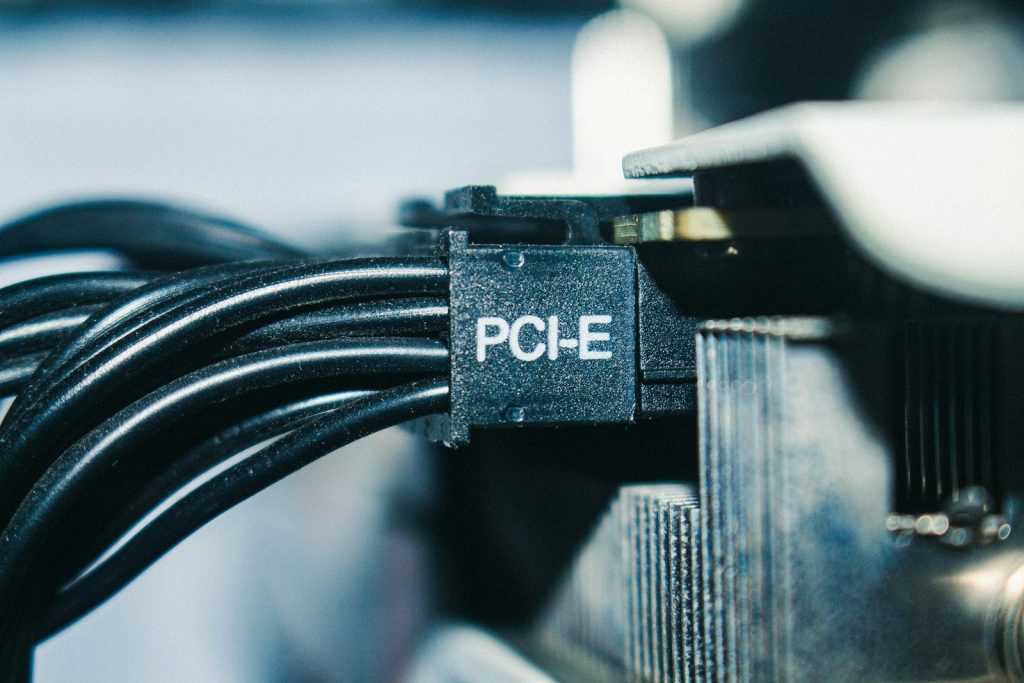
High-power GPUs can be picky about power cables. A cable that is loose, sharply bent, or not fully seated can cause serious trouble, especially with newer 16-pin-style connectors.
Reports around RTX 4090 connector problems showed that poor seating and harsh bends were concerns. Builders should follow the GPU and PSU maker’s cable guidance closely and check the connector before closing the case.
Mounting it with poor airflow
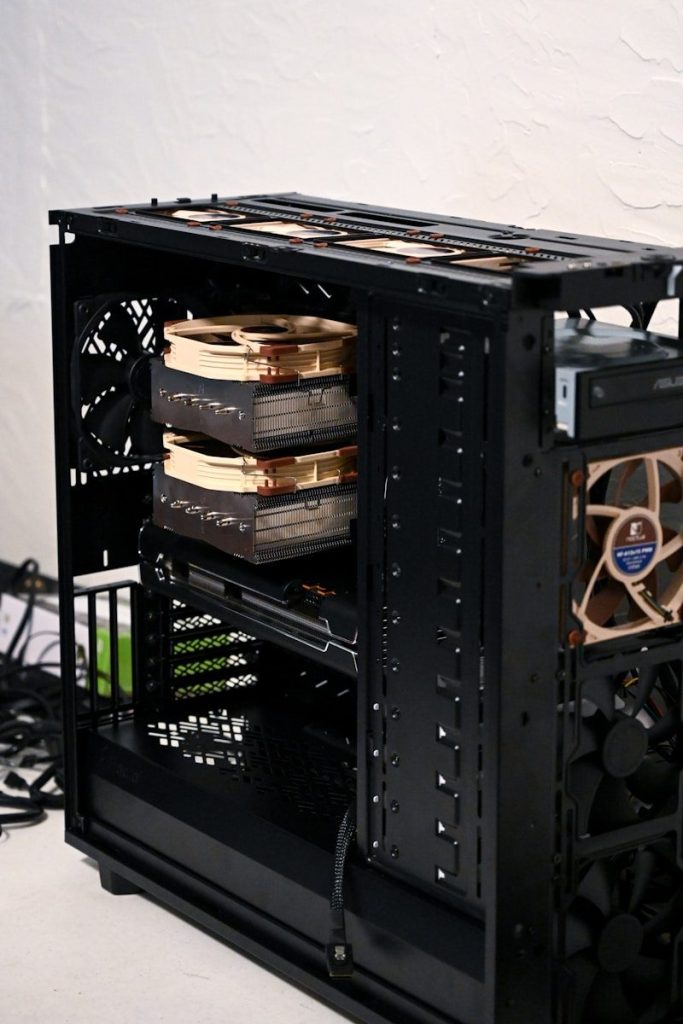
A PSU still needs airflow, even if it sits at the bottom of the case. Blocking the fan with carpet, dust, cables, or a solid surface can trap heat.
Heat can make the fan work harder and may reduce comfort, noise performance, and long-term reliability. Builders should match the PSU fan direction to the case layout and keep vents clear.
Forgetting future upgrades
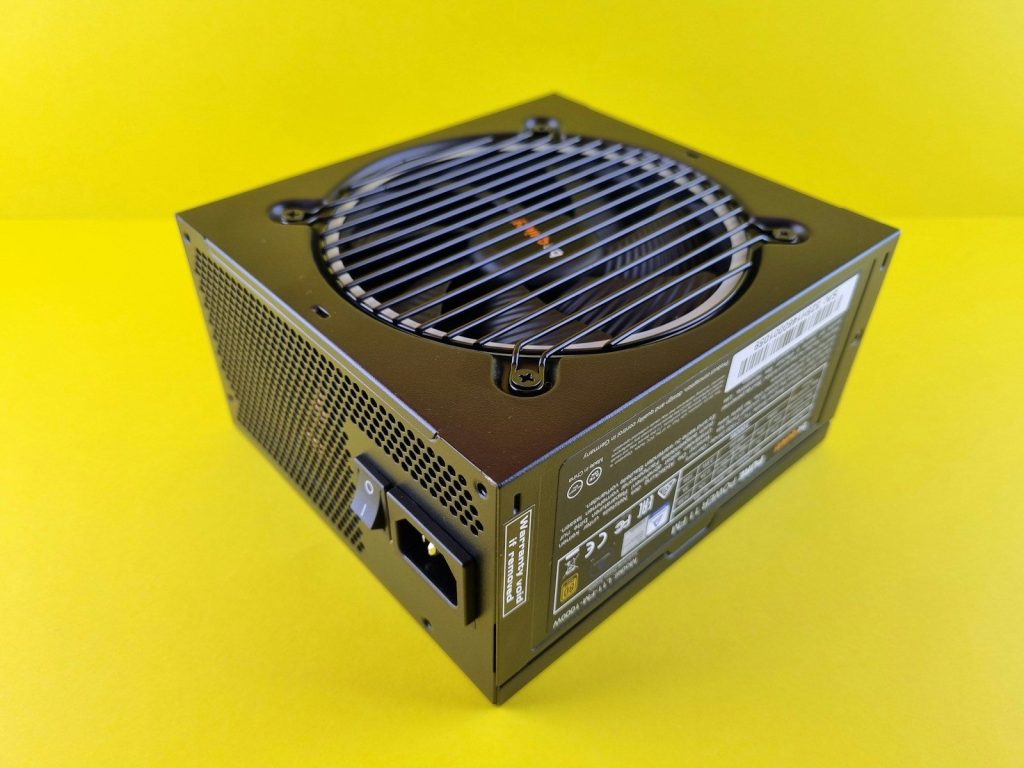
A PSU can last across more than one PC build, but only if it has enough capacity, connectors, and the right standard for future parts. Buying too close to today’s needs can limit tomorrow’s upgrade.
A little planning helps. Think about the next GPU, more drives, extra fans, or a stronger CPU. A good PSU choice should support the build you have now and the one you may want later.
Leave a Reply