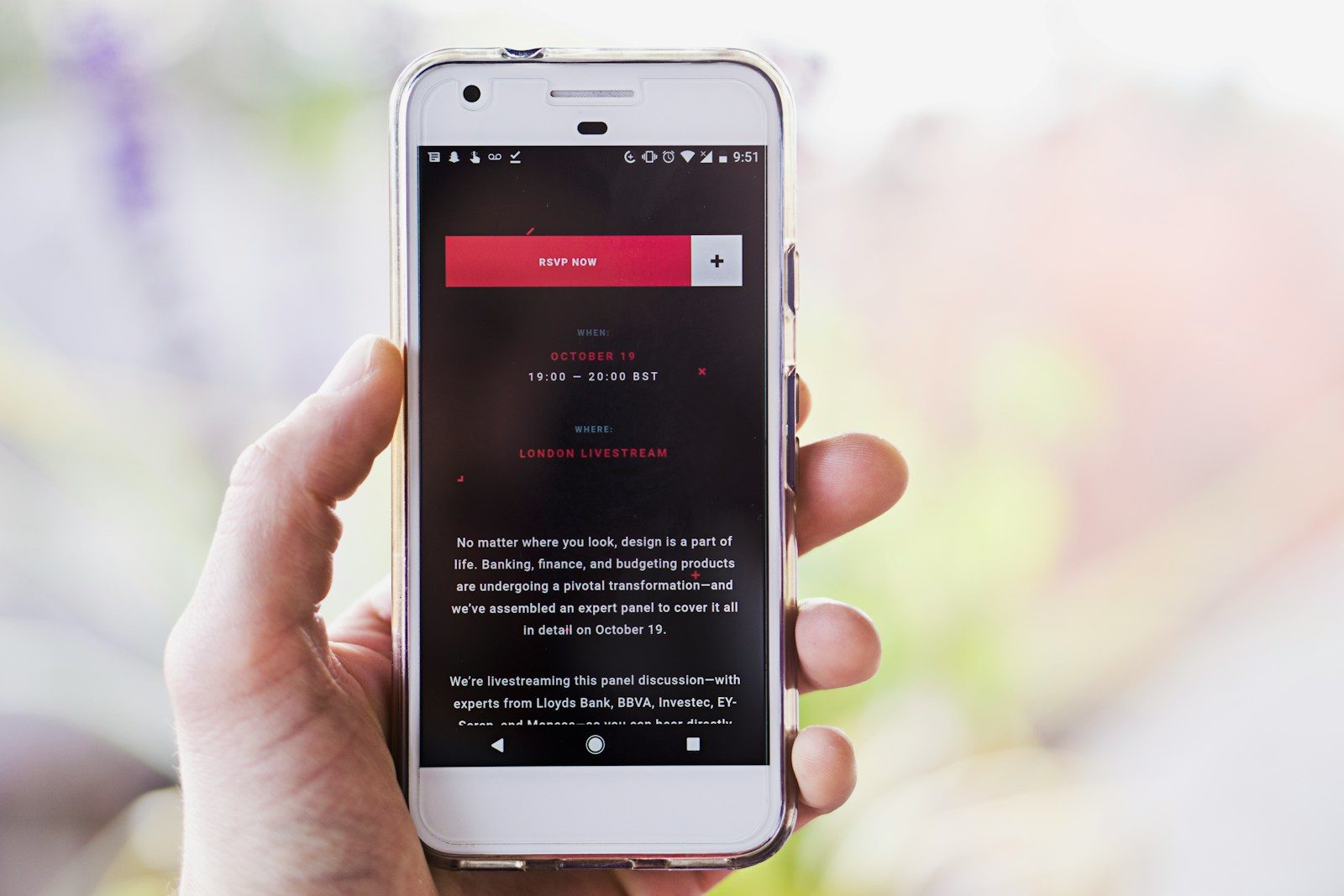
Android tablets have spent years sitting somewhere between phones and laptops. They were great for watching videos, reading, drawing, browsing, and quick emails, but many people still reached for a laptop when real work had to get done. That gap is starting to shrink. Google has been improving large-screen Android features, including desktop windowing, better multitasking, and stronger support for keyboards, trackpads, and connected displays.
Samsung and other tablet makers have also pushed laptop-style accessories, bigger screens, stylus support, and desktop-like modes. The result is not a full laptop replacement for everyone, but Android tablets are becoming much better at everyday productivity, schoolwork, creative tasks, and travel-friendly work. The biggest change is simple: they feel less like oversized phones and more like flexible work machines.
Better window controls
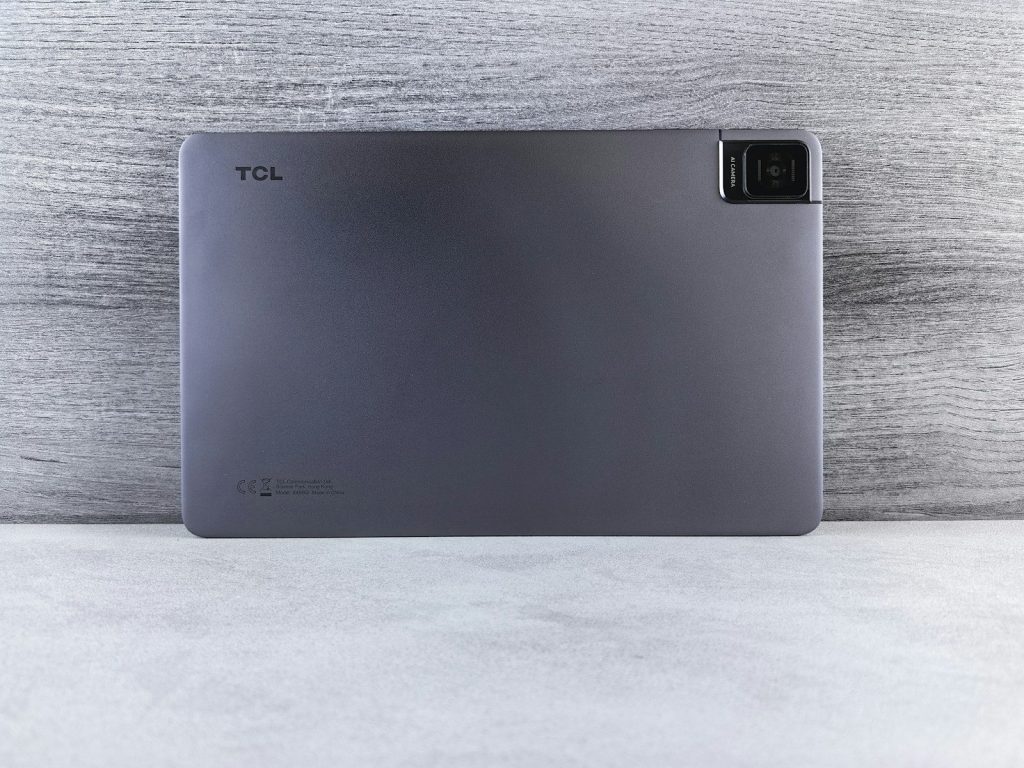
One big reason Android tablets may feel more laptop-like is desktop windowing. This lets users run multiple apps in resizable windows instead of being locked into one full-screen app at a time.
That matters for everyday work. Someone can keep a browser open, write notes, check messages, and view a document without constantly jumping between full-screen apps. It brings Android closer to the familiar laptop experience.
Keyboards make a big difference
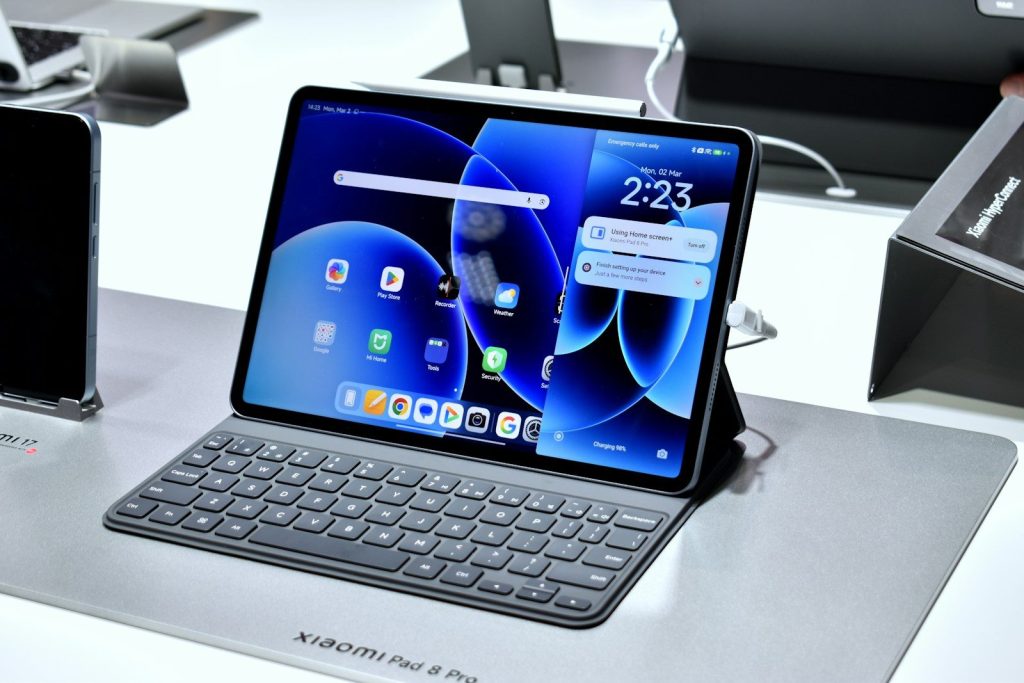
A tablet changes quickly when a good keyboard is attached. Typing long emails, school papers, reports, or messages feels easier than tapping on glass for everything.
Many modern Android tablets now support keyboard covers, Bluetooth keyboards, and shortcut keys. Google’s support page also notes that supported devices can use desktop windowing with an external keyboard and trackpad, which makes the setup feel more like a laptop.
Trackpads add laptop comfort
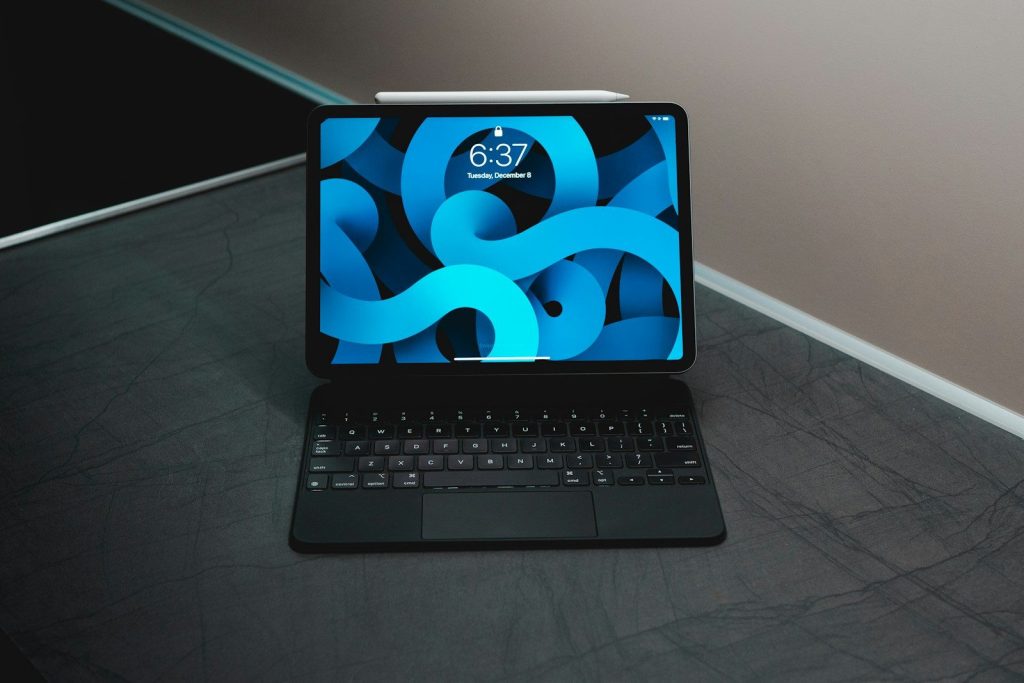
Touchscreens are great for quick taps, but trackpads help with longer work sessions. Moving a cursor, selecting text, resizing windows, and switching apps can feel more natural with a trackpad.
That small change matters. It lets people keep their hands near the keyboard instead of constantly reaching up to touch the screen. For writing, editing, and browsing, that can make tablets feel much more comfortable.
Bigger screens help productivity
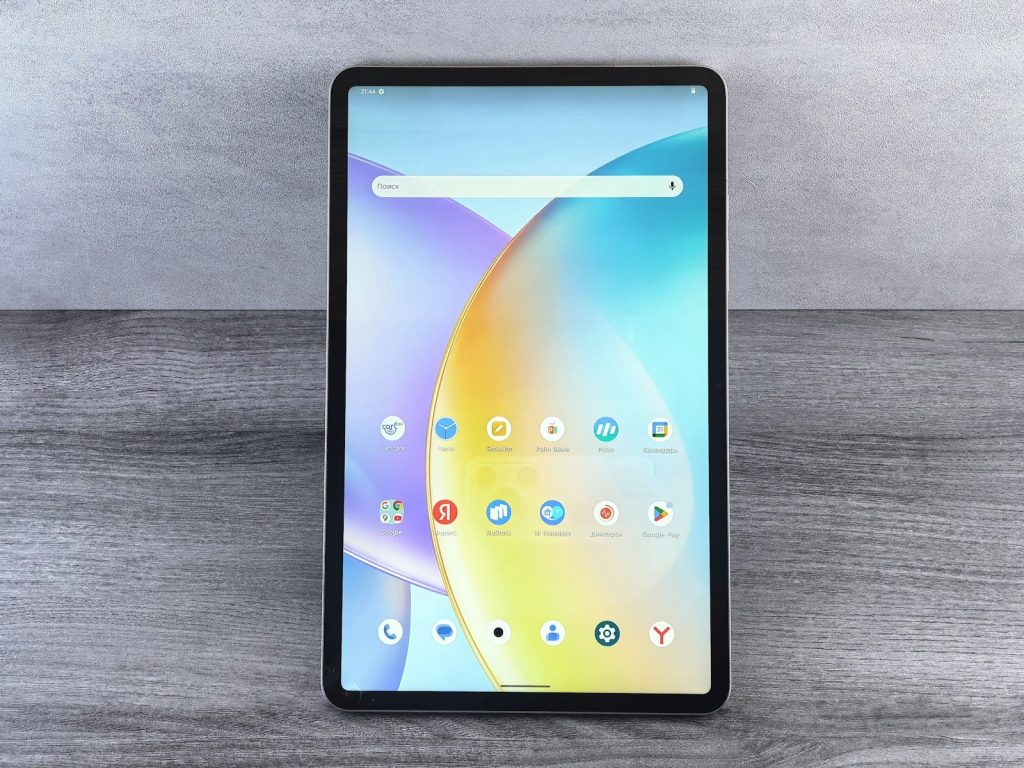
Android tablets now often come in larger screen sizes, giving users more room for apps, documents, videos, and creative tools. A bigger screen makes multitasking easier and reduces the cramped feeling smaller tablets can have.
This is especially useful with windowed apps. When the display has enough space, a tablet can show a browser, notes, and a chat window in a way that feels closer to a compact laptop.
Desktop modes are improving
Samsung DeX helped show how Android devices could work in a desktop-like layout. It gives supported Galaxy devices a more computer-style interface for multitasking, windows, and external displays.
Now Google is also building stronger desktop experiences into Android itself. That could make laptop-style tablet use feel less tied to one brand and more like a normal Android feature over time.
Stylus tools support creators
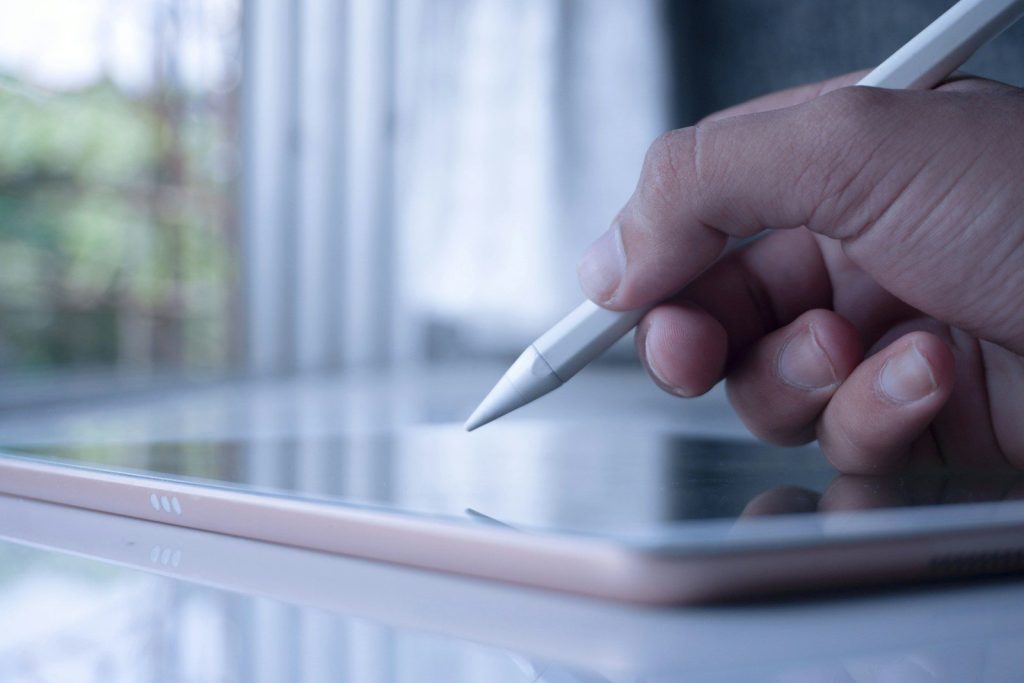
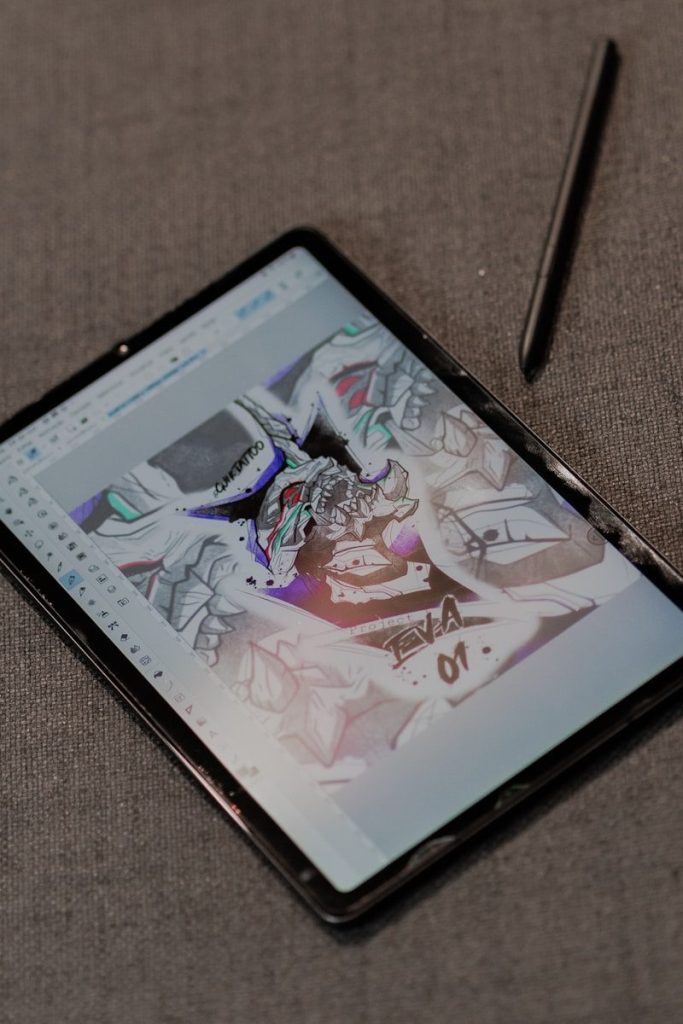
Many Android tablets support styluses for notes, sketches, markups, and creative work. That gives tablets an advantage laptops do not always offer in the same natural way.
A stylus can turn a tablet into a notebook, drawing pad, planner, or document markup tool. For students, artists, teachers, and busy professionals, that makes the tablet feel like more than just a small computer.
They still have limits
Android tablets are getting closer to laptops, but they are not perfect replacements for everyone. Some desktop software, advanced file workflows, and professional tools may still work better on a traditional laptop.
Still, the gap is narrowing. With better windowing, keyboards, trackpads, larger screens, stylus support, and connected displays, Android tablets are becoming more practical for daily work and easier to take seriously as lightweight laptop alternatives.
Leave a Reply