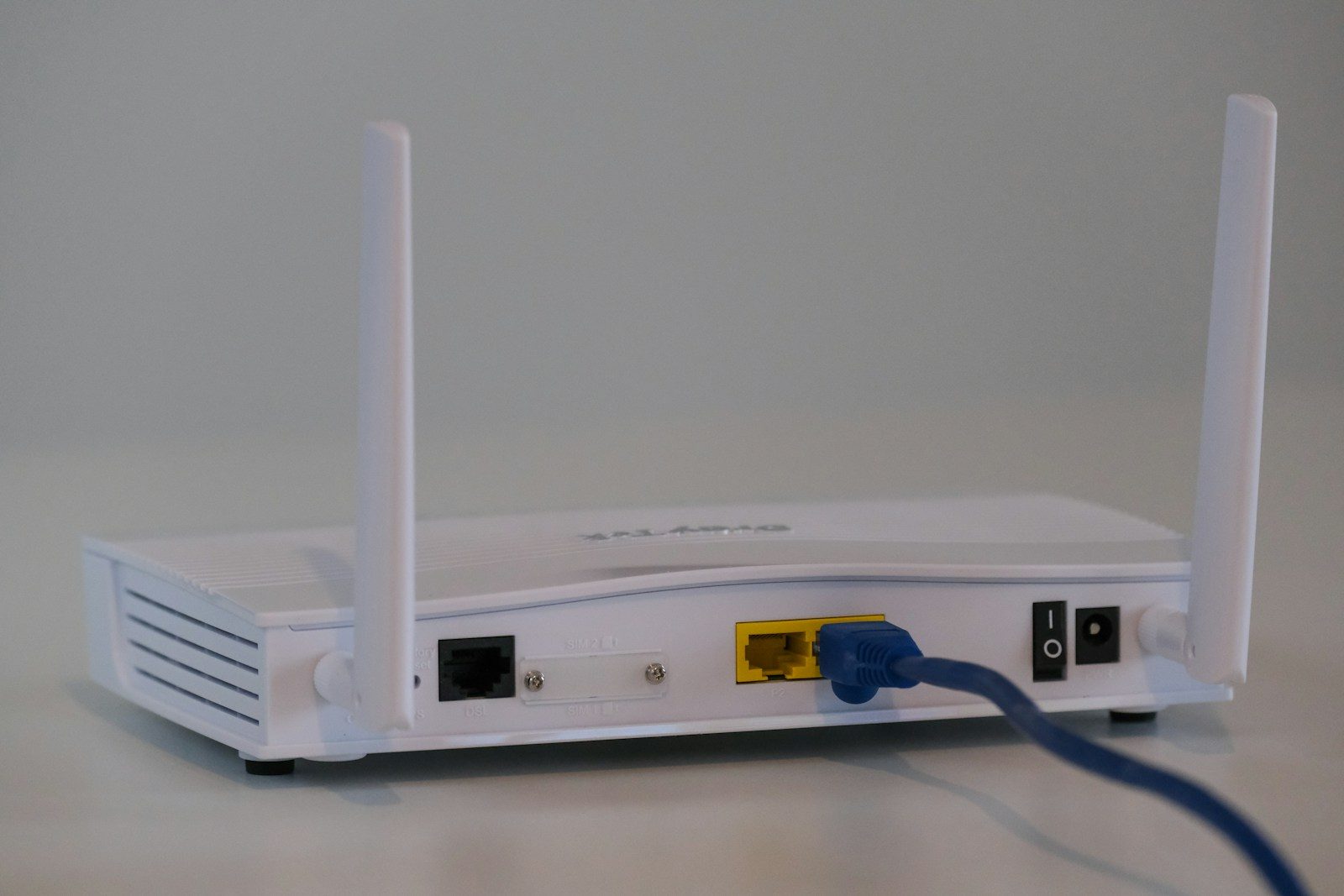
Home Wi-Fi feels invisible until something goes wrong. It keeps your phones, laptops, TVs, tablets, smart speakers, and cameras connected all day. That is why a few basic router settings matter more than many people realize. You do not need to be a tech expert or understand every menu inside your router app. You just need to know which settings to check first.
Trusted security groups give the same core advice: change default router logins, use strong Wi-Fi encryption, update router software, turn off risky convenience features, and create guest Wi-Fi when possible. CISA recommends WPA3 Personal, or WPA2 AES if WPA3 is not available. The FTC also recommends changing default settings, enabling encryption, and checking for updates.
Change the default login
Your router has an admin login used to change settings. Many routers ship with default usernames or passwords, and those can be easy to find online.
Change that admin login to something strong and unique. CISA says changing default router usernames and passwords is one of the main steps for safer home Wi-Fi, and the FTC recommends the same basic move.
Use stronger Wi-Fi security
Wi-Fi encryption helps protect the data moving between your devices and your router. Without the right setting, your network can be easier for others nearby to target.
Look for WPA3 Personal in your router settings. If your router does not offer it, CISA says WPA2 AES is the next good option. Avoid older settings when stronger ones are available.
Update your router software
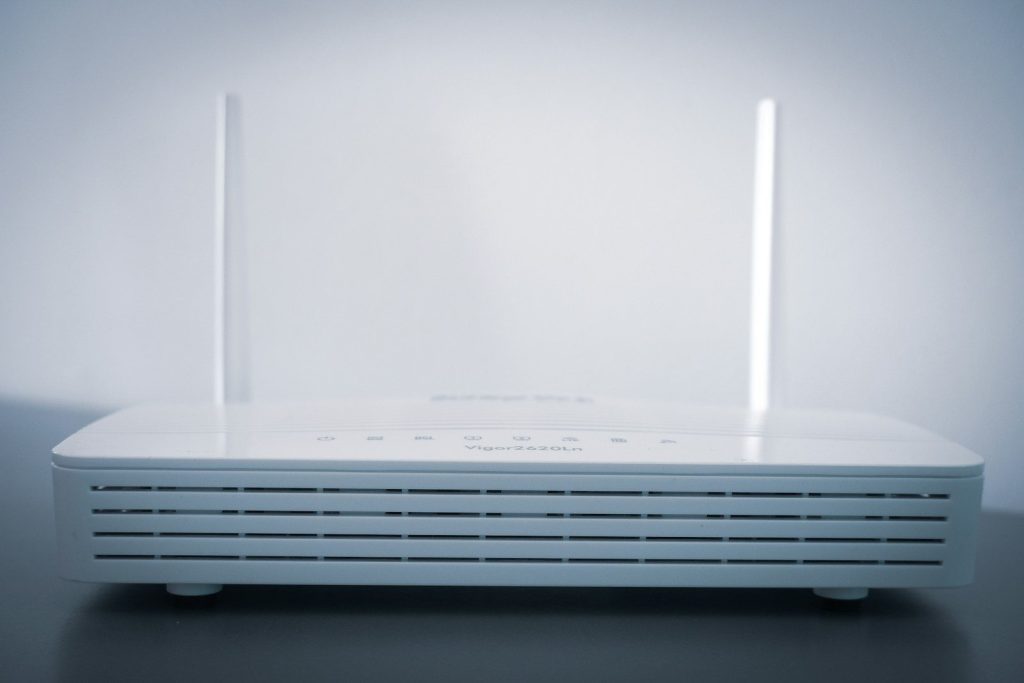
Routers run software called firmware. Updates can fix security holes, improve stability, and keep the device working better over time.
Open your router app or admin page and check for updates. CISA recommends updating router firmware regularly and turning on automatic updates if the option exists. The FTC also tells users to keep checking for hardware and software updates.
Rename your network
Your Wi-Fi name, also called the SSID, should not reveal too much. A default name may show the router brand or model, which can give away clues about your setup.
Pick a simple name that does not include your full name, address, router brand, or personal details. CISA recommends changing the default SSID as part of safer wireless network setup.
Turn off risky shortcuts
Some router features are made for convenience, but many homes do not need them. Remote management, WPS, and UPnP can create extra openings if left on without a clear reason.
CISA recommends disabling remote management, WPS setup, and UPnP. If everything still works after turning them off, you have made your network a little less exposed without doing anything complicated.
Set up guest Wi-Fi
A guest network lets visitors use the internet without joining the same network as your personal devices. It can also be useful for smart home gadgets that do not need access to your main laptop or phone.
CISA recommends creating guest Wi-Fi for a safer home setup. Keep it protected with its own strong password, and only share that password with people who actually need it.
Leave a Reply