A new app can look harmless at first glance. The icon is polished, the screenshots look useful, and the reviews may seem fine. But before tapping install, it is smart to slow down for a minute. Many apps ask for access to parts of your phone, such as your location, contacts, photos, camera, or microphone.
The FTC says users should review app permissions and consider turning off access that an app does not really need. App stores also show privacy details, such as what data may be collected, shared, or linked to you. These small clues can help you spot apps that may ask for more than they should.
Check the permission list
Permissions are one of the fastest privacy clues to check. A weather app may need location access, but a simple flashlight, calculator, or wallpaper app should not need your contacts or microphone.
Look for requests that feel bigger than the app’s main job. The FTC suggests turning off unnecessary permissions or deleting apps that ask for too much access. A good app should only need the tools that help it work.
Read the data safety box
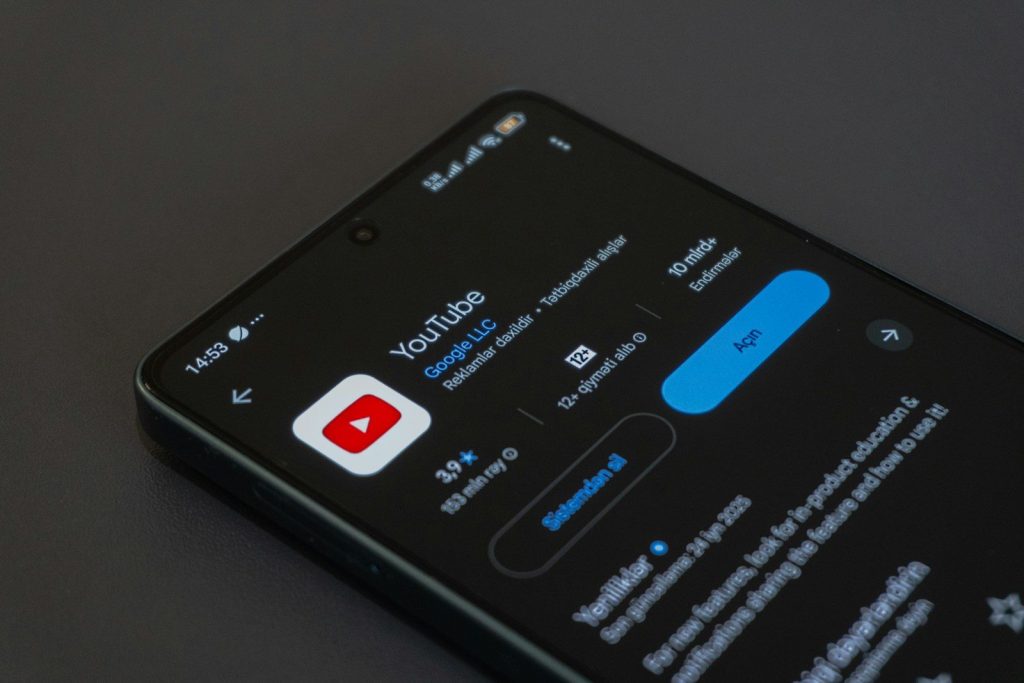
On Google Play, the Data safety section explains how developers say their apps collect, share, and protect different types of data. It can show whether the app collects location, personal details, photos, files, or other information.
Do not skip this box just because it looks boring. If a small app collects a long list of data, that is worth noticing. It does not always mean the app is unsafe, but it should make you pause.
Look for tracking clues
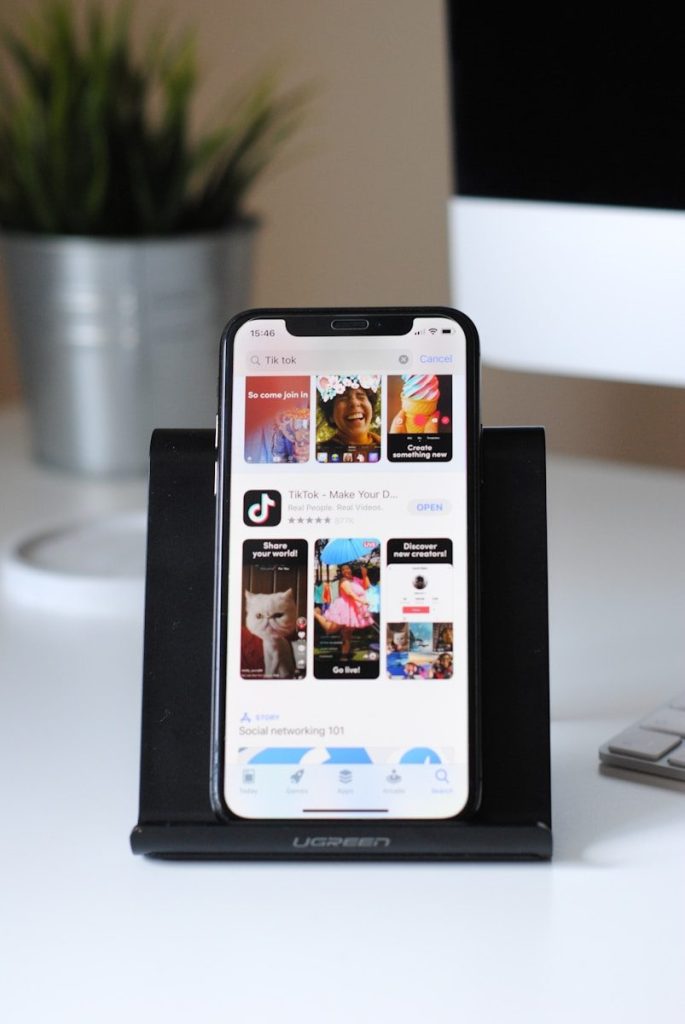
Apple’s App Store privacy details are meant to help users understand what data an app collects and how that data may be used. These labels can show whether data may be linked to you or used for tracking.
This matters because some apps may work fine without building a detailed profile about you. Before installing, check whether the app’s data use feels fair for what it offers. A simple tool should not feel like a data collector.
Scan the privacy policy
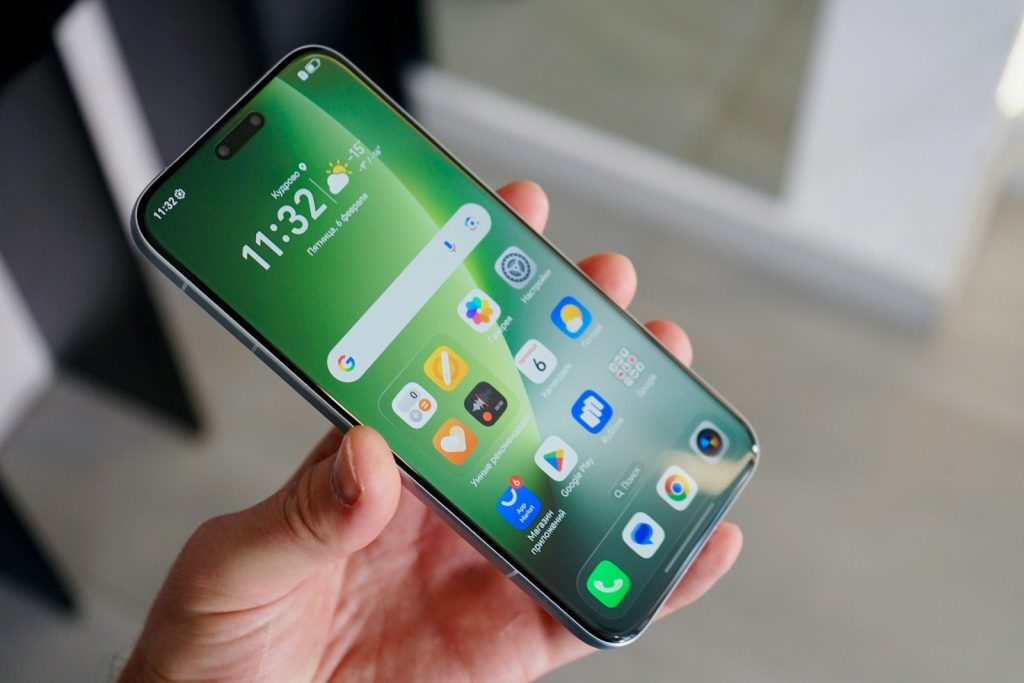
A privacy policy can reveal how an app explains data collection, sharing, security, and user choices. The FTC reminds app makers that privacy promises should be clear and easy for users to understand.
You do not need to read every legal line. Look for plain answers: what data is collected, why it is needed, who receives it, and how to contact the developer. Vague wording is a clue to be careful.
Check the developer details

Before installing, look at who made the app. A developer with a clear name, working website, support contact, and other well-reviewed apps is easier to trust than one with almost no public details.
Also check when the app was last updated. Apps that have not been updated in a long time may miss bug fixes, privacy improvements, or security changes. A steady update history can be a good sign.
Study reviews with care

Reviews can reveal privacy problems that the app listing does not highlight. Look for repeated complaints about surprise pop-ups, confusing permission requests, sign-in issues, or features that do not match the description.
Do not rely only on the star rating. A high score can hide patterns if you never read the comments. A few thoughtful recent reviews are often more useful than hundreds of short, generic reactions.
Leave a Reply