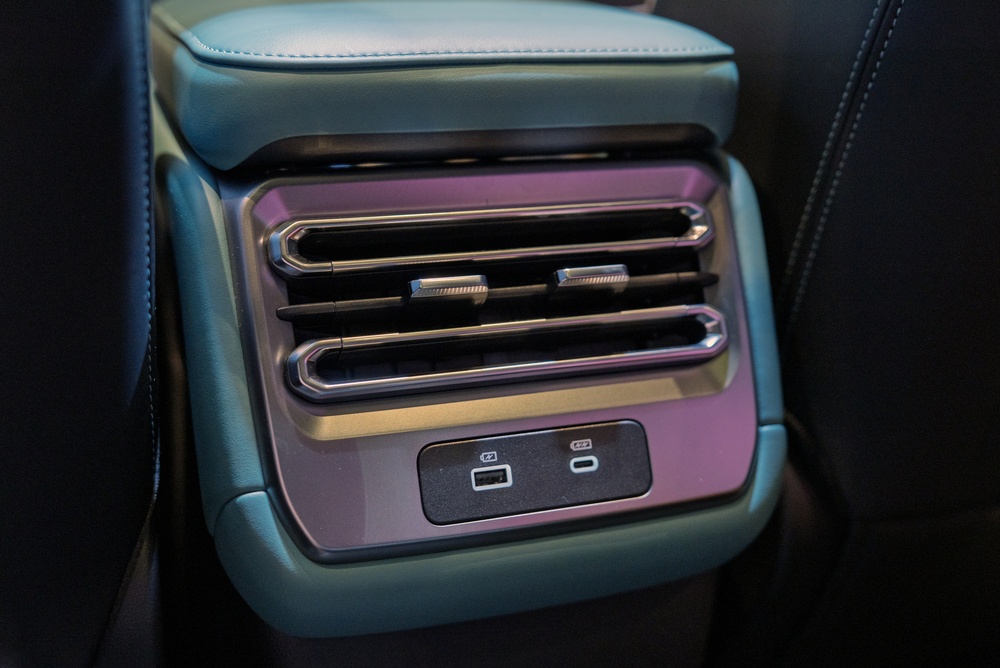
A built-in vehicle USB port does not automatically damage a smartphone battery. Modern phones regulate the electricity they accept, and a properly functioning port with a compatible cable normally provides a safe charging connection. The more common problem is that many older automotive ports deliver relatively little power.
A low-power port may charge slowly or fail to increase the battery level while the phone runs navigation, music, and a bright display. That can be inconvenient, but slow charging does not by itself mean the port is defective or harming the device.
Automotive Infotainment Apple CarPlay Screen

Many vehicle USB ports were originally designed to connect phones or music players with the infotainment system. Their main purpose may be transferring audio and data for Apple CarPlay, Android Auto, or media playback rather than providing rapid charging. These ports can supply power, but their output may be far lower than a modern USB-C wall charger. Newer cars sometimes include dedicated high-power charging ports, so performance depends on the vehicle, port and model year.
Smartphone GPS Navigation Dashboard Mount
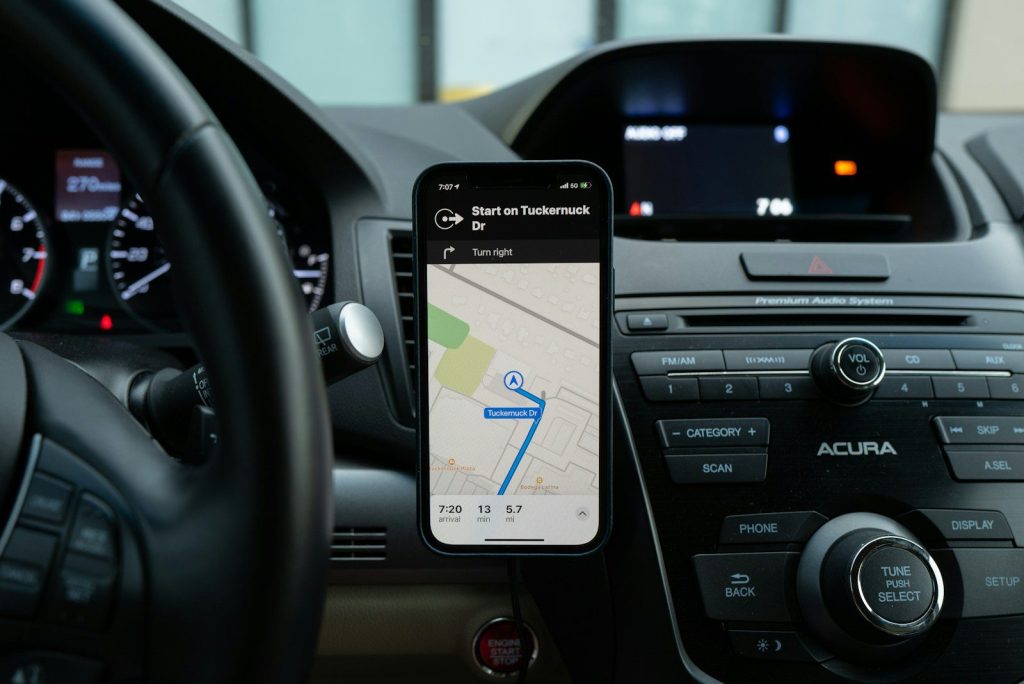
Navigation continuously uses the display, GPS, cellular connection and processor. Streaming music, making calls, using wireless CarPlay or keeping the screen at high brightness adds more demand. An older USB port may provide only enough energy to slow the phone’s discharge rather than charge it meaningfully. The battery percentage can remain unchanged or even decline while connected. This reflects the difference between incoming power and active consumption, not necessarily a battery or cable failure.
USB Cable Phone Charger Connection

A phone controls its charging rate and normally accepts only the power level supported by the connection. Supplying less power than the phone’s maximum does not force damaging electricity into the battery. It simply extends the charging time. Problems are more likely with damaged cables, loose connectors, faulty electrical systems or poorly made adapters that do not follow established standards. Replace accessories that become excessively hot, disconnect repeatedly, or show exposed wiring, bent plugs, or other physical damage.
Overheated Smartphone Dashboard Summer Heat
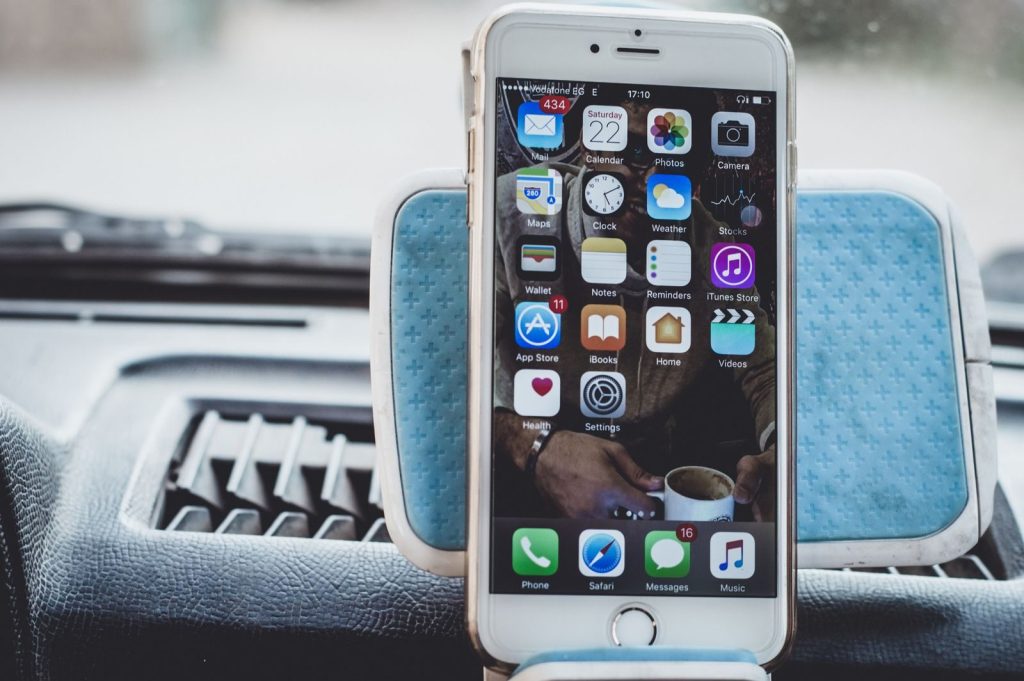
High temperature is a greater threat to long-term battery health than an ordinary low-power car port. A phone can become hot when direct sunlight, summer cabin temperatures, navigation, and charging occur together. Modern devices may slow or pause charging to protect themselves, but repeated exposure to extreme heat can still shorten battery lifespan. Keep the phone away from a hot dashboard, use shade or air conditioning, and never leave it inside a parked vehicle exposed to intense heat.
12V Car Cigarette Lighter USB C Fast Charger
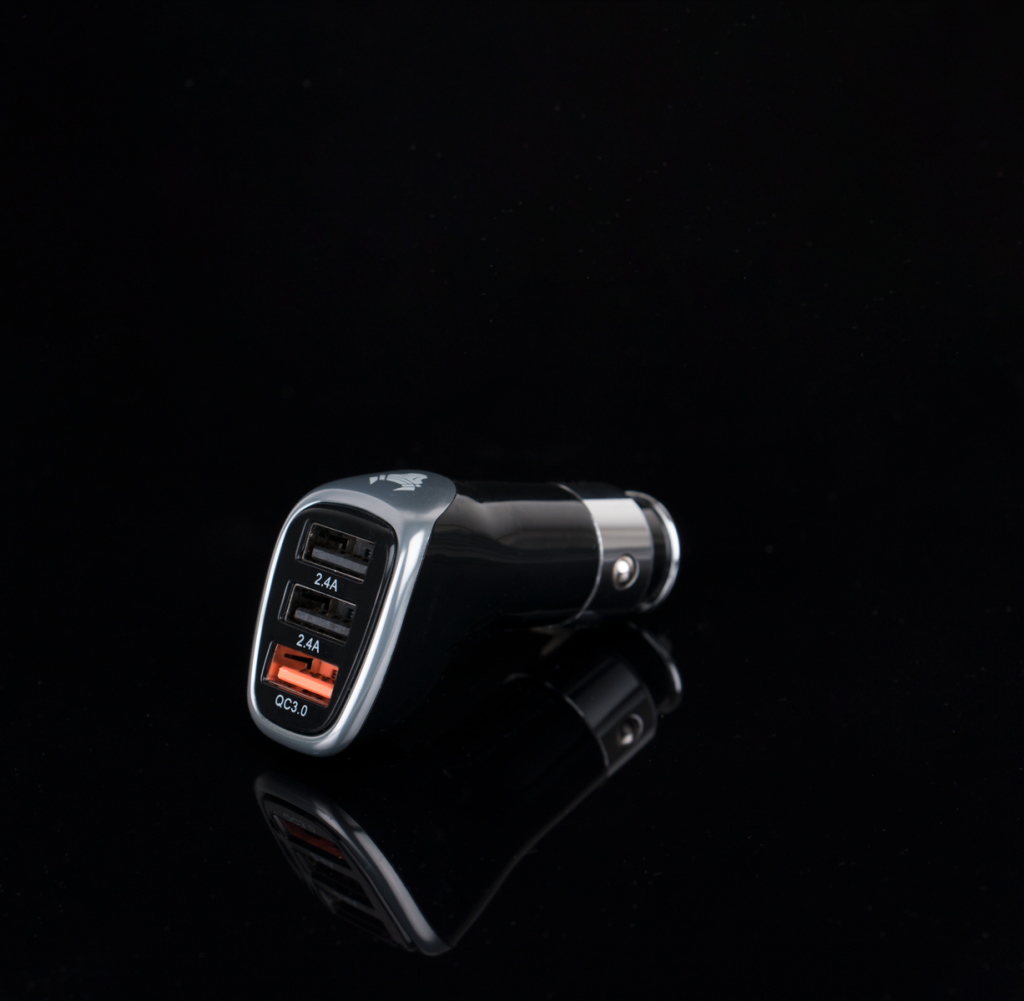
For faster charging, a quality adapter connected to the vehicle’s 12-volt outlet may be more effective than an older built-in USB-A port. Choose an adapter that supports USB Power Delivery or the fast-charging standard recommended for your phone. The device will negotiate the appropriate power level rather than drawing the adapter’s full advertised maximum automatically. Use a compliant cable rated for the required power, and avoid unknown accessories that lack clear specifications or recognized safety testing.
Infotainment Screen Privacy Data Prompt
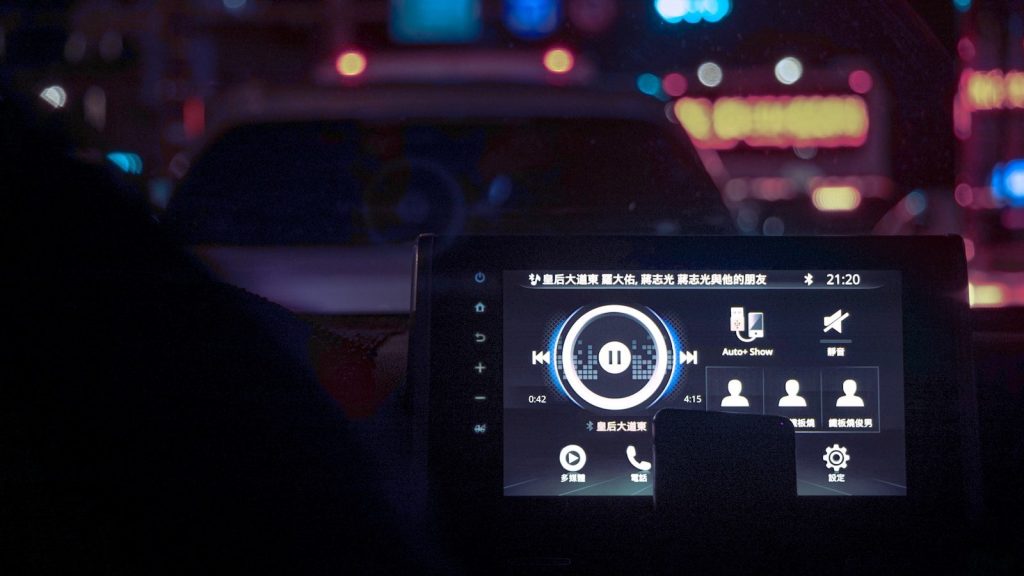
A vehicle’s USB port may carry data as well as electricity. When connected, the phone may ask to enable CarPlay, Android Auto, media access, or contact sharing. Review each permission instead of approving every request automatically, especially in rental cars or vehicles you do not own. Remove your phone from the infotainment system’s saved-device list before returning a rental. A charging-only adapter in the 12-volt outlet can provide power without connecting the phone to the car’s data system.
Vehicle Center Console USB Charging Port

The factory USB port remains useful when you need wired CarPlay, Android Auto, or audio integration. It may also provide enough charging for short trips or phones used with the screen off. Check the vehicle manual to identify which ports support data and which offer higher charging output. The accurate advice is not to stop using every car USB port. Understand its purpose, monitor heat, and use a suitable 12-volt USB-C adapter when faster charging is required.
Featured Image: shutterstock
Leave a Reply