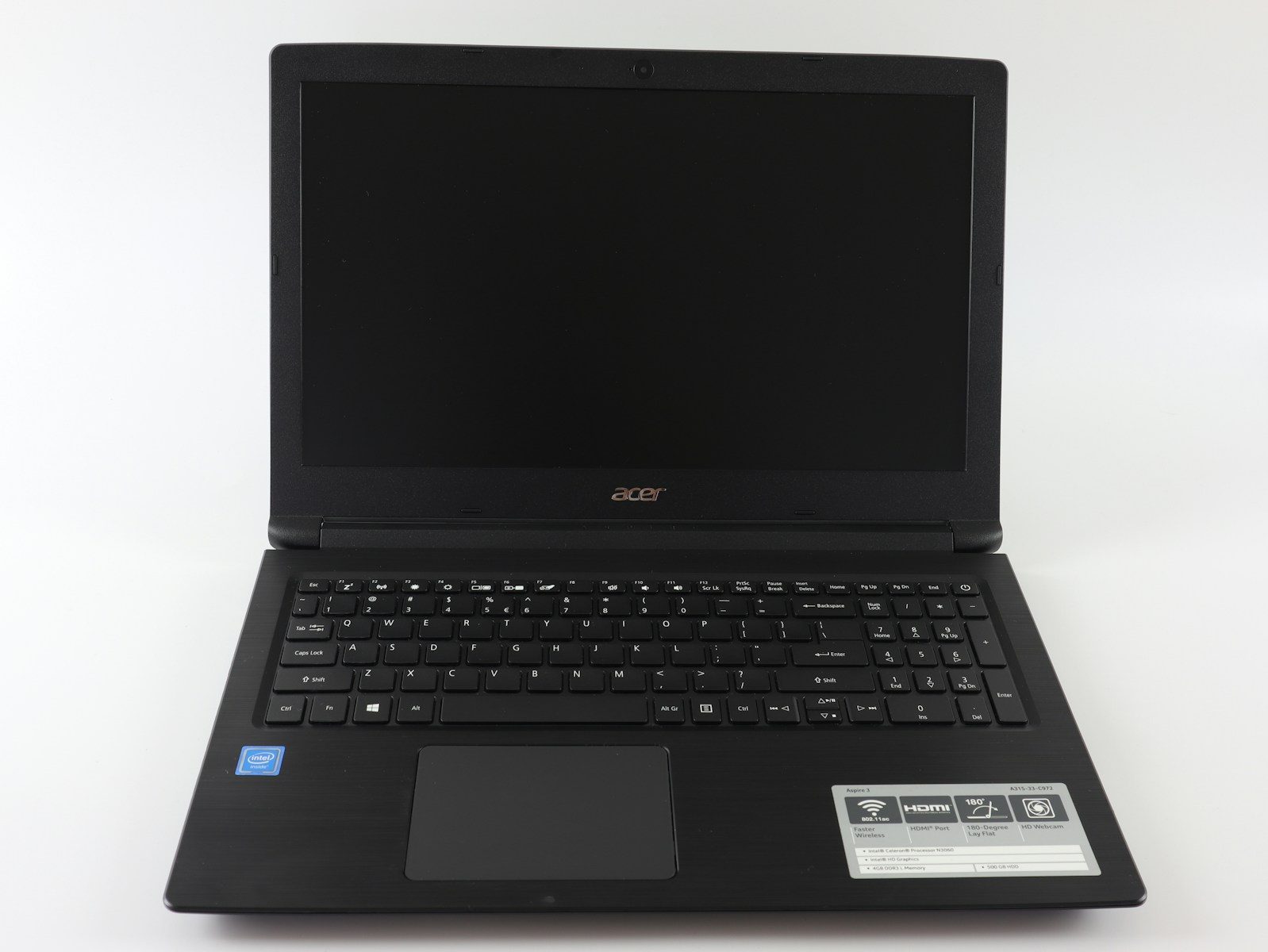
A laptop does not usually fail all at once. It starts with small warnings: slower starts, shorter battery life, louder fans, strange freezes, and storage that always seems full. Some of these problems can be fixed with cleanup, updates, or a battery check. Microsoft says low disk space can reduce PC performance, and Windows includes cleanup tools like Storage Sense to help free space.
Other signs point to deeper age. Batteries lose capacity over time, heat can strain parts, and older systems may stop getting full software support. Windows 10 support ended on October 14, 2025, which is one clear reminder that software age matters too.
Startup takes forever

A slow startup is one of the first signs your laptop is getting tired. You press the power button, wait, then wait some more while apps and background tools load.
This does not always mean the laptop is finished. Too many startup apps, low storage, or old hardware can all slow things down. If cleanup does not help much, age may be catching up.
Apps freeze too often
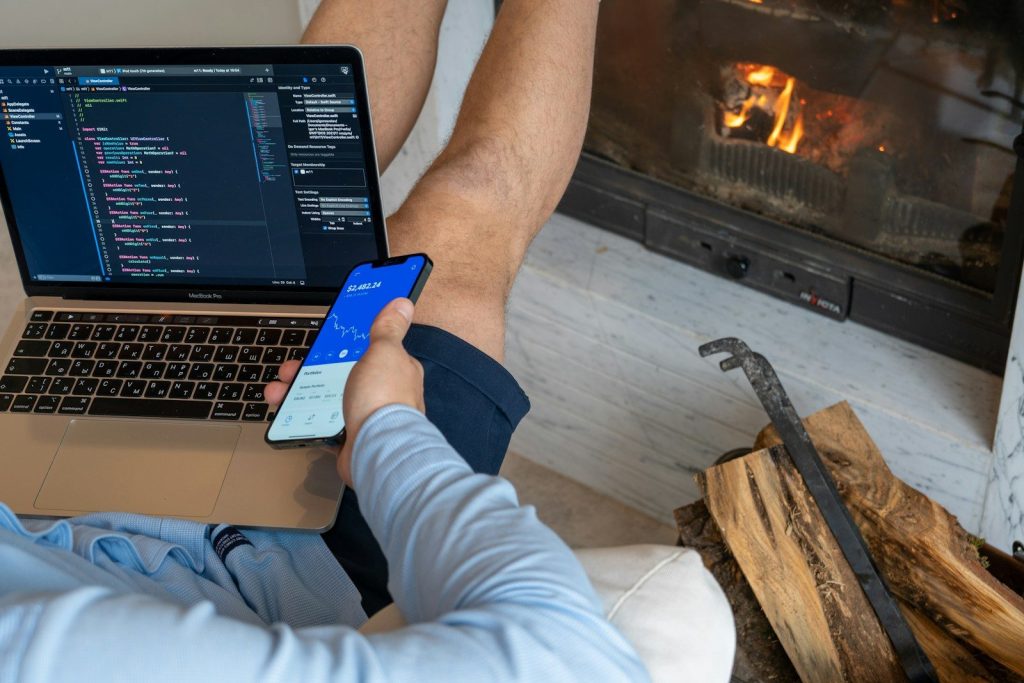
A laptop that freezes during simple tasks is sending a clear warning. Opening a browser, writing a document, or switching between apps should not feel like a struggle.
This often happens when the system has too little memory for modern apps. It can also happen when the storage drive is nearly full or the processor is no longer keeping up.
The battery drains fast
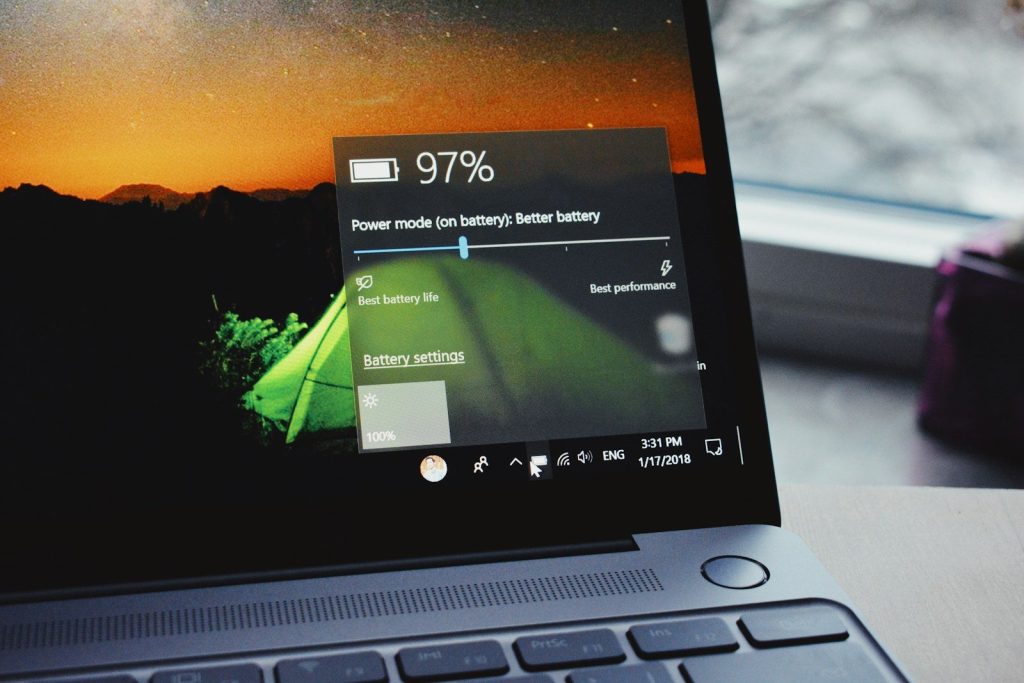
Aging batteries do not hold power like they did when new. A laptop that once lasted most of the day may now need a charger after only a short session.
Windows can generate a battery report, and Apple shows service messages when a Mac battery needs attention. These tools can help you decide whether the battery is the main problem.
The fan never calms down
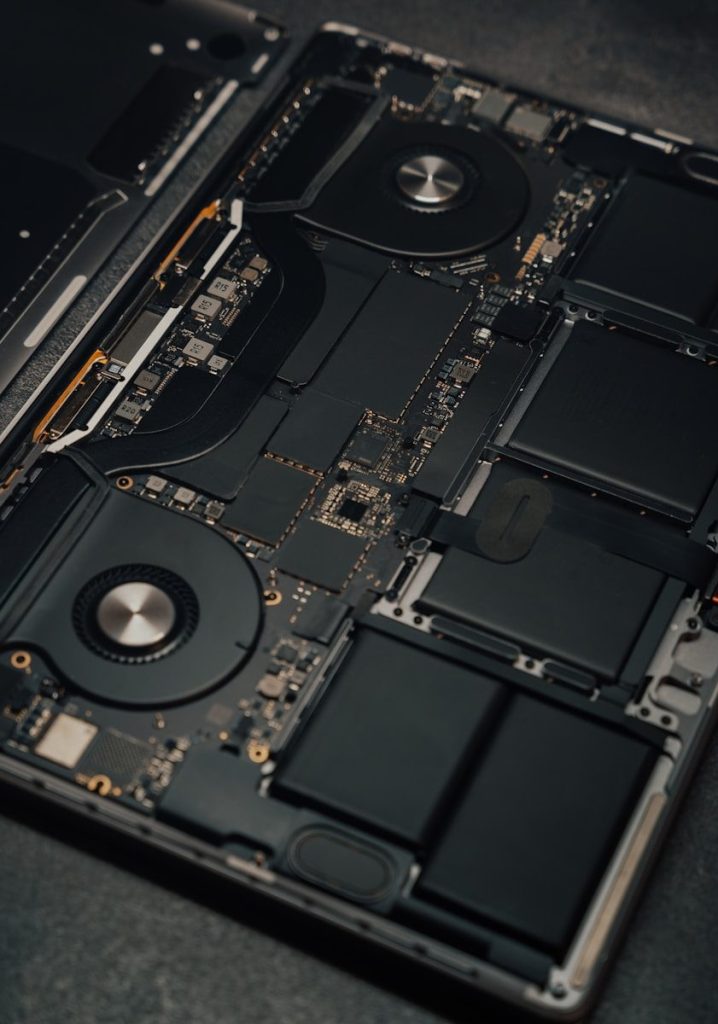
A fan that runs loudly all the time can mean the laptop is working too hard or getting too hot. Heat often builds up when vents are blocked or dust collects inside.
HP says cleaning vents and checking fans can help reduce overheating. If the fan stays loud during light tasks, the laptop may be struggling with age or poor cooling.
It feels hot quickly
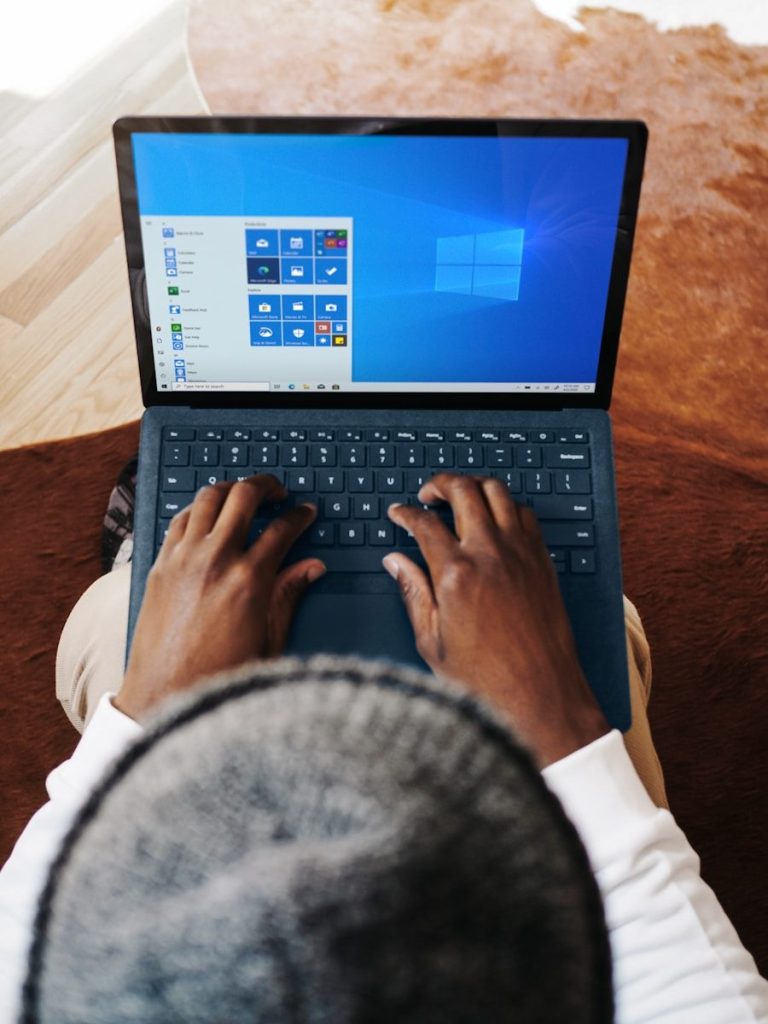
Warm is normal. Hot enough to make you uncomfortable is not. If your laptop heats up fast during browsing, video calls, or basic work, that is worth noticing.
Heat can make performance worse because the system may slow itself down to protect parts. Over time, constant heat can also make an older laptop feel less reliable.
Storage is always full

If you are always deleting files just to install updates, your laptop may be aging badly. Modern apps, photos, videos, and system files take more space than they used to.
Microsoft recommends using Windows storage tools to remove temporary files and review large or unused items. If the drive is small, cleanup may only be a short-term fix.
Updates become a problem
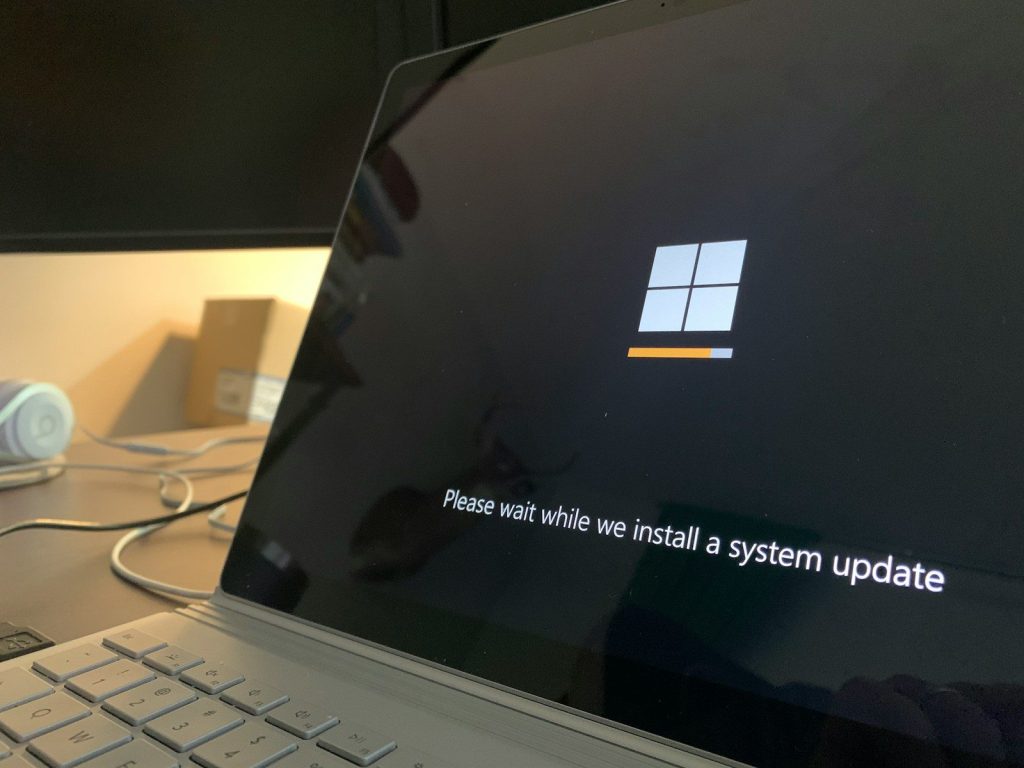
A healthy laptop should handle normal updates without constant errors or long delays. If updates fail often, take hours, or leave the system unstable, that is a bad sign.
Software support also matters. Microsoft says Windows 10 PCs still work after support ended, but they no longer receive regular software updates, security fixes, or technical help.
Ports and keyboard act up
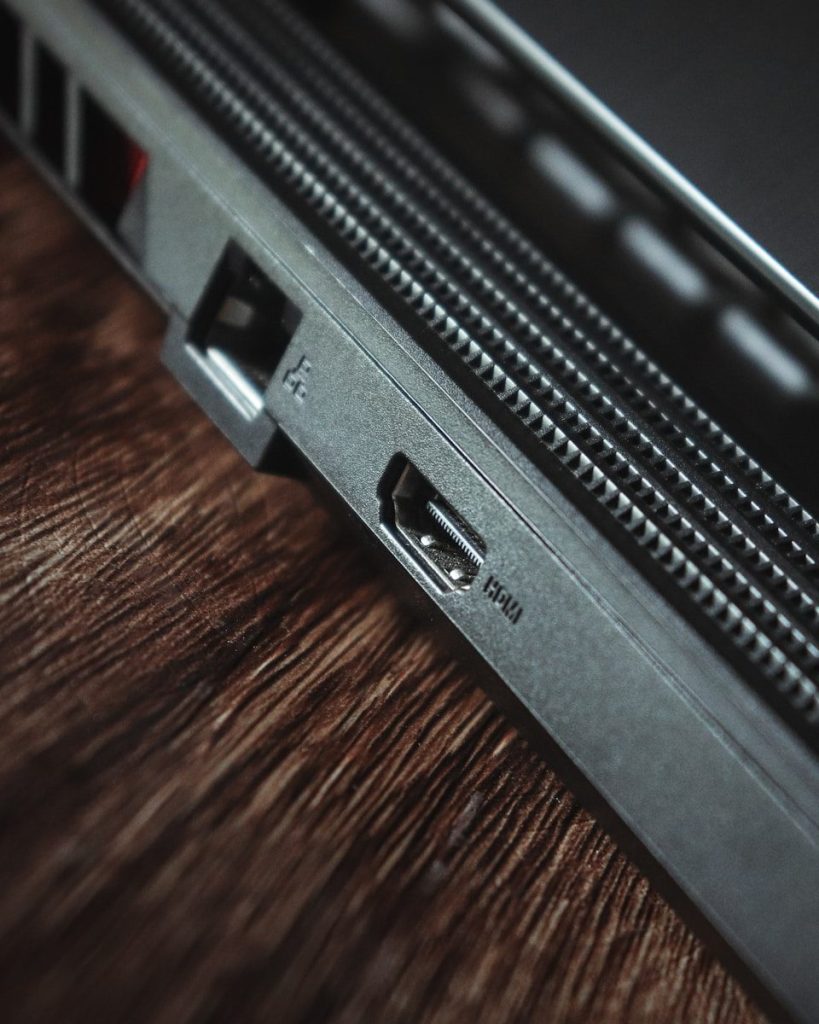
Aging is not only about speed. Loose charging ports, sticky keys, weak hinges, and unreliable trackpads can make daily use frustrating.
These issues may start small, but they often get worse. If basic parts feel worn out, repairs may cost more than the laptop is worth, especially on older budget models.
Repairs are adding up
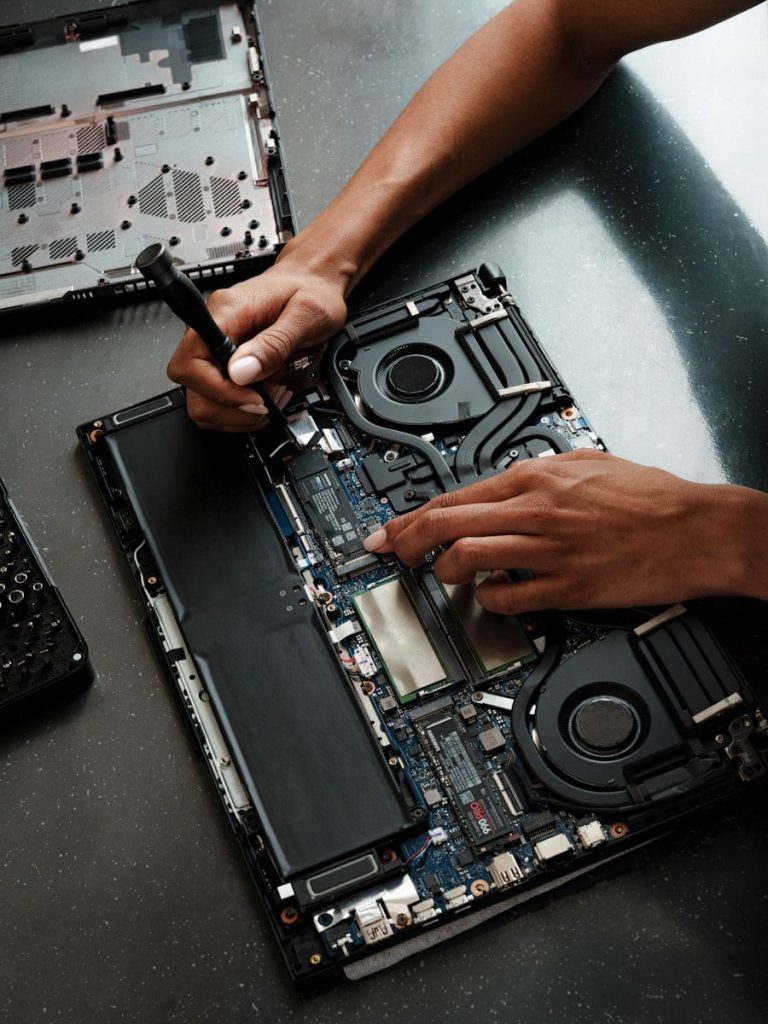
One repair is normal. Replacing the battery, charger, keyboard, fan, and storage one after another is different. At that point, the laptop may be turning into a money pit.
Before spending more, compare the repair cost with the price of a newer laptop. If the repair is close to half the value of the device, replacement may make more sense.
Daily use feels stressful

The clearest sign is how the laptop feels to use. If every task brings delays, heat, charger worries, or random problems, the device is no longer serving you well.
Try basic fixes first: free storage, remove unused apps, check battery health, and keep software updated. If those steps barely help, your laptop may be telling you it is time to move on.
Leave a Reply