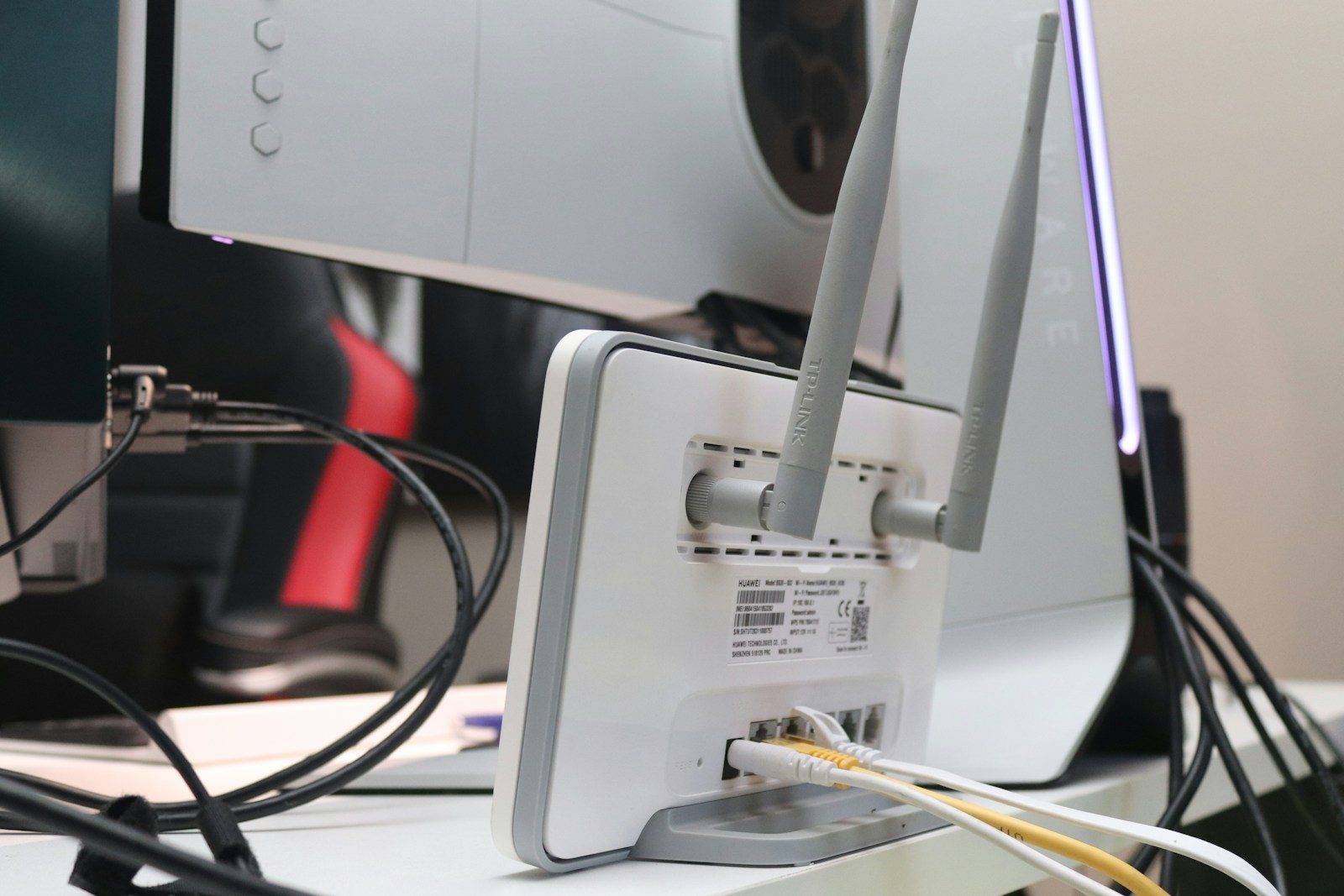
Most people believe their home wireless network is completely secure behind a strong password. We trust that our private internet connection remains safe from outside intruders.
But tech-savvy neighbors can easily find ways to slip onto your bandwidth. This silent theft slows your streaming and puts your personal data at serious risk.
The Silent Bandwidth Drain
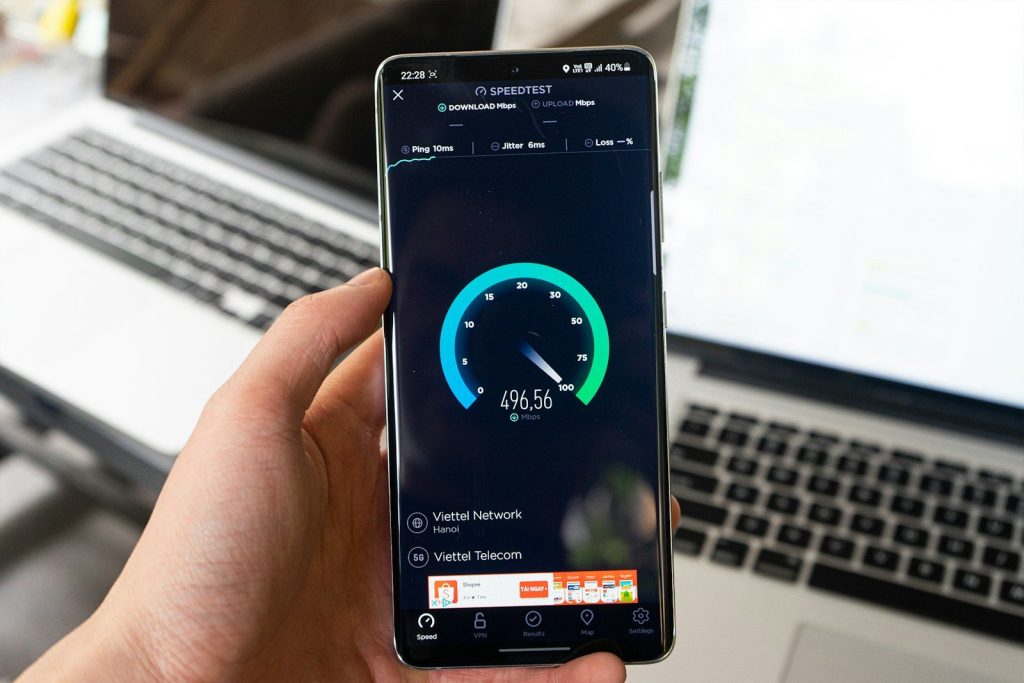
A sudden drop in your connection speed might not be a random network glitch. Uninvited guests could be downloading massive files using your signal. They are bandwidth thieves. According to cybersecurity experts, unauthorized connections are a leading cause of mysterious network slowdowns. This theft quietly eats away at your monthly data limits. But tracking these invisible intruders is easier than you think.
Peering Inside Your Router
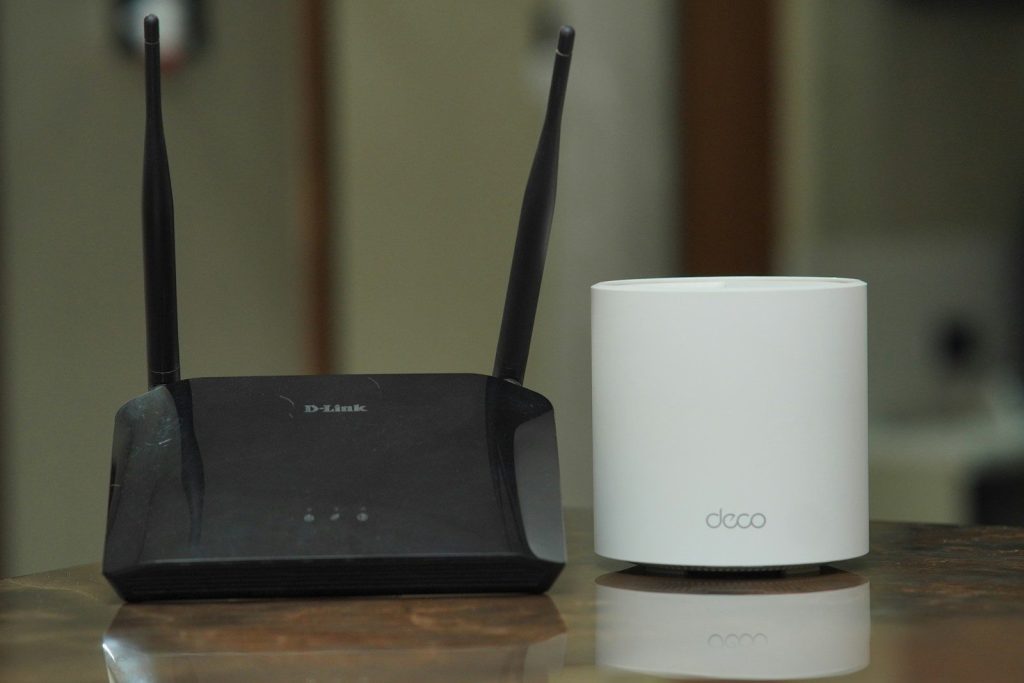
Your wireless router keeps a continuous log of every single connection in your house. Accessing this dashboard reveals the identity of every phone and computer online. It is highly detailed. According to administrative guides from Netgear, entering your router IP address in a browser opens this portal. This view lets you see exactly who is active. But decoding that list requires a bit of detective work.
Matching The MAC Addresses

Every internet device has a unique physical fingerprint called a MAC address. Comparing this code against your trusted household devices helps identify mysterious intruders. This is your proof. According to guides by Lifewire, you can find these numbers in your phone settings. Any unknown device on your list is likely a neighbor riding for free. But kicking them off requires a stronger defense.
Upgrading Your Wireless Security

Using an outdated security protocol makes your password easy to crack. Upgrading your router settings to WPA3 secures your signal with modern encryption. Security is absolutely vital. According to the Wi-Fi Alliance, WPA3 blocks brute force hacking attempts automatically. This simple upgrade locks out unauthorized neighbors instantly. Yet there is another clever way to make your network disappear entirely.
Hiding Your Network Name
You can stop nosy neighbors from even finding your signal by turning off your SSID broadcast. This trick makes your wireless network invisible to standard scans. It keeps you hidden. According to network engineers, devices must manually type your exact network name to connect. This layer of privacy discourages casual hackers. However, managing all these hidden connections can sometimes get tricky.
Creating A Guest Network
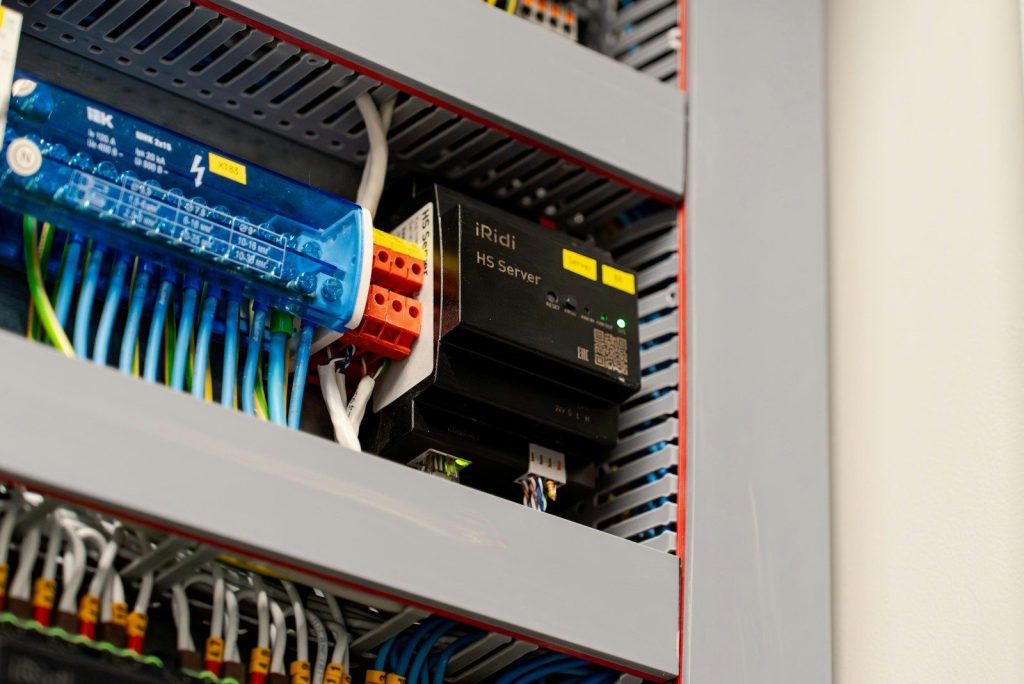
Giving your main password to friends and visitors poses a security risk. Setting up an isolated guest network keeps your primary devices safe. This keeps them safe. According to home security reports, guest networks prevent visitors from seeing your personal shared files. This smart setup contains any potential threats in a safe sandbox. But keeping your main portal secure requires one last action.
Changing The Admin Password
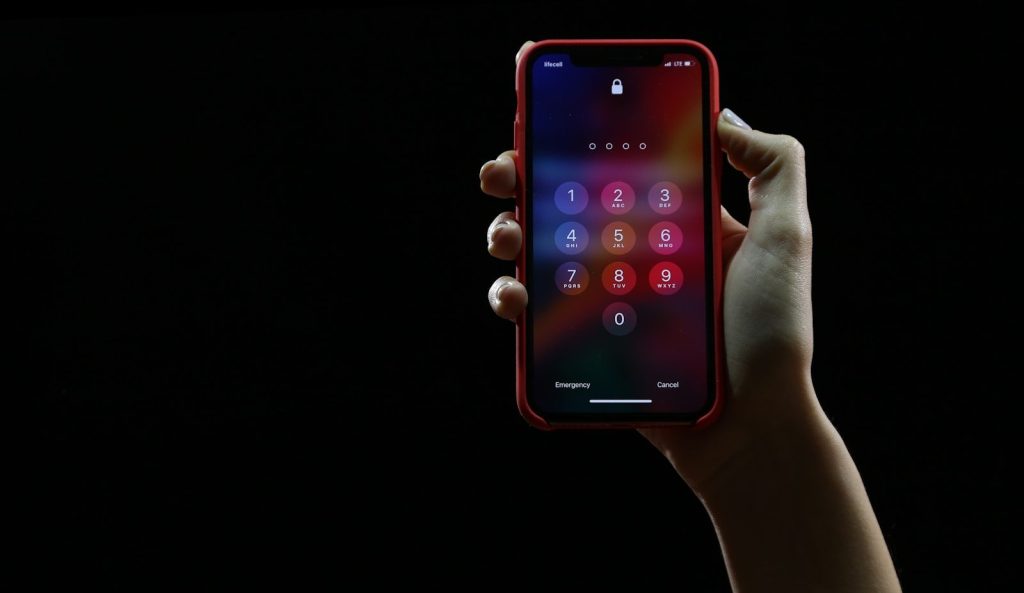
Many people change their wireless password but forget the main router login. Leaving the default admin settings active lets hackers take over your system. This is a massive mistake. According to cybersecurity audits, default passwords are listed publicly online. Changing this default entry secures the keys to your digital castle. This simple step keeps you in complete control. But the fight to protect your data never truly ends.
A Safer Home Network
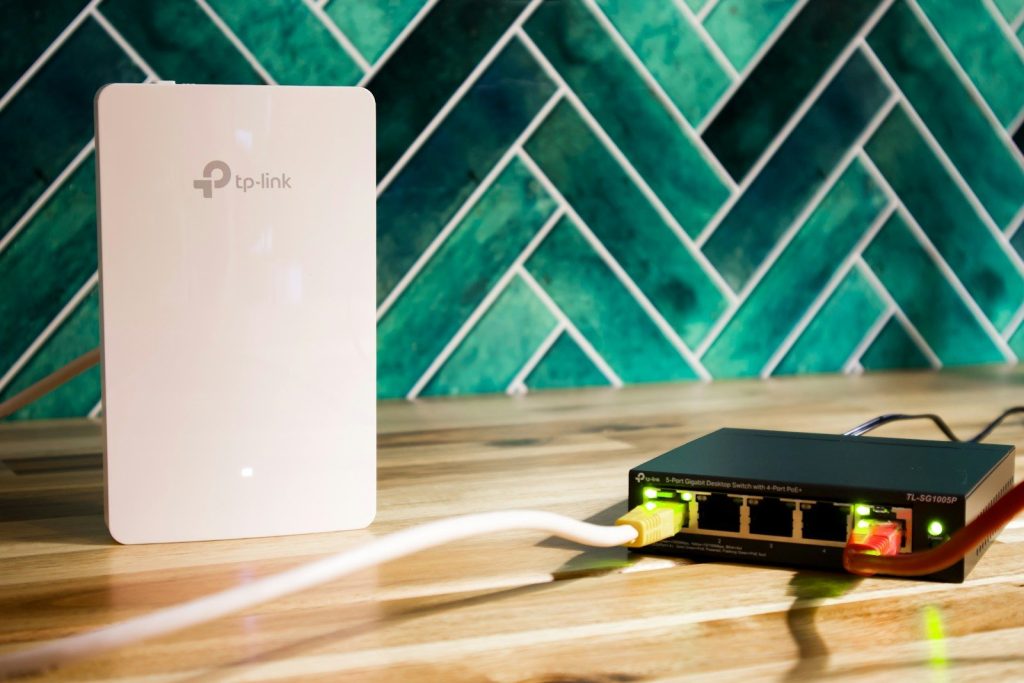
Taking charge of your wireless router ensures a faster and more secure connection. Monitoring your devices keeps your private data away from prying eyes. Vigilance is your shield. According to security researchers, routine network audits prevent long-term data leaks. This article is for informational purposes only and does not constitute professional cybersecurity advice.
Leave a Reply