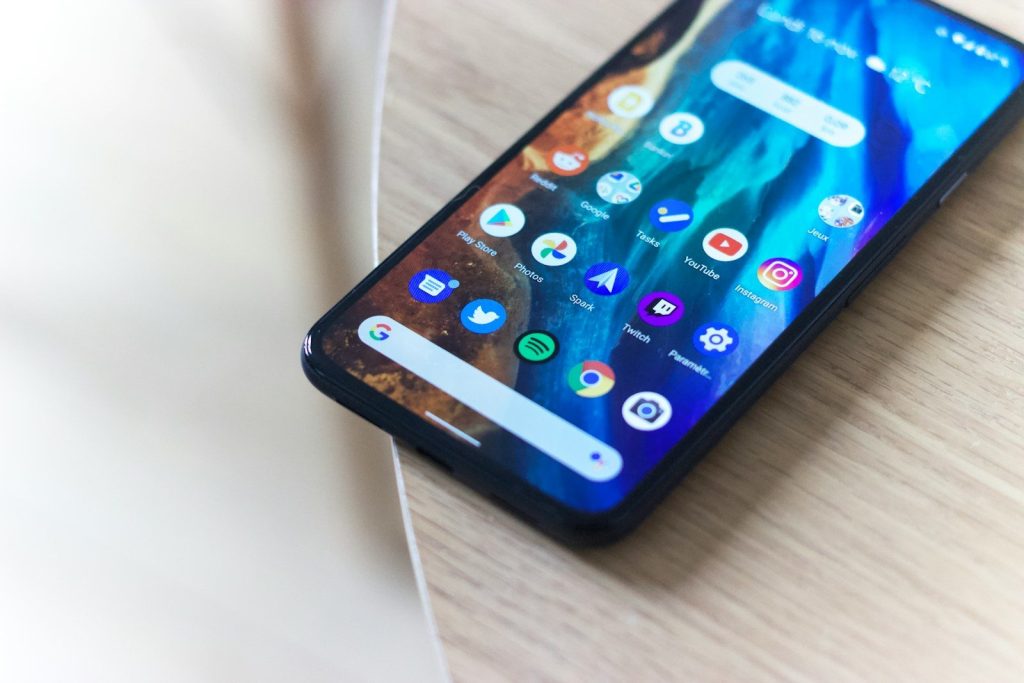
Your phone used to feel personal mostly because of your wallpaper, ringtone, and app layout. Now Android is going deeper. It can match system colors to your wallpaper, let different apps use different languages, give you more control over photo access, and make chats feel more expressive. Google’s Material You design focuses on dynamic color, motion, and widgets to create a more connected look across Android.
This shift is not just about making phones prettier. It is about giving people more choice without making settings feel too complicated. Android is becoming more flexible, more private, and more aware of how different people actually use their phones every day.
Your colors follow your style
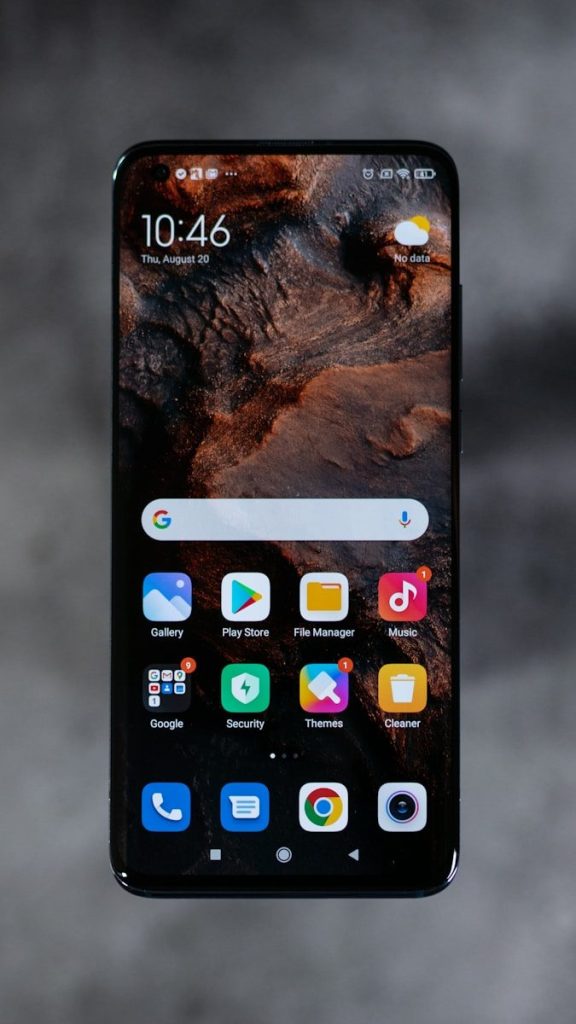
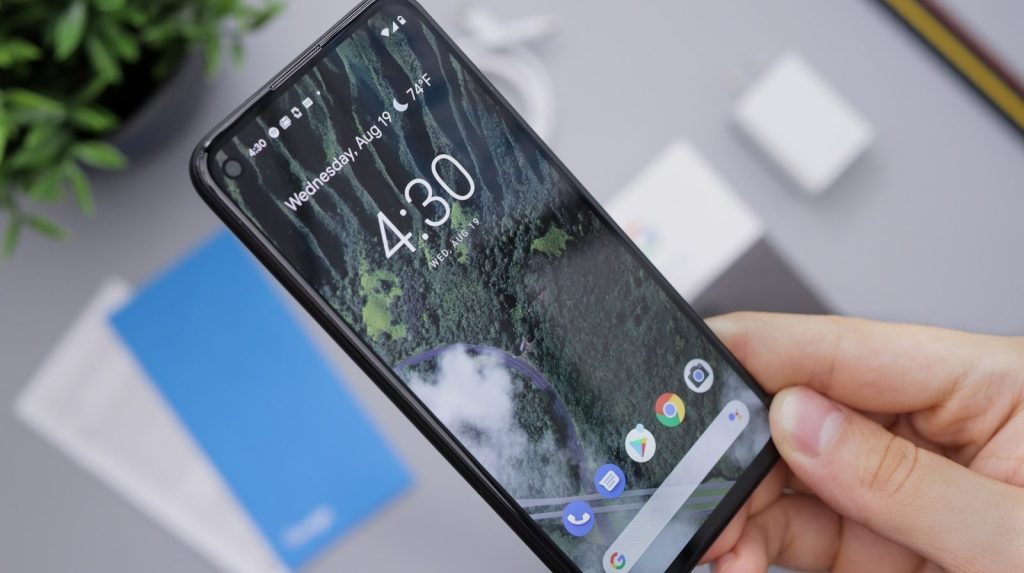
Android’s Material You design helps your phone feel less generic. Instead of forcing one fixed look, it can pull colors from your wallpaper and spread them across parts of the system.
That means your lock screen, menus, widgets, and controls can feel like they belong together. It is a small change, but it makes the phone feel more like something you shaped, not just something you bought.
Widgets feel more useful
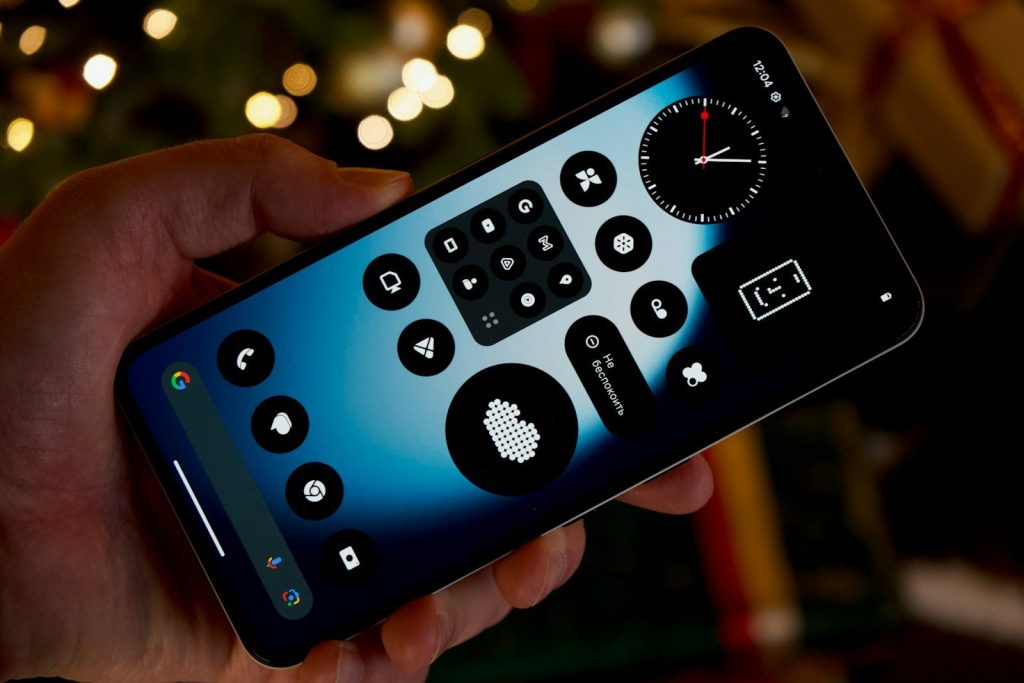
Widgets used to be simple boxes that showed the weather, time, or calendar. Now they are becoming cleaner, smarter, and easier to fit into your home screen style.
A good widget can save taps. You can glance at reminders, music, messages, or smart home controls without opening a full app. That makes personalization feel practical, not just decorative.
Lock screens do more
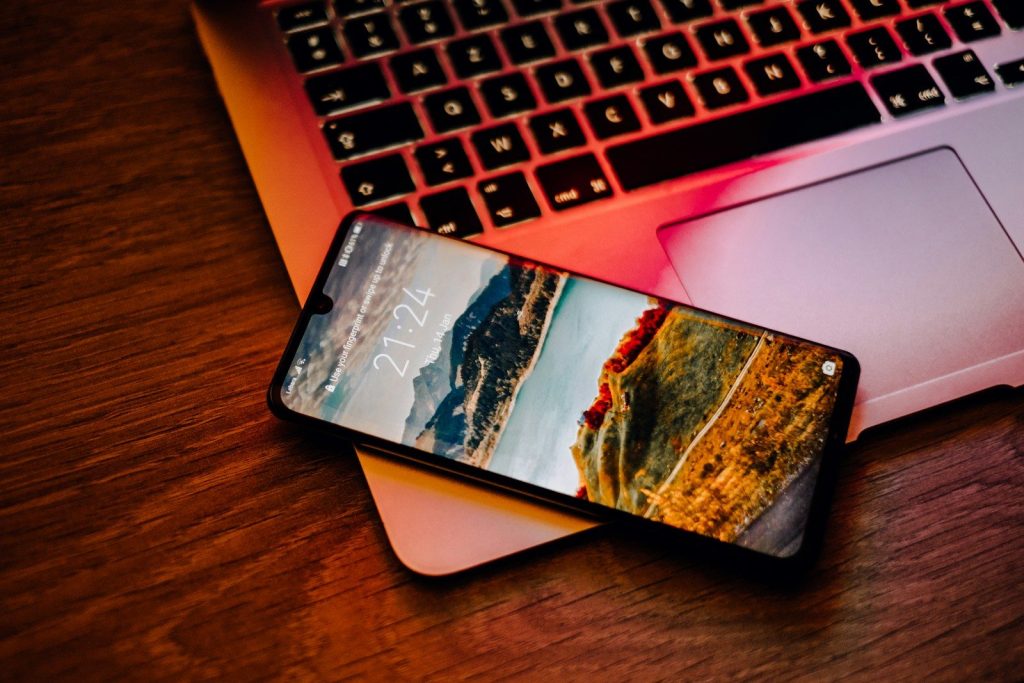
The lock screen is no longer just a place to check the time. Android has been moving toward more flexible lock screen experiences with better shortcuts, cleaner visuals, and useful glanceable details.
This matters because people check their phones many times a day. A lock screen that shows the right information quickly can make the whole phone feel more tuned to your routine.
Apps can speak your language
Android 13 added support for setting different languages for different apps. That is helpful for people who text in one language, work in another, or share a device with family.
This kind of personalization goes beyond looks. It lets the phone better match real life, where many people switch between languages depending on the task, app, or person they are talking to.
Privacy feels more personal
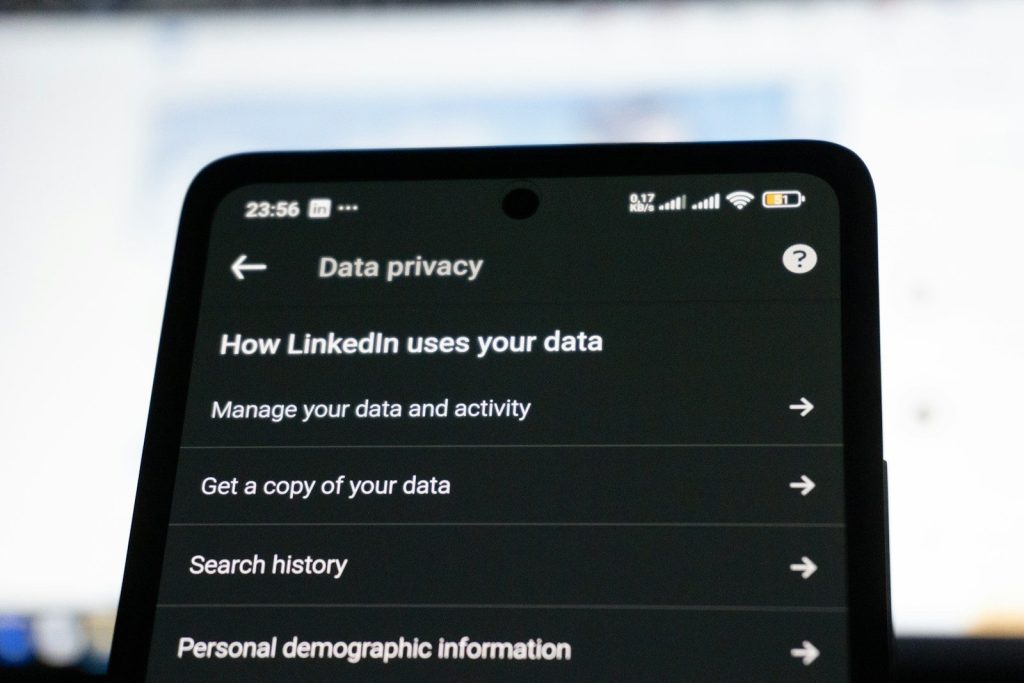
Personalization is not only about colors and layouts. It also includes control over what apps can see. Android’s photo picker lets users share selected photos and videos instead of giving access to an entire media library.
That makes the experience feel more comfortable. You can share the exact picture you need without opening the door to everything else stored on your phone.
Messages show more personality
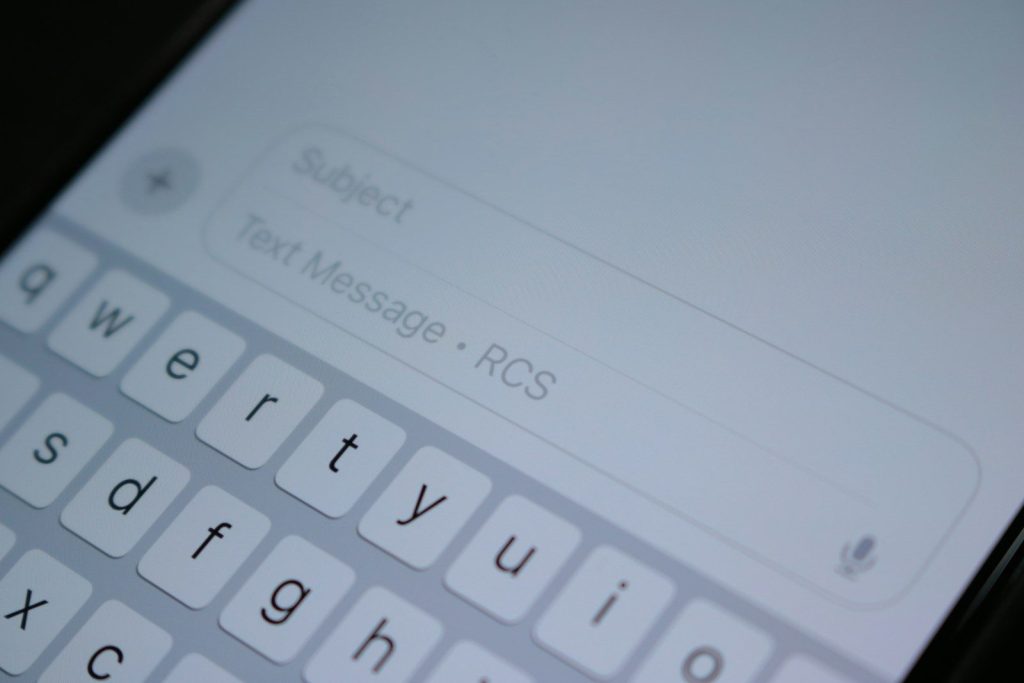
Google Messages has added more ways to make chats feel expressive, including custom chat colors, effects, selfie GIFs, and Photomoji-style reactions.
For many people, texting is one of the most-used parts of a phone. When chats can look and feel different, conversations become easier to recognize and more fun to return to.
AI helps create new looks
Android 14 brought AI-generated wallpaper options, giving users another way to create a phone style that feels original.
Instead of hunting for the perfect image online, you can start with an idea and let the phone help shape it. That makes customization feel easier for people who want a fresh look but do not want to spend time searching.
Accessibility adds real choice
A phone feels more personal when it is easier to see, hear, and control. Android has continued adding accessibility tools that help people adjust the experience to fit their needs.
That can include display size, contrast, captions, sound options, and other helpful controls. These features may look small on a settings page, but they can make a phone far more comfortable every day.
Connected devices feel smoother
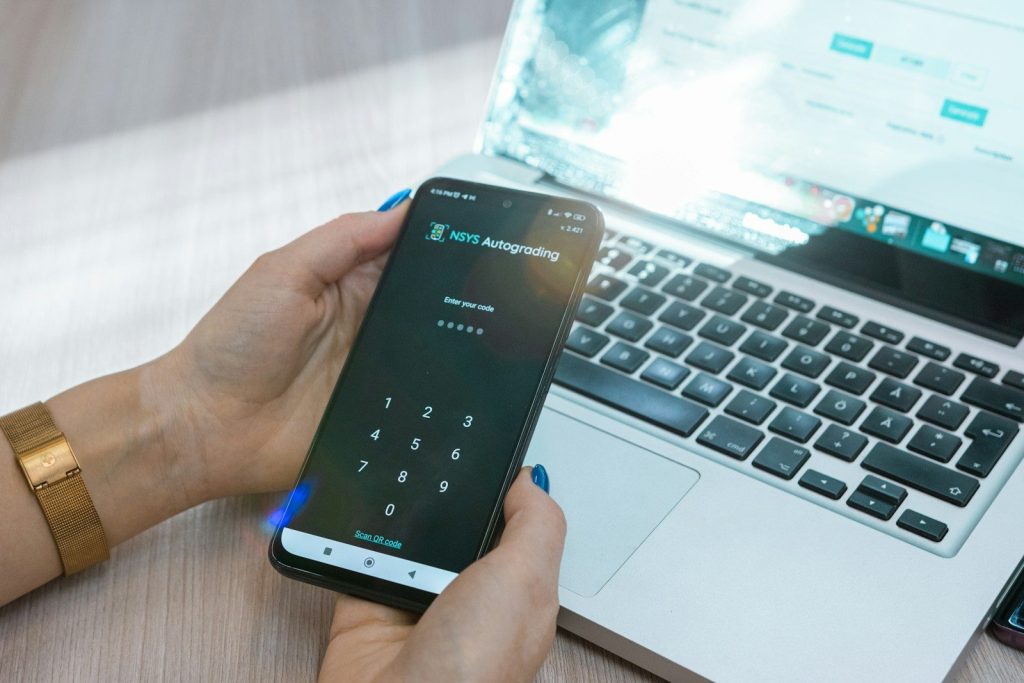
Android is also becoming more personal by working better with other devices. Phones, tablets, watches, earbuds, and Chromebooks can share more tasks across screens.
That means your phone is not always the center of everything. You might start a message on one device, listen on another, or check something from your wrist. The experience follows you more naturally.
The phone learns your habits
The biggest change is that Android is becoming less one-size-fits-all. It is turning into a system that adapts to your colors, language, apps, privacy choices, and daily routines.
That does not mean every setting needs to be changed. Even small choices can make a phone feel easier to use. The more Android gives people control, the more personal the whole experience becomes.
Leave a Reply