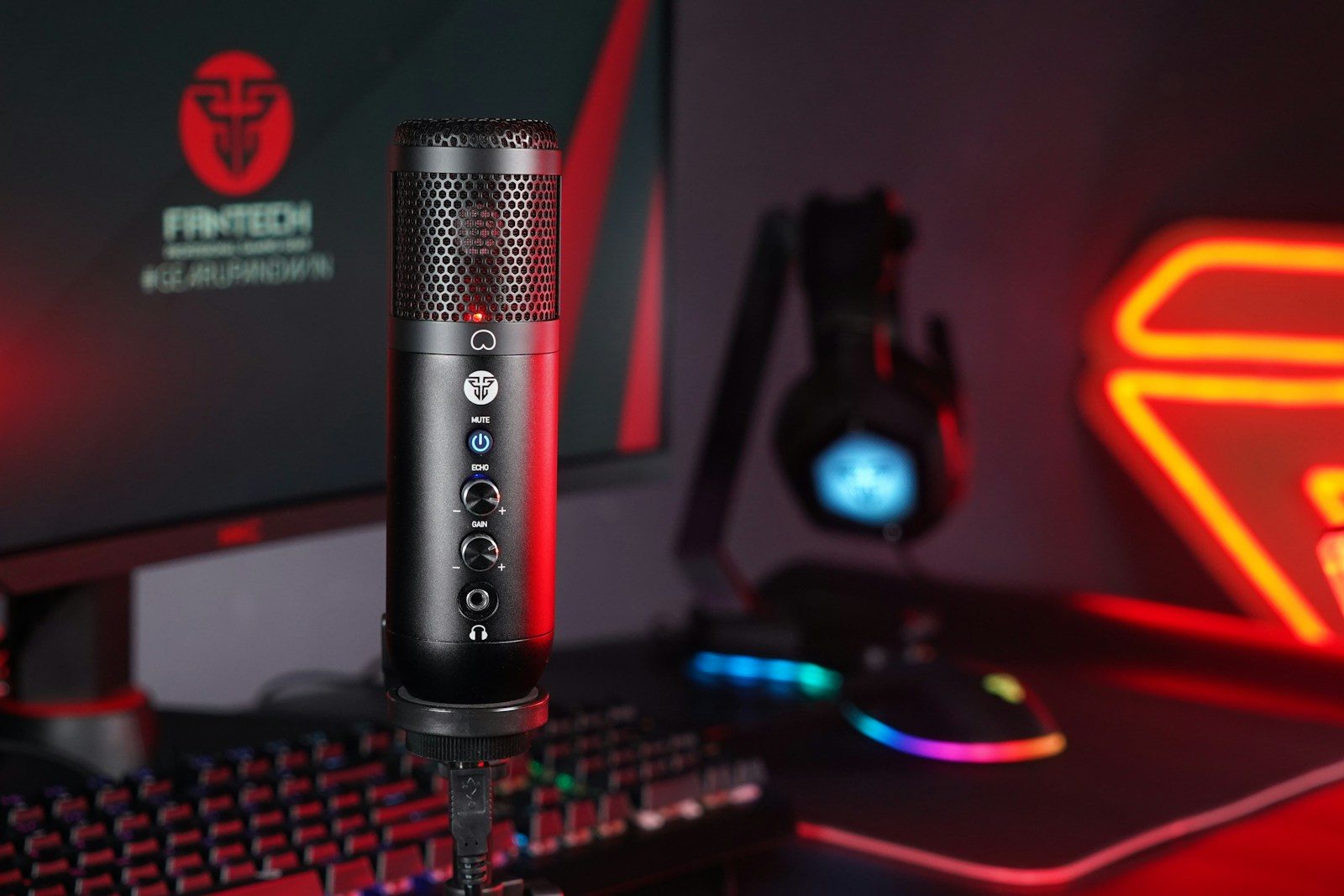
Starting a stream can feel exciting and confusing at the same time. You may think the biggest upgrade is a fancy camera, but viewers often notice other things first, like clear sound, steady internet, readable lighting, and a stream that does not freeze. A simple setup can look polished when the basics are handled well.
For beginners, the best upgrades are the ones that fix real problems. YouTube says an encoder lets creators broadcast gameplay, use external cameras and microphones, and manage more advanced productions. Streamlabs also points to a camera, light, and microphone as the main pieces many beginners should understand. That makes setup quality more about balance than buying everything at once.
Audio comes first
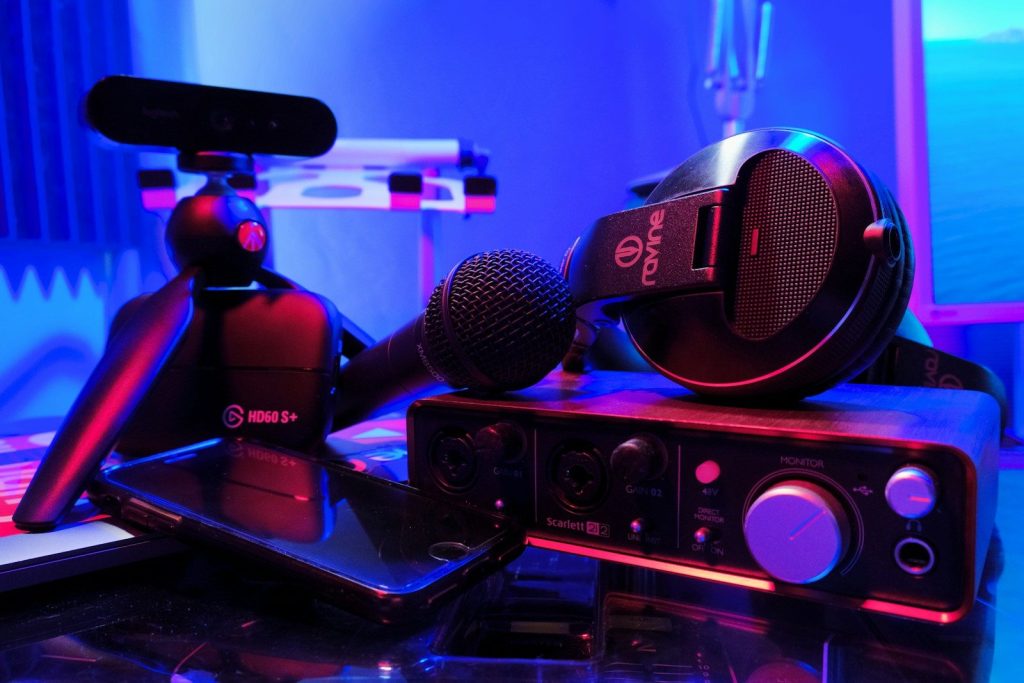
Clear sound can make a small stream feel much more professional. A beginner does not need a studio room, but a better microphone and careful placement can help viewers understand every word.
Audio settings also matter. StreamShark recommends at least 128 kbps for audio bitrate, because lower settings can sound too compressed. That is a small setting, but it can make a stream easier to watch and hear.
Lighting changes everything
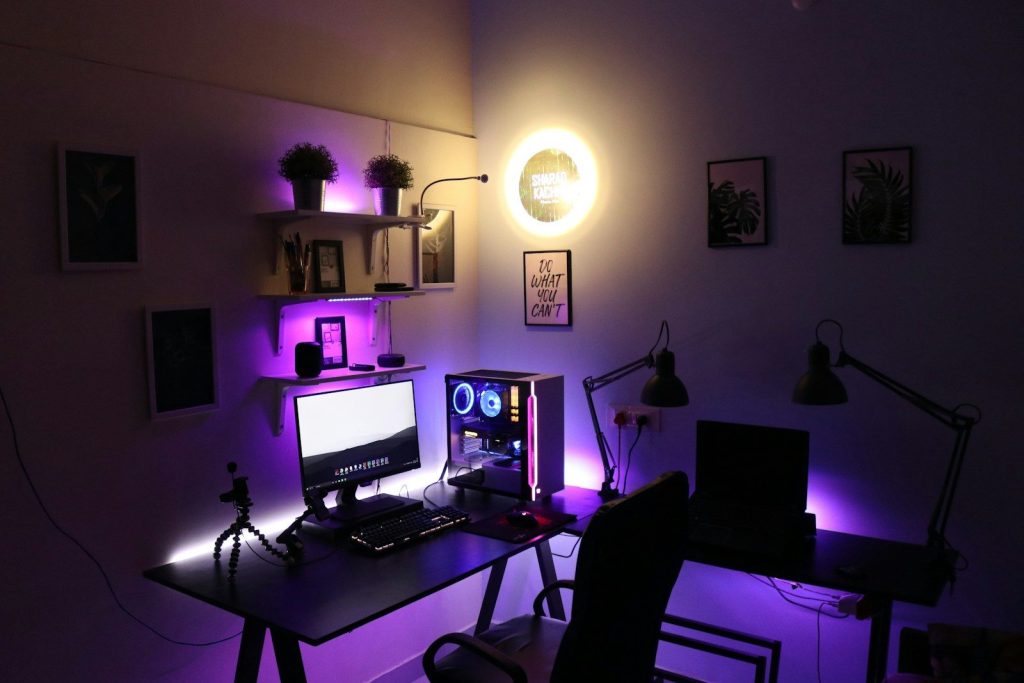
A webcam can only do so much if the room is too dark or unevenly lit. Soft, steady lighting can make a basic camera look cleaner and help your face stand out from the background.
Lighting is also one of the simplest upgrades to notice on screen. Streamlabs lists light, camera, and microphone as the three main pieces of beginner streaming equipment. Good lighting helps the camera work less hard.
Cameras are not everything
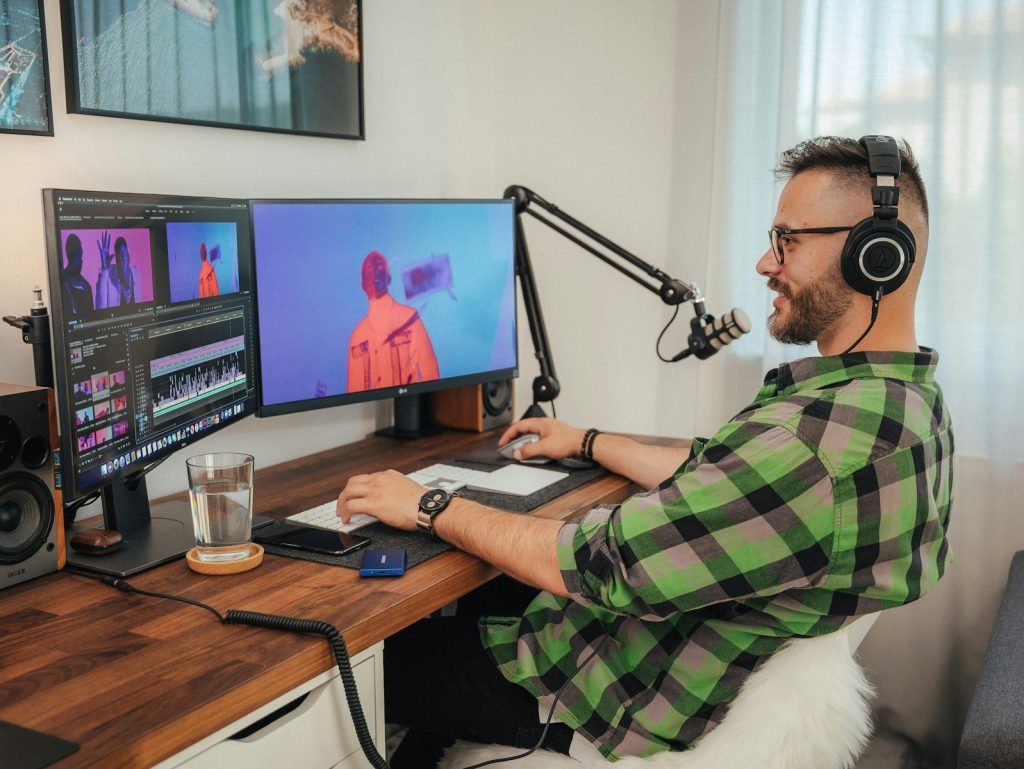
A sharper camera can help, but it should not be the first fix for every beginner. A clean lens, better light, and a stable frame can improve the image before buying a premium camera.
YouTube says encoders let creators use external audio and video hardware, including cameras and microphones. That means camera upgrades matter most when the rest of the setup is ready to support them.
Internet needs attention
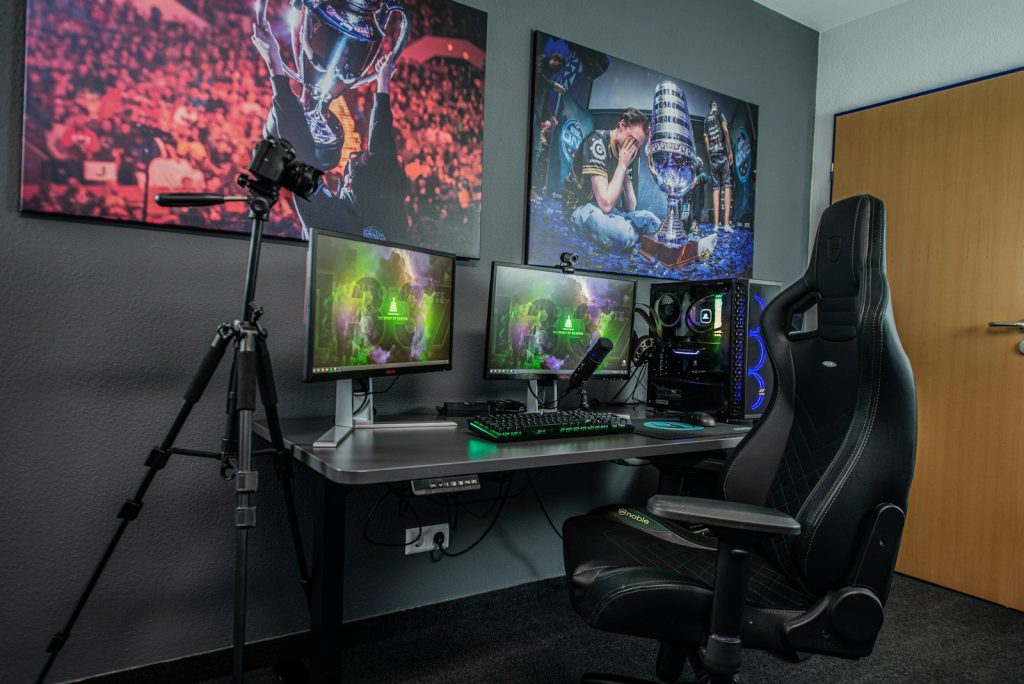
A stream depends on upload speed, not just download speed. If the connection struggles, viewers may see buffering, dropped quality, or sudden pauses.
YouTube recommends choosing a stream quality that matches your internet connection and running a speed test to check upload bitrate. That makes internet stability one of the most important beginner upgrades, especially before raising resolution.
Encoders shape quality
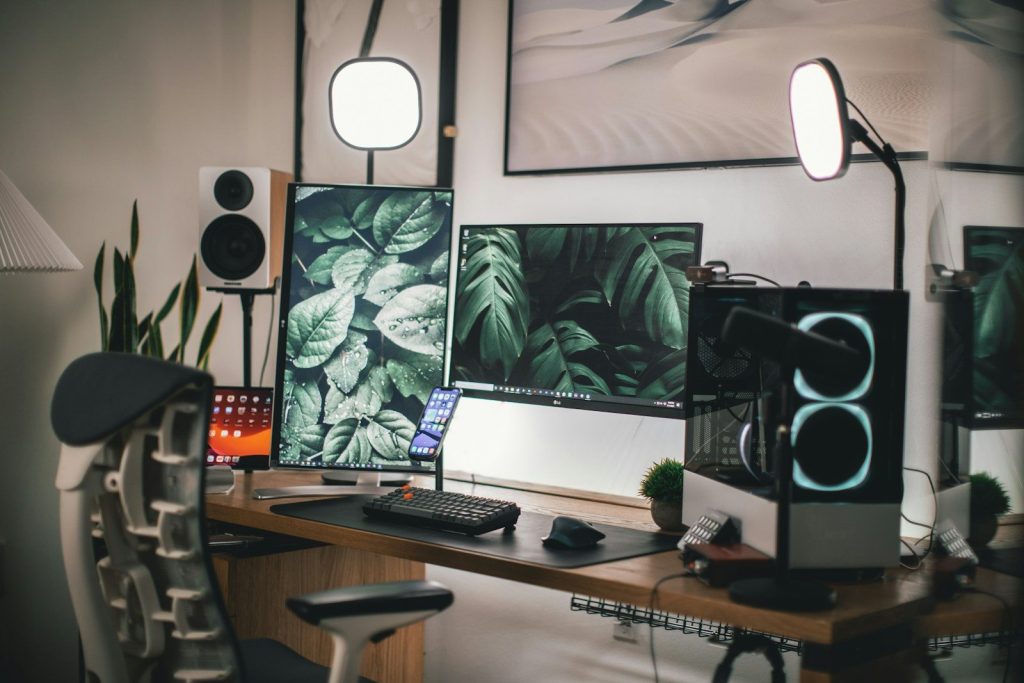
Streaming software, also called an encoder, turns your video into a format platforms can send to viewers. Beginners often use software encoders because they are flexible and easier to start with.
YouTube explains that an encoder can be software on a computer or a separate hardware device. It helps stream gameplay, external cameras, microphones, and more advanced layouts when a simple webcam stream is not enough.
Overlays need restraint
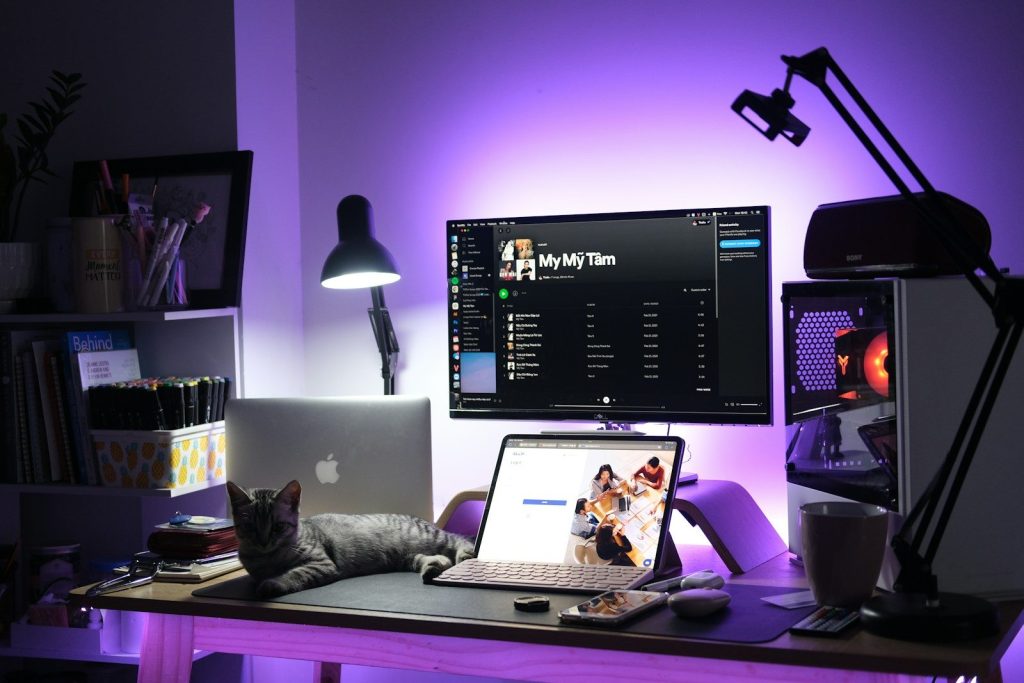
Overlays, alerts, and scenes can make a stream feel more active, but too many moving pieces can distract viewers. Beginners should keep text readable and leave room for the main content.
Streamlabs Desktop includes tools for overlays and settings, but the goal should be clarity. A clean layout usually works better than a busy screen packed with boxes, banners, and effects.
Capture cards help consoles
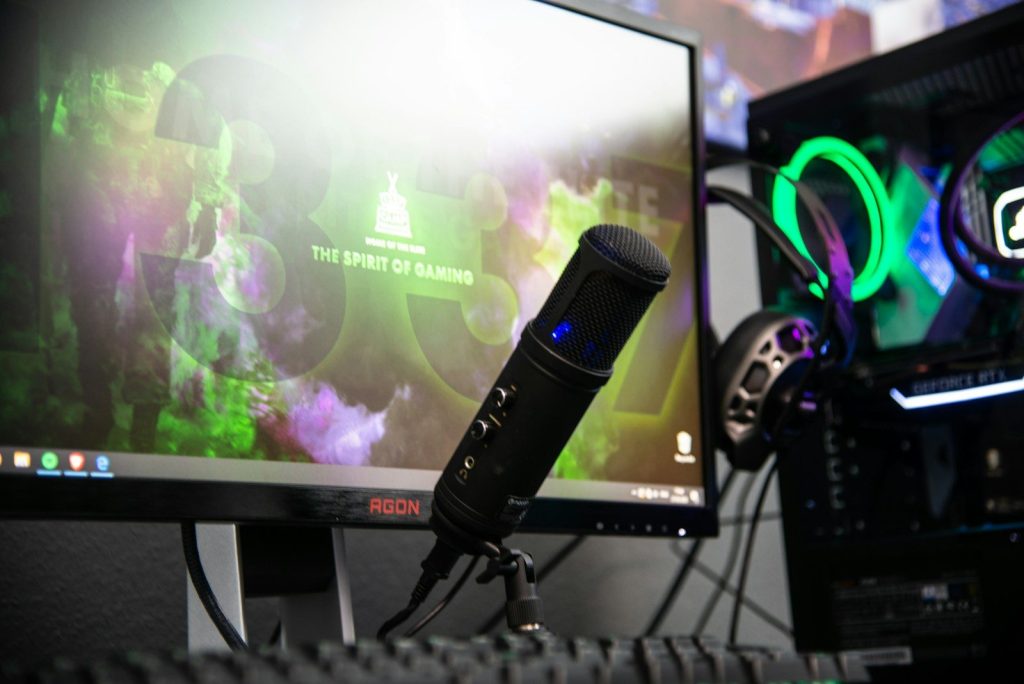
Console streamers may need a capture card when they want to send gameplay into a PC. This can make it easier to add overlays, webcam video, alerts, and more control through streaming software.
A beginner should check compatibility before buying one. Capture cards can support different resolutions and frame rates, so the right choice depends on the console, computer, and stream quality goal.
Leave a Reply