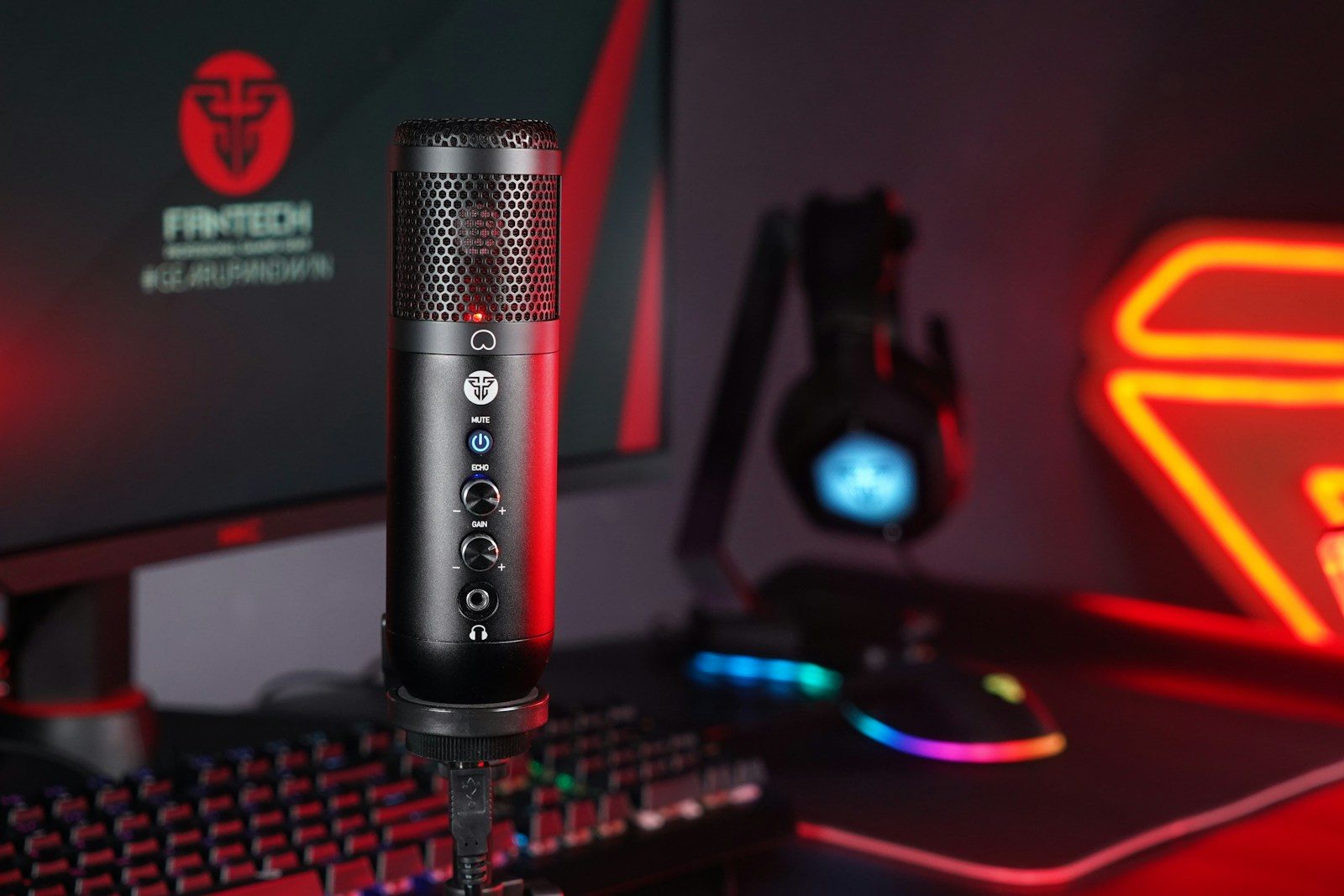
A webcam helps people see your face, but a microphone helps them stay connected to you. In gaming, voice is often the real center of the experience. Teammates need clear callouts, viewers need to understand reactions, and friends in Discord need your voice without constant buzzing, keyboard clicks, or room noise. A blurry webcam can still be watchable, but harsh or muffled audio can make people leave fast.
Streaming tools also give creators more control over sound than many beginners realize. OBS includes audio filters such as noise suppression, noise gate, compressor, and limiter, while Discord supports noise suppression through Krisp. That makes a solid mic one of the smartest upgrades for gaming, streaming, and online chat.
Clear voice wins trust

People can forgive average video faster than bad sound. If your voice is clean, steady, and easy to hear, the whole setup feels more polished.
A good gaming mic helps your words land clearly during streams, matches, and voice chats. That matters because your voice carries reactions, jokes, callouts, and personality, even when your camera is off.
Teammates hear callouts faster
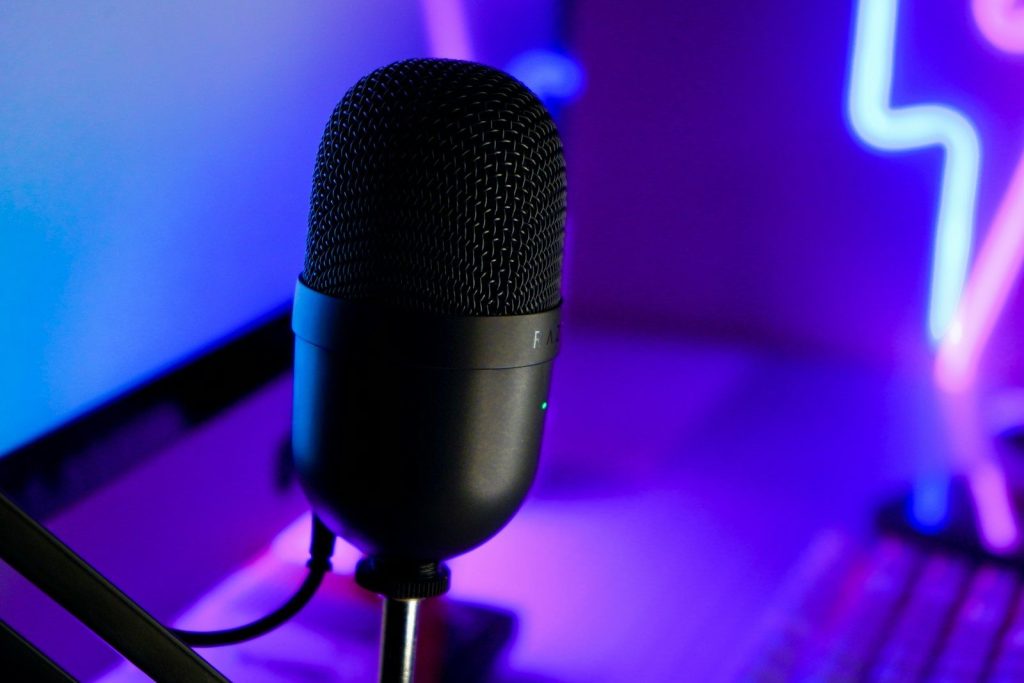
In online games, timing can matter. A muffled mic, loud fan, or clipping voice can make simple callouts harder to understand during fast moments.
A better mic can make team communication smoother. Your squad should hear “left side,” “behind us,” or “push now” without asking you to repeat it. That can make voice chat feel calmer and more useful.
Viewers can listen longer
Many viewers put streams in the background while gaming, studying, or doing chores. That means sound may matter even when they are not staring at the screen.
If your mic sounds harsh, noisy, or too quiet, people may click away. A webcam shows your face, but a mic keeps your stream easy to follow when viewers are multitasking.
Bad audio feels distracting
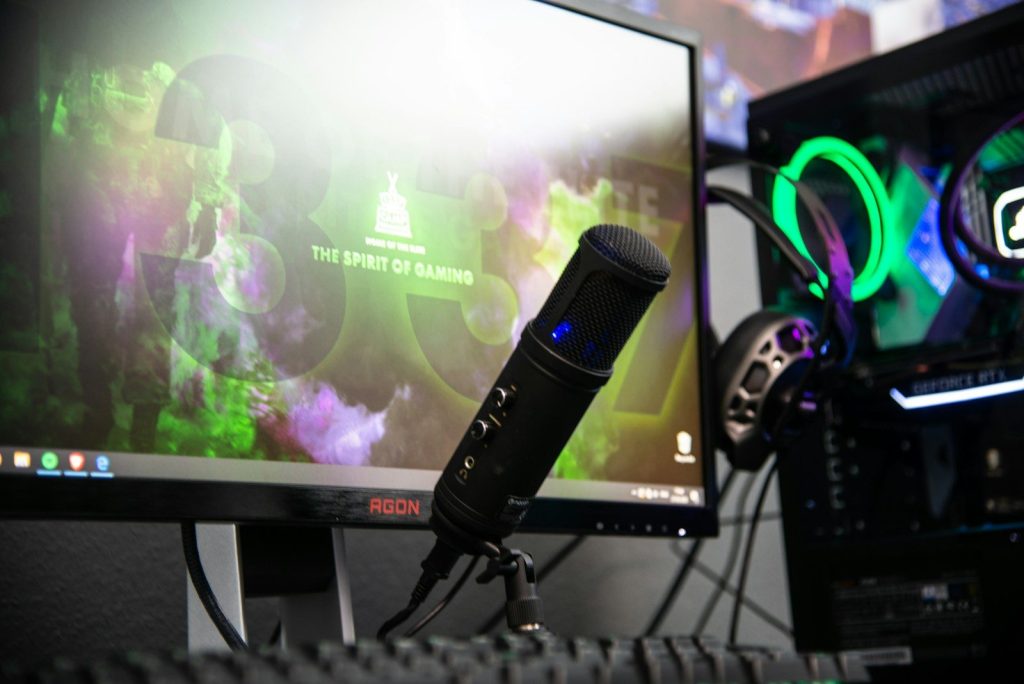
A webcam problem is usually easy to spot, but bad audio can feel annoying in a deeper way. Buzzing, echo, popping, and keyboard noise can pull people out of the moment.
OBS notes that filters like noise suppression and noise gates can reduce background or white noise. A good mic plus smart settings can make a small room sound much cleaner.
Mics work without facecam
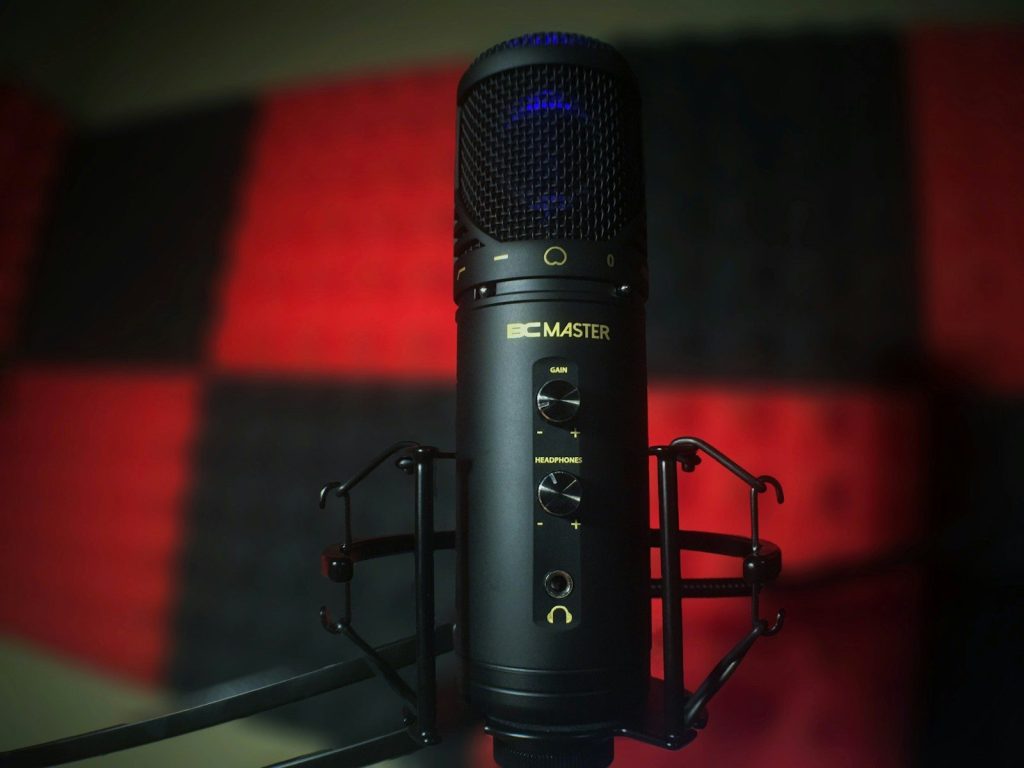
Not every gamer wants to be on camera. Some creators build strong streams, videos, or voice chats without showing their face at all.
A mic still gives them presence. It lets the audience hear energy, emotion, and reactions. A webcam is optional for many styles, but clear voice is useful for almost every gaming setup.
Software makes mics better
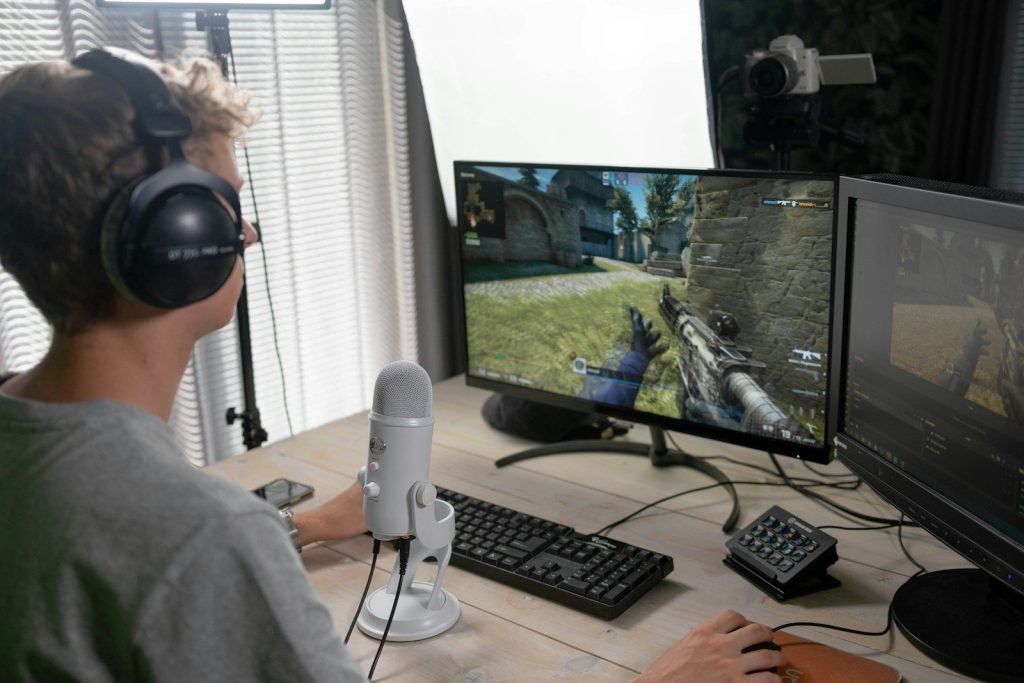
A good mic is only part of the setup. Placement, gain, filters, and noise control can make a huge difference in how professional the final sound feels.
Discord’s Krisp noise suppression can help reduce unwanted background noise in voice channels. OBS also offers tools like compressor and limiter filters to control loudness and prevent rough peaks.
It is the smarter first upgrade
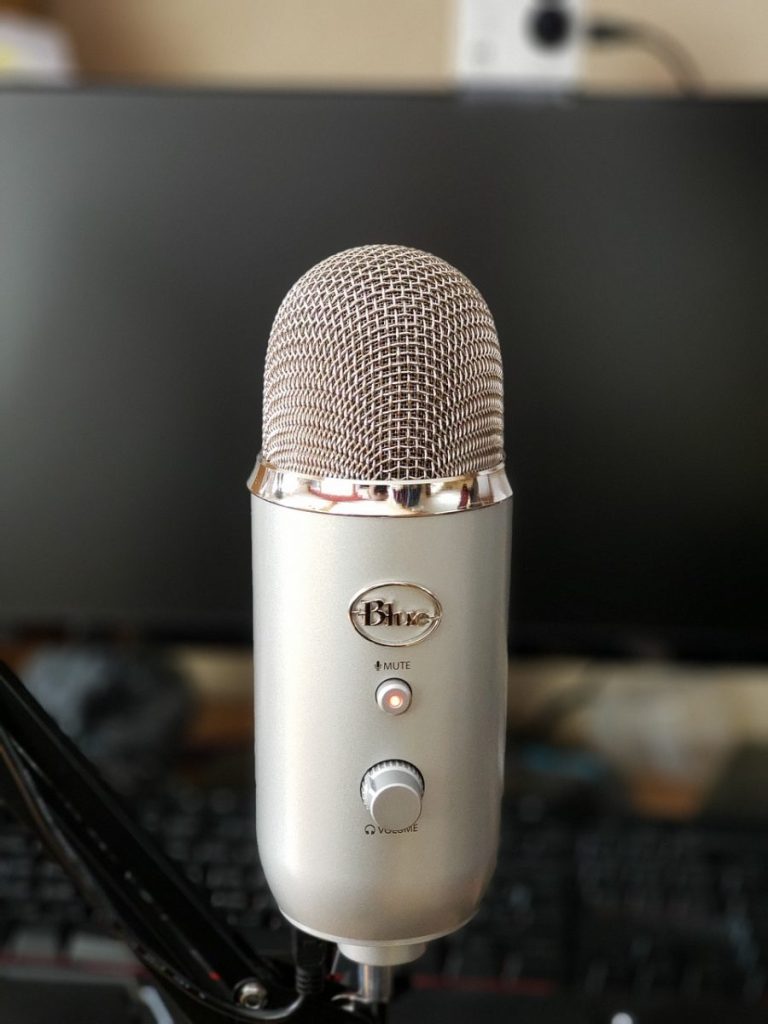
A webcam can make a stream feel more personal, but a good mic often improves more situations. It helps in Discord, multiplayer matches, streams, recordings, calls, and short videos.
That is why many gamers should upgrade audio before camera quality. People may not always need to see you clearly, but they do need to hear you clearly.
Leave a Reply