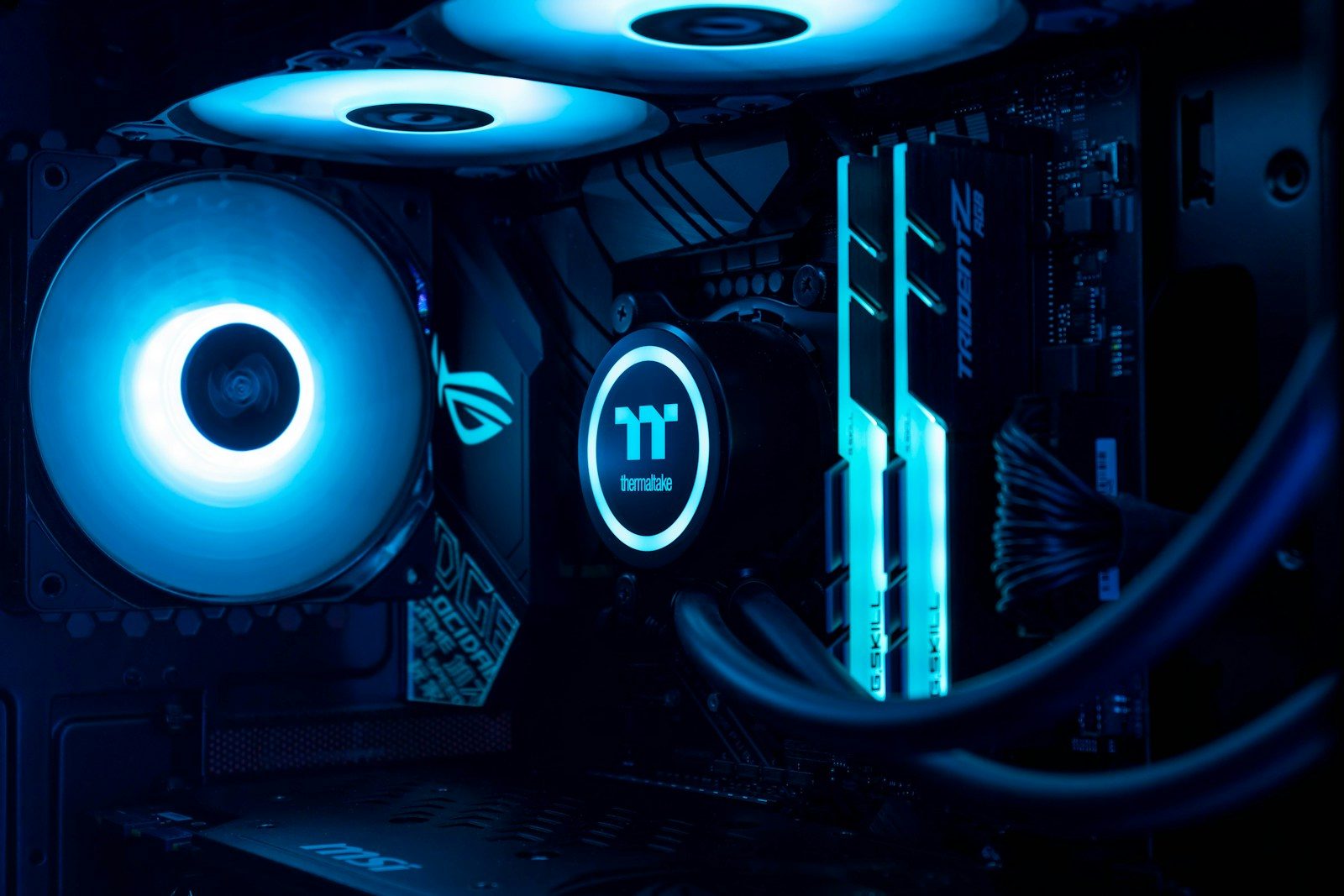
RGB lighting can make a gaming PC look fun, but fans are not just decoration. They are part of the cooling system that helps move heat away from key parts like the CPU, graphics card, storage, and motherboard. When airflow is weak, hot air can sit inside the case and make the whole system work harder.
Intel explains that a good PC case should support airflow through fan placement or airflow options, and fan designs can vary by size, noise level, and purpose. Some fans are better for open case airflow, while others are built to push air through tight spaces like radiators or dense filters. In other words, the glow may catch your eye, but the real job is keeping the build cool, stable, and comfortable to use.
Fans move heat out
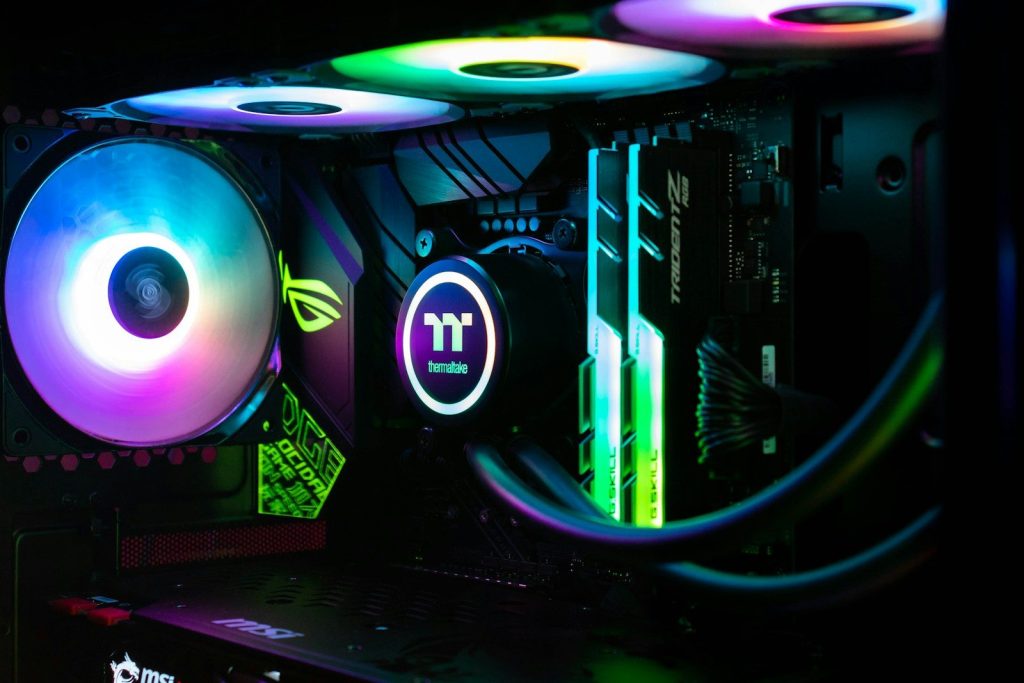
A gaming PC creates heat every time it runs a demanding game. The CPU and graphics card can warm up quickly, especially during long play sessions or high settings.
Case fans help by moving cooler air in and pushing warmer air out. That steady airflow keeps heat from building up inside the case and helps other cooling parts do their jobs better.
Airflow affects performance
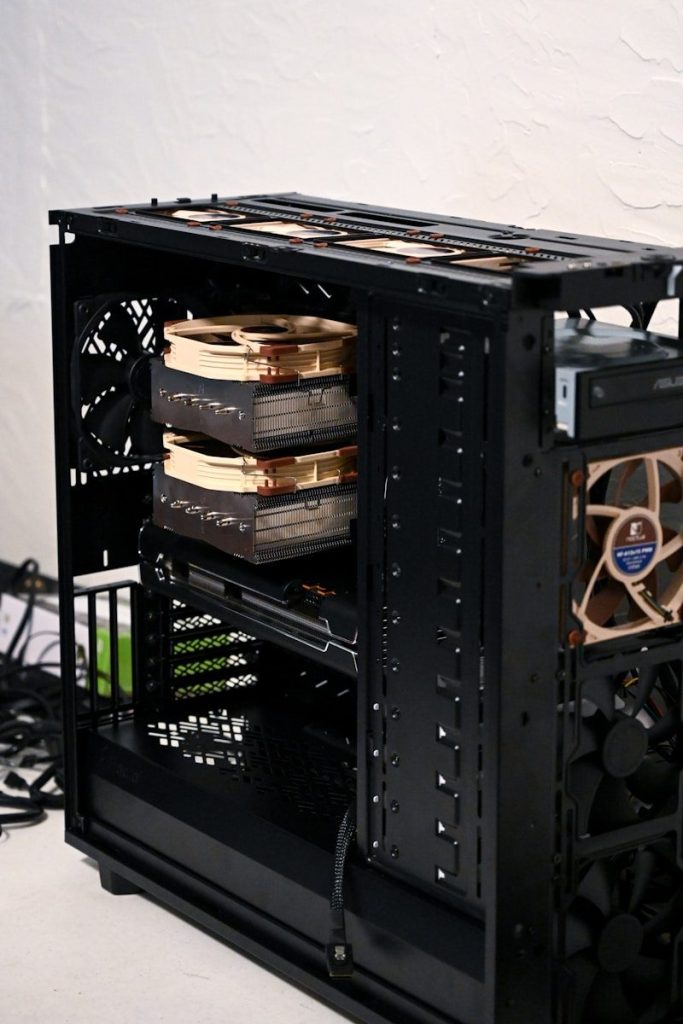
Cooling can affect how smooth a system feels. When parts get too hot, they may slow down to protect themselves, which can hurt performance during games.
Good airflow helps the PC stay closer to its intended speed. It does not turn weak hardware into powerful hardware, but it can help strong parts perform more consistently under load.
Placement matters a lot
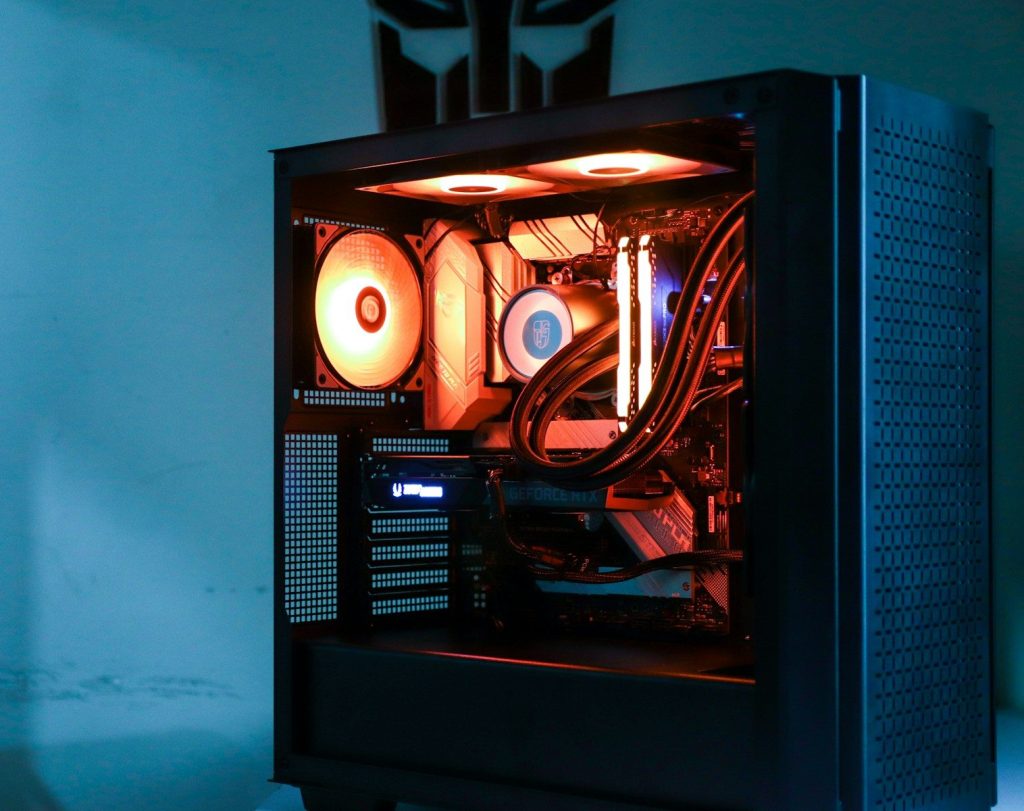
Fans work best when they are placed with a clear path in mind. Many cases use front or bottom intake fans and rear or top exhaust fans to guide air through the build.
Intel notes that cases often include fan mounting spots near the front, back, or top. The goal is simple: bring in cooler air and give hot air a clear way out.
Not all fans are equal
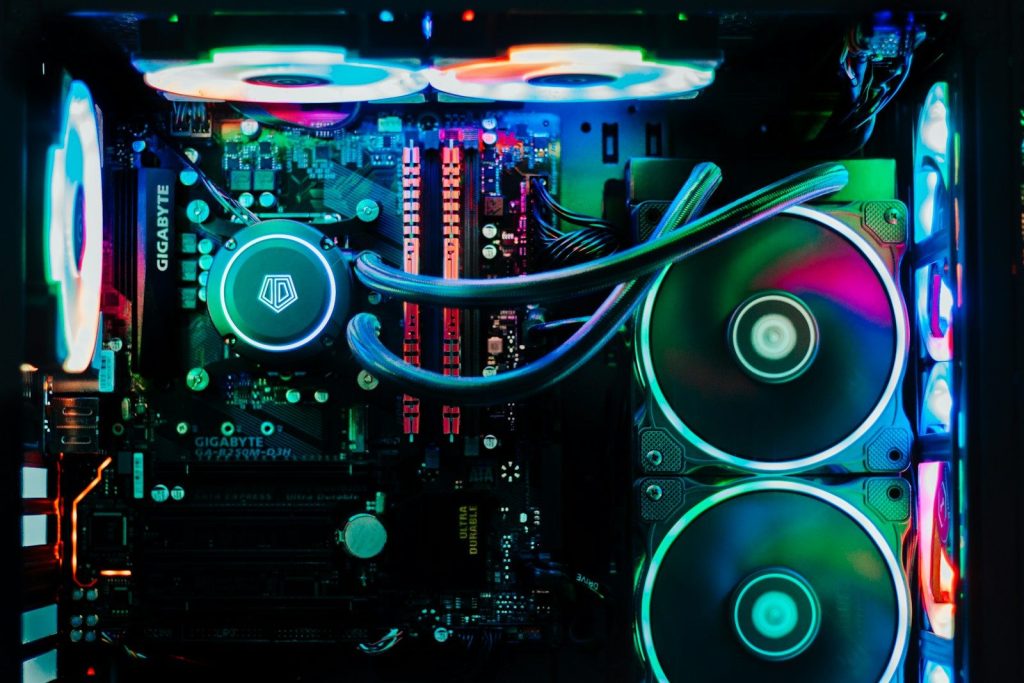
Some PC fans are built for airflow, while others are made for static pressure. Airflow fans are useful in open areas where air can move freely through the case.
Static pressure fans are better when air must push through resistance. Corsair explains that static pressure fans are useful for tight fins, radiators, and other restrictive spots.
Radiators need pressure
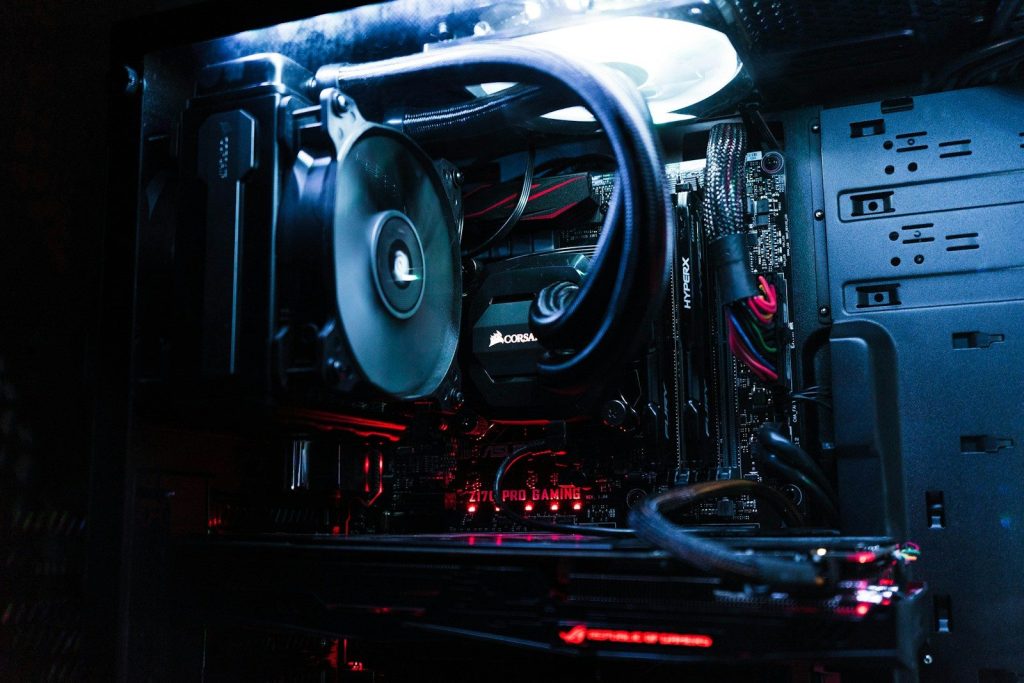
Liquid coolers still need fans. The radiator has thin fins, and air has to move through those fins to carry heat away from the liquid cooling loop.
That is where static pressure matters. A fan that looks bright and colorful may not be ideal for a radiator if it cannot push air through resistance well enough.
Noise is part of comfort
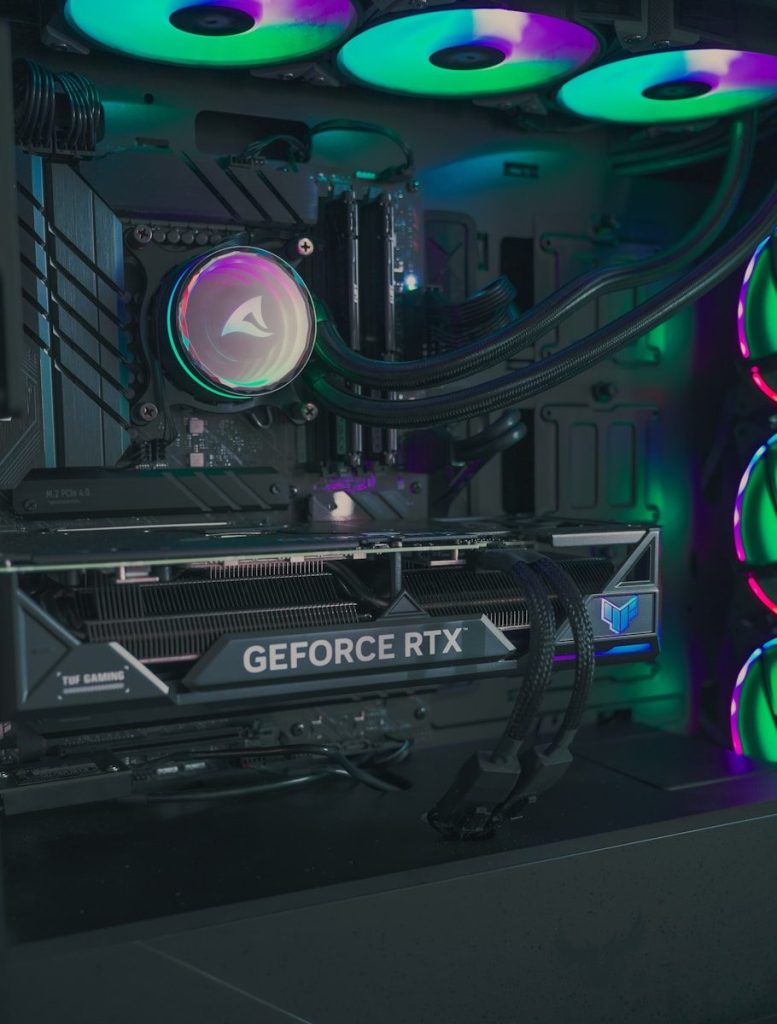
A loud PC can get annoying fast, especially in a bedroom, office, or shared space. Fans affect comfort because they can add hum, whine, or rushing air sounds.
Better fan control can help balance cooling and noise. Many modern fans use PWM control, which lets the system adjust fan speed based on temperature instead of running full blast all the time.
Bigger can be quieter
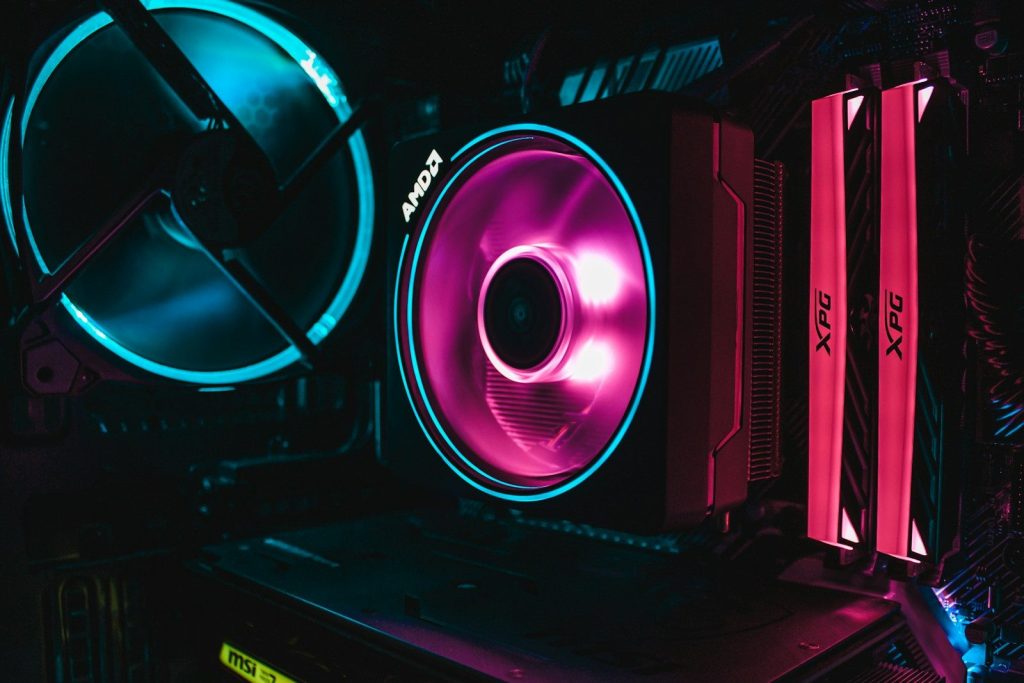
Fan size can change how a PC sounds and cools. A larger fan can often move a useful amount of air at a lower speed than a smaller fan.
That can help reduce noise, depending on the case and setup. Bigger fans still need good placement, but they can be a smart choice when the case supports them.
Filters can slow air
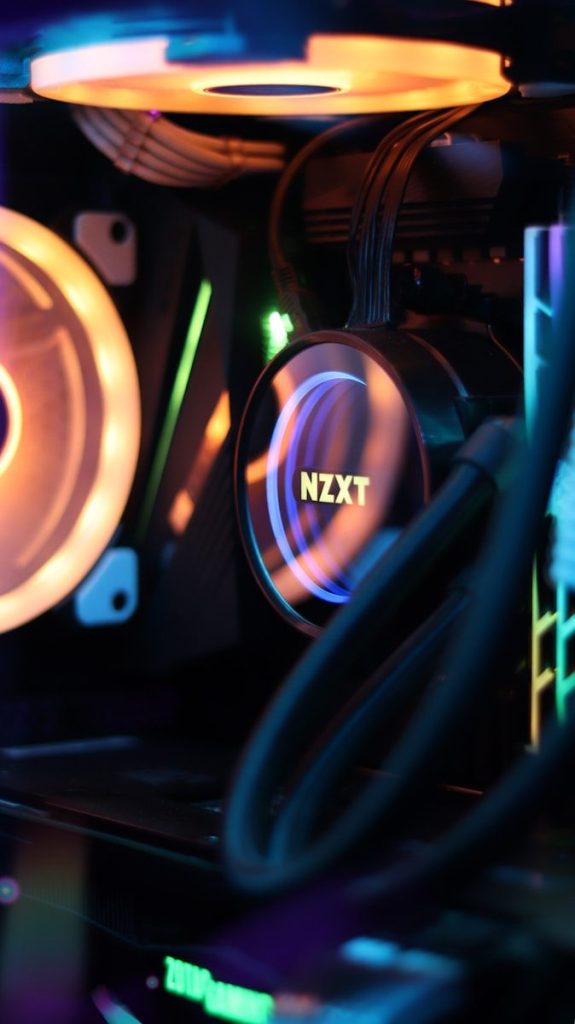
Dust filters help keep the inside of a PC cleaner, but they also add resistance. That means fans may have to work harder to pull or push air through them.
This is another reason fan type matters. A filtered front panel may benefit from fans that can handle pressure better than basic airflow fans in a more open setup.
Clean fans work better
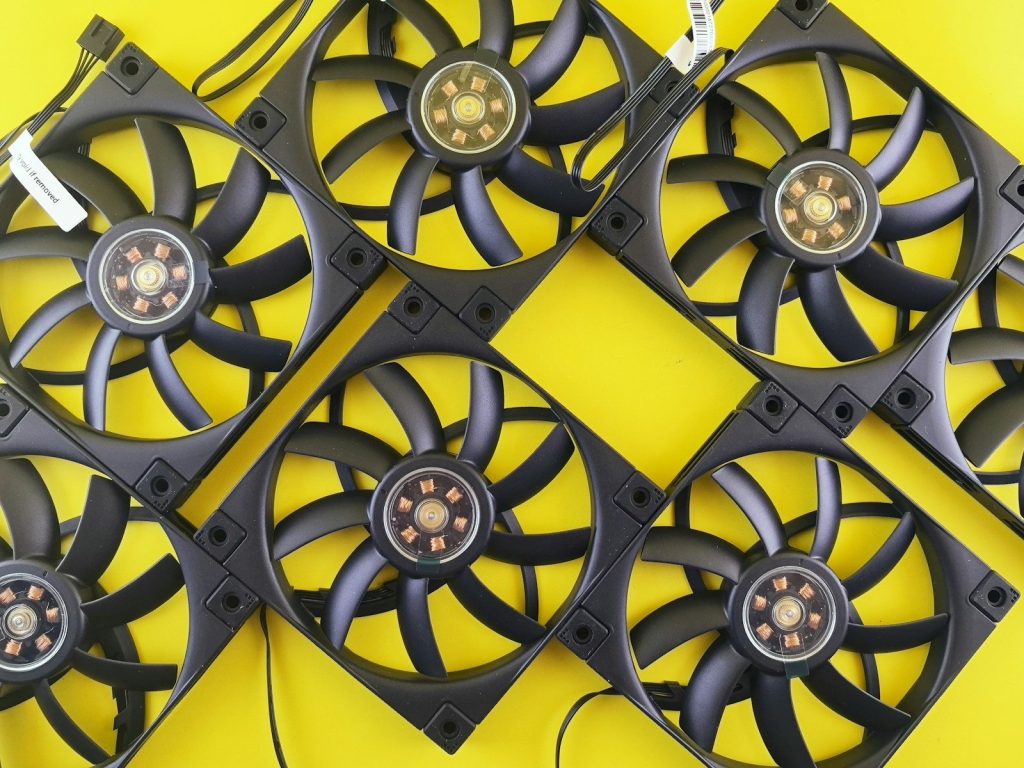
Dust can build up on fan blades, filters, vents, and heatsinks. Over time, that buildup can block airflow and make the system run warmer or louder.
A little maintenance goes a long way. Cleaning filters and gently removing dust helps fans move air the way they were meant to, instead of fighting through clogged paths.
RGB is just the bonus
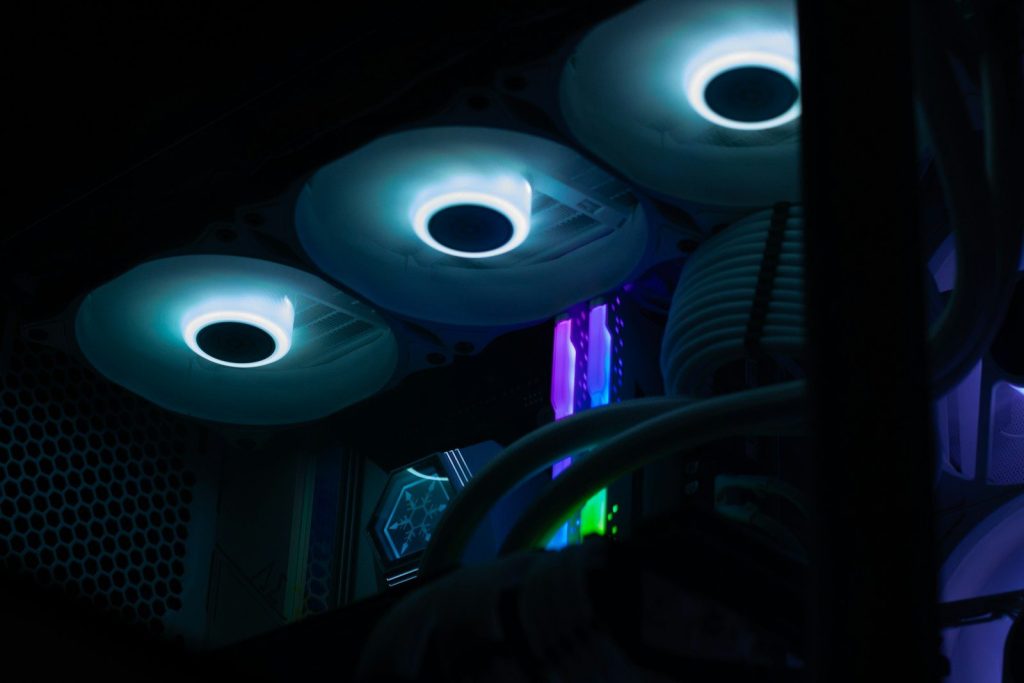
RGB fans can make a build look great, and there is nothing wrong with enjoying that. The key is remembering that lighting is not the main performance feature.
The best gaming fans earn their place by moving air well, fitting the right spot, staying reasonably quiet, and helping the whole PC stay cool. The color show is just the extra fun.
Leave a Reply