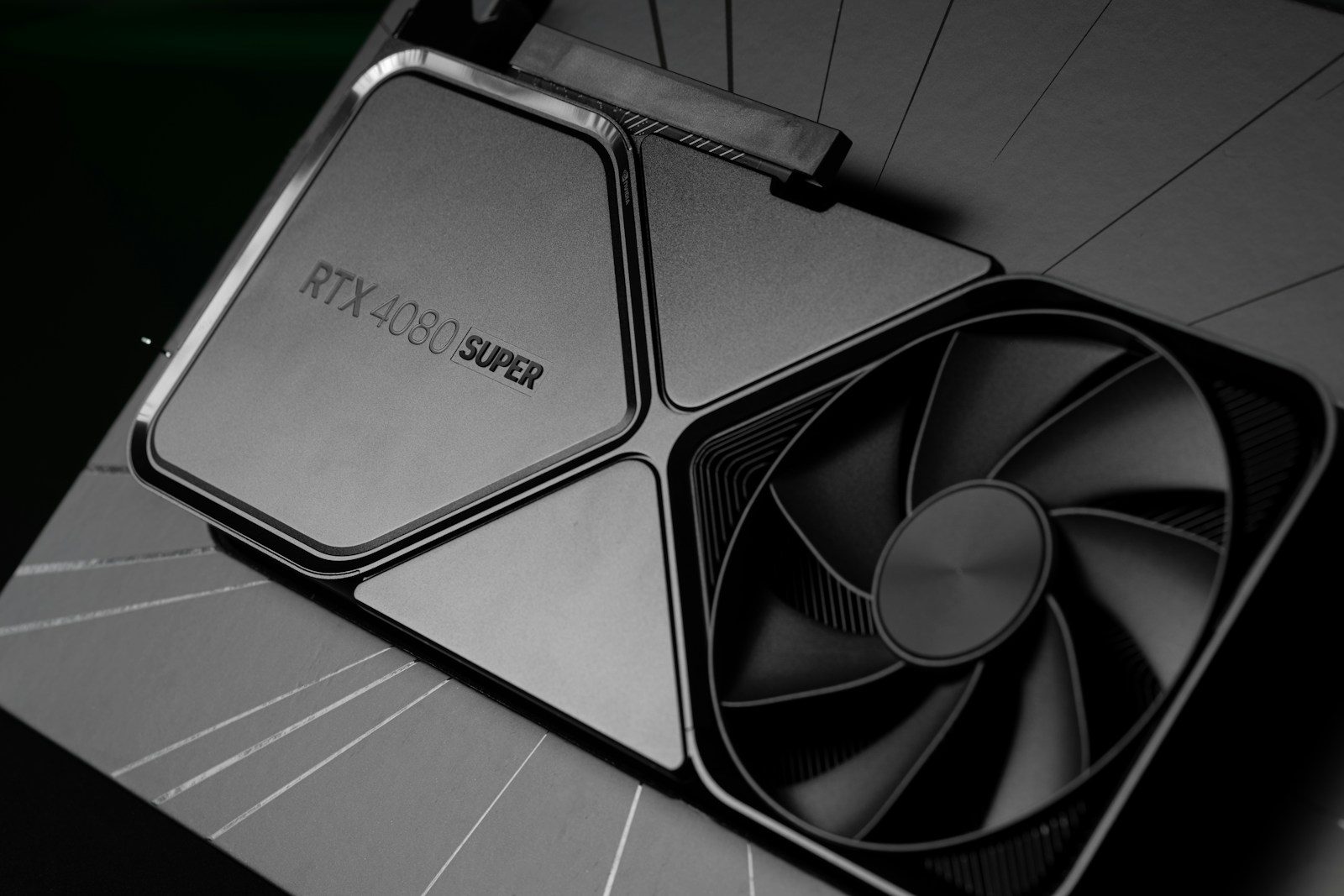
A new graphics card can make games look sharper, run smoother, and feel more responsive. But picking one is not just about grabbing the newest model or the biggest number on the box. The right GPU depends on your monitor, the games you play, your case size, your power supply, and how long you want the card to stay useful.
Today’s GPU market also has more features to compare. NVIDIA promotes RTX 50 Series cards with Blackwell architecture and DLSS 4.5, AMD highlights RDNA 4 Radeon RX 9000 cards with improved ray tracing and AI accelerators, and Intel Arc cards include ray tracing, XeSS upscaling, and AI engines. That means gamers should look at the full setup, not just raw speed.
Match your screen first
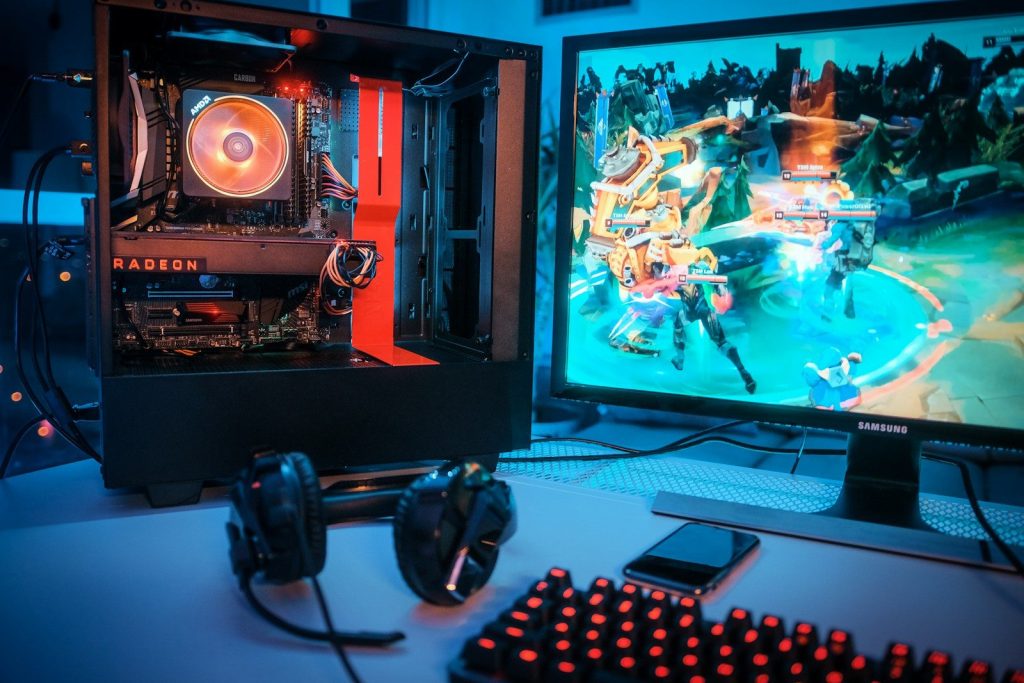
Your monitor should guide your GPU choice. A card that is perfect for 1080p may feel weak at 4K, while a high-end 4K card may be more than you need for a basic 1080p screen.
Refresh rate matters too. If your monitor runs at 144Hz or higher, you need enough graphics power to push high frame rates. Otherwise, you may pay for performance you cannot fully see.
Check the VRAM amount
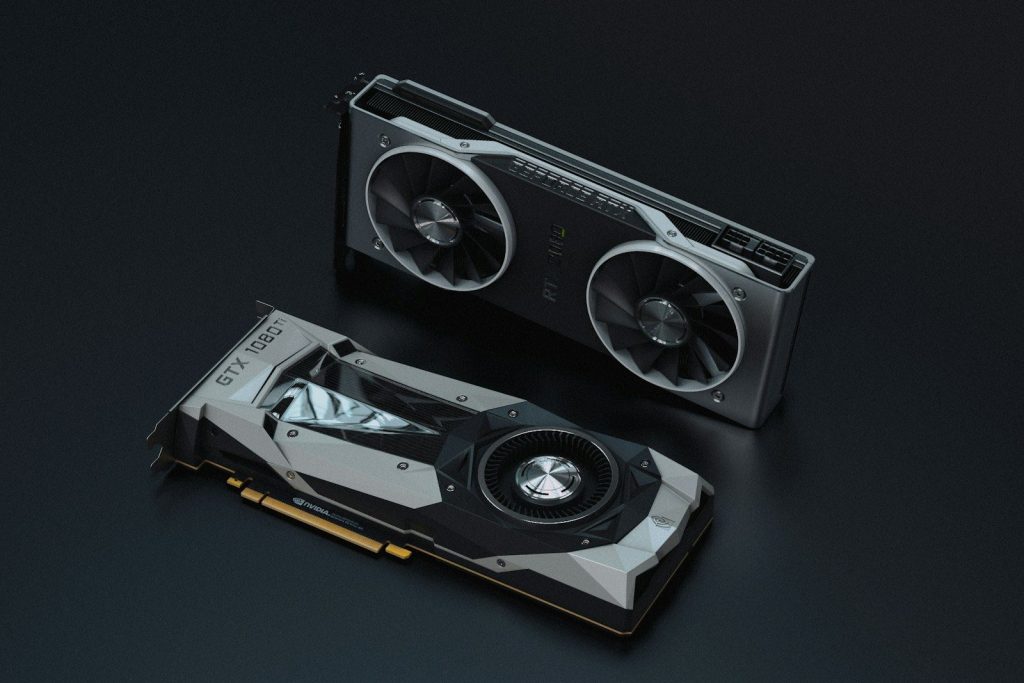
VRAM is the memory your GPU uses for textures, game worlds, high resolutions, and visual effects. Many modern games can use a lot of it, especially at 1440p or 4K.
That does not mean everyone needs the most VRAM possible. But gamers should avoid choosing only by price. A card with more memory can age better when newer games demand larger textures and heavier settings.
Power supply matters
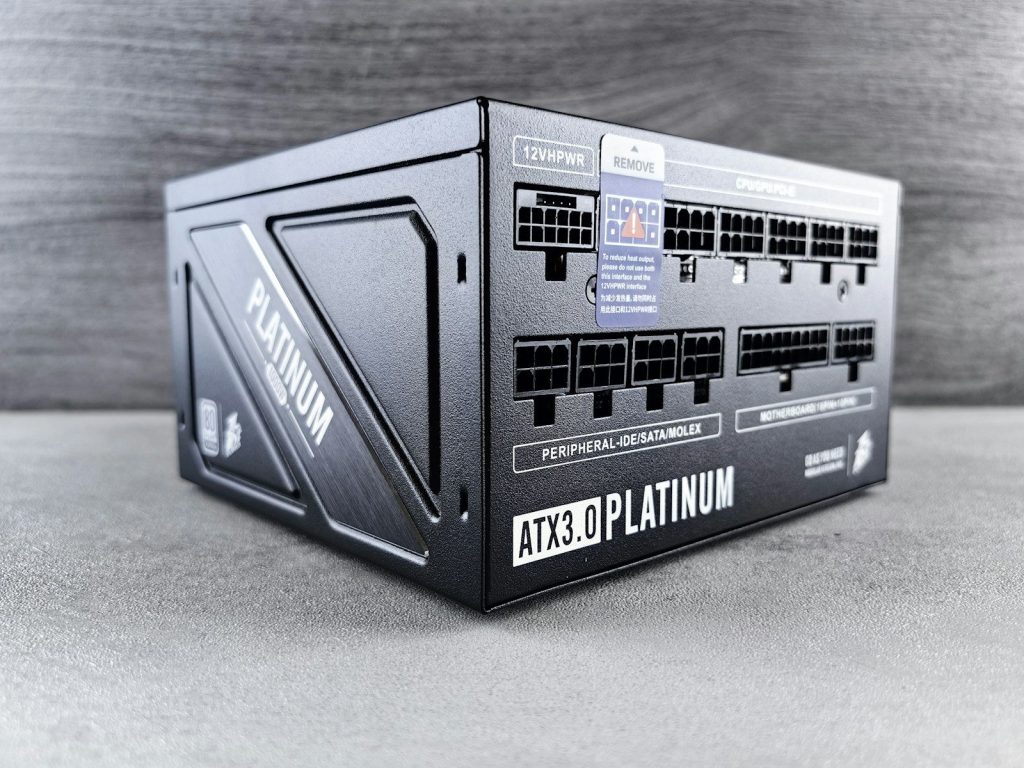
A GPU upgrade can put more stress on your power supply. Before buying, check the card’s power needs, connector type, and the recommended power supply rating.
This step can prevent shutdowns, crashes, or messy adapter problems. It is also smart to check if your power supply has the right cables, especially with newer cards that may use updated power connectors.
Size can surprise buyers
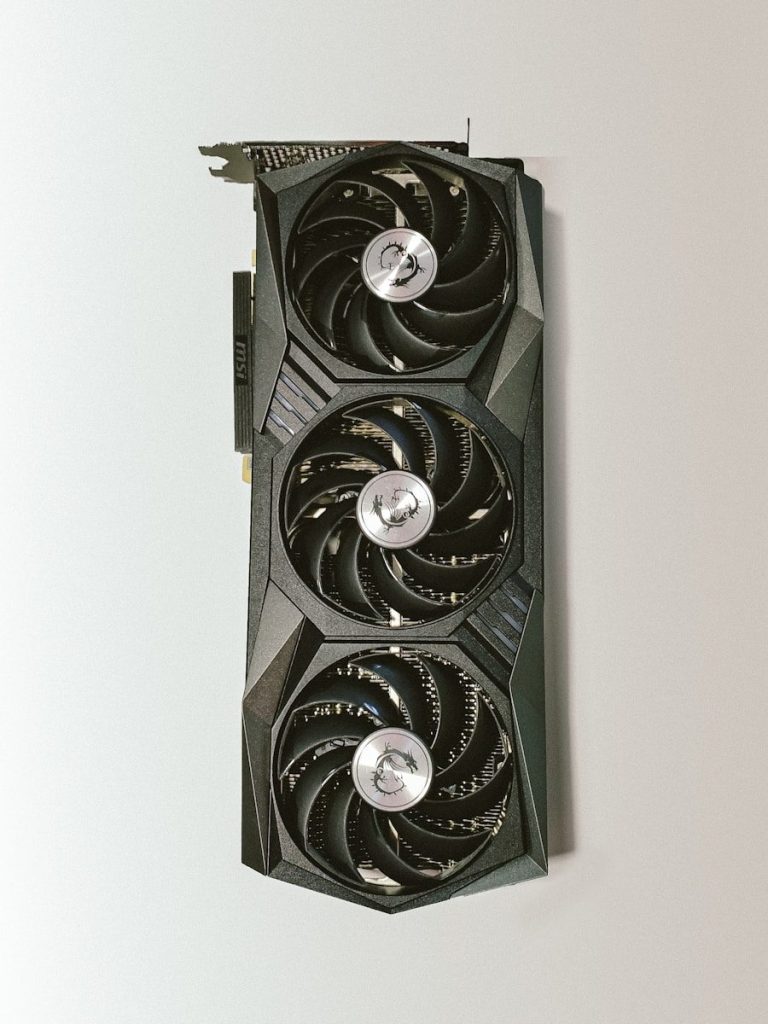
Not every GPU fits every PC case. Some cards are long, thick, and heavy, especially models with large cooling systems and three fans.
Before ordering, measure the space inside your case. Check card length, slot thickness, and room near cables or drive cages. A powerful card is not helpful if it blocks airflow or simply will not fit.
Ray tracing needs context
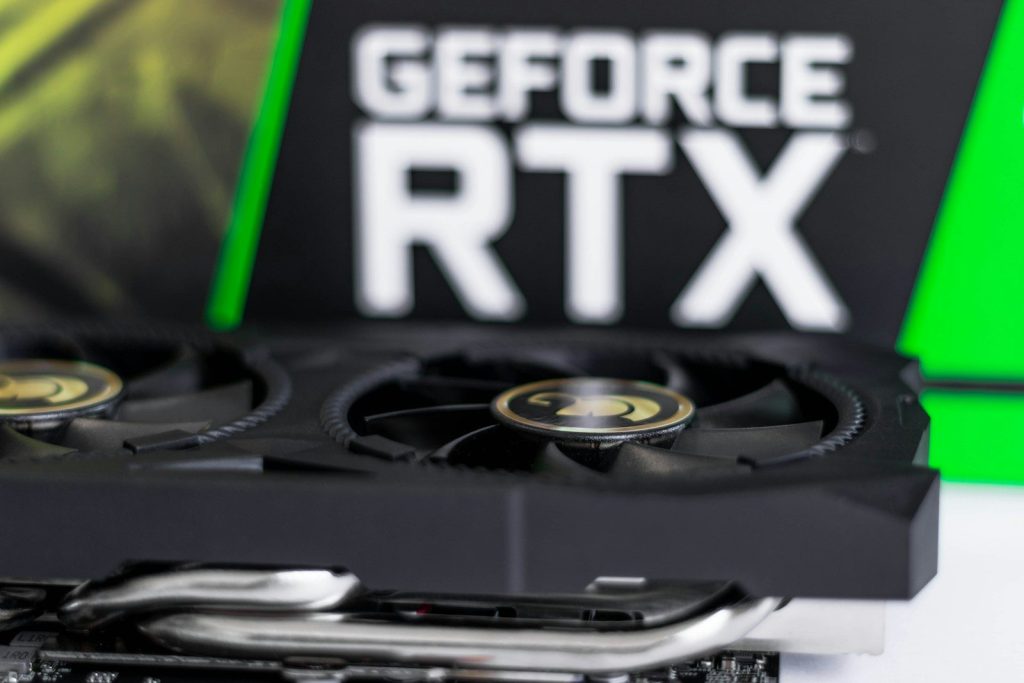
Ray tracing can make lighting, reflections, and shadows look more realistic. NVIDIA, AMD, and Intel all promote ray tracing features on current gaming GPUs.
Still, ray tracing can lower frame rates. If you care most about smooth competitive play, standard performance may matter more. If you enjoy story games and visual detail, ray tracing support may be worth a closer look.
Upscaling can help performance
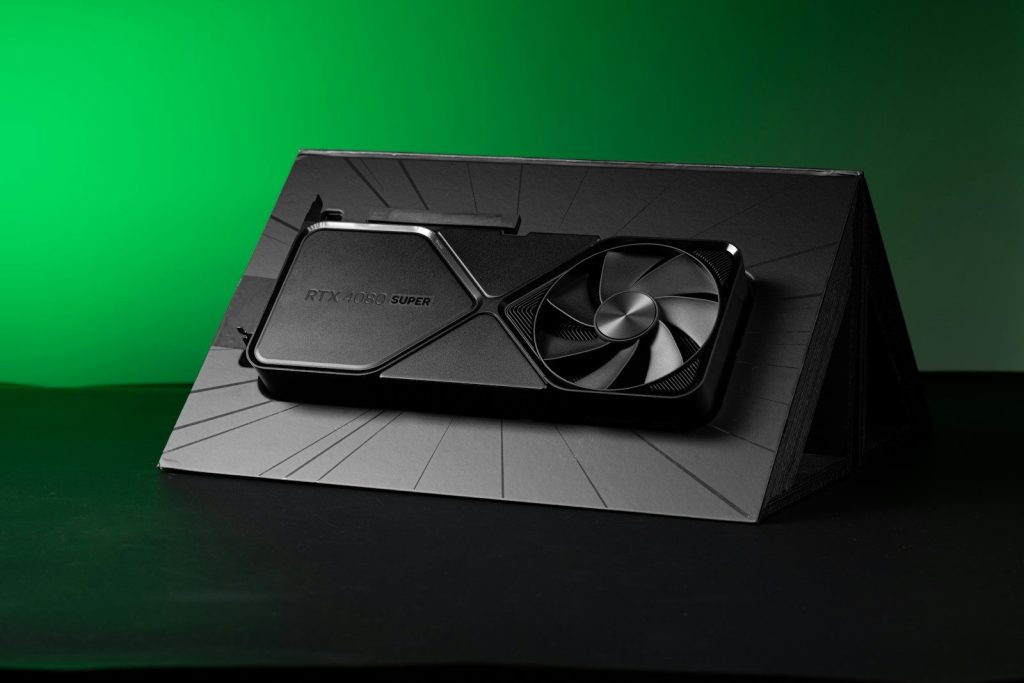
Upscaling tools can improve frame rates by rendering games at a lower resolution and making the final image look sharper. NVIDIA has DLSS, AMD has related Radeon software features, and Intel promotes XeSS for Arc GPUs.
These tools can be useful, especially at higher resolutions. But support depends on the game, the GPU, and the settings. It is best to check the games you actually play before making upscaling the main reason to buy.
Price is not everything

A cheap GPU can look tempting, but value depends on performance, memory, power use, warranty, and how long it will meet your needs. A slightly higher price can make sense if the card lasts longer.
Also watch real market pricing. Recent reports show GPU prices can move above suggested prices because of supply and memory cost changes. Comparing current prices before buying can help avoid overpaying.
Leave a Reply