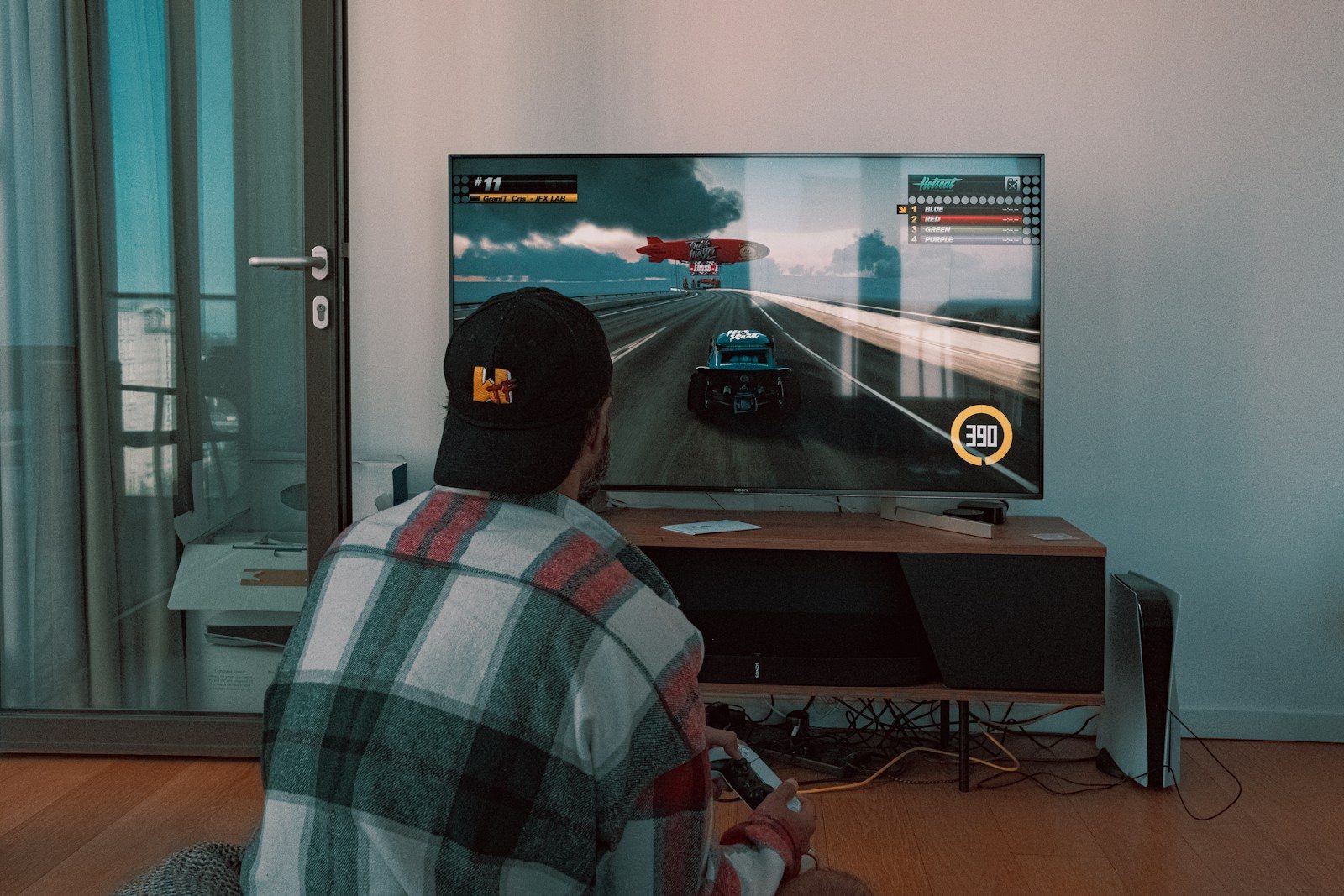
A great game can still look flat on the wrong TV. The colors may feel dull, fast action can blur, and a split-second delay can make every move feel off. That is why gaming TVs are about more than screen size or a “4K” label.
The right features can make games look smoother, brighter, sharper, and more responsive. Some help fast scenes stay clear. Others improve lighting, shadows, and color. A few features work quietly in the background, switching your TV into better gaming settings without extra work. For PS5, Xbox Series X, and newer gaming PCs, features like VRR, ALLM, 4K at 120Hz, and low input lag can make a real difference.
Game mode matters first
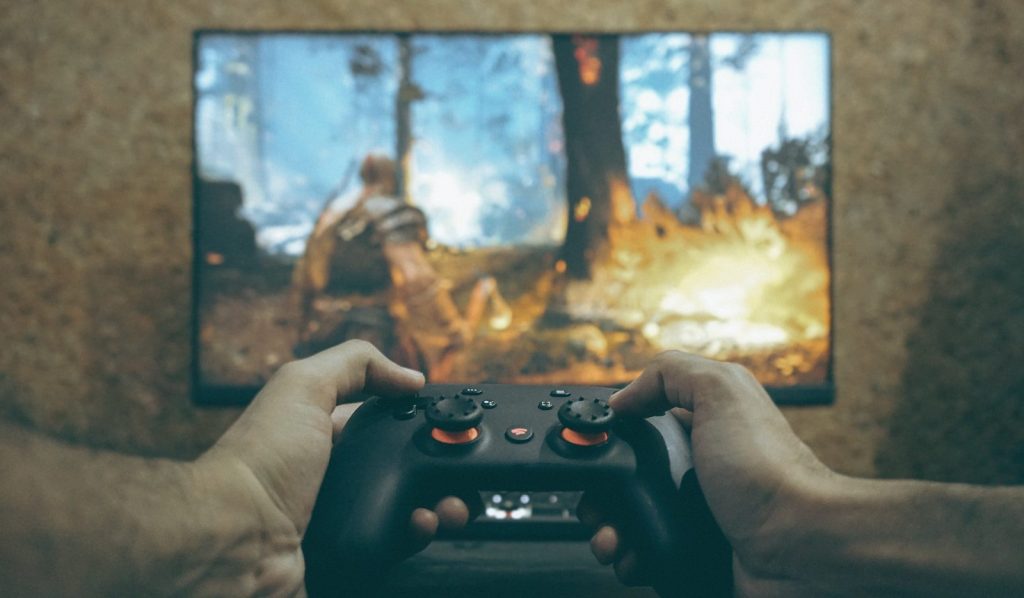
Game mode is one of the easiest features to miss, but it can change how a game feels right away. It reduces extra TV processing so your button presses show up faster on screen.
That matters most in racing, sports, platformers, and action games. Lower input lag helps the game feel more connected to your controller, especially when timing is important.
120Hz makes motion smoother
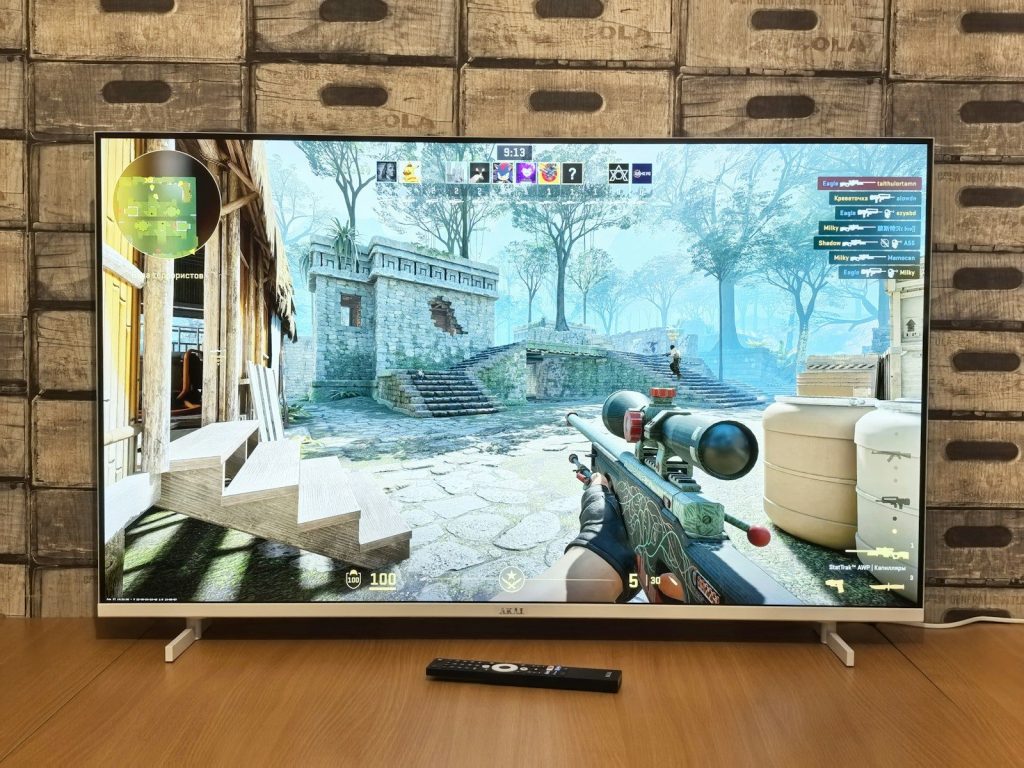
A 120Hz TV can refresh the image up to 120 times per second when the console, game, and settings support it. That can make movement look smoother than standard 60Hz play.
It is especially useful in fast games where the camera moves quickly. Racing turns, sports plays, and quick camera swings can look cleaner and easier to follow.
HDR adds brighter highlights

HDR can make bright parts of a game stand out more, from sunlight on metal to glowing signs in a night scene. It also helps games show a wider range between dark and bright areas.
Good HDR depends on the TV’s brightness, contrast, and tone mapping. When those parts work well, game worlds can look deeper, richer, and more realistic.
Local dimming improves shadows
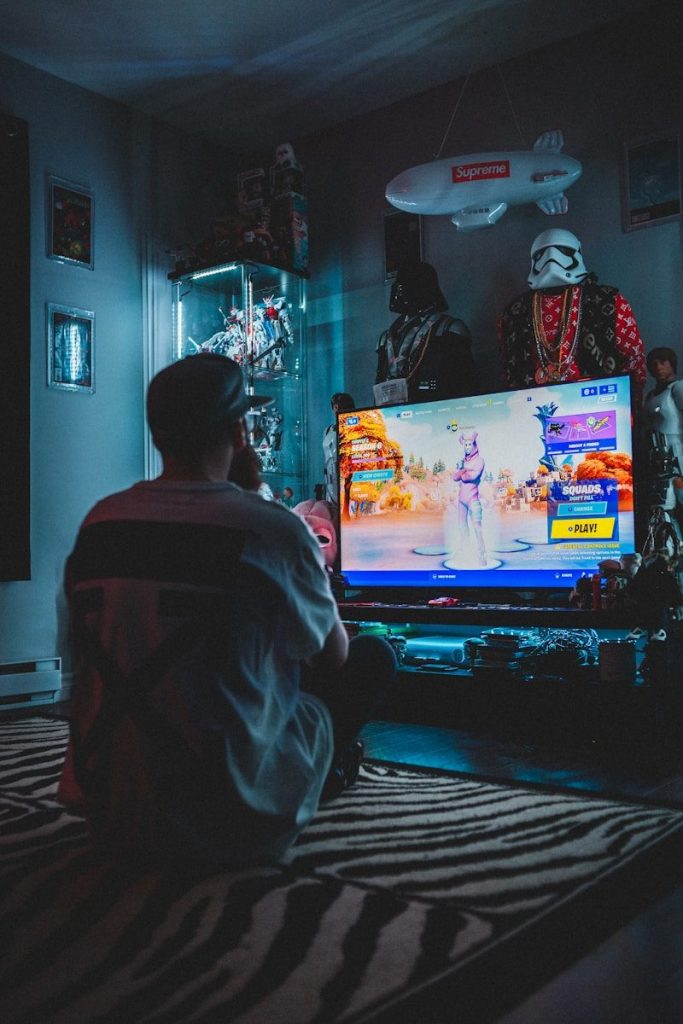
On many LED and Mini-LED TVs, local dimming controls different backlight zones across the screen. Better local dimming can make dark areas look deeper while keeping bright objects stronger.
That helps in games with caves, night scenes, space settings, or dramatic lighting. Shadows can look less washed out, and bright effects can pop with more impact.
OLED gives deeper blacks

OLED TVs can turn individual pixels on and off, which helps create very deep black levels. In dark games, that can make shadows, space scenes, and nighttime areas look more intense.
OLED also tends to have very fast pixel response, which helps motion look clean. For many players, the mix of strong contrast and fast motion makes games feel more cinematic.
Fast response cuts blur
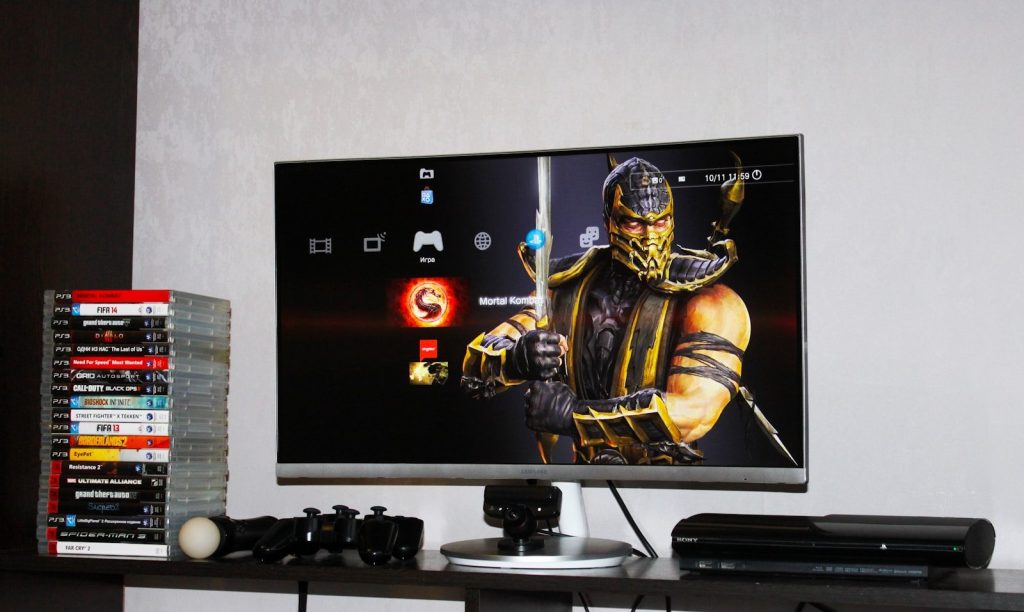
Response time describes how quickly pixels change from one shade to another. Slower response can create blur, ghosting, or dark smearing around fast-moving objects.
A faster response time helps keep movement cleaner. That can make it easier to track enemies, read fast action, and follow quick camera moves without the image turning messy.
HDMI bandwidth unlocks more
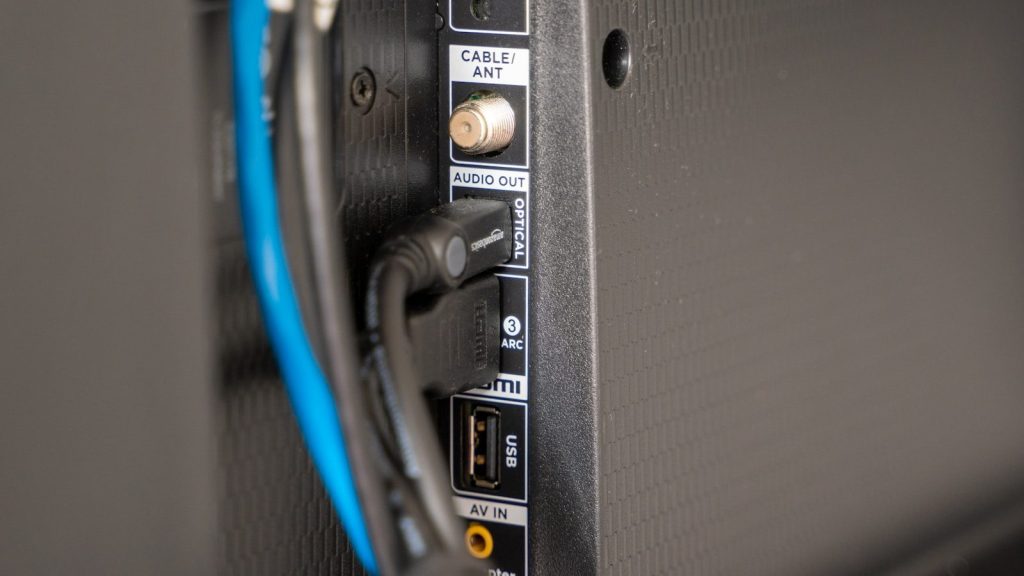
The HDMI port matters because advanced gaming features need enough bandwidth. For example, HDMI 2.1 added support for higher refresh rates, including 4K at 120Hz, along with gaming features such as VRR and ALLM.
This does not mean every HDMI port on every TV supports everything. Always check which ports handle the features you need before buying or setting up a console.
Leave a Reply