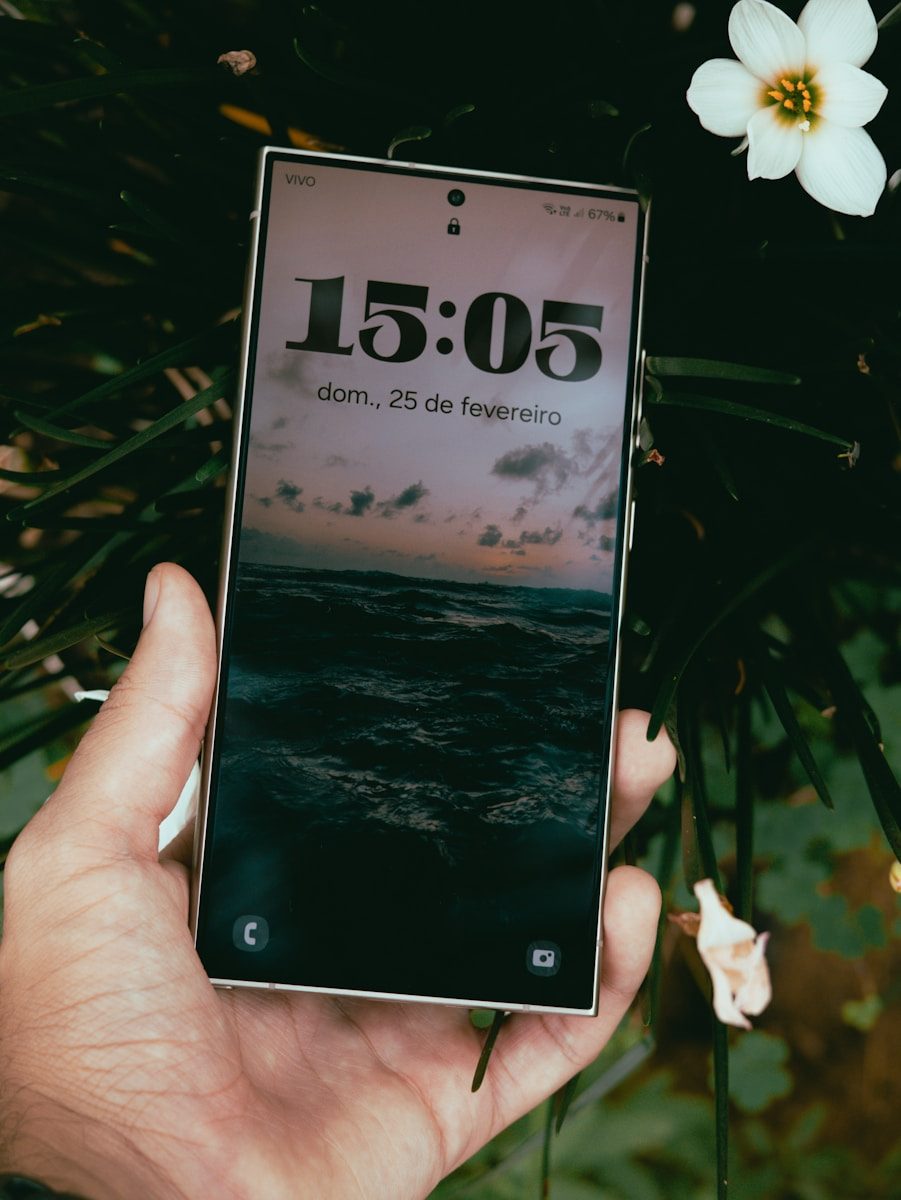
Phones are no longer just small screens for calls, texts, photos, and quick searches. Many newer models can now connect to bigger displays, keyboards, mice, tablets, PCs, and even smart glasses. The idea is simple: keep the power, apps, files, and internet connection in your pocket, then turn them into a larger workspace when you need it.
Samsung DeX already lets some Galaxy phones launch a desktop-like setup on an external monitor with a keyboard and mouse. Google says Android 16 is bringing connected-display support to supported phones and foldables, with resizable windows, a taskbar, and desktop-style multitasking. Motorola’s Smart Connect also lets users mirror a phone, create a virtual phone window, and use PC keyboard and mouse control.
The pocket PC idea is back
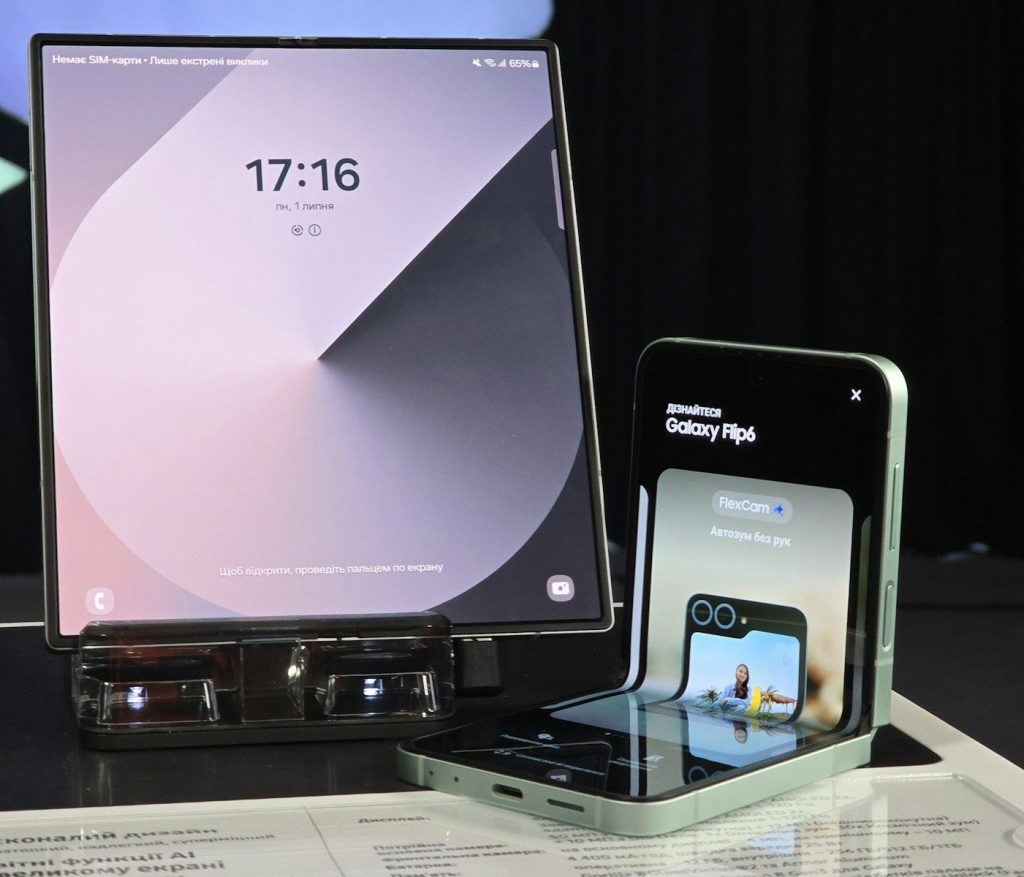
For years, people joked that phones were “tiny computers.” Now that idea feels much more real. A phone can already handle email, video calls, documents, payments, photos, maps, and streaming without much effort.
The newer twist is that the phone does not have to stay trapped on a small screen. When connected to a monitor or PC, it can act more like a simple desktop setup for everyday work.
Bigger screens change everything
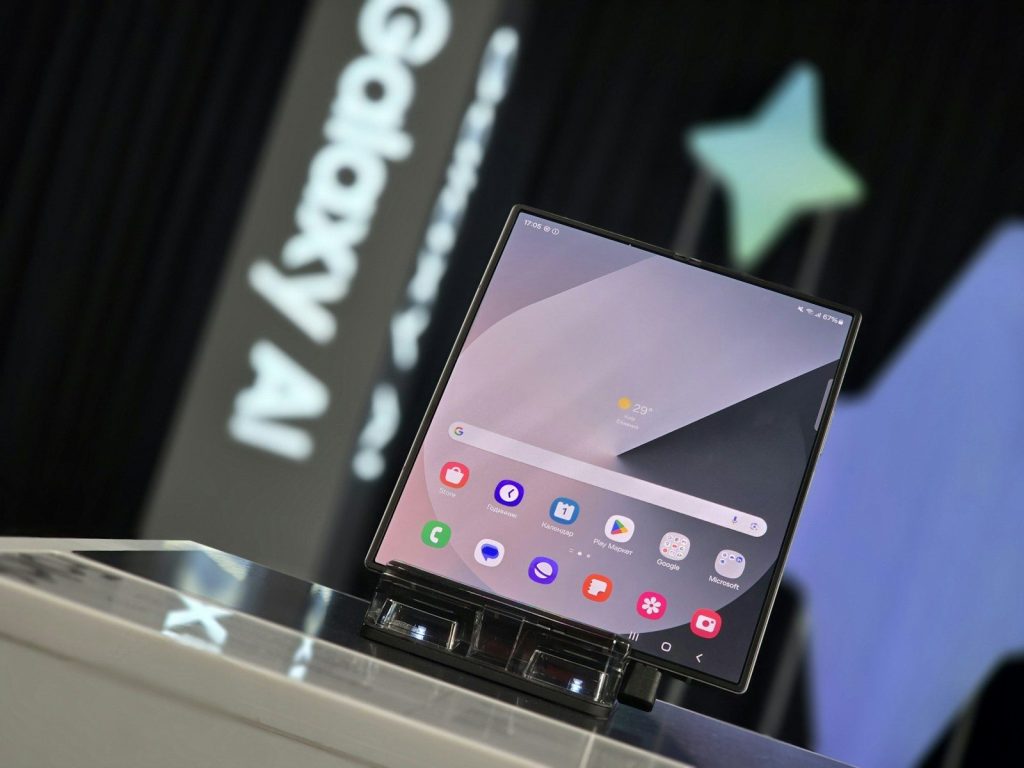
A phone screen is great for scrolling, but it can feel cramped when you need to compare files, edit a document, or manage several apps. A larger display gives those same apps more room to breathe.
That is why external display support matters. Google says supported Android phones can start a new desktop session on a connected screen, letting users work in free-form or maximized windows.
Windows are becoming normal
Desktop-style phone use depends on windows. Instead of jumping between full-screen apps, users can keep two or more apps open and resize them as needed.
Android 16 adds desktop windowing for larger screens, including the ability to open, group, and resize multiple app windows. That makes a phone feel less like a single-task device and more like a light computer.
Keyboards make phones faster
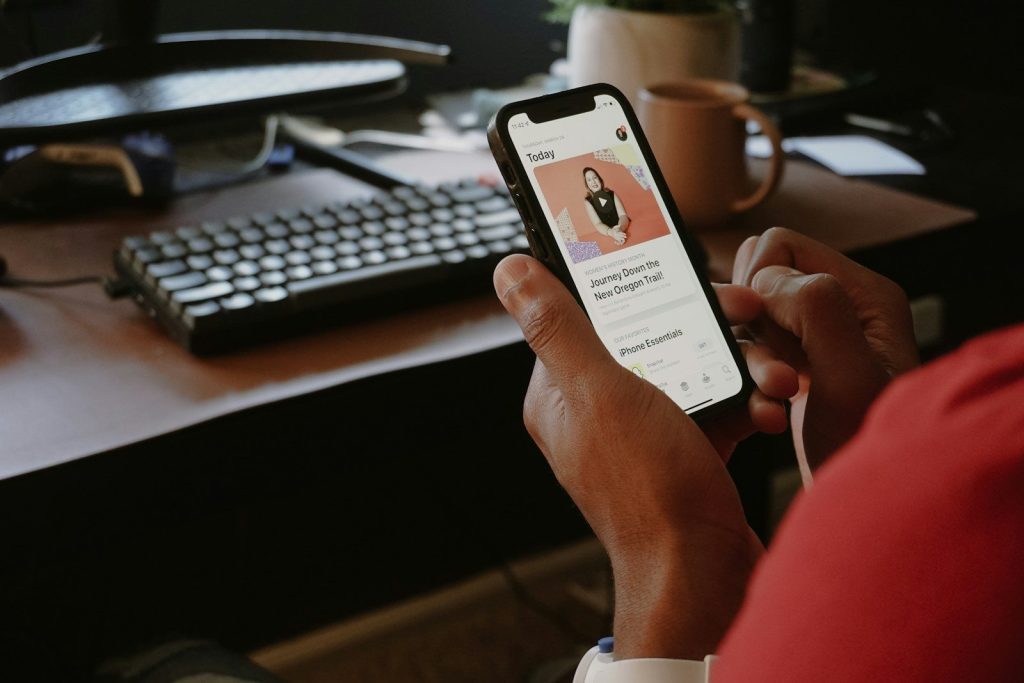
Typing long emails or school notes on glass can get tiring fast. A real keyboard can make the same phone feel much more useful, especially for people who travel or work from different places.
Samsung says DeX can work with a mouse, keyboard, and Ethernet cable for added productivity. Motorola also supports using a PC’s mouse and keyboard to control a connected phone or tablet.
The taskbar is a big clue
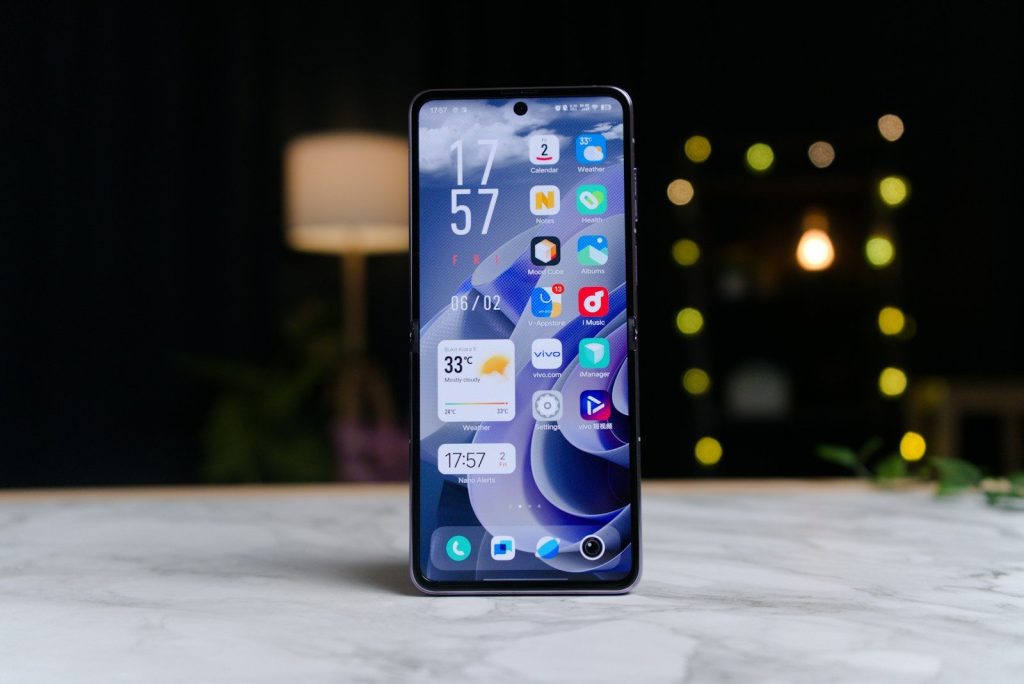
A taskbar may sound boring, but it is one of the clearest signs that phones are moving toward desktop habits. It helps users switch apps, see what is open, and get back to work faster.
Google says its connected display experience includes a taskbar that shows active apps and lets users pin apps for quick access. That small feature can make phone-powered work feel familiar.
Your phone can stay separate
One smart part of this shift is that the phone does not always have to become useless while connected. In some setups, the bigger screen gets its own desktop session while the phone keeps its own state.
That means you could use the monitor for work while still checking something privately on the phone. Google describes this as a connected display session that starts on the external screen.
Apps need to grow up
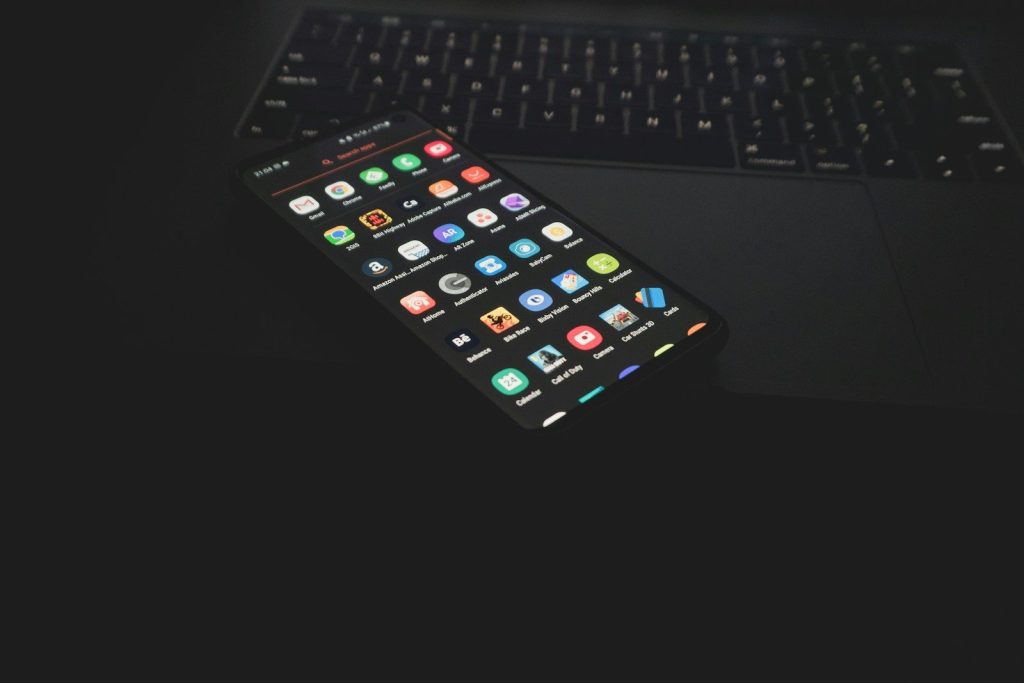
A desktop-style phone only works well if apps behave properly on bigger screens. Some mobile apps still assume the user is touching a narrow screen in portrait mode.
Google has warned developers not to treat phones as touch-only devices forever. It says apps should support external displays, different screen densities, keyboards, mice, trackpads, webcams, microphones, and speakers.
PCs and phones are blending
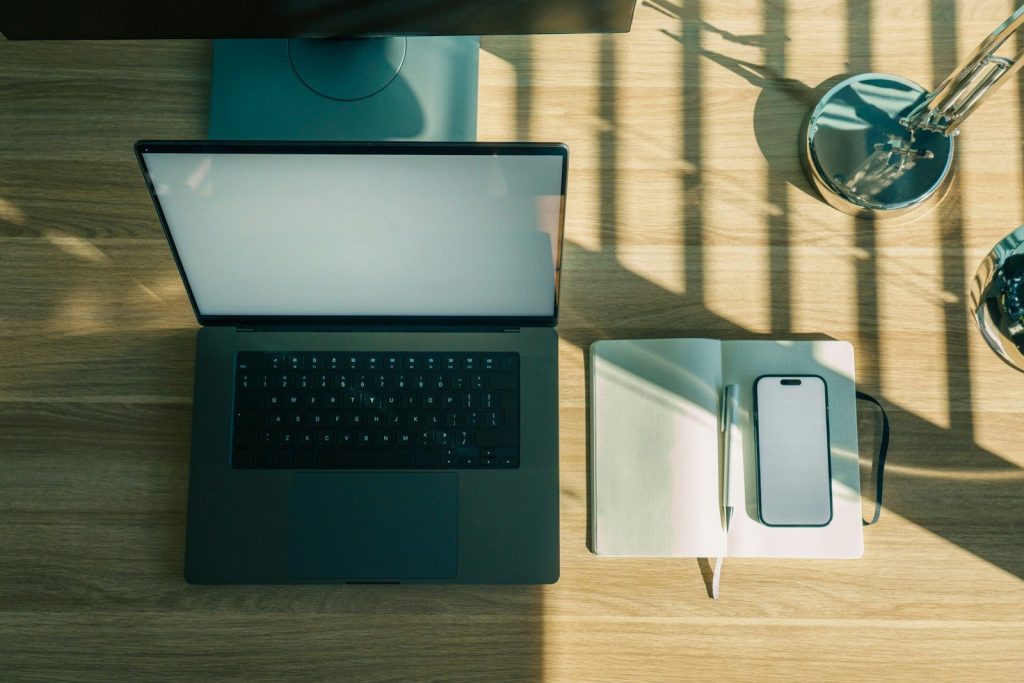
This change is not only about plugging a phone into a monitor. It is also about making phones and PCs work together more smoothly.
Motorola’s Smart Connect lets users mirror a phone on a PC or open a virtual phone window. It also supports Android app notifications on a PC, which makes the phone feel more like part of the computer setup.
Travel could get lighter

A phone-powered desktop can be especially useful for travelers, students, and anyone who does not want to carry a laptop everywhere. A small keyboard, cable, or dock may be enough for basic tasks.
It will not replace every full computer for every person. Heavy editing, advanced software, and long workdays may still need a laptop. But for lighter jobs, the gap is getting smaller.
The future is flexible
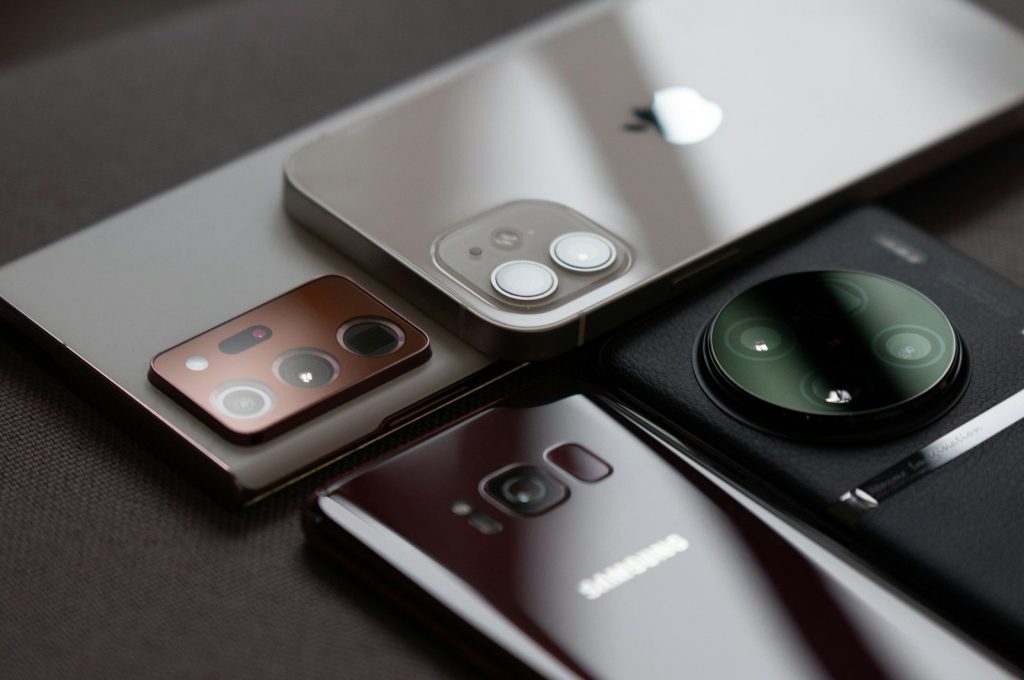
The biggest change is not that phones will suddenly erase laptops. It is that people may get more choices. One device could handle quick mobile tasks, big-screen work, video calls, and file access.
As Android, Samsung, Motorola, and app makers keep improving these tools, the phone may become the center of more daily setups. The computer of the future might spend most of its time in your pocket.
Leave a Reply