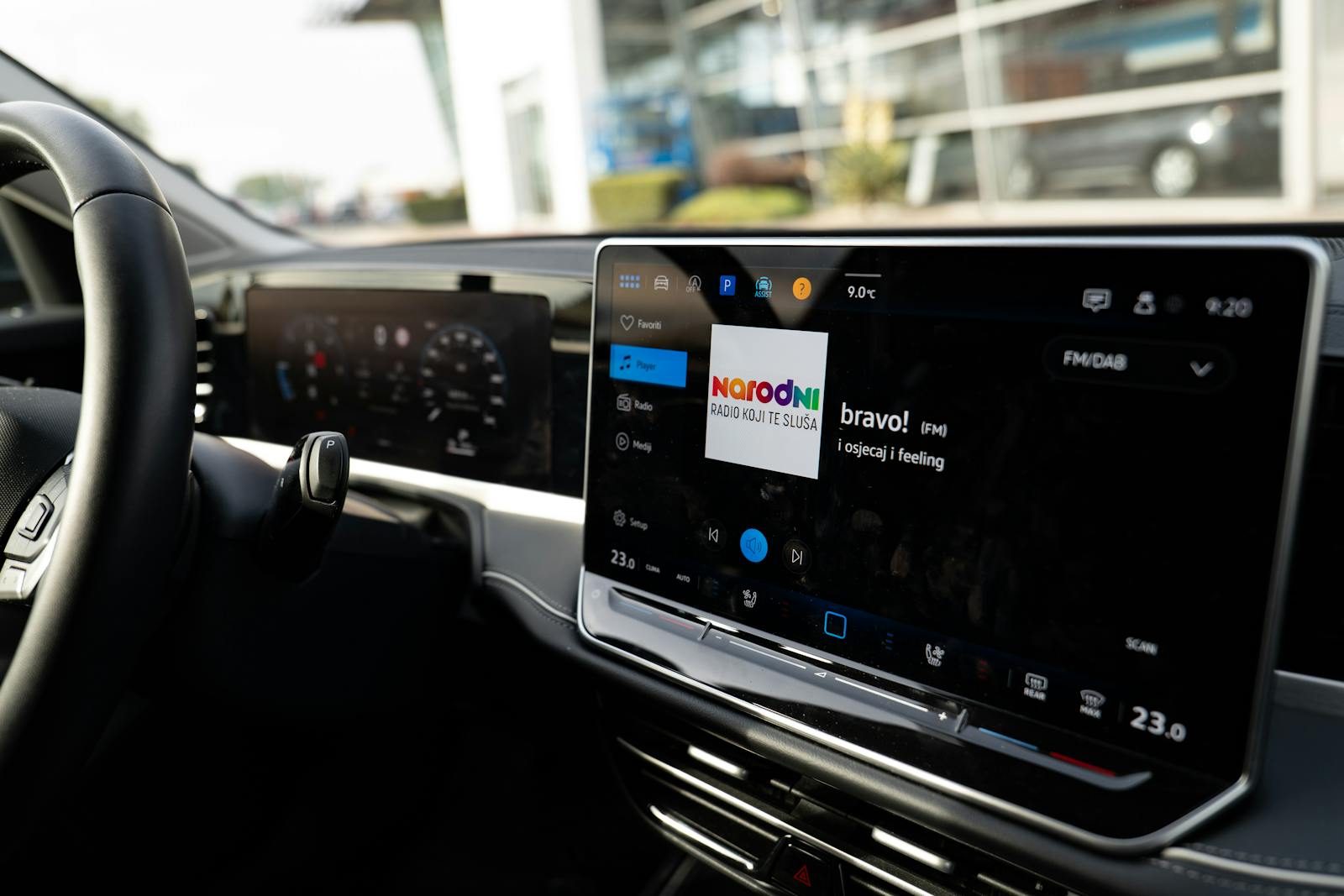
A long drive can go from fun to frustrating fast when you are juggling directions, music, messages, calls, and charging stops. That is where Android Auto can make the road feel less stressful. It brings useful phone features to a car’s screen, including maps, calls, text messages, and music, so drivers can keep more attention on the road. Google also describes Android Auto as a hands-free driving companion built around supported apps and voice help.
For road trips, the best features are the simple ones you may use again and again. Clear navigation, easy media controls, voice commands, message help, and better planning can make every mile feel smoother.
Navigation that feels simple
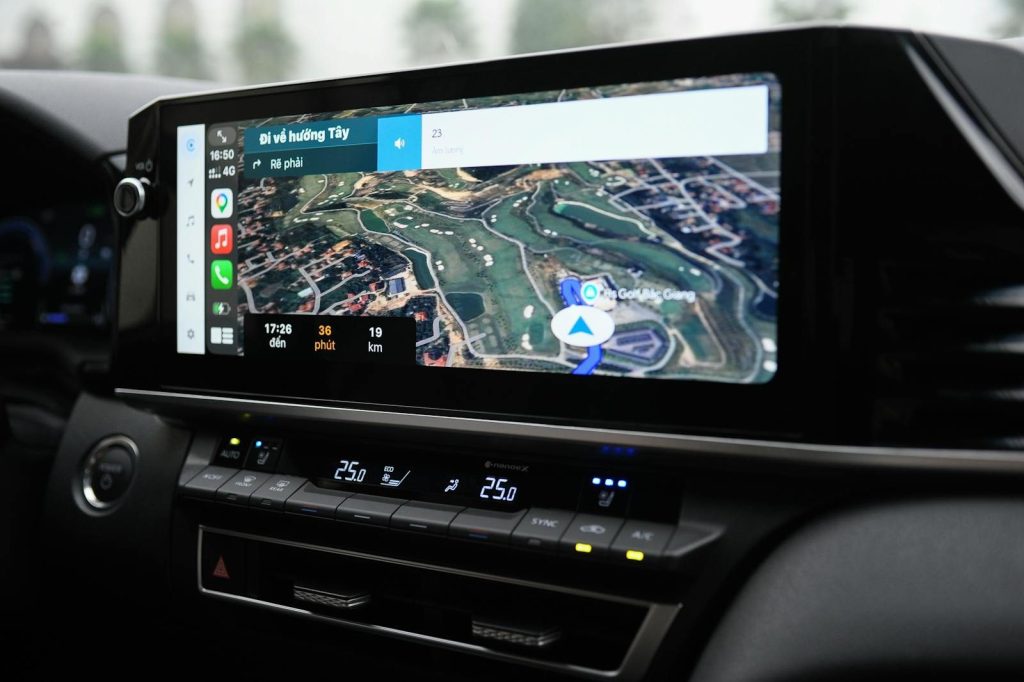
Getting lost on a road trip can waste time, fuel, and patience. Android Auto puts navigation on the car screen, making directions easier to see than checking a phone in a cup holder.
Google says Android Auto supports navigation and maps on the car display. That means drivers can follow turns, watch the route, and stay focused without bouncing between tiny screens.
Real-time traffic help
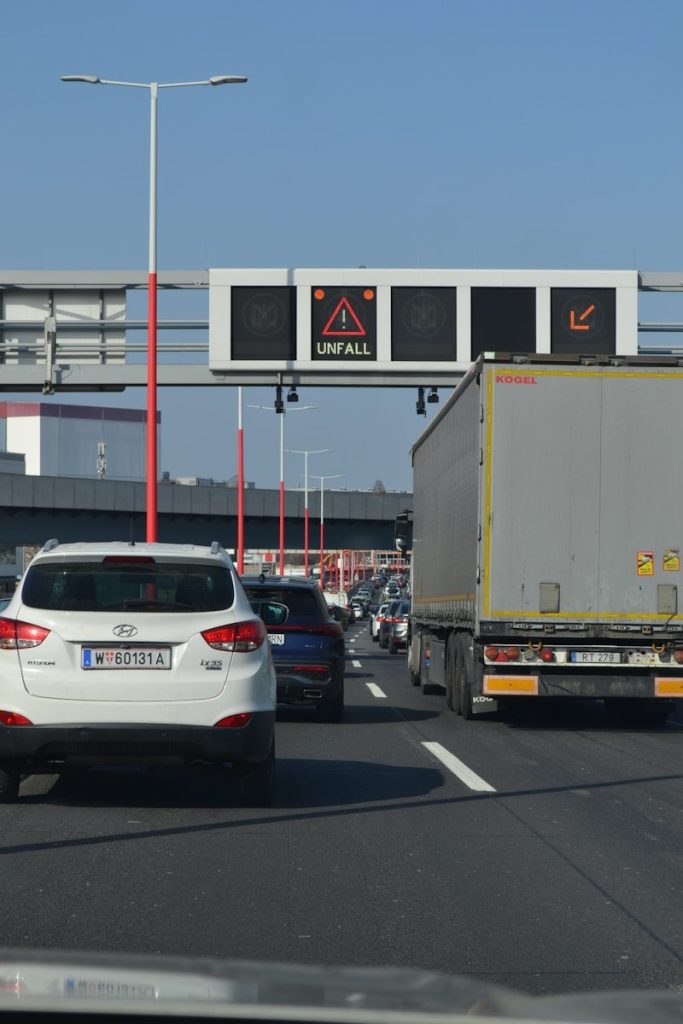
Road trips rarely go exactly as planned. Traffic, crashes, construction, and slowdowns can change the best route in minutes, especially near big cities or busy vacation spots.
With Google Maps through Android Auto, drivers can use real-time GPS navigation and traffic alerts. That can help spot delays earlier and choose a better route before the backup becomes a bigger problem.
Voice control for less tapping
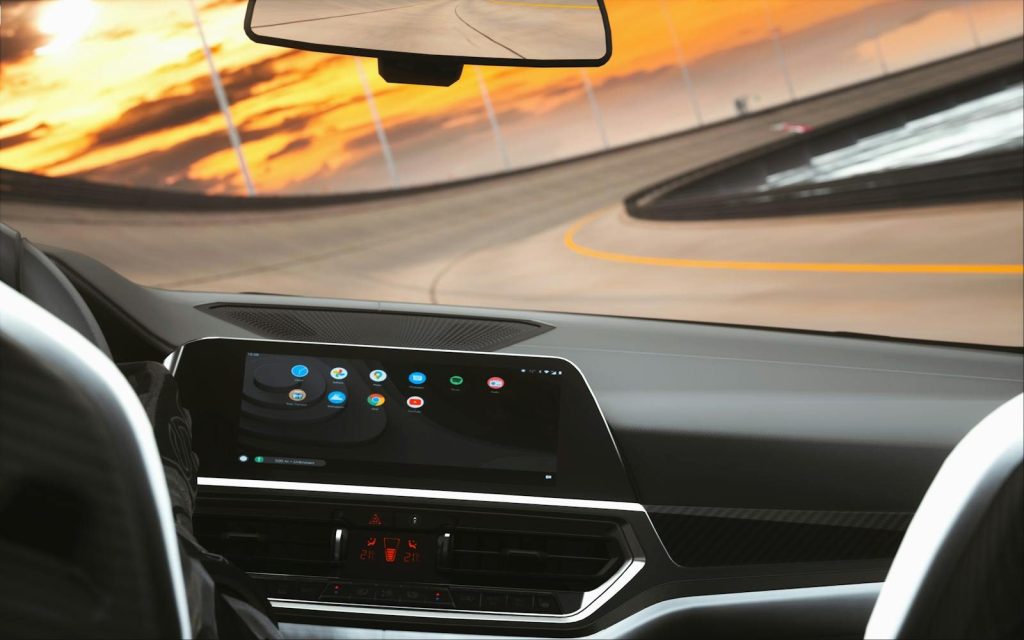
Tapping a screen while driving can be distracting, even when the screen is built into the car. Voice control helps by letting drivers ask for directions, music, calls, or messages without reaching around.
Google says Android Auto supports hands-free help through “Hey Google” or a steering wheel voice button when available. That makes simple tasks easier while keeping attention where it belongs.
Safer message handling
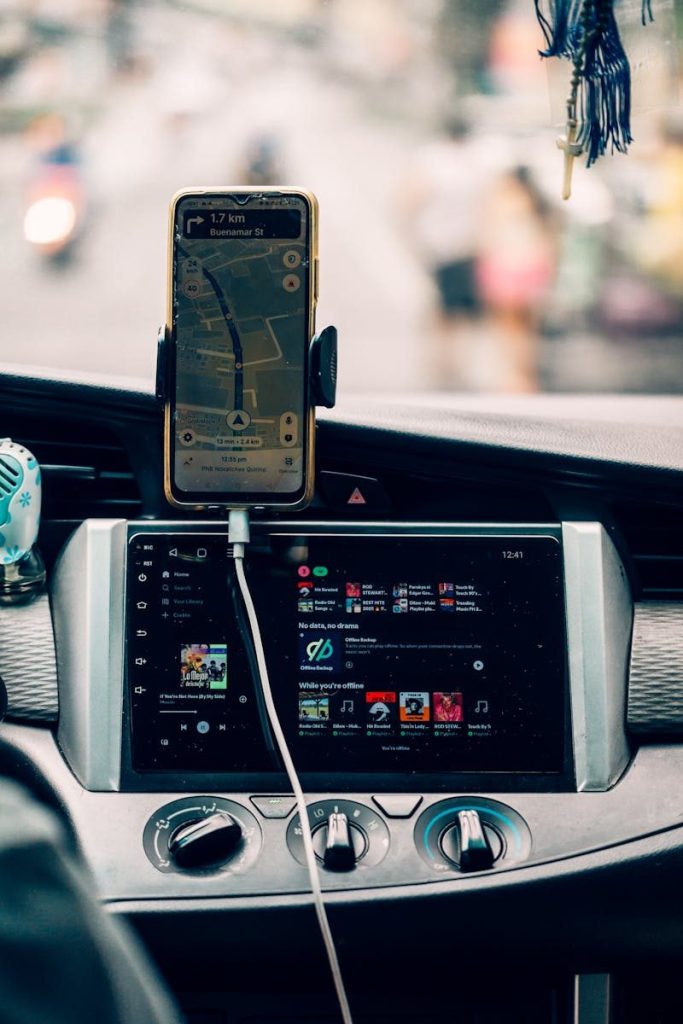
Messages can pile up during a long drive, but reading and typing replies is not a good road-trip habit. Android Auto helps by bringing messaging features into a more driver-friendly setup.
Google lists text messages as one of the features Android Auto can control from the car display. Some supported messaging apps also work with voice actions, so drivers can hear and respond without picking up the phone.
Calls without phone juggling

Road trips often come with quick check-ins. Someone may ask where you are, what time you will arrive, or whether plans changed. Android Auto makes those calls easier to handle.
Google says Android Auto supports calls, and its Play Store listing notes that users can make calls with voice actions and answer incoming calls with a tap. That keeps the phone from becoming another thing to manage.
Music and podcasts on screen
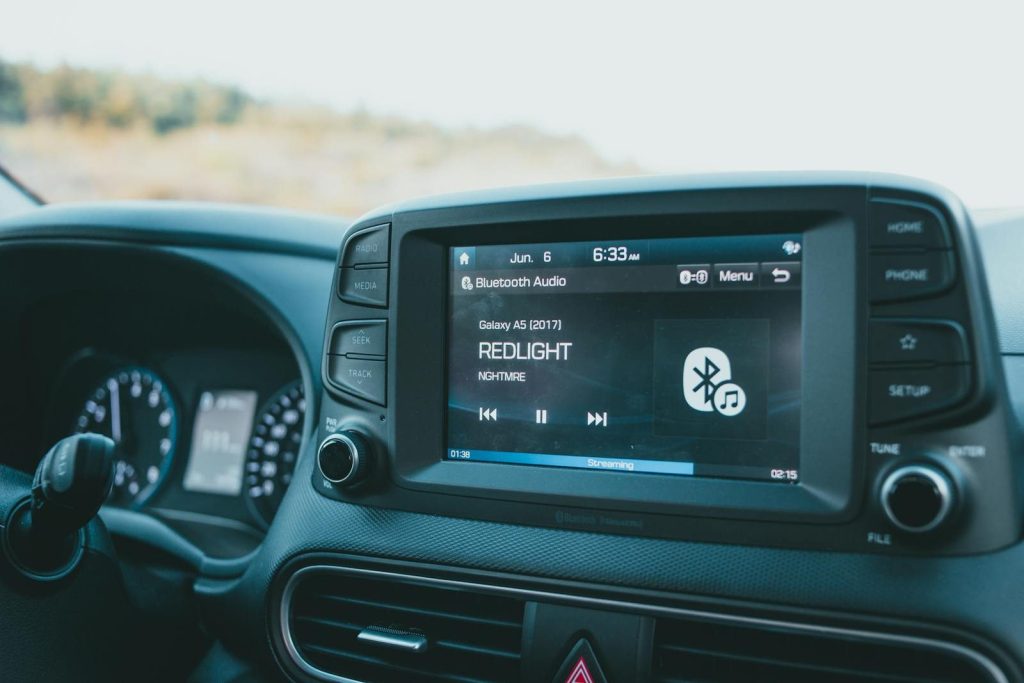
A good playlist can make a long drive feel shorter. Android Auto brings supported music, podcast, audiobook, and radio apps to the car display, so entertainment is easier to control.
Google notes that Android Auto can control music, and its listing mentions support for many media apps, including streaming, radio, audiobook, and podcast options. That helps passengers and drivers keep the mood right.
A cleaner car display
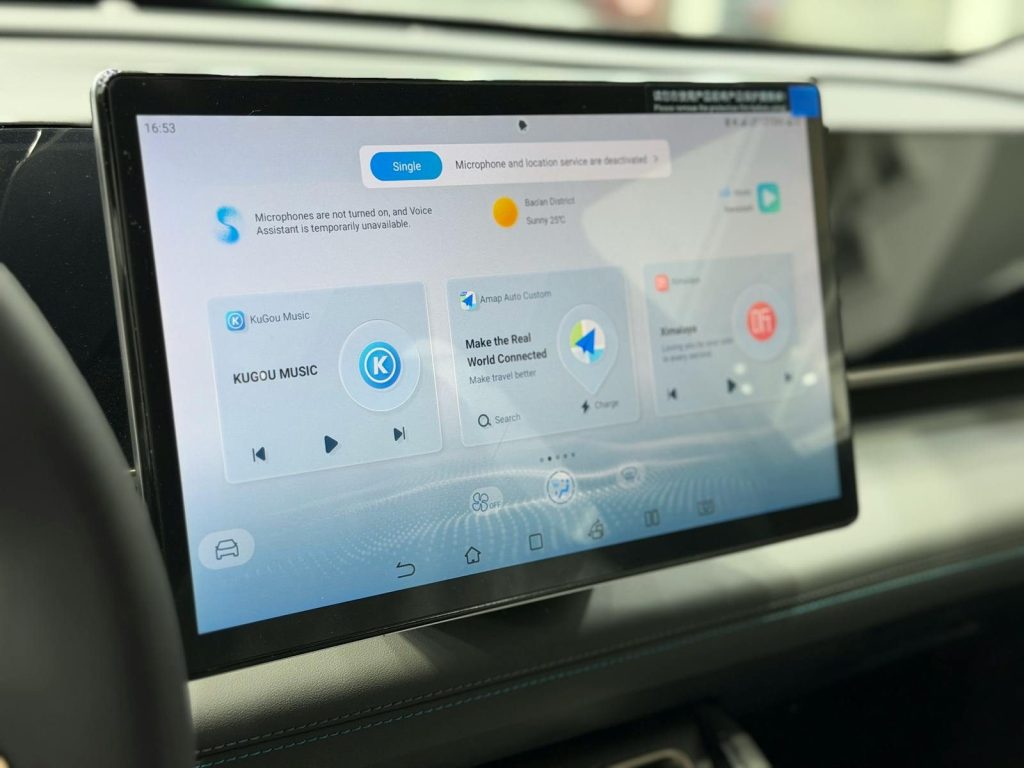
One helpful part of Android Auto is that it keeps the interface focused on driving. Instead of showing every phone feature, it brings forward the tools people usually need in the car.
Google describes Android Auto as a simplified interface with large buttons and voice actions. On a road trip, that clean layout can make common tasks feel quicker and less distracting.
Wireless connection support
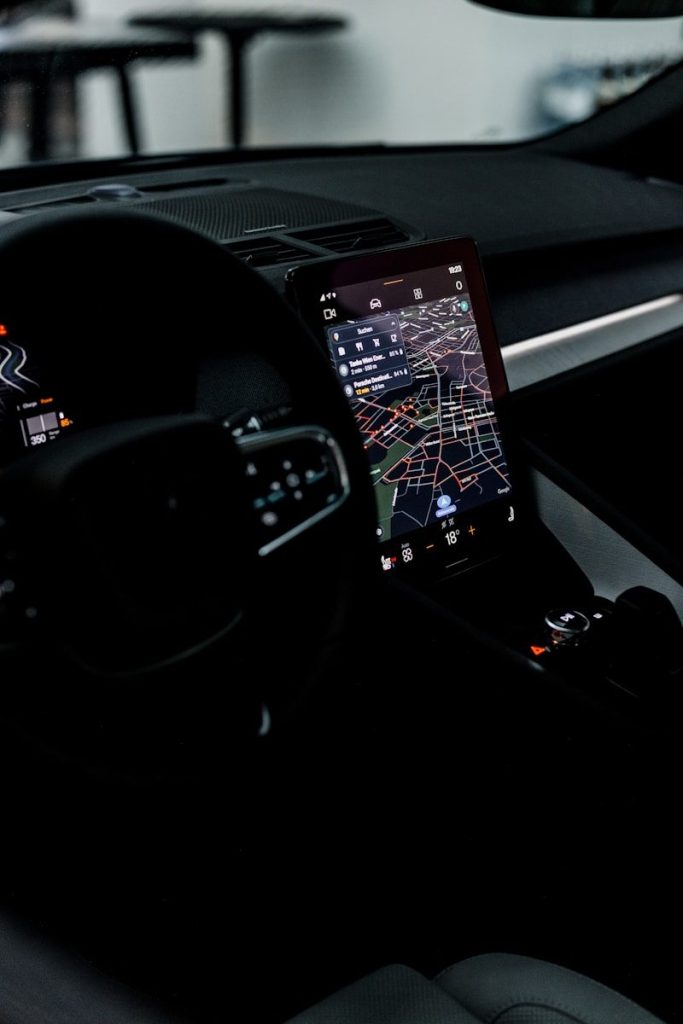
Nobody wants to fight with cables every time the car starts. In supported vehicles, wireless Android Auto can connect the phone without plugging it in, which is handy during errands and long trips.
Google’s setup guidance says users should confirm that their car supports wireless Android Auto before using it that way. When it works, the experience feels cleaner and more natural.
EV charging trip help

Electric road trips need extra planning because charging stops matter. Google Maps has been expanding EV trip tools for Android Auto, including charging help for many compatible EV models.
Google announced AI-powered EV charging and trip-planning features for more than 350 Android Auto EV models. For drivers with supported cars, that can make long-distance electric travel easier to plan.
Support for many cars

A road-trip feature only helps if it works in the car you actually drive. Android Auto is available across many supported vehicles and can also work through compatible aftermarket systems.
Google’s Android Auto listing says more than 400 car models support it, while Google’s setup page recommends checking your car or manufacturer for compatibility. That makes it worth checking before your next long drive.
Leave a Reply